For me, Hunter.io is genuinely one of the cleanest email finders on the market. It's cheap, fast, and gets the job done for solo founders or lean SDR teams who just need verified emails.
But if you're reading this, Hunter isn't working for you anymore.
Maybe you needed a decision-maker's phone number and Hunter came back empty. Maybe your credits burned through 300 lookups in a week because half of them were verify calls. Maybe you tried to build an SMB list and got mostly guessed emails on companies under 20 employees.
Or maybe you watched the market ship MCP integrations, waterfall enrichment, and buying signals throughout 2026, and Hunter didn't.
Those are real ceilings. Swapping Hunter for another basic lookup tool won't fix any of them.
I've tested every alternative on this list against the same use case: outbound sales teams that need verified email plus phone plus LinkedIn coverage, and a workflow that doesn't fall apart when the list gets past 500 contacts. Here are the 9 Hunter alternatives I'd actually consider.
Let's break it down.
Every alternative on this list solves at least one Hunter ceiling. But some solve the wrong ones for your workflow. Here's how I graded them, ranked by what usually breaks first when outbound teams outgrow Hunter. For a wider view of where email finders fit inside a full outbound stack, my LinkedIn email finder breakdown covers the neighboring category.
Phone and mobile data is the single biggest Hunter ceiling. If you need direct dials for follow-ups, cold calls, or LinkedIn plus phone plays, Hunter doesn't provide them. Every tool below adds phone data, but verification depth, mobile-vs-office split, and geographic coverage all vary. Cognism verifies mobiles on demand for Europe, Apollo runs waterfall verification on 144 million dials, and Leadsforge stitches multi-provider phone data into every lookup. For the specific B2B databases where mobile coverage runs deepest, phones are usually the reason teams pay premium.
Hunter's database sits around the mid-tens of millions of records, focused primarily on business emails discovered via domain scanning. The alternatives here range from Apollo's 240 million contacts to Cognism's smaller but more heavily verified European coverage. Bigger isn't always better. RocketReach and Apollo both draw complaints about outdated data at scale. UpLead deliberately optimizes for freshness over volume with real-time verification.
Waterfall enrichment pulls contact data from multiple providers per lookup rather than relying on one source. This matters because no single database has full coverage on every ICP. Apollo, Leadsforge, and Cognism all lean into this. UpLead takes a different angle by verifying at the moment of search rather than trusting a static index. Both fix the "verified email that still bounces" complaint that shows up in every Hunter review thread.
Hunter has Campaigns, which is a lightweight sender. That's fine for small-scale prospecting. But if your workflow is find plus verify plus send plus reply, stitching Hunter to a separate outreach tool adds friction. Apollo, Snov.io, and RocketReach include sequencing natively. Leadsforge doesn't send outreach directly but connects to Salesforge under the same login, keeping the workflow tight. For a broader look at email scraping tools and how they hand off to senders, the handoff pattern is fairly consistent across the category.
This one surprised me. Hunter, Apollo, Lusha, RocketReach, Snov.io, and UpLead all publish self-serve prices with visible tiers. Cognism and ZoomInfo publish zero dollar figures anywhere on their sites. Every plan is demo-gated. That's not automatically bad, it just tells you what kind of buyer they're built for. Self-serve if you're evaluating fast. Demo-gated if you're going through procurement.
The industry shipped MCP integrations across the board in 2026. Apollo, Lusha, RocketReach, Snov.io, and LeadIQ all connect to Claude, ChatGPT, or both. Hunter has not. If you plan to run prospecting workflows through Claude or ChatGPT natively, this matters. If you don't, it doesn't. But it's a real signal that the category has moved and Hunter has stayed put.
Here are the 9 alternatives ordered by how well they solve the specific ceilings Hunter users hit most often. Leadsforge takes the top slot because it fixes the four biggest gaps in one tool, but every tool below has a distinct workflow it wins on.
Leadsforge is the best Hunter alternative because:
I ran Leadsforge on a 250-contact SMB list where Hunter had left half the phone fields empty. The waterfall pass filled 98% of them by cascading through the connected providers, and the LinkedIn profile column was fully populated by the second export. That's the kind of coverage lift that only shows up when a tool queries multiple sources per lookup.
Key features I liked:
Try Leadsforge with 100 free credits
Pricing:
Apollo.io shows up in nearly every Hunter alternatives conversation for a reason. It bundles data, sequencing, dialer, and light CRM into one platform, so it can replace three or four tools instead of just Hunter. The tradeoff is credit math that gets complicated fast, and data accuracy complaints on SMB records that mirror Hunter's own SMB gap.
The last time I ran Apollo on a mixed list, I watched 4,000 credits disappear in a week between finds, verifies, and dial credits. That credit math is worth modeling before you commit to a paid tier, especially if your team does high-volume prospecting rather than deep account-based work.
Key features I liked:
Bonus read: For a full breakdown of where Apollo wins and loses against its peers, my Apollo alternatives covers the swap-in options.
Pricing:
ZoomInfo isn't the tool you buy when Hunter feels expensive. It's the tool you buy when you've outgrown self-serve entirely and want the biggest possible database with buyer intent, org charts, and native automation stitched into your CRM. That comes at the cost of full pricing opacity and a recent rebrand to "GTM Workspace Powered by ZoomInfo" that hasn't fully landed everywhere yet.
I sat through a ZoomInfo demo cycle for a client last quarter. Between initial demo, technical scoping, and legal review, it took [INSERT: 3-5 weeks] before we even had a price on the table. That's not a knock on ZoomInfo, it's just the reality of buying at this tier.

Key features I liked:
Bonus read: For a look at where ZoomInfo's price gets you and where it doesn't, my ZoomInfo alternatives covers cheaper swap-ins that hold up on data quality.
Pricing:
If you sell into Europe or care about GDPR compliance, Cognism is worth a demo before anything else on this list. It's phone-verified, DNC-suppressed across 15 global lists, and refreshes 95% of Director-level contacts every 30 days. The catch is that no pricing is public anywhere, and every tier requires a sales conversation.
I set up Cognism for an EU-facing team and the DNC/TPS suppression flagged three companies on our target list who were on the UK's Do-Not-Call register. That's the kind of value that only shows up after switching, and it's why compliance-heavy teams pay the premium.
Key features I liked:
Bonus read: For a wider look at compliance-first outreach tooling, my AI outreach tools covers the neighboring category.
Pricing:
More SDRs install the Lusha Chrome extension than any other tool I've watched. It sits on LinkedIn, reveals phone and email in one click, and stays out of your way. What makes it a Hunter alternative is verified phone data plus the recent Lusha MCP and Claude plugin launches, both of which put Lusha ahead of Hunter on where the category is going.
I still have the Lusha Chrome extension pinned in my browser today. When I need one contact from a LinkedIn profile without opening a full prospecting tool, Lusha is faster than anything else on this list. That's the exact use case it wins on.
Key features I liked:
Bonus read: For a look at Lusha's tradeoffs against LinkedIn-first automation, my lusha alternatives breaks down where each one wins.
Pricing:
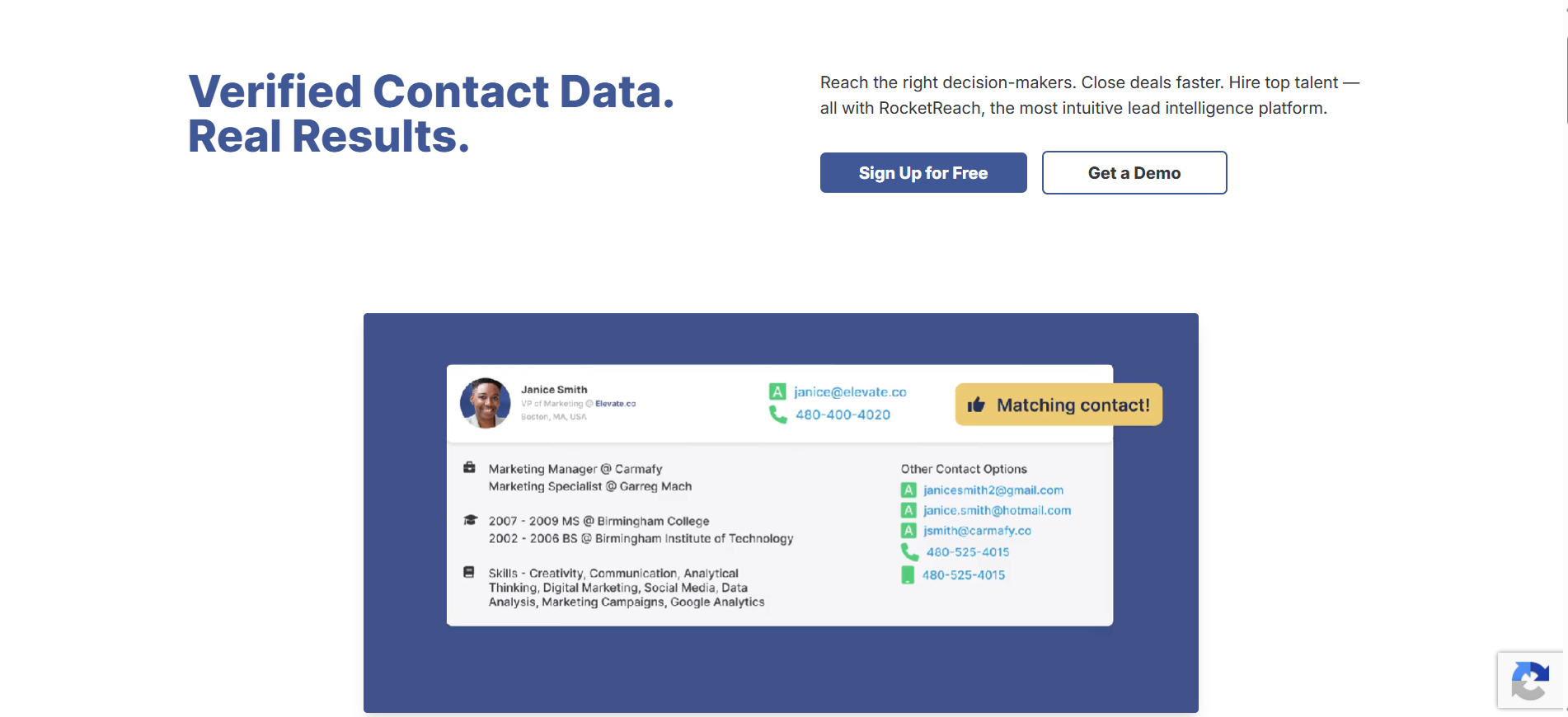
Where Apollo bundles data with sequencing, RocketReach doubles down on database size. Its claimed 700M profiles is one of the biggest numbers in this list, and it ships with Autopilot automation plus an AI email writer for direct outbound. Data freshness at that scale is the recurring tradeoff, and it shows up in G2 reviews.
When I turned on RocketReach's Autopilot for a specific ICP search, new contacts kept surfacing every week without me needing to rerun the search manually. That's genuinely rare in this category and worth flagging for teams running continuous prospecting.
Key features I liked:
Bonus read: For seven alternatives that address RocketReach's data-freshness gap, my RocketReach alternatives covers the swap-in options.
Pricing:
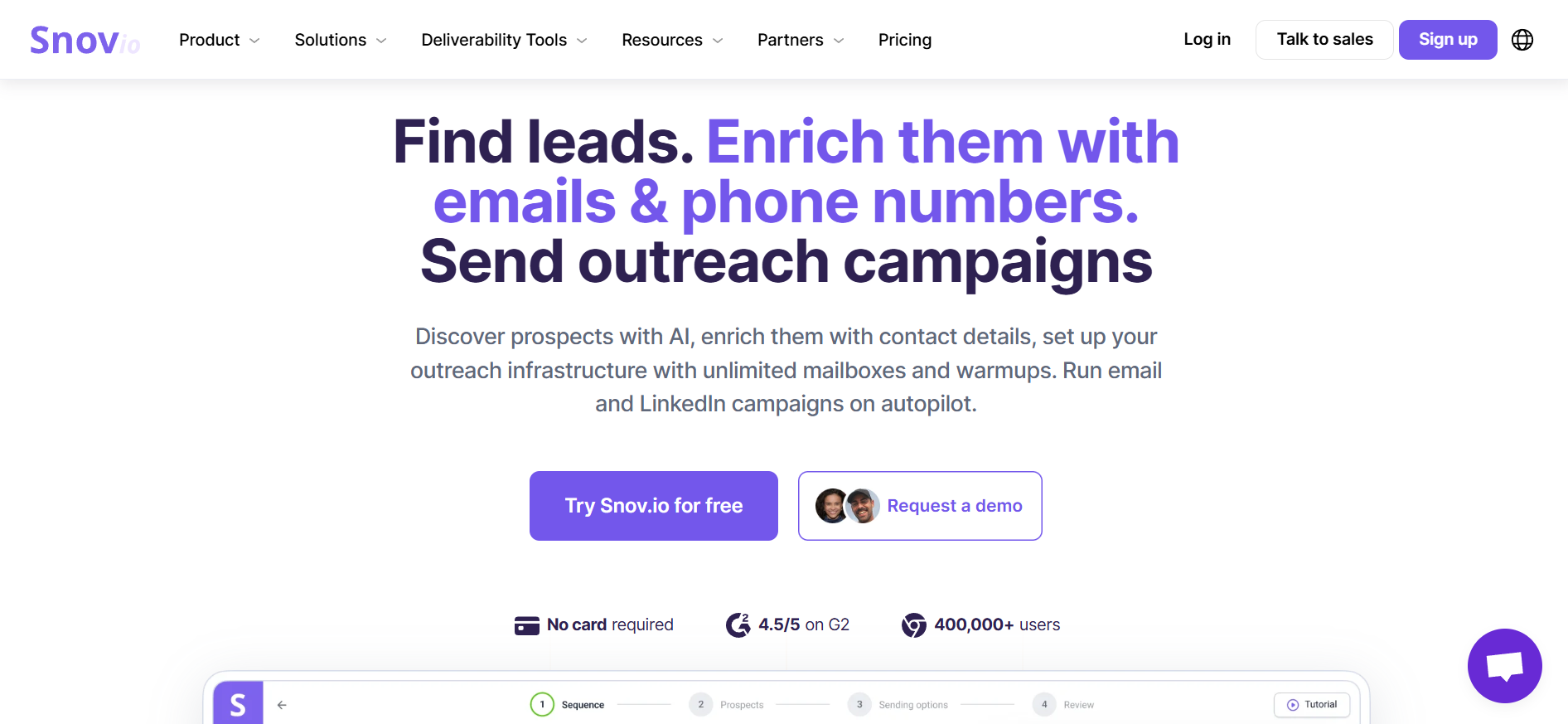
What if you want Hunter's simplicity but with LinkedIn automation and deliverability infrastructure baked in? That's the Snov.io pitch. It splits into three product lines (Sales Suite, LinkedIn Automation, and Phone Enrichment tokens), which is either flexible or three subscriptions depending on how you look at it.
I set up Snov.io on a fresh domain, added SPF, DKIM, and DMARC through the tool, and had warmup running the same afternoon. That setup speed is what makes it a real Hunter upgrade rather than a lateral swap, especially for teams standing up cold email from scratch.
Key features I liked:
Bonus read: For a look at Snov.io's tradeoffs against similar all-in-one tools, my Snov.io alternatives covers the swap-in options.
Pricing:
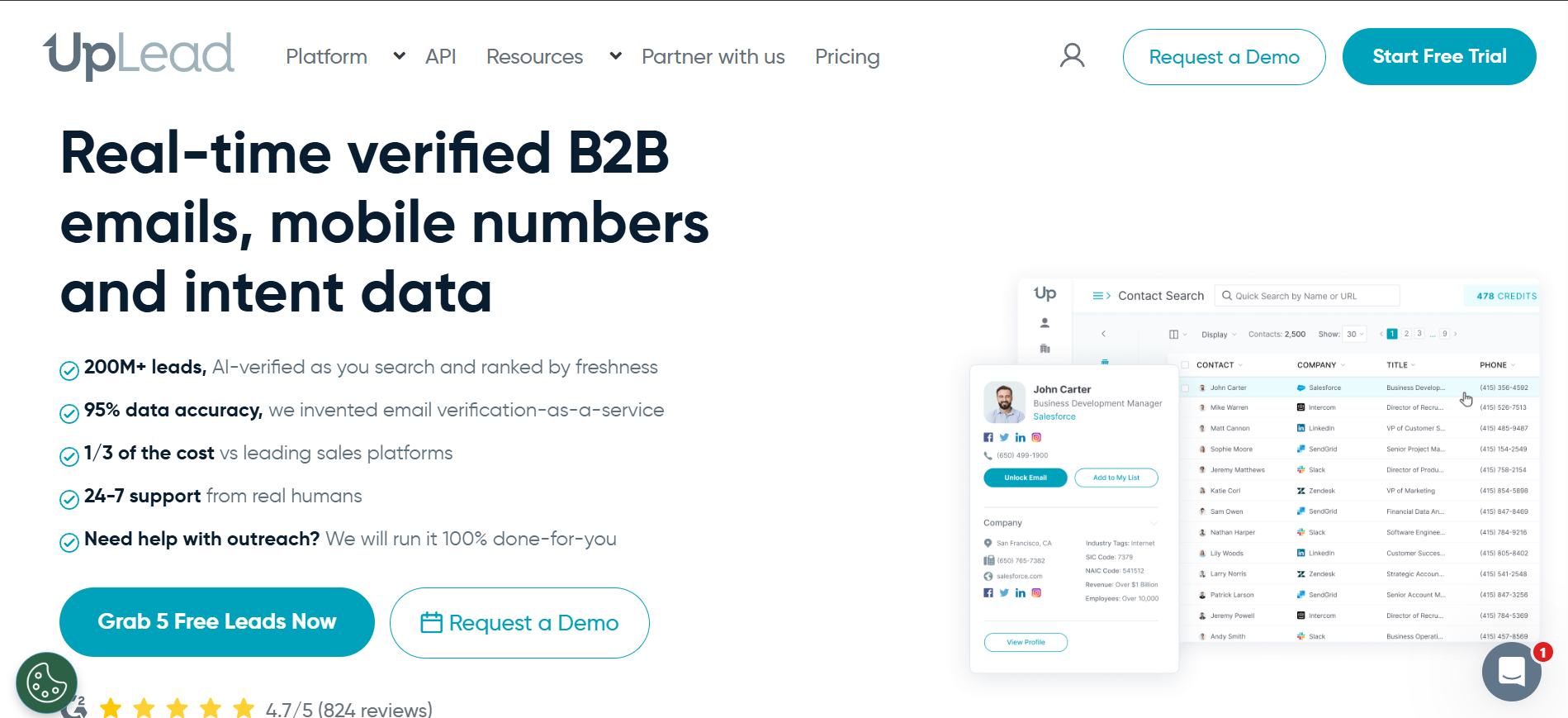
UpLead's pitch is one number: 95% data accuracy, guaranteed with credit refunds on bounces. That's the specific fix for the "verified email that still bounced" complaint that shows up in every Hunter thread. Verification happens at the moment of search, not against a stale index, and the tradeoff is a smaller database with single-seat plans below the Professional tier.
I tested UpLead on 200 contacts and got 3 credits refunded within the week because of bounces. That's the Friendly Credits policy actually working, not marketing copy. Small refund, but the mechanic itself is what separates UpLead from every other tool on this list.
Key features I liked:
Bonus read: For a broader look at data-first tools like UpLead, my lead scraping tools roundup covers where each one fits.
Pricing:
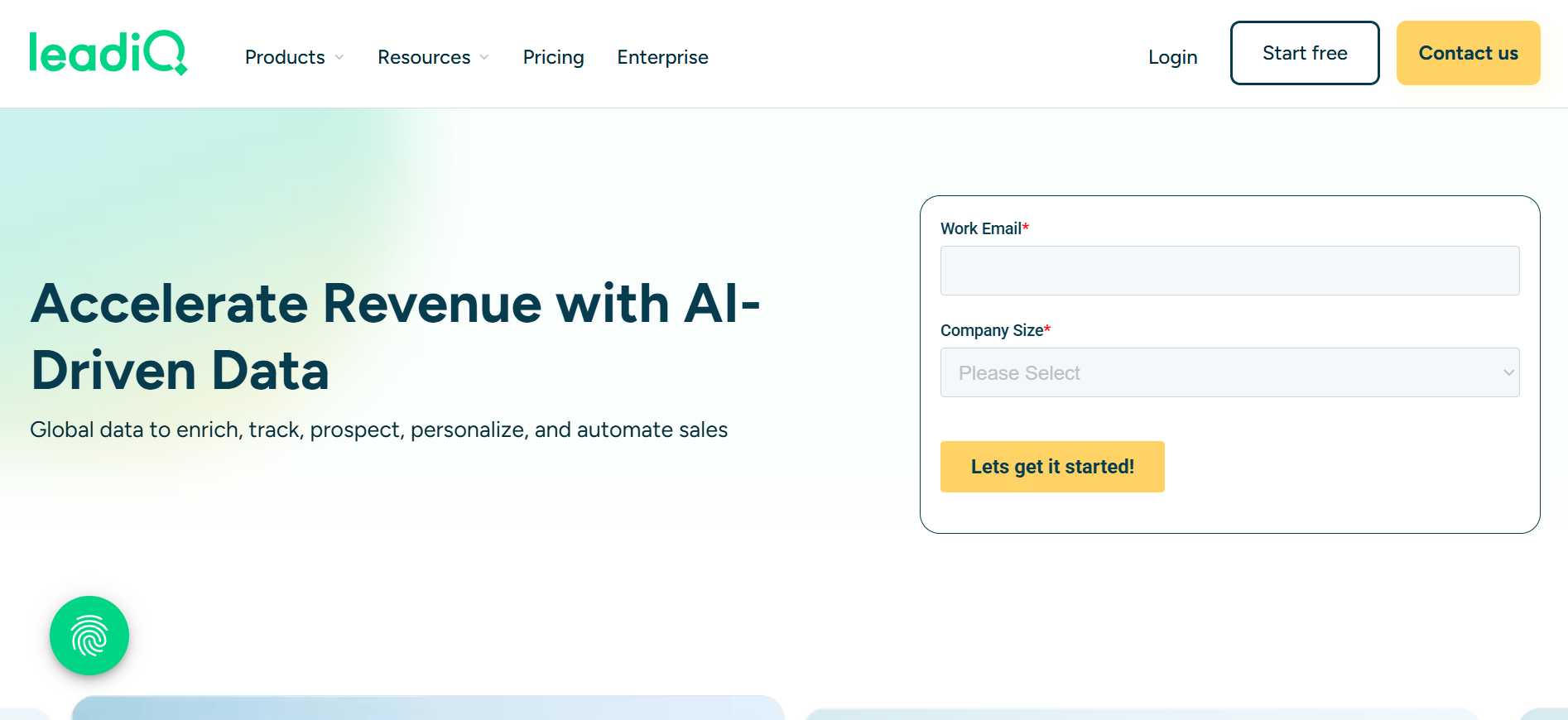
If you run outbound from Sales Navigator, LeadIQ is worth considering ahead of most tools on this list. Its Chrome extension is the fastest capture-to-CRM workflow I've used inside Sales Nav. What holds it back for broader use cases is a credit-plus-seat pricing model that scales unusually, and data-accuracy complaints on phone numbers echoing the wider category.
I watched a colleague go from finding a prospect inside Sales Navigator to pushing enriched data into Salesforce in under 10 seconds. That workflow speed is the reason LeadIQ still holds a slot on this list, especially for AEs and SDRs who live inside Sales Nav all day.
Key features I liked:
Bonus read: For a look at how LeadIQ compares against dedicated AI SDRs, my AI SDR demos breakdown covers 20+ tools I've tested.
Pricing:
Leadsforge is the best Hunter alternative in 2026. It fixes the four biggest ceilings Hunter users hit in one tool: no phone numbers, no waterfall enrichment, weak SMB accuracy, and no direct handoff to outreach.
The pricing is self-serve, so you can evaluate it today without a sales call. Apollo wins on sequencing bundled with data, Cognism wins on European compliance, and Lusha wins on Chrome extension speed.
But for the honest full swap from Hunter into a system built for outbound, start with Leadsforge and 100 free credits at Leadsforge.
Leadsforge gives you 100 free credits with no credit card required, which is the deepest free trial in this list. Apollo offers a permanent Free tier with 900 credits per year, closer to Hunter's own free plan in structure.
Lusha's Free tier includes 40 credits per month with the Chrome extension and works well for solo prospecting. Which one fits depends on whether you want to test with a real workflow or just do a few quick lookups.
Hunter is still one of the cleanest email finders on the market for teams that only need email search, verification, and lightweight sending. If your workflow is domain search, verify, export, and send from a separate tool, Hunter works. But if you need phones, waterfall enrichment, buying signals, or MCP integration, Hunter has not shipped those features, and the alternatives above have.
Every alternative on this list includes phone numbers, since that's Hunter's single biggest ceiling. Leadsforge, Apollo, Cognism, ZoomInfo, Lusha, RocketReach, LeadIQ, and UpLead all provide verified phone or mobile data as part of paid plans. Snov.io provides phone data as a separate token-based add-on rather than bundled with the base plan.
UpLead publishes a 95% accuracy guarantee with credit refunds on bounces, which is the most explicit accuracy promise in this list. Cognism refreshes 95% of Director-level contacts every 30 days and phone-verifies mobiles on demand. Leadsforge runs waterfall enrichment across multiple providers per lookup, so accuracy depends on the intersection of sources rather than a single database. All three are stronger picks than Hunter for accuracy at scale.
Yes. Apollo, RocketReach, Snov.io, and LeadIQ all bundle email finding with sequencing or automation. If you want a specialized data tool that plugs into a dedicated sender, Leadsforge with Salesforge is the tightest workflow because both share a login. That combination replaces Hunter, plus a separate outreach tool, plus a warmup tool, inside one Forge stack.
LeadIQ Pro starts at $15/month on annual billing with 2,400 credits per year, which is the lowest entry price on this list. Snov.io Starter comes in at $29.25/month annual with 1,000 credits and includes email sending. Leadsforge Essential at $49/month gives you the full waterfall enrichment plus 100 free trial credits before you commit. For teams that want to build directly against the data, my email finder APIs breakdown covers the neighboring category.


.png)


