Half the tools on any "best lead scraping tools" list shouldn't be on that list at all.
Most buyers reading these don't know which half is which, and that's the real problem.
Two completely different products got jammed into the same category.
Verified B2B databases (Leadsforge, ZoomInfo, Apollo) sell me pre-cleaned records I can drop straight into a sequence.
Actual scrapers (Apify, PhantomBuster) point a bot at LinkedIn or Google Maps and pull whatever's on the page.
The goal is the same either way: build a lead list I can actually use. The tools solving that goal couldn't be more different.
I've watched a founder buy a scraper expecting a database and spend a month cleaning bounces out of the list. I've watched another team sign a five-figure annual database contract when they could've pulled the list they wanted off Google Maps for $50.
Both bought the tool. Neither bought the right shape of tool.
Below are 10 lead scraping tools I'd actually use, split across both categories, with annual pricing, verified reviews, and where each one wins or loses against the tools next to it.
TL;DR - The 10 Lead Scraping Tools
Leadsforge: Chat-based ICP search across 500M+ contacts, plus Competitor Followers, Company Lookalikes, and event-based Signals.
ZoomInfo: The enterprise standard. 260M+ contacts, mature buyer intent, priced for teams that live in Salesforce and can absorb a quarter-long sales cycle.
Apollo: The SMB self-serve pick. 275M+ contacts, a built-in sequencer, and a dialer in one seat-based tool.
Lusha: What most SDRs install first. Chrome extension on top of 280M+ contacts with strong direct-dial coverage.
Snov.io: The founder pick when I'm running cold email for the first time. Finder, verifier, sequencer, warmup, and CRM in one subscription.
UpLead: What I pick when email accuracy matters more than database size. 95% accuracy backed by credit refunds on bounces.
LeadIQ: The Sales Navigator-to-Salesforce workflow. Chrome extension is the fastest capture-to-CRM I've used.
RocketReach: The individual-lookup tool. 700M+ profiles, one contact at a time, transparent pricing.
Apify: What I use when the data I need doesn't live in a B2B database. 4,500+ pre-built scrapers for Google Maps, LinkedIn, e-commerce sites, and custom targets.
PhantomBuster: The multi-platform automation pick. 100+ scripts across LinkedIn, Instagram, Facebook, Twitter, and Google Maps.
Feature Comparison: Top 3 Lead Scraping Tools at a Glance
Yes, native. Describe the ICP in plain English and Leadsforge returns a verified matching list.
Copilot generates target lists from filters and configured signals, not chat-based ICP
Filter-based UI with AI-assisted enrichment; no chat-based ICP search
Waterfall Enrichment
Yes, native. Cascades multiple data sources per lookup for maximum coverage and confidence.
Enrichment through the ZoomInfo pipeline only; no third-party cascading
Apollo data only; no cascading to external providers
Competitor Followers & Company Lookalikes
Yes, both native. Extract LinkedIn followers of any competitor page plus Company Lookalikes seeded from closed accounts.
Lookalike modeling on higher tiers. No LinkedIn Company Followers extraction.
Lookalike search on higher tiers. No LinkedIn Company Followers extraction.
Event-based Signals
Yes. Five types: Hiring, Job Change, Acquisition, Funding, Investor. Each with public-source proof per record.
Yes. Broad trigger events including hires, funding, technographic shifts, and web activity, with buyer intent scoring.
Basic buying intent on higher tiers. Signal breadth is narrower than ZoomInfo or Leadsforge.
Chrome Extension
Yes. Free to install. Lookups consume Leadsforge credits.
Yes. ZoomInfo ReachOut for LinkedIn profiles and company sites.
Yes. Apollo extension for LinkedIn profiles and company sites.
MCP CLI / AI Agent Integration
Yes. Forge MCP Server plus CLI for Claude, Cursor, and custom agents.
Yes. ZoomInfo MCP on enterprise plans.
No native MCP. API on Custom plans.
CRM Integrations
HubSpot (native), Salesforce, Pipedrive, Slack, Clay, Zapier, webhooks, public API
Salesforce, HubSpot, Outreach, Salesloft, Marketo, Sendgrid, Zapier, API
Salesforce, HubSpot, Outreach, Salesloft, Marketo, Zapier, API on paid tiers
#1 Leadsforge: The AI-Native B2B Database
Best for: GTM teams and agencies who want chat-based ICP discovery, waterfall-verified enrichment, and event-based Signals stacked on a 500M+ contact database, without enterprise pricing or a sales cycle.
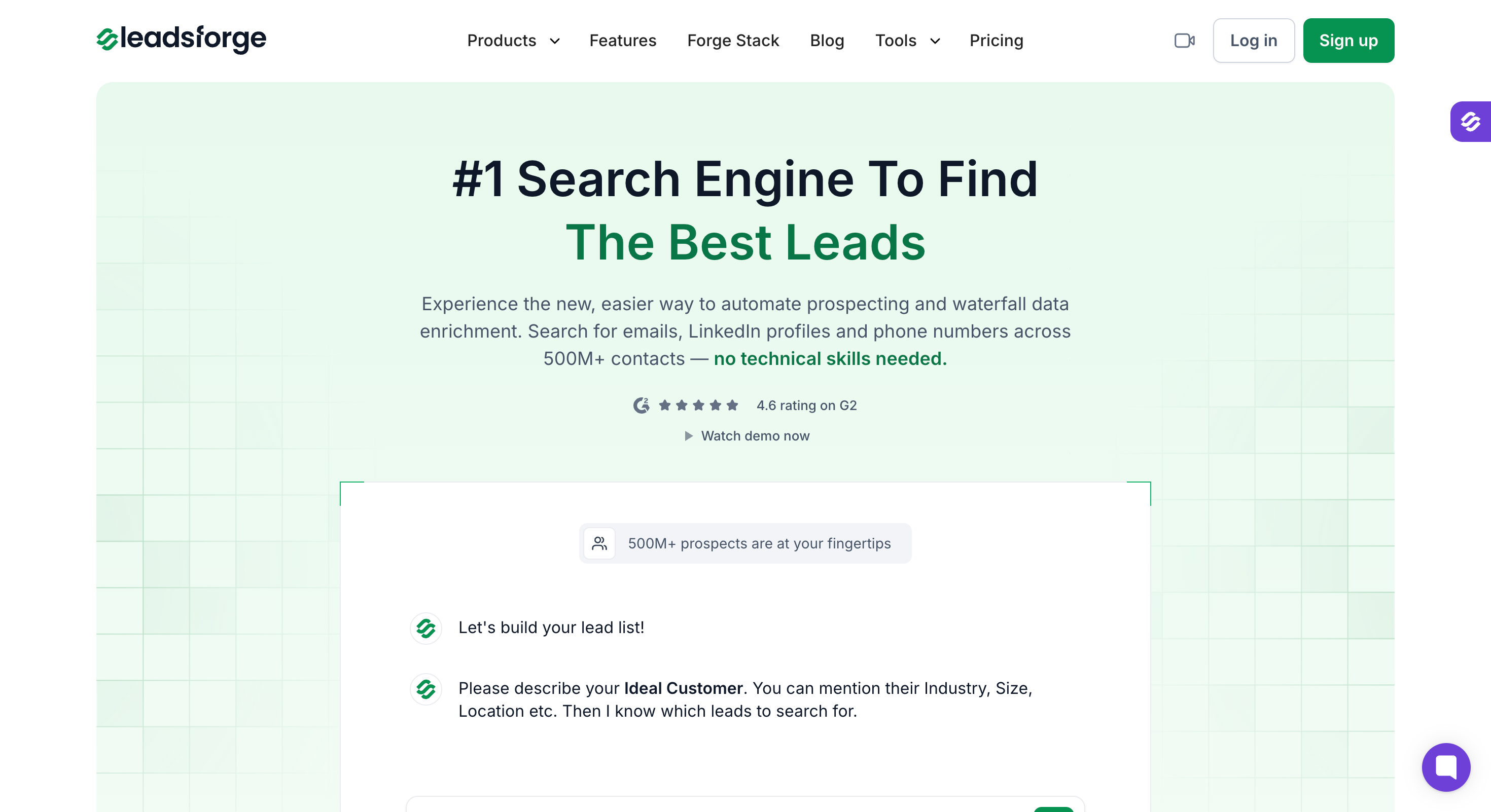
Leadsforge is the only B2B database that combines chat-based ICP search, Competitor Followers, Company Lookalikes, and event-based Signals in one platform.
I describe my ICP the way I'd describe it to another SDR ("marketing directors at SaaS companies with 50 to 200 employees who use HubSpot in North America"), and Leadsforge returns a verified list from a 500M+ contact database with waterfall enrichment behind every lookup.
I built it to replace the filter-and-export motion, not compete with it on features. Flat $49/month billed annually, unlimited users on one subscription, and every record ships enriched with source proof.
The flow hands off to Salesforge for outreach under a shared login when a team is ready to add sending (Salesforge is a separate paid subscription).
Key Features
AI Lead Finder with 500M+ contacts: Describe an ICP in plain English and Leadsforge returns a verified list with emails, LinkedIn URLs, and mobile numbers. No boolean logic, no filter cascades.
Company Lookalikes: Seed the tool with best-fit customers and it returns companies matching on industry, size, revenue band, and tech stack. Charged 1 credit per company.
Competitor Followers Search: Point Leadsforge at a competitor's LinkedIn company page and it returns the list of followers, filterable by title, seniority, and geography. Following a competitor is a cleaner intent proxy than industry filtering alone. Charged 1 credit per follower.
Waterfall Enrichment: Every lookup cascades through multiple data providers until a verified match is found. Deep email validation is a separate step that consumes additional credits.
Signals (event-based sourcing): Five types: Hiring, Job Change, Acquisition, Funding, Investor. Each match ships with public-source evidence. For Hiring Signals, that includes company name, job title, department, seniority, date posted, open until, and job posting URL. Hiring is currently available for US-based companies, with more countries coming soon.
API and MCP: REST API with a key generated in app settings, plus a Forge MCP server and CLI for Claude, Cursor, and other AI agent clients. Full search, enrich, and export flows run end to end from a script.
Chrome Extension: Free to install. Reveal a verified email (1 credit) or mobile number (10 credits) from any LinkedIn profile. 100 free credits included on signup.
Integrations: HubSpot (native), Salesforce, Pipedrive, Slack, Clay, Zapier, webhooks, and public API. Lists move directly into Salesforge sequences under a shared login with no CSV export step (Salesforge is a separate paid subscription).
Leadsforge Pros and Cons
✅ Pros
❌ Cons
Chat-based ICP search generates verified prospect lists in seconds
Waterfall enrichment across multiple providers delivers higher data coverage than single-source databases
Competitor Followers and Company Lookalikes are unique capabilities not available in Apollo, ZoomInfo, or Lusha
Flat $49/month pricing with no per-seat fees
Native Salesforge integration under a shared login moves prospect lists directly into outreach without CSV exports
Forge MCP Server and CLI allow AI agents to automate lead discovery workflows
Free Chrome extension included
Leadsforge Pricing (Annual)
One tier, no gated features:
Essential: $49/month or $588/year (billed annually). Includes 2,000 export credits per month, unused credits roll over, and full access to chat-based ICP search, Company Lookalikes, Competitor Followers, Signals, Waterfall Enrichment, Chrome Extension, API, MCP, and CRM integrations.
Offer: 100 free credits on signup, no credit card required.
What Users Say About Leadsforge
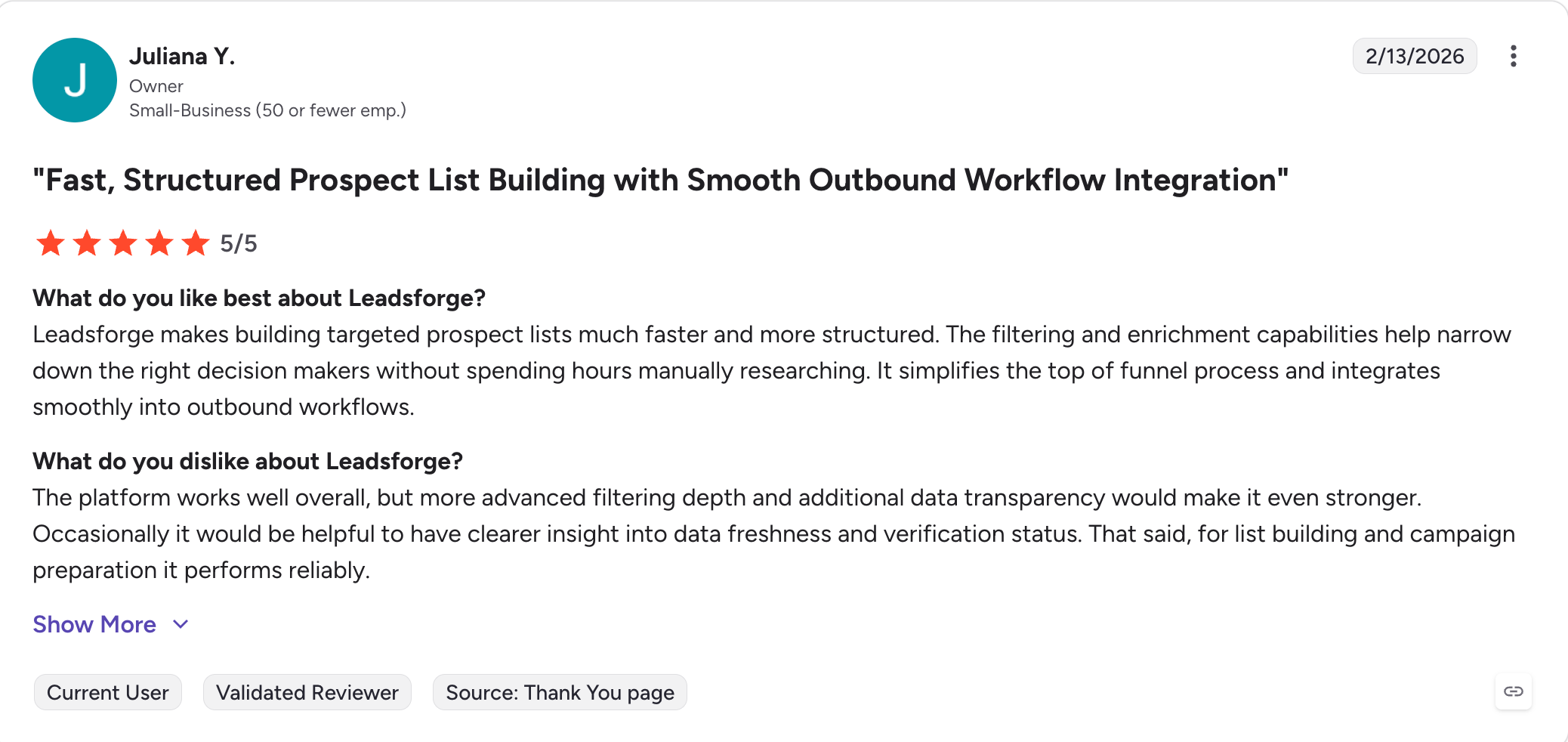
Leadsforge holds 12 verified G2 reviews and 10+ Trustpilot reviews.
Best for: Enterprise revenue ops teams with Salesforce as system of record, a $30K+ annual data budget, and the appetite for a 60-day cancellation window and multi-quarter sales cycles.
Every enterprise sales team I've talked to in the last decade has either bought ZoomInfo or is about to.
The pitch is simple: 260M+ contacts, 100M+ companies, 135M+ verified phones, mature buyer intent through Streaming and Predictive signals, and the deepest Salesforce operations tooling in the category, with verified company data and contact information built for enterprise-scale lead generation.
It's the most complete database on the market, and it prices accordingly.
For enterprise revenue ops teams with Salesforce as system of record and a data budget north of $30K/year, ZoomInfo is what everyone else on this list gets compared to, and it's strongest when it fits your existing CRM system as part of a Salesforce-centered technology stack.
But there are two downsides for smaller teams.
First, real-world contracts run $30K to $60K/year for mid-market and can hit five to six figures for larger orgs. Annual auto-renewals lock you in with 60-day cancellation windows. Renewal increases of 10 to 20% are common enough that Vendr and Landbase both cite them as standard.
Second, the buying cycle is a quarter minimum. Custom pricing means sales contact. Sales contact means procurement. Procurement means legal review. If a team needs data next week, ZoomInfo isn't the answer.
Core Features
260M+ contacts, 100M+ companies, 135M+ verified phones: The most-cited database in enterprise B2B, refreshed continuously through ZoomInfo's own verification pipeline. Salesforce contact matching plus phone verification is where the tool earns its price.
Streaming and Predictive Intent (Bombora-powered): Real-time signals when target accounts research topics that map to your product. This is the feature that keeps ZoomInfo on top of every enterprise stack. Depth is what smaller tools can't match.
GTM Workspace: ZoomInfo's account-planning environment on top of the contact database. Filter and segment accounts by revenue, industry, tech stack, hiring activity, funding events, with installed-technology filters that help teams analyze a prospect’s technology stack and related business data. Sync straight into Salesforce with owner assignment and territory logic.
Copilot AI: Native AI agent for target list generation, sequence writing, and account research. Included on higher tiers.
WebSights: Anonymous web visitor identification. Tracks which target accounts hit your site and surfaces them in sales workflows.
Chorus (conversation intelligence): Call recording, transcription, and coaching sits alongside the database on higher tiers as a separate add-on.
CRM integrations: Salesforce (deep bi-directional sync), HubSpot, Outreach, Salesloft, Marketo, Dynamics 365, plus a full API, with native connections that support marketing automation as well as sales workflows.
Chrome Extension (ReachOut): Pulls verified contacts on LinkedIn profiles and company sites. Extension usage draws from the account's credit pool.
ZoomInfo Pros and Cons
✅ Pros
❌ Cons
One of the deepest B2B databases available, with 260M+ contacts and 135M+ verified phone numbers
Custom pricing with mandatory sales engagement; mid-market contracts commonly range from $30K–$60K per year
Streaming and predictive intent signals powered by Bombora topics provide early buying-intent detection
Annual auto-renewal with a 60-day cancellation window, with many customers reporting 10–20% renewal price increases
Industry-leading Salesforce integration and revenue operations tooling
Steep learning curve, with reported onboarding fees ranging from $1K–$8K
Copilot AI and WebSights enhance prospecting with AI-assisted list building and website visitor identification
Per-seat add-ons can increase total costs by 30–50% beyond the base contract
Strong enterprise reputation with a 4.5/5 rating across 9,000+ G2 reviews
Custom-only pricing makes budgeting and vendor comparisons more difficult
ZoomInfo Pricing (Annual)
Custom, sales-required. No public pricing page. Real-world contracts from independent trackers:
Sales / Marketing / Ops entry: ~$14K to $22K/year per third-party tracker data (Vendr, Landbase). Includes a base seat count and starter credits.
Mid-market range: $30K to $60K/year is the most-reported range for teams with 5 to 20 users.
Enterprise range: $75K to $200K+/year for orgs with 20+ users, full GTM Workspace, and Copilot.
Per-seat add-ons: $2,000 to $5,000/user/year reported for phone credits, intent topics, and specialized modules beyond the base.
Implementation: $1,000 to $8,000 reported one-time onboarding for mid-market deployments.
Offer: No self-serve trial. Demo request required.
What Users Say About ZoomInfo
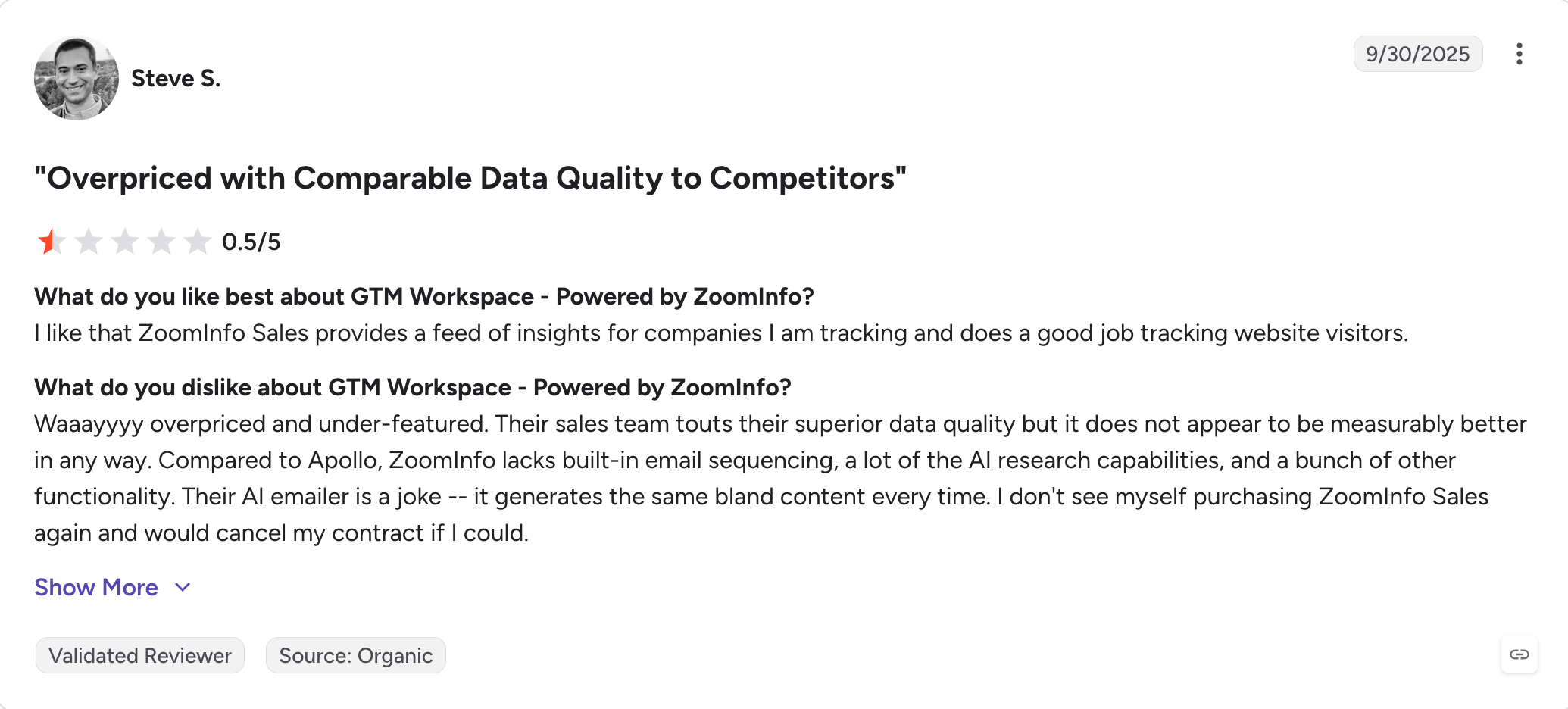
ZoomInfo holds a 4.5/5 G2 rating from 9,000+ verified reviews.
Best for: SMB and mid-market teams that want a database, sequencer, and dialer in one platform at per-seat pricing, and can absorb credit gating plus Trustpilot-flagged billing quirks in exchange for one bill covering everything.
Apollo comes with 275M+ contacts, 73M+ companies, an email and dialer sequencer built in, and a free plan with 1,200 credits a year to try before committing. It's built for lead generation and outbound leads in one platform.
It's the second-largest B2B database on this list and the most-covered SMB alternative to ZoomInfo in every 2026 comparison article.
However, it's not the deepest database, and it's not the cleanest UX. But if I want one platform for prospecting, sequencing, and dialing under 20 sellers, with support for more of the sales funnel than just list building, it's the most complete single-tool answer.
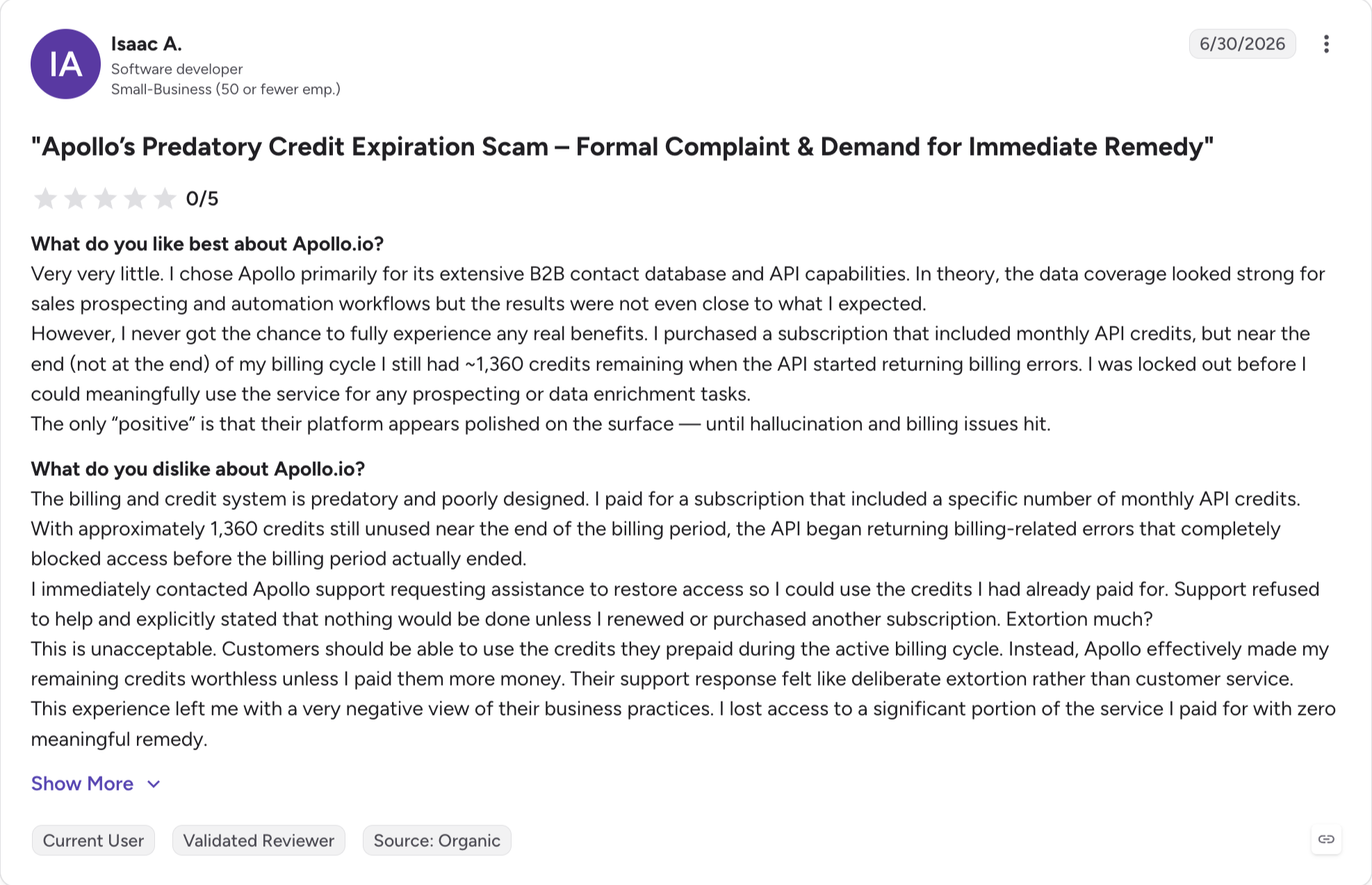
The main issue with Apollo is the overage rates of $0.20 per credit with a 250-credit minimum and no rollover, which means phone-heavy or verification-heavy workflows burn through allocations faster than the headline pricing suggests.
If I match the plan tier to my actual credit consumption, Apollo works. If I guess wrong, the credit math will surprise me, so I’d also check whether it integrates with my existing CRM system before accepting the all-in-one tradeoff.
Core Features
275M+ contacts, 73M+ companies: Apollo's database is the second-largest self-serve B2B repository, with contact-level verification, direct dials, and firmographic filters on every record. Boolean logic works on title fields; saved searches sync across sessions.
60+ attribute filters: Job title, seniority, industry, headcount, revenue, geography, tech stack, news triggers, hiring signals, and intent topics (on Professional and higher). Filter depth matches what enterprise tools offer, with job titles being one of the core filters for refining targeted lists.
Built-in email sequencer: Multi-step sequences, A/B testing, and email deliverability tracking inside the same tool as the database, with verified data helping support stronger email marketing campaigns. This is the feature that keeps Apollo on SMB comparison lists over ZoomInfo, which forces you to bolt on a separate sequencer.
Built-in dialer: Cloud-based dialer with call recording, local presence, and CRM logging. Bundled on Professional and Organization tiers.
AI SDR features on Custom plans: Apollo's native AI agent handles list building, sequence writing, and follow-up drafting. Included on higher-tier Custom plans, not on Basic or Professional.
Chrome extension: Free to install, works on LinkedIn profiles, company sites, and Salesforce. Extension lookups consume credits from the connected plan.
Integrations: Salesforce (bi-directional sync), HubSpot, Outreach, Salesloft, Marketo, Sendgrid, Zapier, plus API access on Custom plans.
Buying intent (limited): Basic buying intent scoring on Professional and higher. It is more useful for lead qualification than raw scraping tools, but signal breadth and depth are still narrower than ZoomInfo or Leadsforge's event-based Signals.
Apollo Pros and Cons
✅ Pros
❌ Cons
275M+ contacts and 73M+ companies with verified emails and direct dials in a self-serve platform
Trustpilot rating of 2.9/5 from 1,049 reviews, with recurring complaints about billing, account suspensions, and data accuracy
Built-in email sequencer and dialer combine prospecting, outreach, and calling in one platform
Credit overages cost $0.20 each (250-credit minimum) with no rollover, making phone-heavy workflows expensive
More than 60 filters with true Boolean search for highly targeted prospecting
Contact accuracy tends to decline for people who changed jobs within the past 12–18 months
4.7/5 rating from 9,645 verified G2 reviews, plus a free plan with 1,200 annual credits
Per-seat pricing increases to $119/user/month on the Organization plan, which requires a minimum of three users
Native integrations with Salesforce, HubSpot, Outreach, and Salesloft on paid plans
AI SDR capabilities and full API access are available only on custom enterprise plans
Best for: SMB sales teams and individual sellers who prospect on LinkedIn and need reliable direct dials plus emails from a Chrome extension, as long as the outreach motion is email-heavy rather than phone-heavy.
The SDRs I've worked with reach for Lusha when they need a direct dial for the VP they just spotted on LinkedIn.
You just install the Chrome extension, hover over a LinkedIn profile, click reveal, and Lusha pulls contact details quickly enough to save time for SDRs working directly from LinkedIn.
The whole product is engineered around that one workflow, and 280M+ contacts across 30M+ companies back it up.
Lusha isn't trying to be Apollo or ZoomInfo. It's a Chrome extension with a database behind it, and it's very good at that job for potential leads found one profile at a time rather than bulk list building.
For SMB sales teams and individual sellers running LinkedIn-first prospecting, Lusha is the fastest single-tool workflow on this list.
There are two problems with Lusha.
The pricing model is credit-gated at 10 credits per phone reveal, which sounds fine until I run the actual calculations. On the Pro plan at 480 phone credits per year, a phone-heavy motion burns through the allocation in a single week of moderate SDR activity.
Additional credits cost $0.75 to $1.25 each depending on the tier, so a phone-heavy SDR team lands 3x to 5x higher than the sticker price at scale.
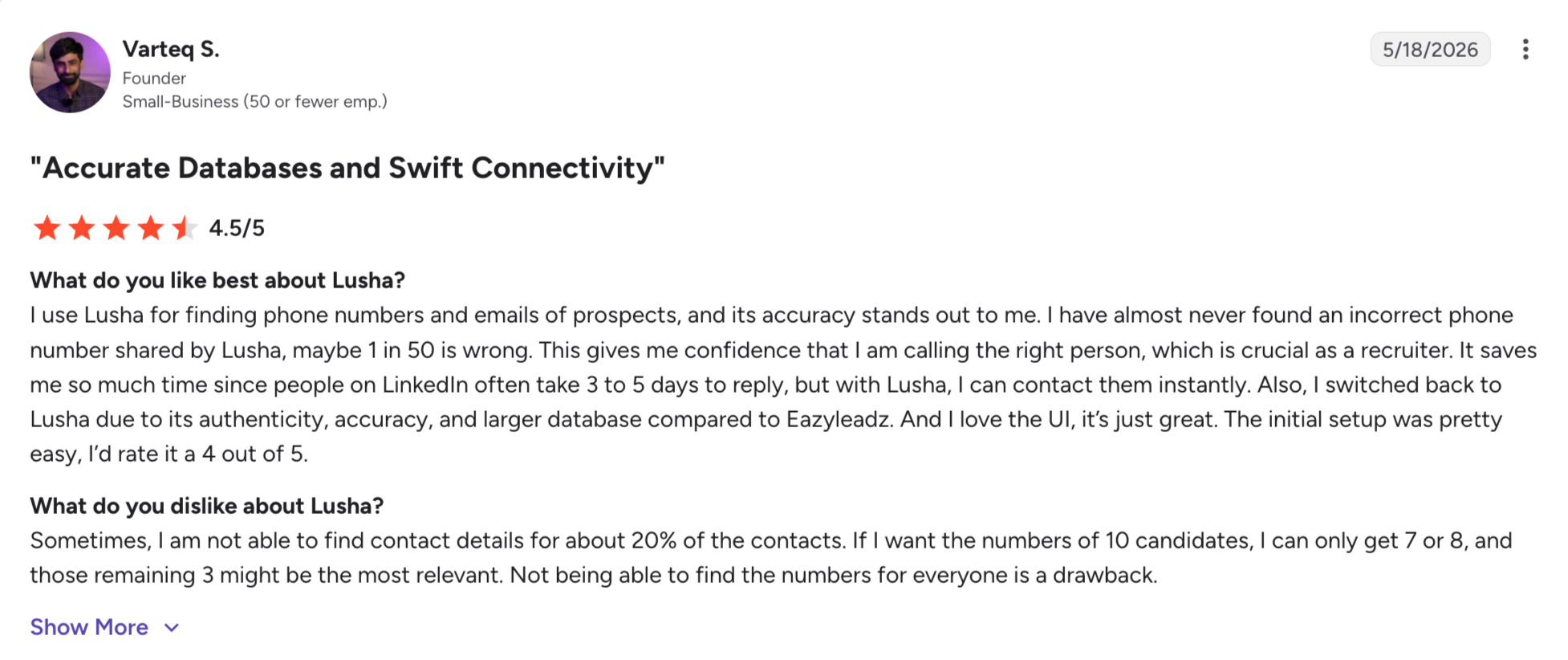
The database also has real coverage gaps in LatAm and APACs, and the Chrome extension's session-based data pull means bulk workflows still need CSV exports.
Core Features
280M+ contacts, 30M+ companies: Coverage strongest in US and UK. LinkedIn as the primary source. Regular updates through Lusha's crowd-sourced contribution model plus verification.
Chrome Extension (the core product): Hover on a LinkedIn profile, click reveal, get verified email and direct dial. Salesforce, HubSpot, Zoho, and Pipedrive push-to-CRM live in the extension, reducing manual data entry by sending contact information straight into CRM records.
Confidence Grading: Every contact ships with an A to D grade based on Lusha's verification confidence. A/B grades run 95%+ deliverability; C/D grades are weaker.
Prospecting Platform (Pro and above): Bulk lookup interface for building lists inside the app, filtered by title, seniority, geography, industry, and headcount, with tools for assembling targeted leads.
API and integrations: Full REST API on the Scale plan. Salesforce, HubSpot, Zoho, Pipedrive, Outreach, and Zapier integrations across paid tiers.
Lusha Insights: Company and contact-level enrichment beyond just email and phone, including revenue estimates, tech stack, and social profiles, with extra company details that can support sales efforts beyond the initial lookup.
Job Change Alerts: Limited to 3 alerts per user per month on Pro. Higher volumes require custom plans.
Team management: Admin controls, seat management, and shared credit pools on paid team plans.
Lusha Pros and Cons
✅ Pros
❌ Cons
One of the fastest Chrome extension workflows, with LinkedIn hover-to-contact lookup completing in under five seconds
Trustpilot rating of 1.3/5 from 750+ reviews, with many complaints related to data privacy and compliance
280M+ contacts with confidence grades (A–D) to help assess data quality before outreach
Phone lookups cost 10 credits each, and the Pro plan's annual phone credit allocation can be exhausted quickly
Strong direct-dial coverage, particularly for US and UK contacts
Additional phone credits are expensive, making phone-first outbound significantly more costly than the advertised pricing
Well-reviewed workflow with a 4.3/5 G2 rating (1,611 reviews) and 4.0/5 on Capterra (396 reviews)
Database coverage is weaker across parts of Latin America and APAC, according to user reviews
Free plan includes 50 email credits and 5 phone credits per month, allowing meaningful product evaluation
Bulk prospecting still relies on CSV exports because the Chrome extension is designed for session-based workflows
Lusha Pricing (Annual)
Free: $0/month. 50 emails and 5 phone credits per user per month. Chrome extension, basic filters, personal use only.
Starter: $37.45/user/month (billed annually). Includes 1,920 emails and 480 phone reveals per year. All integrations, Chrome extension, and Prospecting Platform.
Pro: $52.45/user/month starting (billed annually). Higher credit allowance, bulk lookups, and team management. Real Pro pricing varies with credit sliders.
Premium: $299.95/user/month starting (billed annually). Team and enterprise features, priority support, higher API rate limits.
Scale: Custom pricing. Full API access, dedicated CSM, custom credit pools.
Phone credits: 10 credits per reveal on all tiers.
Extra phone credits: $0.75 to $1.25 per credit depending on tier.
Offer: Free plan available. 30-day money-back guarantee on paid plans.
What Users Say About Lusha
Lusha holds a 4.3/5 G2 rating from 1,611 reviews, 4.0/5 Capterra from ~396 reviews, and 1.3/5 Trustpilot from 750+ reviews.
Best for: Solo founders, small outbound teams, and agencies running cold email at low volume who want an email finder, verifier, drip sequencer, warmup, and CRM in one subscription without the per-seat pricing of Apollo or ZoomInfo.
Snov has everything inside one login: an email finder pulling from a 100M+ contact database, a 7-tier email verifier, a drip campaign builder with behavioral triggers, an inbox warmup tool, and a lightweight CRM.
This makes it useful for teams that want to generate leads with prospecting and outreach in one place.
It's not the deepest database on this list. It's the fewest tools I have to pay for and log into if I'm just getting started.
For solo founders and small outbound teams sending under 1,000 cold emails a month with a limited ICP, Snov.io is the tool that keeps them from spinning up five different subscriptions.
It can also help generate high quality leads at low volume, but only when ICP fit is tight. The 4.5/5 G2 rating from 479 reviews and 4.7/5 Trustpilot from 1,482 reviews reflect that.
problems happen when I tried to scale.
For starters, email accuracy runs 60 to 80% depending on the tool's ICP fit for the query. That's fine for small volume where I can eat some bounces. It's not fine at 5,000 emails a month where a 20% bounce rate torches my sender reputation and blocks new-domain outreach for weeks.
Secondly the database sits at 100M+ contacts. That's a third of Apollo and a quarter of Leadsforge.
Finally, the platform's usability starts to strain past the "solo founder or 3-person team" phase.
All in all, Snov.io holds together at low volume. At 20K+ emails/month across multi-tier sequences with detailed reporting requirements, the CRM and reporting layers stop keeping up.
Core Features
Email Finder (100M+ contact database): Search by name, company, domain, or LinkedIn URL to collect data on potential customers. Bulk finder for CSV upload. Chrome extension for LinkedIn hover-and-reveal.
7-tier Email Verifier: Real-time email verification with syntax check, DNS check, catch-all detection, greylist detection, and MX record verification. Bounce prediction reported at 95%+ on verified emails.
Drip Campaigns: Multi-step email sequences with behavioral triggers (opened, clicked, replied, no reply after X days), A/B testing, and inbox rotation, with verified prospect data helping improve email marketing campaigns. Send from up to 100 mailboxes per campaign on higher tiers.
Email Warmup: Included on paid tiers. Automated inbox warmup traffic to build sender reputation before real outbound sends.
Lightweight CRM: Deal pipeline, contact management, task tracking. Fine for solo founders; supports basic lead qualification for small teams, but not complex team workflows.
LinkedIn Automation (Snov.io Chrome Extension): Auto-send connection requests and messages on LinkedIn. Sold as an add-on at $62/slot/month billed annually. Cookie-based; carries LinkedIn account risk if run at aggressive volume.
Integrations: Salesforce, HubSpot, Pipedrive, Zapier, Make, Slack. API access on all paid tiers.
Chrome Extension: Free to install. Reveals emails on LinkedIn profiles, company sites, and any public webpage.
Snov.io Pros and Cons
✅ Pros
❌ Cons
Single subscription includes email finder, verifier, sequencer, warm-up, and CRM for solo founders and small teams
Email finder accuracy ranges from 60–80% depending on the ICP, making additional verification advisable for high-volume outreach
Starter plan at $29.25/month (billed annually) is one of the most affordable ways to begin cold email outreach
100M+ contact database is significantly smaller than Apollo or Leadsforge, with thinner coverage outside SMB technology companies
Seven-layer email verification helps maintain 95%+ deliverability for verified addresses
LinkedIn automation relies on browser cookies, increasing the risk of account restrictions if overused
Strong customer satisfaction with a 4.7/5 Trustpilot rating from 1,482 reviews
CRM and reporting capabilities become limiting once teams exceed roughly 20,000 emails per month
Warm-up is included on paid plans, eliminating the need for a separate warm-up subscription
Database coverage across APAC and Latin America remains relatively limited according to user reviews
Snov.io Pricing (Annual)
Trial: $0. 50 credits (one-time), enough to test the email finder and verifier.
Best for: Solo SDRs, small teams, and agencies that prioritize email accuracy above database size and want credit refunds on any email that bounces. Best fit for email-first motions with technographic filtering needs.
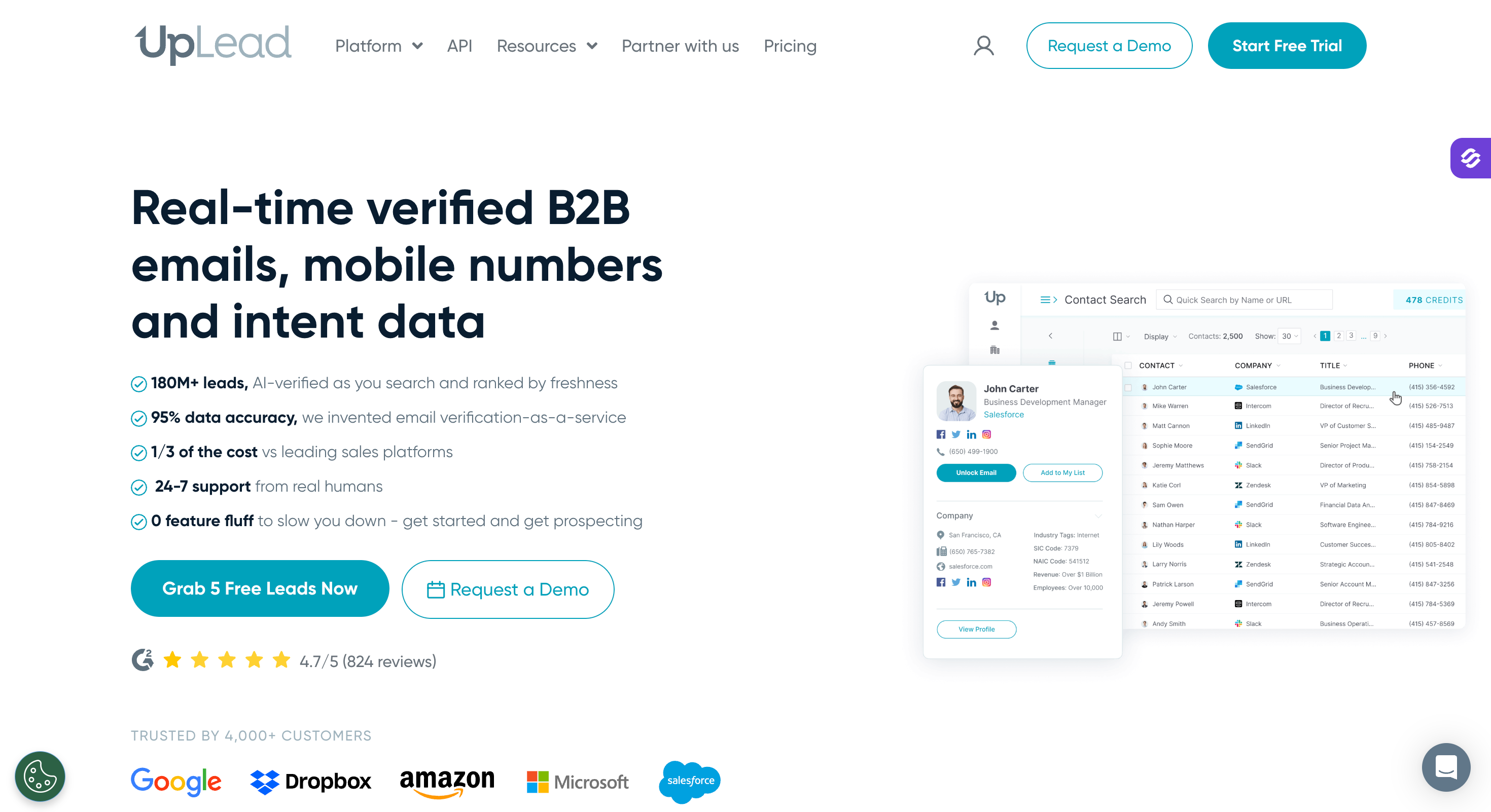
UpLead's pitch is different from every other tool on this list: 95% email accuracy guarantee with credit refunds on any email that bounces.
That guarantee, plus real-time email verification at the moment of lookup, is what pulls accuracy-first buyers to UpLead for accurate contact details and away from Apollo and ZoomInfo.
Database size sits at 180M+ contacts, which is smaller than Apollo, Lusha, or Leadsforge. UpLead trades depth for cleanness.
For solo SDRs and small teams where a bad list burns weeks of sender reputation and blocks outreach on new domains, UpLead's guarantee is real budget protection, and reliable data matters most when every bounce hurts marketing efforts.
The friction shows up in three places.
Pricing is the highest per-contact rate on this list at $74/month Essentials for 170 credits. That's roughly $0.44/contact, versus Apollo at $0.11 to $0.16 with a comparable volume. UpLead trades price efficiency for guarantee.
Essentials and Plus are single-user plans only. Team collaboration requires the Professional tier, which is custom-priced and reported at ~$399/month or higher per Landbase.
And intent data (a Professional-tier feature) has a 5-category minimum requirement that reviewers flag as too broad for niche verticals.
Core Features
180M+ contacts, 14M+ companies: Every email verified at the moment of lookup. Real-time verification means fewer "we'll refund your credits if it bounces" claims and more "the email didn't bounce."
95% email accuracy guarantee: Credit refund policy is the single most-cited feature in G2 reviews. This is not a marketing line; it's the reason UpLead makes the shortlist for accuracy-first buyers.
50+ search filters: Job title, seniority, industry, headcount, revenue, geography, tech stack (14K+ technologies tracked), and intent data on Professional and above; filtering by job titles and firmographics helps build quality leads instead of broad lists.
Technographic filtering (14K+ tech stack points): Filter target companies by installed technology, popular for teams selling to specific tech stacks (Salesforce CRM users, HubSpot users, Snowflake users, etc.); technology stack filters also help target specific industries and use cases.
Intent Data (Professional): Bombora-powered buyer intent signals on target accounts. Minimum 5 intent categories required at signup, which reviewers flag as too broad for narrow verticals.
Chrome Extension: Free to install. Reveals verified contacts on LinkedIn profiles and company sites, drawing from the account's credit pool.
CRM Integrations: Salesforce, HubSpot, Zoho, Pipedrive, Outreach, Copper, plus API access.
CSV enrichment: Upload a contact list, UpLead enriches with verified emails, phones, and firmographic data, making enriched business leads more useful for downstream sales and outreach. Consumes credits.
UpLead Pros and Cons
✅ Pros
❌ Cons
95% email accuracy guarantee with credit refunds for bounced emails helps protect prospecting budgets
Highest per-contact pricing in this comparison at roughly $0.44 per contact on the Essentials plan, around three times Apollo at similar volume
Real-time email verification at lookup significantly reduces bounce risk before campaigns are sent
Essentials and Plus plans are limited to a single user; team access requires a custom Professional plan
More than 14,000 technographic data points enable highly detailed technology-based targeting
Intent data on the Professional plan requires a minimum of five categories, which some users find too broad for niche industries
Strong customer satisfaction with a 4.7/5 G2 rating across more than 700 reviews, particularly for data quality
180M+ contact database is smaller than Apollo, Lusha, and Leadsforge
Seven-day free trial with five verified credits and no credit card required
Enrichment relies on a single data source rather than waterfall enrichment across multiple providers
UpLead Pricing (Annual)
Free trial: 5 verified credits, 7-day window, no card required.
Essentials: $74/month billed annually ($888/year) for 170 credits/month. Single user only. Includes all filters and Chrome extension.
Plus: $149/month billed annually ($1,788/year) for 400 credits/month. Adds CSV enrichment and priority support. Single user only.
Professional: Custom pricing. Reported at ~$399 to $599/month starting per Landbase and Fahim AI. Adds team management, higher credit pools, intent data, and full API access.
Offer: 7-day free trial with 5 credits, no card required.
What Users Say About UpLead
UpLead holds a 4.7/5 G2 rating from 741 to 829 verified reviews (varying by source), 4.6/5 Capterra from 76 reviews, and 4.1/5 Trustpilot from 80 reviews.
Best for: SDR teams that live in LinkedIn Sales Navigator, log into Salesforce as system of record, and want the fastest capture-to-CRM Chrome extension workflow in the category.
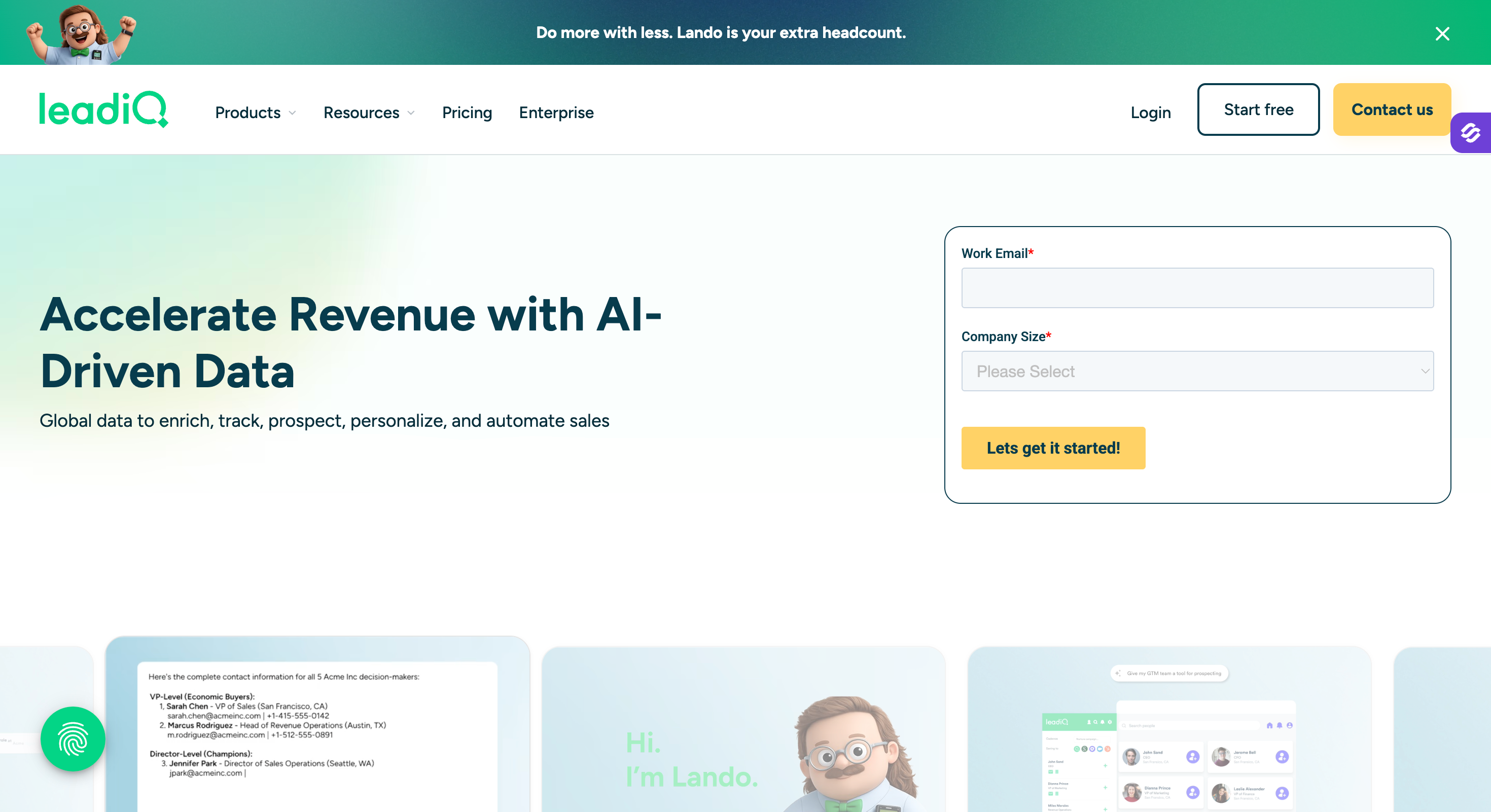
The SDR teams I know who live inside LinkedIn Sales Navigator and Salesforce have LeadIQ pinned to their browser.
The Chrome extension is the fastest capture-to-CRM workflow I've used: find a prospect in Sales Nav, click the extension, LeadIQ quickly captures lead data, cuts down on data entry, verifies the email plus phone, enriches with firmographic data, and pushes the contact straight into Salesforce (or HubSpot, Outreach, Salesloft) without a tab switch.
LeadIQ isn't the biggest database. It's a Sales-Nav-native SDR tool with a database behind it, and it's very good at that specific workflow.
For SDR teams running LinkedIn Sales Navigator into Salesforce (or HubSpot, Outreach, Salesloft) daily, LeadIQ is one of two extensions on this list built for the workflow (Lusha is the other).
The pricing changed in 2026 in ways that broke the tool for smaller teams.
The Essential plan was discontinued (previously $36 to $45/user/month), so the current entry point is Pro at $200/month billed annually. That's for 200 Universal Credits, which cover any of email lookup, phone lookup, or export. Phone reveals cost more credits than emails, so phone-heavy motions burn through the pool fast.
Enterprise pricing runs $15K to $30K/year per Dimmo's aggregated data across 93 tracked deals. That's a real budget commitment for a Chrome extension.
The workflow is fast, but the buyer profile is narrower than it used to be, and teams should choose it only if it integrates with their existing CRM system and matches a Sales Navigator-heavy workflow. Teams under 5 SDRs or with tight budgets got squeezed out of the entry tier.
Core Features
Chrome Extension (Sales Nav and Salesforce native): Hover on a LinkedIn Sales Navigator profile, click the extension, and LeadIQ pulls verified email and phone plus firmographic enrichment, then pushes to Salesforce or HubSpot or Outreach or Salesloft in one click for seamless data transfer into CRM records. Fastest capture-to-CRM I've timed.
Universal Credits model: One credit pool covers email lookups, phone lookups, and export operations. Credits refill monthly on Pro; annual pool on Enterprise.
Scribe (AI email composer): Native AI generates personalized cold email copy based on the prospect's LinkedIn activity, company signals, and role. Included on Pro and above.
Data Community (crowdsourced verification): LeadIQ's user community contributes verification data on contacts, improving accurate contact information over time. This is one of the reasons Sales Nav-native accuracy tends to beat static databases at the mid-market level.
Salesforce integration (bi-directional sync): Contacts and accounts sync in both directions. Duplicate detection, custom field mapping, activity logging.
CRM push (HubSpot, Outreach, Salesloft): Native push actions for the most common SDR stacks. No Zapier middle layer required for standard SDR workflows.
Territory management: Assign leads to reps based on geography, industry, or account rules. Available on Enterprise.
API: REST API access on Pro and Enterprise for custom integrations and bulk operations.
LeadIQ Pros and Cons
✅ Pros
❌ Cons
One of the fastest Chrome extension workflows for moving prospects from LinkedIn Sales Navigator into Salesforce
The Essential plan was discontinued in 2026, making the $200/month (billed annually) Pro plan the entry point
Universal Credits cover email lookups, phone numbers, and exports from a single credit pool
Enterprise pricing typically ranges from $15K–$30K per year based on publicly tracked deals
Scribe AI creates personalized outreach using LinkedIn activity and role signals
Phone-heavy workflows consume Universal Credits much faster than email-focused workflows
Strong workflow reputation with a 4.2/5 G2 rating (1,153 reviews) and 4.4/5 on Capterra
Database size is smaller than Apollo, Lusha, and Leadsforge, with the product competing on workflow efficiency instead of database breadth
Native integrations with Salesforce, HubSpot, Outreach, and Salesloft fit most modern SDR tech stacks
The biggest workflow advantages are realized by teams already using LinkedIn Sales Navigator and Salesforce
LeadIQ Pricing (Annual)
Free: 50 Universal Credits/month, Chrome extension access, basic Sales Nav integration, no card required.
Essential: Discontinued as of 2026 (previously $36 to $45/user/month).
Pro: From $200/month billed annually ($2,400/year) for 200 Universal Credits/month. Scribe AI, native CRM pushes to Salesforce, HubSpot, Outreach, Salesloft, and basic team management.
Enterprise: Custom pricing, reported $15K to $30K/year per Dimmo aggregated data across 93 tracked deals. Adds territory management, higher credit pools, dedicated CSM, and enterprise SSO.
Offer: Free tier with 50 credits/month, no card required.
What Users Say About LeadIQ
LeadIQ holds a 4.2/5 G2 rating from 1,153 reviews and a 4.4/5 Capterra rating from 24 reviews.
Best for: Solo recruiters, individual sales reps, executive researchers, and business development professionals doing 100 to 300 targeted contact lookups per month, comfortable with per-lookup credit gating and annual auto-renewal.
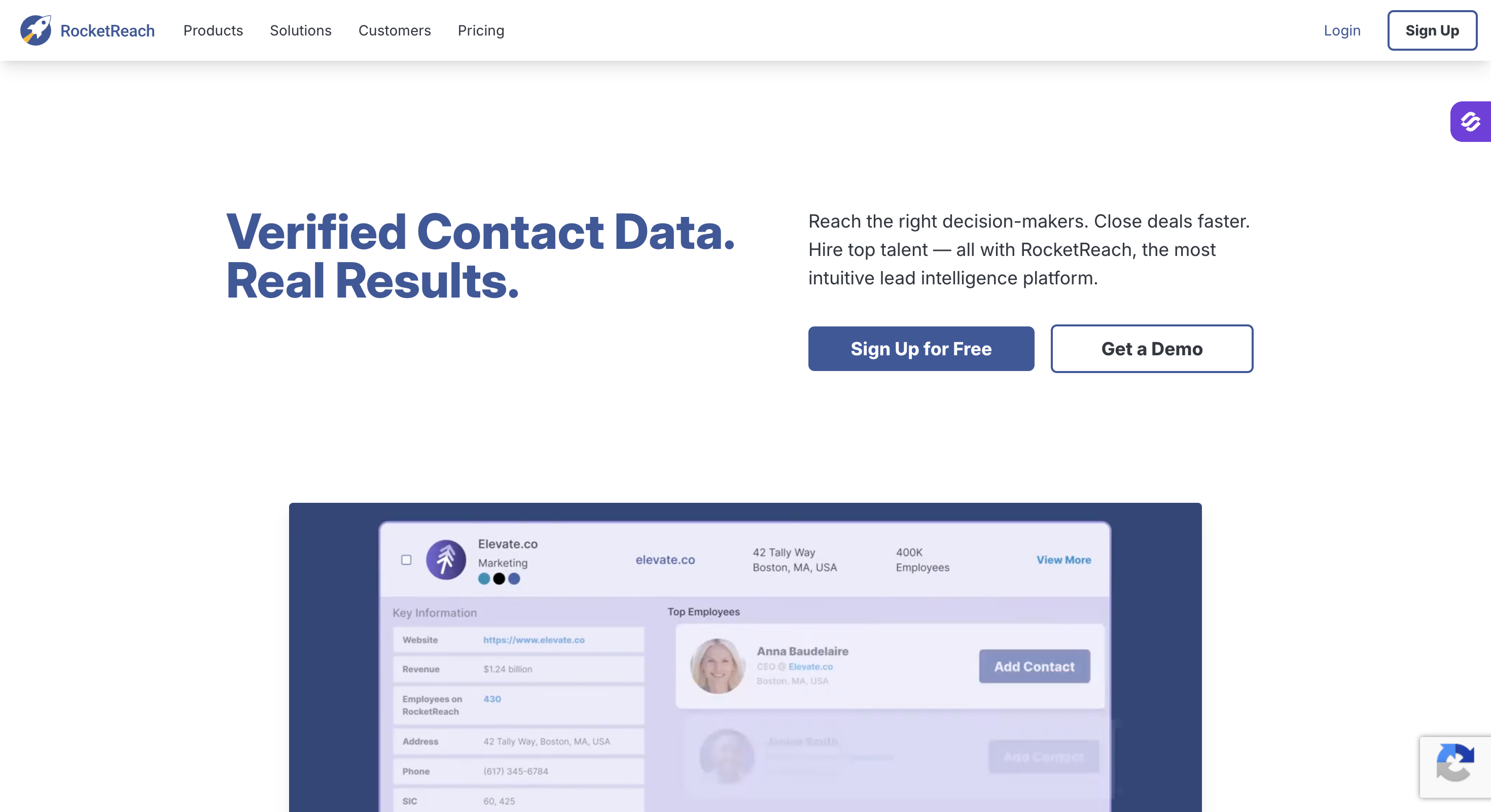
RocketReach has the largest publicly-cited B2B database on this list at 700M+ professional profiles and 35 to 60M companies with transparent published pricing (a rarity in this category), and a simple Chrome extension.
However, it's not the deepest data. It's the widest, and it's priced for one person looking up one person at a time, so it's better for finding potential clients individually than for bulk lead extraction.
For individual users who need to find a specific person's email, phone, and social profiles (the classic "get the CEO's contact info" workflow), RocketReach is competitively priced against enterprise databases (Pro at $75/month billed annually vs ZoomInfo's $15K to $30K/year custom contracts), with database breadth that rivals or exceeds most competitors on this list, especially when pulling contact details and company details from online sources for individual outreach.
Furthermore, export caps are the main limitation for list-building teams: 1,200 exports/year on Essentials, 3,600 on Pro, 20,000 on Ultimate.
And Team plans require a 2-seat minimum, so even a solo user on a Team plan pays $1,992/year on annual billing entry.
Core Features
700M+ professional profiles across 35 to 60M companies: Database breadth is RocketReach's headline. Continuously updated through web scraping and third-party partnerships using publicly available data. Coverage strongest in North America and Western Europe; weaker in APAC and LatAm per aggregated user reports.
Email and phone lookups (Pro tier and above): Email lookups on all paid tiers with 90 to 98% deliverability on verified emails per RocketReach's own claim. Mobile and direct-dial phone numbers on Pro and Ultimate only.
Chrome Extension for LinkedIn and websites: Install once, hover over a LinkedIn profile or company website, click reveal, and RocketReach pulls verified contact info. Consumes lookup credits per action.
Advanced people and company search: 50+ filters including title, seniority, industry, headcount, revenue, geography, plus specialized filters for hiring intent and technographics (on Ultimate), which can help identify potential customer data for more targeted outreach.
AI-powered recommendations (Ultimate): AI-assisted list building and account prioritization based on ICP fit and firmographic patterns.
Autopilot and Sequences: Newer feature: build lead lists and run outreach sequences directly inside RocketReach. Positions the platform as a light-weight all-in-one for solo users.
Intent Data (Ultimate only, 12 topics): Bombora-powered intent signals for accounts researching specific topics. Limited to 12 topics on Ultimate; more available on Team and Enterprise contracts.
CRM integrations (Pro and above): Salesforce, HubSpot, Outreach, Salesloft, Zapier. API access gated to Ultimate and above.
Free tier for evaluation: 5 lookups per month, browser extension access, basic person search. Widely considered too limited for meaningful prospecting per G2 reviewer consensus.
RocketReach Pros and Cons
✅ Pros
❌ Cons
700M+ professional profiles, making it one of the largest publicly advertised B2B databases in the category
Data accuracy is inconsistent according to user reviews and third-party benchmarks, with reported bounce rates of 20–30% on some lists
Transparent published pricing, with the Essentials plan starting at $33/month (billed annually)
Recurring complaints about automatic renewals and cancellation friction across G2 and Capterra reviews
Strong customer satisfaction with a 4.5/5 G2 rating and high ease-of-setup and administration scores
Essentials includes email lookups only; phone numbers require upgrading to Pro or Ultimate
Verified emails are marketed with 90–98% deliverability, helping reduce bounce risk
Annual export limits are restrictive, and unused credits expire instead of rolling over
Chrome extension enables fast, intuitive LinkedIn lookups for individual users
Team plans require a minimum of two seats, with annual billing and significantly higher monthly pricing
RocketReach Pricing (Annual)
Free: 5 lookups/month total, Chrome extension access, basic person search. No card required.
Ultimate: $175/month billed annually ($2,099/year), or $209/month billed monthly. 10,000 lookups/year. Adds AI recommendations, Autopilot and Sequences, 12 intent data topics, full API access.
Team Pro: $83/user/month billed annually only (2-seat minimum). Pooled credits, admin controls.
Team Ultimate: $207/user/month billed annually only (2-seat minimum). Adds SSO, higher API limits.
Custom Enterprise: Starts ~$6,000/year+ per third-party sources.
What Users Say About RocketReach
RocketReach holds a 4.5/5 G2 rating from 654 to 1,000+ verified reviews and a 4.1/5 Capterra rating from 480+ reviews.
Best for: Technical growth teams, data engineers, and agencies pulling structured data from LinkedIn, Google Maps, e-commerce sites, or non-standard sources, comfortable with configuring pre-built scrapers or writing custom ones on a compute-metered platform.
Apify is probably the largest scraping platform on the market at 4,500+ pre-built scrapers (Apify calls them Actors), a full developer platform for writing custom ones, managed proxy infrastructure, and native MCP integration for AI agent workflows.
Apify isn't trying to be Apollo. It's a developer platform for extracting structured data from any public web source, and it's the strongest option in that category.
For teams that need Google Maps lead lists (dental practices, restaurants, real estate agents, local services), LinkedIn engagement data at scale (post commenters, event attendees, employee lists), or e-commerce data (SKUs, pricing, reviews), Apify is the platform every technical team I know eventually lands on.
The limitation is technical.
Pricing runs on a two-layer model: a monthly platform fee ($29 Starter, $199 Scale, $999 Business) plus usage-based compute credits ("Compute Units") that meter runtime, memory, and data storage. Small scraping jobs cost pennies. Large jobs at scale can hit hundreds of dollars a month.
Every Actor is a separate Actor with its own pricing on top of the platform fee. The Google Maps Lead Extractor charges $6 per 1,000 complete results, for example. LinkedIn Profile Scraper prices vary by depth.
That's the real cost most teams miss in evaluation.
And Apify doesn't include verification, enrichment, or GDPR-compliant opt-out handling. Everything the tool extracts is raw. I have to verify, enrich, and handle compliance on my own.
Core Features
4,500+ pre-built Actors: Google Maps Lead Extractor, LinkedIn Profile Scraper, Instagram Scraper, Amazon Product Scraper, Twitter Scraper, and thousands of niche extractors written by community developers.
Custom Actor development platform: Write scrapers in JavaScript or Python, deploy them on Apify's infrastructure, and run them at scale. Actor development is where advanced teams get the most from the platform.
Managed proxy infrastructure: Residential, datacenter, and mobile proxy pools included in most Actor runs. This is why Apify scrapers rarely get blocked at the scale where solo scripts fail.
Apify MCP: Native MCP server exposes all 4,500+ Actors to AI agent clients (Claude, Cursor, custom agents) for agent-native scraping workflows.
Scheduler and monitoring: Run Actors on schedule (hourly, daily, weekly), monitor success rates, and receive alerts on failures.
Dataset export: Every Actor run produces a structured dataset (JSON, CSV, Excel). Export to Google Drive, Zapier, Slack, or webhooks. Native integrations with data pipelines.
API for custom workflows: Full REST API for launching Actors, retrieving datasets, and integrating scraping into custom applications.
Compute credits (Compute Units): Every Actor run consumes compute credits based on runtime, memory, and data volume. Plans include a monthly credit allocation; overages billed separately.
Apify Pros and Cons
✅ Pros
❌ Cons
More than 4,500 pre-built Actors cover nearly every major public web scraping use case
Most Actors are priced separately from the platform subscription, making total costs difficult to estimate
Managed proxy infrastructure helps scrapers operate reliably at scale without frequent blocking
No built-in email verification, enrichment, or GDPR-compliant opt-out management
Native MCP server gives AI agents access to more than 4,500 Actors, making it one of the strongest AI-native scraping platforms
LinkedIn Actors can lead to account restrictions if used without proper rate limiting and proxy management
Strong developer reputation with a 4.7/5 G2 rating (415 reviews) and 4.8/5 on Capterra
Steep learning curve for non-technical users; simpler alternatives may be better for teams without engineering resources
Free plan includes $5/month in compute credits, allowing meaningful hands-on evaluation
Compute usage charges can increase costs significantly beyond the base platform subscription as workloads scale
Apify Pricing (Annual)
Free: $5/month in compute credits, 30-day data retention, community support. Enough to test any Actor for a small run.
Starter: $29/month billed annually ($348/year). $30/month in compute credits, 30-day data retention, standard support.
Scale: $199/month billed annually ($2,388/year). $250/month in compute credits, unlimited data retention, priority support, higher API limits.
Compute overages: ~$0.25 per Compute Unit above allocation.
Actor-specific pricing: Every paid Actor has its own per-run or per-result cost on top of the platform fee. Google Maps Lead Extractor: ~$6/1,000 results. Actor prices vary.
Offer: 10% discount on annual billing. Free tier available with no card required.
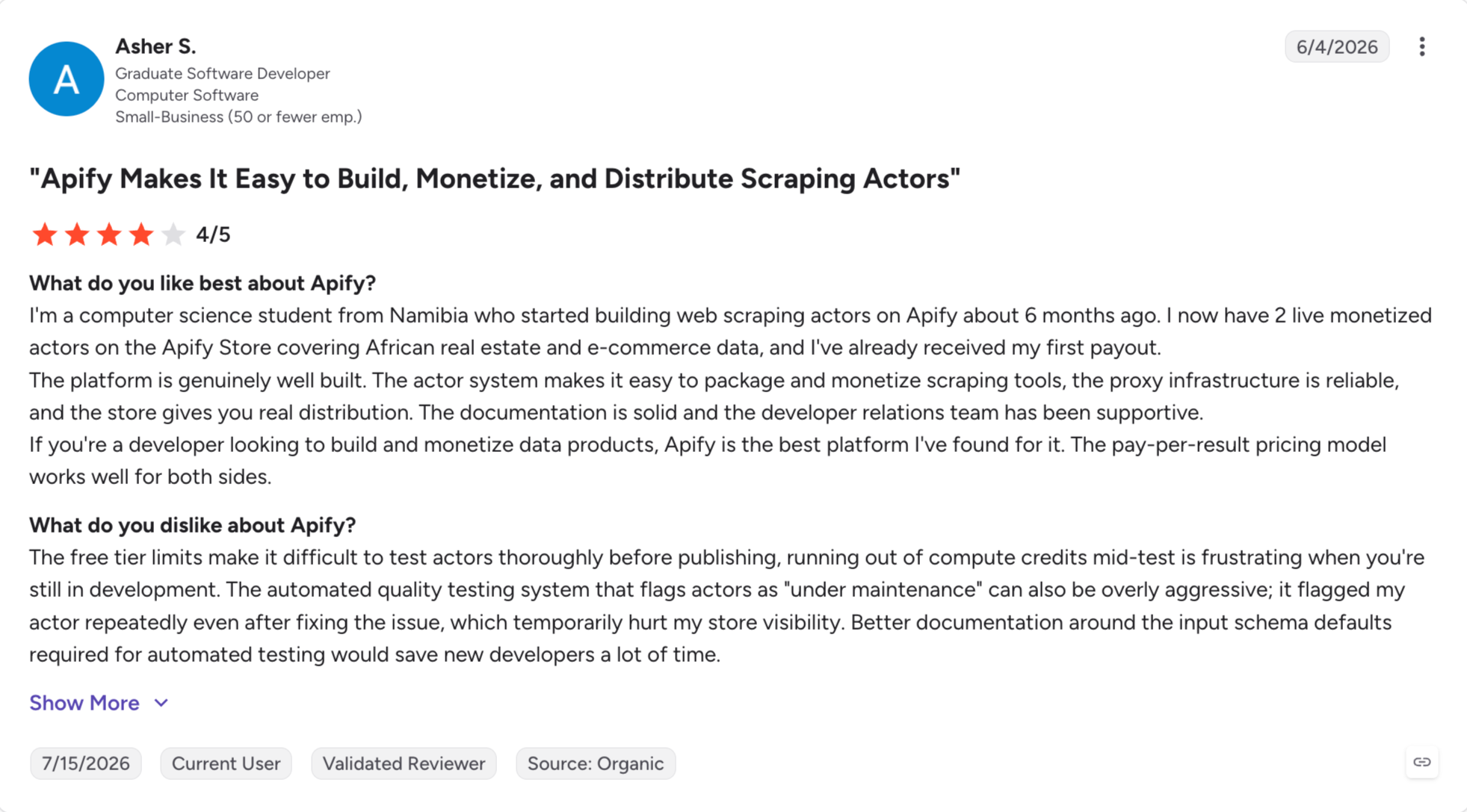
What Users Say About Apify
Apify holds a 4.7/5 G2 rating from 415 reviews and a 4.8/5 Capterra rating from hundreds of reviews.
Best for: Growth teams that need to automate data extraction across LinkedIn, Instagram, Facebook, Twitter, and Google Maps in one platform, comfortable with cookie-based automation and the LinkedIn account-restriction risk that comes with it.
PhantomBuster comes with 100+ pre-built automation scripts (called Phantoms) covering LinkedIn, LinkedIn Sales Navigator, Instagram, Facebook, Twitter, Google Maps, and a handful of niche platforms, plus Flows for chaining Phantoms together into multi-step automations.
It isn't a database. It's a scraping and automation platform, and it's the multi-platform pick where Apify is the developer-grade pick.
For growth teams running LinkedIn Sales Nav for prospect lists, LinkedIn engagement extraction (post commenters, event attendees), Instagram follower graphs, or Google Maps local business extraction, PhantomBuster is the tool most teams pick over building a custom scraping stack.
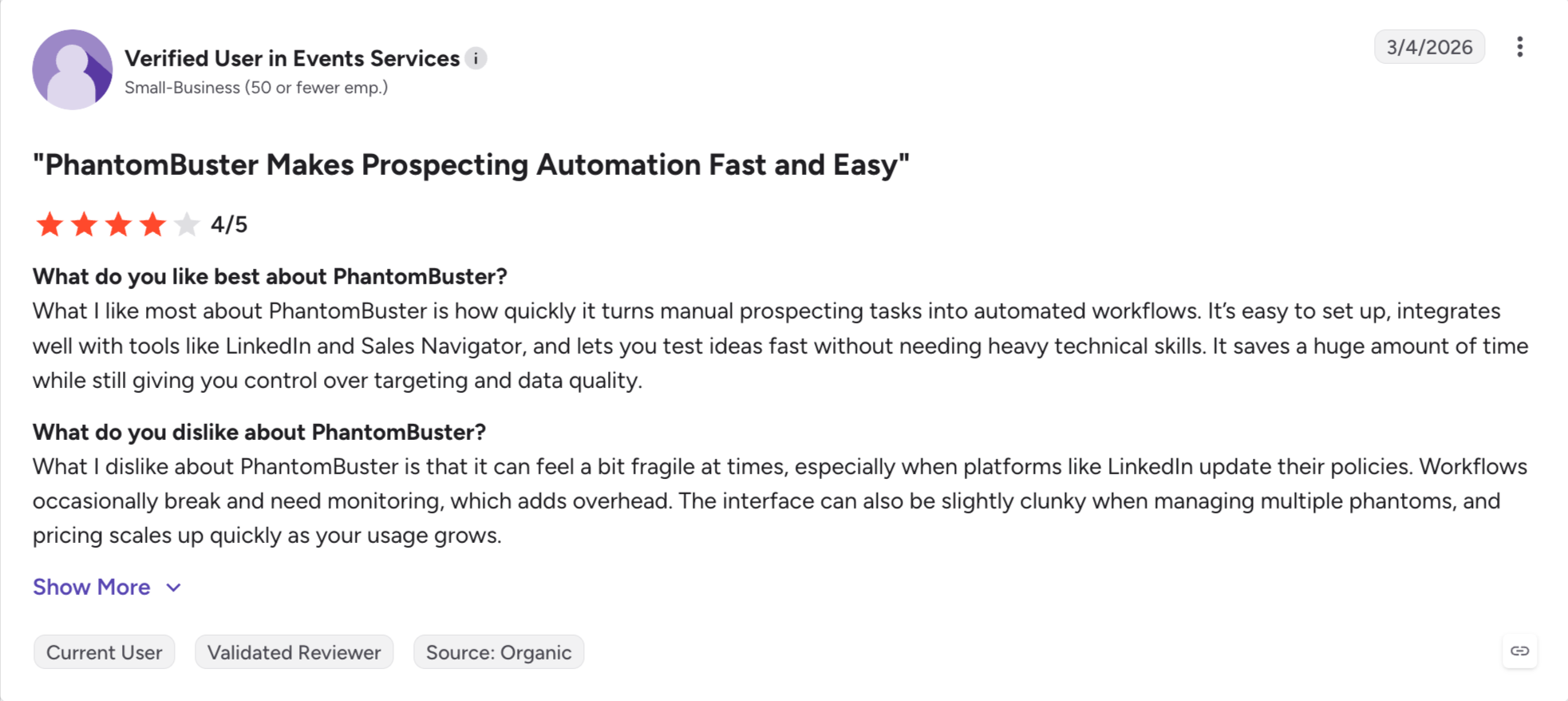
The main problem is that PhantomBuster's data quality varies Phantom to Phantom.
LinkedIn Phantoms are the strongest and most-maintained. Instagram and Facebook Phantoms tend to break more often when platforms update their front-end structure.
Core Features
100+ pre-built Phantoms: LinkedIn Profile Scraper, LinkedIn Sales Navigator Search Export, LinkedIn Post Commenters, Instagram Follower Extractor, Facebook Group Members, Twitter Follower Extractor, Google Maps Scraper, plus dozens of niche Phantoms.
Flows (multi-step automations): Chain Phantoms together into sequences. Example: LinkedIn Sales Nav Search → Profile Scraper → Email Enrichment → CSV Export. Flows run scheduled and pass data between steps.
Cloud execution and scheduling: Every Phantom runs on PhantomBuster's cloud infrastructure. Schedule Phantoms hourly, daily, or weekly with automatic dataset export.
Cookie-based automation (LinkedIn, Instagram, Facebook): Phantoms authenticate via account session cookies. Fastest way to run LinkedIn automation without a database subscription. Highest LinkedIn account risk on this list.
Email enrichment: Native email verification and enrichment on scraped contacts. Consumes email quota (separate from minute quota).
CRM push and integrations: HubSpot, Salesforce, Zapier, Make, Webhooks, Google Drive, Slack, and native CSV export.
API access: REST API on higher tiers for custom workflow integration.
Community Phantoms and templates: PhantomBuster's community shares Phantom configurations and Flow templates for common workflows.
PhantomBuster Pros and Cons
✅ Pros
❌ Cons
More than 100 pre-built Phantoms support LinkedIn, Instagram, Facebook, X (Twitter), and Google Maps automation
LinkedIn account restrictions are a genuine risk, especially when running aggressive automation volumes
Flow builder connects multiple automation steps, reducing manual work between scraping and enrichment
Three separate usage quotas (execution minutes, Phantom slots, and email verifications) make actual costs harder to predict
Cloud execution and scheduling automate repetitive workflows and reduce manual effort
Data quality varies between Phantoms, with LinkedIn automations generally performing better than Instagram or Facebook
Well-reviewed for LinkedIn automation with a 4.4/5 G2 rating
No built-in contact database—every workflow requires user-provided seed data such as URLs, searches, or CSV files
Native integrations with HubSpot, Salesforce, Zapier, and Make simplify downstream automation
Cookie-based authentication is fragile and LinkedIn cookie changes can break automations without warning
PhantomBuster Pricing (Annual)
Free trial: 14 days, limited quotas, no card required.
Final Verdict: Pick the Category Before You Pick the Tool
Verified B2B databases sell you pre-cleaned contact records at a knowable monthly price.
Open-web scrapers let you extract data from public sources at 10x to 50x lower cost per contact.
Most 2026 comparison articles still lump them together, and the buyers who make the wrong pick pay for it in bounced emails, blocked LinkedIn accounts, or six-figure database contracts they didn't need, while also hurting lead generation efforts with extra cleaning and qualification work.
For SMB and mid-market GTM teams running verified B2B contact discovery, Leadsforge is the flat-rate option that covers the same core prospecting job as ZoomInfo and Apollo without per-seat pricing, without credit gating on phone lookups, and without a sales cycle. It can also help fill the sales funnel with business leads at lower cost when you only need publicly available data.
Chat-based ICP search in plain English, waterfall enrichment across multiple providers, Competitor Followers Search, event-based Signals with public-source proof, and unlimited users on a single subscription at $49/month billed annually (or $588/year).
New users get 100 free credits on signup, no credit card required. Start with Leadsforge.
FAQs
1) What are lead scraping tools?
Lead scraping tools extract contact data (names, emails, phone numbers, company info) from either verified B2B databases or public web sources like LinkedIn, Google Maps, and industry directories. The keyword covers two distinct categories: databases (Leadsforge, ZoomInfo, Apollo, Lusha) that sell pre-verified contact records, and open-web scrapers (Apify, PhantomBuster) that pull raw data from public pages—most often from social media platforms and company websites—and require separate verification.
2) Is scraping LinkedIn legal?
Scraping public LinkedIn data has been ruled legal by US courts in the hiQ vs LinkedIn case, but LinkedIn's Terms of Service prohibit automated scraping regardless of jurisdiction. Cookie-based tools like PhantomBuster carry documented account restriction risk. Database-based tools like Leadsforge, Lusha, and ZoomInfo pull data through their own pipelines without touching my LinkedIn account.
3) What is the cheapest lead scraping tool?
Free tiers exist across most tools on this list: Apollo (1,200 credits/year forever), RocketReach (5 lookups/month), LeadIQ (50 credits/month), Apify ($5/month in compute credits). For paid tiers, Snov.io Starter at $29.25/month billed annually is the cheapest all-in-one bundle. For verified B2B contacts specifically, Leadsforge at $49/month billed annually (with 100 free credits on signup, no card) is the lowest all-features-included price.
4) Which lead scraping tool has the most accurate data?
Data accuracy varies by segment and region. UpLead's 95% email accuracy guarantee with credit refunds for bounces is the strongest published claim in the category. Leadsforge's waterfall enrichment across multiple providers typically outperforms single-source databases on hard-to-find contacts. ZoomInfo's 260M+ database is the deepest but accuracy depends heavily on the specific vertical and geography.
5) How does Leadsforge compare to Apollo?
Leadsforge is flat $49/month single-tier pricing with unlimited users, waterfall enrichment, Competitor Followers Search, event-based Signals, and native MCP integration. Apollo's Basic through Organization tiers ($49 to $119/user/month billed annually) bundle a built-in email sequencer and dialer that Leadsforge doesn't include. For teams needing sequencer plus database in one bill, Apollo works. For teams wanting a database with better search interface, waterfall enrichment, and no per-seat scaling, Leadsforge (with Salesforge under shared login for outreach when needed) is the cleaner pick.
6) Can lead scraping tools integrate with Salesforce?
Most databases (ZoomInfo, Apollo, Lusha, LeadIQ, UpLead, RocketReach) offer native Salesforce integration, which matters if you want to choose a tool that integrates with your existing CRM system to avoid manual data entry and improve seamless data transfer of lead data, though some gate bi-directional sync to higher tiers. Open-web scrapers like Apify and PhantomBuster typically require Zapier or Make.com as a middle layer. Leadsforge integrates natively with HubSpot on the Essential plan and connects to Pipedrive, Salesforce, Slack, Clay, Zapier, and webhooks.
7) What's the difference between a lead scraping tool and an email verifier?
Lead scraping tools find contacts; email verifiers check whether emails I already have will bounce before I send. Some tools (Snov.io, UpLead) bundle both. Databases like Leadsforge, Apollo, and RocketReach verify at the point of lookup, but many teams still layer a dedicated verifier (ZeroBounce, NeverBounce) for large-list cleanup before sending. Warmforge (included free with a Salesforge subscription) covers deliverability infrastructure on top of the verification layer.
8) Do lead scraping tools work with GDPR?
GDPR compliance depends on the tool's data sourcing, opt-out handling, and processing practices, and usually on how it handles data collection from publicly available data, not on where I'm based. Databases that source from public sources with documented opt-out mechanisms (Leadsforge, ZoomInfo, Cognism) tend to be safer for EU-based teams than tools that scrape LinkedIn via session cookies (PhantomBuster). Read the DPA before signing an annual contract if EU compliance matters to my business.
9) Should I pick a database or an open-web scraper?
Pick a database if I need verified B2B contacts, since databases are usually better for qualified leads, and pick an open-web scraper when I need lead extraction from niche online sources, if my motion is standard SDR/AE outbound, and if I want a knowable monthly cost that doesn't spike with data volume. Pick an open-web scraper if the data I need isn't in a B2B database (local businesses, LinkedIn engagement data, non-standard sources), if my team has technical resources, and if scrapers make more sense when I need to target specific industries or local business categories that a standard database doesn't cover well. Get the category right first. Everything after that is easier.
Book more meetings on autopilot
Set up in minutes. No per-seat pricing. No commitment.
Learn how to use Jev for B2B lead generation with Grok Bot and Leadsforge, from scoring ICP fit and buying signals to finding qualified leads every week.
B2B appointment setting does not have to mean hiring more SDRs. I compare in-house reps, outsourced setters, and an AI SDR, then show how Agent Frank books meetings using Leadsforge, Warmforge, and Primebox™ inside one connected Forge Stack workflow.









.jpg)