LinkedIn, Sales Navigator, LinkedIn events, any website
Yes, AI-drafted email or sequence from the sidebar
$49/month (Leadsforge credits)
Prospecting anywhere online, not just LinkedIn
Apollo.io
Email and mobile
LinkedIn, company sites, your CRM
Yes, add to a sequence
$49/user/month (billed annually)
Prospecting and sequencing in one login
GetProspect
Email only
LinkedIn, Sales Navigator, groups, event lists
No
$49/month
Valid-only billing, no wasted credits
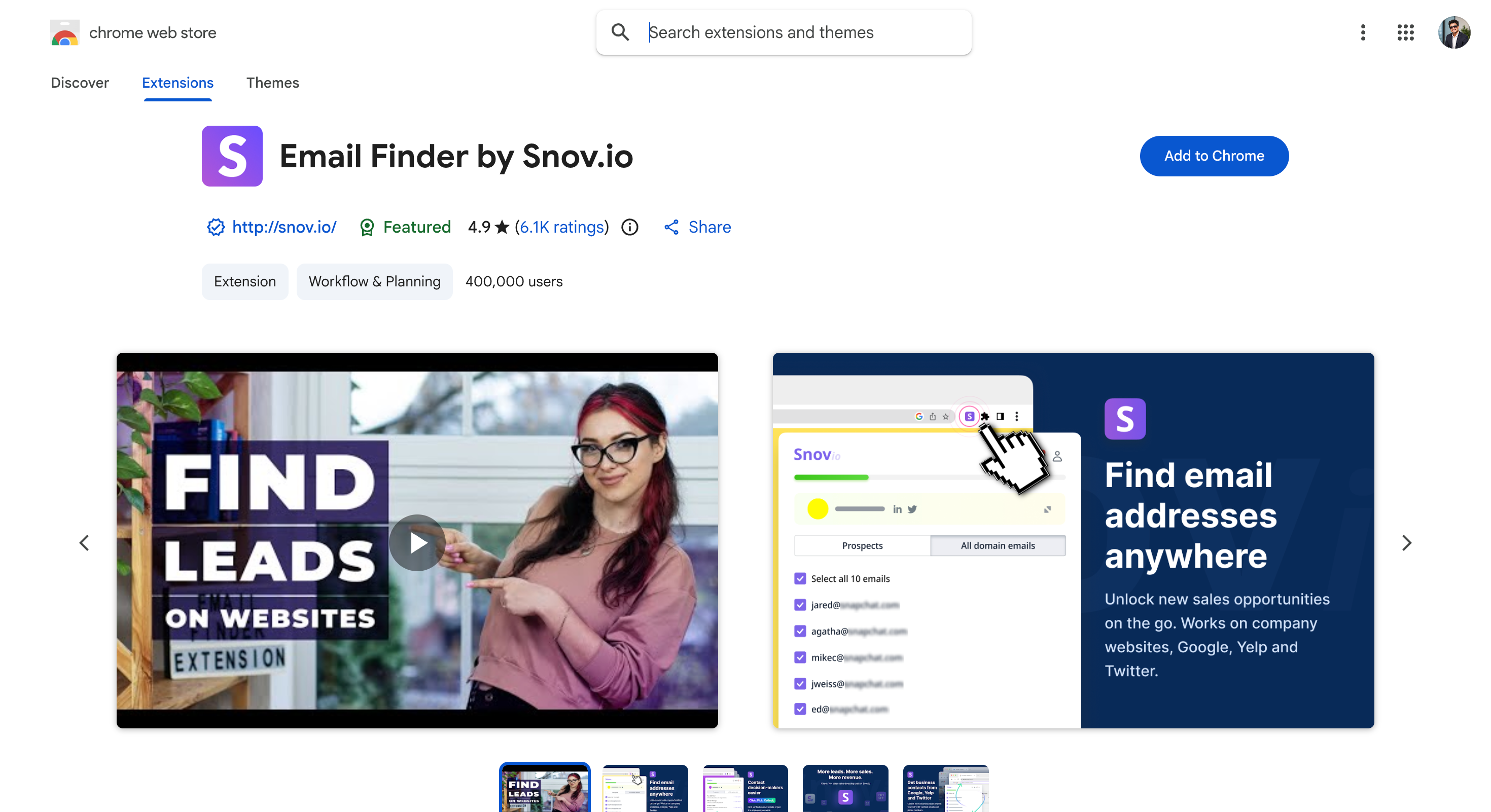
Snov.io
Email and mobile
LinkedIn, Sales Navigator, company sites
Yes, add to a campaign
$39/month, or $29.25 billed annually
Bulk lookups with sequences and warmup
ContactOut
Email, personal email and mobile
LinkedIn, Sales Navigator, Recruiter, web portal
AI Email Writer on paid plans
$79/month (billed annually)
Personal email addresses alongside work ones
Skrapp.io
Email, limited phone
LinkedIn, Sales Navigator, company sites
No
$39/month
Sales Navigator-heavy prospecting
Clearout
Email and phone
LinkedIn, Sales Navigator
No
$23/month, or $16/month billed annually
Verification and data quality
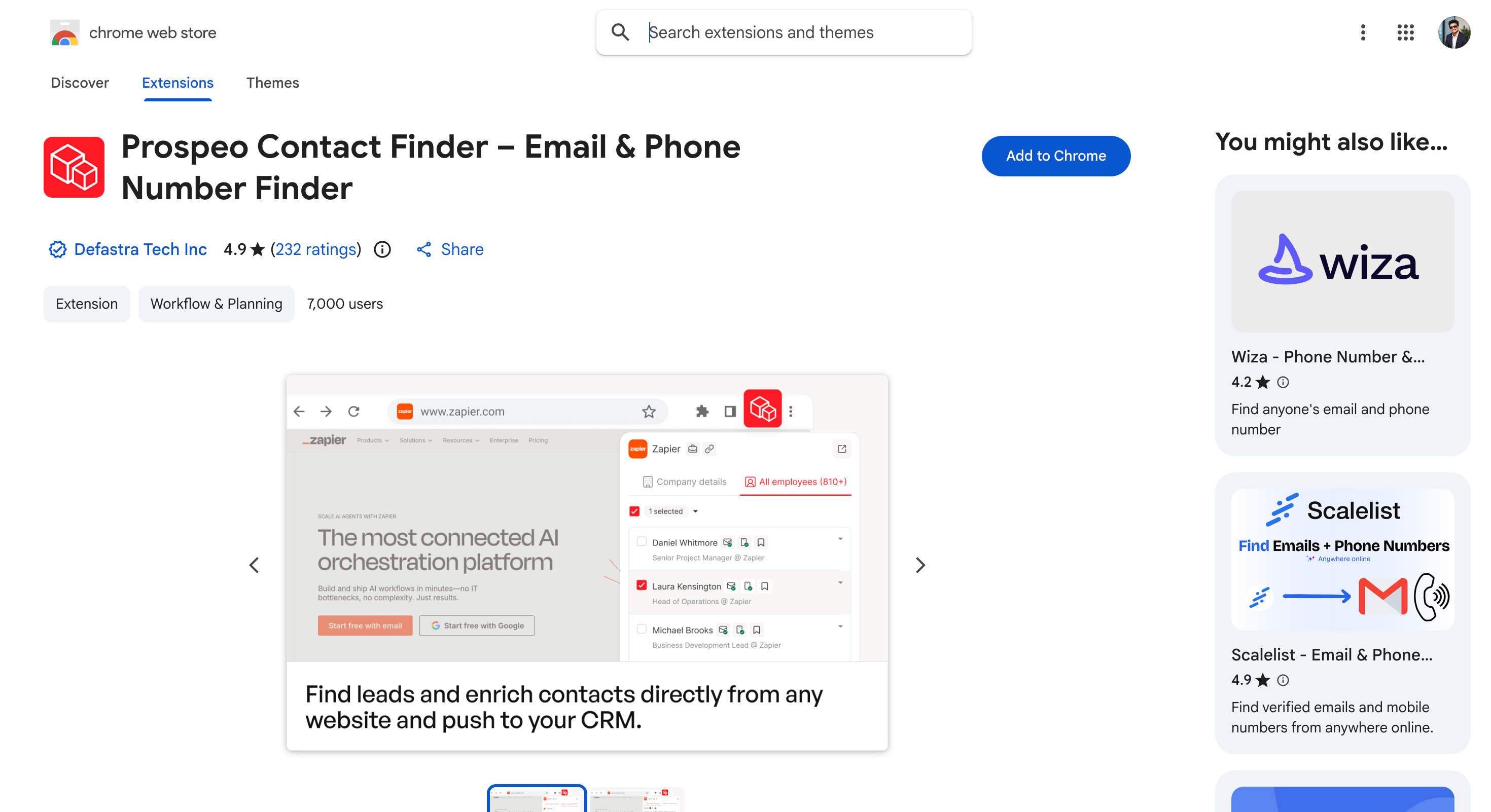
Prospeo.io
Email and mobile
LinkedIn, Sales Navigator
No
Roughly $0.01 per verified email
Accuracy-first verification
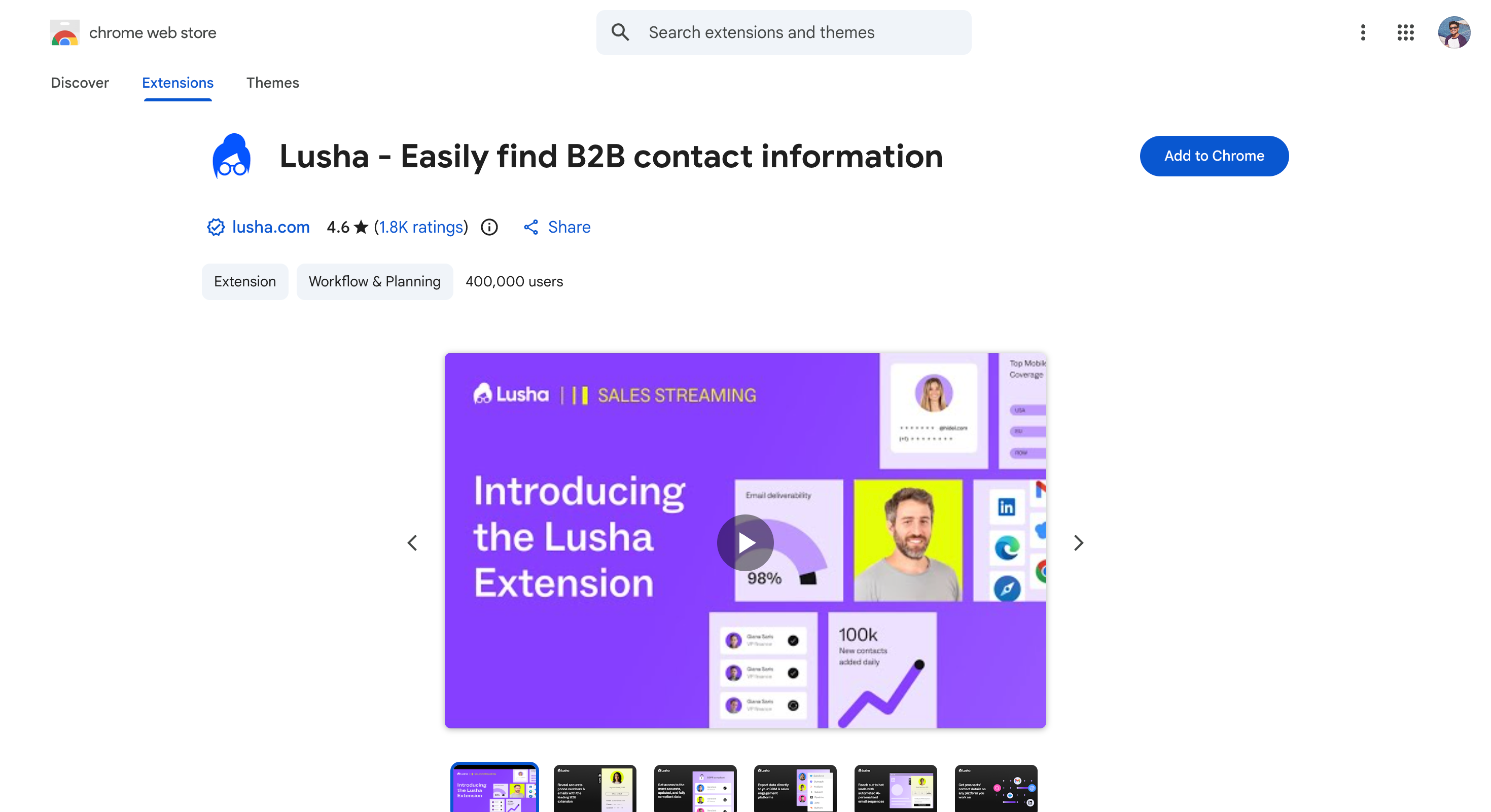
Lusha
Email and direct dial
LinkedIn, company sites
No
$39/user/month (billed annually)
Compliance-led teams in regulated industries
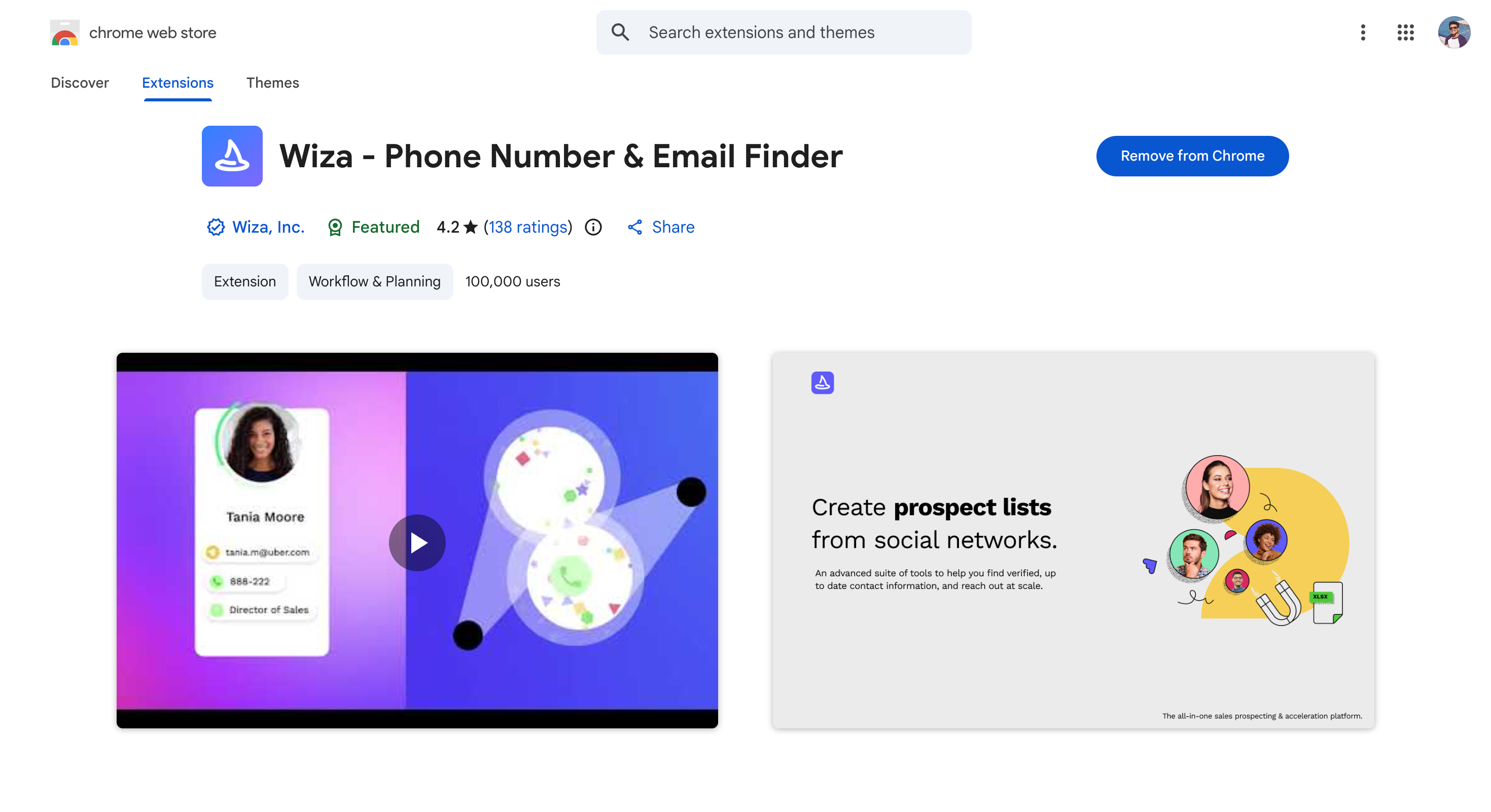
Wiza
Email and mobile
Sales Navigator, subscription required
No
$49/month
Turning a saved search into an enriched list
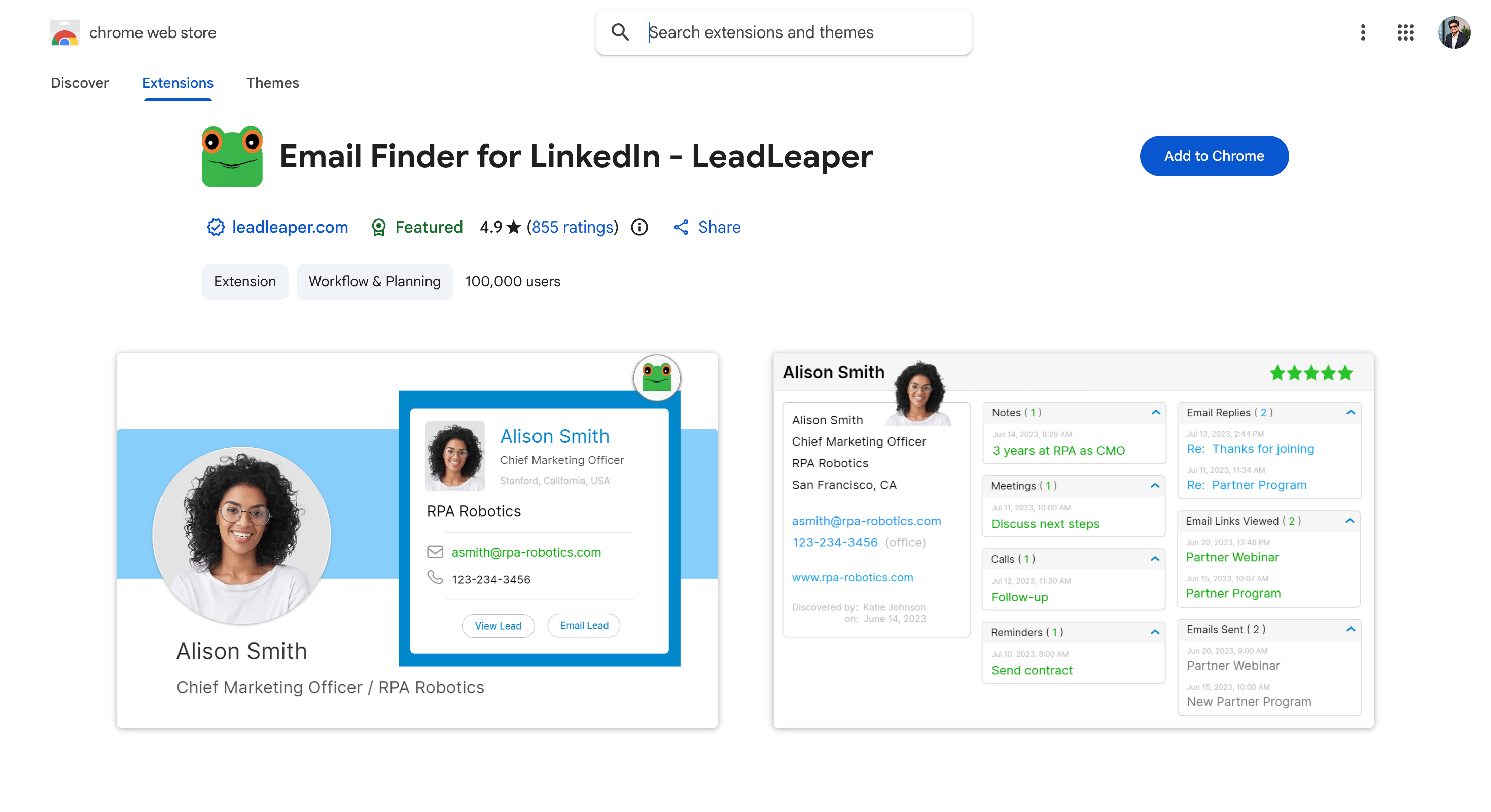
LeadLeaper
Email only
LinkedIn, including free accounts
Sequences on paid plans
$39/month
Bulk extraction without a Sales Navigator seat
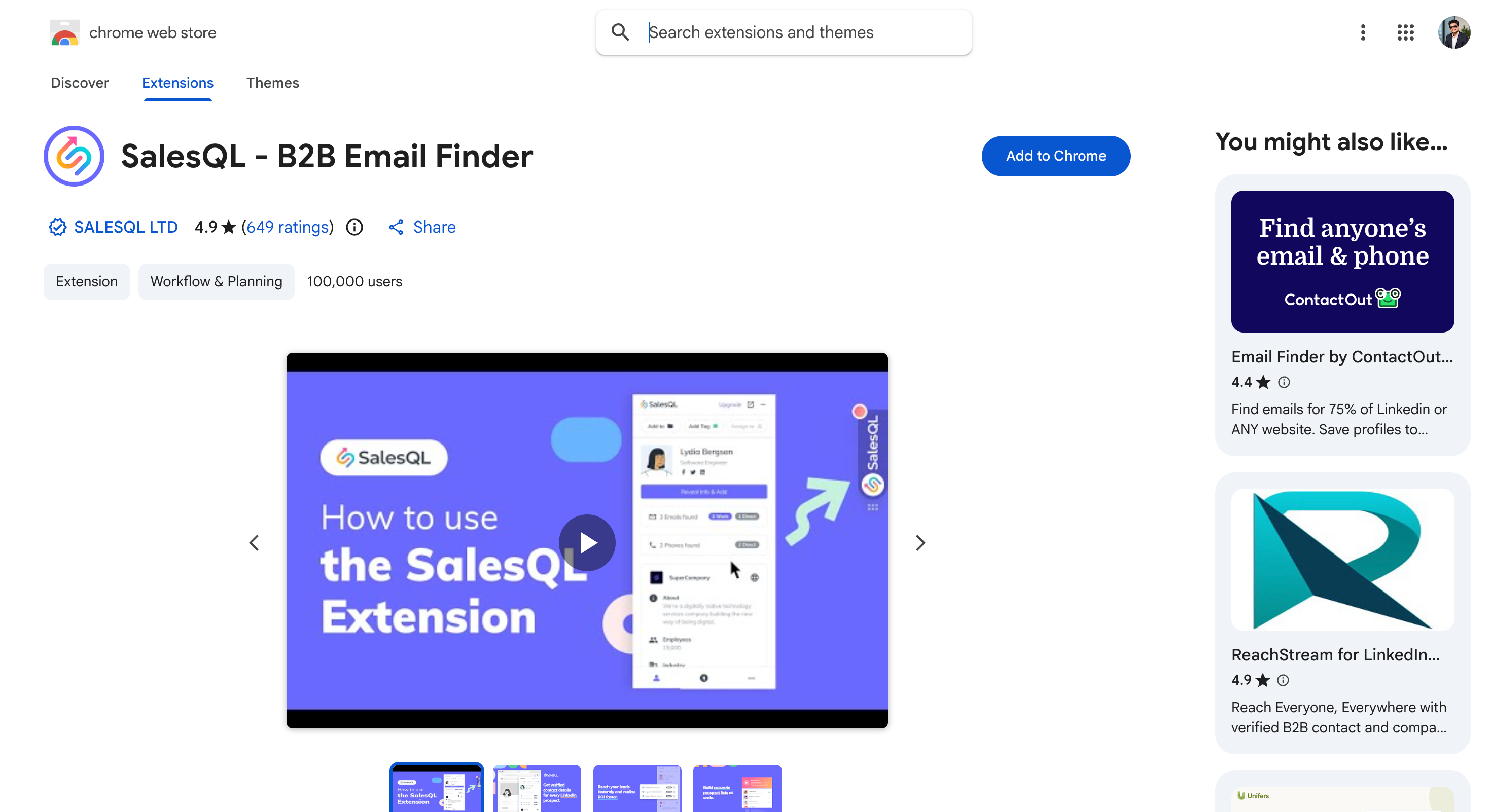
SalesQL
Email, personal email and phone
LinkedIn, Sales Navigator, Recruiter, RPS
No
$39/month
Lightweight prospecting, one credit per contact
Kaspr
Email, direct email and phone
LinkedIn, Sales Navigator, Recruiter Lite
No
€45/user/month
Unlimited work email lookups at volume
What Is a LinkedIn Email Finder?
A LinkedIn email finder is a tool that returns the work email address behind a LinkedIn profile. Most run as a Chrome extension, a web app, or both.
LinkedIn hides contact details by default. Only first-degree connections who chose to share an address will show one. So the finder does that job instead. It reads the name, company and domain off the profile, works out the likely address pattern, then checks that pattern against its own database and any provider it can query.
Verification is the part that matters. A tool that hands you a guess is worse than one that returns nothing, because a bounce damages the domain you send from.
Three things separate the good ones from the rest:
Coverage: how often it returns anything at all, especially outside the US and on small companies.
Verification: whether the address gets checked before it reaches you, or after you have already sent.
Billing: whether a failed lookup still burns a credit.
One thing no finder does: return the email someone registered their LinkedIn account with. That address is private and no legitimate tool surfaces it. What you get back is the person's current work email, which is the address you wanted anyway.
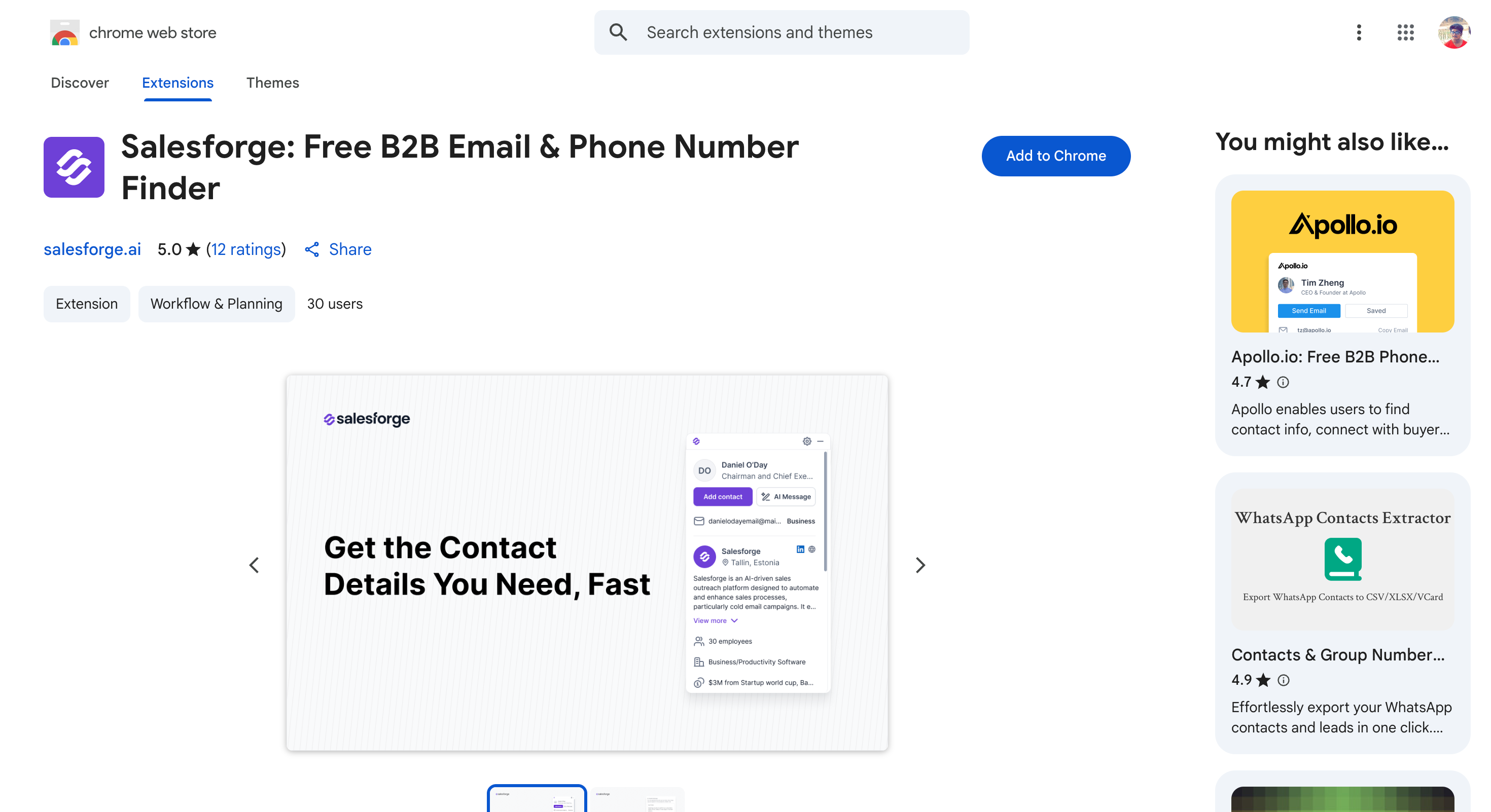
1. Salesforge Chrome Extension: Best Overall Linkedin Email Finder
The Salesforge Chrome Extension finds verified B2B emails and mobile numbers on LinkedIn and on any website.
You can use it when you want to capture a contact, write to them and push them into a sequence without opening another tab.
There are two things separate it from the rest of this list.
The first is that it works beyond LinkedIn, so any company website becomes a prospecting surface through the same sidebar.
The second is bulk event prospecting. You can open any LinkedIn event and pull emails for the attendee list in one go, which almost nothing else here does.
During my test, Salesforge Chrome extension returned 23 verified emails out of 25.
Overall, the extension is free to install and gives you your first 100 credits through Leadsforge signup, with no card. After that you buy credits, and Leadsforge plans start at $49 a month.
Key Features
Verified Emails and Mobiles: You can pull both from a LinkedIn profile or any website in one lookup.
Works Anywhere Online: You can open the sidebar on any company website and pull the company details, the employee list, and emails and phone numbers for those people.
Sales Navigator Extraction: You can pull contacts straight from a Sales Navigator search.
LinkedIn Event Prospecting: You can prospect attendees from a LinkedIn event.
Bulk Finding: You can find emails and phones for multiple LinkedIn profiles at once.
Instant Personalised Outreach: You can send a tailored email or trigger a sequence from the sidebar.
One-Click Pipeline Sync: You can push a contact into your Salesforge lists without an export.
Pros and Cons
Pros
Cons
Free to install with no credit card
Only 100 free credits
Works on any website, not only LinkedIn
—
Prospects LinkedIn events, which most tools skip
—
Bulk finding and Sales Navigator extraction included
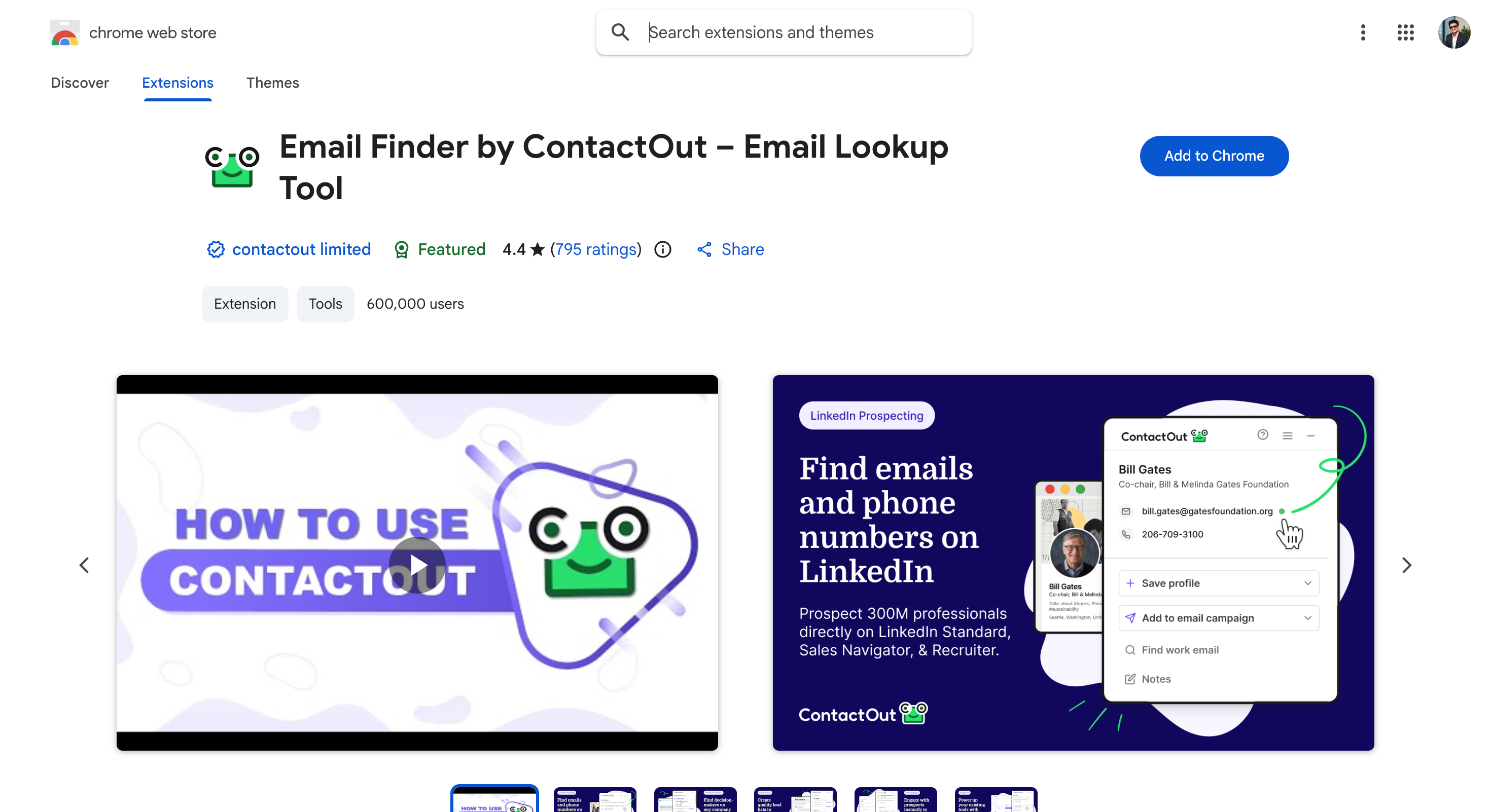
ContactOut is a LinkedIn email finder that returns personal addresses alongside work ones. You use it when the work inbox is not getting replies and you need another route to the person.
Most tools on this list stop at corporate domains. ContactOut also surfaces Gmail, Outlook and Yahoo addresses, which is why recruiters lean on it.
It runs as both an extension and a standalone portal. ContactOut's site reports 350M professionals across 40M companies, with 800M people profiles in total, and it works inside LinkedIn Recruiter, which most finders skip.
The catch is the pricing toggle. The $25 and $49 headline rates exclude US and UK data. Turn that data on and the same plans cost $99 and $199.
Key Features
Personal Email Discovery: You can find Gmail, Outlook and Yahoo addresses alongside work emails.
Recruiter Support: You can run it inside LinkedIn Recruiter and Sales Navigator, not just standard profiles.
Search Portal: You can query the full database without opening LinkedIn. ContactOut reports 350M professionals and 100M direct dials.
ATS Integrations: You can push contacts to Salesforce, HubSpot and Greenhouse.
Pros and Cons
Pros
Cons
Finds personal emails most tools miss
Unlimited plans cap near 2,000 emails/mo under fair use
5 emails, 5 phones and 5 exports free daily
US and UK data quadruples the price
600,000 extension users, the second largest here
4.35 rating, with recurring reports of the extension failing to connect
Works in LinkedIn Recruiter
API access only on the Team plan
Strong ATS integrations
One user per company on both self-serve plans
Pricing
Plan
Price
What you get
Free
$0
5 emails, 5 phones and 5 exports per day
Email
$25/mo excluding US and UK data, $99/mo including it
Unlimited emails, 300 exports/mo, 1 user per company
Email + Phone
$49/mo excluding US and UK data, $199/mo including it
Unlimited emails and phones, 600 exports/mo
Team / API
Contact sales
API access, bulk licence, 20% more data coverage
3. Clearout: Best for Verification and Data Quality
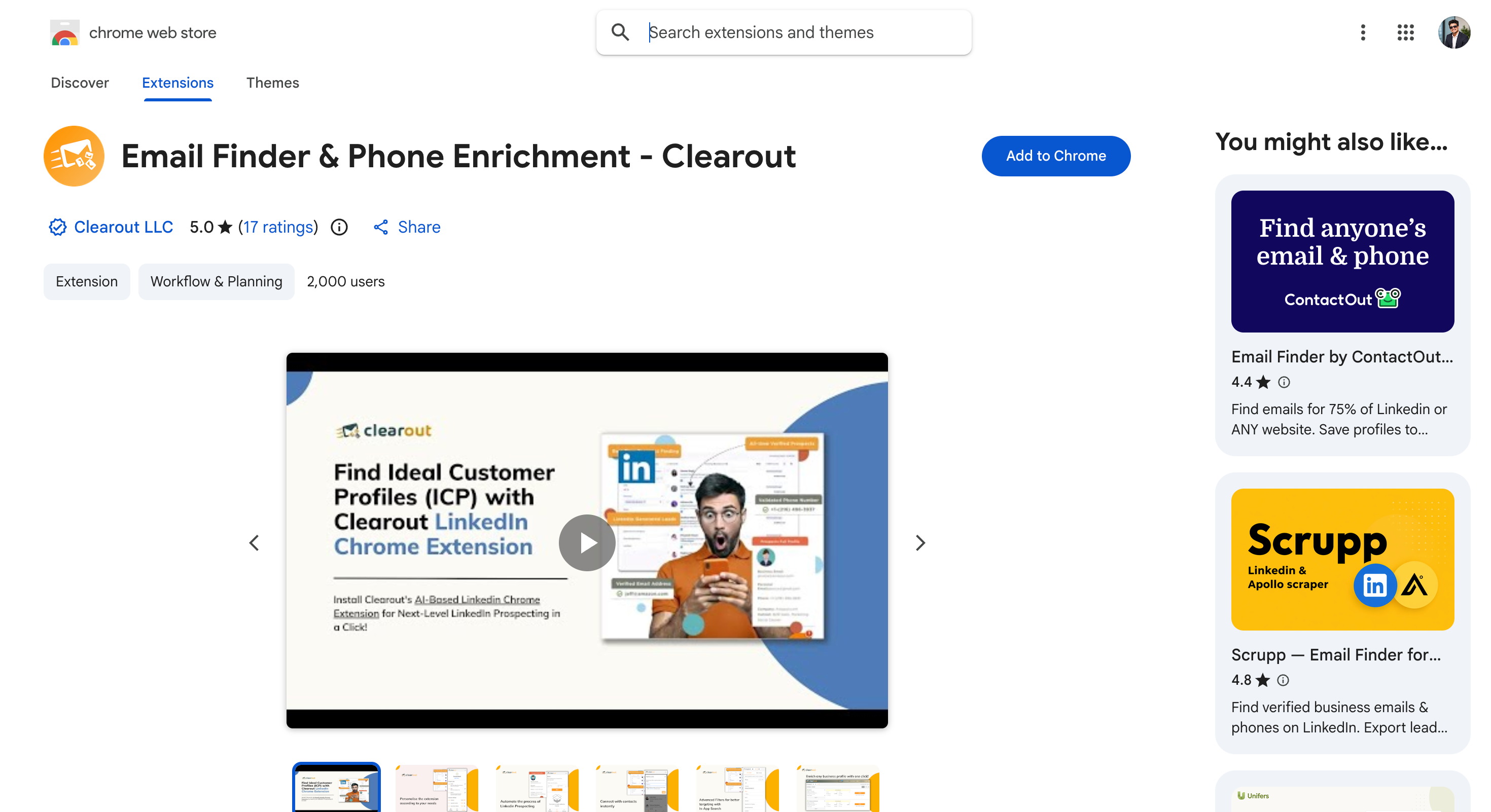
Clearout is an email verification platform with a LinkedIn finder attached. You use it when list hygiene matters more than list size.
The verification engine is the point. Clearout is built to tell you which addresses are safe to send to, and the finder feeds that engine rather than the other way round.
It carries GDPR, SOC 2 Type II, ISO 27001 and ISO 27701 certifications, which matters if you sell into regulated industries.
The catch is that it stops at data. There is no sending, so Clearout sits alongside your sequencer rather than replacing it.
Key Features
Business-Only Filtering: You can exclude role-based and personal addresses at the source.
Reverse Lookup: You can start from an email or a LinkedIn URL and work backwards.
Sheets and API: You can verify inside Google Sheets or through the API.
Data Pulse: You can monitor CRM records continuously for decay.
Form Guard: You can block invalid addresses at the signup form.
Pros and Cons
Pros
Cons
Verification is the strongest on this list
No sending or campaign features
Entry plan is $16/mo on annual billing, the cheapest here
Interface is built for data teams rather than SDRs
GDPR, SOC 2 Type II, ISO 27001 and 27701
Prospecting database is smaller than Apollo's
Credits roll over on paid plans
Free credits are a one-time 100, not monthly
Pricing
Plan
Price
What you get
Freemium
$0
100 credits, one time, no expiry
Starter
$16/mo billed annually, $19.50 list
3,000 credits/mo, unused credits roll over
Pro 10K
$32/mo billed annually, $40 list
10,000 credits/mo, unused credits roll over
Enterprise
Contact sales
Dedicated account manager, on-premise option
Annual billing saves 20%, monthly saves 10%, and there is a pay-as-you-go option. Note the free credits are a one-time 100, not monthly.
4. Skrapp.io: Best for Sales Navigator Prospecting
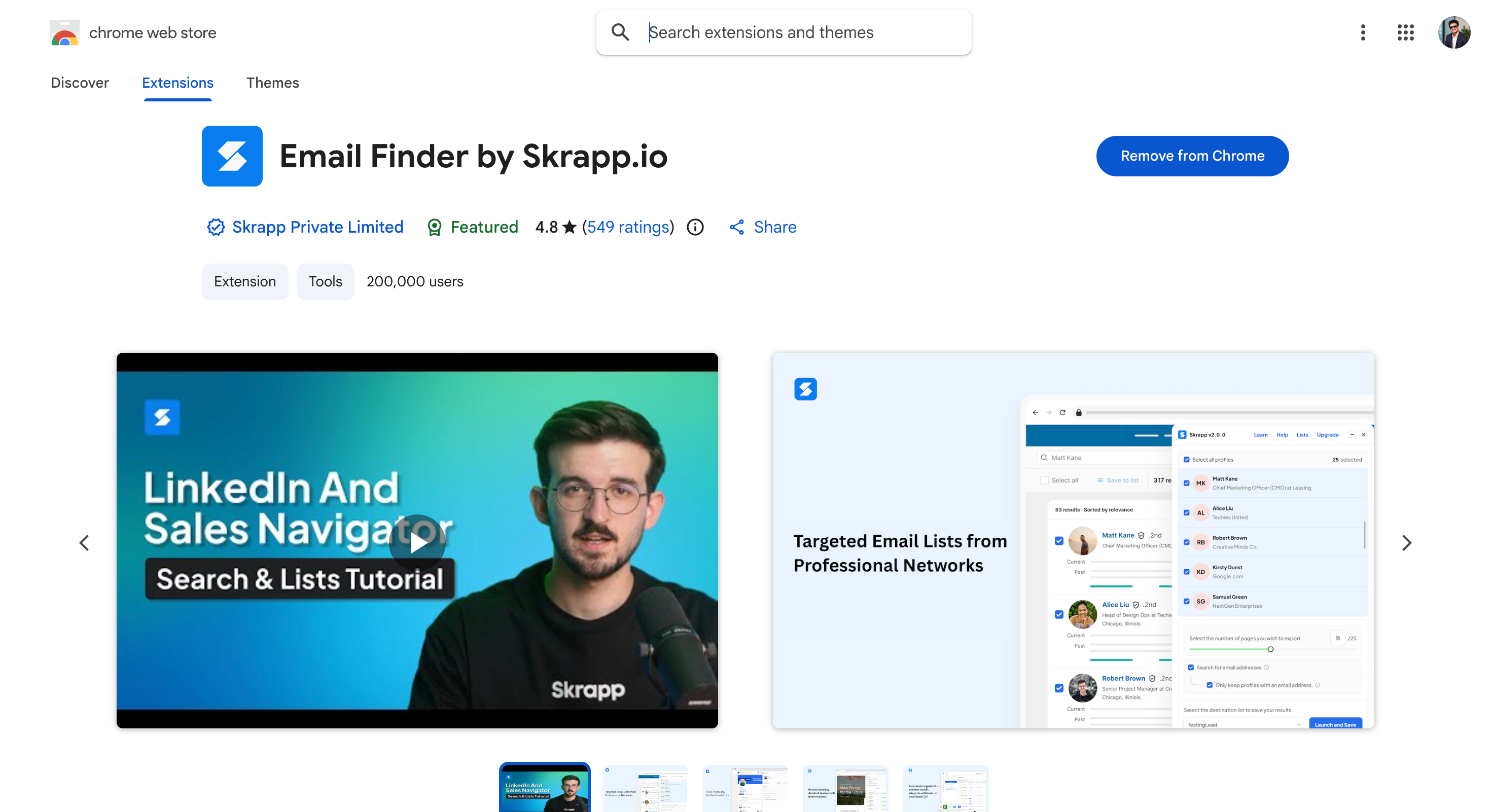
Skrapp.io is an email finder built around Sales Navigator. You use it when your prospecting starts with a saved search rather than a single profile.
Drop a Sales Navigator search into the extension and it returns a verified list in bulk. Each address carries a status label, so you can see what is valid and what is risky before you export.
The free plan gives 50 credits with no card, plus 10 people searches a day.
The catch is that Skrapp's site claims 97% email verification accuracy, and I have not found an independent test that confirms or disputes it.
Key Features
Bulk Sales Navigator Extraction: You can pull a whole search result set rather than one profile at a time.
Verification Status Labels: You can see valid, risky or undeliverable before exporting.
Contact Database: You can filter by title, industry, location and company size. Skrapp reports 200M+ leads across 40M+ companies.
Bulk CSV Finder: You can upload name and domain pairs for batch processing.
Standalone Verifier: You can clean lists you imported from elsewhere.
CRM Integrations: You can sync to HubSpot, Salesforce, Pipedrive and Zoho.
Pros and Cons
Pros
Cons
Best Sales Navigator bulk workflow on this list
[Add a con from our test]
Free plan needs no card
No phone numbers or intent data
Entry plan under $40
API access on higher tiers only
Verification labels shown before export
CRM depth varies by plan
Pricing
Plan
Price
What you get
Free
$0
50 credits, 1 user, 10 people searches/day
Professional
$29/mo billed annually, $39 monthly
2,000 credits/mo, 2 users, credits roll over
Enterprise
$262/mo billed annually, $349 monthly
50,000 credits/mo, 15 users, API and SSO
Skrapp restructured its plans in 2026. The old Starter and Seeker tiers no longer exist. Credit volumes are selectable within each tier, so the prices above are at the entry volume.
5. Prospeo.io: Best for Accuracy-First Verification
Note: Prospeo's Chrome extension was removed from the Chrome Web Store on 29 June 2026 for a policy violation. The listing now returns "Item not available." Prospeo's web app and API are still live at prospeo.io.
Prospeo.io is an email finder built around verification rather than database size. You use it when bounce rate is the number you are judged on, and you are working in the web app rather than a browser extension.
Prospeo's site reports 280M leads, 143M verified email addresses and a 98% data accuracy figure, with data refreshed weekly.
Pricing is per user and starts at $37 a month on yearly billing, with 24,000 credits a year and unused credits rolling over.
The catch is that it is a data layer and nothing more. No CRM sync, no sequencing.
Key Features
Verified-Only Billing: You pay for verified emails and mobile numbers rather than for lookups that fail.
Seven-Day Refresh: You can work from data that is weeks fresher than most competitors.
Bulk URL Processing: You can run a list of LinkedIn URLs or a Sales Navigator export.
Mobile Numbers: You can pull mobiles alongside emails, with a reported 30% pick-up rate.
Credit Rollover: You can carry unused credits into the next year.
Pros and Cons
Pros
Cons
Prospeo's site claims 98% data accuracy
No CRM sync or sequencing
Seven-day refresh cycle keeps data current
Smaller brand, less third-party feedback
Credits roll over year to year
Chrome extension removed from the store in June 2026
Free plan gives 100 credits a month
Per-user pricing, so the bill scales with headcount
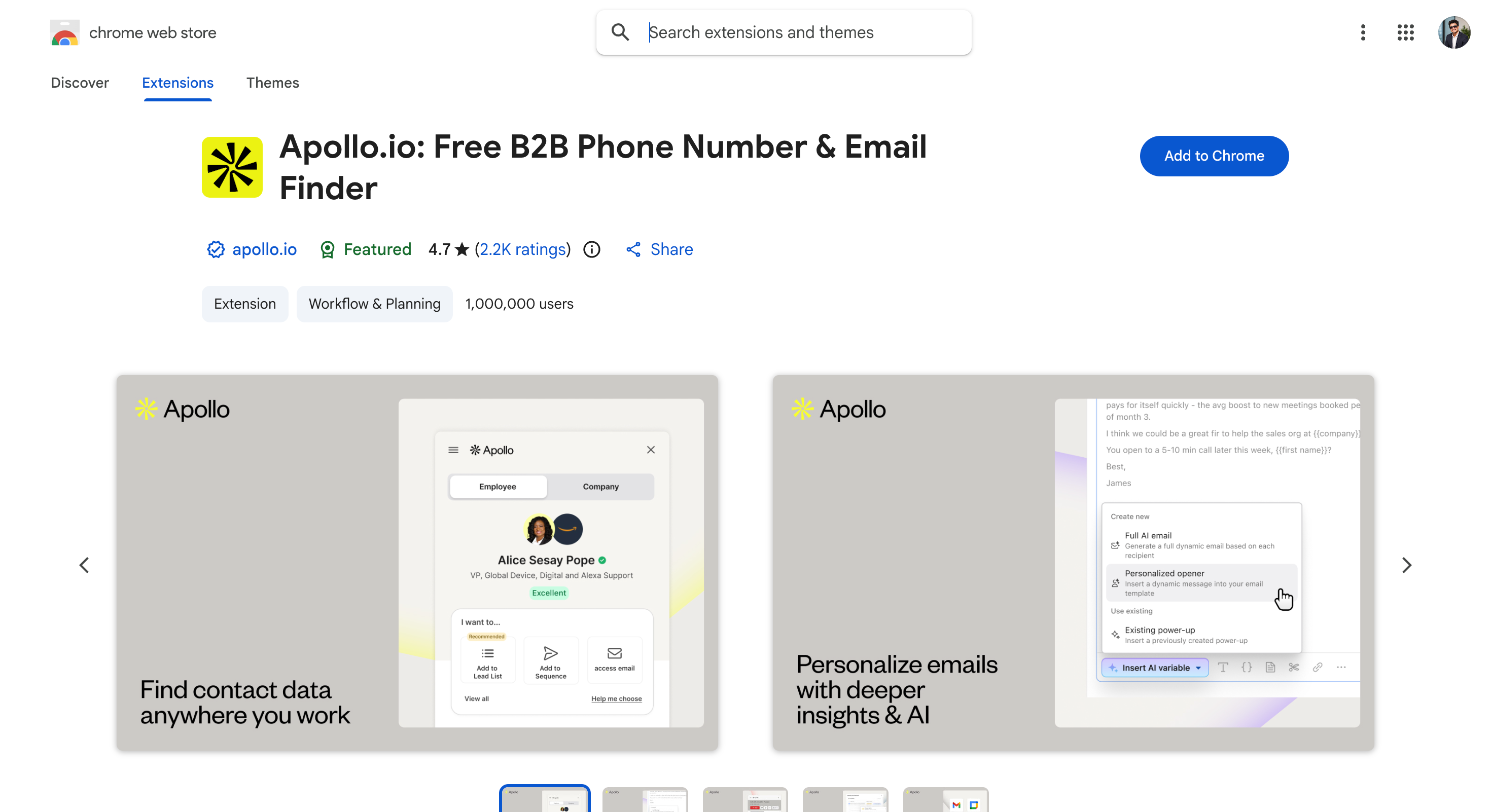
Apollo.io is a sales platform with a contact database, an email finder and a sequencer behind one login. You use it when you want prospecting and sending in the same tool.
The extension surfaces emails and phones on a profile, and you can add someone to a sequence without leaving LinkedIn. Most tools here do one job. Apollo does three.
The free plan gives 900 credits a year, granted monthly, plus two active sequences and database access.
The catch is data quality. Apollo enriches from its own database with no fallback provider, and reviewers on G2 and Capterra repeatedly report weaker coverage outside the US.
Key Features
Database Plus Sequencer: You can find a contact and start sequencing without an export.
Chrome Extension: You can reveal emails and phones on profiles and Sales Navigator results.
Multichannel: You can run email, dialer and LinkedIn steps together.
CRM Sync: You can push to Salesforce, HubSpot and Pipedrive.
Pros and Cons
Pros
Cons
One platform for data, finding and sending
Single-source enrichment with no provider fallback
Free plan includes two sequences and database access
75 free credits a month is thin for real prospecting
Large database at a low price per record
Per-seat pricing scales linearly with headcount
Built-in dialer
Organization tier needs 3 seats minimum
Pricing
Plan
Price (annual)
Price (monthly)
What you get
Free
$0
$0
900 credits per seat per year, granted monthly, 2 sequences per team
Basic
$49/seat/mo
$65
30,000 credits per seat per year, granted upfront
Professional
$79/seat/mo
$99
48,000 credits per seat per year, adds dialer
Organization
$119/seat/mo
Annual only
72,000 credits per seat per year, 3-seat minimum
Annual billing saves 24%. Note the free plan is 900 credits a year, which works out at 75 a month.
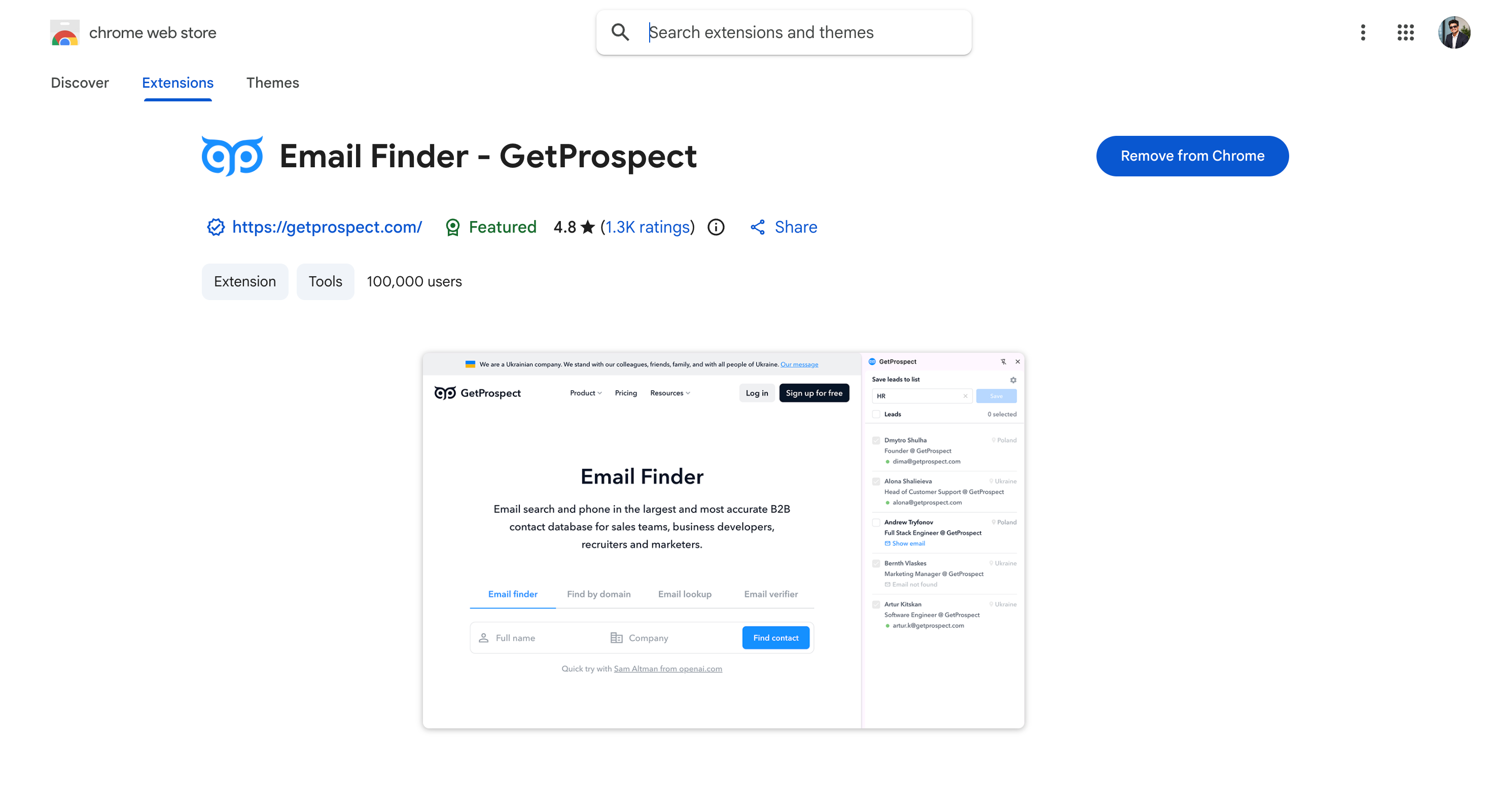
GetProspect is a LinkedIn email finder that only charges when it returns a valid address. You use it when you are tired of paying for lookups that come back empty.
That billing model is the whole pitch and it is rarer than it should be. Most tools here consume a credit whether or not the result is usable.
The free tier gives 600 valid emails and 1,200 verifications a year, which works out at 50 valid emails a month.
The catch is scope. Email only, with no phones, no intent data and no firmographics beyond company basics.
Key Features
Valid-Only Billing: You can run lookups knowing failed ones cost nothing.
Credit Rollover: You can carry unused credits into the next month on paid plans.
Contact Database: You can search and filter without starting from a profile. GetProspect reports 780M B2B contacts, 47M companies and 130M mobile numbers.
Separate Verification Pool: You can clean imported lists without touching finder credits.
Sheets Add-On: You can enrich inside a spreadsheet.
Pros and Cons
Pros
Cons
No credits burned on failed lookups
Email only, no phones or intent data
50 free valid emails every month, for life
GetProspect's site claims 98% accuracy, which I have not independently verified
Lusha is a B2B contact platform built around compliance credentials. You use it when procurement or legal has to sign off on where your data comes from.
SOC 2, GDPR, CCPA and ISO 27701 certifications sit behind a documented consent trail. That is the reason to pick it over a cheaper finder.
The extension reveals emails and direct dials in one click, and job change alerts flag when a contact moves.
The catch is database size. It is smaller than Apollo's, and Pro credit limits run tight with overage charges that add up.
Key Features
Compliance Certifications: You can point at SOC 2, GDPR, CCPA and ISO 27701 in a security review.
Email and Direct Dial: You can get both from one reveal.
Job Change Alerts: You can catch a contact moving companies.
CRM Auto-Enrichment: You can keep Salesforce, HubSpot and Pipedrive records current.
Pros and Cons
Pros
Cons
Strongest compliance posture on this list
Smaller database than Apollo
Free plan covers email and phone
Overage charges add up quickly
Job change alerts surface timing signals
Enterprise needs a 5-user minimum
Per-seat pricing without credit anxiety on Pro
—
Pricing
Plan
Price (annual)
Price (monthly)
What you get
Free
$0
$0
40 credits/mo, 1 seat, no card required
Starter
$37.45/mo billed yearly
$49.90 monthly
4,800 credits/year granted upfront, 1 seat
Pro
$48.95/mo billed yearly
$69.90 monthly
7,200 credits/year, 2 seats, API
Premium
$259.95/mo billed yearly
$399.90 monthly
40,800 credits/year, 5 seats, advanced API
Scale
Contact sales
Contact sales
Custom credits and seats, 50%+ off per credit
Lusha prices on a credit slider, so Pro and Premium rates move with the volume you select. The figures above are at 40,800 credits a year.
Wiza turns a Sales Navigator search into an enriched CSV. You use it when the job is exporting a list rather than looking up one person.
Run the search, hit find emails, and a cleaned file comes back in minutes. Verification runs before export, so the list is ready to load into a sequencer without a second pass.
Wiza reports a database of 850M+ contacts, among the largest figures claimed on this list.
The catch is the price. Unlimited credits only apply on yearly billing, and the entry plan is $990 a year for one seat, the most expensive starting point on this list.
Key Features
Search to CSV: You can export a whole Sales Navigator search enriched.
Verification Before Export: You can skip the separate cleaning step.
Large Database: You can search beyond what Sales Navigator surfaces. Wiza reports 850M+ contacts.
CRM Integrations: You can push to Salesforce, HubSpot and Outreach.
Pros and Cons
Pros
Cons
Fastest Sales Navigator export workflow here
$990/year entry price, the highest here
100,000 extension users
Lowest extension rating here at 4.18, though Wiza's own site advertises 4.8
Verification runs before export
Credits do not roll over
Database reported at 850M+ contacts
Unlimited tiers cap at 30,000 exports under fair use
Free plan enough to validate the workflow
Unlimited credits require yearly billing
Pricing
Plan
Price
What you get
Free
$0
20 valid emails and 5 phone numbers
Email
$83/user/mo, billed $990/year
Unlimited email reveals, phones at $0.35 each, 2,500 exports/mo
Email + Phone
$166/user/mo, billed $1,990/year
Unlimited email and phone reveals, 2,500 exports/mo
Unlimited credits apply on yearly billing only, and pricing is per user. At $990 a year for one seat, Wiza is the most expensive entry point on this list.
11. LeadLeaper: Best for Bulk Search Result Extraction
LeadLeaper is a free extension that captures a whole page of LinkedIn search results at once. You use it when you are working from free LinkedIn and cannot justify a Sales Navigator seat.
It works on every LinkedIn tier, including free accounts, which most bulk tools do not. When a captured contact changes employer it generates a new address for the new company.
The free tier is permanent at 100 email credits a month with leads export included.
The catch is that the interface shows its age next to Apollo or Wiza, and enrichment is email only.
Key Features
Bulk Page Capture: You can extract a full search results page in one click.
Works on Free LinkedIn: You can skip the Sales Navigator subscription.
Job Change Regeneration: You can get a new address when a contact moves.
Duplicate Detection: You can avoid paying twice for the same person.
SalesQL is a single Chrome extension that pulls emails and phones from any LinkedIn profile. You use it when you want one simple tool rather than a platform.
One credit covers both the email and the phone for the same contact, which is unusual. Most tools here charge separately for each. Note the free plan returns emails only.
It works across every LinkedIn product including Recruiter and Recruiter RPS. The extension has 100,000 users and a 4.88 rating from 648 reviews.
The catch is that credits are consumed even when nothing is returned, unlike GetProspect.
Key Features
One Credit, Both Fields: You can reveal email and phone for a single charge.
Every LinkedIn Product: You can use it on basic, Sales Navigator, Recruiter and RPS.
Contact Database: You can pull 40+ data points per contact.
Integrations: You can connect HubSpot, Salesforce, Outlook, Gmail and Zapier.
Pros and Cons
Pros
Cons
One credit covers email and phone
Credits burn even on failed lookups
Works on Recruiter and RPS
Free tier smaller than LeadLeaper or Skrapp
One credit covers email and phone
Credits burn even on failed lookups
25% annual billing discount
Free plan has no phones, exports or integrations
Pricing
Plan
Price
What you get
Free
$0
600 credits/year, verified emails only, no phones or exports
Basic
$29/mo billed annually
24,000 credits/year, phones, unlimited exports, no API
Professional
$59/mo billed annually
60,000 credits/year, 3 seats, API access
Organization
$89/mo billed annually
144,000 credits/year, 15 seats, API access
Annual billing saves 25%. The free plan has no phone numbers, no exports and no integrations.
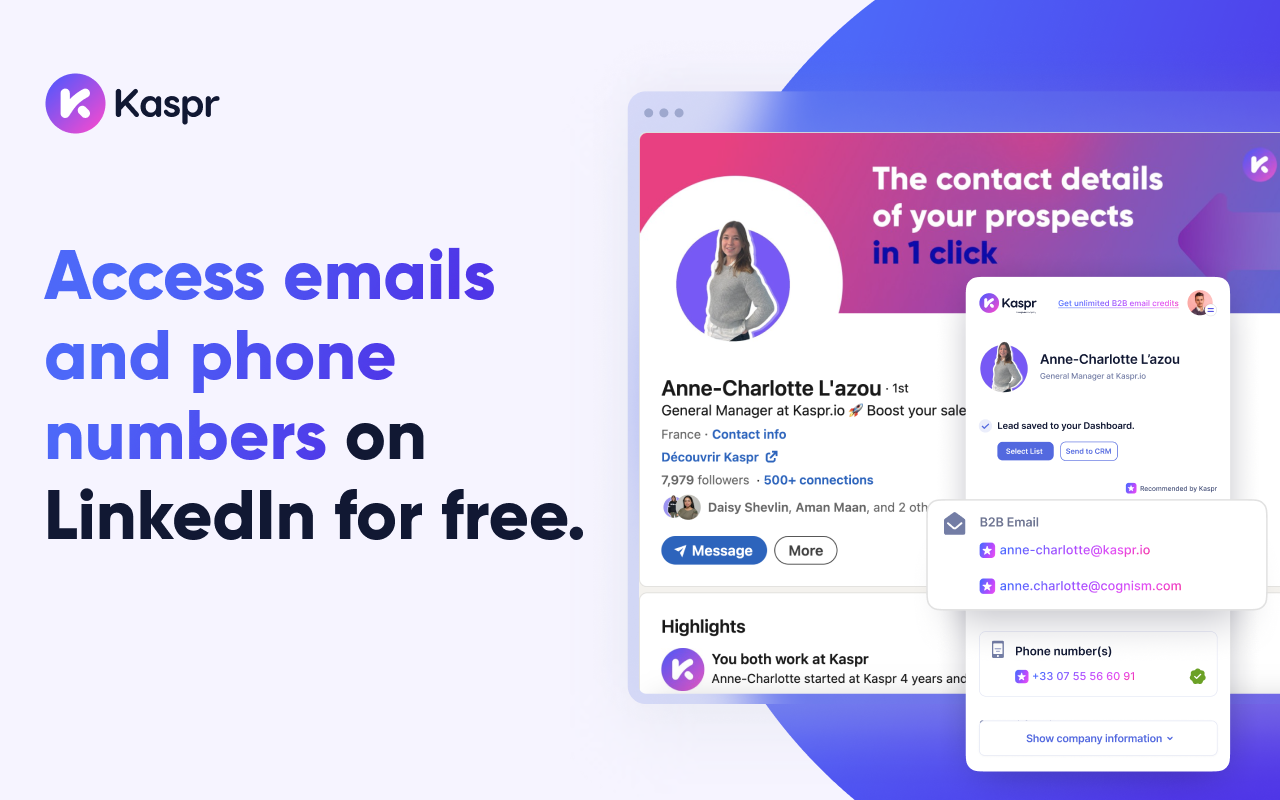
Kaspr is a LinkedIn contact finder that stops metering your email lookups once you pay.
You use it when volume is the constraint and you are tired of watching a credit balance.
Every paid plan carries unlimited B2B email credits. Nothing else on this list does that, and it changes how you work, because you stop rationing lookups and start pulling every profile worth pulling.
Kaspr's own listing reports a database of over 500 million contacts, weighted towards Europe. That European coverage is the second reason to look at it, since it is where several tools on this list get thin.
The extension runs on standard LinkedIn profiles, on Sales Navigator from Starter, and on Recruiter Lite from Business. Phone numbers and direct emails stay metered, so the unlimited part covers work emails only.
Key Features
Unlimited B2B Emails: You can pull work emails without a monthly cap on every paid plan.
LinkedIn, Sales Navigator and Recruiter Lite: You can work across all three, with Recruiter Lite on the Business plan.
Shared Team Credits: You can pool phone and direct email credits across the team rather than splitting them per seat.
Credit Rollover: You can carry unused phone and direct email credits forward.
Enrichment Automations: You can trigger enrichment workflows rather than running each lookup by hand.
Dialer Integrations: You can connect Kaspr to your calling stack.
CSV Enrichment: You can enrich a list you already have.
API Access: You can automate lookups, limited on Starter and full on Business.
Pros and Cons
Pros
Cons
Unlimited B2B email credits on every paid plan
Free plan is 15 email credits a month, the thinnest here
Works on LinkedIn, Sales Navigator and Recruiter Lite
Priced in euros, so US buyers carry conversion risk
Credits are shared across the team and roll over
Phone and direct email credits are capped per year
4.73 extension rating from 1,219 reviews
Recruiter Lite support needs the €79 Business plan
Export limits are generous at 12,000 to 30,000 a year
Intent data is Enterprise only
European data coverage is a genuine strength
Recent reviewers report bounced emails and stale contacts
Pricing
Kaspr prices in euros, per user, with 25% off annual billing.
I scored three ways: returned nothing, returned an unverified guess, and returned a verified email.
Only verified results counted toward the score, because an address that bounces damages the domain you send from and is worse than no result at all.
Final Verdict: Which LinkedIn Email Finder Should You Choose?
Picking a LinkedIn email finder is not about chasing the highest accuracy claim on a vendor page. Every tool here claims somewhere between 95 and 98%.
6 of the 13 cleared 20 verified out of 25 when I actually ran them.
My take is simple. Teams spend weeks choosing a finder and almost no time on what happens after the address comes back, and that is backwards. Finding the email is the cheap part.
If you only need a handful of addresses a month, the free tiers in the table above will cover you.
If you prospect on company websites and in Gmail as much as you do on LinkedIn, you want a sidebar that follows you across all of them. That's what the Salesforge extension was built for, and it scored 23 out of 25 on the same profiles as everything else here.
Whatever you shortlist, run 25 of your own profiles through it before you commit. That will tell you more than this post can.
A LinkedIn email finder is a tool that finds the work email address attached to a LinkedIn profile. Most run as a Chrome extension or a web app. A profile URL goes in, and a verified business email comes back. They exist because LinkedIn hides email addresses by default.
2. What is the best email finder for LinkedIn?
The Salesforge Chrome Extension found the most in my test at 23 out of 25, with Skrapp.io close behind at 22, then ContactOut and Lusha tied at 21. If cost matters more than the top score, Clearout hit 20 and starts at $16 a month on annual billing, which is the cheapest entry price here.
3. How do I find someone's email on LinkedIn?
There are three routes. Check the Contact Info panel if you are already connected, since that shows what the person chose to share. Use a finder extension on the profile. Or take their name and company domain, work out the likely pattern and verify it before you send.
4. Does LinkedIn show email addresses?
Not for strangers. You cannot see the address someone registered their account with, and no legitimate tool returns it. Only first-degree connections who opted to share contact details will show one. What these tools find is the person's current work email, which is the address you wanted anyway.
5. Is there a free LinkedIn email finder?
Yes, several. The Salesforge Chrome Extension is free to install and gives 100 credits with no card. LeadLeaper refills 100 credits every month, GetProspect gives 50 valid emails a month for life, and Skrapp gives 50 credits on signup. Every free tier is in the comparison table above.
6. Is it legal to find emails from LinkedIn?
Generally yes for B2B outreach, under legitimate interest in GDPR and under CAN-SPAM in the US. Reading a public profile is different from automating actions inside LinkedIn, which breaches their terms. This is not legal advice, so check your own obligations.
7. How accurate are LinkedIn email finders?
In my test the range ran from 14 to 23 verified emails out of 25, so 56% to 92%. Every tool on this list advertises 95 to 98% accuracy and not one of them reached it. Accuracy dropped hardest on people who had changed jobs recently, on non-US contacts, and on founders using custom domains.
8. Which LinkedIn tools include an email finder?
Apollo, Snov.io, Clearout and Lusha all bundle finding with other functions. Sales Navigator itself does not return email addresses, which surprises people. It surfaces profiles, and you still need a finder on top.
9. How do I find emails without LinkedIn?
Take the person's name and their company domain, work out the pattern, then verify it before sending. A Google search combining the domain and the name often surfaces an address directly. Company team pages and conference speaker listings are both worth checking.
10. Can I find emails from Sales Navigator profiles?
Yes. A Sales Navigator profile URL works the same way as a standard one in every tool here. Wiza and Skrapp go further and export a whole saved search in bulk.
Book more meetings on autopilot
Set up in minutes. No per-seat pricing. No commitment.
Compare 5 LinkedFusion alternatives for LinkedIn outreach, with a clear look at pricing, automation, account safety, reply handling, and multichannel features.
Compare 5 ListKit alternatives for sales outreach. See which tools are best for prospecting, cold email, LinkedIn outreach, scaling campaigns, and B2B sales data.
.jpg)

.png)
.jpg)

