If you're looking at LinkedIn lead generation tools, you're probably doing outreach manually right now and want it automated.
Or you're paying for a tool that isn't working.
LinkedIn drives 80% of all B2B leads that come from social media. I ran sales for over a decade and used most of these tools day to day.
Every tool here sells you automated sequences and a long feature list. Hardly any of them care about the two things that decide whether you still use it next year. Does it keep your account safe, and does it let you run one workflow instead of two?
LinkedIn publishes no official cap on connection requests. Most practitioners work to around 100 a week, and no tool raises that, so a LinkedIn-only tool runs out of room fast.
Most teams then buy a cold email tool as well. I did that for years, and it left me with two bills and two inboxes to check.
Teams that combine the two channels properly report up to 3x the replies of email alone.
So I ranked these 8 tools on one question. How much of the work does each one do before you need that second tool?
For each tool I've covered what it does well, where it falls short, what it really costs and who it suits.
Salesforge: Best overall, with LinkedIn and email in one sequence and replies from both channels in one inbox. No per-seat pricing, so adding people and senders doesn't change what you pay.
Expandi: Best for conditional LinkedIn sequences, with a dedicated country IP per account. Video and GIF personalisation needs paid third-party subscriptions on top.
Dripify: Best for a solo rep who wants a drip campaign running this afternoon. Its email side stays light, so it won't replace a cold email tool.
Waalaxy: Best free plan in the category, and the easiest builder here to pick up on day one. The free tier runs through your browser, so a LinkedIn tab stays open.
La Growth Machine: Best for teams running LinkedIn, email and X together, with voice notes as a step. Billing runs per identity, so every profile you add costs again.
Skylead: Best for unlimited email accounts on one LinkedIn seat. The base plan includes only one seat.
Dux-Soup: Best for deep CRM sync, with native connectors most tools here route through Zapier. Its Pro and Turbo tiers need your browser open to run.
Meet Alfred: Best for running LinkedIn, email and X from one cloud workspace since 2016. Its X features lag the other two channels.
How I Judged These LinkedIn Lead Generation Tools
Every tool here looks affordable on its pricing page. You rarely pay that price, and it tells you nothing about the work each tool leaves you to do.
So I judged all 8 on the same six things.
Cloud vs. Chrome extension: I checked how each tool runs, including the few that use a desktop app. Cloud tools work without your browser open. Chrome extensions send from your own browser and your own IP, so LinkedIn sees the activity coming from you.
Multichannel: Most buyers ignore LinkedIn-only outreach now. So I asked one thing of every tool. Can an email step sit in the same sequence as a connection request, or do you run two campaigns and match them up yourself?
Account safety: I looked at proxies, daily action limits and how each tool logs in. All three decide whether your account survives a year of outreach. A burned domain costs a few hundred dollars, while a restricted LinkedIn account costs you your connections.
Reply handling: Replies arrive on both channels. I looked at whether they land in one inbox, and whether anything drafts or sorts them before you get there.
Pricing model: Paying per seat costs little for two people and a lot for ten. Paying per sender works the other way round. I have used annual prices where a tool publishes them, and I say where add-ons change the total.
What users say: I have used G2 ratings with the review count beside them.
Feature Comparison: Top 3 LinkedIn Lead Generation Tools
I've compared the top five on the things that decide your bill and your workflow.
Best for: GTM teams and agencies running LinkedIn and email together who don't want to pay per seat or per sender.
G2 rating: 4.6 out of 5 across 150+ reviews
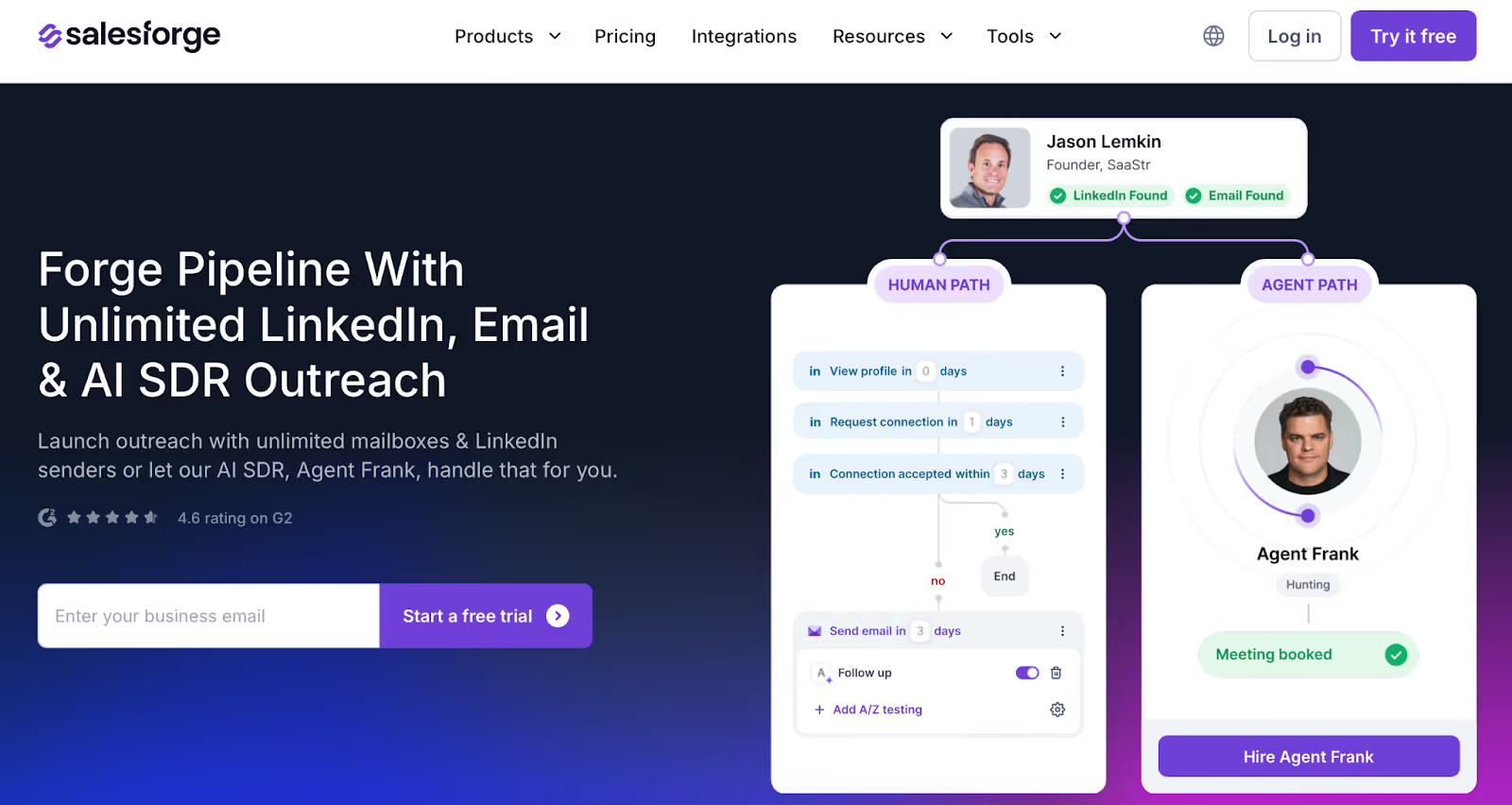
This image shows the Salesforge Homepage
Salesforge is the safest tool on this list that runs email and LinkedIn natively as one sequence.
Salesforge tops this list for two reasons.
The product runs email and LinkedIn as one sequence instead of two campaigns you stitch together. Pricing works per account, not per seat, so adding people never moves your bill.
Account safety comes as standard. Every LinkedIn action routes through high-quality shared proxies, and you can add your own proxy if you want a fixed IP. Each action type caps at 30 a day to match normal human use.
You log in through LinkedIn itself, so Salesforge keeps the session token and never your password.
Salesforge Key Features
Multichannel Outreach: Email and LinkedIn run in one sequence with branching.
Six Native LinkedIn Actions: Connection requests, messages, InMails, post likes, follows and withdraw requests. A sequence can warm a profile before it pitches, then clear stale invites afterwards.
Unlimited Mailboxes and LinkedIn Senders: No per-mailbox or per-sender fee on Growth, so adding capacity doesn't move the bill.
Unlimited Users and Workspaces: An agency pays the same at fifteen clients as it does at three.
Free Unlimited Warm-Up: Warmforge warms every connected mailbox on every plan, with no tiers and no add-on charge.
Primebox™: Every email and LinkedIn reply lands in one inbox, with Auto-Pilot and Co-Pilot modes.
AI Personalisation: AI variables pull company news, LinkedIn activity and industry context, and write in the prospect’s own language across 21+ languages.
Native CRM Integrations: HubSpot, Salesforce, Pipedrive, Attio and folk connect natively, with Clay, Slack, Zapier, Make and webhooks behind them.
Free LinkedIn Email and Phone Finder: The Chrome extension pulls verified emails and mobile numbers off LinkedIn profiles using Leadsforge credits. New accounts get 100 free.
A/B Testing and Campaign Analytics: You test messaging variants across both channels, then track connection acceptance, reply rate and meetings booked in one dashboard.
Deliverability Built In: ESP matching, Bounce Shield, sender rotation and contact validation all come with the plan. No add-ons.
Agent Frank: An autonomous AI SDR who prospects, writes and sends across both channels, then books meetings on your calendar. You hire him separately from $499 a month.
Forge MCP Server and CLI: You can connect Claude and other AI assistants to create contacts, launch sequences and manage outreach from your chat.
What I Liked About Salesforge
My bill stayed the same as the team grew. Adding mailboxes, senders or people never changed what I paid.
I never hit a cap on users, workspaces or warm-up. Other tools meter all three.
Every reply landed in Primebox™, so I answered LinkedIn and email in the same place.
I ran campaigns through Claude and other AI assistants without opening the app.
Best for: Power users and mid-sized teams who want if-then LinkedIn sequences with a dedicated country IP behind every account.
G2 rating: 4.3 out of 5 across 166 reviews
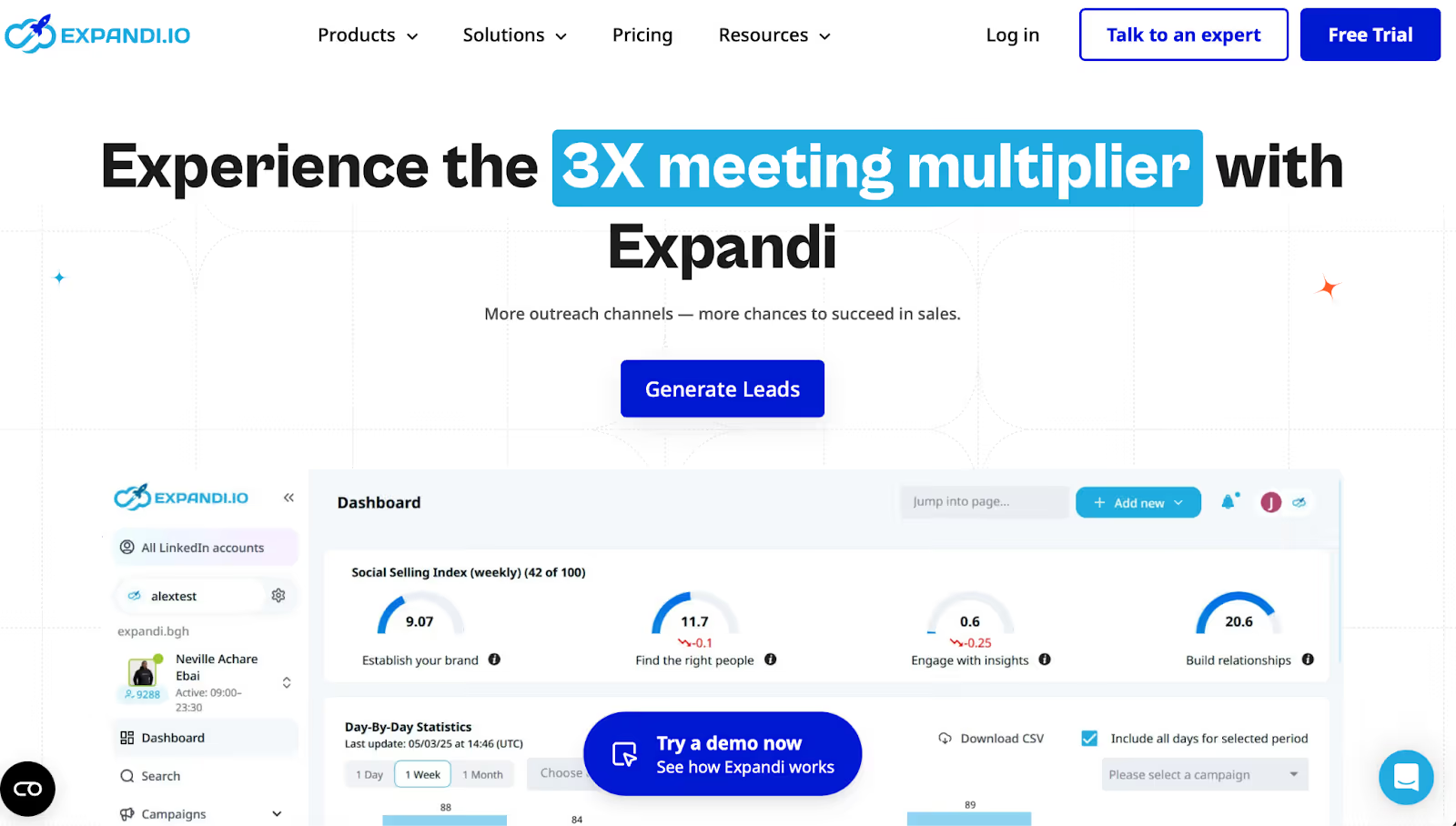
This image shows the Expandi Homepage
Expandi has been in LinkedIn automation longer than most tools here, and the Smart Sequences builder shows it.
You branch a sequence on what a prospect actually did. If someone accepts your connection request, the next step fires a message. If they ignore it, the sequence moves to an InMail or an email instead.
Every account gets its own country IP. LinkedIn then sees traffic from the place that account normally logs in from. Some tools here share one IP across users, and that reads worse.
One thing catches people out, and it's the personalisation. Expandi markets image and GIF personalisation hard, but both need a paid Hyperise or Sendspark subscription on top of the $79.
Expandi Key Features
Smart Sequences: LinkedIn and email steps run in one sequence with if-then branching on acceptance, replies and profile activity.
Dedicated country IP: Each LinkedIn account gets its own IP matched to its location instead of sharing one across users.
Four LinkedIn actions: Connection requests, messages, InMails and profile visits run as sequence steps.
Profile warm-up: Activity scales up gradually on new accounts, so fresh profiles build history before they send at volume.
Step-level analytics: The dashboard reports conversion and drop-off at every step, not just the campaign total.
Sales Navigator import: Lists pull in with one click, along with Zapier, Make and HubSpot connections.
The sequence builder handles branching better than anything else at this price.
A country IP per account is real safety work, not a marketing line.
Cloud-first means nothing breaks when I close my laptop.
Step-level analytics tell me which step loses people. Most tools here only report the campaign total.
What Are the Cons of Expandi
Image and GIF personalisation needs a Hyperise or Sendspark subscription on top.
Pricing is per LinkedIn account, so five accounts costs five times the headline.
Email works but stays secondary, so teams sending real volume keep a separate tool.
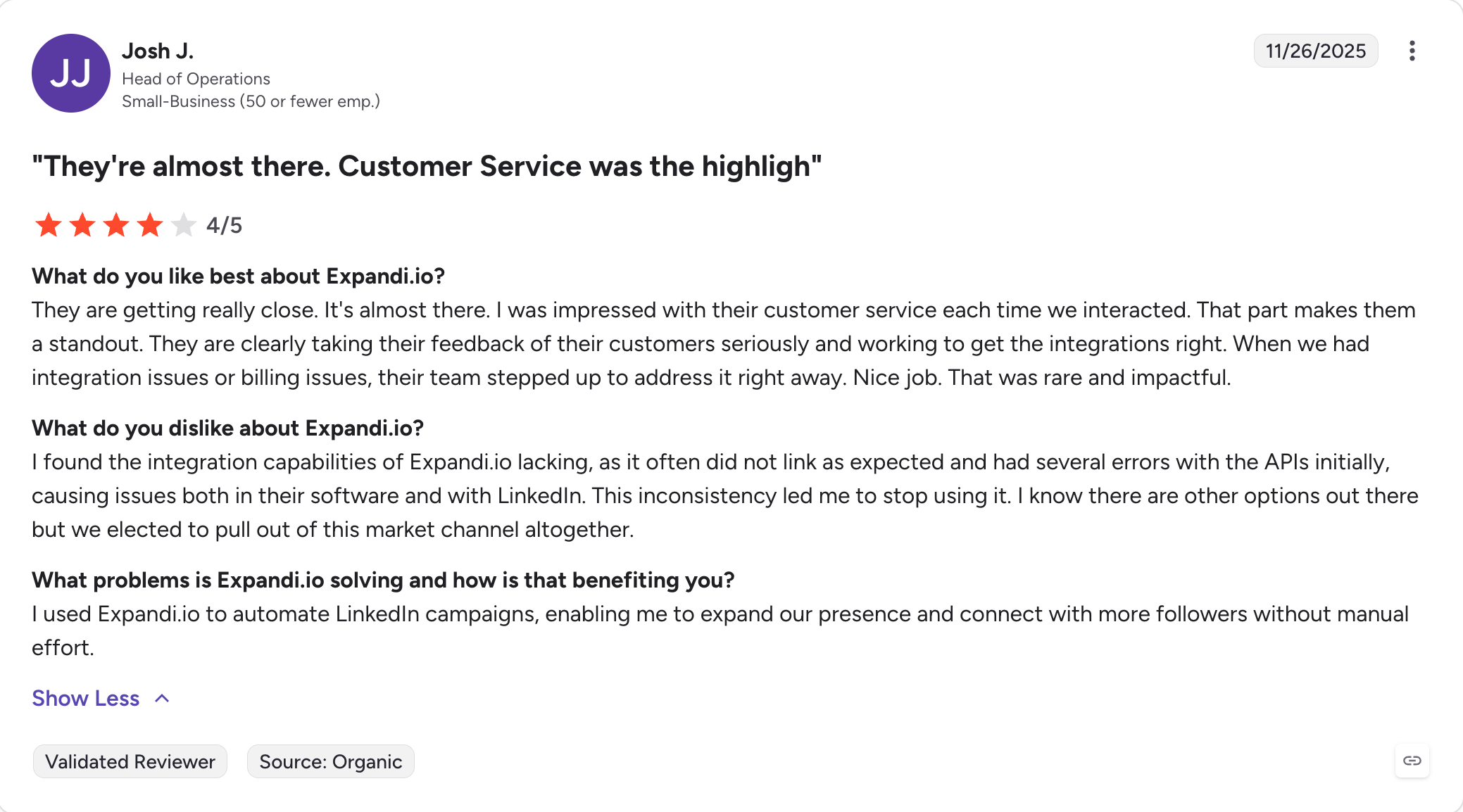
G2 reviewers report account restrictions, including one who lost an account with 1,400 connections.
Expandi Pricing
Plan
Price (annual)
Price (monthly)
Includes
Business
$79/account/month
$99/account/month
Smart Sequences, dedicated country IP, warm-up, analytics
Enterprise
Custom quote
Custom quote
10+ accounts, whitelabel, dedicated support
A 7-day free trial is available.
Overall, Expandi is the right pick when you want branching logic and a dedicated IP on one or two LinkedIn accounts. It's the wrong pick for an agency adding accounts every month, because the price scales with each one.
Best for: Solo reps and small sales teams who want a drip campaign running this afternoon without learning a builder first.
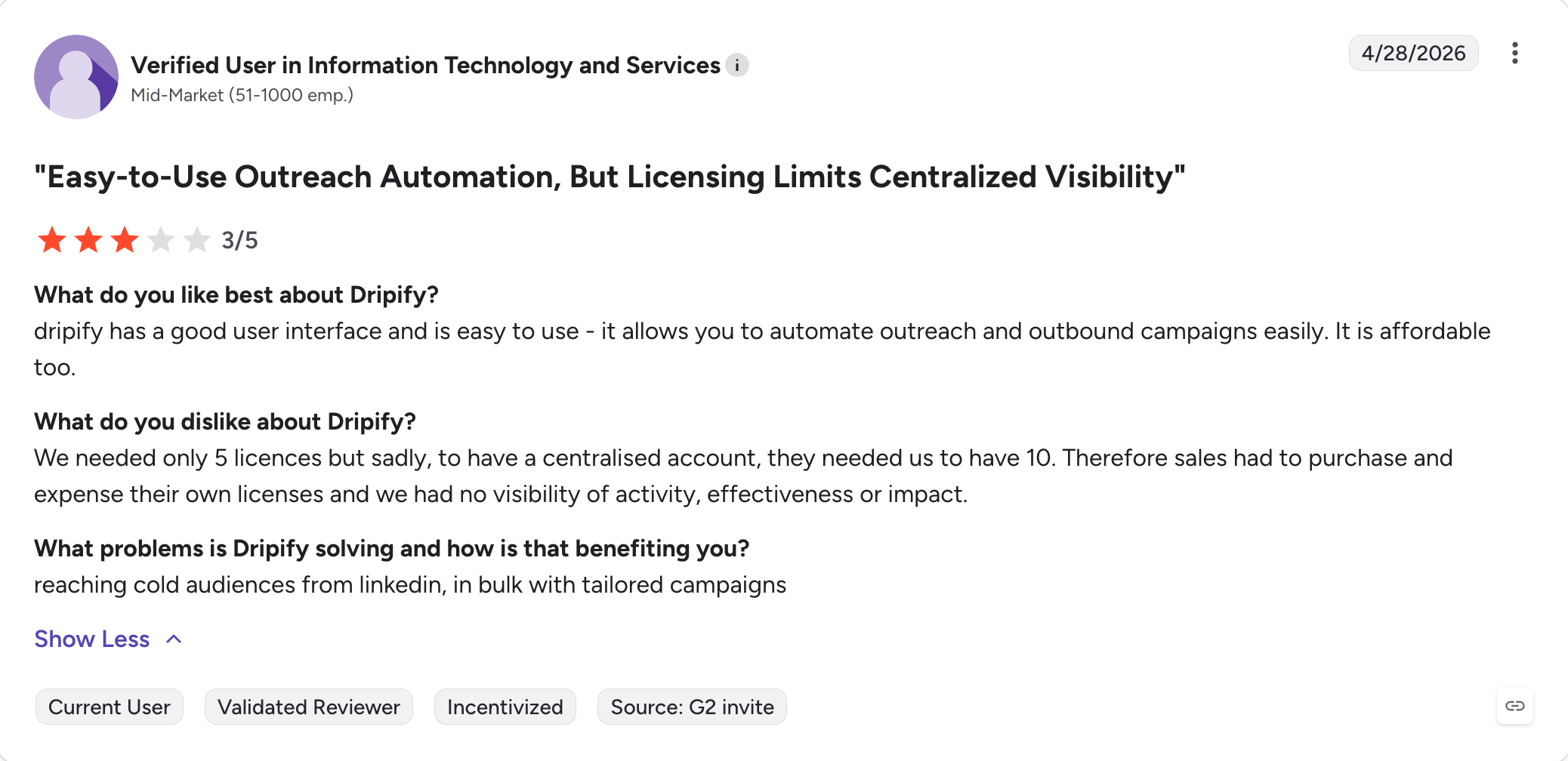
G2 rating: 4.5 out of 5 across 354 reviews
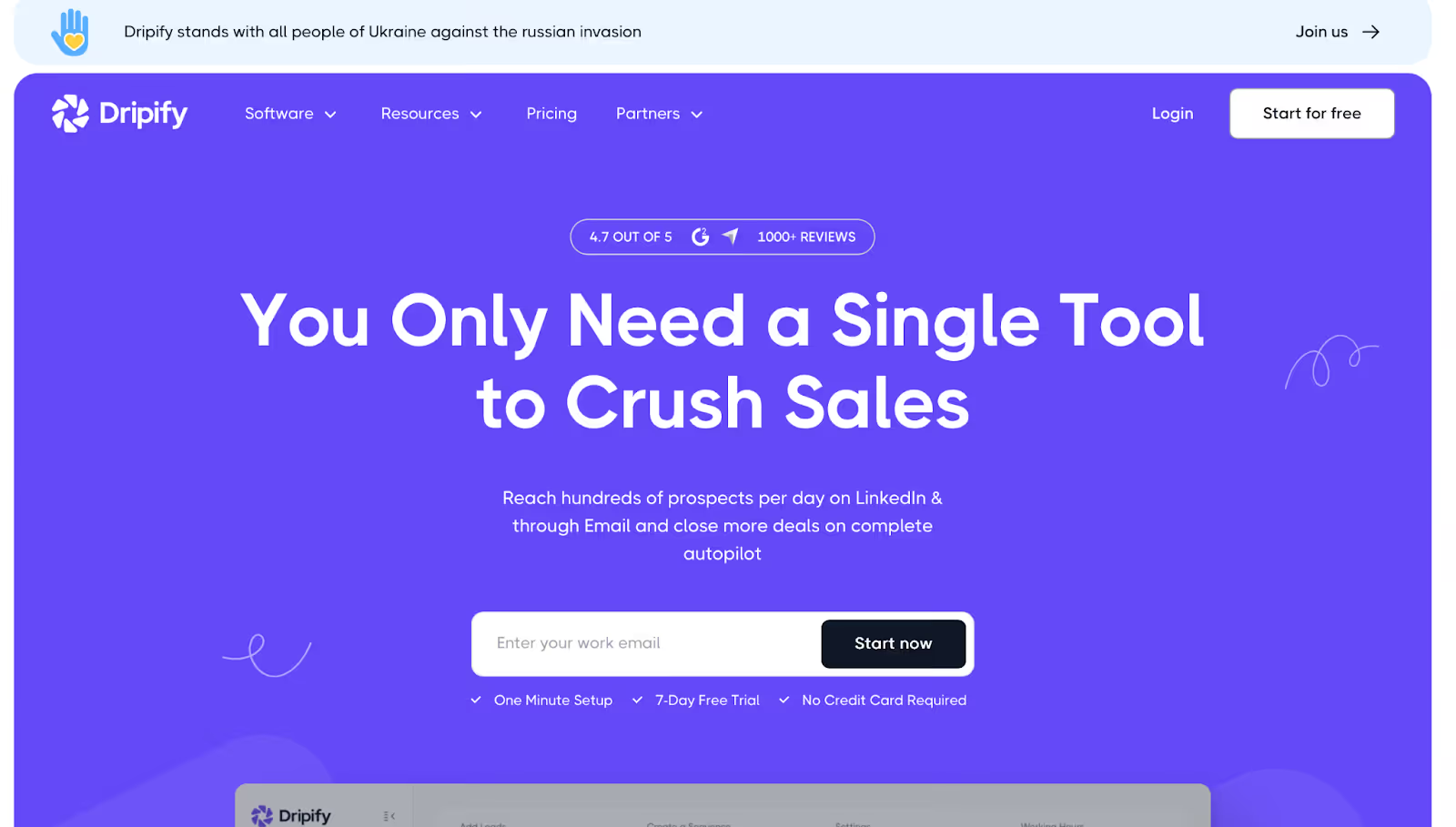
This image shows the Dripify Homepage
Dripify works as a LinkedIn automation tool with a drag-and-drop drip builder at its centre. Nothing else here gets running as fast on day one.
You send connection requests, then follow up messages fire on a delay you set. Profile visits, endorsements and InMails drop in as blocks. Most automation tools make you choose between simple and capable, and Dripify picks simple on purpose.
Smart Inbox lets you answer LinkedIn messages without leaving the tool, starting on the Pro plan rather than Basic.
Dripify runs out of room past a solo drip. Its email side handles follow-ups instead of real campaigns, and advanced A/B personalisation has sat on the roadmap for longer than it should have.
Dripify Key Features
Drag-and-drop drip campaigns: Connection requests, messages, profile visits, endorsements and InMails all drop in as sequence blocks.
20+ personalisation variables: Name, company, role and custom fields render at send time, covering personalized outreach at list level.
Smart Inbox: Answer LinkedIn messages inside Dripify from the Pro plan and above.
Multiple campaigns: Pro and above run multiple campaigns at once. Basic caps you at one.
Lead tracking and analytics: Lead tracking sits in the dashboard with per-step drop-off for every campaign.
Team management: Team management and lead tagging arrive on the Advanced plan.
Country-aware IP rotation: Advanced routes activity through IPs matched to your account location.
Overall, Dripify is the right pick for one rep who wants LinkedIn outreach working today. It's the wrong pick the moment email becomes a real channel instead of a follow-up.
Best for: Solo users and beginners testing LinkedIn outreach who want to send real volume before paying anything.
G2 rating: 4.5 out of 5 across 1,613 reviews
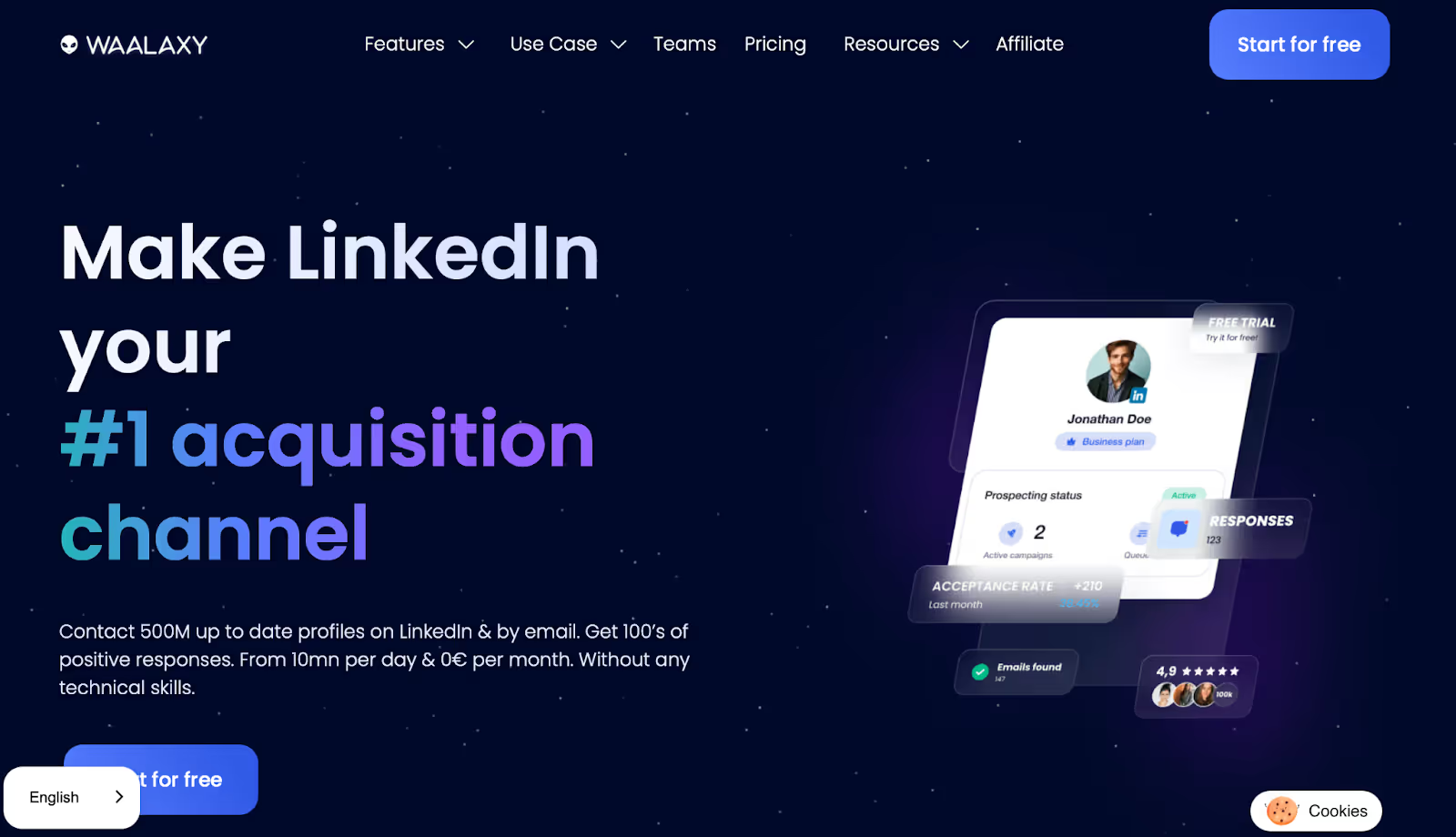
This image shows the Waalaxy Homepage
Waalaxy comes closest here to a free tool that works. The free plan sends 80 LinkedIn invitations a month with 25 email finder credits.
I'd call that enough to generate leads before you decide whether automation suits you.
The extension builds lists from LinkedIn prospecting and Sales Navigator searches, pulling contacts straight off LinkedIn profiles as you browse. The built-in finder surfaces verified business emails. Waalaxy ships the simplest interface on this list, and nothing here needs a tutorial.
The low price comes from how Waalaxy runs. The tool works as a Chrome extension with a desktop app, so the free and cheaper tiers send from your own browser and your own IP.
LinkedIn bans third party automation tools in its user agreement, and running from your own session raises the odds of account restrictions.
Waalaxy Key Features
Free plan with 80 invitations: The free tier sends 80 LinkedIn invitations a month and includes 25 email finder credits.
LinkedIn automation: Invitations, messages, profile visits and follows all run as sequence steps.
Email in the same sequence: The Business plan adds email steps alongside LinkedIn. Cheaper tiers run LinkedIn only.
Built-in email finder: Advanced carries 500 contact enrichment credits a month for verified business emails.
Waami AI assistant: Drafts one opening message per campaign.
Unified inbox add-on: LinkedIn and email replies land together, though the inbox costs extra on top of the plan.
Zapier, Make and n8n: Connects to a few thousand tools through the standard automation platforms.
The free plan sends real volume. Eighty invitations a month buys you a month of genuine testing, not a demo.
I understood the builder without reading anything. Almost nothing else here manages that.
The email finder comes built in, not as a separate subscription.
It handles European markets better than most tools here. That matters if you sell outside the US.
What Are the Cons of Waalaxy
The free and cheaper tiers run through your browser, so a LinkedIn tab has to stay open.
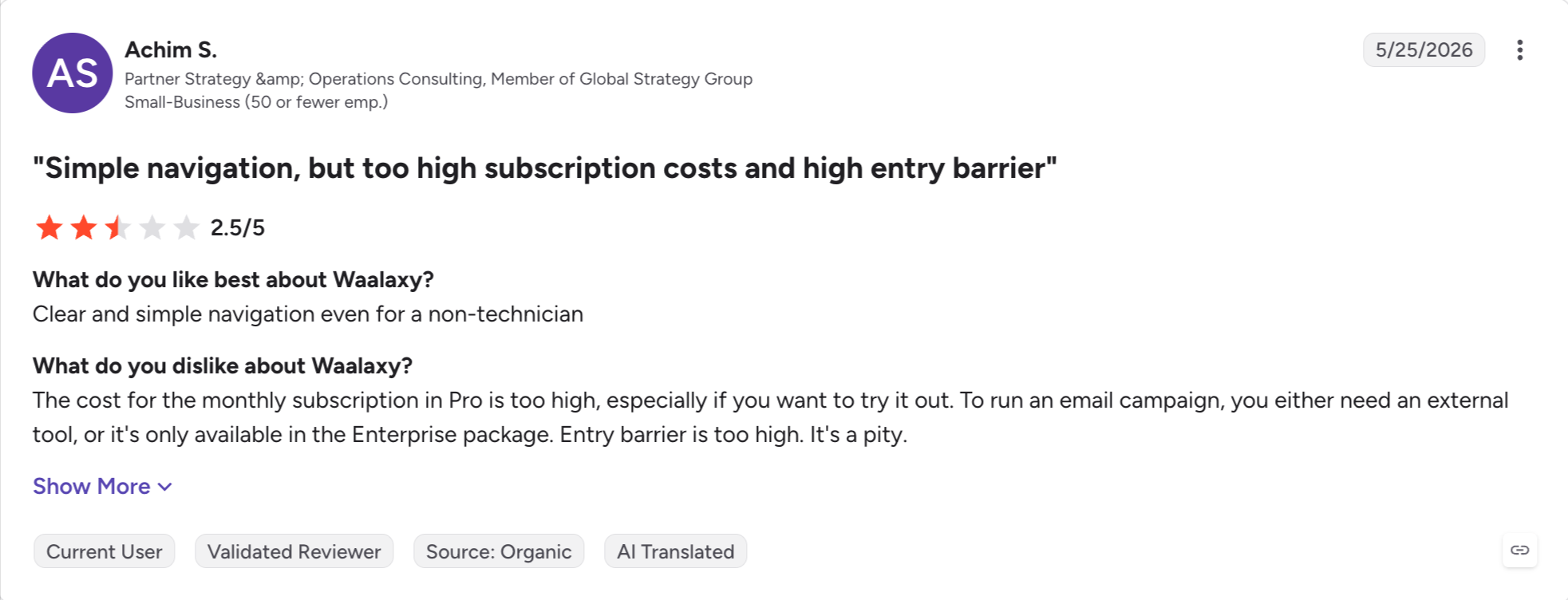
Email steps start on Business, so real multichannel costs more than the headline suggests.
The unified inbox costs extra on every tier.
As an outreach tool it stops short of what a team needs, and b2b lead generation at volume outgrows it fast.
Waalaxy Pricing
Plan
Price (annual)
Price (monthly)
Includes
Free
€0
€0
80 LinkedIn invitations a month, 25 email finder credits
Pro
€9.50/user/month
€19/user/month
LinkedIn automation, basic personalisation
Advanced
€24.50/user/month
€49/user/month
Higher volume, 500 email finder credits, priority support
Business
€34.50/user/month
€69/user/month
LinkedIn plus email, cloud sync
Annual billing runs at half the monthly price. A 14-day free trial covers the paid plans.
Overall, I'd pick Waalaxy for one person finding out whether LinkedIn outreach works for them. It's the wrong pick for a team. Needing a browser open and paying per user both bite as soon as you add people.
Best for: Sales and marketing teams running more than two channels, who want LinkedIn, email, calls and X from one builder.
G2 rating: 4.6 out of 5 across 56 reviews
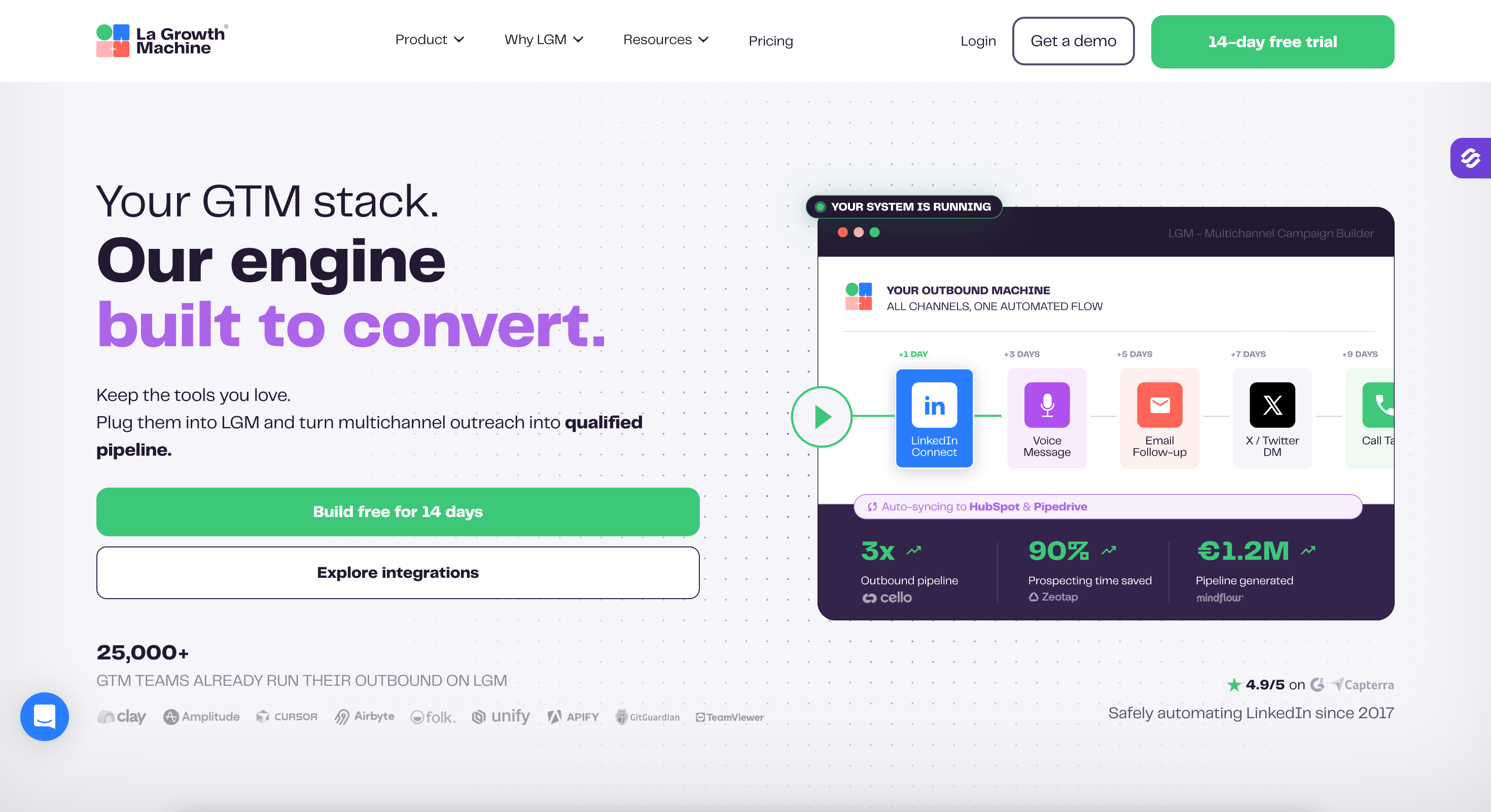
La Growth Machine runs four channels where most tools here run two. LinkedIn outreach automation sits alongside email, calls and X, and one visual builder handles outreach automation across all of them.
Waterfall data enrichment fills gaps before a sequence starts. The tool checks several providers for contact data instead of stopping at the first miss. Data quality stays higher on lists you did not buy clean, and enrichment decides how many qualified leads you actually reach.
Voice notes work as follow ups, and I have not found them anywhere else on this list.
I would run the numbers on pricing first. La Growth Machine bills per identity, and one identity means one profile. Multiple linkedin accounts cost more, every time.
La Growth Machine Key Features
Four channels in one sequence: LinkedIn, email, calls and X all run as steps, with branching between them.
Waterfall enrichment: The tool queries several data providers in order, filling emails and phone numbers at higher coverage than one source manages.
Voice notes: LinkedIn voice messages send as a sequence step. No other tool here does that.
Visual sequence builder: Campaign management runs from one screen across every channel.
Native CRM sync: HubSpot, Pipedrive and Salesforce connect directly, with webhooks and an API behind them.
Multichannel inbox: Replies from every channel land in one place.
Four channels in one builder is genuinely rare, and the branching holds up across all of them.
Waterfall enrichment saved me buying a separate data tool.
Voice notes land differently from a text message, and almost nobody uses them.
The builder shows the whole sequence at once, so I could see where people dropped out.
What Are the Cons of La Growth Machine
Billing runs per identity, so every profile you add costs again.
56 G2 reviews is the thinnest evidence base on this list.
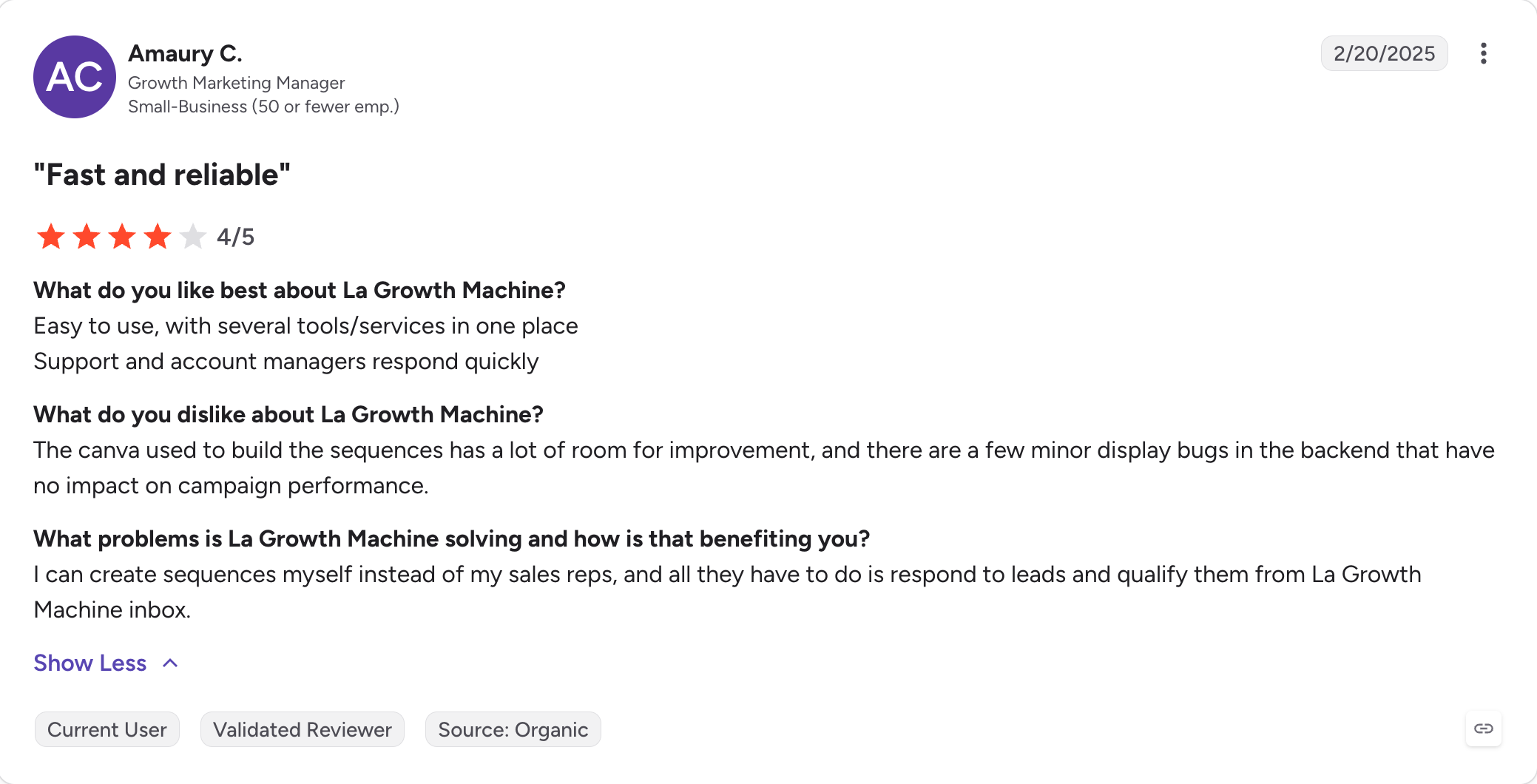
G2 reviewers describe bugs around contact handling, with one calling it "incredibly buggy software, it cannot handle contacts properly".
Email customisation is shallower than a dedicated cold email tool, per the same reviews.
La Growth Machine Pricing
Plan
Price (annual)
Price (monthly)
Includes
Basic
€50/identity/month
€60/identity/month
LinkedIn and email, waterfall enrichment, one identity
Pro
€100/identity/month
€120/identity/month
Adds calls, X, voice notes and API access
Annual billing gives two months free. A 14-day free trial runs on both plans.
Overall, La Growth Machine is the right pick when your outreach already spans four channels and you want one builder. It's the wrong pick for a team adding LinkedIn profiles every month, because each one is a new identity and a new line on the invoice.
Best for: Teams who want unlimited email accounts behind one LinkedIn seat, with a prospecting database in the same tool.
G2 rating: 4.5 out of 5 across 125 reviews
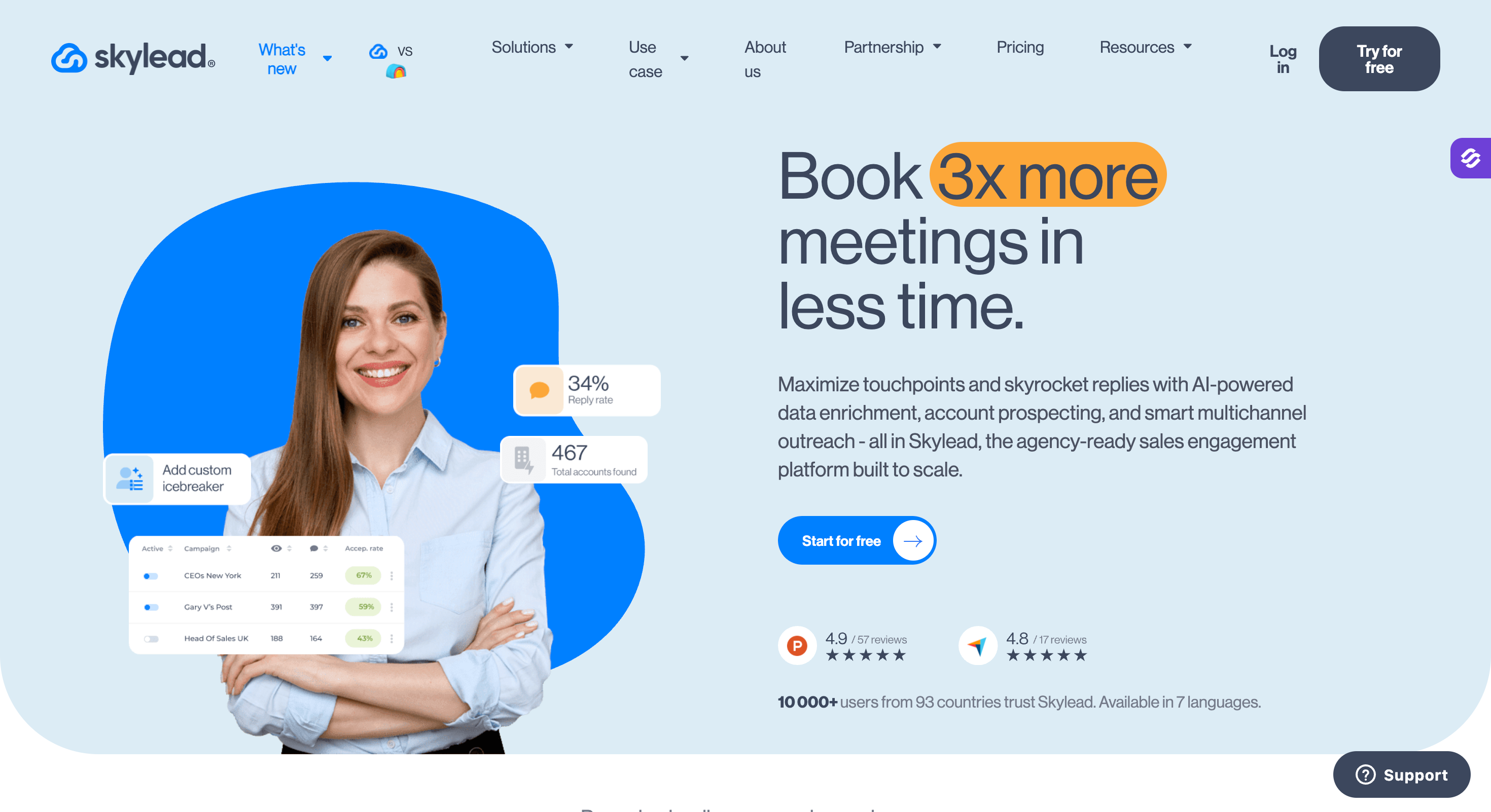
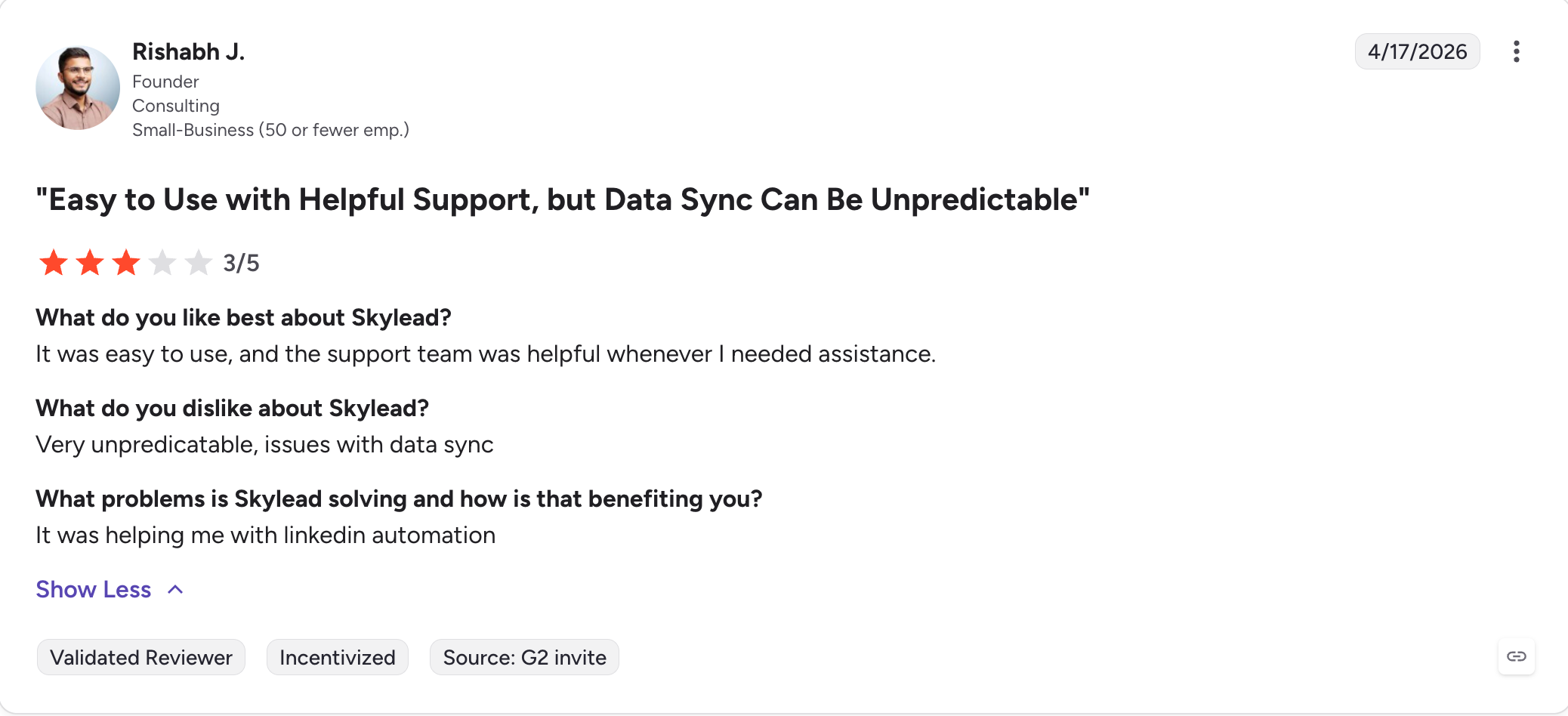
Skylead runs as linkedin lead generation software with email built in, and the email side is the reason to look.
One seat carries unlimited email accounts with inbox rotation and warm-up. Most tools here cap mailboxes or leave them to another subscription.
As lead generation software it covers finding and sending in one place. Account-based prospecting uses advanced search filters on its own database, so you filter by job title, company size and signals before you send. Intent data narrows the list further, and you can target linkedin event attendees too.
I'd point account based marketing teams here before volume senders.
A linkedin lead moves from search to sequence without an export, and enriched fields push into crm data as custom variables.
One seat comes in the base plan, and that is the catch. Your next step up jumps to the Agency tier at $999 a month for fifty.
Skylead Key Features
Smart Sequences: LinkedIn and email steps branch on what the prospect did, with if-then logic between channels.
Unlimited email accounts: One LinkedIn seat carries as many mailboxes as you connect, with rotation and warm-up included.
Account-based prospecting: A built-in B2B database with filters for job title, company size, signals and event attendance.
AI data enrichment: Several providers and signals fill contact and company fields before a sequence starts.
Image and GIF personalisation: Built in, not sold as a third-party add-on. Expandi charges for both.
Trainable AI SDR: Handles replies across LinkedIn and email through to a booked call, on usage-based credits.
What I Liked About Skylead
Unlimited email accounts on one seat changes the cost maths for anyone sending real volume.
Prospecting and sending live in the same tool, so I never exported a list.
Image personalisation comes included, where Expandi charges for a third-party subscription.
Seven languages covered without a separate copywriter per market.
What Are the Cons of Skylead
The base plan carries one seat, so adding people means the Agency tier at $999 a month.
AI enrichment and the AI SDR run on usage credits on top of the plan.
White-label setup needs a sales conversation, not a toggle in the settings.
125 G2 reviews is a thinner base than Dripify or Waalaxy.
Skylead Pricing
Plan
Price (annual)
Price (monthly)
Includes
All-in-One
$83.33/seat/month
$100/seat/month
One seat, B2B database, unlimited email accounts, Smart Sequences, API
Overall, Skylead is the right pick when email volume matters as much as LinkedIn and you only need one seat. It's the wrong pick for a growing team, because the jump from one seat to the Agency tier skips everything in between.
Best for: Solo reps and lead gen agencies who want deep CRM sync without paying cloud prices for it.
G2 rating: 4.4 out of 5 across 90 reviews
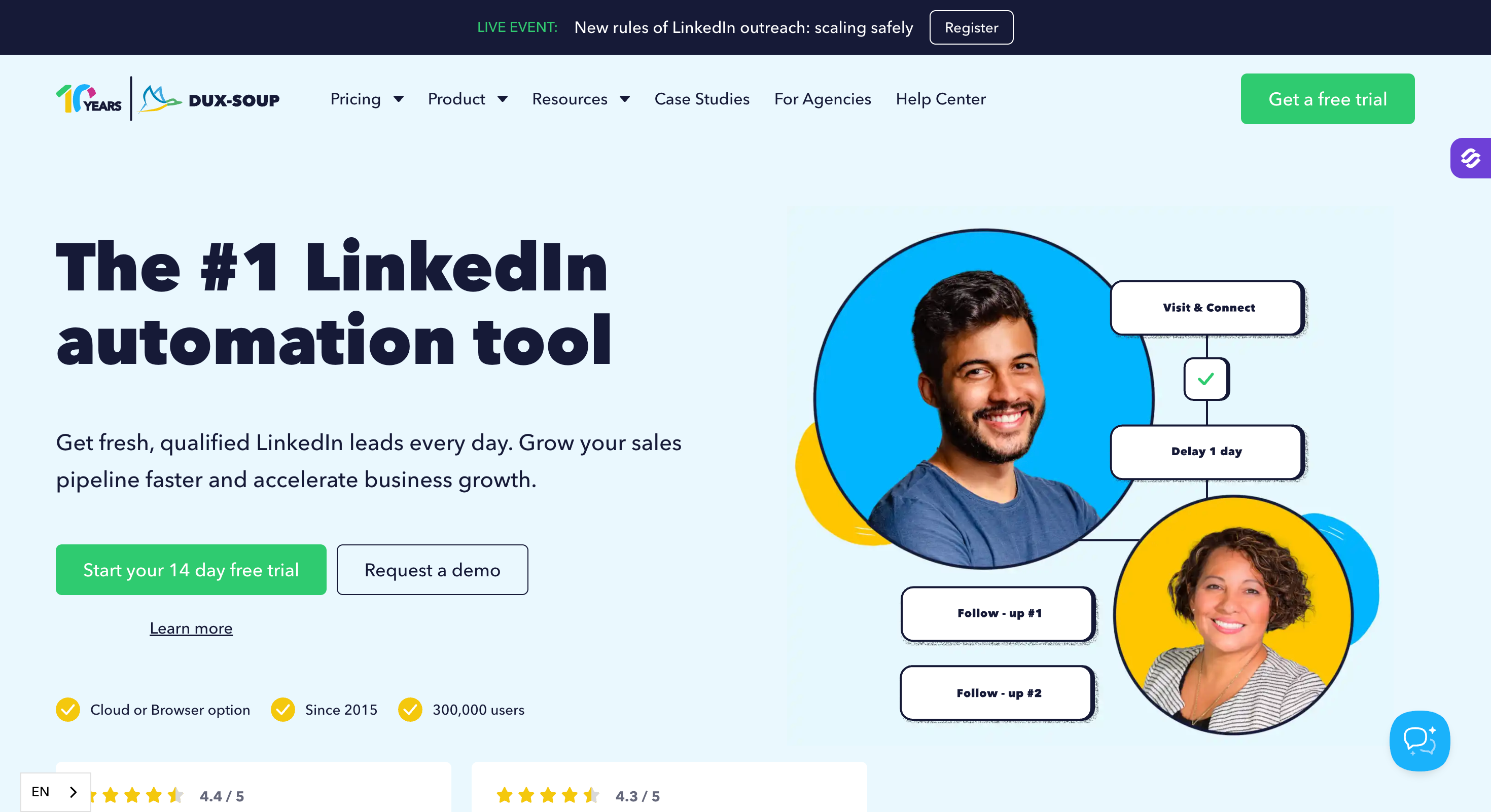
Dux-Soup has been running longer than anything else here, and the integration list proves it.
Most tools here route CRM through Zapier. Dux-Soup connects directly to HubSpot, Salesforce, Pipedrive and Google Sheets, and I have not found a longer native list on this list.
Profile visits warm potential customers before the request lands, which fits a linkedin strategy built on volume more than depth. Cloud Agency lets you manage multiple linkedin accounts from one dashboard, and lead gen agencies run client accounts through it.
At $11.25 a user a month on annual billing, Pro Dux earns a place among the best lead generation tools on price alone.
The price buys you a Chrome extension, not a cloud tool. Pro and Turbo need your browser open, and the activity comes from your own IP. Cloud Dux fixes that at $74.17 a month, six times the entry price.
Until you upgrade, lead generation efforts stay capped at one machine.
Dux-Soup Key Features
LinkedIn drip campaigns: Connection invites, messages, InMails, follows, endorsements and profile visits all run as sequence steps.
Native CRM connectors: HubSpot, Salesforce, Pipedrive, Freshsales, Google Sheets and Slack connect directly, with webhooks and an open API reaching other marketing tools.
Dux-Dash: The dashboard tracks responses, funnel stages and campaign performance in one place.
Email capture: First-degree connection emails come out of the box. Second and third-degree captures cost extra through a Points system.
Cloud Agency dashboard: Shared campaigns and client separation for agencies running several accounts.
Safety controls: Send throttling, time delays and session monitoring built in.
Overall, Dux-Soup is the right pick when CRM sync matters more than architecture and the budget is tight. It's the wrong pick if you need campaigns running while your laptop is shut, unless you pay for Cloud Dux.
Best for: Teams who want LinkedIn, email and X running from one cloud workspace without paying for a fourth channel they won't use.
G2 rating: 4.3 out of 5 across 49 reviews
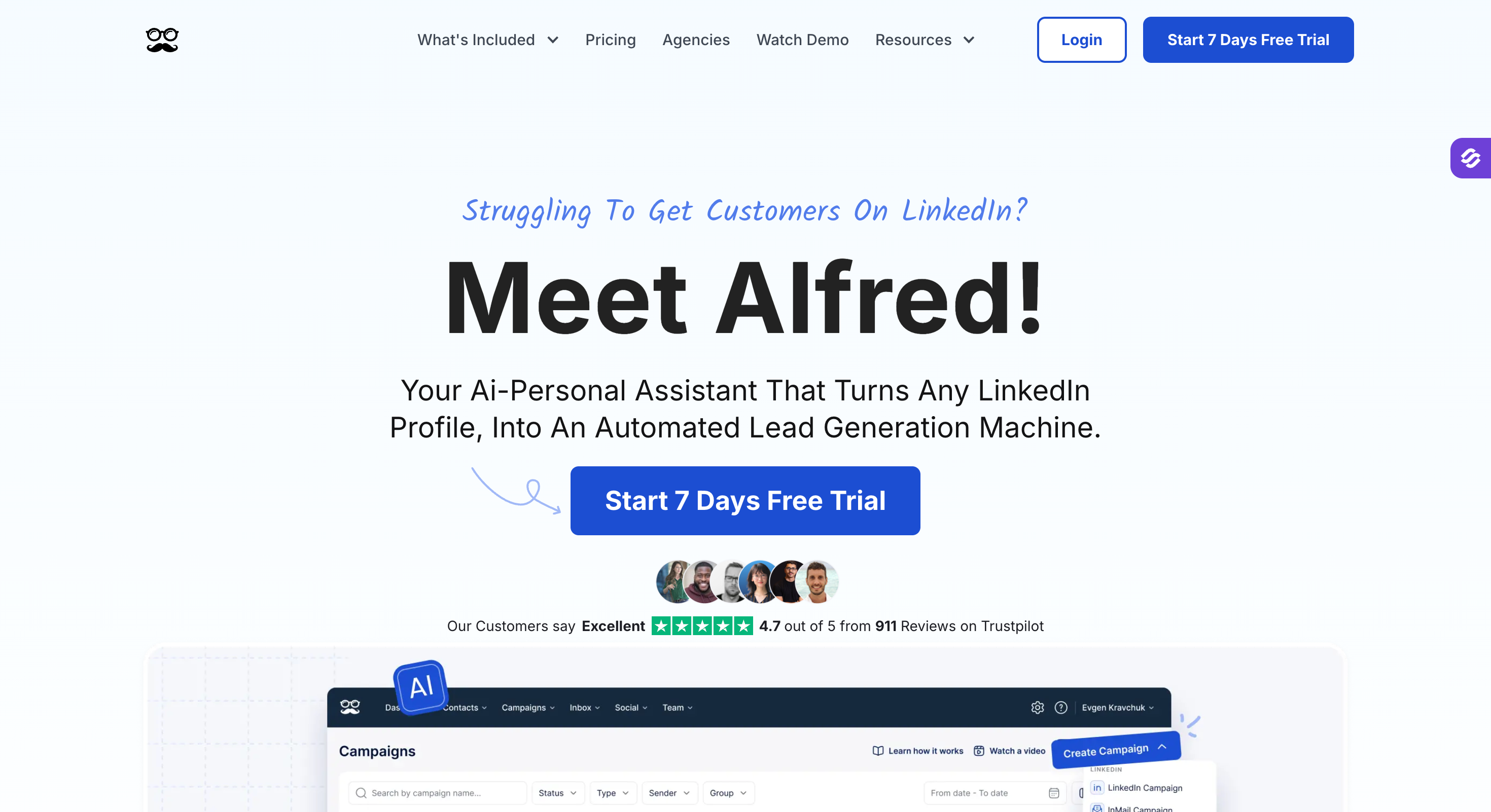
Meet Alfred is one of the older linkedin outreach tools here, running since 2016.
The product treated X as a real channel years before most tools on this list added a second one.
Automated linkedin outreach runs alongside email and X from one cloud workspace, so nothing depends on your browser. As an outreach platform it covers three channels where most tools here cover one or two. Among generation tools at this price, I have not found another that covers three.
Marketing teams use the X channel more than sales teams do. Sales outreach stays the main use case, and the Smart Inbox pulls replies from all three channels into one view.
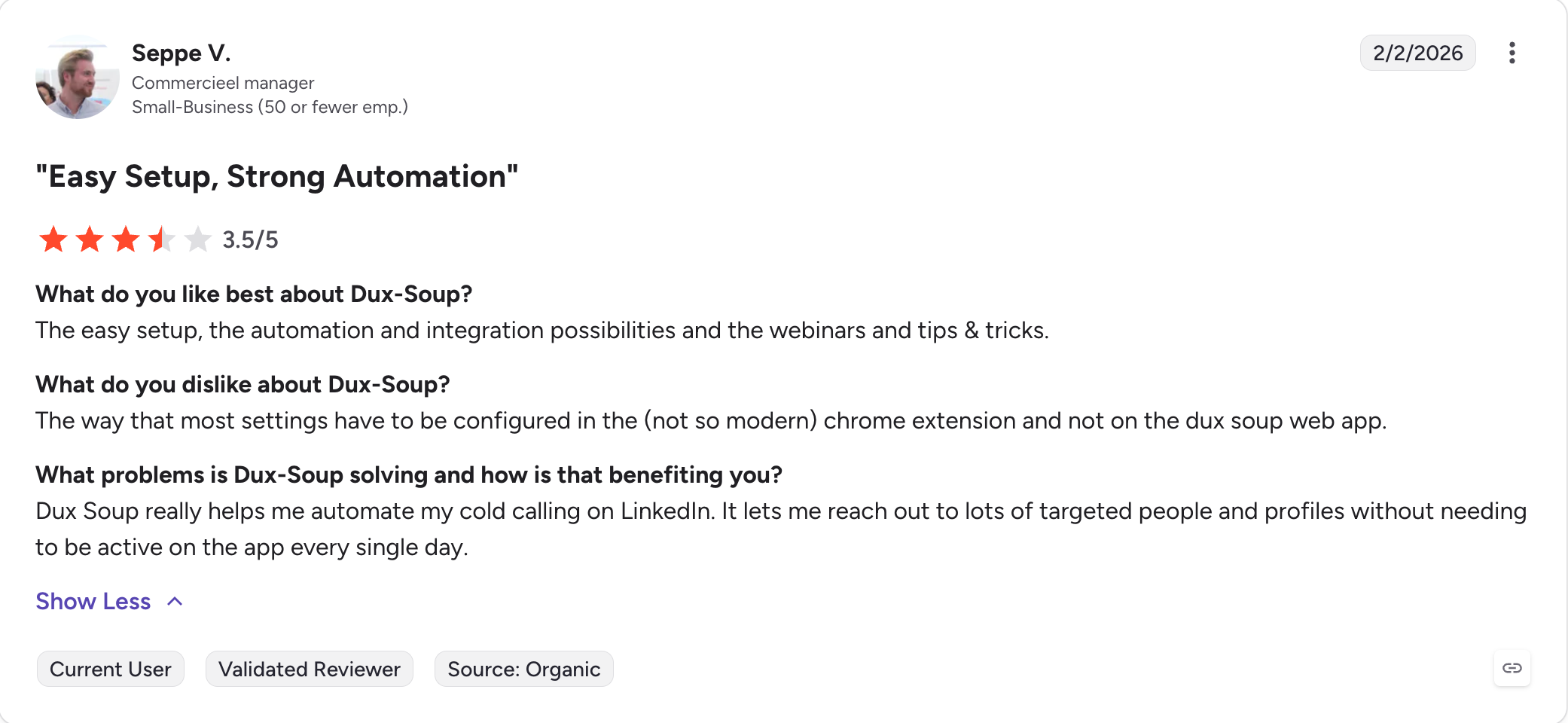
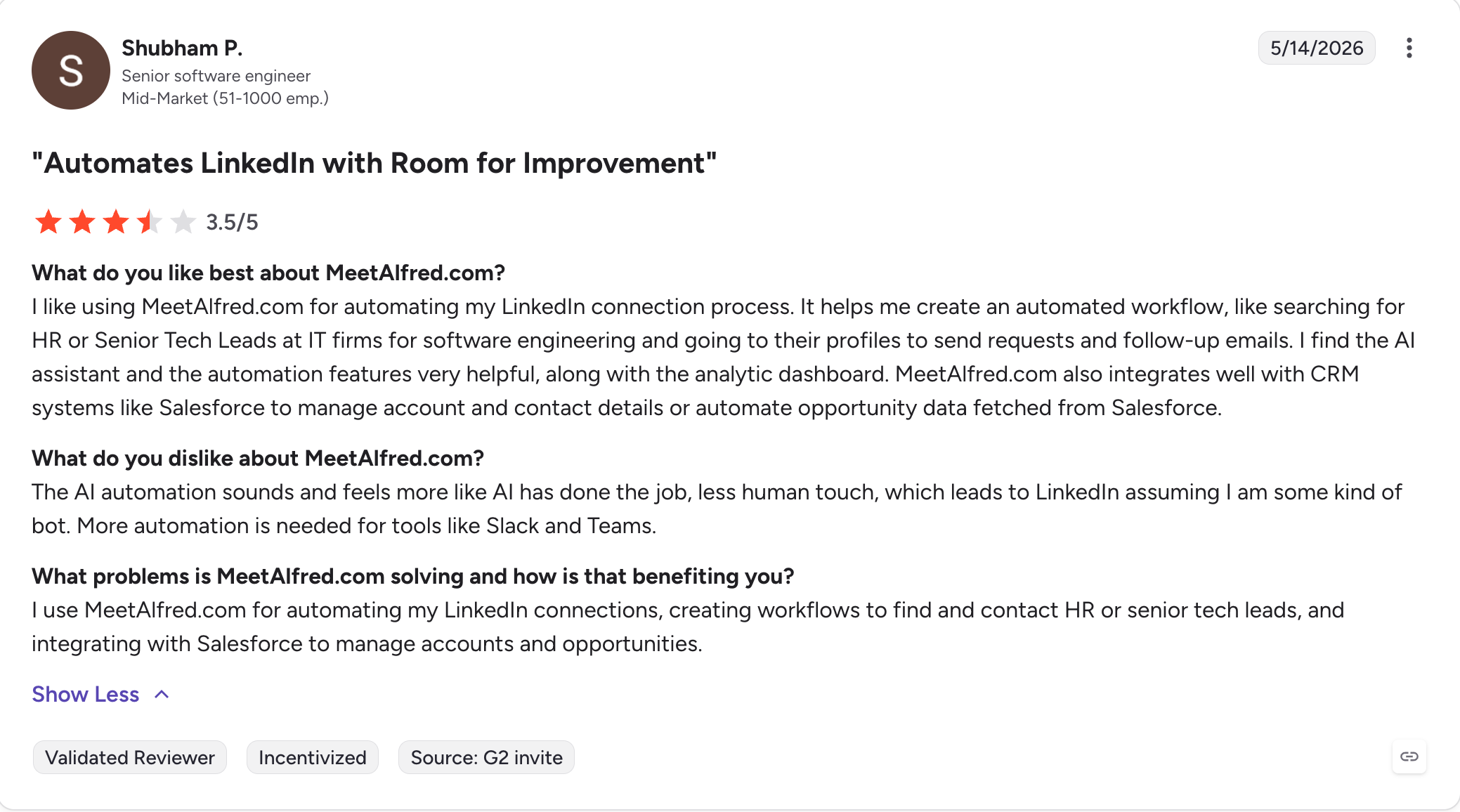
Two things would make me check before buying. The X features lag LinkedIn and email on updates, so treat them as a bonus instead of a reason to buy. And the ratings pull apart across platforms.
Meet Alfred Key Features
Three channels in one sequence: LinkedIn, email and X steps run in the same campaign with shared logic.
Full LinkedIn action set: Connection requests, messages, InMails, group outreach and event outreach, plus CSV list campaigns.
Smart Inbox and LinkedIn CRM: Filter, reply, label and take notes on conversations inside Meet Alfred.
Cloud architecture: Campaigns run without your browser open or a desktop app installed.
Multi-channel reporting: One dashboard tracks results across all three channels.
Team collaboration: Shared templates and campaign handover on the Team tier.
Three channels for the price most tools charge for two.
Cloud-based, so campaigns keep running when the laptop closes.
The annual discount is one of the steepest here, roughly half the monthly rate.
A decade of shipping shows in how stable the interface feels.
What Are the Cons of Meet Alfred
X features lag LinkedIn and email, so they ship slower and break more often.
Per-user pricing scales expensively once a team passes a handful of people.
The Team tier needs three users minimum, so small teams pay for seats they don't fill.
49 G2 reviews is the thinnest base on this list, and Capterra sits at 2.8.
Meet Alfred Pricing
Plan
Price (annual)
Price (monthly)
Includes
Basic
$29/user/month
$59/user/month
Three active campaigns, LinkedIn automation, basic CRM
Pro
$49/user/month
$99/user/month
Unlimited campaigns, Sales Navigator, LinkedIn, email and X, InMail
Team
$39/user/month
$79/user/month
Whitelabel, team management, priority support, three users minimum
A free tier runs one campaign. Annual billing cuts the monthly rate by roughly half.
Overall, Meet Alfred is the right pick when X sits in your outreach mix alongside LinkedIn and email. It's the wrong pick for a growing team, because per-user pricing and a three-user minimum both work against you.
LinkedIn lead generation tools save you the hours you’d otherwise spend finding prospects and messaging them one at a time.
When you’re choosing one, four things decide whether it lasts. How it runs, because a Chrome extension sends from your own browser and your own IP. Whether email sits in the same sequence as your connection requests. What happens to your bill when the team grows. And where replies land when they arrive on two channels.
I built Salesforge to cover all four. Six LinkedIn actions run as steps beside your email, replies from both land in Primebox™, and the price holds per account rather than per person.
These tools automate the parts of LinkedIn outreach you would otherwise do by hand. Connection requests, follow-up messages, profile visits and reply handling all run on a schedule you set.
2. Are LinkedIn automation tools safe to use?
LinkedIn bans third party automation in its user agreement, so no tool is risk-free. Cloud tools on dedicated IPs carry less risk than Chrome extensions that send from your own browser.
3. How many connection requests can I send per week?
Roughly 100. Every account gets the same limit, and no tool raises it, whatever the pricing page suggests.
4. What is the best free LinkedIn lead generation tool?
Waalaxy. Its free plan sends 80 LinkedIn invitations a month with 25 email finder credits, enough to test properly before paying.
5. How much do LinkedIn lead generation tools cost?
Prices run from $11.25 a user a month to $120 per identity on annual billing. What you're charged per matters more than the headline figure.
6. Can one tool run LinkedIn and email together?
Yes. Five of the eight here run both in one sequence. Dripify and Waalaxy treat email as a follow-up, and Dux-Soup has no native email at all.
7. Do I need Sales Navigator as well?
Only if you want its search filters. Most tools here import Sales Navigator lists, but none of them need it to run a campaign.
8. Which tool suits an agency with several clients?
Look at what the tool charges per. Per-account pricing holds steady as you add clients, while per-user and per-identity pricing climbs with every one.
Book more meetings on autopilot
Set up in minutes. No per-seat pricing. No commitment.
Compare 11 AI agents for tracking buying signals in sales. See which tools help spot funding, hiring, job changes, and buyer intent, plus features and pricing.
Compare 5 SyncGTM alternatives for B2B buying signals and outreach. See how Leadsforge, Bitscale, Clay, 6sense, and Apollo differ in features and pricing.
.jpg)

.jpg)