It runs as a desktop app with a cloud option on top. Dux-Soup has deprecated the Chrome extension, so that may retire soon.
I used Dux-Soup when I was doing sales, so I went and checked what actually changed. Losing the browser tab fixes the problem people complained about most.
But it still sends no email. And it still charges per LinkedIn account.
In short, the reasons to switch from Dux-Soup changed rather than disappeared.
In this blog, I have tested 10 Dux-Soup alternatives. Each tool covers what it replaces, what it costs to add LinkedIn accounts, and honest pros and cons.
Salesforge: Best and safest multichannel tool for teams who want LinkedIn and cold email in one sequence. Unlimited mailboxes, LinkedIn senders, users and workspaces on a flat fee, with no per-seat charge.
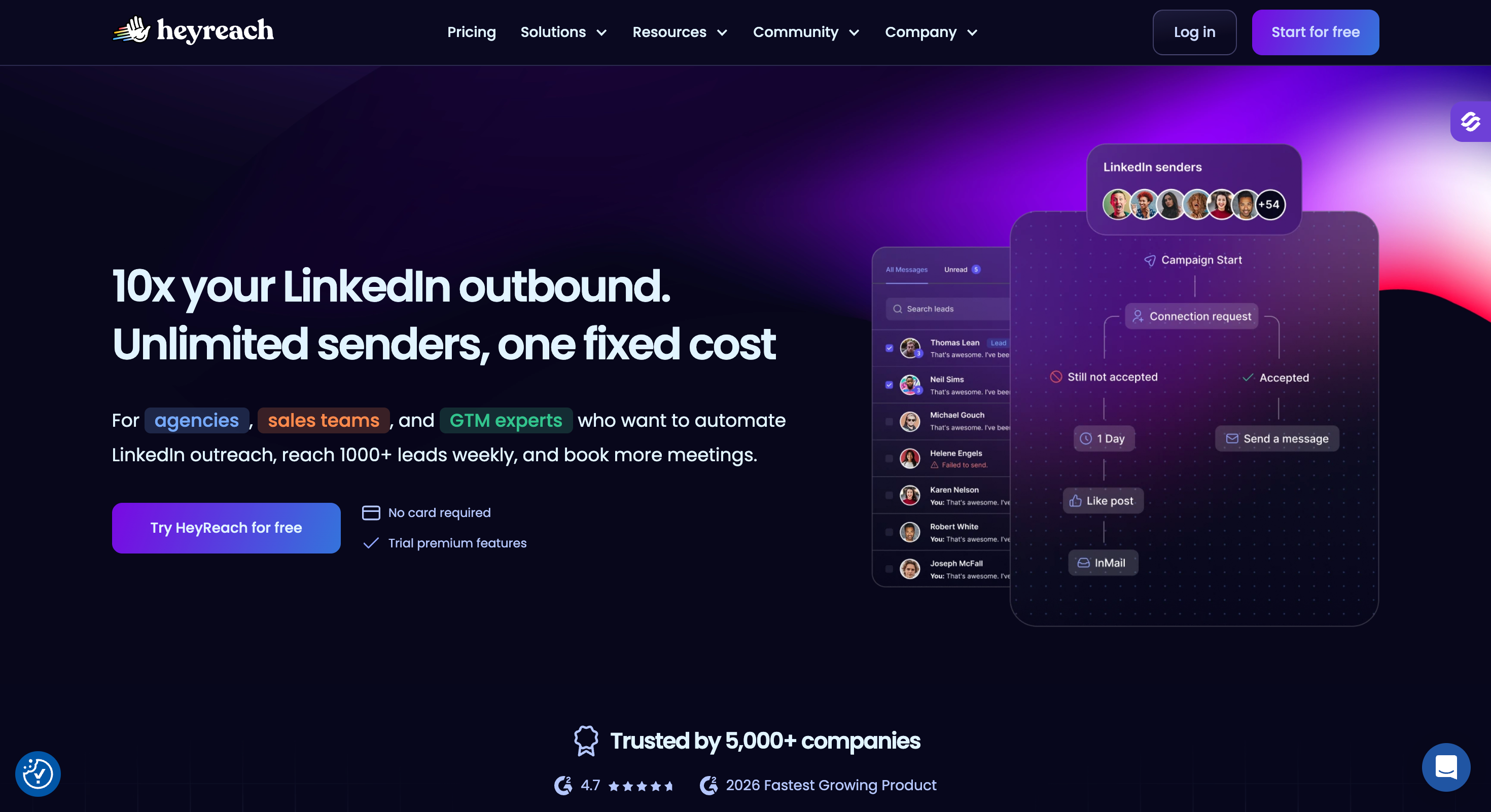
HeyReach: Best for agencies running more than 25 LinkedIn accounts, where it handles LinkedIn automation and nothing else.
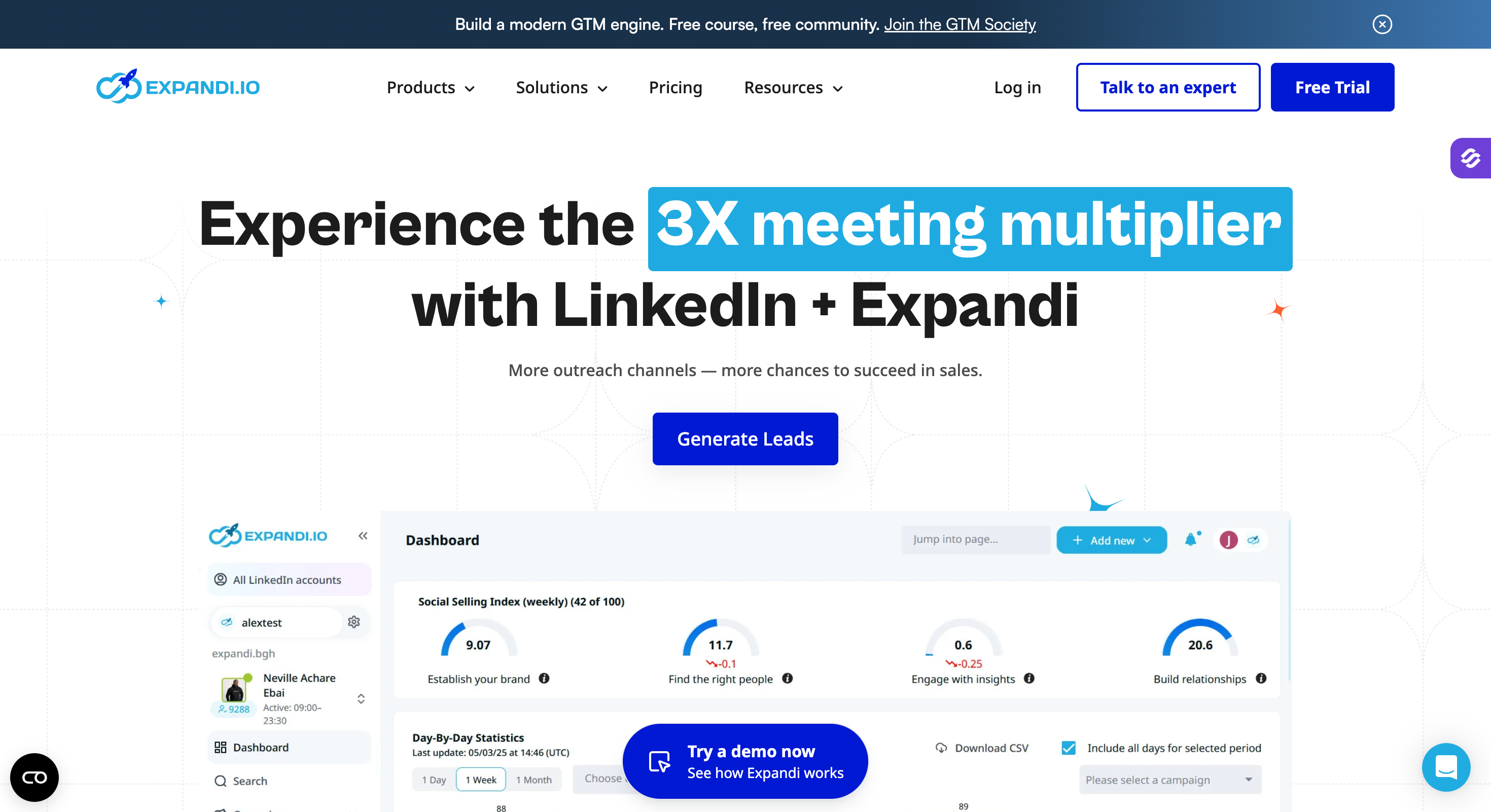
Expandi: Best for account safety. Every profile gets its own country-based IP, activity ramps through warm-up, and daily limits are ranges Expandi will not let you exceed.
Dripify: Best straight swap for the old Dux-Soup drip campaigns. Same shape, cleaner builder, runs on their servers, and adds email steps on every paid plan.
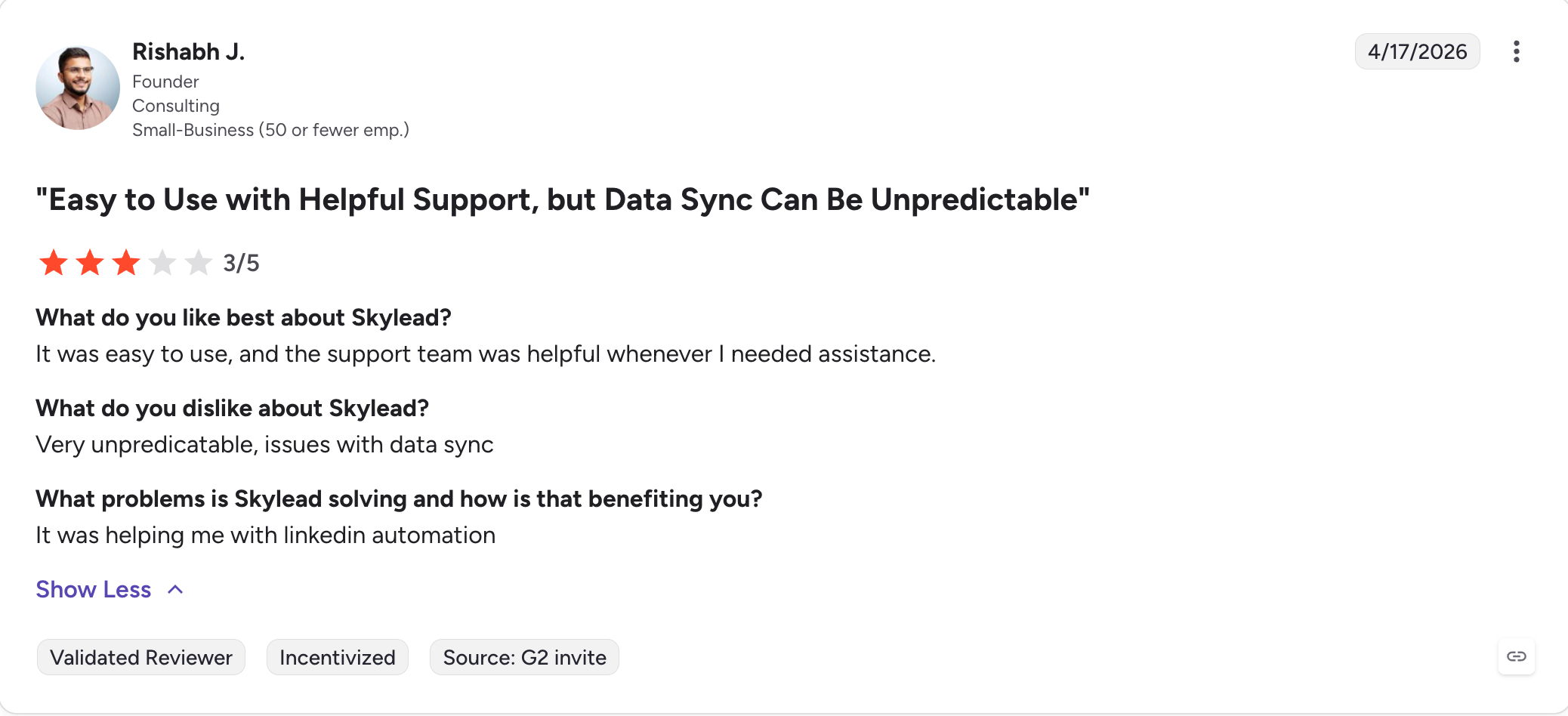
Skylead: Best for getting everything in one seat. Unlimited email accounts, infinite warm-up, a B2B database and Smart Sequences that pick the path to each prospect for you.
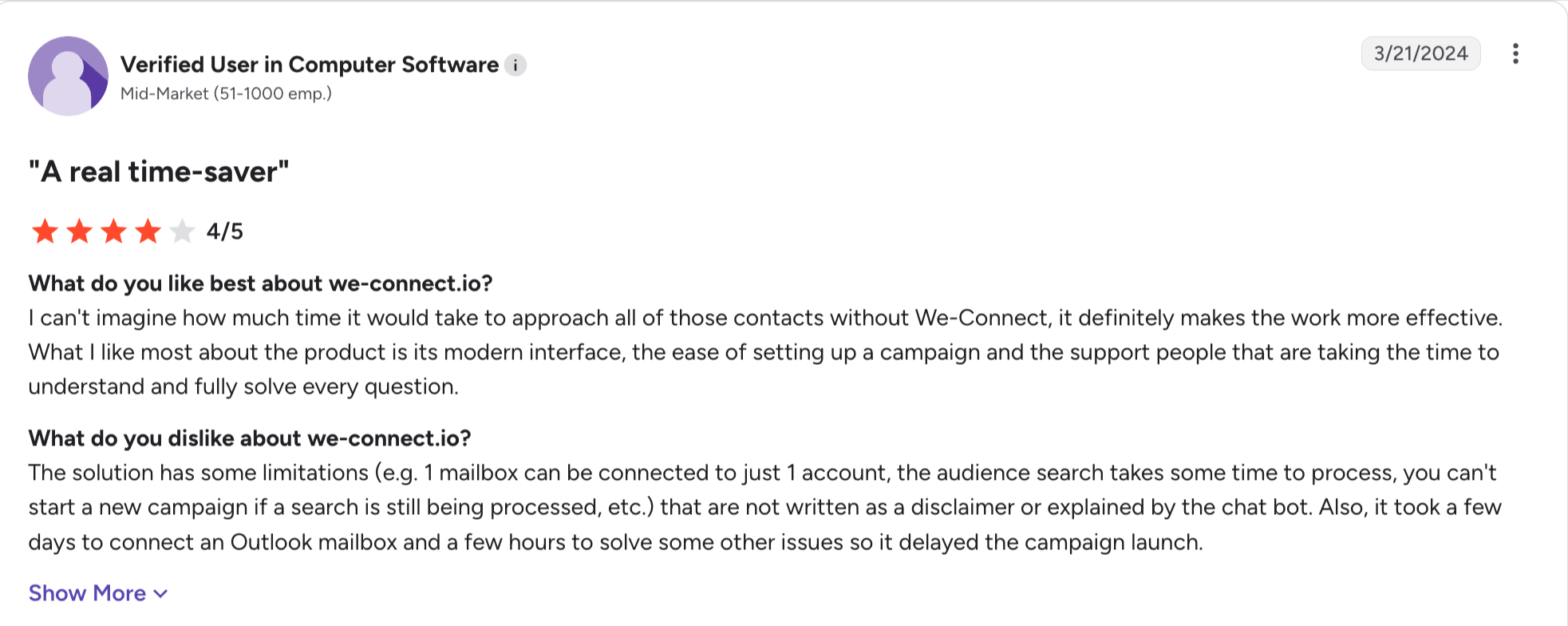
We-Connect: Best cloud tool on price. A dedicated country-based IP per account, a visual workflow builder on every plan, and teammates who cost nothing extra.
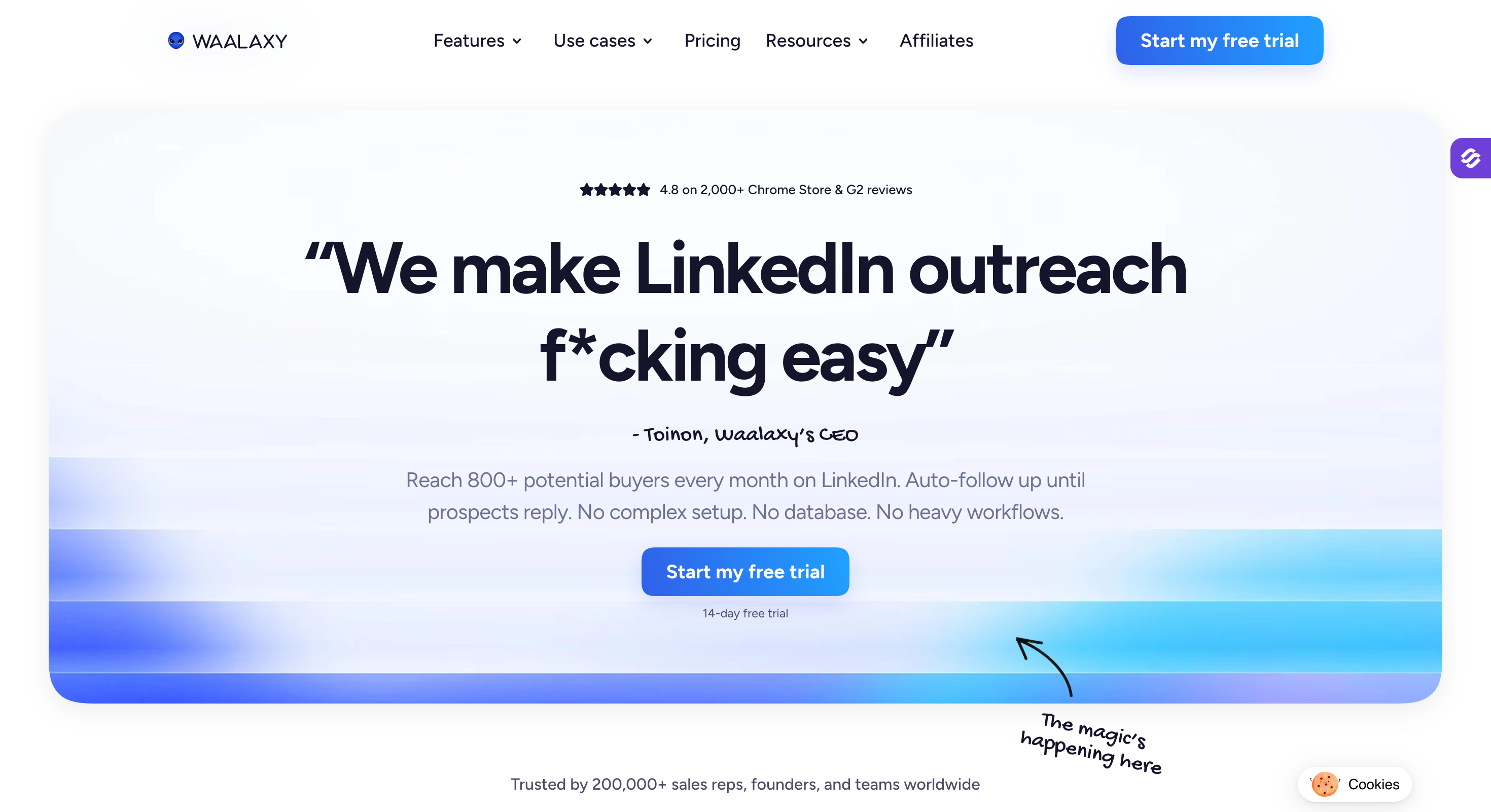
Waalaxy: Best cheap entry at €19. Everything now runs at app.waalaxy.com, so no extension sits in your browser and campaigns keep going overnight.
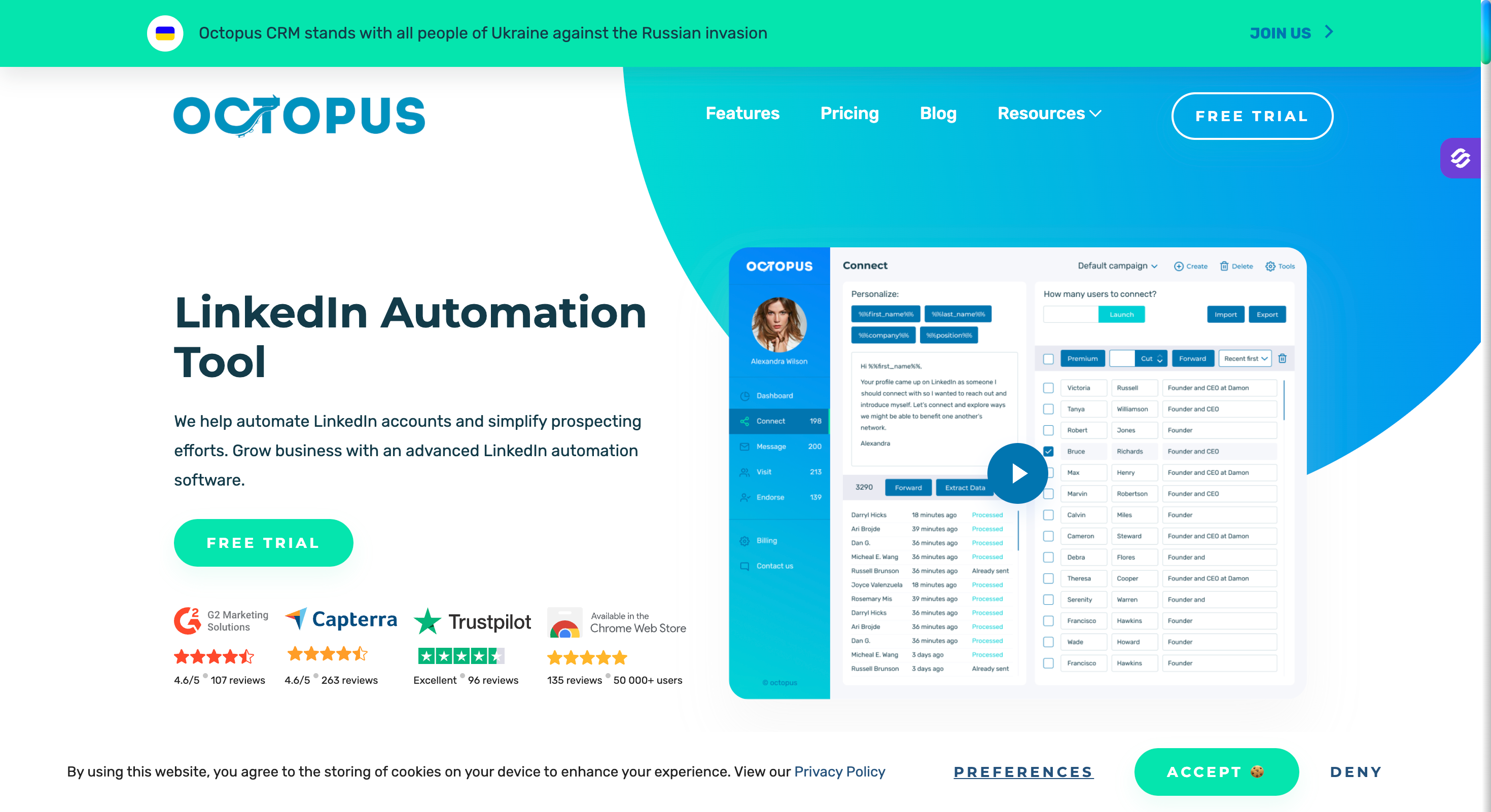
Octopus CRM: Best for freelancers watching every pound. A Chrome extension at $6.99 a month, so your machine stays on, which is the one thing Dux-Soup just fixed.
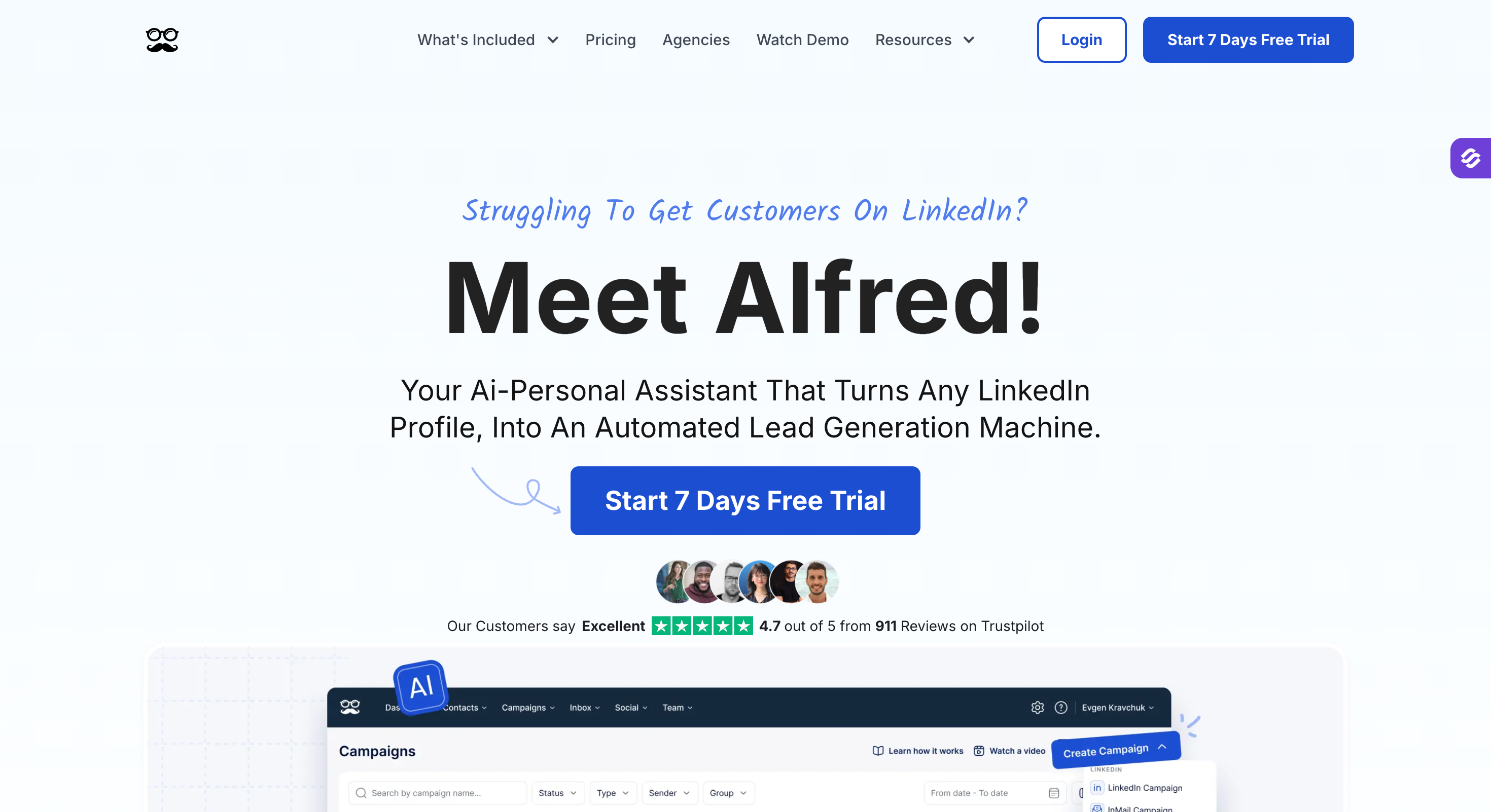
Meet Alfred: Best for teams who need X alongside LinkedIn and email. Multichannel starts on the $49 tier, since the $29 plan covers LinkedIn only.
SalesRobot: Best for AI messaging. Voice and video cloning plus an AI Appointment Setter, priced per LinkedIn account with email as a paid add-on.
Feature Comparison: Top 3 Dux-Soup Alternatives At A Glance
Free LinkedIn email and phone finder, 100 credits on signup
Not published
Not published
Free trial
14 days, no card
14 days, no card, 3 accounts
7 days, no card
Why People Leave Dux-Soup
Dux-Soup rebuilt its product in September 2026. A desktop app called STACKED replaced the Chrome extension. It runs on your machine or on their servers.
That fixes some of what people complained about and leaves the rest. I have grouped the rest into the four reasons I keep running into.
Pricing
Pro used to cost $14.99 a month, or $11.25 on annual billing. A lot of solo sellers picked Dux-Soup for that number alone.
STACKED starts at $55 a month, or $41.25 annual. The entry price rose nearly four times for the same single LinkedIn account.
Existing Turbo and Cloud customers move across at no extra cost. I think that move was fair. Anyone arriving now pays the new number.
The bill also climbs with your profile count, because a seat covers one LinkedIn account. Three profiles on cloud cost $222.51 a month.
Dux-Soup added a volume discount this year, and the old pricing had none. You get 10% off for every ten seats, up to 50%. Agencies running twenty or more accounts gain the most.
Your Computer Still Has To Stay On
STACKED runs two ways. Local sits on your Mac or PC, and cloud runs on Dux-Soup's servers.
The desktop app removed the browser tab, which was the loudest complaint about the old version. It did not remove the machine.
I went and read Dux-Soup's own documentation, which says it plainly. For scheduled automation to run, your computer must stay switched on and not go to sleep.
Cloud fixes that at $99 a month, or $74.17 annual. Cloud fixes that at $99 a month, or $74.17 annual. Every LinkedIn account needs its own seat at that price. Connect five and you pay five times over.
No Multichannel Functionality
Dux-Soup does not send email. You get no email step in a sequence, no mailbox to connect and no warm-up.
If LinkedIn is your only channel, that costs you nothing. If you want a prospect to get a connection request and then a follow-up email, you need a second tool. That means stitching two campaigns together by hand.
Eight of the ten tools below run both channels in one sequence.
My Criteria For A Dux-Soup Alternative
I judged every tool on this list against six things.
Where it runs: I checked whether each tool runs in the cloud, as a desktop app or as a browser extension. I also looked at whether each tool gives you a dedicated IP or a shared one, and whether campaigns keep going with your laptop shut.
Live pricing: I took every price from the vendor's own pricing page in September 2026, not from a review site. Several tools restructured their tiers this year, so most comparison articles quote figures that no longer exist.
How it scales: I worked out what each tool costs at a second, fifth and tenth LinkedIn account. Some hold their shape and some climb in a straight line.
Multichannel: I checked whether LinkedIn and email run in one sequence with branching, or as two campaigns you reconcile by hand.
Integrations: I looked at native CRM connections, API access, and whether an MCP server or CLI exists for agent-driven workflows.
Real reviews: I read the critical G2 and Capterra reviews rather than the ratings, and I checked every rating against the live listing.
Here are the ten, ranked by how much of Dux-Soup's job each one replaces and what that costs as you grow.
1 - Salesforge
Best for: GTM teams and agencies who need cloud execution and want LinkedIn and cold email running in one sequence rather than two tools.
G2 Rating: 4.6 out of 5
I mentioned at the start that Dux-Soup fixed the browser problem and left the rest. I built Salesforge for the rest.
Salesforge is the safest multichannel tool on this list. LinkedIn and email run in one sequence, and Growth does not charge you per LinkedIn account.
Dux-Soup does not offer an email channel. So if a prospect ignores your connection request or message, your only option is another message they will also ignore.
Salesforge sends an email instead when a LinkedIn action gets no response. Every reply from both channels arrives in Primebox.
I built the LinkedIn half the safest way I know how. Salesforge routes every action through managed proxies, and teams who want geographic control can add their own.
Salesforge authenticates with session tokens and never stores your password. Every action paces like a human, so accounts stay safe as sequences scale.
Salesforge Key Features
Six native LinkedIn actions: You get connection requests, messages, InMails, post likes, follows and withdraw requests. Each one caps at 30 a day per profile.
Unlimited LinkedIn senders on Growth: Connect every profile you own without the bill moving.
Cloud Native: Actions run through high-quality shared proxies with a custom proxy option, so nothing depends on your machine staying awake.
Session tokens: Salesforge never stores your LinkedIn password, and nothing injects into the page.
Sender rotation and randomised limits: Volume spreads across every connected account, so no single profile carries the full send.
Conditional sequences: A connection request gets accepted and the next step becomes a LinkedIn message. It gets ignored and the sequence falls back to email.
Primebox: Every reply from every mailbox and LinkedIn account lands in one inbox. Co-Pilot drafts, Auto-Pilot answers.
Unlimited mailboxes, users and workspaces: Nothing here prices per seat, per mailbox or per workspace.
Free unlimited warm-up: Every mailbox warms continuously at no extra cost, with Heat Score showing when one is safe to scale.
AI personalization: Sequences write in the prospect's own language across 21+ languages, instead of translating an English draft.
ESP matching and Bounce Shield: Salesforge matches your sending provider to your recipient's. Bounce Shield blocks addresses likely to bounce before they hurt your sender score.
Native CRM integrations: It connects to HubSpot, Salesforce, Pipedrive, Attio, folk and GoHighLevel, plus Zapier and webhooks.
Agent Frank: An AI SDR who prospects, writes, follows up and books meetings on his own, from $499 a month.
Forge MCP server and CLI: You connect Salesforge to any AI assistant, including Claude and Cursor. Your agents build sequences and manage contacts from there.
Salesforge Pros And Cons
Pros
Cons
Flat pricing, so adding mailboxes and senders keeps your bill predictable
No free plan, only a 14-day trial
Multichannel campaigns (Email + LinkedIn)
Unlimited warm-up included free, with no cap on slots
One inbox for both channels, with AI drafting on approval
Best for: Agencies and teams running ten or more LinkedIn accounts who want one dashboard, one inbox and a bill that stops climbing per seat.
G2 Rating: 4.6 out of 5
HeyReach is cloud LinkedIn automation that charges per LinkedIn account, not per team member. You connect every account you manage to one dashboard, and HeyReach rotates sending across them.
Agency owners talk about the unified inbox more than anything else. Every reply from every account lands in one place, so nobody logs into twelve profiles to check for answers.
I would compare the numbers before anything else. Cloud Dux costs $74.17 a seat. HeyReach's Agency plan covers 25 senders for $999, which works out at $40 each.
HeyReach does not send email. A prospect who ignores your connection request hears nothing from another channel.
I would check one thing first. LinkedIn took action against HeyReach in March 2026, and HeyReach wrote about it openly on its own blog. I respect the disclosure, and I read it as a reminder that no tool here removes the risk.
HeyReach Key Features
Priced per sender, not per user: Connect as many teammates as you want. You pay for LinkedIn accounts.
Sender rotation: Volume spreads across every connected account, so no single profile hits its ceiling.
Unified inbox: Replies from every account land in one place, with assignment across the team.
Hard action limits: HeyReach caps you at 40 connection requests a day and 200 a week per account. It enforces those limits instead of suggesting them.
White label: Run the platform under your own brand for clients.
Workspaces per client: Each account you manage gets its own campaigns, senders and reporting.
API, MCP server and CLI: Point Claude, Cursor or your own scripts at it. Few tools on this list offer all three.
Clay integration: Reviewers name this repeatedly as the reason technical teams pick HeyReach.
HeyReach Pros And Cons
Pros
Cons
Per-sender pricing, so teammates cost nothing
LinkedIn only, with no email channel at any price
Agency plan works out near $40 a sender at 25
$79 for one sender is steep for a solo operator
Unified inbox across every connected account
Per-sender economics only improve past ten accounts
API, MCP server and CLI on the platform
Reviewers report campaigns stopping mid-run
Hard limits the tool enforces for you
LinkedIn took action against the platform in March 2026
HeyReach Pricing
Plan
Price
What you get
Growth
$79 per sender a month
Full feature set, sender rotation, unified inbox, API
Agency
$999 a month
25 senders, white label, client workspaces
Unlimited
$2,999 a month
Up to 300 senders
Quarterly billing takes 10% off and yearly takes 20%.
Best for: High-volume LinkedIn senders who have burned an account before, or cannot afford to, and want a dedicated IP with a proper warm-up ramp.
G2 Rating: 4.2 out of 5
Expandi is a cloud LinkedIn platform that has spent years competing on one thing: keeping accounts alive.
Every profile gets a dedicated country-based IP. Activity ramps gradually through profile auto warm-up. You set daily limits as ranges, and Expandi will not let you push past them.
Dux-Soup moved to a desktop app in September, so both tools now keep you off a browser extension. What separates them is the IP. Dux-Soup local runs from your own connection, which is safer in one way and more traceable in another. Expandi gives the account an IP in the country where it started.
None of that removes the risk, and Expandi says so itself. The footer of their own site reads "Use of Expandi is at your own risk." I respect that more than the tools promising safety outright.
You pay for it in add-ons. Image and GIF personalization costs extra through Hyperise, and video needs a Sendspark subscription on top.
Expandi Key Features
Dedicated country-based IP: Each account runs from its own IP in its own country, so activity does not trace back to your home connection.
Profile auto warm-up: Activity starts low and grows at a rate you set, so nothing runs at full volume on day one.
Smart limit ranges: You set daily caps for connections, messages, InMails and event invites, and Expandi blocks you from exceeding them.
Mobile Connector campaign: This campaign type gives you an extra 100 connection requests a week on top of your normal limits.
Multichannel outreach: Connection requests, messages and email follow-ups run inside a single sequence.
Sequence builder with if/action logic: You branch a campaign on what the prospect does, with engaging actions placed between follow-ups.
Campaign prioritization: You focus daily volume on the campaigns producing results when several run at once.
Campaign recovery and blacklist: You recover interrupted campaigns and exclude specific companies or people across every campaign.
Expandi Pros And Cons
Pros
Cons
A dedicated country-based IP per account
Image and GIF personalization costs extra through Hyperise
Profile auto warm-up with an adjustable ramp
Video personalization needs a Sendspark subscription on top
Mobile Connector adds 100 connection requests a week
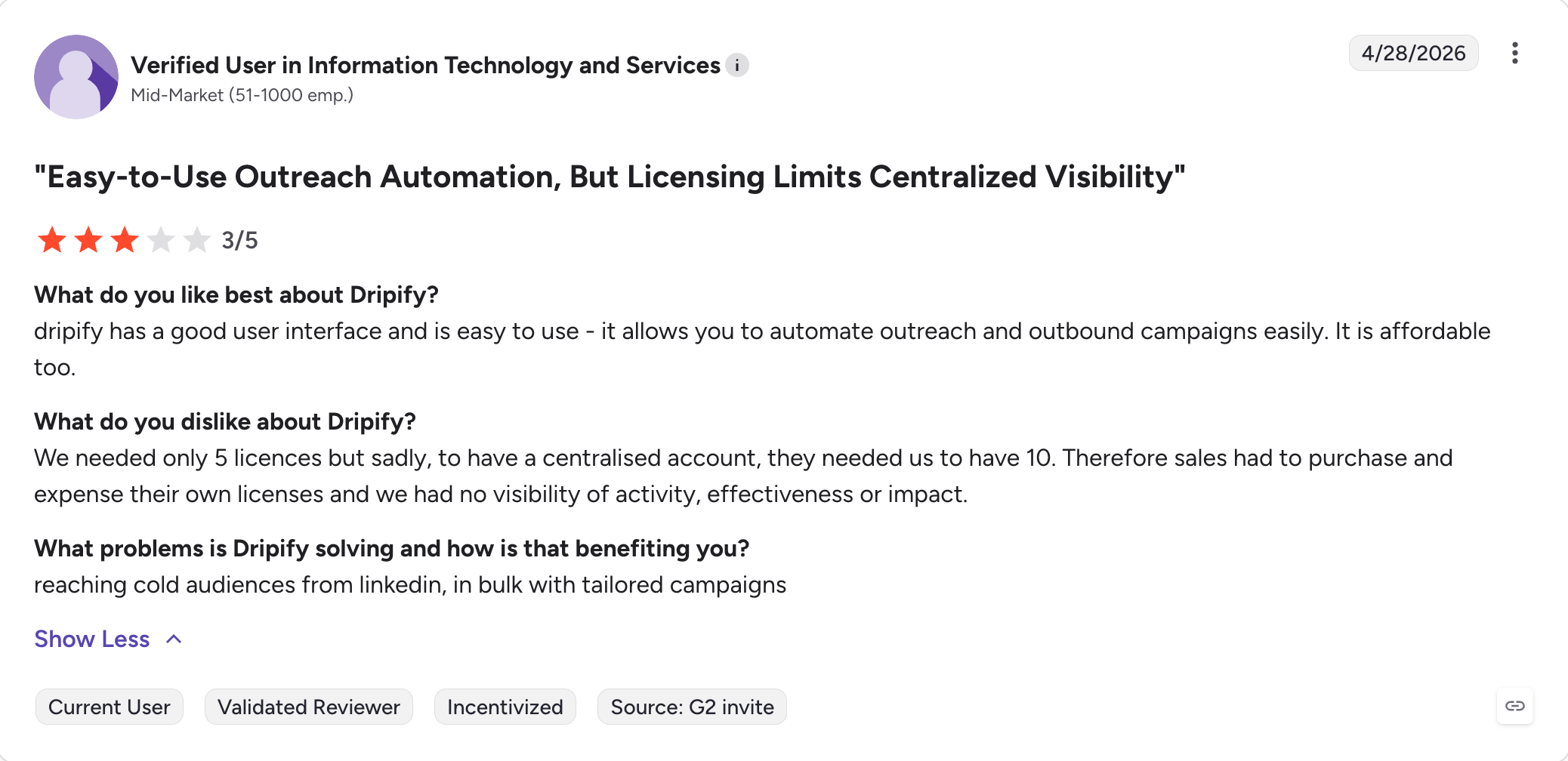
One seat per LinkedIn account, so agencies pay per client
Smart limit ranges you cannot accidentally exceed
Email steps exist, but no warm-up or rotation sits behind them
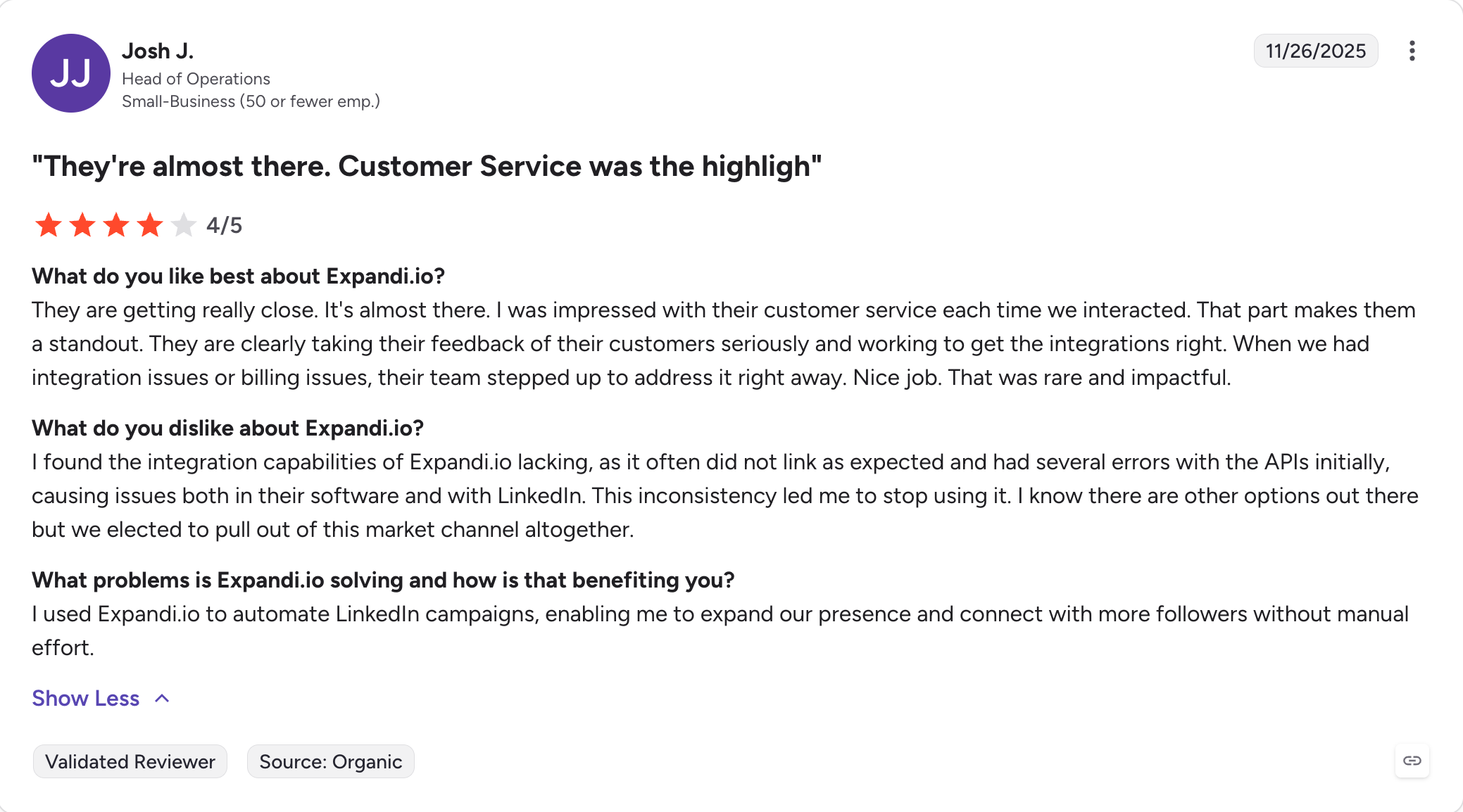
Customer support comes up as a strength in G2 reviews
A steeper first campaign than most tools here
A blacklist and duplication prevention built in
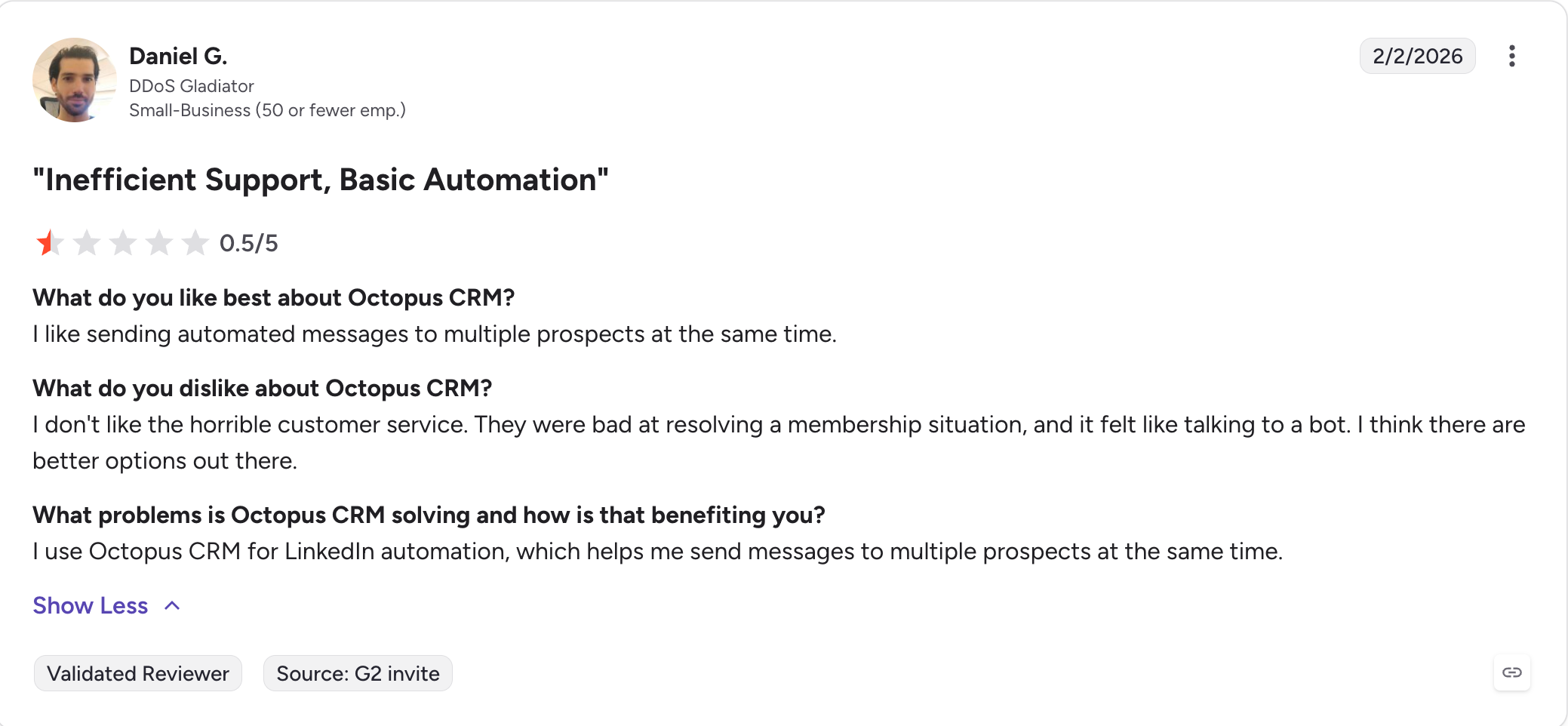
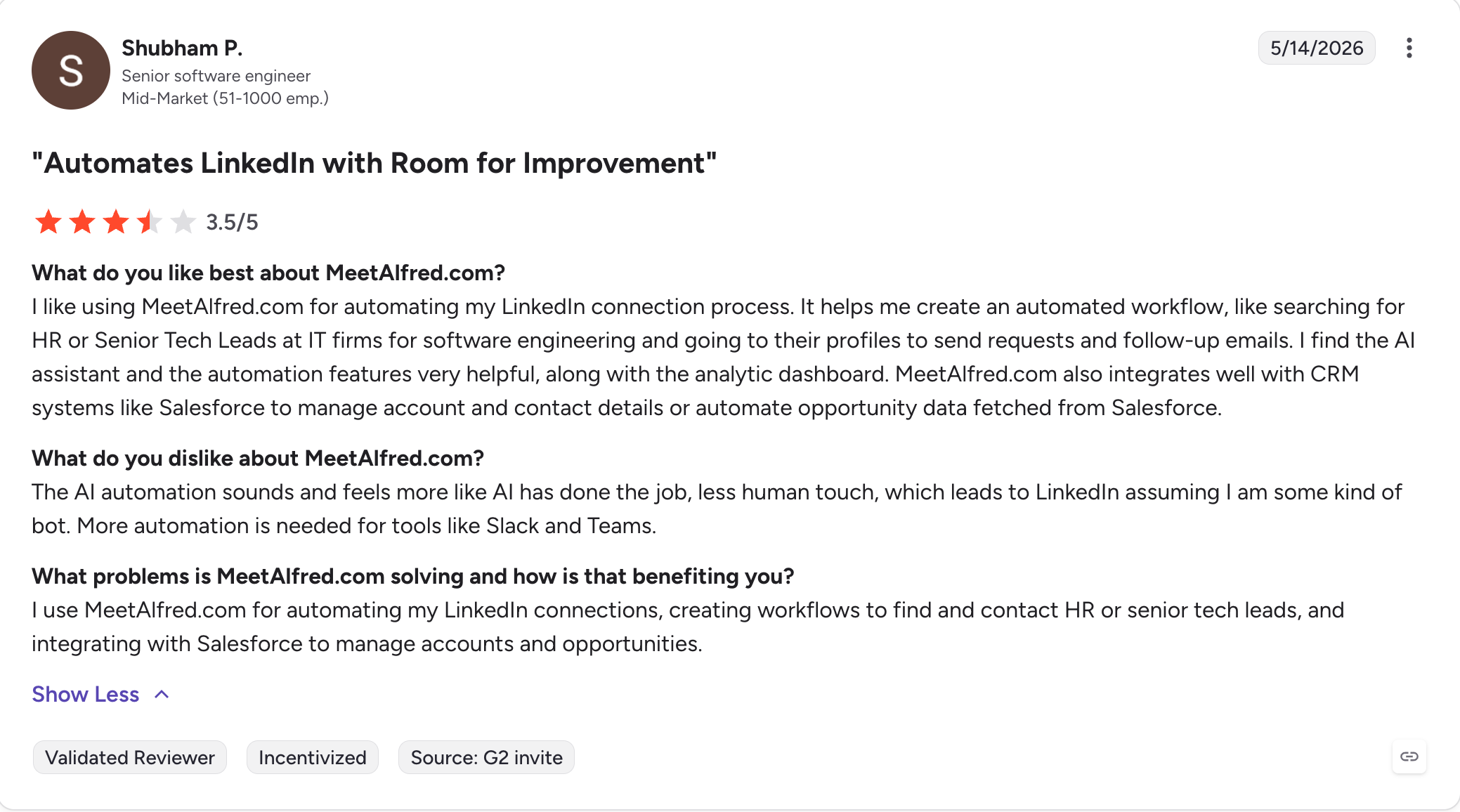
Ties with Octopus CRM and Meet Alfred for the lowest G2 rating here
Best for: Solo sellers who want Dux-Soup's drip campaigns without the browser, at roughly the same price as Turbo.
G2 Rating: 4.5 out of 5
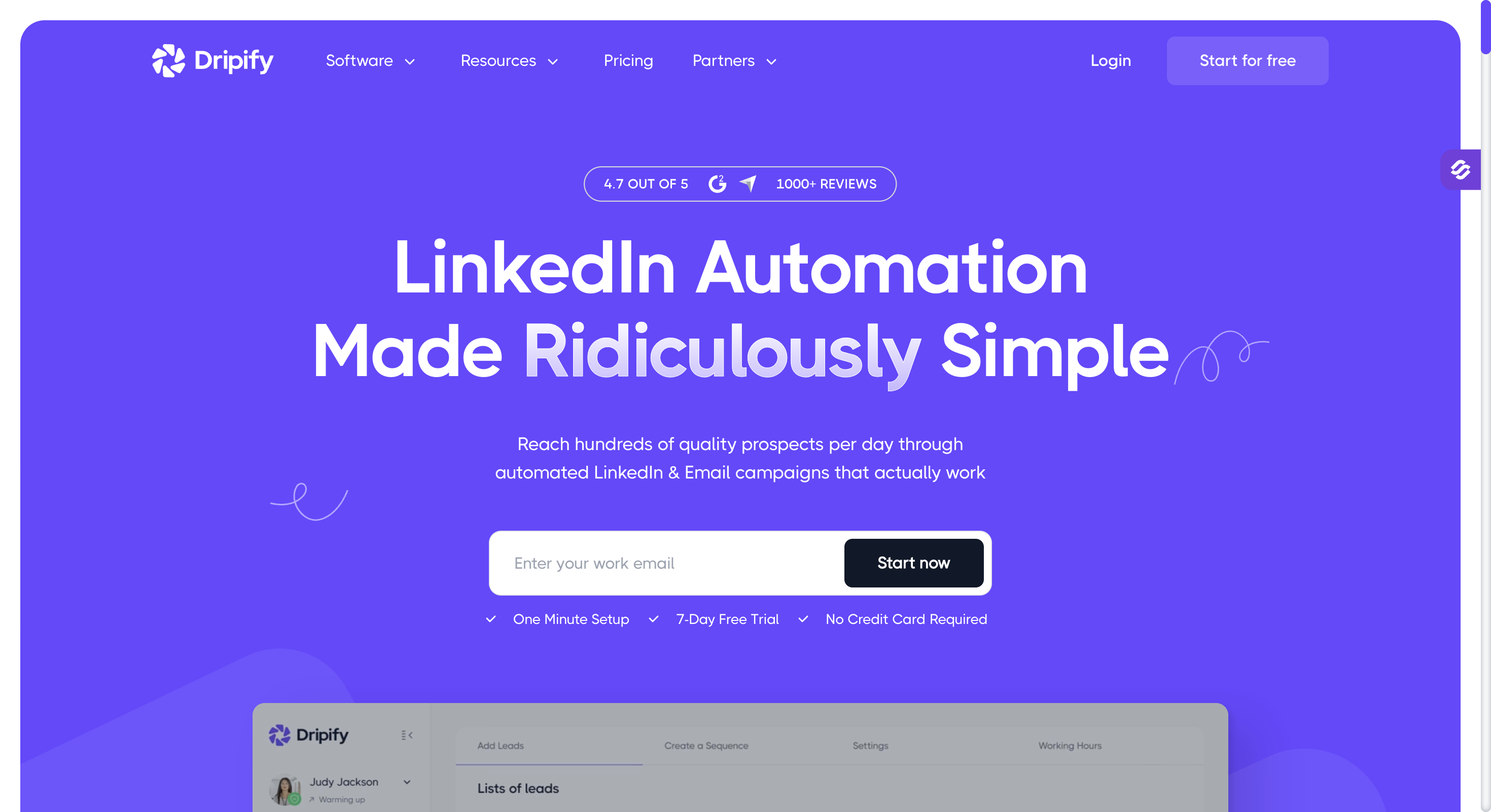
Dripify is the closest thing on this list to a straight swap. I have run both, and it keeps the same idea and the same shape.
You build a drip campaign from LinkedIn actions with delays and conditions between them. Then you enrol a search or a CSV. Dripify runs it on its own servers, so nothing depends on your machine being awake.
It also sends email. Every paid plan runs LinkedIn and email steps in the same sequence, and no plan meters how much you send.
The price gap reversed this year. Dux-Soup Pro used to cost $14.99 against Dripify's $39. STACKED starts at $41.25, so Dripify now costs less at entry.
Dripify does nothing underneath the sending, though. You get no warm-up, no rotation and no bounce protection. At low volume I would not worry about it. Past a few thousand a month it starts to matter.
Dripify Key Features
Cloud drip campaigns: Connection requests, messages, InMails, profile views, endorsements, likes and follows all run with delays and conditions between steps.
LinkedIn and email in one sequence: Email steps run on every paid plan, with a built-in email finder and verifier.
Unmetered sending: No plan caps how many emails you send.
Dedicated inbox: You reply to LinkedIn conversations inside Dripify from the Pro tier upward.
Live campaign editing: You add actions at the start or between steps and extend a finished sequence. Delays and message text change without a rebuild.
Personalization variables and AI icebreaker: You get 15+ variables plus AI-written opening lines.
Team management: Multi-team access, roles, shared templates and duplicate-outreach prevention arrive on the Advanced plan.
Campaign and funnel analytics: You track campaign, account and daily usage, and step analytics arrive on Advanced.
Dripify Pros And Cons
Pros
Cons
Cloud execution with a dedicated IP in your location
Per-user pricing with no volume discount at any tier
Email steps on every paid plan, sending unmetered
No warm-up, rotation, provider matching or bounce protection
The cleanest builder of the like-for-like swaps
Basic caps you at one campaign and 20 connection requests a day
Live campaign editing now works, contrary to most articles
100 email finder credits a month, expiring, with packs from $29
352 G2 reviews, the longest record of the LinkedIn-first tools here
No native CRM below Pro, and integrations mostly run through Zapier
Cheaper than STACKED at entry
Monthly billing costs 50% more than annual
Dripify Pricing
Plan
Annual
Monthly
What you get
Basic
$39 a user a month
$59
1 campaign, 20 connection requests a day, analytics, templates
Pro
$59 a user a month
$79
Unlimited campaigns, full quotas, dedicated inbox, CSV export, HubSpot, webhooks
Advanced
$79 a user a month
$99
Team management, advanced LinkedIn protection, lead tagging, step analytics
Enterprise
Custom
Custom
Premium onboarding, dedicated support, a CSM
The trial runs seven days with Advanced features and no credit card. Dripify offers no permanent free plan.
Best for: Solo operators and small agencies who want LinkedIn and email branching in one sequence, with warm-up and verification in the seat price.
G2 Rating: 4.5 out of 5
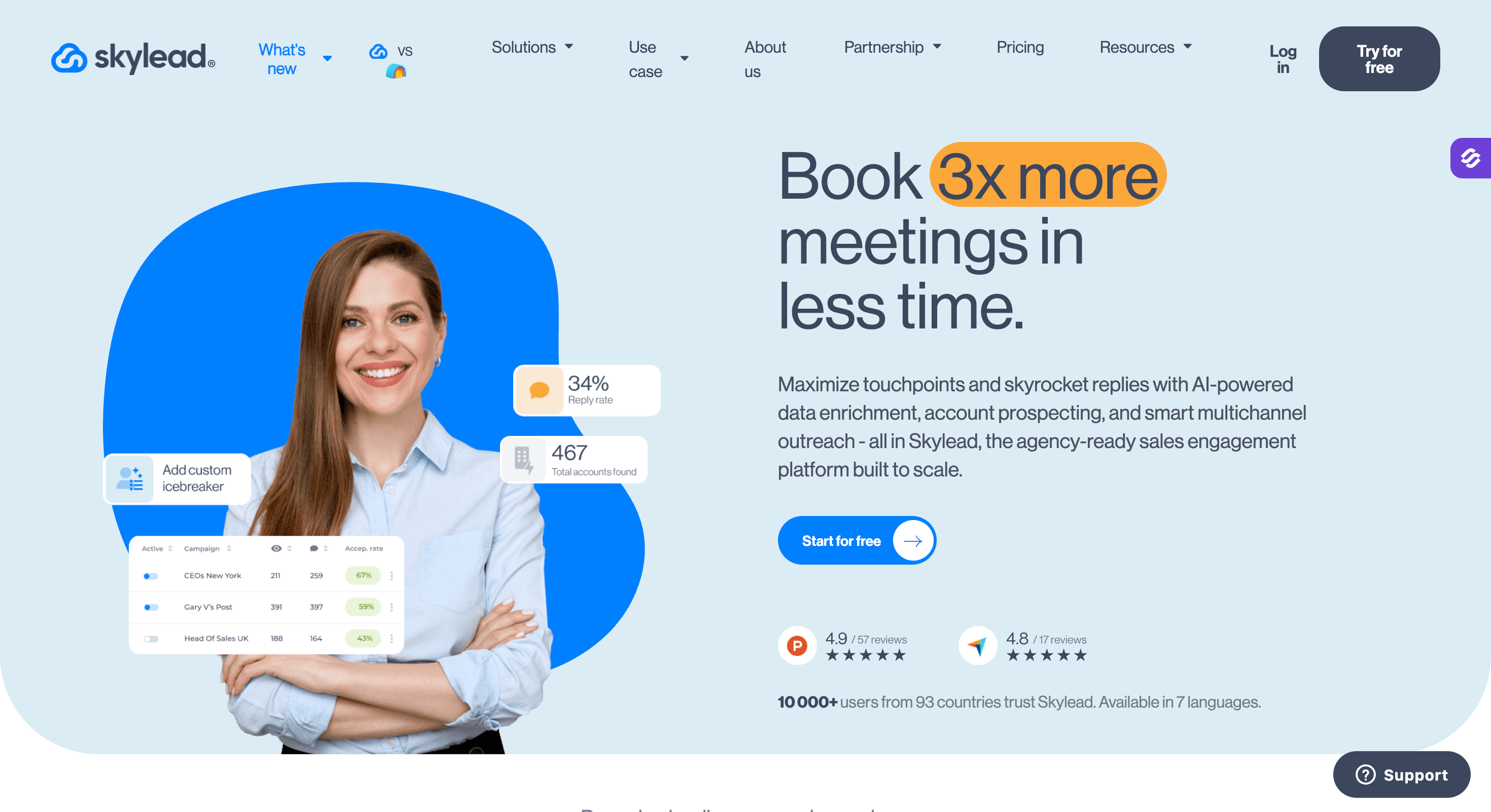
Skylead runs LinkedIn and cold email inside what it calls Smart Sequences. I rate it above most of this list on sequence logic.
Skylead does the branching for you. Most tools make you map every path yourself. Skylead picks the route to each prospect based on what they do.
Everything comes with the $100 seat. You get unlimited email accounts, 100,000 emails a month, email finding, double verification and infinite warm-up. No feature gating sits between tiers, which is unusual here.
Skylead shipped fast this year. Account-based prospecting and AI enrichment landed in April. A B2B database followed on 17 June and a trainable AI SDR on 13 July.
I would frame the Dux-Soup trade simply. You pay more than STACKED cloud at $74.17. You get email, warm-up, a database and branching on top.
Skylead Key Features
Smart Sequences: If/else branching picks the next step from what the prospect did, instead of running a fixed order.
Unlimited email accounts: You connect as many mailboxes as you want on one seat, with 100,000 emails a month included.
Infinite email warm-up: InboxFlare warms an unlimited number of mailboxes before and during sending.
Email finder and double verification: You find business emails and verify them twice, including catch-all domains, to cut hard bounces.
B2B database and account-based prospecting: You build company lists and find matching decision-makers inside the tool instead of importing from elsewhere.
Trainable AI SDR: It handles replies across LinkedIn and email through to a booked call, and it costs extra on every tier.
Unlimited image and GIF personalization: These come native to the plan, with spintax and Liquid syntax for message variation.
Real-time CRM sync: It syncs both ways with HubSpot, Pipedrive and Salesforce, and it adds webhooks and an open API.
Skylead Pros And Cons
Pros
Cons
Smart Sequences do the branching work for you
$100 a seat is the highest entry price on this list
Unlimited email accounts and 100,000 emails on one seat
The AI SDR and AI enrichment cost extra on every tier
Warm-up, finder and double verification in the base price
One seat per LinkedIn account, with no bulk discount below Agency
No feature gating, so every tier gets the full toolset
G2 reviewers note a learning curve and fiddly configuration
G2 reviewers rate it above We-Connect on ease of use and support
Only 57.9% of reviews come from small businesses, so solo fit is less proven
Unlimited team members on every plan
One review notes a 100-slot cap behind the infinite warm-up
Skylead Pricing
Plan
Price
What you get
All-in-one
$100 a seat a month
Full feature set, unlimited email accounts, 100,000 emails a month, Smart Sequences, warm-up, finder and verifier, API
Agency
$999 a month for 50 seats, or $1,999 for unlimited
Agency dashboard, Unibox across clients, granular roles, a white label option, a dedicated Slack channel
Best for: Small teams who want cloud execution and a visual workflow builder at the lowest price, with teammates who cost nothing.
G2 Rating: 4.6 out of 5
We-Connect is the cheapest serious cloud tool here. I keep coming back to it for the seat model.
A seat means one LinkedIn account. You invite team members at no extra cost, and they need a seat only when they connect their own profile. STACKED cloud costs $74.17 a profile, so We-Connect undercuts it by $25 a seat. STACKED local runs cheaper at $41.25, though that tier needs your machine awake.
Every plan runs in the cloud with no browser extension and a dedicated country-based IP per account. The visual workflow builder, the AI assistant and API access all sit on the entry tier.
I would check two things before buying. Growth at $49 covers LinkedIn only, so email arrives on Professional at $59. Most prices circulating online are the monthly rates, which makes We-Connect look $20 a seat dearer than it is.
We-Connect Key Features
Cloud execution on every plan: Campaigns run without a browser extension, and each account gets a dedicated country-based IP.
LinkedIn Lead Engine: This drag-and-drop builder carries conditional logic, 22 channel action nodes, AI agent nodes and enrichment nodes, on every tier.
20+ LinkedIn actions: Connection requests, messages, InMail, follows, post likes, endorsements and event invitations all run as steps. Automated greetings cover new connections and job anniversaries.
AI auto-reply in two modes: Co-pilot drafts replies for approval and autonomous mode handles them end to end. A sentiment agent and a lead scoring agent sit alongside them.
Unified inbox: LinkedIn, Sales Navigator and Recruiter conversations land in one place.
Account safety as standard: Every plan carries daily action limits, randomised timing, auto-withdraw of pending invitations and account warm-up.
API on every tier: We-Connect gates none of the webhooks, Zapier or API access, which is rare at this price.
Free team members: You invite colleagues to manage activity without buying them a seat.
We-Connect Pros And Cons
Pros
Cons
The cheapest cloud tool here at $49 a seat on annual billing
Growth covers LinkedIn only, so email starts at $59 on Professional
A seat means one LinkedIn account, so teammates cost nothing
Native CRM integrations are gated to Professional and above
The visual workflow builder and AI assistant sit on every tier
G2 reviewers rate it below Skylead on ease of use and support
API access on every plan
Post Remix costs $16 a seat as an add-on
AI auto-reply with both approval and autonomous modes
84 G2 reviews, the smallest sample of the cloud tools here
A dedicated country-based IP per account
Multi-sender campaigns only arrive on the Scale tier
We-Connect Pricing
Plan
Annual a seat
Annual total
What you get
Growth
$49 a month
$588 a year
Unlimited LinkedIn campaigns, Lead Engine, AI Assist, AI auto-reply, contact enrichment
Professional
$59 a month
$708 a year
Adds LinkedIn and email in one sequence, email warm-up, native CRM sync, email tracking
Scale
$79 a month
$948 a year
Adds Watchlist intent signals, up to 4 Intent Agents, multi-sender campaigns
Agency
Custom, 10+ seats
Quoted
Manage 10+ accounts from one dashboard, a dedicated CSM, custom integrations
Annual billing saves $240 a year against monthly on every plan. The trial runs 14 days with no credit card.
Best for: Solo operators who want the simplest LinkedIn sequencer at the lowest entry price, and do not need email yet.
G2 Rating: 4.5 out of 5
Waalaxy runs entirely in your browser at app.waalaxy.com.
I did not expect that from the best-known extension in this category. The Chrome extension went in mid-2026, and the optional one that remains only speeds up imports.
Waalaxy and Dux-Soup moved in opposite directions this year. Waalaxy went to the web. Dux-Soup went to the desktop.
That makes Waalaxy the lightest setup here. You install nothing, campaigns keep sending overnight, and your machine sleeps.
Waalaxy also gets you to a first campaign faster than anything else here. Their own page says 75% of their users had never done LinkedIn outreach before, and it shows.
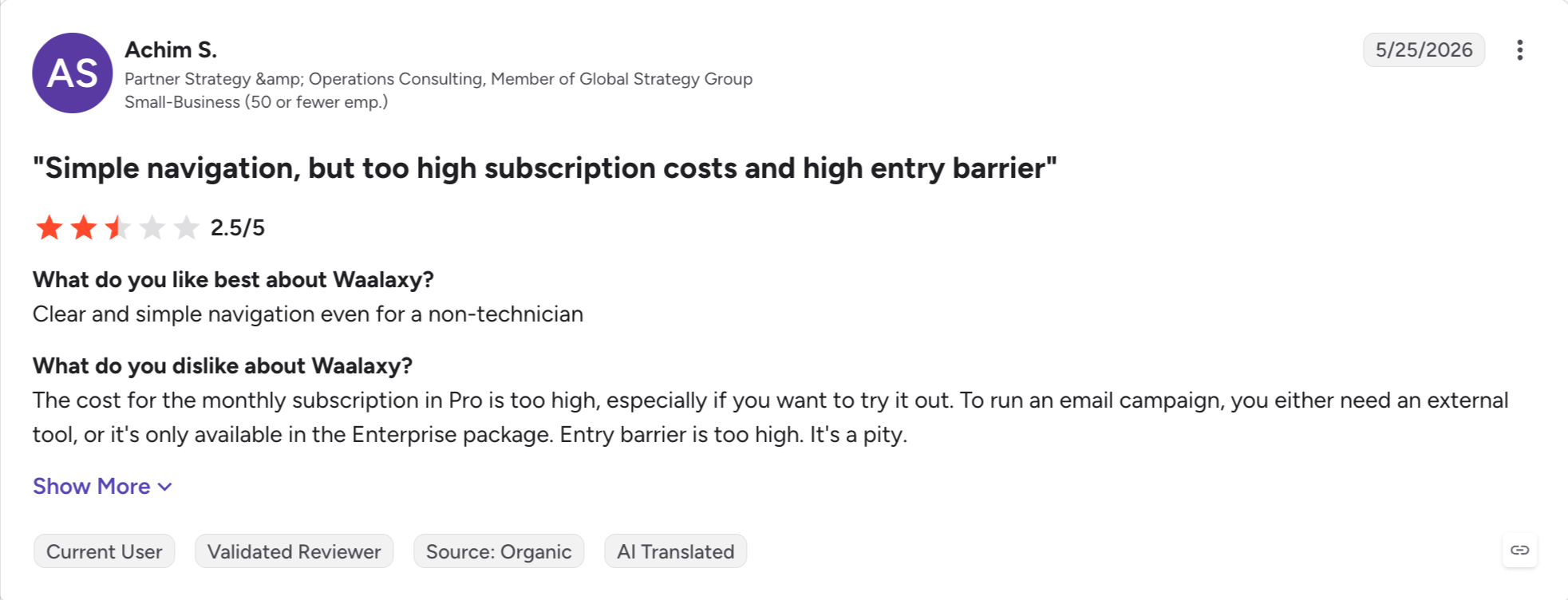
I would correct two things older comparisons get wrong. Waalaxy killed the free plan, so the 80-invitations-a-month tier that half the internet still lists no longer exists. It also carries 1,595 G2 reviews, by far the largest sample here. Reviewers flag the price more than any other complaint.
Waalaxy Key Features
Runs in the browser: Everything happens at app.waalaxy.com, so campaigns keep sending overnight with your machine off.
Unlimited campaigns: Every tier runs as many as you like. Only the monthly invitation count changes between plans.
Pre-built prospecting sequences: You launch a ready-made template and edit it, instead of building from an empty canvas.
Smart reply detection: A sequence stops automatically for anyone who answers, so nobody gets a follow-up after replying.
CRM sync across 2,000+ tools: You push leads to your CRM natively, with CSV import and export on every plan.
Multi-source imports: You pull prospects from LinkedIn Basic, Sales Navigator and Recruiter Lite searches.
Cold email sequences: Email steps join a LinkedIn campaign on the Business plan, with 500 email finder credits a month.
API and automation modules: API access plus Make, Zapier and N8N modules arrive on Advanced and above.
Waalaxy Pros And Cons
Pros
Cons
The lowest entry price on this list at €19
No free plan any more, only a 14-day trial
Nothing installs, and campaigns run with your machine off
Reviewers flag the price more than any other complaint
Ease of use is its top-rated strength on G2
Campaign management is the second most flagged issue
Easy setup is second, cited in 126 reviews
Email finder credits sit at 25 a month until the €69 tier
Unlimited campaigns on every tier
Cold email only arrives on Business
1,595 G2 reviews, the largest sample on this list
The LinkedIn Inbox costs extra on all three tiers
Waalaxy Pricing
Plan
Price a user
What you get
Pro
€19 a month
300 invites a month, unlimited campaigns, CRM sync, 25 email finder credits
Advanced
€49 a month
800 invites a month, API access, Make, Zapier and N8N modules, live chat support
Business
€69 a month
800 invites a month, cold email sequences, multichannel campaigns, 500 email finder credits
Billing runs monthly, quarterly at 20% off, or yearly at 50% off. The trial runs 14 days on every plan, and the LinkedIn Inbox costs extra on all three tiers.
Best for: Freelancers on a tight budget who want the cheapest LinkedIn automation on this list and can live with the browser.
G2 Rating: 4.3 out of 5
Octopus CRM is now the only tool here that still runs as a Chrome extension. I find that worth stating plainly, because it used to be the norm. Your machine stays on and the extension runs inside your browser. Campaigns stop when you close the tab.
Dux-Soup just moved away from that. Octopus did not.
Octopus fixes the price, and the gap got wider this year. Starter costs $6.99 a month on annual billing against STACKED's $41.25. Advanced at $14.99 adds a funnel builder with CSV import and export. That still lands at just over a third of what Dux-Soup charges.
I would check the tier carefully, because Octopus repeats a trick Dux-Soup used to play. Starter cannot send auto connection requests at all. You get a personal CRM and messages to people you already know. Auto connection requests, endorsements and profile views start at Pro.
One more gate catches people. Sales Navigator works on every tier, but Premium and Recruiter compatibility sits on the top plan.
Octopus CRM Key Features
Core LinkedIn automation: Connection requests, bulk messaging, profile visits and skill endorsements run from a simple campaign builder. Auto connection requests start at the Pro tier.
Built-in CRM dashboard: You track prospects through a personal funnel with saved lists and status, without exporting to another tool.
Funnel builder: You build specific lead funnels and track progression, from the Advanced tier.
Performance analytics: You see profile views, search appearances, connection acceptance rates and your Social Selling Index in one place.
Connect by email: The top plan sends connection requests by email, which works around LinkedIn's weekly invitation limit.
Credential-free extension: The extension runs without storing your LinkedIn login details.
Zapier integration: You push LinkedIn data to HubSpot and other tools, on the Unlimited tier.
Octopus CRM Pros And Cons
Pros
Cons
The cheapest tool on this list at $6.99 a month on annual billing
A Chrome extension, so your machine still has to stay on
The full toolset for $24.99 a month, well under STACKED
Starter cannot send auto connection requests at all
A built-in CRM dashboard and funnel builder
No email channel at any price
It works without storing your LinkedIn password
Premium and Recruiter compatibility only on the top tier
A 7-day free trial with no credit card
Zapier is gated to Unlimited, with no native CRM sync
40,000+ users and 118 G2 reviews
No team features, no shared inbox, no multi-account rotation
Octopus CRM Pricing
Plan
Annual
Monthly
What you get
Starter
$6.99 a month
$9.99
Personal CRM, personalised auto-invite, messages to existing connections
Pro
$9.99 a month
$14.99
Adds auto connection requests, bulk messaging, auto profile views, endorsements
Advanced
$14.99 a month
$21.99
Adds a funnel builder, activity tracking, CSV import and export
Unlimited
$24.99 a month
$39.99
Adds advanced analytics, priority support, connect by email, Zapier
Annual billing saves 35%. The trial runs seven days with no credit card, and agency pricing starts above 20 accounts.
Best for: Teams who need X alongside LinkedIn and email in one sequence.
G2 Rating: 4.3 out of 5
Meet Alfred runs in the cloud, which several comparison articles still get wrong. It also treats X as a real channel, which nothing else here does.
If your outbound touches LinkedIn, email and X, nothing else here does all three in one sequence. I would shortlist it for that alone.
I would check the tier before you buy. Basic at $29 covers LinkedIn only. Multichannel, Sales Navigator support and InMail automation all start at Pro, $49. The free plan older articles mention is gone.
One oddity caught my eye. Team at $39 costs less per user than Pro at $49, and white label unlocks there at five users.
Meet Alfred Key Features
Three channels in one sequence: LinkedIn, email and X steps run inside the same campaign, from the Pro tier.
Cloud-based execution: Campaigns run on Meet Alfred's servers, with no browser extension.
Built-in Lead Finder: You search for prospects and import them straight into campaigns without a CSV step. It comes from Basic.
Advanced LinkedIn CRM: You organise prospects with tags, notes and filters without leaving the platform.
Smart LinkedIn Inbox: You manage conversations in one place from Basic, and team inbox management arrives on the Team plan.
InMail automation: InMails run as a sequence step, from Pro.
White label at 5+ users: You run the platform under your own branding on Team, a lower entry point than most agency plans.
Meet Alfred Pros And Cons
Pros
Cons
The only tool here covering LinkedIn, email and X
Basic at $29 covers LinkedIn only, with three active campaigns
Cloud-based, so campaigns run with your machine off
Multichannel, Sales Navigator and InMail all need Pro
The cheapest multichannel entry here at $49 on annual billing
G2 feature scores trail Skylead on CRM sync and reporting
Lead Finder and LinkedIn CRM included from Basic
No documented email warm-up or inbox rotation
White label at 5 users, not 50
Only 40 G2 reviews, the smallest sample here
Team costs less per user than Pro
Team pricing conflicts across every source I checked
Meet Alfred Pricing
Plan
Annual
Monthly
What you get
Basic
$29 a user a month
$59
3 active campaigns, LinkedIn automation, Lead Finder, LinkedIn CRM, Smart Inbox, templates
Pro
$49 a user a month
$99
Adds unlimited campaigns, Sales Navigator, multichannel across LinkedIn, X and email, InMail automation
Team
$39 a user a month
$79
Adds advanced team settings, team inbox management, groups. White label at 5+ users
Annual billing takes 50% off. Meet Alfred prices in USD, EUR or GBP. It offers a free trial and runs no permanent free plan.
Best for: Solo reps who want AI doing the talking, including voice and video messages, and who price per LinkedIn account instead of per person.
G2 Rating: 4.7 out of 5
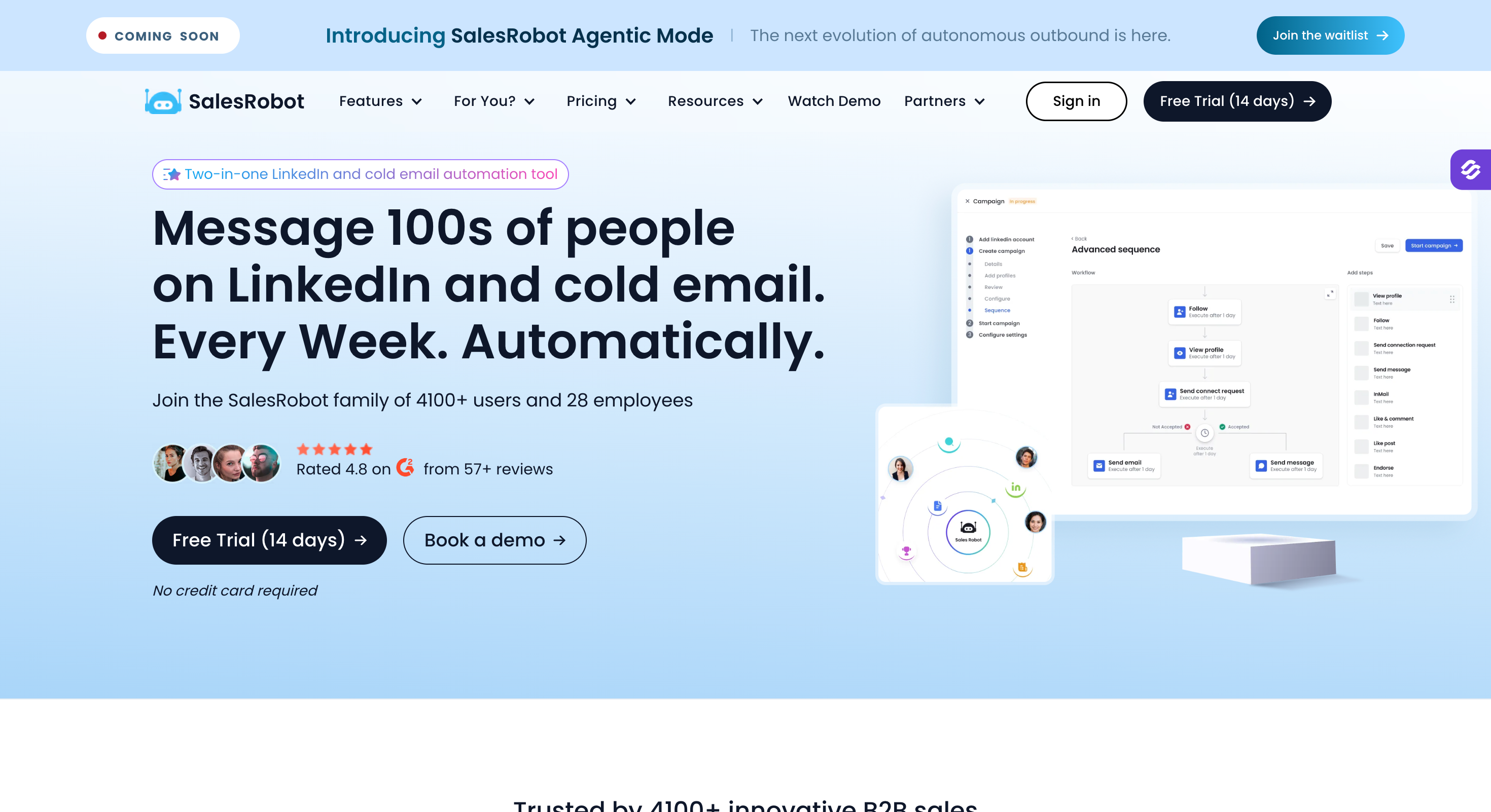
SalesRobot is cloud LinkedIn automation built around AI features most of this list does not have. I have not seen voice cloning anywhere else here.
It clones your voice from a short sample and generates personalised voice notes per prospect, and it does the same for video. An AI Appointment Setter handles replies and books meetings. An AI Commenting feature posts on your prospects' content before you send a connection request.
Pricing runs per LinkedIn account instead of per person, which suits agencies. Basic costs $39 a month on annual billing against STACKED's $41.25. Advanced at $59 unlocks unlimited campaigns and full daily quotas.
Their marketing glosses over the email pricing. It reads as bundled. SalesRobot charges $15 per email account a month, on top of whichever plan you pick.
SalesRobot Key Features
AI voice and video cloning: You record a short sample once, then generate personalised voice notes and videos for every prospect on the list.
AI Appointment Setter: It handles replies, answers questions and books meetings on your calendar. You train it on your own conversation style.
AI Commenting: It posts contextual comments on prospects' LinkedIn content, so your name looks familiar before the connection request lands.
Cloud execution: Campaigns run on SalesRobot's servers with no extension and no browser dependency.
Unified inbox: LinkedIn and email conversations land in one place, with a personal inbox from the Advanced tier.
A/B testing: You test message variants, from Advanced.
Native CRM integrations: It connects to Pipedrive, Salesforce, HubSpot, Copper, Zoho, Google Sheets and Zapier.
White label: You resell the platform under your own brand.
SalesRobot Pros And Cons
Pros
Cons
AI voice and video cloning, which nothing else here offers
Email costs $15 per email account a month, not bundled
Priced per LinkedIn account, with volume discounts at 10 and 20
Basic gives you one campaign and limited daily quotas
The AI Appointment Setter handles replies through to a booked meeting
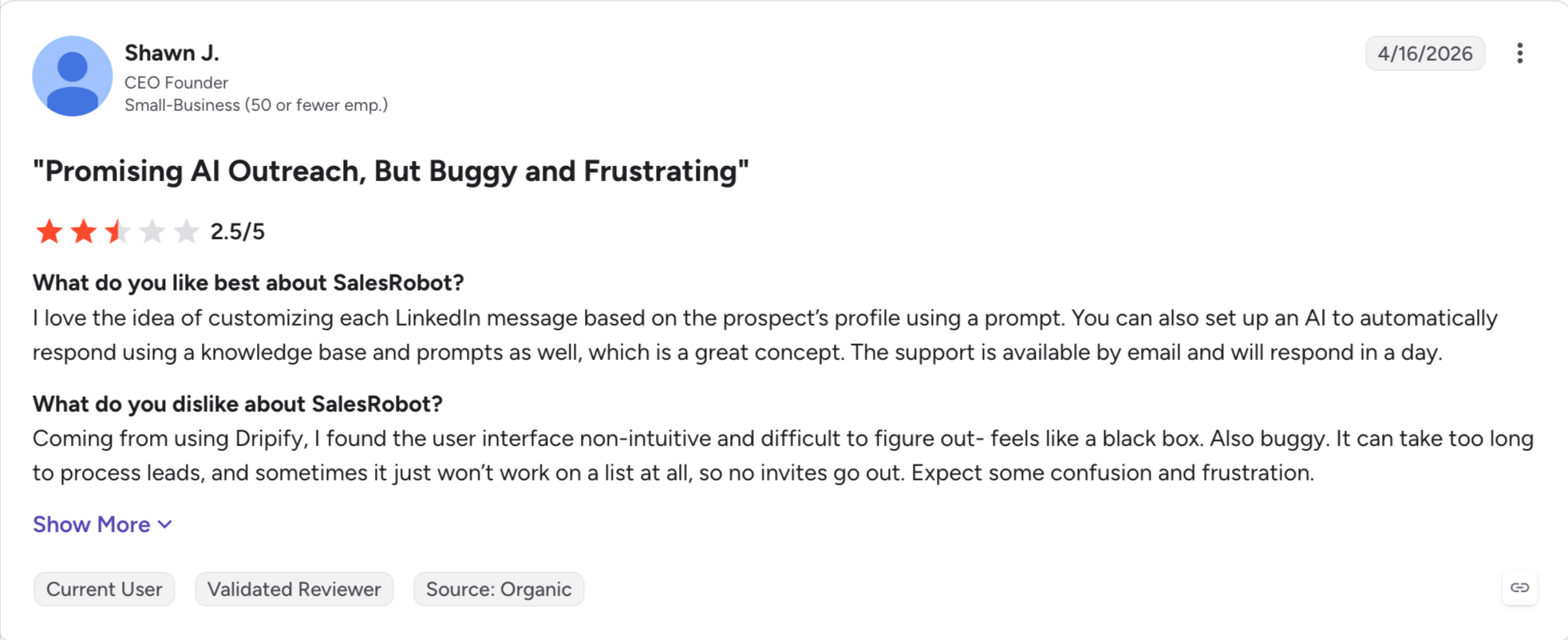
Only 61 G2 reviews, so the 4.7 rests on a small sample
Cloud execution with no browser dependency
SalesRobot restructured its tiers in 2026, so older pricing articles are wrong
A 14-day free trial with no credit card
A/B testing, webhooks and CSV export all need Advanced
Cheaper than STACKED at entry
Team management only arrives on the top tier
SalesRobot Pricing
Plan
Annual
Monthly
What you get
Basic
$39 an account a month
$59
1 active campaign, limited daily quotas, dashboard and reports, AI Appointment Setter
Advanced
$59 an account a month
$79
Unlimited campaigns, full quotas, A/B testing, personal inbox, webhooks and Zapier, CSV export
Professional
$79 an account a month
$99
Adds team management and activity monitoring
Enterprise
Custom
Custom
Volume pricing for multi-account setups
Volume discounts run about 33% above 10 accounts and 45% above 20. The trial runs 14 days with no credit card.
How To Switch Off Dux-Soup Without Losing Your Data
I would run four steps, in this order.
Export your leads first: Dux-Soup exports prospect data as CSV, so pull everything out before you touch the subscription. The path runs through Scan Data, then Download CSV file.
Screenshot your campaigns: Sequences do not export anywhere. If a drip campaign works for you, capture the steps, the delays and the copy before you go.
Spend your Dux-points: Second-degree email lookups you have already paid for do not transfer anywhere. First-degree emails stay free, and anything beyond that draws on the credit system. Run those lookups before you cancel.
Pause, then cancel: Pause your running campaigns so nobody sits half-way through a sequence, then cancel from your account.
Every tool on this list accepts CSV import, so lead data moves cleanly. You rebuild the sequences yourself.
If you move to Salesforge, I would connect your mailboxes and let Warmforge run for a week before sending. The warm-up costs nothing and has no slot limit. A week of it decides whether you land in the inbox or in spam.
Final Verdict: Which Dux Soup Alternative is Best?
Nine of the ten tools above get your automation off your own machine.
That is what you came for, and most of this list delivers it. Pick almost any of them and your campaigns will run with the laptop shut.
What far fewer do is change what a sequence can carry once it gets there.
You move from a LinkedIn tool that needs your browser to a LinkedIn tool that does not, and your approach stays exactly the same. Same channel, same weekly limit, same reason the pipeline thins out in month three.
Salesforge is the one tool that changes that. It runs cold email and LinkedIn as two channels of one sequence with real branching, so a declined connection request rolls into an email without you touching it. Warmforge warms every mailbox for free, so the email half actually lands. Every reply from both channels ends up in Primebox™.
Growth is $80 a month on annual billing, with unlimited mailboxes and unlimited LinkedIn senders. Adding one person or ten does not increase the price.
STACKED costs $55 a month for the local desktop app and $99 for cloud, or $41.25 and $74.17 on annual billing. A seat covers one LinkedIn account. Volume discounts start at ten seats and reach 50% off.
2) Does Dux-Soup Work When Your Computer Is Off?
Only on the cloud tier. Dux-Soup's own documentation says the local desktop app needs your computer switched on and awake for scheduled automation to run. Cloud costs $99 a month, or $74.17 annual.
3) Is Dux-Soup Still A Chrome Extension?
No. Dux-Soup replaced it in September 2026 with a desktop app called STACKED, and the old Pro, Turbo and Cloud extensions are now deprecated. Existing Turbo and Cloud customers move across at no extra cost.
4) Does Dux-Soup Have A Free Version?
Dux-Soup offers a two-week STACKED trial with no card required. The free Starter edition that older articles mention no longer appears on the pricing page. I would check before counting on it.
5) Why Does Dux-Soup Slow Down My Computer?
The old Chrome extension ran inside your active LinkedIn tab and opened more pages to carry out actions. G2 reviewers flagged it for processor drain and freezing. The desktop app should change that. It still runs on your machine, so it still uses your resources.
6) Can You Edit A Dux-Soup Campaign After It Starts?
Yes. You can add actions, remove them, reorder by dragging and rewrite copy. Changes do not reach actions already queued, and new actions skip anyone who has finished the sequence.
7) What Is The Cheapest Dux-Soup Alternative?
I would pick Octopus CRM at $6.99 a month on annual billing, though it runs as a Chrome extension. For cloud, Waalaxy starts at €19 and We-Connect at $49 a seat.
8) Which Dux-Soup Alternative Is Best For Agencies?
HeyReach, if you run LinkedIn only. Its Agency plan covers 25 senders for $999, which works out near $40 each. Salesforge suits agencies whose clients need email as well, with unlimited senders and a workspace per client at $80 flat.
9) Is Dux-Soup Safe For Your LinkedIn Account?
Partly. The desktop app keeps you on your own IP, which is the safer half of the old setup. Cloud moves your account onto Dux-Soup's servers, which is a different risk. No tool here removes the risk.
10) Does Dux-Soup Send Email?
No. STACKED has no email step, no mailbox to connect and no warm-up. It finds addresses, but anyone beyond your first-degree connections costs Dux-points.
11) Dux-Soup Vs Dripify: Which Is Better?
Dripify runs in the cloud on every plan and sends email on every paid plan. Dux-Soup now starts at $41.25 against Dripify's $39, so the old price gap has closed. If you want email in the same sequence, Dripify wins.
12) What Is The Difference Between Dux-Soup And Salesforge?
Dux-Soup automates LinkedIn from a desktop app or its cloud, and it sends no email. Salesforge runs LinkedIn and cold email as one sequence on its own servers, with free warm-up, ESP matching and Primebox. Flat pricing, not per seat.
Book more meetings on autopilot
Set up in minutes. No per-seat pricing. No commitment.
Compare 5 AI inbox managers for cold email and sales outreach. See how Salesforge, Smartlead, Instantly, Reply.io, and Saleshandy handle replies, AI features, and pricing.




.jpg)

.jpg)

