If you are looking for a Dripify alternative, you are either unhappy with it or working out which LinkedIn automation tool to buy in the first place.
I have spent ten years as a GTM operator, and I have run outreach through most of the tools in this category. Dripify is one of them.
It is a good product. The builder is clean, you can edit a live campaign now, and $39 a month on annual billing is fair for what you get. The trouble starts when you add people, because one seat connects one LinkedIn account and there is no volume discount at any tier.
Below are the 10 tools worth considering, with pricing, honest pros and cons, and where each one actually fits.
TL;DR
Salesforge: The safest multichannel outreach tool, with unlimited mailboxes, LinkedIn senders, users and workspaces on a flat fee rather than per seat.
Expandi: A cloud LinkedIn automation platform built around account safety, with a dedicated IP per account, a two to three week warm-up ramp, and conditional sequences deep enough for complex workflows. Email is available but secondary.
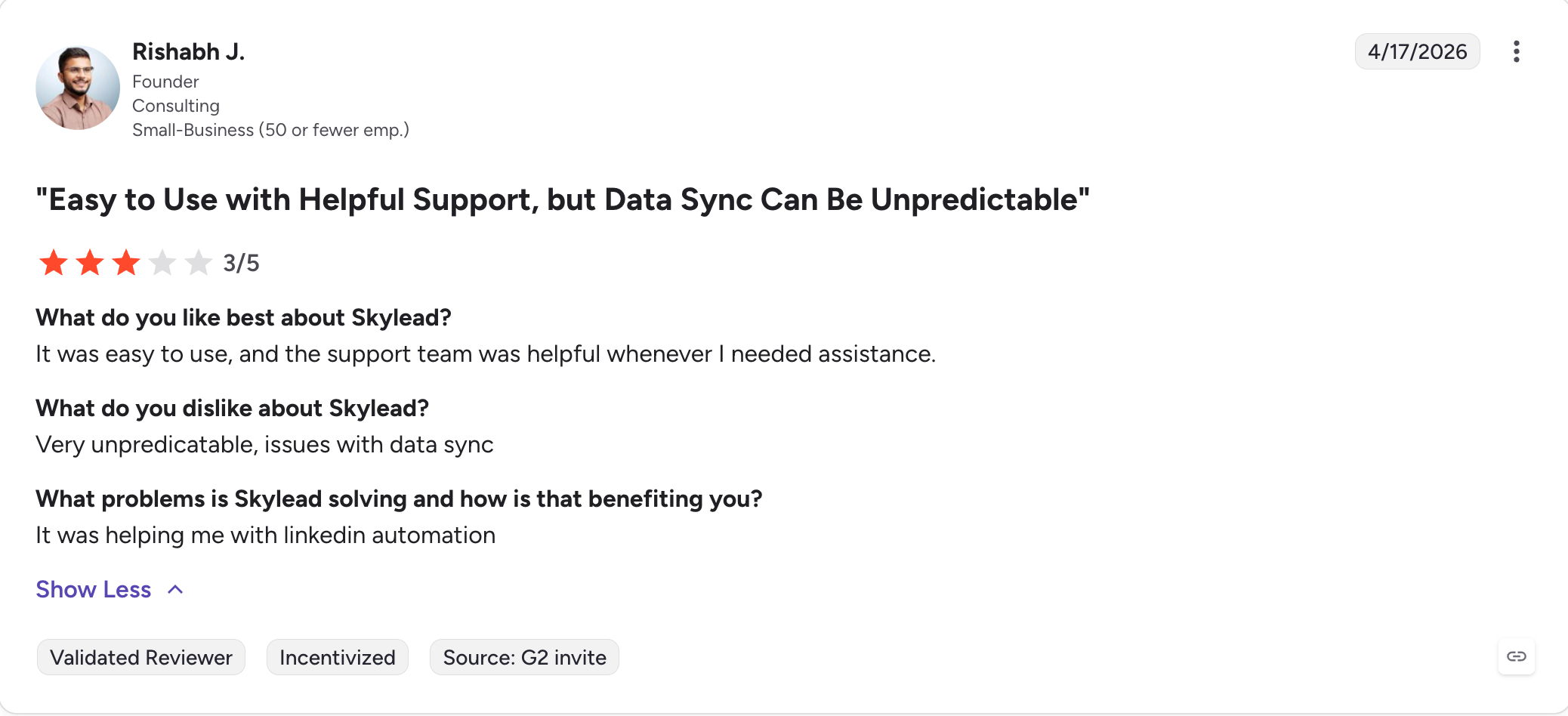
Skylead: A cloud outreach tool that combines LinkedIn and email in Smart Sequences, which choose the path to each prospect automatically instead of asking you to map every branch. One seat covers unlimited email accounts with warm-up included.
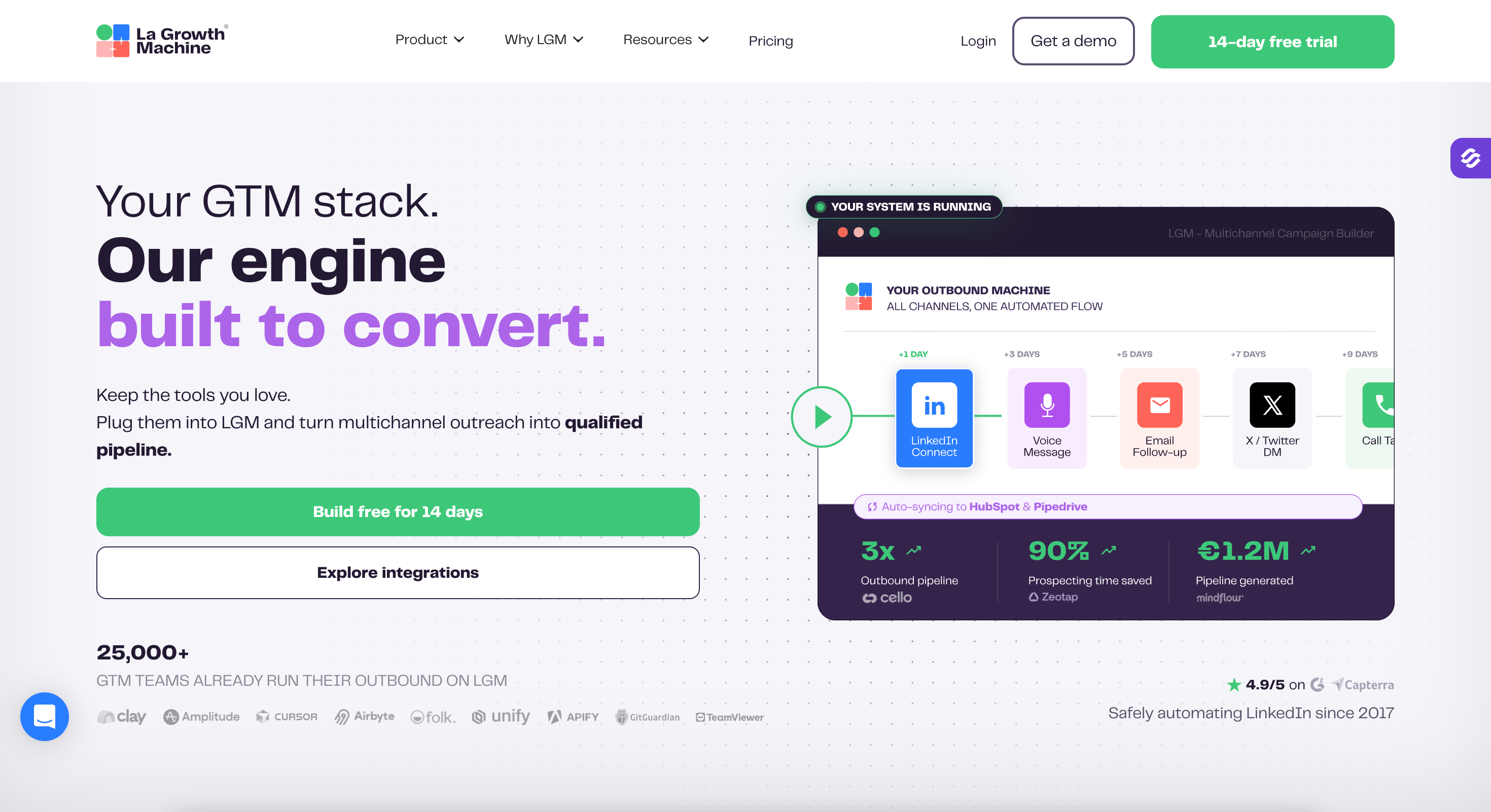
La Growth Machine: A fully cloud multichannel platform covering LinkedIn, email, calls, and X in one visual workflow, with native enrichment and voice messages built in. Billing is per identity, where one identity is one LinkedIn profile.
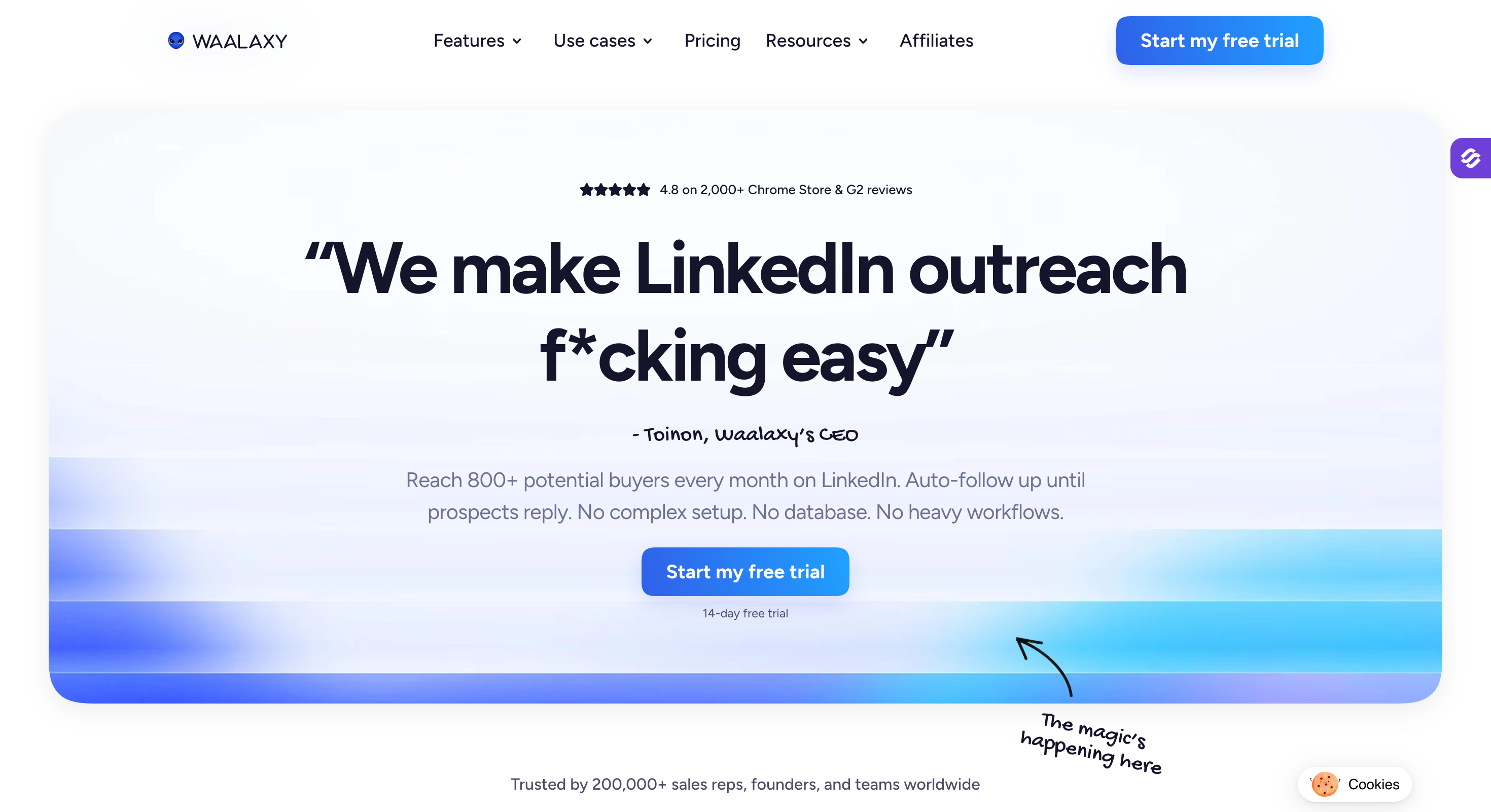
Waalaxy: The cheapest way into LinkedIn automation at €19 a month, set up through a Chrome extension but running in the cloud once you pay. Cold email only arrives on the €69 tier.
Lemlist: An email-first multichannel platform with the deepest personalization layer here, including custom images and video inside cold emails. Sequences cover email, LinkedIn, calls, and WhatsApp, with Lemwarm handling warm-up.
Octopus CRM: A budget LinkedIn automation Chrome extension that handles connection requests, bulk messaging, profile visits, and endorsements, with a lightweight CRM dashboard for tracking prospects.
Dux-Soup: One of the longest-running LinkedIn automation tools, available as a Chrome extension or as an always-on cloud version, with unlimited drip campaigns on higher tiers and a central inbox.
Meet Alfred: A multichannel tool covering LinkedIn, email, and X from one dashboard, with a unified inbox across all three, a built-in LinkedIn CRM, and 100+ message templates.
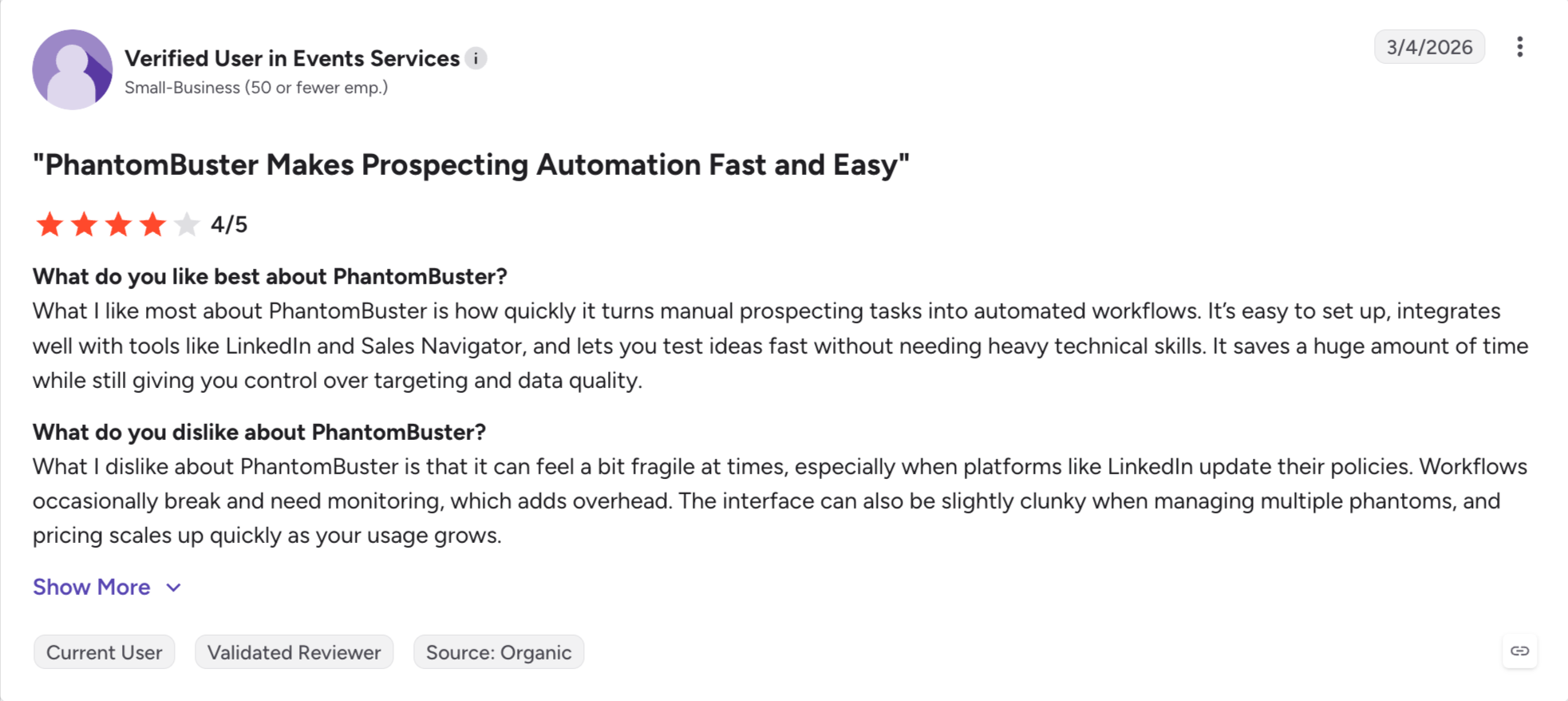
PhantomBuster: A cloud automation and scraping platform with 150+ pre-built Phantoms across LinkedIn, X, Instagram, and the open web. Built for data extraction and enrichment rather than running outreach sequences.
Why People Leave Dripify
There are several reasons, and I have summarised the ones that came up most often after going through the reviews myself.
Per-Seat Pricing
Dripify charges per user, and one seat connects one LinkedIn account. There is no volume discount at any tier.
One person on annual billing pays $39 a month. That is fine. Five reps on Advanced is $395, and ten is $790, because the price never bends no matter how many seats you buy.
An independent analysis of Dripify churn reviews I did uncovered that pricing and billing were the reasons users cited most often when they left.
Billing Terms
Dripify's terms state that monthly purchases are non-refundable.
Annual payments have a 24-hour refund window. After that, cancelling takes effect at the end of your paid term with no proration.
So a bad annual decision costs you twelve months, and you have one day to change your mind.
Basic Plan is a Trial With a Price on It
The 7-day trial gives you Advanced features. Then you pick a plan.
If you pick Basic at $39, you drop to one campaign, 20 connection requests a day, and no CSV export, no dedicated inbox, no integrations at all. That is a different product from the one you just tested.
Most people I know worked this out in week two and upgraded to Pro. Which is fine, as long as you budget for $59 rather than $39 from the start.
Very Limited Integrations
Dripify connects to HubSpot and webhooks from Pro upward, plus Zapier and Make. That is close to the whole list.
The Basic plan blocks native integrations entirely, so the $39 tier does not talk to anything.
There is no MCP server and no CLI, so you cannot point Claude, Cursor or your own agents at it. Several tools on this list can do that on their entry plan.
If your outreach needs to sit inside a wider stack, this is where Dripify stops.
Feature Comparison: Top 5 Dripify Alternatives at a Glance
Solo operators wanting LinkedIn and email branching.
High-volume senders focused on account safety.
Teams needing more than two channels.
Pricing
Pro $40/mo, Growth $80/mo, billed annually. Flat fee, not per seat.
$39, $59 or $79 per user/mo annually. $59, $79, $99 monthly.
$100/seat/mo. Agency $999 for 50 seats, $1,999 unlimited.
$79/mo per LinkedIn account annually, $99 monthly. Agency custom at 10+ seats.
Basic €60, Pro €120, Ultimate €120 per identity/mo. Custom from €150.
Seat Model
Unlimited mailboxes on both plans. Growth adds unlimited LinkedIn senders, users and workspaces.
One seat, one LinkedIn account. No volume discount.
One seat per LinkedIn account, plus unlimited email accounts and team members.
One workspace seat per LinkedIn account.
Per identity. Members who only handle replies are free.
Free Trial
14 days, no credit card.
7 days with Advanced features. No free plan.
7 days, no credit card.
7 days, full feature access.
14 days, no credit card.
Account Safety
Cloud. Shared proxies with a custom proxy option. Session tokens only, no password stored. No extension.
Cloud. Dedicated IP in your location. Advanced protection on the top tier only.
Cloud, server-side. Independent testing has questioned the dedicated IP claim.
Cloud. Dedicated country-based IP per account, plus profile auto warm-up.
Cloud. No desktop app and no Chrome extension.
LinkedIn Actions & Quotas
6 native actions, capped at 30 a day per action, per profile.
7 actions. 20 requests and 30 messages a day on Basic, 75 and 100+ above.
Requests, messages, InMails, profile views, plus a LinkedIn warm-up step.
6 actions plus post engagement, event and group targeting.
Requests, messages, InMails, profile views and voice messages.
Multichannel Outreach
Email and LinkedIn in one sequence with if/then branching.
Email and LinkedIn on every paid plan.
Email and LinkedIn via Smart Sequences.
LinkedIn, with email as follow-up steps.
LinkedIn, email, calls and X in one workflow.
Deliverability Suite
Free unlimited Warmforge warm-up with Heat Score™, ESP matching, sender rotation, Bounce Shield and email validation.
None. No warm-up, rotation, ESP matching or bounce protection.
Infinite warm-up via InboxFlare, plus finder and double verification.
Nothing on the email side.
None. Budget for a separate warm-up tool.
Lead Sourcing & Enrichment
Leadsforge with 500M+ contacts, waterfall enrichment and intent signals. Separate subscription.
Built-in email finder and verifier. 100 credits/mo, no rollover.
B2B database and account-based prospecting built in. AI enrichment is an add-on.
Targeting from LinkedIn searches, events and groups. No database.
Native enrichment capped at 250, 400 or 1,000 leads by tier.
AI & Personalization
AI personalization across 21+ languages using company news, LinkedIn activity and industry context.
15+ variables plus an AI icebreaker.
Variables, spintax, Liquid syntax, unlimited image and GIF personalization.
Dynamic placeholders. Image and video personalization need Hyperise and Sendspark.
AI message generation with native enrichment feeding the variables.
Unified Inbox
Primebox™ across every mailbox and LinkedIn account. Co-Pilot drafts, Auto-Pilot answers.
Dedicated inbox from Pro, covering that seat only.
Smart Inbox per seat. Agency adds a Unibox across clients.
Smart Inbox and Global Inbox for LinkedIn replies.
Rotating inbox from the Pro tier.
CRM & Integrations
HubSpot, Salesforce, Pipedrive, folk, Attio, GoHighLevel, Sales Navigator, Zapier, Make and webhooks. Open API on Growth.
HubSpot and webhooks from Pro, plus Zapier and Make. Basic blocks native integrations entirely.
Real-time sync with HubSpot, Pipedrive and Salesforce, plus webhooks and an open API.
Zapier, Make, webhooks, Clay and GHL. CRM sync runs through a connector.
Two-way HubSpot and Pipedrive sync, on the Ultimate tier only.
MCP / AI Agent Access
Forge MCP server and CLI connect the whole stack to Claude, Cursor and custom agents.
None published.
None published.
None published.
None published.
How I Evaluated These Dripify alternatives
Every tool here was checked against six things.
Session architecture: Cloud, browser extension, or desktop. Dedicated IP or shared, and whether you can bring your own proxy.
Live pricing: Every price taken from the vendor's own pricing page, quoted annually.
Cost at scale: Per-seat models look fine at one operator and painful at ten. I ran the maths at both ends.
Multichannel capabilities: Whether LinkedIn and email run in one sequence with branching, or as two campaigns you reconcile by hand.
Integrations: Native CRM connections, API access, and whether MCP or CLI exist for agent-driven workflows.
Real reviews: I read the critical G2 and Capterra reviews, not just the ratings.
Here are the 10, ranked by how much of Dripify's job they replace and what that costs you as you grow.
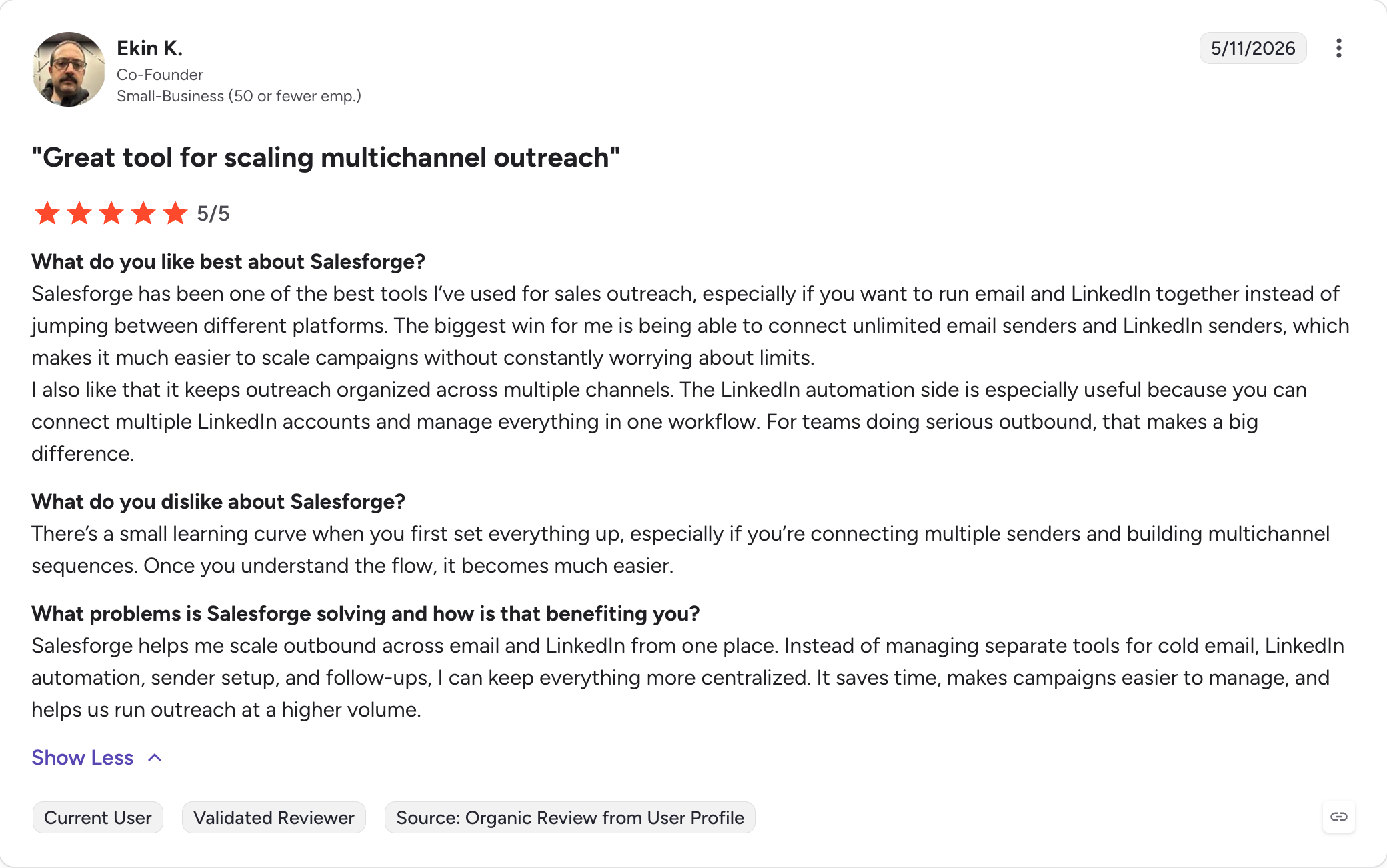
1 - Salesforge
Best for: GTM teams and agencies running LinkedIn and email together without per-seat pricing.
G2 Rating: 4.6 out of 5
Salesforge is a multichannel outreach platform that runs cold email and LinkedIn in the same sequence, with every reply landing in one inbox.
Salesforge is at number one because it is not built for one type of buyer. A solo founder and a fifty-person agency run the same product.
That comes down to what is unlimited. Mailboxes, LinkedIn senders, users and workspaces all sit on a flat monthly fee rather than a per-seat one, so the shape of your team does not decide what you pay.
Cold email and LinkedIn run as two channels of one sequence with real if/then branching, and every reply from both lands in Primebox™.
It is also the only tool here with an MCP server and CLI, so Claude, Cursor or your own agents can build sequences and run campaigns directly. Dripify has neither.
Salesforge Key Features
Unlimited LinkedIn senders: Connect every profile you own on Growth. Dripify charges a full subscription per LinkedIn account.
Six native LinkedIn actions: Connection requests, messages, InMails, post likes, follows and withdraw requests, each capped at 30 a day per profile.
Account safety as standard: Actions run through high-quality shared proxies with a custom proxy option. Session tokens only, so your LinkedIn password is never stored.
Conditional sequences across LinkedIn and email: If a connection request is accepted, send a LinkedIn message. If not, fall back to email. One sequence, not two campaigns.
Primebox™ with Auto-Pilot and Co-Pilot: Every reply from every mailbox and LinkedIn account in one inbox. Co-Pilot drafts for approval, Auto-Pilot answers on its own. Dripify's inbox covers one seat.
Unlimited mailboxes, users and workspaces: No per-seat or per-mailbox pricing, so costs stay predictable as the team grows.
Free unlimited warm-up via Warmforge: Every mailbox warms continuously at no extra cost, with Heat Score™ showing when one is safe to scale.
ESP matching, sender rotation and Bounce Shield: Providers matched Google to Google, volume spread across mailboxes, and risky addresses blocked before they bounce.
AI personalization across 21+ languages: The same AI variables serve LinkedIn and email copy, pulling company news, LinkedIn activity and industry context.
Forge MCP server and CLI: Point Claude, Cursor or your own agents at Salesforge and the rest of the stack. Nothing else on this list offers it.
Salesforge Pros and Cons
Pros
Cons
Flat pricing. Mailboxes and LinkedIn senders never raise the cost
No free plan, only a 14-day trial
Email and LinkedIn in one sequence with conditional branching
Free unlimited warm-up, ESP matching, and Bounce Shield included
One inbox for both channels, with AI drafting on approval
Three infrastructure options under one login, no migration to scale
Unlimited users and workspaces on Growth
MCP CLI lets AI agents like Claude run campaigns
Agent Frank can run the whole workflow on his own (Separate subscription)
Best for: High-volume LinkedIn senders who have burned an account before, or cannot afford to, and will trade a steeper learning curve for a dedicated IP and a proper warm-up ramp.
G2 Rating: 4.2 out of 5
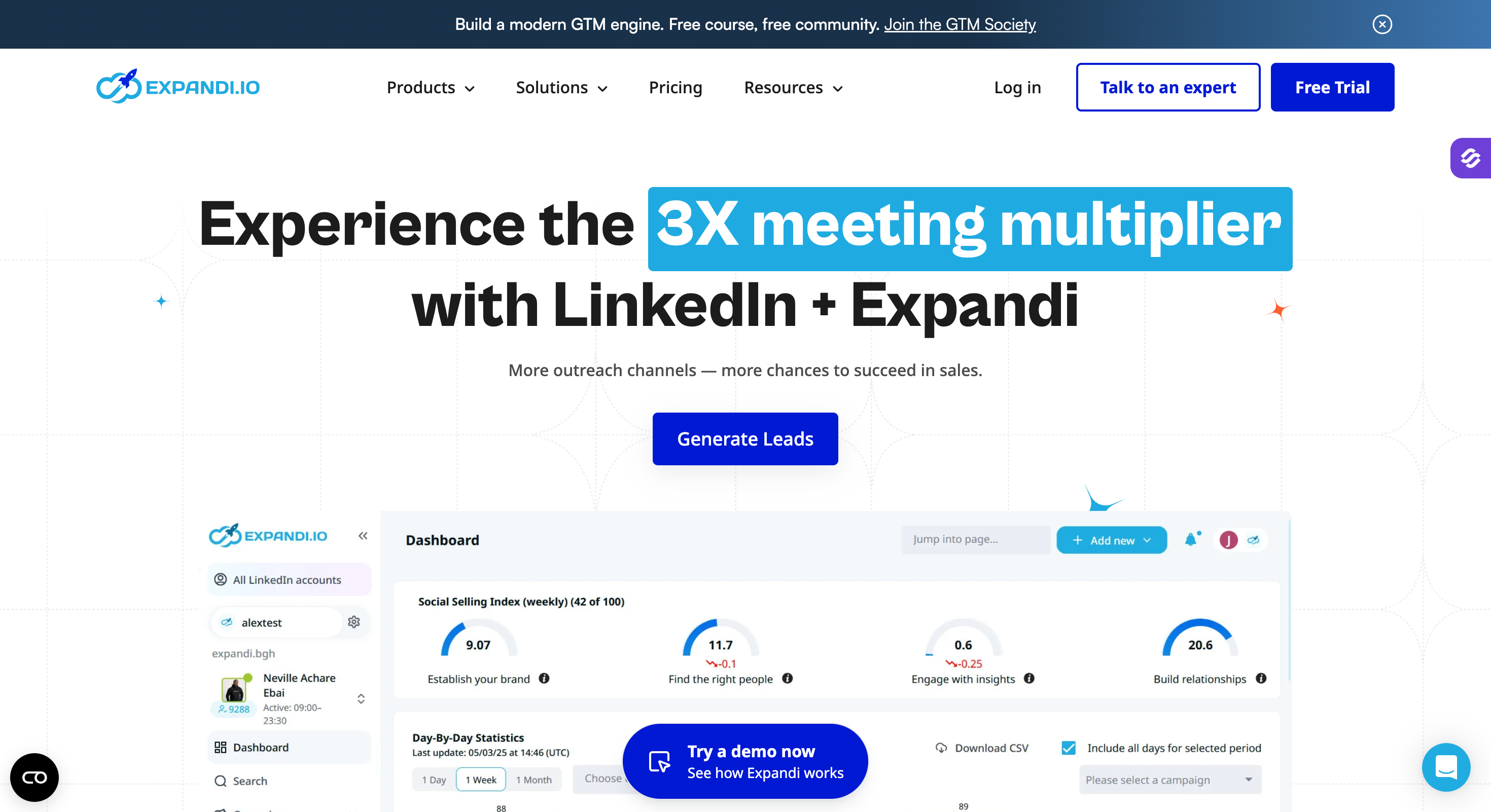
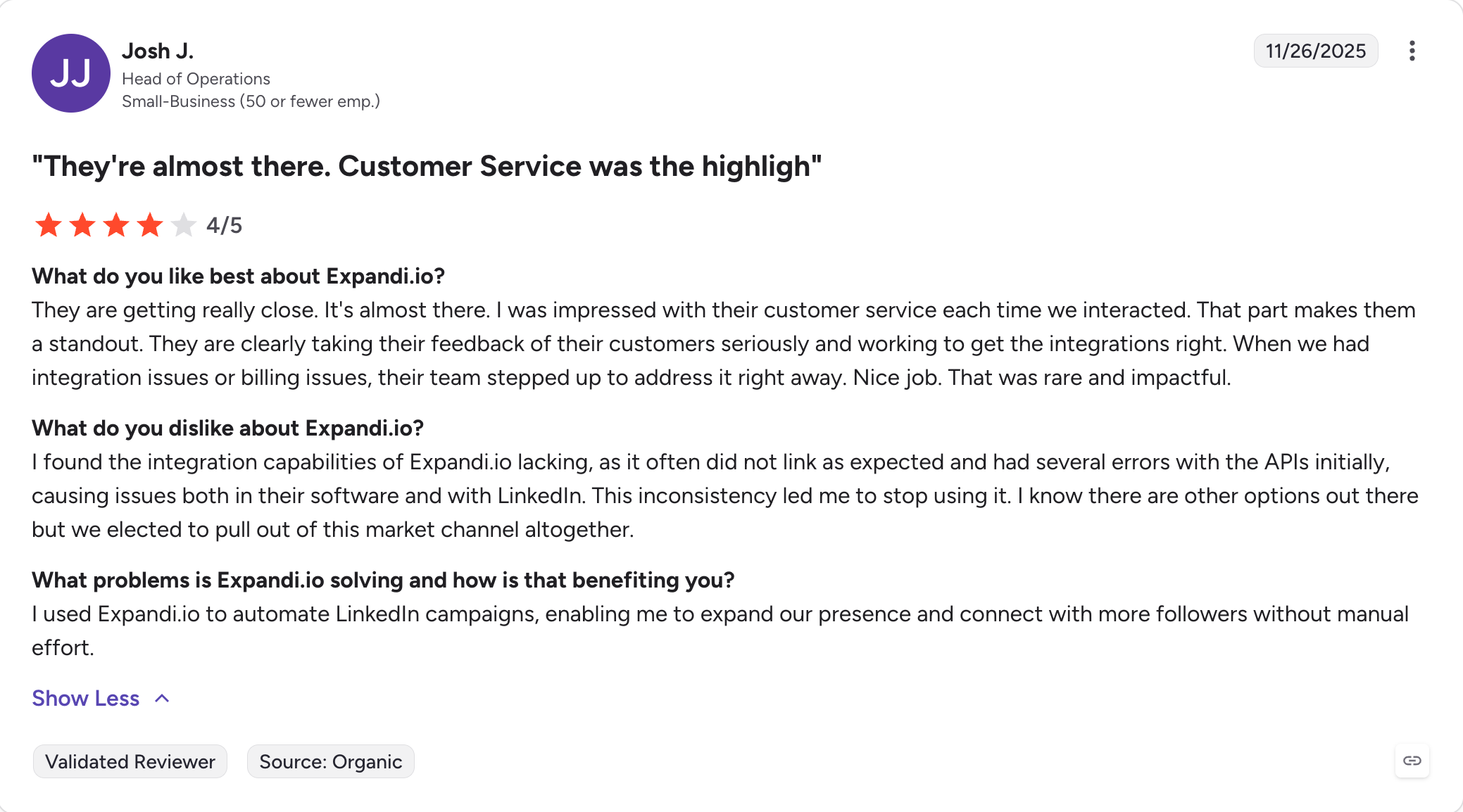
Expandi is a cloud LinkedIn automation platform that has spent years competing on one thing: keeping accounts alive.
Every LinkedIn profile gets a dedicated country-based IP. Activity ramps gradually through profile auto warm-up. Daily limits are set as ranges rather than fixed numbers, and Expandi will not let you push past them.
None of that removes the risk, and Expandi says so itself. The footer of their own site reads "Use of Expandi is at your own risk." I respect that more than the tools promising safety outright.
The cost is complexity, and add-ons. Image and GIF personalization carries an extra charge, which their pricing page states plainly.
Expandi Key Features
Dedicated country-based IP: Each LinkedIn account runs from its own IP in its own country, so activity does not trace back to your local connection.
Profile auto warm-up: Activity starts low and grows at a rate you set, rather than running at full volume from day one.
Smart algorithms for limit ranges: You set daily caps for connections, messages, InMails, and event invites, and Expandi blocks you from exceeding them.
Mobile Connector campaign: A campaign type that allows an additional 100 connection requests a week on top of your normal limits.
Multichannel outreach: Connection requests, messages, and email follow-ups run inside a single sequence.
Sequence builder with if/action logic: Branch a campaign based on what the prospect does, with engaging actions placed between follow-ups.
Campaign prioritization: Focus daily volume on the campaigns producing results when several are running at once.
Campaign recovery and blacklist: Recover interrupted campaigns and exclude specific companies or people across every campaign.
Expandi Pros and Cons
Pros
Cons
Dedicated country-based IP per account
Steepest learning curve here
Profile auto warm-up with adjustable ramp
Image and GIF personalization costs extra
Mobile Connector adds 100 connection requests a week
Video personalization needs a Sendspark add-on
Smart limit ranges you cannot accidentally exceed
One seat per LinkedIn account, so agencies pay per client
Conditional logic deep enough for complex sequences
Email steps exist, but nothing sits underneath them
Blacklist and duplication prevention built in
Some reviewers report billing friction after cancelling
Best for: Solo operators and small agencies who want LinkedIn and email branching in one sequence, with warm-up and verification included in the seat price rather than sold as add-ons.
G2 Rating: 4.5 out of 5
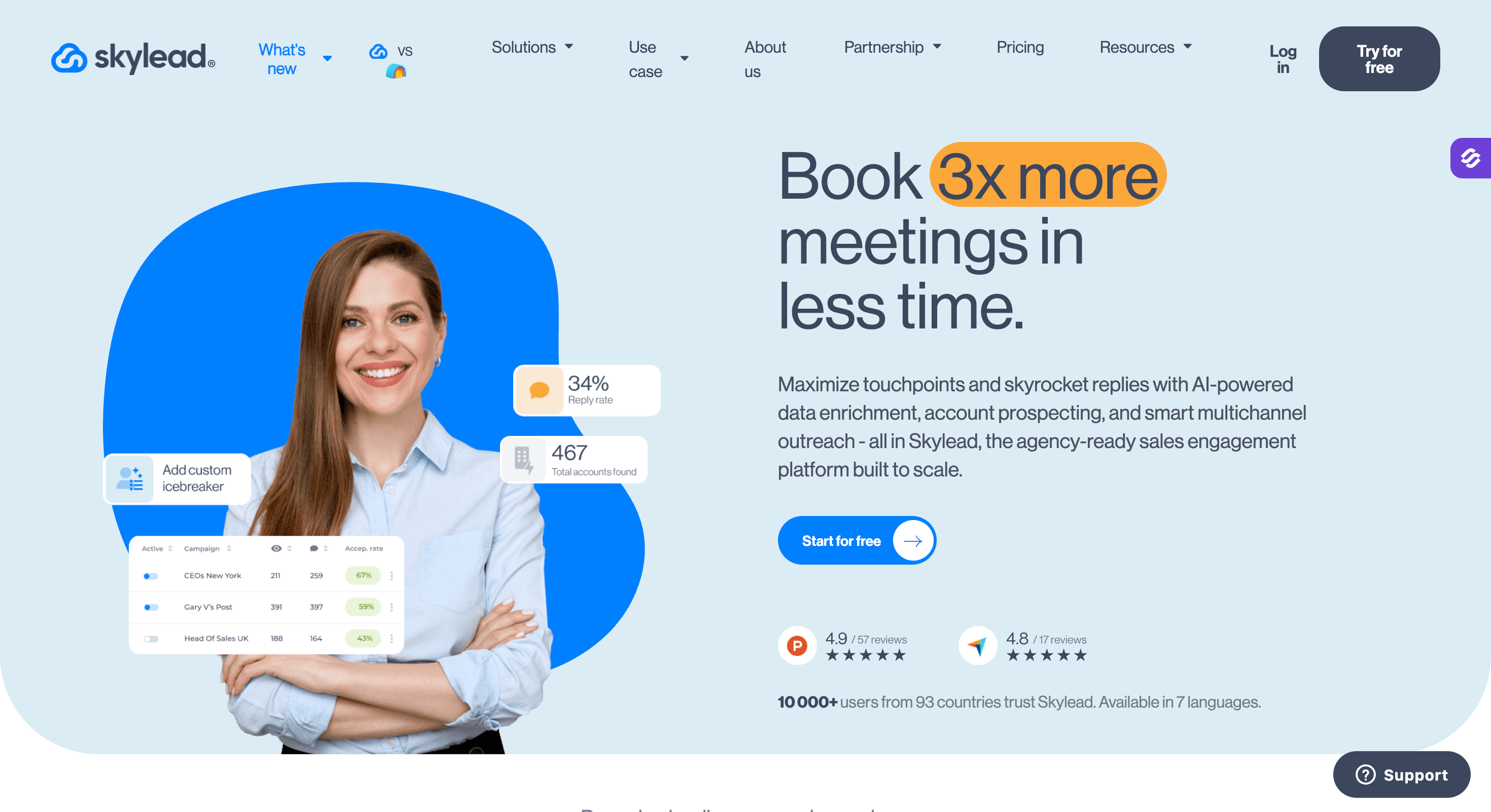
Skylead is a cloud platform that runs LinkedIn and cold email inside what it calls Smart Sequences.
The difference from a normal sequence builder is who does the branching. Most tools make you map every path yourself. Skylead picks the route to each prospect based on what they do.
What makes the price work is what comes with the seat. Unlimited email accounts, 100,000 emails a month, email finding and double verification, infinite warm-up, and unlimited image and GIF personalization. No feature gating between tiers.
They have moved fast this year too. Account-based prospecting and AI enrichment arrived in April, a B2B database in June, and an AI SDR in July.
Skylead Key Features
Smart Sequences: If/else branching that picks the next step based on whether a prospect accepted, opened, or replied, instead of running a fixed order.
Unlimited email accounts: Connect as many mailboxes as you want on one seat, with 100,000 emails a month included.
Infinite email warm-up: InboxFlare warms an unlimited number of mailboxes to build reputation before and during sending.
Email finder and double verification: Find business emails and verify them twice, including catch-all domains, to cut hard bounces.
B2B database and account-based prospecting: Build company lists and find matching decision-makers inside the tool rather than importing from elsewhere.
AI SDR and AI data enrichment: Both available as paid add-ons on every tier, with the AI SDR trainable on your own product and conversation strategy.
Unlimited image and GIF personalization: Native to the plan, with spintax and Liquid syntax for message variation.
Real-time CRM sync: Two-way sync with HubSpot, Pipedrive, and Salesforce, plus webhooks and an open API.
Skylead Pros and Cons
Pros
Cons
Smart Sequences do the branching work for you
One seat per LinkedIn account, no bulk discount below Agency
Unlimited email accounts and 100,000 emails on one seat
AI SDR and AI enrichment are paid add-ons
Warm-up, finder, and double verification in the base price
Independent testing has questioned the dedicated IP claim
Real-time HubSpot, Pipedrive, and Salesforce sync
Steeper first campaign than HeyReach
No feature gating, every tier gets the full toolset
Reviewers flag confusion in the Sales Navigator inbox
Unlimited team members on every plan
Verify the fair-use limit behind the 100,000 email figure
Skylead Pricing
Plan
Price
What you get
All-in-one
$100/seat/month
Full feature set, unlimited email accounts, 100,000 emails/month, Smart Sequences, warm-up, finder and verifier, API
Agency
$999/month for 50 seats, or $1,999/month for unlimited seats
Agency dashboard, Unibox across clients, granular roles, white label option, dedicated Slack channel
Annual
Quoted by sales
Pay 10 months, get 2 months free, white label option
Best for: Teams whose sequences need genuinely different paths per prospect, and who work more channels than LinkedIn and email, with the budget to absorb per-identity pricing.
G2 Rating: 4.6 out of 5 from 56 reviews
La Growth Machine is a cloud multichannel platform covering LinkedIn, email, calls, and X in a single workflow.
The sequence builder is the reason to look at it. If you want a campaign where different prospect behaviours send people down genuinely different paths, LGM handles that better than anything else here.
Here is the thing their pricing page buries. Pro and Ultimate both cost €120. Ultimate gives you X outreach, 1,000 enriched leads a month instead of 400, unlimited campaigns, and CRM sync, for the same money. If you are choosing between them, there is no contest.
Billing is per identity, where one identity is one LinkedIn profile running campaigns.
La Growth Machine Key Features
Visual sequence builder: Drag-and-drop multi-path branching that is as easy to debug as it is to build, which matters once a sequence has a dozen forks.
Four channels in one sequence: LinkedIn, email, phone calls, and X run inside the same workflow against the same prospect record.
Voice messages: Send audio messages as a native sequence step, which almost no competitor offers.
Native enrichment: Imported leads get verified emails and LinkedIn profile data filled in automatically, within a monthly cap set by your plan.
Fully cloud-based: No desktop app and no Chrome extension, so campaigns run whether or not your machine is on.
CRM sync: Two-way sync with HubSpot and Pipedrive on the Ultimate tier.
Free invited members: Colleagues can log in and reply to leads without needing a paid identity, since only campaign launchers are billed.
La Growth Machine Pros and Cons
Pros
Cons
Best sequence builder here, and the easiest to debug
Per-identity pricing adds up, three reps on Pro is €360
LinkedIn, email, calls, and X in one workflow
Enrichment capped at 250, 400, or 1,000 leads by tier
Voice messages, which almost nobody else does well
CRM sync is Ultimate-only
Enrichment included rather than sold separately
Basic caps you at 3 identities
Members who only handle replies are free
No email warm-up, so budget for a separate tool
Ultimate costs the same as Pro and gives more
Smallest review pool on this list at 56
La Growth Machine Pricing
Plan
Price
What you get
Basic
€60/identity/month
LinkedIn and email, 250 enriched leads/month, up to 3 identities, 3 members
Best for: Solo operators and small teams who want the simplest LinkedIn sequencer on the market at the lowest entry price here, and who do not need email until they are ready to pay for the top tier.
G2 Rating: 4.5 out of 5
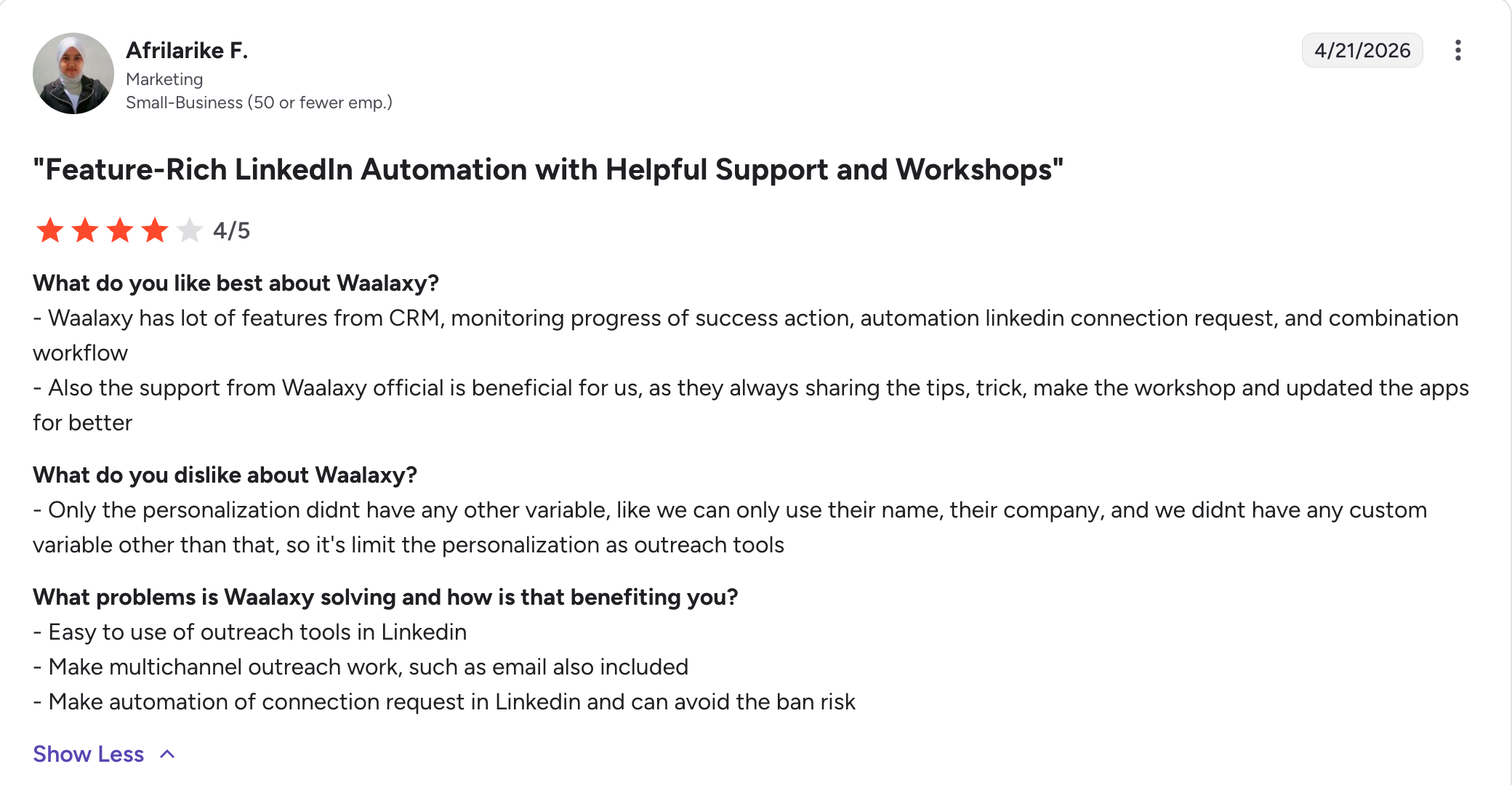
Waalaxy is a LinkedIn outreach tool that you set up through a Chrome extension and then run from the cloud.
It is the easiest tool here to get a first campaign going. Their own page says 75% of their users had never done LinkedIn outreach before, and it shows in the product.
Two things older comparisons get wrong about Waalaxy.
The free plan is gone. Waalaxy used to offer 80 invitations a month for nothing. The current pricing page shows three paid tiers and a 14-day trial, and that is all. Plenty of 2026 posts still list the free plan.
And it is not a browser-bound tool. Waalaxy's own documentation says Cloud is mandatory on every paid plan, and campaigns keep running with your computer off.
The extension is still there for setup and lead import, so it remains a surface LinkedIn can see. That puts Waalaxy between a pure extension tool like Octopus CRM and a pure cloud tool like Expandi, rather than at the risky end where most articles place it.
Waalaxy Key Features
Cloud execution on every paid plan: Cloud is mandatory once you pay, so campaigns keep sending overnight and at weekends with your machine off.
Unlimited campaigns: Run as many campaigns as you like on every tier, with only the monthly invitation count changing between plans.
Pre-built prospecting sequences: Ready-made templates you launch and edit, rather than building a first sequence from an empty canvas.
Smart reply detection: A sequence stops automatically for anyone who answers, so nobody gets a follow-up after replying.
CRM sync across 2,000+ tools: Push leads out to your CRM natively, with CSV import and export on every plan.
Multi-source imports: Pull prospects from LinkedIn Basic, Sales Navigator, and Recruiter Lite searches.
Cold email sequences: Add email steps to a LinkedIn campaign on the Business plan, with 500 email finder credits a month.
API and automation modules: API access plus Make, Zapier, and N8N modules on Advanced and above.
Team collaboration: Duplicate prevention, shared analytics, unified payment, and a team workspace included rather than gated.
Waalaxy Pros and Cons
Pros
Cons
Lowest entry price on this list at €19
No free plan any more, only a 14-day trial
Campaigns run in the cloud with your computer off
The setup extension is still a surface LinkedIn can detect
Easiest first campaign here
Email finder credits are 25/month until the €69 tier
Unlimited campaigns on every tier
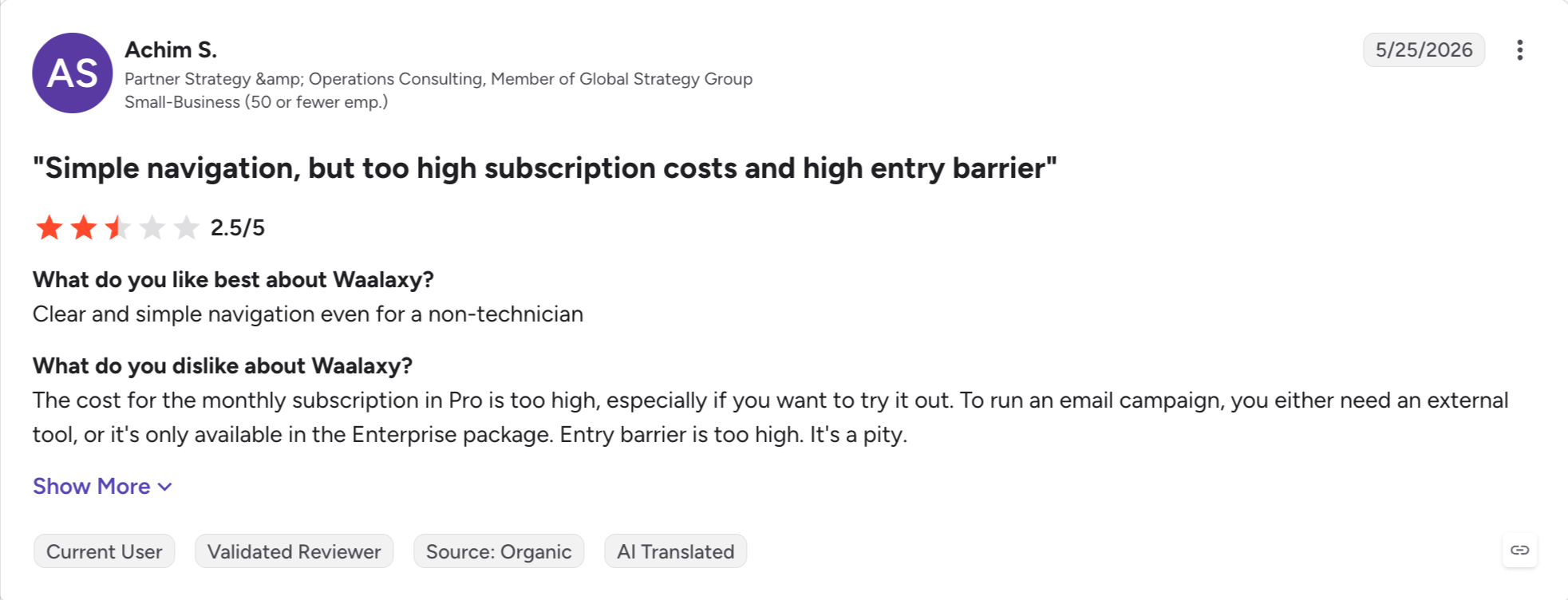
Cold email only arrives on Business at €69
CRM sync across 2,000+ tools
The LinkedIn Inbox is a paid add-on on every tier
Yearly billing is 50% off
No email warm-up or deliverability tooling
Team features included, not gated
Invitation caps of 300 and 800 are per user, not per account
Waalaxy Pricing
Plan
Price
What you get
Pro
€19/user/month
300 invites/month, unlimited campaigns, CRM sync, 25 email finder credits
Advanced
€49/user/month
800 invites/month, API access, Make, Zapier and N8N modules, live chat support
Best for: Email-first teams who win on standing out rather than sending more, and want image, video, and voice personalization with LinkedIn as the supporting channel.
G2 Rating: 4.6 out of 5
Lemlist started as a cold email software and grew outwards. The DNA still shows, and that is the point.
Email features here are deeper than anything else on this list. Custom images with the prospect's company logo built in, video personalization, AI-powered variables that adapt text, images, and landing pages per lead.
Two things to know before you price it. The $39 Email Starter plan is legacy. Existing customers keep it, but it is not the entry tier for new signups. And LinkedIn automation requires Multichannel Expert. Email Pro is email only, which catches people out.
With well over a thousand G2 reviews it has the longest validated record here by a distance.
Lemlist Key Features
AI personalization at scale: Dynamic variables adapt message text, images, and landing pages per lead, pulling details from LinkedIn profiles and company websites.
Image and video personalization: Embed custom images and video thumbnails carrying the prospect's own logo or name, which is the feature Lemlist is known for.
450M+ lead database: Filter for companies and people matching your ICP, then pull verified emails and phone numbers with built-in waterfall enrichment.
Four channels in one sequence: Email, LinkedIn actions, WhatsApp messages, and in-app calling run from a single sequence.
Lemwarm warm-up: Included free on every paid plan and runs continuously alongside live campaigns, not just during setup.
Multichannel inbox: Track every interaction across any channel or sender in one thread, and reply without switching platforms.
Native CRM integrations: HubSpot, Salesforce, and Pipedrive, plus Aircall, an open API, and MCP endpoints.
Lemlist Pros and Cons
Pros
Cons
Strongest personalization of any tool here
LinkedIn needs Multichannel Expert, not Email Pro
450M+ lead database with waterfall enrichment included
Per-user pricing with no volume discount below Enterprise
Lemwarm warm-up free on every paid plan
WhatsApp is a paid add-on on top of the seat price
Email, LinkedIn, WhatsApp, and calls in one sequence
Extra sender accounts cost more per month
Native Salesforce, HubSpot, and Pipedrive
Credit-based enrichment confuses people and adds up
The longest validated review record on this list
The $39 entry price you may have seen is a legacy plan
Lemlist Pricing
Plan
Price
What you get
Email Pro
$63/user/month annual, $79 monthly
Email sequences, Lemwarm, personalization, database access. No LinkedIn
Multichannel Expert
$87/user/month annual, $109 monthly
Adds LinkedIn actions, in-app calling, full database, highest personalization limits
Outreach Scale
Custom, five-seat annual minimum
SSO, dedicated CSM, volume discounts
14-day free trial on Email Pro annual and Multichannel Expert, no credit card. No free plan.
Best for: Freelancers and solopreneurs on a tight budget who need LinkedIn actions automated on one account, and are not running sequences, a team, or email.
G2 Rating: 4.3 out of 5
Octopus CRM is a Chrome extension that automates the LinkedIn basics and nothing else.
Connection requests, bulk messaging, profile visits, skill endorsements. There is a lightweight CRM dashboard for tracking prospects and analytics that include your Social Selling Index.
Be clear about what you are buying. This automates actions. It is not a sequence platform, and the conditional logic is thin next to Dripify or Expandi.
What it is, is cheap. Setup takes under half an hour. For a freelancer sending a few dozen requests a week, that maths is hard to argue with.
Octopus CRM Key Features
Core LinkedIn automation: Connection requests, bulk messaging, profile visits, and skill endorsements run from a simple campaign builder.
Built-in CRM dashboard: Track prospects through a personal funnel with saved lists and status, without exporting to another tool.
Performance analytics: See profile views, search appearances, connection acceptance rates, and your Social Selling Index in one place.
Connect by email: On the top plan, send connection requests by email to work around LinkedIn's weekly invitation limit.
Account compatibility: Works with Free, Premium, Sales Navigator, and Recruiter Lite accounts.
Credential-free extension: The extension runs without storing your LinkedIn login details.
Integrations: Push LinkedIn data to HubSpot and other tools through Zapier.
Octopus CRM Pros and Cons
Pros
Cons
Cheapest tool on this list by a wide margin
Chrome extension, higher detection risk, machine must stay on
First campaign running in under 30 minutes
No email channel at any price
Built-in CRM dashboard for tracking prospects
No team features, no unified inbox, no shared analytics
Works with free LinkedIn accounts
Conditional logic is thin compared to real sequence tools
Extension does not need your LinkedIn password
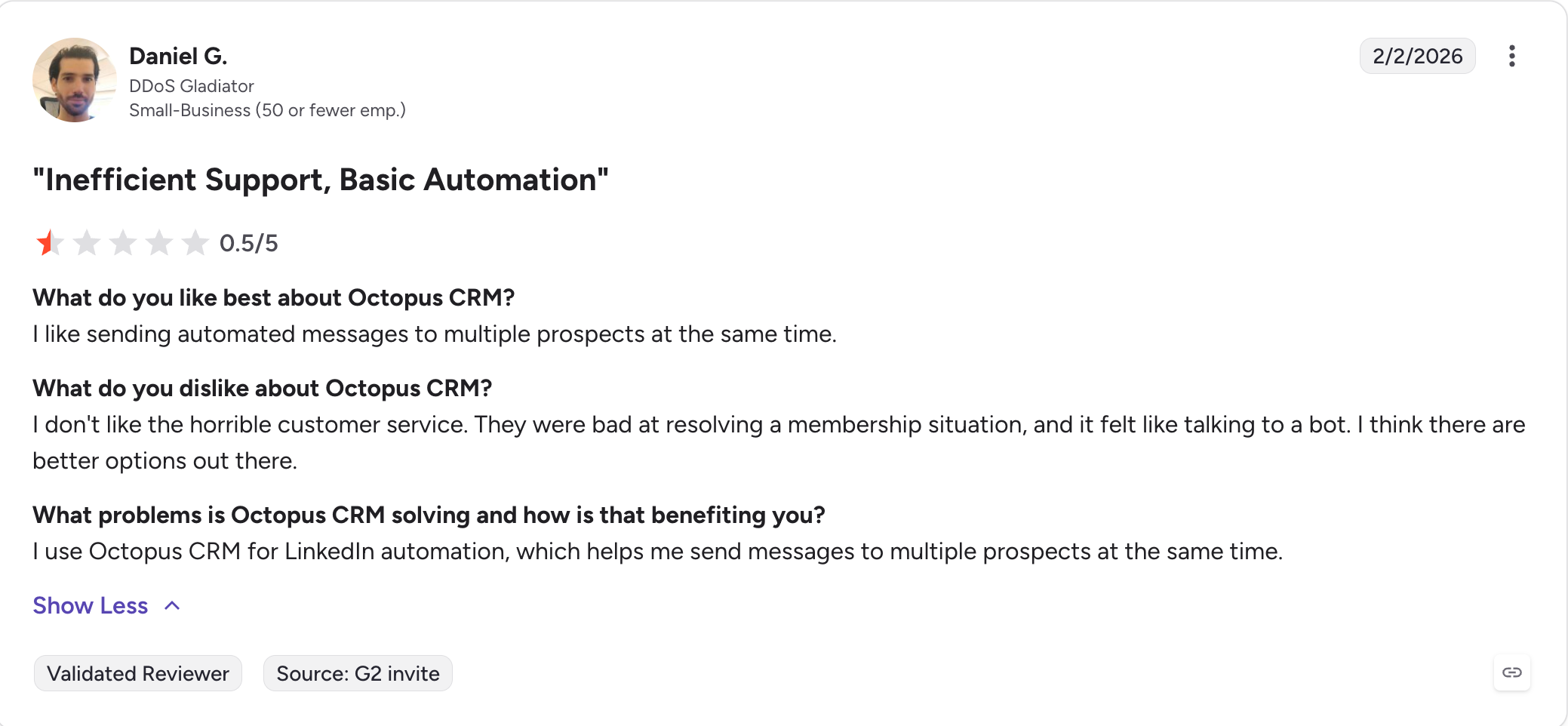
Reviewers report renewal and cancellation friction
Best for: Solo sellers who want unlimited LinkedIn drip campaigns at a low monthly cost, and will take a dated interface in exchange for nearly a decade of stability.
G2 Rating: 4.3 out of 5
Dux-Soup has been running since 2016, which makes it the oldest tool on this list.
It works as a Chrome extension by default, with Cloud Dux as an always-on version that removes the browser dependency. Turbo Dux and above give you unlimited drip campaigns and a central inbox.
The training material is genuinely good. Dux-Soup runs webinars and has years of documentation, which is more than most tools here offer.
The interface shows its age, and there is no email channel.
Dux-Soup Key Features
Unlimited drip campaigns: Run as many multi-step LinkedIn sequences as you need on Turbo Dux and above.
Cloud Dux: An always-on cloud version that keeps campaigns running with your browser closed and your machine off.
Central inbox: Manage LinkedIn conversations from one screen on the higher tiers instead of inside LinkedIn itself.
Lead dashboard: Organise prospects with tags and notes, and track where each one sits in a campaign.
CRM integrations: More native CRM connections than most tools at this price point.
Training library: Webinars, documentation, and guides built up over nearly a decade of operation.
Team and agency tiers: Multi-user access and client management above the solo plans.
Dux-Soup Pros and Cons
Pros
Cons
Cheap entry for the browser version
Interface is dated next to modern tools
Cloud Dux removes the browser dependency
No email channel
Unlimited drip campaigns on Turbo and above
Editing queued messages mid-campaign is awkward
Strong training material and webinars
Some reviewers report confusion over slot charges
Nearly a decade of stable operation
Deeper CRM integration is a frequent request
More CRM integrations than most tools at this price
The extension version carries standard detection risk
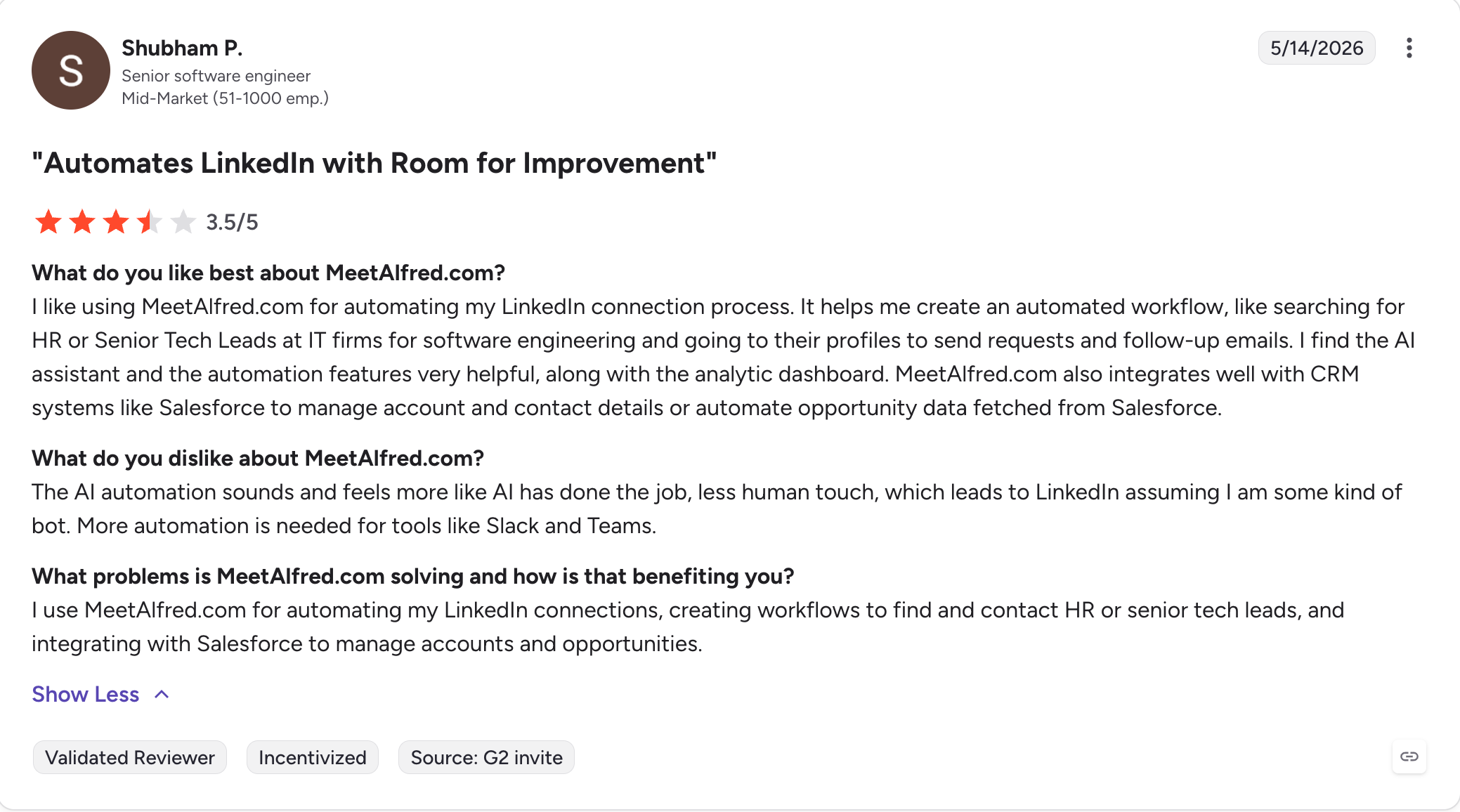
Best for: Teams who specifically need X alongside LinkedIn and email in one sequence, and are willing to accept a lower-rated product to get all three in one place.
G2 Rating: 3.4 out of 5
Meet Alfred runs LinkedIn, email, and X from one dashboard, with a unified inbox across all three.
I am including it because it solves something nothing else here solves. If X is a real channel for you alongside LinkedIn and email, this is the only option on the list.
I am also going to be blunt about the rest. It holds the lowest G2 rating here by some distance, with repeated reports of LinkedIn restrictions and slow support.
Meet Alfred Key Features
Three channels in one sequence: LinkedIn, email, and X steps run inside the same campaign against the same prospect.
Unified inbox: Replies from all three channels arrive in one place instead of three separate tools.
Built-in Lead Finder: Run basic ICP searches, export, and import straight into campaigns without a CSV step. Caps vary by tier.
Template library: A large library covering connection requests, follow-ups, InMail, and email copy across sales, recruiting, and agency use cases.
Built-in CRM: Organise prospects with tags, notes, and filters without leaving the platform.
White label on Team: Activates at 5 users, a lower entry point than the agency plans most competitors gate it behind.
Social post scheduling: Combine LinkedIn company page posting with personal outreach in one subscription on higher plans.
Meet Alfred Pros and Cons
Pros
Cons
Only tool here covering LinkedIn, email, and X
Lowest G2 rating on this list at 3.4
Unified inbox across all three channels
Repeated reports of LinkedIn account restrictions
Large template library shortens time to first campaign
Multichannel and Sales Navigator require the Pro tier
Built-in Lead Finder with no CSV step
Lead Finder is capped by tier
White label at 5 users, not 50
No documented email warmup or inbox rotation
Built-in CRM with tags and notes
Support is frequently described as slow
Meet Alfred Pricing
Plan
Annual (per user/mo)
Monthly (per user/mo)
What you get
Basic
$29
$59
3 active campaigns, LinkedIn automation, Lead Finder, Advanced LinkedIn CRM, Smart LinkedIn Inbox, templates
Pro
$49
$99
Everything in Basic, plus unlimited campaigns, Sales Navigator support, multi-channel automation across LinkedIn, X and email, InMail automation
Team
$39
$79
Everything in Pro, plus advanced team settings, team inbox management, and groups. White label at 5+ users
Billed monthly, quarterly (20% off), or annually (50% off). Priced in USD, EUR, or GBP. Free trial available, no permanent free plan.
Best for: Technical teams who need to scrape, extract, and enrich across LinkedIn and other platforms, and already have a separate tool handling the actual sending.
G2 Rating: 4.4 out of 5
PhantomBuster is not really a Dripify replacement, and I want to be upfront about that.
It is a cloud automation platform with 150+ pre-built scripts, called Phantoms, that run across LinkedIn, X, Instagram, Facebook, and the open web. Scrape a Sales Navigator search. Pull everyone who commented on a competitor's post. Extract an event attendee list.
For data work it is the most flexible thing on this list by a distance.
It also carries the highest account risk here. Phantoms run through stored session cookies, and reviewers report warnings even at conservative volumes. Use it for the data, and pair it with a proper sender for the outreach.
PhantomBuster Key Features
150+ pre-built Phantoms: Ready-made automations covering LinkedIn, X, Instagram, Facebook, and the open web, with no code needed to run them.
Chained workflows: One Phantom's output feeds the next, so scraping, enrichment, and export run as a single job.
Cloud execution: Everything runs on PhantomBuster's servers, so nothing depends on your browser staying open.
Multi-source extraction: Pull leads from Sales Navigator searches, event attendee lists, group members, and post engagers.
Data enrichment: Fill in company and contact details on scraped lists before they reach your sending tool.
Credit-based pricing: Cost scales with execution time rather than seats, so a small team running heavy jobs pays the same as a large one.
PhantomBuster Pros and Cons
Pros
Cons
Most flexible tool on this list for data work
Highest LinkedIn account risk here
Works across LinkedIn, X, Instagram, and the open web
Steep learning curve for non-technical users
Cloud execution, no browser needed
Credit-based pricing gets expensive fast
Chained workflows for multi-step data jobs
Phantoms break when platforms update
Strong for extraction and enrichment
Not a sequencing tool, so you still need a sender
PhantomBuster Pricing
Plan
Price (annual)
Billed annually
What you get
Trial
Free
—
Unlimited users, 5 automation slots, 2h execution time, 50 email credits, 1k AI credits, 100 URL finder credits, MCP server. Exports capped at 10 rows
Start
$56/month
$672
5 automation slots, 20h/month execution, 500 email credits, 10k AI credits, 1k URL finder credits, unlimited exports
Grow
$128/month
$1,536
15 automation slots, 80h/month execution, 2,500 email credits, 30k AI credits, 10k URL finder credits, unlimited exports
Scale
$352/month
$4,224
50 automation slots, 300h/month execution, 10,000 email credits, 90k AI credits, 20k URL finder credits, unlimited exports
Annual billing saves 20% against monthly. Unlimited users on every tier.
If you have read this far, you are probably not shopping for features. You already know what you need.
You need both channels working off one prospect record instead of two campaigns you reconcile by hand. You need replies landing somewhere you will actually see them. And you need email that arrives, which is a different problem from email that sends.
Sending is solved. Warming mailboxes, spreading volume across senders, matching providers, catching bad addresses before they bounce, and flagging a domain in trouble before your reply rate does are not features you switch on. They are a layer, and it is usually sold separately.
Salesforge Growth at $80/month (billed annually) is where all of it sits under one login.
Unlimited mailboxes and LinkedIn senders on a flat fee. Email and LinkedIn in one branching sequence. Warmforge warm-up at no extra cost. Primebox™ for every reply from every channel.
If that is the shape of what you are looking for, start a 14-day free trial, no credit card required.
FAQs
1) How much does Dripify cost per month?
Dripify costs $39, $59 or $79 per user per month on annual billing for Basic, Pro and Advanced. Monthly billing is $59, $79 and $99. One seat connects one LinkedIn account with no volume discount. Every plan includes 100 email finder credits a month, and there is a 7-day free trial with no credit card and no permanent free plan.
2) Can you edit a Dripify campaign after it goes live?
Yes. Dripify supports in-place editing on active and paused campaigns. You can add simple actions at the start or between steps, delete the End of sequence step to extend the flow, add actions or conditions to any branch, delete simple actions, and change delays and message text. You cannot delete conditions or complex branching actions, reorder existing steps, or leave the sequence with no actions.
3) Is Dripify LinkedIn-only?
No. Dripify runs LinkedIn and email steps in the same sequence on every paid plan, with a built-in email finder and verifier, and sending is not metered. What it does not offer is the deliverability layer around email: no warm-up, no mailbox rotation, no ESP matching, no bounce protection and no mailbox infrastructure.
4) Is Dripify worth it in 2026?
Yes, if LinkedIn leads your motion and you are running one or two seats. Cloud execution, a clean builder and live editing cover that job well. It stops being worth it when you add a third seat, since per-seat pricing has no volume discount, or when email volume grows enough that warm-up and rotation matter.
5) What is the best free Dripify alternative?
PhantomBuster is the only tool here with a permanent free plan, but it is a scraping tool rather than a sender, so it does not replace Dripify on its own. Its free Trial tier gives you unlimited users, 5 automation slots, and an MCP server, with exports capped at 10 rows.
For actual outreach, there is no free option left. Waalaxy and Meet Alfred both discontinued the free plans that comparison articles still list. Every sender here now runs on a trial instead: 14 days with no credit card from Salesforge, HeyReach, Waalaxy, and La Growth Machine, and 7 days from Expandi, Skylead, and Dripify itself.
6) What is the safest Dripify alternative for LinkedIn accounts?
Expandi and Salesforge both go further than Dripify's defaults. Expandi gives each account a dedicated country-based IP and ramps activity through profile auto warm-up. Salesforge routes actions through high-quality proxies, uses session-token-only authentication so your password is never stored, and caps each action type at 30 per day per profile with no extension injection. No tool removes the risk, since all LinkedIn automation runs against LinkedIn's User Agreement.
7) Does Dripify work with SSO and Sales Navigator?
Partly. Dripify works with free LinkedIn accounts, Premium, Sales Navigator and Recruiter Lite, and Sales Navigator is not required. If your team uses Single Sign-On, adding leads directly from LinkedIn is limited, and Dripify documents two workarounds: import lead URLs instead, or temporarily disable SSO, add leads and re-enable it. Dripify does not support the Sales Navigator Team plan.
8) Is there a Dripify alternative with an AI SDR built in?
Yes, two. Agent Frank inside Salesforge is a fully autonomous AI SDR that prospects from the Leadsforge 500M+ database, enriches contacts, writes and sends email and LinkedIn messages, manages replies through Primebox™ and books meetings. Skylead shipped a trainable AI SDR in July 2026, available as a paid add-on on every tier.
9) Which Dripify alternative is best for agencies?
HeyReach for LinkedIn-only work, Salesforge if clients need email too. HeyReach drops to $59 per sender at ten seats and $39 at fifty. Salesforge gives unlimited LinkedIn senders and unlimited users on Growth at $80/mo, with separate workspaces per client and one inbox for every reply. Skylead publishes agency pricing at $999 for 50 seats if white label matters.
10) How do I cancel Dripify and export my leads?
Export first, then cancel. Export your leads to CSV from the Leads tab while your subscription is active, since CSV export requires Pro or above. Screenshot your campaign structures, because sequences do not export. Pause running campaigns, then cancel from the Billing section. Dripify's policy is that access continues to the end of the period you paid for.
11) Dripify vs Expandi: which is better?
Expandi goes further on safety, Dripify is cheaper and easier. Expandi gives each account a dedicated country-based IP plus profile auto warm-up. Dripify starts at $39 per user per month annual against Expandi's $79 annual and has a shallower learning curve. Full breakdown in my Expandi vs Dripify comparison.
12) What is the difference between Dripify and Salesforge?
Both run LinkedIn and email in one sequence. The difference is what sits under the email. Salesforge adds free unlimited warm-up via Warmforge, ESP matching, sender rotation, Bounce Shield, domain monitoring and three infrastructure options under one login, plus Primebox™ for replies from both channels and Agent Frank as an optional AI SDR. Pricing is flat with unlimited mailboxes rather than per seat.
Book more meetings on autopilot
Set up in minutes. No per-seat pricing. No commitment.
Compare 5 AI inbox managers for cold email and sales outreach. See how Salesforge, Smartlead, Instantly, Reply.io, and Saleshandy handle replies, AI features, and pricing.





.jpg)

.jpg)

