or you're just checking if there's a better tool before you renew
Before I built my own tool, I tested 20+ platforms in the LinkedIn and multichannel automation space. Expandi was one of them.
Some are better than Expandi at LinkedIn only. Some run email and LinkedIn from one platform.
One is an email tool that sells LinkedIn as a paid add-on. I evaluated all of them against the same set of criteria, spelled out in the How I Evaluated section further down.
Let's jump in.
TL;DR: 8 Expandi Alternatives
Salesforge: Best overall multi-channel outreach tool with unlimited email and LinkedIn senders on Growth. Email + LinkedIn in one sequence, free unlimited warm-up via Warmforge, Primebox unified inbox, AI personalization in 21+ languages.
HeyReach: Best for LinkedIn-only agencies at scale. It offers unlimited campaigns, multiple LinkedIn senders, unified inbox, team workspaces, API/webhooks, and integrations with tools like Clay, HubSpot, Make, and Zapier.
Dripify: Best budget option for solo LinkedIn + light email. It combines LinkedIn automation with email sequences, multistep campaigns, A/B testing, follow-ups, and email enrichment.
Meet Alfred: Best for LinkedIn + email + X in one sequence at a low headline price. It combines multichannel automation with Sales Navigator support, lead finding, LinkedIn CRM, smart inbox, and campaign templates.
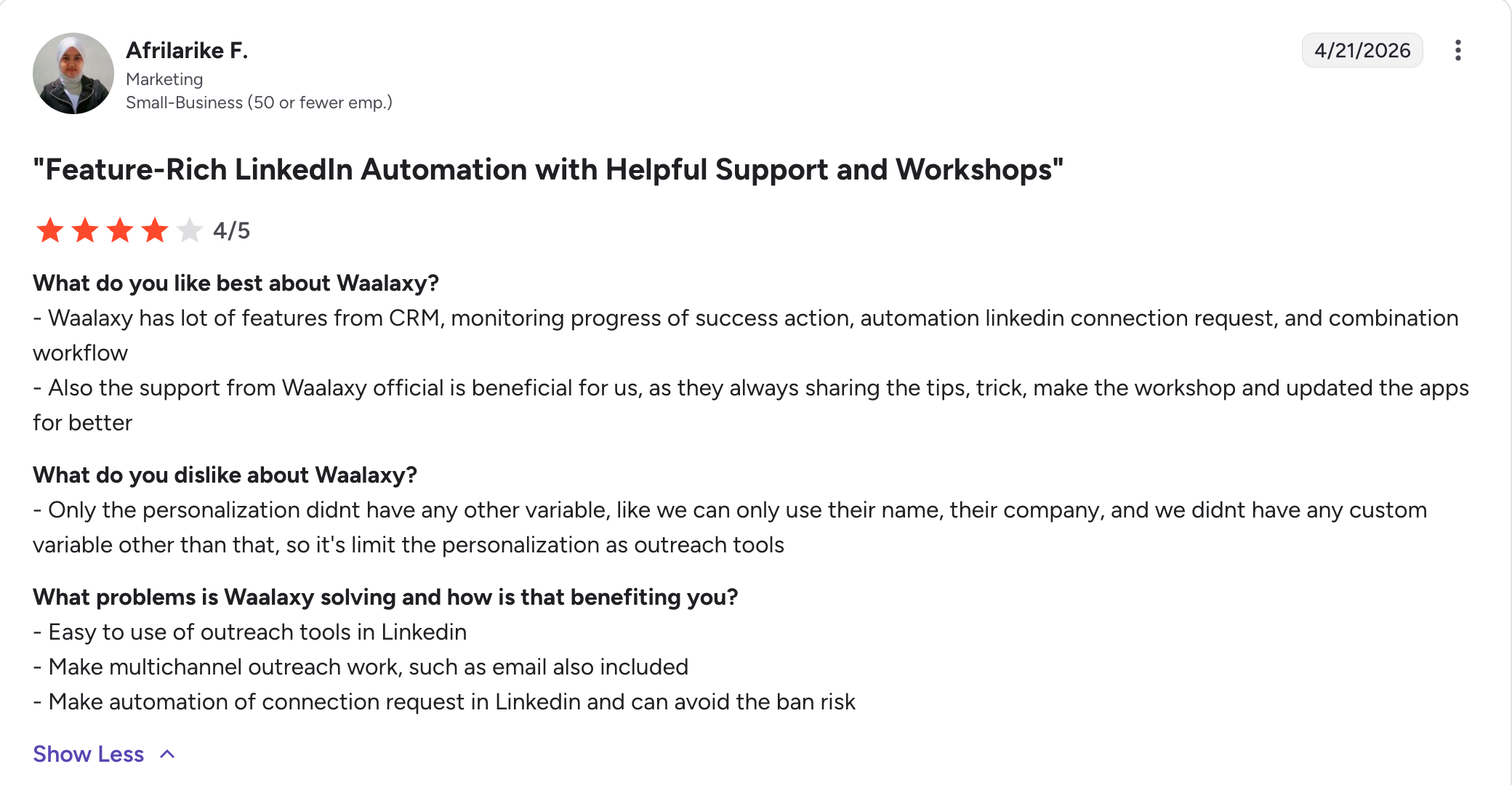
Waalaxy: Best for solo LinkedIn operators wanting a very low entry price. It offers simple LinkedIn + email automation, prospecting, a smart inbox, email finding, and waterfall enrichment.
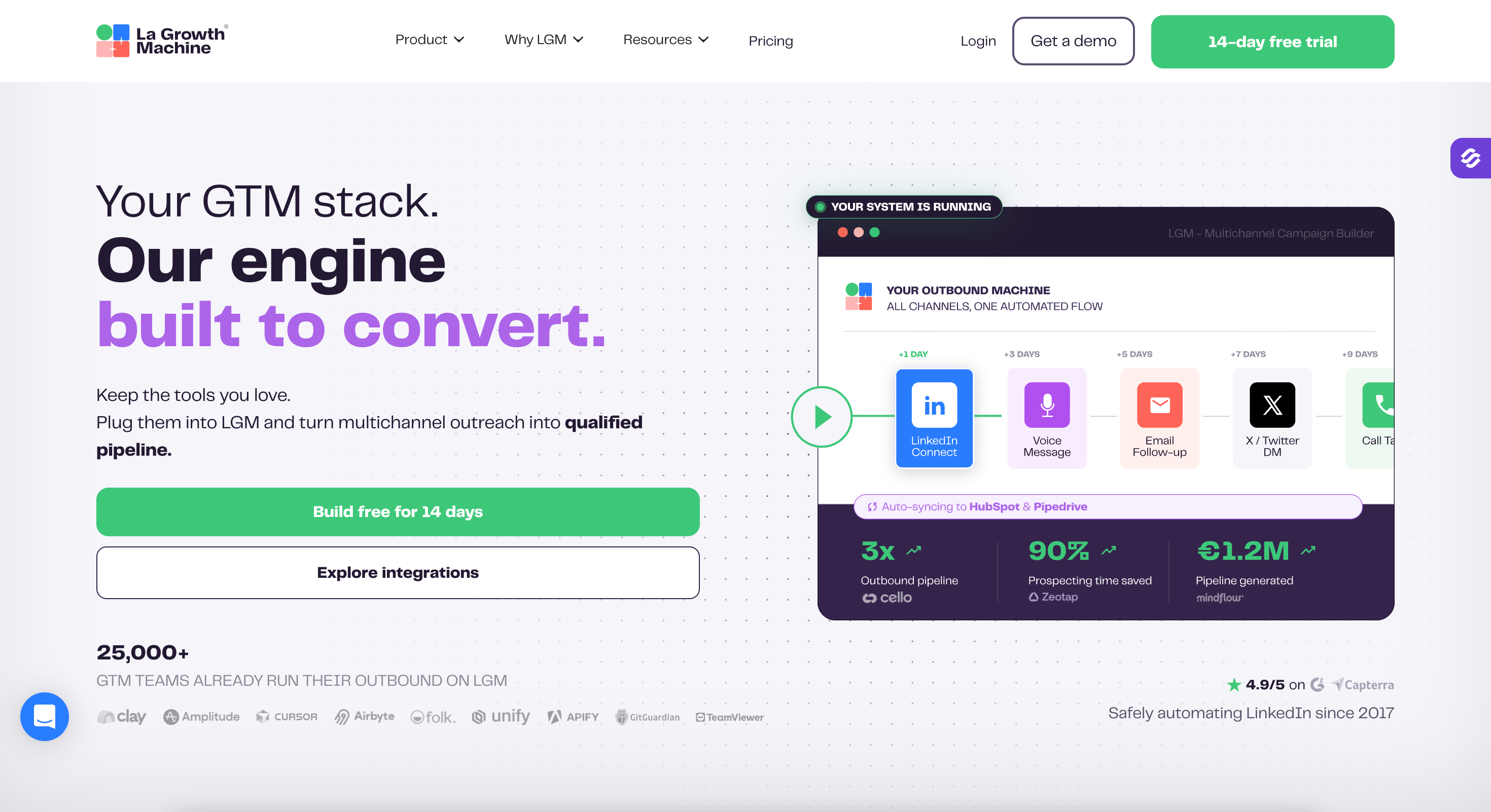
La Growth Machine: Best for teams wanting LinkedIn + email + calls + X with waterfall enrichment. It combines multichannel sequences with automated lead enrichment, verified contact data, multiple sending identities, and advanced workflows.
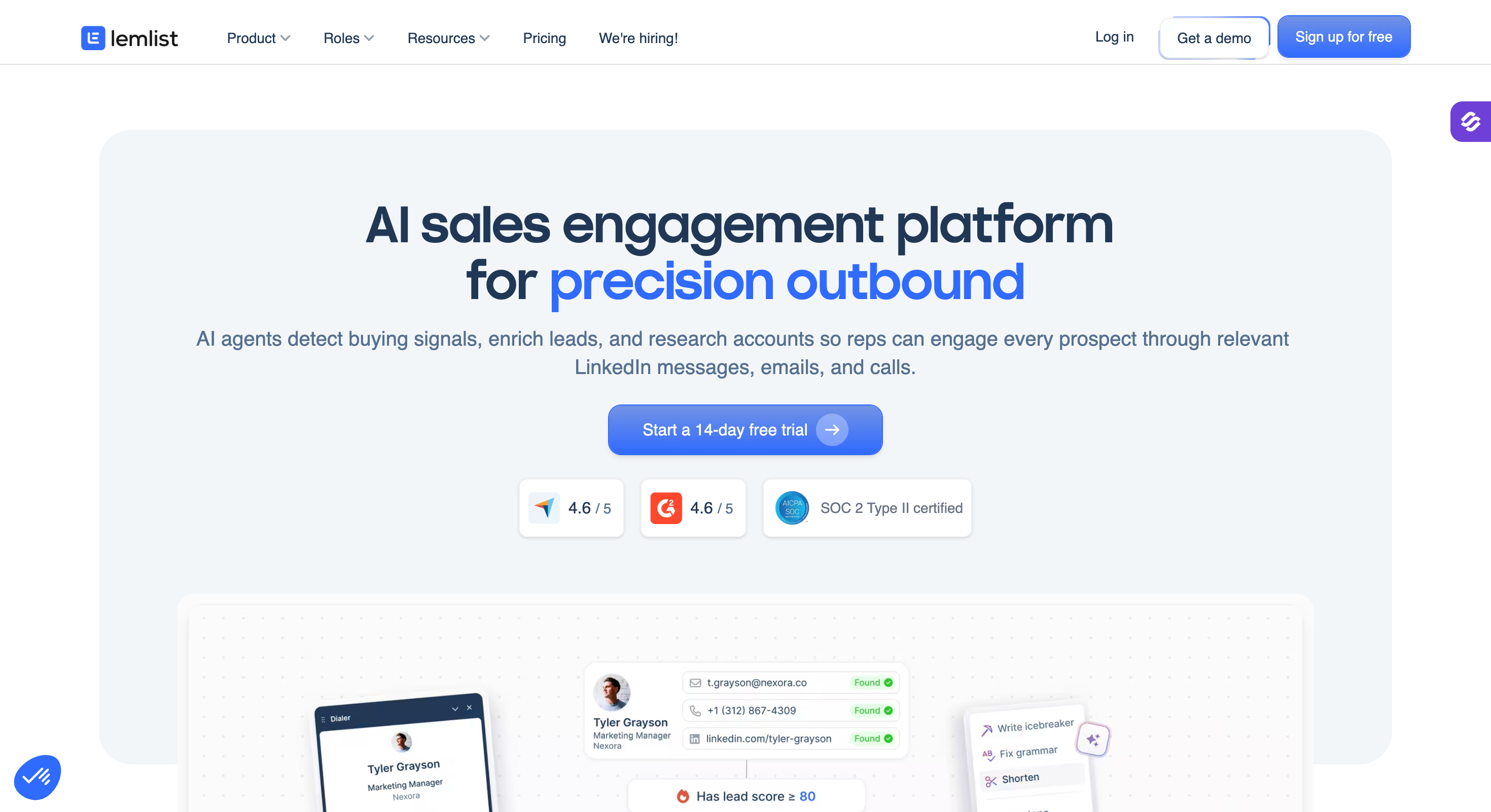
Lemlist: Best for email-first teams adding LinkedIn as a second channel. It combines email campaigns, warm-up, personalization, and contact data with LinkedIn automation, SMS, calling, and a unified inbox.
Snov.io: Best budget option if you want email prospecting first and LinkedIn as a paid add-on. It combines lead finding, email verification, cold email campaigns, warm-up, mailbox rotation, and optional LinkedIn automation for cold outreach campaigns.
If you run one LinkedIn account and send nothing by email, Expandi is fine. Otherwise not.
Why People Leave Expandi
Four complaints show up repeatedly across Reddit (r/LeadGeneration, r/GrowthHacking), G2, and Capterra.
Here they are.
Per-Seat Pricing That Doubles With Add-Ons
Expandi's pricing plans are built around a per-LinkedIn-account model: one seat means one paid plan, five seats means five separate paid plans.
The Business plan covers a single seat, and the Agency plan requires a ten-seat minimum with custom pricing. There's no team middle ground.
For any team past three or four seats, the bill scales linearly with headcount, with no volume discount until you hit ten seats. Expandi's own FAQ confirms Sales Navigator is optional (not required, not an add-on), but most teams pair it for advanced search filters, adding another LinkedIn subscription per user on top.
Account Restrictions Even Inside "Safe" Limits
Expandi does cloud-based execution with dedicated country IP per account, randomized delays. Account restrictions still happen.
LinkedIn actively detects and restricts automation activity, and Expandi is no exception. Even inside Expandi's own recommended daily limits, LinkedIn can flag or restrict accounts, sometimes temporarily and sometimes permanently.
LinkedIn-First, Email Bolted On
Expandi has email steps inside sequences. What it doesn't have is the infrastructure to send email well: no built-in warm-up, no mailbox rotation, no inbox placement testing.
Teams running serious email volume either accept the deliverability hit or buy a second tool (Smartlead, Instantly) and stitch the two together. That split setup makes prospects drop out of LinkedIn outreach when email has to be handled in a second system.
How I Evaluated These Expandi Alternatives
I checked every tool below on seven things:
Multichannel support: Does the platform run email and LinkedIn inside one sequence and outreach sequences, or is one channel a bolt-on that needs a second tool?
LinkedIn account safety: Cloud-based with dedicated proxies per account, or Chrome extension that runs in your browser and gets detected more easily?
Warm-up included: Built-in email warm-up and mailbox rotation, or do you need a separate deliverability tool?
AI personalization: AI that pulls prospect-specific context (company news, LinkedIn activity, industry signals) into every message, or template filler with a few variables?
Unified inbox: One inbox for both email and LinkedIn replies, or two separate inboxes to check?
Pricing plans and pricing model: Flat plan, per-seat, per-sender, per-user, or per-identity? How does the bill scale as the team grows?
Advanced integrations: Native CRMs (HubSpot, Salesforce, Pipedrive), other tools, MCP for AI agents, CLI, and API depth.
One thing I did not do, since it matters for how you read the rest of this. I have not run 90-day tests on all eight tools.
Every price below came off the vendor's own live pricing page this week, on both billing cycles where the page shows both. Every rating came off the tool's own G2 page.
Where a figure is not published, I say so instead of estimating it.
Unified LinkedIn inbox across senders. Email replies separate.
Dedicated inbox from Pro tier. Email + LinkedIn.
LinkedIn message center. Email inbox from Pro tier.
Integrations (CRMs / MCP / CLI / API)
Native HubSpot, Salesforce, Pipedrive, Attio, Folk, HighLevel. MCP for AI agents (Claude, ChatGPT), CLI, API access on Growth.
Native HubSpot. Salesforce and Pipedrive via Zapier. API access.
Native HubSpot, Pipedrive, Clay. MCP for AI agents. Extensive API. Instantly and Smartlead native integrations for email.
No native CRM. Zapier only. Basic API on higher plans.
Zapier, native HubSpot, webhooks. API access.
LinkedIn Account Safety
Cloud-based, randomized daily action limits, dedicated infrastructure per account.
Cloud-based with dedicated country IP per account. Auto warm-up, smart limit ranges.
Cloud-based, dedicated residential proxy on Growth. Bring-your-own proxies on Agency and Unlimited.
Cloud-based, no browser dependency, unique local IPs.
Cloud infrastructure. G2 reviews flag account restrictions as a recurring theme.
Best For
Teams running email + LinkedIn outbound at any real volume, agencies wanting one platform instead of a stitched stack.
Solo operators or small teams doing LinkedIn-only outreach.
Agencies and sales teams running multi-account LinkedIn outbound at scale.
Solo SDRs and small teams on a tight budget.
Teams wanting cheap multichannel (LinkedIn + email + X) on one plan.
1 - Salesforge
Best For: GTM teams and agencies running email and LinkedIn outbound at any real volume, and agencies who want one platform instead of a stitched stack of three tools.
G2 Rating: 4.6 out of 5
Salesforge is a multichannel outreach platform where email and LinkedIn run inside the same sequence.
Salesforge stood out in testing because it scales without punishing team growth: unlimited email accounts, unlimited LinkedIn senders, unlimited users, and unlimited shared workspaces on Growth for one flat monthly price.
And unlike most tools in this space, support is live human chat, not an AI bot with an email fallback.
It also carries the features a complete GTM tool should have: conditional multichannel sequences, free warm-up via Warmforge, native CRM integrations, MCP for AI agents, and Primebox™ pulling every reply from every channel into one inbox.
Detailed feature breakdown in the Key Features section below.
Key Features
Multichannel in one sequence
Unlimited email accounts, LinkedIn senders, users, and workspaces on Growth: No per-seat, per-mailbox, or per-workspace pricing. Add mailboxes, LinkedIn senders, team members, and client workspaces without the bill scaling.
Conditional sequences across email and LinkedIn: Every step branches on prospect behavior. If a connection request gets accepted, the sequence sends a LinkedIn message. If not, the sequence falls back to email. Real conditional logic, not two parallel campaigns manually stitched together.
Six native LinkedIn actions: Connection requests, messages, InMails, post likes, follows, and withdraw requests all run as steps inside a sequence. Each action type is capped at 30 per day per profile to stay inside LinkedIn's safe usage limits.
AI personalization: AI variables pull prospect-specific details (company news, LinkedIn activity, industry context) into every message. Localized campaigns run in 21+ languages without a separate copywriter per region.
Primebox™ unified inbox with Autopilot and Co-pilot: Every reply from every mailbox and every LinkedIn account lands in one inbox. Autopilot handles replies end to end. Co-pilot drafts them for a human to approve before sending.
LinkedIn account safety and scale
Cloud-native account safety: All LinkedIn actions route through high-quality shared proxies, with optional custom proxy support. Authentication uses session tokens only, so your LinkedIn password is never stored. No Chrome extension, no DOM injection.
Sender rotation and randomized daily limits: Daily action limits mimic human behavior patterns. Campaign volume distributes across connected accounts so no single profile carries the full send.
Ecosystem access
LinkedIn email and phone finder Chrome Extension: Powered by Leadsforge, connects to the user's Leadsforge account and pulls verified emails and phones directly from LinkedIn profiles. New users get 100 free credits on signup.
Free unlimited warm-up through Warmforge: Every connected mailbox is warmed continuously using an aged Google Workspace and Microsoft 365 pool. Included free inside a Salesforge subscription.
Native CRM and workflow integrations: HubSpot, Salesforce, Pipedrive natively, plus Zapier, Make, and n8n. MCP CLI for AI agent workflows.
Agent Frank: Agent Frank ($499/mo billed annually) runs the entire email and LinkedIn workflow autonomously: prospecting, sequencing, replying, and booking meetings 24/7.
Pros and Cons
Pros
Cons
Flat pricing plans per plan. No per-seat or per-mailbox scaling.
No free plan; 14-day free trial available.
Email and LinkedIn run in one conditional outreach sequence.
—
Free unlimited warm-up via Warmforge included in every subscription.
—
AI personalization works across 21+ languages, not just English.
—
Primebox unified inbox catches every reply from every mailbox and every LinkedIn account in one view.
—
Advanced integrations with advanced features: native HubSpot, Salesforce, Pipedrive, plus MCP for AI agents (Claude, ChatGPT), CLI, and API access on Growth.
—
Live human chat support, not an AI bot with an email-only fallback.
—
Pricing
Salesforge's pricing plans are straightforward:
Plan
Price
What's Included
Pro
$40/month (billed annually)
1 LinkedIn account, unlimited mailboxes, all core multichannel features, Warmforge warm-up, Primebox inbox, AI personalization
Growth
$80/month (billed annually)
Everything in Pro plus unlimited LinkedIn senders on plan, A/B testing, multi-language sequences, ESP matching, API access
Agent Frank
$499/month (billed annually)
Autonomous AI SDR add-on. Runs prospecting, sequencing, replies, and meeting booking end to end.
14-day free trial, no credit card required.
All Forge Stack products (Warmforge, Mailforge, Infraforge, Leadsforge, Primeforge, Agent Frank) run as separate subscriptions under one login.
What Real Users Say
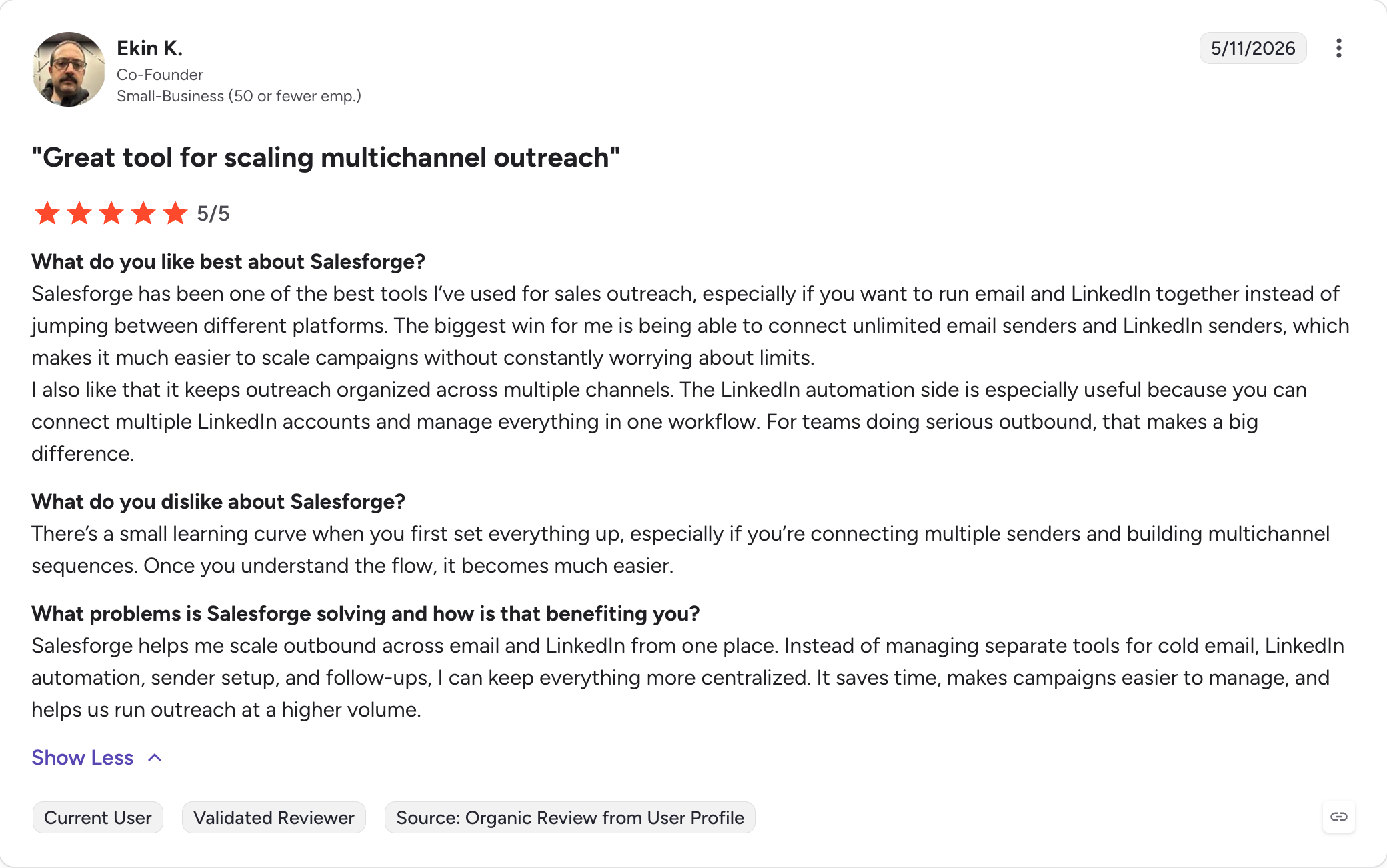
Salesforge holds a 4.6 rating on G2 across 130+ verified reviews.
Best For: LinkedIn-only agencies running outbound across many client accounts, and in-house teams managing 5+ LinkedIn senders.
G2 Rating: 4.6 out of 5
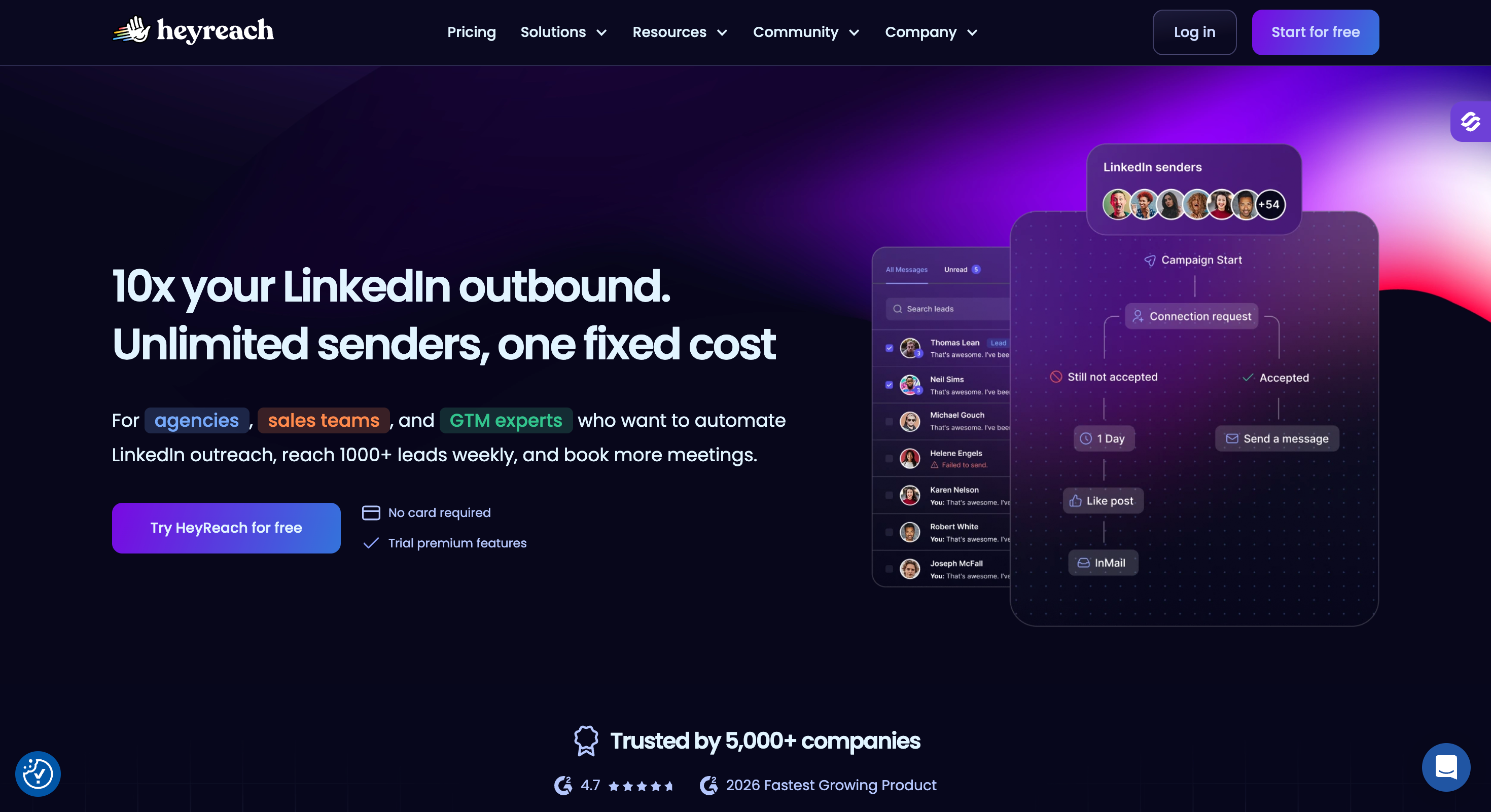
HeyReach is a cloud-based automation tool built for agencies handling LinkedIn at scale, as well as sales and growth teams running multi-account outreach.
It runs in the cloud, lets teams manage multiple LinkedIn profiles from one dashboard, rotates sender activity automatically, and pools every conversation into a single unified inbox.
The agency positioning is the whole point. Where Expandi charges per LinkedIn account with a hard step up to the Agency plan at ten seats, HeyReach's Agency plan bundles 25 senders under one fixed monthly fee.
Once you're running 20+ LinkedIn accounts, HeyReach's per-sender economics are the best in the category for agencies and lead generation agencies in particular. That's where HeyReach beats the top pick on this list: at LinkedIn-only agency scale, the flat-fee 25-sender bundle is more cost-efficient than any per-plan or per-seat structure.
The limitation is that HeyReach is LinkedIn only. There's no email inside a sequence.
If you need multichannel outreach with email and LinkedIn coordinated in one flow, HeyReach expects you to pair it with a separate email tool (Instantly, Smartlead, or a full multichannel platform).
Key Features
Multi-account campaign management from one dashboard: Every connected LinkedIn account runs from one interface, so teams can manage campaigns without jumping between logins. Campaigns distribute across senders automatically to spread the load, which also makes it easier to manage multiple campaigns as volume grows.
Sender rotation with dedicated proxies: Each LinkedIn account gets its own dedicated residential proxy on Growth, or bring-your-own proxies on Agency and Unlimited. Reduces detection risk versus shared-IP tools.
Unified LinkedIn inbox across every sender: All conversations and LinkedIn messages from every connected account land in one inbox. Team members can reply on behalf of any account without switching logins.
Whitelabel branding on Agency and Unlimited plans: Agencies can rebrand HeyReach for client dashboards. Custom domain, logo, and colors.
Native CRM integrations with HubSpot and Pipedrive: Two-way sync for LinkedIn actions and replies. LinkedIn engagement logs to contact timelines automatically.
AI-personalized connection request messages: Message-level AI personalization inside the sequence builder, including copy tailored for LinkedIn connection requests specifically.
Pros and Cons
Pros
Cons
Best per-sender economics in the category when you need multiple LinkedIn senders.
LinkedIn only. No email inside a sequence, so there’s no multi-channel automation without a second tool.
Unified inbox across senders is genuinely well built.
Growth plan gets expensive for small teams.
Whitelabel from the Agency tier makes it a real agency tool.
Agency plan is only cost-efficient at 20+ of the 25 bundled seats.
Cloud-based execution with dedicated proxy per sender on Growth.
March 2026 LinkedIn enforcement wave removed HeyReach's own company page. Product kept running, but worth knowing.
Pricing
HeyReach pricing plans are designed around sender count and agency scale.
Plan
Price
What's Included
Growth
$63/sender/mo (billed annually)
Per-sender pricing, dedicated residential proxy, unified inbox, native CRM integrations, unlimited users on the plan
Best For: Solo LinkedIn users and small teams wanting the cheapest cloud-based automation with basic features.
G2 Rating: 4.5 out of 5
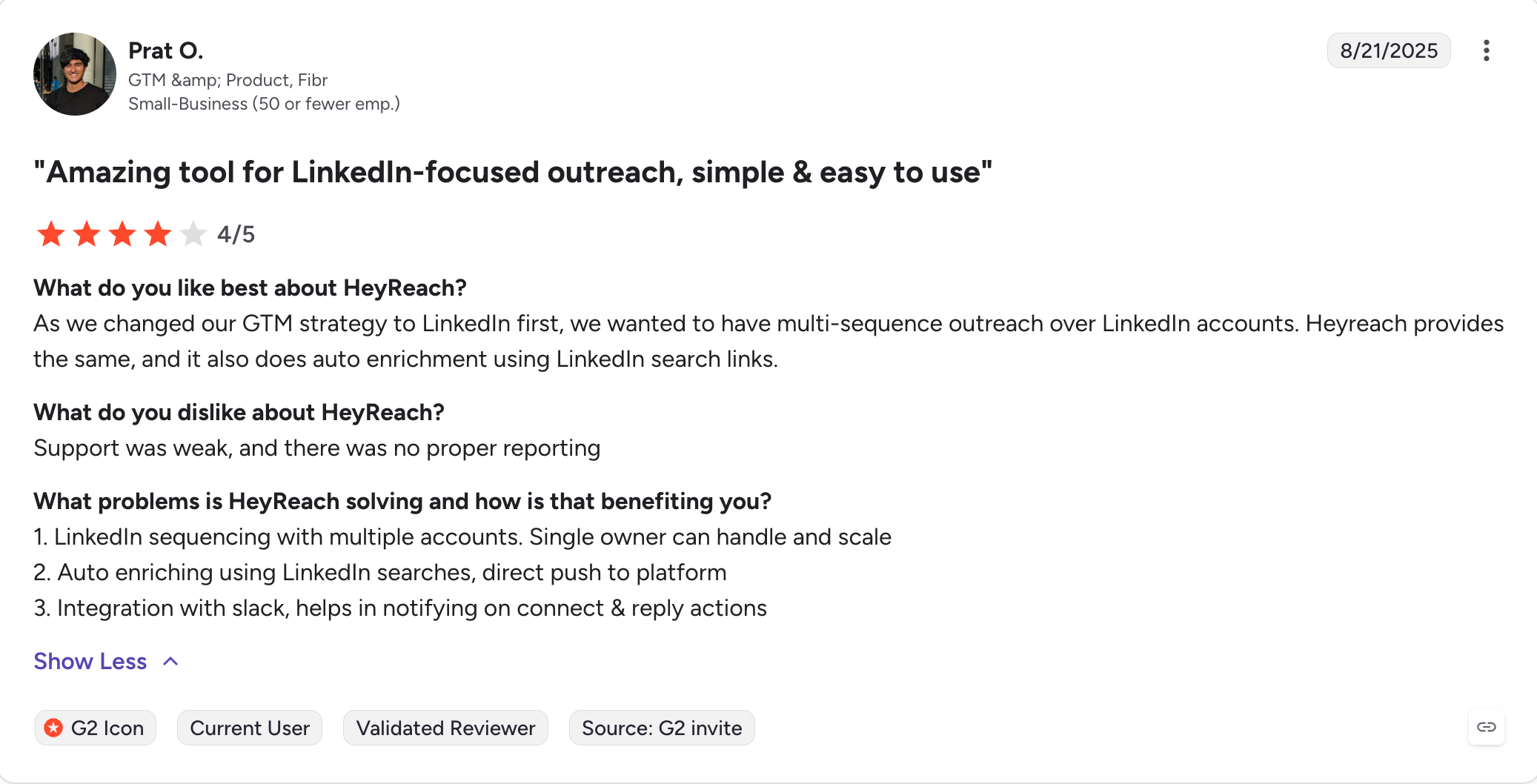
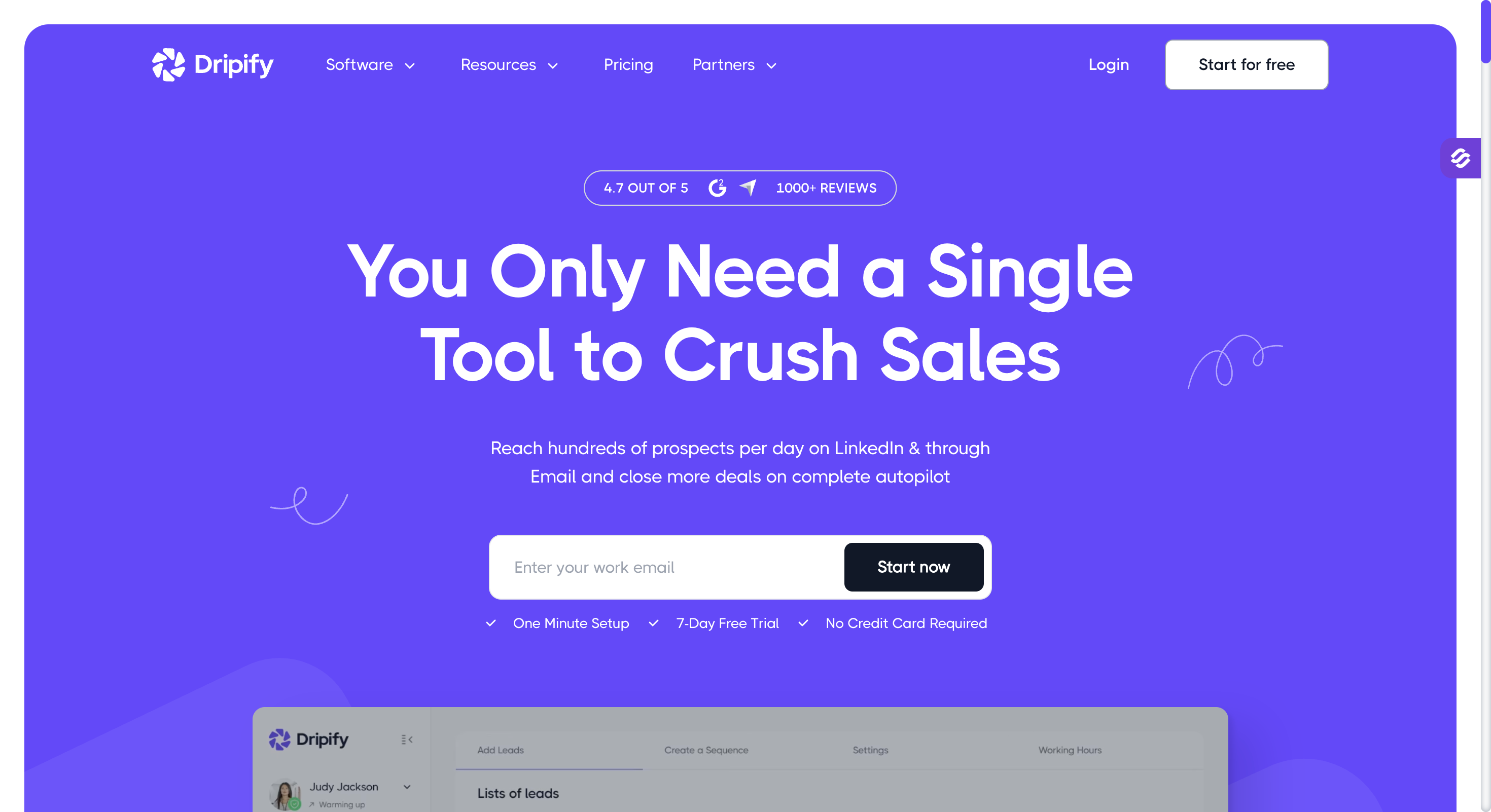
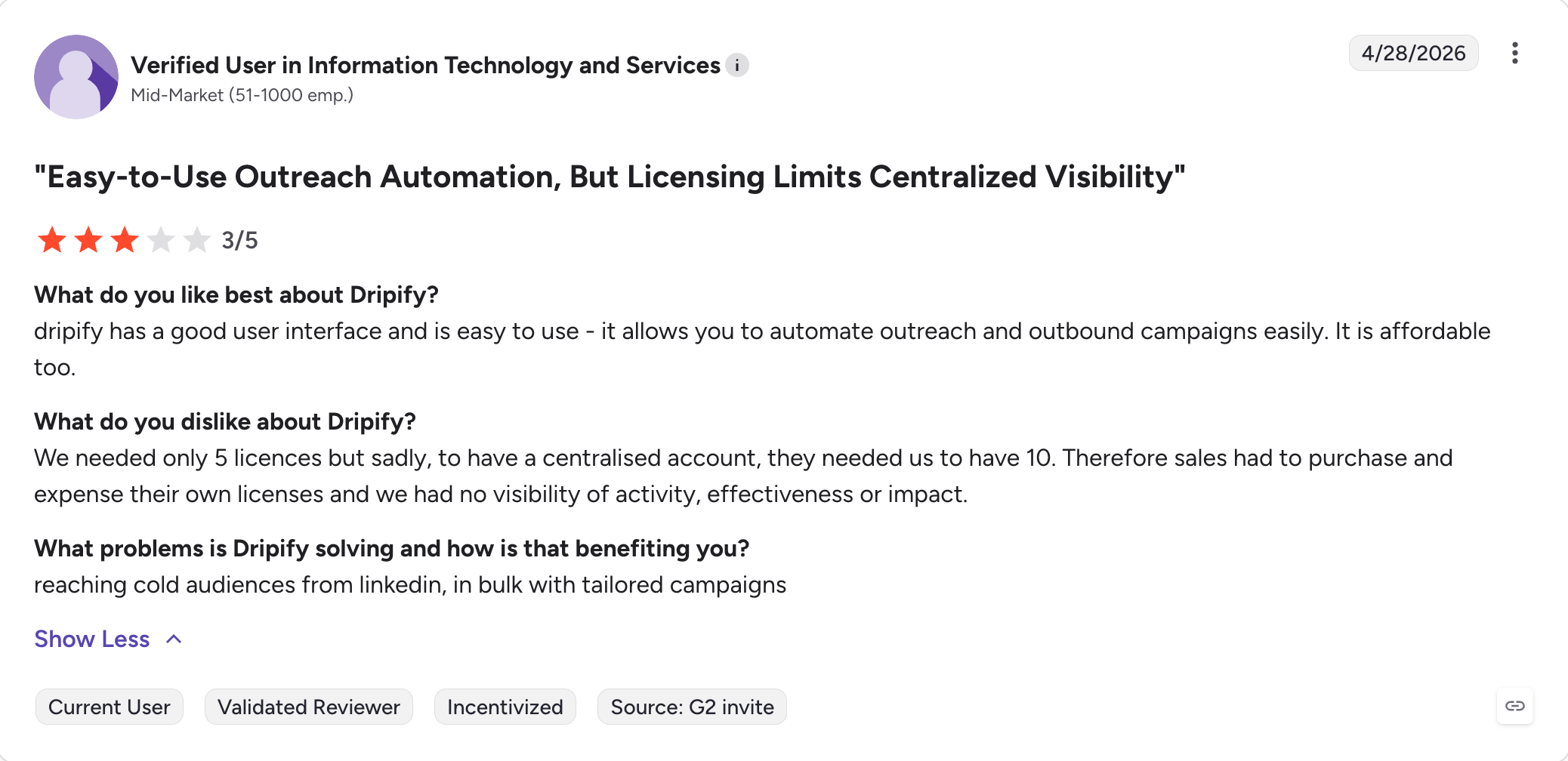
Dripify is a cloud-based LinkedIn automation tool that positions on price and simplicity, and unlike desktop options such as linked helper, it runs fully online.
It works best for basic linkedin campaigns: campaigns run in the cloud without keeping your browser open, the interface is cleaner than most tools in the category, and setup takes maybe 15 minutes.
For a solo operator running one LinkedIn account on a tight budget, Dripify's Basic plan is one of the cheapest cloud options in the category.
But the limitations are real. Dripify is LinkedIn only, so if you need email in the same sequence, you need a second tool. Pricing is per user, so team costs scale fast. On Pro (the tier most users actually want for A/B testing and unlimited campaigns), a five-person team's bill lands around $295/month.
Compared to HeyReach, Dripify is cheaper for a solo user but doesn't have the agency-scale multi-account tooling.
Compared to the top pick on this list, Dripify is cheaper on the LinkedIn-only sticker price but doesn't include email, warm-up, or a multichannel sequencer.
Key Features
Cloud-based execution: Campaigns run 24/7 without keeping your browser open. Lower detection risk than Chrome extension tools.
Drip campaign sequencer with LinkedIn actions: Connection requests, messages, profile visits, follows, and InMails. Basic if/then branching on connection acceptance, with simpler sequence logic than tools like Skylead, which allows sending up to 200 connection requests weekly.
Clean interface and fast setup: Consistently the most-praised feature in reviews. First campaign live in under an hour.
Team management on Advanced plan: Multi-user access, role-based permissions, campaign sharing across the team.
CRM integrations via Zapier: No native two-way CRM sync. Zapier bridges to HubSpot, Pipedrive, and Salesforce.
Best For: Small teams and solo users who want LinkedIn + email + X (Twitter) in one sequence at the lowest headline price in the category.
G2 Rating: 3.3 out of 5
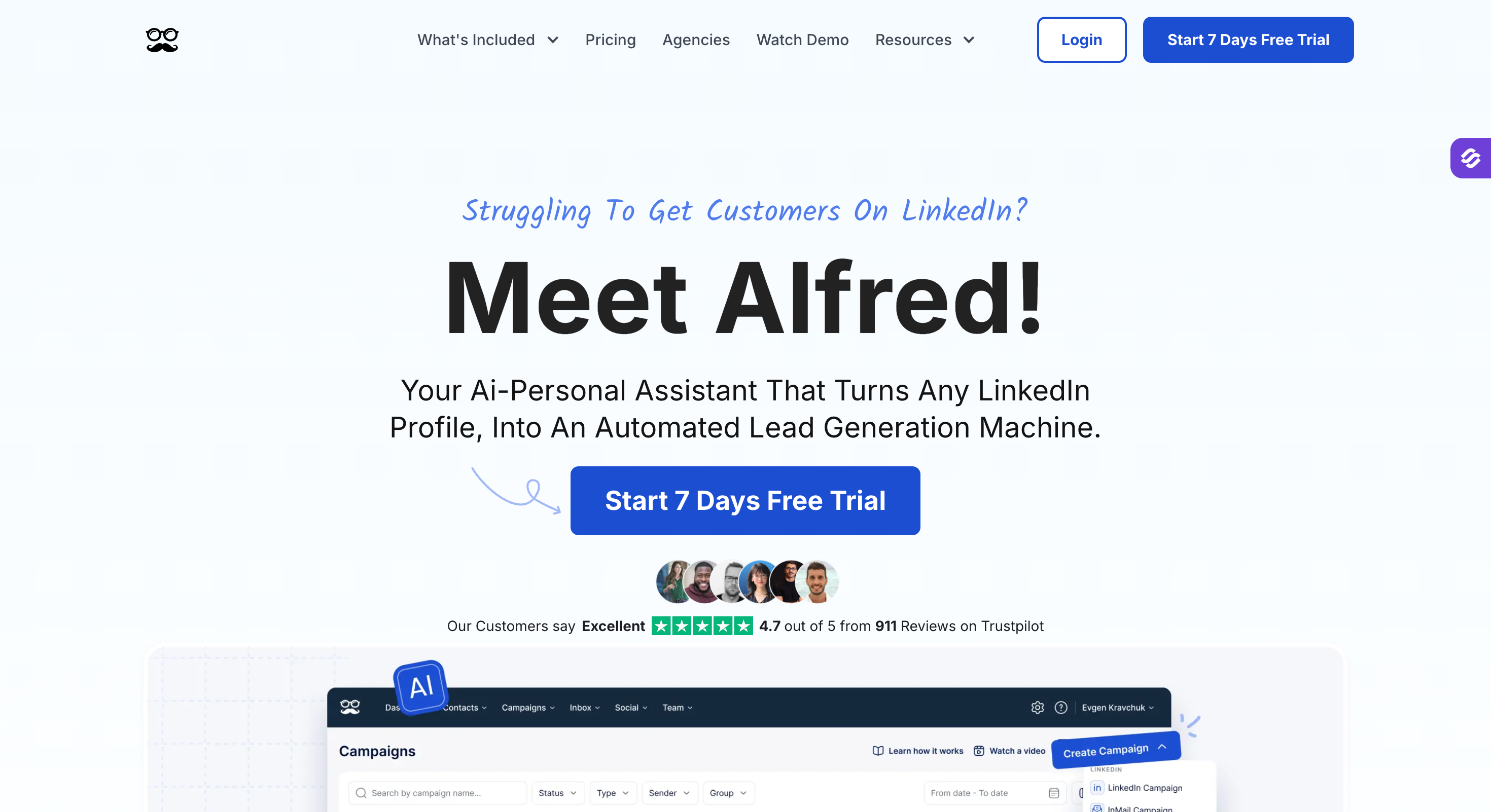
Meet Alfred is a cloud-based multichannel automation tool that runs LinkedIn, email, and X (Twitter) inside the same sequence.
The pitch is real multichannel at a much lower entry price than most tools on this list. The Basic plan is one of the cheapest cloud options in the category.
The Team plan is priced lower than Pro on annual billing, which is unusual but real. For a small team that wants basic multichannel and can accept the safety and support trade-offs, Meet Alfred is genuinely affordable.
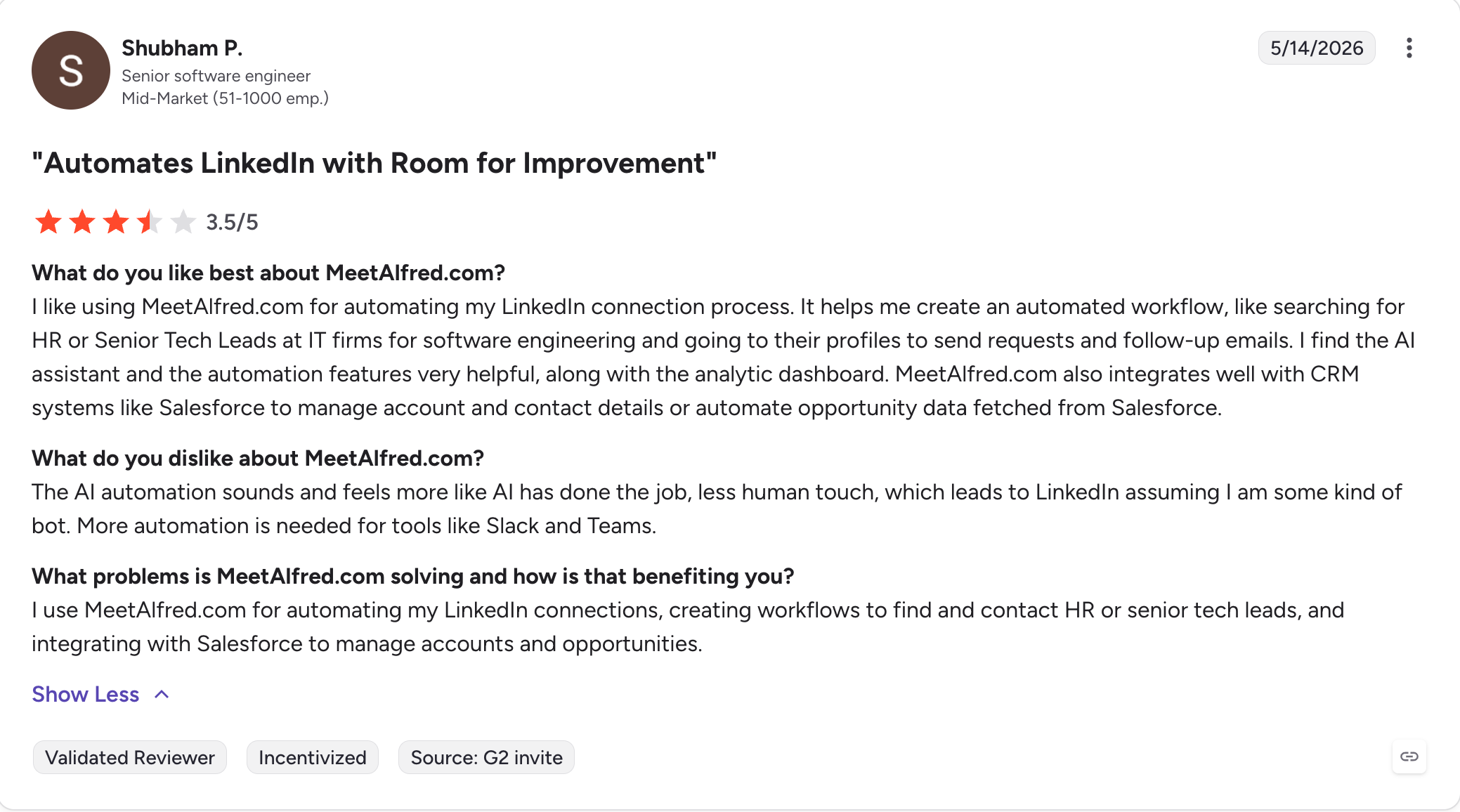
For anyone whose LinkedIn account represents years of network-building, the G2 signal is worth taking seriously before you sign up.
Key Features
LinkedIn + email + X in one sequence: Multichannel from the Pro tier. Supports multi channel campaigns across LinkedIn, email, and X with coordinated connection requests, messages, emails, and X actions.
Cloud-based execution: Runs 24/7 without keeping your browser open. Unique local IP per account for ongoing prospecting activity across your LinkedIn network.
Built-in CRM and pipeline management: Basic CRM for tracking prospects and deals inside the same tool.
AI icebreaker and personalization variables: AI-generated opening lines and dynamic content on Pro tier, with smart sequences for more adaptive branching and personalization behavior.
Smart Inbox for LinkedIn: Centralized LinkedIn conversations across accounts. Email sits in a separate view.
Team management with role-based permissions: Multi-user access, campaign sharing, template library on Team plan.
Pros and Cons
Pros
Cons
Lowest entry price for LinkedIn + email + X multichannel on annual billing.
G2 rating of 3.3/5 is the lowest on this list.
Team plan is cheaper than Pro on annual billing.
Recurring reports of LinkedIn account restrictions across G2 and Capterra reviews.
Cloud-based execution with unique local IPs.
Customer support response times measured in days per verified reviews.
Built-in CRM at no extra cost.
Lower tiers miss some more advanced features, with multichannel starting at Pro tier ($49/user/mo).
Pricing
Plan
Price
What's Included
Basic
$29/user/mo (billed annually)
LinkedIn automation only, up to 3 campaigns
Team
$39/user/mo (billed annually)
Team management, role-based permissions, template library, higher campaign limits
Pro
$49/user/mo (billed annually)
Full multichannel (LinkedIn + email + X), AI personalization, unlimited campaigns
7-day free trial, no credit card required.
What Real Users Say
Meet Alfred holds a 3.3 rating on G2 across 33 verified reviews.
Best For: Solo LinkedIn operators and very small teams wanting the lowest entry price in the category, especially in Europe.
G2 Rating: 4.5 out of 5
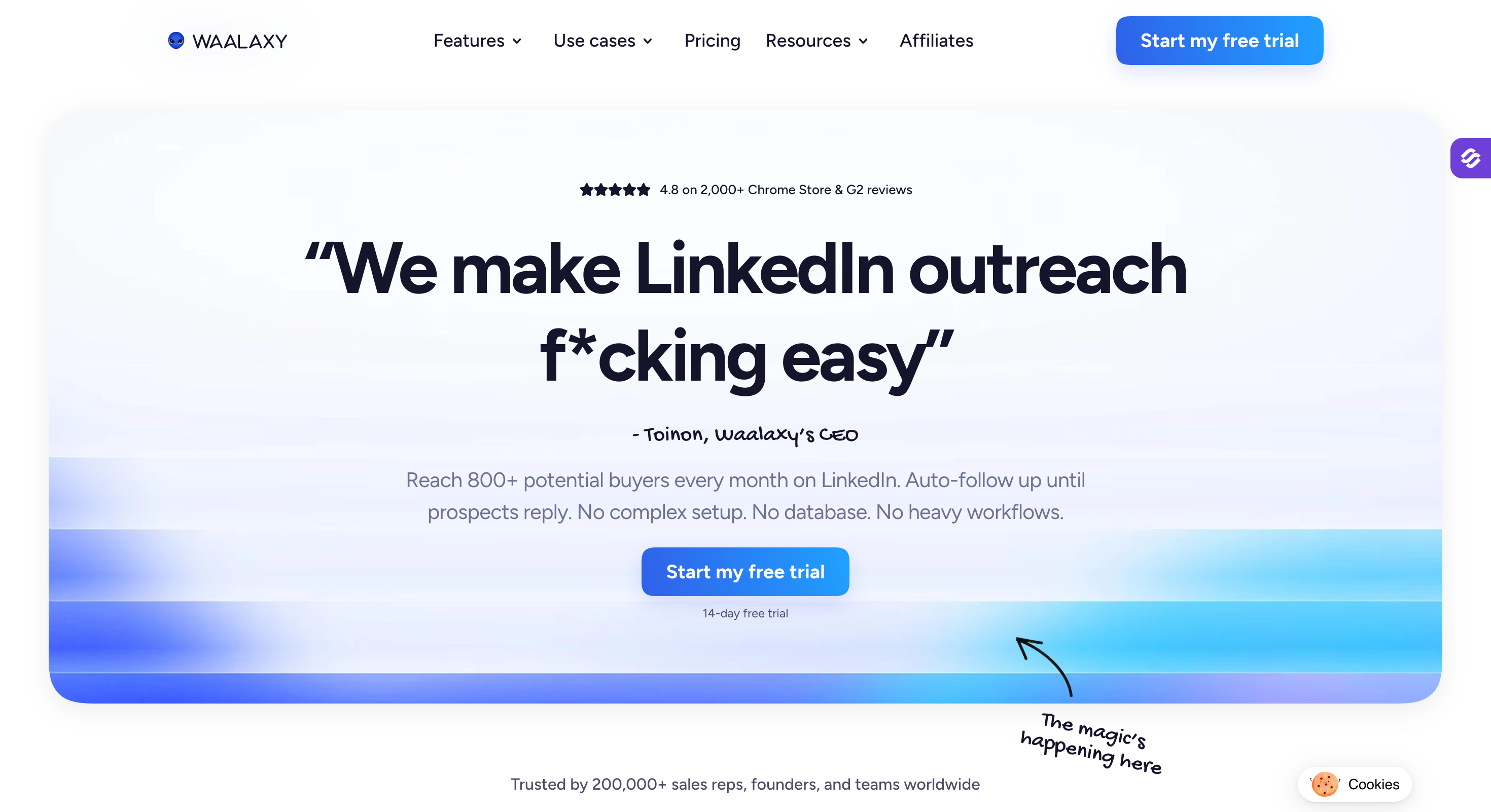
Waalaxy is a Chrome-extension-based LinkedIn automation tool and one of the lower-cost LinkedIn automation tools built for solo operators.
It's the largest LinkedIn tool by user count (150,000+ active users), the interface is simple by design, and for automating LinkedIn outreach, the Pro plan on annual billing is one of the lowest entry prices in the category.
The Chrome extension architecture is the defining limitation. Because the tool runs inside your browser session, it's technically easier for LinkedIn to detect than cloud-based tools like Expandi, HeyReach, or the top pick on this list.
For a solo prospector who wants a simple tool at a very low price and can accept the extension trade-offs, Waalaxy is a real fit.
For teams past two seats or anyone who needs true multichannel with email running in the same sequence, this isn't the tool.
Key Features
LinkedIn outreach sequences with pre-built templates: Templated sequences walk you through setup step by step. First campaign live in about 10 minutes.
Chrome extension architecture: Runs inside your browser. Simpler setup than cloud tools, higher detection risk.
Email finder with Dropcontact enrichment on Business plan: Verified email discovery integrated into the LinkedIn workflow.
multi-channel outreach (LinkedIn + email) on Business tier: Email steps inside outreach sequences from the top plan only. Not a full email stack.
Unified inbox for LinkedIn conversations: Add-on subscription (Inbox Waalaxy) for centralized LinkedIn message management.
Available in French, English, German, Spanish, and Portuguese: Broader European market coverage than most tools in the category.
Pros and Cons
Pros
Cons
Lowest entry price in the category (Pro plan on annual billing).
Chrome extension architecture has higher LinkedIn detection risk than cloud tools.
Genuinely simple interface. First campaign live in about 10 minutes.
Browser must stay open for campaigns to run.
150,000+ active users, largest user base in the category.
Email is on Business tier only and works as a follow-up channel, not a real email stack.
Available in five European languages.
Recent reviews flag bugs and note the price has roughly doubled over 2025-2026 without matching feature additions.
Best For: Teams already running four channels (LinkedIn, email, calls, and X) who want them coordinated in one visual sequence builder with waterfall enrichment included.
G2 Rating: 4.6 out of 5
La Growth Machine is a French multi-channel automation platform that combines LinkedIn, email, calls, and X (Twitter) inside one visual sequence.
It ships with its own 27M+ company database, waterfall email enrichment across nine data providers, and native LinkedIn voice notes as sequence steps. The interface is well built.
This is where LGM beats the top pick on this list. For teams already running four channels and wanting real conditional logic across all of them (email opens trigger LinkedIn actions, connection acceptances trigger call tasks, X follows trigger message steps), LGM's sequence builder is more mature, its visual campaign builder is easier to map, and its channel breadth is wider.
Voice messages on LinkedIn as native sequence steps are a genuine differentiator nothing else on this list matches.
For teams past three identities, the total cost lands in the same range as the top pick on this list. The choice comes down to whether four-channel coordination is worth the switch.
Key Features
Multichannel with conditional sequences across four channels: LinkedIn, email, X, and calls all run inside one visual sequence with real if/then branching, so users can run cold outreach campaigns across four channels. It’s also one of the stronger setups here for multi channel campaigns. Deepest channel coordination in the category.
Native LinkedIn voice notes as sequence steps: Automated voice messages inside the sequence. Nothing else on this list has this.
Waterfall email enrichment across nine data providers: Sequential enrichment from multiple sources to maximize find rate. Verified emails included in the plan.
27M+ company database included: Company search, ABM queries, and LinkedIn data imports (Likers, Commenters, Event Attendees) on Pro tier.
Unified multichannel inbox on Pro tier: LinkedIn and email replies land in one view.
Native HubSpot and Pipedrive CRM sync on Ultimate: Two-way sync, workflow triggers, and trigger-based lifecycle updates.
Pros and Cons
Pros
Cons
Deepest multichannel coordination on this list (LinkedIn + email + calls + X in one sequence).
Per-identity pricing means running multiple campaigns across a five-SDR team still pays 5x the per-identity price.
Native LinkedIn voice notes are a genuine differentiator.
CRM sync on Ultimate tier only.
Waterfall enrichment and 27M+ database included in the plan.
Enrichment credits cap monthly. Campaigns pause when hit; extra credits priced per lead.
Well-built visual campaign builder.
Agency plan requires 6 identities minimum with 6-month commitment.
Pricing
Plan
Price
What's Included
Basic
€50/mo per identity (billed annually)
LinkedIn + email in one sequence, 250 enriched leads/mo, 1 sending email per identity, up to 3 identities
Pro
€100/mo per identity (billed annually)
Adds calls, unified inbox, social warming, A/B testing, 5 sending emails per identity, 400 enriched leads/mo
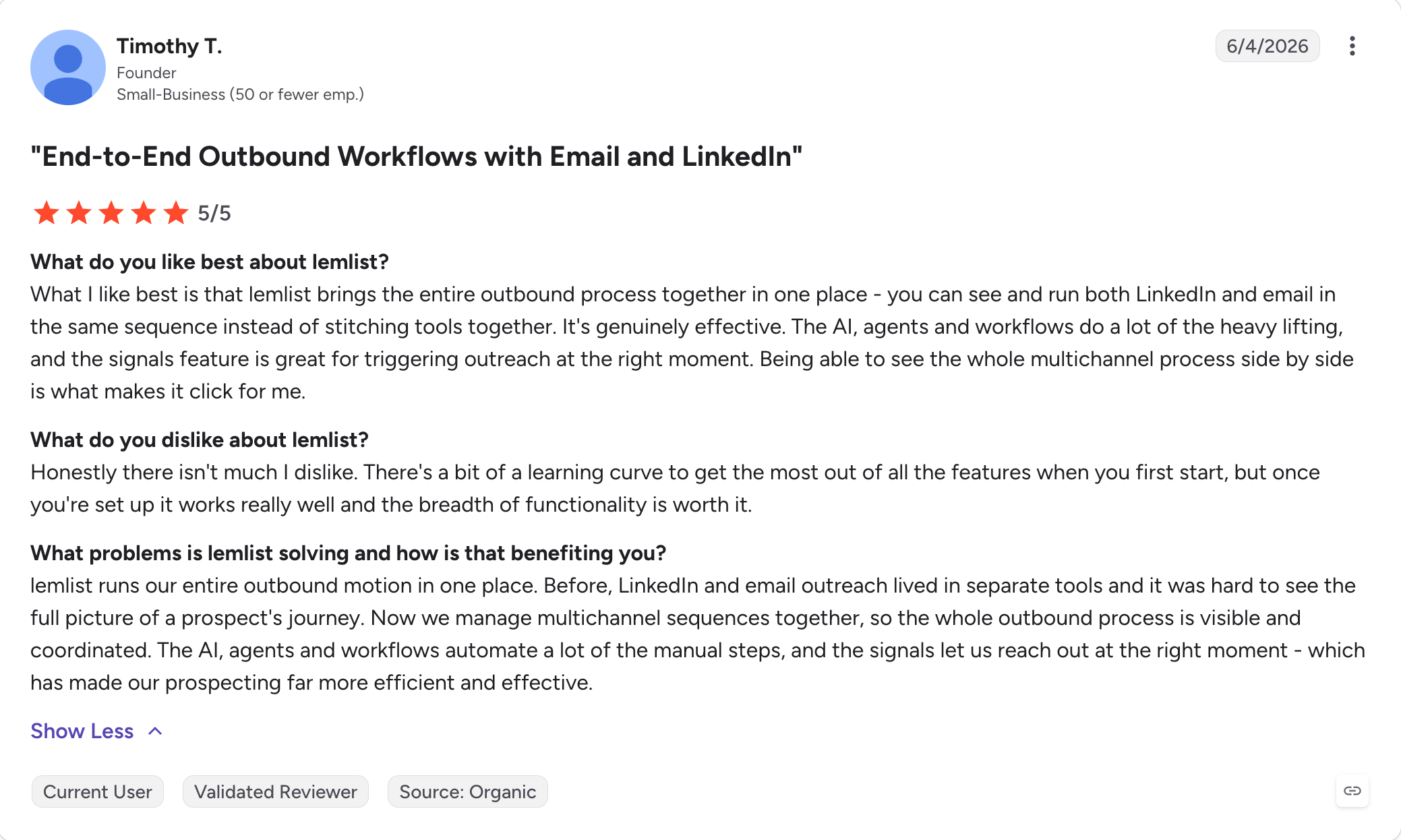
Best For: Email-first teams who want LinkedIn as a coordinated second channel with strong personalization features.
G2 Rating: 4.7 out of 5
Lemlist is built for multi channel outreach, but with cold email as the primary channel and LinkedIn, calls, WhatsApp, and SMS all plugging into the same sequence.
The pricing structure is unusual and worth understanding. The Email plan is priced per workspace with unlimited users and unlimited email senders, which makes it one of the best-value cold email plans on the market for teams.
The Multichannel plan (which adds LinkedIn, calls, WhatsApp) switches to per-user pricing, so the economics flip once you need LinkedIn steps for more than one seat.
For teams who realized they wanted email as the primary channel and LinkedIn as the follow-up (rather than the other way around like Expandi), Lemlist Multichannel is a genuine fit.
But there are a few weaker points in Lemlist: the LinkedIn automation runs via Chrome extension, so it's more browser-dependent than cloud-based tools like Expandi or HeyReach. And the per-user Multichannel pricing scales quickly for teams past three seats, so users who need richer LinkedIn workflows may want more advanced features from dedicated tools.
Key Features
Email plan priced per workspace with unlimited users: Unusual in the category. One workspace, unlimited team members, unlimited sender accounts.
Multi channel campaigns (email + LinkedIn + calls + WhatsApp + SMS): All channels coordinated in one sequence with conditional branching on the Multichannel plan.
650M+ B2B lead database included: Email finder, phone finder, and account-based prospecting built in. No separate Apollo or ZoomInfo subscription needed.
Personalized images and videos in sequences: Dynamic personalization at the visual level, plus personalized messages. Prospect names or logos rendered into images and videos automatically.
lemAgent AI SDR and intent signal agents: AI-powered lead research, enrichment, and follow-up drafting included on all plans.
Deliverability Hub with lemwarm included: Built-in warm-up, rotating IPs, custom tracking domain, deliverability testing on every plan.
Email plan priced per workspace with unlimited users. Best-value cold email plan on this list for teams.
Multichannel plan switches to per-user pricing. Costs scale fast for teams past three seats.
Highest G2 review count and rating on this list (4.7/5 across 1,396 reviews).
LinkedIn automation runs via Chrome extension. More browser-dependent than cloud-based tools like Expandi or HeyReach.
Genuine personalization at the visual level (personalized images, videos).
Enterprise plan required for SSO, custom permissions, and monthly billing on annual plans.
650M+ contact database, email finder, and warm-up included in the plan.
LinkedIn-specific features like multi-account rotation and comment campaigns, plus other advanced features for LinkedIn-heavy workflows, sit behind dedicated LinkedIn tools.
Pricing
Plan
Price
What's Included
Email
$55/mo (billed annually)
Unlimited users, unlimited email senders, 50,000 emails/mo, full deliverability suite, 650M+ database, AI agents
Multichannel
$87/user/mo (billed annually)
Everything in Email plus LinkedIn automation, calls, WhatsApp add-on, unified inbox, unlimited emails and messages
Enterprise
Custom
Everything in Multichannel plus SSO/SAML, custom permissions, dedicated customer success manager, 1:1 onboarding
14-day free trial on the Multichannel plan, no credit card required.
What Real Users Say
Lemlist holds a 4.7 rating on G2 across 1,396 verified reviews.
Best For: Teams whose primary channel is email who want basic LinkedIn touchpoints as a paid add-on at the lowest budget in the category.
G2 Rating: 4.5 out of 5
Snov.io is fundamentally an email prospecting and outreach tool. It ships email finder, 7-tier email verification, drip campaigns, unlimited team seats, and a free CRM in every paid plan.
LinkedIn Automation is a separate paid add-on at $62/month per LinkedIn slot on annual billing (with the Sales Suite discount applied), and it supports basic LinkedIn touchpoints rather than full LinkedIn outreach campaigns.
This matters for anyone reading a LinkedIn alternatives list. Snov.io is not a direct Expandi replacement. The lowest realistic entry point for LinkedIn-capable Snov.io is Starter Sales Suite plus one LinkedIn Automation slot, landing around $81/month total for one LinkedIn account and email campaigns.
That's competitive as a budget option, but it's structured as email-first with LinkedIn added on, not LinkedIn-first with email attached.
Snov.io has a its downsides: the credit system pools finding, verifying, and enriching into one bucket that runs out mid-month for active teams.
Credits don't roll over. And the LinkedIn Automation add-on covers connection requests, messages, InMails, follows, and post likes, but feature depth is thinner than dedicated LinkedIn tools like HeyReach or Dripify.
Key Features
Email finder with 500M+ B2B contact database: Search by domain, company, name, or LinkedIn URL, plus LinkedIn Sales Navigator when using the extension/import workflow. Chrome extension for on-the-go prospecting.
7-tier email verification with 98%+ claimed accuracy: One of the strongest verification layers in the category. Bulk verification included.
Drip email campaigns with unlimited senders and follow-ups: Every plan includes unlimited email accounts, unlimited campaigns, unlimited follow-ups. Recipients quota is the actual limit.
Free email warm-up included: Unlimited warm-up volume on Pro plans. GPT-4o mini generates warm-up content.
Unlimited team seats on every paid plan: Unusual in the category. Shared credits and recipients across the team.
LinkedIn Automation as separate add-on: $62/mo per LinkedIn slot on annual billing. The add-on supports basic LinkedIn campaigns with six action types: connection requests, messages, InMails, follows, post likes, profile views. Built-in local proxy per slot.
Free built-in CRM: Basic pipeline, deal tracking, task management on every paid plan.
Pros and Cons
Pros
Cons
Lowest budget entry for email prospecting + LinkedIn touchpoints in one stack.
LinkedIn Automation is a separate paid add-on. Not bundled into any Sales Suite plan.
Unlimited team seats on every paid plan.
Credit system pools finding, verifying, and enriching. Credits run out mid-month for active teams.
Looking at all eight tools, the bottom line from this Expandi vs alternatives comparison is straightforward.
No single tool here does every job Expandi does at every scale.
HeyReach beats it on LinkedIn-only agency economics.
La Growth Machine beats it on four-channel coordination. Lemlist beats it on unlimited-users email pricing.
If you want to buy the best of each and you're stitching three subscriptions together, back where you started with a stack instead of a tool.
Salesforge is the one that runs email and LinkedIn as coordinated channels in one sequence, on one plan, with the warm-up and unified inbox included, and its workspaces add useful team collaboration features. Growth includes unlimited mailboxes on one flat monthly price, so the bill doesn't scale with your team the way Expandi's per-account model does.
If what pushed you off Expandi was the email gap, the per-seat pricing, or the billing pattern, Salesforge is the direct answer.
You can get started with Salesforge with free 14-day trial.
FAQs
1) What is the best Expandi alternative?
Salesforge is the best Expandi alternative for teams who want email and LinkedIn in one sequence without paying per LinkedIn account. HeyReach is the best pure LinkedIn alternative for agencies running outreach if you're an agency running 20+ senders. The right answer depends on which part of Expandi stopped working for you.
2) Why do teams leave Expandi?
Four reasons repeat across G2, Trustpilot, and Reddit. Per-seat pricing that scales linearly with headcount plus a Sales Navigator subscription per user. LinkedIn account restrictions that happen even inside Expandi's recommended safe limits. An email side that exists but has no real deliverability infrastructure (no warm-up, no mailbox rotation, no inbox placement testing). And a billing pattern with recurring complaints about charges for seats not purchased and cancellation not stopping auto-renewals.
3) Does Expandi have email outreach?
Yes, but as a follow-up channel, not a full email stack. There's no built-in warm-up, no mailbox rotation, no inbox placement testing. Teams sending serious email volume through Expandi either accept the deliverability hit or buy a second tool (Smartlead, Instantly, or a multichannel platform like Salesforge) for the email side.
4) What does Expandi actually cost per month?
Expandi pricing is $99/month per LinkedIn account monthly, or $79/month per LinkedIn account billed annually. That covers one LinkedIn account. Sales Navigator is a separate LinkedIn subscription per user (roughly $99/month), and any real email volume needs mailboxes and warm-up from a second tool. A five-SDR team ends up paying for five Business subscriptions, five Sales Navigator licenses, and a separate email stack.
5) Is Expandi safe for my LinkedIn account?
Expandi has stronger safety architecture than most tools in the category: cloud-based execution, dedicated country IP per account rather than pooled dedicated IP addresses, randomized delays. Restrictions still happen. G2 and Reddit reviews show users following Expandi's recommended daily limits still getting restricted, sometimes temporarily and sometimes permanently. Every LinkedIn automation tool operates on LinkedIn's tolerance, not permission.
6) What's the cheapest Expandi alternative?
Waalaxy's Pro plan at €9.50/user/month billed annually is the lowest entry price in the category. It's Chrome-extension based, so there's higher LinkedIn detection risk than cloud-based tools, and you need to keep your browser open for campaigns to run. For a solo operator who accepts those trade-offs, it's the cheapest LinkedIn automation on this list.
7) What's the best Expandi alternative for agencies?
HeyReach's Agency plan at $799/month billed annually bundles 25 LinkedIn senders under one flat fee and includes agency-focused team collaboration features through its unified inbox and shared workspaces, which makes it the most cost-efficient option in the category once you're running 20+ LinkedIn accounts. Whitelabel branding is included from the Agency tier. For agencies also needing email in the same sequence, Salesforge's Growth plan at $80/month billed annually is a stronger fit.
Book more meetings on autopilot
Set up in minutes. No per-seat pricing. No commitment.
Compare 5 AI inbox managers for cold email and sales outreach. See how Salesforge, Smartlead, Instantly, Reply.io, and Saleshandy handle replies, AI features, and pricing.





.jpg)

.jpg)

