Every few weeks another AI lead generation tool launches, and it promises better data, smarter targeting and less manual work. That is roughly what the last one promised.
I have spent ten years in sales, and over that time I have paid for more than 50 of these tools. A few found people I could not reach any other way, which is why I keep trying new ones. Others handed back the same contacts my own LinkedIn search had already turned up.
So which one should you actually buy? That is the only question worth answering here, and most comparison posts talk around it.
I used each one myself. I ran real searches, tested the AI features and pushed a list through every workflow. That showed me where the AI actually helps, and where it is a filter panel with a chat box in front of it.
Below is what each one does, and who should pay for it.
TL;DR: The Best AI Lead Generation Tools at a Glance
What each one does, and what its plan actually covers.
Leadsforge: Leadsforge is an AI lead search engine with 500M+ contacts and several ways to search them. You can prompt it like ChatGPT, filter by five buying signals, or pull competitor followers and local companies.
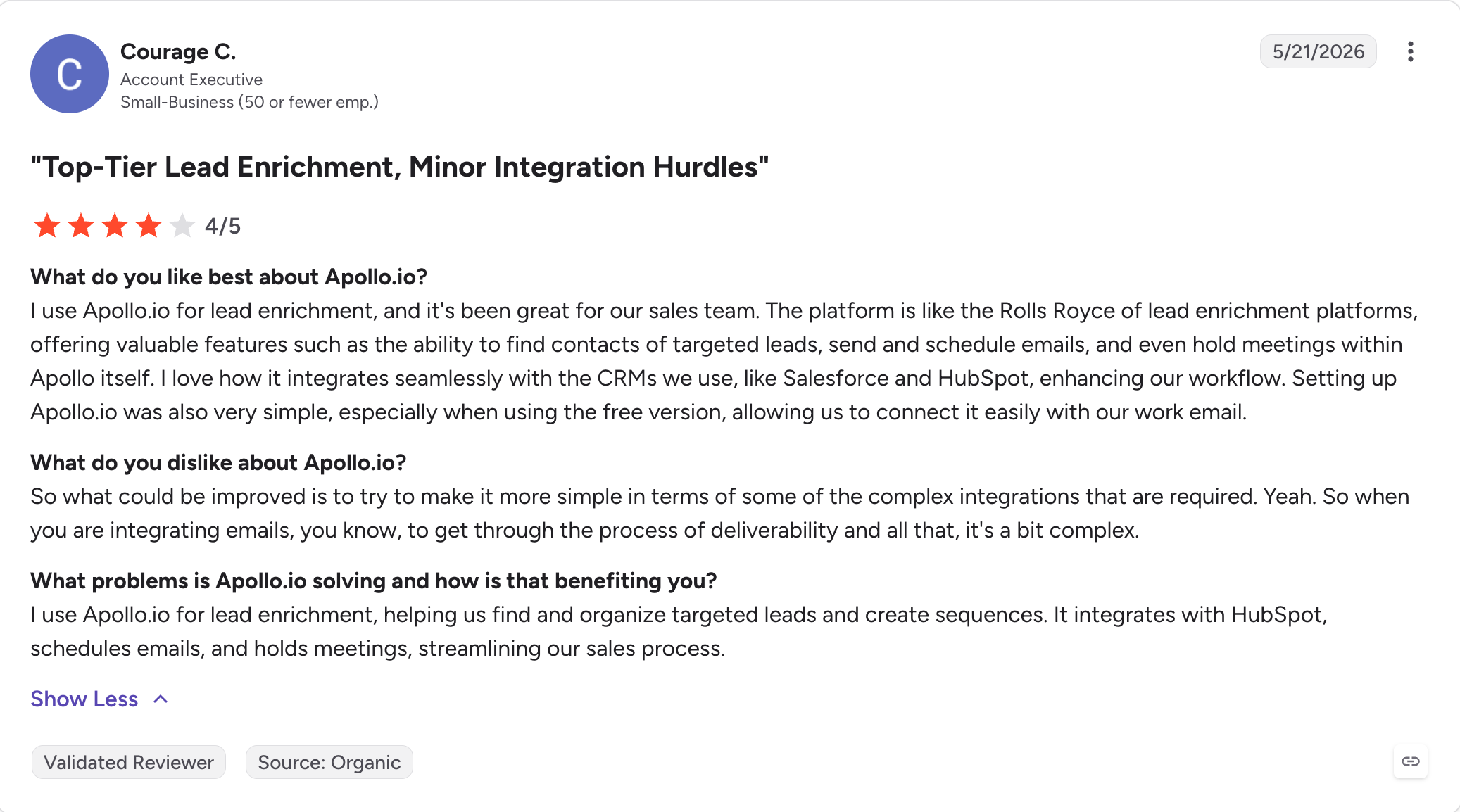
Apollo.io: Apollo is the broadest platform here, pairing a large contact database with sequencing, a dialer and lead scoring, and it also works well as broader lead generation software for small teams. Its free plan is the most generous on this list and never expires.
Clay: Clay is orchestration rather than a database, pulling from 200+ providers in one waterfall. Every plan includes unlimited seats, and you pay for data credits and actions instead of people.
ZoomInfo: ZoomInfo has the deepest enterprise contact and intent data available, with the widest signal coverage. Pricing is quote-only and the platform expects an annual commitment.
Cognism: Cognism sells compliance-first data with phone-verified mobiles and strong EMEA coverage. Hiring, funding and job-change signals come on both tiers, but intent data waits for Pro.
Salesforge: Salesforge is where lists become outreach, running cold email and LinkedIn in one conditional sequence. Mailboxes and LinkedIn senders cost nothing extra on either plan.
Agent Frank: Agent Frank is an autonomous AI SDR that prospects, sequences, replies and books meetings without you running it. You review its work rather than operate it.
Lusha: Lusha is the friendliest data tool for small teams, with a real free tier and credit-based plans. Buying intent topics are capped by plan, at five on most tiers.
Seamless.AI: Seamless searches the live web for contact details rather than serving them from a static index. Buyer intent, enrichment and its AI assistant are all add-ons rather than plan features.
Prospeo: Prospeo competes on whether the email actually works, not on database size. Unused credits roll over, and intent topics scale from three to twelve by plan.
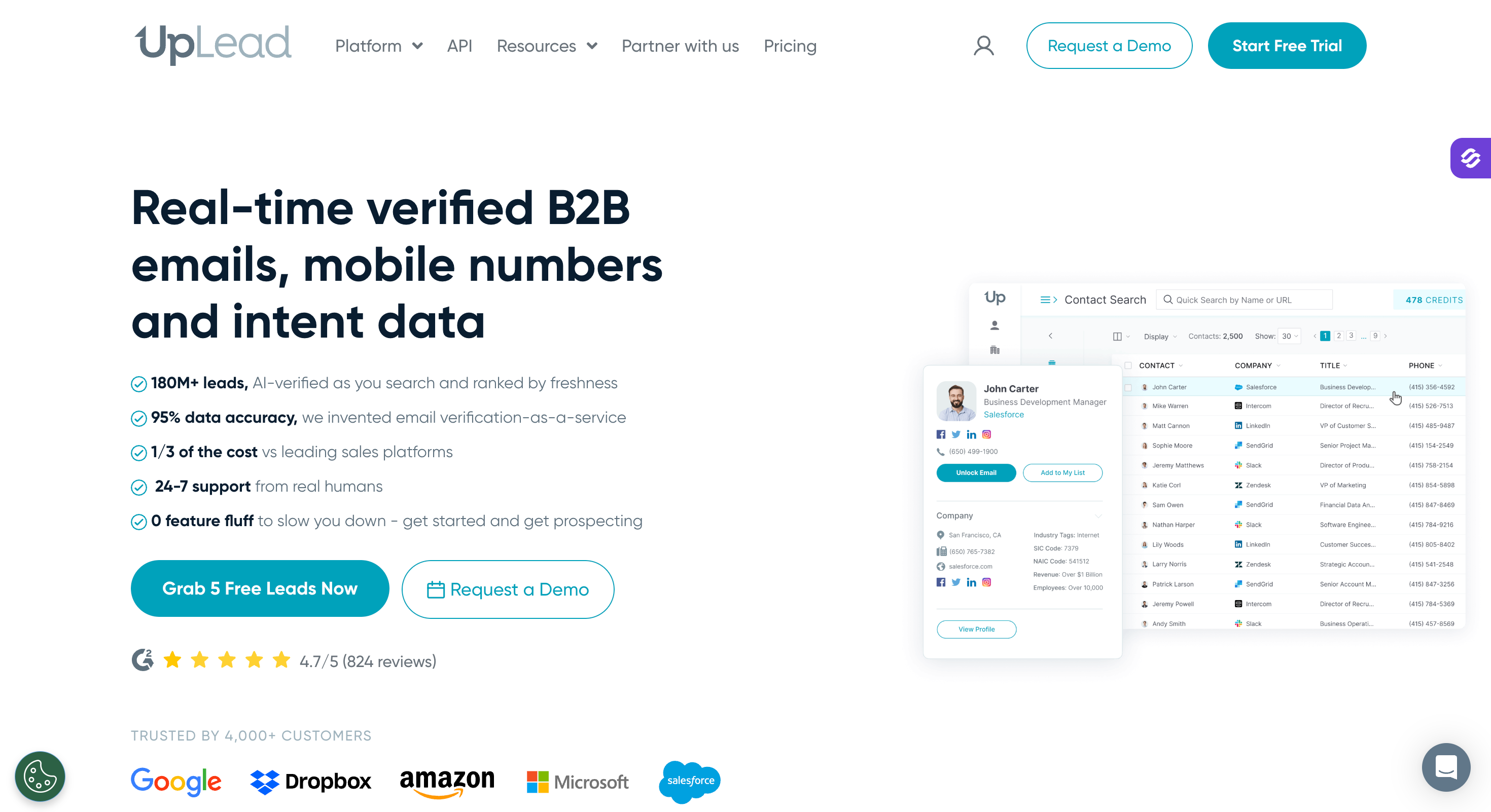
UpLead: UpLead verifies each contact at the moment you export it, which keeps bounce rates low. Credit allowances are small compared with the rest of this list.
6sense: 6sense predicts which accounts are in-market before they raise a hand. It is built for enterprise ABM teams and priced accordingly, with a demo required.
Leadfeeder: Leadfeeder identifies the companies already visiting your website so you can reach out with context, helping surface anonymous website visitors and turn them into leads. Its free Lite plan runs indefinitely with unlimited users.
Instantly: Instantly is a sending engine with a lead database attached, built for high-volume cold email. Unlimited mailboxes and warm-up come on every paid plan.
Smartlead: Smartlead is a sending platform built for agencies running many client inboxes. You buy the sequencer first and add the pieces around it separately.
Full reviews start after the comparison table.
Feature Comparison: Top 5 AI Lead Generation Tools
Hiring, funding, job change on both tiers. Intent data on Pro only
Competitor Followers
Yes. Target people following your competitors
No
No
No
No
Local Lead Search
Yes. Search by location and radius
No
No
No
No
Waterfall Enrichment
Yes, across 20+ providers
Yes, from Basic up
Yes, the deepest here
Via Data-as-a-Service add-on
Via CRM Enrichment add-on
Native Outreach
No. Lists move into Salesforge
Sequences and a US dialer
No. Sends through your tool
Through ZoomInfo Engage
No. Export to your tool
Pricing
$49/month, or $588/year (billed annually)
From $49/seat/month (billed annually)
From $167/month (billed annually)
Custom pricing, sales contact required
Custom pricing, sales contact required
How You Are Billed
Credits. No seat charge
Per seat, plus credits
Credits and actions. Unlimited seats
Per seat, plus platform fee
Per seat, 5 seats included
Credit Costs
1 per email, 10 per mobile
30,000/seat/year on Basic, granted upfront
Data credits and actions on separate sliders
Not published
1 per revealed contact. Free to re-view
Credit Rollover
Yes. Credits never expire
No. Granted per year, not carried over
Not published
Not published
Not published
MCP & CLI
Both, plus API
Official MCP server
Official MCP server
Official MCP server
No official server. API only
Free Chrome Extension
Yes
Yes, the most used here
Yes
Yes
Yes
What You Buy Separately
Outreach, through Salesforge under the same login
Extra credits beyond the seat allowance
Provider costs, credits, actions
Engage, enrichment, most modules
CRM Enrichment, Data-as-a-Service, intent on Pro
How I Picked These 15 AI Lead Generation Tools
I judged every tool on this list against six things. These are AI tools built to do more than act like static databases.
Role of AI features: Does the AI find leads for you, or just filter a list you already had?
Accuracy of leads: How does the tool verify an address before it charges you for it?
Credit system: What does one credit buy, and do unused credits survive the month?
Integrations: Does it reach your CRM, your sender and your AI assistant?
Database size: How many contacts, and how well does coverage hold outside the US?
Pricing: Does the bill grow with your sending, or with your headcount?
I also read the three-star and below reviews for every tool, because that is where the real limits show up.
1. Leadsforge
Best for: GTM teams and lead gen agencies who would rather describe their ideal customer than stack twenty filters to find them.
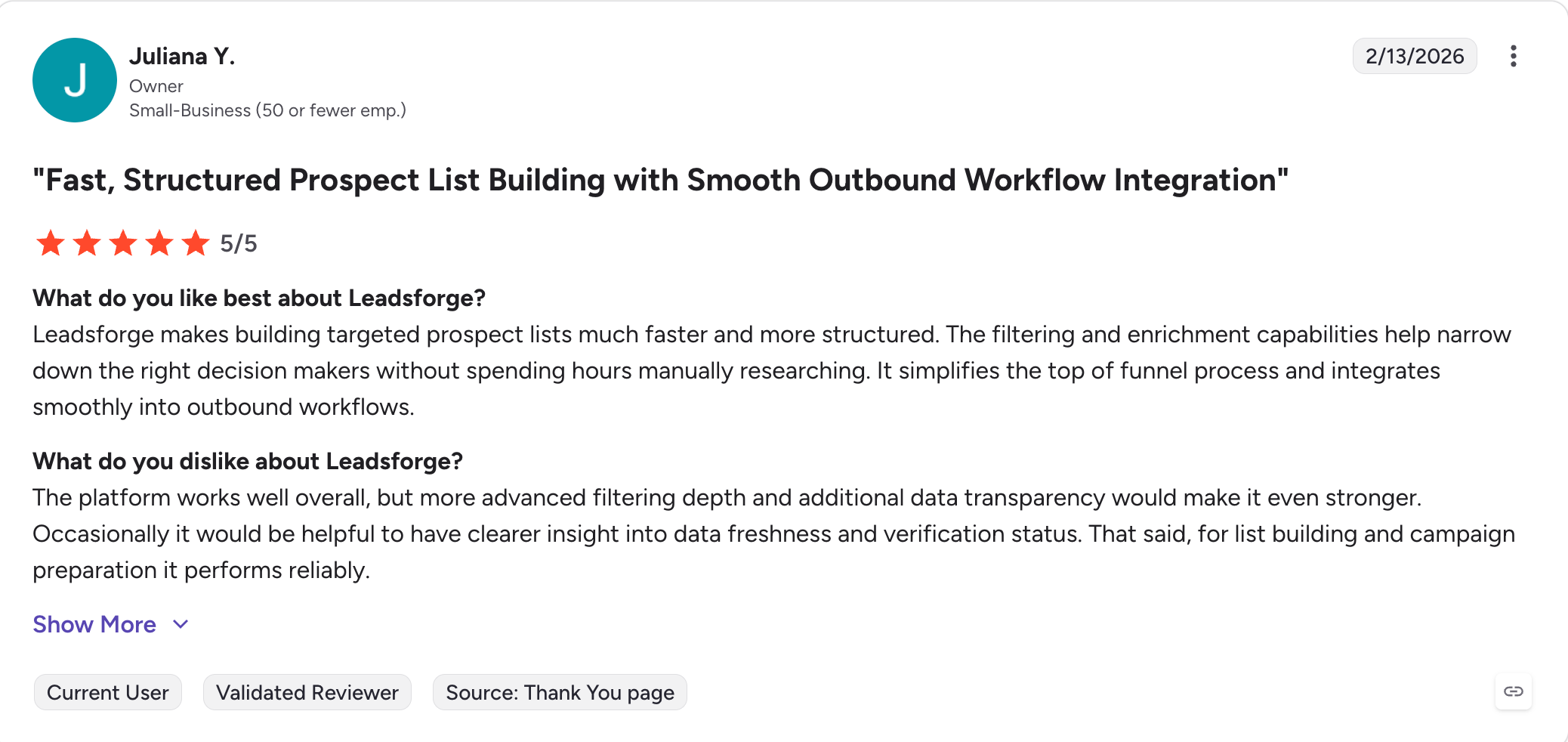
G2 Rating: 4.6 out of 5
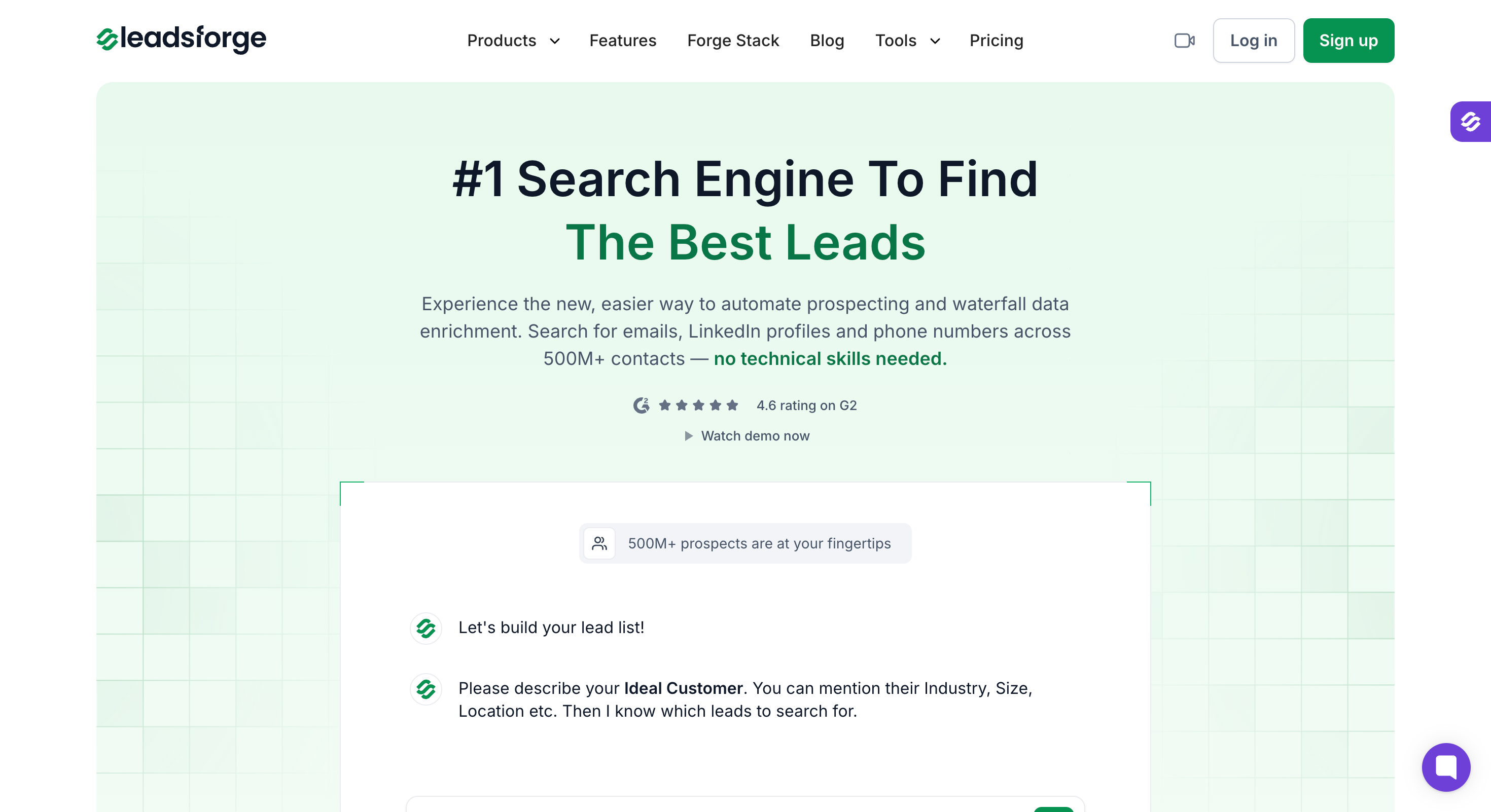
Leadsforge is an AI lead search engine built on a database of more than 500 million contacts.
I put it first because it does the most with AI, and because that AI is pointed at the thing that actually slows people down. You describe the customer you want in plain English and get a matching list back, the way you would prompt ChatGPT or Claude.
There are two new features that actually make it a complete lead generation tool rather than a faster search box. Signals let you build lists from hiring, job changes, acquisitions, funding and investor activity, and every match arrives with the evidence attached. A hiring result shows the job title, the department, the seniority, the posting date and a link to the posting.
Local search covers the other side. You can pull businesses by location and radius, which matters if you sell regionally rather than by industry.
Enrichment then runs your lead list as a waterfall across 20+ providers. For each contact, Leadsforge queries one after another until it has the email, the LinkedIn profile or the phone number.
Leadsforge Key Features
AI Lead Search: Write your ICP as a prompt, the way you would in ChatGPT or Claude, and Leadsforge returns the matching list.
Company Lookalikes: Feed it accounts you have already closed and it surfaces similar companies. You are charged per company here, not per lead.
Competitor Followers Search: It returns the people following your competitors on LinkedIn, so you can target an audience that has already shown interest.
Local company search: You can search businesses by location and radius, which matters if you sell regionally.
Five buying signals: Hiring, job change, acquisition, funding and investor activity all work as list-building filters. Each narrows by location, industry, company size and role.
Evidence on every match: A hiring signal returns the company, job title, department, seniority, posting date and the job posting URL. You can see why the account surfaced.
Waterfall enrichment: Leadsforge queries 20+ providers in sequence for each contact rather than relying on one database.
One-click transfer to Salesforge: Lists move straight into a sequence without exporting a CSV.
Free Chrome extension: You install it at no cost and enrich profiles while browsing LinkedIn. Lookups use credits.
API, MCP and CLI: Claude, Cursor or your own agent can build and enrich lists directly.
CRM integrations: It connects to the major CRMs alongside the rest of the Forge products.
What I Liked About Leadsforge
AI lead search means I describe the customer and get the list. No filters to learn first.
Signals arrive with the job posting attached. I can see why an account surfaced.
Credits roll over and never expire.
No seat charge. Adding people to the account does not change the bill.
One credit reveals an email or a LinkedIn profile.
What Are the Cons of Leadsforge
No free plan; 100 free credits on signup; no credit card required
Leadsforge Pricing
Plan
Price
Credits
Notes
Free credits
$0
100 on signup
No card required
Essential, monthly
$49/month
2,000 a month
Unused credits carry over
Essential, annual
$588/year (billed annually)
28,000, granted upfront
Two months free against monthly
Credit costs are one per email, one per LinkedIn profile URL, one per company follower, one per company lookalike, and ten per mobile number. Credits do not expire, and you can buy more inside the app at any time.
Best for: Founders and small sales teams who want the database, the sequencer and the dialer on one bill.
G2 Rating: 4.7 out of 5
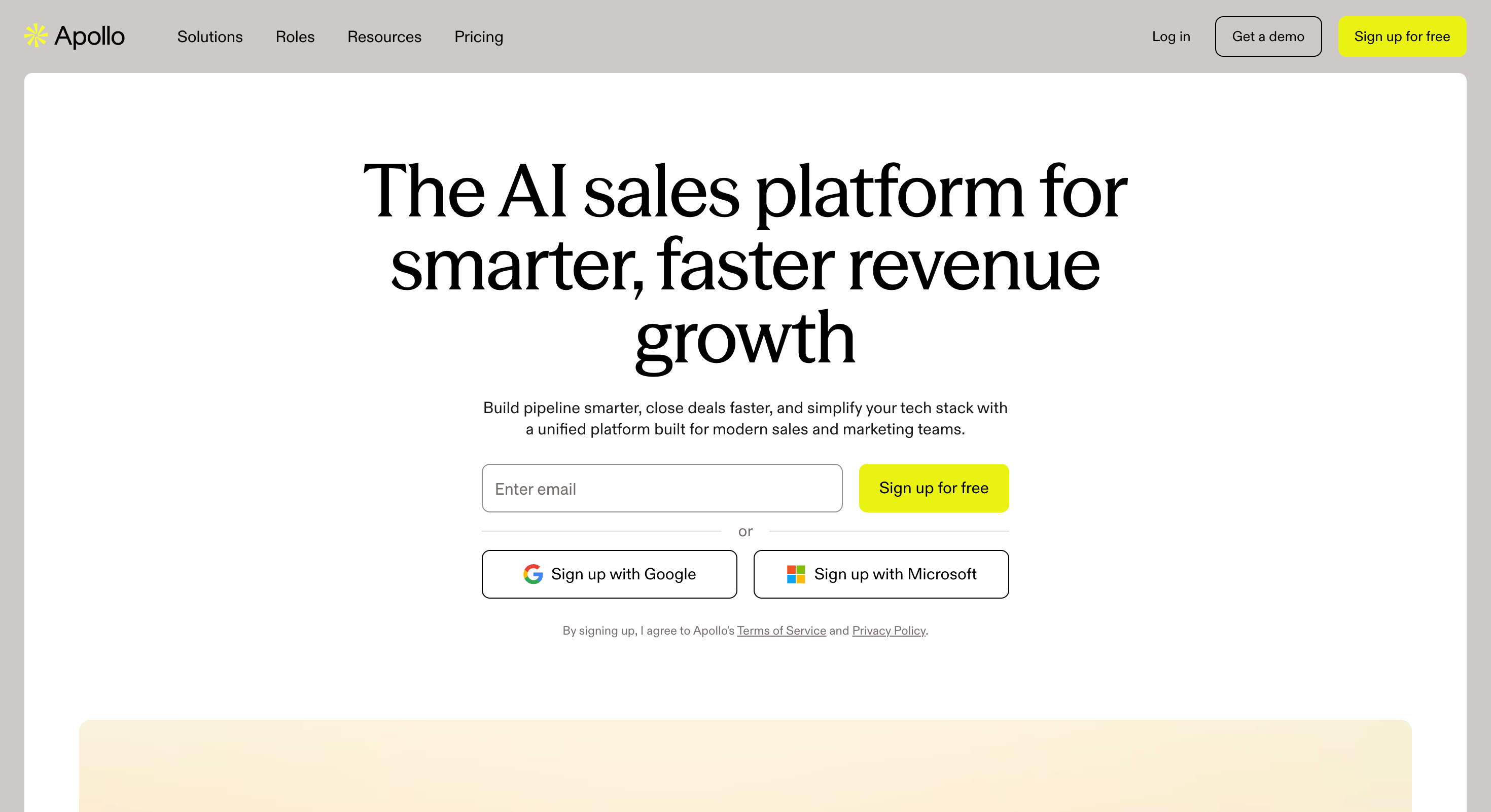
Apollo.io is the default first purchase in B2B outbound, and it earned that position honestly.
Nothing else at this price puts a database, a sequencer, a dialer and CRM enrichment behind one login, which also makes it a broad marketing automation platform alternative for teams that want data and outreach together.
It is also the most reviewed tool in this article by a wide margin, which means the picture is unusually clear.
The praise is consistent. Teams are prospecting the same day they sign up, the filters are deep, and the workflow from search to sequence needs no export step. It also supports sales and marketing teams by keeping prospecting and outreach in one system.
So is the complaint. Some competitor pages even claim Apollo.io can generate 200 qualified leads in 10 minutes, but that kind of benchmark depends heavily on list quality and definitions. Data accuracy is the single most common criticism across its reviews, and it is specific rather than vague. Contacts who moved roles a year ago still show the old title. Addresses marked valid still bounce. Phone numbers connect to the wrong person.
The pattern concentrates outside North America and at smaller companies, and the cause is structural.
Apollo enriches from its own database rather than cascading across providers, so when its record is stale there is no second source to catch it.
Apollo.io Key Features
The broadest database here: You search contacts and companies with advanced filters, and the coverage beats everything else on this list.
Sequences and a dialer in the same tool: You go from a saved search to a live campaign or a phone call, with no export step, which helps streamline the sales process.
Waterfall enrichment from Basic up: Apollo queries multiple sources to fill in missing emails and phone numbers.
Intent topics and filters: You get onetopic free, six on Basic and Professional, and twelve on Organization.
A deliverability suite with email warm-up: This starts at Basic, and it is unusual for a data-first tool to include it.
Website visitor identification: Apollo names 20 companies a month on Free and 100 on every paid plan, helping you identify website visitors.
Official MCP server: Apollo hosts it with OAuth, and a Claude Code plugin handles prospecting and enrichment.
AI lead scoring: It scores and prioritises leads from Basic upward, with unlimited scoring on Professional.
What I Liked About Apollo.io
The free plan gives you enough to judge the data before you spend anything, which almost nothing else here does.
Going from a search result to a running sequence takes no export step at all.
Credits on paid plans arrive upfront for the year rather than trickling in monthly.
Having warm-up inside a database tool removes a subscription most teams buy separately.
What Are the Cons of Apollo.io
You pay per seat, so five people on Professional costs $395 a month before you touch credits.
Organization has a three-seat minimum, which makes it poor value for a two-person team.
The sequencer works, but it was never built for the volume a dedicated sender handles.
Credits meter the data, so a heavy prospecting month means buying more of them.
The free plan caps you at two sequences and basic filters, so it runs out fast once you are serious.
Apollo.io Pricing
Plan
Price (billed annually)
Credits per seat per year
Free
$0
900, granted monthly
Basic
$49/seat/month
30,000, granted upfront
Professional
$79/seat/month
48,000, granted upfront
Organization
$119/seat/month, 3-seat minimum
72,000, granted upfront
Annual billing saves 24% against monthly. Basic and Professional both come with a 14-day trial.
Best for: RevOps and growth teams who already have lists and need the missing fields filled properly.
G2 Rating: 4.7 out of 5
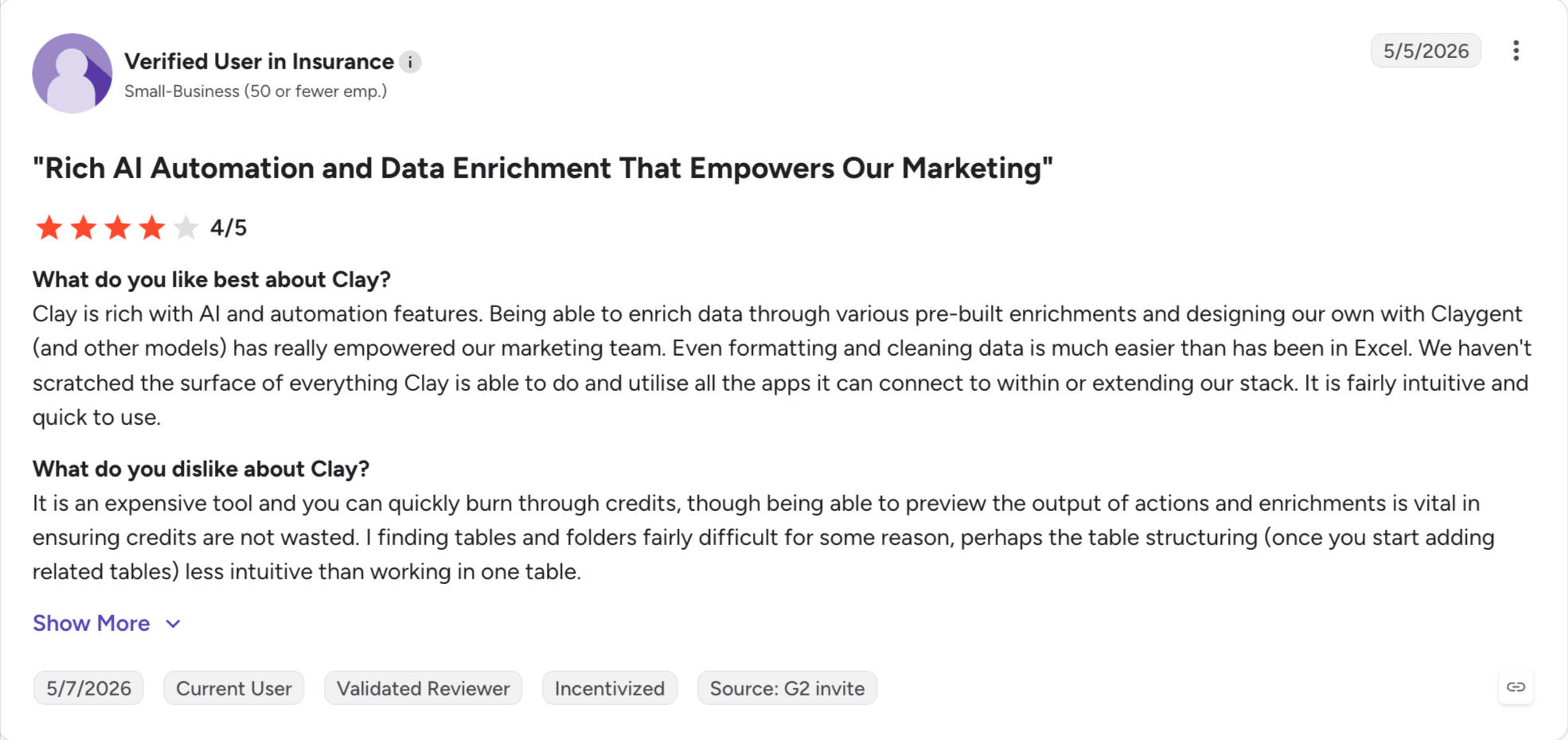
Clay is not a database. It is a spreadsheet-style AI platform that can call more than 200 data providers, one column at a time. It queries them in sequence until a field comes back filled.
That design is the whole product, and it explains both the fans and the complaints.
A waterfall works like this. You ask for an email, Clay tries the first provider, and if that comes back empty it tries the next, then the next. Clay publishes an OpenAI case study reporting coverage moving from the low 40% range to over 80% using this model.
No single-provider tool gets there, because no single provider has everything.
Claygent works on top of that as a research agent. Rather than querying databases, it reads public websites, LinkedIn profiles and news sources to pull custom fields no firmographic provider tracks. Workflows like this use AI models that continuously learn from new data to adapt targeting and messaging.
Extracting a tech stack from a careers page is a normal Clay job and an impossible Apollo one.
Every plan includes unlimited seats, which is rare here. You pay for data credits and actions on two separate sliders instead of paying for people.
Clay Key Features
200+ providers in one waterfall: Clay queries them in sequence per field, so coverage lands well above any single source.
Claygent research agent: It reads public web pages and returns structured data for fields no database carries.
Unlimited seats on every plan: Adding people to the workspace costs nothing, including on the free tier.
Signals built in: Job changes, promotions, new hires, company news and social activity all work as triggers.
A genuine free tier: You get 100 data credits a month and can run real waterfalls on it.
Official MCP server: Claude Code, Cursor and Claude Desktop can all drive Clay directly.
Deep integrations: It pushes into the major CRMs and into senders including Instantly, Smartlead and Salesforge.
What I Liked About Clay
Nothing else here fills gaps this well, and for teams whose lists are half empty that is the whole ballgame.
Paying for credits and actions instead of seats means a five-person team costs the same as one.
Claygent answers questions no database can, which is worth the price on its own for account research.
The free tier lets you test a real waterfall rather than a demo.
What Are the Cons of Clay
Reviewers consistently report two to three weeks before they are comfortable building workflows.
Two credit types on two sliders make the monthly bill very hard to forecast.
Clay does not send anything, so you still buy a sender alongside it.
A single lead can burn credits across several enrichment steps, and costs climb faster than people expect.
If you want a predictable list-building experience with no workflow design, this is the wrong tool.
Clay Pricing
Plan
Price (billed annually)
What you get
Free
$0
100 data credits a month, unlimited seats and tables, multi-provider waterfalls
Launch
From $167/month
Data credits from 180K a year, actions from 15K a month, both on sliders
Growth
From $446/month
Data credits from 480K a year, actions from 40K a month, plus role-based access control
Enterprise
Custom pricing, sales contact required
Custom volumes
Both paid tiers scale on the sliders, so Launch runs from $54 a month at the bottom of the data slider up past $486. Clay moved new customers onto Launch and Growth in March 2026, and the older Starter, Explorer and Pro tiers stay available to existing customers only.
Best for: Enterprise revenue teams with a budget cycle, a procurement process and a real need for intent breadth.
G2 Rating: 4.5 out of 5
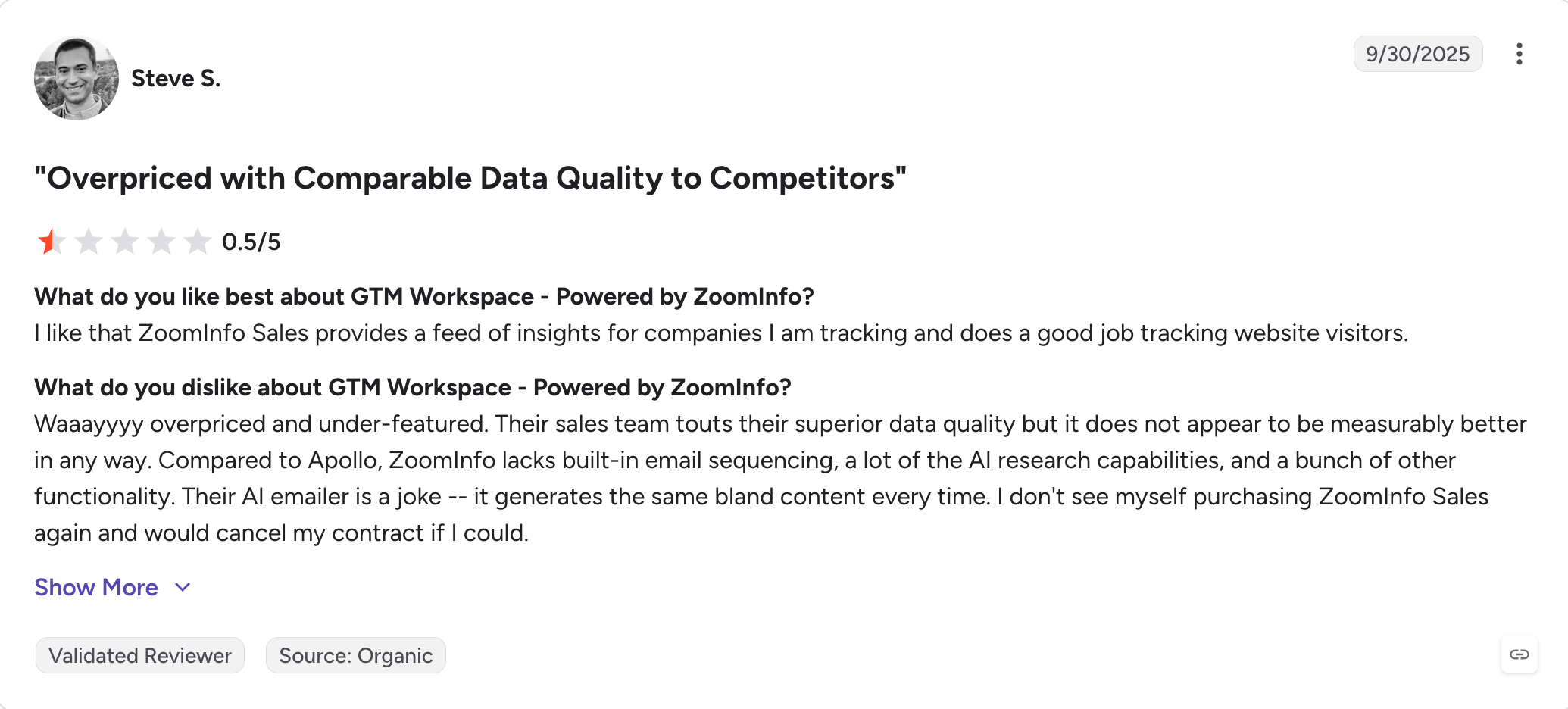
ZoomInfo, now sold as GTM Workspace, is the enterprise end of this market.
It has the deepest contact and company data available and the widest intent coverage, and it does not publish a price for any of it.
That last part tells you who it is for.
Every plan is quoted, negotiated and signed for a year, and the modules are sold separately. The core data is one purchase, outreach through Engage is another, enrichment is another. Buyers routinely report annual contracts in the five figures, and I cannot quote a figure here because ZoomInfo does not publish one.
What you get for that is a level of coverage nothing else on this list matches. If your buyers are enterprise and you need firmographics, technographics, org charts and intent together, this is the only tool with all four.
For a founder or a five-person team, it is the wrong purchase. The value only appears at a scale where a dedicated ops person is managing the data.
ZoomInfo Key Features
The deepest enterprise data here: Contact records, company data, org charts and technographics all sit in one place.
The widest intent coverage: No other tool on this list tracks as many buying signals across as many topics.
Outreach through Engage: Sequencing and dialing are available, as a separately priced module.
Official MCP server: ZoomInfo hosts it, and it comes with the subscription rather than as an add-on.
Enterprise controls: Security, permissions and governance are built for large teams with compliance requirements.
What I Liked About ZoomInfo
The data quality at enterprise scale is the reason it keeps winning renewals.
Intent breadth lets large teams work accounts on timing rather than on lists.
Having an official MCP server included, not sold on top, is more than several cheaper tools manage.
What Are the Cons of ZoomInfo
No public pricing at all, so you cannot compare it against anything without booking a call.
Annual contracts are the norm, which removes the option to test for a month and walk away.
Modules are priced separately, so the quote you sign covers less than the product demo showed.
Export and credit caps apply, and reviewers regularly say they hit them.
The whole platform is oversized for a small team, and the price reflects that.
ZoomInfo Pricing
Plan
Price
All tiers
Custom pricing, sales contact required
ZoomInfo publishes no prices. Expect a quoted annual contract with the data platform, outreach and enrichment priced as separate modules.
Best for: Outbound teams selling into the UK and Europe who need verified mobile numbers and a defensible compliance story.
G2 Rating: 4.5 out of 5
Cognism is a B2B contact database built around phone-verified mobile numbers and GDPR compliance.
Reviewers say the same two things about it again and again, and both are worth knowing before you buy.
The praise is about the phone data. Teams that cold call into Europe report reaching the right person far more often than on US-first databases. That is why renewals keep happening.
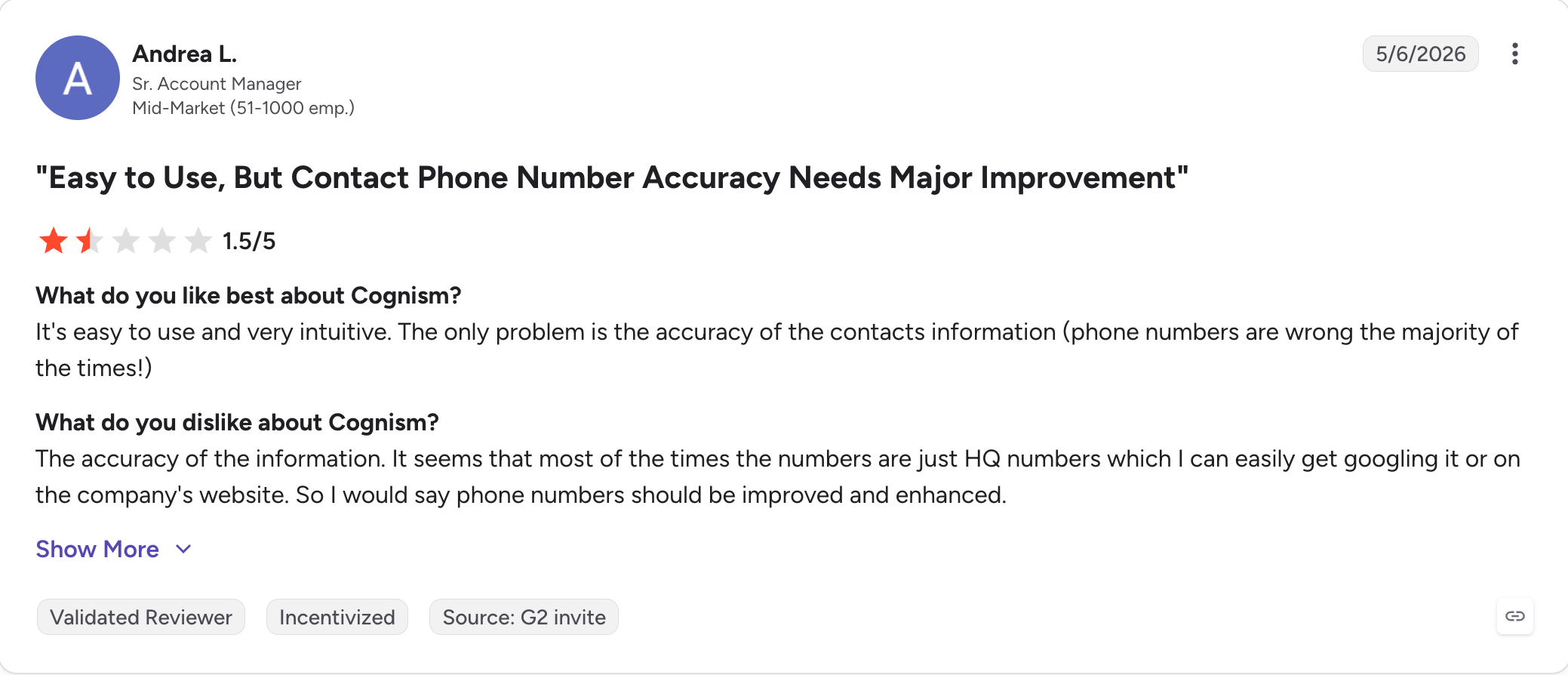
The complaints are about accuracy outside that core. Reviewers regularly flag outdated records, wrong numbers and thinner coverage in some regions, and the top dislikes on its G2 profile cluster there.
Read the tier split carefully, because it decides whether you get intent data at all. Hiring, funding, M&A and job-change signals come on both Standard and Pro. Intent data, the premium mobile filter and on-demand mobile verification are Pro only.
Cognism Key Features
Phone-verified mobile numbers: Cognism verifies mobiles by hand rather than inferring them, and connect rates in Europe reflect that.
A compliance-first posture: GDPR and CCPA alignment plus do-not-call screening is stronger here than on any US-first database.
Contextual signals on both tiers: Hiring, funding and M&A, and job changes are all available without moving up a plan.
Credits that do not double-charge: One credit reveals one contact, and viewing a contact you already revealed costs nothing.
Shared credits across the platform: The same pool works in the app, in Enrich and through the API.
AI research tools: AI company research, an AI persona builder and AI search all come on both tiers.
Five seats included: Both Standard and Pro bundle five seats rather than charging from the first user.
What I Liked About Cognism
Nothing else on this list matches the European mobile coverage, and for a calling team that is decisive.
Not being charged twice for the same contact is fairer than most credit models here.
Having hiring, funding and job-change signals on the entry tier is more generous than Apollo, which caps intent topics by plan.
What Are the Cons of Cognism
There is no public pricing and no free plan, so you cannot compare it without a sales call.
Intent data only comes with Pro, so the cheaper tier gives you data without timing.
Reviewers repeatedly report inaccurate or outdated records, especially outside the UK and Western Europe.
North American depth is thinner than ZoomInfo, so US-only teams get less for the money.
CRM Enrichment and Data-as-a-Service are add-ons rather than plan features.
Cognism Pricing
Plan
Price
Seats
Signals
Standard
Custom pricing, sales contact required
5 included
Hiring, funding and M&A, job changes
Pro
Custom pricing, sales contact required
5 included
The above plus intent data, premium mobile filter, on-demand verification
Cognism prices by product, team size and how you plan to use the platform. CRM Enrichment and Data-as-a-Service are separate add-ons on both tiers.
Best for: GTM teams and lead gen agencies who have the list and now need email and LinkedIn running from one sequence.
G2 Rating: 4.6 out of 5
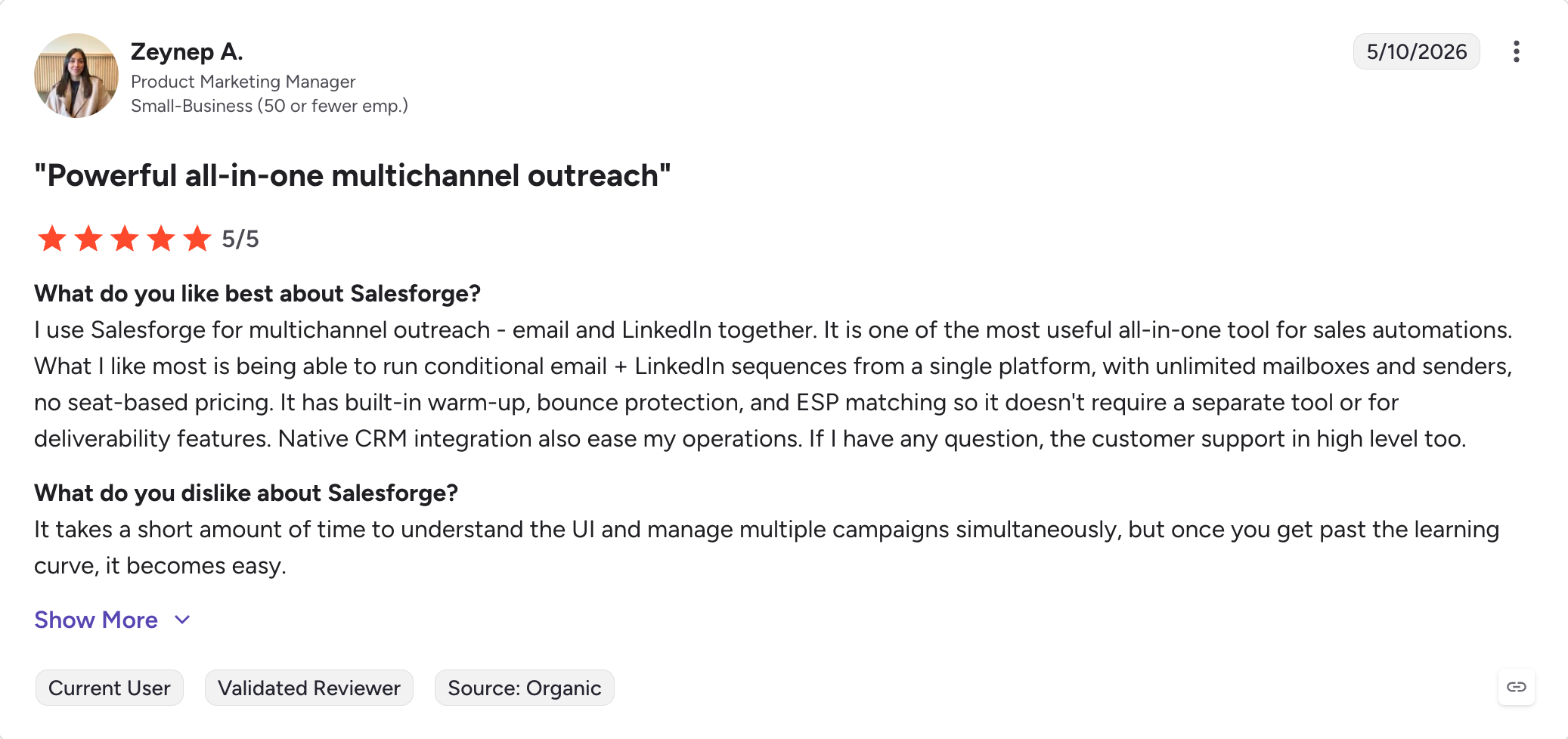
Everything above this point finds people. Salesforge is where you contact them, and it is the only tool on this list that runs cold email and LinkedIn inside one conditional sequence.
That word conditional is doing real work. An accepted connection request triggers a LinkedIn message, and one that goes nowhere falls back to email, all inside the same flow. The branching also supports automated follow ups across channels.
The pricing model is the other half of the story. Mailboxes cost nothing extra, LinkedIn senders cost nothing extra on Growth, and there is no seat charge at all.
Plans scale on active contacts and email volume, so hiring three people does not change the bill.
Replies from every mailbox and every LinkedIn account arrive in Primebox™. That includes replies coming back from a different address than the one you sent from, which helps with faster customer engagement once replies land.
Salesforge will not find the leads for you. That job belongs to Leadsforge, which is a separate subscription under the same login.
Salesforge Key Features
Multichannel outreach: Email and LinkedIn run as steps in one sequence, supporting personalized outreach so a prospect moves between channels without a second tool.
Six native LinkedIn actions: Connection requests, messages, InMails, post likes, follows and withdrawals all run as sequence steps.
Conditional branching: The sequence changes path based on what the prospect did, rather than following one fixed order.
Primebox™: Every email and LinkedIn reply arrives in one inbox, with Auto-Pilot and Co-Pilot modes for handling them.
Free unlimited warm-up: Every mailbox warms against a premium pool, with unlimited slots on both plans.
Smart mailbox rotation and dynamic IPs: Volume spreads across mailboxes so no single one carries the load.
Bounce Shield and email validation: Risky addresses get stopped before they touch your sender score. You get 300 validation credits a month on Pro and 1,000 on Growth.
Dynamic ESP matching: Google recipients hear from Google mailboxes. Growth plan.
Unlimited mailboxes and LinkedIn senders: Pro connects one LinkedIn account and Growth makes them unlimited.
Unlimited users and workspaces on Growth: Agencies run any number of clients with no per-client fee.
AI personalization in 21+ languages: Copy is written natively per language with local greetings, not translated after the fact, helping create personalized messages for outreach at scale.
Forge MCP and CLI on Growth: Claude or your own agent can operate the whole Forge stack, not just the sequencer.
What I Liked About Salesforge
Adding mailboxes and senders never changes the price, because the plans count contacts and volume instead.
The branching behaves as advertised, so accepted and ignored requests really do take different paths.
Warm-up arrives with the plan rather than as a second invoice.
Primebox catches replies from addresses I did not send from, which no other inbox here handles.
Unlimited workspaces on Growth removes the per-client fee that agency tools normally charge.
What Are the Cons of Salesforge
No free plan; 14-day free trial available
Salesforge Pricing
Plan
Price (billed annually)
What you get
Pro
$40/month
1,000 active contacts, 5,000 emails a month, 1 user, 1 LinkedIn sender, unlimited mailboxes, unlimited warm-up, Primebox™
Growth
$80/month
10,000 active contacts, 50,000 emails a month, unlimited users, unlimited LinkedIn senders, unlimited workspaces, A/B testing, ESP matching, API, Forge MCP and CLI
Annual billing gives two months free against monthly. 14-day free trial, no credit card required.
Best for: Founders and small teams who need outbound running but cannot justify hiring a rep to run it.
G2 Rating: 4.6 out of 5
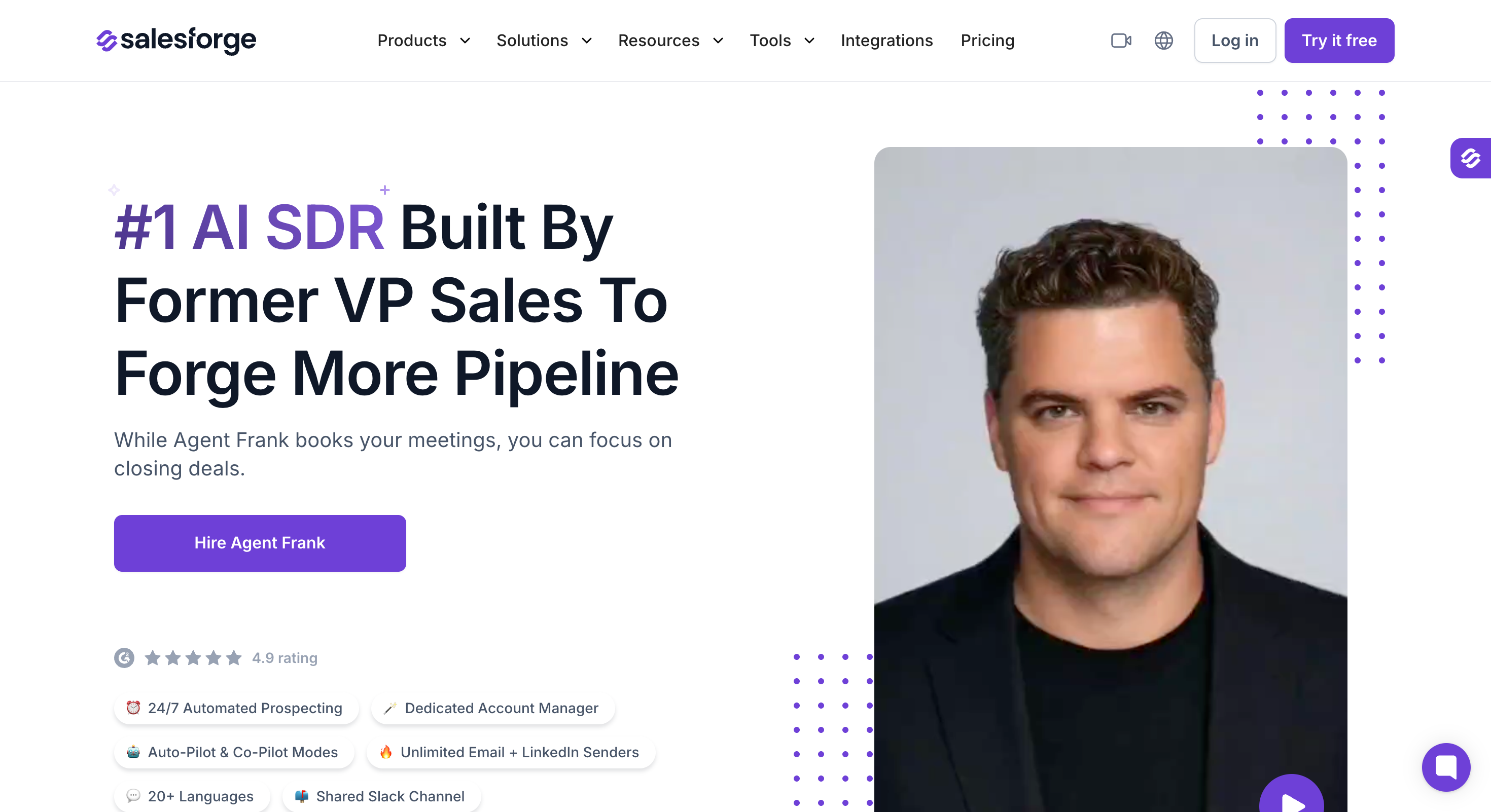
Every other tool on this list gives you a better list or a better sequence. Agent Frank gives you someone to run them.
It is an autonomous AI SDR, and the distinction from an AI writing feature matters. Agent Frank finds the prospects, builds the sequence, sends it, reads the replies, answers them and books the meeting, helping automate lead generation instead of only assisting with copy. You review the work rather than doing it.
Two modes decide how much control you keep. Co-Pilot drafts everything and waits for approval, which is how I would run the first two weeks. Auto-Pilot handles the full loop without checking in, replies included. It also takes care of repetitive work that would otherwise sit with sales reps.
The economics are the part worth thinking through. At $499 a month it covers 1,000 active contacts. That is a fraction of an SDR salary and far more than any tool above it here.
Whether that is good value depends entirely on whether you would otherwise hire.
It also writes in 21+ languages with localised greetings rather than translated ones, which matters if your list crosses borders.
Agent Frank Key Features
Runs the whole loop: Prospecting, sequencing, sending, replying and meeting booking all happen without you operating the tool.
Co-Pilot and Auto-Pilot modes: You choose whether every message needs approval or none of them do.
21+ languages with local greetings: Sequences read as though a local wrote them rather than a translator.
Works across the Forge stack: It draws on Leadsforge data and sends through Salesforge infrastructure.
Runs around the clock: Replies get handled outside your working hours, which matters across time zones.
What I Liked About Agent Frank
Co-Pilot means nothing goes out without my approval, which made the first week much easier to trust.
It replaces a job rather than a tool, so the comparison is a salary rather than a subscription.
Handling replies is the part most AI SDRs skip, and it is where the actual work sits.
What Are the Cons of Agent Frank
There is no free trial. You need to book a demo with sales team.
Agent Frank Pricing
Plan
Price
Covers
Agent Frank
$499/month (billed annually)
1,000 active contacts, full autonomous outbound
8. Lusha
Best for: Individual sellers and small teams who want verified contacts without a sales call or an annual commitment.
G2 Rating: 4.3 out of 5
Lusha is a B2B contact database that publishes its prices, which already separates it from ZoomInfo and Cognism.
Free gives you 40 credits a month on one seat. Starter is $37.45 a month billed yearly for 4,800 credits. Pro is $52.45 for 7,200 credits and two seats.
Then Premium jumps to $299.95 a month.
That is close to six times the Pro price, and the reason to pay it is credit volume plus five seats. If you need 40,800 credits a year, Premium is fair. If you need 10,000, you are stuck between a plan that is too small and one that costs six times more.
The intent data has a similar shape. Five buying intent topics come on Starter and above. The 25-topic tier with unlimited results only arrives on Scale, which is quoted rather than published.
Lusha Key Features
A real free tier: You get 40 credits a month, verified emails and phones, and the Chrome extension, with no card required.
Published pricing: Four of the five tiers show a price, which almost no enterprise data tool here does.
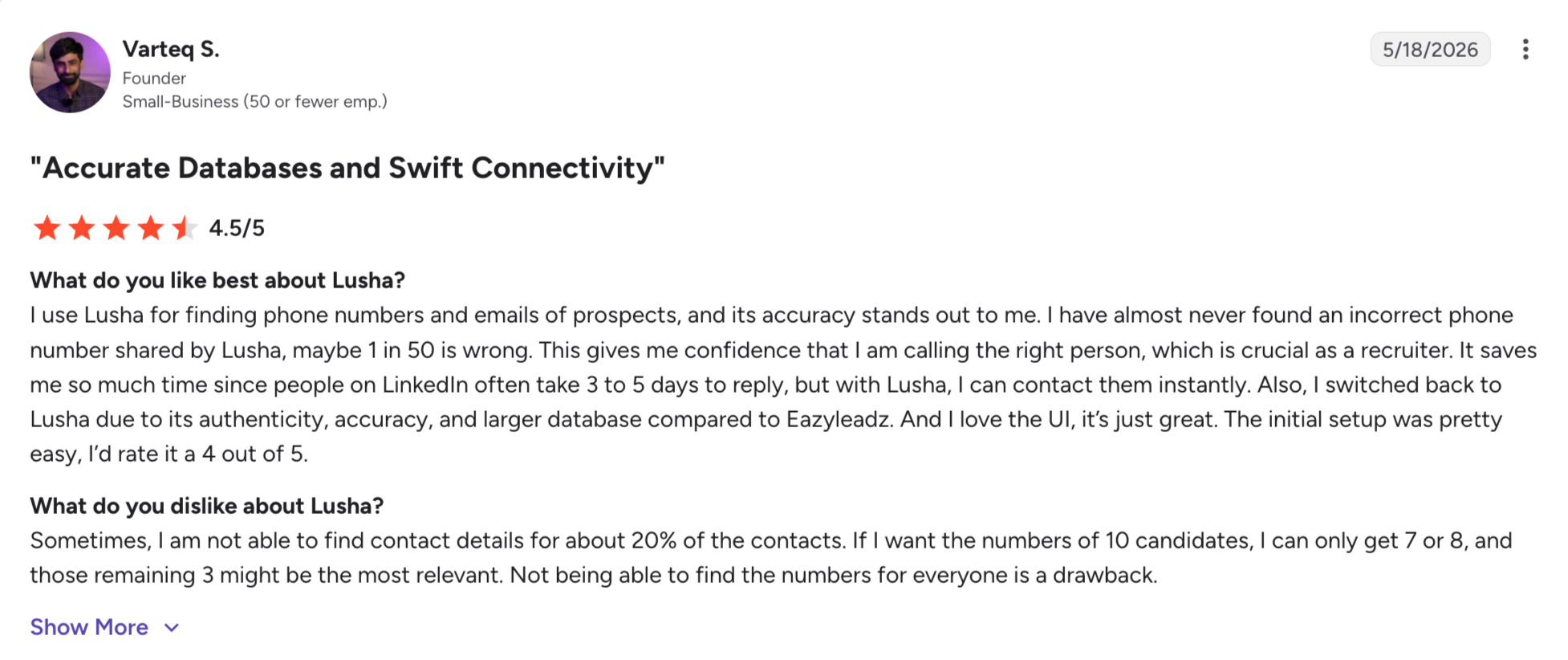
Strong phone coverage: Reviewers consistently rate the direct-dial data above the category average.
Contact and company lookalikes: Starter and above surface similar companies and people to ones you already target.
Official MCP server: Lusha hosts it, and it works across every plan rather than being gated.
Automated email sequences: Basic sending is included, though it will not replace a dedicated sender.
Buying intent topics: Five come from Starter up, powered by third-party intent data.
What I Liked About Lusha
The free tier is enough to test the data against your own ICP before paying anything.
Publishing prices means I can compare it against Prospeo and UpLead without booking two calls.
Two seats on a $52 plan is better value than most tools here manage at that price.
What Are the Cons of Lusha
The jump from Pro at $52.45 to Premium at $299.95 leaves mid-sized teams with no sensible option.
API access waits until Pro, so smaller plans cannot automate anything.
Intent topics cap at five until Scale, and Scale is quoted rather than published.
Reviewers report accuracy problems in niche industries and smaller regions, even while praising the phone data.
Prices shift with the credit slider, which makes a like-for-like comparison harder than it looks.
Lusha Pricing
Plan
Price (billed yearly)
Credits
Seats
Free
$0
40 a month
1
Starter
$37.45/month
4,800 a year
1
Pro
$52.45/month
7,200 a year
2
Premium
$299.95/month
40,800 a year
5
Scale
Custom pricing, sales contact required
Custom
Custom
Yearly billing saves 25%, and credits are granted upfront on the paid plans.
Best for: US-focused SMB teams who want a large volume of contacts and will run their own verification afterwards.
G2 Rating: 4.4 out of 5
With more than 5,000 G2 reviews, Seamless is the second most reviewed tool in this article.
The reviews split in a way worth understanding before you sign anything.
On G2 the praise is about speed and volume. Reviewers describe finding direct emails and mobile numbers quickly, and the Chrome extension gets named repeatedly.
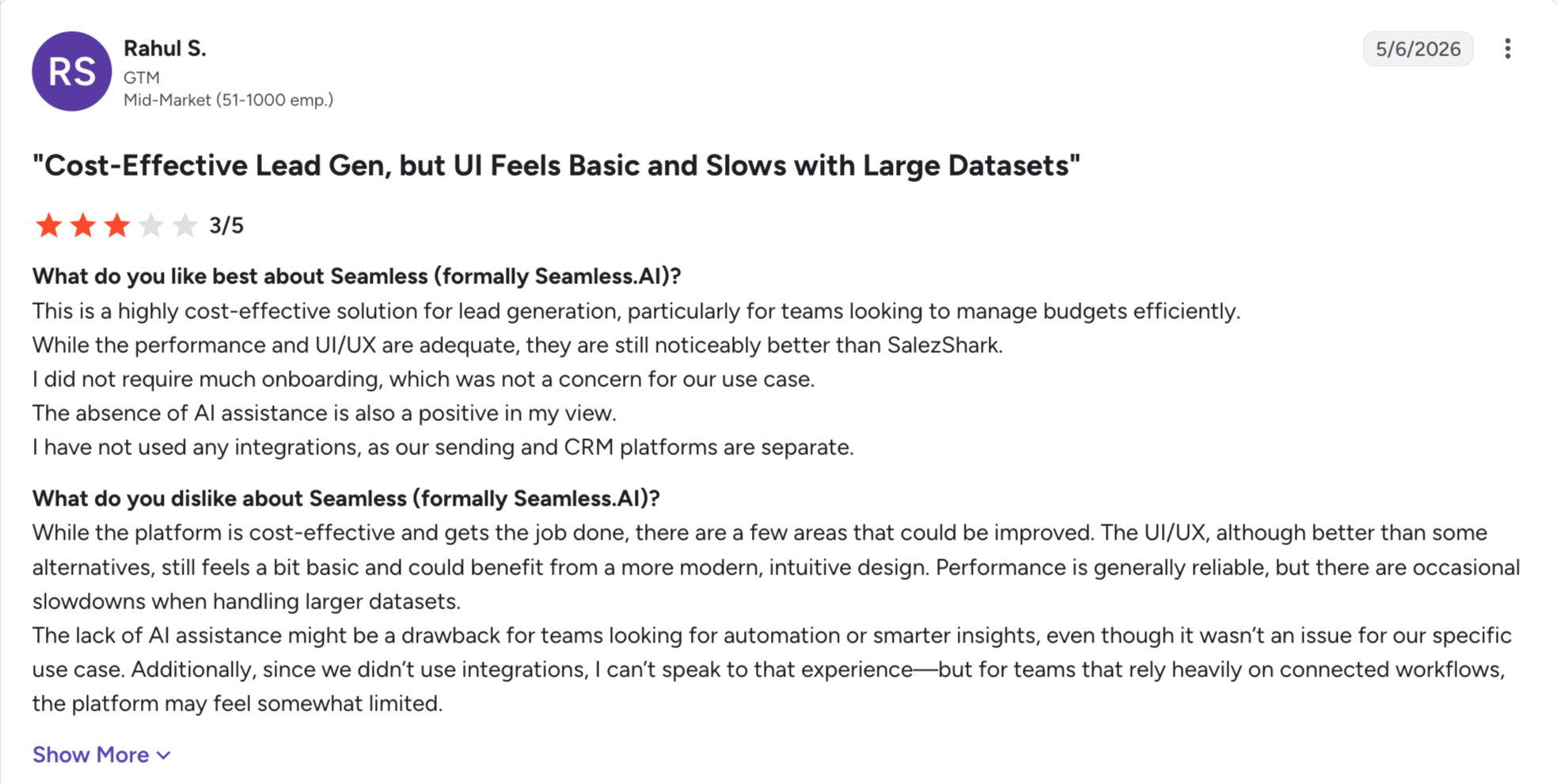
The critical reviews cluster on one theme, and it is the same theme every time: inaccurate and outdated records. Data accuracy is both the top positive and the top negative on its profile, which usually means results vary a lot by industry.
There is a second pattern that shows up away from G2. Independent write-ups collect consistent complaints about auto-renewal and cancellation, so read the contract terms before an annual commitment.
The product itself works differently from the databases above it. Rather than serving records from a static index, Seamless searches the live web when you ask for a contact.
Seamless.AI Key Features
A real-time search engine: It looks for contact details when you ask rather than returning a cached record.
One credit for phone and email: A single credit covers both, which is cheaper per contact than tools charging separately.
A free plan with 50 credits: One user, no card, and enough to test the data against your own list.
Job changes filter: Available on every tier, including Free.
API access on all plans: Even the free tier gets it, which is unusual here.
Unlimited exports on paid plans: Pro and Enterprise remove the export caps that most databases apply.
What I Liked About Seamless.AI
The free plan gives you API access, which no other free tier in this article does.
One credit covering both a phone number and an email is the fairest credit unit here.
Live search finds people that static databases miss, particularly at smaller companies.
What Are the Cons of Seamless.AI
Buyer intent, data enrichment, the AI assistant and Autopilot are all add-ons rather than plan features.
Neither Pro nor Enterprise publishes a price, so both need a sales call.
Accuracy is the most common complaint in critical reviews, and most teams end up paying for separate verification.
Independent reviews report auto-renewal and cancellation difficulties, so the contract deserves a careful read.
The free plan excludes the AI assistant, enrichment and intent, so it tests the data and nothing else.
Seamless.AI Pricing
Plan
Price
What you get
Free
$0
1 user, 50 credits, API access, job changes filter
Pro
Custom pricing, sales contact required
Per user, unlimited exports, annual credit packages
Enterprise
Custom pricing, sales contact required
Unlimited users, custom packages, dedicated support
One credit covers a phone number and an email together. Buyer intent, enrichment, the AI assistant and Autopilot all cost extra.
Best for: Teams whose domains have already been damaged once and who now care more about accuracy than database size.
If bounce rates are the reason you are reading this article, Prospeo is the tool built for you.
It competes on whether the email works rather than on how many records it holds.
Everything about the plan structure reflects that.
Search filters scale from 28 on Free to 41 on Pro, and intent topics from three to twelve. Unused credits roll over, which matters when your sending volume is uneven.
The free tier gives you 100 credits a month, AI Search, AI Lookalikes, Personas and the Chrome extension. That is more product than most free plans here.
Prospeo Key Features
Accuracy as the product: Verification is the point of the tool, not a feature bolted onto a database.
Credits that roll over: Unused credits carry forward on paid plans, so a quiet month is not wasted money.
A generous free tier: 100 credits a month plus AI Search, Lookalikes, Personas and the Chrome extension.
Intent topics on every tier: Three on Free, rising to twelve on Pro.
Job change tracking and ICP detection: Both arrive on the Growth plan.
CRM enrichment: HubSpot and Salesforce sync from Growth up.
Published per-seat pricing: Every tier shows a price, so you can budget without a sales call.
What I Liked About Prospeo
Rolling credits removed the pressure to burn allowance before the month ended.
The free tier includes AI search and lookalikes rather than restricting you to a raw lookup.
Intent topics start on the free plan, which is rare at this price.
What Are the Cons of Prospeo
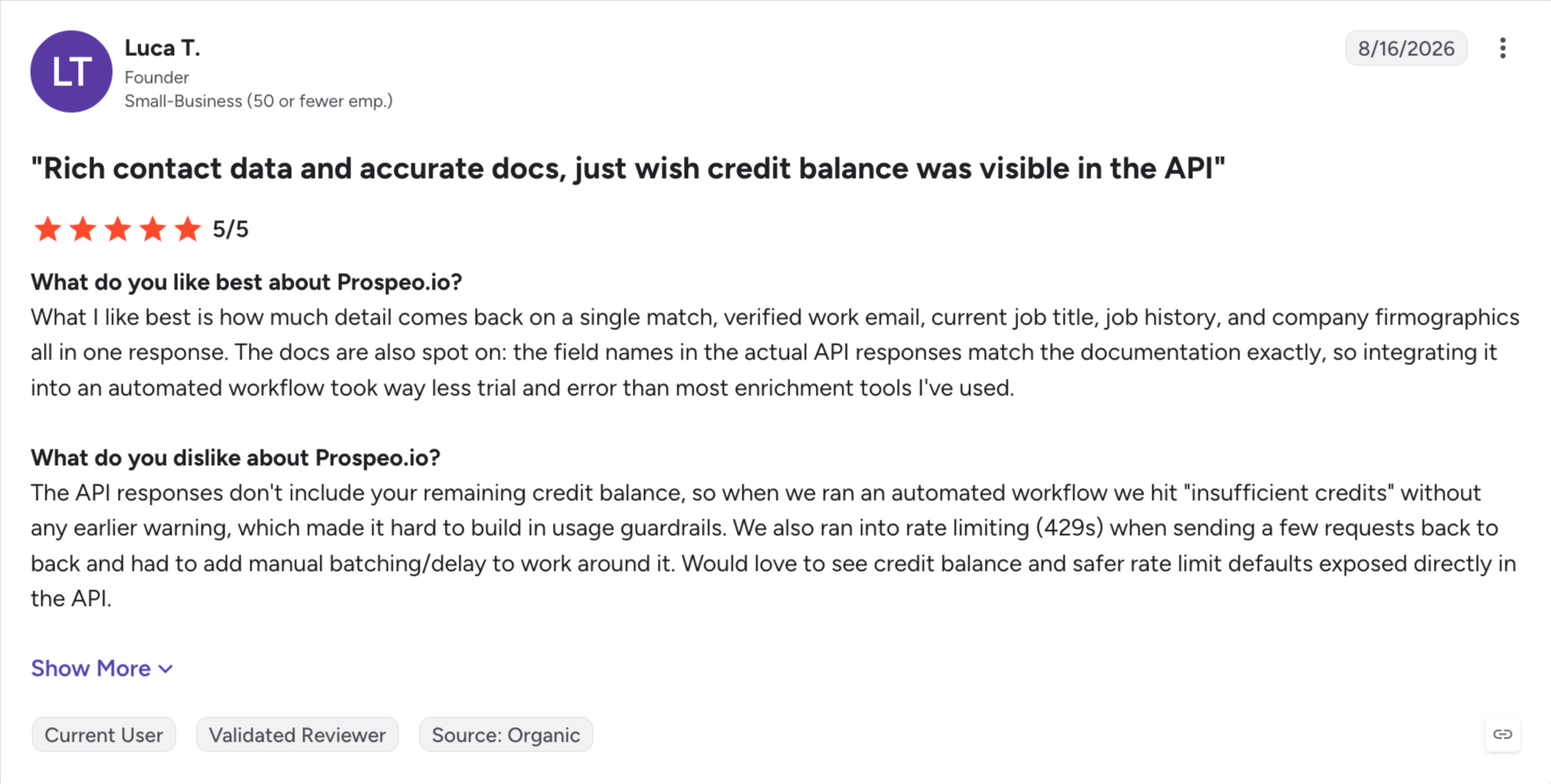
No G2 profile means no independent review base, and that is a genuine gap in the evidence.
Pricing is per user, so a five-person team on Growth costs $370 a month.
The database is smaller than Apollo, ZoomInfo or Seamless, so coverage at the edges is thinner.
Search analytics and CRM sync both wait for Growth, which doubles the Starter price.
There is no outreach layer, so a sender is still a separate purchase.
Prospeo Pricing
Plan
Price (billed yearly)
Credits per user
Filters
Intent topics
Free
$0
100 a month
28
3
Starter
$37/user/month ($441/year)
24,000 a year
32
6
Growth
$74/user/month ($888/year)
60,000 a year
38
9
Pro
$187/user/month ($2,241/year)
180,000 a year
41
12
Yearly billing saves 25%, credits are delivered upfront, and unused credits roll over.
Best for: SMB teams who want each contact checked as they download it, without signing an annual contract.
G2 Rating: 4.7 out of 5
UpLead is a contact database that verifies each email at the moment you export it rather than at the moment it was collected.
That single design decision explains its rating, which is the highest of any data tool in this article.
Most databases verify in batches on their own schedule. A record checked in March can be stale by September and you find out when it bounces.
UpLead checks on demand instead. It also advertises a 95% accuracy guarantee and returns credits for addresses that bounce. That is the only refund mechanism I found across these fifteen tools.
Where it falls short is everything beyond the core job. There are no real intent signals below the top tier, the database is smaller than Apollo or ZoomInfo, and the credit allowances are modest. Essentials gives you 2,040 credits a year for $74 a month, which is a fraction of what Prospeo hands you at the same price.
UpLead Key Features
Verification on export: Each email is checked as you download it rather than on the vendor's refresh cycle.
Credits back on bounces: UpLead advertises a 95% accuracy guarantee and refunds credits for failures.
No annual lock-in on the lower plans: Essentials and Plus are both available without a yearly commitment.
Data enrichment on Plus: Existing records get filled in from the Plus tier up.
Buyer intent data on Professional: The top tier adds intent, though it is annual-only and quoted.
A seven-day trial: Five credits, enough to check the data quality on real contacts.
What I Liked About UpLead
Verifying at export rather than on a refresh cycle is the correct way round, and the G2 rating reflects it.
Getting credits back for a bounce is a real guarantee rather than a marketing line.
The highest rating of any database here comes from a base of 825 reviews, which is enough to trust.
What Are the Cons of UpLead
Credit allowances are small. Essentials gives 2,040 a year where Prospeo gives 24,000 at a similar price.
Buyer intent only arrives on Professional, which is annual-only and unpriced.
The database is smaller than Apollo, ZoomInfo and Seamless, so niche coverage suffers.
There are no AI research or lookalike features, so it does the core job and stops there.
The free trial runs seven days with five credits, which is barely a test.
UpLead Pricing
Plan
Price
Credits
Free Trial
$0 for 7 days
5
Essentials
$74/month (billed annually)
2,040 a year
Plus
$149/month (billed annually)
4,800 a year
Professional
Custom pricing, annual billing only
Custom
Professional adds buyer intent data and requires a sales conversation.
Best for: Enterprise revenue teams with an ABM programme, a budget cycle and someone whose job is managing account data.
G2 Rating: 4.0 out of 5
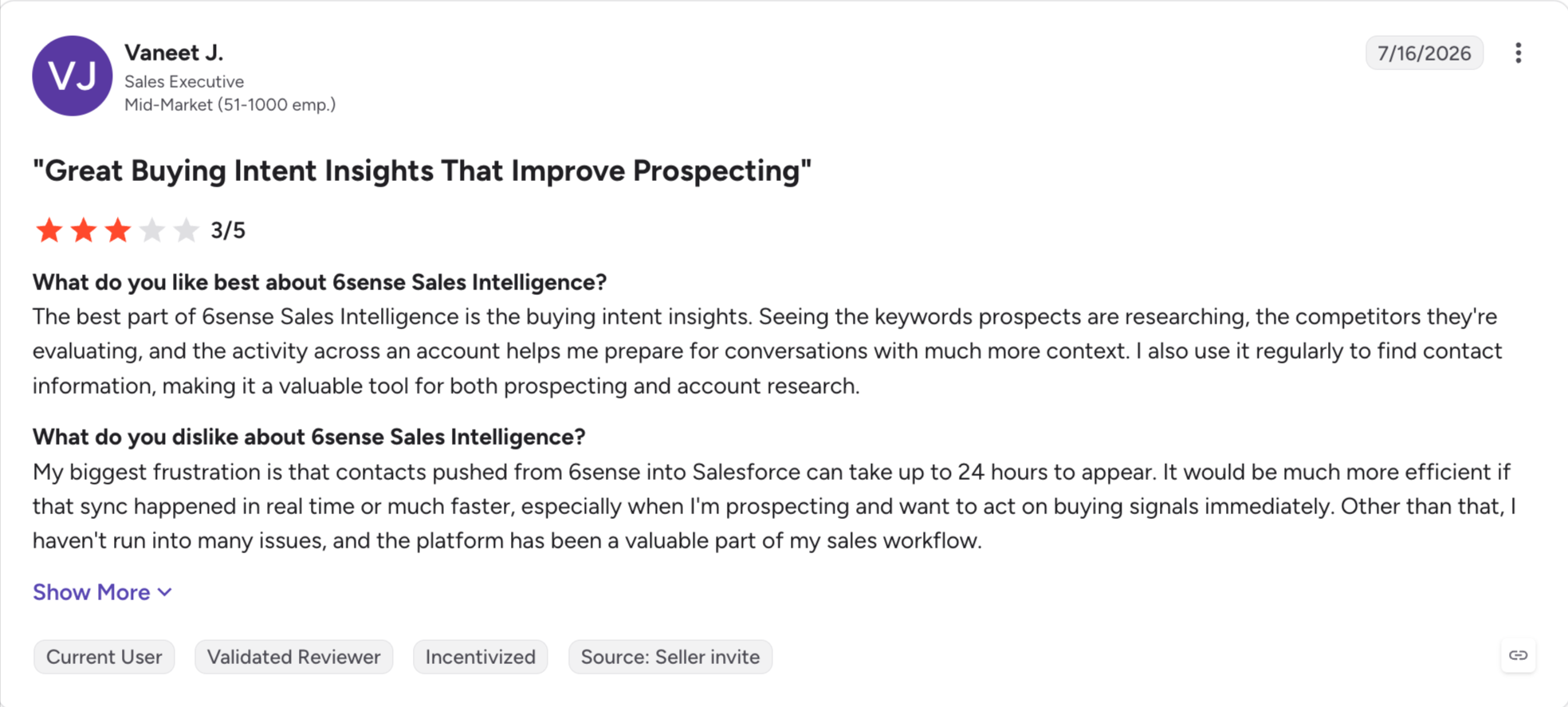
6sense is a predictive intent platform, and it answers a question no other tool in this article really touches. Not who to contact, but which accounts are already researching what you sell.
If your deal cycles run six months and your list is 500 named accounts, that question is worth more than another 10,000 contacts.
Reviewers describe the value the same way. They can see which accounts are in-market and where each one is in its buying journey. Outreach then follows that order rather than a broad list, which also helps with marketing alignment.
The most common complaint is about the same feature. Reviewers say the intent signals feel opaque, and it is not always clear why an account was flagged.
Trusting a score you cannot inspect is harder than trusting a job posting you can read.
6sense Key Features
Predictive account scoring: It models which accounts are in-market rather than reporting what they already did.
Buying-stage visibility: You see how far along an account is, not just that it showed interest.
Sales and marketing orchestration: Ad spend and outreach both point at the same in-market accounts.
Salesforce embedding: Account insights appear inside the CRM rather than in a separate tab.
AI email agents: Outreach can trigger automatically off account behaviour.
What I Liked About 6sense
Nothing else here predicts intent rather than reporting it, and on long enterprise cycles that gap matters.
Putting insights inside Salesforce means reps never open another tool.
Aligning ad spend and outreach on the same account list is very hard to do any other way.
What Are the Cons of 6sense
No public pricing, and packages are assembled around AI depth, credit usage, seats and orchestration scope.
A demo is required before you can buy anything.
Reviewers say the signals are opaque, so you cannot always see why an account was flagged.
At 4.0 it carries the lowest G2 rating in this article, across 884 reviews.
The whole platform assumes an ABM programme already exists. For a founder with a list, it does nothing useful.
6sense Pricing
Package
Price
Sales Intelligence plus Data Credits
Custom pricing, sales contact required
Sales Intelligence, Data Credits plus Predictive AI
Custom pricing, sales contact required
6sense builds packages around how much AI and intent data you need, plus credit usage and seats. The orchestration scope across sales and marketing also moves the price.
Best for: Teams with existing website traffic who want to know which companies are reading their pages.
G2 Rating: 4.3 out of 5
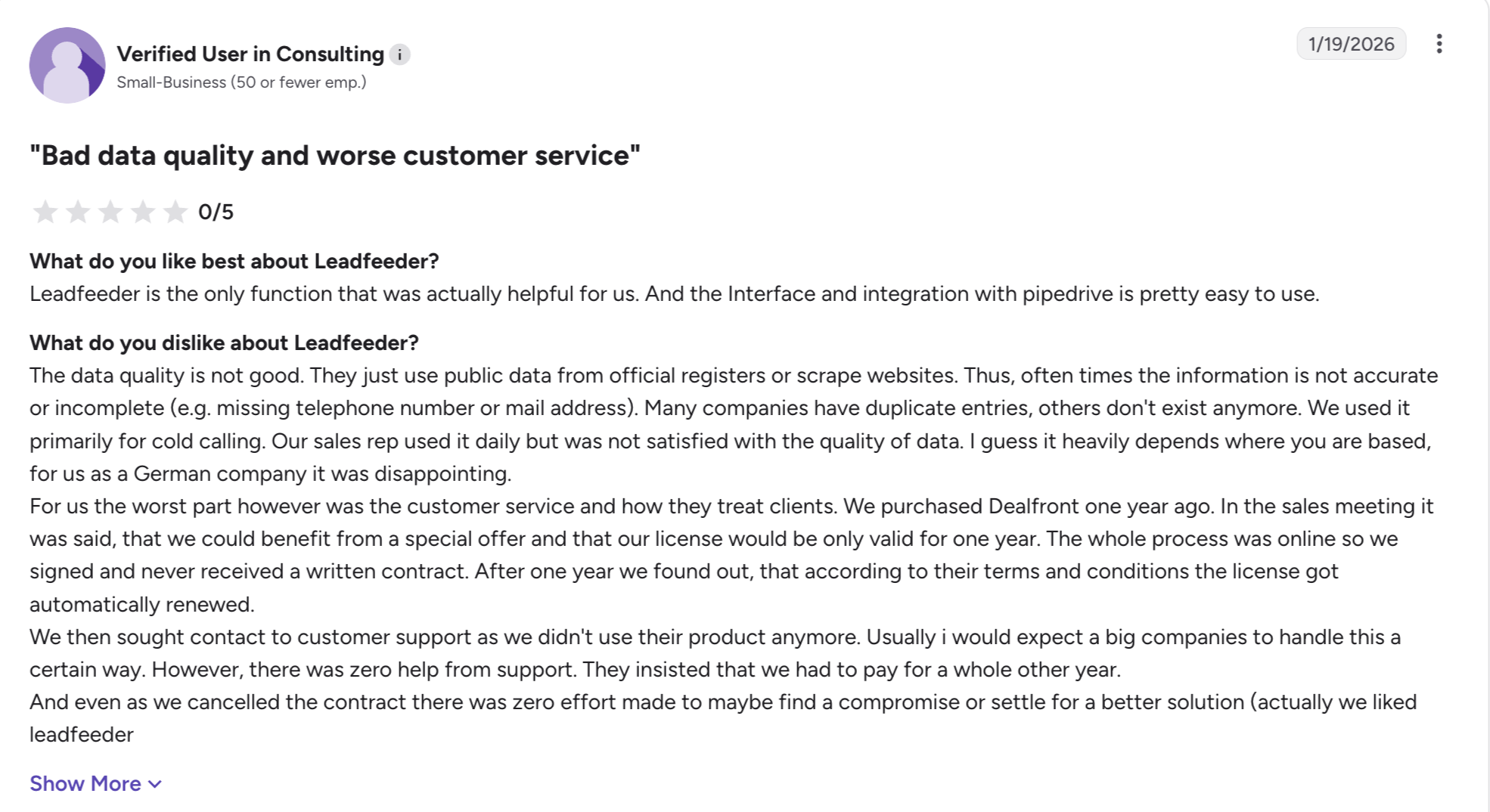
Every other tool in this article looks outward. Leadfeeder, now part of Dealfront, looks at your own website and names the companies already on it.
That reframes what a lead is. Somebody who read your pricing page twice this week is a warmer prospect than anybody a database can hand you.
It fits inbound lead generation better than outbound list building because it focuses on turning website visitors into potential customers.
The free Lite plan runs indefinitely with unlimited users and identifies up to 100 companies a month. Every paid plan then starts with 14 days of the full product and no card. That combination makes it the easiest tool here to try.
Read the tier split before you plan around it. Discover, from €79 a month billed annually, names the companies and pushes them to your CRM. Tools in this category are built to capture leads from existing traffic, and Drift chatbots can capture 45 qualified leads per month.
It does not give you people. Verified emails and phone numbers arrive on Activate at €369 a month, which is a large step up.
The obvious limit is that Leadfeeder needs traffic to work. If nobody is visiting yet, there is nothing for it to identify.
Leadfeeder Key Features
Company identification from your traffic: It matches visitors against a large company database and names them, helping surface website visitors with buying intent.
A free plan that never expires: Lite gives unlimited users and up to 100 identified companies a month.
Real-time alerts: Your team hears about a visit while the interest is still fresh.
CRM push and automation: Identified companies flow into the CRM and can route inbound leads into follow-up workflows, outreach, or retargeting.
Intent filtering on Activate: You can filter identified companies by intent signals rather than reviewing all of them.
AI prospect lists: Activate builds lists from the accounts already showing interest.
14-day full trials: Every paid plan starts with the complete product and no card.
What I Liked About Leadfeeder
Naming the companies already reading your pages beats any cold list as a starting point.
The free tier does real work rather than acting as a demo, and unlimited users is unusual.
Getting an alert while somebody is still on the site changes the quality of the follow-up.
What Are the Cons of Leadfeeder
Discover identifies companies but not people, so contact data means moving to Activate.
The gap from €79 to €369 a month is steep for teams that need names rather than logos.
Pricing is quoted in euros, which adds a conversion step for US buyers.
Without existing website traffic the product has nothing to work with.
Lite caps at 100 identified companies a month, which a modest traffic spike will exhaust.
Leadfeeder Pricing
Plan
Price
What you get
Lite
€0, no end date
Unlimited users, 100 identified companies a month, 7 days of visitor history
Discover
From €79/month (billed annually)
Company identification, real-time alerts, CRM push
Activate
From €369/month (billed annually)
Verified emails and phones, intent filtering, AI prospect lists
Annual billing saves 30%, and every paid plan opens with a 14-day trial and no card. An identified company counts once a month no matter how often it visits.
Best for: Solo operators and agencies who have the list and want the cheapest route to high-volume cold email.
G2 Rating: 4.8 out of 5
Instantly is a sending engine, and at $37.60 a month on annual billing it connects unlimited mailboxes and warms every one of them free.
No other tool in this article gives away that much at the bottom of its price list.
It also holds the highest G2 rating here, across more than 4,000 reviews.
The lead generation part deserves a clear answer. Instantly does sell a 450M-contact database. It is a separate subscription on the same pricing page, and so is the CRM. A full setup means three bills.
So treat Instantly as the sending layer rather than the lead source. Competitor claims tie strong senders to better email marketing campaigns, saying AI-personalized emails can move response rates from 2% to 25%, with typical results in the 15-25% range.
Instantly Key Features
Unlimited mailboxes on every paid plan: Connect as many as you own with no per-mailbox charge.
Free unlimited warm-up: Warming starts automatically as soon as a mailbox connects.
Sender rotation: It shares daily volume across accounts so no single mailbox carries the load.
Unibox: Replies from every mailbox arrive on one screen.
Official MCP server and CLI: The full V2 API is exposed, so Claude or Cursor can run campaigns.
A 450M-contact database: Available as a separate Instantly Credits subscription.
What I Liked About Instantly
Unlimited mailboxes and free warm-up on the cheapest paid plan is the best entry-level value here.
Mailboxes connect in bulk without any DNS work on my side.
The highest rating in this article, on a base of more than 4,000 reviews, is hard to argue with.
What Are the Cons of Instantly
Sending, data and the CRM bill separately, so the compared price is not the paid price.
The entry plan allows 1,000 uploaded contacts, which one decent list fills.
Sequences run email only, with no LinkedIn steps and no LinkedIn replies in the Unibox.
Integrations and split testing both wait for Hypergrowth, which more than doubles the cost.
Instantly Pricing
Plan
Annual
Monthly
Contacts
Emails/month
Growth
$37.60/month
$47/month
1,000 uploaded
5,000
Hypergrowth
$77.60/month
$97/month
25,000 uploaded
125,000
Light Speed
$286.30/month
$358/month
100,000 uploaded
500,000
Enterprise
Custom pricing, sales contact required
Custom
Custom
Custom
Those prices cover sending. The lead database and the CRM are separate lines on the same page.
Best for: Agencies handling several clients who need per-mailbox control and reports carrying their own brand.
G2 Rating: 4.5 out of 5
Reviewers who run agencies keep landing on Smartlead, and the reason comes up in review after review. No other sender separates clients this cleanly.
Each client gets a workspace of their own, and the reports they see carry your name rather than Smartlead's.
The trade for that is the shape of the invoice. Smartlead sells you the sequencer first, then the pieces around it one at a time.
Teams often pair this kind of sender with tools that draft personalized messages from LinkedIn data; Smartwriter.ai, for example, drafts personalized email intros from LinkedIn data to support personalized outreach for sales professionals running email marketing and broader customer engagement.
Like Instantly, Smartlead is a sender rather than a lead source. Its database is an add-on, and the tools further up this list will do that job better.
Smartlead Key Features
Client workspaces: Each one keeps that client's campaigns and reporting apart from the rest.
Reports in your own brand: Clients log in and see your name and logo.
Unlimited email accounts: Every plan connects as many sending accounts as your volume needs.
Mailboxes inside the tool: You can buy them from $3.99 each a month, with domains alongside.
Per-mailbox sending rules: Controls go deeper here than on any other sender in this article.
Partner MCP server: It carries 116+ tools, so Claude or Cursor can run campaigns and pull deliverability data.
Branching follow-ups: The next email changes depending on how somebody replied.
What I Liked About Smartlead
No other agency setup here keeps clients this cleanly apart, or brands the reports this well.
Buying mailboxes inside the tool removed a company from my stack.
Setting sending rules per mailbox is something no other sender here allows.
What Are the Cons of Smartlead
You will buy four or five add-ons before the tool does what the marketing describes.
The entry plan gives 2,000 contacts and 6,000 sends, which is thin for the money.
Sequences are email only, so LinkedIn stays outside the tool.
Copy generation needs your own OpenAI key, because Smartlead ships no writer.
The lead database is an add-on, so this is not a lead generation tool on its own.
Smartlead Pricing
Plan
Annual
Monthly
Contacts
Base
$32.50/month
$39/month
2,000
Pro
$78.30/month
$94/month
30,000
Unlimited Smart
$144.50/month
$174/month
Unlimited
Unlimited Prime
$314.60/month
$379/month
Unlimited
Add-ons on top: lead database $59/month, dedicated servers $39/server/month, client workspaces $29 each, inbox testing from $49/month, mailboxes from $3.99 each per month, domains from $13 a year.
Free AI Lead Generation Tools: What You Actually Get
Six of these fifteen tools have a free plan that never expires, though free tiers vary depending on whether you need inbound lead generation or outbound lead generation.
Tool
Free option
What you get
Apollo.io
Free plan, no expiry
900 credits a seat per year, 2 sequences, Chrome extension, 1 intent topic, 20 visitor reveals a month, useful for small businesses that want to test a tool before paying
Clay
Free plan, no expiry
100 data credits a month, unlimited seats and tables, real multi-provider waterfalls
Prospeo
Free plan, no expiry
100 credits a month, 28 filters, 3 intent topics, AI Search, AI Lookalikes, Personas
Seamless.AI
Free plan, no expiry
1 user, 50 credits, API access, job changes filter
Lusha
Free plan, no expiry
40 credits a month, 1 seat, verified emails and phones
Leadfeeder
Lite plan, no end date
Unlimited users, 100 identified companies a month, 7 days of visitor history, identifies anonymous website visitors and helps turn them into inbound leads
Leadsforge
100 credits on signup
No card required, credits never expire
Salesforge
14-day trial
Full product, no card required
UpLead
7-day trial
5 credits
Instantly
Free tier listed
The pricing page names one but publishes no detail
Smartlead
Free trial
No length published
ZoomInfo, Cognism, 6sense, Agent Frank
None
Demo or sales call required
How to Choose an AI Lead Generation Tool
You need to answer following six questions get you to an answer faster than any feature list.
Which part is actually broken? Thin lists point at the database. Bounces point at verification. A clean list nobody answers points at timing in the sales process. Buy for the symptom you have.
Do you have website traffic yet? If people are already visiting, Leadfeeder turns that into pipeline at €0 on Lite and is better for capturing leads from existing demand than sourcing cold prospects. If not, skip it entirely.
Will you pay by seat or by credit? Apollo, Prospeo, Lusha and UpLead charge per seat. Leadsforge, Clay, Instantly and Smartlead do not. Past three people that difference is the whole budget for sales and marketing teams.
Do you need the contact or just the company? Leadfeeder Discover names companies. Contact data means Activate at €369, or a database tool instead.
Does the tool send anything? Leadsforge, Clay, ZoomInfo, Cognism, Lusha, Seamless, Prospeo, UpLead, 6sense and Leadfeeder all stop at the list, so email marketing and automated follow ups are usually a separate purchase and part of outbound lead generation rather than inbound lead generation.
Can you check why a lead surfaced? Leadsforge shows you the job posting. 6sense gives you a score. One of those is easier to trust.
The right choice depends on your broader lead generation strategy and how it supports your marketing efforts.
Final Verdict
Nobody runs outbound on a single subscription.
You need something that finds the people and something that contacts them, and the fifteen tools above split almost exactly down that line.
So pick one from each half and stop shopping.
Leadsforge is the data half. You describe your customer in plain English and it builds the list from 500M+ contacts, enriched through a waterfall across multiple providers. $49 a month, no seat charge, credits never expire.
Salesforge is the sending half. Email and LinkedIn in one conditional sequence, unlimited mailboxes, warm-up included. From $40 a month, and lists move across in one click.
Two subscriptions under $100, same login, and the pair covers the whole job.
Start with 100 free credits at Leadsforge.ai. No card required.
Frequently Asked Questions
1. What are the best AI lead generation tools?
Leadsforge is the best pick if you want to describe your ideal customer and get a matching list back, enriched through a waterfall across multiple providers. Beyond that it depends on the gap you have.
2. What are AI lead generation tools?
They are tools that use artificial intelligence to find, verify, score or reach B2B prospects. In practice they do four jobs. They hold a database, build a list from a description, fill in missing fields, or flag which accounts are in-market. Some also support social media management and social media listening for prospecting, while others stay focused on databases and outreach. Most teams need two of the four, not all of them.
3. Where can I find AI lead generation tools?
The fifteen in this article cover the categories that matter, and six of them have free plans you can test today. G2's Lead Generation and Lead Mining categories list the wider market if you want to compare beyond this list.
4. Are there free AI lead generation tools?
Yes. Six tools in this article run free plans that never expire, usually somewhere between 40 and 100 credits a month. Leadsforge gives you 100 credits on signup with no card required, and those credits never expire.
5. What is the cheapest AI lead generation tool?
Free plans aside, entry pricing across this list clusters around $37 to $49 a month on annual billing. Leadsforge is $49 a month for 2,000 credits, or $588 a year for 28,000 granted upfront, with no seat charge. Several enterprise tools here publish no prices at all.
6. Can AI actually find leads, or does it just filter a database?
Both, depending on the tool. Most of this list filters a stored database with saved searches. Sales Navigator is the baseline many teams compare against here because its advanced search filters make targeted prospecting easier. Leadsforge builds a list from a plain-English description instead, then runs enrichment as a waterfall across providers. A few tools search the live web or query hundreds of providers to fill gaps.
7. How accurate is AI-generated contact data?
Accuracy varies more than any marketing page admits, and it is the most common complaint in critical reviews across almost every tool here. Waterfall enrichment helps, because it queries provider after provider rather than trusting one source. Check whether verification is included or metered separately before you buy.
8. Is AI lead generation GDPR compliant?
It can be, but compliance depends on the data source rather than the AI. Check where a vendor sources its records, whether it screens against do-not-call and suppression lists, and how it handles deletion requests. Ask for that in writing before an annual commitment.
9. Do I still need a cold email tool if I have an AI lead generation tool?
Almost always yes. Ten of the fifteen tools here stop at the list and send nothing. A separate sender is usually what handles personalized follow ups after the list is built. Leadsforge is one of them, which is why lists move into Salesforge in one click and run as email and LinkedIn steps in the same sequence.
10. Which AI lead generation tools have an MCP server?
Several tools on this list run official MCP servers, and one has a partner-built one. Leadsforge and Salesforge share Forge MCP, which reaches the whole Forge stack rather than a single product, so an agent can build a list and launch the sequence in one place.
Book more meetings on autopilot
Set up in minutes. No per-seat pricing. No commitment.
Learn how to use Jev for B2B lead generation with Grok Bot and Leadsforge, from scoring ICP fit and buying signals to finding qualified leads every week.
B2B appointment setting does not have to mean hiring more SDRs. I compare in-house reps, outsourced setters, and an AI SDR, then show how Agent Frank books meetings using Leadsforge, Warmforge, and Primebox™ inside one connected Forge Stack workflow.











.jpg)