HeyReach runs LinkedIn outreach across a lot of accounts at once, and it is good at it.
Nobody I know has left because the product broke.
They leave when the invoice comes. HeyReach charges per LinkedIn sender. If you run fifty accounts for clients, that is a fair price. If you run three, you pay $237 a month for LinkedIn on its own, before you buy anything else.
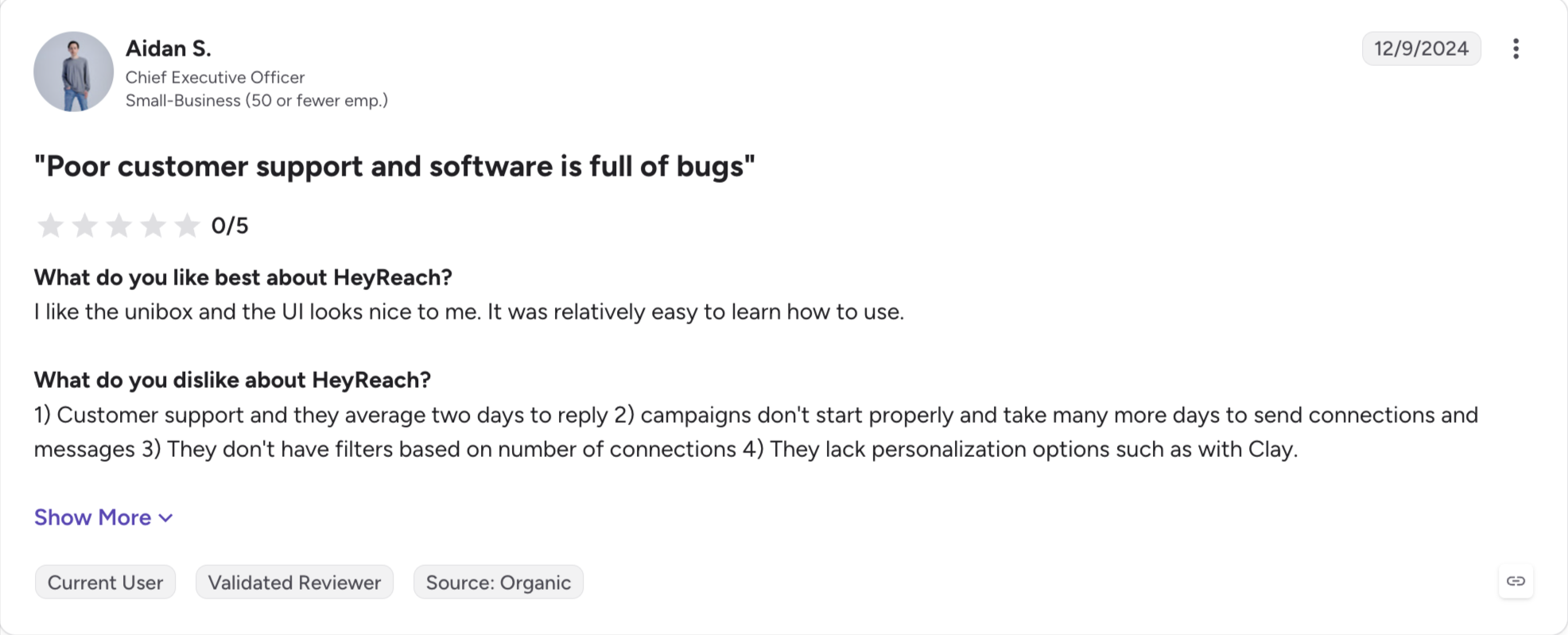
Support comes up next. Reviewers two years in say a complicated ticket takes a day or two to get a proper answer. I read that in the reviews more than anything else.
Then LinkedIn changes something. The action limits move, or LinkedIn restricts an account, and nobody warns you first. If everything you send goes through one channel, you have nowhere to put it.
In this blog, I share the 9 HeyReach alternatives I have tested. You get the real pricing, the limits reviewers actually report, and which kind of team each one suits.
Salesforge: The safest multichannel automation tool, with unlimited LinkedIn and email senders. Premium warm-up comes free through Warmforge, and Growth adds unlimited users and workspaces at no extra cost.
Expandi: Adds the email channel HeyReach lacks, with deeper branching sequences and image personalization. Expandi charges per LinkedIn account with no unified inbox, so ten accounts cost more than HeyReach's Agency plan.
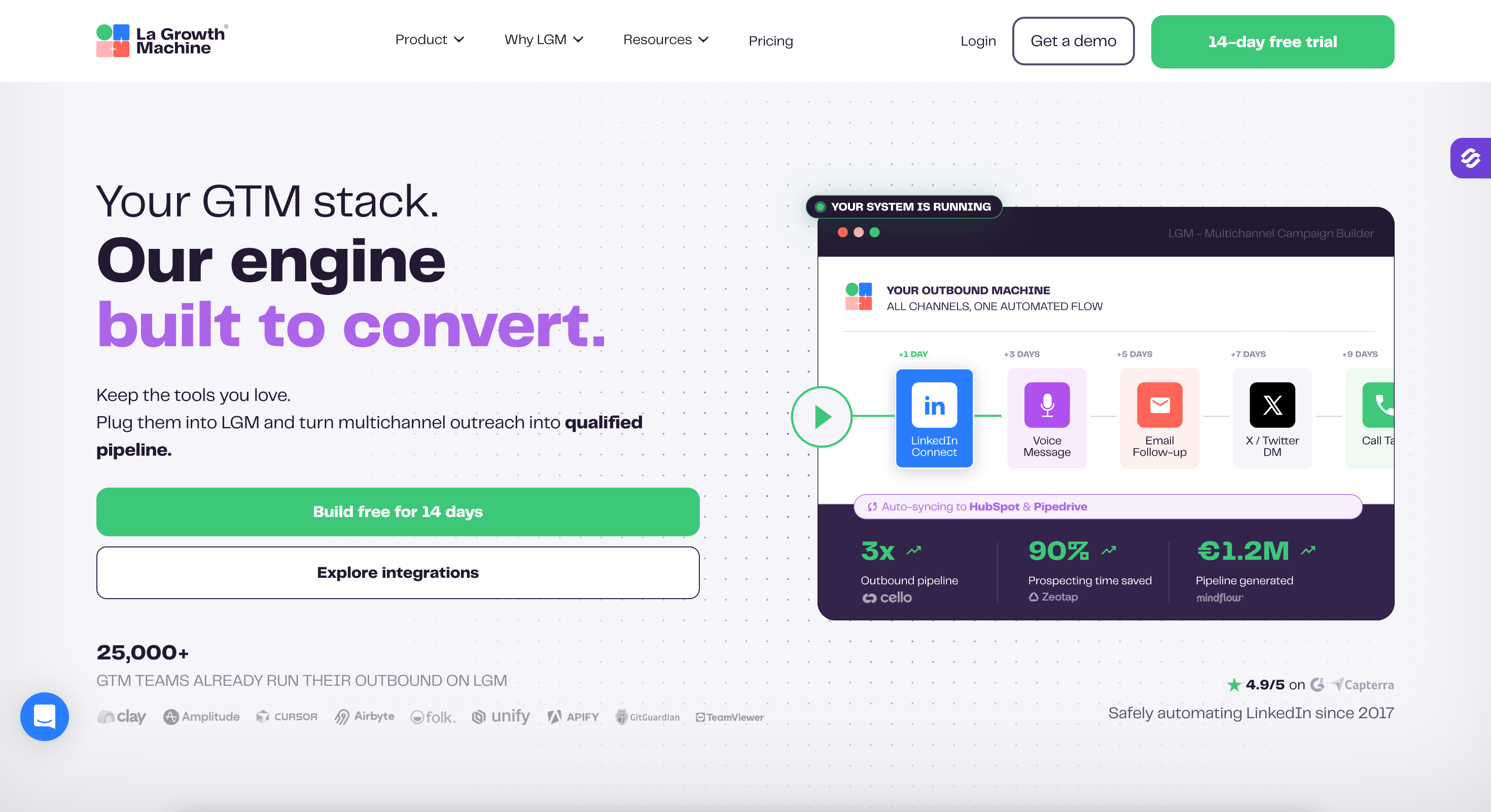
La Growth Machine: Best for multichannel depth. La Growth Machine runs LinkedIn, email, calls and voice notes in one sequence with native CRM sync. Billing works per active identity, which climbs fast across a client roster.
Lemlist: Best for personalization, with images and landing pages built per prospect and warm-up included. LinkedIn is the secondary channel here, not the main one.
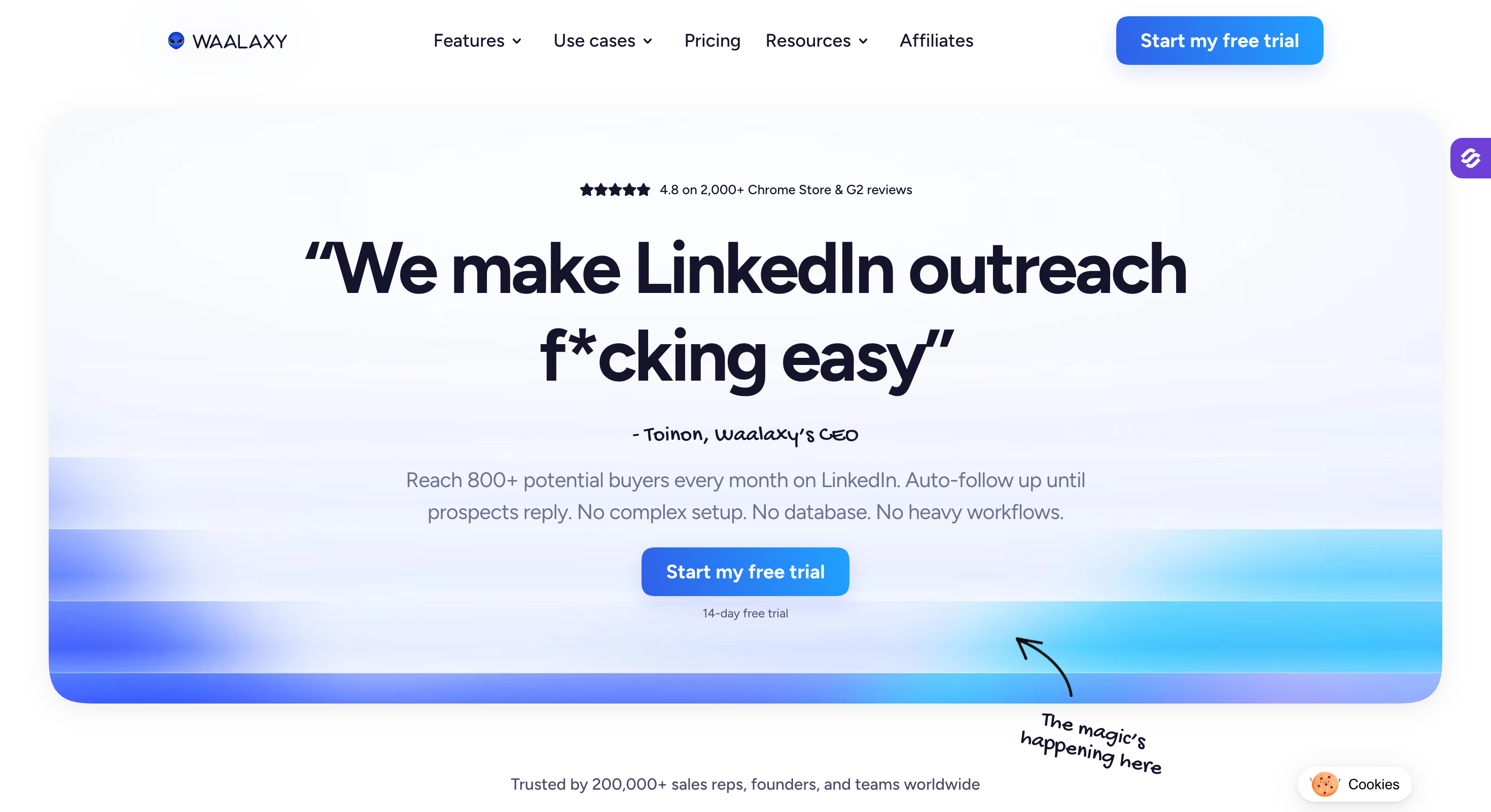
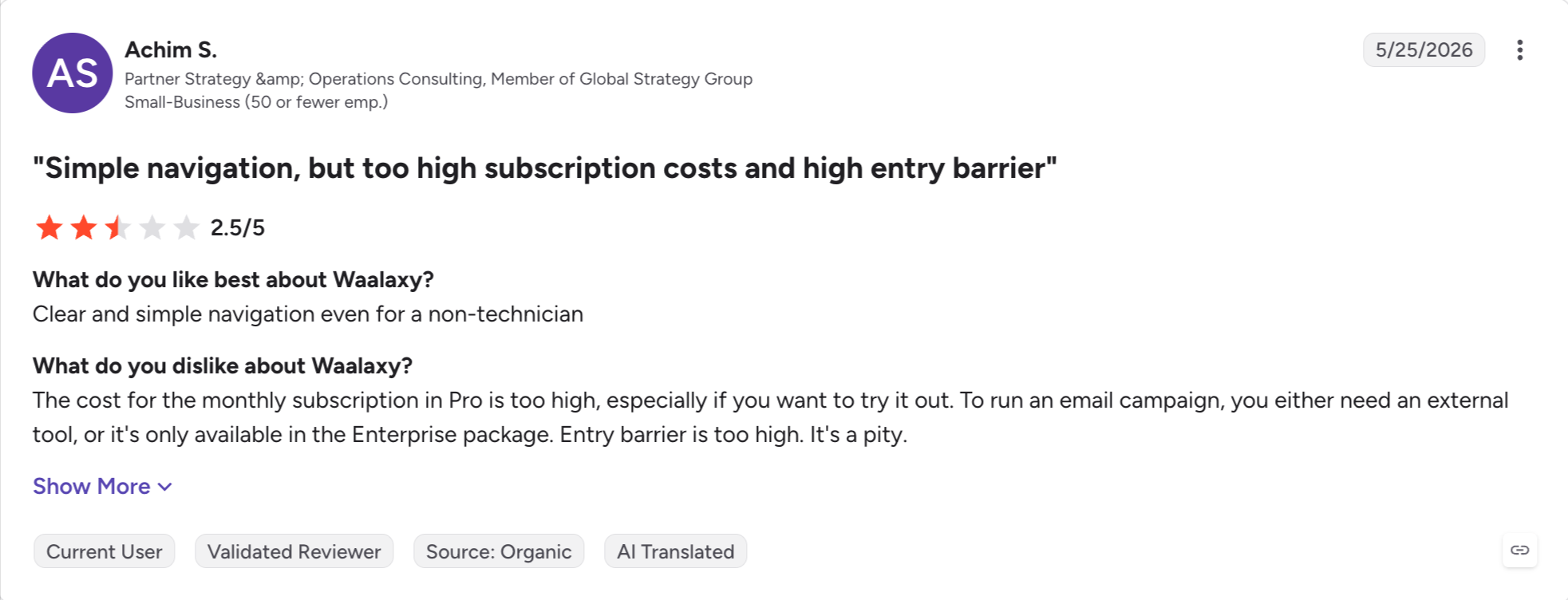
Waalaxy: Best for beginners, with the simplest setup here and a price that starts near nothing. Waalaxy runs as a Chrome extension, so campaigns pause when you close the browser.
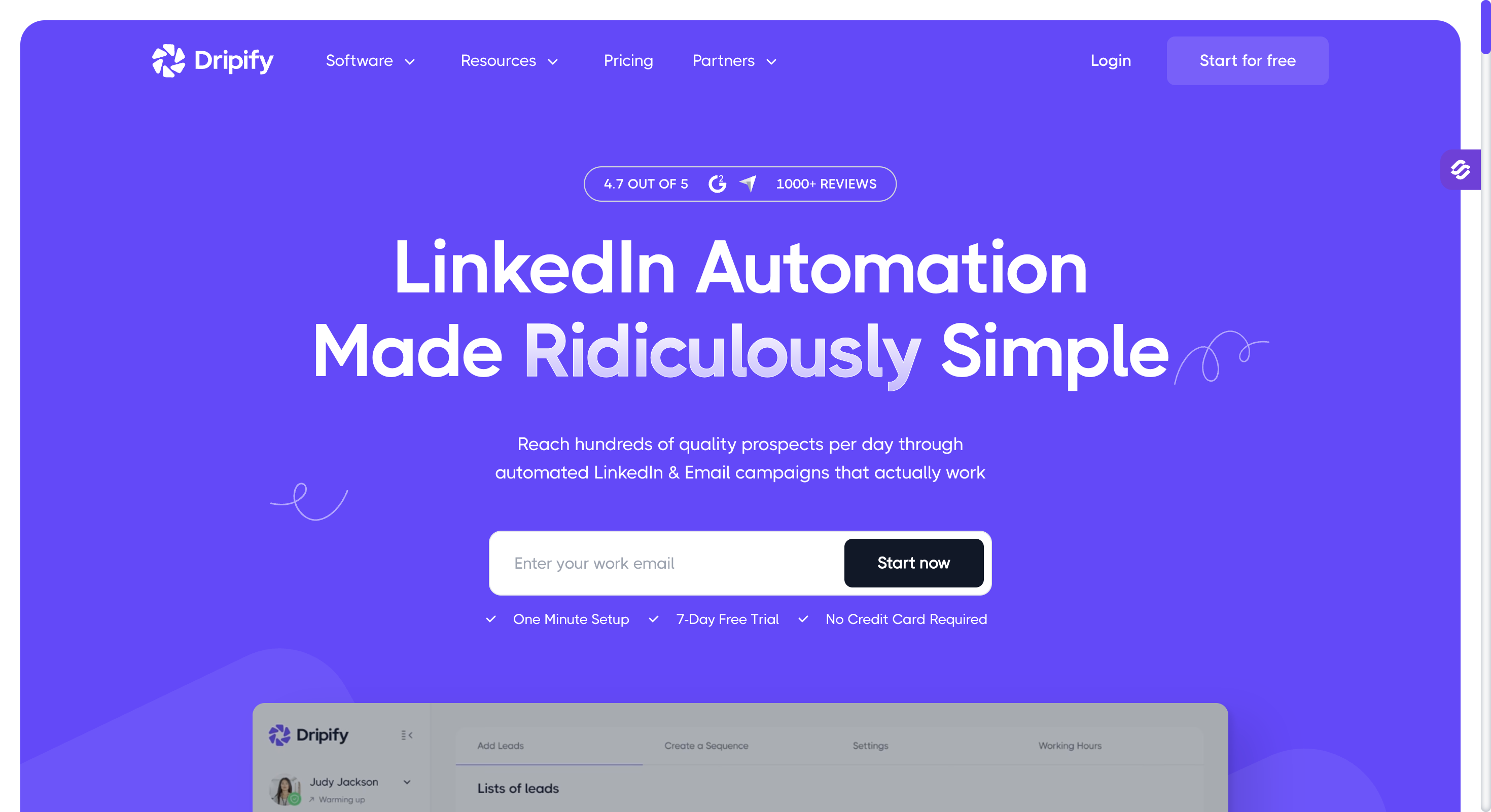
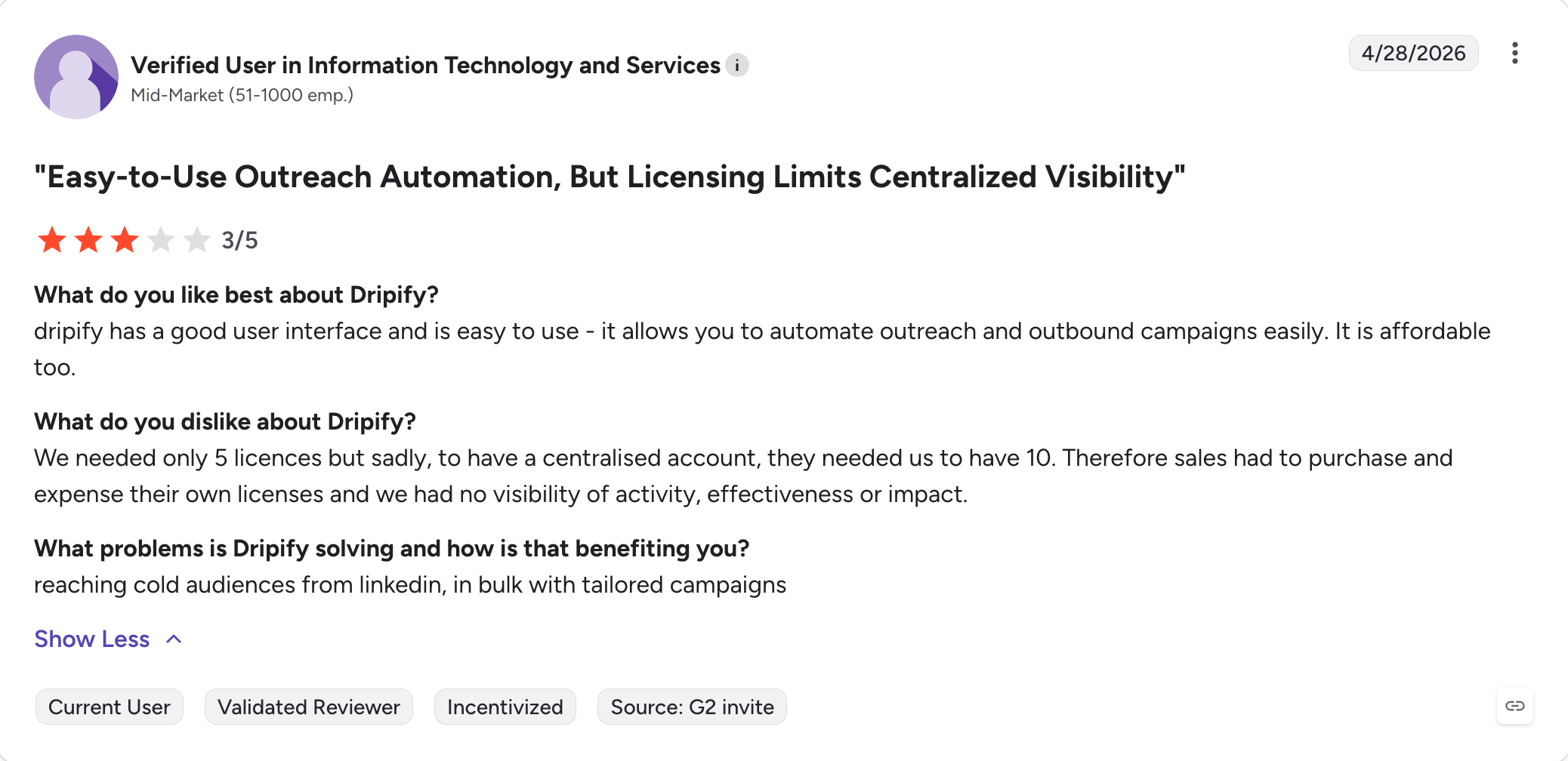
Dripify: Runs cloud sequences with step-by-step analytics at the lowest cloud price here. Dripify has no multi-account rotation, so agencies outgrow it fast.
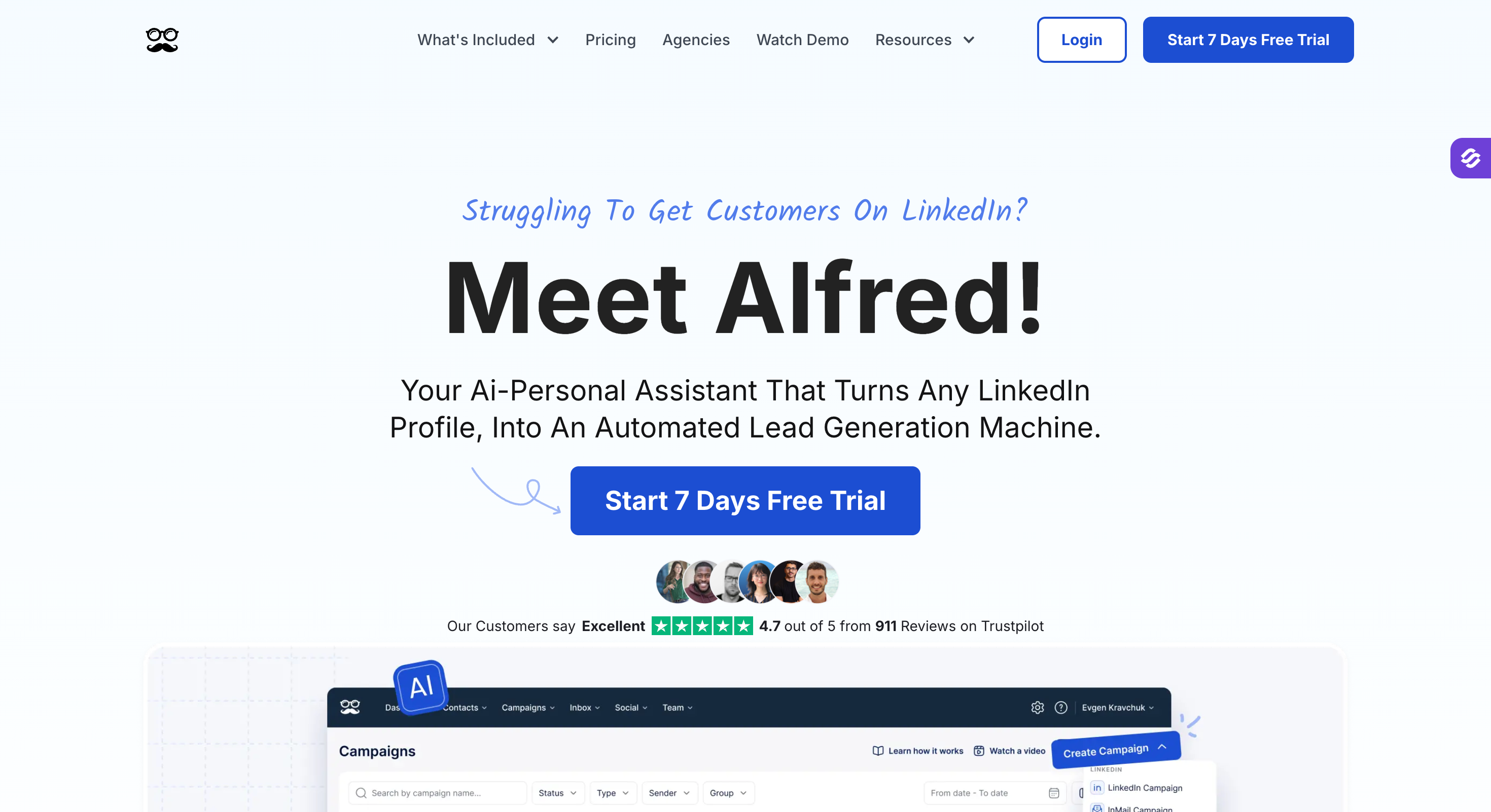
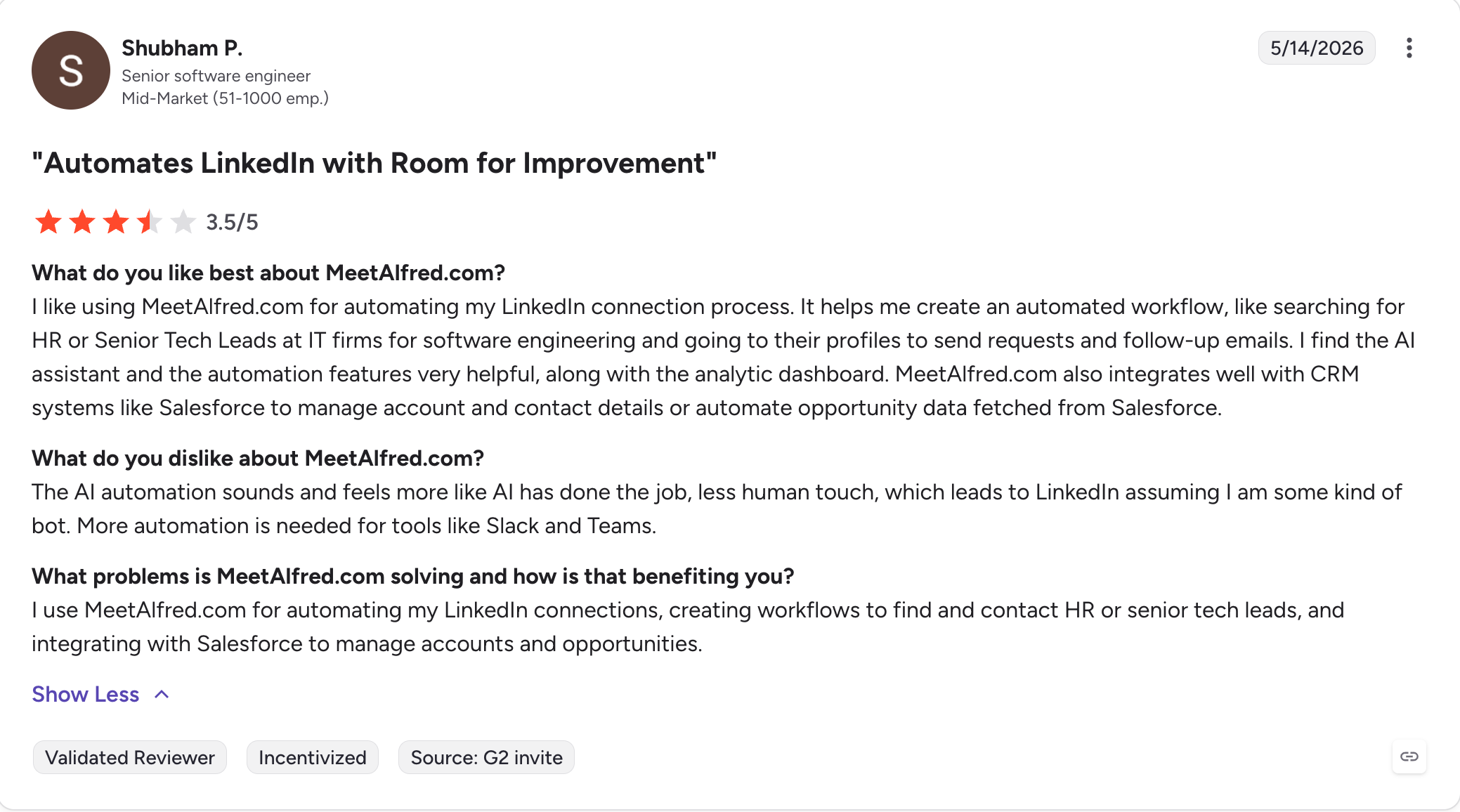
Meet Alfred: Covers LinkedIn, email and X from one seat, and offers white-label for agencies. Its G2 rating is the weakest on this list at 3.4.
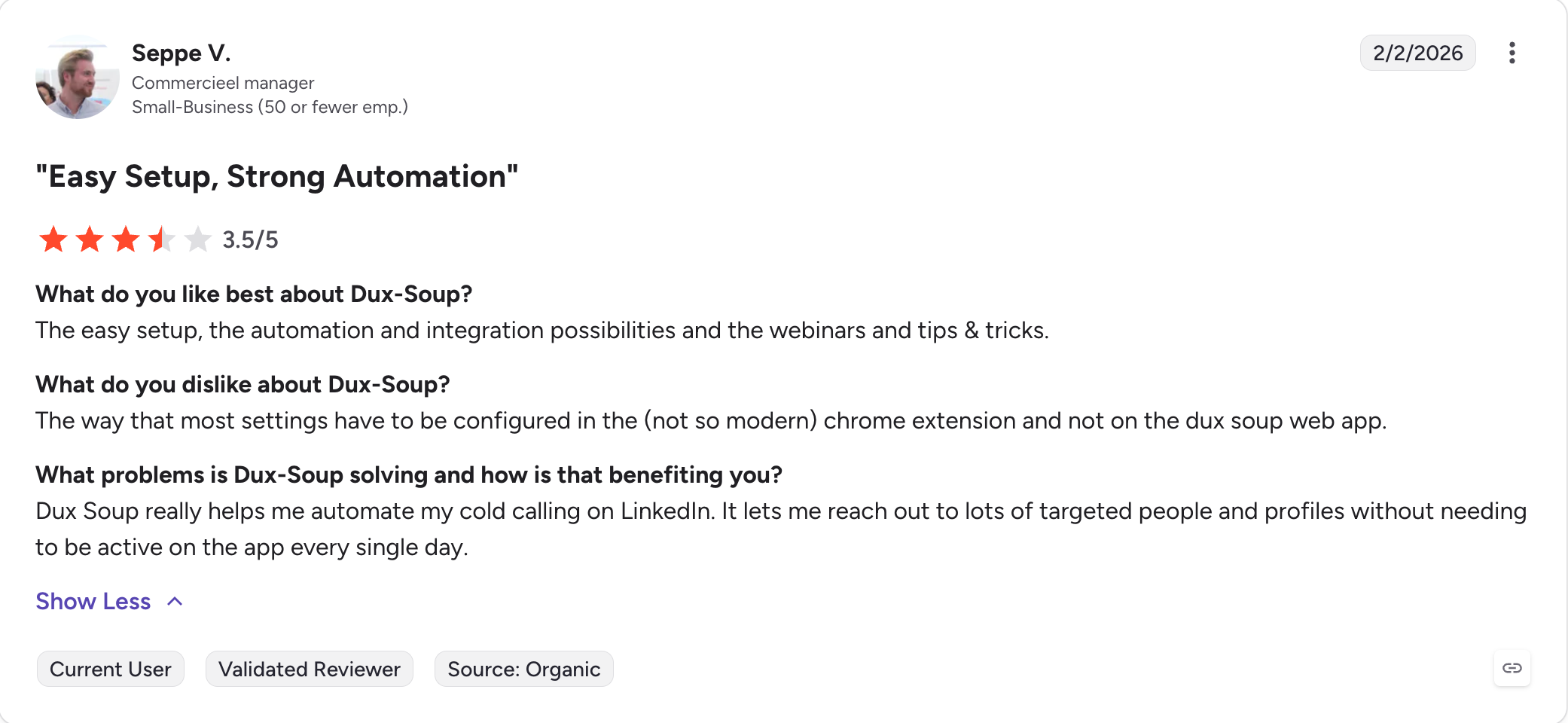
Dux-Soup: Best long-running option. Ten years in the market, and a cloud tier that does not depend on your browser. The cheap plans still run locally, which is where the risk sits.
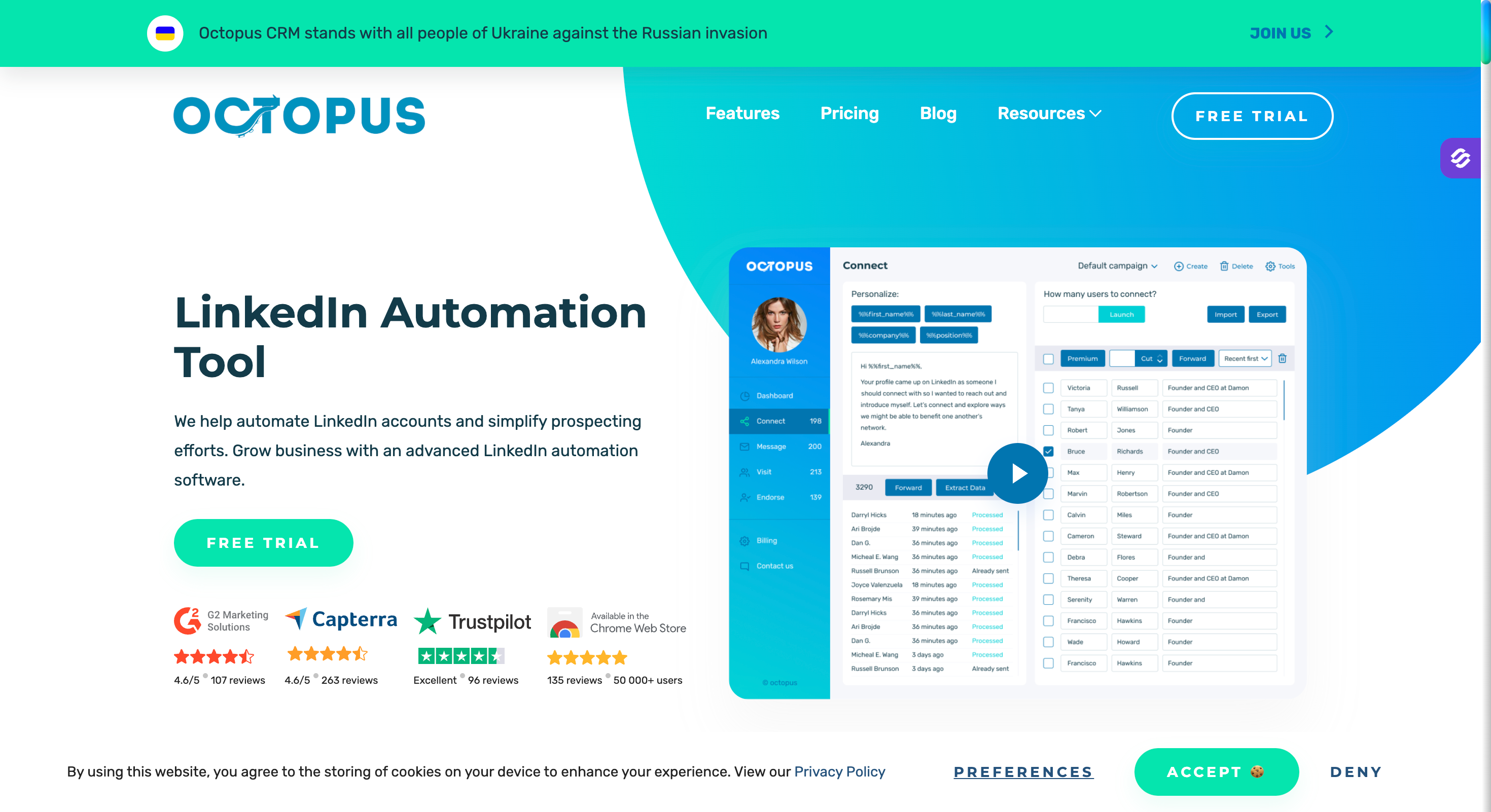
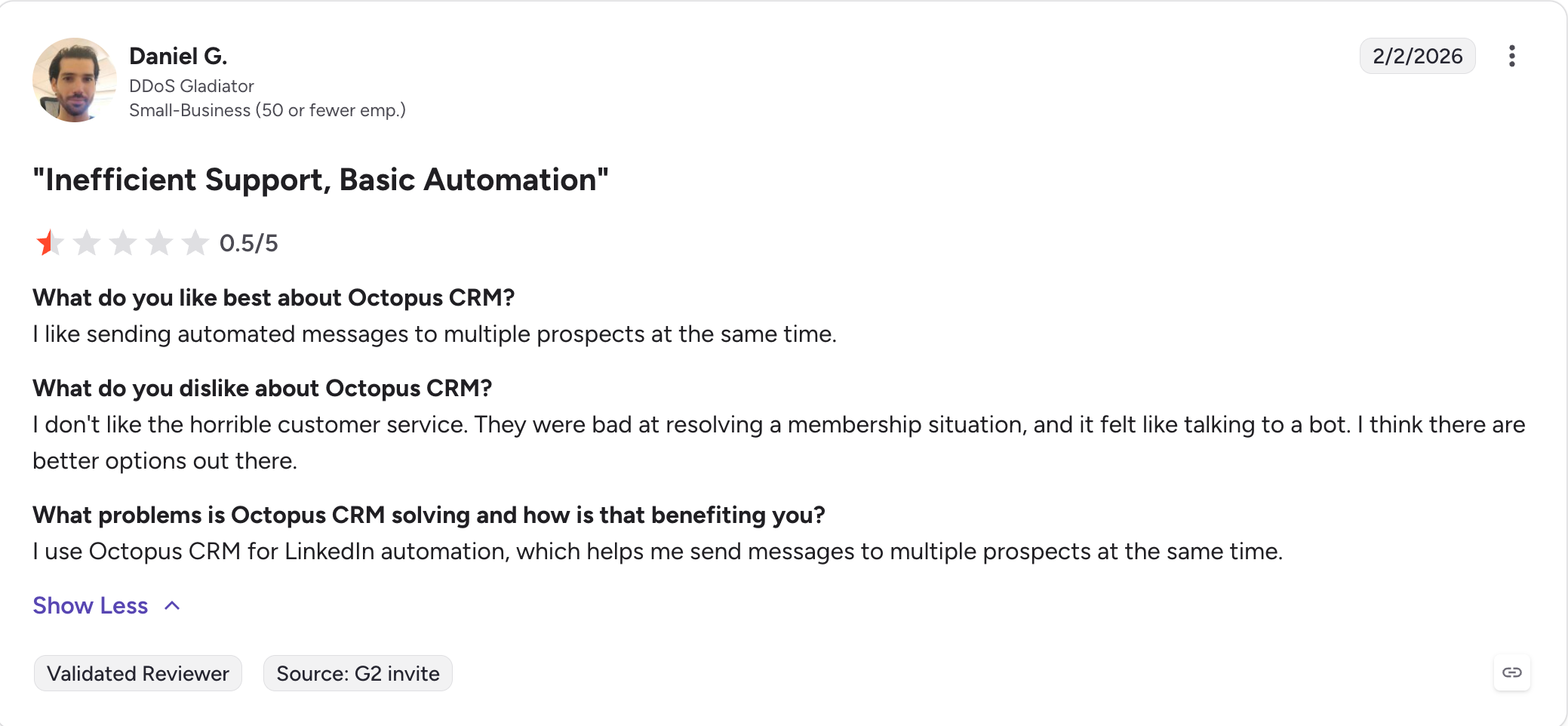
Octopus CRM: Cheapest tool on this list at under $10 a month. Octopus CRM runs entirely in your browser, so campaigns stop when your laptop sleeps.
How I Judged These HeyReach Alternatives
These are the parameters I judged every tool on.
Pricing model: I checked whether the price scales with senders, seats or nothing at all. Per-sender pricing rewards agencies and punishes small teams. I have used annual prices throughout and flagged where add-ons change the total.
Channels in one sequence: I checked whether email sits in the same sequence as the LinkedIn steps. If it does not, you are running two sets of sequences and answering replies in two inboxes.
Account safety: Every tool here automates LinkedIn actions and messages, and LinkedIn does not want aggressive automation on the platform. I looked at whether the tool runs in the cloud or through your browser. I also checked whether it rotates proxies and how it holds daily limits under LinkedIn's thresholds.
What reviewers complain about: I have used all nine HeyReach alternatives, but that is one opinion. So I read the three-star and below reviews on G2, because that is where a tool's limits show up.
Integrations, MCP and CLI: I checked which CRMs connect natively rather than through Zapier. I also checked for an MCP server or a CLI. Both decide whether you can run campaigns from a script or an AI assistant instead of the dashboard.
Feature Comparison: Top 5 HeyReach Alternatives at a Glance
Here is how the five closest alternatives compare against HeyReach itself.
Forge MCP Server connects the whole Forge Stack to Claude and other agents
None
None
None
None
Agency Suite
Unlimited team members and client workspaces on Growth, white-label option
Custom agency plan, multi-account management
Per-identity pricing, agency add-ons
Agency plan available
Team management on Advanced only
AI SDR
Agent Frank, autonomous prospecting, writing and meeting booking
None
None
None
None
Why Teams Leave HeyReach
HeyReach is a good tool. People still leave it, and I hear the same four reasons every time.
No Native Multichannel
HeyReach runs LinkedIn and nothing else. You can push replies into Instantly or Smartlead. An integration is not the same as a channel.
So you buy a sending tool as well. Now you pay two bills, manage two sets of sequences, and answer replies in two inboxes.
The Bill Grows Per Sender
HeyReach charges per LinkedIn sender, around $79 a month on the Growth plan. For an agency running 25 accounts on the flat Agency tier, that works out cheaper than anything else here.
For a team with three accounts, it does not. You pay $237 a month for LinkedIn alone, before you have bought the email tool you also need.
Support Slows Down As You Scale
I see this one often enough in recent reviews to take it seriously.
One Trustpilot reviewer had used HeyReach for two years. He said he had already moved several clients elsewhere, because replies took 24 to 48 hours on complex issues.
A certified HeyReach agency reported the same pattern in 2026. Fast on simple questions, slow on anything that needs digging.
Very Limited Integration Support
HeyReach connects to HubSpot, Pipedrive and Salesforce, plus webhooks and Zapier. The list covers the basics and stops there.
Attio, folk, Breakcold and GoHighLevel have no native connection. A lot of smaller teams keep their pipeline in one of those. Anything outside the main three runs through Zapier, which means another subscription and another thing to maintain.
For comparison, Salesforge connects natively to seven CRMs and pushes into Slack and Clay without a middle layer.
1. Salesforge
Best for: GTM Outbound teams and agencies who want email and LinkedIn in one sequence, without paying per sender.
G2 rating: 4.6 out of 5
HeyReach was the first tool I bought when I started running LinkedIn campaigns in 2022. It did the job.
What it could not do was follow up anywhere else. A prospect ignores your message, and your only move is another message on the same channel they just ignored.
I ran it alongside another tool for a while. I got tired of managing two of everything and paying twice to keep both running.
I got tired of that, so I built Salesforge. Email and LinkedIn run in one sequence, which means a stalled connection request moves to email on its own. The warm-up comes with the plan, and every reply from both channels lands in the same inbox.
Agent Frank sits on top of all that. He is an AI SDR who prospects, writes and books meetings without you running the campaign.
Salesforge Key Features
Multichannel sequences: Email and LinkedIn run in one flow, so you can combine LinkedIn and email in a sequence that branches on what the prospect does.
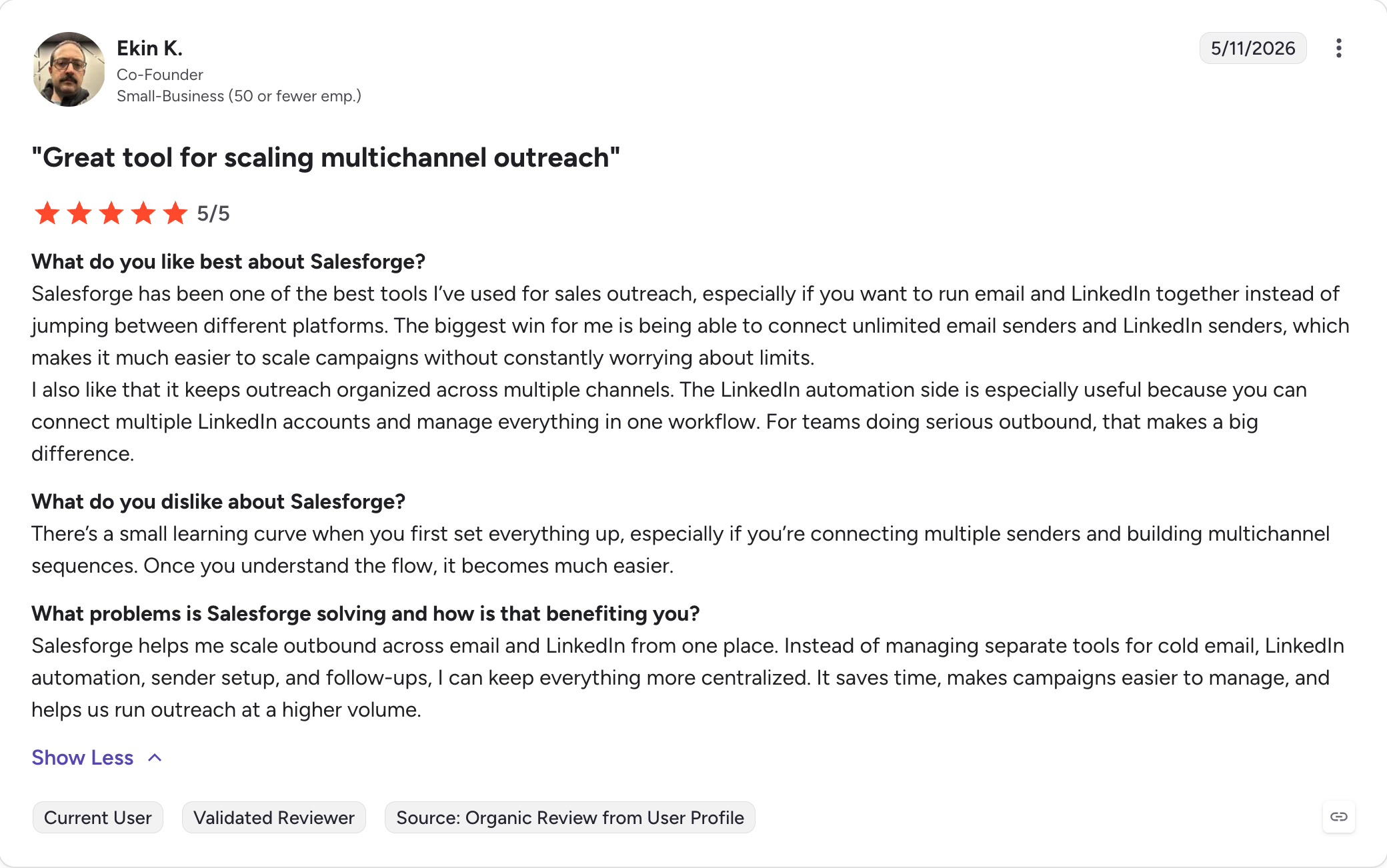
Unlimited mailboxes and LinkedIn senders: Every plan takes as many sending accounts as you connect with no per-mailbox fee. Growth removes the cap on LinkedIn senders, users and workspaces.
Six LinkedIn actions: Connection requests, messages, InMails, post likes, follows and withdraw requests all run as sequence steps.
Unlimited warm-up: Warmforge gives you free premium warm-up on every mailbox, on both plans, with no cap on slots.
AI personalization in 21+ languages: Sequences write in the prospect's language rather than translating an English draft.
ESP matching: Sends route so the recipient's provider matches your sending mailbox. This sits on the Growth plan.
Mailbox rotation: Volume spreads across your domains automatically, so no single mailbox carries the campaign.
Primebox™ unified inbox: Email and LinkedIn replies arrive together, giving sales teams one place to manage replies across channels. Co-Pilot drafts responses for you to approve, and Auto-Pilot sends them itself.
Agent Frank: An AI SDR who prospects, writes, handles follow-up messages and books meetings on his own.
MCP and CLI: You can run campaigns from Claude, Cursor or your own script across the whole Forge Stack.
Integrations: Salesforge connects natively to HubSpot, Salesforce, Pipedrive, Attio, folk, Breakcold and GoHighLevel. Slack, Clay and RB2B connect too. Zapier, Make and webhooks cover the rest, and API access comes on Growth.
What I Liked About Salesforge
My bill stayed flat as the team grew. Adding senders, mailboxes or people never changed it, which made the multi-account support easier to scale.
I got both channels for what I used to pay for one, and the unlimited warm-up came with it.
One inbox for both channels removed the tab switching HeyReach left me doing, and the centralized campaign management was a real plus for the team.
I run the whole thing from the command line when I want to, because the MCP covers every Forge product, which suits more technical users who want deeper control.
Best for: Teams running one or two LinkedIn accounts who want the deepest sequence logic and the safest setup.
G2 rating: 4.2 out of 5
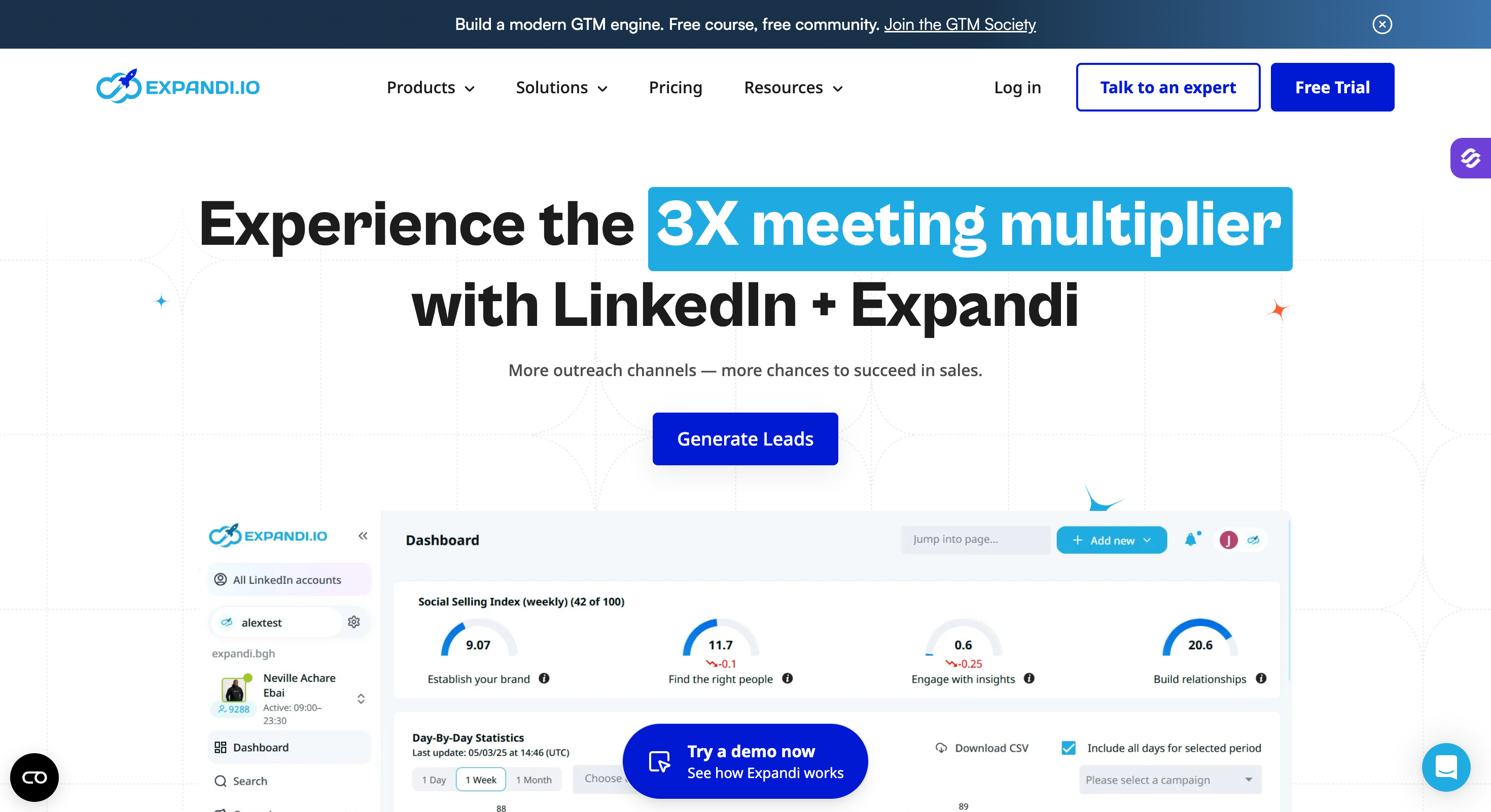
Expandi built its name on account safety, and it still holds that ground.
Every LinkedIn account you connect gets its own IP, matched to the country you operate in. Nothing else on this list does that. If your worst case is waking up to a restricted account, Expandi has the strongest answer.
The sequence builder is the other reason to look. Smart Sequences branch on what the prospect does, so an accepted connection and an ignored one take different paths. It goes deeper than HeyReach here.
What it does not do is scale the way HeyReach does. Expandi bills per LinkedIn account, so the cost climbs with every one you add rather than flattening out.
There is also no unified inbox across accounts. Each one keeps its own dashboard and its own replies. A team running five clients does five times the tab switching.
Expandi Key Features
Dedicated country IPs: Every connected account runs on its own IP, matched to your target country.
Cloud-based: Campaigns keep running when your computer is off.
Smart Sequences: Steps branch on what the prospect does rather than following one fixed path.
Email as a sequence step: You can add an email touch inside a LinkedIn sequence.
11+ campaign types: You can run event invites, post engagement campaigns and Sales Navigator imports.
Image and GIF personalization: Dynamic variables drop the prospect's details into an image.
A/B testing: You can test message variants inside a campaign.
Webhooks and Zapier: Expandi connects to the rest of your stack through both.
What I Liked About Expandi
I have not had an account restricted while running Expandi, and the dedicated IP is why.
The Smart Sequence builder let me write logic I could not build in HeyReach.
The image personalization got replies from people who told me they opened it because of the picture.
What Are the Cons of Expandi
Expandi costs $79 per account, so ten accounts runs close to HeyReach's 25-sender Agency plan.
There is no unified inbox across accounts. Each one keeps its own replies.
The learning curve is steep, and multiple G2 reviewers say so.
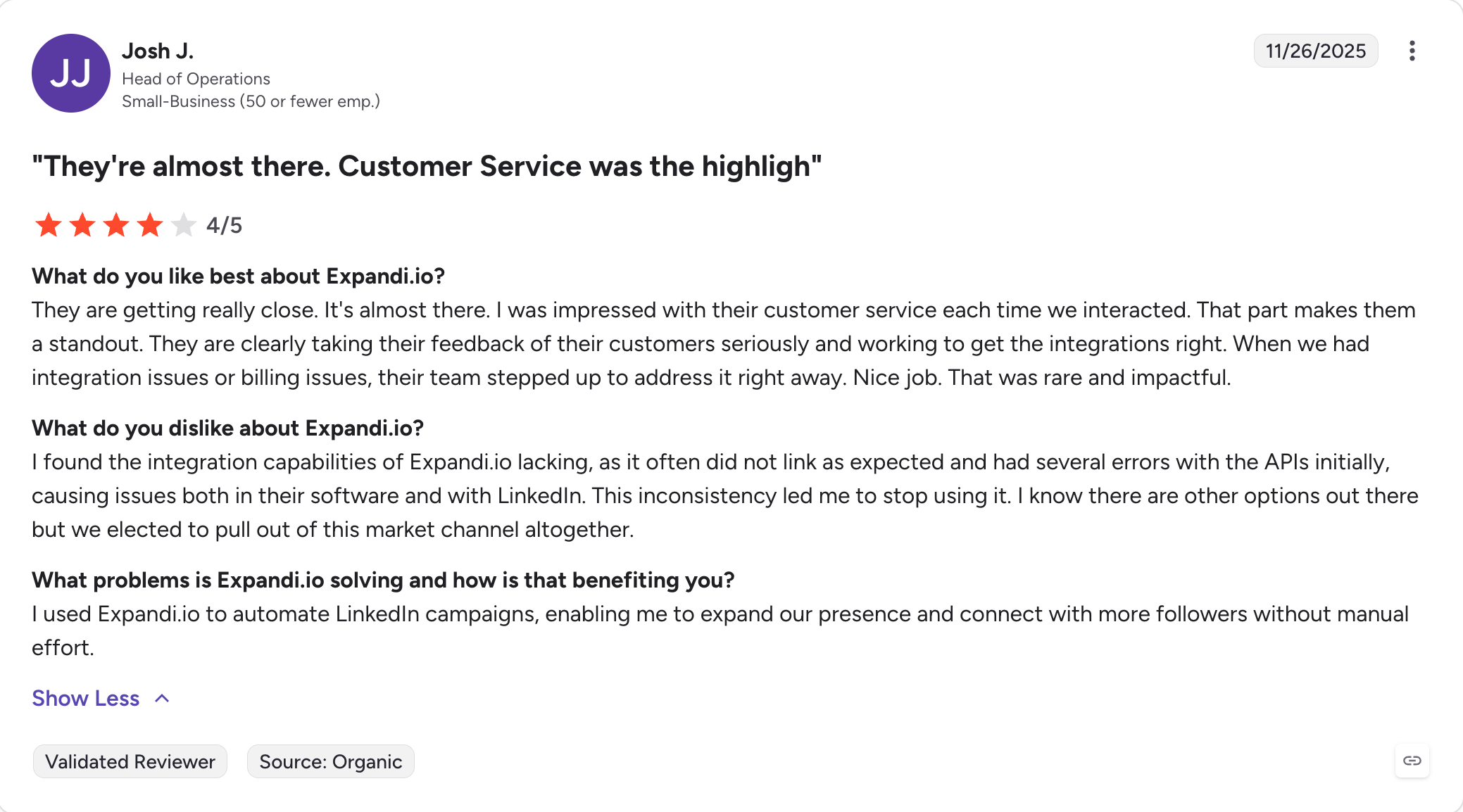
Reviewers also report billing problems after cancelling, including charges for seats they did not buy.
Best for: Teams whose prospects answer on four different surfaces and want one sequence to cover them all.
G2 rating: 4.6 out of 5
Most tools on this list started as LinkedIn tools and added email later. La Growth Machine did the opposite. It was built for multiple channels from the first version.
That shows in the sequence builder. LinkedIn, email, calls and X all sit in one flow. Each step branches on what the prospect did with the last one. Nobody accepts your connection request, so the sequence sends an email. They open the email twice, so it queues a call.
The enrichment is the other thing worth knowing about. Every contact runs through nine data providers before the sequence starts. You are not sending to addresses you guessed at.
It also does LinkedIn voice messages with AI cloning, which nothing else here offers. Whether you want that is a separate question.
The catch is how it bills. You pay per identity, and an identity is one person with their own LinkedIn account and sending addresses. Adding people means adding identities, which is the same shape of problem that pushed you off HeyReach.
La Growth Machine Key Features
Four channels in one sequence: LinkedIn, email, calls and X run in a single conditional flow.
Waterfall enrichment: Each contact runs through nine data providers before you send anything.
AI voice messages: You can send LinkedIn voice notes in a cloned version of your own voice.
LinkedIn intent data: You can import people who engaged with a post, an event or a company page.
Unified inbox: Replies from every channel land in one place.
Visual sequence builder: You draw the flow rather than filling in a list of steps.
CRM sync: It writes to Pipedrive and HubSpot, and to Salesforce on the Ultimate plan.
EU hosted: The data stays in Europe, which matters if GDPR sits on your desk.
What I Liked About La Growth Machine
I built a sequence that moved between four channels without writing a single rule twice, which makes it easier to scale outreach without manually checking each contact.
The enrichment saved me a separate data subscription, and stronger lead data is one reason it is useful before outreach starts. No other tool here did that.
The visual builder is the best on this list, and it is not close.
What Are the Cons of La Growth Machine
It bills per identity, so the cost climbs with every person you add.
Some features sit behind the Ultimate plan, including X and Salesforce sync.
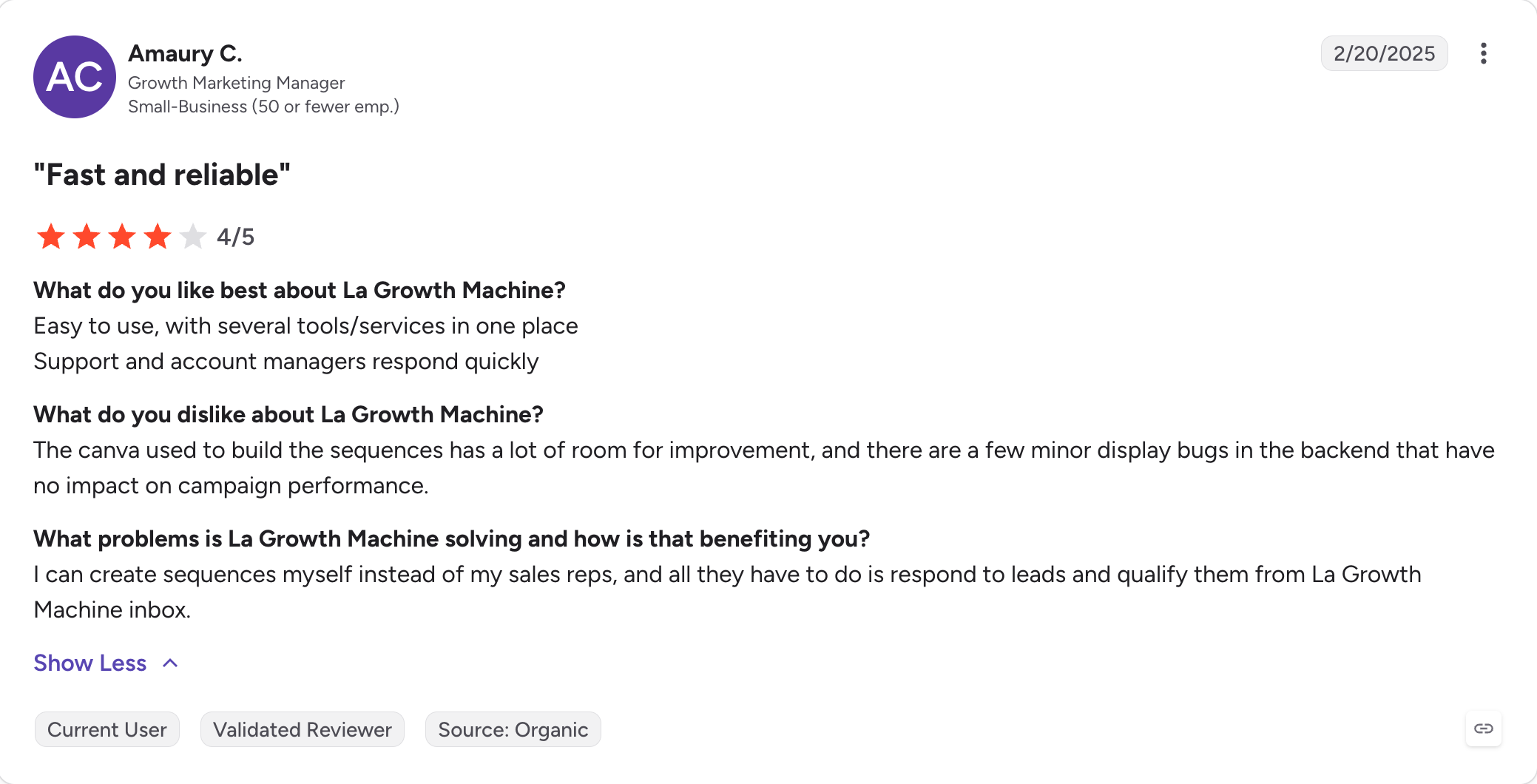
G2 reviewers report sync errors and glitches that interrupt campaigns.
There is no built-in lead database, so you bring your own lists.
La Growth Machine Pricing
Plan
Monthly per identity
Includes
Basic
€50
LinkedIn and email, 250 enriched leads a month
Pro
€100
Adds the multichannel inbox, social warming, intent data and inbox rotation
Best for: Teams whose pipeline runs on email, with LinkedIn as the supporting channel.
G2 rating: 4.4 out of 5
Lemlist comes at this list from the other end. It is a cold email tool that added LinkedIn, rather than a LinkedIn tool that added email.
That matters for what it does best. Nothing else here drops a prospect's logo into an image. Nothing else builds them a landing page with their own name on it. If replies depend on the message looking made for one person, Lemlist does that better than anything here.
Lemwarm handles the warm-up and comes with every paid plan, including the cheapest one. That solves the second-invoice problem HeyReach leaves you with.
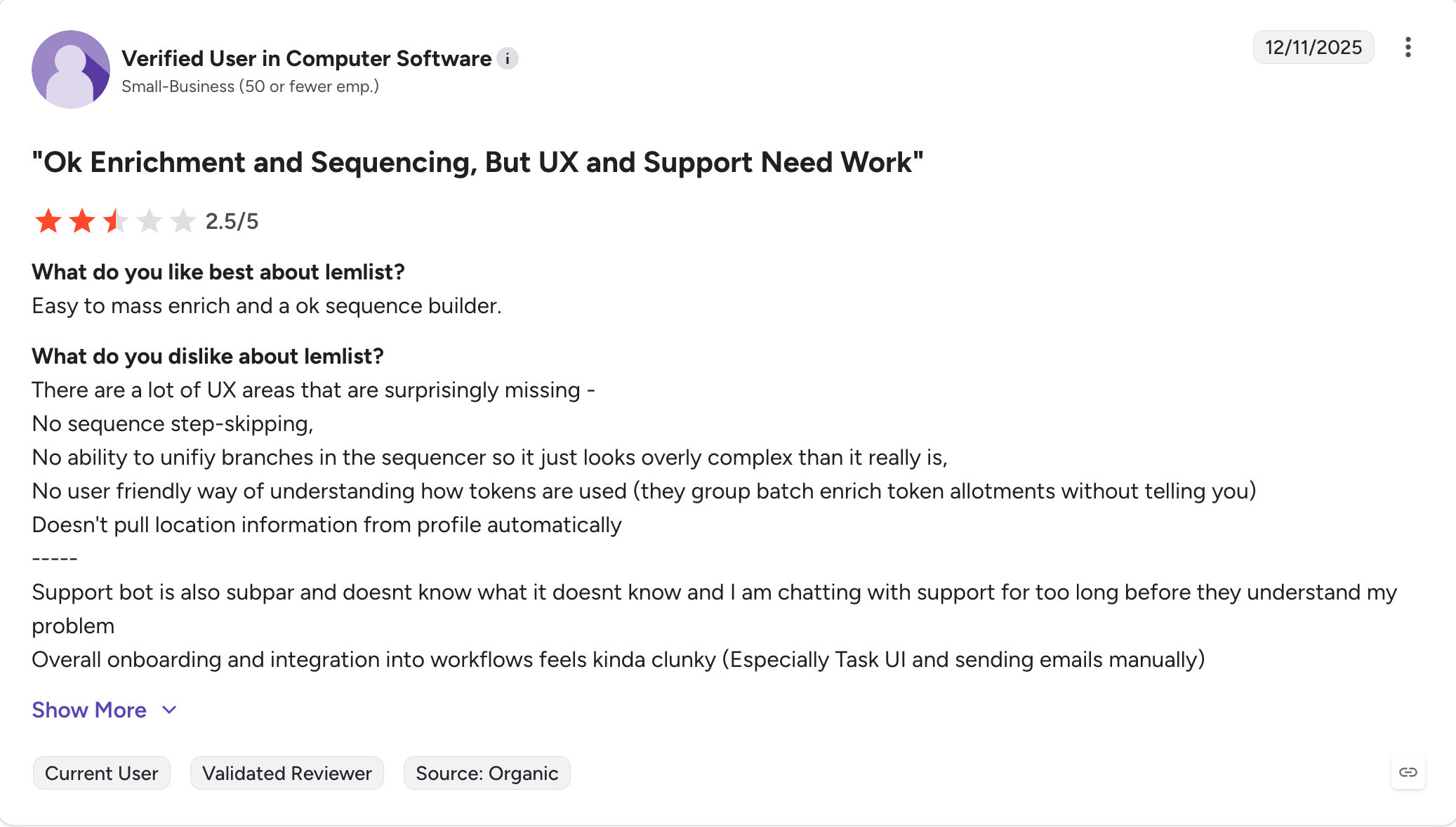
What you give up is LinkedIn depth. The LinkedIn steps exist and they sit on the higher plan. They also do less than a tool built around LinkedIn from the start. If LinkedIn is your main channel, this is the wrong end of the list.
Lemlist Key Features
Image and page personalization: Every prospect can get an image with their logo in it, or a landing page with their name on it.
Lemwarm warm-up: Warm-up runs on every paid plan, including the entry tier.
LinkedIn steps: Invites, messages and profile visits run inside a sequence on the Multi-Channel Expert plan.
WhatsApp: You can add WhatsApp steps as a paid add-on, and Lemlist also supports broader email outreach sequences rather than just one-off email sends.
450M+ contact database: Lemlist includes its own contact data, which helps it cover more of the prospecting workflow than LinkedIn-first tools.
AI drafting: The tool writes first drafts of your sequence from your offer, and it pairs that with email automation that Lemlist handles especially well compared with LinkedIn-first tools.
Inbox rotation: Volume spreads across your connected mailboxes.
Branching sequences: Steps change path based on opens, clicks and replies.
What I Liked About Lemlist
People told me they opened the email because of the image. That has not happened with any other tool.
Reply detection is careful. It stops the sequence for that person when it should.
Lemwarm arriving on the entry plan is more generous than the per-user price suggests.
What Are the Cons of Lemlist
LinkedIn sits on the higher plan, and it does less than a LinkedIn-first tool.
Lemlist charges per user, so the cost climbs with headcount.
Enrichment credits expire every month with no rollover.
The database view caps at 30 pages, which reviewers say makes big lists awkward to work.
Best for: Solo users and beginners who want to try LinkedIn automation before paying for it.
G2 rating: 4.6 out of 5
Waalaxy is where I send people who have never run automation before.
The free plan is real rather than a trial that expires, and the setup takes about ten minutes. You install the extension, pick a template from the 99 it ships with, and the campaign runs. Nothing else here gets a beginner sending that fast.
It covers LinkedIn and basic email, so it does more than HeyReach on channels while costing a fraction of it.
The architecture is the trade. Waalaxy runs as a Chrome extension, which means your campaigns run through your browser on your own IP. Close the laptop and the campaign stops. LinkedIn also finds browser-based tools easier to spot than cloud ones.
Serious teams outgrow it quickly, and support and refunds come up often in reviews.
Waalaxy Key Features
Real free plan: You get 80 LinkedIn invitations a month without giving a card.
99+ templates: You pick a pre-built campaign rather than designing one.
LinkedIn and email: Basic email steps run alongside the LinkedIn ones.
Email finder credits: The plans include credits for finding addresses.
AI message writer: The tool drafts your messages from a short brief.
Built-in inbox: Replies land inside Waalaxy rather than in LinkedIn.
Chrome extension: Everything runs from your browser, and campaigns depend on an active browser session rather than a separate app.
Safety caps: Waalaxy holds you under LinkedIn's weekly invitation limits by default.
What I Liked About Waalaxy
I had a campaign running ten minutes after installing it, which no other tool here managed.
The free plan let me test the whole thing before spending anything.
The templates meant I did not have to design a sequence to get started, which helps beginners get a campaign live quickly.
What Are the Cons of Waalaxy
Campaigns stop when you close the browser, because everything runs as an extension.
LinkedIn spots browser-based tools more easily than cloud ones.
Reviewers report crashes mid-campaign and inflexible refunds after cancelling.
The email side is basic, and there is no warm-up at all.
Best for: Small teams who want cloud sequences without learning a complicated tool.
G2 rating: 4.5 out of 5
Dripify is the easiest tool on this list to learn, and that is the reason to pick it.
You build campaigns by dragging steps into a flow. The logic branches on what the prospect does. The analytics show you which step loses people, and the whole thing runs in the cloud rather than your browser.
That last part separates it from Waalaxy. Your campaigns keep running when the laptop is shut. That is safer for the account and less annoying to manage.
Where it stops short is scale. There is no multi-account rotation, so an agency running client accounts hits a wall that HeyReach was built to solve. Personalization is merge fields rather than AI, and the email side is thin.
Dripify Key Features
Visual campaign builder: You drag steps into a flow rather than filling in a form.
Branching sequences: Steps change path based on what the prospect does, with 20+ variables.
Cloud-based: Campaigns run when your computer is off.
Smart Inbox: LinkedIn conversations land in one place inside Dripify.
A/B testing: You can test message variants on Pro and above.
Sales Navigator support: You can import lists straight from Sales Navigator and narrow them by job title when preparing outreach lists.
Team management: The Advanced plan adds seats, shared campaigns, and team features that make onboarding easier for multiple users.
Analytics dashboard: You see conversion at each step rather than just at the end.
What I Liked About Dripify
I set up my first campaign without opening a help doc, which I cannot say for most of this list.
The step-by-step analytics showed me exactly where people dropped out.
Cloud sequencing at this price is unusual, and it is the reason I would pick it over Waalaxy.
What Are the Cons of Dripify
There is no multi-account rotation, so agencies managing outreach across multiple client accounts outgrow it fast, and how many accounts you can send from becomes a real limiting factor.
Personalization is merge fields, not AI-written copy.
A/B testing only starts on Pro.
The email side is light, so this stays a LinkedIn tool.
Best for: Solo marketers who want X alongside LinkedIn and email, and a CRM they do not pay extra for.
G2 rating: 3.4 out of 5
Meet Alfred has been here longer than almost anything else on this list. It was the first tool to put LinkedIn, email and X into a single campaign.
The pitch still holds up. You get three channels from one seat and a built-in CRM, so no second tool to track leads. White-label comes with it if you run client work.
The G2 rating is the problem, and it is the lowest here by a wide margin. Reviewers report bugs, disconnected accounts, slow support and generic replies when they ask for help. Several mention LinkedIn restrictions.
I am including it because it appears on every HeyReach alternatives list and it genuinely serves one buyer well. A solo marketer who wants X in the mix has few other options at this price.
Meet Alfred Key Features
Three channels in one campaign: LinkedIn, email and X run from a single seat.
Built-in CRM: You tag and track contacts inside the tool.
Smart inbox: Replies from all three channels land in one view.
600+ templates: You start from a written message rather than a blank box.
AI Coach: The tool reviews your campaign and suggests changes.
Social scheduling: You can queue posts alongside your outreach.
White-label: Agencies can run it under their own brand.
Cloud-based: Campaigns run without your browser open.
What I Liked About Meet Alfred
I got three channels for the price most tools charge for one.
The CRM meant I did not need a separate tool to see where a lead sat.
The white-label option is rare at this price, and agencies will notice that it fits an agency workflow better than a solo-only setup.
What Are the Cons of Meet Alfred
The G2 rating is 3.4, which is the weakest on this list.
Reviewers report bugs and accounts disconnecting mid-campaign.
Support is the most-cited complaint, with slow and generic replies.
Best for: Solo users who want to test LinkedIn automation at the lowest credible price.
G2 rating: 4.3 out of 5
Dux-Soup has been running since 2015, which makes it the oldest tool here. It has survived ten years of LinkedIn policy changes, and that counts for something in a category where tools disappear.
The thing to understand is that Dux-Soup is not one product. Free, Pro and Turbo run inside your browser. Cloud Dux runs on Dux-Soup's own servers. Those are different levels of risk, and the cheap plans carry the higher one.
Its integration list is wider than anything else at this price. HubSpot, Salesforce, Pipedrive, Freshsales and SharpSpring all connect natively, plus Zapier, Make and webhooks.
What it does not do is multi-account. There is no sender rotation and no shared inbox, so an agency running client accounts is in the wrong place.
Dux-Soup Key Features
Profile visits and connection requests: The core LinkedIn actions all run on a schedule, and Dux-Soup's pricing starts at about $15/month for basic automation, which makes it a low-cost automation tool before you move up to the higher cloud tier.
Drip campaigns: Multi-step sequences branch on what the prospect does.
Cloud Dux: The top tier runs on Dux-Soup's servers rather than your browser.
Native CRM integrations: HubSpot, Salesforce, Pipedrive, Freshsales and SharpSpring all connect directly.
Zapier, Make and webhooks: You can wire it into the rest of your stack.
Sales Navigator support: You can work from Sales Navigator searches.
Lead tagging and notes: You track prospects inside the tool.
CSV import and export: Lists move in and out without an integration.
What I Liked About Dux-Soup
I paid less to test LinkedIn automation here than anywhere else on this list.
The CRM integrations are wider than tools charging five times as much.
Cloud Dux removed the browser dependency when I needed campaigns running overnight.
What Are the Cons of Dux-Soup
The cheap plans run in your browser, which is where the account risk sits, so they are not ideal if you want safe LinkedIn automation.
Cloud Dux costs more than better cloud tools on this list, and more advanced teams may prefer tools built for custom workflows instead of Dux-Soup’s simpler model.
There is no multi-account rotation and no shared inbox.
The interface feels dated, and reviewers say so often.
Best for: Solo users on the tightest budget who still want a campaign builder.
G2 rating: 4.3 out of 5
Octopus CRM is the cheapest tool on this list, and it is not close.
It has been running since 2018 and reports 40,000 users. The basics all work. Connection requests with personal notes, bulk messaging, profile views and skill endorsements. A simple CRM layer tracks what you sent to whom.
The campaign builder sits on the Advanced plan, which is worth knowing before you buy the cheapest one.
Everything runs as a Chrome extension. Your campaigns go out through your browser on your own IP, and they stop when you close the laptop. That is the trade you are making for the price, and it is a real one.
Octopus CRM Key Features
Auto connection requests: You send invitations with a personal note attached.
Bulk messaging: You message first-degree connections in batches.
Profile views and endorsements: The tool warms a prospect before you message them.
Campaign builder: The Advanced plan lets you sequence actions rather than running them one at a time.
Personal CRM: You track activity, notes, and campaign data inside the extension.
Funnel tracking: You see conversion between each step.
Data import and export: Lists move in and out as CSV, and you can export campaign data later if you need to compare results or move campaigns.
Sales Navigator and Recruiter: Both work alongside the free LinkedIn account.
What I Liked About Octopus CRM
I spent less here than on any other tool, by a wide margin.
Setup took ten minutes and needed no documentation.
The CRM tracking at this price is unusual, and most cheap tools skip it.
What Are the Cons of Octopus CRM
Everything runs from a LinkedIn automation tool inside your browser, so campaigns stop when you close it.
LinkedIn spots browser-based tools more easily than cloud ones.
The campaign builder only starts on the Advanced plan.
There is no multi-account rotation, no shared inbox and no email channel.
This comes up in every conversation I have with someone switching tools. It is safer than it was two years ago, and no tool is risk-free.
Three things separate the safer tools from the riskier ones.
Cloud or browser: Cloud platforms run your campaigns on dedicated servers with controlled IP addresses. Chrome extensions run them through your own browser, on your own IP, which LinkedIn finds easier to spot. Salesforge, Expandi, HeyReach, La Growth Machine, Dripify and Meet Alfred run in the cloud. Waalaxy, Octopus CRM and Dux-Soup's cheaper plans do not. In cloud based linkedin automation, platforms configured correctly generally report ban rates below 1%.
Dedicated IPs: Expandi gives every connected account its own country-matched IP, which is the strongest version of this. HeyReach includes proxies on Growth and asks you to bring your own above that. Most other tools share IPs.
Pacing: Safer tools use random delays, gradual ramp-up and conservative daily limits, and cloud tools using human-like behavior also report ban rates below 1%. The riskier ones send 100 connection requests on day one and get the account restricted inside a week.
LinkedIn capped connection requests at around 100 a week per account in January 2026. Daily limits now decide account safety more than they used to.
If safety is your only concern, Expandi is the strongest pick here. If you want safety alongside a second channel, Salesforge spreads volume across senders. That keeps activity on each account lower.
Multichannel or LinkedIn Only?
Every alternative here except Dripify and Octopus CRM runs more than one channel. There is a reason for that.
A LinkedIn-only campaign gives you one channel, one inbox and one set of limits. When somebody ignores your message, your only follow-up is another message on the channel they already ignored. Multichannel follow-ups create more chances to start a real conversation instead of forcing every touchpoint through the same inbox.
Adding email changes the shape of the problem. The prospect who skips a LinkedIn message often answers an email two days later. A sequence that branches between the two gets more conversations from the same list.
That is the structural reason HeyReach keeps losing buyers even though the product works. LinkedIn-only is a feature, not a strategy, and most LinkedIn automation tools still stop there, which is why buyers move to multichannel options.
Final Verdict
You came here because one channel stopped being enough.
That is the whole problem in a sentence. Your prospect did not answer on LinkedIn, and you had nowhere else to go. So you bought a second tool. Now you run two sets of sequences and check two inboxes, and neither knows what the other is doing.
I built Salesforge because I got tired of living that way.
Email and LinkedIn run in the same sequence, so a connection request that stalls moves to email on its own. Every reply from both channels lands in one inbox. The warm-up comes with the plan rather than as a second invoice. And when you add a sender or a person, nothing about your bill changes.
If LinkedIn genuinely is your only channel, you do not need any of that. Stay where you are.
If it is not, this is the version of your stack with three fewer logins in it.
It depends on why you are leaving and which heyreach alternatives actually fit your setup. Salesforge is the strongest overall if you need email running alongside LinkedIn without paying per sender, but some newer options compete more on AI, team collaboration, or uptime than on sender volume alone; for example, WeConnect offers Smart Sequences for team collaboration and claims 99.9% uptime for reliable campaign execution. Expandi is better if account safety is your only concern. La Growth Machine is better if you work four channels rather than two.
2. Is HeyReach safe for LinkedIn accounts?
HeyReach is one of the safer tools here. It runs in the cloud, with proxies on the Growth plan. Restrictions still happen, usually when daily limits run high or the messaging reads as automated.
3. What is the cheapest HeyReach alternative?
Botdog is the cheapest paid tool here at $35/month annually for a single account. Waalaxy has a permanent free plan with 80 LinkedIn invitations a month if you want to test before paying anything.
4. Can I run two LinkedIn automation tools at once?
No. Two tools working the same LinkedIn account can trigger spam detection and put the account at risk. Pick one and commit to it. Before switching, document your active campaigns and message templates so the move does not break what is already working.
5. Do I need Sales Navigator to use these tools?
No. Every tool here works with a free LinkedIn account. Sales Navigator gives you better filters and more InMail credits, and some tools can also use post interactions plus Sales Navigator lead data to prioritize outreach. Evaboot's v3 update added AI lead scoring in January 2026.
6. Which HeyReach alternative suits solo founders?
Dripify if you want cloud sequences without a learning curve, or Waalaxy's free plan if you are still testing. If you want email and LinkedIn from the start, Salesforge Pro covers both with unlimited mailboxes and warm-up.
7. Which one suits agencies?
HeyReach's own Agency plan stays competitive on cost per account, if you run 10 or more senders and nothing else. For agency scale, multiple client accounts usually make workspace controls, reporting, and seat management matter more than the lowest sender price. For agencies that need email as well, Salesforge Growth gives you unlimited senders, users and mailboxes on one flat fee.
Stay under 100 connection requests a week and write messages that read like a person wrote them, because a complete LinkedIn profile still affects reply rates even with automation. Choose a cloud tool over a browser extension. Warm new accounts up gradually, and pick a tool that randomizes its delays.
9. How many messages should I send per day?
How many messages you send matters less than campaign quality, account safety, and whether replies turn into real conversations. Tools are also getting smarter here: Linked Helper's v2.9.1 update introduced an AI reply generator, Fuzzy uses 75+ variables for AI-generated personalized messages, and Sbl.so's AI handles entire conversations and adjusts messaging in real-time.
Book more meetings on autopilot
Set up in minutes. No per-seat pricing. No commitment.




.jpg)


