Most LinkedIn automation tools fall apart the moment you stop being a team of one.
We-Connect is a clean example. On its own it's solid: connection requests, messages, follow-ups, all running careful enough not to get your account flagged. One person, one account, and you won't feel a rough edge.
The cracks show when outreach becomes something the whole team runs.
Part of it is scope. We-Connect is built around LinkedIn, and that's still its center of gravity. There's email too, but it's light, so don't expect it to anchor a real multichannel sequence. Its users rarely mind, because the people who pick We-Connect, and the people who later replace it, are running LinkedIn-first plays almost without exception.
Which is why they don't leave over features. They leave over the bill.
The pricing is per seat: $69/seat/month for LinkedIn, $79 with email, both billed annually. Fine for one. But each new teammate is another full seat on the invoice. Hit five and you're spending real money before a single prospect replies.
That's the breaking point. Not what the tool does, but a pricing model that charges you more the bigger you get.
So I tested the tools that scale with you instead of taxing every head.
Here are the five worth your attention, with straight pricing, honest G2 sentiment, and where each fits.
TL;DR: 5 Best We-Connect Alternatives in 2026
Salesforge — Best for scaling email and LinkedIn from one platform, with unlimited mailboxes and senders, free warm-up, and a unified inbox (Primebox). From $40/month (billed annually).
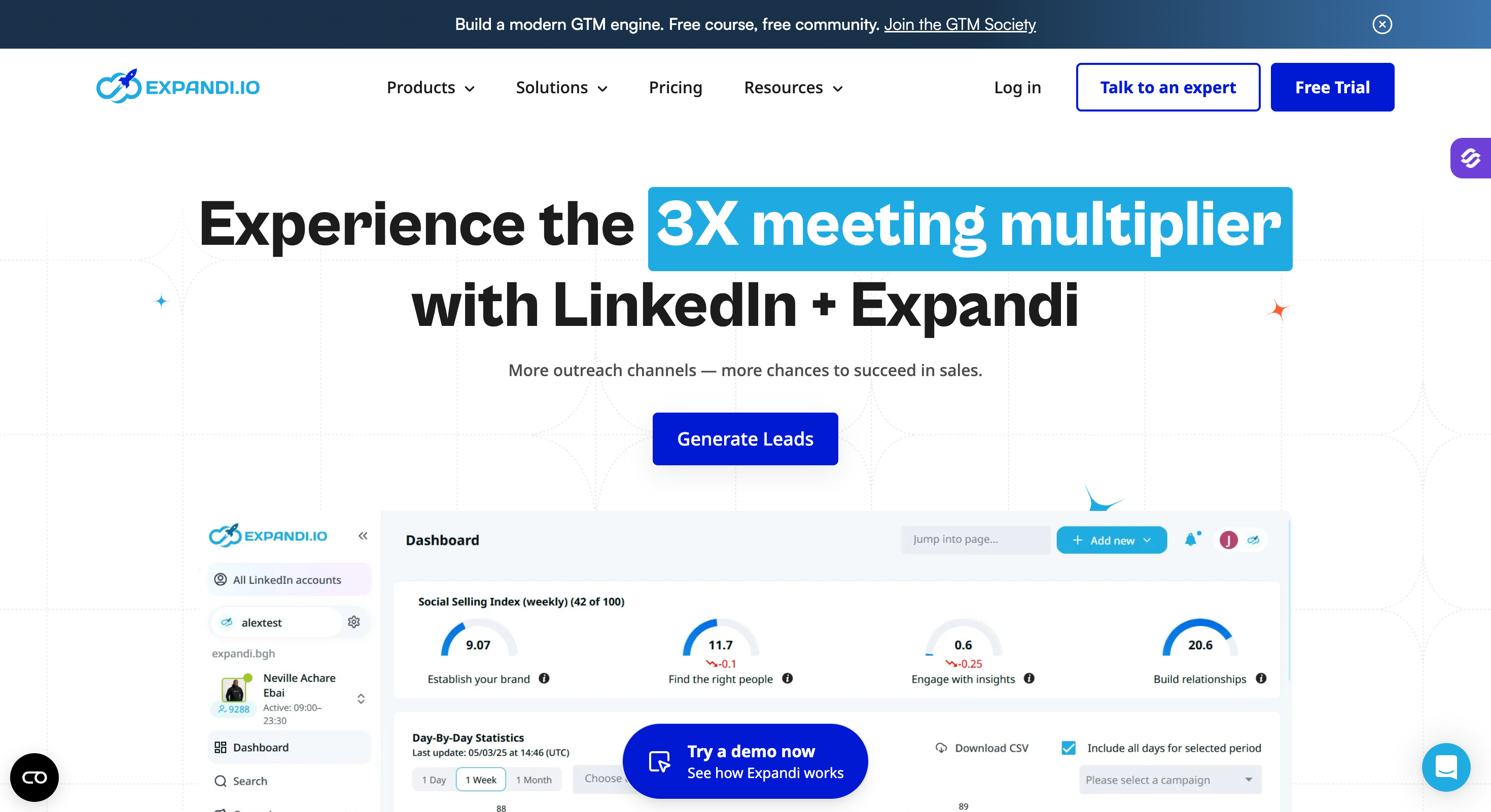
Expandi — Best for advanced, condition-based LinkedIn sequencing with cloud-based account safety. From $99/account/month (billed annually).
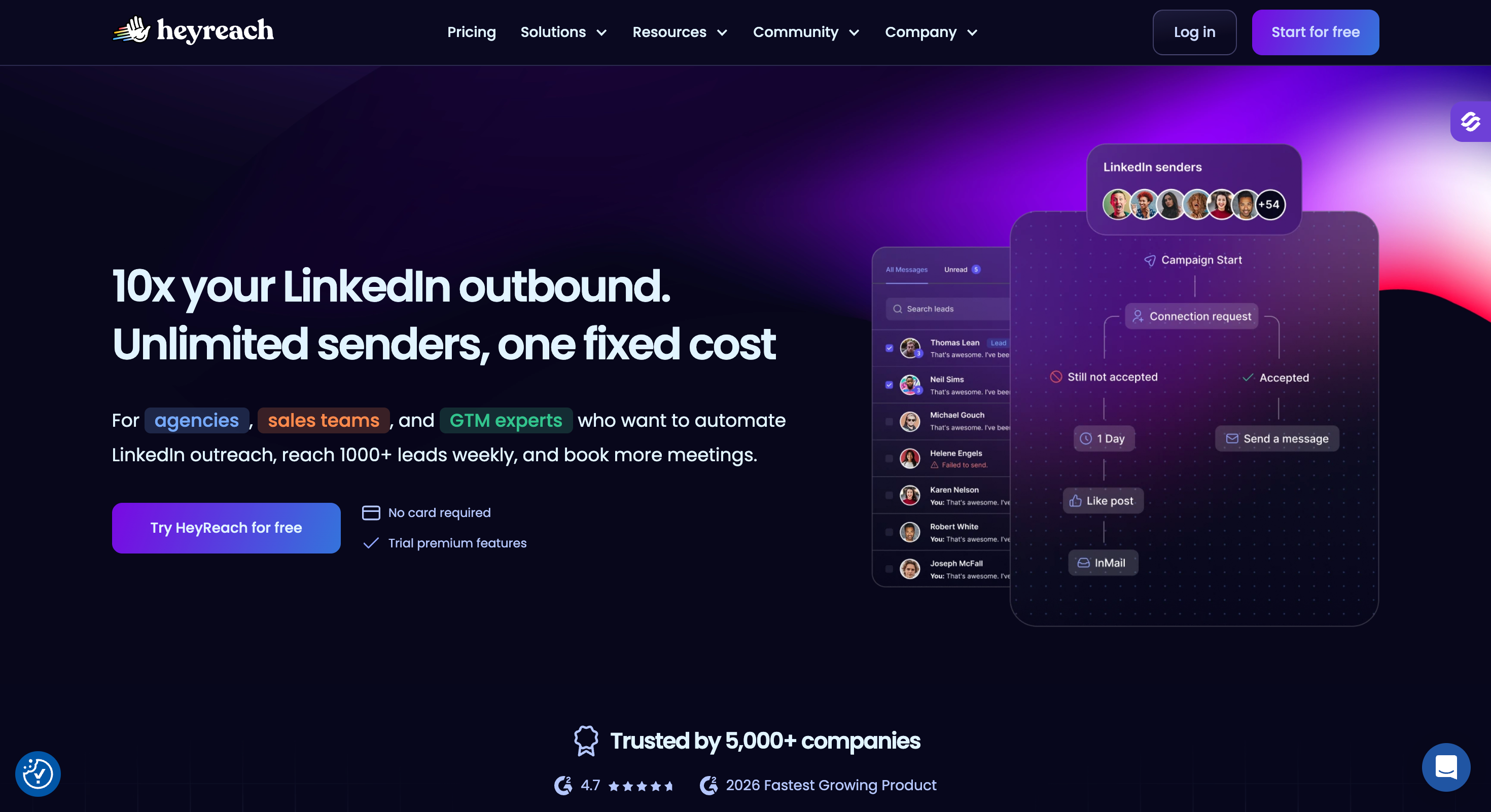
HeyReach — Best for agencies running many LinkedIn accounts under one flat-rate sender model. From $59/sender/month (billed annually).
Lemlist — Best for email-led multichannel outreach with strong personalization and a built-in lead database. From $63/user/month (billed annually).
Waalaxy — Best for beginners and small teams who want simple LinkedIn outreach fast. From €19/user/month (billed annually).
Why People Look for We-Connect Alternatives (And What the Reviews Say)
We-Connect is basically a LinkedIn automation tool with limited email capability, built for teams that don't run outreach aggressively, or barely run it at all.
And it's well-liked at that. It holds 4.6/5 on G2 (84 reviews) and 4.7/5 on Capterra (70 reviews). Reviewers praise how simple, safe, and affordable it is for basic LinkedIn outreach.
So people don't leave because it's bad. They leave because the friction compounds once outreach scales. Here is the pattern I kept seeing in my own use, and across G2, Capterra, and Reddit threads.
The pricing is per seat. $69/seat/month (billed annually) buys you LinkedIn automation. Email is not included until the $79/seat/month Professional plan. A five-person team is paying for five seats before anyone replies.
Email is an afterthought. You pay extra for it, and it sits beside LinkedIn rather than inside one connected sequence. If you want LinkedIn and email working together, you feel the seams.
Support keeps a clock. Multiple reviewers note support is only live Monday to Friday, and some report rude responses when they do get through.
"they close at 4:45pm PDT" — Skandar B., Sales Executive, Small-Business (G2, Oct 4, 2024)
A four-star Capterra reviewer was blunter:
"no customer support limitations to features works too slowly" — Luis Ruben U., VP, Financial Services (Capterra, Jan 18, 2022)
Scaling and syncing get clunky. The UI can feel slow, and adding multiple LinkedIn accounts is fiddly.
"adding multiple Linkedin accounts can be a lil tricky" — Divyansh S., CEO & Co-founder, IT & Services (Capterra, Oct 20, 2023)
"the sync between We-Connect and LinkedIn can take a little longer than expected" — Verified User in Financial Services, Mid-Market (G2, Oct 21, 2024)
Campaigns don't branch enough. The builder handles basic steps but does little based on how a prospect actually behaves.
"The campaign builder can have more diversity into various branches" — Sahil V., Founder, Small-Business (G2, Feb 29, 2024)
Billing complaints recur. Across review sites, a thread keeps surfacing about charges after cancellation. It is not universal, but it shows up often enough to mention honestly.
None of these are dealbreakers on day one. Together, they shape what scaling outbound on We-Connect actually feels like. If you are heading toward a daily, multi-account, multi-channel motion, an alternative is worth a look.
Features Comparison: Top 5 We-Connect Alternatives at a Glance
Teams scaling email + LinkedIn under one flat cost
Advanced LinkedIn sequencing
Agencies running many LinkedIn accounts
Email-led multichannel with personalization
Beginners and small teams, simple LinkedIn
1. Salesforge
Salesforge is a multichannel outreach platform built for teams that want LinkedIn and email working together, not bolted side by side.
Where We-Connect treats email as a paid add-on, Salesforge runs both channels inside one sequence and bills a flat fee instead of charging per seat. That single difference is why it sits at the top of this list for anyone scaling past a solo motion.
It is built for SDR teams, founders, and agencies running real pipeline, not just one-off campaigns.
Salesforge Core Features
Because We-Connect is a LinkedIn-first tool, here is how Salesforge stacks up on LinkedIn and multichannel, then where it goes further than basic LinkedIn automation by combining LinkedIn and email in one workflow.
Unlimited senders and mailboxes. No per-seat or per-mailbox pricing. Pro includes unlimited mailboxes and one LinkedIn sender. Growth adds unlimited LinkedIn senders, unlimited users, and unlimited shared workspaces. This is the direct answer to We-Connect's per-seat cost.
Multichannel conditional sequences. I can run LinkedIn and email in a single sequence with branching logic. If a prospect accepts a connection, the next step fires automatically. This supports multi channel outreach and makes running outreach campaigns easier from the same tool. This is the if-then behavior reviewers say We-Connect lacks.
AI personalization in 21+ languages. Messages pull from a prospect's LinkedIn profile, company news, and industry context, in 21+ languages natively. The ai assist feature also helps create personalized messages at scale for sales and marketing teams. We-Connect's AI Assist is solid but English-led.
Six LinkedIn actions. Connection requests, messages, InMails, post likes, follows, and withdraw requests, covering key linkedin activities such as send connection requests, profile visits, and linkedin messages. Honest note: Expandi exposes more raw action types, but Salesforge covers the six that move pipeline.
Primebox unified inbox with two modes. Every reply, email and LinkedIn, lands in one inbox. Co-Pilot drafts replies and waits for my approval. Auto-Pilot keeps conversations moving on its own. With We-Connect, LinkedIn replies live in one view and email replies somewhere else.
LinkedIn email finder via Chrome extension. It can pull verified emails straight from a LinkedIn profile. Works via Leadsforge and you get first 100 credits free.
Integrations. Native HubSpot, Pipedrive, LinkedIn Sales Navigator, API access, Zapier, and webhooks, plus the full Forge Stack (Warmforge, Mailforge, Infraforge, Primeforge, Leadsforge) under one login. Salesforge also connects with other tools and supports email workflows inside the same tool.
Forge MCP Server (MCP + CLI). Connects the whole Forge Stack to Claude and other AI agents for programmatic outbound. Useful if your team builds custom workflows.
Two extras worth flagging for ex-We-Connect users: free unlimited email warm-up through Warmforge keeps deliverability healthy at no added cost, and Agent Frank, the autonomous AI SDR, can run prospecting and follow-ups end to end while supporting lead generation and broader outreach efforts if you want to scale without hiring more reps.
Pros and Cons of Salesforge
✅ Pros
❌ Cons
Email and LinkedIn combined in one connected outreach sequence
No free plan, only a 14-day free trial
Flat pricing with unlimited mailboxes and senders
Agent Frank requires a separate subscription and onboarding process
Free unlimited warm-up included through Warmforge
Primebox centralizes email and LinkedIn replies in one inbox
10,000 contacts, 50,000 emails/month, unlimited LinkedIn senders, unlimited users, unlimited workspaces, built for larger outbound teams
Agent Frank
$499/month (billed annually)
Autonomous AI SDR that handles prospecting, outreach, follow-ups, and meeting booking
All plans include free unlimited warm-up, mailbox rotation, email validation, and Primebox. 14-day free trial, no credit card required. These are three pricing plans aimed at different stages, from solo users to teams scaling outbound.
The reviews that matter most for We-Connect switchers are the ones about running both channels in one place:
"I use Salesforge for multichannel outreach - email and LinkedIn together" — Verified G2 reviewer
"There's a small learning curve when you first set everything up" — Verified G2 reviewer
Support is the single most-praised feature across reviews, especially the responsiveness of the support team. The most common critique is that learning the wider Forge Stack takes a little time.
"Easy set up, intuitive UX, excellent email validator" — Valdis Sprogis, Verified Reviewer, July 15, 2025
Salesforge vs We-Connect
Criteria
Salesforge
We-Connect
Channels
Email + LinkedIn in one sequence
LinkedIn focused; email available on higher-tier plans
Pricing model
Flat fee with unlimited mailboxes
Per-seat pricing ($69–$79 per seat)
Reply management
Unified inbox via Primebox
Separate LinkedIn inbox
Sequence logic
Advanced conditional branching
Basic sequence steps
Warm-up
Free unlimited warm-up via Warmforge
Not included
AI SDR
Agent Frank available
Not available
2. Expandi
Expandi is a cloud-based LinkedIn outreach tool for users who want more control over each step than We-Connect gives.
With We-Connect, campaigns are quick to launch. With Expandi, I got deeper control: combine actions, set limits, and branch sequences based on how a prospect responds. It also folds email follow-ups into LinkedIn sequences, so it is more flexible than pure LinkedIn tools.
Expandi Core Features
If-then smart sequences that adapt to prospect behavior
10+ LinkedIn actions, more granular than most tools, and well suited for running campaigns with stronger campaign management controls
Email follow-ups inside LinkedIn sequences, including automated follow ups, structured follow up sequences, and tracked follow up messages
Cloud-based with dedicated IP and safety limits for account safety
Campaign prioritization, useful when juggling many campaigns
Hyperise integration for personalized images and GIFs to help start conversations with more tailored outreach
Pros and Cons of Expandi
✅ Pros
❌ Cons
Deep sequence control with advanced automation features
Still primarily LinkedIn-focused rather than a true multichannel platform
Strong account safety through dedicated IP infrastructure
Steeper learning curve than We-Connect
Email follow-ups can be incorporated into LinkedIn workflows
No built-in warm-up; advanced personalization often requires additional tools
Well suited for agencies and sales teams that need greater control over outreach logic
Per-account pricing becomes expensive as team size grows
Expandi Pricing
Plan
Price
Notes
Business Plan
$99/account/month (billed annually)
Includes core sequences, smart campaigns, and email follow-up capabilities.
Agency
Custom pricing
Designed for teams and agencies, with onboarding, dedicated support, and potential custom integrations for larger enterprise-style deployments.
14-day free trial available. Video and GIF personalization are paid add-ons.
"Expandi definitely has more granular control and visibility than HeyReach" — Jeff, Dec 12, 2025
Expandi vs We-Connect
Feature
Expandi
We-Connect
Sequence builder
Advanced if-then logic that adapts based on prospect behaviour and responses
Basic step-based sequences
LinkedIn actions
10+ supported actions
Core LinkedIn actions only
Email
Email follow-ups included inside sequences
Separate feature available on higher-tier plans
Account safety
Dedicated IP infrastructure with smart limits
Cloud-based system with usage limits
Pricing
$99/account/month
$69–$79/seat/month
3. HeyReach
HeyReach is a LinkedIn automation tool built specifically for the thing We-Connect handles worst: running many LinkedIn accounts at once.
If you are an agency or a team where every rep has their own LinkedIn profile, HeyReach lets you manage them all from one dashboard and pay per connected sender rather than per platform seat. That is a meaningfully different model.
HeyReach Core Features
Built for managing multiple accounts from one dashboard
Sender rotation to respect LinkedIn's weekly limits
Unified inbox across every connected account
Integrations with Clay, HubSpot, Smartlead, Zapier, and more for agencies coordinating broader outreach strategy
MCP server support for AI-agent workflows
Cloud-based infrastructure for account safety
Pros and Cons of HeyReach
✅ Pros
❌ Cons
Strongest multi-account management capabilities in this comparison
LinkedIn-only platform with no native email outreach channel
Flat sender pricing scales efficiently for agencies managing many accounts
No native email enrichment or contact discovery tools
Strong and consistent account safety mechanisms
Per-sender pricing can be expensive for smaller teams
Unified inbox across all connected LinkedIn accounts
Advanced workflow features require a learning curve
HeyReach Pricing
Plan
Price
Notes
Starter / Growth
$59/sender/month (billed annually)
Pricing is based on each connected LinkedIn account and includes unlimited team seats.
Agency
$999/month for 50 senders
Designed for agencies and larger teams. Effective cost is approximately $20 per sender at scale.
Unlimited
$1,999/month
Uncapped sender accounts for large agencies managing outreach at scale.
"Zero restrictions or bans across all our accounts" — Trustpilot reviewer, after 1+ year of use
HeyReach vs We-Connect
Feature
HeyReach
We-Connect
Multi-account management
Built specifically for multi-account outreach with a centralized dashboard
Adding and managing multiple accounts is more cumbersome
Pricing model
Per sender pricing with unlimited team seats
Per-seat pricing
Channels
LinkedIn only
LinkedIn with email available on higher-tier plans
Inbox
Unified inbox across all connected accounts
Single-account inbox view
Best for
Agencies and teams managing outreach at scale
Solo operators and small teams
4. Lemlist
Lemlist approaches the problem from the opposite side of We-Connect. It is an email-first multichannel platform that added LinkedIn, calling, and a built-in lead database.
When I compared it to We-Connect, the difference was scope. We-Connect starts with LinkedIn and bolts on email. Lemlist starts with email and adds LinkedIn. If your motion is email-led with LinkedIn as a support channel, Lemlist feels more complete.
Lemlist Core Features
Email + LinkedIn + calling for multi channel campaigns, with multi channel outreach managed from one platform
450M+ contact lead database with enrichment to help build lead lists for a defined target audience
Reviewers single out the image personalization and the multichannel builder, with teams also watching click through rates on the email side. Cost is the most common complaint.
"Setting up multichannel sequences with custom variables, images, and LinkedIn steps in one place" — Verified G2 reviewer
"the pricing gets out of hand fast once you add users and accounts" — Verified G2 reviewer
Lemlist vs We-Connect
Feature
Lemlist
We-Connect
Primary channel
Email-first platform with LinkedIn added, covering more of the sales funnel across channels
LinkedIn-first platform with email added as a secondary channel
Lead database
450M+ contacts included
No built-in lead database
Warm-up
Lemwarm included
Not built in
Personalization
Images, videos, and Liquid logic personalization
AI Assist and variable-based personalization
Pricing
$63–$87/user/month
$69–$79/seat/month
5. Waalaxy
Waalaxy is a LinkedIn prospecting tool built for speed and simplicity. It is the easiest tool here to get running.
What stood out was how fast I went from prospects to a live campaign. Import leads from LinkedIn, pick a ready-made sequence, and launch in minutes. It also includes email follow-ups and an email finder, so it covers basic multichannel without extra tools.
Waalaxy Core Features
Import leads directly from LinkedIn and launch from templates, which is useful for simple outreach and quick outreach strategy testing
LinkedIn automation plus email follow-ups, while competing tools such as We-Connect support A/B testing for email campaigns
Built-in email finder (limited credits on lower tiers)
Reply inbox with tagging and filtering (add-on)
2,000+ integrations via Zapier and Make
Beginner-friendly visual sequence builder
For basic LinkedIn actions, We-Connect allows sending free InMails to Open Profiles
Pros and Cons of Waalaxy
✅ Pros
❌ Cons
Fastest setup experience among the tools in this comparison
Chrome extension requires your browser to remain open during operation
Ready-made templates make campaigns quick to launch
Offers less control over advanced workflows than higher-end platforms
Built-in email finder reduces the need for additional prospecting tools
Email finder credits are restricted on lower-tier plans
Affordable entry-level pricing for individuals and small teams
Some reviewers report pricing increases and refund-related friction
Waalaxy Pricing
Plan
Price
Notes
Pro
From €19/user/month (billed annually)
Includes LinkedIn automation and a limited allocation of email finder credits.
Advanced
Mid-tier pricing (billed annually)
Higher outreach and sending limits for growing users and teams.
Business
€69/user/month (billed annually)
Adds email outreach alongside LinkedIn automation and includes more email finder credits.
Enterprise
Custom pricing
Includes team collaboration features, advanced reporting, analytics, and enterprise support.
A free plan exists but is limited to a small number of LinkedIn invitations per month. Annual billing is roughly 50% cheaper than monthly.
Ease of use and fast setup are the consistent wins. Plan limits and the extension model draw the criticism.
"It makes LinkedIn outreach and follow-ups feel organized instead of stressful" — Verified G2 reviewer
"you may need to upgrade sooner than expected as your outreach grows" — Verified G2 reviewer
Waalaxy vs We-Connect
Feature
Waalaxy
We-Connect
Ease of use
Beginner-friendly with a very fast setup process
Slightly more structured workflow and interface
Automation type
Chrome extension-based, requiring the browser to remain open
Cloud-based automation
Email
Email follow-ups and email finder included on qualifying plans
Email outreach available on higher-tier plans
Inbox
Available as an add-on
Single-account inbox view
Best for
Solo users looking for quick campaign launches
Solo users seeking simple LinkedIn automation
Final Verdict
Most people do not leave We-Connect because it is bad.
They leave because the per-seat bill and the weekday-only support stop matching how often they actually run outreach. That is the real reason, and most comparison posts skip it.
If your needs are simple, the cheap and honest answer is Waalaxy, or staying on We-Connect a while longer. No shame in that.
The moment outreach becomes a daily system across email and LinkedIn, patching tools together gets expensive and fragile, Salesforge is the consolidation play.
Salesforge offers unlimited mailboxes and LinkedIn senders on a flat fee, conditional sequences that branch on behavior, free unlimited warm-up through Warmforge, and every reply in Primebox.
It carries a 4.6/5 G2 rating, with support as its most-praised feature, the exact thing We-Connect users complain about, which makes it a stronger pick if you want the best LinkedIn automation tool for multichannel teams rather than a narrower LinkedIn-only setup.
Waalaxy offers a free plan, though it is capped at a small number of LinkedIn invitations per month. Salesforge does not have a free tier but offers a 14-day free trial with no credit card required.
What is the best We-Connect alternative for agencies?
For LinkedIn-only agencies running many accounts, HeyReach's per-sender model scales best and is strongest for agencies managing multiple accounts. For agencies that need email and LinkedIn together with whitelabel and unlimited workspaces, Salesforge is the stronger fit for teams needing email and LinkedIn in one place.
Yes, but only on the Professional plan at $79/seat/month (billed annually). Email sits beside LinkedIn rather than inside one connected sequence, which is where multichannel tools like Salesforge and Lemlist pull ahead.
How much does We-Connect cost?
We-Connect charges per seat: $69/seat/month (billed annually) for LinkedIn automation and $79/seat/month for LinkedIn plus email. Agency pricing is custom for 10+ seats. Readers comparing we connect offers against we connect competitors should check current pricing because packaging and feature access can change.
Is We-Connect safe for LinkedIn?
It is cloud-based with dedicated IPs and sending limits, which keeps it relatively safe. As with any automation, staying within LinkedIn's weekly connection limits matters more than the tool itself.
Which We-Connect alternative combines email and LinkedIn best?
Salesforge runs both in one conditional sequence with a unified inbox and free warm-up. It is stronger when you want one platform for lead generation and coordinated outreach campaigns. Lemlist also does multichannel well if your motion is email-led, though LinkedIn is gated behind its higher tier.
Book more meetings on autopilot
Set up in minutes. No per-seat pricing. No commitment.
Instagram cold DM automation can run at 100 DMs a day without a single suspension when the account behaves like a person. This guide covers the safe daily limits, the workflow and the openers that get replies. It also compares three tools and shows how to pair Instagram DMs with cold email.