I have run LinkedIn outreach through 20+ automation tools this year, some fairly new and some prominent players in the industry.
They all fall into one of three categories:
Cloud tools
Chrome extensions
Desktop apps
Cloud tools run automation from a server on your behalf, so nothing depends on your browser staying open. Chrome extensions push actions from your own browser session, which means the detection risk falls entirely on your account. Desktop apps are safer than extensions when configured well, but require your machine to keep running for the tool to work.
Every team has different priorities when picking a LinkedIn automation tool, and I have considered all of them.
I evaluated every tool across 7 criteria that matter most to sales teams and agencies: safety architecture, automation depth, LinkedIn account protection, multichannel capability, scalability, integrations, and pricing.
I have curated 11 tools here so you do not waste time comparing every option in the market. Just pick the one that fits your account risk, your team size, and your budget.
Let's get into it.
TL;DR: 11 Best LinkedIn Automation Tools in 2026
Salesforge: GTM teams and agencies that want safe LinkedIn automation and email outreach in one platform with unlimited mailboxes and LinkedIn senders. Primebox™ unifies replies across every channel, Warmforge warm-up is bundled at no extra cost.
HeyReach: Best for agencies scaling LinkedIn across many senders with dedicated residential proxies. LinkedIn-only architecture with unified inbox across senders and a whitelabel tier for agencies running 50+ accounts.
Expandi: Best for cloud automation with dedicated country IPs and if/else smart sequences. The country IP per LinkedIn account is the safety architecture I trust most in the middle tier.
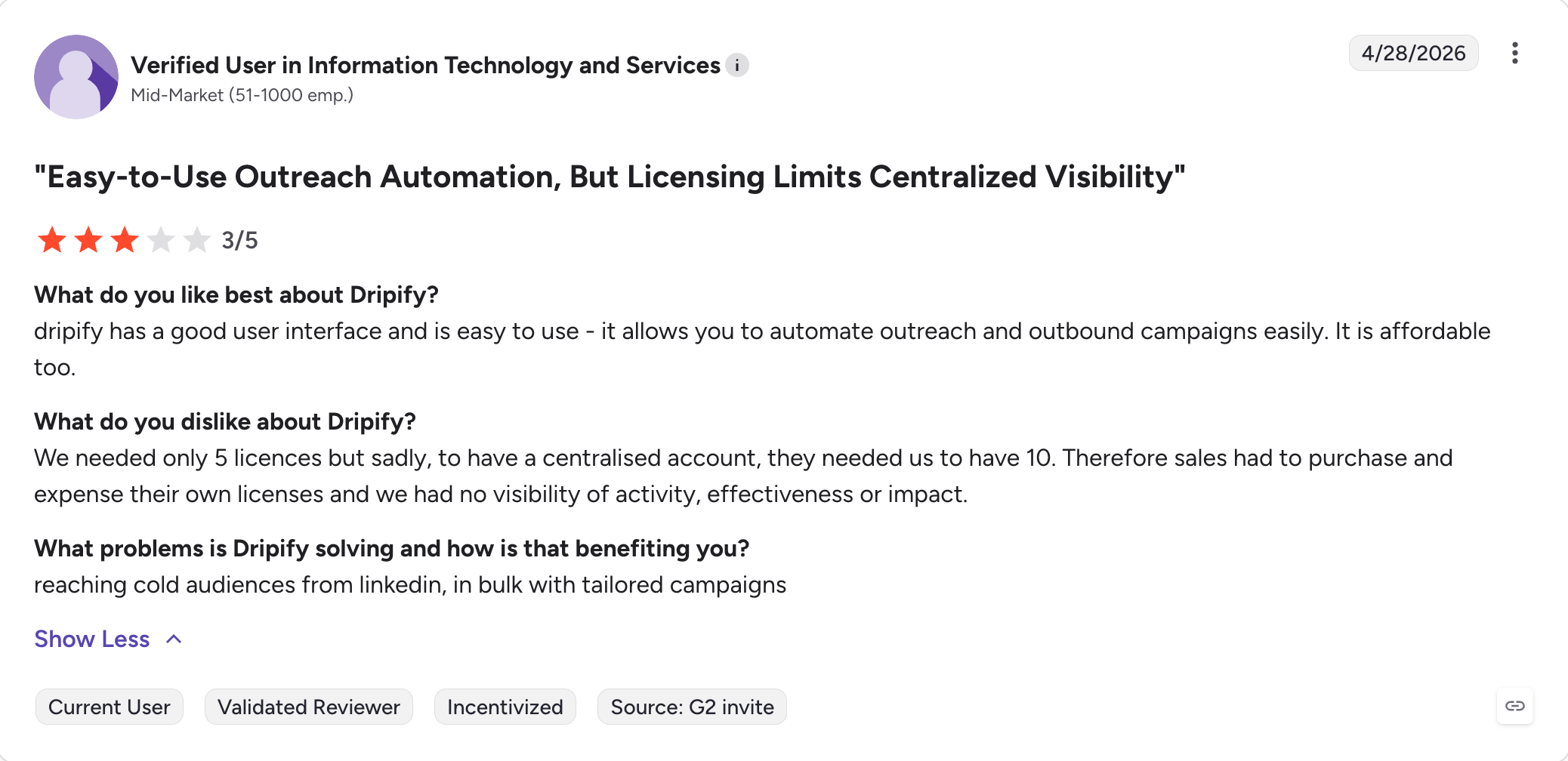
Dripify: Best for solo reps wanting simple LinkedIn drip campaigns with light email. Cloud-based with a clean drip builder, but LinkedIn account restrictions are the most-cited critical review theme on G2.
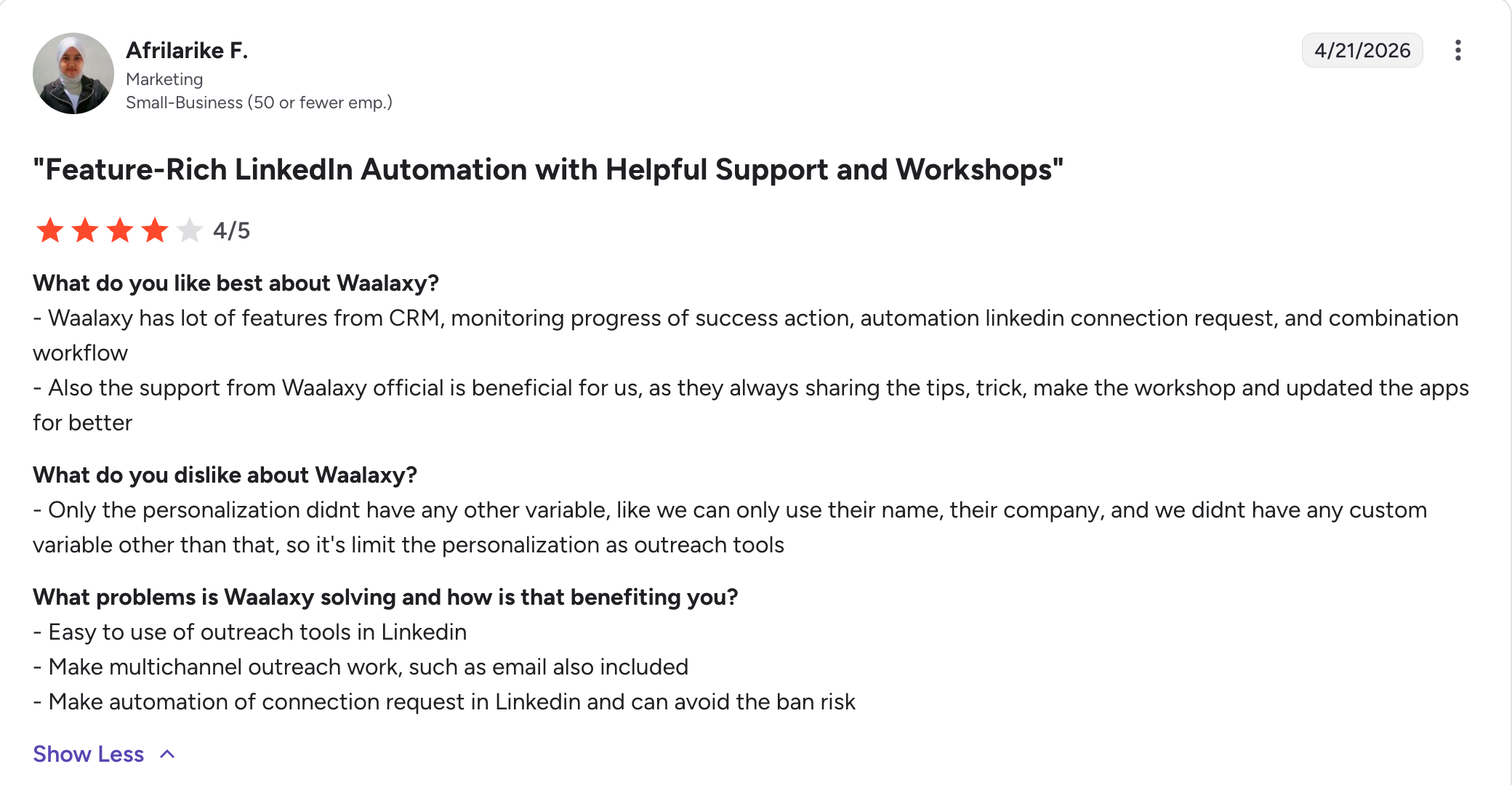
Waalaxy: Best for solo users testing LinkedIn outreach for the first time on a free tier. The architecture is primarily a Chrome extension, which ties automation to your browser staying open for the cheaper plans.
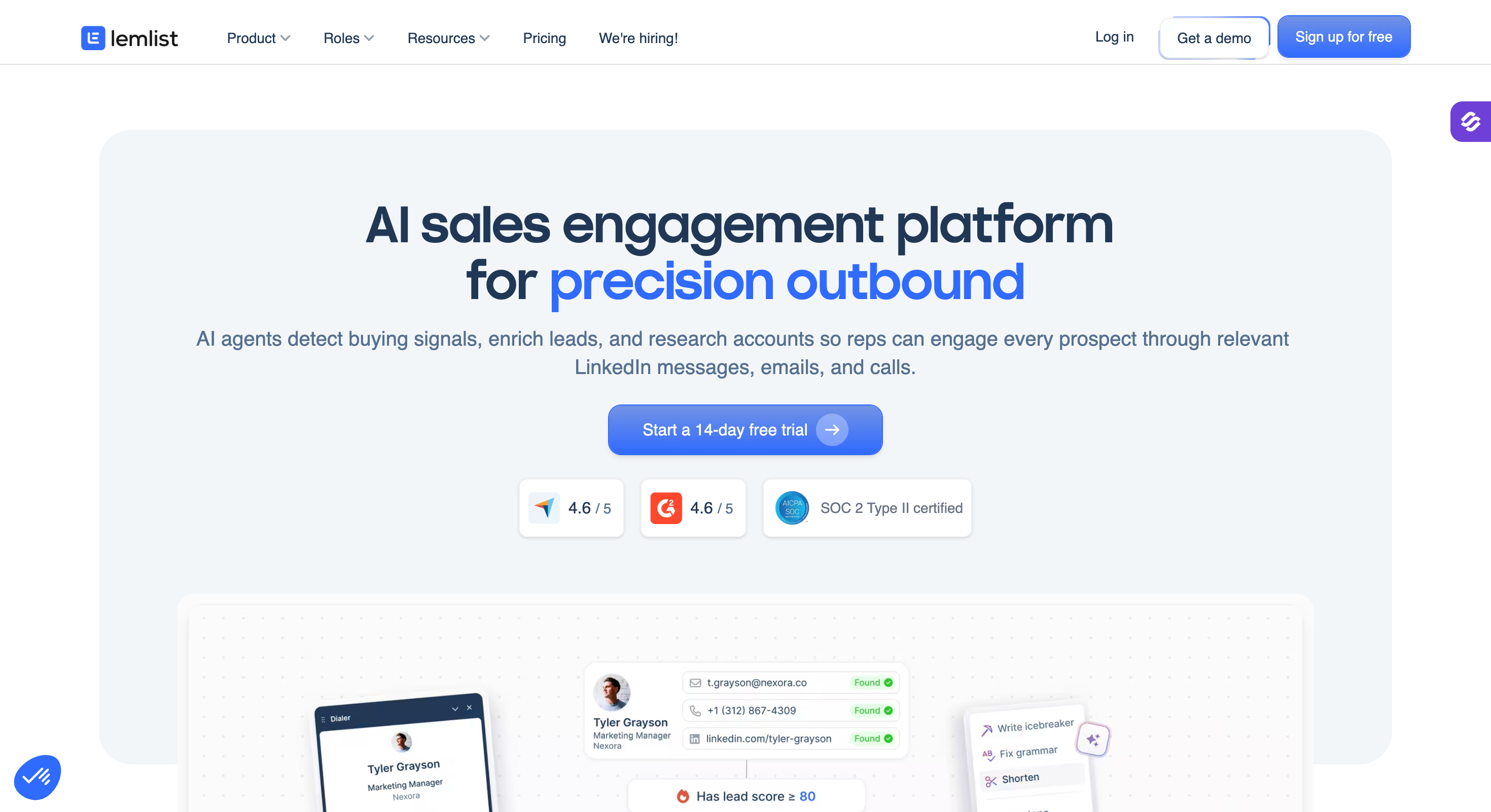
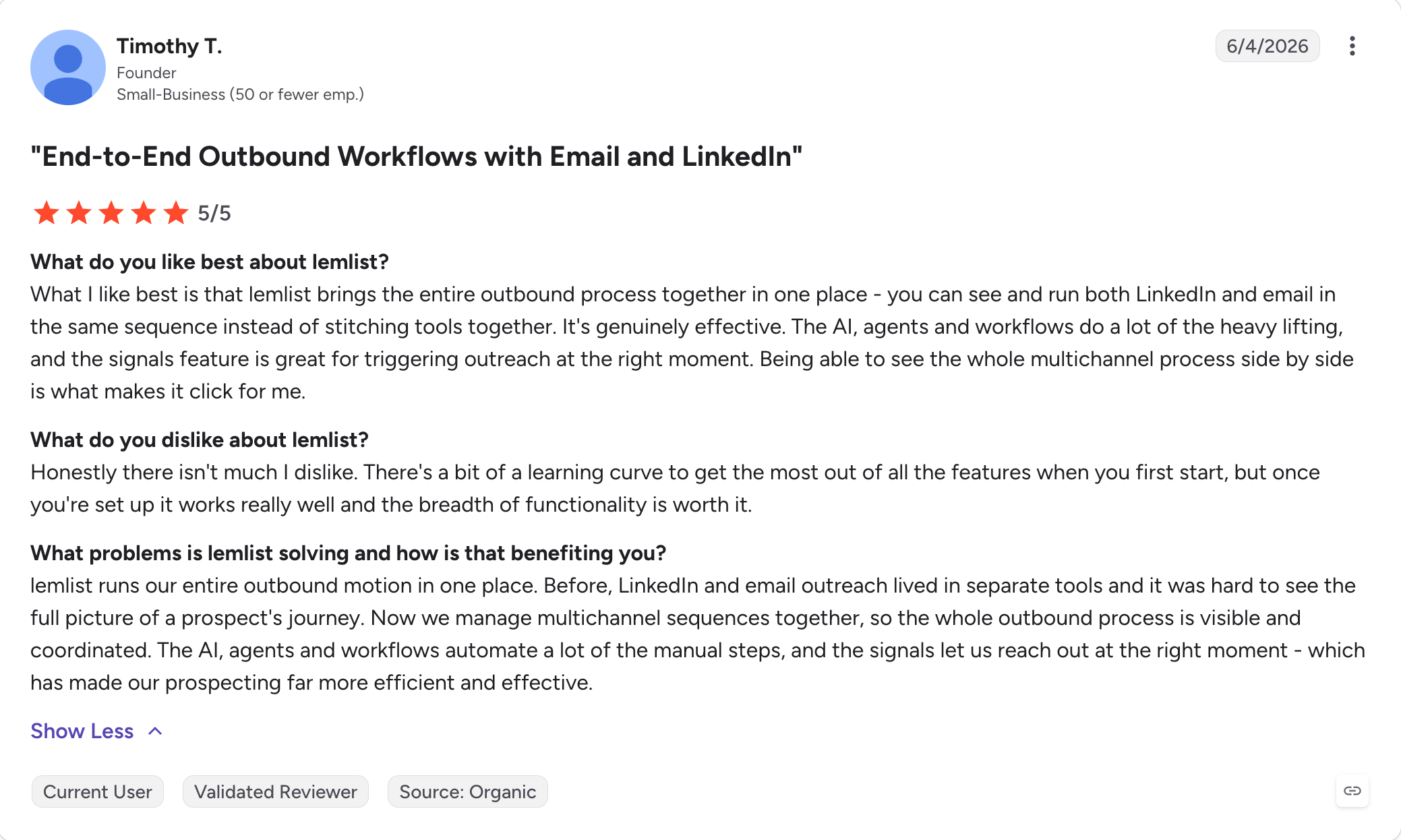
Lemlist: Best for email-led teams that want dynamic image personalization plus LinkedIn steps. Multichannel Expert adds LinkedIn, calls via Aircall, and WhatsApp for teams that want a fuller channel spread.
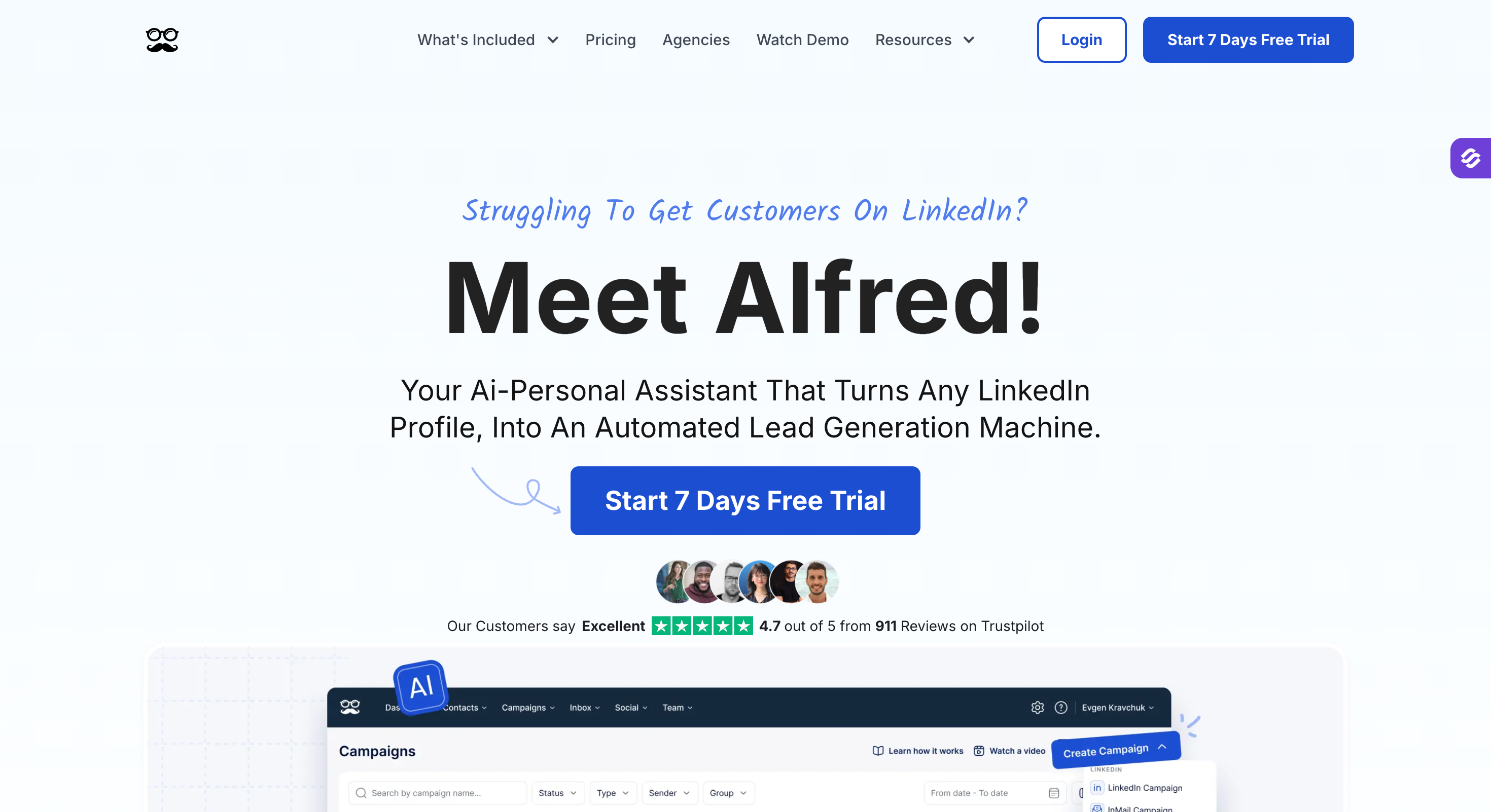
Meet Alfred: Best for multichannel outreach across LinkedIn, email, and X (Twitter) in one workflow. Rating divergence across G2 (3.4), Trustpilot (4.4), and Capterra (2.8) is worth reading before buying.
Dux-Soup: Best for solo reps and small agencies on a Chrome extension budget with an optional cloud tier. Longest-running tool in the category with deep CRM integrations, though the Chrome architecture caps its ceiling for team use.
Skylead: Best for agencies and sales teams that want prospecting, LinkedIn and cold email outreach, and AI SDR in one platform. Smart Sequences combine LinkedIn and email with if/else branching, while built-in prospecting and AI data enrichment help teams find and target the right leads.
Reply.io: Best for teams that need five channels including calls, SMS, and WhatsApp in one workflow, plus Jason AI SDR for autonomous outbound. LinkedIn automation is a paid add-on rather than bundled into the base plan.
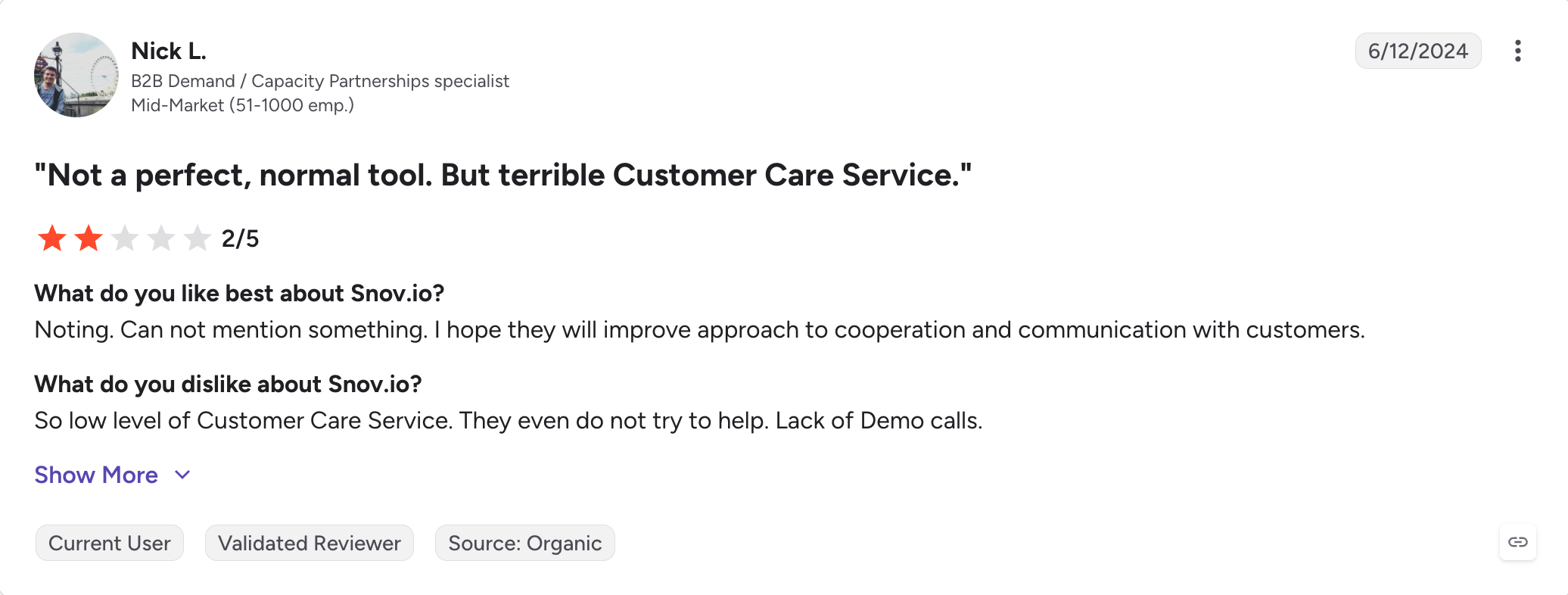
Snov.io: Best for email-first outbound with the option to add LinkedIn automation as a paid module. Strong email finder and drip platform with free CRM included, though the true LinkedIn cost adds a per-slot fee on top of the base plan.
What Is a LinkedIn Automation Tool?
A LinkedIn automation tool is software that helps you do common LinkedIn outreach tasks automatically instead of doing everything by hand.
A LinkedIn messaging automation tool is specifically designed to automate sending messages, connection requests, and follow-ups, streamlining your outreach activities.
These tasks can include sending connection requests, follow-up messages, and reminders, as well as viewing profiles, managing and leveraging LinkedIn profiles for outreach and lead generation, or liking posts to warm up leads.
With automation, you can run outreach campaigns that connect with many people at once, personalize your messages, and keep conversations organized.
Good LinkedIn automation tools also add delays, limits, and human-like behavior to avoid account restrictions. These tools are designed to mimic human behavior so that actions appear natural to LinkedIn.
The main goal is to save time, reach more people, and get more replies without spending hours doing manual work.
Feature Comparison: Top 6 LinkedIn Automation Tools in 2026
Here is a side-by-side of the six tools that carry the most volume in this category.
HubSpot, Clay, Instantly, Smartlead, Zapier, Make (27+)
Zapier, Make, HubSpot, Sales Navigator
HubSpot, Salesforce, Pipedrive via Zapier (Pro+)
Zapier, Make, N8N (2,000+ tools)
HubSpot, Salesforce, Pipedrive, Zapier
Free Chrome Extension
Yes (100 free credits on signup)
No
No
Yes (lead capture)
Yes (core architecture)
Yes (100 leads/month on free plan)
AI SDR
Agent Frank $499/month (billed annually)
No
No
No
No
No (AI features only)
MCP + CLI
Yes (Forge MCP + CLI)
Yes (MCP + CLI)
No
No
No
No
Agency support
Unlimited users and workspaces (Growth); whitelabel available
Whitelabel plus multi-workspace on Agency+
Enterprise (custom, 10+ seats)
Team management on Advanced
Enterprise plan
Outreach Scale (custom, 5+ seats)
How I Evaluated the 11 Best LinkedIn Automation Tools
I stack-ranked these 11 tools across 7 criteria.
Every criterion below answers a real question GTM teams and agencies asked me this year when choosing where to send from.
1 - Cloud vs Chrome Extension
Architecture is the single biggest predictor of ban risk and price.
Cloud tools run automation from a server on your behalf, so nothing depends on your browser staying open, and the traffic looks native to LinkedIn.
Chrome extensions run automation from your own browser session and IP, so the detection risk falls entirely on your account per independent testing.
Desktop apps land between the two, safer than extensions when configured well, but tied to a machine that has to keep running.
2 - Automation Depth
Depth means what you can actually build.
Tools with only a few action types, or ones that cannot rotate between senders, are starter tools.
A tool that runs if/else Smart Sequences with branching on connection acceptance, reply detection, and profile activity is a real automation platform.
3 - LinkedIn Account Safety Architecture
Beyond cloud vs Chrome, safety comes down to how each tool allocates proxies and whether it lets you connect your own.
Managed proxies with an option for custom proxy support give you the most control over how your LinkedIn traffic looks to the platform. Any workflow built around third party tools can also break if LinkedIn changes its platform or enforcement patterns. The Feature Comparison table breaks the phrasing out per tool.
4 - Multichannel Capability
Multichannel outreach lets you reach prospects across LinkedIn and email inside one sequence, which lifts your total reachable audience and gives you more touchpoints per contact.
Teams often use this to run more consistent outreach campaigns and combine LinkedIn with email follow-up in one workflow. When sequence design is strong, automated outreach can increase response rates by 55%.
If a prospect ignores a LinkedIn request, the sequence continues on email. If a connection request lands, the next step can be a LinkedIn message rather than a cold email.
That coverage is what turns cold outreach into a reliable pipeline instead of a single-channel gamble.
5 - Scalability at Team/Agency
The tools I ranked highest for scale share three properties: sender rotation, unlimited seats or unlimited workspaces, and per-workspace segmentation for multiple clients.
Anything that scales with a per-seat multiplier gets expensive fast at agency volume.
6 - API, MCP, & Integrations
I checked for public REST APIs, webhooks, native CRM integrations (HubSpot, Salesforce, Pipedrive), and the newer AI-agent surface: MCP servers.
Salesforge and HeyReach both ship MCP servers and CLIs, which matter if you plan to connect campaigns to Claude, Cursor, or an internal agent stack. Most tools on this list still stop at Zapier.
7 - Pricing
I checked and compared pricing across every tool in this guide.
I called out ones that charge per seat, and ones that ship the main features (LinkedIn automation, warm-up, unified inbox, CRM) as paid add-ons, so the total cost of ownership does not surprise you at renewal.
Every price appears in annual billing format.
1 - Salesforge
Best for: GTM teams and agencies running email plus LinkedIn together on a flat fee that does not multiply as the team grows.
G2 Rating: 4.6 out of 5
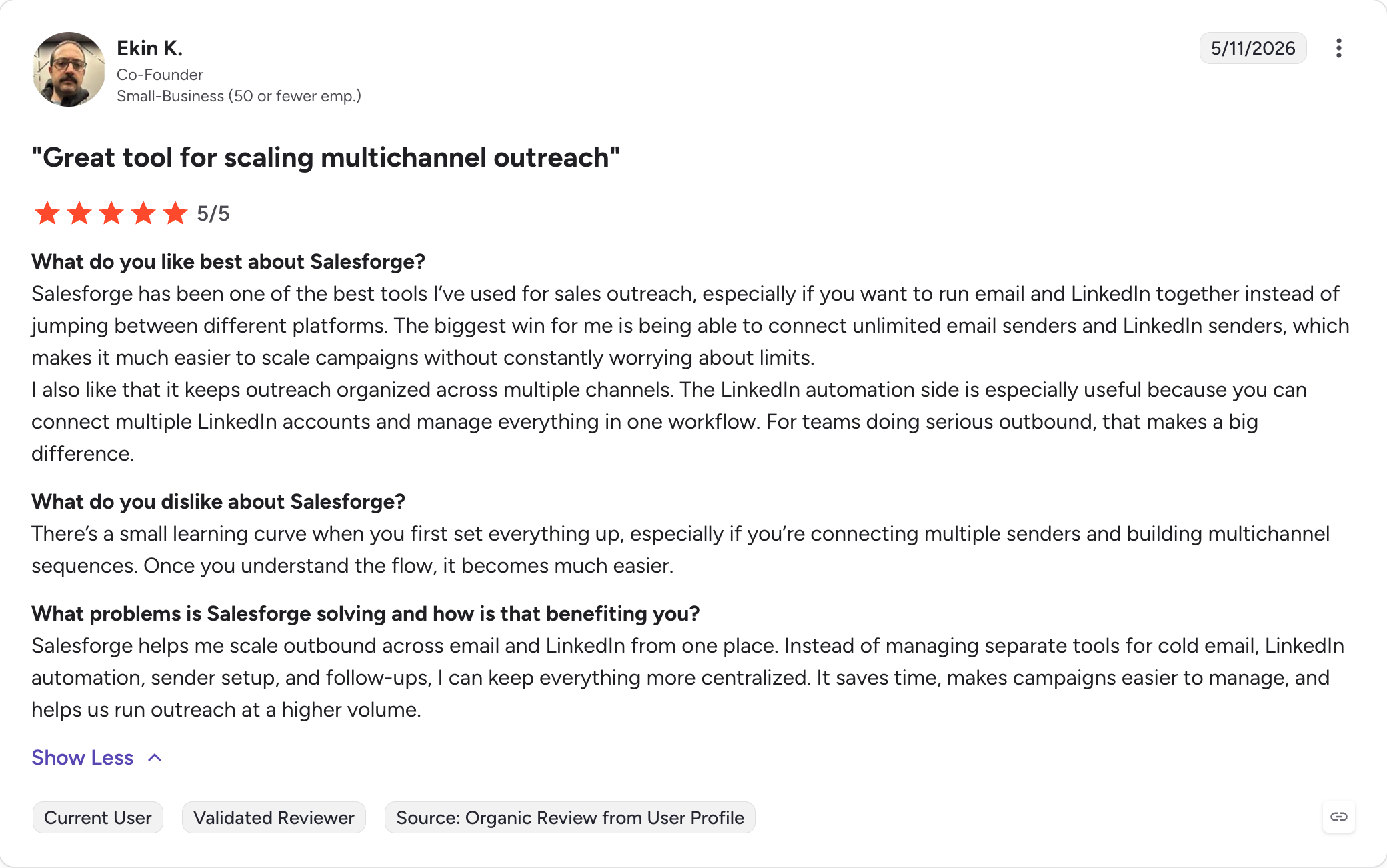
Salesforge is the safest multichannel outreach platform for running LinkedIn and email sequences with unlimited LinkedIn senders and mailboxes.
Managed proxies by default, custom proxy support for teams that want geographic control, session-token authentication, and human-like activity pacing all combine to keep accounts safe as sequences scale.
I have been running Salesforge multichannel campaigns for the last year, and my sequences consistently pull 10%+ reply rates. Email steps and LinkedIn steps combine inside one sequence with real if/then branching.
If a connection request gets accepted, the next step is a LinkedIn message. If it does not, the sequence falls back to email. One sequence, one inbox for replies, one bill.
One of the biggest benefits with Salesforge is the flat-fee model.
There is no per-seat pricing, and you can connect unlimited email mailboxes and LinkedIn accounts without paying more as the team grows.
Pro is $40/month (billed annually) and Growth is $80/month (billed annually) with unlimited LinkedIn senders, unlimited users, and unlimited shared workspaces on the same flat fee.
Salesforge Core Features
Multichannel in one sequence
Multichannel with conditional sequences: Email and LinkedIn steps run in one sequence with real if/then branching, making it suitable for scalable outreach rather than two parallel campaigns manually stitched together.
Six native LinkedIn actions: Connection requests, messages, InMails, post likes, follows, and withdraw requests all run as steps inside the sequence, capped at 30 per day per profile to stay inside LinkedIn's safe limits.
AI personalization: The {{localized_greeting}} variable adapts greetings to the recipient's language automatically (21+ languages supported), one personalization credit per send that uses it.
Primebox™ unified inbox: Every reply from every mailbox and every LinkedIn sender lands in one place, and native email outreach is built into the platform with Auto-Pilot mode for AI handling and Co-Pilot mode for drafting replies you approve.
LinkedIn account safety and scale
Unlimited senders and mailboxes: No per-seat or per-mailbox pricing. Connect unlimited mailboxes (Pro) and unlimited LinkedIn senders plus unlimited users and workspaces (Growth), which supports multiple campaigns without forcing seat-based pricing growth.
LinkedIn account safety: Built-in daily action limits, managed proxies, custom proxy support, and human-like activity pacing reduce the risk of LinkedIn restrictions. The Growth plan is also well suited to multi account management for agencies and large sales teams. No Chrome extension injection, no DOM manipulation.
Sender rotation: Volume is spread across mailboxes and senders automatically so no single one burns through its reputation.
Ecosystem access
Free LinkedIn email finder Chrome Extension: Free to install, shared across the Forge Stack, with a built-in email finder. Email lookups cost 1 Leadsforge credit, mobile-number lookups cost 10. New users get 100 free credits on signup.
Native integrations: HubSpot, Salesforce, Pipedrive, LinkedIn Sales Navigator, Zapier, Make, plus a public REST API on Growth for CRM sync and connections to other marketing tools.
Forge MCP Server and CLI: Connects Salesforge to Claude, Cursor, and other AI agents from your terminal or agent stack. Most tools on this list stop at Zapier.
Free unlimited warm-up: Included with every Salesforge subscription via Warmforge. Heat Score™ tracks mailbox health and works to keep it above 85.
Agent Frank is available as a separate $499/month subscription (billed annually) that runs the full email plus LinkedIn workflow autonomously if you need the AI SDR layer on top.
Salesforge Pros and Cons
Pros
Cons
Unlimited LinkedIn senders on flat Growth pricing scales better than per-seat competitors.
No free plan; 14-day free trial available.
Free unlimited warmup via Warmforge.
Primebox unifies LinkedIn and email replies across every sender in one dashboard.
Native CRM integrations with HubSpot, Salesforce, Pipedrive, HighLevel, and LinkedIn Sales Navigator.
MCP + CLI is rare in this category and matters for AI agent stacks; Salesforge provides both.
Best for: Agencies running LinkedIn at scale across many client accounts with dedicated residential proxies per sender.
G2 Rating: 4.7 out of 5
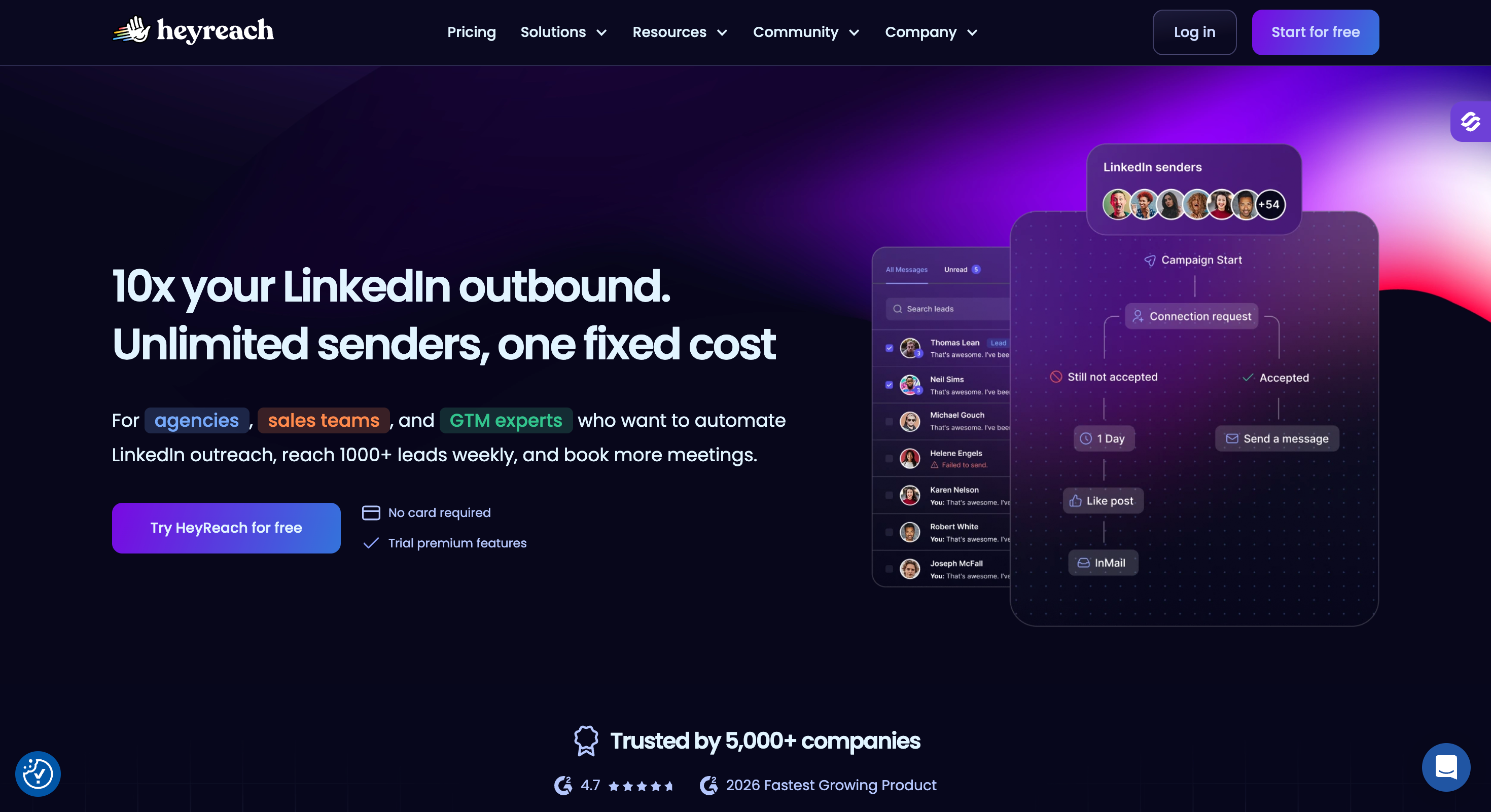
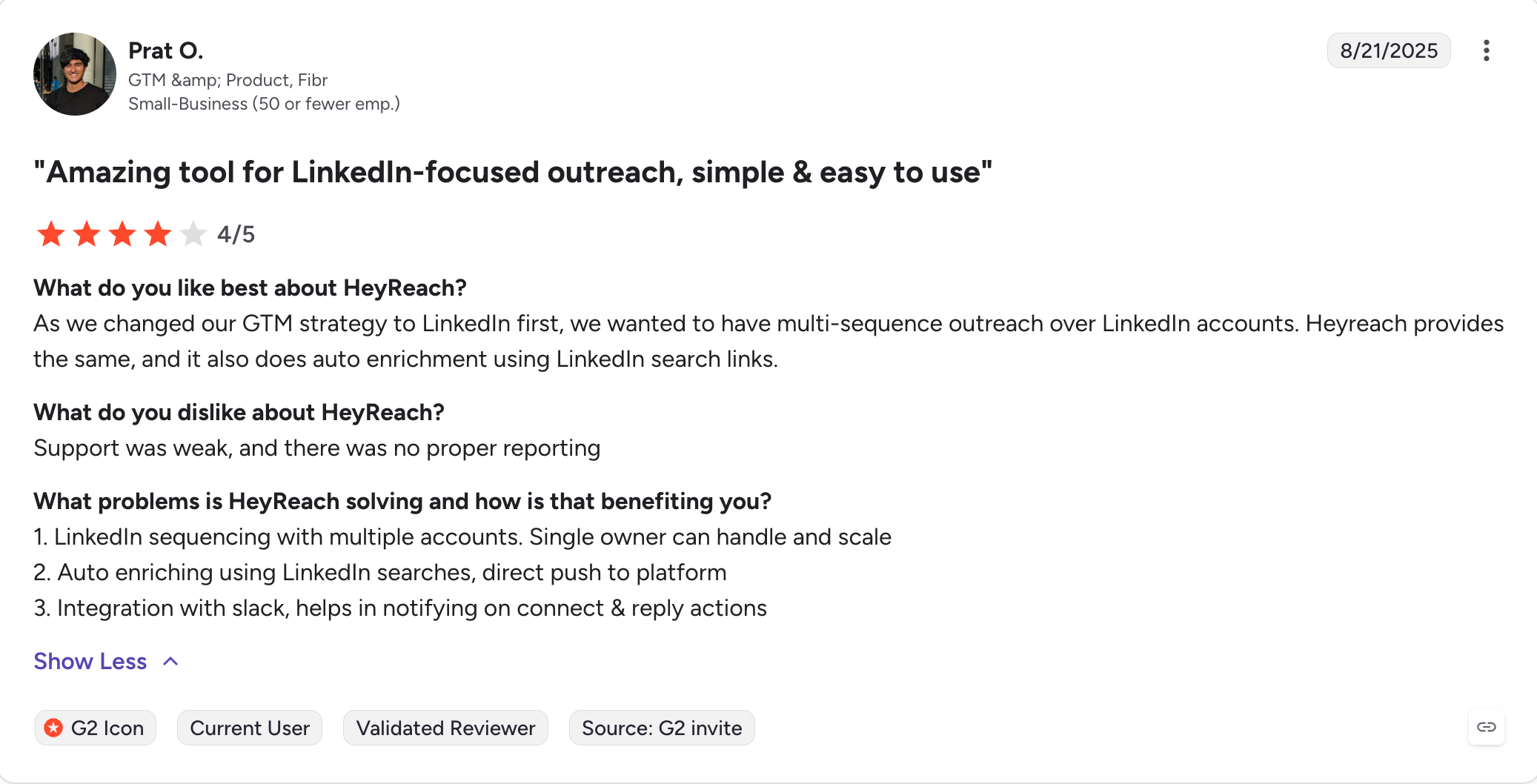
HeyReach is LinkedIn-only.
Every feature they ship is built around one job: running LinkedIn campaigns for agencies managing dozens of client accounts, which makes it one of the more specialized linkedin outreach tools for agency workflows.
The unified inbox pulls every reply across every connected sender into one dashboard, and the sender rotation logic distributes load automatically so no single account carries the full send volume. Agencies can also launch campaigns across multiple linkedin accounts from one environment.
The place HeyReach wins is safety architecture.
The dedicated residential proxy per sender on the Growth plan is the strongest of any tool in this top six, and agencies managing 20 or 30 client seats will feel that difference in restriction rates.
The downside is that there is no native email. If you want to run email and LinkedIn from the same sequence, HeyReach expects you to plug in Instantly or Smartlead for the email campaigns, which means a second subscription and a second interface instead of avoiding the hassle of juggling multiple tools for one outbound workflow.
LinkedIn also removed HeyReach's own company page and its founder's personal profile in late March 2026, which did not affect the software but did say something about where LinkedIn's enforcement patience sits with vendors in this category.
HeyReach Core Features
Multi-sender LinkedIn outreach: Sender rotation distributes send volume automatically across every connected LinkedIn account, so no single sender carries the full load, and it helps agencies automate connection requests at higher volume without overloading one sender.
Unified LinkedIn inbox: Every reply across every connected sender lands in one dashboard, so agencies managing 20 or 30 client accounts do not switch between LinkedIn tabs to triage messages.
Full sequence builder: Connection requests, messages, InMails, post likes, follows, and profile views all run as steps, with If-Connected logic branching between existing 1st connections and new prospects, including personalized connection invitations during campaign setup.
Native integrations: 27+ native connectors including Clay, Instantly, Smartlead, HubSpot, Zapier, and Make, deeper than most LinkedIn-only tools ship, and useful for tying LinkedIn outreach into broader marketing tools.
MCP server and CLI: Connects HeyReach campaigns to Claude, Cursor, and other AI agent stacks. Rare in this category outside Salesforge.
No native email: HeyReach does not send email natively. Teams pair it with Instantly or Smartlead for the email leg.
HeyReach does not send email natively. Teams pair it with Instantly or Smartlead for the email leg.
HeyReach Pros and Cons
Pros
Cons
Dedicated residential proxy per sender on Growth is the strongest safety architecture in this Top 6 and is built to scale outreach safely.
No native email; email requires Instantly or Smartlead.
Whitelabel and multi-workspace support suits agencies managing multiple clients, while the agency plan is the tier intended for larger client operations.
Agency and Unlimited plans require bring-your-own proxies.
Native integrations with Clay, Instantly, Smartlead, and RB2B match how modern GTM teams already build.
InMail sending needs Sales Navigator or Recruiter accounts.
MCP server enables Claude and Cursor workflows.
Trustpilot sits at 3.9/5 with a no-refund and slow-support complaint cluster.
Best for: Power users and mid-sized teams wanting cloud automation with a dedicated country IP per LinkedIn account.
G2 Rating: 4.2 out of 5
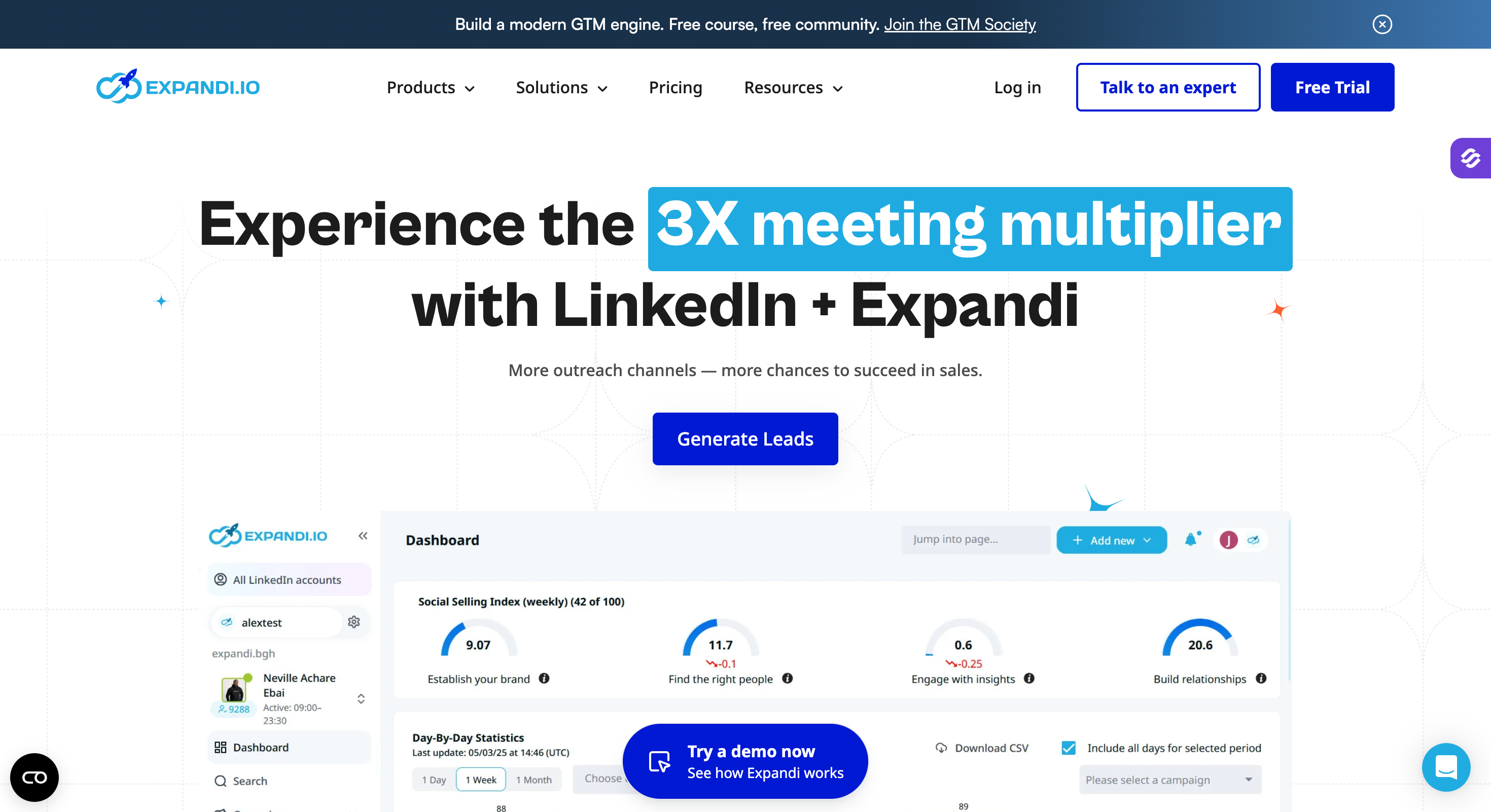
Expandi has been in the LinkedIn automation category longer than most tools on this list, and the depth shows in the Smart Sequences builder.
You can branch on connection acceptance, reply detection, profile activity, and message opens with actual if/else logic, which is closer to what Salesforge do than what most of the other tools here manage.
The dedicated country IP per account is the safety architecture I trust most in the middle tier.
Cloud-first means you do not need a browser or a desktop companion running, and the country IP means LinkedIn sees traffic that matches where the account was created and is normally used from.
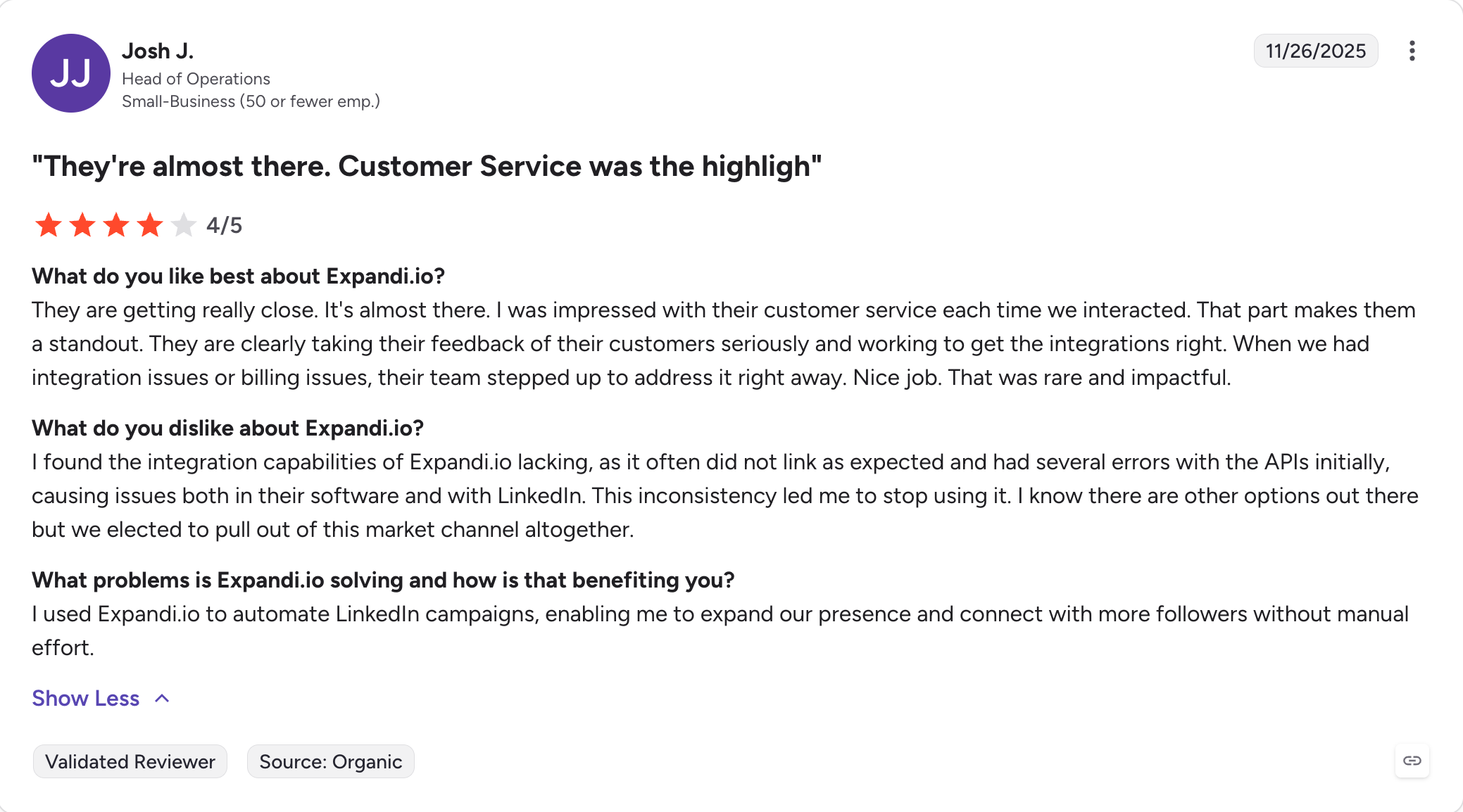
However, Video and GIF personalization requires paid third-party subscriptions to Hyperise or Sendspark, which stack on top of the $79 per account per month base price.
The email side of Expandi exists but is secondary; teams that want serious cold email usually keep a separate tool.
Expandi Core Features
Smart Sequences with if/else branching: LinkedIn and email steps combine inside one sequence with real conditional logic, branching on connection acceptance, reply detection, and profile activity.
Multichannel outreach: Connection requests, messages, InMails, profile visits, and email touches all run as steps in the same sequence, and teams can connect these flows with other tools through integrations.
Dedicated country IP per account: Each LinkedIn account gets its own country-matched IP, which reads as native LinkedIn traffic rather than shared cloud infrastructure.
Profile warm-up: Gradual activity scaling on new LinkedIn accounts, which matters if you are running fresh profiles at any real volume.
Step-level analytics: The dashboard provides detailed analytics on conversion and drop-off at each step of every sequence, not just campaign-level totals.
Native integrations plus Sales Navigator import: Zapier, Make, HubSpot, and one-click Sales Navigator list imports for prospecting flow.
Personalization add-on requirement: Videos and GIFs still require Hyperise or Sendspark subscriptions on top of the base price, so advanced personalization relies on outside services and raises the total bill.
Personalization videos and GIFs require paid third-party add-ons (Hyperise, Sendspark), which is a real cost that gets folded into the total bill.
Expandi Pros and Cons
Pros
Cons
Dedicated country IP per account beats shared cloud IPs on geographic safety.
Personalization videos and GIFs need Hyperise or Sendspark subscriptions.
Smart Sequences with if/else branching are among the most flexible in this Top 6.
No-refund policy noted repeatedly in G2 critical reviews.
Cloud-first means no browser or desktop app needed.
Focus stays on LinkedIn; email is present but secondary.
7-day trial without a credit card lets you test workflows before paying.
Users report LinkedIn account restrictions in critical reviews.
Best for: Solo reps and small teams wanting a clean LinkedIn drip campaign builder without the complexity of a full multichannel platform.
G2 Rating: 4.5 out of 5
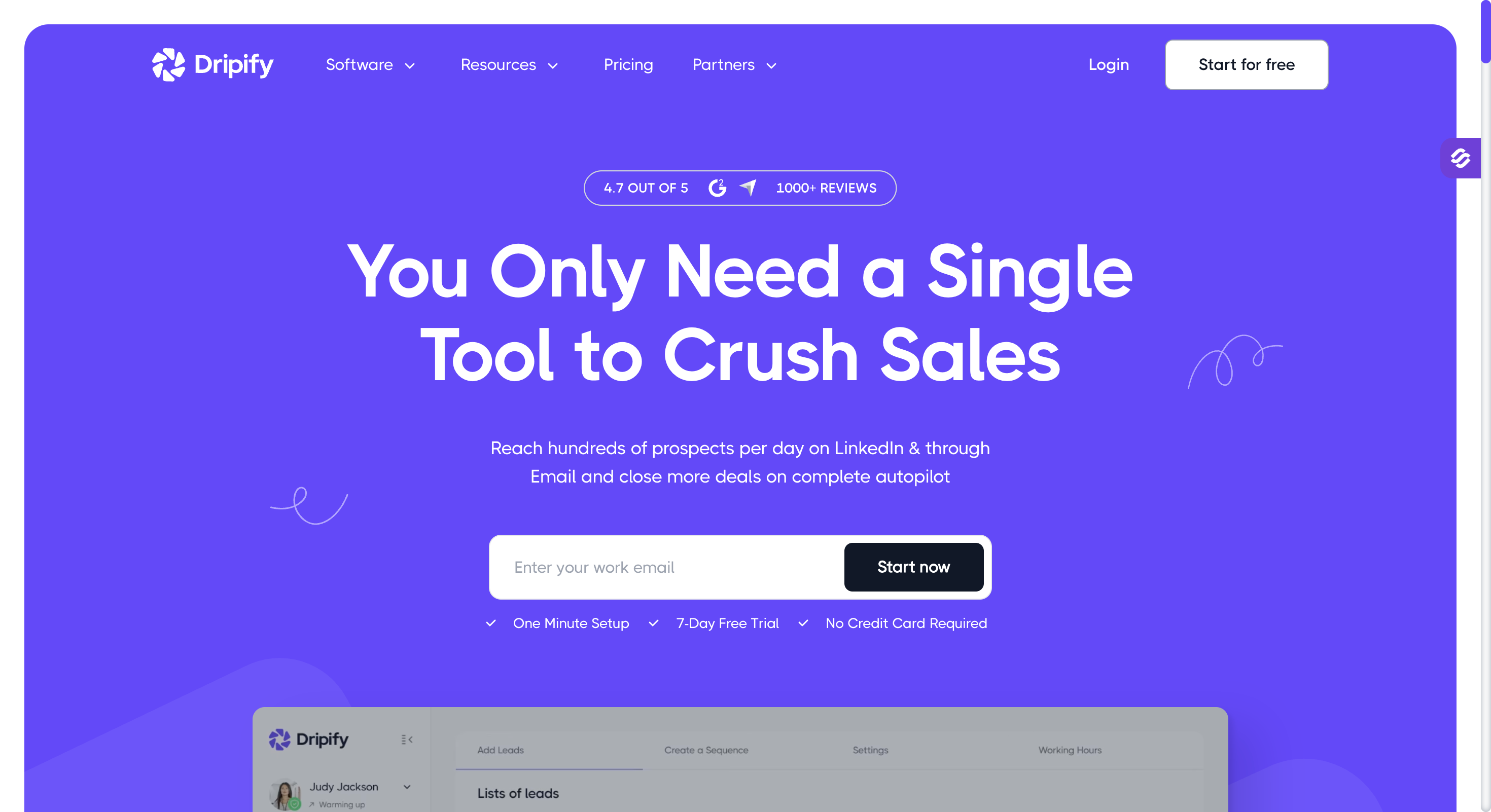
Dripify is a LinkedIn automation tool, and a piece of linkedin automation software aimed at simpler solo-user workflows, that leads with a drip campaign builder any solo seller can figure out in an afternoon.
Profile visits, connection requests, follow-up messages, InMails, and endorsements all sit as blocks you drag into a sequence.
The Basic plan is the cheapest starting point in the top six at $39 per user per month.
Cloud architecture means you do not need to keep your browser open the way you do with a Chrome extension, and the Smart Inbox on the Pro plan lets you reply to LinkedIn messages inside Dripify.
Where Dripify runs out of room is anything beyond a solo drip. The email side exists but is a light follow-up feature, not a real cold email workflow with warm-up and rotation. Advanced A/B personalization has been listed as "coming soon" for too long and is not yet delivered. It works for basic outreach efforts but is not built for deeper multichannel expansion.
Dripify Core Features
LinkedIn drip campaigns: Profile visits, connection requests, messages, InMails, and endorsements all sit as blocks you drag into a sequence, and the drag-and-drop builder supports straightforward outreach campaigns for solo reps.
20+ personalization variables: Template variables for name, company, role, and custom fields render at send time.
Country-aware IP rotation: Cloud-based safety architecture on the Advanced tier rotates through IPs that match account location.
Smart Inbox for LinkedIn: Reply to LinkedIn messages inside Dripify on the Pro plan and up, so you do not switch tabs.
Campaign analytics: Detailed performance data at the campaign and step level, which is useful for lead generation strategies such as testing sequences and improving follow-up timing.
Zapier and webhook integrations: HubSpot, Salesforce, and Pipedrive connect via Zapier or webhooks on Pro and up.
Light email support: Email handles simple follow-ups but is not a dedicated cold email workflow with warm-up and rotation.
Email support is included but light. It handles simple follow-ups, not a dedicated cold-email workflow with warm-up and rotation.
Dripify Pros and Cons
Pros
Cons
Lowest starter price in the Top 6 at $39/user/month (billed annually).
Email features are light; not a full cold-email tool.
Cloud architecture removes the browser-open requirement of extensions.
No native warm-up for outbound email.
Basic tier includes email finder and LinkedIn safety features.
Advanced A/B personalization is still listed as "coming soon."
7-day free trial, no credit card, full feature access.
CRM integrations are gated to Pro+ and mostly via Zapier.
Dripify Pricing
Plan
Price
Included
Basic
$39/user/month (billed annually)
LinkedIn and light email sequences, 1 drip campaign, limited daily quotas, email finder
Best for: Solo users and beginners testing LinkedIn outreach for the first time on a free tier.
G2 Rating: 4.6 out of 5
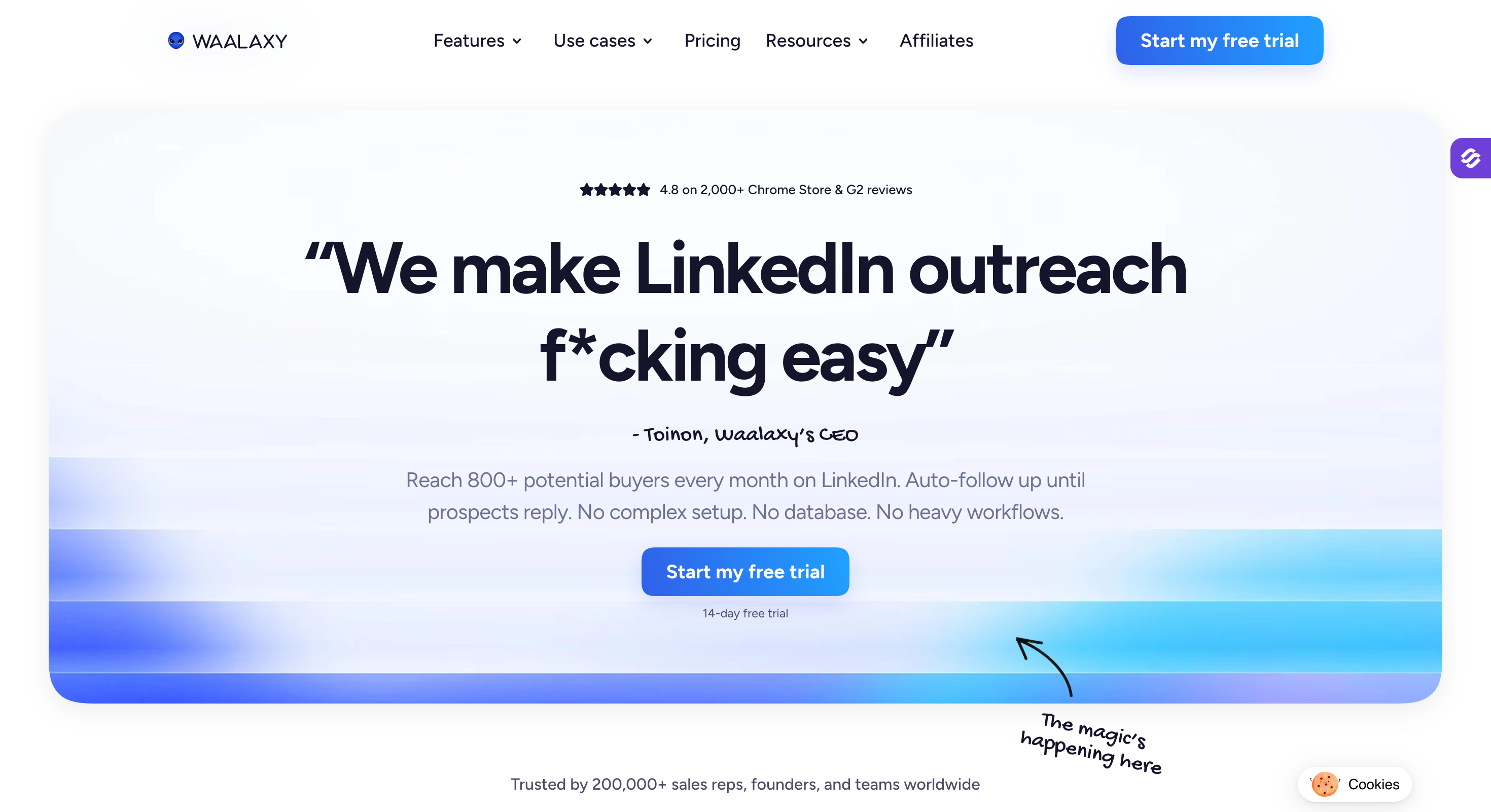
Waalaxy leads with a free plan that gives you 80 LinkedIn invitations per month with no credit card, which is enough for a freelancer testing whether LinkedIn outreach is worth learning at all, and it is often used for entry-level LinkedIn lead generation.
The interface is the cleanest starting point of any tool on this list.
The Waami AI writing assistant drafts a first message per campaign, and the Chrome extension makes it easy to build lists directly from LinkedIn search, LinkedIn searches, and Sales Navigator.
Where Waalaxy runs into limits is architecture and scale.
It is primarily a Chrome extension backed by a desktop app, which means automation runs from your own browser session and IP, and the cheaper plans need your machine to keep running.
Detection risk is higher than a proper cloud tool per independent testing.
Real multichannel with email steps in the sequence sits behind the Business plan at roughly €34.50 per month (billed annually), and the unified inbox is a paid add-on on top of that at around €20 per user per month (billed annually), not bundled.
Waalaxy Core Features
LinkedIn automation: Invitations, messages, profile visits, and follows all run as sequence steps, built to help users grow their LinkedIn network over time.
Multichannel with email steps: Business tier adds email steps to LinkedIn sequences in one workflow.
Native email finder: Built-in enrichment supports contact enrichment by surfacing business emails, with 500 credits per month on the Advanced tier.
Unified inbox add-on: LinkedIn and email replies land in one place, though the inbox is a paid add-on at around €20 per month (billed annually), not bundled.
Waami AI writing assistant: Drafts one message per campaign.
Zapier, Make, and N8N integrations: Connects to 2,000+ tools through the standard automation platforms.
Waalaxy Pros and Cons
Pros
Cons
Free plan with 80 invitations per month lets beginners test without paying.
Chrome extension plus desktop app architecture carries higher detection risk than cloud.
Simple UI with a low learning curve suits first-time users.
Email personalization is basic; not a match for creative outreach.
Business tier adds LinkedIn plus email in one workflow.
Unified inbox is a paid add-on, not bundled.
European origin means strong support for European LinkedIn use cases.
Business tier is the entry point for real multichannel.
Waalaxy Pricing
Plan
Price
Included
Free
€0
80 invitations per month, LinkedIn only
Pro
~€9.50/month (billed annually)
LinkedIn automation, basic personalization
Advanced
~€24.50/month (billed annually)
Higher volume, priority support, 500 email finder credits
Best for: Email-led teams that want dynamic image personalization and LinkedIn steps in the same sequence.
G2 Rating: 4.6 out of 5
Lemlist is a cold email software that added LinkedIn steps rather than a LinkedIn tool that added email, so it feels closer to an email outreach platform than a LinkedIn-first product.
That order matters. The product was built around personalization, and Lemlist's dynamic image and landing page personalization is still unmatched by anything else on this list. Using personalized videos can boost engagement by 2x, which helps explain Lemlist's appeal for creative outbound teams.
The Multichannel Expert tier at $87 per user per month (billed annually) is where LinkedIn, calls via Aircall, and WhatsApp all become steps you can add to a sequence.
Lemwarm handles email warm-up automatically on paid plans, and the 600M+ lead database sits inside the same interface.
However, LinkedIn steps require the Multichannel Expert tier, not the base Email tier. WhatsApp is a paid add-on on top of the plan price. Per-user pricing means a five-seat team on Multichannel Expert runs $435 per month for the multichannel side alone.
The LinkedIn implementation itself uses a Chrome extension for the actual actions, which reads clean to LinkedIn but caps how much of the sequence Lemlist can run without you being logged in.
Lemlist Core Features
Multichannel Expert sequences: On the Expert tier, Lemlist supports a multi channel outreach workflow with email, LinkedIn steps, calls via Aircall, and WhatsApp all sitting in one sequence.
Dynamic image and landing page personalization: AI-driven personalization at scale, still unmatched by anything else on this list.
Lemwarm deliverability booster: Automatic email warm-up included in paid plans.
LinkedIn Chrome Extension: Profile visits, invites, messaging, voice notes, and lead exporting all run from a browser extension.
Verified email finder: Built-in finder for verified business emails.
600M+ lead database: Included with paid plans and supports lead generation and campaign building from the same interface.
Lemlist Pros and Cons
Pros
Cons
True multichannel across email, LinkedIn, calls, and WhatsApp on Expert, which is useful for marketing teams as well as sales-led outbound teams.
LinkedIn steps require the Multichannel Expert tier, not Email.
Dynamic image and landing page personalization is unmatched in this list.
WhatsApp automation is a paid add-on beyond the plan price.
Lemwarm warm-up included in paid plans.
Pricing sits higher than single-channel tools.
Chrome extension surfaces LinkedIn actions inside the interface.
Legacy accounts are grandfathered on the old pricing lineup.
Best for: Multichannel teams that want LinkedIn plus email plus X (Twitter) in one workflow.
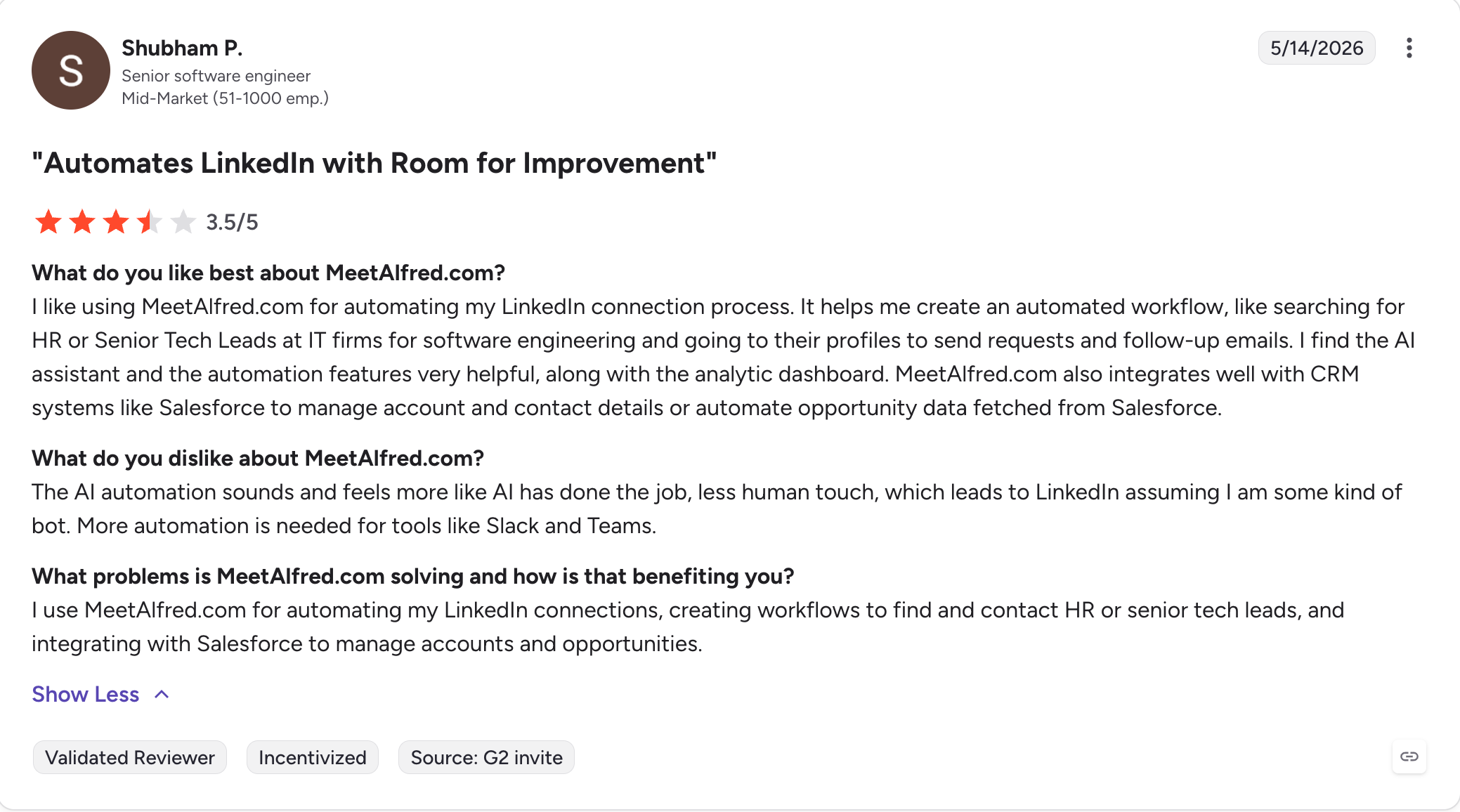
G2 Rating: 3.4 out of 5
Meet Alfred is one of the few tools in this category that treats X (Twitter) as a first-class channel alongside LinkedIn and email, so it fits teams that want to combine LinkedIn with email and X rather than run isolated channels.
If your outbound touches all three, that combination is unusual enough to be the reason to shortlist it.
The platform has been around since 2016, which gives it a mature CRM integration set and a stable interface.
Cloud-based architecture removes the browser-open requirement of extension tools, and the Basic tier at $29 per user per month (billed annually) after the annual discount is accessible.
Where I would pause is the review divergence. G2 shows Meet Alfred at 3.4 out of 5, Trustpilot at 4.4, and Capterra at 2.8. That kind of spread across three platforms is worth reading through before you commit.
Per-user pricing scales expensively for large teams, the Team tier requires a three-user minimum, and the X features tend to lag LinkedIn and email in maintenance updates.
If X outreach is the specific reason you are looking here, run the free tier first before scaling seats; it can help generate leads when X is part of the outbound motion, but maintenance consistency matters.
Meet Alfred Core Features
Full LinkedIn action set: Connection requests, messages, InMails, group and event outreach, plus CSV list campaigns.
Multichannel across LinkedIn, email, and X (Twitter): All three channels combine in one sequence, which is rare in this category.
Smart Inbox and LinkedIn CRM: Filter, reply, label, and take notes on conversations inside Meet Alfred, with basic team collaboration tools for handling conversations and notes.
Multi-channel reporting: Tracks campaign results across all three channels in one dashboard, which is useful for lead generation efforts.
Cloud-based architecture: No browser or desktop extension required to run automation.
Meet Alfred Pros and Cons
Pros
Cons
Rare native X (Twitter) support alongside LinkedIn and email.
X features are lower-priority and can lag in maintenance.
Cloud-based means no browser or desktop app dependency.
Per-user pricing scales expensively for large teams.
~50% annual discount makes Basic accessible at $29/user/month (billed annually).
Team tier requires a 3-user minimum.
Established platform (since 2016) with mature CRM integration.
Ratings diverge sharply across G2, Trustpilot, and Capterra.
Meet Alfred Pricing
Plan
Price
Included
Free
$0
1 campaign
Basic
$29/user/month (billed annually)
3 active campaigns, LinkedIn automation, basic CRM
Best for: Solo reps and small agencies on a Chrome extension budget with an optional cloud tier for scale.
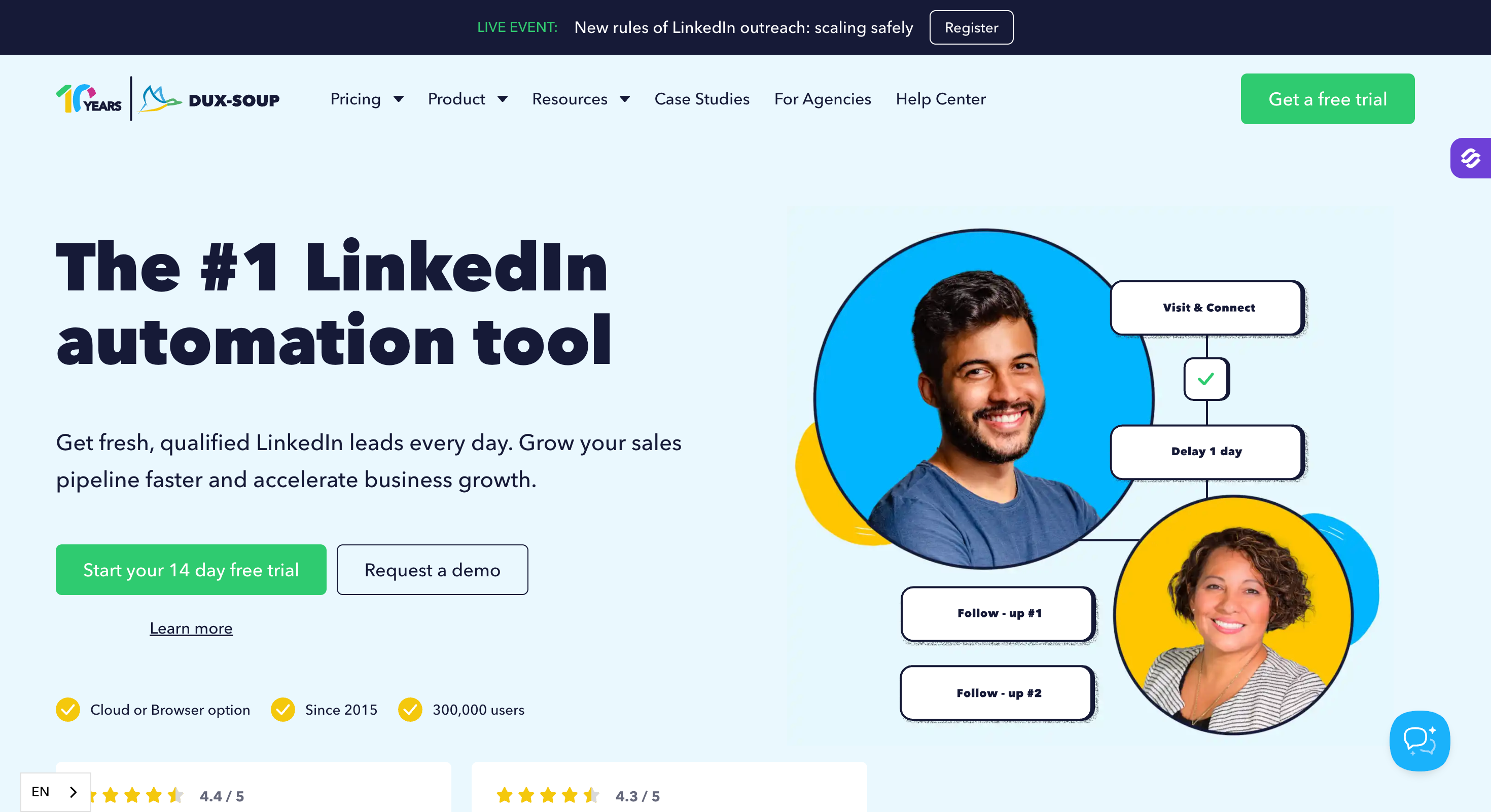
G2 Rating: 4.3 out of 5
Dux-Soup has been in the LinkedIn automation category longer than any other tool on this list, and the depth of the CRM integration list reflects that tenure.
The Pro Dux plan at $11.25 per user per month (billed annually) is the cheapest annual entry point in the top eleven.
Native integrations with HubSpot, Salesforce, Pipedrive, Freshsales, SharpSpring, Google Sheets, Slack, and Microsoft Teams are deeper than what most of the newer tools here ship, and the Cloud Dux tier removes the browser-open requirement if you need it.
Where Dux-Soup runs into the same limitation as every other Chrome extension is architecture. The Pro and Turbo tiers require your browser to stay open for automation to run, which is fine for a solo seller but painful for a team.
Email capture works out of the box for first-degree connections; second and third-degree captures cost extra via a paid Points system that adds up at real volume.
There is no native email warm-up, no inbox rotation, and independent testing suggests higher LinkedIn restriction rates on the Chrome architecture than on cloud tools with dedicated proxies.
Dux-Soup Core Features
LinkedIn drip campaigns: Connection invites, messages, InMails, follows, endorsements, and profile visits all run as sequence steps.
Dux-Dash lead management: Response tracking, funnel view, lead generation tracking, and campaign performance in one dashboard.
Deep native CRM integrations: HubSpot, Salesforce, Pipedrive, Freshsales, SharpSpring, Google Sheets, Slack, Microsoft Teams, plus webhooks and open API.
Email capture: First-degree connection emails come out of the box; second and third-degree captures cost extra via a paid Points system.
Team and agency features: Shared campaigns and the Cloud Agency dashboard for managing multiple clients and multiple LinkedIn accounts.
Safety controls: Send throttling, time delays, account protection, and session monitoring built in.
Dux-Soup Pros and Cons
Pros
Cons
Cheapest annual entry point in the Top 11 at $11.25/user/month (billed annually).
Chrome extension architecture on Pro and Turbo requires the browser to stay open.
Cloud Dux tier removes the browser dependency.
2nd and 3rd degree email capture costs extra via Points.
Deepest native CRM integration list of any tool in this guide.
No native email warm-up or inbox rotation.
Suitable for agencies via Cloud Agency dashboard.
Independent testing suggests higher restriction rates than cloud tools.
Best for: Agencies and sales teams scaling multichannel outreach with built-in prospecting, AI data enrichment, LinkedIn and email automation, and AI SDR.
G2 Rating: 4.5 out of 5
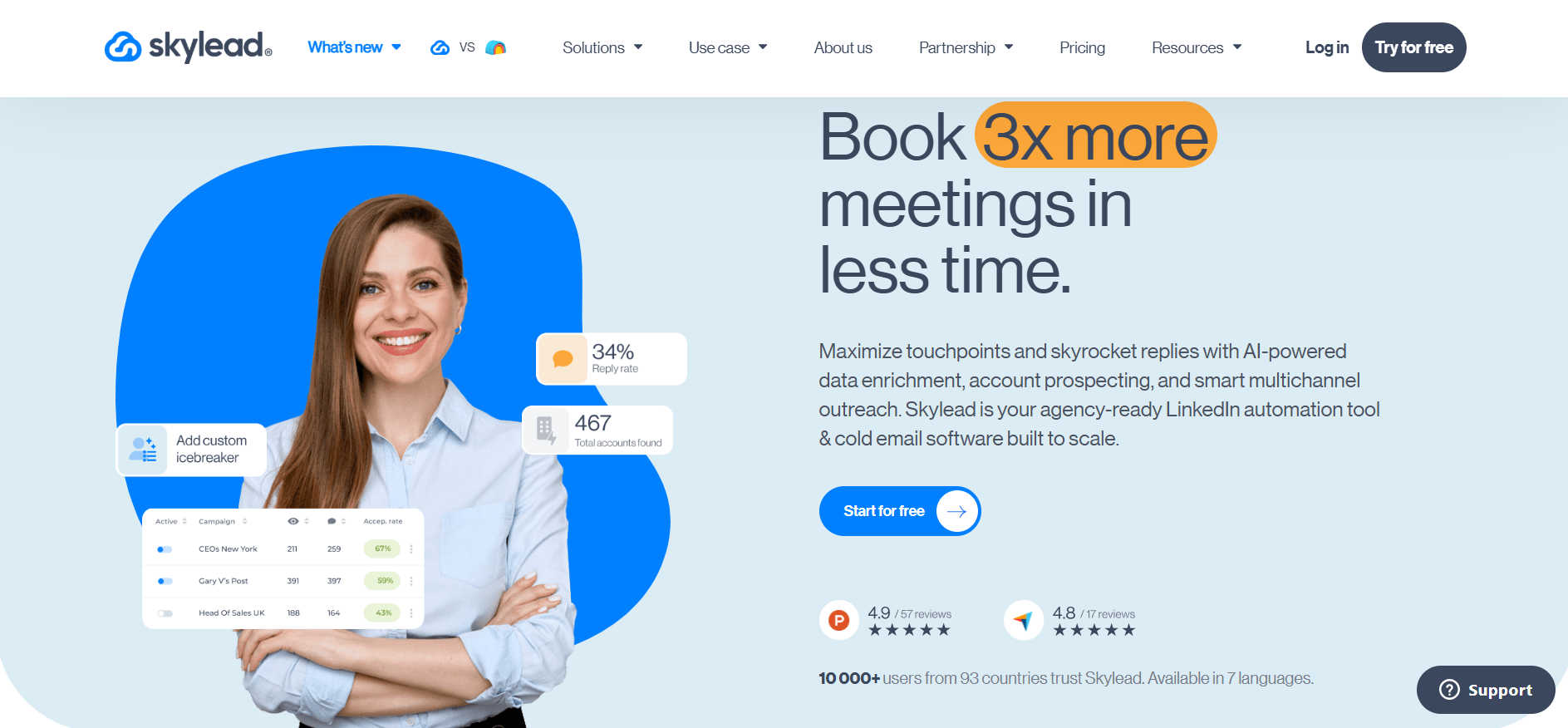
Skylead is a LinkedIn automation tool and cold email software for agencies and sales teams that combines prospecting features, AI data enrichment, LinkedIn and email automation, and AI SDR in one tool.
It allows users to find companies and contacts in a built-in B2B database, enrich them with AI, and build multichannel Smart Sequences with if/else branching. Its AI data enrichment uses 20+ providers and 10+ signals across accounts and contacts to help users narrow in on their ICP, while enriched details can be added to outreach as custom variables.
Skylead also includes an AI SDR that can take over LinkedIn and email conversations from the first reply through to a booked call. Agencies can refine its responses with AI Training Sets, apply their sales know-how across client campaigns, and keep those Training Sets as proprietary knowledge.
Here’s what you get with Skylead:
Account-Based Prospecting & B2B Database to find companies and contacts, filter results, and move qualified leads directly into campaigns
AI Data Enrichment using 20+ providers and 10+ signals to enrich accounts and contacts, identify the right ICP, and personalize outreach
Smart Sequences to automate LinkedIn and email actions with if/else logic
Unlimited Email Automation with unlimited accounts, inbox rotation, and up to 100,000 emails per month on the All-in-One plan
AI SDR to handle replies across LinkedIn and email through to booked calls
Agency Management with a dashboard for clients and seats, a unified inbox, granular roles and permissions, performance monitoring, and an optional white-label solution
Pros and Cons of Skylead
Pros
True multichannel outreach (LinkedIn + Email).
Built-in B2B database and AI data enrichment.
Unlimited email accounts & warm-up.
Trainable AI SDR for agencies and sales teams.
Cons
Only one seat included in base plan.
White-label setup requires contacting sales.
Skylead Pricing
Plan
Price
Included
All-in-One
$100/seat/month
One seat, account-based prospecting, B2B database, unlimited email accounts, up to 100,000 emails per month, infinite email warm-up, email finder & verifier, Smart Sequences, API, Image/GIF personalization, 7 languages. AI data enrichment and AI SDR use usage-based pricing, with 100 credits costing $1.
Agency
$999/month for 50 seats or $1,999/month for unlimited seats
Everything in All-in-One plus an agency dashboard, unified inbox, trainable AI SDR, granular client roles and permissions, unlimited agency co-workers, client performance and risk monitoring, dedicated support Slack channel, optional white-label solution with branded customer support and Help Center.
Annual
Talk to Sales
Everything in All-in-One, pay 10 months get 12 months, white-label option available.
Free Trial
Free for 7 days
Available for new users.
What Users Say About Skylead
Skylead holds a 4.5/5 on G2 and 4.8/5 on Capterra.
Best for: Teams that need five channels (email, LinkedIn, calls, SMS, WhatsApp) plus an autonomous AI SDR in one platform.
G2 Rating: 4.5 out of 5
Reply.io has the widest channel coverage of any tool on this list. Email is the base, and LinkedIn, SMS, WhatsApp, and native calling all sit as steps you can add to a sequence.
This also makes it a fit for broader lead generation workflows thanks to its channel coverage and built-in data access.
Jason AI SDR is Reply.io's mature autonomous prospecting product, with real-time contact search and multichannel personalization built in.
The Meeting Scheduler books meetings directly from sequences, the native dialer avoids third-party call routing costs, and the 1B+ contact audience discovery is included in the base plans.
A team running email, LinkedIn, and calls on Reply.io ends up paying the Multichannel base plus both add-ons, which lands well above the $89 headline for a real setup. Teams should also watch whether the stack becomes too dependent on multiple paid layers for one outbound process.
The channel breadth is real, but the total-cost-at-scale math needs a careful look before you commit.
Reply.io Core Features
Five-channel multichannel outreach: Email, LinkedIn (add-on), SMS, WhatsApp, calls, and manual tasks all sit as steps in one sequence, making it a strong fit for larger-scale outreach campaigns.
Conditional sequences: Dynamic workflows branch across all channels based on prospect behavior.
Meeting Scheduler: Books meetings from inside sequences without a third-party calendar link.
Jason AI SDR: Autonomous prospecting with real-time contact search and multichannel personalization built in, with smart automation helping coordinate the channel mix.
Multichannel analytics: Performance and team results tracked across every channel in one dashboard.
Chrome extension: Email search and LinkedIn prospecting from a browser extension.
Reply.io Pros and Cons
Pros
Cons
Widest channel coverage in the Top 11 (email, LinkedIn, calls, SMS, WhatsApp).
LinkedIn automation is a $69/account/month (billed annually) paid add-on, not bundled.
Jason AI SDR is a mature autonomous prospecting product.
Best for: Email-first outbound teams that want the option to add LinkedIn automation as a paid module later.
G2 Rating: 4.5 out of 5
Snov.io leads with an email finder and drip platform, more of an email outreach platform than a native LinkedIn-first product, and the LinkedIn automation sits as an add-on module rather than a native step inside the sequence builder.
The seven-tier email verifier is decent, the shared credit pool covers finder plus verifier plus search from one bucket, and two-way integrations with HubSpot and Pipedrive work well enough for a small team.
Where Snov.io gets awkward is when you actually want to run LinkedIn as part of a multichannel sequence. The LinkedIn Automation add-on costs $62 per slot per month (billed annually) on top of the base plan, and it runs as a separate workflow, not as a step inside the email drip. That extra slot fee also makes it less attractive for teams that want tighter LinkedIn lead generation from one workflow.
If you want tightly coordinated LinkedIn plus email branching, this is the wrong architecture.
The shared credit pool depletes fast at real volume, and independent testing has flagged the email finder's verified-email accuracy at around 20 percent, which is worth verifying against your own list before scaling on it.
Snov.io Core Features
Email finder with 7-tier verifier: Surfaces business emails, including verified business emails, with a shared credit pool covering finder, verifier, and search.
Drip campaigns with A/B testing: Cold email sequences with variant testing and warm-up.
LinkedIn Automation add-on: Runs connection requests, messages, profile views, post likes, and follows on a per-slot basis, and it can support personalized messages, but it remains separate from the email drip.
Chrome extension (LI Prospect Finder): Pull prospects directly from LinkedIn profiles and Sales Navigator.
Free CRM included: Basic CRM ships with every paid plan.
Two-way native integrations: HubSpot and Pipedrive integrate bidirectionally; Salesforce, Zoho, Close, and Freshsales via Zapier, which helps keep contact data usable across workflows.
Warm-up on all paid plans: Included by default rather than a paid add-on.
Public REST API and webhooks: For custom integrations and workflows.
Separate LinkedIn workflow limitation: LinkedIn add-on is not a step inside the email drip sequence; it runs as a separate workflow, which limits multichannel branching.
The LinkedIn add-on is not a step inside the email drip sequence; it runs as a separate workflow, which is a limitation if you want tightly coordinated multichannel branching.
Snov.io Pros and Cons
Pros
Cons
Affordable email-first platform with free CRM included.
LinkedIn automation is a $62/slot/month (billed annually) add-on, not bundled.
Shared credit pool covers finder, verifier, and search.
Shared credit pool depletes fast at real volume.
Two-way HubSpot and Pipedrive integrations are solid.
LinkedIn add-on workflow is separate from email drip sequences.
Trustpilot rating around 4.6/5 across ~1,570 reviews reflects broad user base.
Independent testing has questioned email finder accuracy at ~20% verified rate.
Snov.io Pricing
Plan
Price
Included
Trial
Free
50 credits/month, 100 recipients, no LinkedIn slot
Almost every LinkedIn automation tool in this list operates in a space that LinkedIn's User Agreement does not permit.
LinkedIn's Prohibited Software and Extensions policy is direct: automated tools that scrape, extract, or send actions without direct human control violate the Terms of Service.
What changed in 2025 and 2026 is enforcement. LinkedIn revoked Apollo.io and Seamless.ai API and extension access in 2025.
On January 30, 2026, Apollo pulled its own native LinkedIn automation and turned every LinkedIn action into a manual task inside its sequences.
In late March 2026, LinkedIn removed HeyReach's 16,400-follower company page along with its founder's personal profile. HeyReach's own response was that customer automations were unaffected, and the software kept running for paying customers.
The message from LinkedIn was still clear: the platform will act at the vendor level when it wants to, and cloud-proxy architectures sit near the top of its enforcement list.
None of this means tools stopped working. Most users of the 11 tools in this guide run campaigns without triggering restrictions on their own accounts. Automation can still produce lower-quality responses and more spam complaints when targeting or messaging quality slips.
What it does mean is that the safety architecture of the tool you pick matters more than the feature list, especially because pacing has to respect linkedin limits and the way the tool routes activity matters just as much.
Final Verdict
I've tested every tool in this list against real 2026 workloads.
Most sales teams pick wrong in one of two directions.
They overbuy a $99+/seat cloud tool for a workload their solo rep could handle on a $15/user Chrome extension, or they buy cheap and hit the limitation the moment the team adds a second seat.
In my rankings, Salesforge Growth at $80/month (billed annually) fits that middle ground more cleanly than any single alternative in this list.
It offers unlimited LinkedIn senders, unlimited mailboxes, unlimited users, and unlimited shared workspaces on a flat fee that does not multiply as the team grows. Primebox unifies replies across LinkedIn and email in one dashboard. Warmforge warm-up is bundled at no extra cost.
The Forge MCP server plus CLI connects the whole workflow to Claude, Cursor, and other agent clients if you run an AI stack.
If you want to see whether Salesforge fits your team, start a 14-day free trial, no credit card required.
FAQs
1) Is LinkedIn automation against LinkedIn's Terms of Service?
Yes. LinkedIn's User Agreement prohibits third-party automation tools that send connection requests, messages, or profile actions without direct human control. Enforcement varies. Some accounts run automation for years without issue; others get restricted quickly. The safest posture is to treat automation as a risk-mitigation exercise, not a compliance one.
2) How many LinkedIn connection requests can I send per week in 2026?
LinkedIn caps every account at 100 invitations per rolling 7-day window, uniform across Free, Premium Career, Premium Business, Sales Navigator Core, and Sales Navigator Advanced. Withdrawing pending invites does not restore quota. Some mature accounts float higher (150 to 250 per week), but this is unofficial.
3) Cloud-based vs Chrome extension LinkedIn automation, which is safer?
Cloud tools with a dedicated IP per sender score highest on safety because activity reads as native LinkedIn traffic. Chrome extensions run automation from your real browser and IP, which is closer to human behavior but carries higher detection risk per independent testing. Desktop apps sit in the middle: safer than extensions but tied to a machine that has to stay on.
4) Do LinkedIn Premium and Sales Navigator raise the weekly invite limit?
No. The 100-invitations-per-rolling-7-day cap applies uniformly across every paid tier. Premium and Sales Navigator subscriptions add search filters, InMails, and analytics; they do not lift the invite ceiling.
5) What is the best free LinkedIn automation tool?
Waalaxy's free plan includes 80 LinkedIn invitations per month with no credit card, which is enough for a freelancer testing outreach. Snov.io's free trial includes 50 credits per month but no LinkedIn slot. Beyond those, every real LinkedIn automation tool in this list requires a paid plan for meaningful volume.
6) Can multiple team members automate the same LinkedIn account?
That depends on the tool's architecture. Cloud tools with sender rotation (HeyReach, Salesforge, Expandi) support multi-user access to shared senders. Chrome extension tools tie sessions to a specific browser install, which makes multi-user access harder and riskier. If your team shares LinkedIn accounts, choose a cloud tool built for multi-workspace or multi-sender workflows.
7) Are LinkedIn automation tools worth it in 2026?
Yes, if you pick the right architecture for your volume. Solo sellers doing under 100 connections per week can get by with a cheap Chrome extension. Teams running LinkedIn at any real scale need cloud automation with sender rotation to stay under LinkedIn's per-account caps while covering their target market.
Book more meetings on autopilot
Set up in minutes. No per-seat pricing. No commitment.
Compare 7 Gojiberry AI alternatives for LinkedIn outreach. See pricing, buying signals, prospecting, automation, and email features to find the right fit.
Compare 5 LinkedFusion alternatives for LinkedIn outreach, with a clear look at pricing, automation, account safety, reply handling, and multichannel features.






.jpg)

.jpg)
