You found the right person. The title fits, the company fits, and the timing is finally right. Then the tool hands you an address, you send, and the message bounces three minutes later.
That cycle is the reason most people start searching for a personal email finder in the first place. The search itself was never the hard part, and the data behind it almost always is.
There is a second frustration sitting underneath that one, and it is the more expensive of the two. Plenty of tools sold as personal email finders quietly return work addresses instead, so you pay for a category you never actually receive.
I went through six of the most recommended options and checked each one against the thing the category name promises. For every tool I looked at whether it returns a private inbox, where its data comes from, what it costs on annual billing, and what its users complain about once they scale.
By the end you will know which of these tools reaches a Gmail address and which ones were never built to. Let's get into it.
TL;DR, The Best Personal Email Finder Tools Compared
The row that matters most here is the first one, because it is the only criterion that separates a personal email finder from an ordinary B2B database.
The first meaning is a private inbox, so a Gmail, Yahoo, iCloud or personal Outlook address that belongs to the individual rather than the employer. Recruiters rely on these because candidates do not read recruiting mail at work, and founders without a corporate domain often have nothing else.
The second meaning is far more common in practice, and it refers to a named individual's address rather than a generic info@ or sales@ inbox. Most people searching this term want the second thing, even though the wording suggests the first.
The distinction matters because the two are found in completely different ways. A work address follows a company pattern that software can predict from a name and a domain, which is why guessing works at all.
That is also why so many tools in this category quietly underdeliver. Pattern matching is cheap to build and genuinely useful for work emails, so vendors ship it and let the category name do the rest.
If you want the longer version of how both methods work in practice, I covered the manual approaches in this guide to find someone's email.
How I Compared These Personal Email Finder Tools
I kept the criteria narrow on purpose, because a personal email finder either delivers the address or it does not.
1. Private Inbox Coverage
This was the first thing I checked for every tool, and I only accepted an explicit vendor claim rather than an implication. If a site talked about B2B contacts and work emails without ever naming a personal inbox, I recorded that as a no.
2. Data Sourcing and Verification
A large database is worth very little if nothing confirms the address before you spend a credit on it. I looked for real-time verification, a stated refresh cadence, and whether the tool charges you for results it could not confirm.
3. Pricing on Annual Billing
Every price in this post comes from the vendor's own pricing page, checked in October 2026. I also looked at how credits behave, since expiring credits quietly raise your real cost by far more than the headline number suggests.
4. Where the Tool Actually Finds People
Some of these work as a Chrome extension on top of LinkedIn, and others work as a search portal you query directly. The right answer depends on whether you prospect one profile at a time or build lists in bulk, and I weighted both. If LinkedIn is your main source, the mechanics are worth reading about in this LinkedIn email finder walkthrough.
5. What Users Complain About at Scale
Every tool here reviews well on its first week. I went through G2 looking for the problems that only surface once someone runs real volume, because those are the ones that end up costing you.
6 Best Personal Email Finder Tools in 2026
Here is how each one performed against those criteria, starting with the tool I would put in front of most outbound teams.
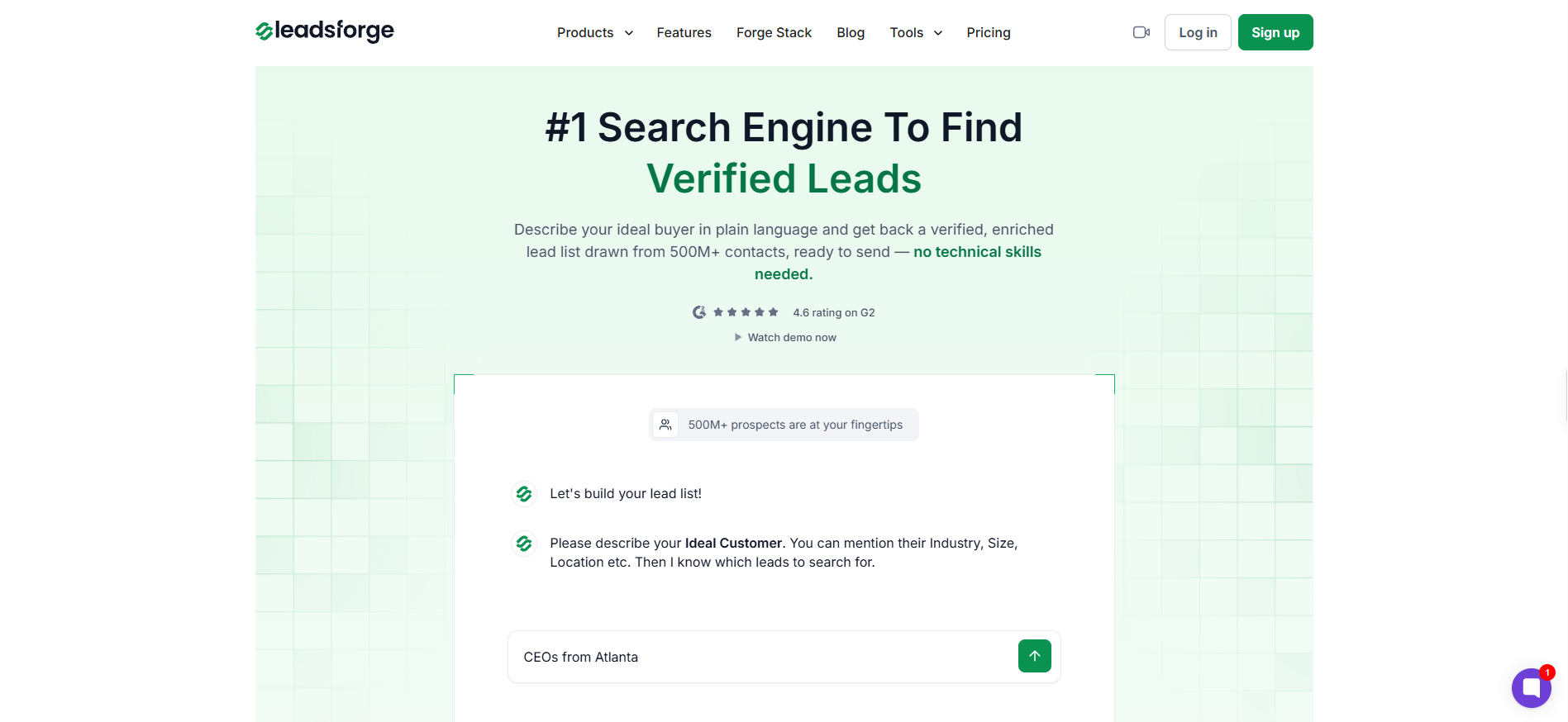
1. Leadsforge: The Best Personal Email Finder Overall
The best personal email finder on my list is Leadsforge, and I want to be precise about why, because the reason comes with a boundary attached.
Leadsforge does not advertise private inbox coverage. Its FAQ points to verified B2B data providers, and nothing on the site claims a Gmail or Yahoo address. If a private inbox is specifically what you need, skip ahead to ContactOut or SignalHire.
What Leadsforge does better than anything else here is the job most people actually came for, which is reaching a named individual with data that holds up. The search runs on plain language rather than stacked filters, so you describe the person you want and the list builds itself.
The credit model is the part that separates it from the rest of this list. Credits never expire, which removes the slow leak that makes Apollo and RocketReach more expensive than their pricing pages suggest.
Key features I liked:
AI natural language search that replaces filter stacking entirely
Company lookalike search that finds prospects resembling your existing customers
Intent signals that surface prospects already showing buying behaviour
Lead enrichment covering email, LinkedIn profile and contact data per record
Credits that never expire, with slider pricing up to 200,000 per month
On accuracy, reviewers keep landing on the same point, which is that the lists come back usable rather than approximately right. One reviewer who tested several tools side by side reported data that was "around 95 percent accurate" for their sends (see review).
The criticism is consistent too, and it centres on phone data rather than email. Reviewers note that numbers go missing often enough that manual checking is still part of the workflow (see review).
Pricing:
Free: 100 credits on signup
Essential: $49/month for 2,000 credits per month
Slider scales to 200,000 credits per month at higher tiers
Pros
Credits never expire, which makes the real annual cost predictable in a way most competitors here cannot match.
Natural language search removes the filter fatigue that slows down list building in Apollo and similar platforms.
Leads push straight into Salesforge for email and LinkedIn sequences, so there is no CSV export step between finding and sending.
Intent signals and lookalike search give you a reason to prioritise one contact over another before you spend a credit.
Cons
No stated personal inbox coverage, so this is the wrong tool if you specifically need Gmail or Yahoo addresses.
Phone numbers are missing for a meaningful share of contacts, which reviewers raise repeatedly.
There is no published GDPR statement on the site, which teams selling into the EU will want to confirm directly.
Search results often need a second or third prompt before the list matches what you had in mind.
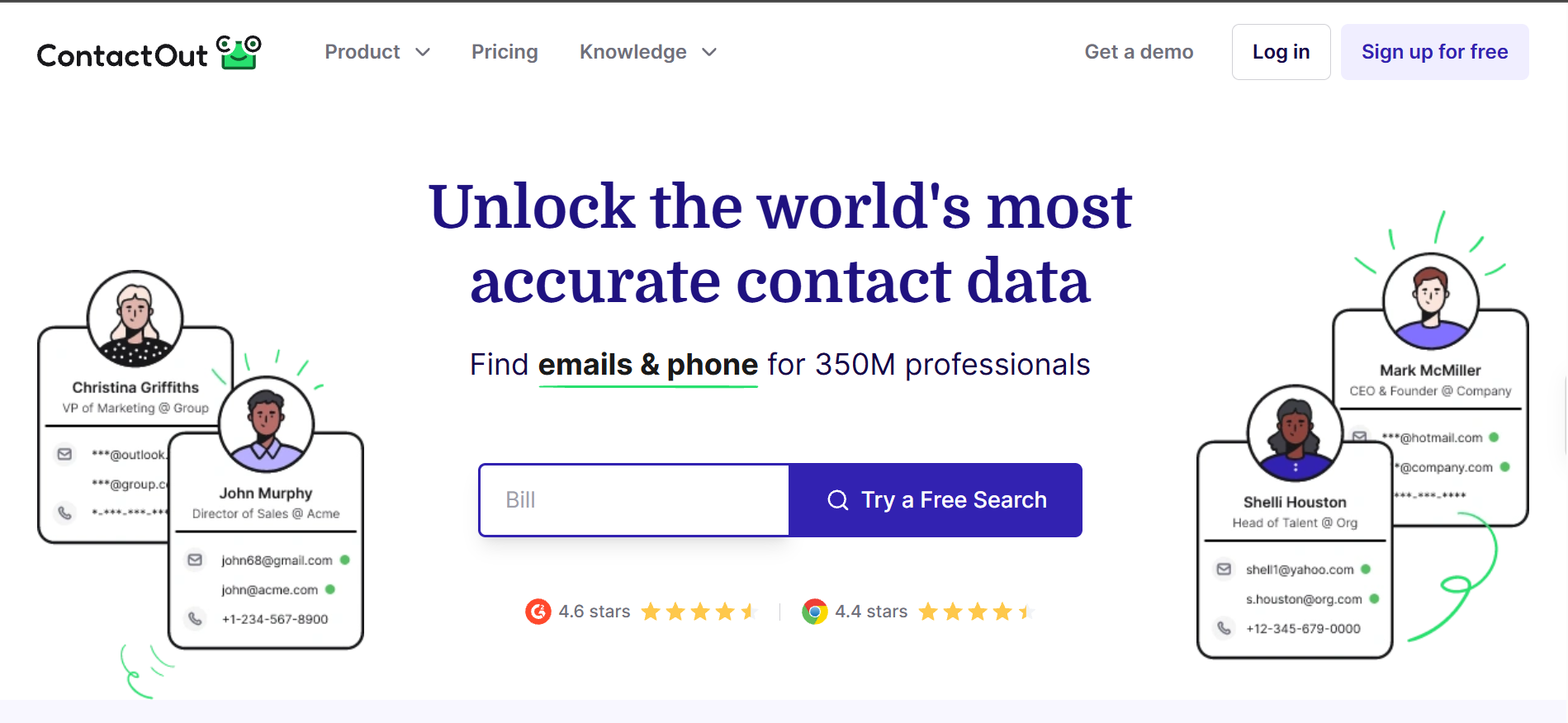
2. ContactOut: The Strongest Personal Email Coverage on LinkedIn
Next on my list of personal email finders is ContactOut, and it is the only tool here that puts a personal email number on its own homepage.
That number is 150M personal emails, held separately from a pool of 200M work emails across 800M total profiles. Publishing the two figures apart is a small thing, but it tells you the personal database is a real asset rather than a byproduct.
In practice ContactOut lives inside LinkedIn through its Chrome extension, so you reveal contact details while you are already looking at a profile. That suits one-at-a-time sourcing far better than bulk list building, which is worth knowing before you buy.
Key features I liked:
150M personal emails, claimed explicitly rather than implied
Chrome extension that reveals contacts directly on LinkedIn profiles
Work and personal addresses returned together in a single lookup
One-click export into Salesforce without manual data entry
Bulk enrichment API for programmatic access to the database
The recurring praise is about hit rate on exactly the thing the tool promises. One reviewer described a "90% hit rate where other tools fail" on the personal email database (see review).
Two complaints come up often enough to plan around. Credit limits bite hard during high-volume sourcing, and the standard plans are single-user, so a small team sharing work has to move to a custom contract (see review).
Email: $25/month, unlimited emails and 300 exports per month
Email + Phone: $49/month with 600 exports per month
US and UK data costs roughly 50% more
Pros
The clearest personal email claim of any tool on this list, backed by a separately published database figure.
At $25 per month it is the cheapest entry point here for anyone whose main need is a private inbox.
The LinkedIn extension fits naturally into sourcing workflows where you are already reading profiles.
Returning work and personal addresses in one lookup saves you from running the same contact through two tools.
Cons
Standard plans are single-user, so team collaboration pushes you into an enterprise conversation quickly.
US and UK data carries a significant price premium, which matters if those are your main markets.
Phone numbers are frequently outdated, which several reviewers tie to bounced calls.
EU coverage is noticeably weaker than its coverage in North America, and no GDPR statement is published.
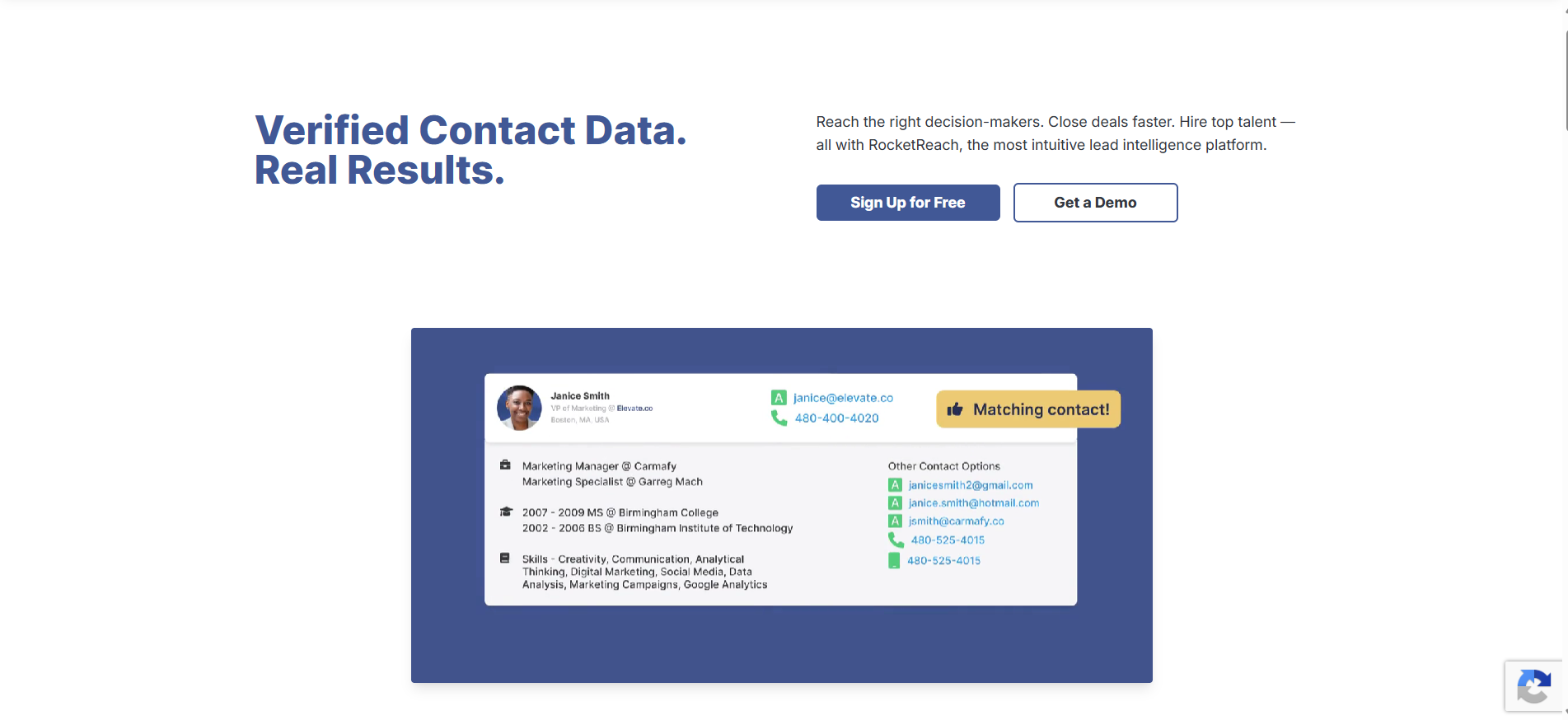
3. RocketReach: The Widest Profile Coverage for Personal Contacts
Third on my list is RocketReach, which makes the most generous personal email promise of any tool here and attaches it to every paid tier.
The pricing page states unlimited verified personal and professional emails across all paid plans, which removes the usual anxiety about burning credits on lookups that fail. Against a database of 700M+ profiles and 60M+ companies, that is a lot of surface area.
The caution sits in what RocketReach does not publish. There is no breakdown of where the personal data comes from and no stated verification method, so you are trusting the output without being shown the method.
Key features I liked:
Unlimited personal and professional email lookups on every paid plan
700M+ profiles with 60M+ companies indexed
Chrome extension for revealing contacts while browsing LinkedIn
Bulk lookup for processing multiple contacts in one pass
Email sequences and CRM integrations built into the platform
Reviewers who like it tend to like the economics. One described the return on investment as "impressive, especially compared to other databases" they had paid more for (see review).
The critical reviews are harder to dismiss, and billing is the theme rather than data. One reviewer reported being charged for an auto-renewal two weeks into a subscription (see review).
If that pattern concerns you, these RocketReach alternatives cover the same job with cleaner billing terms.
Pricing:
Essentials, Pro and Ultimate tiers on annual billing
All paid plans include unlimited verified personal and professional emails and vary based on geography
Pros
Unlimited personal email lookups on every paid plan, which no other tool here offers.
The 700M+ profile database is the second largest on this list and genuinely global in coverage.
Bulk lookup and API access make it workable for list building rather than one-off checks.
Built-in sequences mean you can send without moving the data into a separate platform first.
Cons
Auto-renewal practices draw repeated complaints, and cancellation flexibility appears limited.
Neither the data sourcing nor the verification method is published anywhere public.
Contact details go stale on a noticeable share of profiles, according to multiple reviewers.
Credits deplete faster than expected at volume, with no obvious rollover.
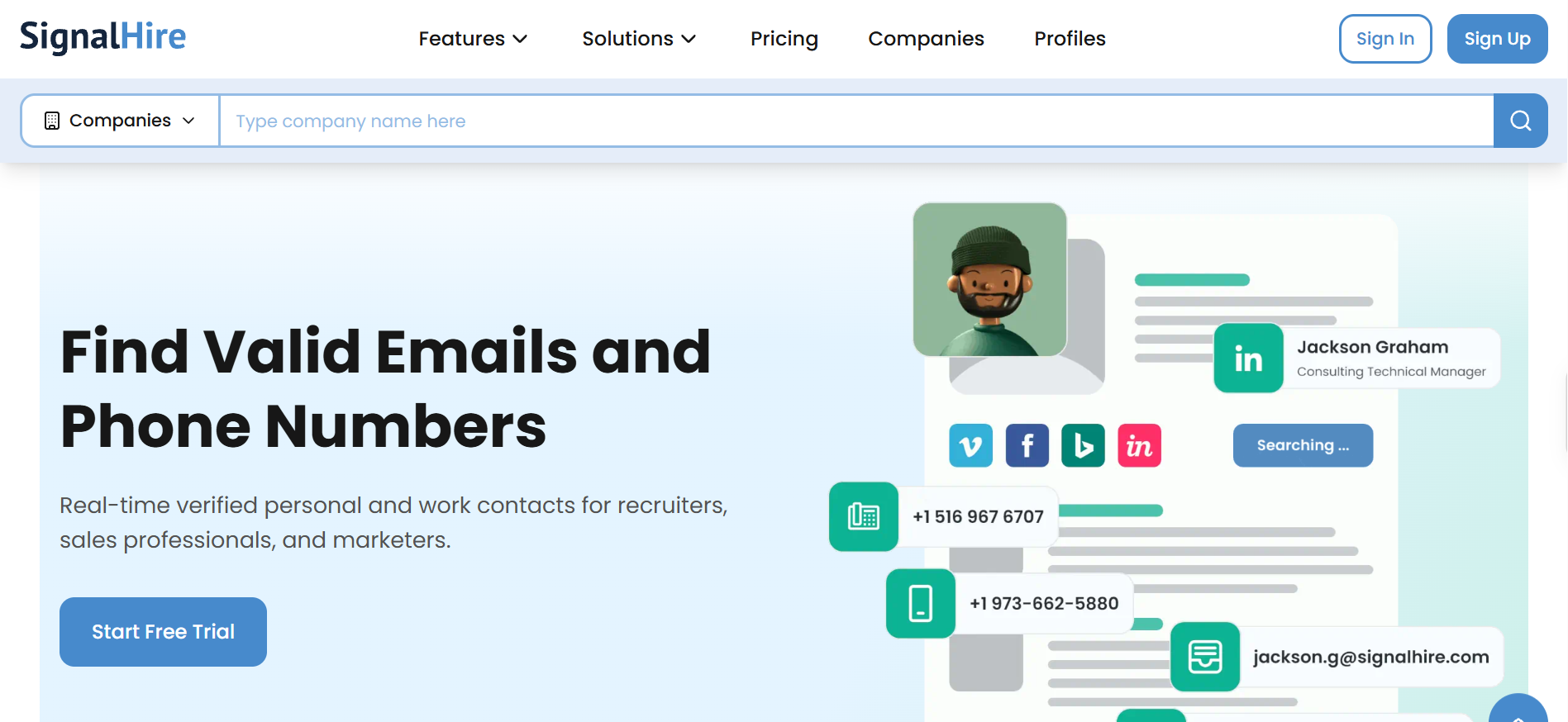
4. SignalHire: The Most Transparent Personal Email Finder for Recruiters
Fourth is SignalHire, and it is the only tool on this list that answers the personal email question directly in its own FAQ.
The wording leaves nothing to interpret, since the FAQ states plainly that SignalHire returns business and personal emails along with direct and mobile numbers where available. Backing that up, the platform publishes an 85%+ hit rate on social profiles, 95%+ email accuracy and a 3 to 5% bounce rate.
The database refreshes every 7 to 10 days across 900M+ profiles, which is the most specific freshness commitment anyone here makes. Recruiters are the obvious audience, and the EY sourcing testimonial on the site points at personal email accuracy specifically.
Key features I liked:
FAQ-confirmed personal and business email delivery in a single lookup
900M+ profiles refreshed on a 7 to 10 day cycle
Chrome extension that reveals contact details on LinkedIn
Bulk enrichment handling up to 1,000 people per CSV run
ATS and CRM integration plus API access on every paid plan
What reviewers value is the downstream effect on campaign quality rather than the lookup itself. One recruiter noted that the accuracy "decreases bounce rates" and cut their manual research time (see review).
The friction is in the credit mechanics. Reviewers report receiving several phone numbers for one person and spending credits working out which one is live (see review).
Free: 5 credits per month, rising to 10 with the Chrome extension
Emails: $57/month for 12,000 credits
Phones: $57/month for 5,400 credits
Emails & Phones: $83/month on the unlimited package
Pros
The only tool here that confirms personal email delivery in writing, in its own FAQ.
A published 7 to 10 day refresh cycle gives you a real answer on data freshness.
GDPR posture is the strongest on this list, with a dedicated page, an EU entity and a named DPO.
API and integrations are included on every paid plan rather than gated behind a higher tier.
Cons
Email credits and phone credits sit in separate plans, so mixing them means paying for the $83 package.
Multiple unverified numbers per contact burn credits before you find the working one.
There is no bulk upload by job title, which slows down list-first workflows.
Its 4.0 G2 rating is the lowest here, and filtering for niche industries is reportedly thin.
5. Apollo.io: The Broadest Platform Without Personal Email Coverage
Fifth on my list is Apollo.io and it earns a place here mostly because people keep expecting it to do something it has never claimed to do.
I went through the homepage, the pricing page, the product pages and the data layer page looking for a personal email claim. Every line consistently says B2B data and work emails, with no reference to private inboxes anywhere.
What Apollo does offer is a 240M+ contact database with 98% stated work email accuracy, waterfall enrichment from the Basic plan upward, and sequencing and dialing in the same platform. As a go-to-market system it is comprehensive, and as a personal email finder it is the wrong tool.
Key features I liked:
240M+ contacts with 65+ data points per record
Waterfall enrichment running sequentially across providers from Basic upward
AI prospecting with intent signals and per-contact research
Unlimited email sequences on paid plans with A/B testing on Professional
Chrome extension plus integrations with Salesforce, HubSpot and Outreach
Users consistently praise the consolidation rather than the data itself. One reviewer valued having "a massive B2B database and the outreach tools" in a single platform (see review).
The accuracy criticism has a clear geographic shape. Reviewers describe solid US data alongside outdated titles and dead numbers outside North America (see review).
Teams running into that wall usually end up reading through Apollo alternatives next.
Pricing:
Free: 900 credits granted monthly
Basic: $49 per seat/month for 30,000 credits upfront
Professional: $79 per seat/month for 48,000 credits
Organization: $119 per seat/month with a three-seat minimum
Phone numbers cost 8 credits each against 1 credit for an email
Pros
The deepest feature set here, covering data, sequencing, dialing and CRM enrichment in one place.
Waterfall enrichment from the Basic plan improves work email match rates meaningfully.
GDPR and CCPA compliance are both stated publicly, which several tools here do not match.
A 4.7 G2 rating, tied for the highest on this list.
Cons
No personal inbox coverage is claimed anywhere, so it does not serve the keyword you searched.
Credits expire at the end of each cycle, which inflates the real cost of a seat.
Per-seat pricing scales badly for teams compared with the credit-based tools here.
Data quality drops sharply outside North America, which reviewers raise consistently.
6. Saleshandy: The Largest B2B Database for Work Emails
Last on my list is Saleshandy, which brings the biggest database here and the clearest admission of what it sells.
The pricing page settles the question without ambiguity, because the credit line reads work email at 1 credit with waterfall enrichment. There is no personal inbox product, and the site does not pretend otherwise.
What you get instead is 852M+ B2B contacts across 42M+ companies, with waterfall enrichment that charges nothing when a result comes back unverified. That pay-for-verified-only model is genuinely rare and worth noting.
Key features I liked:
852M+ B2B contacts with 42M+ companies indexed
Waterfall enrichment charging $0 for unverified results
Sage AI search for describing a target audience in plain language
75+ filters covering tech stack, hiring signals, tenure and location
Full cold email platform with sequences, sender rotation and warmup included
Reviewers consistently point to breadth rather than any single feature. One described having sending accounts, rotation, sequences and verification together "in one place" without switching tools (see review).
The cost criticism is specific and practical. Verification credits bill separately from the plan and are consumed regardless of the result, while per-account sending limits start low enough to force extra mailboxes (see review).
Phone numbers cost 6 credits, charged only when found
Pros
The largest database here at 852M+ contacts, with 42M+ companies covered.
Paying only for verified results removes the credit waste that frustrates users of other tools.
Compliance is the most documented on this list, with ISO 27001:2022 and SOC 2 Type II.
The $34 entry price is the cheapest full platform here, outreach included.
Cons
No personal inbox coverage, since the pricing page sells work email only.
Verification credits bill separately and are consumed whatever the outcome.
Daily sending limits per account start low, forcing you to connect several mailboxes.
HubSpot and LinkedIn tool integrations are incomplete, which reviewers flag directly.
Final Verdict on the Best Personal Email Finder
Leadsforge is my overall pick, because credits that never expire and a direct path into sequences solve the two problems that cost outbound teams the most.
If a private inbox is specifically what you need, ContactOut and SignalHire both do that better, and I would start with SignalHire for its written commitment and GDPR posture.
The honest takeaway is that half this category does not do what its name implies, and knowing which half saves you a wasted subscription.
A personal email finder is a tool that locates an individual's email address rather than a company's generic inbox. The term covers two different things, since some tools return private addresses like Gmail and Yahoo while others return a named person's work address.
Is it legal to find someone's personal email address?
Yes, provided you handle it responsibly. These tools work from publicly available data, and the legal weight sits in what you do next. GDPR treats a private address attached to an identifiable person more strictly than a role-based work address, so you need a defensible lawful basis, clear identification of yourself and an immediate opt-out.
Which personal email finder tools actually return Gmail addresses?
Of the six compared here, ContactOut, RocketReach and SignalHire all claim private inbox coverage explicitly. Leadsforge, Apollo.io and Saleshandy Lead Finder do not, and their own sites describe B2B and work email data instead.
What is the difference between a personal email finder and a work email finder?
A work email finder predicts an address from a company's naming pattern using a name and a domain. A personal email finder cannot do that, because private addresses follow no pattern, so it has to query multiple data providers in sequence until one matches.
Can you find a personal email address from a LinkedIn profile?
Often, yes. ContactOut and SignalHire both run Chrome extensions that reveal personal addresses directly on LinkedIn profiles, and ContactOut holds 150M personal emails specifically for that purpose.
Which personal email finder has the best free plan?
Leadsforge gives 100 credits on signup, which is the most usable free allowance here for running a real test. ContactOut offers 5 unlocks per day on an ongoing basis, which suits occasional lookups better than a one-time batch.
Should you cold email someone at their personal address?
Sometimes, and carefully. Consumer inboxes filter harder on engagement than corporate mail servers, so volume sending to personal addresses damages sender reputation faster. Reserve them for high-value prospects where the work address has genuinely failed, and verify every address before sending.
Book more meetings on autopilot
Set up in minutes. No per-seat pricing. No commitment.
Instagram cold DM automation can run at 100 DMs a day without a single suspension when the account behaves like a person. This guide covers the safe daily limits, the workflow and the openers that get replies. It also compares three tools and shows how to pair Instagram DMs with cold email.