You found the right prospect. You have their name, their company, their LinkedIn profile. What you do not have is their email address.
So you guess the pattern, send it, and watch it bounce three hours later.
And in 2026, that bounce costs you more than one lost prospect. Google asks bulk senders to keep spam rates under 0.10% in Postmaster Tools, and Microsoft started routing non-compliant mail straight to Junk in May 2025. Your sender reputation now sits downstream of your list quality, whether you planned it that way or not.
So I went through pricing pages, credit documentation, API docs and review data for nine email lookup tools. I wanted to know who charges you for a failed lookup, who actually resolves catch-all domains, and what a verified email really costs once you do the math.
What I did not expect to find is that nobody has ever tested this category independently. Not one analyst firm, not one journalist. I will come back to that, because it changes how you should read every accuracy claim on this page.
That table hides a lot of judgment calls, so let me show you what I was weighing and why some columns matter far more than others.
1. Coverage Versus Accuracy
Start here, because this is the one distinction that makes vendor marketing fall apart.
Coverage is the share of your list where any email comes back at all. Accuracy is the share of those returned emails that are actually valid. They are completely different numbers, and tools quote whichever one flatters them.
So a tool can advertise 98% accuracy and still miss half your list. I kept them in separate columns all the way through, and you should too when you are comparing pricing pages yourself.
2. Catch-All Domain Handling
Catch-all domains accept mail at every address, which means a standard SMTP check cannot tell you whether the mailbox exists.
That sounds like an edge case until you see the numbers. One vendor sample measured catch-all at 36% of a decision-maker list, so roughly a third of your spend lands in a bucket nobody can confirm.
And the tools handle it in wildly different ways. Some resolve it, some flag it, and some quietly charge you for it anyway.
3. Credit Fairness on Failed Lookups
Here is where I found the biggest gap between what the pricing page says and what the billing actually does.
Some tools charge you nothing when nothing comes back, which is how it should work. Others bill the request regardless of the result, and that rule usually lives in the developer docs rather than anywhere a buyer would look.
So I read both for every tool on this list.
4. Real Cost Per Verified Email
Headline credit prices are close to meaningless on their own.
Clearout, for instance, charges four credits for a single found email. Its per-credit rate and its per-email rate are not remotely the same thing, and the pricing page does not do that multiplication for you.
I divided plan price by what you genuinely receive, then flagged every place a phone lookup multiplies the bill.
5. Workflow Fit With Your Sending Stack
Finally, a list you cannot send from is just a CSV in your downloads folder.
So I looked at native CRM sync, which tier unlocks API access, and whether the tool hands off cleanly into a sending platform. If you are still choosing that side of the stack, my cold email deliverability guide covers it properly.
9 Best Email Lookup Tools in 2026
With that framework in place, here is how the nine shake out. I ordered them by how well each solves the whole job rather than just the single-lookup moment.
1. Leadsforge
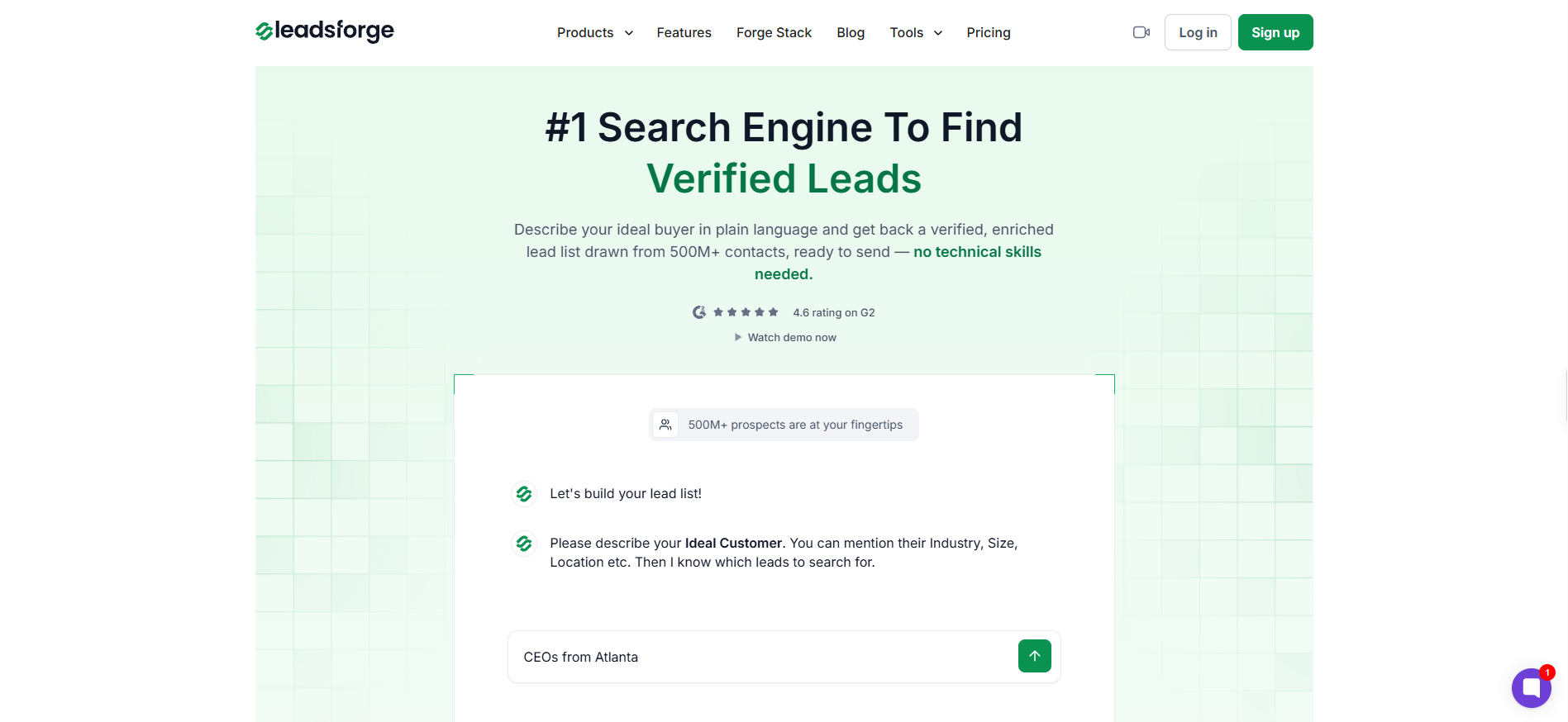
Leadsforge is the best email lookup tool overall, because it runs waterfall enrichment across multiple providers before it spends a credit, and because those credits never expire.
That second point sounds minor and it is not. Every tool on this list that resets credits monthly is billing you for capacity you did not use, and across a year that adds up to real money.
The entry point is different too. Instead of stacking filters until something useful appears, you describe the buyer you want in plain language and narrow from there, which is a genuinely faster way to work.
Key features I liked:
Waterfall enrichment across multiple B2B providers, with automatic fallback when one source comes back empty
Chat-style ICP search, so a plain-language query returns a list without filter configuration
Credits that never expire, which kills the monthly use-it-or-lose-it problem
Company Lookalikes, where you paste a won account and get similar companies back
Competitor Followers, which pulls people following a rival's LinkedIn company page
Business signals covering funding events, acquisitions and job changes
One-click export into Salesforge sequences, with no CSV in between
MCP server support, so the search runs inside Claude or Cursor
Pricing:
Essential, $49/mo for 2,000 credits
Free trial, 100 credits on signup with no card required
Credit costs: 1 for a verified work email, 1 for a LinkedIn URL, 10 for a verified mobile number
One thing I want to be straight with you about on the annual plan. It costs $588 a year, which divides back to exactly $49 a month. So the two-months-free offer means 28,000 credits upfront instead of 24,000, and that is extra volume rather than a cheaper rate.
Pros
Waterfall enrichment closes coverage gaps a single-source database structurally cannot, because a second provider gets queried the moment the first comes back empty.
Credits never expire, so if your prospecting volume swings month to month, you stop throwing away capacity you already paid for.
Searching costs nothing and credits only move on enrichment, which means exploring a list is free until you commit to it.
One reviewer measured roughly 95% accuracy testing the data themselves, which is a useful counterweight to vendor claims (review).
The handoff into Salesforge sequences cuts the export and re-import step out of your workflow completely.
Cons
There is no Chrome extension, so if your prospecting happens in the LinkedIn sidebar, this will not fit how you work.
The web app has no CSV upload, and bulk input runs through the API or MCP layer instead.
Narrow queries that combine an unusual role with a non-US market can come back empty, which one reviewer documented with a Mexico search (review).
The site contradicts itself on whether verification costs a credit on top of enrichment, so ask before you buy.
Now, if your job starts with a company rather than a person, the whole logic flips, and that is exactly where Hunter earns its place.
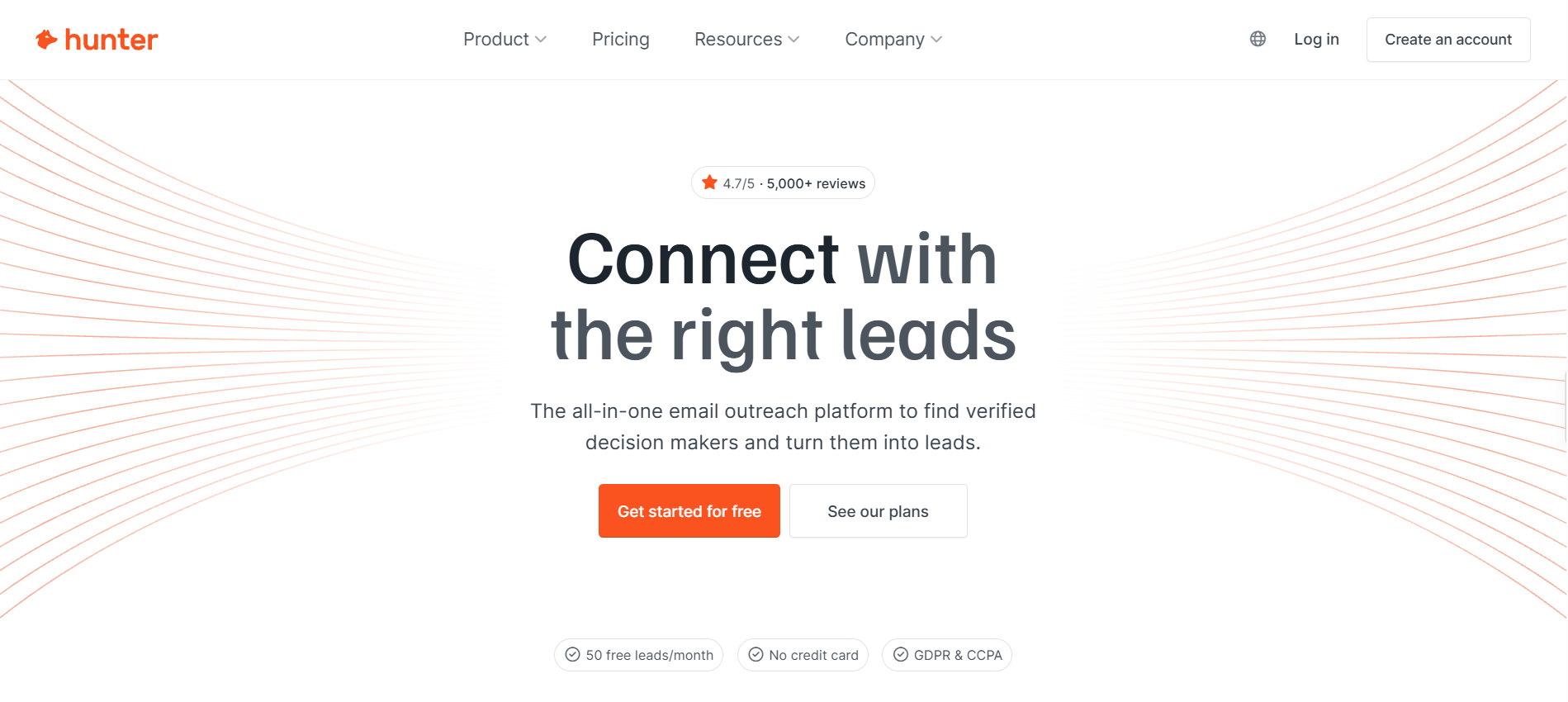
Most tools want a name before they hand you anything. Hunter lets you point at a domain and see who works there, returning up to 100 results per query filtered by seniority, department and decision-maker status.
Everything runs through verification before it reaches you, which I like. The catch is catch-all domains, where you get a label and nothing more.
Key features I liked:
Domain search returning filtered results in roughly half a second
Verification running automatically before any email is returned
Failed finds costing zero credits, stated plainly in the documentation
Up to 20 provenance sources per email, so you can see how it was derived
Google Sheets add-on and a Chrome extension rated 4.7 on the store
A free tier of 50 credits every month, with no card required
Bonus read: if the credit ceiling is what pushed you here in the first place, my Hunter alternatives breakdown covers the swap-in options.
Pricing:
Free, $0 for 50 credits a month
Starter, $34/mo for 2,000 credits
Growth, $104/mo for 10,000 credits
Scale, $209/mo for 25,000 credits
Enterprise, custom pricing
All prices pertain to the yearly billing model.
Pros
Domain-level discovery is simply better here than anywhere else on this list, because you get real filtering instead of a raw dump of everyone.
Credits only move on a successful find, so all those empty searches cost you nothing.
The free tier renews every month rather than being a one-time grant, which makes long-term light use genuinely viable.
Source provenance on every result lets you judge how an address was pieced together before you risk a send on it.
Cons
Catch-all addresses come back flagged but unresolved, so the deliverability risk stays with you.
Credits reset monthly with no rollover, which punishes you for a slow month.
There is no phone or direct-dial data at any tier, so phone-heavy teams need a second tool.
Reviewers consistently report thinner coverage in smaller and non-Anglophone markets, with Belgium named specifically.
3. Findymail
But what if bouncing is the thing you genuinely cannot afford? Then coverage stops being the metric that matters, and this is the tool built around that belief.
Findymail guarantees under 5% bounces and refunds credits when it misses, which it can only do by refusing to return addresses it cannot stand behind. You pay for that promise in coverage, because a quarter to a third of lookups come back with nothing.
If you are sending from fresh domains, I think that is the right trade almost every time.
Key features I liked:
A stated bounce guarantee under 5%, with credits refunded when it is missed
Live deliverability testing on catch-all domains instead of a warning flag
Credits charged only for emails found and verified
Direct push into Instantly, Smartlead, Lemlist and Woodpecker
Reverse email lookup available through the API
Rollover up to twice your monthly allowance
Pricing:
Free, 10 credits on signup
Starter, roughly $83/mo for 5,000 finder credits plus 5,000 verifier credits
Enterprise, custom pricing
Datacare CRM sync, $500 and up per month as a separate product
Phone numbers cost 10 credits each and are unavailable in the EU
Pros
The bounce guarantee is the only one of its kind on this list, and it comes with a documented refund mechanism rather than vague reassurance.
Catch-all domains get an actual deliverability test instead of a label you are left to interpret yourself.
Rollover up to twice your monthly allowance gives you real breathing room when prospecting slows down.
European coverage drew specific praise from reviewers, which almost nothing else in this category manages.
Cons
Coverage is the obvious weak point, with roughly 25% to 35% of lookups returning nothing in independent testing.
At $99 on monthly billing, this is the most expensive starting point among the dedicated finders here.
EU-based teams cannot access phone numbers at all, which is a hard GDPR restriction rather than a plan limit.
One reviewer documented being charged a second time for an email they had already retrieved.
4. Anymail Finder
Findymail charges you for the promise. Anymail Finder goes further and builds the entire billing model around it.
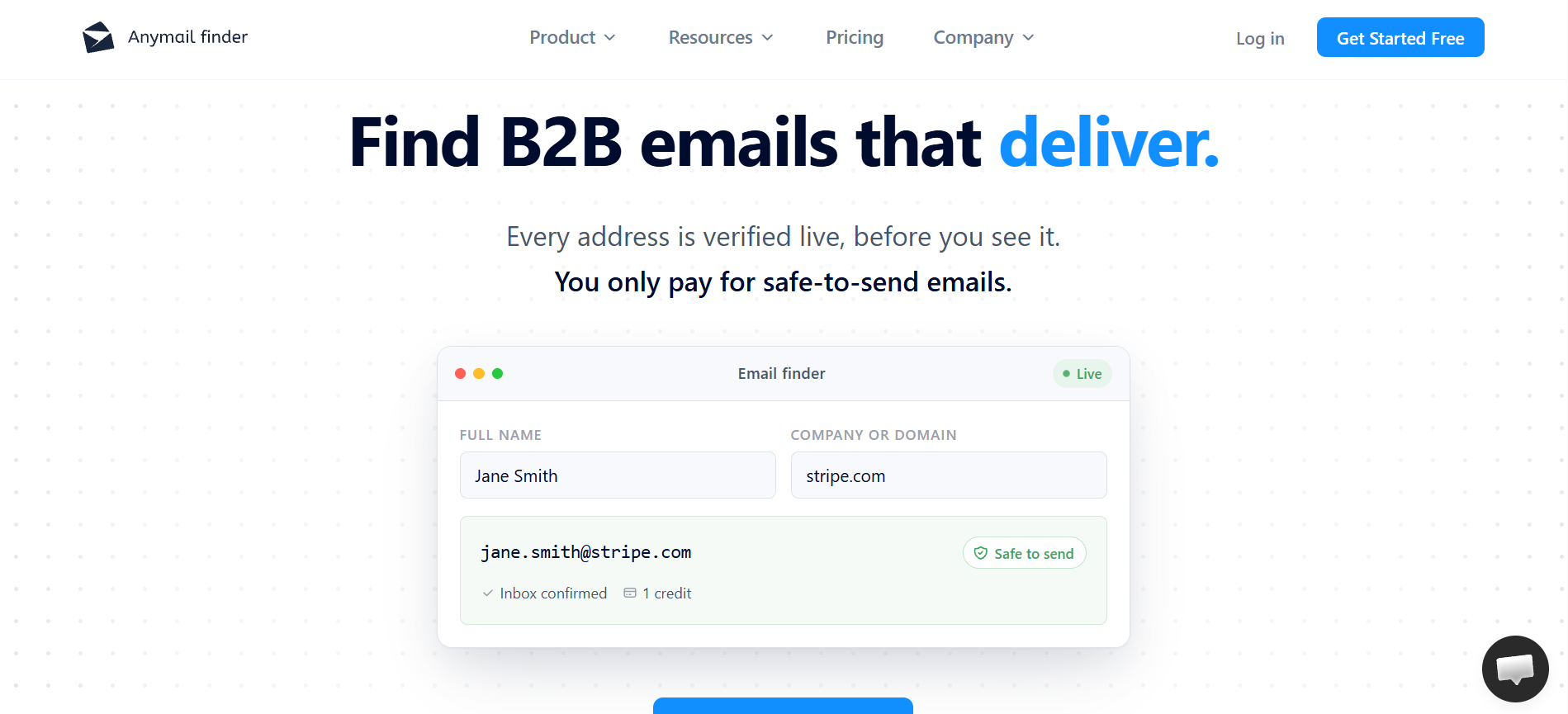
Anymail Finder checks every address live against the recipient mail server before you are charged or even shown it. Not found means zero credits, with no exceptions and no asterisk.
What I appreciate just as much is the pricing page, which has no feature tiers at all. Bulk, API, the extension and unlimited team members come with every plan, and the only thing that changes is credit volume.
Key features I liked:
Credits charged only when an address passes live verification
No rate limits on the API, stated explicitly in the documentation
Company search returning up to 20 verified emails for a single credit
Bulk jobs up to 100,000 rows with webhook delivery
Verification of external lists at 0.2 credits per address
No per-seat pricing and no feature gating by tier
Pricing:
$29/mo for 400 credits
$49/mo for 1,000 credits
Trial, 100 credits with card verification required
Pros
Flat feature access across every plan means you are never upsold just to reach something basic like API access.
Paying only for verified results makes your cost per usable address predictable, which credit-per-attempt pricing never manages.
Dropping API rate limits entirely is rare in this category, and it matters a lot for engineering-led workflows.
They publish their own benchmark, disclose the conflict on the page, name the third-party verifiers, and release the dataset.
Cons
Annual pricing is advertised but never actually shown, so you cannot evaluate the yearly cost until after you sign up.
No CRM integrations are named anywhere, which means your team needs developer help to get data flowing.
There is no phone or mobile data at any tier.
The review base is small enough that complaint patterns are hard to read with any confidence.
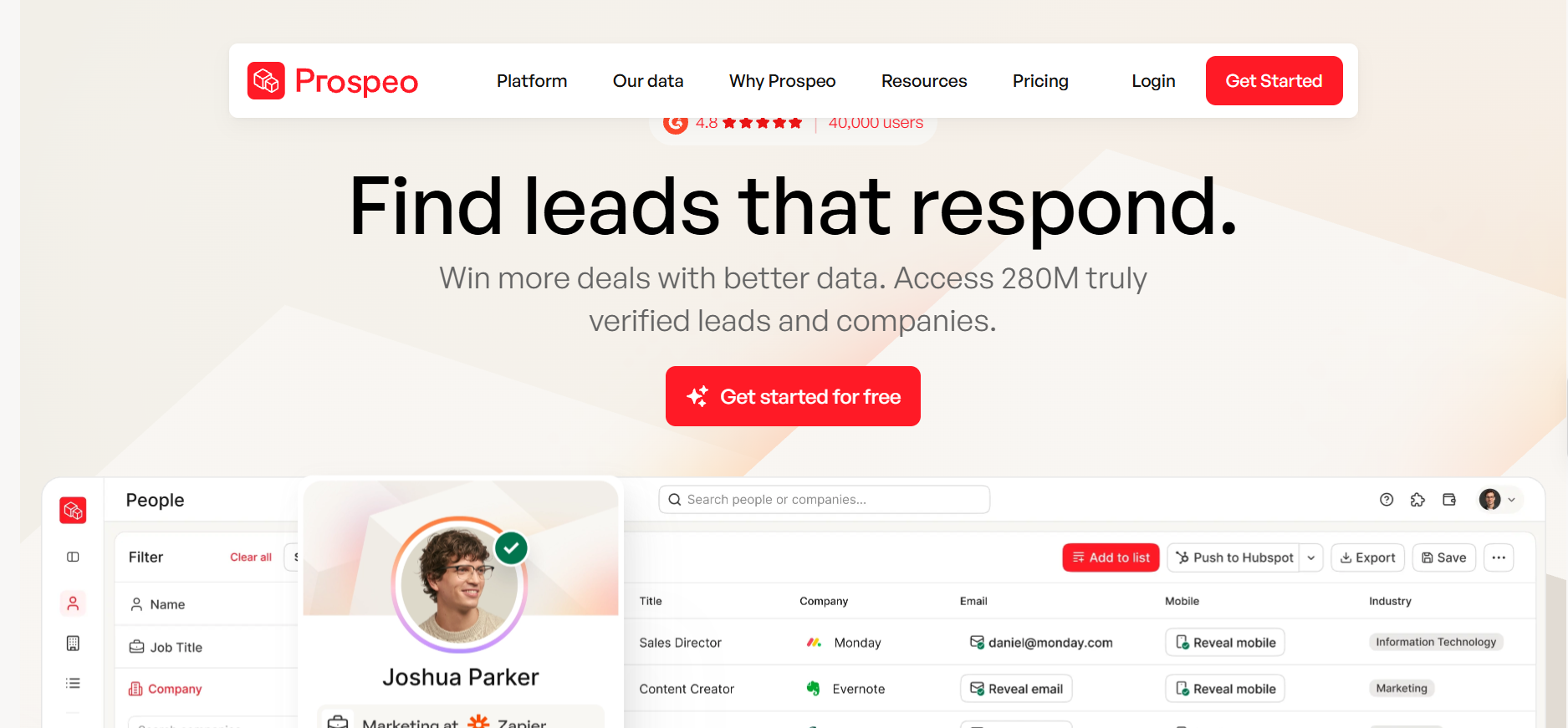
5. Prospeo
Every tool so far has an opinion about catch-all domains. Prospeo is the only one that turned its opinion into a billing policy.
Prospeo states plainly that you never pay for a catch-all address, or for an email you had already found. On lists heavy in catch-all domains, and remember that can be a third of your list, the arithmetic changes substantially.
One caution before you trust its marketing. The competitor comparison pages publish no methodology at all, so read those numbers as advertising rather than evidence.
Key features I liked:
Catch-all addresses costing zero credits, stated on the product page
A free tier of 100 credits every month, renewing rather than one-time
Domain search as a dedicated product alongside the person finder
Claude MCP and ChatGPT integrations for AI-native workflows
Clay, Zapier and n8n support for workflow builders
A confidence score and status attached to every work email returned
Pricing:
Free, 100 credits a month
Starter, $37/mo for 2,000 credits
Growth, $74/mo for 5,000 credits
Pro, $187/mo for 15,000 credits
Team and Enterprise, custom pricing
Pros
Excluding catch-all results from billing is the single fairest credit policy of any tool I reviewed here.
The renewing 100 credits a month are generous enough to properly judge data quality before you spend anything.
The annual discount is a real 25%, and the math checks out against the monthly rate, which is not true everywhere.
Integration coverage reaches CRMs, workflow builders and AI assistants without tier gating on most plans.
Cons
Credits expire every billing period with no rollover, and reviewers bring this up constantly.
The credit cost of a mobile number reveal is not published anywhere, which is a nasty surprise to discover mid-month.
Coverage drops noticeably for small businesses and anyone with a thin online presence.
Those published competitor benchmarks disclose no sample size and no method, so treat them accordingly.
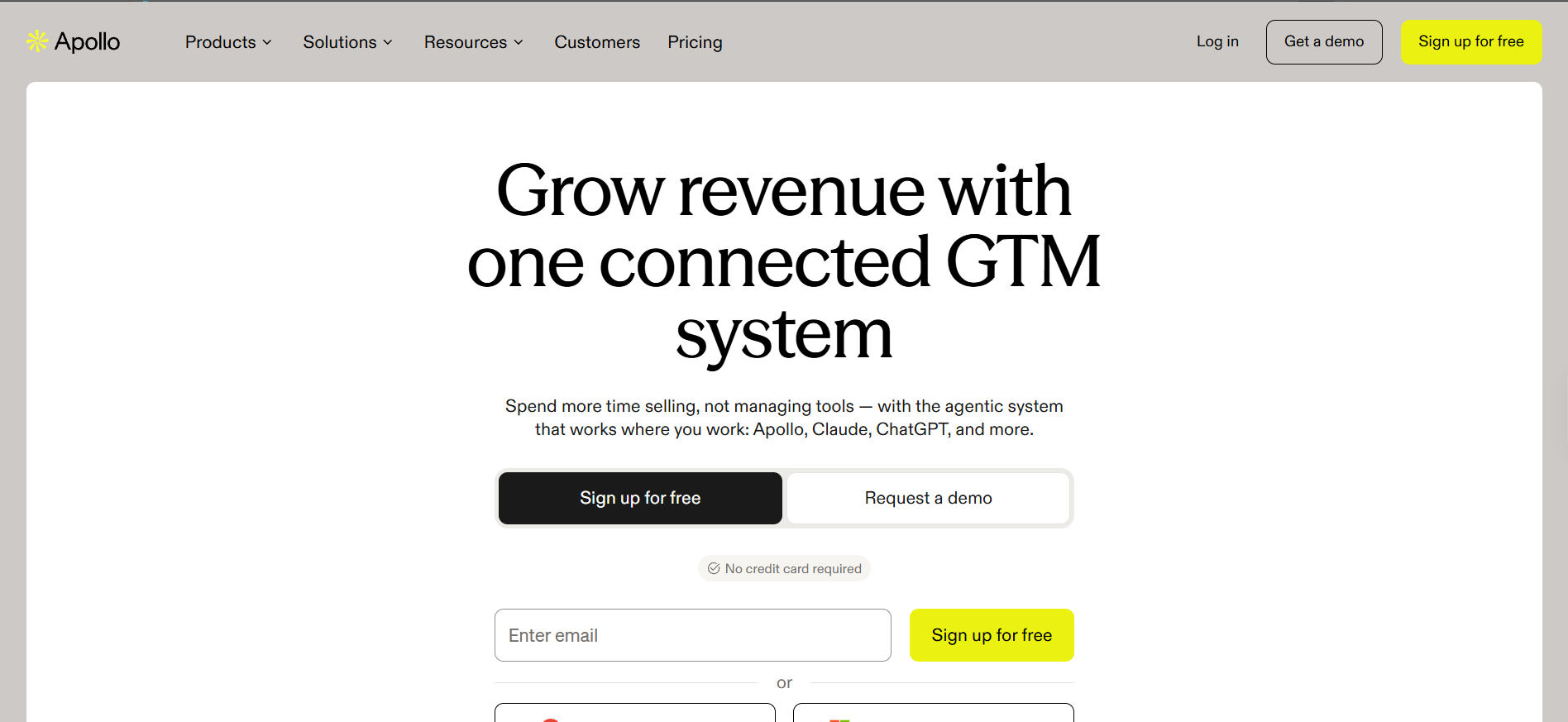
6. Apollo.io
So far these have all been specialists. Apollo takes the opposite bet entirely, which is that you would rather buy one thing than five.
Buying Apollo.io as a lookup tool means buying a sequencing platform, a dialer and a CRM layer along with it. That bundling is why it lands on every shortlist, and also why its pricing resists straight comparison, since email credits are effectively unlimited and your real ceiling is the monthly export cap.
The part worth your attention is the waterfall, which routes through more than 20 partners including Hunter, Findymail and Dropcontact. In other words, you are partly buying access to several tools on this very list.
Key features I liked:
Waterfall enrichment across 20 plus named external providers
A 30-day bounce refund on any address returned as verified
Bulk CSV handling up to 100,000 rows and 50MB
Catch-all results excluded by default, with an explicit toggle to include them
A Chrome extension rated 4.7 across more than two thousand ratings
Sequences and dialing included rather than sold as add-ons
Bonus read: I went deeper on where this platform wins and where it quietly loses in my Apollo.io alternatives comparison.
Pricing:
Free: 900 credits granted monthly
Basic: $49 per seat/month for 30,000 credits upfront
Professional: $79 per seat/month for 48,000 credits
Organization: $119 per seat/month with a three-seat minimum
Phone numbers cost 8 credits each against 1 credit for an email
Pros
The waterfall across 20 plus providers delivers better coverage than any single-source database here, and that is simple arithmetic rather than marketing.
A 30-day bounce refund on verified addresses is a real safety net that most of this list does not offer.
Unlimited email credits on paid plans remove the per-lookup anxiety, which makes exploratory prospecting much less tense.
Finding and sending live behind one login, so nothing gets exported and re-imported between list and sequence.
Cons
One reviewer measured 9% to 17% of Apollo's "verified" contacts as invalid using their own validation tools, which is a wide margin on a verified label (review).
Export caps rather than lookup caps are your real limit, and Basic gives you just 1,000 exported contacts a month.
Mobile numbers at 8 credits each drain an allowance fast if calling is part of your motion.
Credits are forfeited at the end of every billing cycle with no rollover.
Another reviewer described the wider platform as a collection of almost-finished products, which matches the breadth-over-depth trade (review).
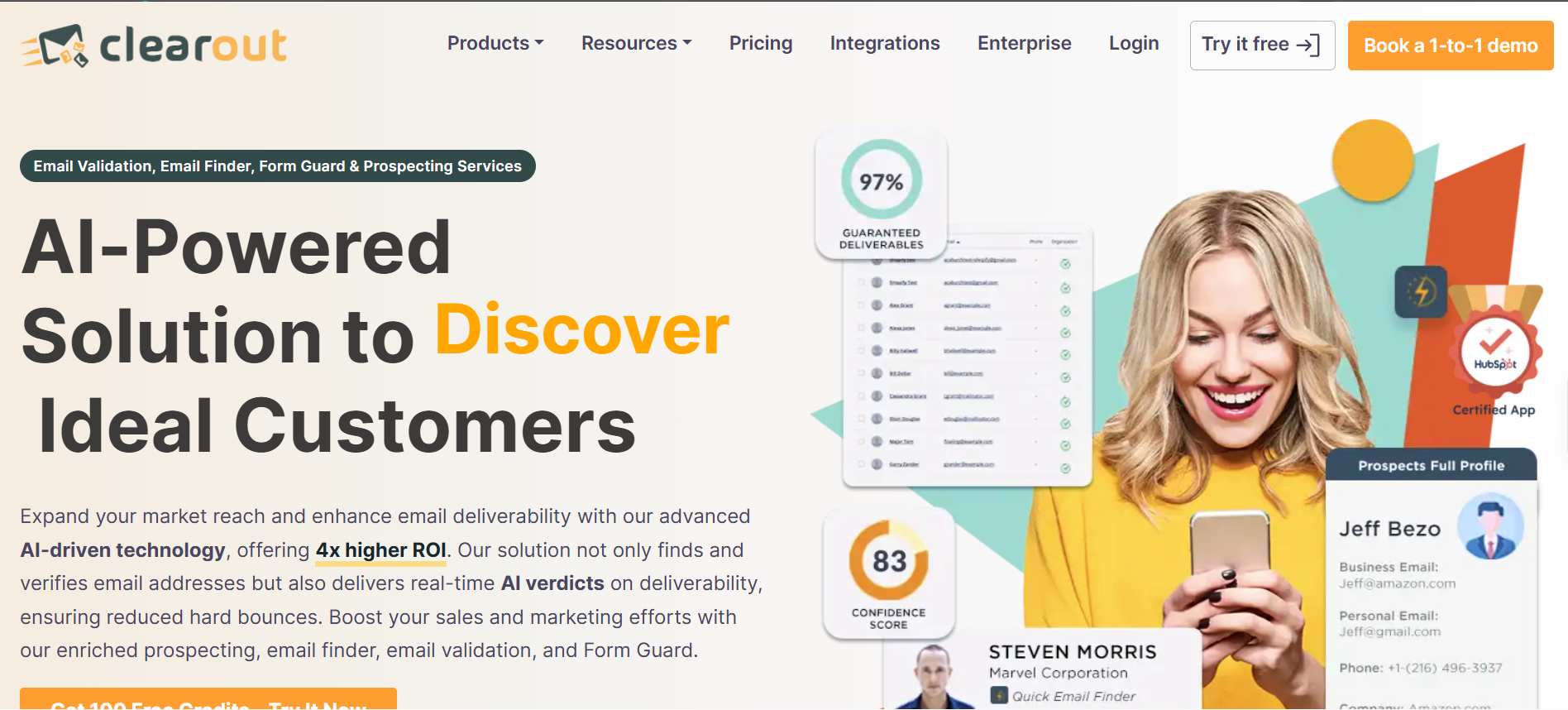
7. Clearout
Here is the hardest problem in this whole category. Every tool above either flags a catch-all domain or bills you for it, and Clearout is the one actually trying to answer it.
Clearout calls that Deep Verify, and it attempts a resolution where Hunter and Apollo just hand you a status label. Verification is woven into the find step rather than sold to you twice.
Where buyers get caught out is the credit model, because a found email costs four credits and not one.
Key features I liked:
Deep Verify attempting catch-all resolution rather than flagging
An AI confidence score attached to each result
Bulk uploads handling very large files with automatic header detection and de-duplication
Credits that never expire on subscription plans
Native sync with HubSpot, Salesforce, Zoho, GoHighLevel and Apollo
Google Sheets, Zapier and Make all supported
Bonus read: if cleaning a list you already own is the actual job, my email verification tools comparison is the better place to start.
Pricing:
Clearout loads its pricing through an interactive widget, so nothing appears on a standard page load. There are three billing types, which are monthly subscription, annual subscription and one-time pay-as-you-go. Annual carries a discount of up to 20%, credits never expire, and signup includes 100 free credits. A found email costs 4 credits and a role-based email costs 2, so your real per-email cost is four times the per-credit rate.
Pros
Trying to resolve catch-all domains is more useful than flagging them, and barely anyone in this category even attempts it.
Credits never expire, which puts it alongside Leadsforge as the fairest credit policy of the nine.
Integration coverage is among the broadest here, with Make and Google Sheets supported natively rather than through workarounds.
Bulk handling scales to genuinely large files without an obvious row ceiling.
Cons
Four credits per found email makes the headline price misleading until you sit down and do the multiplication.
Pricing never loads on a standard page view, so comparing it against anything else takes real effort.
Credit cost at scale is the most repeated complaint across its review base, and that follows directly from the four-credit model.
There is no mobile number finder, because the phone product validates numbers rather than discovering them.
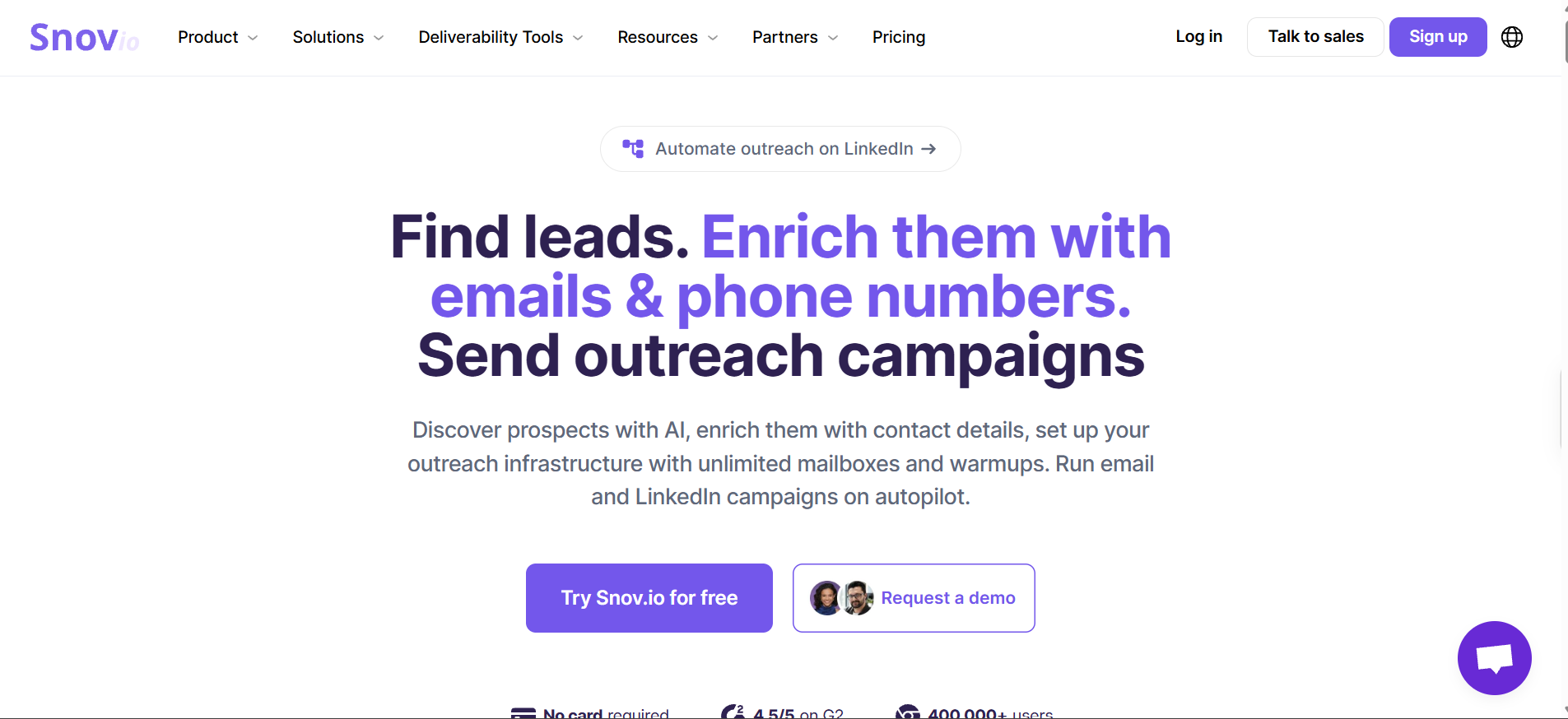
8. Snov.io
Below a certain budget, paying separately for a lookup tool and a sending tool stops making any sense. That gap is where Snov.io lives.
Snov.io pairs a database of over 500 million contacts with sequences, a bulk sender and warmup on the same plan. Bulk domain search handles up to 20,000 domains in a single run, which is the highest documented ceiling I found anywhere here.
The credit behaviour is the thing I would want you to check before committing, and I will explain why in the cons.
Key features I liked:
Bulk domain search covering up to 20,000 domains in one run
Email finder and verifier drawing from a single shared credit pool
Drip campaigns, bulk sending and warmup included on paid plans
Two Chrome extensions, one for websites and one for LinkedIn
Pipedrive and HubSpot native, plus Zapier and Make
A free tier of 50 credits every month with no card required
Pricing:
Trial, $0 for 50 credits a month
Starter, $39/mo for 1,000 credits
Pro S, $99/mo for 5,000 credits
Pro M, $189/mo for 20,000 credits
Pro L, $369/mo for 50,000 credits
Ultra, $738/mo for 100,000 credits
LinkedIn Automation sold separately from roughly $62 per seat per month
Pros
Getting finding, verifying, sending and warmup on one plan is strong value at the lower tiers, especially for a small team.
Bulk domain search at 20,000 domains per run is the highest ceiling documented anywhere on this list.
The free tier renews monthly, so light users can keep working indefinitely without paying anything.
Zapier coverage pushes the data out to thousands of downstream apps without custom work.
Cons
Credits do not roll over on standard plans, so every unused credit disappears at the end of the cycle.
One reviewer reported being billed for results that the platform's own verifier could not confirm, which is hard to defend.
A competitor benchmark put its verified-email rate at 20.1% against Hunter's 37.6%, though the publisher sells a rival tool and you should weigh it accordingly.
The free plan blocks API, bulk search, export and integrations, which makes a real evaluation on it close to impossible.
9. Skrapp.io
And if your prospecting happens almost entirely inside LinkedIn, the calculation changes one last time.
Skrapp.io runs its extension across both LinkedIn and Sales Navigator, pulling emails while you browse, and it is the cheapest entry point of any dedicated finder here. For a solo rep or a two-person team, that combination is hard to argue with.
There is a risk attached that the marketing does not mention anywhere, so read the cons before you install it.
Key features I liked:
Extension working across LinkedIn profiles and Sales Navigator
Five verification statuses on every result, including a distinct catch-all label
Invalid and unknown results costing no credits
Credit rollover on Professional and above through its fair credit policy
Company search for finding addresses across a whole domain
A Firefox add-on alongside the Chrome extension
Bonus read: for a wider set of options built around this exact workflow, see my LinkedIn email finder roundup.
Pricing:
Free, $0 for 50 one-time credits
Professional, $29/mo for 2,000 credits and 2 users
Enterprise, $262/mo for 50,000 credits and 15 users
Higher credit tiers exist on both plans without displayed prices
Pros
At $29 a month for 2,000 credits, nothing else on this list gets you started for less.
Invalid and unknown results cost nothing, so you are only paying for addresses that carry a usable status.
Credit rollover on Professional and above is genuinely unusual at this price point.
The extension covers Sales Navigator, which several cheaper competitors quietly do not.
Cons
At least one reviewer had their LinkedIn account blocked after using the Sales Navigator integration, and that is a risk worth taking seriously if LinkedIn is your main channel.
Catch-all results consume a credit even though their deliverability is unconfirmed.
API access is locked to Enterprise at $349 a month, which puts it out of reach for exactly the small teams the entry price attracts.
Several reviewers report verified emails bouncing, which sits uncomfortably against the vendor's 97% accuracy claim.
There is no phone or direct-dial data.
How to Pick the Right Email Lookup Tool for Your Team
So where does that leave you? Three very different jobs hide behind this one search term, and the right answer changes completely depending on which one is yours.
You Need Occasional One-Off Lookups
You are checking a handful of addresses a week, not building lists.
Do not buy anything. Hunter's renewing 50 free credits or Prospeo's renewing 100 will carry you comfortably, and you can keep running on free tiers until your volume genuinely outgrows them.
You Are Building Lists for Outbound at Scale
This is where Leadsforge is the best email lookup tool for most teams, because waterfall enrichment and non-expiring credits attack the two things that quietly waste money at volume.
Coverage gaps get closed by a second provider instead of by you buying a second subscription. Unused credits sit there waiting rather than vanishing on the first of the month.
Apollo is the sensible alternative if you want sequencing behind the same login and you can live inside the export caps.
You Are Verifying Before You Send
Your list already exists, and the only question is what is safe to send to.
Findymail and Clearout are the two I would shortlist. Findymail refuses to return what it cannot stand behind, while Clearout at least tries to resolve the catch-all addresses everyone else hands you with a shrug.
And if that list came from a cheap bulk source, verify it before a single send rather than after your first bounce report. For a broader look at how this category tests on accuracy, my email finder tools comparison runs the same tools through a different lens.
Final Verdict
Leadsforge is my pick for 2026, because waterfall enrichment and credits that never expire fix the two things that actually cost outbound teams money.
Hunter still wins outright on domain-level discovery, and Findymail wins if a low bounce rate matters to you more than coverage does.
But if you are building lists to send from, start with the tool that stops charging you for capacity you never used.
What is the best way to find someone's email address?
Start with their company domain and a tool that verifies before it returns anything. Name plus domain is the most reliable input across every tool I tested. If that comes back empty, a waterfall tool querying several providers gives you the best second attempt.
How accurate are email lookup tools?
Vendor claims sit between 97% and 99%, but those measure accuracy among returned addresses rather than coverage of your list. One audit of 1.3 million lookups found no provider exceeding a 56% hit rate. Plan for finding emails for roughly half of any given list.
Do email lookup tools charge you when they cannot find an email?
Most do not. Hunter, Findymail, Anymail Finder, Prospeo and Leadsforge all charge only on a successful result. Read the developer documentation rather than the pricing page, because API billing rules often differ from web app rules.
What is the difference between an email finder and an email verifier?
A finder discovers an address you do not have. A verifier checks whether an address you already have is deliverable. Plenty of tools do both, though some charge separate credits for each step, so check before you assume it is bundled.
Can email lookup tools find personal email addresses?
Some can. Tools built for recruiting return personal Gmail and Yahoo addresses alongside work emails. For B2B outbound, personal addresses raise compliance risk and usually perform worse, so filter them out of your exports.
Are free email lookup tools accurate?
Free tiers pull from the same data as paid tiers, so accuracy is identical. What you are limited on is volume, not quality. Hunter gives 50 credits monthly and Prospeo gives 100, which is enough to test accuracy properly before paying anyone.
What happens to sender reputation if I send to bad emails?
Bounces tell mailbox providers your list is poor. Google asks bulk senders to stay under a 0.10% spam rate and names 0.30% as the point never to reach. Microsoft began routing non-compliant mail to Junk in May 2025, so a dirty list now costs you placement on both.
Book more meetings on autopilot
Set up in minutes. No per-seat pricing. No commitment.
Instagram cold DM automation can run at 100 DMs a day without a single suspension when the account behaves like a person. This guide covers the safe daily limits, the workflow and the openers that get replies. It also compares three tools and shows how to pair Instagram DMs with cold email.