AI is changing the way people work, and you can see that transition in cold emailing too.
Cold email tools now help you research prospects, write personalized emails, manage inboxes and handle replies almost autonomously.
But how effective are the results you actually get?
If the answer is barely better than before, you are probably using the wrong tool.
So you start looking for a cold email tool with AI features that do more than the basics. And that is where the choice gets hard.
Some AI cold email tools cost a lot, others keep their useful AI features on higher-tier plans. And a few do one part of cold outreach well, then make you buy more software for the rest.
So I compared eight AI cold email tools. I looked at what each one actually automates, what you get with each plan, and how much it costs.
By the end of this guide, you will know which tool fits your cold email workflow and budget.
These three deserve a place on most shortlists, for three different reasons.
Think about everything that happens before someone replies to a cold email.
You need to find the right prospect, learn about them, write a relevant message, send it, follow up, and manage the replies.
Artificial intelligence can now help with almost every step of that process.
How much it can handle depends on the tool. It can help with research and personalization, then take care of follow-ups, replies, and other parts of the campaign.
That is why I would not judge an AI cold email tool by its writing feature alone.
What matters is how much of the actual outreach work it can take care of for you.
Scroll sideways to see every column.
Below is the detail on each tool, starting with the one I would pick first.
Salesforge is a multichannel outreach platform where cold email and LinkedIn run as two channels of one workflow.
AI features:
Best for: GTM teams and agencies that want AI personalization, warmup and email infrastructure from one login.
User rating: G2: 4.6/5 (130+ reviews)
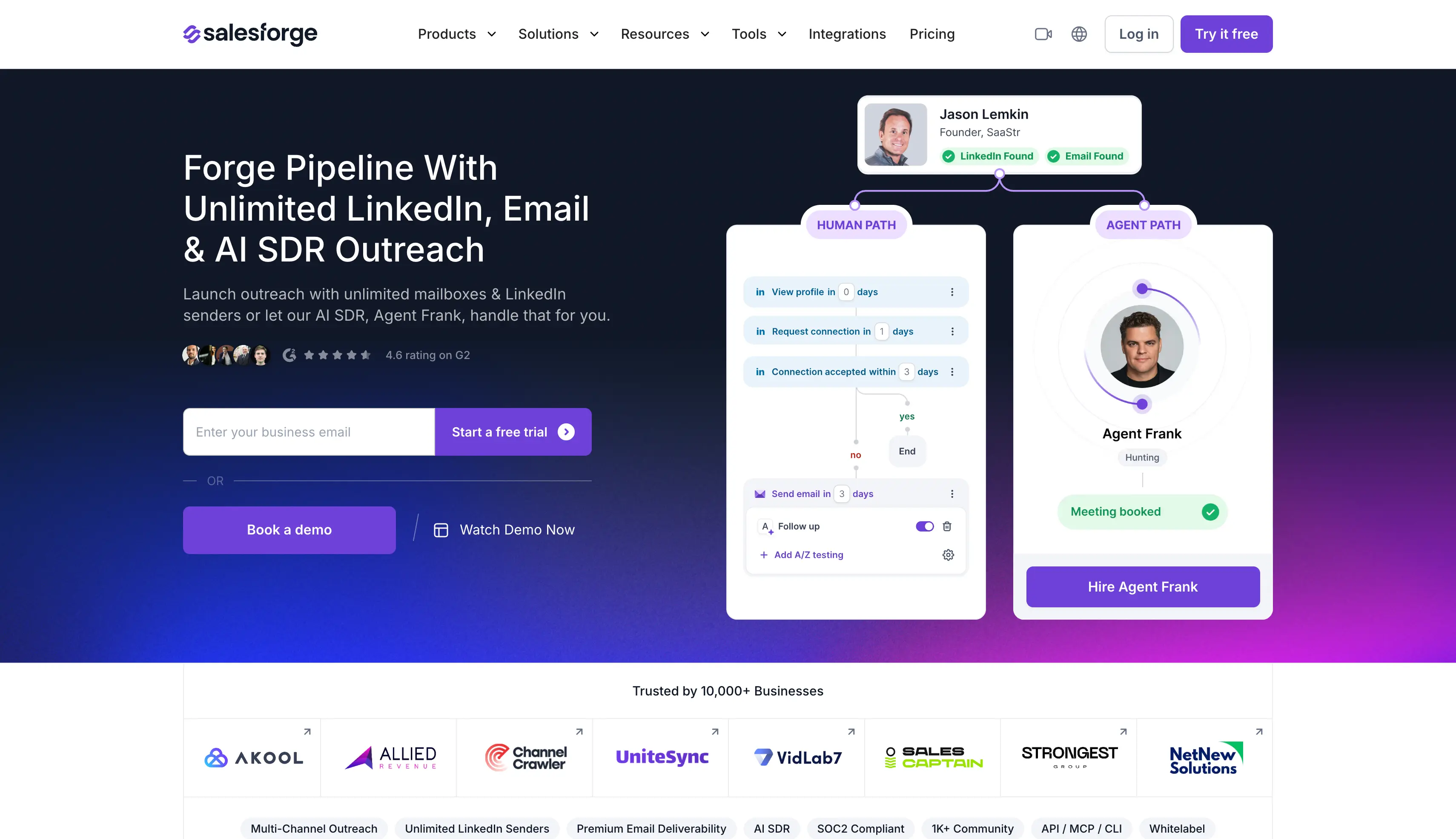
Cold email has several stages, and most tools help with one or two. Salesforge covers all of them.
Here is how.
First, it writes the sequence.
You create one sequence with both email and LinkedIn steps. Salesforge AI writes the copy from company news, LinkedIn activity and industry context, in any of 21+ languages.
So you can run a German sequence and a Spanish one without hiring a copywriter for each.
Then it decides what to send next.
If the prospect accepts your connection request, Salesforge sends the LinkedIn message. If they ignore it, the sequence sends an email instead.
It protects your deliverability while the campaign runs.
Warmforge warms every mailbox free with unlimited slots. Bounce Shield stops risky addresses, sender rotation shares the volume across mailboxes, and ESP matching sends Google to Google.
Then it handles the replies.
Primebox™ collects every email and LinkedIn reply in one inbox. Auto-Pilot answers the routine ones end to end, and Co-Pilot drafts the rest for your approval.
And if you would rather not run any of it, you hire Agent Frank.
He prospects, enriches the contact, writes the message, runs the sequence, answers the replies and books the meeting on your calendar.
PS. Agent Frank is an AI SDR, so compare his cost against hiring a person rather than against buying a sending tool.
PS. Both plans include unlimited Warmforge warmup, sender rotation, email validation and Primebox™. 14-day free trial, no credit card.
Overall, Salesforge is right when you want AI personalization, warmup and infrastructure from one vendor.
You can start a 14-day free trial. No credit card required.
Lemlist is a sales engagement platform whose personalization reaches past text into images, landing pages and video.
AI features:
Best for: SDRs and account executives who want personalization past plain text, on lists small enough to review before sending.
User rating: G2: 4.6/5 (1,900+ reviews)
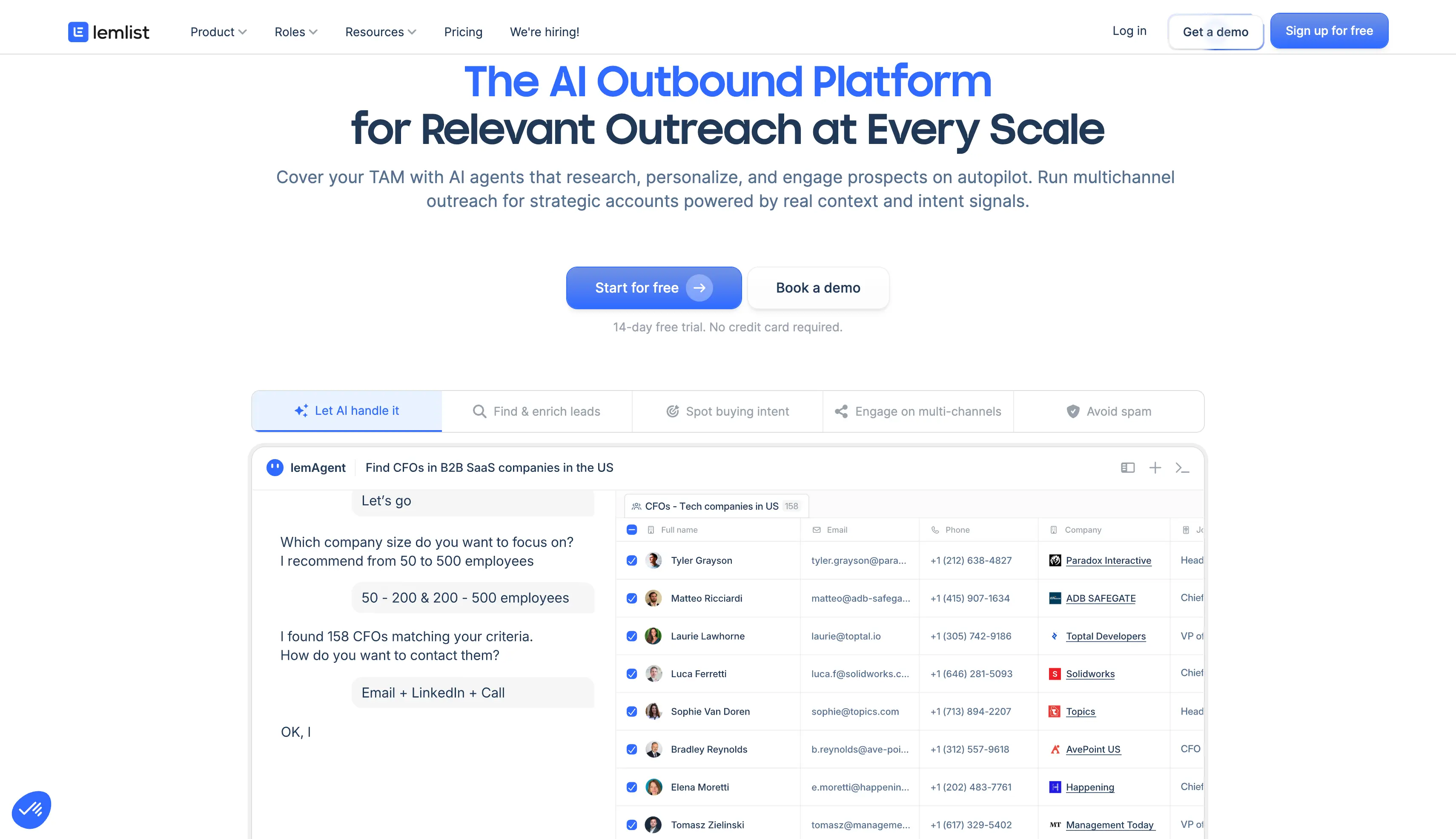
Lemlist AI centres on personalization, so you do not research every prospect and write every email yourself.
You can create email and LinkedIn campaigns from a few prompts. The AI researches each prospect and drafts the messages from what it finds.
Lemlist AI writes your variables as well.
Lemlist AI generates custom variables and merge tags for a campaign. You can ask it to name a prospect likely pain points, then use those in your opening line.
So instead of one message for everyone, you give the AI context about your prospects and it writes around that.
You can personalize images, video and landing pages.
You can add an image with the prospect name or logo on it, a video, or a landing page for their company. Liquid syntax swaps whole paragraphs by industry or seniority.
Lemlist writes campaigns in several languages.
You can run campaigns for prospects who do not read English, which most tools at this price cannot do.
PS. Lemwarm covers warmup on paid plans. Lemlist offers no autonomous SDR and no mailbox infrastructure, so you supply your own mailboxes.
For a comprehensive view of the tool, read our full Lemlist review.
Overall, Lemlist is right when copy quality on a small list is the whole problem.
If you are looking for something that does not charge per seat, we compared the closest options in our Lemlist alternatives guide.
Instantly is a cold email platform made for high volume and fast setup.
AI features:
Best for: High-volume email senders and lean growth teams who want mailboxes connected and sending within an afternoon.
User rating: G2: 4.8/5 (4,100+ reviews)
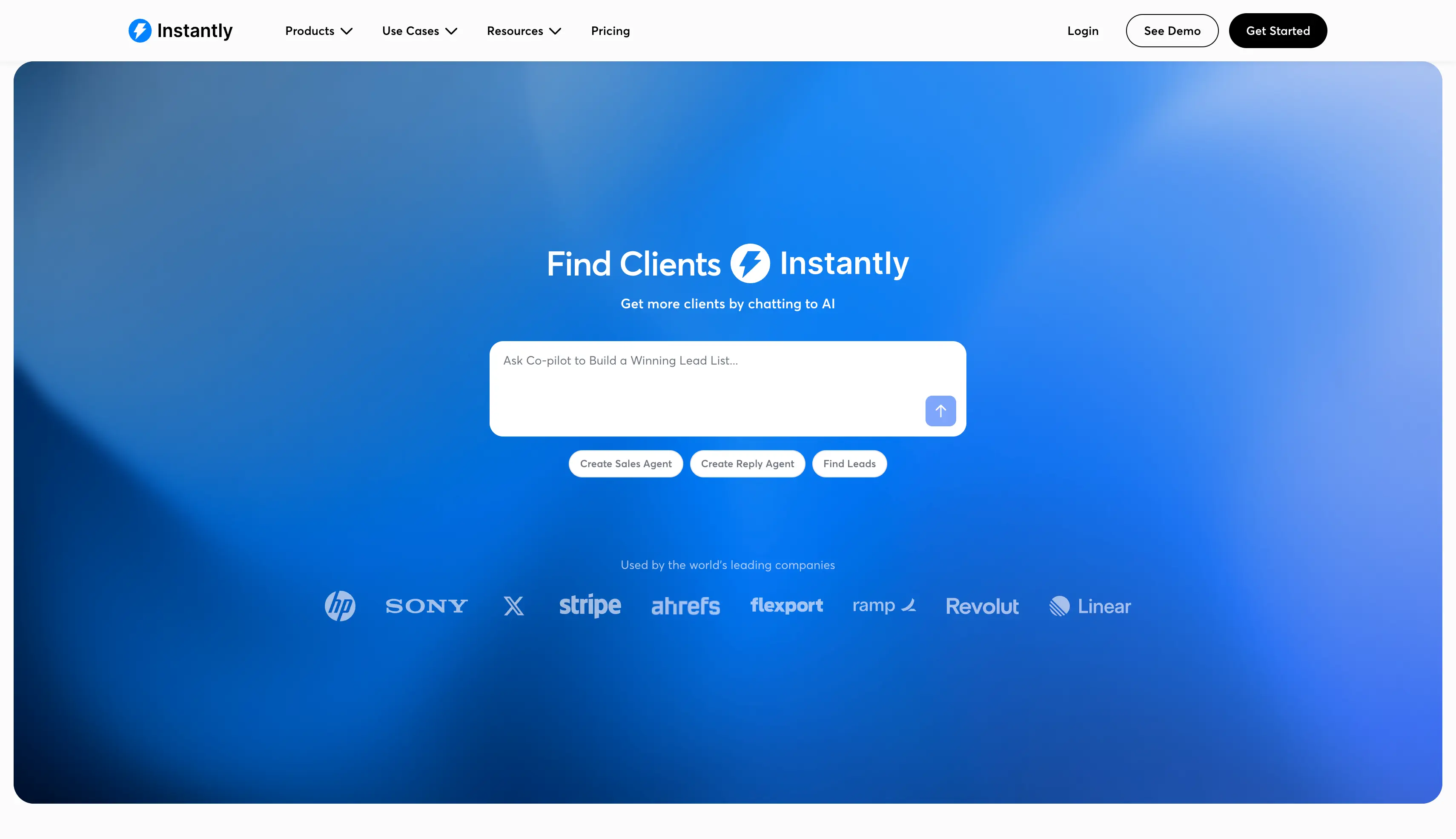
Instantly AI covers writing and reply handling, and reply handling is where it does the most.
The AI Sequence Writer drafts a full three-email sequence from your value proposition. You tell it what you sell and who you sell it to, and it writes the steps.
Instantly writes the opening line from LinkedIn data.
The AI reads a prospect LinkedIn profile and writes the opening line from it. You get one personalized sentence per prospect rather than a whole custom email.
The AI Reply Agent handles your inbox.
The agent reads your Unibox and labels each reply as Interested, Not Interested, Out of Office, Wrong Person or Meeting Booked. The agent then writes a response from the conversation so far.
Copilot answers questions about your campaigns.
Ask it how a campaign performed and it answers from your own data, instead of making you assemble a report.
Setup is also the fastest here. You connect mailboxes in a few clicks and the tool configures them. Its site reports that a campaign can launch in just a few seconds.
PS. The AI Reply Agent is not on the Outreach plans. It unlocks on the separate Scale bundle at $194 a month, so check which subscription you actually need.
Our Instantly review covers setup, deliverability and the three subscriptions in more depth.
PS. Instantly bills Credits and the CRM separately from everything above.
Overall, Instantly is right when you send email only at high volume and want the fastest setup.
If you are looking for LinkedIn steps or one predictable subscription, we covered those options in our Instantly alternatives guide.
Snov.io is a prospecting and outreach platform that bundles the email finder, verifier, drip campaigns, warmup and a light CRM.
AI features:
Best for: Founders and early-stage startups running their first cold campaigns on a tight budget, who need finding, verifying and sending in one subscription.
User rating: G2: 4.5/5 (450+ reviews)
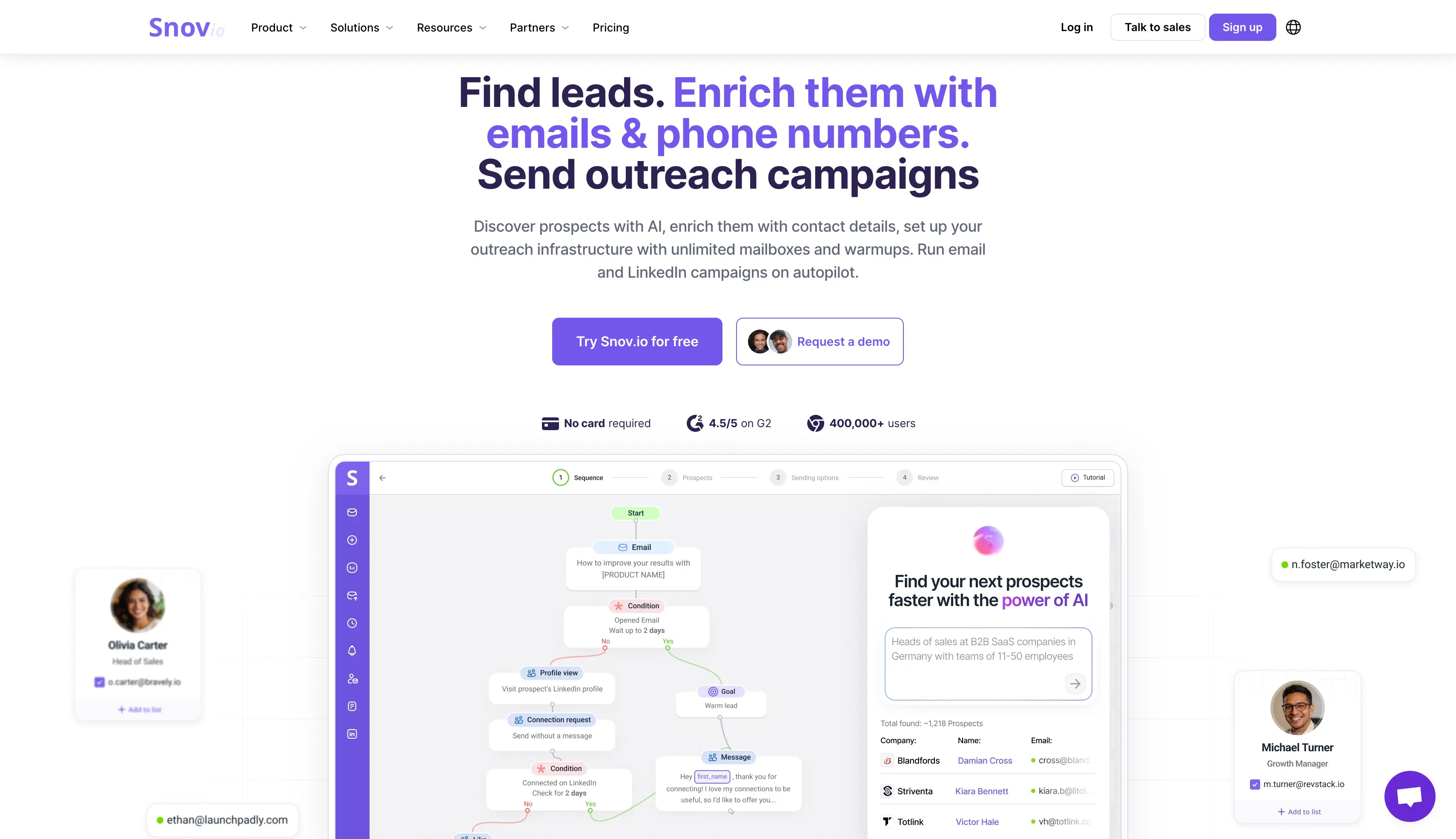
Snov.io AI covers writing and verifying, which is the pair a first campaign needs most.
The AI Email Writer drafts your drip campaign copy inside the tool. You describe the offer and it writes the steps.
Snov.io completes every variable for you.
The AI completes each variable per recipient, so one template reads differently for every prospect on your list.
Snov.io checks every address before it sends.
Snov.io confirms each address is real before you send the email. On a first campaign that is what keeps a new domain out of trouble.
Snov.io warms your mailbox on any paid plan.
The AI generates the warmup activity, so a new mailbox has a reputation before you send anything real.
PS. No plan includes LinkedIn automation. Its site lists it at $69 per slot per month, or $62 on annual billing, and each slot covers one LinkedIn account.
Our Snov.io review covers the finder, the verifier and the credit limits in more depth.
Overall, Snov.io is right when you need finding and sending in one cheap subscription.
If you are looking for something that scales past a few thousand sends, our Snov.io alternatives guide covers what to move to next.
Smartlead is a cold email platform made for operators managing several clients at once.
AI features:
Best for: Lead generation agencies running many client inboxes who need workspace separation and a white-label portal.
User rating: G2: 4.5/5 (400+ reviews)
Smartlead AI covers writing and reply handling, and its reply handling is the deepest here.
Smartlead sorts every reply into nine buckets.
The AI labels each one as Interested, Meeting Request, Information Request, Not Interested, Do Not Contact, Out of Office, Wrong Person, Bounce or Uncategorised.
For an agency reading hundreds of replies a week across 20 mailboxes, that is the difference between triage and guesswork.
SmartAgents decide what happens next.
You set a trigger and an action with no code. A drop in reply rate fires a Slack alert. A positive reply goes to your CRM. A summary reaches your inbox each morning.
Smart-Adjust corrects a live campaign for you.
Smart-Adjust checks a live campaign for spam signals and corrects the sending behaviour on its own, without pausing the campaign.
SmartDelivery gives your client proof of placement.
SmartDelivery runs placement tests per client. So when a client asks whether their emails reach the inbox, you send the test result instead of your opinion.
PS. AI personalization is English-only, which rules Smartlead out for teams selling into non-English markets.
To know about the platform more, you can read our Smartlead review.
What five clients actually cost: Smartlead Pro is $79 a month, plus $29 for each of the five client workspaces, so $224 in total. Salesforge Growth includes unlimited workspaces inside its $80.
That said, Smartlead gives you a branded client portal that Salesforge does not. Weigh the portal against the difference rather than calling it a straight price win.
Overall, Smartlead is right when you run client campaigns and need branded reporting for each one.
If you are looking for client workspaces and LinkedIn in the same tool, our Smartlead alternatives guide covers the options.
Reply.io is a sales engagement platform that runs five channels in one sequence, and it sells an AI SDR on top.
AI features:
Best for: Mid-market sales teams buying an autonomous AI SDR rather than operating a sending tool themselves.
User rating: G2: 4.6/5 (1,500+ reviews)
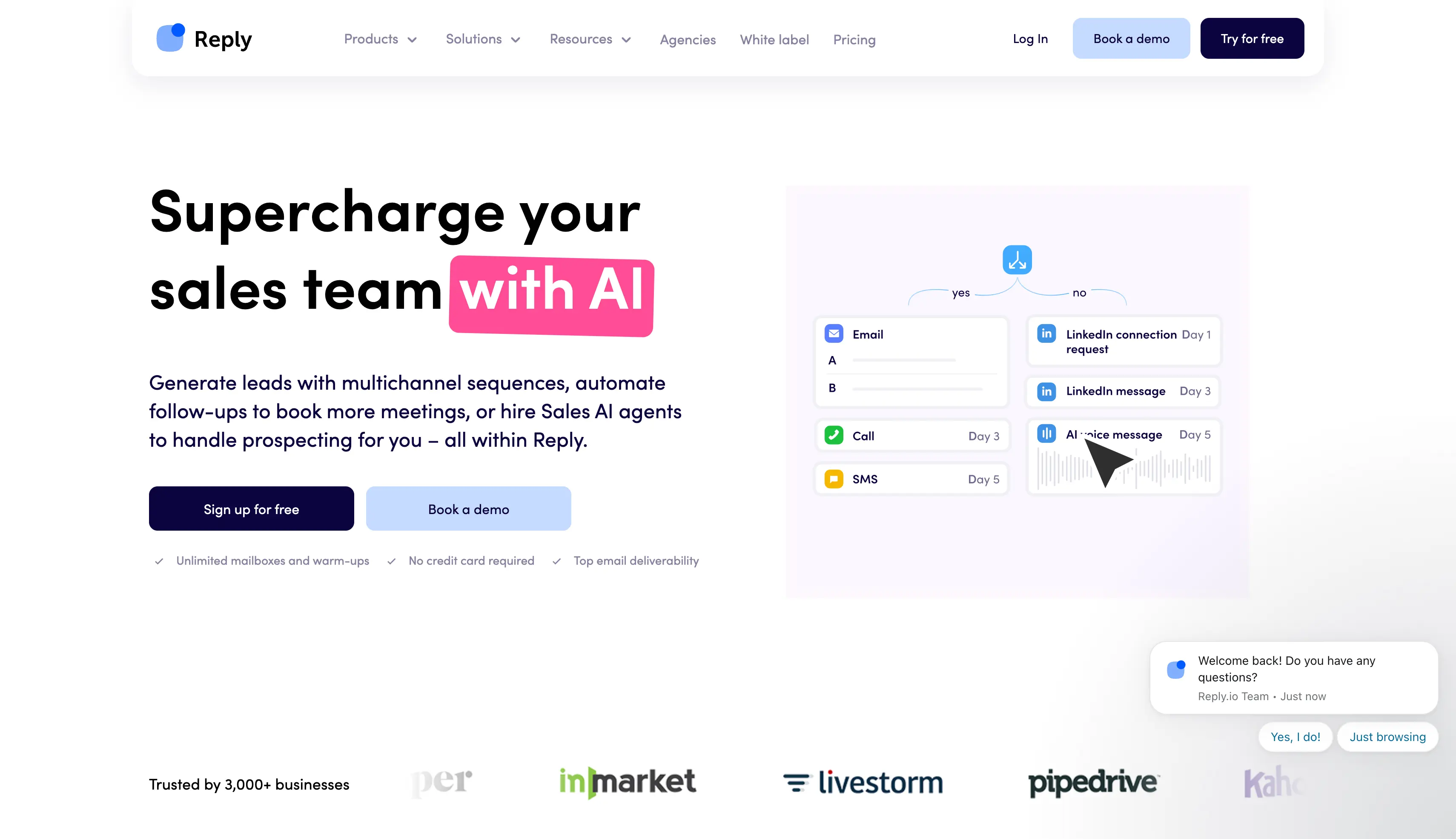
Reply.io AI covers all four stages, and Jason AI is the reason.
Jason researches the account, writes the copy, sends the sequence, answers the replies and books the meeting. Reply.io sells it as an AI SDR rather than as a feature.
You choose how much control Jason has.
Jason finds prospects in its own database.
Jason selects candidates from a 1B+ contact database, so you do not supply the list.
Jason answers objections in 50+ languages.
When a prospect objects, Jason writes the response rather than flagging it for a human.
Five channels run in one cadence.
Reply.io covers email, LinkedIn, voice through a native dialer, SMS and WhatsApp. No other tool here includes that many.
PS. Jason AI starts at $500 a month and no outreach plan includes it. Multichannel is $89 per user, and the LinkedIn, calling and data add-ons raise the real figure to roughly $150 to $190.
For the full picture on Jason AI and the sequence builder, read our Reply.io review.
PS. 14-day free trial, no permanent free tier.
Overall, Reply.io is right when you are buying an AI SDR or need five channels in one cadence.
If you are looking for multichannel outreach without the per-seat cost, our Reply.io alternatives guide covers the cheaper options.
Apollo.io is a sales intelligence platform that also includes a sequencing tool. Small and medium sized businesses mostly use it when they need contact data first.
AI features:
Best for: Sales and RevOps buyers whose problem is not knowing who to contact, rather than not knowing what to send them.
User rating: G2: 4.7/5 (9,800+ reviews)
Apollo.io AI works on the data rather than the sending.
Apollo.io researches an account, then writes from what it finds.
AI research costs one credit per run. The AI reads the company, then drafts an email around that instead of around a template.
Intent topics tell you who to contact first.
The AI flags accounts already researching your category, so your list starts with people who are looking.
AI Power-Ups research the fields a database does not hold.
You define the field you need and the AI researches it per record, which covers the things a standard database does not hold.
Apollo.io reports on each call from the recording.
On Professional, the AI records each call and reports what the two of you discussed.
Credits pay for every one of those actions.
Basic gets 30,000 credits a year, Professional gets 48,000 and Organization gets 72,000.
PS. Apollo.io pools those credits at the organisation level rather than giving each user an allowance. One heavy prospector can therefore use up the whole team allowance.
Our Apollo.io review reports on data quality after four weeks of daily use.
Overall, Apollo.io is right when finding contacts is the problem.
If you are looking for a tool that handles the data and the sending, our Apollo.io alternatives guide covers both.
Klenty is a sales engagement platform that works inside your CRM.
AI features:
Best for: CRM-first sales organisations that want Klenty to record cold email outreach alongside every other touch.
User rating: G2: 4.6/5 (350+ reviews)
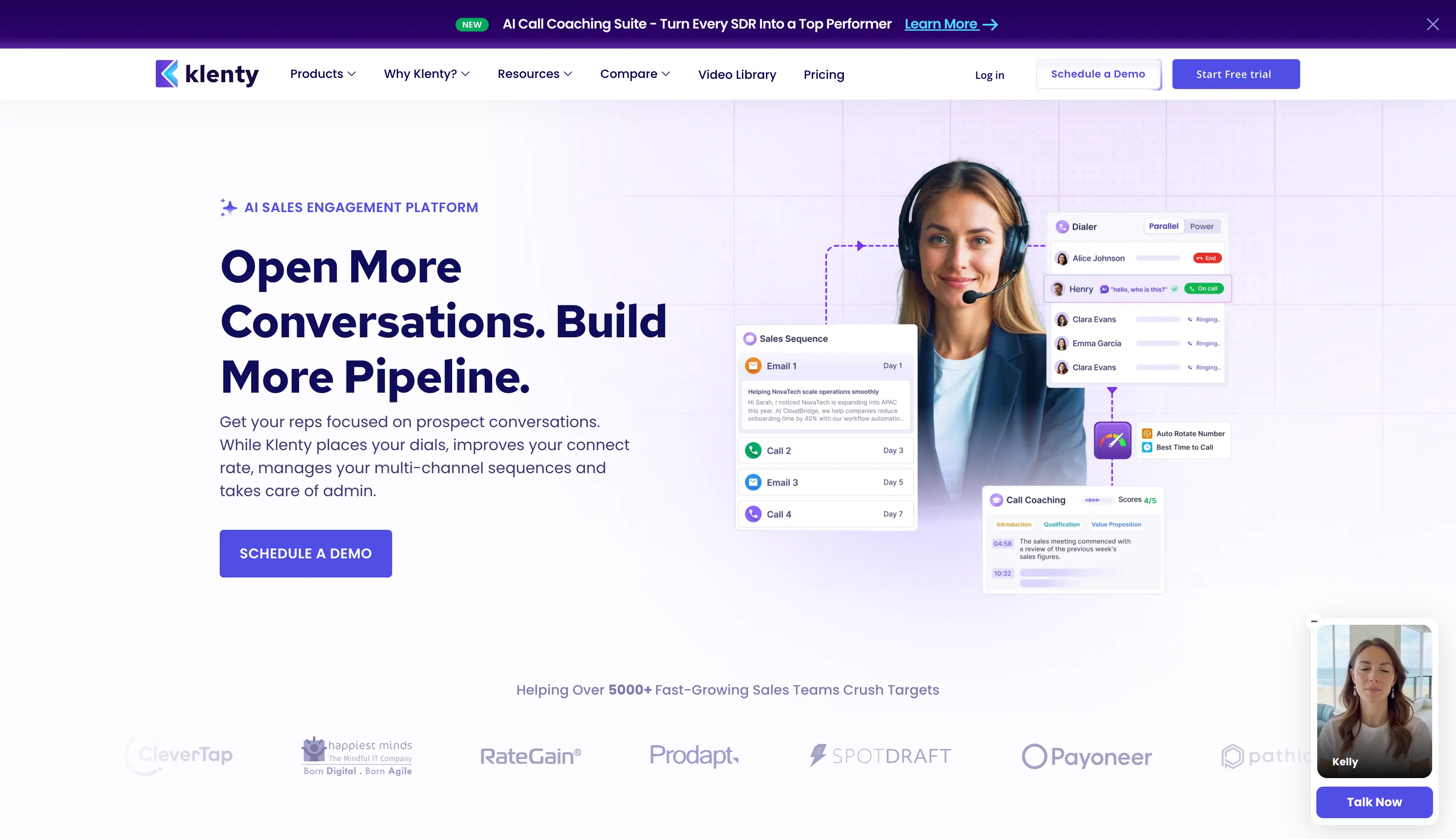
Klenty AI covers writing and calling, and calling is where it does the most.
Klenty AI writes the whole cadence.
You describe the motion and Klenty writes the whole multichannel cadence, including email, cold calling, LinkedIn and SMS steps.
Action AI handles what happens after a call.
Action AI listens to the call and decides the next step. It then queues the follow-up email, schedules the callback with notes, or enriches a new stakeholder.
Klenty coaches the rep during the call.
Real-time battlecards appear during the conversation, and the AI scores every call afterwards. A manager can review reps without listening to every recording.
Klenty logs every touch to the CRM.
Every AI-drafted email and every scored call appears against the record in Salesforce, HubSpot, Pipedrive or Zoho. Most teams pick Klenty for exactly that.
PS. Prospect IQ handles enrichment, but Pro caps it at 200 lookups a month. Treat Klenty as a sequencing tool rather than a source of contacts.
PS. 14-day free trial, no credit card required.
Overall, Klenty is a strong pick for teams with a structured sales process.
If you are looking for something made for volume rather than a structured process, our Klenty alternatives guide covers those options.
Run your shortlist through these twelve questions. Each one separated the eight tools above.
Answer these questions to pick the best cold email AI platform for your sales outreach.
The best tool depends on what you need most. Some are better for prospecting, others for personalization, high-volume sending, or managing multiple clients.
Before choosing, look beyond the AI writing features. Check what you get at each pricing tier, how well the tool handles deliverability, and whether you will need additional software to complete your workflow.
If you want to manage prospecting, outreach, deliverability, and replies from one platform, Salesforge brings these parts together in a single subscription. You also get access to Agent Frank if you want an AI SDR to handle the outreach process for you.
The goal is simple: spend less time managing tools and more time turning conversations into opportunities.
Start a 14-day free trial of Salesforge. No credit card required.
Salesforge is the strongest all-round pick among AI email tools. Its AI covers writing, research, reply handling and autonomous operation, it connects to Leadsforge for lead generation, and both plans include free warmup. Instantly is the better choice for volume above 100,000 sends a month. Lemlist wins if copy quality on a small list is your only problem.
Salesforge, Instantly, Smartlead and Snov.io all include warmup free and rotate senders automatically. Salesforge adds ESP matching, Bounce Shield, validation before send and Heat Score™ tracking. Apollo.io and Klenty include no warmup at all, so budget for a separate tool. Whichever you pick, warm up every mailbox first, check mailbox health on DNS and blacklist status, and treat any spam word checker as a hint. Reputation matters more than vocabulary when spam filters sort inboxes from spam folders, so inbox placement tests tell you more than a copy score.
Yes, but only when the AI works from real account context rather than a template. A personalized cold email drawn from company news or recent LinkedIn activity reads like a person wrote it, which lifts response rates. An AI SDR such as Agent Frank or Jason AI can run the campaign end to end, including the booking. Neither closes more deals on its own, because the offer still has to be worth answering.
Expect $80 to $100 a month for a capable cold outreach platform on annual billing, and $500 or more for an autonomous AI SDR. Salesforge Growth costs $80 a month and includes warmup and unlimited users, plus $2 to $4.50 per mailbox for infrastructure. Reply.io Multichannel is $89 per user before add-ons, so most teams pay nearer $150 per seat. Apollo.io and Snov.io both offer a free plan if you want a free tool to test the workflow first.
You need roughly 10 to 15 mailboxes, working from a safe ceiling of 30 to 50 emails per mailbox per day. Fifteen mailboxes at 30 sends a day gives you about 13,500 a month with headroom. Divide those across at least three domains, and do not run any at full volume until warmup finishes.


.jpg)

.jpg)

