Blog
Apollo.io Review 2026: Is It Worth It? [4-Week Test]

Apollo.io Review 2026: Is It Worth It? [4-Week Test]

Summarize with

If you are reading an Apollo.io review, you are either about to buy it or already paying for it and looking around.

Either way, this one is for you.

Apollo.io is worth it for small teams selling into North America.

It stops being worth it the moment you scale, sell outside the US, or send without verifying the list first.

I know that because I tested it myself.

I exported 100 contacts Apollo had flagged as verified and ran them through a second verifier. Twenty-seven came back flagged. Of the 73 that survived, six still hard-bounced.

So verified means probably, not definitely. And it can cost you a domain if you take it literally.

The rest of Apollo is good. The database is broad and the filters go deeper than most.

But filters are how you searched for leads in 2022. Newer tools let you describe your ICP in a sentence and hand you the list. Once you have worked that way, twelve dropdowns feel like filling in a form (I'll come back to this later).

I spent four weeks on Apollo. I ran four ICP searches and a 100-contact campaign over ten days. I tested the AI Assistant, the dialer and the Chrome extension.

In this Apollo.io review, I cover what it does well and what its data really costs you. Then the price at five seats, and who should pick something else.

Apollo.io Review: Table of Contents

Apollo.io Review: What You Get vs What You Don't

The table below compares Apollo against Leadsforge. That is the tool I reach for when the data is the problem.

Feature Apollo.io LeadsforgeBest for data
Best forFind, enrich, sequence and dial on one billTeams whose problem is data quality
Starting price$49/user/mo annual, free plan available$49/mo, or $588/year paid upfront
Credit rolloverNone, credits expire monthlyGranted upfront on annual, no expiry
Competitor followersNot native, needs Sales NavigatorPull a competitor's followers, filter by role
Buying signalsThird-party intent, Professional and upFive signals, each with its public source
Local Companies SearchNot offeredSet a location and radius, pulls from Google Maps
Contact database210M+ contacts, 73M companies500M+ contacts with emails and mobiles
Data enrichmentSingle source on BasicWaterfall across 20+ providers
Lead searchFilters across 65+ attributesDescribe your ICP in plain English
Seat minimumsThree seats on OrganizationNone
Free creditsCredits per seat, no card100 on signup, no card
Marketed accuracy97% to 98.5%, per ApolloVerified across 20+ providers
Company lookalikesSimilar Companies filterFrom a prompt or seed company, 1 credit
Email outreachBuilt in, with A/B testingHands off to Salesforge
Free Chrome extensionOn every planEmail and phone finder
MCP and APIApollo MCP server and APIForge MCP for Claude, Cursor and scripts

What Real Users Are Saying About Apollo.io in 2026

Apollo scores 4.7 on G2, 4.5 on Capterra and 2.9 on Trustpilot.

When I first saw those numbers, they looked like three different products.

They do not. They describe three different questions.

G2: 4.7 out of 5

G2 is where people rate the product, and the product is good.

Reviewers talk about list building that used to take a morning and now takes twenty minutes. They also like having contact data and sequences behind one login.

Apollo also picked up a G2 Best Software Award in February 2026, named the top AI-native sales intelligence platform. That is an industry award rather than a technical benchmark, and it still means thousands of people rated it highly.

The critical G2 reviews cluster on one thing. Data accuracy.

G2's own tags show "inaccurate data" and "data inaccuracy" as the two most common complaints. That puts it well past an edge case.
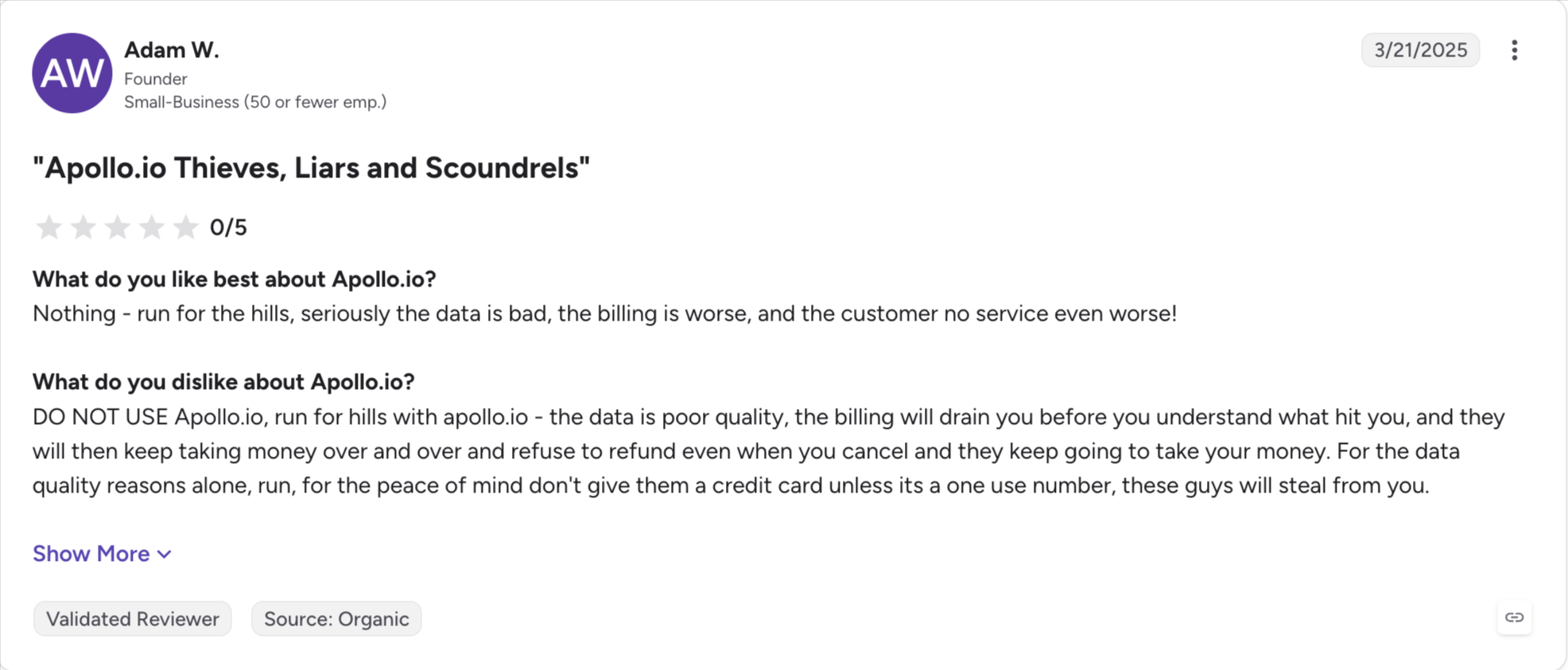
Verified G2 Review

Capterra: 4.5 out of 5

Capterra tracks close to G2 on the headline score, and the sub-ratings are where it gets useful.

Customer Service sits at 4.2, the lowest of any category Capterra scores. This matches what shows up on Trustpilot and in the slower-ticket complaints on G2.
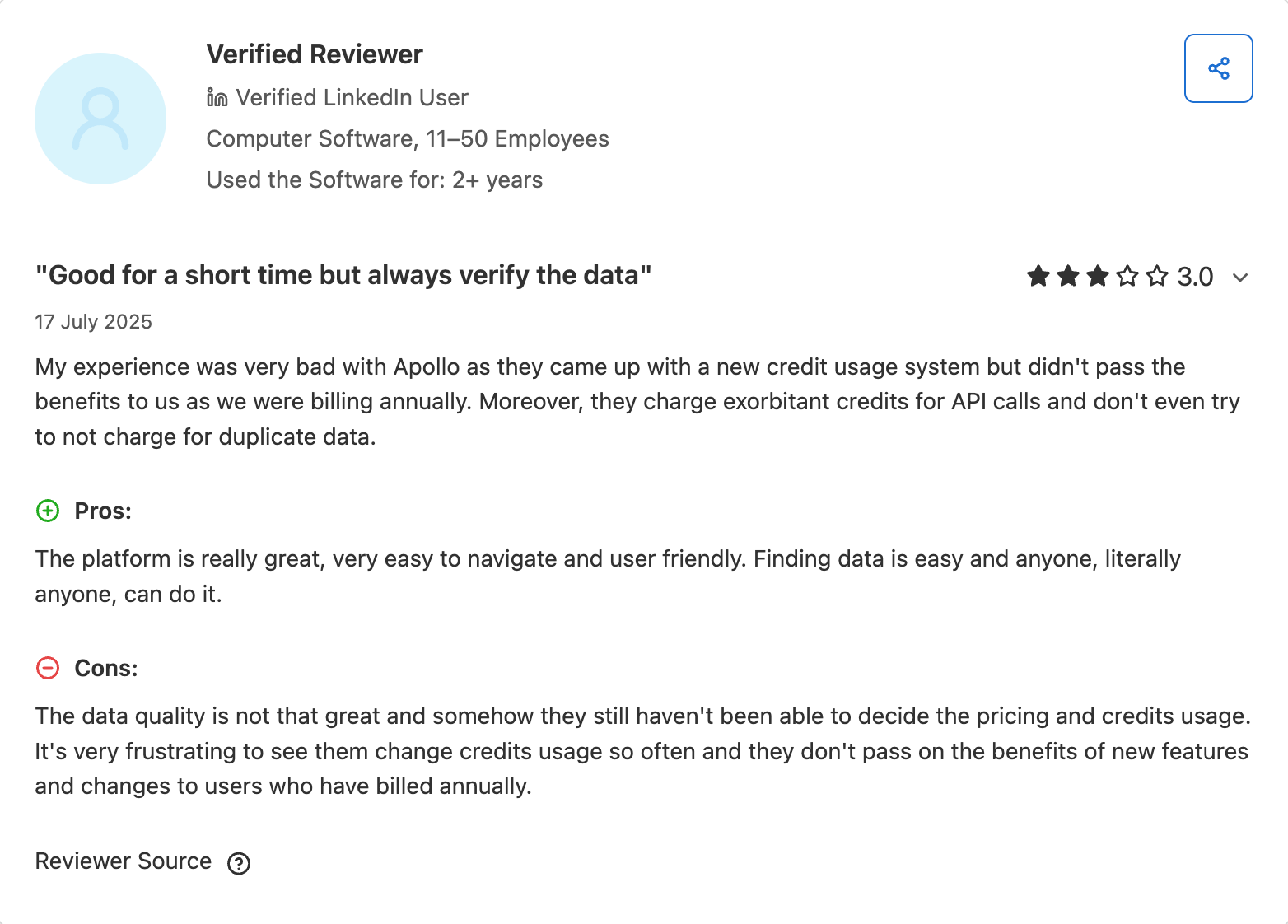
Verified G2 Review

Trustpilot: 3.1 out of 5

Trustpilot is where people rate the company rather than the software. I found the gap startling.

Billing disputes dominate. Unexpected seat charges, prorated invoices, accounts that were hard to cancel, and credits consumed on lookups that returned nothing. Several reviewers describe buying phone credits and getting switchboard numbers back.

None of that contradicts the G2 score. A tool can build lists beautifully and still bill you in ways you did not expect.
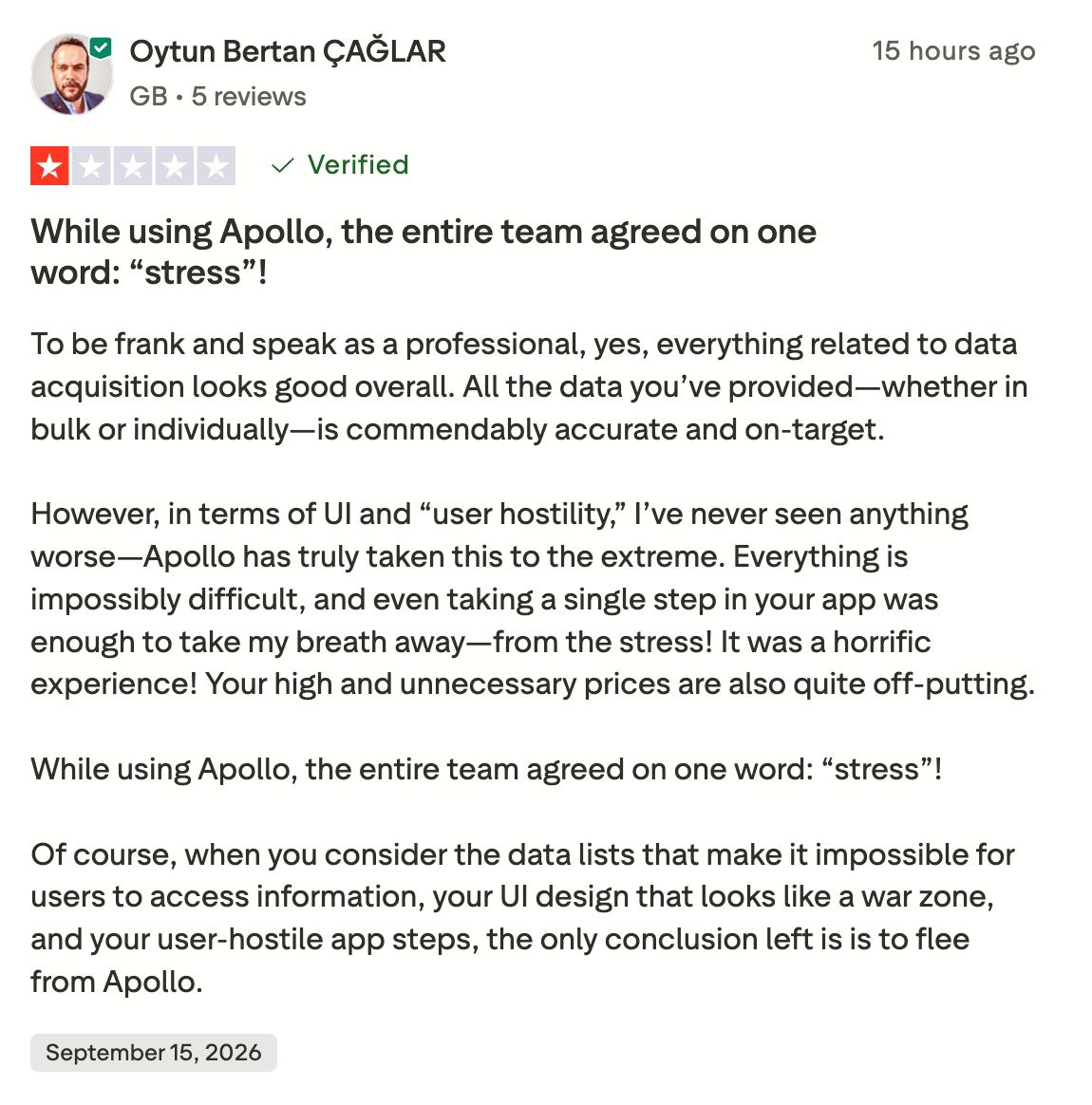
Verified G2 Review
‍Also Read: 13 Best Apollo.io Alternatives in 2026 (Tested & Ranked)

My Hands-On Experience With Apollo.io

I spent four weeks inside Apollo. Here is what I ran and what came back.

Contact Database and Filters

I ran four searches against the kind of buyer I sell to. From each one I pulled 100 contacts Apollo flagged as verified. Then I ran them through a second verifier.

Test ICP Of 100 pulled, passed a second check
1 VP of Sales at Series B SaaS, 50 to 200 staff, US 73
2 Same profile across the UK, Germany, France and the Netherlands 51
3 CMO at fintech companies, 100 to 500 staff, North America 69
4 Procurement officer at manufacturers, 200 to 1,000 staff, North America 66

Europe is the number that matters. The same job title, the same company size, twenty-two fewer usable contacts.

The filters are the best part of Apollo and it is not close. You get 65 attributes covering job title, seniority, industry, headcount, revenue, geography, tech stack, hiring signals and news triggers.

Boolean logic works on title fields. Saved searches survive between sessions. That helps with data reliability, but Apollo's data still depends on refresh cycles and inputs from third party providers.

  • What I liked: Counts and previews came back in under two seconds on every search. The "has email" and "has direct dial" toggles do real filtering rather than decoration. The tech stack filter earns its place when you sell against a named competitor. Apollo's data quality is good enough to make the filters useful, especially when you need accurate contact data before outreach.
  • What I did not: The verified pool shrinks fast outside the US. Test 2 returned a third fewer contacts than test 1 on the same profile. That gap widened once I checked the emails.
  • My take: The breadth is real and the filters are genuinely good. Treat every pull as a starting list rather than a sending list, and Apollo does this job well, because scale does not remove stale records and some users still report outdated contact details in Apollo's data.

The Email Test

This is the part I care most about, so I ran it properly.

I took the 100 contacts from test 1, all flagged verified by Apollo. I ran them through a second verifier before sending anything. Twenty-seven came back questionable. I sent to the 73 that passed, across four steps over ten days, plain text, one warmed mailbox.

Six of those 73 hard-bounced.

So roughly a third of an Apollo "verified" export needed work before it was safe to send. Not a third bounced. A third would have, or might have, if I had trusted the label.

  • What I liked: The sequence editor is clean and A/B testing comes on every paid plan. The analytics show opens, replies, bounces and clicks without hunting for them.
  • What I did not: There is no mailbox warm-up, no ESP matching and nothing that pauses a mailbox when bounces climb. If cold email is your main channel, Apollo is a starting point rather than the whole stack.
  • My take: Apollo sends fine from one warmed mailbox at low volume. The gaps show up the moment you run several mailboxes across several domains.

AI Assistant

I gave it three jobs. First, find 50 VPs of Sales at Series B SaaS companies who posted about hiring SDRs recently. Then draft a four-step sequence for that list. Then write three subject lines under 50 characters.

  • What I liked: It returned a coherent list on the first prompt, including LinkedIn activity signals. The sequence draft was a usable first draft. The subject lines were fine.
  • What I did not: Apollo calls this an agentic GTM operating system. It drafts, you approve, you launch. That is a co-pilot, and there is nothing wrong with a co-pilot, but the marketing is ahead of the product.
  • My take: It is useful for drafting and search. It is not autonomous, so do not budget as though it replaces a person.

Dialer

I tested the standard dialer and the parallel dialer add-on on the same 100 contacts. Apollo returned 72 phone numbers for that list.

  • What I liked: The parallel dialer is a real productivity gain if you run phone outbound at volume. Apollo claims up to 2.5 times more calls. That tracks with what I saw, though it depends heavily on your pickup rate.
  • What I did not: The dialer sits on Professional and above. The mobile numbers came back less accurate than the emails. That is normal across every database, and still worth knowing before you buy phone credits.
  • My take: It is worth it if you are already on Professional and calling seriously. It is not a reason to upgrade from Basic on its own.

Chrome Extension

I installed it and pulled contacts from 25 LinkedIn profiles and 10 company pages.

  • What I liked: Fast, well built, and the Sales Navigator overlay saves real time. The push-to-sequence action works as advertised.
  • What I did not: Mobile numbers came back sparse compared with what the database suggested they would.
  • My take: Solid extension. Use it for research and export rather than as the front of your outreach workflow.
‍Also Read: Apollo Chrome Extension Review: Is It Worth It in 2026?

Integrations

I set up the HubSpot sync both ways, walked through the Salesforce wizard, and tested three Zapier triggers.

  • What I liked: The HubSpot sync is the cleanest of them. Field mapping works both directions, contact sync respects the owner field, and activity lands where you expect.
  • What I did not: The Salesforce wizard assumes you know Salesforce admin. Sync delays and duplicate records both showed up and needed manual cleanup. There is no native Pipedrive or Attio connection.
  • My take: If you run HubSpot, this is a strength. If you run something else, budget setup time.

Apollo.io Pricing in 2026

Apollo pricing plans has four tiers. I found the starting price reasonable, and the parts that catch people out sit underneath them.

Plan Per user, annual Per user, monthly What you get
Free $0 $0 Search and the Chrome extension, no sequences, no dialer
Basic $49/month $59/month Email sequences, A/B testing, basic CRM sync
Professional $79/month $99/month US dialer, waterfall enrichment, advanced filters, intent topics
Organization $119/month $149/month SSO, custom roles, advanced analytics, three-seat minimum

Three Things That Change the Decision

  1. Organization needs three seats: You cannot buy one, and Apollo's professional plan costs $99 per user per month on monthly billing. The organization plan still has a higher floor: the real minimum is $357 a month, or $4,284 a year, even if two of those seats sit unused.
  2. Credits expire every month: There is no rollover. Apollo's credit system means a quiet month costs you the balance, while a busy one sends you to overages, even during a trial with temporary feature access.
  3. Overages come in blocks: They cost $0.20 a credit with a 250-credit minimum, so the smallest top-up is $50. Buy three of those in a month and your Basic plan is no longer a $49 plan.

What It Actually Costs at Five Seats

A five-person team on Professional pays $4,740 a year before a single credit overage.

The same team on Organization pays $7,140.

Mobile numbers are the line item I see people miss. Apollo uses mobile credits, so phone-heavy usage can raise spend faster than email-heavy usage.

They consume several times what an email costs, so a phone-heavy quarter moves that number faster than headcount does.

My Take on the Pricing

Apollo is good value at one or two seats and it stops being good value somewhere around five.

The generous free plan is genuinely usable, which is rare, and that helps smaller teams get started without much risk. Basic at $49 buys more than most tools at that price.

The problem is the shape of the curve. Seats multiply, credits expire, overages come in fixed blocks, and Organization will not sell you fewer than three seats, while customer support on lower tiers is primarily email-based, which further affects the value calculation as teams scale.

‍Also Read: Top 3 Apollo Email WarmUp Alternatives For Better Deliverability

Apollo.io Pros and Cons

Four weeks in, here is where I landed.

Pros Cons
Four jobs on one bill: contact data, sequences, dialer and enrichment Records go outdated between refreshes, so every export needs a second check
The filter set is the deepest I have used, at 65 attributes Coverage thins outside North America, on both count and accuracy
The free plan is real, with credits and no card Credits expire monthly with no rollover
Basic at $49 buys more than most tools at that price Organization will not sell you fewer than three seats
Strong 2026 shipping: AI Assistant, parallel dialer, MCP server Overages come in $50 blocks at 250 credits minimum
The HubSpot sync is clean in both directions No Pipedrive or Attio connection, and the Salesforce setup is involved
The Chrome extension and Sales Navigator overlay save real time Trustpilot sits at 2.9, driven by billing and cancellation complaints
The AI Assistant drafts sequences and subject lines well No warm-up, no ESP matching and nothing that pauses a mailbox on bounces
— Apollo calls it agentic, and it still needs you to approve and launch

Who Apollo.io Is Built For and Who Should Look Elsewhere

Most reviews dodge this part. Here is the straight version.

Apollo Is a Good Fit If

  • You are a solo founder or a small team: The free plan and Basic get you to first revenue without a card or a procurement conversation.
  • You want one tool instead of four: Contact data, sequences, a dialer and enrichment on one bill is the whole reason Apollo exists.
  • Your market is North America: This is where the verified pool is deepest and where my own tests returned the most usable contacts.
  • You run HubSpot: The sync is clean both ways and it takes minutes rather than an afternoon.
  • You already re-verify before sending: If that step is in your workflow, the data issue stops being an issue.
  • You want AI for drafting rather than deciding: The Assistant writes good first drafts of sequences and subject lines.

Look Elsewhere If

  • You sell outside the US: My European test returned a third fewer contacts on the same profile, and the accuracy gap widened from there.
  • You run an agency across client accounts: Credits expire monthly and seats stack, so the model works against you at exactly the point you scale, and that friction becomes more noticeable when onboarding less technical users or larger outbound teams.
  • Cold email is your main channel: Apollo has no warm-up, no ESP matching and nothing that pauses a mailbox when bounces climb.
  • You want a real AI SDR: The Assistant drafts and waits for you. It does not prospect, send and follow up on its own.
  • Nobody on your team will re-verify: If lists go straight from export to send, Apollo will cost you a domain before it costs you a renewal. Its interface is intuitive once learned, but Apollo has a steep learning curve at setup, so non-technical users may struggle.
  • You judge your data tool and your sending tool separately: Apollo is decent at both and best in class at neither.

The Honest Answer

Apollo is the right first tool for most small teams. It is the wrong tool to still be on at fifty people.

I would buy it again at five seats in the US. I would not buy it for a team selling into Europe, and I would not run agency outbound on it.

‍Also Read: Apollo MCP Server Review: Is It Worth Using for Outbound Workflows?

Why Users Are Leaving Apollo.io in 2026

People do not leave Apollo because the product fails. They leave when the second year costs more than the first one did.

Three problems come up again and again.

Credit Overage Cost

You sign up on Basic at $49. A busy month empties your credits two weeks early.

Top-ups come in 250-credit blocks at $0.20 each, so the smallest one is $50. Buy three and your $49 plan costs $199 that month.

Data Accuracy

G2's own tags put "inaccurate data" at the top of the complaint list. Apollo markets 97% to 98.5% on its own pages.

On my list, 27 of 100 verified contacts needed work and six of the survivors bounced. You either pay a verifier or you pay in sending reputation.

Credit Rollover

Credits expire every month, so a quiet client costs you the balance.

Agencies feel this first. Five clients means five months of unused capacity a year, and none of it carries forward.
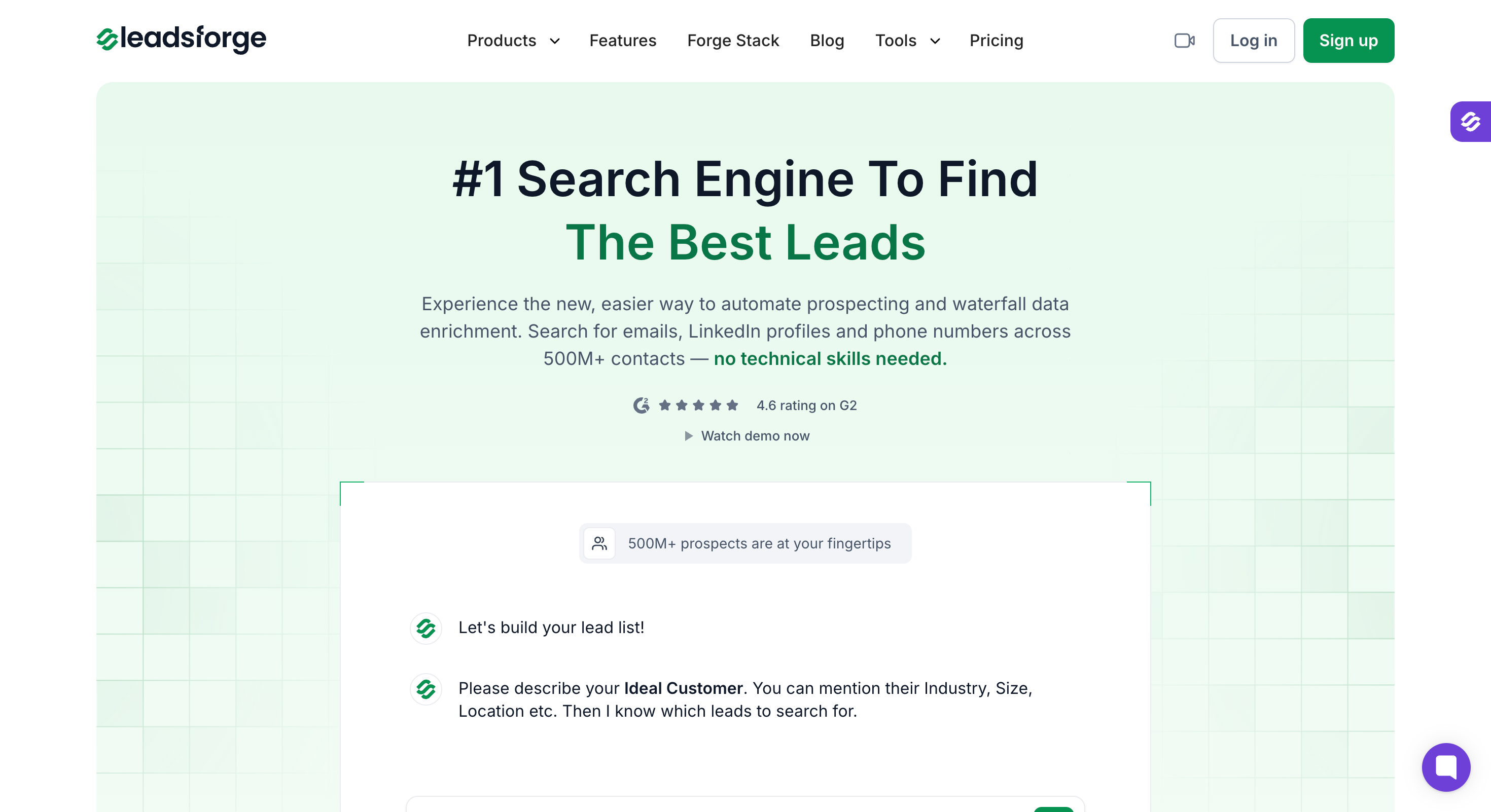
Best Apollo.io Alternative: Leadsforge

Leadsforge is a B2B contact database with 500M+ contacts that supports several lead finder workflows in one tool. You search by chat, by filter, by competitor followers, by lookalike or by location.

It does one job. It finds contacts and verifies them, and it does not send email or dial anyone.

That narrowness is the point. Apollo does four jobs, and the data layer is the one it does least well. If the data is why you are reading this, a tool that only does data is worth it.

How It Works

You describe your ICP in a sentence, either in the chat search or through the AI assistant.

Something like: VPs of Sales at Series B SaaS companies, 50 to 200 staff, who posted about hiring SDRs.

You do not stack filters to get there. The standard ones are still available if you prefer them, and you do not have to start with twelve dropdowns.

Every lookup then runs through a waterfall of more than 20 data providers. One misses, the next answers. That cascade is the structural answer to the bounce problem I measured on my Apollo list.

Leadsforge Key Features

  • 500M+ contact database: You search a claimed 500 million B2B contacts and the companies they work for.
  • Chat-based AI search: You describe your ICP the way you would prompt ChatGPT or Claude. You do not stack filters and you do not write boolean queries.
  • Standard Filters: You can narrow by name, company, job title, location, company size or headcount instead.
  • Waterfall enrichment: Each lookup runs through more than 20 sources until one returns a verified match. You pay only for results that come back verified.
  • Credits roll over: Unused credits carry into the next cycle rather than expiring at month end.
  • Company Lookalikes: You feed in an account you already closed and Leadsforge returns similar companies, at one credit each.
  • Competitor Followers Search: You pull the people following a competitor's LinkedIn page, filtered by title and seniority.
  • Local Companies Search: You set a location and a radius, then pick a business type. Leadsforge pulls matching companies from Google Maps with their address, website, phone and rating.
  • Five buying signals: You can filter for hiring, job changes, acquisitions, funding and investor activity. Each match shows what triggered it and where the source came from.
  • Real-time email validation: Every address gets checked before it reaches your export, and invalid mobile numbers get refunded.
  • Free Chrome extension: You reveal emails and mobiles while browsing LinkedIn or company websites. New accounts get 100 credits.
  • API, MCP and CLI: You pull lists with code, or run the whole thing from Claude, Cursor or your own script.
  • Forge Stack integration: One click imports your Leadsforge list into Salesforge for email and LinkedIn sequences, with no CSV step.

Leadsforge Pricing

Plan Price Credits Contract
Free $0, no card 100 on signup None
Monthly $49/month 2,000 a month Cancel anytime
Annual $588/year 28,000 upfront 12 months

An email costs 1 credit and a mobile number costs 10. Credits roll over rather than expiring, and invalid numbers get refunded.

The honest test is the one I would run in your position. Take twenty contacts whose details you already know, pull them through both tools, and count how many come back right.

That gives you a hit rate on your own market rather than mine, and the 100 free credits cover it.

Try Leadsforge free with 100 credits. No credit card required.

Final Verdict: Is Apollo.io Worth It in 2026?

That depends on what brought you here.

If you want one platform doing four jobs, Apollo may be the right start.

But most people I meet reading an Apollo review are not asking about breadth, even if it often works best for smaller teams that value sales engagement breadth over perfect data accuracy. They are asking about the data, because something already went wrong with it.

If that is you, you do not need a platform. You need a tool that treats finding and verifying as the whole job. That is the only way a lookup gets checked against 20+ providers instead of one.

Leadsforge does that. You describe the buyer in a sentence. Every lookup cascades until one returns a verified match, and credits roll over rather than expiring.

It will not send your email or dial your prospects. If those matter more than accuracy, stay where you are.

If they do not, run the test. Take twenty contacts whose details you already know and pull them through both tools. Count how many come back right.

The 100 free credits cover it.

Try Leadsforge free with 100 credits. No credit card required.

FAQs

1. Is Apollo.io worth it in 2026?

Yes for small teams selling into North America, as long as you re-verify lists before sending. I would buy it again at that size. It stops being worth it once you pass five seats. The same applies if you sell outside the US or run cold email as your main channel.

2. How accurate is Apollo.io's contact data?

Apollo markets 97% to 98.5% accuracy on its own pages. On my test, a second checker flagged 27 of 100 verified contacts, and six of the survivors hard-bounced. Most independent accuracy figures come from companies selling alternatives, so treat those with caution and run your own test.

3. What does Apollo.io cost at five seats?

A five-person team pays $4,740 a year on Professional and $7,140 on Organization. The organization plan includes advanced reports and dashboards, while the professional plan is the tier most teams consider for high-volume outbound. Both figures are annual billing, before any credit overage. Overages cost $0.20 a credit with a 250-credit minimum, so the smallest top-up is $50.

4. Does Apollo.io have a free plan?

Yes, and it is a generous free plan rather than a trial. You get search and the Chrome extension with credits and no credit card. Email sequences, the dialer and advanced filters all sit on paid plans.

5. Is Apollo.io's AI Assistant actually agentic?

Not in the way the marketing suggests. It drafts lists, sequences and subject lines, then waits for you to approve and launch. That makes it a useful co-pilot rather than an autonomous SDR.

6. Does Apollo.io still do LinkedIn automation?

No. LinkedIn steps are manual tasks now. LinkedIn removed Apollo from its platform and native automation ended, so plan on running LinkedIn through a separate tool.

7. Apollo.io vs Leadsforge: which is better?

Apollo is better if you want find, enrich, sequence and dial on one bill. Leadsforge is better if contact accuracy is your problem, because it runs every lookup through 20+ providers rather than one. Both have free entry points, so test them against the same list.

Book more meetings on autopilot

Set up in minutes. No per-seat pricing. No commitment.
Try
free
4.6 rating on G2
Add as a preferred
source on Google


