Every AI prospecting tool promises the same three things: more leads, better personalization, and less manual work.
Every AI prospecting tool promises the same three things: more leads, better personalization, and less manual work.
What you actually want is one tool that runs your whole prospecting stack without falling over.
I tested more than 30 of them looking for that. Most do one job properly and market the other two. You buy a database and find out it cannot send, or buy a sequencer and find out it holds no data.
That is why this list sorts 9 AI prospecting tools by what their AI actually does. I cover what each one costs in 2026 and what its own users complain about.
In this blog, I cover what each tool costs in 2026 and what its own users complain about.
Leadsforge: Best AI Lead Finder Tool for teams that want five prospecting workflows instead of one. ICP search, competitor followers, lookalike accounts, intent signals and local search all run from the same credits, and those credits never expire.
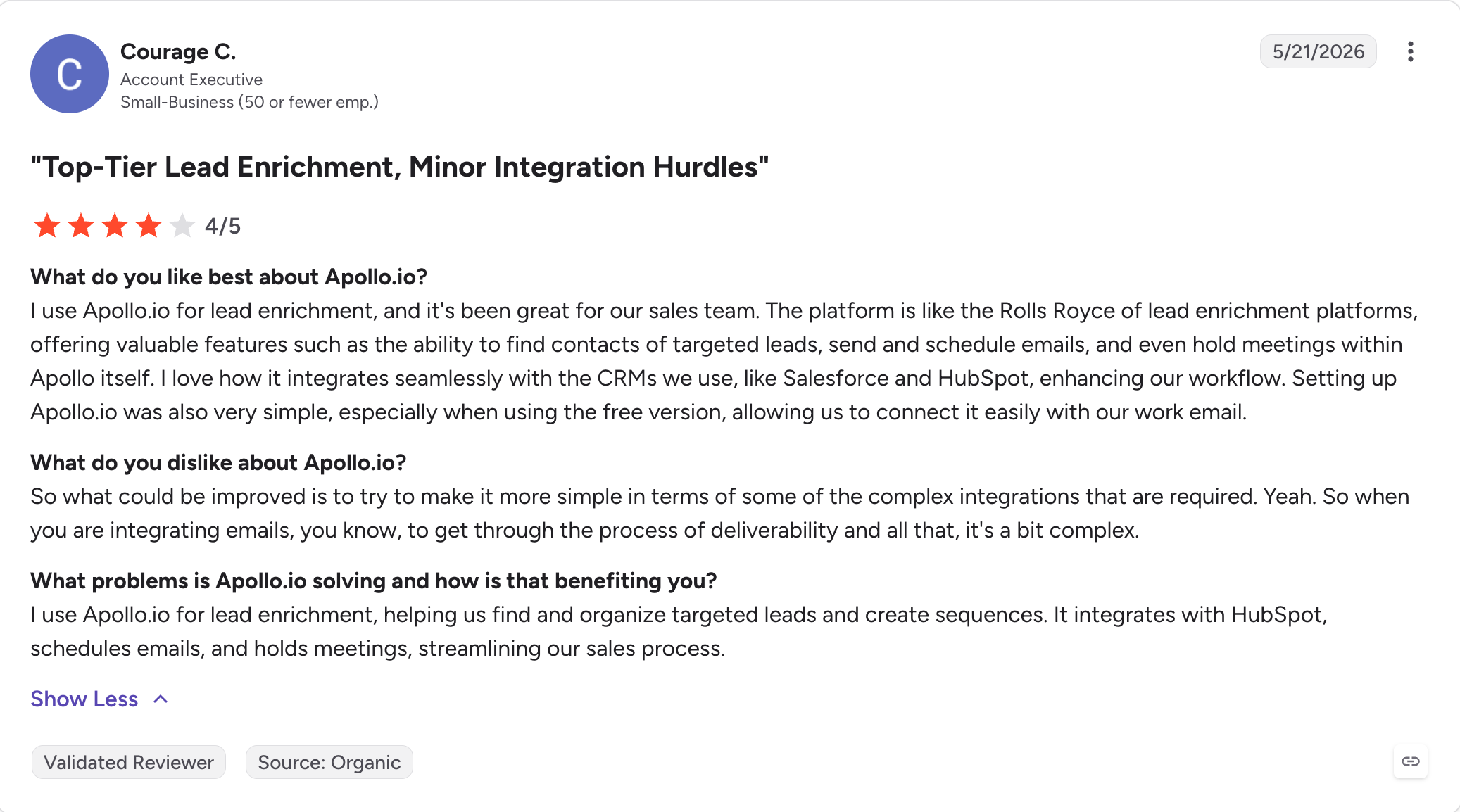
Apollo.io: Best for getting prospecting data and sending on one bill, without a procurement call.
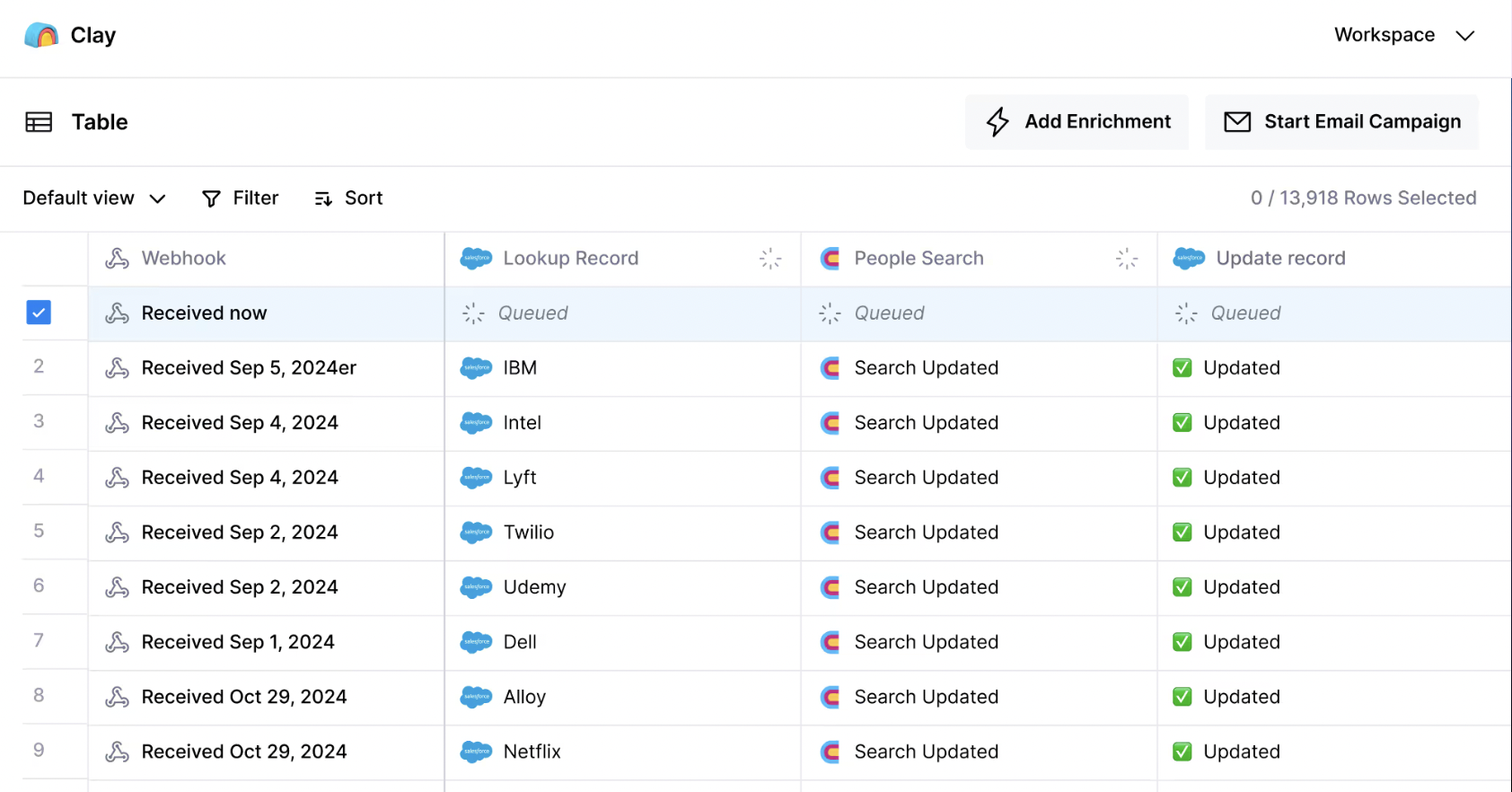
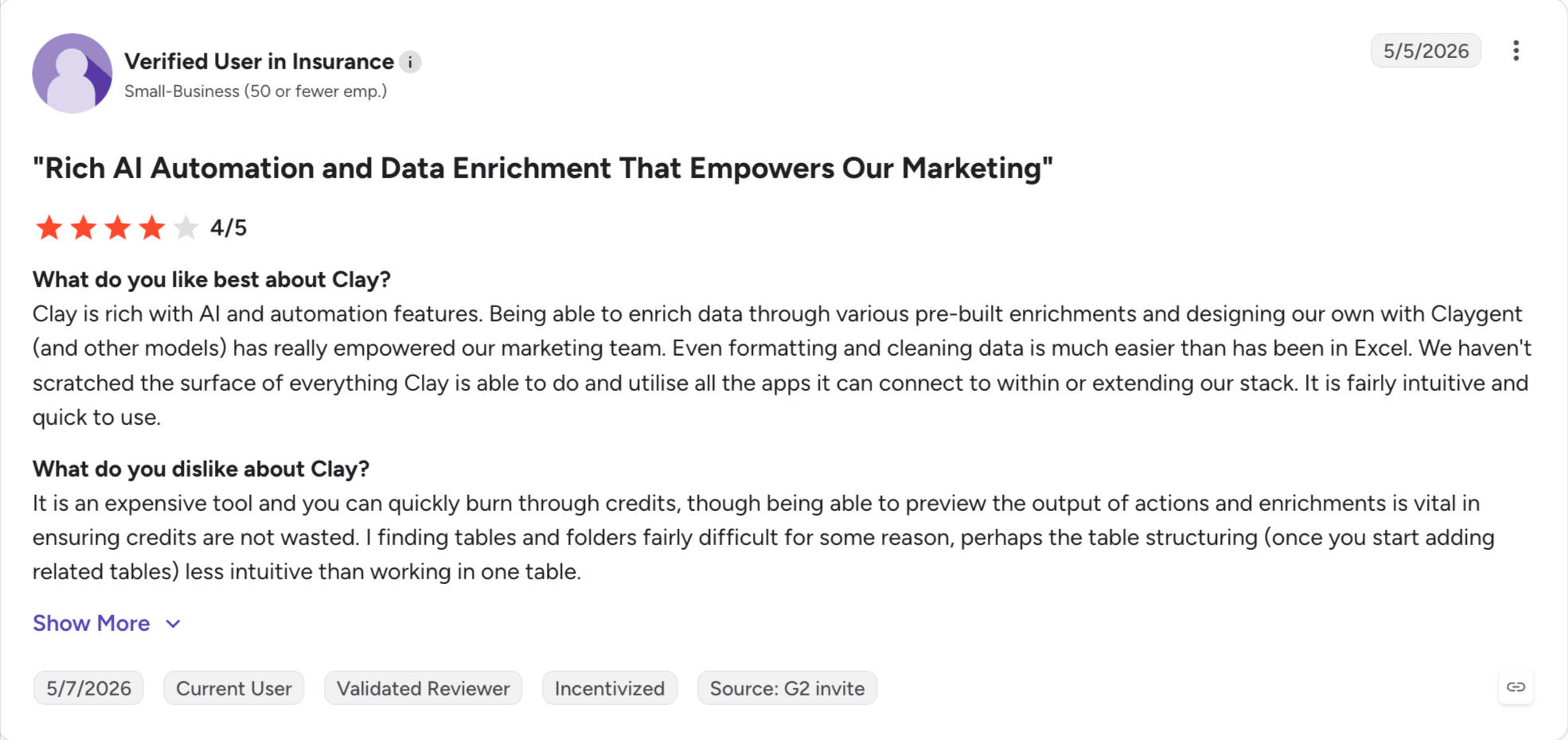
Clay: Best for account research no database holds. You build the enrichment yourself, and most teams end up hiring someone to run it.
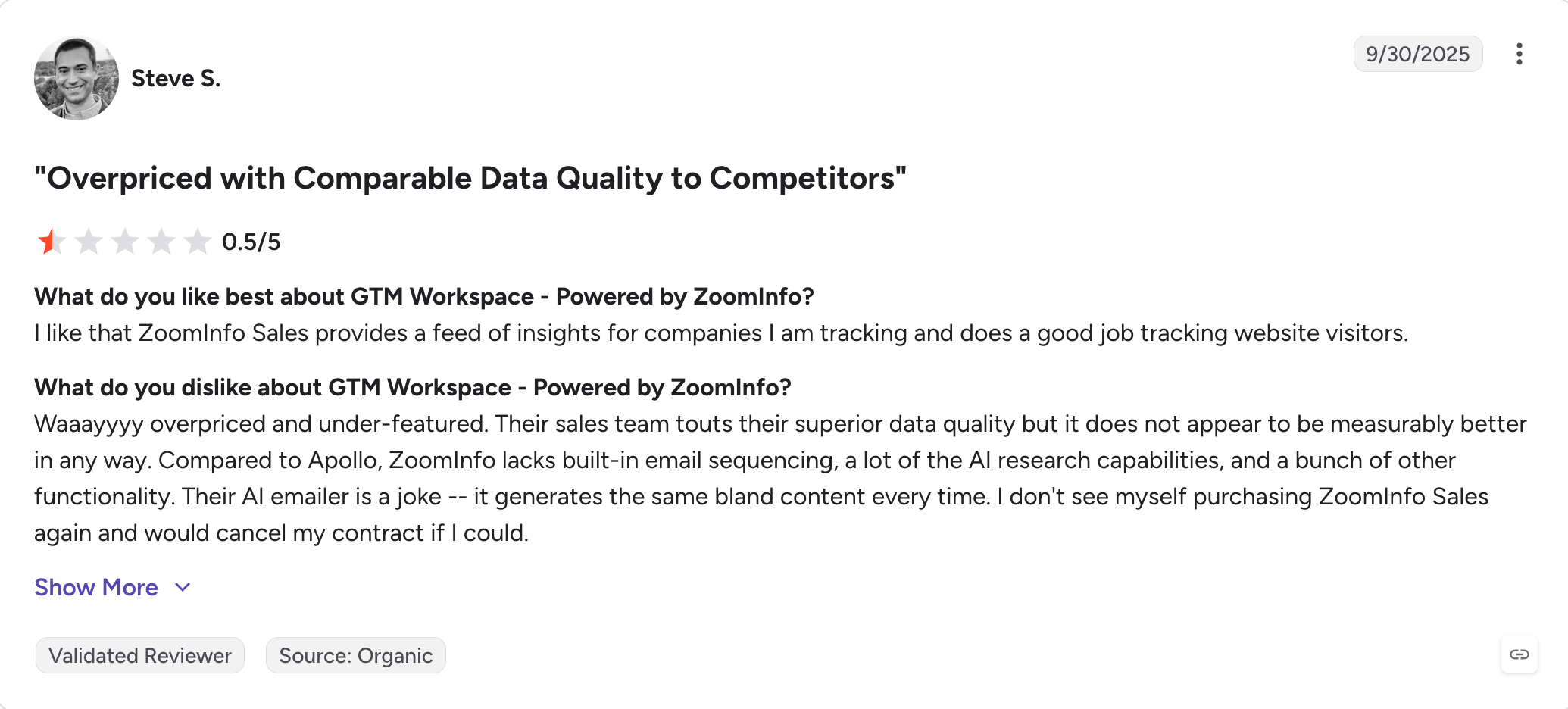
ZoomInfo: Best for enterprise teams that need intent signals and the deepest contact data on this list. No published price, and every purchase runs through a sales call.
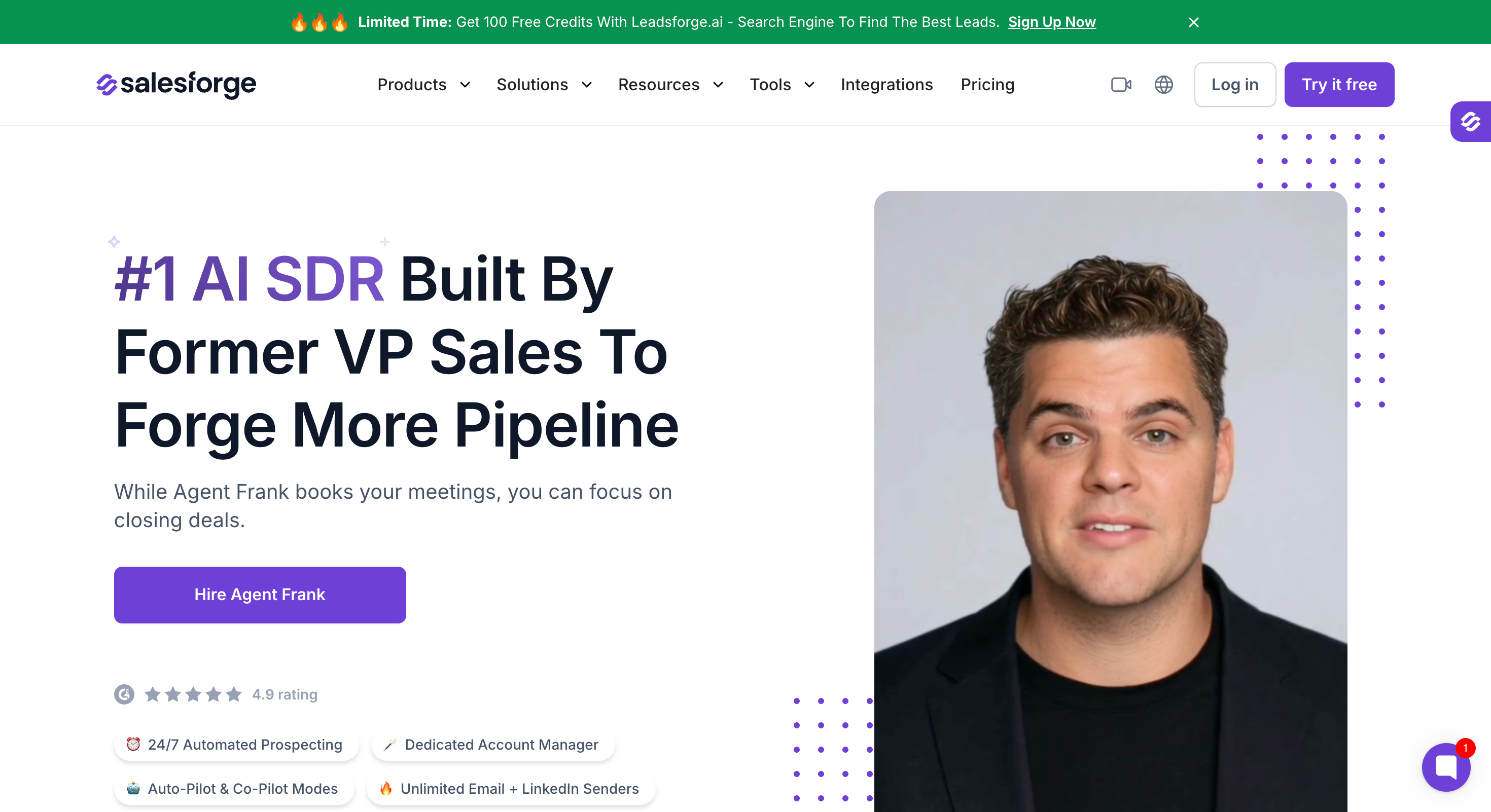
Salesforge: Safest multichannel outreach tool, with email and LinkedIn in one sequence and every reply in one inbox. No per-seat pricing, so adding people does not change what you pay.
Snov.io: Best for small teams, because every plan shares one credit pool across unlimited seats. LinkedIn automation is a separate subscription at $69 a slot.
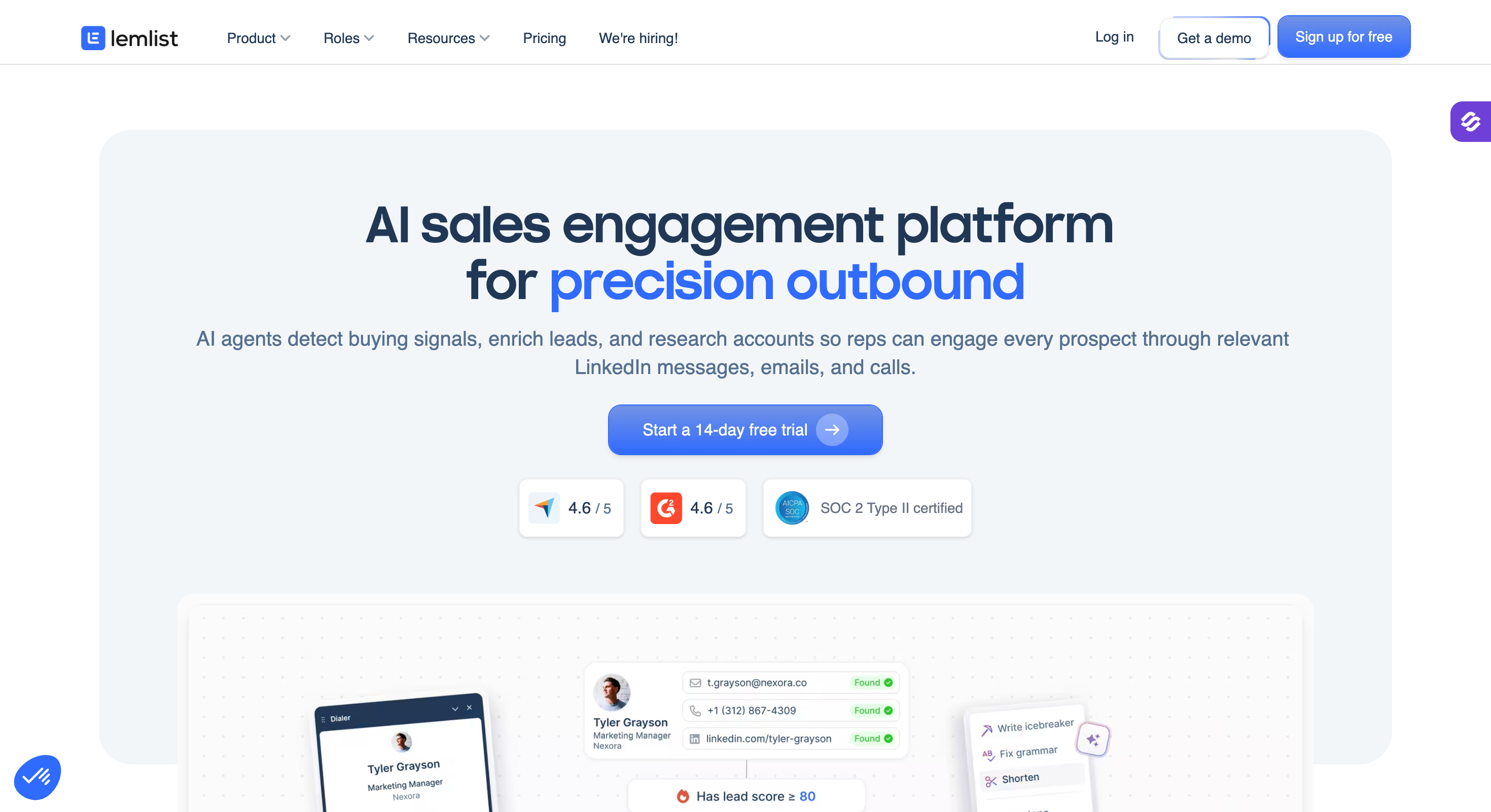
Lemlist: Best for the widest set of channels in one campaign, with unlimited users on the email plan. Multichannel goes back to per-seat pricing at $109 a user.
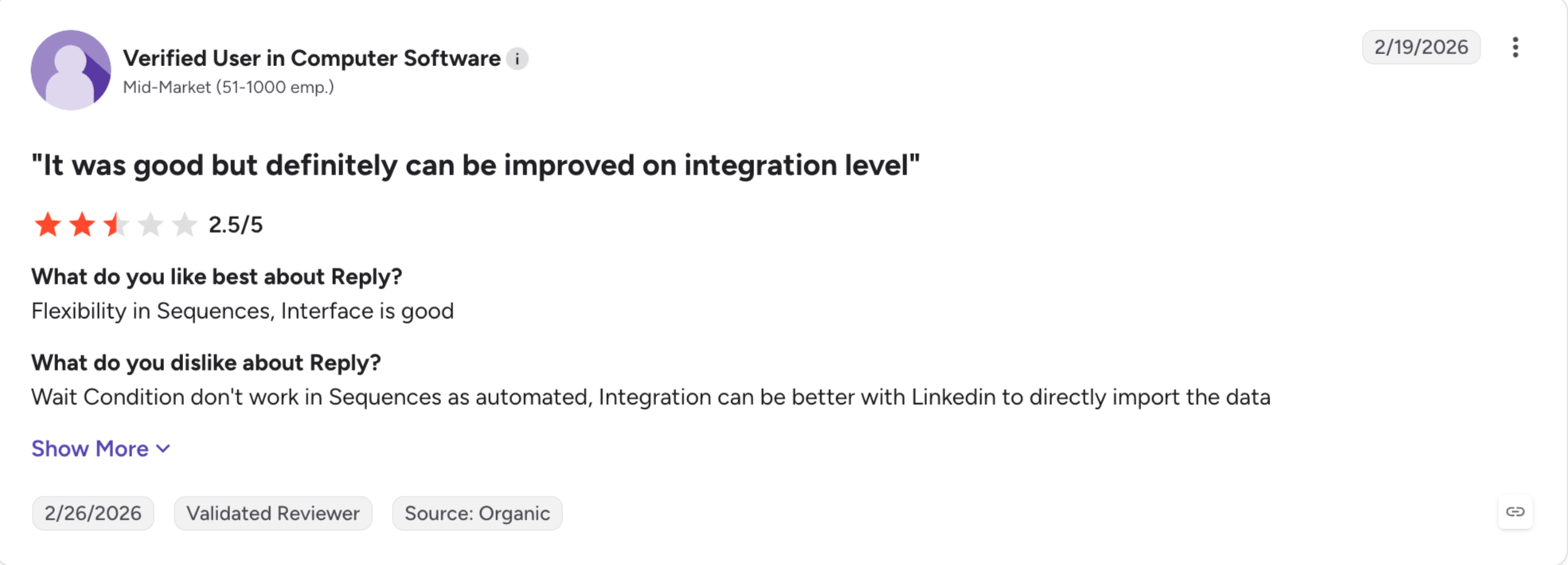
Reply.io: Best for teams adding calls and SMS to a sequence that already runs email and LinkedIn. LinkedIn costs $69 an account and calls another $29 on the entry plan.
Agent Frank: Best for teams that want the whole motion run for them, without an enterprise contract.
How I Judged These AI Prospecting Tools
Every tool here says it uses AI. But that does not mean much. So I judged all nine on the same six criteria:
What the AI actually does: I checked whether the AI finds the contact, researches it, or writes the message. I also checked for MCP and CLI support. That decides whether your own agents can drive the tool. Three of these do one job and market all three.
Data accuracy: Accurate data decides everything downstream. A model writing from a stale record sends a confident email to someone who left two years ago. So I looked at what each database claims about its contact data, and what its reviewers report.
Credit Structure: I checked what an email costs and what a phone number costs. I also checked whether a failed lookup charges you, and whether unused credits survive the month.
Human intervention: I looked at whether a person approves the message before it sends. Then I looked at what the output reads like when nobody checks it.
Pricing model: Some tools charge per seat, some per workspace, and some per credit. I have used annual prices where a tool publishes them.
What users say: I have used G2 ratings with the review count beside them. A score from twelve reviews is not the same evidence as a score from nine thousand.
Feature Comparison: Top 5 AI Prospecting Tools
These tools do different jobs, so comparing them feature by feature tells you nothing. I have compared them on the things that decide which one you buy.
Best for: Sales, GTM and agency teams who want verified B2B data from several lead workflows, on credits that never expire.
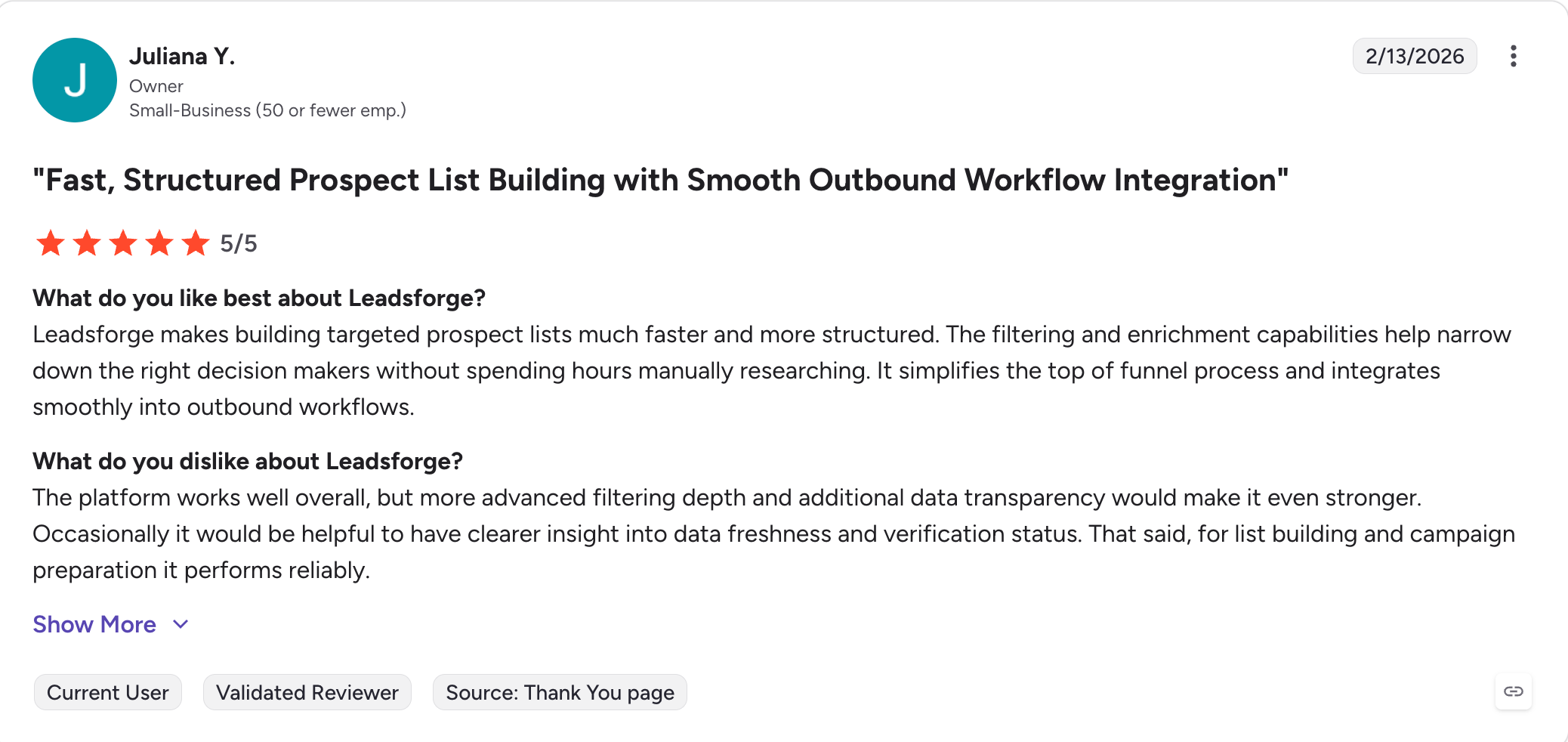
G2 rating: 4.7 out of 5
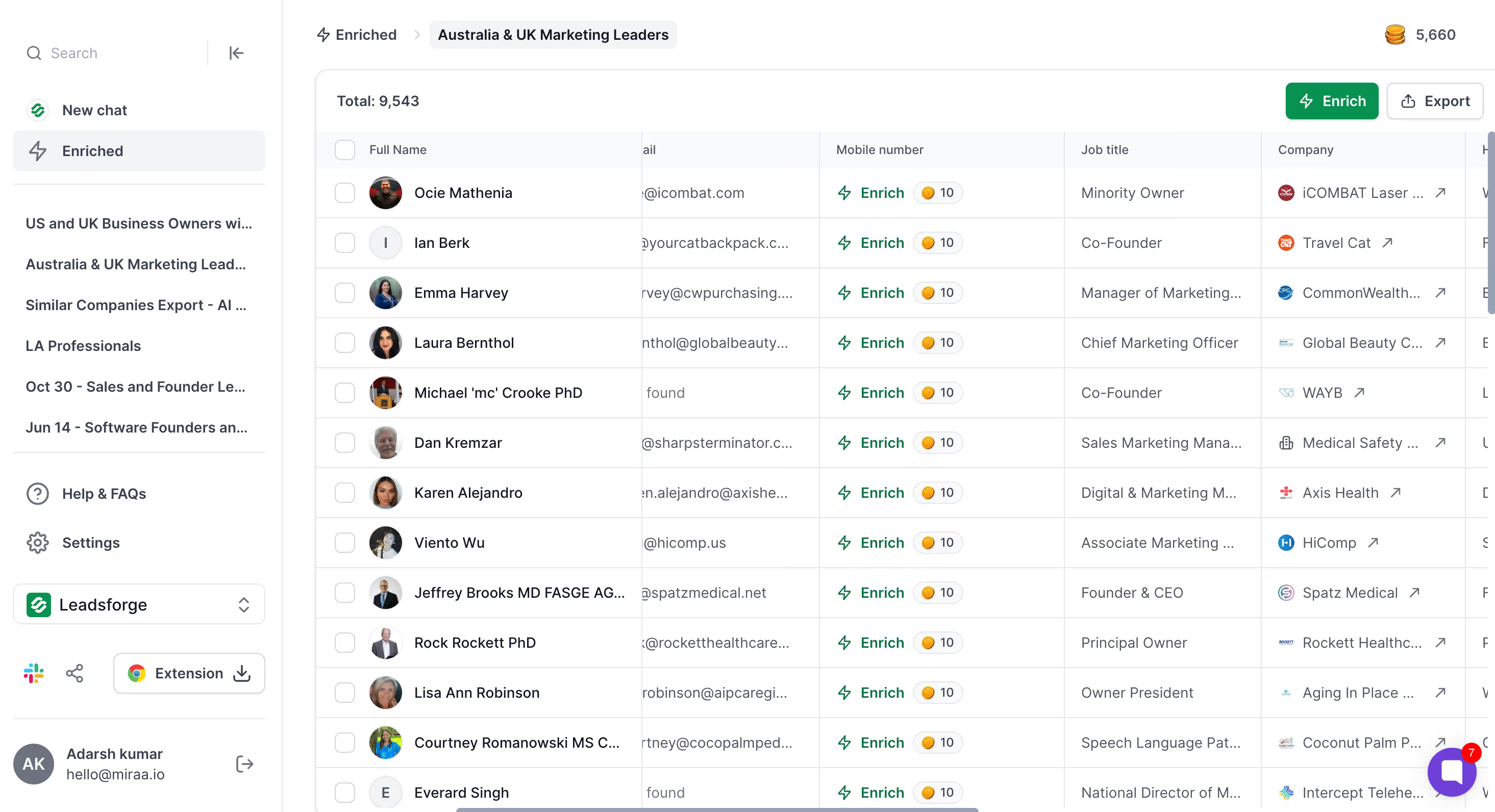
Leadsforge gives you 5 ways to find accurate and verified leads. AI powered search builds a list from your target market. Local Company Search finds owners of businesses in a city. Competitor Followers pulls the people following a rival. Company Lookalikes takes accounts you already won and finds more like them. Five intent signals tell you who moved this week.
Leadsforge owns a 500M+ contact database, and data enrichment runs across 20+ providers when it comes up short.
The best part is that searching for leads costs you nothing. Leadsforge only charges a credit when you enrich or export a contact. Your credits never expire either, even after you cancel, and anything you do not spend rolls into next month.
Leadsforge Key Features
AI Lead Finder: AI powered search builds the list from your target market or your standard filters, and verified contacts come back from the database.
Waterfall enrichment: Each lookup runs through 20+ data providers in turn until one returns verified data. You spend a credit only when a match comes back.
500M+ contact database: Leadsforge runs its own database, with company data at a scale that matches the large incumbents.
Five event-based intent signals: Job changes, acquisitions, funding and hiring all arrive as events rather than a static firmographic pull.
Competitor Followers Search: You pull the LinkedIn followers of a competitor's company page, filtered by job title and seniority.
Company Lookalikes: You give it accounts you already won, and it finds companies that match them on size, industry and tech stack.
Local Company Search: You pick a location and a business type, and Leadsforge finds the owners of local companies that match.
Company Niches and Business Models: You search by what a company actually does instead of the industry it sits in. FinTech or Payments rather than all of financial services, and B2B only if that is who you sell to.
API access, MCP server and CLI: You can search Leadsforge from your own tools, from Claude or Cursor, or from a terminal.
What I Liked About Leadsforge
Searching is free. I spent an hour building a list and it cost me nothing until I exported it.
Credits never expire, so the month-end rush to use them before they clear does not happen.
Competitor Followers found people I would never have reached with filters.
Local Company Search found me business owners in a city. No filter stack on this list does that.
What Are the Cons of Leadsforge
No permanent free plan, just 100 credits on signup.
Leadsforge Pricing
Plan
Price
Credits
Notes
Free
$0
100 credits on signup
No credit card required
Essential, monthly
$49 a month
2,000 credits a month
Good for testing before you commit
Essential, annual
$588 a year
28,000 credits upfront
Two months free, and credits roll over
Custom
Contact sales
Custom volume
Includes API access
One credit buys an email or a LinkedIn profile URL. Credits never expire and unused credits roll over.
Best for: Startups and SMB sales teams that want a contact database and a sequencer on one bill, without a procurement call.
G2 rating: 4.7 out of 5
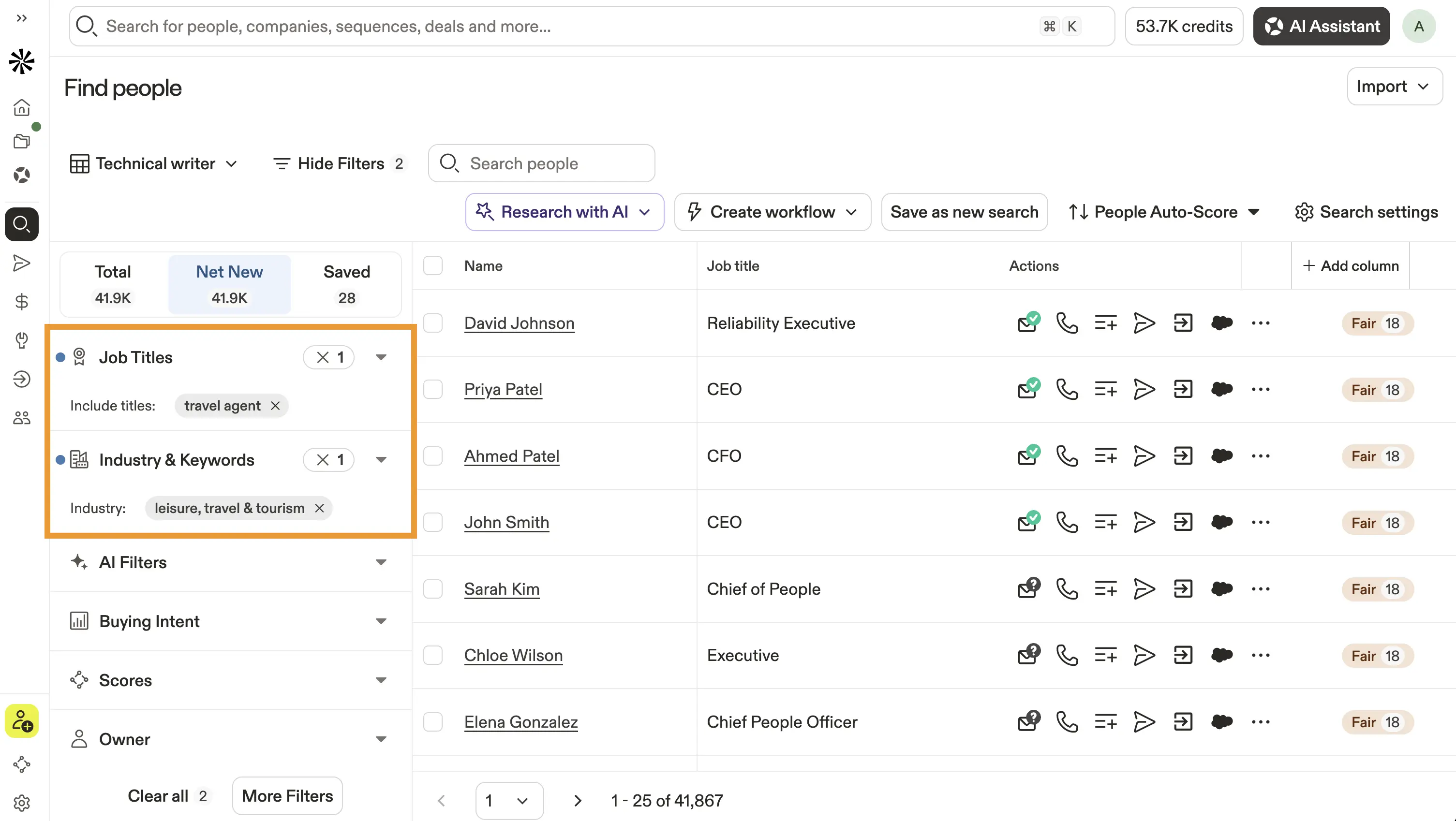
Apollo started as a database and bolted the sequencer on afterwards. That order still shows, and it is why people buy it. As a sales intelligence platform it covers more B2B sales ground than anything else at this price.
The database holds 275M contacts and 73M companies, the second largest on this list. Its AI scores those contacts and drafts the opening line. So prospecting data and sending sit on one subscription instead of two.
The search filters earn their keep before the AI does anything. You narrow by job title, company size, seniority and funding, then send the list into a sequence. Finding decision makers takes one screen instead of two tools.
One thing changed this year. Apollo ended its LinkedIn automation in January 2026, so email is the only channel left. If LinkedIn is why you started looking, this is not your tool.
Apollo.io Key Features
275M contacts and 73M companies: Verified emails come on every plan, and phone numbers start on the paid tiers at eight credits each.
Advanced search filters: You filter by job title, company size, seniority and technology to reach the potential customers you want.
Waterfall enrichment: Apollo turned this on by default in 2025, so a lookup can check several sources before it returns.
Buying signals: Intent topics flag accounts researching your category, with six on Basic rising to twelve on Organization.
Email sequences and a dialer: A native sequencer with A/B testing, plus a US dialer on Professional and above.
AI email writer: Apollo drafts an opening line from the details already on the contact record.
Agentic Loops: Professional and Organization added these in 2026. They run research and outreach steps without a person starting each one.
Native CRM integration: Salesforce and HubSpot sync two ways, with Zapier behind them.
Free plan: 75 credits per seat a month, two sequences and the Chrome extension.
Best for: GTM teams with someone who can build workflows, who need research no contact database holds.
G2 rating: 4.6 out of 5
Clay owns no data of its own. Every contact it returns came from a provider Clay pays on your behalf, and Clay picks which provider to ask first.
That sounds like a weakness until you need account research no database sells. You might want a planning permission filing. You might want a change in a company's checkout software. You might want a job posting that names the tool you replace. Claygent reads the open web and brings those company insights back as a column in your table.
Data enrichment does the other half. One lookup runs through up to 150+ providers until one returns. No single vendor on this list offers more sources than that.
You give up time instead. Clay opens on an empty table and waits for you to design the workflow automation yourself. Getting the provider order wrong costs more than any other mistake here. Most teams end up hiring someone to run it.
Clay Key Features
Claygent: An AI agent reads the open web and answers one research question for every row in your table.
Waterfall enrichment: Each lookup runs through up to 150+ providers in sequence. A failed lookup costs you nothing.
AI formulas: You write a prompt once and it runs down the column, cleaning customer data or classifying accounts.
Signal triggers: Job changes, funding rounds and hiring activity start a workflow on their own.
Two credit meters: Data Credits pay for the data and Actions pay for the work around it. Most teams track one and lose the other.
Integrations to 150+ providers: You bring your own API keys where you have them, and skip the Data Credits.
CRM sync, API and webhooks: These sit on the $495 Growth plan, not the $185 Launch plan.
Unlimited seats: Every plan includes them, including the free one.
Nothing else here finds a planning filing or a tech-stack change. No database sells that research.
A failed lookup costs nothing. Not every tool on this list works that way.
The free plan runs 100 Data Credits and 500 Actions a month, with no card.
Unlimited seats on every plan, so the bill tracks usage instead of headcount.
What Are the Cons of Clay
You build the enrichment yourself, and most teams end up hiring someone to run it.
CRM sync, the API and webhooks all start at $495, so the $185 plan connects to nothing.
Two meters run at once, and the bill adds them together.
No sending, so Clay sits alongside a sequencer rather than replacing one.
Clay Pricing
Plan
Monthly
Annual
Data Credits
Actions
Free
$0
$0
100 a month
500 a month
Launch
$185
$167
2,500 a month
15,000 a month
Growth
$495
$446
6,000 a month
40,000 a month
Enterprise
Contact sales
Contact sales
100,000+
200,000+
Data Credits roll over up to twice your monthly allowance. Actions reset. Clay changed to this structure on 11 March 2026, so older price guides are out of date.
Best for: Enterprise revenue teams with a procurement function, who need the deepest US contact data and intent built in.
G2 rating: 4.5 out of 5
ZoomInfo owns its data outright, and that is the whole difference. Where Clay routes a question out to other vendors, ZoomInfo already holds the answer.
No one else on this list matches its intent signals. ZoomInfo watches what people research across its own network. So it tells you which target accounts are already shopping before anyone fills in a form. WebSights does the same for your own site, naming the companies that visited without identifying themselves.
I would miss Scoops most of all. Someone inside a target account mentions a budget, a project or a new hire. That reaches your account research before you dial.
ZoomInfo publishes no price, runs no self-serve signup and sells on annual contracts with seat minimums. Every purchase goes through a sales call.
ZoomInfo Key Features
500M+ contacts and 100M+ companies: The deepest US contact data here, with a sales intelligence layer built for enterprise revenue teams.
Native buyer signals: Intent comes built into the platform instead of arriving as a third-party feed.
WebSights: You see which companies visited your site, so warm accounts surface without a form fill.
Scoops: Internal project, budget and hiring detail that contact databases do not carry.
Advanced search filters: You filter target accounts by firmographics, technographics and hiring activity in one query.
Lead scoring and routing: Accounts score against your ICP and route to the right sales rep on their own.
Copilot AI: Buying-group identification and predictive analytics across the Copilot tiers.
Deep CRM integration: Salesforce, HubSpot, Outreach and Salesloft all sync your CRM data and enrichment two ways.
Best for: Sales and GTM teams running email and LinkedIn as one motion, who do not want to pay per seat or per sender.
G2 rating: 4.6 out of 5
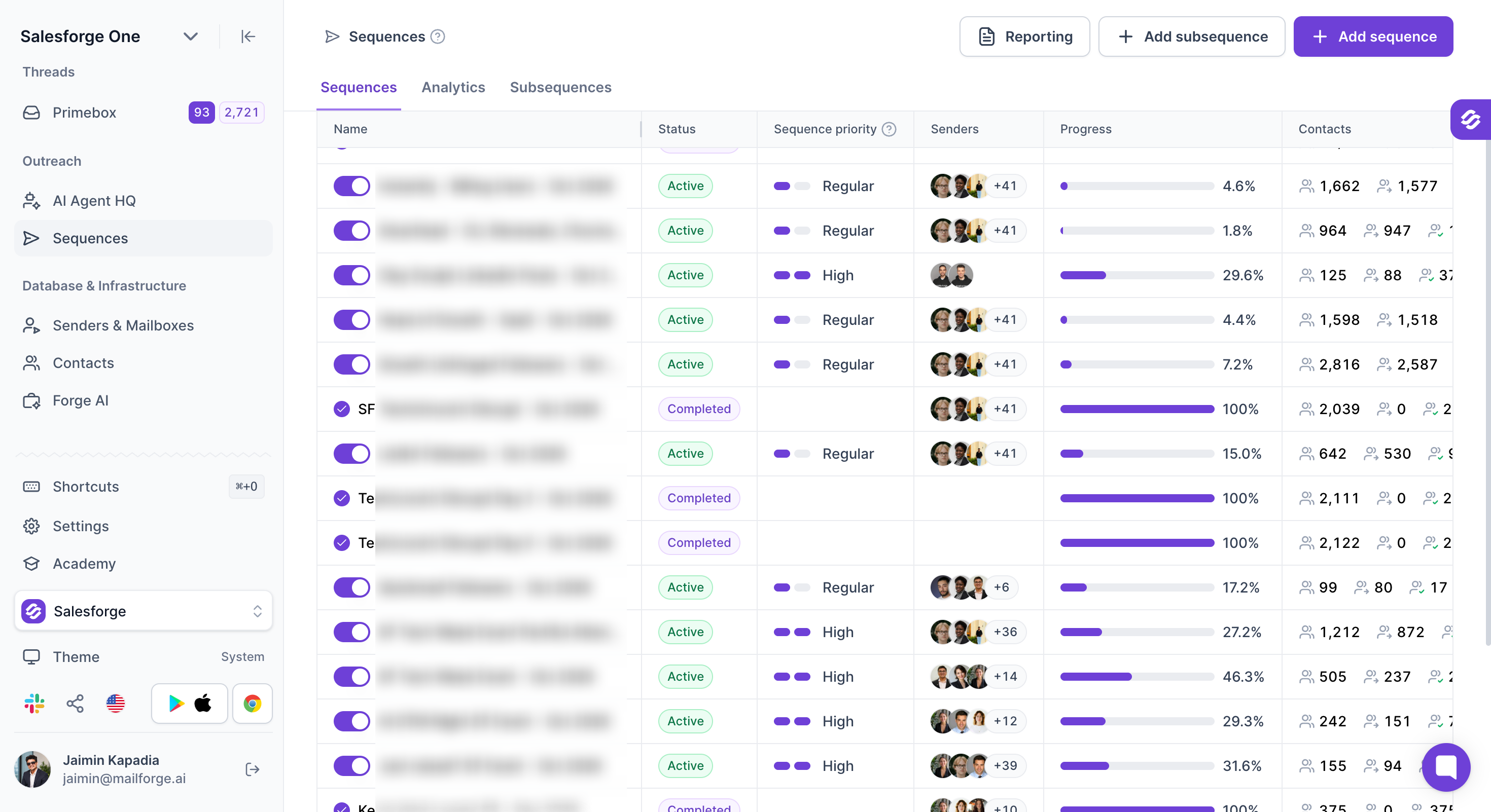
Salesforge is the safest multichannel outreach tool on this list. That matters, because LinkedIn restricts accounts that look automated.
Salesforge runs email and LinkedIn in the same sequence, with unlimited mailboxes on every plan and unlimited LinkedIn senders on Growth.
The steps branch on what the prospect did, not on a timer. If someone accepts your connection request, the next step is a LinkedIn message. If they ignore it, the sequence emails them instead. Replies from both channels arrive together in Primebox™.
I always check safety first on a LinkedIn tool, because a restricted profile costs more than any subscription. Salesforge handles it better than anything else here.
Every action routes through high-quality shared proxies, and you can add your own for a fixed IP. Login runs on a session token, so your LinkedIn password is never stored. No Chrome extension pushes scripts into the page, and nothing touches the DOM. That injection is what gets most accounts flagged.
Each action type stops at 30 a day per profile, inside LinkedIn's safe thresholds. Six actions run as steps: connection requests, messages, InMails, post likes, follows and withdraw requests.
This lets a sequence warm up a profile the way a person would, engaging before it pitches and clearing out stale invites afterwards.
Salesforge Key Features
Multichannel sequences: Email and LinkedIn run in one sequence that branches on what the prospect did. Your outreach efforts follow behaviour, not a timer.
Six native LinkedIn actions: Connection requests, messages, InMails, post likes, follows and withdraw requests all run as steps.
Account safety as standard: High-quality shared proxies and session-token login, so your LinkedIn password never reaches Salesforge.
Unlimited mailboxes and senders: Every plan takes as many sending accounts as you connect, and Growth removes the cap on LinkedIn senders.
AI personalization: AI variables pull company news, LinkedIn activity and industry context, and write in the prospect's own language across 21+ languages.
Primebox™: Every email and LinkedIn reply lands in one inbox. Auto-Pilot answers routine replies and Co-Pilot drafts the rest, so your sales process automates repetitive tasks.
Free unlimited warm-up: Warmforge warms every connected mailbox on both plans, with no tiers and no add-on charge.
Deliverability built in: ESP matching, Bounce Shield, sender rotation and contact validation come with the plan. Sales engagement needs no second product.
Free Chrome extension: The LinkedIn email and phone finder runs without a paid plan, and new accounts get 100 credits.
Native CRM integrations: HubSpot, Salesforce, Pipedrive, Attio and folk connect natively, with Clay, Slack, Zapier and webhooks behind them.
Forge MCP server and CLI: You can connect Claude and other AI assistants to create contacts, launch sequences and manage outreach from your chat.
What I Liked About Salesforge
I have 30+ LinkedIn accounts connected. Salesforge does not charge per account, so the bill never climbed as I added them.
Both channels landed in Primebox™, so I stopped switching between a LinkedIn tab and an email client.
Warm-up came included, so I stopped paying for it elsewhere.
Claude built and launched sequences for me through the MCP server, without the app open.
What Are the Cons of Salesforge
No free plan, just a 14-day trial.
Salesforge Pricing
Plan
Annual
Monthly
Includes
Pro
$40/month
$48/month
1,000 contacts, 5,000 emails a month, one LinkedIn sender
Growth
$80/month
$96/month
10,000 contacts, 50,000 emails a month, unlimited senders, users and workspaces
Unlimited mailboxes and free warm-up come on both plans. A 14-day trial runs without a credit card.
Best for: Small sales teams and agencies that want finding and sending on one low-cost subscription, with no per-seat charge.
G2 rating: 4.5 out of 5
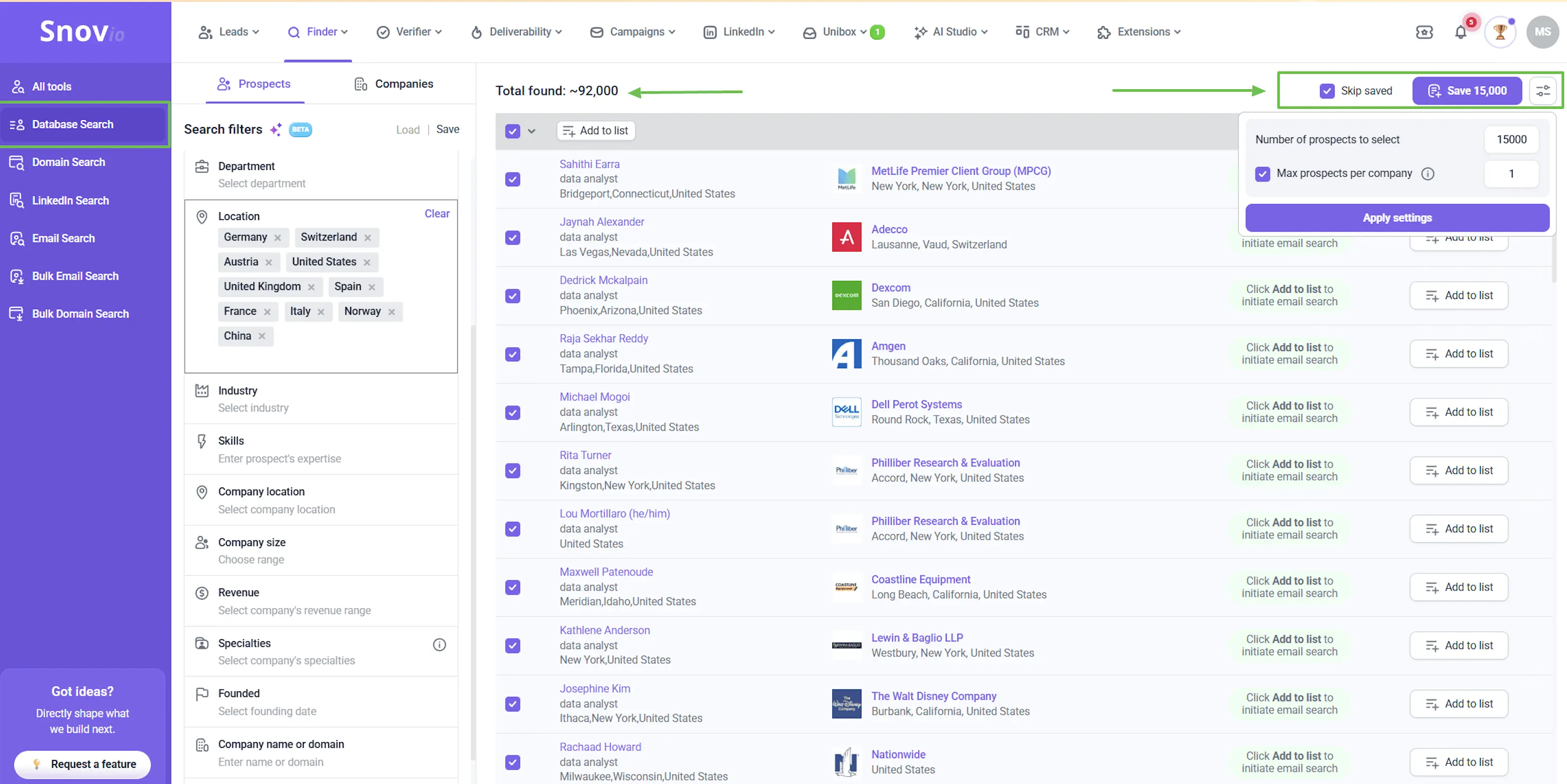
Snov.io finds the email and sends to it from the same login, which is why small teams land here instead of running two subscriptions.
The seats keep it cheap at that size. Every plan carries unlimited seats on one shared credit pool, so five sales professionals work from the allowance one person gets. Apollo bills you for every one of them.
I would read those credit rules twice before buying. One credit covers an email search, a saved prospect or a verification, and searching costs nothing, so you only pay when you keep something. Phone numbers sit outside that and run on separate tokens.
The AI does less than the category name suggests. Email AI improves the drafts you write, AI Studio builds a buyer persona, and reply sentiment analysis scores how interested someone sounds. None of it sends on your behalf, so the outreach stays yours to run.
Snov.io Key Features
Email finder and verifier: A seven-tier verifier checks every address, and you spend one credit per search, saved prospect or verification.
Unlimited seats on every plan: Your whole team shares one credit pool, so the bill tracks usage and not headcount.
Multichannel campaigns: Email and LinkedIn steps run in one sequence, so most sales engagement tools sit in one place. LinkedIn automation costs $69 a slot on top.
Email AI and AI Studio: AI improves drafts, fixes grammar and changes tone, and AI Studio generates buyer personas and persona-driven emails.
Reply sentiment analysis: The AI reads each reply and scores how interested the prospect sounds.
Email warm-up: Warm-up runs on three mailboxes on Starter and unlimited mailboxes from Pro S upward.
Built-in CRM: Twenty pipelines and 10,000 deals on every plan. Your contact records live beside the sequences that use them.
MCP server: Claude and ChatGPT can work inside your Snov.io account directly.
Best for: Sales and marketing teams that want every channel in one campaign, with email seats that do not cost extra.
G2 rating: 4.6 out of 5
Lemlist covers more channels in one campaign than anything else here. Email, LinkedIn, calls, SMS and WhatsApp all run from the same builder. Few sales engagement platforms manage that.
The email plan costs less than that spread suggests, because Lemlist prices it by workspace instead of by person. Unlimited users share one subscription, so a team of five pays what one pays. Multichannel goes back to per-seat billing though, and the saving stops there.
The AI here is lemAgent. You describe the campaign in a chat. It finds the leads and writes the emails, and you check them before they go.
I would want to know where that list comes from. Lemlist assembles a 650M+ contact database from 25+ providers. Waterfall enrichment fills the gap when that database comes up short.
Lemlist Key Features
Five channels in one campaign: Email, LinkedIn, calls, SMS and WhatsApp each run as steps inside the same sequence.
lemAgent: You describe the campaign in a chat and it builds the list, the sequence and the copy for your review.
650M+ contact database: Lemlist assembles contact data from 25+ providers, so finding and sending share one subscription.
Signal agents: Scout recommends which buying signals to watch, and Engage turns those signals into a campaign built around real customer interactions.
AI variables: You write a prompt once and it personalizes every row, or cleans the data before you send.
lemwarm included: Warm-up and the deliverability hub come with every plan, not as a separate product.
Unlimited users on the email plan: One workspace subscription covers the whole team, with no per-seat charge.
Native integrations: HubSpot, Salesforce and Pipedrive connect directly, with Zapier and an API behind them.
Best for: Sales teams that already run email and LinkedIn and want calls and SMS in the same sequence.
G2 rating: 4.6 out of 5
Reply.io is the one tool here that will call someone and text them in the same sequence that emails them. Most of the others stop at email and LinkedIn.
You pay for those extra channels though. LinkedIn runs $69 an account a month and the calls and SMS seat costs another $29. Running all four puts about $100 on top of your base plan before you dial a number.
Jason, the AI SDR, costs more again. He has two settings.
On autopilot he finds people, writes to them and answers replies without you. On copilot he writes everything and waits for you to say yes.
Reply.io Key Features
Five channels in one sequence: Email, LinkedIn, sales calls and SMS all run as steps, and WhatsApp runs semi-automated beside them.
Jason AI SDR: An AI agent sources prospects and writes the messages. Jason also handles replies and books meetings, in autopilot or copilot mode.
Copilot approval mode: You read and approve every AI message before it sends. Few AI SDRs offer that.
AI variables: Personalization runs on every plan, not behind the AI SDR subscription, so sales representatives get it from day one.
1B+ contact database: Reply supplies its own data through Generect, so lists and sending share one login.
Email warm-up included: Warm-up runs in MailToaster on every mailbox your plan covers.
LinkedIn actions: Connection requests, messages, InMails, voice messages, post likes and endorsements all run as steps.
Native CRM integration: Salesforce, HubSpot and Pipedrive sync two ways, with Zapier and an open API behind them.
Best for: Teams that want the whole outbound motion run for them, without signing an enterprise contract.
Agent Frank is an AI sales rep you hire rather than a tool you purchase and configure. He finds the most promising prospects and writes them personalized emails. Then he chases the follow-ups and books the meeting on your calendar.
He runs in two modes:
Auto-Pilot: He picks the leads, writes the messages and sends them without checking in. Replies land in Primebox™ and you step in whenever you want.
Co-Pilot: Every message waits for your approval before it goes. He works slower this way, and I would start here.
Prospecting usually starts with two problems. You need people to send to, and you need somewhere to send from.
Frank arrives with both. He draws on the 500M+ Leadsforge database and reads the buying signals before he writes a word. No second data bill lands on your card. Warmforge warms every mailbox he sends from, so your own domain stays clean.
The price is the surprise. Enterprise AI SDRs that run this motion start around $3,000 a month on annual terms. Frank starts at $499 with no multi-year commitment.
Agent Frank Key Features
Covers all five jobs: He builds the list, finds the addresses, writes the copy and sends it. Your sales pipeline fills without anyone running a search.
Auto-Pilot or Co-Pilot: He runs end to end on Auto-Pilot, or drafts everything and waits for your approval on Co-Pilot.
500M+ contacts included: He prospects from the Leadsforge database, so no second data subscription lands on your card.
Builds ABM lists: He takes accounts you already won and finds companies that match on size, industry and tech stack.
Prospects continuously: He keeps sourcing overnight and at weekends, not once from a list that then runs dry.
Researches before writing: He reads the company and the person first, then writes from what he found instead of a template.
Trained on your material: You feed him your case studies and positioning, and he writes from those rather than guessing.
Improves on your edits: Correct a message on Co-Pilot and he carries the change into the next one.
20+ languages and nine tones: He writes in the prospect's own language, so sales teams identify and reach buyers in any market.
Working hours: You set the window he sends in, so nothing lands at three in the morning in the prospect's timezone.
Unlimited senders with free warm-up: Warmforge warms every mailbox, and adding senders does not change the price.
Handles replies in Primebox™: He answers the routine ones and flags the rest. That automates sales processes a rep would do by hand.
What I Liked About Agent Frank
He booked meetings while I was asleep, which is why anyone hires an AI SDR.
Co-Pilot meant I could read everything for the first fortnight before letting him run alone.
The price sits a long way below the enterprise AI SDRs that do the same job.
He draws on Leadsforge data, so the list and the sending are not two subscriptions.
What Are the Cons of Agent Frank
No free trial, so you see him through a demo before you commit.
Agent Frank Pricing
Plan
Price
Includes
Agent Frank
$499 a month, billed annually
Around 1,000 active contacts, Auto-Pilot and Co-Pilot
Agent Frank, quarterly
$599 a month
Same features on a shorter commitment
Higher volume
Contact sales
More active contacts a month
Agent Frank is sold separately from Salesforge, and you book a demo instead of signing up online.
If you're planning to get an AI prospecting tool, you need to decide what is actually broken first. Finding people, writing to them and sending are three different problems.
If your filters keep missing people, I would start with Leadsforge. Searching costs nothing there, and your credits never expire even after you cancel.
If nobody on your team runs outbound, Agent Frank does the whole job. He sources the leads, writes to them and puts the meeting in your diary. That runs a sixth of what enterprise AI SDRs charge.
AI prospecting tools do part of the prospecting job for you. Some find the contacts, some research the account, and some write and send the outreach on their own.
2. Which AI agents are best for prospecting?
Agent Frank and Reply.io's Jason both run the full sales prospecting process, from sourcing to booking. Jason costs ten times the sequencer it sits on. Agent Frank starts at $499 a month on annual billing.
3. How much do AI sales agents cost?
Enterprise AI SDRs start around $3,000 a month on annual terms. Agent Frank starts at $499 and Jason from $500. The gap between the ends of this market is wide.
4. How do I use AI for prospecting?
Decide which part of the job you want it to do first. AI tools work best on finding verified contacts, pulling a reason to reach out, and following up without forgetting. Keep a person on the approval step early on.
Not yet, and not without supervision. An AI SDR books meetings. Somebody still has to read the first few hundred messages and correct the ones that miss.
6. Are there free AI prospecting tools?
Yes. Leadsforge gives 100 credits on signup and Apollo gives 75 a seat a month. Clay gives 100 Data Credits, and Snov.io renews 50 every 30 days.
7. What is the best AI prospecting tool?
That depends on which part of your prospecting efforts you are replacing. For finding contacts, Leadsforge runs five prospecting workflows on credits that never expire. For sending, Salesforge runs email and LinkedIn in one sequence.
8. Do AI prospecting tools improve data quality?
They improve coverage more than data quality. Waterfall enrichment finds more contacts by asking several providers, though nothing here guarantees the record is current.
Book more meetings on autopilot
Set up in minutes. No per-seat pricing. No commitment.
Learn how to use Jev for B2B lead generation with Grok Bot and Leadsforge, from scoring ICP fit and buying signals to finding qualified leads every week.
B2B appointment setting does not have to mean hiring more SDRs. I compare in-house reps, outsourced setters, and an AI SDR, then show how Agent Frank books meetings using Leadsforge, Warmforge, and Primebox™ inside one connected Forge Stack workflow.





.jpg)