Salesloft runs as a big sales engagement platform made for large teams.
So if you're searching for Salesloft alternatives, you probably want a tool that runs on real automation and books you more meetings.
The product handles outreach, calls, deal management and forecasting. What it does not do is run LinkedIn for you. Salesloft tells a rep to go send a LinkedIn message, then leaves them to send it by hand.
Pricing works per seat, so the bill climbs every time someone joins.
And the complaints that come up most are not about features. G2 reviewers tag integration issues and call issues more than anything else, and Salesforce sync errors are the ones that eat afternoons.
Comparing your options got harder this year too. Salesloft merged with Clari in December 2025, so two of the tools still listed as alternatives now belong to the same company.
So I went back through the best Salesloft alternatives to find options that fit teams of every size.
In this blog, I explain what each tool does, what it does not, who it suits and what it costs at scale.
Salesforge: Best for outbound teams who want fully automated cold email and LinkedIn sequences, with every reply landing in one inbox.
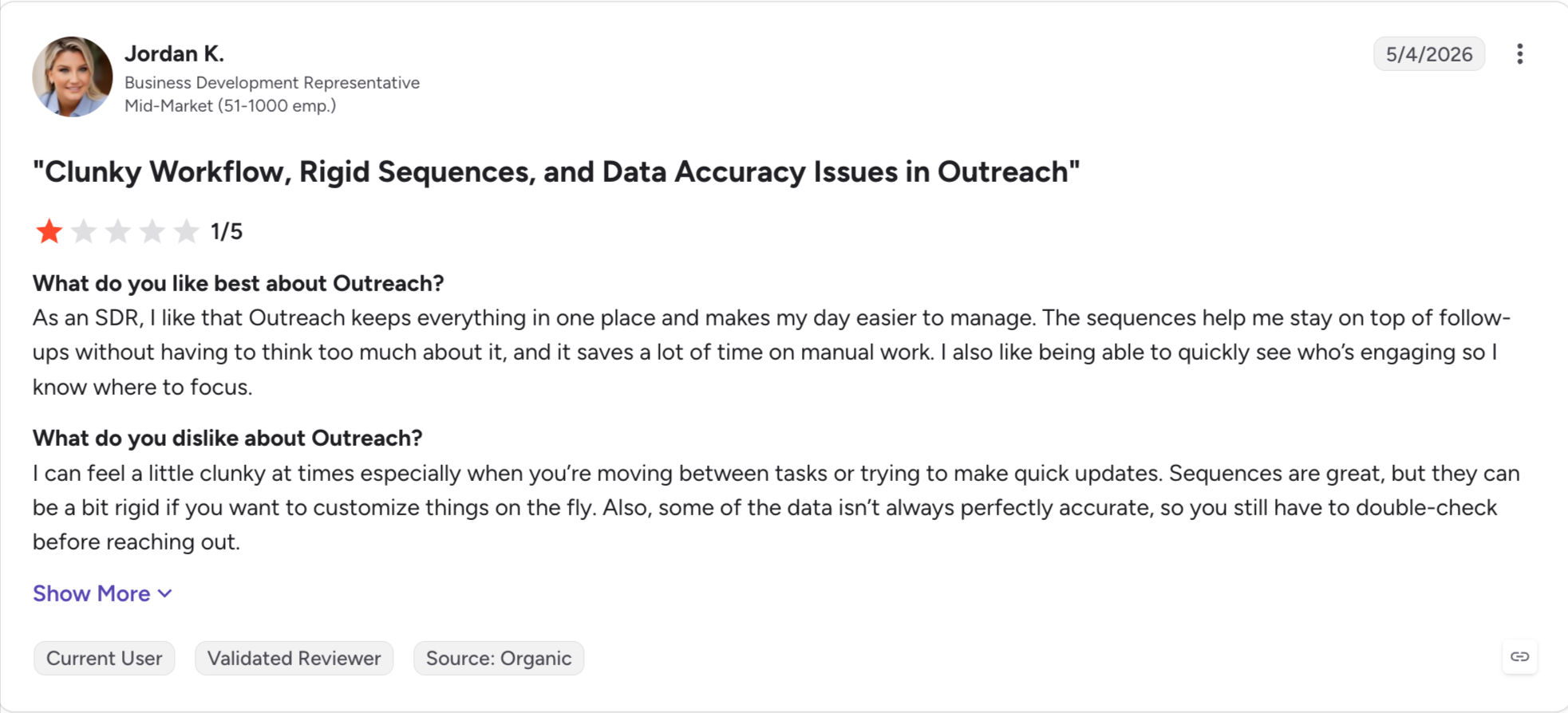
Outreach: Best for enterprise teams who want Salesloft's depth from a company that is not mid-merger.
Apollo.io: Best for teams paying for prospecting data and a sequencer separately today, since both sit in one tool here.
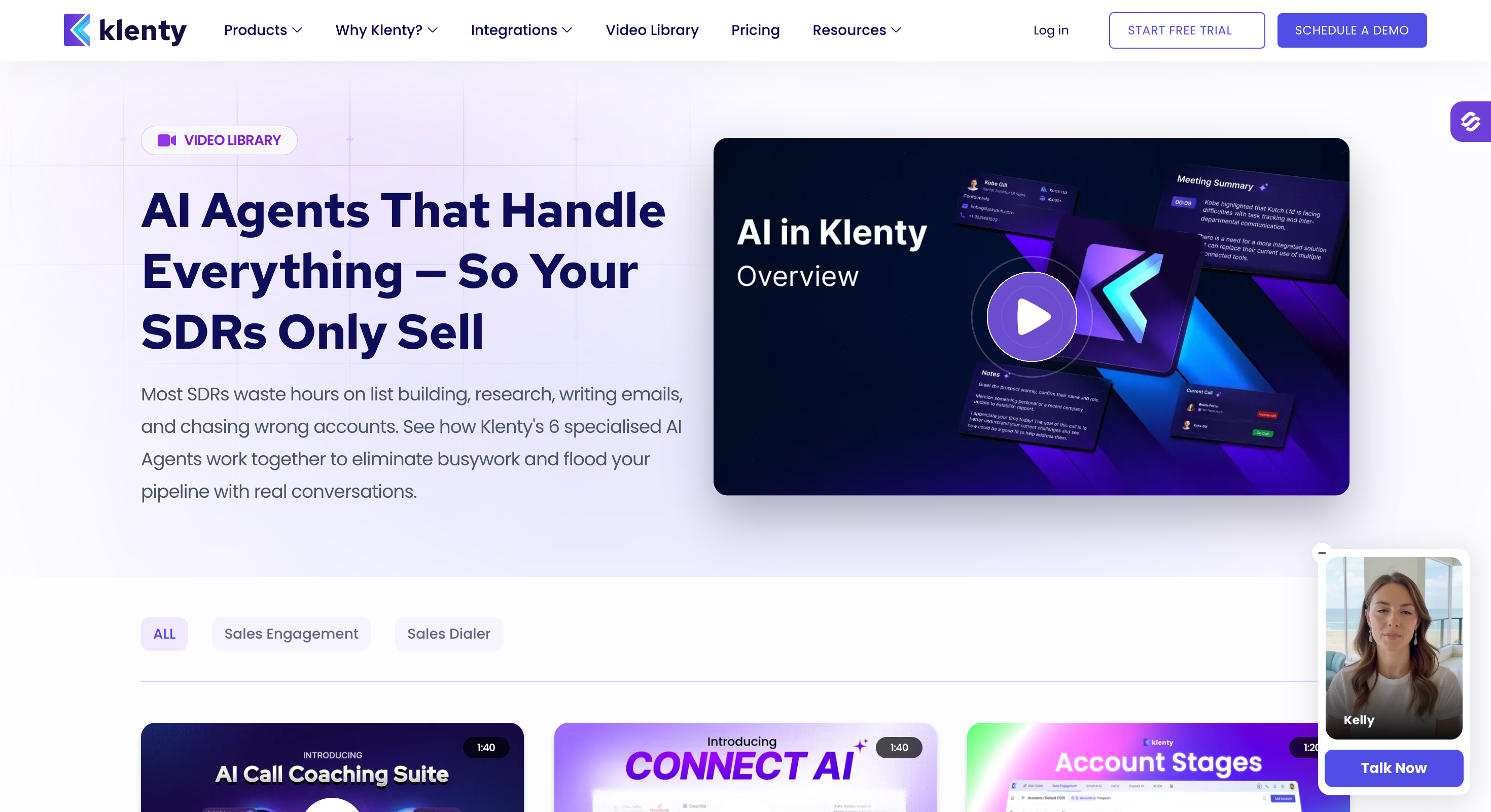
Klenty: Best for mid market teams whose reps live on the phone, with a parallel dialer built in instead of sold as a module.
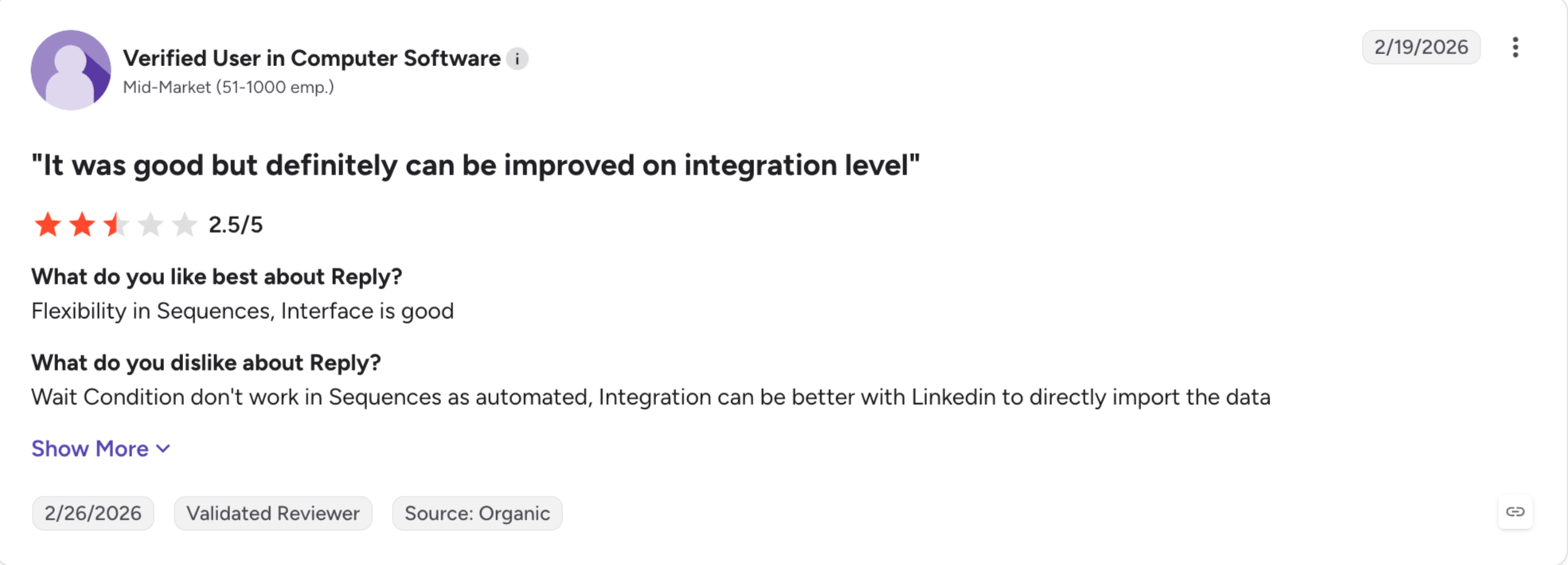
Reply.io: Best for teams wanting multichannel outreach across email, LinkedIn, calls and SMS without an enterprise contract.
Instantly: Best for high volume cold email, with unlimited mailboxes and warm-up included.
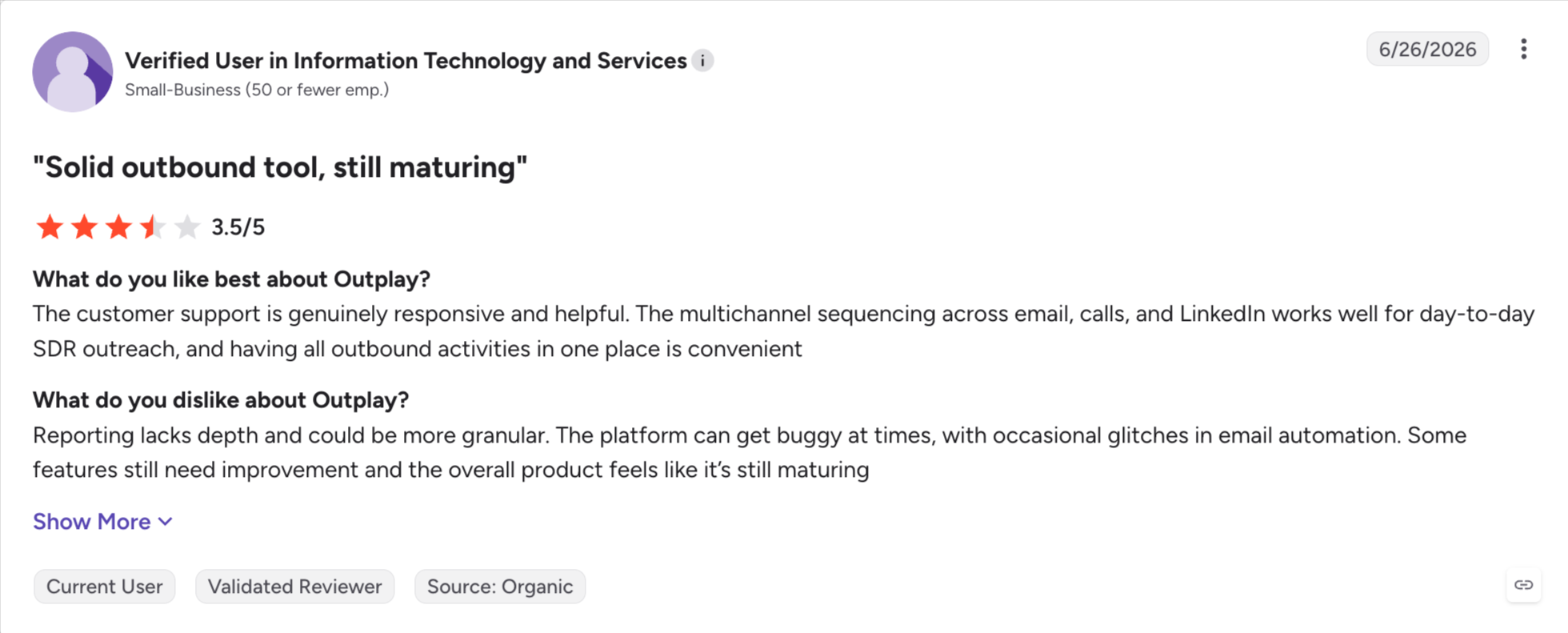
Outplay: Best for small sales teams who want a lighter platform with the same core sequencing.
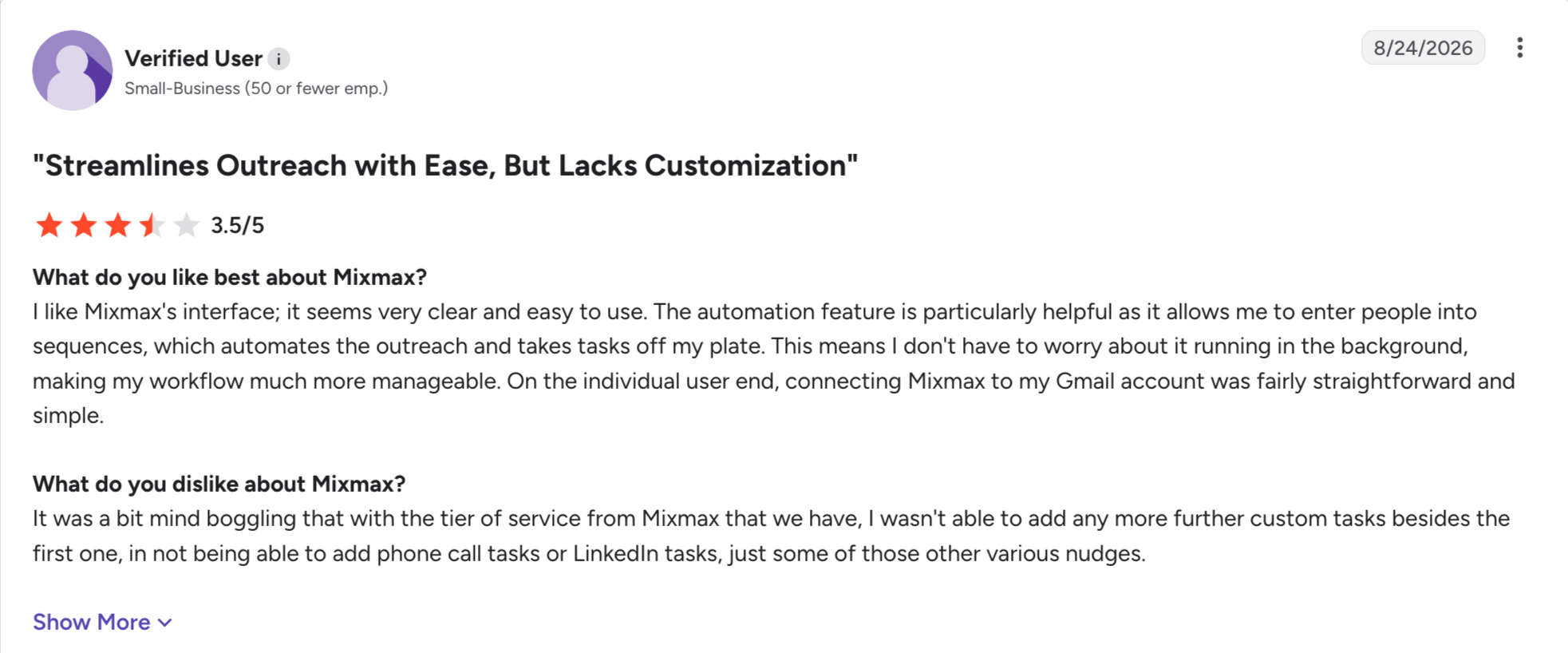
Mixmax: Best for reps who sell from Gmail and do not want to open a second app to do it.
How I Judged These Salesloft Alternatives
These are the parameters I judged every tool on.
Pricing model: I checked whether the price is published at all, and whether it scales with seats. Salesloft's enterprise pricing includes a 10 to 15 seat minimum, so a tool charging per account changes the total cost. I have used annual prices throughout.
Platform size: Salesloft does forecasting, deal management and conversation intelligence. I checked which tools match that depth and which deliberately do less, because most teams leaving use a fraction of what they pay for.
Channels in one sequence: I checked whether email, LinkedIn and calls run in the same sequence. Split them and you build two sets of sequences and check two inboxes.
Contact database: Salesloft has no contact database, so most teams buy one. I checked which alternatives bundle prospecting data and which leave you paying a separate data provider.
Contract and exit: I looked at seat minimums, free trials, onboarding fees and whether the agreement renews itself. Nobody checks those terms until renewal, and by then they decide how hard it is to leave.
Feature Comparison: Top 5 Salesloft Alternatives at a Glance
GTM and outbound teams running email and LinkedIn from one pipeline
Enterprise teams wanting depth without a merger
Teams paying for data and sequences separately
Mid market teams whose reps live on the phone
Starting price
$40/mo flat, unlimited mailboxes
Quote only
$49/user/mo
$50/user/mo
Free trial
14 days, no card
No, demo only
Free plan
14 days, no card
Onboarding fee
None
Not published
None
None
Multichannel (email + LinkedIn)
Native conditional sequences across both
LinkedIn as manual tasks
Email and calls only
Email, LinkedIn and calls
LinkedIn actions
Six, including InMails, likes and follows
Manual tasks only
None native
Connections and messages
Mailboxes and senders
Yes, unlimited
Per seat
Per seat, 3 minimum
Per seat
AI personalisation
21+ languages with prospect-level variables
English-first
English-first
English-first
Reply inbox
Primebox™ with Co-Pilot and Auto-Pilot
Email only
Email only
Email and calls
Agency Suite
Unlimited users and workspaces on Growth, white-label
Enterprise contract only
Per-seat scaling
Per-seat scaling
Free Chrome extension
Free LinkedIn email and phone finder
None
Requires a paid plan
Requires a paid plan
Integrations
HubSpot, Salesforce, Pipedrive, Slack, Clay, Zapier, API
Salesforce, HubSpot, Zapier
Salesforce, HubSpot, Zapier
Salesforce, HubSpot, Pipedrive
MCP and CLI
Forge MCP across the whole stack
None
None
None
Why Teams Leave Salesloft
Salesloft is a good product. People still leave it, and I hear the same five reasons every time.
Custom Pricing Only
The pricing model starts with no published number. Vendr's buyer data puts the median contract at $30,740 a year, with a 10 to 15 seat minimum and annual increases of 5 to 8%.
Onboarding adds $5,000 to $25,000 on top. You end up paying well past the enterprise pricing anyone quoted you.
Hard to Cancel
The agreement renews itself unless you strike that out on the order form. So you plan your exit before you sign, or you do not get one.
Salesloft offers no free trial either. You see the product in a demo and commit from there.
No Real LinkedIn Automation
LinkedIn sits in a Salesloft cadence as a manual reminder. The tool tells a rep to go send a message, and the rep sends it by hand.
So in 2026, when most B2B outbound starts on LinkedIn, half your sequence runs on human effort.
No Parallel Dialing
Salesloft dials one number at a time. Sales reps working a call list get through it slower than they would with a parallel dialer.
Klenty runs up to 350 calls an hour on the same list.
Bugs And Broken Integrations
G2 reviewers tag integration issues and call issues more than any other complaint. The Salesforce sync is the one that comes up most, and reviewers describe spending hours with RevOps untangling errors.
HubSpot teams get a worse version. Two sync versions exist at once, and running both creates duplicate records and broken reports.
1. Salesforge
Best for: GTM and outbound teams who want email and LinkedIn in one sequence, without paying per seat.
G2 rating: 4.6 out of 5
I ran sales for a decade before building this, mostly on tools that price the way Salesloft does.
Paying per seat never made sense to me when half the product went unused. My team ran sequences and read replies. The forecasting and deal management just sat there costing money.
So Salesforge does not charge per-seat or per-user. You add people, mailboxes and senders without increase in cost.
The tool also lets you run email and LinkedIn in the same sequence, which Salesloft cannot do. If someone ignores your connection request, the sequence emails them instead. Every reply from both channels lands in Primebox™.
Salesforge Key Features
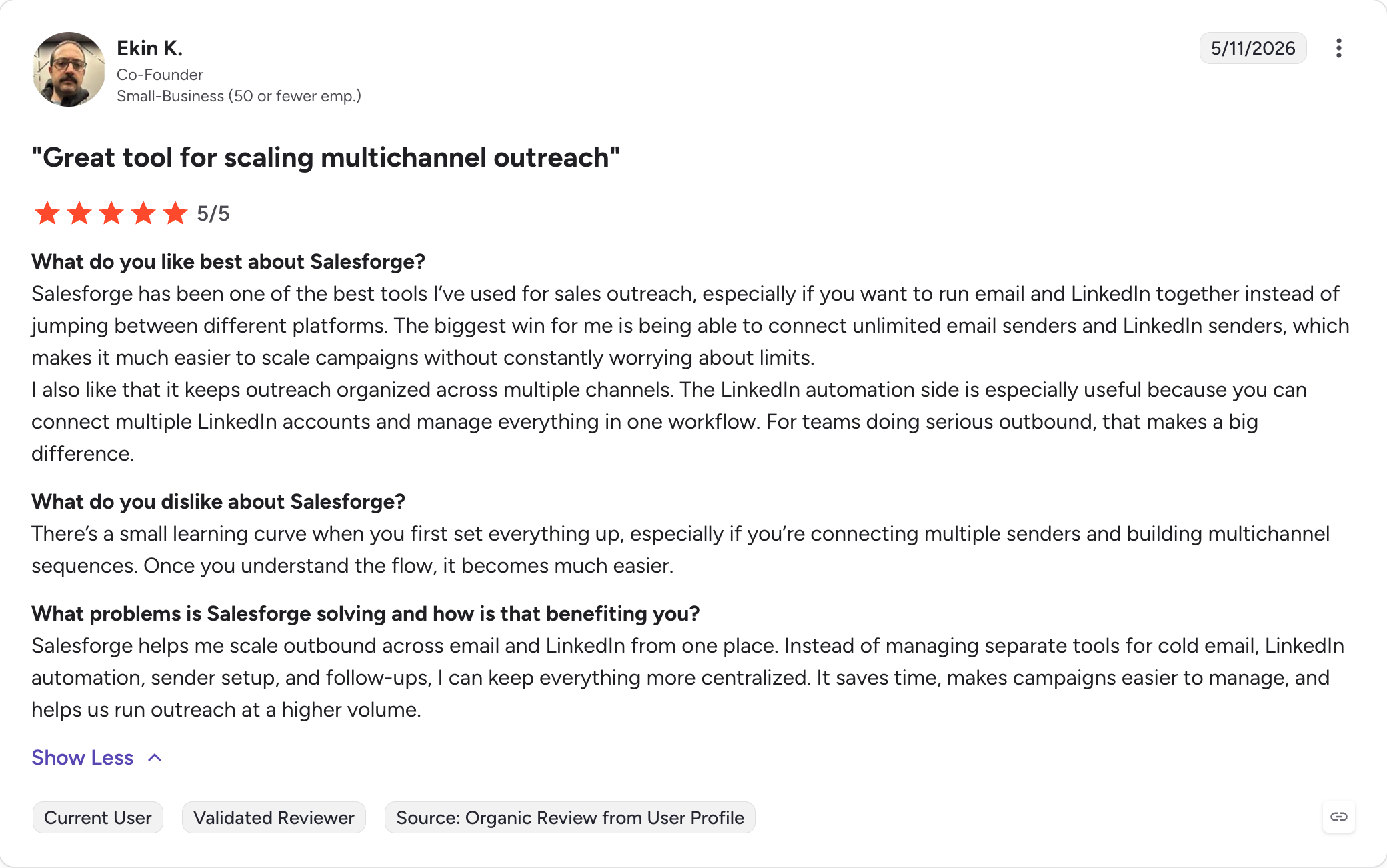
Unlimited LinkedIn senders and mailboxes: You connect as many sending accounts and LinkedIn profiles as you own, and the price does not increase.
Multichannel sequences: Email and LinkedIn run in one sequence that branches on what the prospect does.
Six LinkedIn actions: Connection requests, messages, InMails, post likes, follows and withdraw requests all run as sequence steps.
Account safety as standard: LinkedIn actions route through managed proxies, with custom proxy support. Salesforge logs in with session tokens, so it never stores your password.
Unlimited mailboxes, users and workspaces: Every plan takes as many sending accounts as you connect. Growth removes the cap on LinkedIn senders, users and workspaces.
Free unlimited warm-up: Warmforge warms every mailbox on both plans, with no cap and no second invoice.
Deliverability built in: ESP matching, Bounce Shield, sender rotation and text-only sending come with the plan. Every contact gets validated before send.
AI personalisation: Sequences write in the prospect's own language across 21+ languages, instead of translating an English draft.
Primebox™: Email and LinkedIn replies arrive together. Co-Pilot drafts responses for you to approve, and Auto-Pilot sends them itself.
Free Chrome extension: The LinkedIn email and phone finder works without a paid plan, and new accounts get 100 credits.
Agent Frank: An AI SDR who prospects, writes, handles follow ups and books meetings on his own.
CRM integrations and open API: HubSpot, Salesforce, Pipedrive, Slack and Clay connect natively, with Zapier, Make and webhooks behind them. API access comes on Growth.
Forge MCP Server and CLI: Claude, Cursor or your own scripts can run the whole Forge Stack without opening the app.
What I Liked About Salesforge
We doubled the team and the invoice looked the same. I kept checking it, because I had never had that before.
I got both channels for what one usually costs, and the warm-up came with it.
One inbox for both channels removed the tab switching I used to do.
I run campaigns from the command line when I want to, because the MCP covers every Forge product.
Best for: Enterprise teams who want everything Salesloft does, from a company that is not mid-merger.
G2 rating: 4.3 out of 5
Outreach calls itself a sales execution platform, and it replaces Salesloft feature for feature. Nothing else here does.
Sequences, dialer, deal management, forecasting and conversation intelligence all sit in one platform. If the merger pushed you out and not the product, I would start here.
Outreach also goes deeper on AI, shipping 10,000 to 100,000 credits depending on the tier. Salesloft meters its AI far more tightly.
You swap one hidden price for another, though. Outreach publishes no pricing either. Vendr's buyer data puts its median contract at $45,600 a year against Salesloft's $30,740. You pay more, not less.
Outreach Key Features
Sequences and smart workflows: Multi-step cadences across email, calls and tasks, with advanced automation for complex follow ups.
Native dialer: Click-to-call runs with local presence and call recording, though it offers no parallel dialing.
Conversation intelligence and call coaching: Calls transcribe and score automatically, so managers coach from recordings instead of ride-alongs.
Deal management and forecasting: Pipeline health, deal rooms and forecast rollups replace what you had in Salesloft.
AI credits by tier: Amplify plans ship 10,000 to 100,000 AI credits depending on the tier.
Salesforce integration: Two-way sync on sales activity. Most Salesloft leavers check this row first.
Mutual action plans: Shared plans with the buyer. Salesloft has no direct answer to these.
Open API and webhooks: Custom integrations connect through both.
Best for: Teams paying for a contact database and a sequencer separately, who want both on one bill.
G2 rating: 4.7 out of 5
Salesloft has no contact database. You bring your own lists, so you pay for a sales intelligence tool as well.
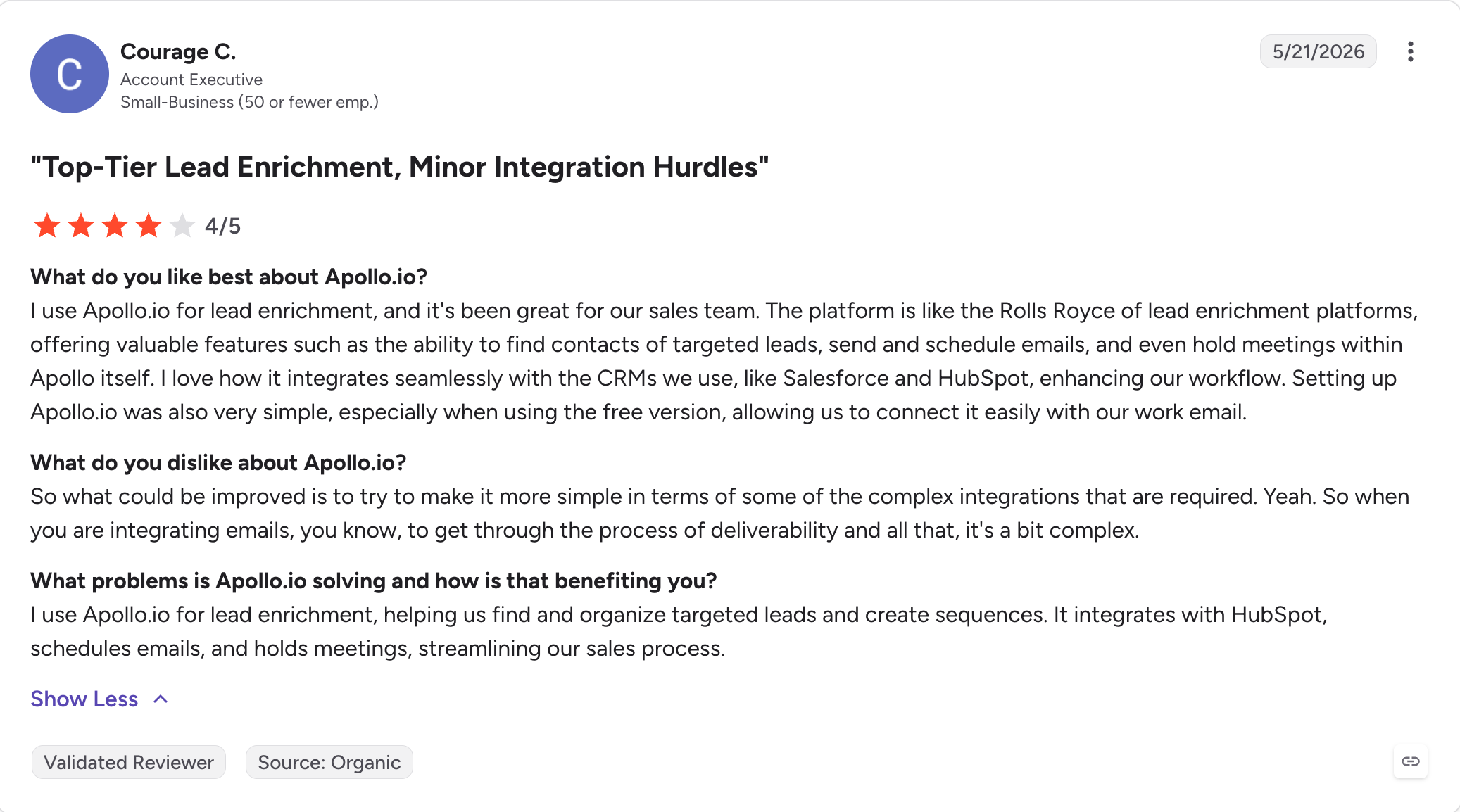
Apollo closes that gap. The built-in contact database holds 270 million contacts, so prospecting data and sending live in the same tool.
I rate Apollo's search filters on their own, separately from the sequencer. You narrow by company size, job title, seniority and funding, then push the list straight into a sequence. Finding decision makers stops being an export job.
Apollo also starts free, and that surprised me next to Salesloft's 10 to 15 seat minimum. The free plan covers basic sequencing and credits.
Apollo.io Key Features
270M+ contact database: Company data and contact details come with the plan, not from a separate data provider.
Advanced search filters: You filter by job title, company size, seniority, technology and funding signals.
Buying signals and intent data: Apollo flags accounts showing interest before you reach out, so lead generation stops being a guess.
Email sequences: Multi-step cadences with A/B testing and reply detection.
Built-in dialer: Click-to-call runs with recording, though Apollo offers no parallel dialing.
Chrome extension and data enrichment: You pull contact details off LinkedIn profiles as you browse, and Apollo fills gaps in lists you already own.
CRM integrations: Salesforce and HubSpot sync two ways, with Zapier behind them.
Free plan: Basic sequencing and credits at no cost.
Best for: Mid market teams whose reps live on the phone and want a dialer that keeps up.
G2 rating: 4.6 out of 5
If the dialer is why you are leaving Salesloft, I would start here.
Klenty ships parallel dialing natively, up to 350 calls an hour on the same list. Salesloft dials one number at a time, so sales reps working a call list get through it far faster here.
The AI listens while the call runs, flagging objections in real time and scoring the conversation afterwards. Managers coach from those scores instead of sitting in on calls.
Klenty does not replace the enterprise half of Salesloft. The product ships no forecasting, no deal management and no contact database. Account executives running late-stage pipeline need something else alongside it.
Klenty Key Features
Power dialer with parallel dialing: Up to 350 calls an hour, with local presence and automatic voicemail drop.
AI call coaching: Objections flag in real time, and calls score automatically afterwards.
Multichannel sequences: Email, LinkedIn, calls and SMS run in one cadence with routing logic between steps.
Prospect routing: Leads distribute by territory, round robin or custom rules.
CRM integrations: Salesforce, HubSpot, Pipedrive and Zoho sync two ways, with Zapier behind them.
Cadence playbooks: Prebuilt sequences by industry and persona, so a new rep starts from something instead of a blank page.
Reply handling: Replies land in one inbox, with sentiment tagging on the higher tiers.
Published pricing: Plans and limits sit on the website, with no sales call required to see them.
What I Liked About Klenty
The parallel dialer is the real answer to the Salesloft complaint, and nothing else on this list has one.
I could see the price before talking to anyone, and that is rare in this category.
Call coaching that scores conversations automatically saved me listening to recordings.
Support answered faster than Salesloft's did for me, and that matters if support is why you are leaving.
What Are the Cons of Klenty
No contact database, so prospecting data comes from somewhere else.
No forecasting or deal management, so this replaces the outreach half of Salesloft and not the rest.
Per-seat pricing, so the bill still climbs with headcount.
Fewer native integrations than Outreach or HubSpot.
Best for: Teams who want email, LinkedIn, calls and SMS in one sequence without an enterprise contract.
G2 rating: 4.6 out of 5
Reply.io covers more channels than anything else at this price. Email, LinkedIn, calls, SMS and WhatsApp all run as steps in one multichannel outreach sequence.
Salesloft stops at email and calls, so adding LinkedIn there means a second tool. Reply.io folds that channel into the same cadence.
Conversation intelligence features come with the plan, not as a module. Calls transcribe and score, and Salesloft gates that behind its Advanced tier.
Jason handles the AI SDR layer on a separate plan from $500 a month. The core sequencer starts at $49 a user a month, and Reply publishes that price. In a category this quiet about cost, I count that as a feature.
Reply.io Key Features
Five channels in one sequence: Email, LinkedIn, calls, SMS and WhatsApp run as steps in the same cadence.
Conversation intelligence: Calls transcribe and score automatically, included in the plan and not sold as an add-on.
Jason AI SDR: AI agents draft, send and book meetings, sold on a separate plan.
Built-in contact database: Reply ships its own B2B data, so lists do not always need a separate source.
Email deliverability tools: Warm-up and inbox rotation both come with the plan.
CRM integrations: Salesforce, HubSpot, Pipedrive and Copper sync, with Zapier and an open API behind them.
Multichannel inbox: Replies from every channel land in one place.
AI tools for copy: Sequences draft from a short brief, with variants for testing.
Best for: Teams running high volume cold email who want a flat price and unlimited mailboxes.
G2 rating: 4.8 out of 5
Instantly does one job. The product sends cold email at volume and leaves the rest alone.
Every plan takes unlimited mailboxes, with warm-up included. Warm-up and mailboxes are the two costs that usually sit alongside a sequencer, and Salesloft covers neither.
Pricing stays flat and published. The entry plan costs $37.60 a month on annual billing, or $47 monthly. Next to a $30,740 contract, that lower price point is hard to argue with.
Point solutions like this carry an obvious limit. Instantly runs no calls, no LinkedIn steps, no deal management and no forecasting, so replacing Salesloft outright needs a different tool.
I would use it for the sending half and keep the CRM for everything else. At that job it beats anything on this list.
Instantly Key Features
Unlimited mailboxes: Every plan connects as many sending accounts as you want, with no per-mailbox charge.
Warm-up included: Mailboxes warm automatically on every plan, not through a separate subscription.
Flat published pricing: Plans and limits sit on the website. The entry tier costs $37.60 a month on annual billing.
Deliverability monitoring: Inbox placement and sender reputation both track inside one platform.
Unibox: Replies from every mailbox land in one inbox.
Lead database: Instantly sells contact data separately, so lists can come from the same vendor.
A/B testing: Subject lines and body variants test inside a campaign.
CRM integrations: HubSpot, Pipedrive and Salesforce connect through Zapier and webhooks.
Best for: Small sales teams who want Salesloft's core sequencing without the enterprise contract.
G2 rating: 4.5 out of 5
Outplay built itself as the lighter version of Salesloft, and it covers most of what a sales engagement platform needs to do.
You get multichannel sequences across email, calls, LinkedIn, SMS and chat, with a built-in dialer and conversation intelligence. Most sales teams use Salesloft for exactly that much.
I like the agency angle too. Outplay ships client workspaces and white-label options, and Salesloft reserves both for enterprise contracts.
Custom integrations come through an open API and webhooks, so the stack connects without an enterprise agreement behind it.
Outplay is younger than Outreach or Salesloft, and some features feel first-generation. I also could not verify current pricing against its own page, so treat any figure you read elsewhere as unconfirmed.
Outplay Key Features
Multichannel sequences: Email, calls, LinkedIn, SMS and website chat all run as steps in one cadence.
Built-in dialer: Click-to-call runs with recording and local presence, included in the plan and not sold as a module.
Conversation intelligence: Calls transcribe and score, and most tools at this level charge extra for that.
Agency features: Client workspaces and white-label options come without an enterprise contract.
Custom integrations: An open API and webhooks connect the rest of your stack.
CRM sync: Salesforce, HubSpot, Pipedrive and Zoho connect natively, with no middle layer.
Sequence A/B testing: Variants test inside one campaign instead of across separate ones.
Reply handling: Responses land in one inbox with sentiment tagging.
What I Liked About Outplay
Most of Salesloft's sequencing, without the seat minimum or the sales call.
Agency features at this level are unusual, and I would rate them above HubSpot's.
The dialer and conversation intelligence come included, not as paid modules.
Custom integrations through the API meant I did not need Zapier for everything.
What Are the Cons of Outplay
Pricing has changed more than once, and third-party sources quote different figures for the same plan.
The product is younger than Outreach or Salesloft, and some features show it.
No forecasting or deal management, so this replaces the outreach half only.
A smaller user base than most tools here, so there is less independent evidence to read.
Adds conversation intelligence, advanced filters, agency features
Enterprise
$139/user/mo
Adds white-label, advanced permissions and dedicated support
A 7-day free trial runs on the paid plans, and the Free Forever plan has no time limit. Sources quote the Growth tier between $79 and $99, so confirm the figure with Outplay first.
Best for: Reps who sell from Gmail and do not want to open a second app to do it.
G2 rating: 4.6 out of 5
Everything in Mixmax happens inside Gmail. Sequences, tracking, templates and scheduling all load in the window your reps already have open.
The product stops there, and for a Gmail-first team that works in its favour. Salesloft asks reps to work in a separate platform and sync back. Mixmax asks them to keep doing what they already do.
Mixmax publishes its pricing and sells it in pieces. The company restructured in 2026 into copilots you buy one at a time. Prices start at $29 a user a month, with the full suite at $89.
A free plan covers basic tracking for one user, so you can see the product before paying.
Mixmax Key Features
Lives inside Gmail: Sequences, tracking and templates load in the inbox instead of a separate sales engagement app.
Meeting scheduling: Booking links, round-robin routing and shared calendars come built in.
Email tracking: Opens, clicks and link activity show against each thread.
Sequences and templates: Multi-step email cadences with merge fields and conditional logic.
AI copilots: Inbox, Meeting and Engagement copilots sell separately or bundle into the suite.
Email polling and surveys: One-question polls drop into a campaign, and nothing else here offers that.
CRM sync: Salesforce and HubSpot connect on the top tier.
Published pricing: Plans and limits sit on the website, with no sales call for the standard tiers.
Salesloft is built for large revenue teams that need coaching, forecasting, and deal management.
But most outbound teams don't need a heavy RevOps platform just to book meetings.
They need sequences that run, replies they can answer in one place, and a cost that holds still when someone joins.
Salesforge runs email and LinkedIn in the same sequence, so if a prospect ignores your connection request, the sequence switches to email.
Every reply from both channels lands in Primebox™, where Co-Pilot drafts the answers and Auto-Pilot handles the routine ones. Warm-up comes free and unlimited through Warmforge on every plan, and adding people, mailboxes and senders does not increase the cost.
That depends on what you are replacing. For the outreach half, Salesforge runs email and LinkedIn in one sequence without charging per seat.
2. Is Outreach better than Salesloft?
Outreach goes deeper on AI and stays independent after the merger. It also costs more, at a Vendr median of $45,600 a year against Salesloft's $30,740.
3. Who is Salesloft merging with?
Clari. The merger closed in December 2025, and the combined company now trades under the Salesloft name alone.
4. Is Salesloft a CRM?
No. Salesloft runs sequences, calls and forecasting on top of your CRM, and syncs both ways with Salesforce.
5. Does Salesloft have a free trial?
No, demo only. Salesforge runs a 14-day trial with no credit card.
6. How much does Salesloft cost?
Salesloft publishes no price. Vendr puts the median contract at $30,740 a year, with a 10 to 15 seat minimum and onboarding from $5,000 on top.
7. What is the cheapest Salesloft alternative?
Several start under $50 a user a month. Salesforge starts at $40 on annual billing, with unlimited mailboxes included.
8. Which Salesloft alternative suits agencies?
Look at what each one charges per. Salesforge charges per account, so client workspaces and extra senders do not move the bill.
Book more meetings on autopilot
Set up in minutes. No per-seat pricing. No commitment.
Compare 5 AI inbox managers for cold email and sales outreach. See how Salesforge, Smartlead, Instantly, Reply.io, and Saleshandy handle replies, AI features, and pricing.









.jpg)

.jpg)

