Outreach is one of the most established names in sales engagement.
I've seen plenty of large revenue teams running their sequencing, calling, and rep workflows through it.
But running a sales team through Outreach can get heavy. The platform keeps growing, the contract keeps renewing, and the admin work never stops.
That is what starts the search for Outreach alternatives.
Some of the most common issues users report:
Setting up the platform is the biggest headache. Most teams need a dedicated admin before anything goes out.
New reps take weeks to learn the platform.
Support is slow. It is the lowest score on Outreach's Capterra profile.
Pricing is unclear. You have to book a sales call for everything, and contracts renew every year on their own.
Teams pay for features they never use, like deal management and forecasting.
There is no warm-up, no placement testing, and LinkedIn runs as a manual task list.
Because of this, teams look for alternatives that are easier to run, priced in the open, or built for the cold outbound work Outreach never covered.
I tested 8 Outreach alternatives for this guide. I set each one up myself, pulled every price from the vendor's live pricing page, and compared them on sequencing, channels, deliverability, setup time, and cost.
Here is what I found, and which team each tool fits.
TL;DR
Salesforge: Best multichannel outreach tool that runs email and LinkedIn in one sequence with conditional logic. You get unlimited mailboxes, free warm-up through Warmforge, and no per-seat pricing.
Salesloft: The closest match to Outreach, built for the same enterprise buyer. Pick it if you want the same depth with a cleaner interface and better support.
Apollo: A 275M+ contact database with a sequencer built in. Small teams use it to replace a data tool and a sending tool with one login.
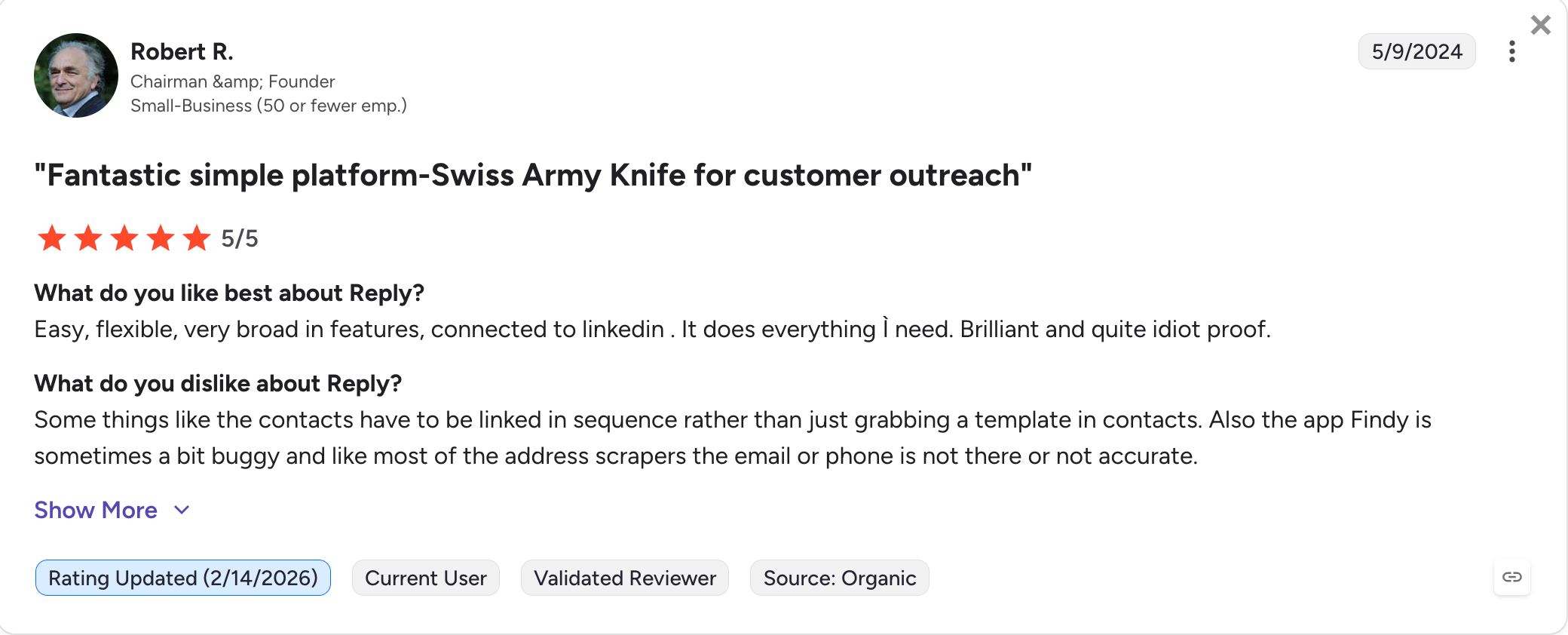
Reply.io: Runs email, LinkedIn, calls, SMS, and WhatsApp in one sequence. Jason AI writes messages, answers replies, and books meetings on its own.
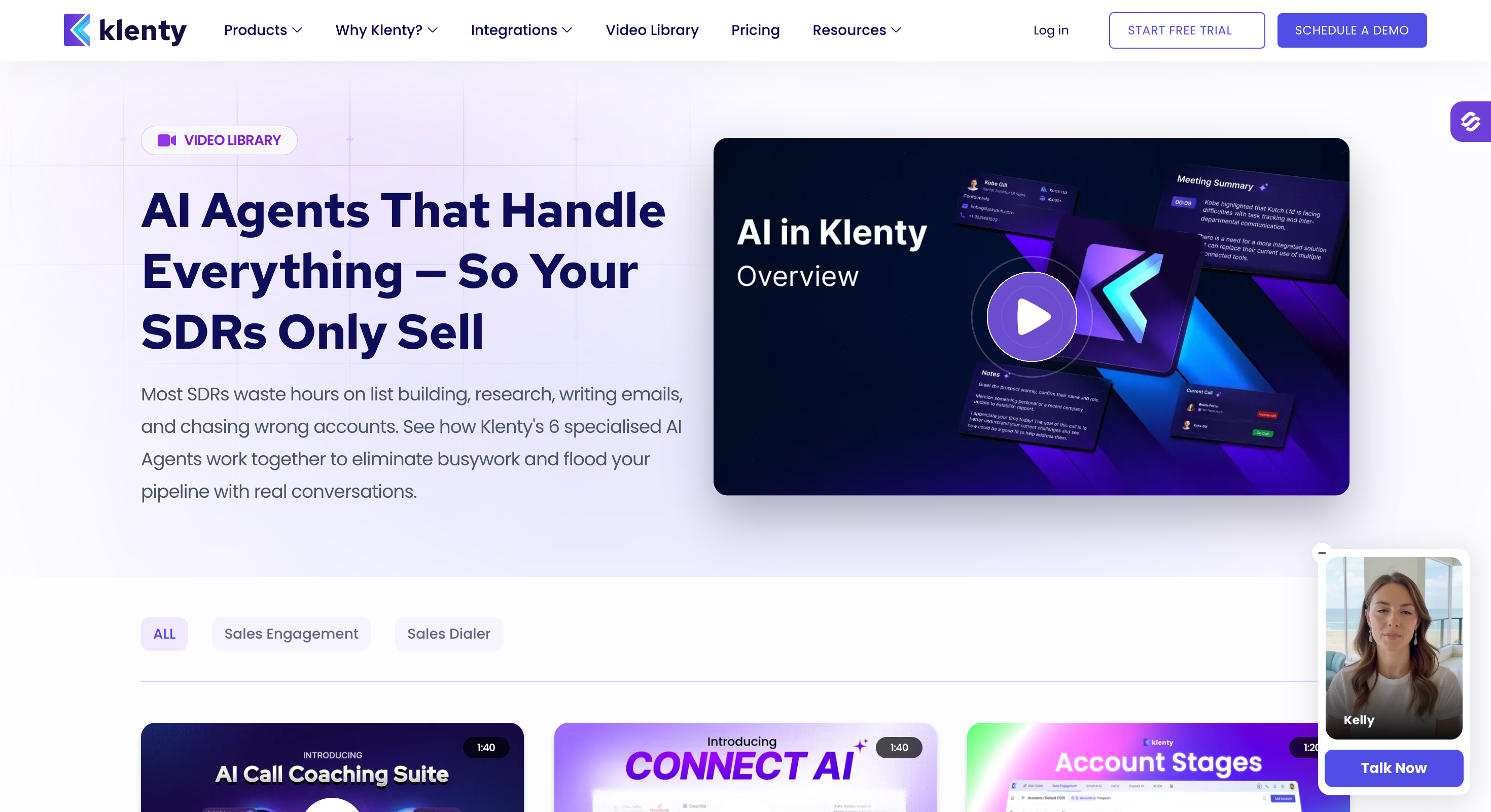
Klenty: Made for teams that live on the phone. The dialer is the core of the product, with parallel dialing and voicemail drops.
Outplay: A simpler, cheaper way to run email, calls, and LinkedIn together. A good fit for small teams on Pipedrive, HubSpot, or Zoho.
Lemlist: Puts custom images and videos inside your cold emails. Use it when standing out matters more than sending volume.
Snov.io: The budget pick that bundles an email finder, verifier, drip campaigns, and warm-up in one plan. Every paid tier includes unlimited seats and sender accounts, which is rare at this price.
Feature Comparison: Top 8 Outreach Alternatives at a Glance
Pipedrive, Zoho, and HubSpot first-class, plus Salesforce
API & MCP CLI
API (Growth) and the Forge MCP server for AI agents
API for enterprise integrations
API on the Organization plan
API and webhooks
Zapier and webhooks
Best For
Teams that run email and LinkedIn at volume and do not want per-seat pricing
Enterprise teams that want the closest match to Outreach
Small teams that want data and sending in one bill
Mid-market teams that want AI to run the outreach
Call-heavy SDR teams on Pipedrive or Zoho
Why Teams are Leaving Outreach in 2026
Outreach built the sales engagement category. Then it kept building.
Today it sells AI agents, forecasting, deal management, conversation intelligence, and rep coaching. That is a revenue platform for large orgs.
Most teams came for one thing: sequences that book meetings. They now pay for everything else too.
The same complaints repeat across G2, Capterra, and r/sales:
Pricing is hidden: There are no numbers on the pricing page. You book a call to get a quote, and the contract renews every year on its own.
You need a dedicated admin: New users take weeks to learn it. On G2's own comparison pages, almost every rival wins the same two lines: easier to set up, easier to admin.
Customer support is weak: Customer service is the lowest score on Outreach's Capterra profile, at 4.1 out of 5.
CRM sync keeps breaking: Salesforce and HubSpot sync problems come up again and again in reviews: duplicate records, missed activity logs, fields that stop matching.
Not built for cold outbound: There is no warm-up, no placement testing, and no way to run a fleet of sending mailboxes. LinkedIn is a task list cleared by hand.
None of this makes Outreach a bad product. It makes it a heavy one.
The eleven tools below each take a piece of that load off, and a few of them take all of it.
How I Picked These 8 Outreach Alternatives
Every tool here was checked against five things.
Core job: Multi-step sequences with follow-ups, across more than one channel or with real depth in email.
Live pricing: I compared every price from each tool's live pricing page, quoted annually. Salesloft is the one exception, since it does not publish prices.
Easy setup: I set each tool up myself, without an admin. Long implementations are the problem this list solves.
Deliverability suite: The tool needed a real way to keep email out of spam: warm-up, validation, or placement testing built in, or one clean step away.
Real reviews: I evaluated all the G2 reviews, the praise and the critical ones both.
Here are the 8, ranked by how much of Outreach's actual job they replace and what that costs you.
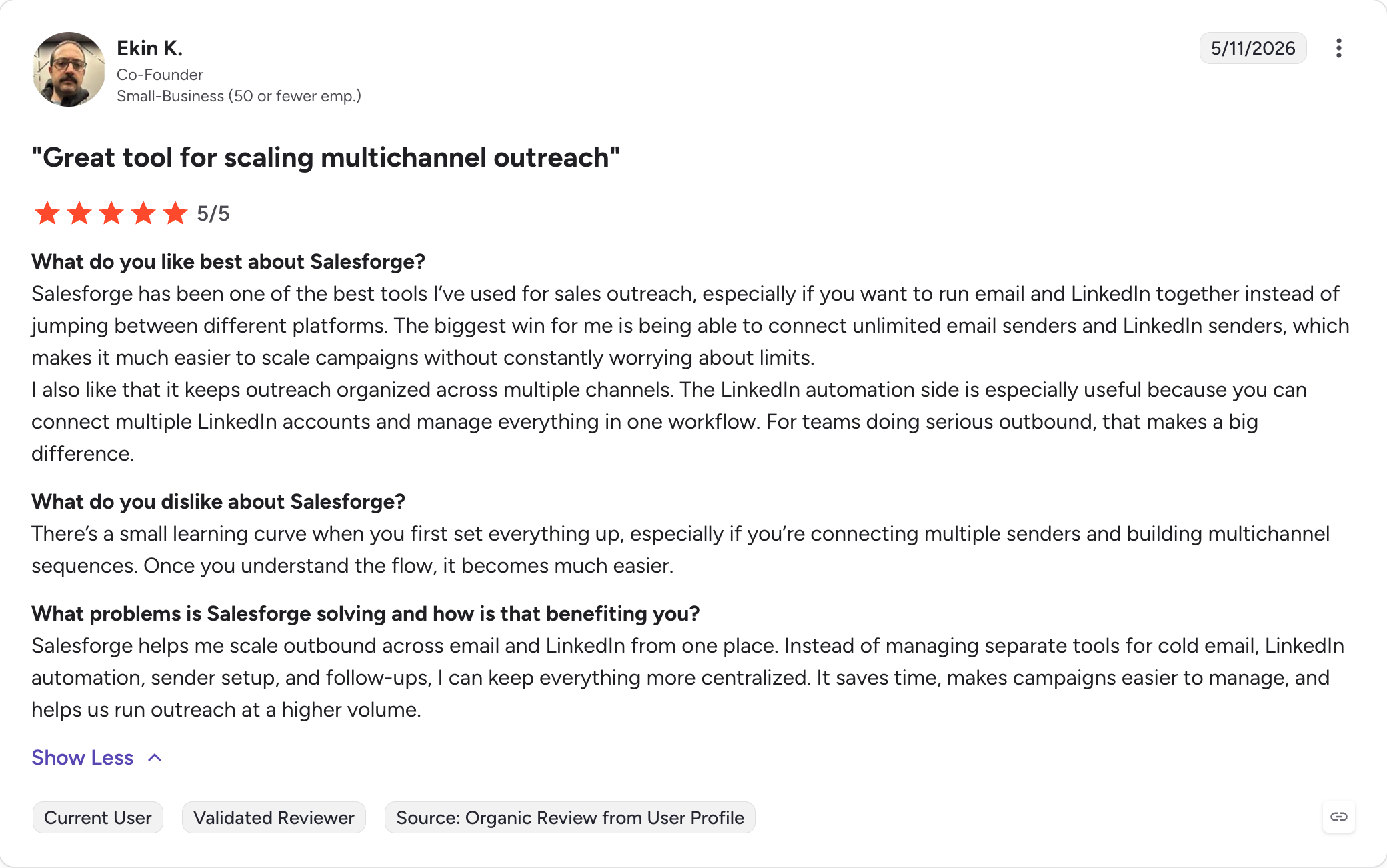
1 - Salesforge
Best for: GTM teams & agencies that outbound at volume and want a flat price instead of per-seat contracts.
G2 Rating: 4.6 out of 5
Salesforge is the only multichannel outreach tool on this list that gives you unlimited mailboxes and senders at a flat price.
Here is why it is my number one: what takes three subscriptions anywhere else comes in one plan here. LinkedIn outreach runs as real sequence steps, not task reminders. Mailboxes are unlimited instead of a per-user limit. Warm-up is included instead of being a separate bill.
Salesforge is not an Outreach clone. It has no forecasting, no deal management, and no call coaching. It replaces the outbound half of Outreach, not the revenue platform half.
And you get native integration with its own full-stack cold email infrastructure, under the same login. Here is what you get, feature by feature.
Salesforge Key Features
Multichannel in one sequence
multi-channel outreach with conditional sequences: Email and LinkedIn steps run in one sequence with real conditional branching, so the next step depends on what the prospect just did.
Six native LinkedIn actions: Connection requests, messages, InMails, post likes, follows, and withdraw requests all run as sequence steps, capped at 30 a day per profile to stay inside LinkedIn's safe limits.
AI personalization: The same AI variables help teams personalize outreach across email and LinkedIn messages in 21+ languages, so you do not need a copywriter for every region.
Primebox™ with Auto-Pilot and Co-Pilot: Every reply from every mailbox and LinkedIn account lands in one inbox, where the AI drafts or fully handles responses.
LinkedIn account safety and scale
Unlimited senders and mailboxes: As many mailboxes as you need on every plan, one LinkedIn account (Pro), unlimited LinkedIn senders (Growth).
Account safety as standard: LinkedIn actions run through high-quality shared proxies, with the option to add your own custom proxies. Login uses session tokens only, so your password is never stored.
Sender rotation: Volume spreads across your mailboxes and domains, so no single account burns its reputation.
Ecosystem access
Free unlimited warm-up: Every connected mailbox warms continuously at no extra cost via Warmfoge, on both plans.
LinkedIn Email Finder** Chrome Extension:** Free to install, pulls verified emails from LinkedIn profiles. Lookups use Leadsforge credits, and new users get 100 free credits on signup.
Integrations: Native HubSpot, Salesforce, and Pipedrive sync, plus Clay, Slack, Zapier, and webhooks, with API access on Growth; Leadsforge also acts as a sales intelligence platform for contact sourcing in the same ecosystem.
MCP CLI: The Forge MCP server lets Claude, Cursor, or your own AI agents create sequences and manage campaigns directly.
Salesforge Pros and Cons
Pros
Cons
Flat pricing. Mailboxes and LinkedIn senders never raise the bill
No free plan; 14-day free trial available
Email and LinkedIn run in one sequence with real branching
No forecasting, deal management, or call coaching
Free unlimited warm-up, ESP matching, and Bounce Shield built in
One inbox for both channels, with AI drafting on approval
Unlimited users and workspaces (Growth)
MCP CLI lets AI agents like Claude run campaigns
Native CRM integrations with HubSpot, Salesforce, and Pipedrive
Best for: Enterprise revenue teams that want Outreach's depth from a different vendor, with better support.
G2 Rating: 4.5 out of 5
Salesloft is the other name in every Outreach deal.
The two companies built the sales engagement category side by side, and they have been matching each other's roadmaps since 2011.
Cadences on one side, Sequences on the other. Conversations against Kaia. Rhythm against Outreach's AI agents.
If you leave Outreach for Salesloft, you are not downsizing. You are switching vendors.
Sometimes that is exactly the right move. Salesloft is a full sales engagement platform, not a lighter prospecting tool. Cadences are mature, the interface is cleaner, and on G2's comparison pages, reviewers rate Salesloft easier to set up, easier to admin, and more usable than Outreach.
Support and account management score higher too, and Conversations comes bundled at lower tiers than Outreach's call intelligence.
What does not change is the shape of the deal. There are no prices on the website. You book a demo, get a quote, and sign an annual contract.
More improtantly, the cold outbound gaps are identical: no warm-up, no placement testing, no mailbox fleet, and LinkedIn stays a task a rep clears by hand, which still suits teams focused on enterprise process control more than lean outbound teams.
Salesloft Key Features
Cadences: Multi-step sequences across email, phone, and LinkedIn task steps. Mature, reliable, and a match for Outreach's sequencer.
Conversations: Call recording and analysis that analyzes sales calls for coaching, available at lower tiers than Outreach's equivalent.
Rhythm: An AI engine that reads buyer signals and tells each rep which account to work next.
Deals and Forecast: Pipeline views, pipeline management, and pipeline analytics for managers, plus forecast rollups.
Enterprise security: SSO, role-based access, audit logs, and SOC 2 Type II.
Salesloft Pros and Cons
Pros
Cons
Cleaner interface, faster rep onboarding than Outreach
No public pricing. Demo, quote, and annual contract required
Support and account management rated higher in reviews
Costs land in the same range as Outreach, so it does not solve the budget problem
Conversations bundled at lower tiers
No warm-up, no placement testing, no cold email infrastructure
Rhythm gives reps a useful daily priority list
LinkedIn is a manual task step, same as Outreach
Forecasting and deal management run less deep than Outreach's
Salesloft Pricing
Plan
Price
Notes
All plans
Custom pricing, sales contact required
Packaged as tiers; demo required, annual contracts standard
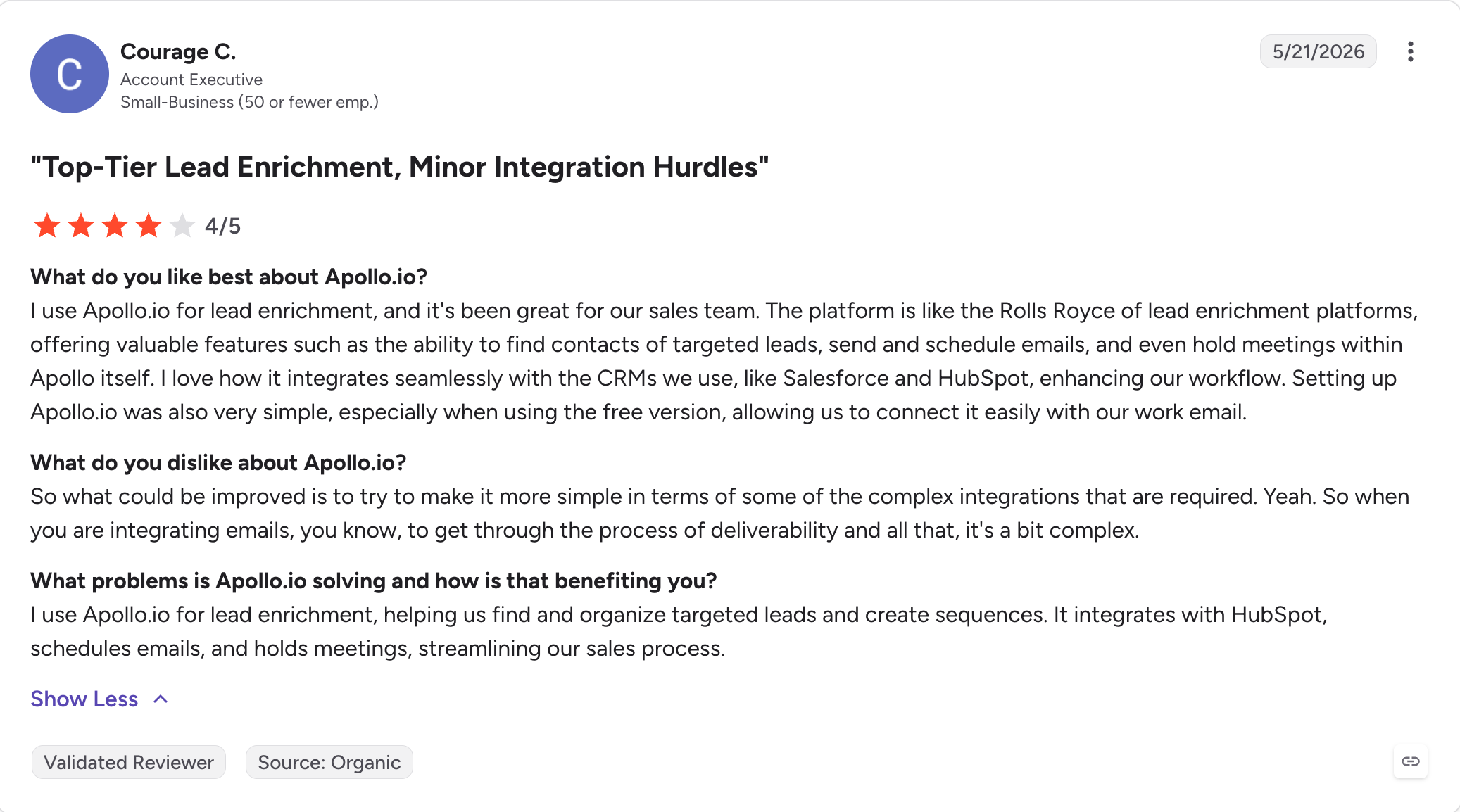
Best for: Small sales teams that want to pay one bill for contact data and sequencing instead of two.
G2 Rating: 4.7 out of 5
Apollo's pitch to an Outreach buyer is arithmetic. It works best for smaller teams that want a simpler stack.
Outreach gives you sequencing and nothing else, so you buy data from ZoomInfo or Apollo anyway.
Apollo bundles a 275M+ contact database, a sequencer, a dialer, and a Chrome extension into one plan. That makes it a combined prospecting and engagement platform for lean teams.
For a lean team, this usually wins.
But the important caveats lie in the details. Apollo removed its LinkedIn automation on January 30, 2026, so LinkedIn is back to task steps only. Credits expire every month, and mobile numbers burn them fast. The sequencer is lighter than Outreach's for complex plays. There is no warm-up or placement testing underneath.
Apollo Key Features
275M+ contact database: Verified emails, mobile numbers, technographics, and intent signals with multiple filters for intent-led targeting, plus data enrichment to improve contact accuracy for your exact ICP.
Sequences: Email steps plus call and task steps, with A/B testing, basic conditional logic, and basic automated follow-ups inside sequences.
Dialer: US calling with recording and transcription on the Professional plan and up.
Chrome extension: Pulls verified contact data on LinkedIn, company sites, inside your CRM, and in workflows built around LinkedIn Sales Navigator.
AI assistant: Drafts and personalizes emails for reps. It assists, it does not run alone.
CRM sync: Native HubSpot and Salesforce integrations.
Apollo Pros and Cons
Pros
Cons
Data and sequencing on one bill
LinkedIn automation removed January 30, 2026; task steps only now
Published pricing and a usable free plan
Credits expire monthly with no rollover
New reps are productive in days
No warm-up, placement testing, or sending infrastructure
The Chrome extension alone justifies a seat for many teams
Organization plan is annual-only with a 3-user minimum
Data coverage thins outside North America
Apollo Pricing
Plan
Price
What you get
Free
$0
Limited credits, 2 active sequences, Gmail or Microsoft mailboxes only
Basic
$49/user/month (billed annually)
More credits, saved searches, A/B testing, buying intent
Professional
$79/user/month (billed annually)
Higher credits, unlimited sequences, US dialer with recording, AI writing
Organization
$119/user/month (billed annually)
Highest credits, international dialer, SSO, API access. 3-user minimum, annual only
Monthly billing runs roughly 20% higher, and paid plans start at $49 per user monthly on annual billing. Mobile numbers and exports draw from a metered credit pool on every tier, so budget for credit top-ups if you rely on phone outreach.
Best for: Mid-market teams that want one sequence across five channels, with AI handling the follow-ups.
G2 Rating: 4.6 out of 5
Reply is an AI-powered option for teams that want one workflow across several channels, and it runs more channels in one sequence than anything else on this list: email, LinkedIn, calls, SMS, and WhatsApp.
A sequence can start with an email, move to LinkedIn if nobody answers, and queue a call for the accounts that matter. Then, it hands the follow-up work to an AI named Jason.
Jason AI is an AI SDR. It researches prospects, writes the first touch, handles automated outreach and reply sorting across the sequence, and runs the follow-ups without a rep in the loop.
Reply also includes a 140M-contact database, which is smaller than Apollo's but enough to skip a basic data subscription.
Reply.io Key Features
Five-channel sequences: Email, LinkedIn, calls, SMS, and WhatsApp support multi-channel engagement in one workflow with conditional logic that reacts to opens and replies.
Jason AI: Researches prospects, writes outreach, follows up, and supports engagement workflows beyond first-touch drafting, while also categorizing replies on its own. Priced separately on contacts and credits.
140M-contact database: Built-in B2B data with basic enrichment.
Reply detection and sorting: Replies get classified automatically so reps only see the ones worth reading, which improves engagement tracking for reps.
Agency features: Separate client workspaces and roles on the top tier.
Reply.io Pros and Cons
Pros
Cons
The widest channel coverage on this list
LinkedIn automation costs extra on top of the Multichannel plan
Jason AI does real autonomous work, not just drafting
True multichannel runs near $187/user/month with add-ons
Built-in database removes a basic data bill
Warm-up is a paid add-on, not included
Conditional sequence logic is genuinely deep
Per-user pricing stacks fastest for growing sales teams
Best for: SDR teams that run call-heavy outreach on Pipedrive, HubSpot, or Zoho and want the dialer built in.
G2 Rating: 4.6 out of 5
Klenty is built on one belief: the phone still books the most meetings, and most sequencers treat it as an afterthought. It fits call-heavy sales reps who spend most of the day dialing.
So, Klenty put the dialer at the center. Click-to-call comes in at the Growth plan, and the add-on brings parallel dialing, local presence numbers, voicemail drops, and AI voicemail detection.
If your reps live on the phone, Klenty is right choice.
The rest of the platform holds up around it. Cadences run email, calls, LinkedIn task steps, and SMS together. Kanbu, the AI assistant, drafts emails and sorts replies. And the CRM story is a real difference from Outreach: Klenty treats Pipedrive, Zoho, and HubSpot as first-class citizens, with stronger crm integration depth across those systems than Outreach's more Salesforce-first setup.
On the downside: there is no contact database, so lists come from somewhere else, and the built-in lookups are capped at 200 credits a month. There is no warm-up or placement testing. The entry plan is email-only with no native CRM sync. And the parallel dialer, the headline feature, is a paid add-on on every plan.
Klenty Key Features
Klenty Dialer: Click-to-call with recording and call tracking on Growth and up. The Parallel Dialer add-on brings multi-line dialing, local presence, voicemail drops, and AI voicemail detection.
Multichannel cadences: Outreach across multiple channels, including email, calls, LinkedIn task steps, and SMS in one sequence, from the Growth plan up.
Kanbu AI assistant: Drafts emails, researches prospects, and sorts replies. It assists reps, it does not run alone.
Deep CRM integrations: Native CRM integration with native two-way sync for Pipedrive, Zoho, HubSpot, and Salesforce, from the Growth plan.
Cadence playbooks: Ready-made sequence templates teams can standardize on.
Klenty Pros and Cons
Pros
Cons
The strongest calling setup at this price on the list
Parallel dialing costs an extra $45/user/month on every plan
First-class Pipedrive and Zoho integrations, rare in this category
The $50 entry plan is email-only, with no native CRM sync
Published pricing and a 14-day free trial, no credit card
No contact database, and lookups cap at 200 credits a month
Reps ramp in days, not weeks
No warm-up or placement testing
Klenty Pricing
Plan
Price
What you get
Startup
$50/user/month (billed annually)
Email cadences only. No multichannel, no native CRM sync
Growth
$70/user/month (billed annually)
Multichannel cadences, dialer with click-to-call, native CRM integrations, playbooks
Best for: Small sales teams that want Outreach's core moves at a small-team price.
G2 Rating: 4.5 out of 5
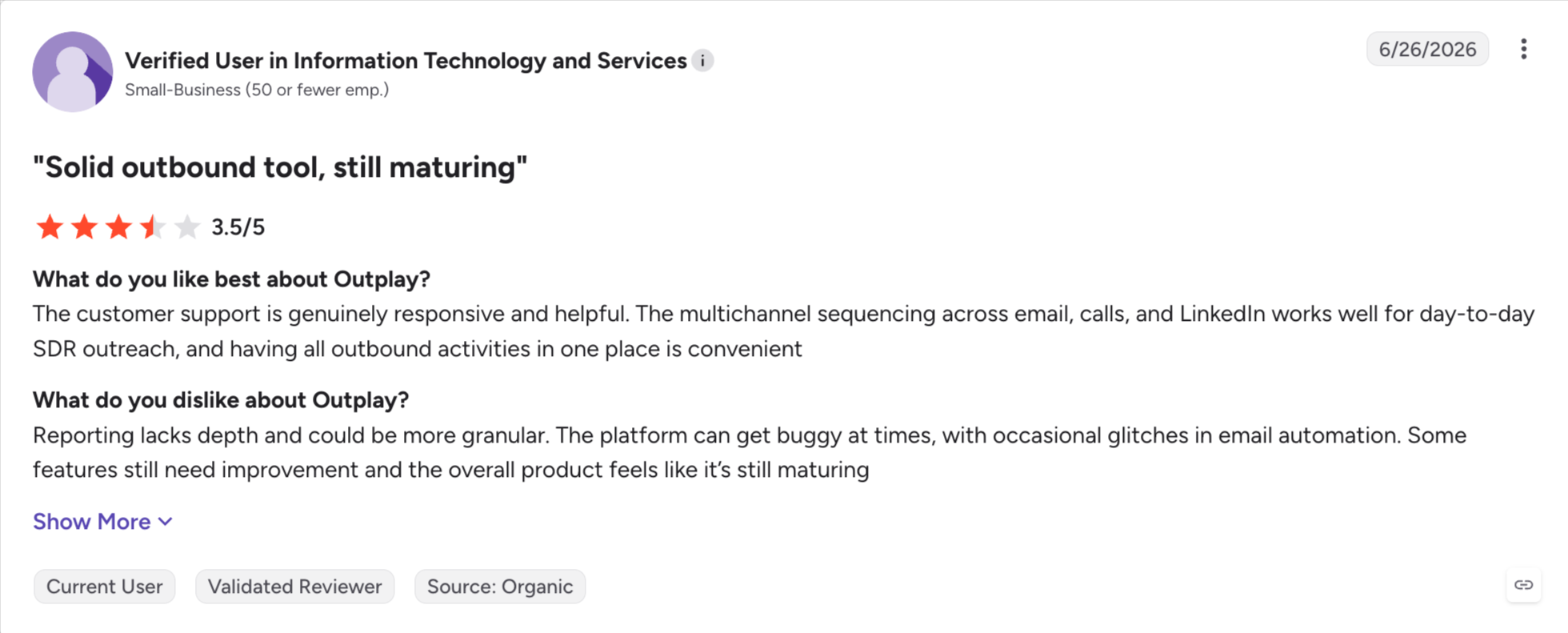
Outplay is Outreach shrunk to the parts a five-person team uses, a lighter sales platform for small teams.
Sequences across email, phone, LinkedIn, SMS, WhatsApp, and web chat. A built-in dialer. Task automation. Dashboards that show who is engaging, which gives managers useful visibility through engagement analytics.
For a lot of small teams, that is the whole job, and it can remove repetitive tasks for lean teams.
The channel coverage is wide for the money, setup takes an afternoon, and support is the thing reviewers praise most, with fast answers and free onboarding help. Out-of-office replies get detected automatically, so follow-ups pause instead of firing into an empty inbox.
The limits show up in three places: The $39 Starter plan is built for email, and true multichannel starts at the Growth plan. There is no contact database, and reviewers report accuracy gaps in the built-in enrichment, so most teams bring their own data. And the deliverability layer does not exist: no warm-up, no placement testing, no mailbox fleet.
Outplay Key Features
Six-channel sequences: Email, calls, LinkedIn, SMS, WhatsApp, and web chat in one workflow, from the Growth plan.
Built-in dialer: Calling with recording inside sequences, without a separate phone tool.
Task automation: Triggers move prospects between sequences based on what they do, including engagement signals.
Performance dashboards: Team and rep metrics, plus sales analytics, in one view, with real-time engagement alerts.
Out-of-office detection: Auto-replies get read and follow-ups reschedule on their own.
AI SDR add-on: A separate AI powered solution for sourcing leads and drafting sequences.
Outplay Pros and Cons
Pros
Cons
The cheapest real multichannel path on this list
Multichannel is absent from the $39 Starter plan
Support rated among the best in the category
No contact database, and built-in enrichment accuracy gets flagged in reviews
Setup takes an afternoon, not a project
No warm-up, placement testing, or sending infrastructure
Free onboarding help on paid plans
Reviewers report occasional bugs in filters and reporting
Outplay Pricing
Plan
Price
What you get
Starter
$39/month (billed annually)
Email sequences, AI sequence writer, CRM integration
Growth
$89/user/month (billed annually)
All six channels, dialer, triggers, dashboards
Pro
$139/user/month (billed annually)
API access, live call monitoring, local dial, roles and permissions
Enterprise
Custom pricing, sales contact required
Custom enterprise pricing, volume terms and advanced controls
The AI SDR module is sold separately. 14-day free trial, no credit card required.
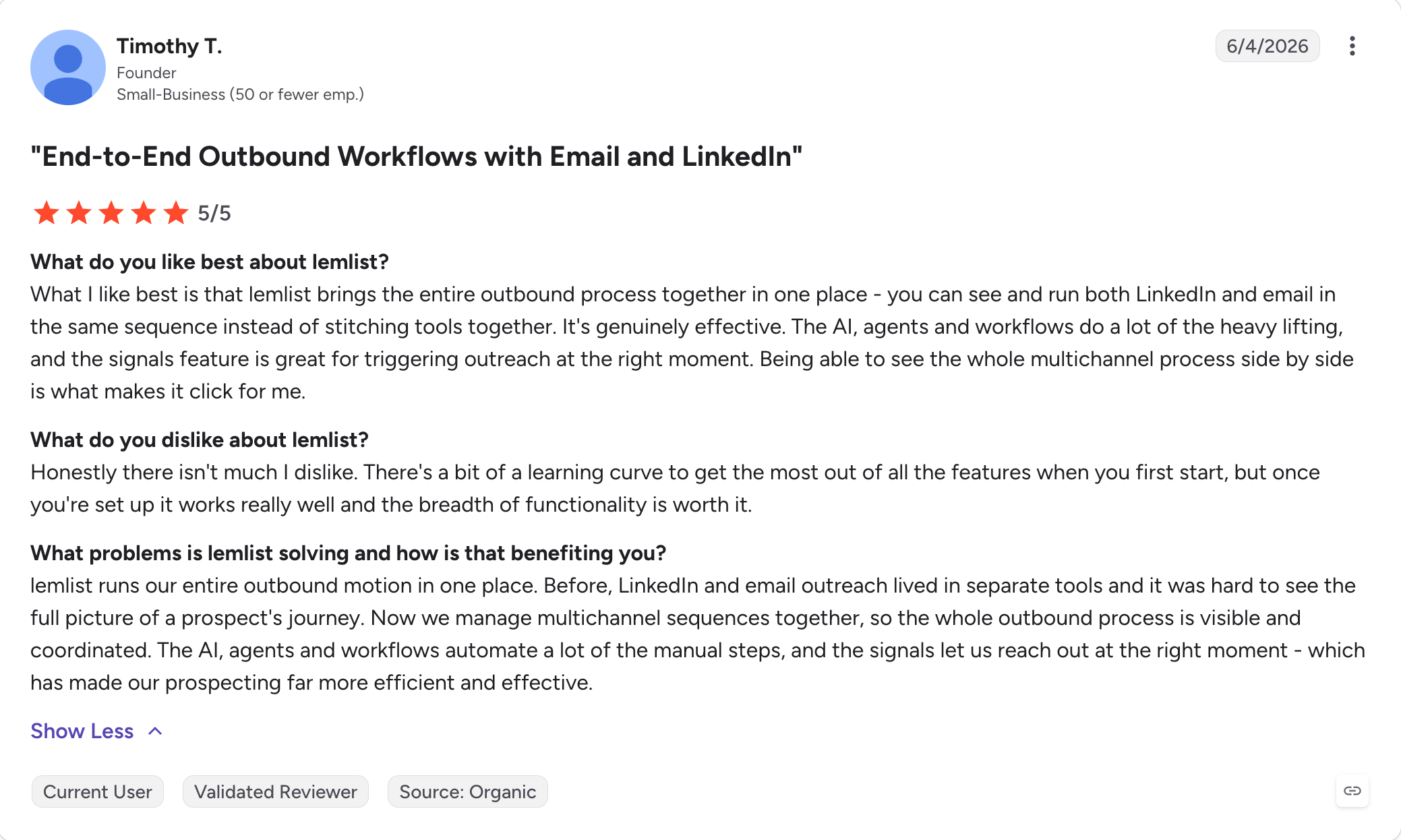
Best for: Small teams and agencies that win by standing out, not by sending more; Lemlist is best for cold email outreach where standing out matters more than running a full outbound stack.
G2 Rating: 4.4 out of 5
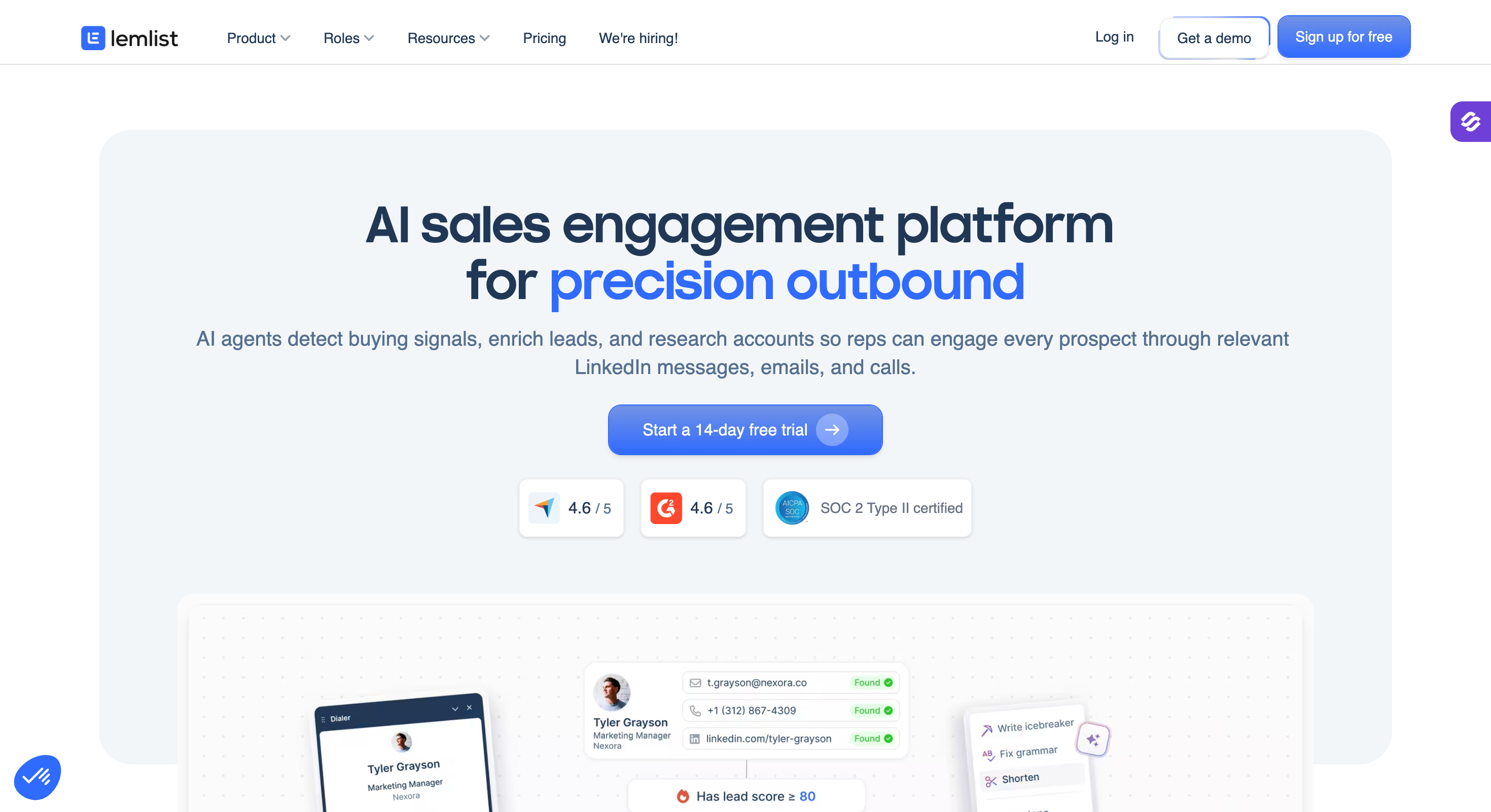
Lemlist made its name putting the prospect inside the email.
Their first name rendered onto a coffee cup. Their logo dropped into a screenshot of your product. A video thumbnail with their website playing behind you. Every image and video builds itself per prospect, automatically.
No other tool on this list does that natively.
The rest of the package is fuller than it used to be. Warm-up through lemwarm is included on paid plans. A lead database with an email and phone finder is built in. And the Multichannel Expert plan runs email, LinkedIn, calls, and WhatsApp in one sequence.
Lemlist changed its pricing in mid-2026, and it matters. The Email plan is now priced per workspace at $55/month (billed annually) with unlimited users and a 50,000 emails per month cap, which is a real bargain for a small team doing email only.
Multichannel stays per user at $87/month (billed annually), so five reps on it pay $435 a month. Finder credits expire monthly with no rollover.
And Lemlist is still not built for volume: there is no mailbox fleet or rotation at the scale cold email specialists run.
Lemlist Key Features
Image and video personalization: Custom images, videos, and landing pages that build themselves per prospect with their name, logo, or website.
lemwarm: Email warm-up included on paid plans, running in the background on your sending accounts.
Lead database with finder: Contact data with email and phone lookups, paid for in monthly finder credits.
Multichannel sequences: multi-channel email, LinkedIn, calls, and WhatsApp in one sequence on the Multichannel Expert plan.
CRM integrations: HubSpot, Salesforce, and Pipedrive sync.
Lemlist Pros and Cons
Pros
Cons
Personalization no other tool here matches
Multichannel is per user, so team costs climb fast
Warm-up included instead of sold separately
Finder credits expire monthly with no rollover
The workspace-priced Email plan is cheap for small teams
Not built for high-volume sending across many mailboxes
Email, LinkedIn, calls, and WhatsApp on one plan
LinkedIn safety features lag dedicated LinkedIn tools in reviews
Lemlist Pricing
Plan
Price
What you get
Email
$55/month (billed annually)
Per workspace, unlimited users, 50,000 emails/month, lead database, lemwarm
Multichannel Expert
$87/user/month (billed annually)
Everything in Email plus LinkedIn, calls, and WhatsApp in sequences
Enterprise
Custom pricing, sales contact required
5-seat minimum, SSO, dedicated support
Lemlist restructured these plans in mid-2026, so check the live page if you were quoted earlier in the year. 14-day free trial, no credit card required.
Best for: Founders and one-to-two-person teams building their first outbound motion on a small budget.
G2 Rating: 4.5 out of 5
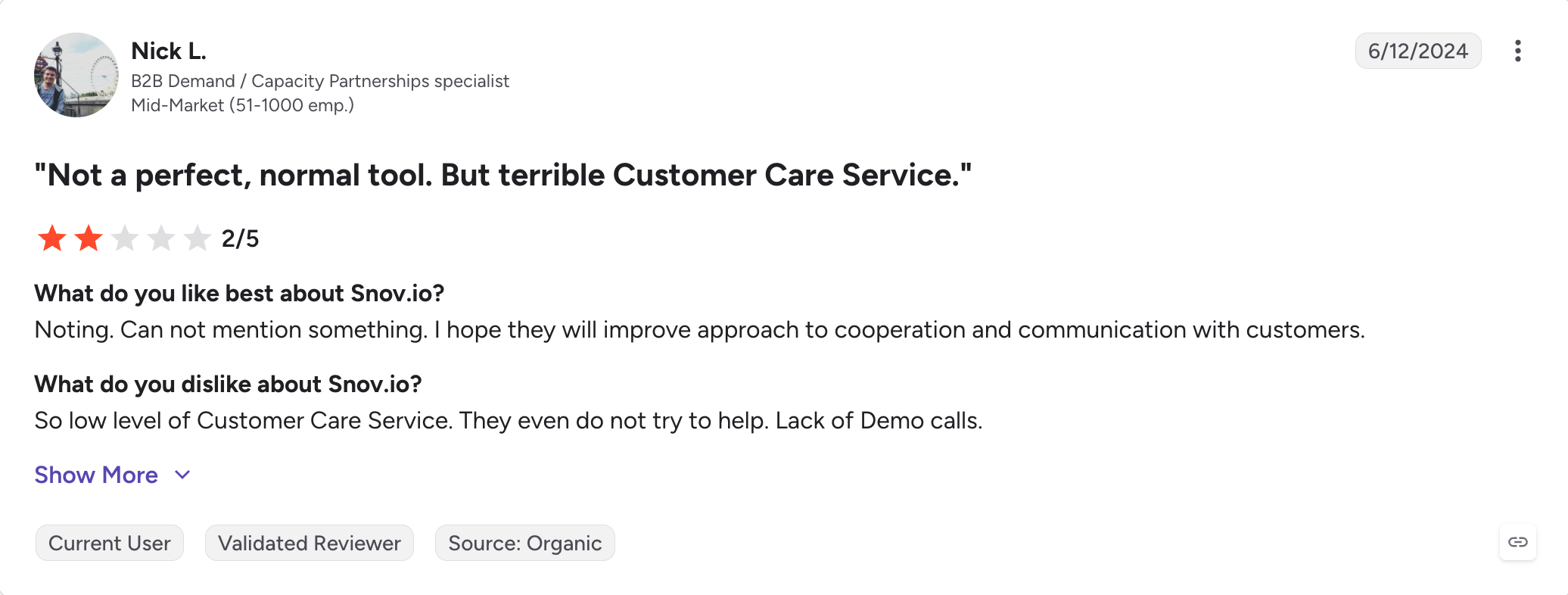
Snov.io is the cheapest full toolkit on this list.
For $29.25 a month (billed annually) you get an email finder, a verifier, drip campaigns, warm-up, and a small CRM. Nothing else here starts lower, and it works well as a simple single platform for early outbound.
The pricing model is the unusual part. Paid plans meter credits for finding and verifying emails, not seats. Team members, sender accounts, follow-ups, and campaigns are all unlimited on every paid tier.
Warm-up is included everywhere too, and even the free Trial plan renews 50 credits and 100 recipients every 30 days, so you can test the whole platform without a card.
For a bootstrapped team, that shape fits. Add a founder, an intern, and three mailboxes without the bill moving.
The limits are the flip side of the price. Credits cover finding, verifying, and saving prospects from one shared pool, and they expire monthly with no rollover on standard plans.
However, LinkedIn automation is a separate add-on at about $69 a month per LinkedIn account. And the campaigns themselves are simple drip sequences, not the conditional builders the tools above run.
Snov.io Key Features
Email finder and verifier: Search by domain, company, or LinkedIn profile, and verify before sending. Both draw from the shared credit pool.
Drip campaigns: Email sequences with unlimited follow-ups and unlimited sender accounts on every paid plan.
Warm-up on every plan: Included at no extra cost, with unlimited warm-ups on the Pro tiers.
LinkedIn automation add-on: Automated LinkedIn steps for about $69/month per connected account.
Free sales CRM and Unibox: A simple pipeline view and one inbox for replies, included even on the Trial plan.
Chrome extension: Pulls and verifies emails from LinkedIn and company pages while you browse.
Snov.io Pros and Cons
Pros
Cons
The lowest entry price on this list
Credits expire monthly, and one pool covers finding, verifying, and saving
Unlimited seats, senders, and follow-ups on every paid plan
Recipient caps gate sending volume: 5,000 a month on Starter
Warm-up included on every tier, free plan included
LinkedIn costs about $69/month per account on top
Finder, verifier, campaigns, and CRM in one bill
Campaigns are simple drips, with no conditional branching and no dialer
Snov.io Pricing
Plan
Price
What you get
Trial
$0
50 credits and 100 recipients renewing every 30 days, warm-up for one account, CRM
Starter
$29.25/month (billed annually)
1,000 credits, 5,000 campaign recipients/month, unlimited senders and follow-ups
Pro
From $75/month (billed annually)
5,000 credits and up, 25,000+ recipients, unlimited warm-ups, A/B testing, team features
LinkedIn automation add-on
About $69/month per account
Automated LinkedIn steps in campaigns
Custom Ultra
Custom pricing, sales contact required
From 200,000 credits, the only tier where credits roll over
Annual billing takes roughly 25% off the monthly rates.
Final Verdict: which Outreach Alternative Should You Pick?
After testing all 8, one finding stands out.
No single tool replaces Outreach's full sales cycle coverage.
Salesloft comes closest and costs the same, but it competes with Outreach more on advanced features like forecasting and coaching than on basic outbound.
Apollo covers the data. Reply covers the channels.
Klenty covers the phone.
Stack enough of them together and you have rebuilt the bill you were trying to leave, usually by giving up a single platform for prospecting, coaching, and management.
Salesforge replaces the part most teams actually use. Email and LinkedIn sequences, the reply inbox, the warm-up, and the deliverability layer all come on one $40/month plan (billed annually), and adding mailboxes never raises it.
It scales in three directions from there.
If you want the outcome, Agent Frank runs prospecting through booked meetings for $499/month (billed annually).
If you want the tool, Salesforge is $40/month.
If you need sending infrastructure underneath, Mailforge, Infraforge, and Primeforge run under the same login, each as its own subscription.
One login, three ways in, and none of them starts with a sales call.
Salesforge is the best Outreach alternative for teams that run email and LinkedIn outreach and want flat pricing instead of per-seat contracts. Salesloft is the closest like-for-like swap for enterprise teams. The right answer depends on which part of Outreach stopped working for you.
How much does Outreach cost?
Outreach does not publish prices. Every plan is quoted through a sales call, contracts run annually and renew automatically, and the 2026 packaging draws AI actions from a credit pool on top of seat prices.
Is Salesloft cheaper than Outreach?
Usually not. Salesloft does not publish pricing either, and quotes land in the same range as Outreach. Reviewers pick it for easier admin and better support, not for a smaller bill.
Can Apollo replace Outreach?
For a lean team, yes. Apollo bundles a 275M+ contact database with sequencing from $49/user/month (billed annually), which turns two bills into one. You give up sequencing depth, LinkedIn automation, which Apollo removed on January 30, 2026, and any deliverability layer.
What is the cheapest Outreach alternative?
Snov.io, at $29.25/month (billed annually) for a finder, verifier, campaigns, warm-up, and a CRM. Outplay is the cheapest way to run real sequencing for a small team at $39/month (billed annually). Salesforge is the cheapest way to run email and LinkedIn together at volume, at $40/month (billed annually).
Is HubSpot Sales Hub an Outreach alternative?
Only for teams already living in HubSpot CRM. Its sequences cover basic outreach, but the outbound tooling stays thin: sequence caps, no warm-up, and no LinkedIn automation. A HubSpot team that needs real outbound usually keeps the CRM and adds a tool like Salesforge, which syncs natively.
Do these alternatives work with Salesforce?
Salesloft has the deepest Salesforce sync on this list and was built around it. Salesforge, Apollo, and Klenty all sync natively with Salesforce too. If your org is heavily customized, test the field mapping during a trial before you move the team.
Book more meetings on autopilot
Set up in minutes. No per-seat pricing. No commitment.
Compare 5 AI inbox managers for cold email and sales outreach. See how Salesforge, Smartlead, Instantly, Reply.io, and Saleshandy handle replies, AI features, and pricing.








.jpg)

.jpg)

