If you are looking for email sequence software, you are either about to send your first campaign or you have already sent one without a tool.
Plenty start the second way.
You paste a few hundred addresses into a spreadsheet, write one email, and send it in batches from your work address.
Some of it bounces. A few reply, one of them politely, and by the third day you have lost track of who has heard from you and who is still waiting.
That is when the search for a tool usually starts, and where most comparison articles let you down.
Nearly every roundup this year stops at the same three things: a G2 score, a pricing table, a few Reddit threads.
None of that tells you whether the tool personalises at depth, runs LinkedIn alongside email, writes in your prospect's language, or branches a follow-up on what someone actually did.
I have set up cold outreach across most of these eight, so I went past the feature grids.
I read the documentation and help centre for every tool, priced each plan from the vendor's own pricing page, and worked out what happens to your sending accounts as volume climbs, which tier switches on the features you assumed were included, and what the invoice looks like three months in.
In this article, I share everything I've observed in each tool in detail.
TL;DR: 8 Email Sequence Software
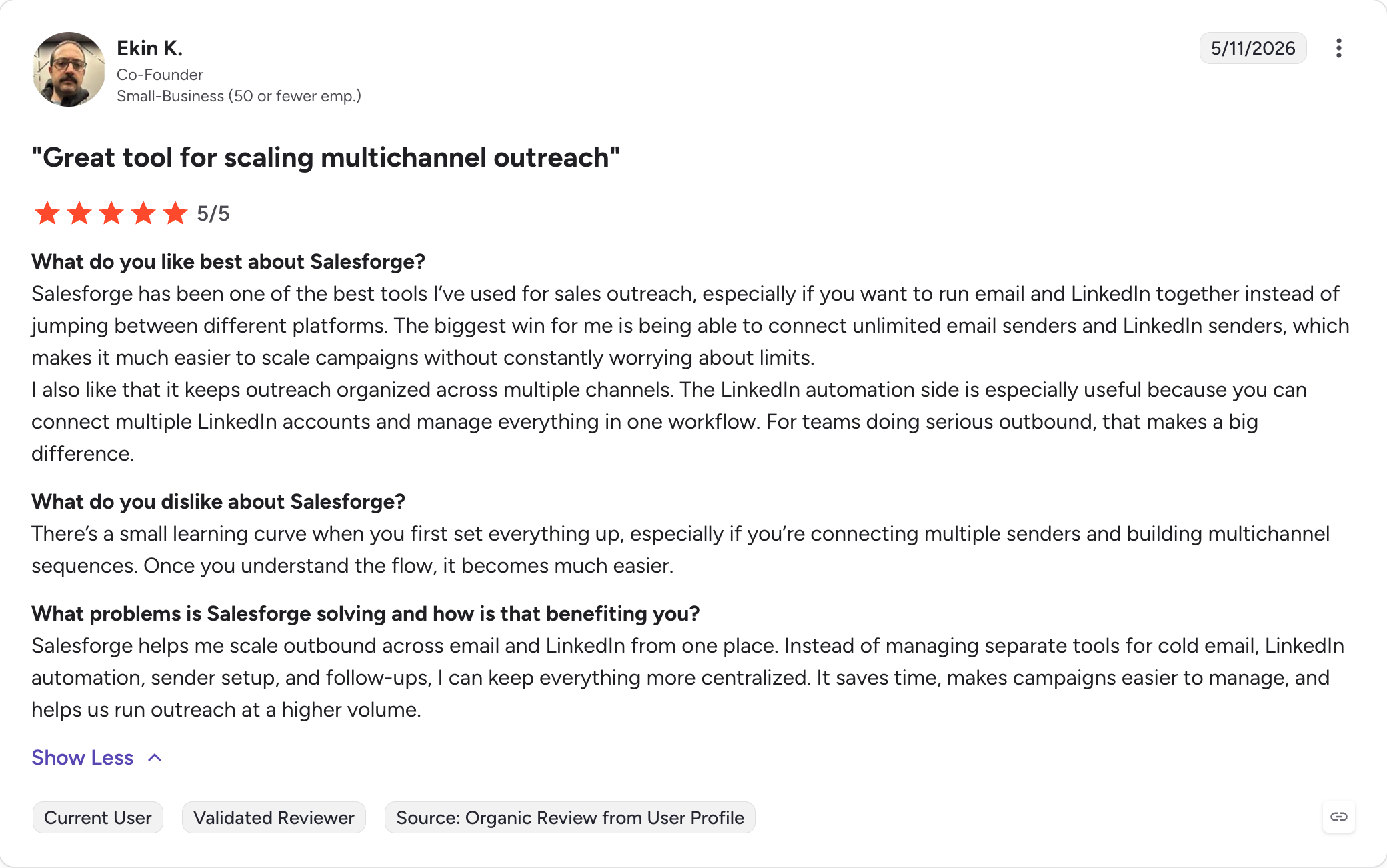
Salesforge: Multichannel outreach sequence software that runs email and LinkedIn steps in one sequence with unlimited mailboxes and premium warm-up included at no extra cost, on a flat bill rather than per seat.
Smartlead: High-volume cold email software built for agencies, with unlimited mailboxes, automatic rotation across sending accounts, and white-label client workspaces.
Instantly: Cold email sending software that includes unlimited email accounts and warm-up on every tier, though the lead database and CRM are separate subscriptions that roughly triple the entry price.
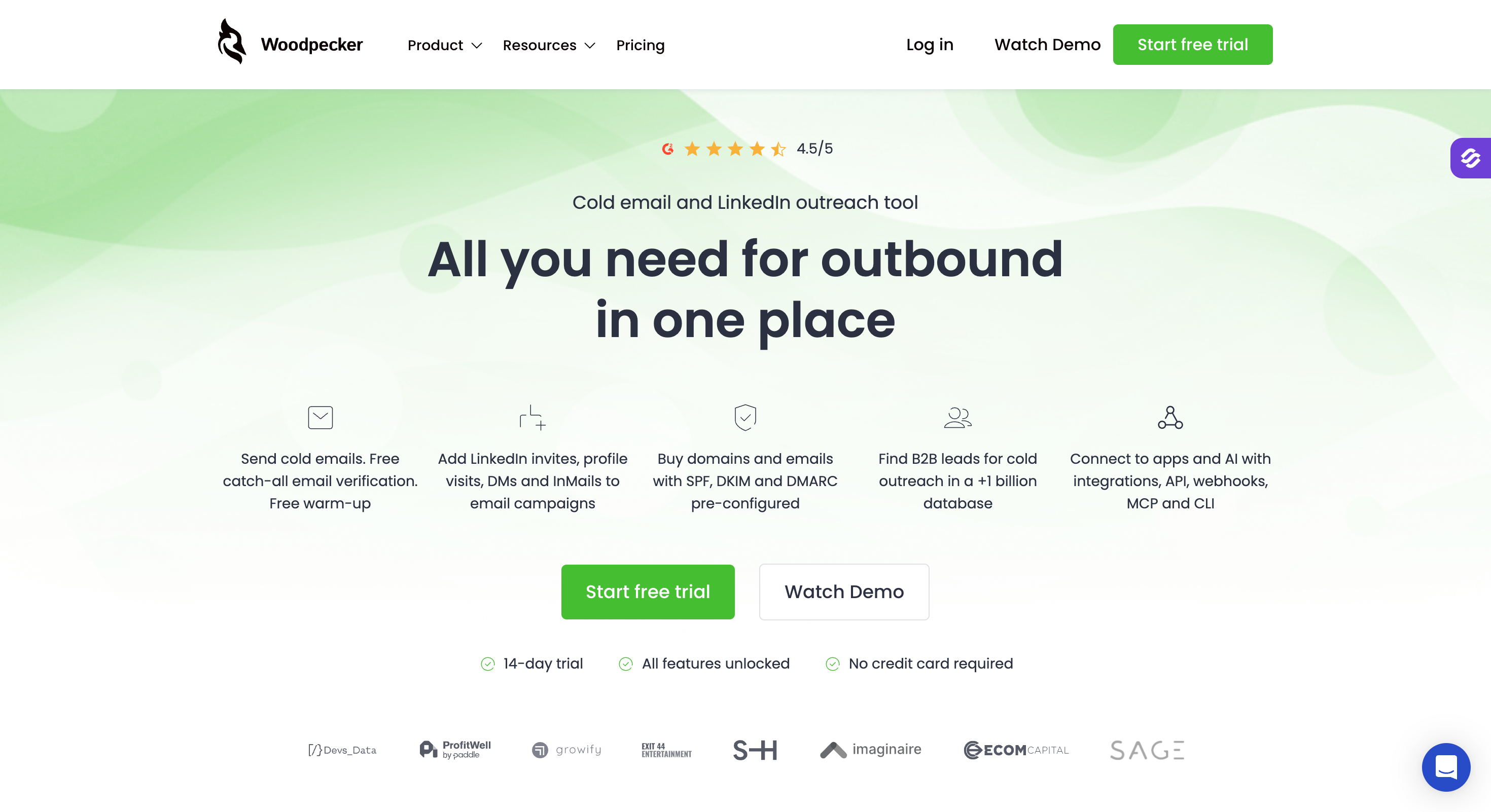
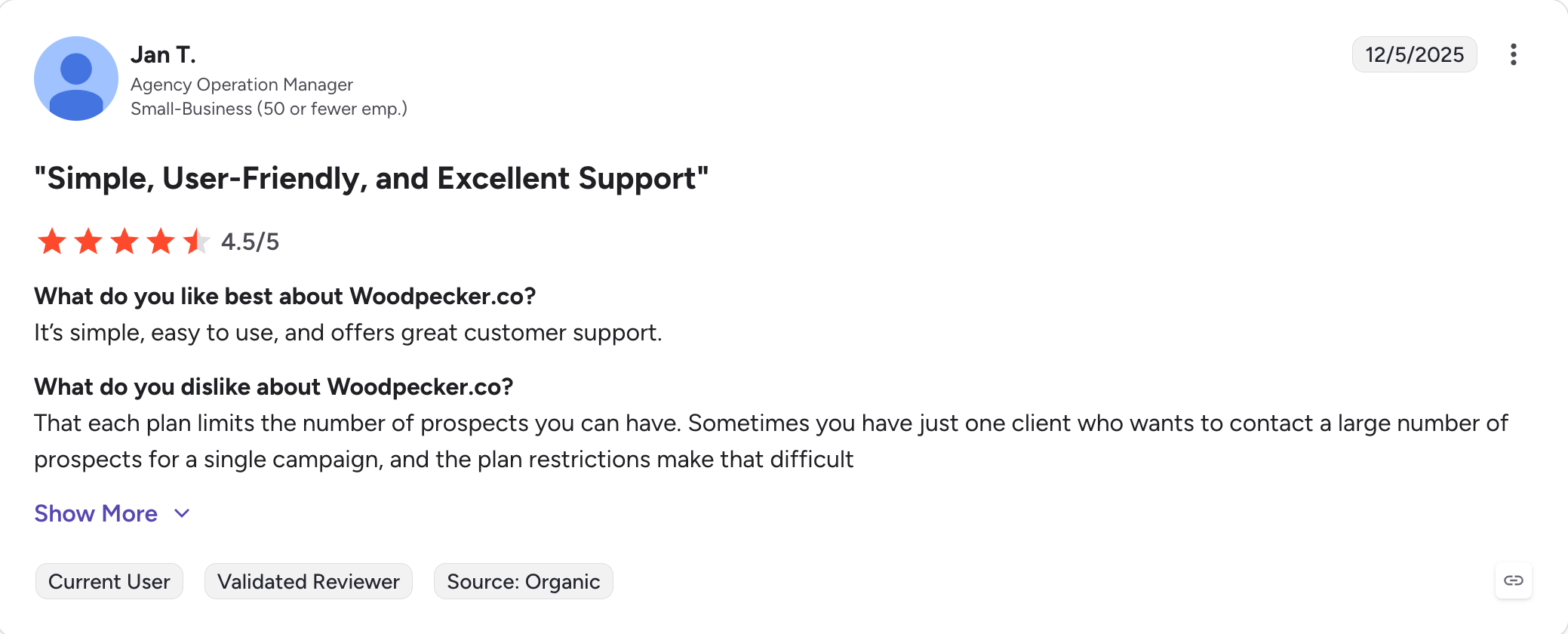
Woodpecker: Deliverability-first cold email software with bounce protection, catch-all verification at send time, and pricing based on contacted prospects rather than seats or sends.
Apollo.io: Contact database with a sequencer attached, strongest when finding people matters more than protecting domains, since it dropped email warm-up in 2024 and made LinkedIn steps manual in January 2026.
Lemlist: Multichannel sequence software with true visual branching, where follow-ups split down Yes or No paths on opens, clicks, replies and accepted LinkedIn invites, plus image and video personalisation.
Snov.io: All-in-one outreach software that finds prospects, verifies them, sequences them and tracks the deal in one subscription, though branching and A/B testing only start on Pro.
Reply.io: Sales engagement software covering the widest set of channels in a single sequence, with email, LinkedIn, SMS, WhatsApp and calls, and warm-up included natively rather than sold on.
Feature Comparison: Top 3 Email Sequence Software at a Glance
Salesforge is the only tool on this list that runs email and LinkedIn steps inside one sequence with unlimited senders on a flat fee, rather than charging per seat or per connected LinkedIn account.
Every other multichannel option here bills one of those two ways.
Your first campaign went out from one address, and the fix for a bad reply rate is usually more mailboxes rather than more emails per mailbox.
On a per-seat platform, splitting that volume across ten sending accounts and two people costs you seats.
On Salesforge it costs nothing, because the plans meter active contacts and monthly email volume instead.
That is why Salesforge is ranked #1 email sequence software. It is the only tool on this list running conditional email and LinkedIn steps together, with AI personalisation across 21 languages and both channels' replies in one inbox, without charging per seat or per LinkedIn account.
What Key Features You Get With Salesforge
Scale without seat pricing
Unlimited mailboxes and senders: Connect as many sending accounts as you need on either plan, with unlimited workspaces for agencies running separate clients.
Smart mailbox rotation: Sending spreads automatically across your connected accounts rather than loading volume onto whichever mailbox you set up first.
Text-only sending: Campaigns send as plain text by default, which removes the HTML and tracking markup that filters weigh against you.
Bounce Shield: Sending pauses against bounce-rate thresholds before a bad list takes a domain down with it.
Built-in email validation: Address verification runs on credits inside the platform, at 300 a month on Pro and 1,000 on Growth.
Deliverability infrastructure
Free unlimited warm-up: Every connected mailbox warms continuously on both plans, with no slot cap and no separate subscription.
Dynamic ESP matching: Sending accounts are matched to the recipient's provider, which lands better than sending everything from one provider. Growth plan only.
Primebox™ unified inbox: Email and LinkedIn replies arrive in one place, with sentiment analysis on both plans and AI-drafted replies on Growth.
AI personalisation: Copy generates in 21 languages, and multi-language sequences are a Growth feature rather than a Pro one.
Ecosystem access
Multichannel sequences with conditional logic: Email and LinkedIn steps run in the same sequence with if/then branching, so an accepted connection request can trigger a message while a refusal falls back to email.
Six native LinkedIn actions: Connection requests, messages, InMails, post likes, follows and withdrawals all run as sequence steps.
LinkedIn Email Finder Chrome Extension: Pull verified addresses from profiles while you browse, without leaving LinkedIn.
Forge MCP: One endpoint exposes Salesforge, Primeforge, Leadsforge, Infraforge, Warmforge and Mailforge to Claude, Cursor or Windsurf, covering both channels rather than email alone. We wrote up how a cold email MCP server changes the workflow if you want the longer version.
Integrations and API: Native integrations and API access arrive on Growth, not on Pro.
Salesforge Pros and Cons
✅ Pros
❌ Cons
Free unlimited email warm-up through Warmforge with no separate subscription required.
No free plan; only a 14-day free trial is available.
Unlimited mailboxes and unlimited users on the Growth plan with no per-seat pricing.
Native LinkedIn and email outreach in a single sequence instead of stitching together multiple tools.
Primebox™ combines LinkedIn and email replies into one unified inbox.
Forge MCP enables AI agents such as Claude, Cursor, and custom agents to operate the platform.
Salesforge Pricing
Plan
Price
What You Get
Pro
$40/month (billed annually)
1,000 active contacts, 5,000 emails/month, 1 LinkedIn sender, 1 user, unlimited mailboxes and warm-up, plus 300 credits of each type.
Growth
$80/month (billed annually)
10,000 active contacts, 50,000 emails/month, unlimited LinkedIn senders, unlimited users, 1,000 credits of each type, plus A/B testing, ESP matching, API access, and integrations.
Agent Frank
$499/month (billed annually)
Separate AI SDR subscription covering prospecting and outreach in Auto-Pilot or Co-Pilot mode, supporting up to 1,000 active contacts.
Annual billing works out to two months free.
The trial runs 14 days and caps you at 50 contacts and 100 emails, which is enough to judge the interface and not enough to judge deliverability.
Best for: Lead generation agencies running many client accounts at once who need white-label workspaces and automatic rotation across a large pool of mailboxes.
Smartlead is built around one assumption, which is that you will end up running more mailboxes than you first planned.
Every tier connects unlimited email accounts and warms all of them, and sending rotates across them without you assigning volume by hand.
For a first-time sender that is the single most useful default on this list.
The agency layer is the real product though. Client workspaces keep each account's campaigns, prospects and stats separate, and white-label lets you put your own domain on the interface a client logs into.
The Master Inbox pulls replies from every mailbox across every workspace into one view, with AI sorting them by intent so you read the interested ones first.
Where it gets expensive is everything sitting outside the plan. The premium warm-up pool costs $59 a month on Base and Pro. Inbox placement testing through SmartDelivery starts at $49 a month. Dedicated servers run $39 each, white-label is $29 per client workspace, and mailboxes bought through SmartSenders add $3.99 to $9 each on top of domain fees.
The $32.50 entry price is real, and it is not what an agency actually pays.
What Key Features You Get With Smartlead
Unlimited mailboxes with automatic rotation: Every tier connects unlimited sending accounts and distributes volume across them, which is the mechanism that keeps any single mailbox from carrying a whole campaign.
Warm-up on all plans: Basic warm-up is included everywhere, though the premium pool that most agencies want is a paid add-on below Unlimited Smart.
Subsequences with conditional entry: A follow-up branch can trigger on lead category, on text inside a reply, on a re-engagement push, or on a bounce, which is the only bounce-triggered branch on this list.
Master Inbox with AI categorisation: Replies from every connected mailbox arrive in one place and get sorted into intent buckets such as interested, out of office, or not now.
Client workspaces and white-label: Separate workspaces per client from Pro upward, with your own branding on the login for $29 per workspace per month.
SmartDelivery placement testing: Seed-based inbox placement tests tell you where mail is landing rather than what a warm-up score claims, priced separately from $49 a month.
Official MCP server: Claude-first access to campaign data, mailbox health and bounce diagnostics, useful for reading account health without opening the dashboard. Our roundup of MCP servers for sales covers how it compares.
Smartlead Pros and Cons
✅ Pros
❌ Cons
Unlimited mailboxes with automatic rotation on every plan, including the entry tier.
Premium warm-up, inbox placement testing, white-label, dedicated servers, and dedicated mailboxes are all paid add-ons.
The agency layer is one of the strongest available, with per-client workspaces and white-label support.
No native LinkedIn automation, so multichannel outreach requires a second tool.
Bounced leads can automatically move into their own follow-up branch.
Subsequences must be created before a campaign starts, or leads need to be added manually later.
Master Inbox with AI intent sorting across all client accounts.
AI sequence writing currently supports English only.
Slow customer support is the most common complaint across negative reviews.
Smartlead Pricing
Plan
Price
What You Get
Base
$32.50/month (billed annually)
2,000 contacts, 6,000 sends/month, and 2,000 verified prospect emails.
Pro
$78.30/month (billed annually)
30,000 contacts, 90,000 sends/month, CRM access, API access, and webhooks.
Unlimited contacts, 500,000 sends/month, 170,000 verified emails, three dedicated servers, and a private Slack channel.
Monthly billing runs $39, $94, $174 and $379 respectively, so annual saves roughly 17%.
Add-ons to price before you commit: premium warm-up $59/month on Base and Pro, SmartDelivery from $49/month, dedicated servers $39 each, white-label $29 per client workspace, mailboxes $3.99 to $9 each.
Best for: Solo senders and small teams who want the largest possible email volume for the smallest platform fee, and who already have their own lead data.
Instantly offering Unlimited email accounts with unlimited warm-up on a flat monthly fee changed how small teams scaled cold email, and Growth at $37.60 a month buys that outright.
Then you look at what $37.60 does not include.
The lead database is a separate subscription starting at another $37.60 a month. The CRM is a separate product, and as of this writing it does not appear as a priced tier on the pricing page at all.
If you want lead data plus sending, your real cost is about $75 a month, not $37.60.
Instantly also sells bundles, and those carry only a 10% annual discount rather than the 20% on sending tiers, so Starter at $85 a month is worse value per dollar than assembling the parts.
The sequencing itself is the strongest on this list for testing. A/Z testing runs up to 26 variants per step, which is more than anything else here offers. The branching has a quirk worth knowing before you build: the subsequence tab does not appear until after you launch the main campaign, so your first cohort sends without any conditional logic in place, and existing leads have to be moved into branches by hand.
But Instantly's own documentation flags a second trap. Reply-keyword triggers match on substrings, so a branch set to fire on the word "interested" also fires on a reply saying "I am not interested."
They recommend exact phrases instead, which is good advice and the sort of thing most vendors leave you to discover.
What Key Features You Get With Instantly
Unlimited email accounts and warm-up on every tier: Including Growth, which is the cheapest sending plan and still uncapped on senders.
A/Z testing to 26 variants per step: The deepest per-step testing here, with auto-optimisation that shifts volume toward the better performer on higher tiers.
Subsequences on status, activity or reply keyword: Branches trigger on CRM statuses such as interested or meeting booked, on lead activity, or on words inside a reply.
Unibox with AI reply labels: Replies from all connected accounts land in one inbox and get labelled by intent, with out-of-office detection that reschedules the follow-up rather than dropping it.
Inbox placement tests: Included rather than sold separately, which is unusual at this price.
SISR server and IP rotation: Dedicated server and IP blocks that swap out flagged IPs automatically, available only on Light Speed at $286.30/month (billed annually).
Lead database of 450M+ contacts: Waterfall enrichment across five or more providers, sold as the separate Instantly Credits subscription.
Instantly Pros and Cons
✅ Pros
❌ Cons
Unlimited sending accounts and warm-up on every plan, including the entry tier.
The lead database and CRM are sold separately, making the real monthly cost roughly double the advertised price.
Deepest per-step A/B testing in this comparison, supporting up to 26 variants.
Branches cannot be configured until after a campaign launches, so the first batch sends without them.
Inbox placement testing is included instead of being sold as an extra add-on.
Reply keyword triggers match substrings and can misfire on negations, according to Instantly's own documentation.
Highest G2 rating among the tools in this comparison.
Email-only platform with no native LinkedIn automation.
Unlimited team seats across every pricing tier.
Dedicated IP rotation is only available on the $286.30/month tier.
Instantly Pricing
Plan
Price
What You Get
Outreach Growth
$37.60/month (billed annually)
1,000 contacts, 5,000 emails/month, unlimited sending accounts, and unlimited warm-up.
Outreach Hypergrowth
$77.60/month (billed annually)
25,000 contacts and 100,000 emails/month.
Outreach Light Speed
$286.30/month (billed annually)
100,000 contacts, 500,000 emails/month, plus SISR IP rotation.
Outreach Enterprise
Custom pricing, sales contact required
Higher sending volumes plus a private deliverability network.
Instantly Credits
From $37.60/month (billed annually)
Separate lead database subscription with 1,500–2,000 credits per month.
Monthly billing is $47, $97 and $358 on the sending tiers, so annual saves 20%.
Bundles combining sending and credits run $85, $175 and $500 a month on annual billing, at only 10% off monthly.
Best for: Teams with tight, well-researched prospect lists who send many follow-ups to relatively few people and want deliverability tooling included rather than sold on.
Woodpecker prices differently from everything else here, and the difference will either save you a lot or cost you a lot depending on how you work.
You pay for contacted prospects, at $7.00 per 100, with annual billing cutting 33%. Follow-ups to someone already in your count are free. Add the same person to five campaigns and they count once against stored prospects and five times against contacted prospects.
So a team mailing 2,000 carefully chosen people with an eight-step sequence pays very little, and a team blasting 50,000 addresses pays a great deal.
The included list is unusually generous. Catch-all verification through Bouncer runs at send time, which catches risky addresses that standard verification passes as valid.
Warm-up, inbox rotation, adaptive sending, a deliverability monitor, domain auditing for SPF and DKIM, and a spam-word checker all come with the plan. Unlimited email accounts and unlimited team members are free.
What Key Features You Get With Woodpecker
Contacted-prospect pricing: $7.00 per 100 people contacted in a billing month, so an eight-step sequence costs the same as a one-step one.
Catch-all verification at send time: Bouncer applies risk signals as the email goes out, covering a bounce source that standard list verification misses entirely.
Condition-based campaigns and workflows: Follow-ups branch on prospect behaviour, with A/B testing across up to five versions per message.
Free warm-up with tiered slots: Warm-up slots scale with your plan level, and extra ones cost $5 a month each.
ESP matching: Newly added, matching your sending account to the recipient's provider.
Adaptive sending and human-like randomisation: Send timing varies rather than firing on a fixed schedule, with adjustable daily limits and custom intervals.
AI interest level detection: Replies get scored and sorted by how interested the person sounds, inside a centralised inbox.
MCP server and CLI: Both included in the $20 monthly integrations add-on, which makes it one of only two tools here with a command-line route in.
Woodpecker Pros and Cons
✅ Pros
❌ Cons
Follow-up emails cost nothing extra, making long sequences to small prospect lists very affordable.
Large prospect lists become expensive quickly because pricing is based on the number of contacted prospects.
Catch-all email verification at send time is a unique capability not offered by other tools in this comparison.
Reaching the contacted-prospect limit pauses new sends instead of automatically upgrading your plan.
Warm-up, mailbox rotation, deliverability monitoring, and domain audits are all included.
API, webhooks, MCP, and CLI require a separate $20/month add-on on every plan.
Unlimited email accounts and unlimited team members at no additional cost.
LinkedIn automation is a paid add-on at $29 per account per month.
Includes both an MCP server and a CLI for AI-agent and developer workflows.
Lowest Trustpilot rating among the tools compared here.
Woodpecker Pricing
Plan / Add-on
Price
What You Get
Contacted Prospects
$7.00 per 100 contacted prospects/month
Scales from 500 to 1,000,000 contacted prospects (or unlimited). Annual billing saves 33%.
Included at Every Level
No extra charge
Unlimited email accounts, unlimited team members, catch-all verification, warm-up slots, and Lead Finder credits.
LinkedIn Automation
$29/month per connected account
Native LinkedIn steps built directly into outreach sequences.
Integrations Bundle
$20/month
API, webhooks, MCP server, CLI, and two-way CRM synchronization.
Agency Panel
$27/month per active client
Client separation, bulk actions, centralized billing, with optional white-label branding for an additional $5 per client.
The trial runs 14 days or 100 cold emails, whichever comes first, with all features on and no card required. It can be extended by asking.
Best for: Teams who need a contact database and a sequencer on one bill, and whose bottleneck is finding people rather than protecting sending domains.
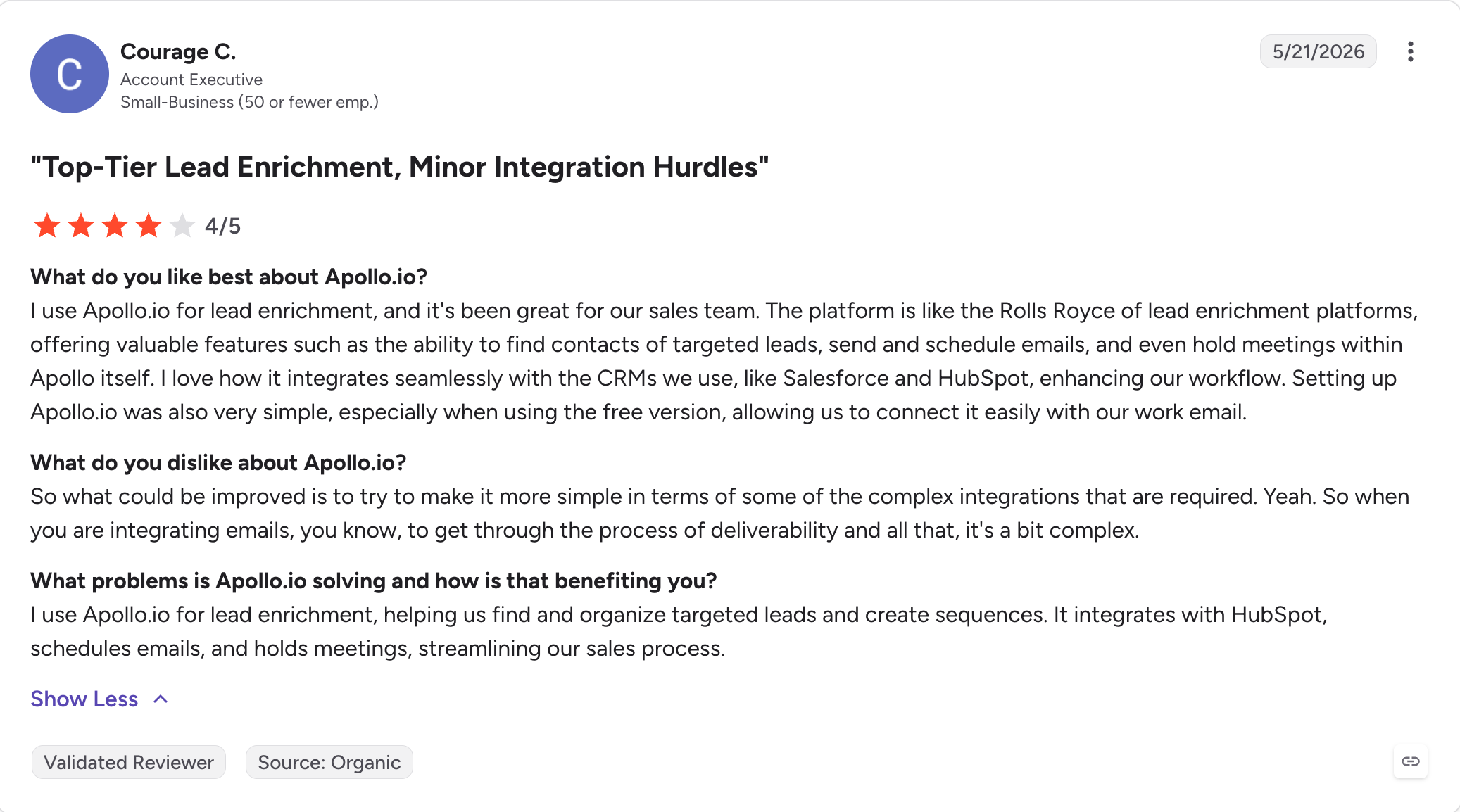
Apollo sells contact data first and sequencing second, and the tool makes far more sense once you accept that order.
The database is the product here. Sending is built on top of it.
If bad data is what broke your first campaign, this is the right swap on this list.
Apollo advertises more than 275 million contacts across 73 million accounts, and buying intent signals let you time outreach rather than fire it blind. The free plan is usable for real testing instead of being a demo.
Two things changed this year that most comparison articles have not caught up with.
Prior to 30 January 2026, Apollo also offered LinkedIn automation. It removed that capability on that date, which makes Apollo a cold email tool rather than a multichannel one.
If you were planning to automate LinkedIn outreach from inside Apollo, that route has closed and you will need a second tool for it.
The second is the credit model, which is better than its reputation. Credits are granted per seat per year and issued upfront on all paid tiers, at 30,000 on Basic and 48,000 on Professional. The widely repeated claim that Apollo credits expire monthly with no rollover applies to the free plan, not to paid ones.
What does consume more is that mobile lookups consume credits far faster than email lookups, and unlimited plans are governed by a fair-use ceiling rather than being uncapped.
What Key Features You Get With Apollo.io
Database of 275M+ contacts: Across more than 73 million accounts, with waterfall enrichment and CSV, CRM and API enrichment paths from Basic upward.
Unlimited sequences from Basic: The free plan caps you at two, which is the main reason people upgrade within weeks.
A/Z testing from Professional: Basic gets unlimited sequences without variant testing, so the tier you need depends on whether you plan to test copy.
Deliverability suite and email warm-up: Included from Basic upward, though without the placement testing or IP rotation the sending specialists offer.
Buying intent signals: Six intent topics on Basic and Professional, twelve on Organization, for timing outreach against account behaviour.
Unlimited Gmail and Microsoft mailboxes: Available from Professional, not Basic.
Call recording and AI insights: 4,000 minutes on Professional and 8,000 on Organization, with a US dialer that consumes credits.
Apollo MCP: Sequence enrolment from the contact database through Claude prompts.
Apollo.io Pros and Cons
✅ Pros
❌ Cons
The strongest contact database in this comparison, with built-in buyer intent signals.
Per-seat pricing, with the Organization plan requiring a minimum of three seats.
The free plan is generous enough for a real product evaluation, not just a demo.
Native LinkedIn automation was removed on 30 January 2026, making it an email-only outbound platform.
Paid plans grant credits upfront for the full year per user.
Mobile number lookups consume credits much faster than email lookups.
Deliverability tools and email warm-up are included starting with the Basic plan.
Many reviewers report a noticeable share of exported contact data failing email verification.
Unlimited sequences are available from the entry-level paid plan.
API access is limited to Custom plans, and "unlimited" tiers are still subject to fair-use limits.
Apollo.io Pricing
Plan
Price
What You Get
Free
$0
900 credits per seat per year (granted monthly), 2 sequences, and basic search filters.
Basic
$49 per seat/month (billed annually)
30,000 credits per seat per year, unlimited sequences, deliverability suite, email warm-up, and CRM integrations.
Professional
$79 per seat/month (billed annually)
48,000 credits per seat per year, A/Z testing, unlimited Gmail and Microsoft mailboxes, and automated workflows.
Organization
$119 per seat/month (billed annually), minimum 3 seats
72,000 credits per seat per year, 12 intent topics, single sign-on (SSO), advanced security, and custom reporting.
Annual billing saves 29% against monthly.
Two add-ons are priced per team rather than per seat, both at $119 a month billed annually: Inbound for website visitor identification, and Advanced Dialer for international and parallel calling.
Prices exclude tax, and Apollo's pricing page notes that introductory pricing may change.
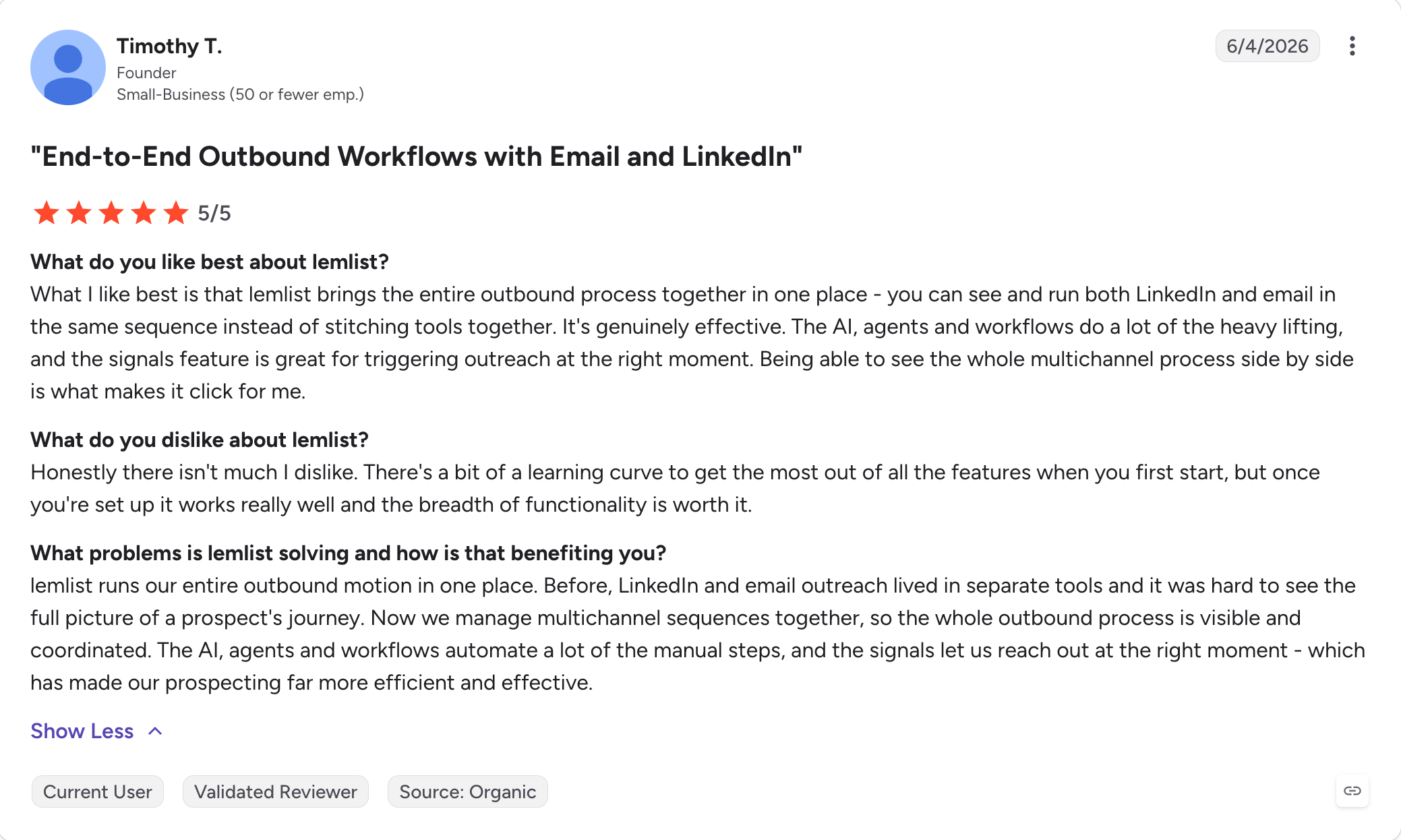
Lemlist has one of the best sequence builders in this comparison.
The Conditions tab creates real Yes and No branches, and the list of things a branch can test is longer than anywhere else here.
It includes whether the email was opened, whether a link was clicked, whether a reply arrived, whether a LinkedIn invitation was accepted, whether the prospect has a deliverable email address, whether they have a LinkedIn profile at all, whether they are already in your network, and whether they have a WhatsApp account.
Timing logic distinguishes between waiting a set period and waiting until a condition is met.
Personalisation is the other reason to be here. Custom screenshots, dynamic landing pages and personalised video are unique to Lemlist at this price, and lemwarm is bundled on every plan rather than sold on.
If your outreach needs to read as if a person wrote it, this and email personalization tools generally are worth the premium.
On the downside, the advanced conditions are gated to Multichannel Expert, which is priced per user, so the branching that makes Lemlist worth choosing is the part that scales worst. And the campaign structure locks the moment it leaves draft, so steps and conditions cannot be reordered or removed once you launch.
What Key Features You Get With Lemlist
Visual Yes and No branching: Eight distinct conditions including opens, clicks, replies, accepted LinkedIn invitations, deliverable email, LinkedIn presence, network status and WhatsApp availability.
Within versus Wait Until timing: Branches can wait a fixed period or hold until a condition is satisfied, which is finer control than the subsequence models elsewhere here.
Image, video and landing page personalisation: Custom screenshots and dynamic pages generated per prospect, which nothing else on this list matches.
lemwarm included on all plans: Warm-up and deliverability boost come with the subscription rather than as an add-on.
Unified multichannel inbox: Email, LinkedIn, calls and WhatsApp replies arrive in one thread per prospect.
Lead database with waterfall enrichment: Between 450 and 650 million contacts, enriched across up to ten providers.
Email plan priced per workspace: The email-only tier carries unlimited users, which is unusual and makes it good value for a small team that does not need LinkedIn.
Lemlist Pros and Cons
✅ Pros
❌ Cons
The deepest conditional branching in this comparison, with eight testable conditions.
Advanced branching is only available on the Multichannel Expert plan, which uses per-user pricing.
Image, video, and landing page personalization are standout features unique to the platform.
Campaign structure becomes locked after leaving draft mode and cannot be reordered.
lemwarm email warm-up is included with every paid plan.
Additional sending mailboxes cost $9 per mailbox each month beyond the included allowance.
The Email plan is priced per workspace with unlimited users included.
Enrichment credits are usage-based and relatively expensive, averaging about five credits per email found.
A unified inbox combines email, LinkedIn, calls, and WhatsApp conversations.
Open and click conditions rely on email tracking, which can reduce deliverability.
Lemlist Pricing
Plan
Price
What You Get
Email
$55/month (billed annually)
Priced per workspace with unlimited users, 50,000 emails/month, 3 sending accounts per user, and lemwarm included.
Multichannel Expert
$87 per user/month (billed annually)
LinkedIn, calling, advanced conditional logic, 5 sending accounts per user, and 400 enrichment credits.
Enterprise
Custom pricing, sales contact required
Annual billing only with a minimum of five seats.
Monthly billing runs $69 and $109, so annual saves about 20%.
New-customer pricing rose in early February and existing customers were grandfathered, which is why older comparison articles quote lower figures.
Add-ons: extra sending mailboxes $9 each per month, WhatsApp roughly $20 per user per month, calling credits charged on usage.
Snov.io covers more of the job than anything else here for the money.
Finding prospects, verifying them across seven checks, sequencing them, and managing the resulting deal in a built-in CRM all happen inside one login.
For someone who has just outgrown the spreadsheet, that is a shorter path than buying a database, a sender and a CRM separately.
The pricing model is complicated. Credits are consumed when you find a prospect or verify an email, and they roll over as long as the subscription is active. Recipients are consumed when you contact someone for the first time, and follow-ups to that person are free, but the recipient count resets every 30 days.
Effective cost per credit drops from around 3.9 cents on Starter to under a cent on the larger plans, so the model rewards committing to volume.
LinkedIn is the other cost to know about. It is not included on any plan. Automation runs $69 a month per slot, or $62 on annual billing, which puts a single-LinkedIn Snov.io setup close to $100 a month once you are on Pro.
What Key Features You Get With Snov.io
Seven-tier email finder and verifier: Verification runs through seven checks with a claimed accuracy above 98%, and it sits between the database and the send rather than after the bounce.
Behavioural triggers on Pro: Alternative sequence paths fire based on how the recipient engaged, which is Snov.io's version of conditional branching.
High bounce rate safeguard: Campaigns pause automatically when the bounce rate crosses a threshold, which is one of only three auto-pause mechanisms on this list.
Provider matching and mailbox rotation: Sending accounts are matched to recipient providers and volume rotates across connected mailboxes.
Unibox spanning email and LinkedIn: Both channels arrive in a single thread per prospect, with reply sentiment analysis on Pro.
Seven LinkedIn actions: Messages, InMail, connection requests, follows, endorsements, post likes and profile visits, all through the paid LinkedIn add-on.
Built-in sales CRM: Up to 100 pipeline stages and 10,000 deals, included rather than sold on.
Deliverability and placement checks: Blacklist monitoring, sender reputation checks and placement testing included in the subscription.
Snov.io Pros and Cons
✅ Pros
❌ Cons
Lead finding, email verification, sequencing, and CRM are included in one platform.
A/B testing, behavioral triggers, and sentiment analysis are only available on the Pro plan, not Starter.
Email verification happens before messages are sent, helping reduce bounces.
LinkedIn automation is not included in any plan and costs an additional $69 per LinkedIn slot each month.
Unlimited team seats are included on every plan, including Starter.
Managing both credit limits and recipient limits makes usage forecasting more complicated.
Unlimited emails, sending accounts, campaigns, and follow-ups are available from the Starter plan.
Email warm-up is limited to three mailboxes on the Starter plan.
Campaigns automatically pause when bounce rates become too high, helping protect sender reputation.
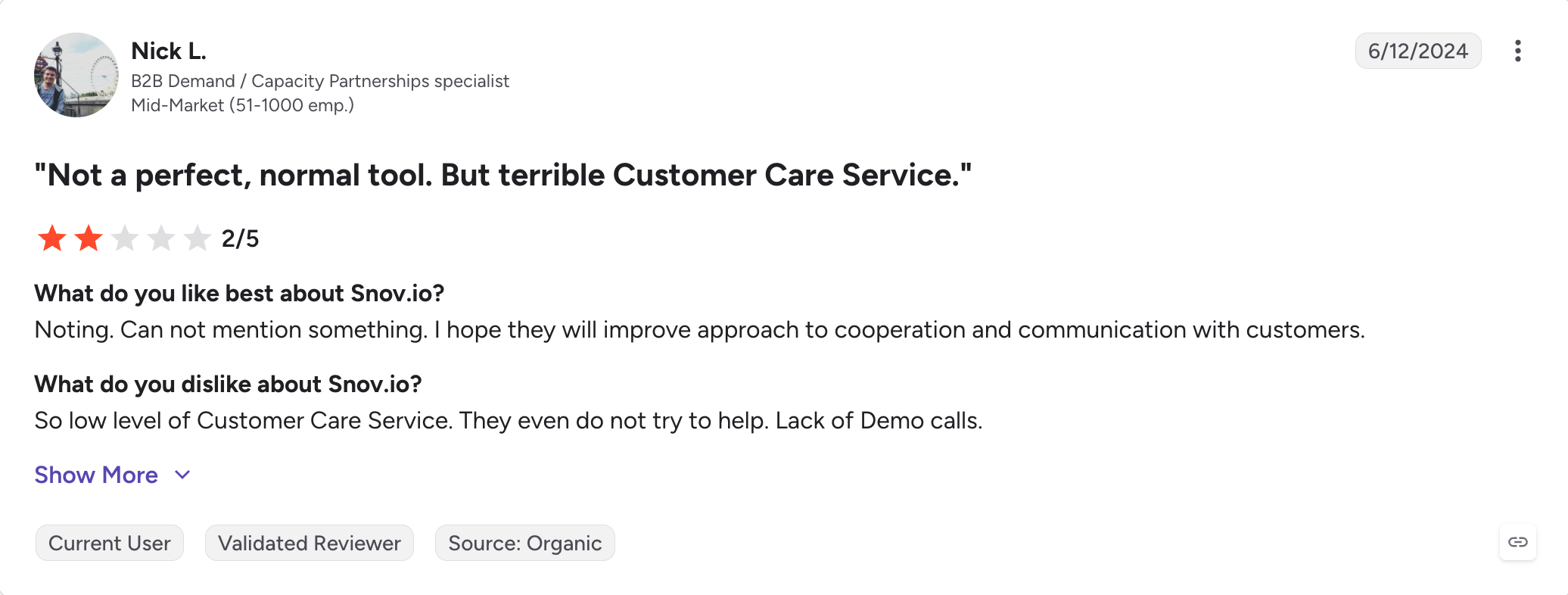
Some Trustpilot reviewers report accounts unexpectedly stopping outbound sends without warning.
Snov.io Pricing
Plan
Price
What You Get
Trial
Free (renewable)
50 credits, 100 recipients, 1 warm-up slot, with no integrations, API, bulk sending, or A/B testing.
Starter
$29.25/month (billed annually)
1,000 credits, 5,000 recipients, 3 warm-up slots, plus unlimited emails and follow-ups.
Progressively higher credit and recipient limits, with the cost per credit decreasing as usage volume increases.
Monthly billing is $39 and $99 on the first two tiers, so annual saves 25%.
Add-ons: LinkedIn automation $62 per slot per month on annual billing, done-for-you domains from $12 a year, Google mailboxes $5 each per month, phone enrichment sold in token packages at $0.02 per token with a 90-day expiry.
Reply.io covers more channels in a single sequence than anything else here. Email, LinkedIn, phone calls, SMS and WhatsApp all run as steps, with conditional logic branching between them on the Multichannel plan.
If your outreach is a real cadence rather than an email campaign, this is the widest net on the list.
One correction is due, because a great many comparison articles get it wrong. Warm-up is included natively through MailToaster on every paid plan. It is not an add-on. Reply.io's own site says as much, and it applies to every account you connect.
Alongside it you get an email health checker for SPF, DKIM and DMARC, Google Postmaster integration, inbox rotation and a ramp-up mode.
The LinkedIn mechanism is worth pausing on. It runs through a Chrome extension, which means the automation is happening in your browser session and is more detectable than a server-side approach. Weigh that against your appetite for LinkedIn account risk.
What Key Features You Get With Reply.io
Five channels in one sequence: Email, LinkedIn, calls, SMS and WhatsApp as native steps, with conditional logic routing between them on Multichannel.
Warm-up included natively: MailToaster runs on all paid plans for every connected account, with no separate subscription.
Email health checker: SPF, DKIM and DMARC validation plus Google Postmaster integration, so domain problems surface before they cost you a campaign.
Unlimited mailboxes and contact storage on Email Volume: The email tier does not cap sending accounts or stored contacts, though it caps active contacts by tier.
Jason AI: Reply handling and categorisation, sold as a separate AI SDR product from roughly $500 a month.
Unified cross-channel inbox: Replies from every channel land in one place rather than split by medium.
Agency plan with white-label: Unlimited clients and users with a dedicated dashboard, from roughly $166 a month on annual billing.
Well-documented API: Public and thorough, which matters if you plan to wire this into anything.
Reply.io Pros and Cons
✅ Pros
❌ Cons
The broadest native multichannel coverage in this comparison, with all major outreach channels in a single sequence.
Both paid plans use per-user pricing, so costs increase directly as your team grows.
Email warm-up is included on every paid plan, despite many comparison sites stating otherwise.
LinkedIn automation requires a separate $69/month subscription for each connected account.
Built-in email health monitoring integrates with Google Postmaster Tools.
LinkedIn automation relies on a Chrome extension, which carries a higher account risk than server-side automation.
The Email plan includes unlimited mailboxes and unlimited contact storage.
Some reviewers report unexpected charges related to auto-renewal and minimum contract terms.
Conditional branching works across multiple channels, not just email.
Multiple reviewers report sequences occasionally failing to follow the configured step order.
Reply.io Pricing
Plan
Price
What You Get
Email Volume
From $49 per user/month (billed annually)
1,000 active contacts, scaling up to 500,000 contacts on the $899 plan, plus unlimited mailboxes, unlimited warm-up, and email-only outreach.
Multichannel
From $89 per user/month (billed annually)
Email, LinkedIn, calls, SMS, and WhatsApp steps, conditional branching, and up to 10 mailboxes per user.
Agency
From approximately $166/month (billed annually)
Unlimited clients, unlimited users, white-label capabilities, and a dedicated agency dashboard.
Jason AI
From approximately $500/month
Separate AI SDR product that automates outreach and manages replies.
Monthly billing is $59 and $99 on the two main plans.
Add-ons: LinkedIn automation $69 per account per month, calls and SMS around $29 per user per month, live data $39 a month. A 14-day trial is available and a limited free plan exists.
On Salesforge, all three answers run the same way.
Premium Warmforge warm-up is included on both plans with no slot cap. Pricing is flat, so mailboxes and users cost nothing extra. Email and LinkedIn steps run inside the same sequence with conditional logic between them.
Primebox™ then collects replies from both channels, including ones arriving at an address you never sent from.
An email sequence is a series of emails sent to the same person on a schedule, where each message goes out only if the previous one did not get a reply. The first email introduces the reason for contact and the follow-ups add context or a different angle. Sequence software automates the timing and stops the remaining messages the moment someone responds.
2) How many emails should an email sequence have?
Most cold outreach sequences run between three and six steps. Below three you are giving up replies that would have come from a second or third touch, and beyond six the returns fall off while the risk of complaints rises. The right number depends on how well your list is targeted, not on a universal formula.
3) Can email sequence software hurt your deliverability?
Yes, in two ways. Sending more volume than your domains and mailboxes can support is the obvious one, which is why warm-up, mailbox rotation and bounce thresholds matter more than the sequence builder. The less obvious one is tracking: conditional follow-ups that branch on opens or clicks require tracking pixels and rewritten links, and both are signals mailbox providers weigh when deciding where your message lands.
4) What is the difference between email sequence software and email marketing tools?
Email marketing tools such as Mailchimp are built to mail people who asked to hear from you, assuming one sending domain and an opted-in list. Some explicitly prohibit cold outreach, because it damages the shared infrastructure their other customers send from. Email sequence software is built for one-to-one outbound to people who have never heard of you, which is why it handles many sending accounts, warm-up, rotation and bounce protection. Using a marketing platform for cold email risks your account and your domain.
5) How long should an email sequence be?
In calendar terms, most cold sequences run two to four weeks from first send to final follow-up, with gaps of three to five days between steps. Tighter than three days reads as pressure and looser than a week loses the thread of the original message. If you are testing, hold the timing constant and change one variable at a time.
6) Is there free email sequence software?
Apollo has a free plan that allows two sequences and is usable for real evaluation, and Snov.io offers a renewable free trial with 50 credits and 100 recipients. Everything else here runs a time-limited trial rather than a free tier. Be aware that trials are usually too short to judge deliverability, since a new mailbox needs roughly two weeks of warm-up before it should carry real volume, which is about when a 14-day trial expires.
7) Does email sequence software do LinkedIn?
Some does, and the differences are large. Salesforge and Snov.io run LinkedIn steps inside the same sequence as email, Lemlist and Reply.io do the same on their higher tiers, and Woodpecker offers it as a $29 monthly add-on. Instantly and Smartlead are email only. Apollo removed its LinkedIn automation on 30 January 2026 and is now email only.
8) What does email sequence software actually cost?
The headline prices on this list run from $29.25 to $119 a month, and almost none of them is what you will pay. Instantly's sending plan does not include lead data. Smartlead charges extra for premium warm-up, placement testing and white-label. Snov.io and Reply.io charge $62 to $69 a month per LinkedIn account. Woodpecker puts API access behind a $20 add-on. Before comparing prices, list the features you actually need and price each tool with those switched on.
Book more meetings on autopilot
Set up in minutes. No per-seat pricing. No commitment.
Compare 5 LinkedFusion alternatives for LinkedIn outreach, with a clear look at pricing, automation, account safety, reply handling, and multichannel features.
Compare 5 ListKit alternatives for sales outreach. See which tools are best for prospecting, cold email, LinkedIn outreach, scaling campaigns, and B2B sales data.






.jpg)

.png)
.jpg)

