I've seen teams spend weeks improving their offer, rewriting subject lines, and tweaking CTAs, only to wonder why reply rates barely moved.
In many cases, the problem wasn't the offer at all.
The email simply felt like it could have been sent to anyone.
That single problem is why email personalization software has exploded over the last few years. But after testing a long list of tools, I realized they're solving completely different problems. Some personalize the writing. Some personalize the research. Some personalize the entire outreach process.
So instead of comparing apples to oranges, I grouped them by what they actually do and ranked them by how well they help you send emails that people actually want to read.
Before diving into the tools, here is how I compared them. Not every platform does personalization the same way, so I weighted criteria based on what actually moves reply rates.
1. Personalization Depth
Surface-level merge tags do not count. I looked at how each tool researches a prospect and adapts the message. Does it pull from LinkedIn bios, company data, and intent signals, or just swap in a first name?
2. Sending and Execution
A personalization tool that does not send is a different category. I noted which platforms handle the full workflow from personalization to delivery and which require a separate sending tool.
3. Language and Market Coverage
If your outreach targets multiple countries, the tool needs to personalize natively in those languages. This is a real differentiator that most cold email AI tools overlook.
4. Pricing Model
Per-seat pricing punishes growing teams. I compared flat-rate platforms against per-user models to show what personalization actually costs at scale.
5. Deliverability Support
Personalization is pointless if emails land in spam. I checked for built-in warmup, inbox placement monitoring, and infrastructure controls.
The 6 Best Email Personalization Tools in 2026
I tested and compared these six tools across sending platforms, AI writing coaches, and agent builders. Each section covers what the tool does, where it shines on personalization, and where it falls short.
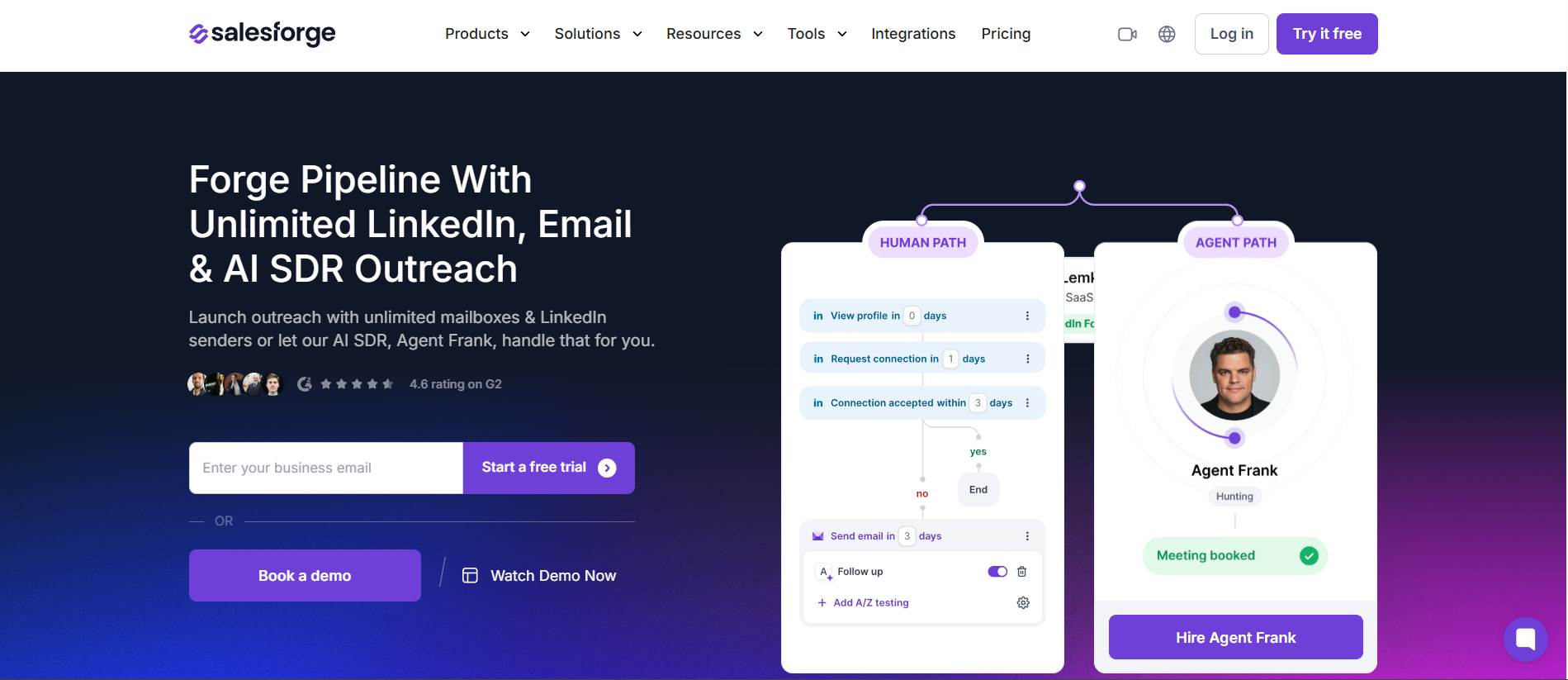
1. Salesforge
Best for: Teams that want AI-driven email personalization, multilingual sequences, and an autonomous AI SDR without per-seat pricing.
The reason I put Salesforge at the top of this list comes down to one thing. It is the only platform here that combines AI-driven personalization at scale with multichannel sending, built-in deliverability, and an autonomous AI SDR in one system.
Most email personalization tools stop at generating copy. Salesforge personalizes and then executes.
Its conditional multichannel sequences adapt messaging to each prospect's pain points, goals, and seniority. You can target the same prospect on email and LinkedIn in one workflow. The AI adjusts the angle based on their profile data.
The standout feature for personalization specifically is multi-language sequences. I have tested this across campaigns targeting DACH, Nordics, and LATAM markets. Salesforge writes unique personalized messages per recipient in up to 20 languages without translators or separate tools. For global outbound teams, that alone is a serious edge.
Then there is Agent Frank, the AI SDR that handles autonomous prospecting, personalized outreach, and meeting booking. He researches each prospect, writes personalized first-touch emails, follows up, and books meetings. You choose between Auto-Pilot mode for full autonomy or Co-Pilot mode where you review messages before they send.
Primebox AI consolidates every reply from email and LinkedIn into one inbox with sentiment analysis. That is important because personalized outreach generates more varied responses, and you need a fast way to sort them.
Pros
Agent Frank automates personalized prospecting end to end across email and LinkedIn
Multi-language sequences in 2 to 20 languages with no translators needed
Conditional sequences that adapt messaging per prospect's pain points and goals
Unlimited mailboxes and LinkedIn senders with no per-seat pricing
Built-in warmup via Warmforge and deliverability monitoring at no extra cost
Cons
Personalization runs on metered credits (100 to 1,000 per month by tier)
Agent Frank is a separate tier at approximately $499/month billed quarterly
A younger platform with a smaller G2 review sample than Lemlist or Saleshandy
Best for: Reps who want emails that look hand-made and stand out visually in a crowded inbox.
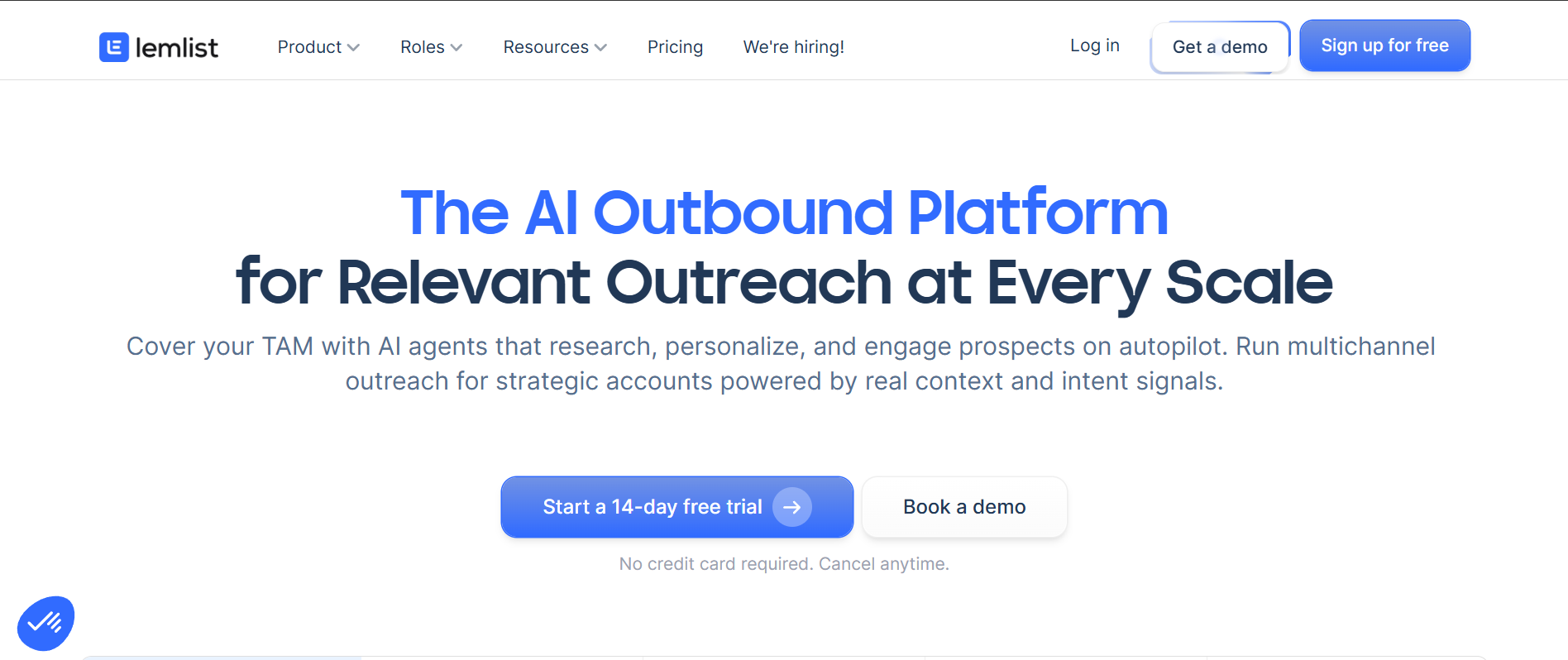
Where Salesforge leads on language and autonomous AI, Lemlist pioneered visual personalization and still owns that category.
Its signature feature is custom images personalized per recipient, so each prospect sees a screenshot, mockup, or graphic that feels one-to-one.
What pushed Lemlist further in 2026 is AI personalized LinkedIn voice notes.
You record a single voice sample, and Lemlist clones it to produce thousands of custom notes combined with smart variables. I have not seen another platform replicate this feature at the same quality.
On the text side, AI Variables extract pain points, competitor data, and seniority from LinkedIn bios and websites.
Liquid syntax adds conditional logic to make each email path feel dynamic. The trade-off compared with Salesforge is that Lemlist charges per user, so costs scale linearly with team size. Enrichment, verification, and AI actions also consume credits on top of the base plan.
If you are exploring options beyond Lemlist, I compared several Lemlist alternatives in a separate breakdown.
Pros
Signature personalized images and visual elements per recipient
AI voice-clone LinkedIn notes from a single recording
AI Variables pull pain points and seniority from LinkedIn and websites
Liquid syntax for dynamic, conditional email content
Cons
Per-seat pricing climbs fast as the team grows
Enrichment, verification, and AI actions consume credits
Visual personalization can be overkill for teams running plain-text-first campaigns
Pricing Plans
Plan
Price
Email
$55/user/mo
Multichannel
$87/user/mo
Enterprise
Custom
What Users Have to Say
Lemlist holds a 4.6/5 on G2 from 1,704 reviews. Users praise the human feel at scale:
"Its ability to maintain a highly personalized, human touch at scale."
Best for: Teams that want to coach the human writer rather than automate sending.
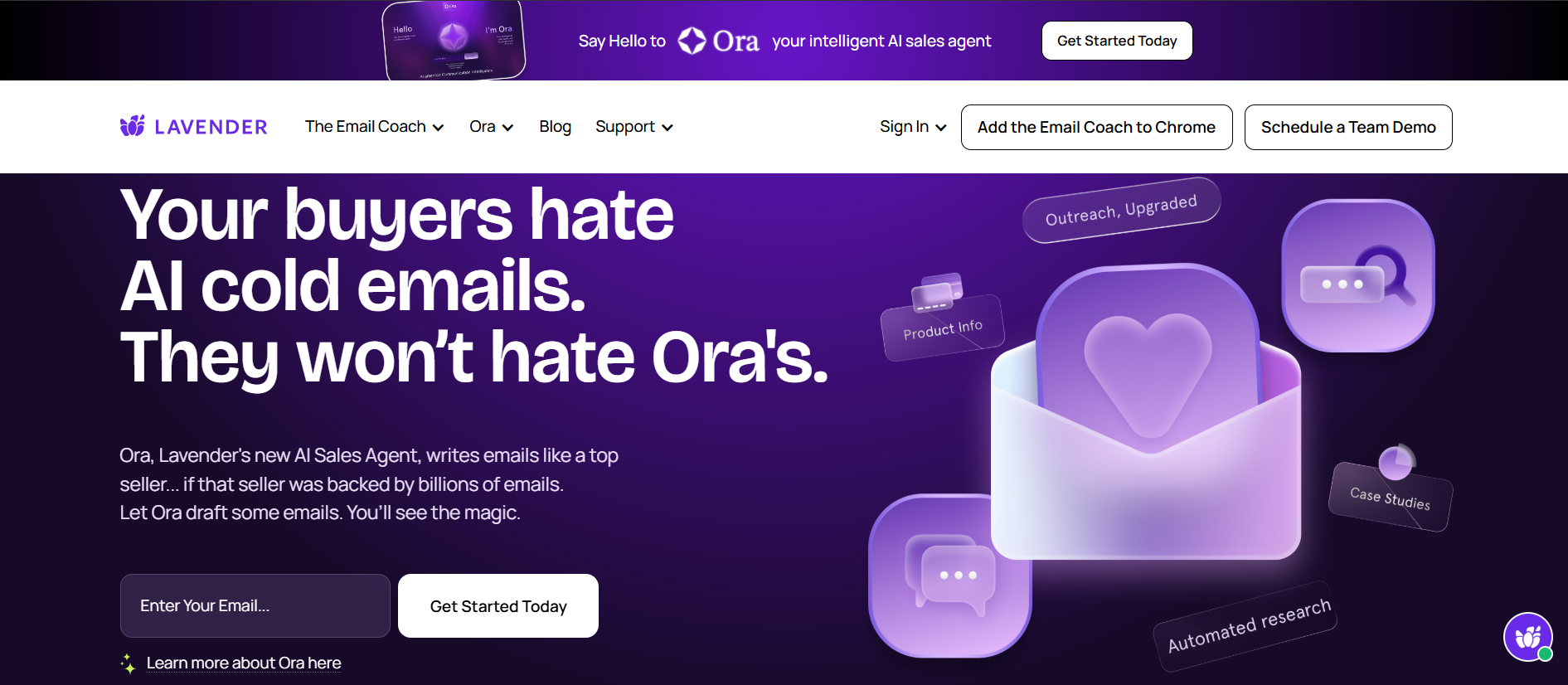
This is the tool that does a fundamentally different job. Lavender is an AI email-writing coach, not a sending platform. It scores the email you are writing in real time inside Gmail or Outlook. You get concrete suggestions to lift your reply likelihood.
I want to be direct about why that matters for personalization. Most tools on this list generate personalized copy at scale. Lavender coaches the person writing the email to make it better, sentence by sentence.
It can rewrite your draft for impact and show a mobile preview of how the message renders on a phone. It also surfaces prospect intel to guide your angle.
For sales managers, the team coaching dashboard tracks email score, engagement, and coaching gaps per rep. That is genuinely useful if you are leveling up an SDR team's writing quality across the board.
The important distinction is that Lavender and a sending platform like Salesforge are complementary, not substitutes. You can coach the writer with Lavender and then send through Salesforge. The free tier makes it easy to test before committing.
Pros
Real-time email scoring with reply-rate suggestions
AI rewrite and mobile preview inside Gmail and Outlook
Team coaching dashboard for managers tracking rep quality
A free tier to start with no commitment
Cons
Does not send campaigns at all, it only coaches the writer
Unlimited use is priced per seat
The smallest G2 review sample in this set at 63 reviews
Pricing Plans
Plan
Price
Free
$0 (5 emails/mo)
Starter
$29/user/mo
Pro
$49/user/mo
Teams
$69/user/mo
What Users Have to Say
Lavender carries the highest rating here, a 4.8/5 on G2 from 63 reviews:
"Helping our team craft emails that are direct, to the point, and brief."
Best for: High-volume senders and agencies that want deliverability-first scale plus Clay-powered hyper-personalization.
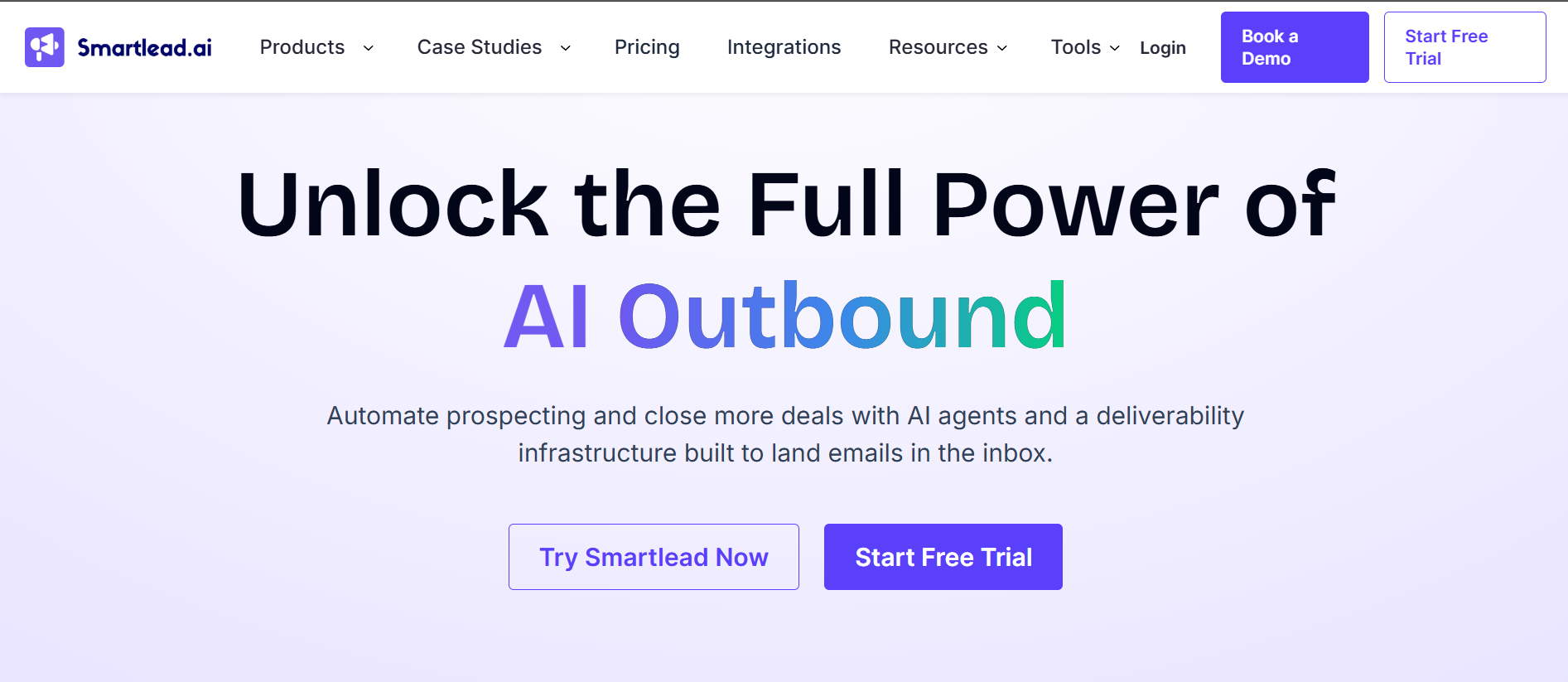
Smartlead approaches personalization from a different angle than the other sending platforms on this list.
Its native personalization uses the SmartAI Bot for persona-specific copy and SmartAgents for no-code lead research and CRM updates. Spintax and dynamic variables handle humanized variation at scale.
The real depth comes from its Clay partnership. You can build hyper-personalized cold emails in Clay, pulling from 50-plus data providers and real-time scraping, then flow them into Smartlead campaigns.
That gives you richer personalization data than most native tools offer.
The honest trade-off is that Smartlead's deepest personalization depends on that Clay integration.
Without Clay, the native personalization layer is lighter. The platform also leans toward email-first and appeals more to technical users or agencies comfortable with external data workflows.
I compared Smartlead with other platforms in my Smartlead alternatives guide if you are weighing options.
Pros
Clay partnership pulls hyper-personalization from 50-plus data providers
SmartAI Bot and SmartAgents for persona-specific copy and research
Spintax and dynamic variables for humanized variation at high volume
Deliverability-first approach with unlimited mailboxes
Cons
Deepest personalization depends on the Clay integration
Email-first, with no native LinkedIn channel
Leans toward technical or agency users
Pricing Plans
Plan
Price
Basic
$32/mo
Pro
$78/mo
Unlimited Smart
$144/mo
Unlimited Prime
$315/mo
What Users Have to Say
Smartlead holds a 4.5/5 on G2 from 352 reviews, with spintax messaging called out often:
"Run high-performing spintax-based messaging at scale."
Best for: Enterprise GTM teams that want autonomous, research-heavy personalization across their full tech stack.
Relevance AI sits in an entirely different category. It is an enterprise AI agent builder, or "AI Workforce" platform, where personalization emerges from autonomous agent research rather than from a sequence editor.
Its AI BDR agent, called Bosh, researches every prospect across LinkedIn, product usage, CRM data, review sites, business registries, and enrichment services. It then delivers personalized outreach, handles replies and objections, and books meetings.
The autonomy ladder runs from L1 to L4. Agents progressively score prospects against your ICP, draft personalized messages, and test messaging variants on their own.
For enterprise teams with complex ICPs and the budget for custom AI workflows, Relevance AI goes deeper than any sequence-based tool. For a solo sender or small SDR team, it is overkill. The custom, quote-based pricing and implementation complexity put it squarely in the enterprise bucket.
Pros
Autonomous AI BDR that researches every prospect across many data sources
Self-optimizing autonomy ladder from L1 to L4 that tests and refines messaging
Fully customizable to your playbook with 100-plus integrations
Enterprise-grade, research-heavy personalization
Cons
Custom, quote-based pricing with no public flat tiers
Complex and overkill for solo senders or teams running simple sequences
The smallest and lowest-rated G2 sample here at 4.3 from 21 reviews
Best for: Budget-conscious SDR teams and agencies that want URL-to-sequence generation and prompt-based enrichment without paying per seat.
Saleshandy offers a solid entry point for teams that want personalization baked into sending at the lowest flat price. Its AI Sequence Copilot scans your website URL to infer your industry, offering, and tone, then generates a full ICP-targeted sequence you can refine.
The AI Prospect Enrichment feature uses custom prompts to generate icebreakers and company summaries across up to 100,000 prospects.
You can pick the LLM behind it, including GPT, Claude, Gemini, Perplexity, or Grok. On top of that, you get dynamic variable tags, merge tags, spintax for variation, and video personalization.
There are a couple of gaps to flag. The AI Copilot and enrichment run on add-on credits at $10 per 5,000, which adds up at scale. And Saleshandy does not offer personalized images, voice-clone notes, or autonomous AI SDR capabilities.
I covered Saleshandy in more depth in my Saleshandy alternatives comparison if you want a broader look at what else is available.
Pros
AI Sequence Copilot turns a URL or ICP into a full personalized sequence
Prompt-based, multi-LLM enrichment for icebreakers at scale
Merge tags, dynamic variables, spintax, and video personalization
Personalization and Sequence Scores to measure impact
Cons
AI Copilot and enrichment run on add-on credits ($10 per 5,000)
No personalized images or voice-clone notes
No autonomous AI SDR or multilingual sequence capability
Email-first with no native LinkedIn channel
Pricing Plans
Plan
Price
Starter
$25/mo
Pro
$69/mo
Scale
$139/mo
Scale Plus
$209/mo
What Users Have to Say
Saleshandy holds a 4.6/5 on G2 from 779 reviews, with personalization at scale a recurring theme:
"Personalise at scale without losing control of deliverability."
These tools do three different jobs, so the right pick depends on what you actually need.
If you want personalization built into multichannel sending with multilingual support and an autonomous AI SDR, Salesforge covers the most ground. It is the one platform here that personalizes, sends across email and LinkedIn, and includes its own deliverability infrastructure. For teams running outbound across multiple markets and languages, that combination is hard to match.
However as always I will recommend, use the free trials, test on real prospects, and shortlist based on the job you need done. If your team needs personalized cold email software that handles sending and deliverability in one place, start there.
An email personalization tool helps you tailor outreach to each recipient instead of sending the same generic message to everyone. In practice, that can mean generating personalized openers, inserting dynamic variables and merge tags, or adding personalized images.
It can also mean using AI to research a prospect and write a custom message. The goal is to make each email feel written for one person, which lifts reply rates.
2. Do all of these tools do the same thing?
No, and this is the most important thing to understand before comparing. Salesforge, Lemlist, Smartlead, and Saleshandy are sending platforms that personalize inside sequences and then send them.
Lavender is an AI writing coach that scores and rewrites your email but does not send. Relevance AI is an agent builder where personalization comes from autonomous research agents. Match the category to your workflow before comparing features.
3. What is the best email personalization tool for cold outreach at scale?
For personalizing and sending at scale across multiple channels and languages, Salesforge offers the strongest combination. It covers AI personalization, multilingual sequences, an autonomous AI SDR, and built-in deliverability.
Smartlead goes deeper on data-driven personalization if you pair it with Clay. Lemlist leads on visual personalization. The right pick depends on whether you prioritize multichannel reach, enrichment depth, or visual standout.
4. Can AI personalize cold emails automatically?
Yes. Most tools here use AI to generate personalized openers, summarize a prospect's company, or write a full sequence from a URL.
The more autonomous options, like Salesforge's Agent Frank and Relevance AI's BDR agent, research prospects and draft personalized outreach with minimal input. Quality still depends on the data behind it, so good enrichment matters as much as the AI model.
5. Is Lavender a sending tool?
No. Lavender is a writing coach, not a sender. It works inside Gmail and Outlook to score your email in real time and suggest improvements. It also shows how the message renders on mobile. You still need a sending platform to run campaigns. That is why Lavender works best as a complement to one of the other tools on this list.
6. What is the cheapest email personalization tool?
Among sending platforms, Saleshandy starts at $25 per month and Smartlead at $32, both billed annually
. Both keep mailboxes unlimited rather than charging per seat. Lavender has a free tier and a $29 per-seat Starter plan, but it coaches rather than sends. Salesforge starts at $40 per month with multichannel included. Relevance AI is custom-priced for enterprise teams.
7. Does personalization actually improve reply rates?
In my experience, yes, and meaningfully. But only when personalization is relevant rather than cosmetic. Swapping in a first name does very little. A personalized opener that references a prospect's actual situation, recent company news, or role-specific challenge can lift replies noticeably.
That is why the tools that pair personalization with strong enrichment data tend to outperform ones that only offer surface-level variable swaps.
Book more meetings on autopilot
Set up in minutes. No per-seat pricing. No commitment.
Compare 5 LinkedFusion alternatives for LinkedIn outreach, with a clear look at pricing, automation, account safety, reply handling, and multichannel features.
Compare 5 ListKit alternatives for sales outreach. See which tools are best for prospecting, cold email, LinkedIn outreach, scaling campaigns, and B2B sales data.


.jpg)
.png)
.jpg)