If you're building a doctors email list for B2B outreach, you need accurate contact details for physicians and healthcare professionals who match your target audience.
Finding the right contacts takes time. You may need to filter doctors by medical specialty, location, hospital, clinic, or professional role.
Doctors email list providers help you find professional contacts and available business email addresses.
The right platform depends on your target audience and prospecting goals. You can search for individual physicians, find contacts at healthcare organizations, or manage outreach campaigns.
In this guide, we'll compare seven tools based on their features, pricing, and use cases. You'll learn what each provider offers and which option best fits your needs.
Professional email finder, phone lookup, person and company search, and contact exports
Teams looking up individual doctors and other professionals
Custom or plan-dependent pricing
7 Best Places to Get Doctors Email Lists in 2026: A Detailed Review
Let's examine each provider's features, pricing, and capabilities. These details can help you build targeted lists of doctors and healthcare professionals.
1. Leadsforge
Best for: GTM teams and lead generation agencies that build targeted professional contact lists for outbound campaigns.
Leadsforge is an AI-powered B2B lead generation platform. It helps you find prospects who match your ideal customer profile (ICP).
The platform includes more than 500 million contacts. You can use its search and filtering options to build targeted prospect lists.
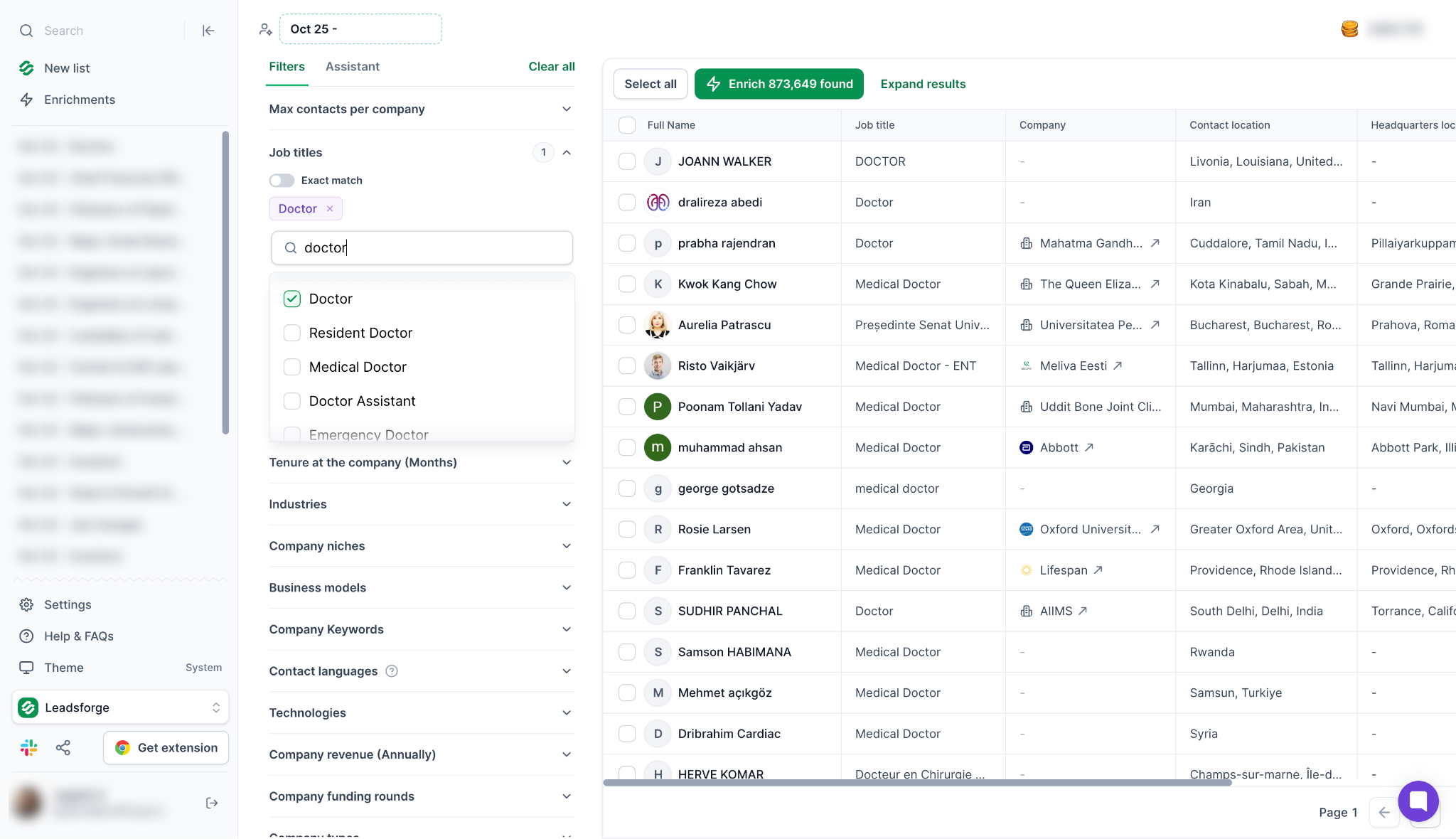
When building a doctors email list, describe the healthcare professionals or organizations you want to reach. Then refine your search using available job-title, location, industry, and company filters.
For example, you might market medical software to clinics, hospitals, or healthcare companies. Search for relevant professionals and decision-makers at those organizations.
Your results will depend on available contact data and filters. Check the results to confirm that they match your target market.
Leadsforge also supports waterfall enrichment. It searches multiple data providers to find missing contact details.
You can export results to CSV or send contacts to Salesforge for outreach. The platform also supports MCP, CLI, and API workflows.
These options help teams connect supported prospecting features with AI tools, command-line workflows, and custom applications.
Key features
AI Search: Describe your target audience in plain English to build a prospect list.
Waterfall enrichment: Search multiple data providers to find missing contact details.
Advanced filters: Narrow your audience by available job titles, locations, industries, and company attributes.
Buying signals: Use available signals to identify companies researching relevant products or services.
Contact extraction: Collect prospect details for your lead generation workflow.
MCP support: Connect supported Leadsforge features with compatible AI assistants and MCP-enabled workflows.
CLI support: Use supported command-line workflows to interact with Leadsforge and automate prospecting tasks.
API access: Integrate supported Leadsforge features into custom applications and automated workflows.
CSV exports and Salesforge integration: Export contacts or send them to Salesforge for outreach.
Pricing (billed annually)
Free: $0, with 100 credits
Essential: $49/month, billed annually at $588
Essential monthly billing: $49/month, with 2,000 credits per month
The annual Essential plan includes 28,000 credits per year. Review current plan details to confirm available features and credit limits before purchasing.
If you're targeting doctors, check available records for your desired specialties and locations. Leadsforge serves general B2B prospecting needs, so verify physician coverage before exporting a large list.
Build a Targeted Doctors Email List with Leadsforge
Use AI Search, available prospect filters, and waterfall enrichment to find relevant professional contacts. Supported MCP, CLI, and API workflows can also support your outbound prospecting process.
Best for: Sales and marketing teams that want to find doctor contacts and manage outbound prospecting from one platform.
Apollo is a B2B sales intelligence and engagement platform. It combines contact search, data enrichment, and outreach features.
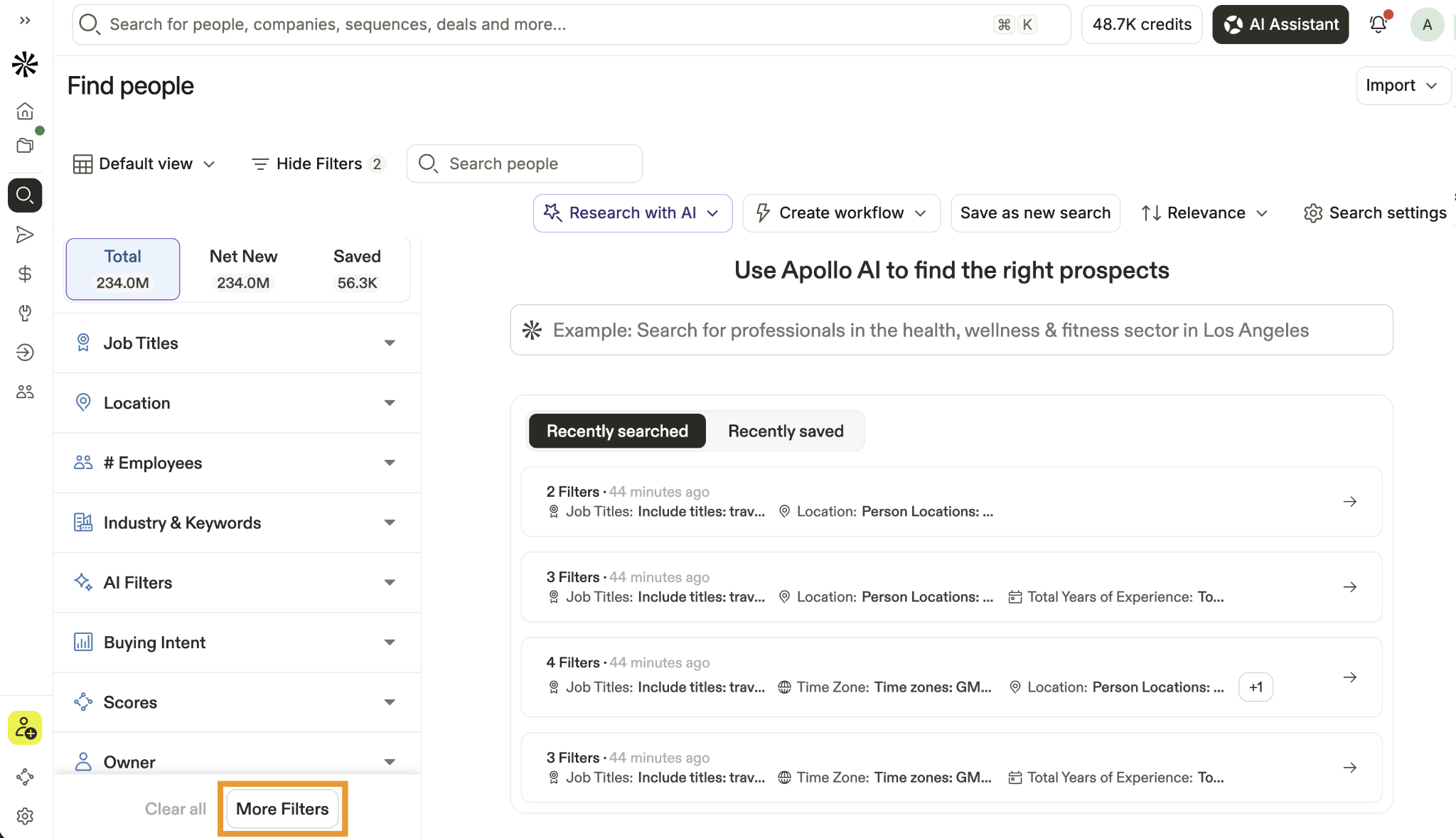
The platform also offers doctor and physician contact search options. You can use available specialty, location, and facility filters to build a doctors email list.
For example, you could search for cardiologists in a specific region. You could also find doctors associated with selected hospitals and clinics.
After finding relevant contacts, review their available professional details. You can enrich existing records and add prospects to your outreach workflow.
Apollo also offers email sequences and CRM integrations. These features help you manage prospecting and outreach within one platform.
Key features
Doctor and physician search: Find healthcare professionals using available job-title and specialty filters.
Location and facility filters: Narrow searches by region and healthcare organization where supported.
Contact enrichment: Add available contact and company details to existing records.
Email finding: Access available professional email addresses.
Email sequences: Create and manage outbound follow-ups through supported plans.
CRM integrations: Connect prospect data with supported sales systems.
Pricing
Free: $0/month
Basic: $49/user/month, billed annually
Professional: $79/user/month, billed annually
Organization: $119/user/month, billed annually; minimum three seats
Apollo suits teams that want to find healthcare contacts and manage outbound campaigns in one place. Test its results for your target specialties, locations, and healthcare facilities before purchasing a paid plan.
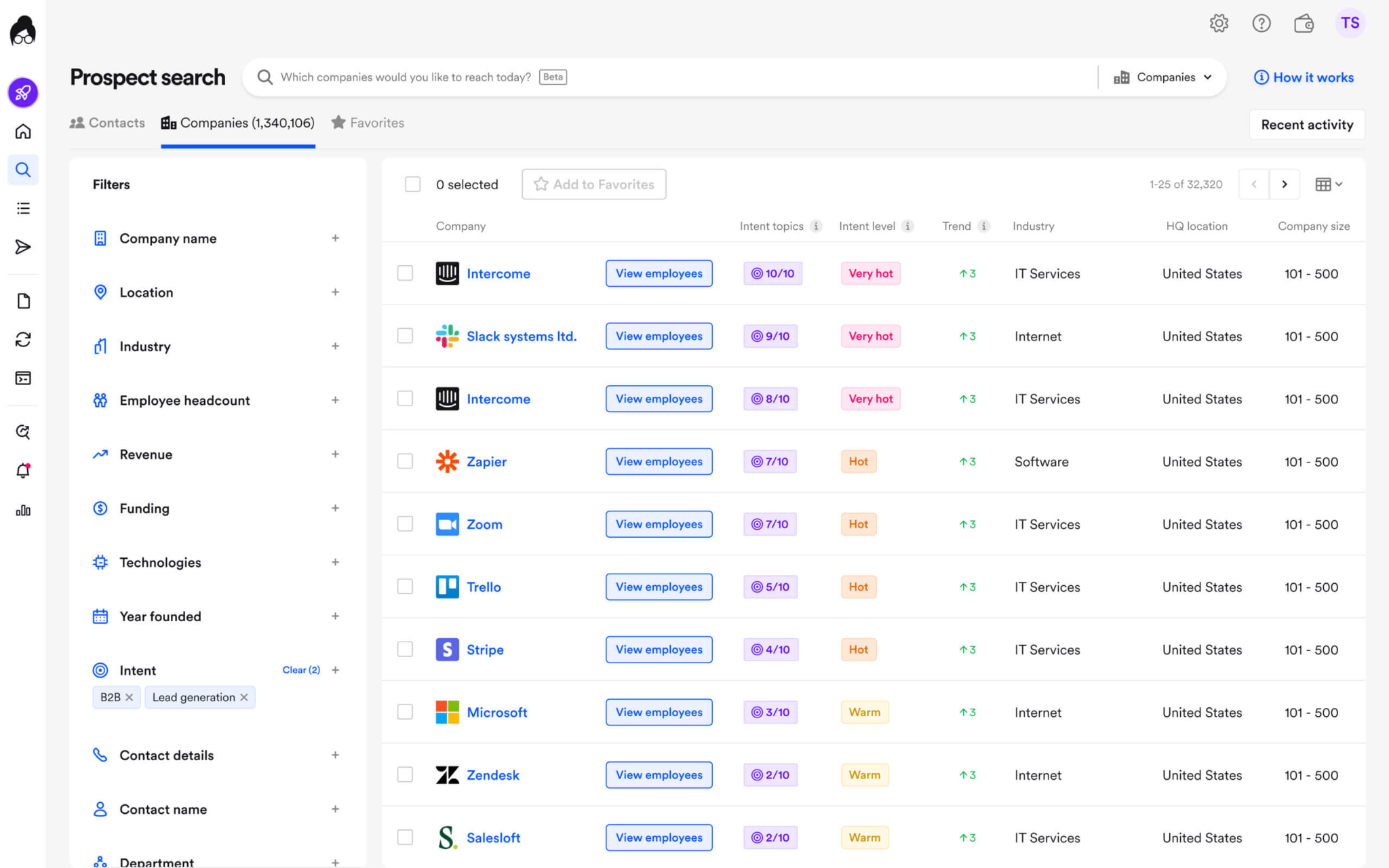
Best for: B2B sales teams that need professional contact data and company intelligence for healthcare-related prospecting.
Cognism is a B2B sales intelligence platform. It provides professional contact information and company data.
Its prospecting features include firmographic filters, contact research, company research, data enrichment, and sales system integrations.
Cognism may help you find healthcare business contacts and decision-makers. Your target organizations could include hospitals, medical groups, healthcare technology companies, and other healthcare businesses.
However, coverage of individual physicians depends on available professional records. Check whether the database matches your intended audience.
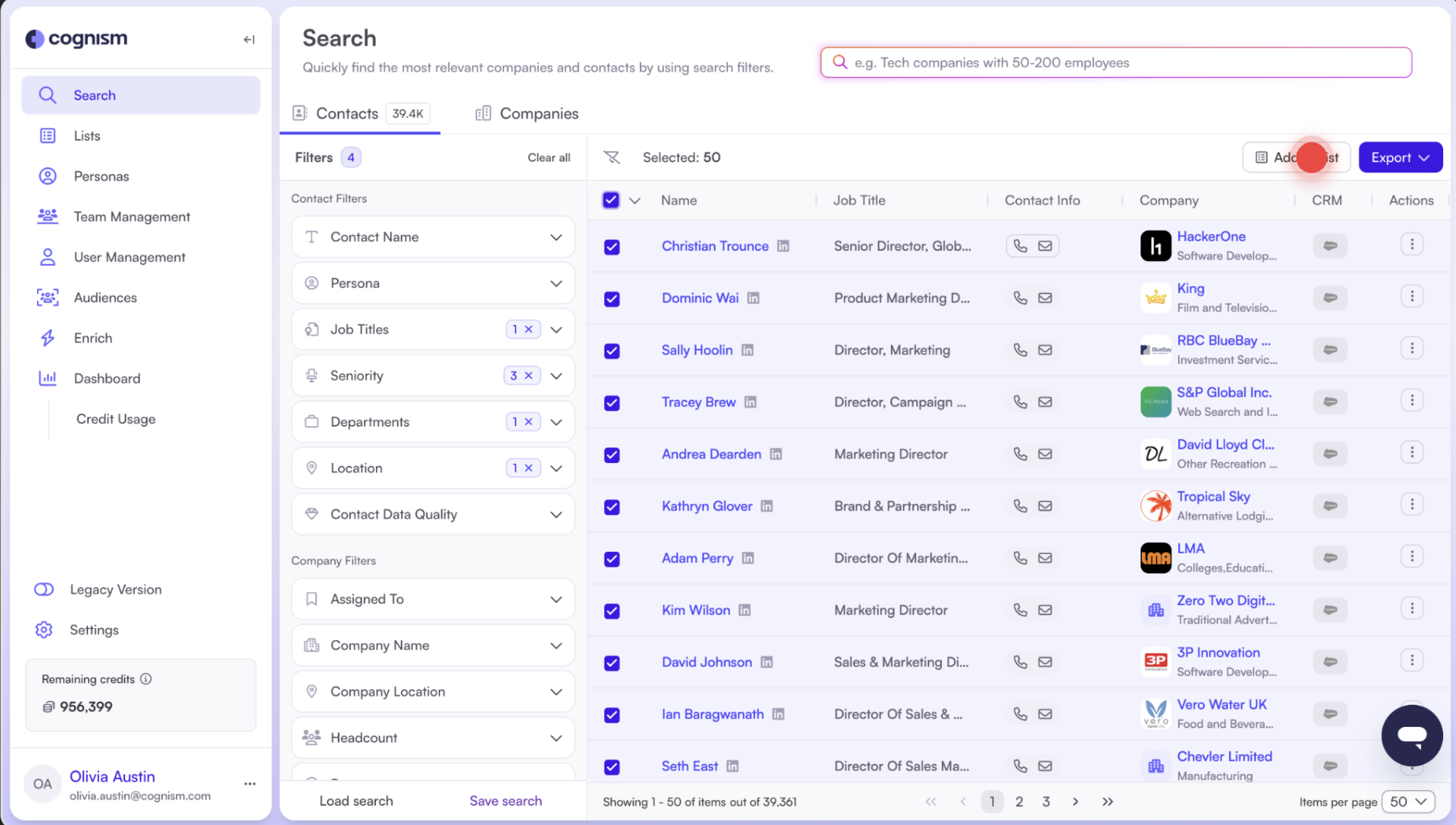
You can narrow searches by company attributes, location, job title, and other supported criteria. Depending on your package, Cognism also offers contact verification and intent data.
Key features
B2B contact database: Find available professional contacts and company information.
Firmographic filters: Narrow searches by industry, company size, revenue, and location.
Contact verification: Use available verification features to assess contact data.
Intent data: Prioritize accounts using supported buying-intent signals.
Data enrichment: Add available information to existing prospect records.
API and CRM integrations: Connect contact data to supported sales workflows.
International prospecting: Research contacts across supported markets.
Pricing
Custom pricing
Cognism sets pricing according to the selected package, data requirements, and team setup. Contact its sales team for a quote.
Have you already tried this platform? Check these Cognism alternatives to find the right provider to create your lead list.
4. ZoomInfo
Best for: Enterprise sales teams that need detailed company intelligence and advanced B2B prospecting capabilities.
ZoomInfo is a B2B data and sales intelligence platform. It helps businesses research companies, find professional contacts, and prioritize accounts.
Its features support prospecting, company research, and data enrichment.
ZoomInfo may help you build a doctors email list when your audience includes healthcare executives, hospital administrators, and medical practice owners. It can also help you find other business contacts involved in purchasing decisions.
However, individual physician coverage varies by specialty and region. Check whether its records match your target audience.
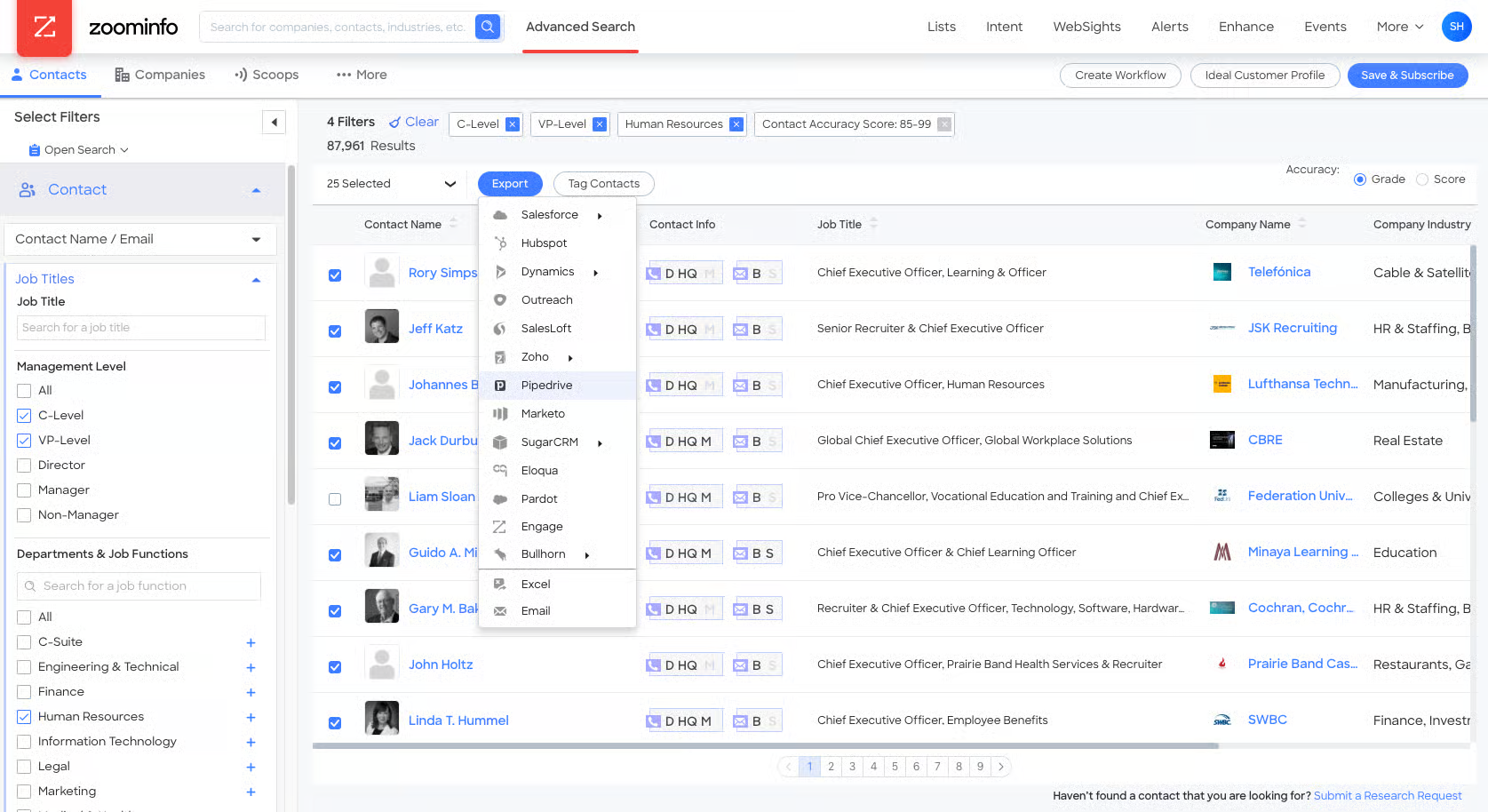
Use available contact and company filters to narrow your audience. Intent data, technographic information, and integrations can also support account-based prospecting.
Key features
B2B contact database: Search for available professional contacts and decision-makers.
Advanced search filters: Narrow prospects by job title, industry, location, and company attributes.
Company intelligence: Review available information about target organizations.
Intent data: Identify accounts showing relevant buying signals where available.
Technographic data: Research companies based on the technologies they use.
Data enrichment: Add available information to existing contact and company records.
CRM integrations: Connect prospect data to supported sales and marketing systems.
Pricing
Custom pricing
ZoomInfo pricing and features depend on the products and package you select. Contact its sales team for a quote based on your requirements.
If you find this platform too expensive, you can check our blog on ZoomInfo alternatives to pick the best fit for your email lead list needs.
5. Lusha
Best for: Sales teams that need professional contact details, flexible data credits, and contact enrichment.
Lusha is a B2B contact intelligence platform. It helps users find business email addresses, phone numbers, and company information.
Its features include prospecting filters, contact enrichment, buying signals, and integrations with supported sales tools.
Lusha can help you find healthcare professionals and business contacts at medical practices, hospitals, and healthcare companies. However, it serves general B2B contact needs rather than acting as a dedicated physician directory.
Check whether Lusha returns the specialties and professional email addresses you need.
Lusha uses a credit-based pricing model. Revealing email addresses and phone numbers consumes credits, and each plan offers different allowances.
You can search for prospects before deciding which contact details to reveal.
Key features
Professional contact search: Find available business email addresses and phone numbers.
Advanced filters: Refine searches using supported professional and company attributes.
Contact enrichment: Add available details to existing records.
Buying signals: Prioritize accounts using supported intent and signal data.
API access: Retrieve contact data for supported workflows.
CRM integrations: Connect prospect data to supported sales systems.
Credit-based access: Reveal the contact details you need within your plan limits.
Pricing
Free: $0/month
Starter: $37.45/month, billed annually
Pro: $52.45/month, billed annually
Premium: $299.95/month, billed annually
Scale: Custom pricing
Check the current Lusha pricing page to confirm plan prices, credit allowances, and included seats before purchasing.
6. UpLead
Best for: Teams that need doctor-specific contact lists, professional email verification, and healthcare targeting filters.
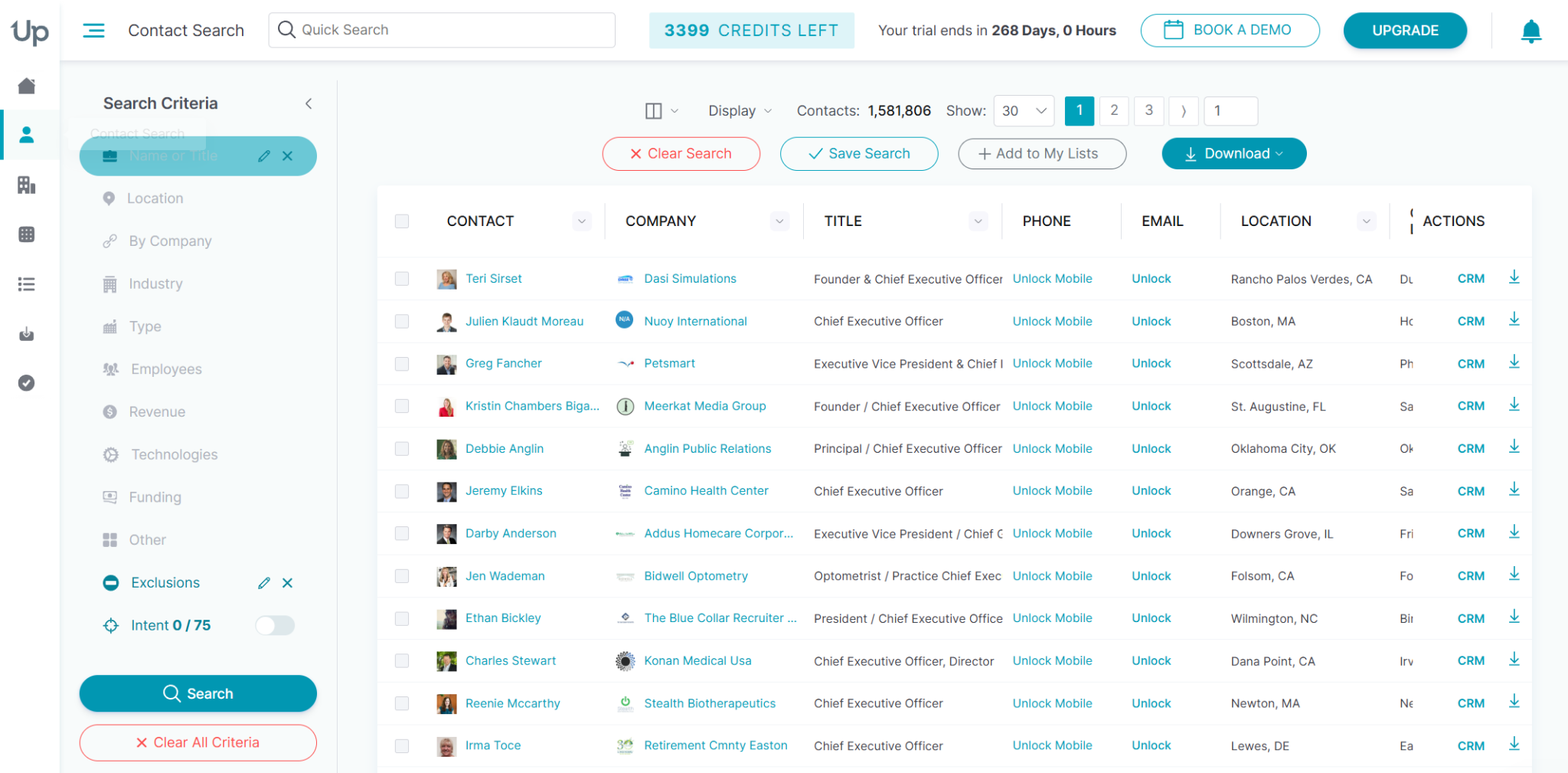
UpLead is a B2B prospecting platform with dedicated doctors, physicians, and healthcare email list pages. These pages describe specific physician and healthcare contact segments.
In August 2026, UpLead reported 263,169 worldwide physician contacts on its physician email list page. That figure included 125,147 contacts in the United States.
Its separate doctors email list page reported 351,764 doctor contacts. These figures represent different list categories, so don't add them together.
Contact counts can change as UpLead updates its database.
UpLead lets users narrow lists by available specialty, location, facility type, and professional role.
Its records may include names, business email addresses, phone numbers, practice details, hospital affiliations, and other company information.
The platform also offers email verification at export. Verification helps assess deliverability, but it cannot guarantee inbox placement.
Key features
Doctor and physician email lists: Access dedicated healthcare contact segments.
Specialty targeting: Narrow lists by available medical specialties.
Geographic filters: Focus on doctors in selected countries, states, or regions.
Facility and practice data: Use available hospital, clinic, and employer information.
Email verification: Check addresses at export and identify records that fail verification.
Direct dials: Access available phone numbers alongside email addresses.
CRM integrations: Send contact data to supported sales systems.
Pricing
Free trial: $0 for 7 days, with 5 credits
Essentials: $74/month, billed annually
Plus: $149/month, billed annually
Professional: Custom pricing
The annual Essentials and Plus plans offer different credit allowances. Check the current UpLead pricing page to confirm included credits, features, and terms.
UpLead is worth testing if you need doctors email addresses instead of general healthcare employee contacts. Review available specialties, regions, and verification terms before purchasing a large list.
7. RocketReach
Best for: Teams that need professional email addresses and phone numbers for individual contacts.
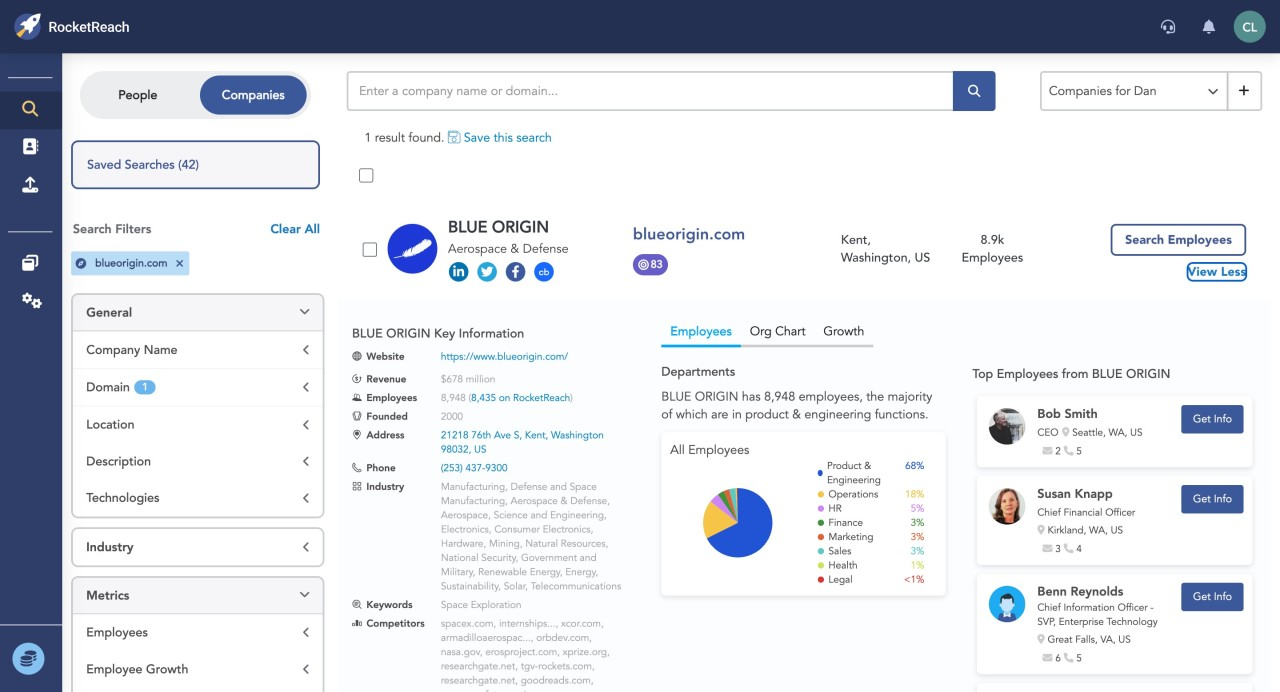
RocketReach is a professional contact lookup platform. It helps users search for people and companies and find available contact information.
It can support prospect research when you already know a doctor name, workplace, or other professional details.
You can use RocketReach to look up individual doctors or research contacts associated with healthcare organizations. Its physician data coverage depends on the contact, location, and available records.
RocketReach is especially relevant when you need an email address for a specific person. It may suit your needs better than buying a ready-made doctors email list.
Before exporting a large list, check how many relevant contacts have usable professional email addresses. Also review lookup limits and export allowances for your plan.
Key features
Professional email finder: Search for available contact email addresses.
Person search: Look up individual professionals using available identifying details.
Company search: Research people associated with target organizations.
Phone lookup: Access available phone details where your plan includes them.
Contact exports: Export supported contact records for prospecting workflows.
Browser extension and integrations: Access contact data through supported research tools.
Plan-based lookup limits: Choose a subscription based on your research and export requirements.
Pricing
Essentials: $33/month, billed annually at $399
Pro: $75/month, billed annually at $899
Ultimate: $142/month, billed annually at $1,699
Custom Team Plan: Starts at $6,000 annually
Check out these RocketReach alternatives to find the right provider for building your lead list.
What is a Doctors Email List?
A doctors email list contains professional contact details for physicians and other healthcare professionals. Depending on the provider, it may include names, business email addresses, medical specialties, practice names, hospital affiliations, locations, and phone numbers.
Healthcare companies use these lists to identify relevant professionals and organizations for business communication.
For example, a medical device company might target cardiologists. A healthcare software provider might target private practice owners or hospital administrators.
A useful doctors email list should include:
Accurate contact details: Professional email addresses checked for validity.
Relevant specialties: Physicians whose professional roles match your intended audience.
Practice and facility information: Hospital, clinic, medical group, or practice details where available.
Location data: Country, state, city, or region for geographic targeting.
Current information: Contact details that reflect changes in employment and professional roles.
Relevant targeting attributes: Data that helps you identify contacts who fit your campaign.
List quality matters more than list size. A smaller list of relevant, current contacts can outperform a larger list with outdated addresses or unrelated healthcare employees.
Why Use a Doctors Email List?
Doctors and healthcare organizations have different responsibilities and purchasing needs. A targeted list helps you identify the right audience for a relevant business offer.
1. Reach Relevant Healthcare Professionals
A targeted list helps you find doctors whose specialties relate to your product or service. For example, a cardiology equipment company can focus on cardiologists instead of targeting every healthcare specialty.
2. Focus on Your Target Market
You can narrow contacts by location, specialty, practice type, or healthcare organization. The available filters depend on your chosen provider.
These criteria help you focus on the audience that fits your offer.
3. Reduce Manual Prospect Research
Finding doctors individually across hospital websites, clinic directories, and professional profiles takes time. Contact databases help you collect and organize available details in one place.
4. Personalize Your Outreach
Specialty, practice, and organization information can make your message more relevant. For example, explain how clinical workflow software could support the recipient professional needs. Avoid sending a generic sales pitch that ignores the recipient professional role.
5. Support Healthcare B2B Sales
Medical equipment companies, healthcare software vendors, and training providers may use professional contact lists. These lists help them identify relevant organizations and decision-makers.
A doctor email address does not establish consent for every type of marketing message. Keep outreach relevant, respect opt-out requests, and follow applicable privacy and marketing rules.
How to Choose the Right Provider for a Doctors Email List
The right provider depends on your target audience, budget, required data fields, and prospecting process. Compare these seven factors before purchasing a subscription or exporting contacts.
1. Contact Accuracy
Check how the provider collects, updates, and verifies email addresses. Ask whether verification happens during export or at another stage.
Email verification can identify invalid or risky addresses. However, it cannot guarantee delivery or inbox placement.
Review the provider verification terms before paying for a large list.
2. Medical Specialty Filters
Check whether the platform supports the specialties you want to target. Depending on your campaign, you might need:
Cardiologists
Dermatologists
Neurologists
Oncologists
Pediatricians
Orthopedic surgeons
General practitioners
Don't assume every platform supports specialty-level searches. Test a few sample queries before committing to a paid plan.
3. Geographic Coverage
Decide which countries and regions you want to target. A provider may offer strong US coverage but limited data in India or the United Kingdom.
If you plan to reach doctors across multiple countries, check email availability and specialty data in each region.
4. Pricing Model
Doctors email list providers use different pricing models. Some charge monthly or annually, while others use credits or sell specific contact lists.
Compare the total cost against your expected usage. Check credit limits, export allowances, seat requirements, renewal terms, and additional charges.
5. Practice and Facility Information
Email addresses alone may not provide enough context for targeted outreach. Depending on your campaign, you might need:
Medical specialty
Practice or hospital name
Professional role
Location
Available business phone number
Healthcare organization details
Check which fields each contact record includes. Also confirm whether the provider lets you export those fields.
6. Integration with Your Workflow
Consider how you'll use the contacts after finding them. If you already use a CRM or email outreach platform, check for direct integrations or CSV exports.
A tool that fits your existing workflow can reduce manual data entry. It can also help you organize follow-ups.
7. Compliance and Responsible Outreach
Healthcare professional contact information may fall under privacy requirements and marketing restrictions. Review how the provider sources and maintains contact data.
Check how it handles suppression requests and supports applicable privacy requirements.
For example, US outreach may fall under the CAN-SPAM Act. European campaigns may involve GDPR and PECR requirements.
Rules vary by jurisdiction and communication type. Buying a list does not remove your responsibility to follow applicable laws or obtain consent where required.
Avoid using purchased contact details for unsolicited messages that violate privacy rules or professional requirements.
Find and Enrich Professional Contacts with Leadsforge
Use AI Search, available prospect filters, and waterfall enrichment to build targeted lists for healthcare-related B2B campaigns.
Leadsforge suits GTM teams and lead generation agencies that need targeted prospect lists. Its AI Search, advanced filters, and waterfall enrichment help you find relevant professional contacts.
MCP, CLI, and API support can connect supported prospecting features with AI tools, command-line workflows, and custom applications.
If you're building a doctors email list with Leadsforge, define your target specialties, locations, and healthcare organizations first.
Run sample searches to check available contacts, then review email data before exporting a larger list.
FAQs About Doctors Email Lists
1. What is the best tool to find doctors email addresses?
The best tool depends on your requirements. UpLead offers dedicated doctor and physician email list pages, while Apollo supports doctor searches with available filters. Leadsforge provides AI-powered prospecting and contact enrichment. Compare specialty coverage, location filters, and email availability before choosing a provider.
2. Can I buy a doctors email list?
Yes. Some providers sell ready-made physician contact lists, while others let you search databases and export selected records. Check available fields, geographic coverage, verification processes, and applicable terms before purchasing.
3. How do I build a targeted doctors email list?
Start by defining your target audience. Decide which medical specialties, locations, practice types, and healthcare organizations you want to reach. Use a suitable prospecting platform to find matching contacts. Review the available details and verify email addresses before using them.
4. How much does a doctors email list cost?
The cost depends on the provider, list size, data fields, and pricing model. Subscription platforms may charge monthly or annually, while ready-made physician lists may have one-time prices. Check current pricing and the number of contacts included before purchasing.
5. Can I use a doctors email list for marketing?
You can use professional contact data for appropriate business outreach when you follow applicable rules. Requirements depend on the recipient location, message type, and data source. Review relevant privacy and marketing requirements, respect opt-outs, and never treat a purchased list as blanket permission to send marketing emails.
Book more meetings on autopilot
Set up in minutes. No per-seat pricing. No commitment.
Compare the 7 best places to find doctors email lists in 2026. Explore features, pricing, and contact data to choose the right provider for your needs.
Compare six CFO email list providers in 2026, including Leadsforge, Cognism, ZoomInfo, BookYourData, Snov.io, and Apollo.io. Explore their features, pricing, targeting capabilities, and contact verification options to choose the right platform for building targeted B2B prospect lists.