Most SDR tools help you find contacts, send sequences, clean data, track replies, or manage pipeline.
That was enough when sales development was mostly a rep, a spreadsheet, a lead database, and a cold email tool.
In 2026, outbound is harder. Buyers ignore generic emails, inbox providers punish sloppy sending, teams sell across more regions, and managers still expect SDRs to create pipeline without adding more headcount.
That is why the best SDR tool is no longer just the tool that sends the most emails. It is the tool that helps you find the right people, personalize outreach, manage follow-ups, protect deliverability, sync activity, and turn replies into booked meetings.
This guide compares 15 SDR tools across the full outbound workflow. Some tools help with lead sourcing. Some handle sequencing. Some improve enrichment, CRM hygiene, or email quality.
And some, like Agent Frank by Salesforge, are built to act as an AI SDR that can take more of the day-to-day outbound workload off your team.
Use this list to understand which category you actually need, where Agent Frank fits, and which tools make sense if you want to scale pipeline without turning your SDR process into a stack of disconnected apps.
15 Best SDR Tools to Scale Revenue in 2026 (Ranked & Reviewed)
I’ve picked tools that are actually useful whether you’re running sales alone, part of a small team, or managing outreach at a growing company.
🚀 15 SDR Tools Compared at a Glance
Tool
Agent Frank
Best Overall
Apollo.io
Outreach.io
Smartlead.ai
Clay
Instantly.ai
Lemlist
Snov.io
Mailshake
Reply.io
Close
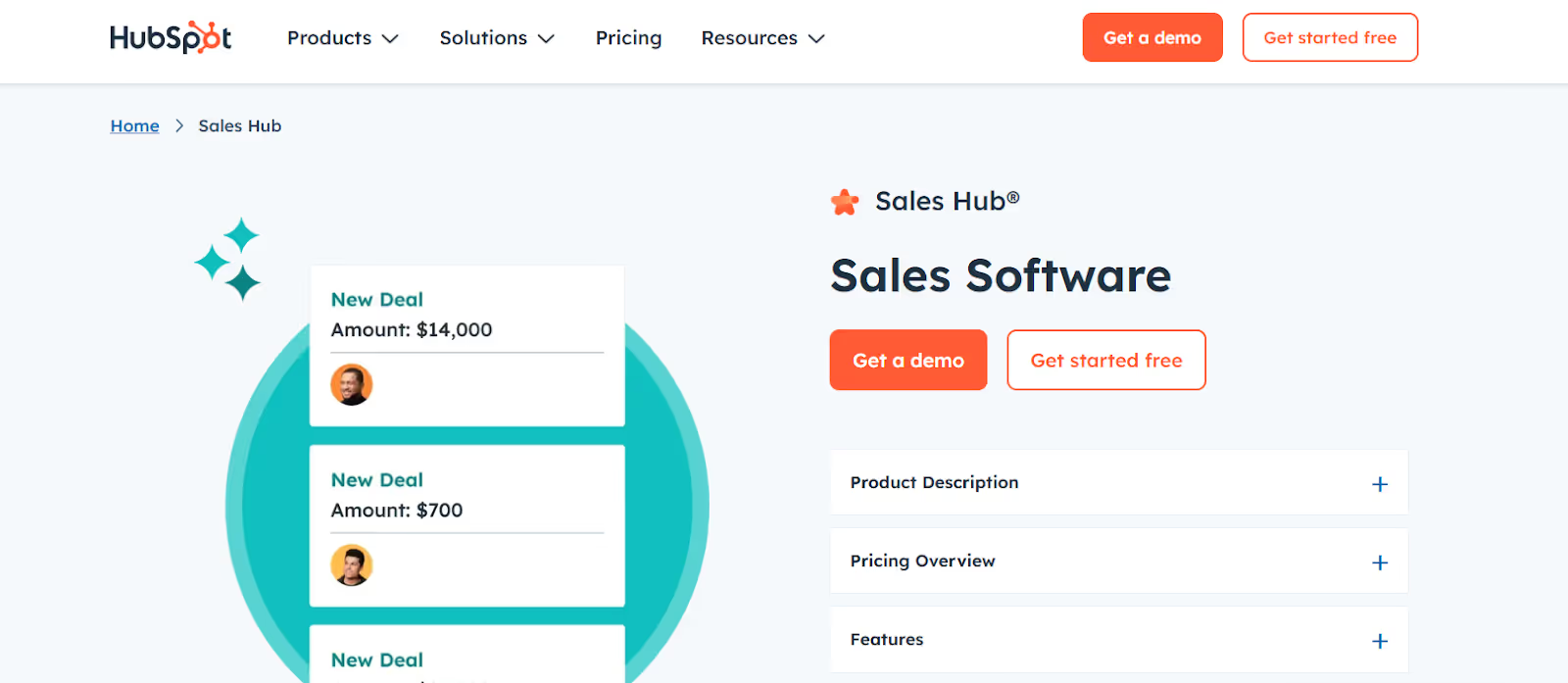
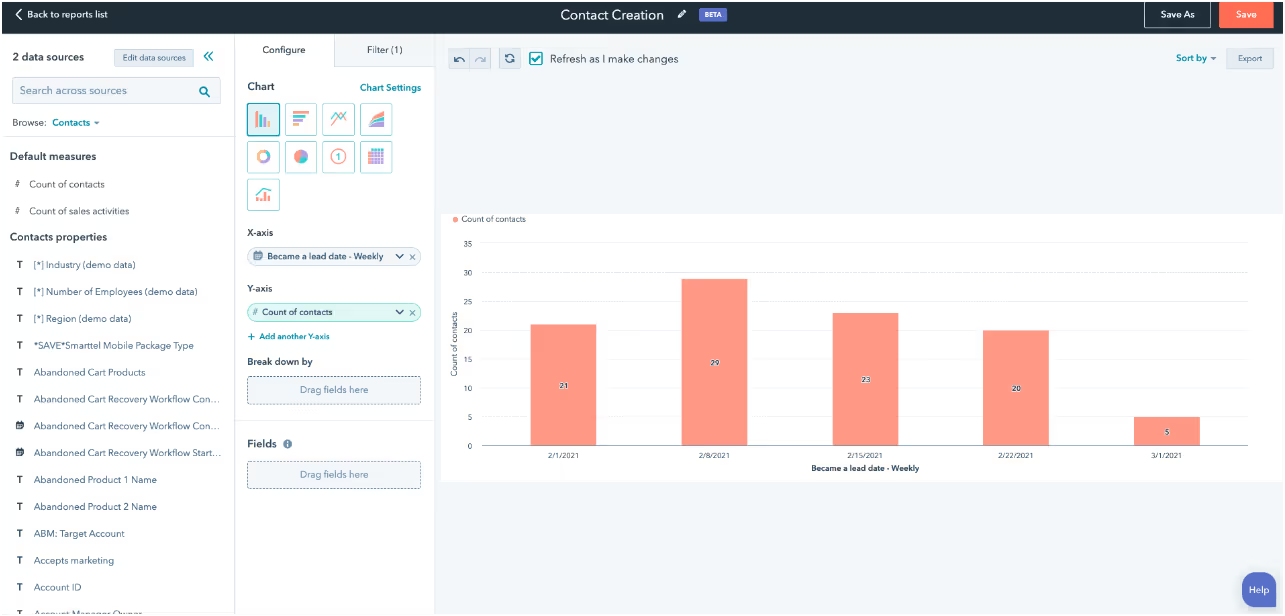
HubSpot Sales
Lavender.ai
Mixmax
Hunter.io
Category
AI SDR
Lead database + outreach
Sales engagement
Cold email / deliverability
Data automation
Cold email
Multichannel outreach
Prospecting + cold email
Cold email
Sales engagement
CRM
CRM + sales tools
Email coaching
Gmail productivity / sequencing
Email finder
Best For
Teams that want an AI SDR to handle outbound from prospecting to meeting booking
Contact data and outreach
Enterprise multichannel outbound
High-volume sending
Advanced enrichment workflows
Cold email at scale
Personalized outreach
Budget-friendly prospecting
Simple outbound campaigns
Multichannel SDR automation
CRM with calling
CRM and sales teams
Improve cold emails
Gmail sales workflows
Email finding and verification
SDR Use Case
Prospecting, lead validation, personalization, follow-ups, reply management, meeting booking
Prospecting, enrichment, email sequences, calling
Sequences, workflows, reporting
Cold email and follow-ups
Research and enrichment
Email campaigns and warmup
Personalized multichannel outreach
Email finding and drip campaigns
Email campaigns and follow-ups
Multichannel sequences
Pipeline and outreach
CRM and pipeline management
Email optimization
Email tracking and sequences
Email verification and campaigns
Channels
Email, LinkedIn
Email, Calls
Email, Calls, LinkedIn
Email, SMS, WhatsApp
Not an outreach platform
Email
Email, LinkedIn, Calls
Email
Email, Calls
Email, LinkedIn, SMS, Calls
Email, Calls, SMS
Email, Calls
Email
Email
Email
CRM Support
Runs inside Salesforge workflow
Salesforce, HubSpot, Gmail
Salesforce, HubSpot
Integrations available
Connects to CRMs
CRM integrations
Integrations available
Built-in CRM
CRM integrations
CRM integrations
Native CRM
Native HubSpot CRM
Works with email tools
Salesforce integration
Integrations available
Deliverability
Warmforge, Infraforge, Megaforge support
No native warmup
No dedicated warmup
Warmup and mailbox rotation
Not applicable
Built-in warmup
Warmup included
Warmup included
Warmup included
Warmup available
No dedicated warmup
No dedicated warmup
Not applicable
No dedicated warmup
Verification reduces bounces
Starting Price
From $499/mo billed annually
From $49/mo
Custom pricing
From $39/mo
From $185/mo
From $47/mo
From $69/mo
From $39/mo
From $49/mo
$59/mo
From $19/mo
Free; Starter from $10/mo
From $29/mo
$29/mo
From $49/mo
1. Agent Frank by Salesforge
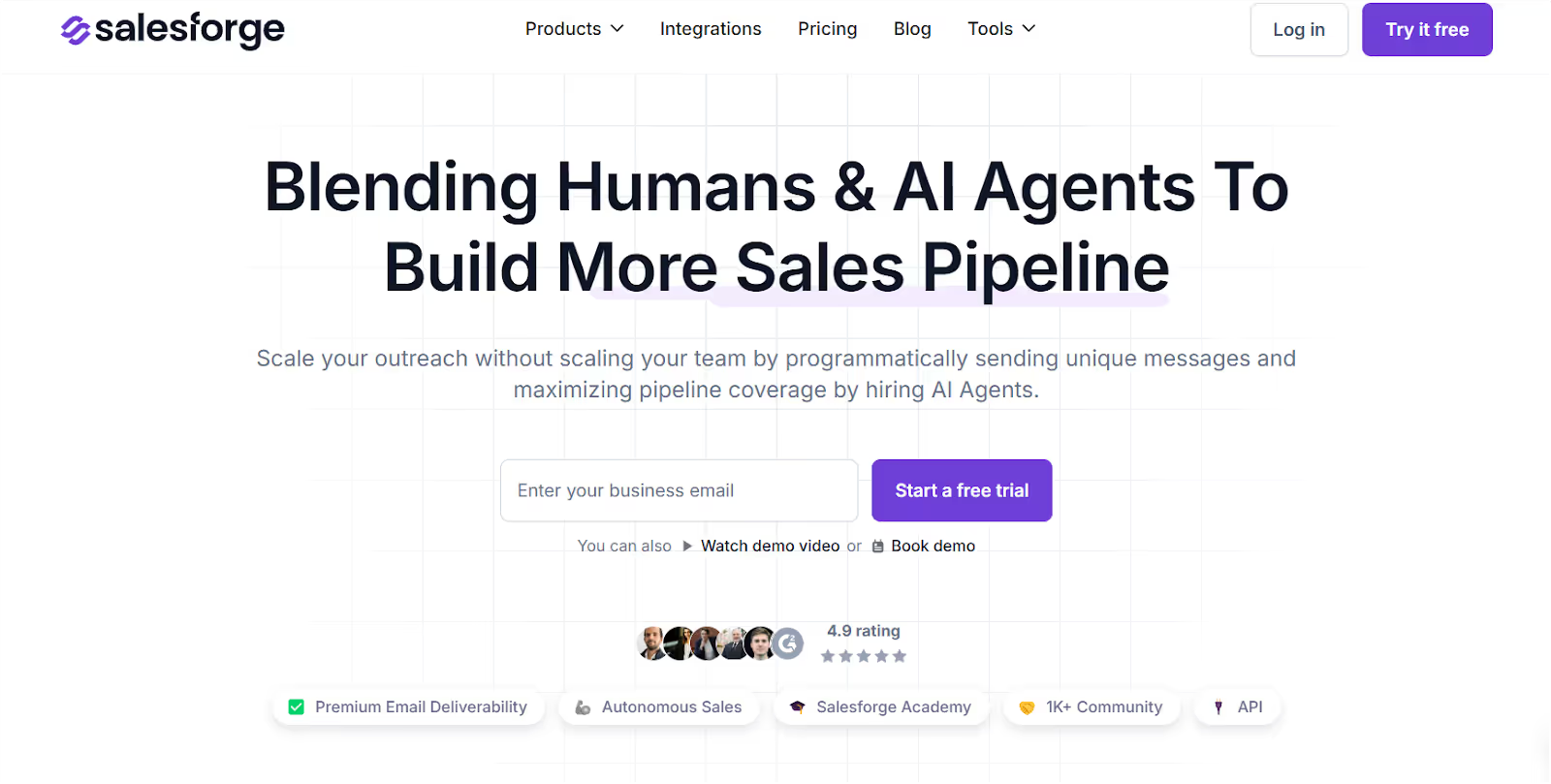
This image shows the Salesforge Homepage
Most SDR teams do not struggle because they lack tools. They struggle because the workflow is broken across too many tools. One platform finds leads. Another sends emails. Another warms inboxes. Another tracks replies. Then SDRs still have to write follow-ups, check data quality, manage mailboxes, and update the CRM manually.
Agent Frank helps solve that by working like an AI SDR inside the Salesforge ecosystem. It supports the outbound workflow from lead validation and mailbox setup to personalized emails, follow-ups, deliverability, and meeting booking.
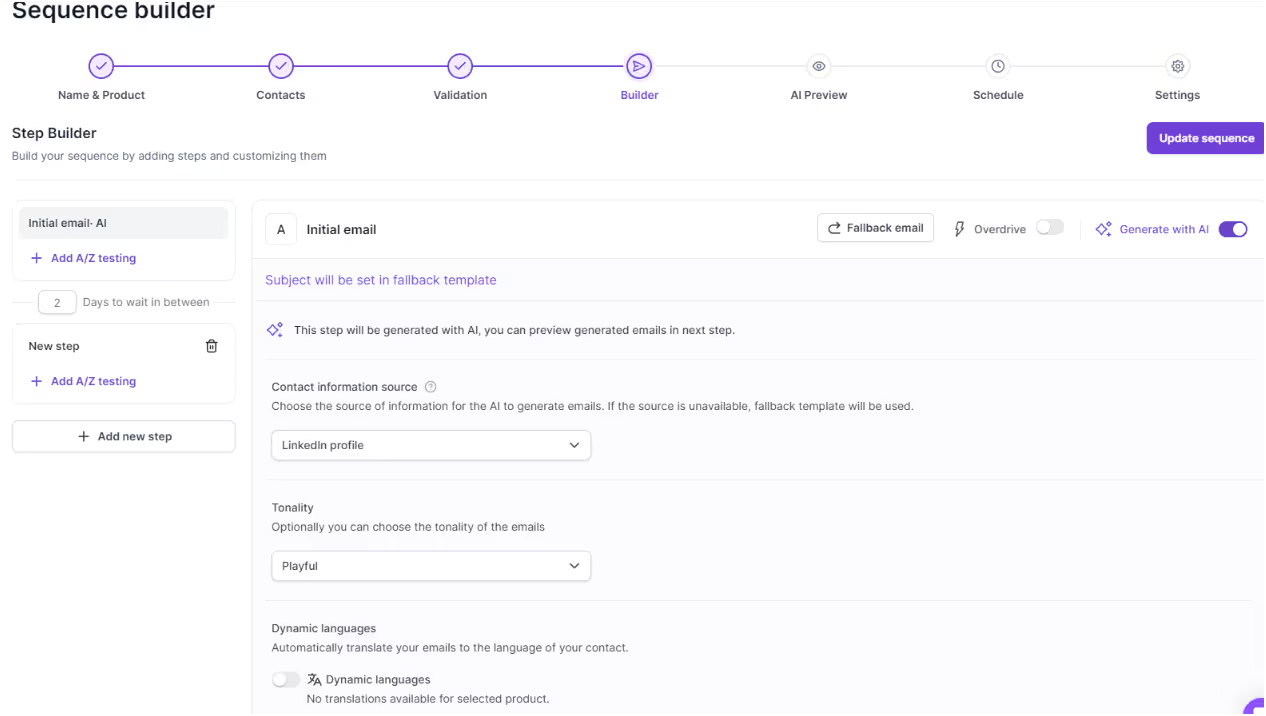
This image shows the Personalize your Campaigns at Salesforge
What Agent Frank Does Best?
Agent Frank takes care of repetitive outbound execution so your team can focus on conversations that actually move pipeline.Instead of switching between separate tools for lead validation, mailbox management, email writing, follow-ups, and deliverability, Agent Frank keeps more of the workflow connected inside Salesforge.
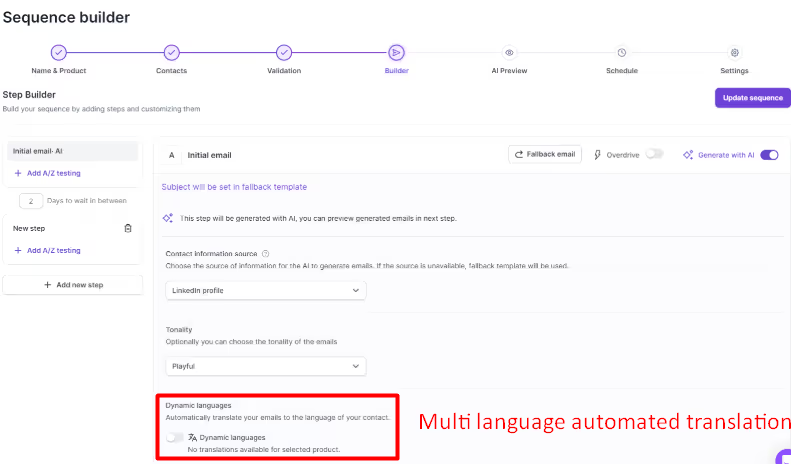
This image shows the Multilingual automated translation in Salesforge
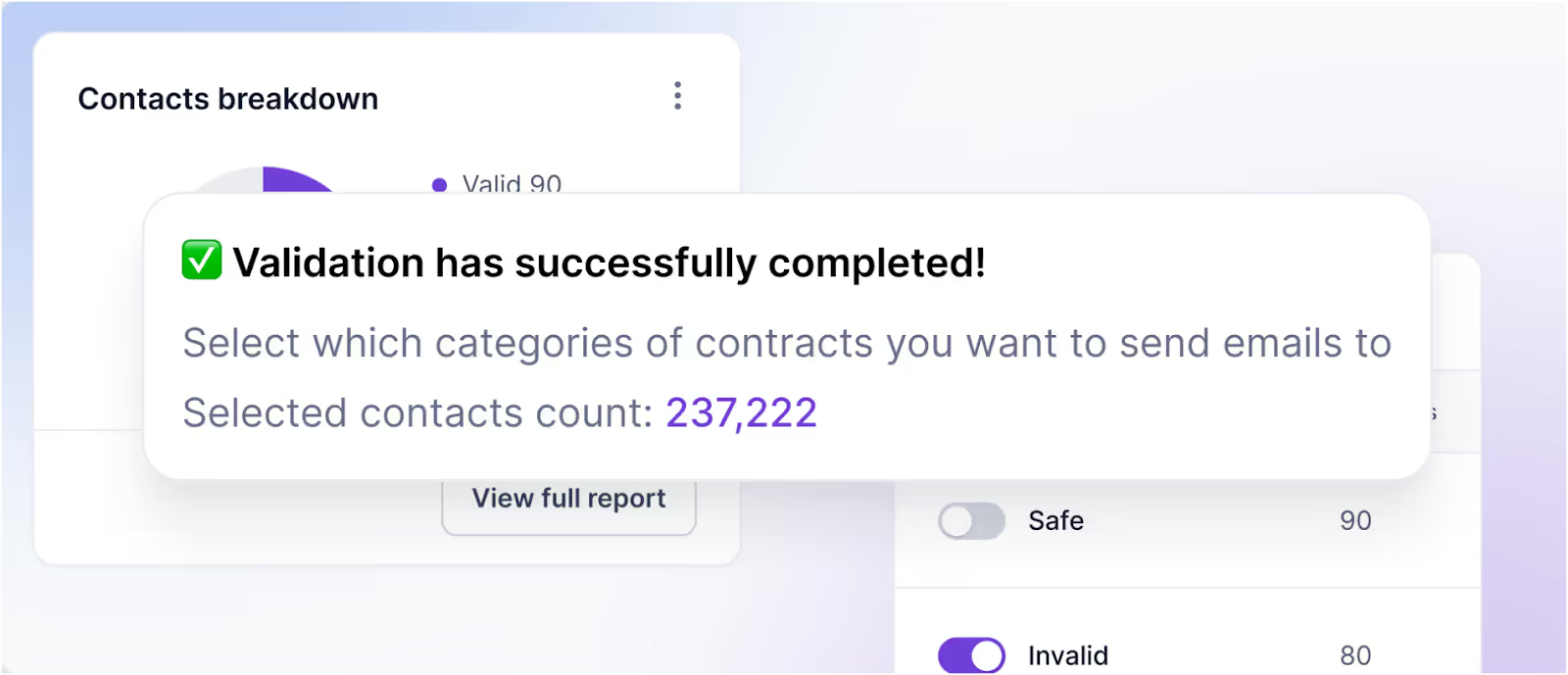
Finds and validates leads
Manages mailboxes and sequences in one place
Works around the clock, even when you're off
Who is Agent Frank Best For?
Perfect for solo reps, small sales teams, and agencies that want to scale fast without hiring more people.
Agent Frank’s :
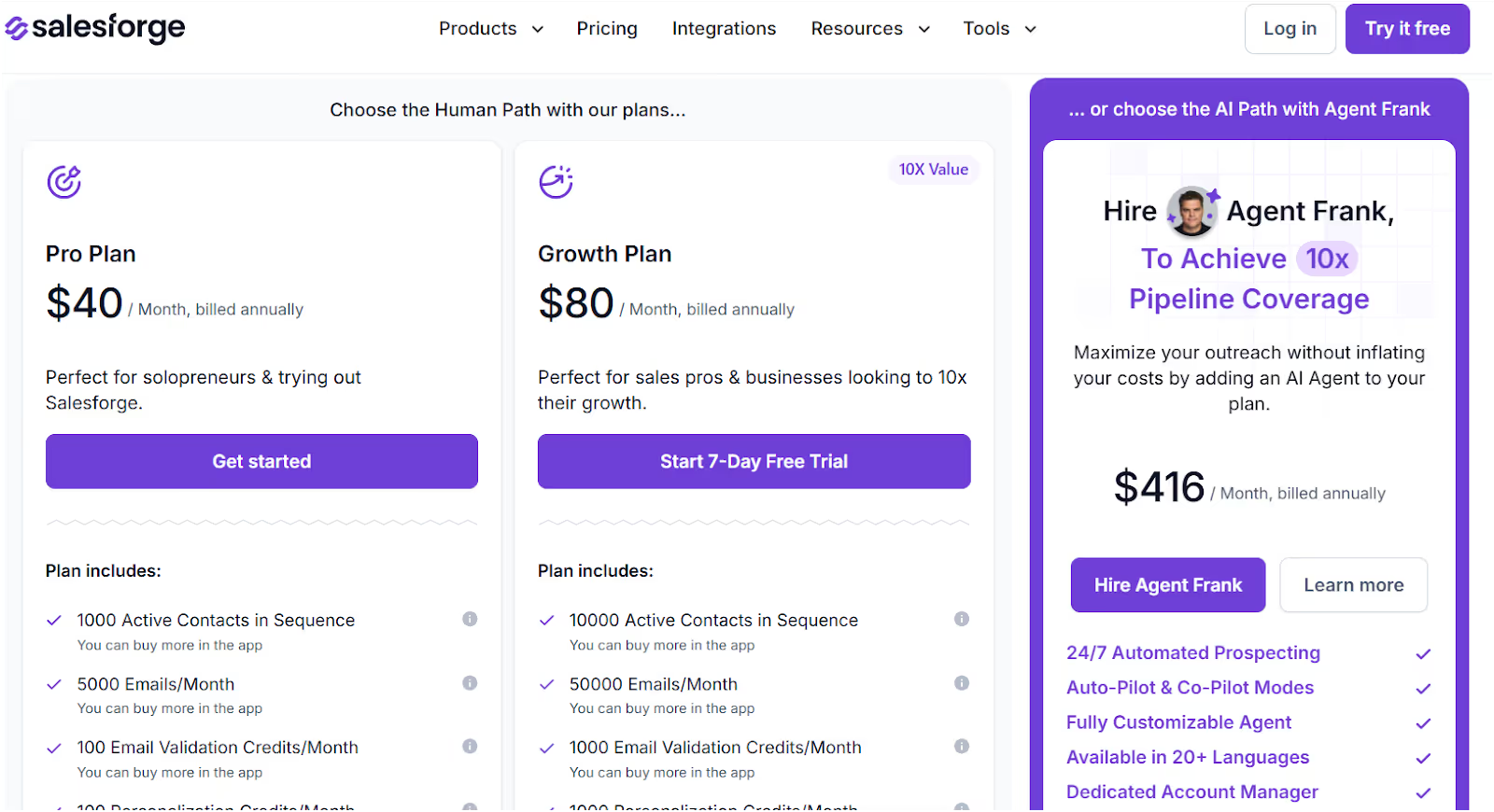
This image shows the Leadsforge Pricing
Starts at $416/month (billed annually)
Includes 24/7 outreach, contact validation, inbox warmup, and a dedicated support team.
Agent Frank Pros
Saves hours of manual SDR work every week
Helps teams scale outbound without hiring more reps immediately
Supports personalized outreach in 20+ languages
Keeps lead validation, mailbox setup, sequences, and follow-ups closer together
Helps protect deliverability with Salesforge’s sending infrastructure
Useful for agencies, founders, and lean sales teams that need consistent pipeline generation
Lets reps spend more time on interested prospects instead of repetitive campaign work
Agent Frank Cons
It can be too much if you only run very small outbound campaigns
Teams still need a clear ICP, strong offer, and good targeting
Requires a bit of setup to get the most out of it
Next up, let’s check out tools that focus more on data, sequences, or creative outreach.
2. Apollo.io
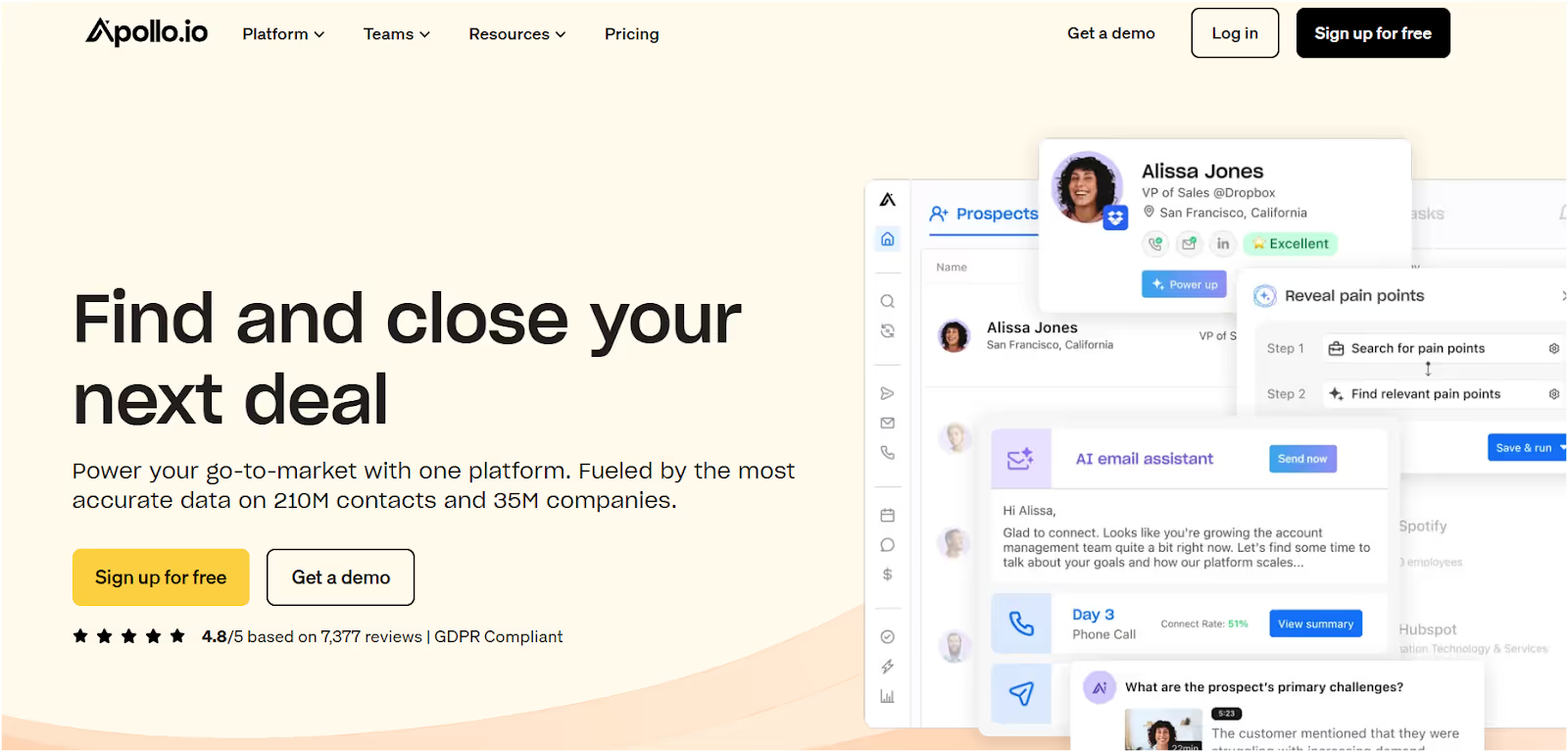
This image shows the Apollo.io Homepage
If you're building a pipeline, Apollo.io is one of the most popular SDR tools out there,especially for teams that want to combine lead data and outreach in one place.
Instead of just browsing LinkedIn, Apollo gives you verified emails, phone numbers, and the tools to contact people—at scale.
What Does Apollo.io Do Best?
Gives SDRs access to a huge B2B contact database and lets them email and call leads directly, all without switching tools.
What Features Does Apollo.io Offer?
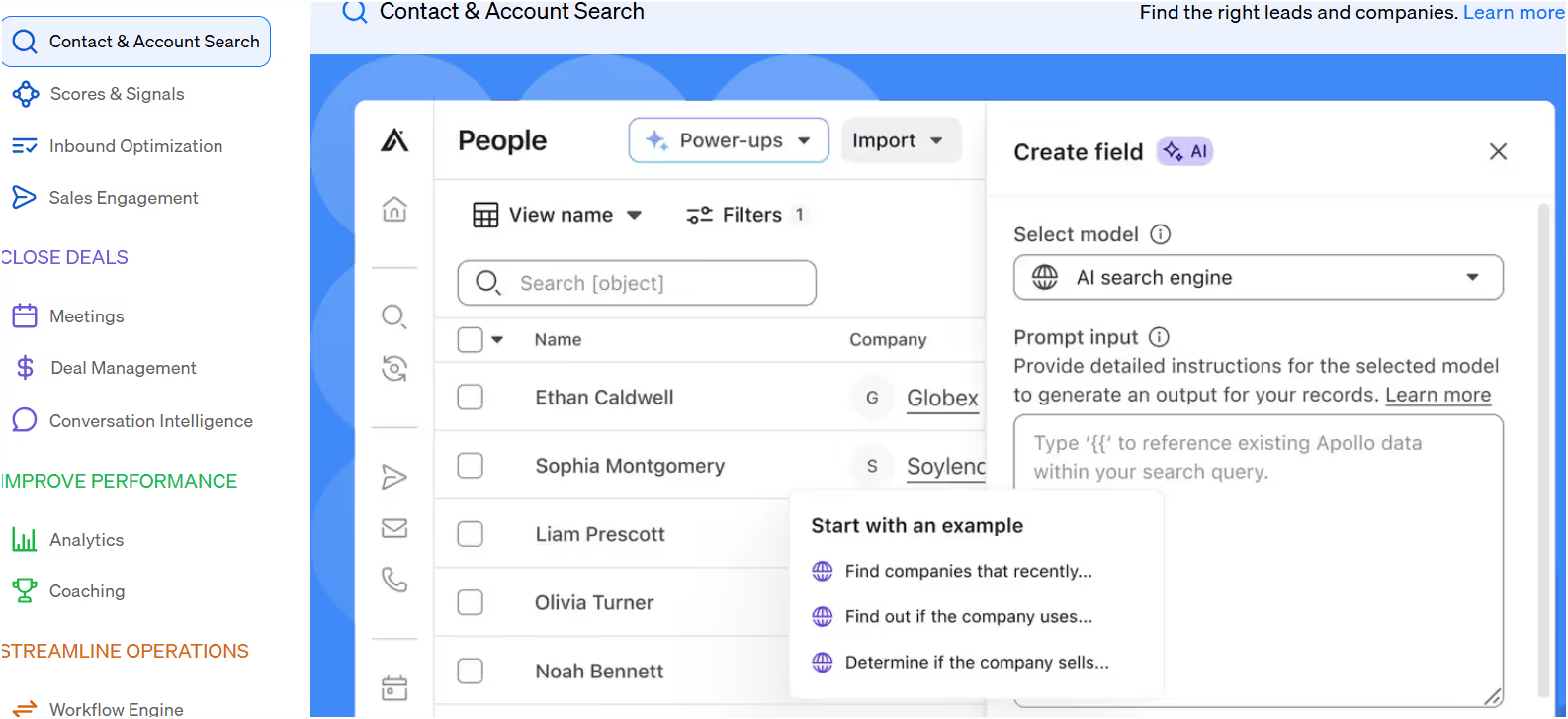
260M+ contact database with verified emails and numbers
This image shows the Apollo.io contact database
Email sequences with basic automation
Built-in dialer for cold calling
CRM integrations (Salesforce, HubSpot, Gmail)
Lead enrichment with job titles, company info, and more
Who is Apollo.io Best For?
Great for small to mid-sized SDR teams who want to scale outreach without spending too much on data tools and outreach platforms separately.
Apollo.io Pricing:
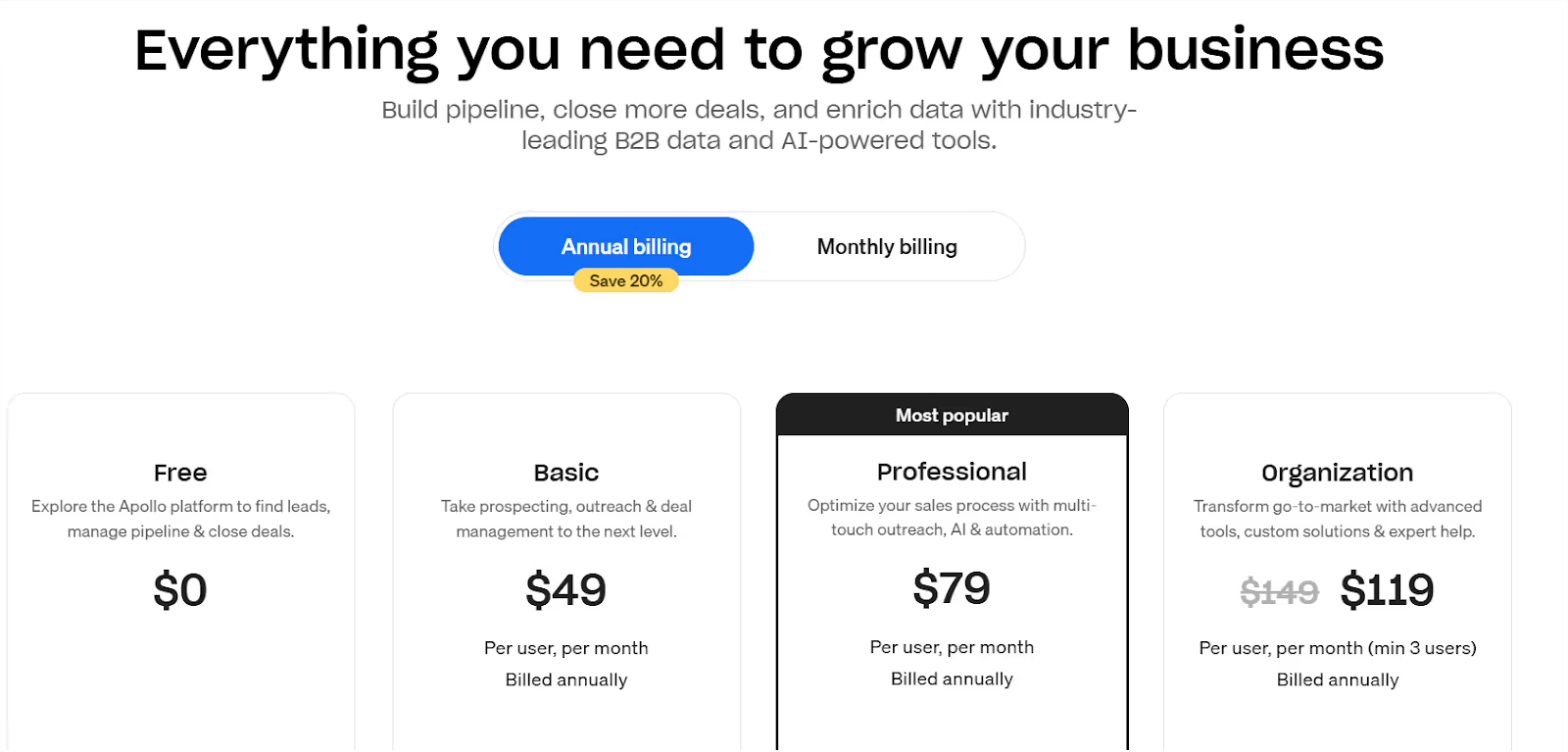
This image shows the Apollo.io Pricing
Free Plan: $0/month (limited credits)
Basic: $49/month
Professional: $79/month
Organization: $119/month per user (min. 3 seats)
Note: Most automation features are unlocked at the Professional plan and above.
Apollo.io Pros
All-in-one setup for contact search + outreach
Easy to get started with a free plan
Helps SDRs move faster by cutting copy-paste work
Apollo.io Cons
Data quality can be hit or miss
Some emails still bounce
Gets pricey if you need full features or a bigger team
Apollo.io is ideal if you’re looking to move fast—find leads, email them, and follow up—all in one place.
This image shows the G2 review on Apollo.io
It won’t replace your entire SDR workflow, but it can cover a big part of it without needing multiple tools.
3. Outreach.io
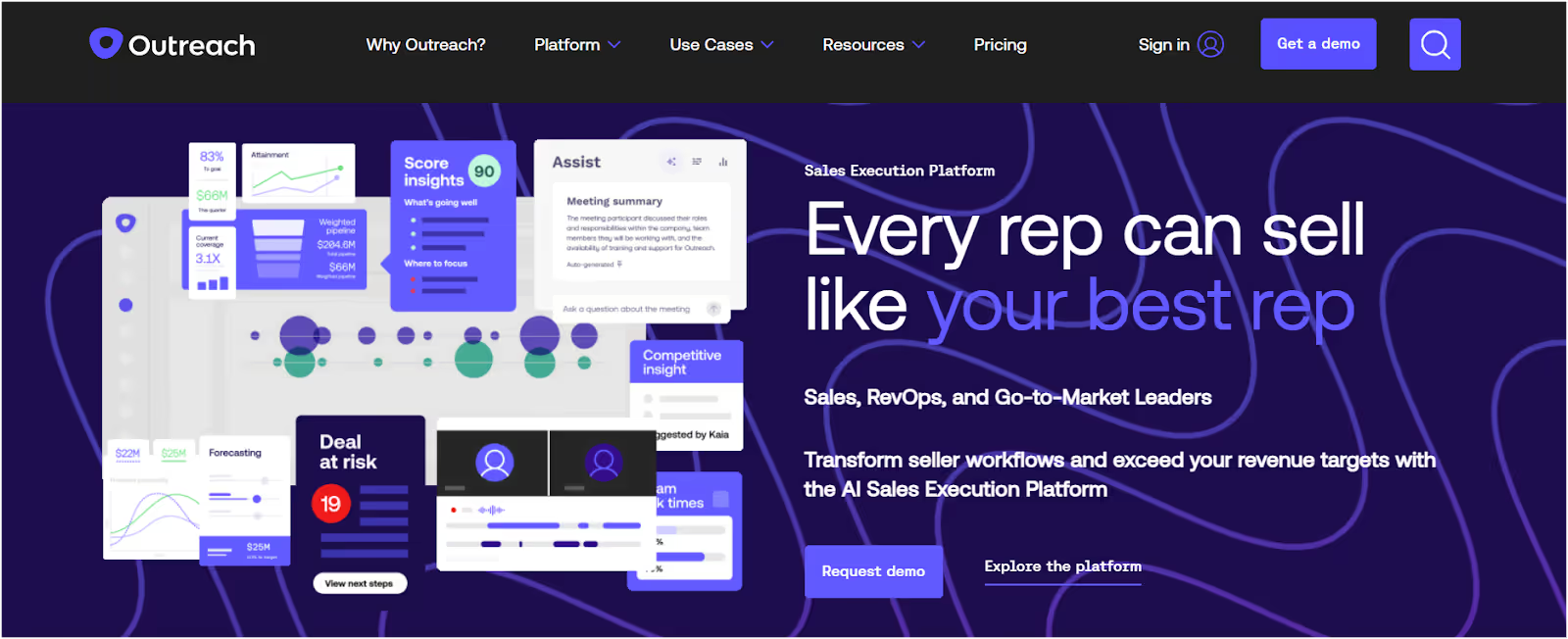
This image shows the Outreach.io Homepage
If your sales team is managing a lot of leads across email, calls, and LinkedIn,Outreach.iohelps you stay on top of it all—without letting follow-ups slip through the cracks.
It’s built for larger teams that want to run structured, multi-step outreach and make sure every lead gets followed up with properly.
What Outreach.io Does Best?
Helps SDRs build multi-touch outreach sequences across different channels—email, phone, and LinkedIn—so no lead goes cold.
What Features does Outreach.io offer?
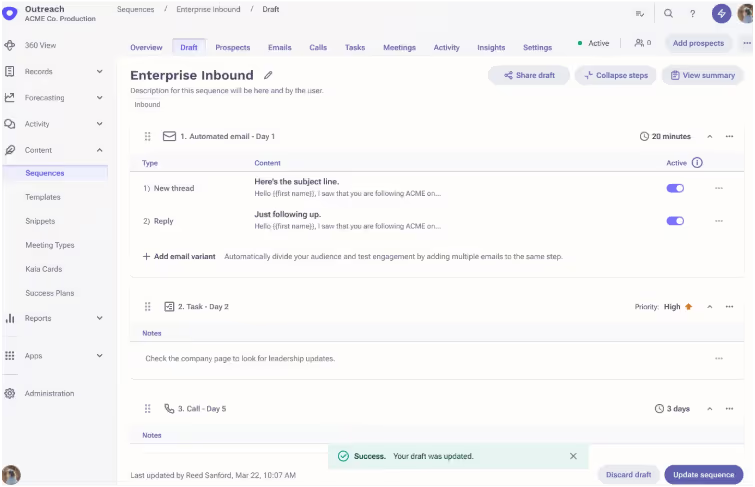
Step-by-step automated sales sequences
This image shows the Outreach email sequence automation
Email + call + LinkedIn outreach in one platform
CRM integrations with Salesforce and HubSpot
Pipeline tracking and rep performance insights
Advanced reporting for sales managers
Who is Outreach.io Best For?
Works best for enterprise sales teams that have clear processes, higher budgets, and want full control over how SDRs engage leads.
Outreach.io Pricing
❌ Not listed publicly You’ll need to book a demo to get a quote. (Heads up: Many users say it’s more expensive than tools like Apollo or Salesforge.)
Outreach.io Pros
Keeps reps consistent with multi-channel outreach
Strong features for sales leaders managing large teams
Great CRM sync if you're using Salesforce
Outreach.io Cons
Can feel complex if you’re just starting out
Setup takes time and usually needs training
Support is slow and not always helpful
Pricing isn’t transparent, which can be frustrating
This image shows the G2 review on Outreach.io
Outreach.io is a powerful SDR tool if you’re running outbound at scale and need structure across multiple channels.
But for smaller teams or early-stage startups, it is too complex and a little too expensive.
4. Smartlead.ai
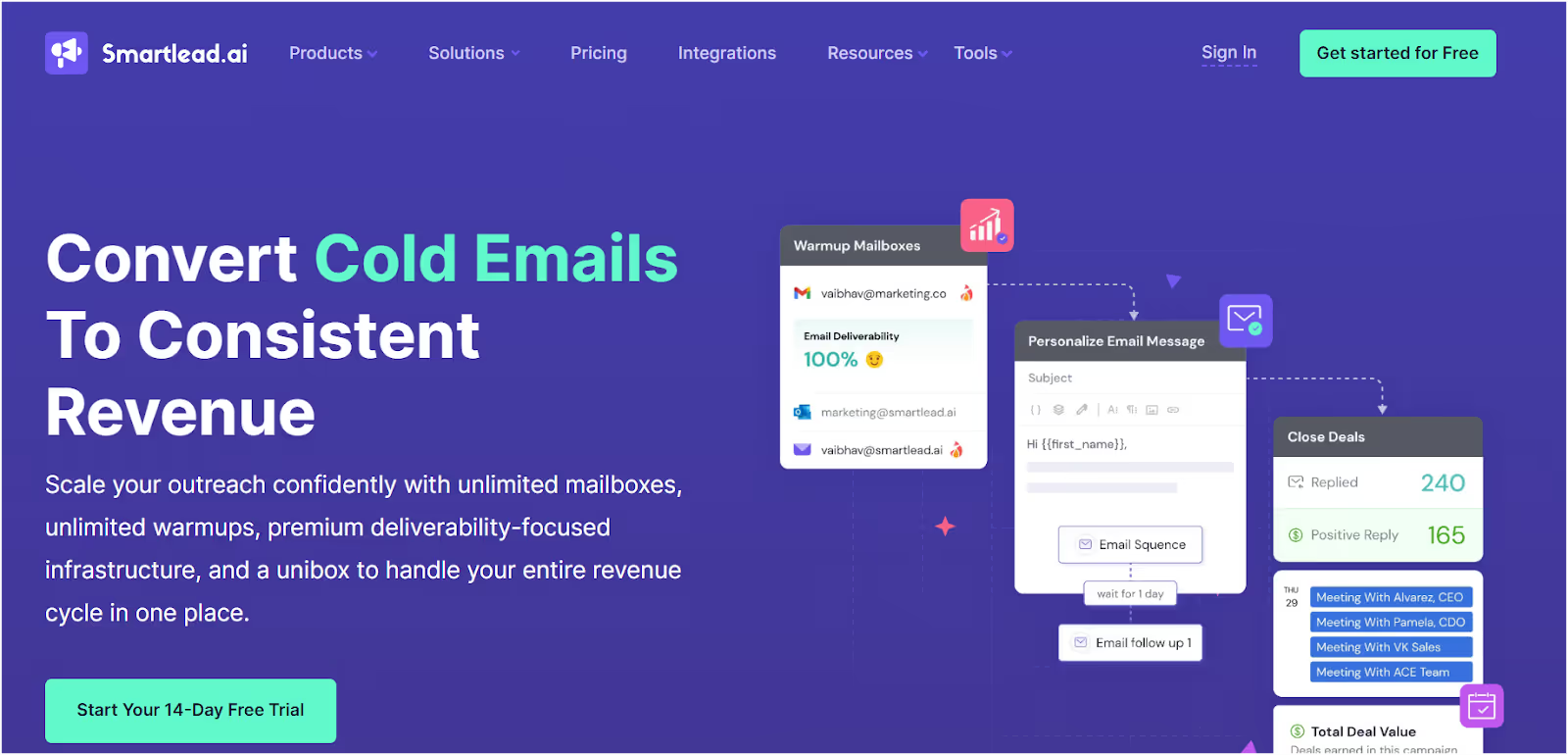
This image shows the Smartlead.ai Homepage
If you already have a list of leads and now need a way to reach them fast—Smartlead.ai is built exactly for that.
It doesn’t help you find new contacts, but once you have them, Smartlead lets you send cold emails, automate follow-ups, and manage replies across different channels—all from one place.
What Does Smartlead.io Do Best?
Helps SDRs and teams send large volumes of cold emails without getting flagged or overwhelmed by manual follow-ups.
What Features Does Smartlead.io Offer?
Works across email, SMS, WhatsApp, and even Twitter
Handles follow-up automation based on replies
This image shows the AI interactions in Smartlead.ai
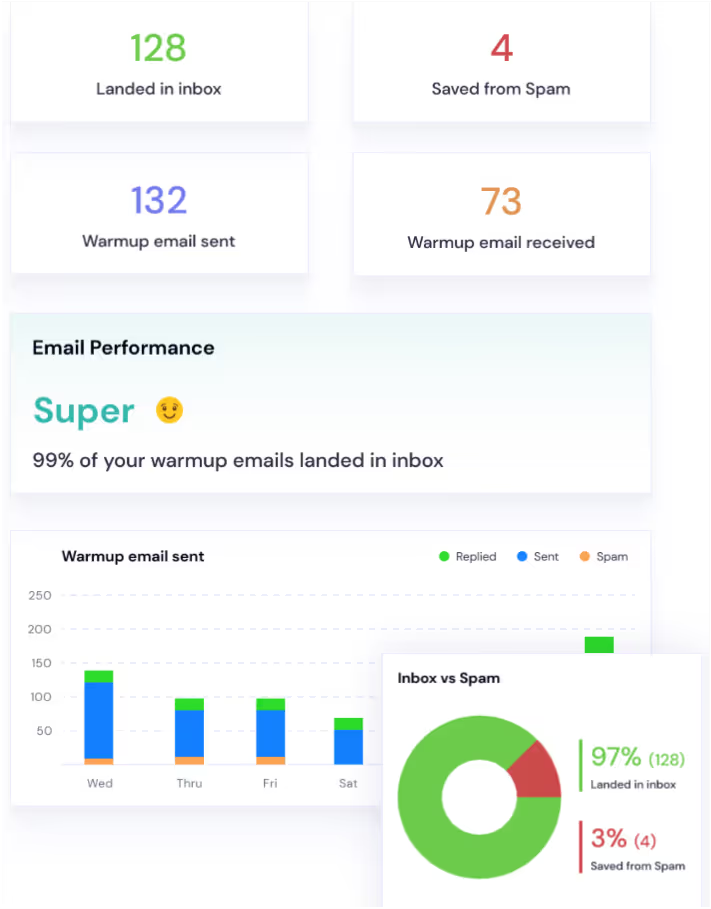
Supports unlimited mailboxes with built-in warmup
Unified inbox to manage all replies in one view
Sends emails using smart timing logic to avoid spam
Who is Smartlead.io Best For?
Smart choice for agencies, solo SDRs, or teams that already have leads and want to scale cold outreach quickly and safely.
Smartlead.io Pricing:
Basic Plan – $39/month (6,000 emails)
Popular Plan – $79/month (40,000 emails)
Pro Plan – $94/month (150,000 emails)
Custom – For 300,000+ emails, includes white-label features for agencies
Smartlead.io Pros
Easy to scale outreach across multiple brands or clients
Saves hours with automated follow-ups
You can warm up multiple inboxes at no extra cost
Smartlead.io Cons
No lead database—you’ll need another tool to find contacts
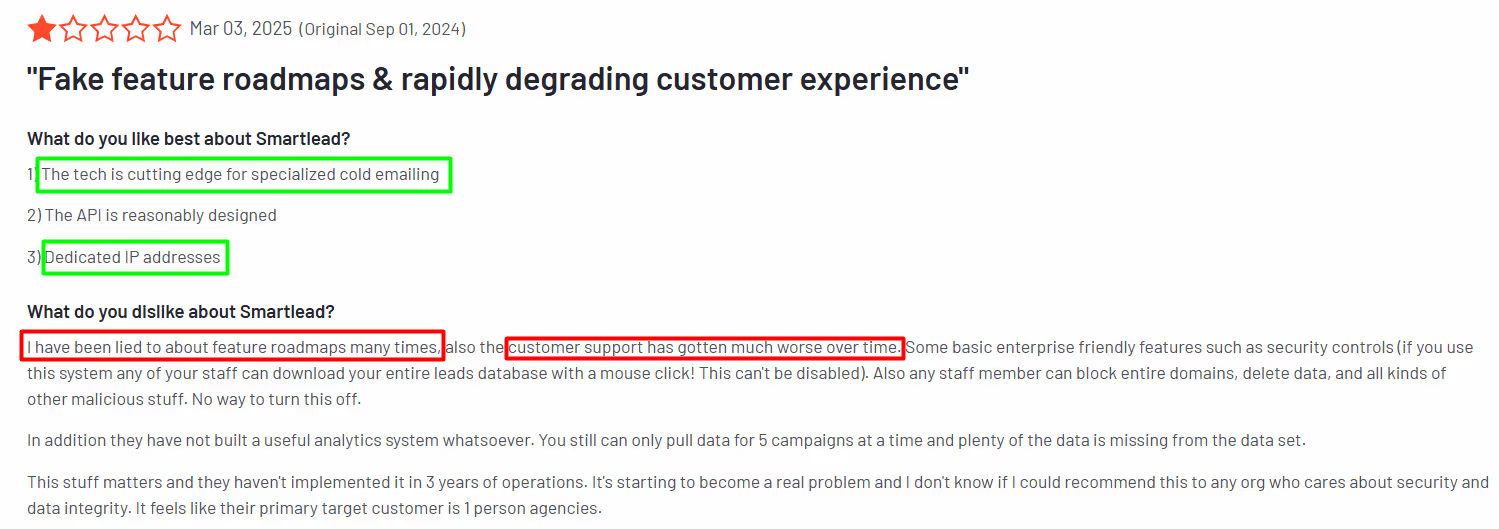
UI can feel clunky and slow at times
Support response is bad
This image shows the Smartlead.ai G2 reviews
If you already have the contacts and just need to send, follow up, and book meetings,
Smartlead makes that process much easier, especially when you’re sending at scale.
It works even better when paired with a lead finder like Leadsforge.
5. Clay
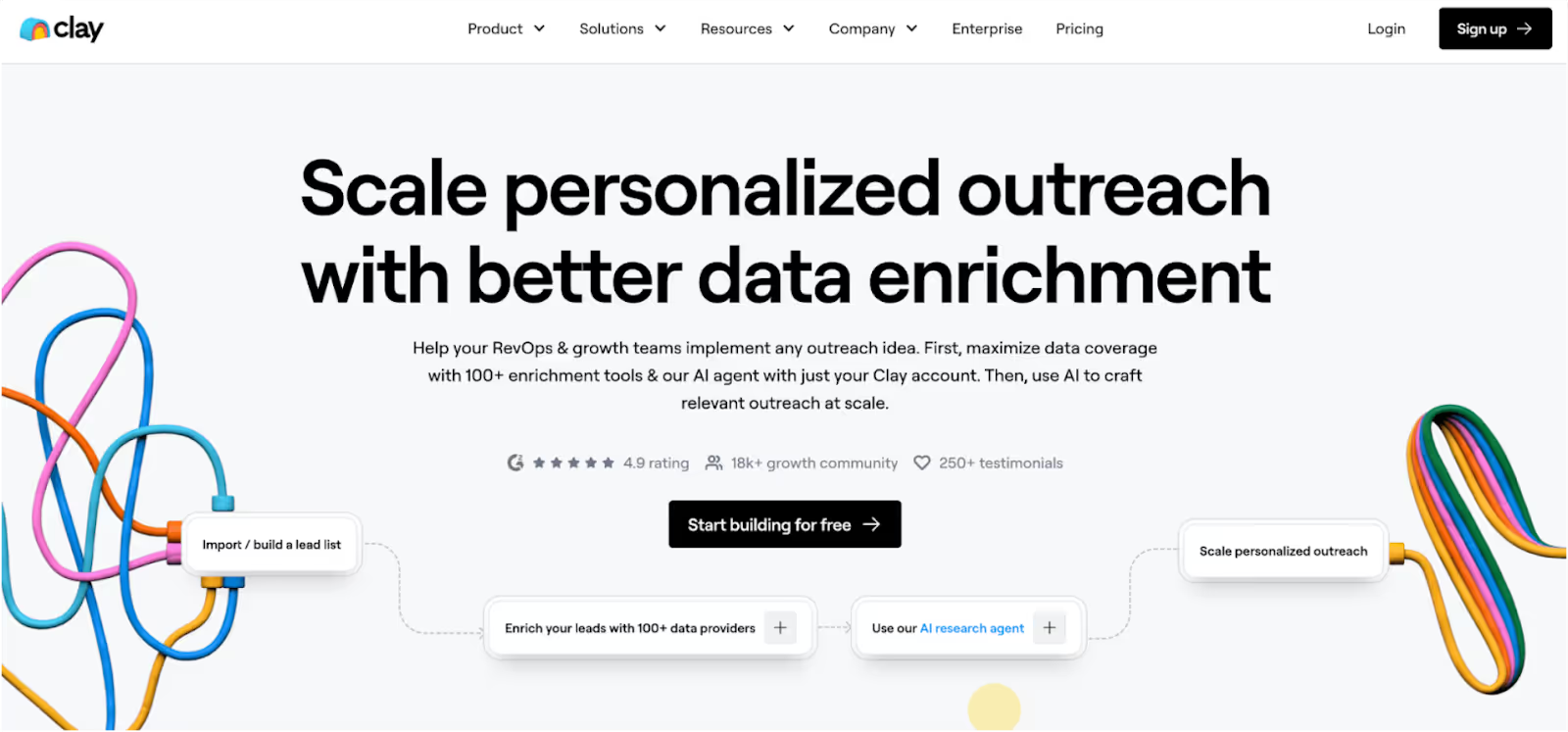
This image shows the Clay Homepage
If you’re spending too much time Googling leads or manually checking LinkedIn profiles, Clay can help take all of that off your plate.
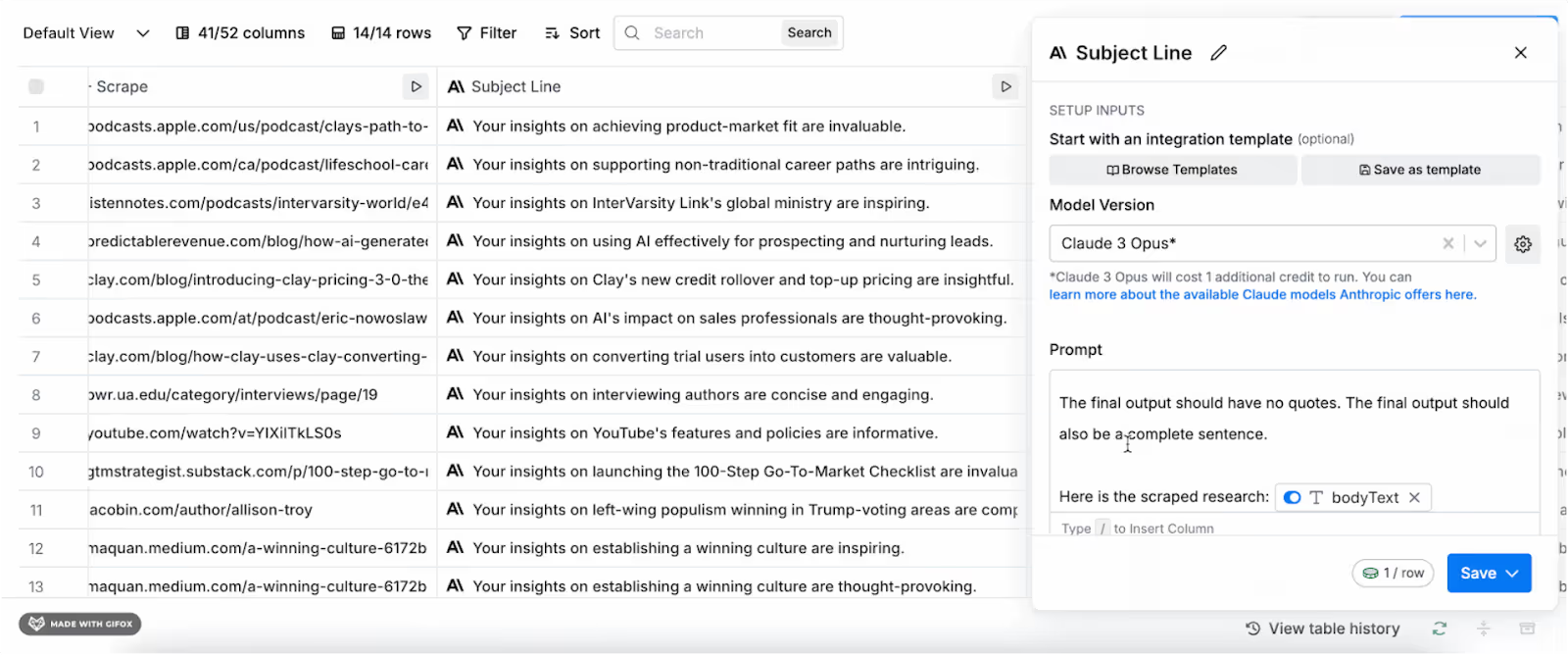
This image shows the Clay’s AI agents for outreach messages
It doesn’t send emails or book meetings, but it does help you build cleaner, smarter lead lists by pulling data from 100+ sources.
What Clay Does Best?
Gathers and enriches lead data from places like LinkedIn, Google, Clearbit, and more, so you don’t have to do the research yourself.
What Features Does Clay Offer?
Pulls contact and company info from 100+ data sources
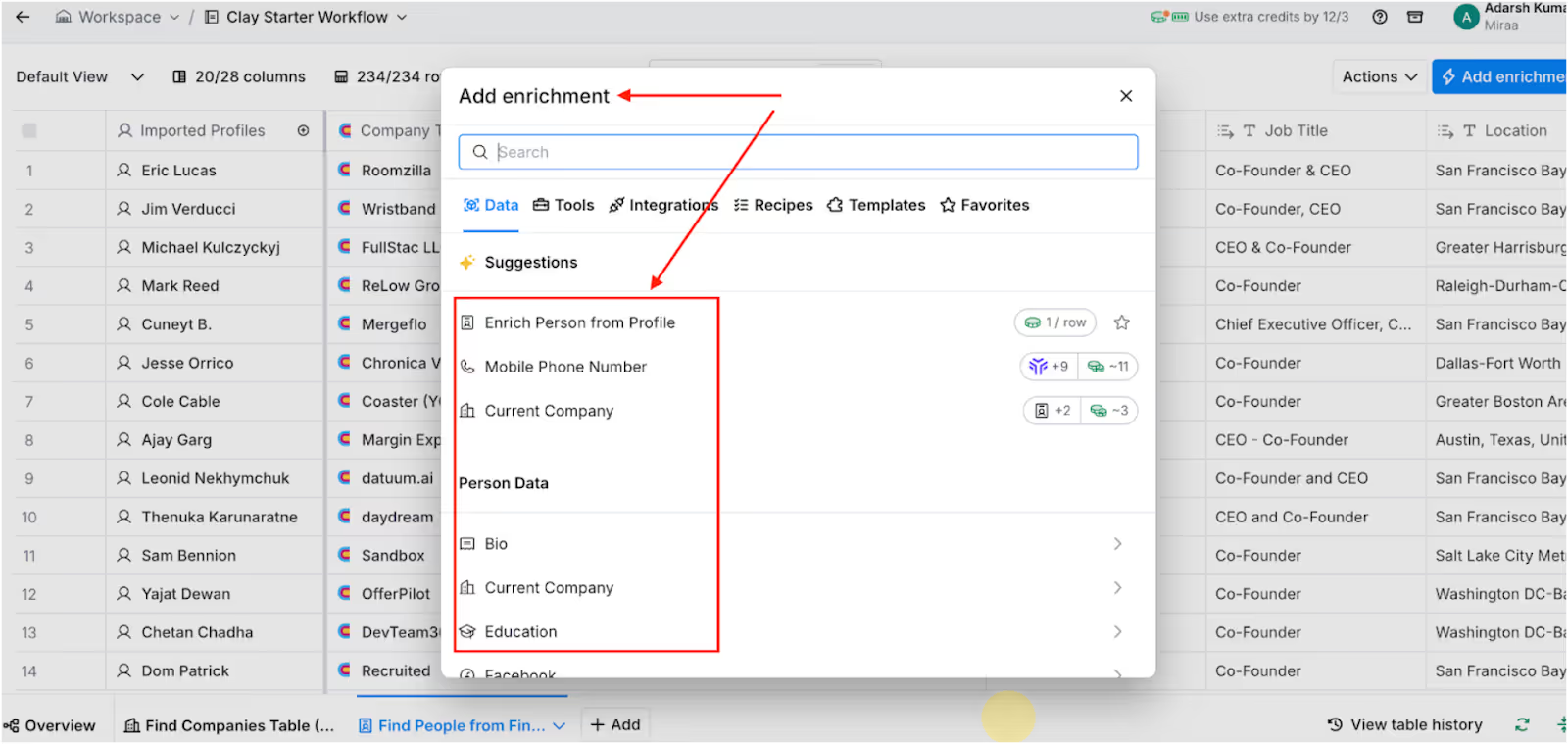
This image shows the Data Enrichment in Clay
Lets you build custom workflows to enrich leads
Real-time data updates so your lists don’t go stale
Connects with outreach tools like Salesforge, Apollo, and Outreach
No-code setup with an easy drag-and-drop builder
Who is Clay Best For?
Great for agencies or SDRs who want to control exactly what data gets pulled before launching any outreach.
Clay’s Pricing:
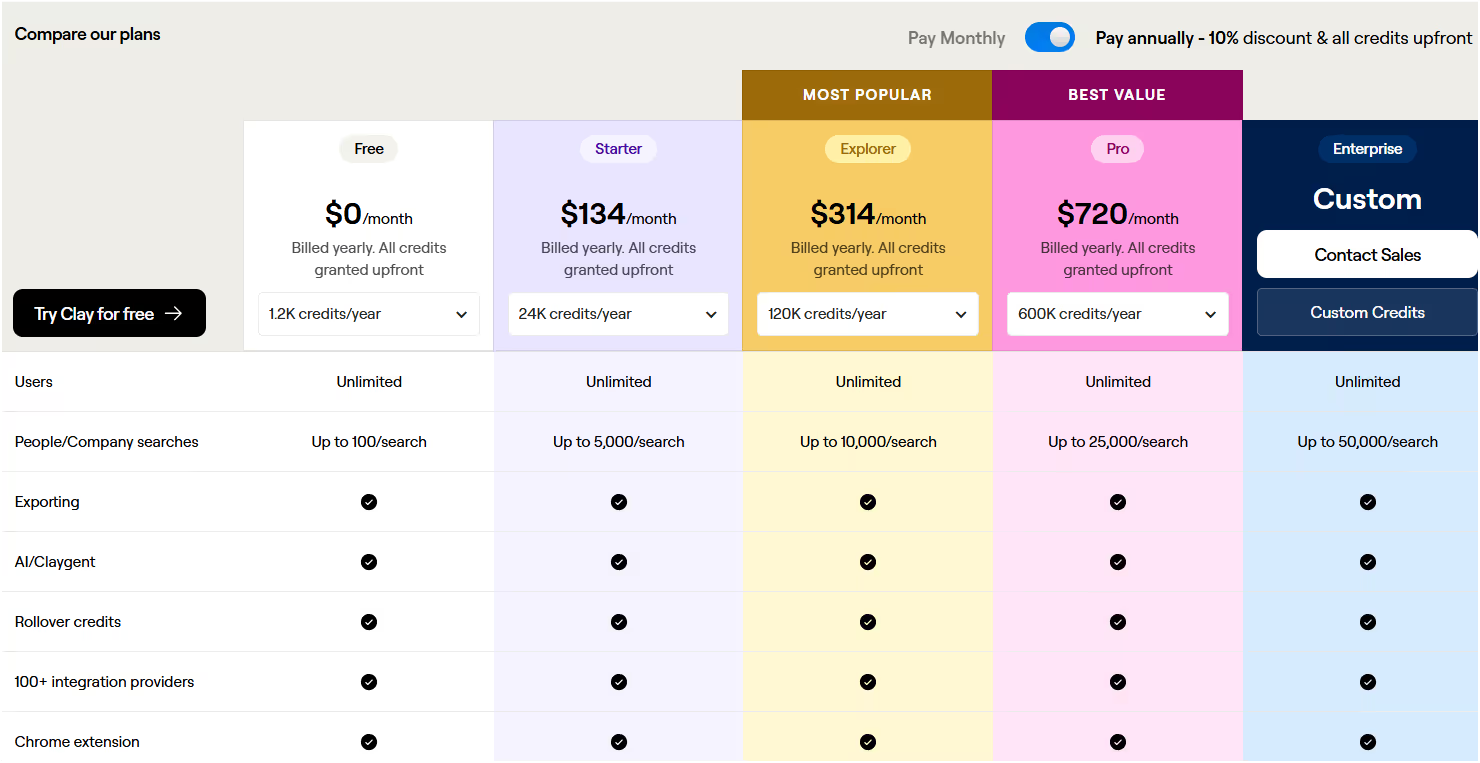
This image shows the Clay Pricing
Starter – $134/month
Explorer – $314/month
Pro – $720/month
Enterprise – Custom pricing Also offers a free plan with limited credits to test it out.
Clay Pros
Saves hours of manual research
You control the data points you want to use
Keeps your CRM and outreach tools full of clean, updated leads
Works smoothly with your existing sales stack
Clay Cons
Doesn’t send emails, you’ll need another tool for outreach
Can get expensive if you’re pulling large volumes of data
It may feel complex for beginners who just want something plug-and-play
Clay is ideal if you want to build your own lead lists from scratch and make sure your outreach data is 100% clean.
It’s not a one-click solution, but it’s powerful if paired with an email tool like Agent Frank or Smartlead.
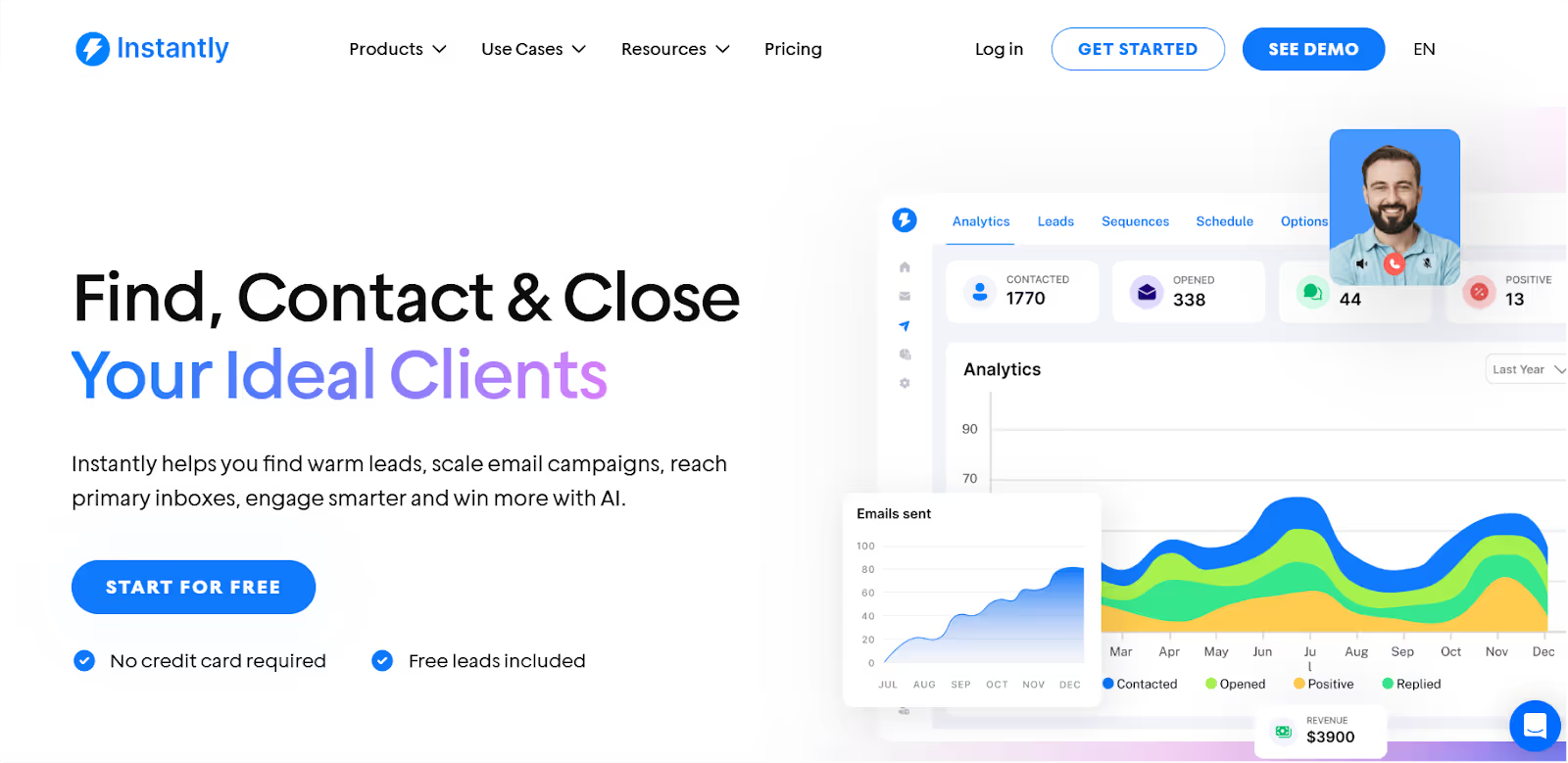
If you’ve got leads ready and just want to get in front of them fast, Instantly.ai is a solid pick.
It doesn’t do fancy lead research or deep personalization, but it helps you send a lot of cold emails, stay out of spam, and manage everything in one place.
What Instantly.ai Does Best?
Sends cold emails at scale with built-in warmup and easy follow-up sequences, no technical setup needed.
Instantly.ai Features:
Automated cold email sending
Built-in B2B contact database
Unlimited warm-up for your inboxes
AI-powered CRM to manage replies
Simple multi-step sequences for follow-ups
Who is Instantly.ai Best For?
Best for small SDR teams or agencies that want to send cold emails at scale without overcomplicating things.
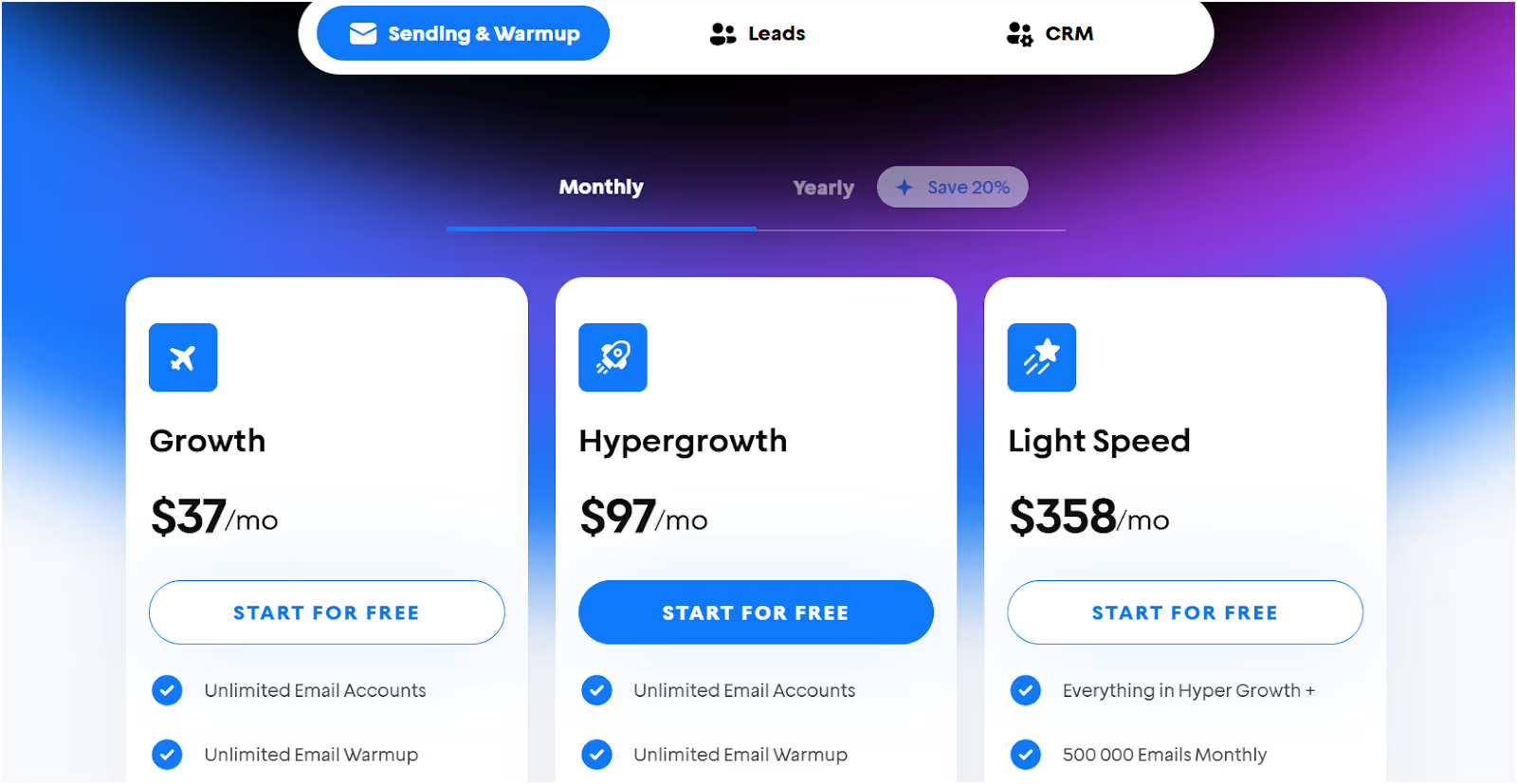
Enterprise – Custom pricing for high-volume senders
Instantly.ai Pros
Super quick to set up
Built-in warmup helps avoid spam folders
Works well for big campaigns and multiple inboxes
Comes with a lead database (so you don’t always need a separate one)
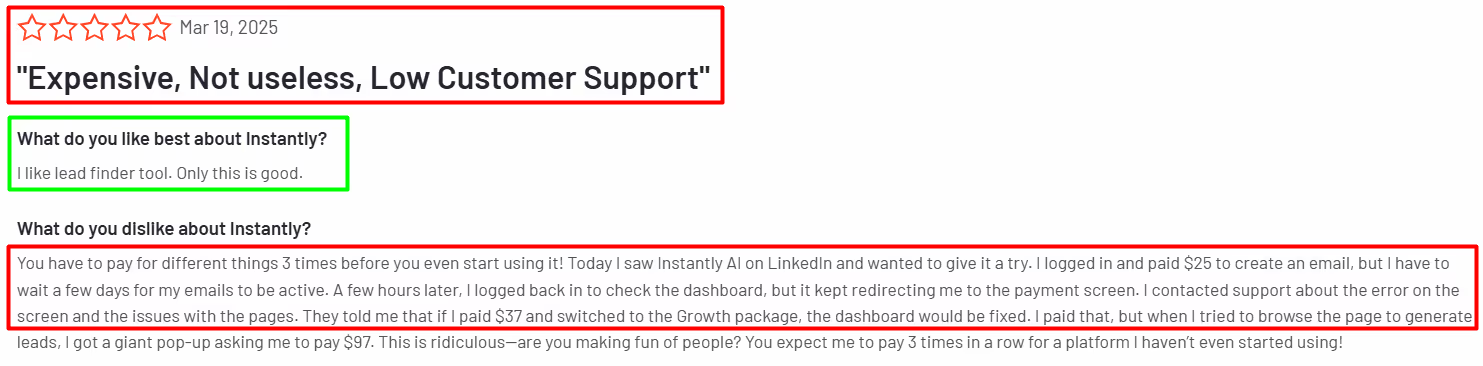
Instantly.ai Cons
Lead filters and targeting options are basic
Doesn’t offer deep personalization
May feel like too much if you're running small or super-specific campaigns
This image the shows Instantly.ai G2 reviews
Instantly is great if you just want to send cold emails that land in inboxes, and do it fast. You won’t get fancy workflows or data enrichment, but it gets the job done for teams focused on volume and speed.
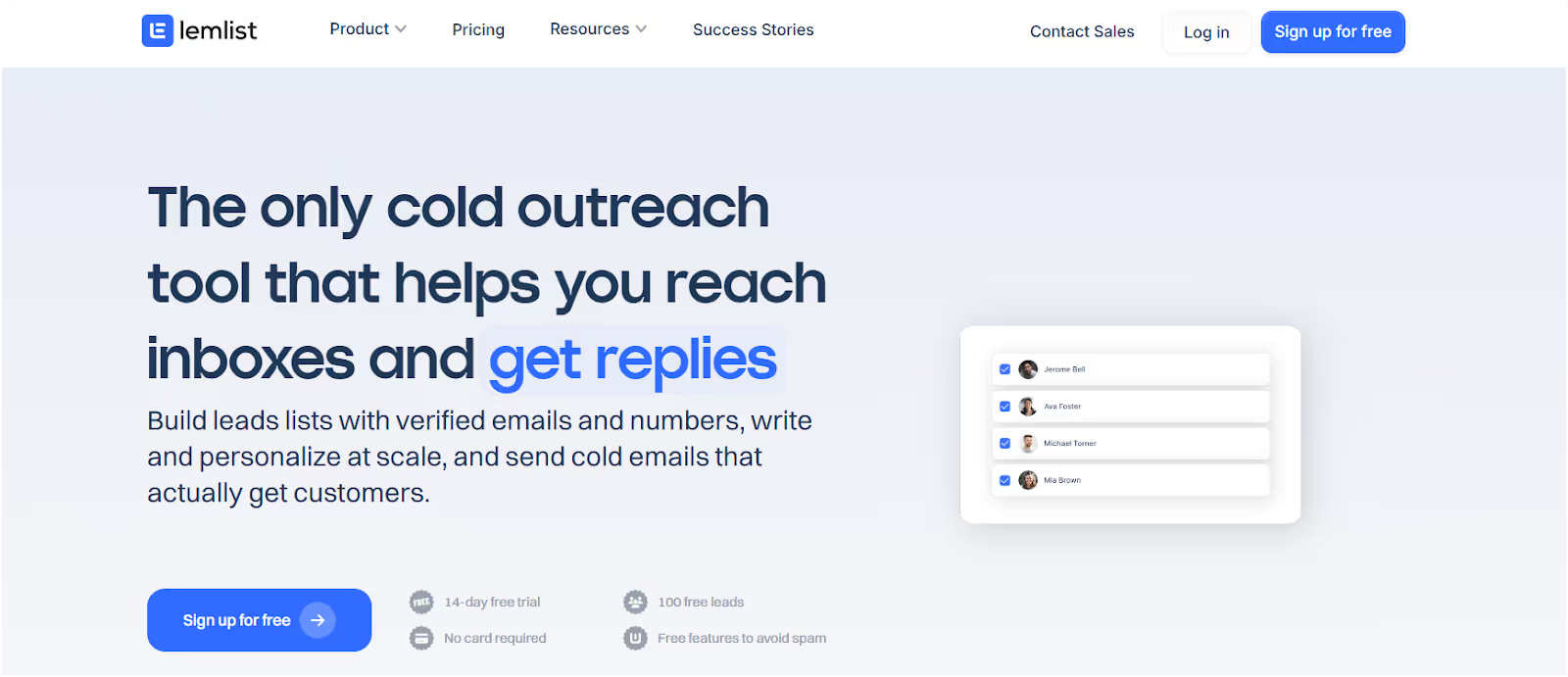
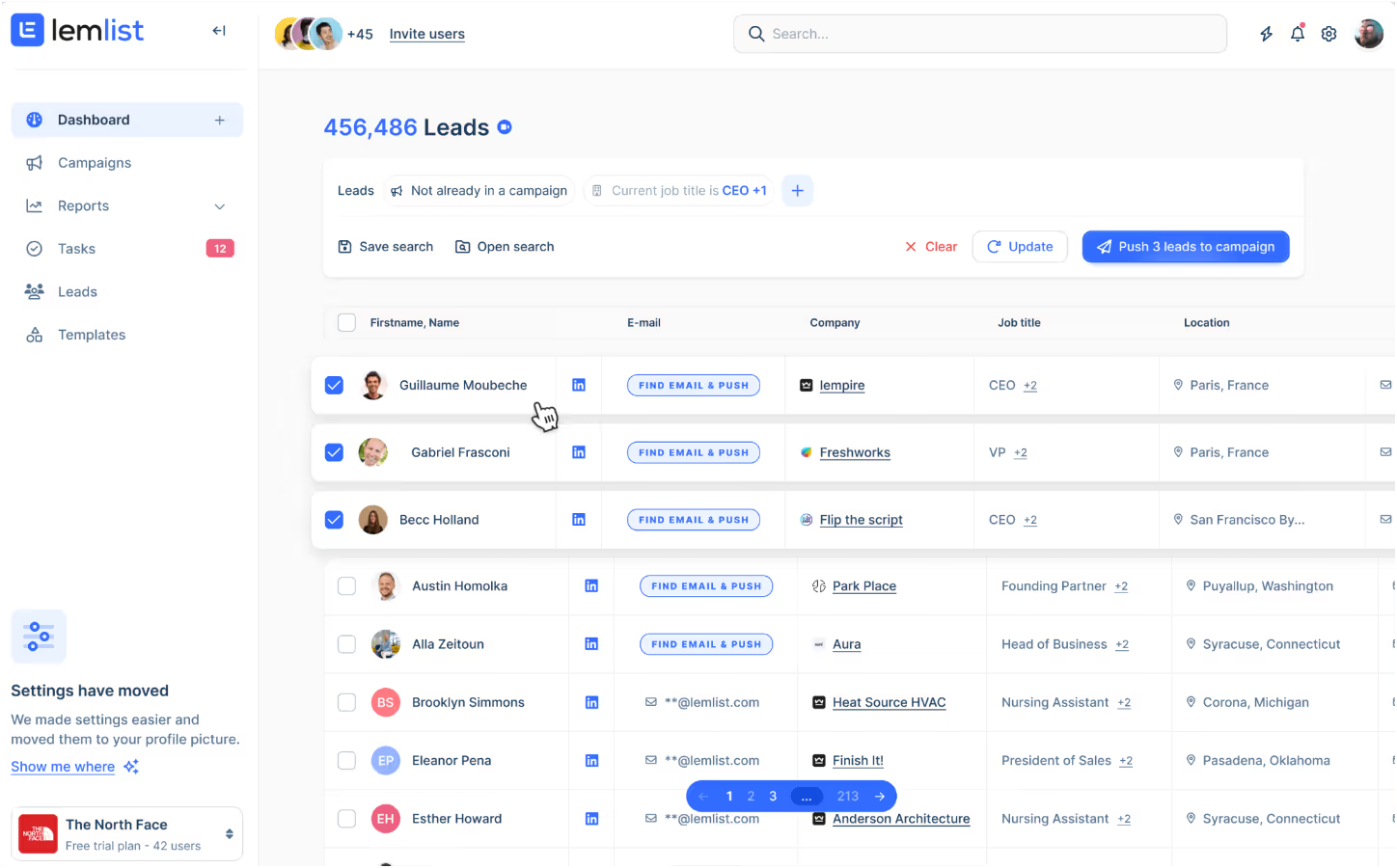
All-in-one workflow for email, LinkedIn, and phone
Helpful if you want creative outreach without starting from scratch
Email warm-up is built in
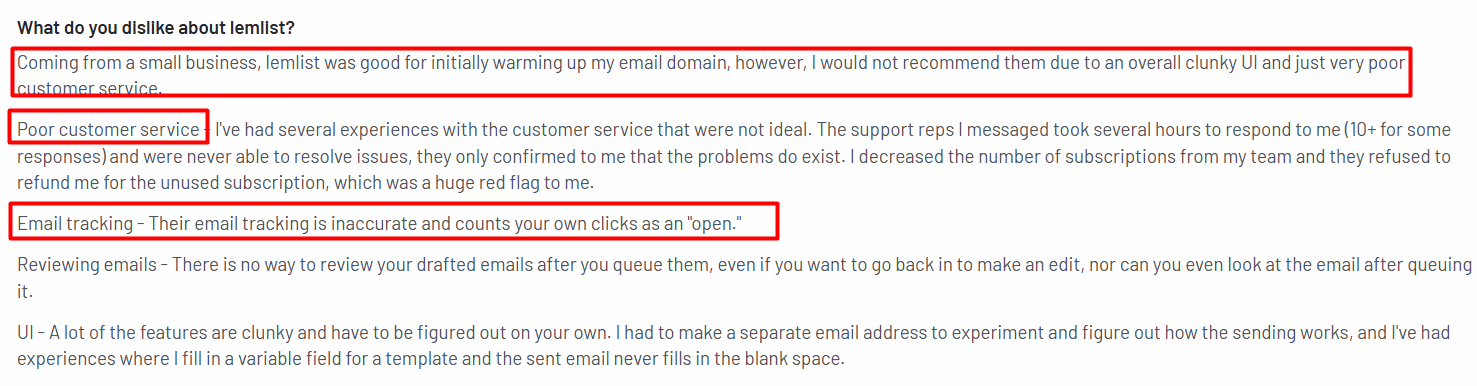
Lemlist Cons
No AI help for writing emails
Some users report false opens or tracking bugs
Learning curve if you’ve never used multi-step campaigns before
Support and refund policies can be strict
This image shows the Lemlist user review on G2
Lemlist is a solid pick if you want to boost replies by making your emails more personal and creative.
It’s not the simplest tool for beginners, but if you’re serious about standing out in crowded inboxes, it’s might be worth trying.
8. Snov.io
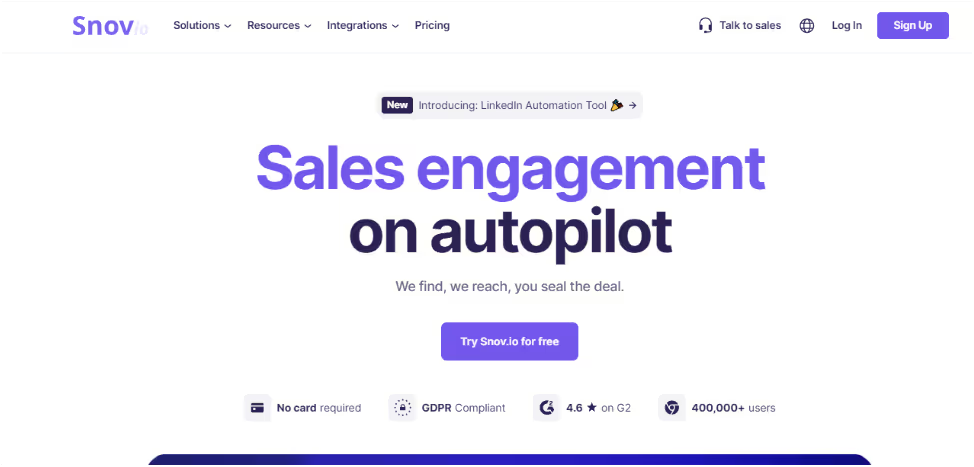
This image shows the Snov.io Homepage
If you’re spending hours collecting emails, verifying them, and then switching tools just to send a few follow-ups, Snov.io can help you do it all in one place.
It’s a great option if you don’t need fancy features—just a simple way to find leads, send cold emails, and track replies without all the hassle.
Top 15 SDR Tools To Scale Your Revenue in 2025
Snov.io Does Best?
Lets you find, verify, and email leads from a single dashboard—great for teams that don’t want to overcomplicate their outreach.
What Features does Snov.io offer?
Email finder and verifier to reduce bounce rates
Chrome extension for pulling contacts straight from LinkedIn
Drip campaigns with automatic follow-ups
Built-in CRM for tracking leads and deals
Inbox warm-up to help your emails avoid spam
Who is Snov.io Best For?
Perfect for solo reps or small teams who want to get started with outbound outreach on a budget.
Snob.io Pricing:
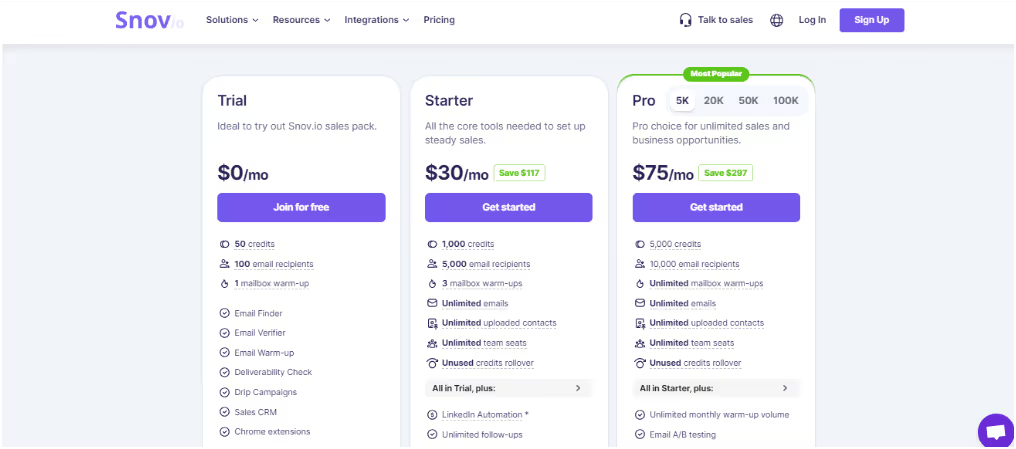
This image shows the Snov.io pricing
Trial – Free (50 credits)
Starter – $30/month (1,000 credits)
Pro – $75/month (5,000 credits)
Managed – Custom pricing for larger needs
All plans include outreach tools, warm-up, and CRM access.
Snov.io Pros
Affordable for early-stage teams
Combines lead finding and outreach in one tool
Easy to use with almost no setup required
Includes LinkedIn email extraction via browser extension
Snov.io Cons
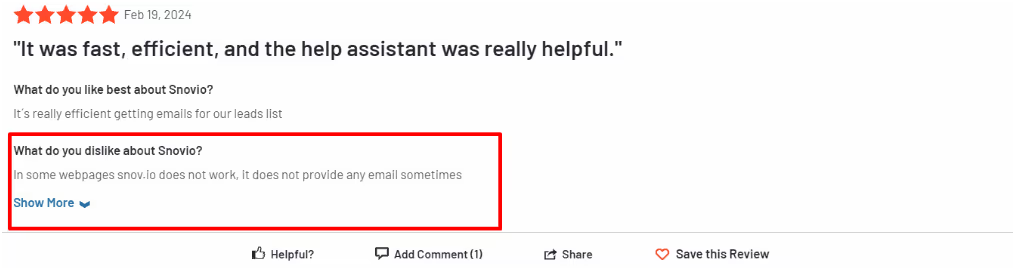
Data quality can vary (some emails may bounce)
UI can be a bit slow or buggy at times
Not ideal for big teams or advanced personalization
Support is inconsistent depending on your plan
This image shows the Snov.io G2 reviews
Snov.io is a good pick if you want to send emails, manage leads, and skip the tool-hopping.
It doesn’t offer deep filters like Sales Navigator or advanced workflows like Clay, but it does a great job handling the basics—especially if you pair it with a lead finder like Leadsforge.
Next up: A lightweight tool that helps you launch quick campaigns fast—Mailshake.
9. Mailshake
If you want a tool that’s easy to set up, easy to use, and gets your cold emails out fast, Mailshake is a solid pick.
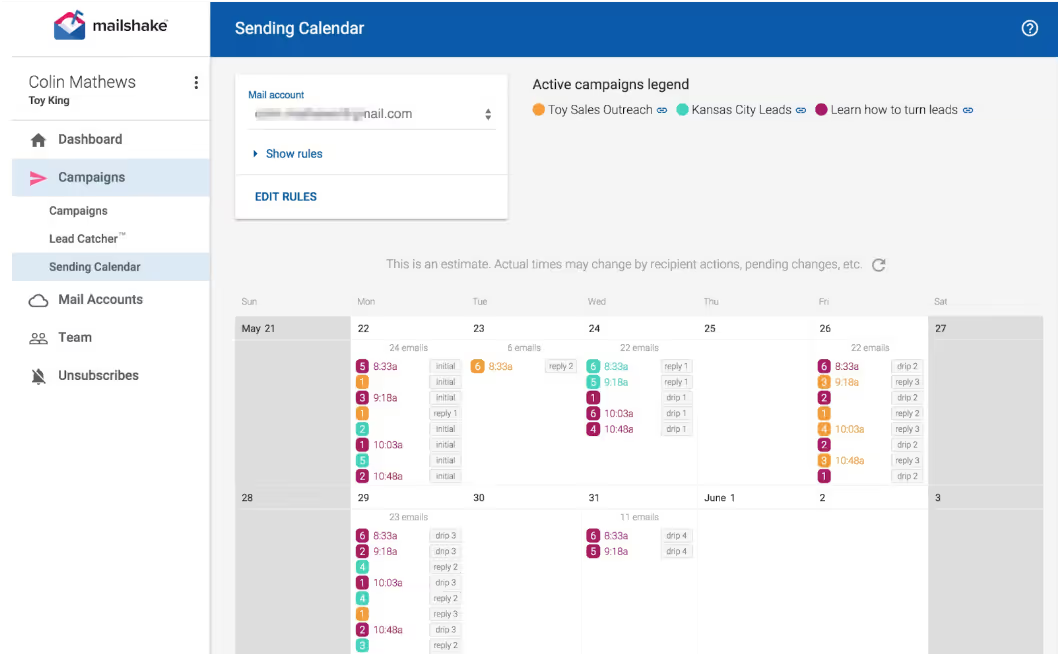
This image shows the Campaigns at Mailshake
It’s not packed with fancy features—but that’s kind of the point. It keeps things simple so you can focus on sending emails and booking meetings.
What Mailshake Does Best?
Helps you run straightforward cold outreach using email, calls, and social touches—all from one clean dashboard.
What Features does Mailshake offer?
Cold email automation with customizable sequences
Multi-channel support: email + phone calls + social messages
Clean, beginner-friendly interface
Email warm-up included in the plan
Chrome extension for LinkedIn prospecting
Who is Mailshake Best For?
Best for small to mid-sized sales teams or solo SDRs who want something that works without needing tons of setup or training.
Mailshake Pricing:
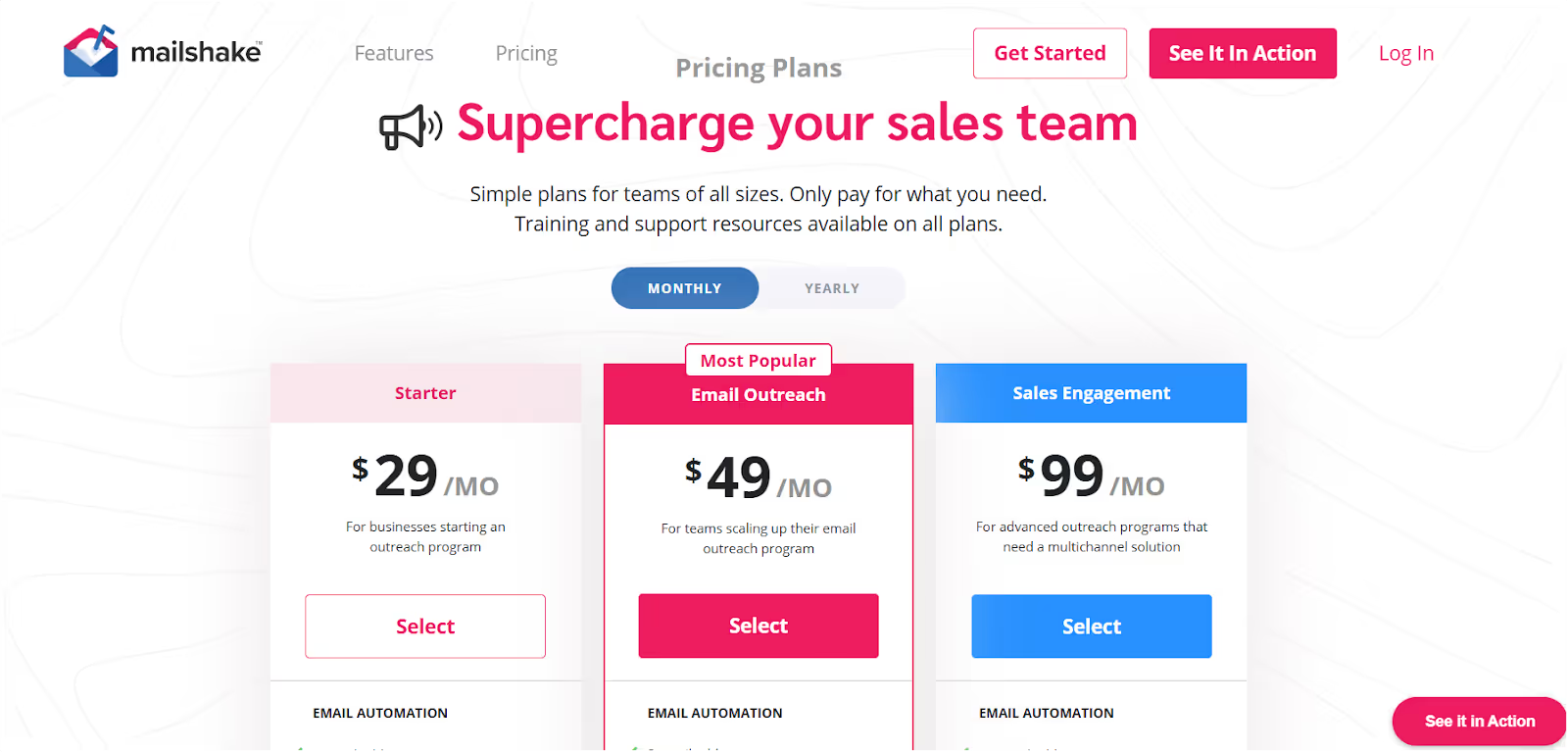
This image shows the Mailshake Pricing
Starter Plan – $29/month For small teams starting out Includes: 1,500 email sends, 1 email account, unlimited warmup, campaigns, and email verification
Email Outreach Plan – $49/month Best for growing teams Includes: 2 email accounts, unlimited sends, email rotation, CRM integrations, A/B testing, and unified inbox
Sales Engagement Plan – $99/month For advanced outreach and multichannel workflows Includes: 10 email accounts, LinkedIn automation, power dialer, unlimited dialer minutes (North America), and 1-on-1 onboarding
Agency Plan – Custom pricing Built for managing multiple clients Includes everything in Sales Engagement plus unlimited email accounts
You can also pay monthly if you don’t want to commit upfront.
Mailshake Pros
Super easy to learn and get started
All core outreach features included—no hidden fees
Multi-channel outreach helps boost engagement
Pricing stays predictable as you scale
Mailshake Cons
Reporting is basic compared to more advanced tools
Doesn’t support deep personalization
Not ideal for large teams or complex workflows
Mailshake is a great choice if you’re looking to send emails, make follow-ups, and keep things simple.
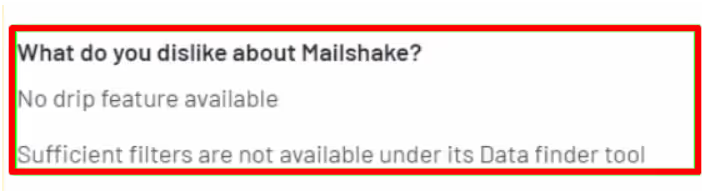
This image shows the Mailshake Review
It won’t replace a high-end sales stack, but if you want a tool that just gets the job done, it’s hard to go wrong.
10. Reply.io
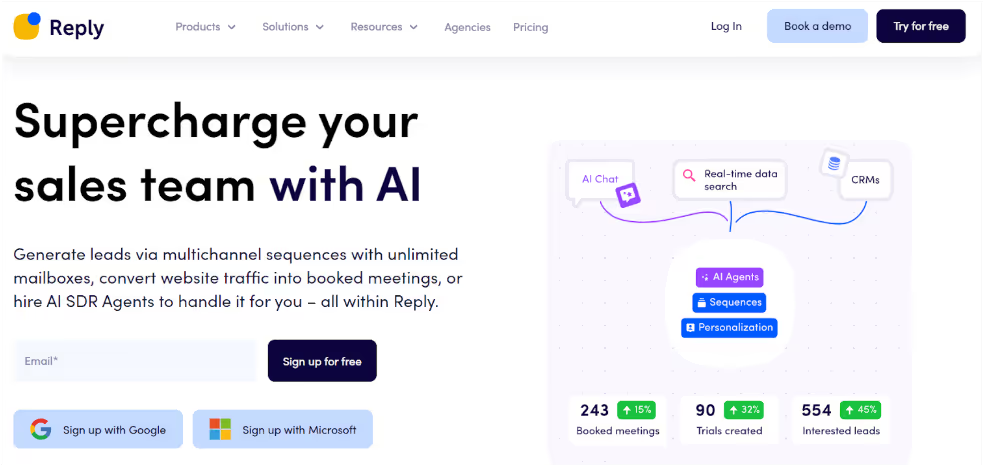
This image shows the Reply.io Homepage
If you're jumping between tools just to send a few emails, LinkedIn messages, or texts—Reply.io brings it all together in one place.
It helps SDRs run full outreach campaigns across multiple channels, so you can stop worrying about follow-ups and start having more real conversations.
What Reply.io Does Best?
Helps you automate your entire outbound flow—from emails to LinkedIn touches to SMS—without needing five different tabs open.
What Features does Reply.io offer?
Email, LinkedIn, SMS, and even calling—all in one platform
Easy-to-build automated sequences for follow-ups
Connects with CRMs like Salesforce, HubSpot, and Pipedrive
A/B testing for email copy and sequences
Reporting to track what’s getting replies and what’s not
Who is Reply.io Best For?
Ideal for outbound teams or agencies that already have lead lists and want a single tool to run all outreach from.
Reply.io Pricing:
Email Plan – $59/month (1,000 active contacts, warmup, email sequences)
Multichannel Plan – $99/user/month (email + LinkedIn + SMS)
Add-ons for LinkedIn automation, SMS, calling, and AI tools
Reply.io Pros
Covers all major outreach channels
Saves a lot of time with smart automation
Strong CRM integrations
Good control with A/B testing and tracking
Reply.io Cons
Interface can be confusing for new users
Some features (like LinkedIn automation) are paid add-ons
Users report occasional bugs and slow support
You still need another tool to find or verify leads.
Reply.io is great for SDR teams who already have the leads and want to handle email, LinkedIn, SMS, and calls in one tool.
It’s not perfect, but it works well when paired with a lead source like Leadsforge or any tool that helps you build your contact list.
Up next: Let’s talk about a CRM that’s made for sales teams who also do cold outreach—Close CRM.
11. Close CRM
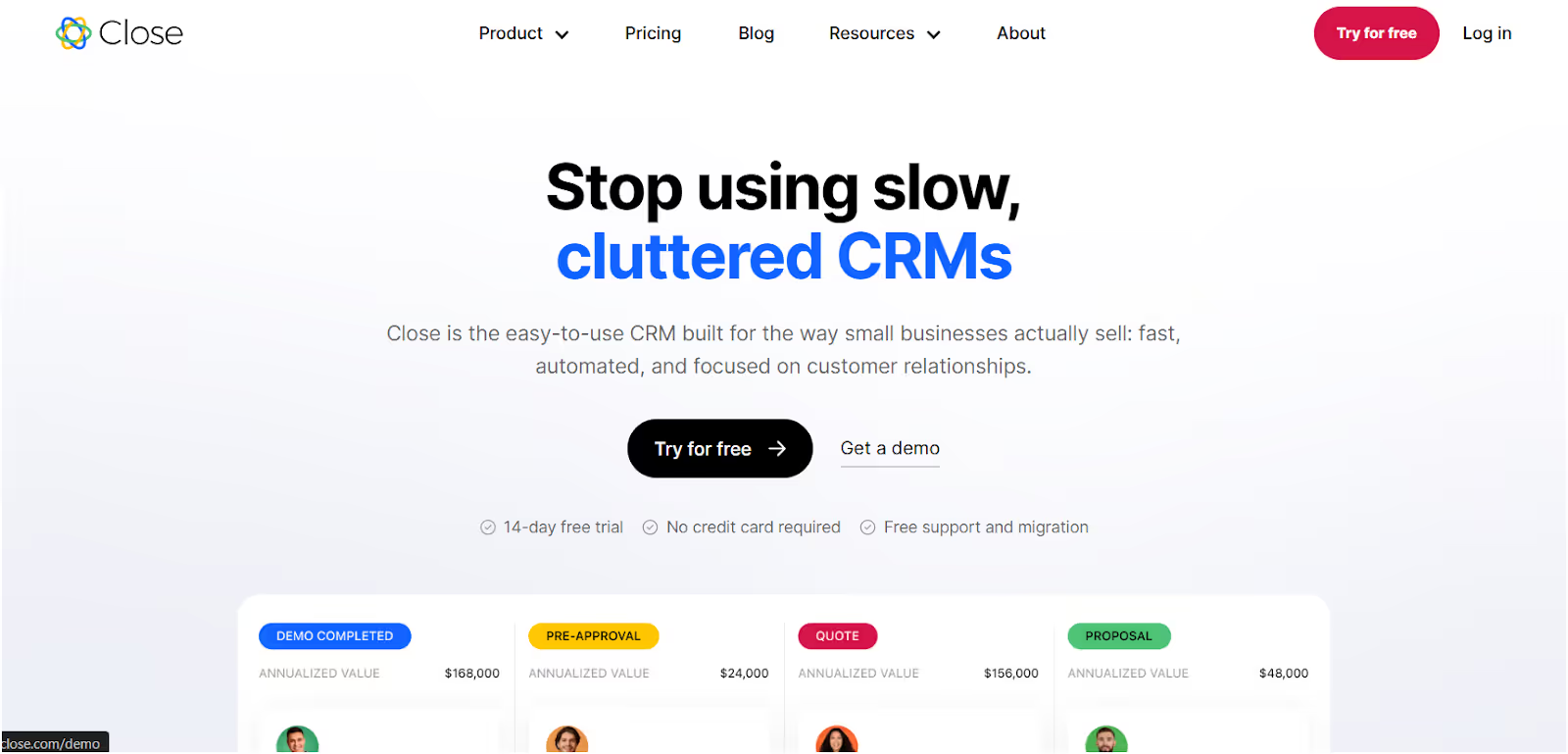
This image shows the Close CRM Homepage
If you’re tired of flipping between your CRM, email tool, and phone dialer just to follow up with leads, Close CRMmight be the simple all-in-one tool you’ve been missing.
It’s built for sales reps who are actively doing cold outreach—so everything from calls, emails, and pipeline tracking happens in one place.
What Close CRM Does Best?
Combines your CRM, email sequences, and phone calls into a single, easy-to-use platform—so nothing slips through the cracks.
What Features does Close CRM offer?
Built-in cold email sequences and follow-ups
Native dialer with call tracking and notes
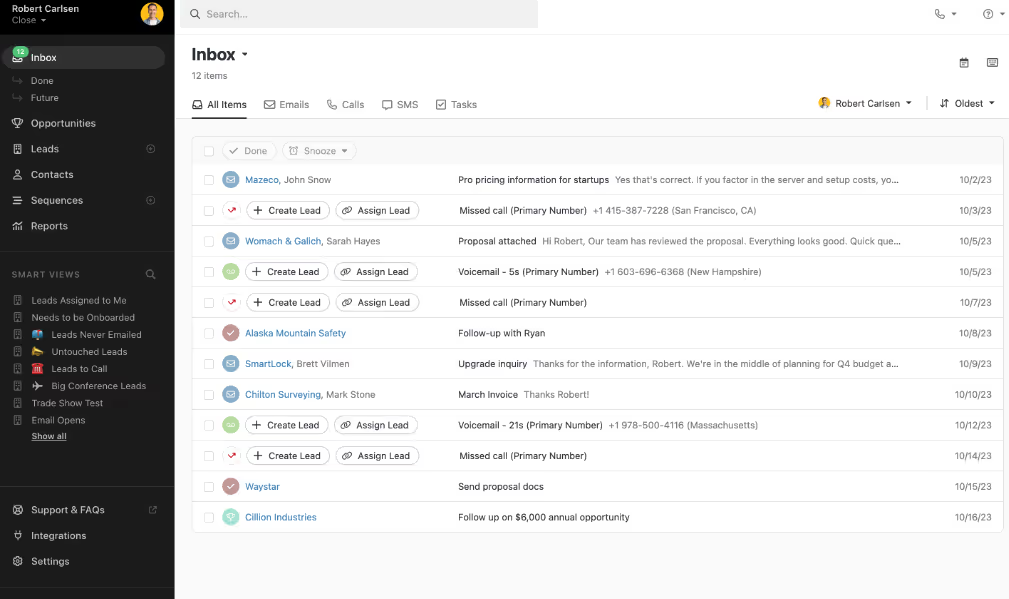
Smart Views to organize leads based on activity
Email + inbox sync to keep conversations all in one place
This image shows the Inbox Sync in Close CRM
Lightweight CRM that’s built for outbound sales—not admin work
Who is Close CRM Best For?
Great for small sales teams or founders who already have lead lists and want a simple, no-frills tool to manage and run outreach.
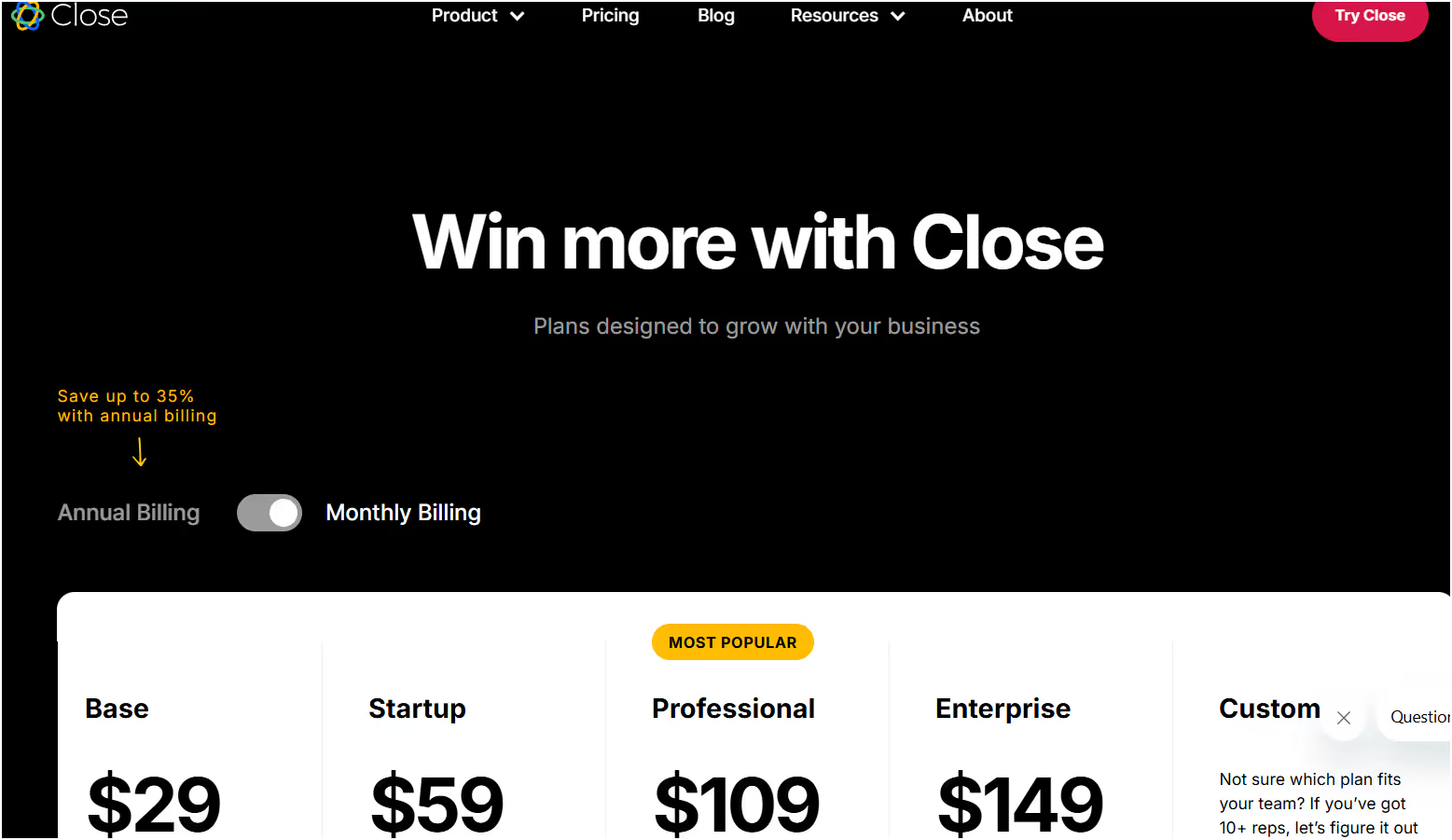
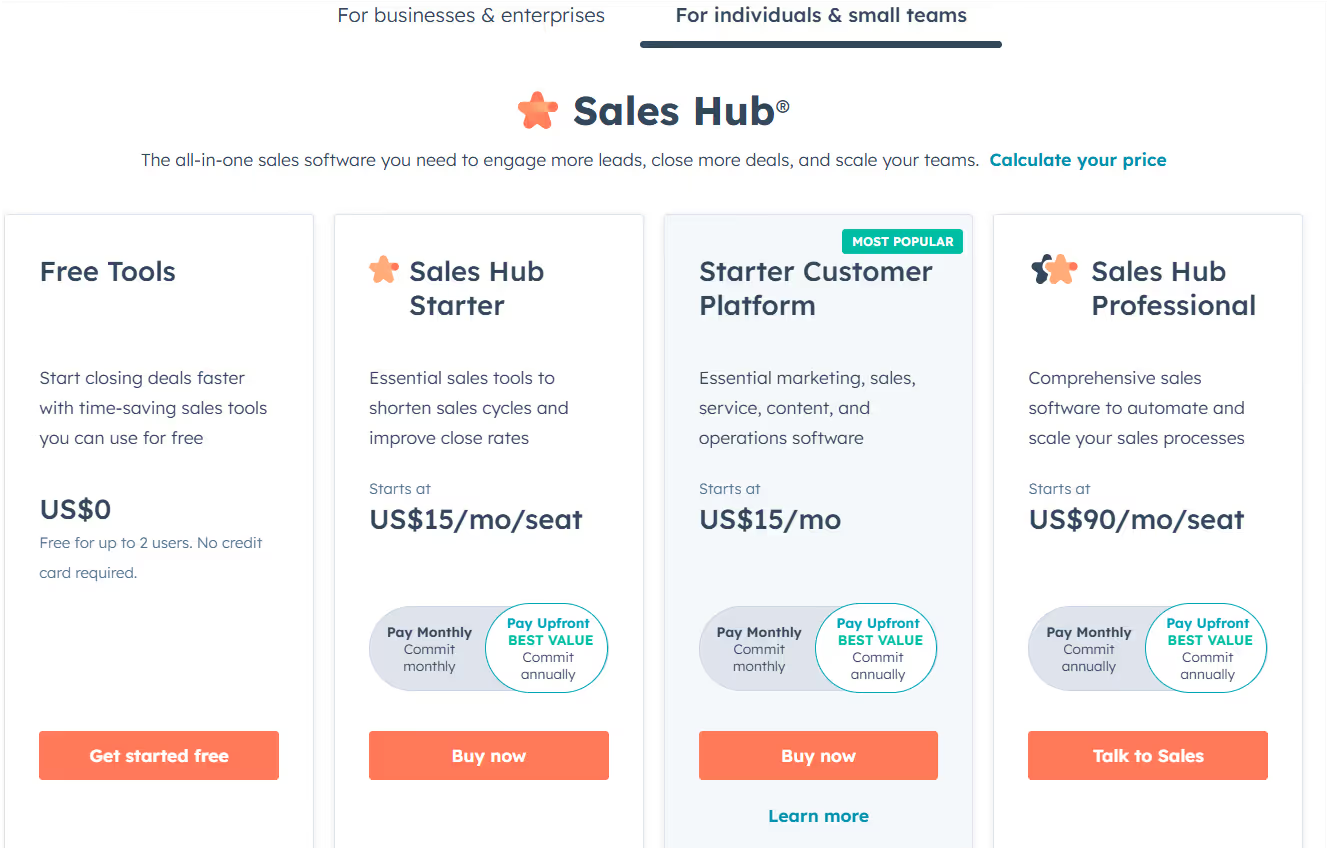
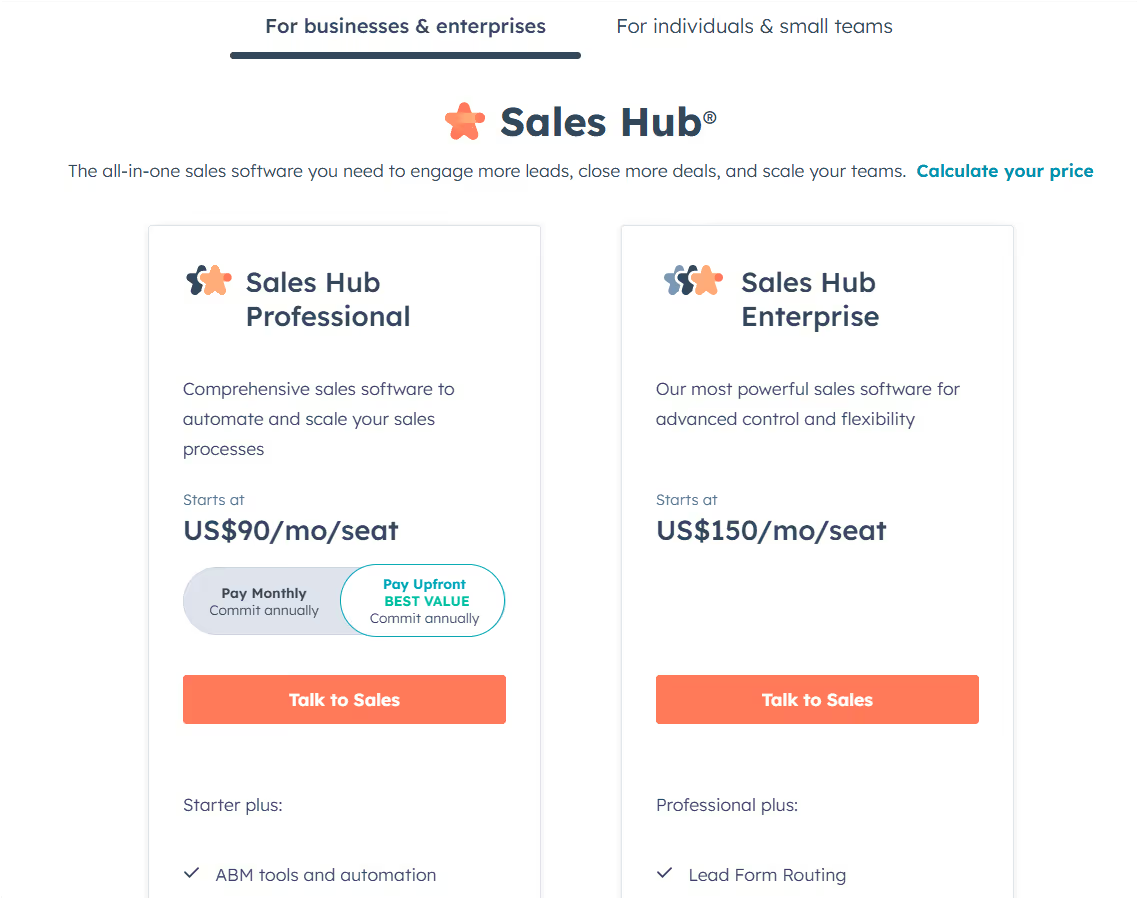
Sales Hub Professional – $90/user/month (custom reports, advanced workflows)
Sales Hub Enterprise – $150/user/month (playbooks, predictive scoring, more controls)
This image shows the Hubspot Sales Hub Enterprise Pricing
Hubspot Sales Hub Pros
Easy to learn and quick to set up
Automates repetitive sales tasks
Integrates with your existing email and tools
Comes with a free plan to get started risk-free
Hubspot Sales Hub Cons
Limited features on lower plans
Costs add up fast as your team grows
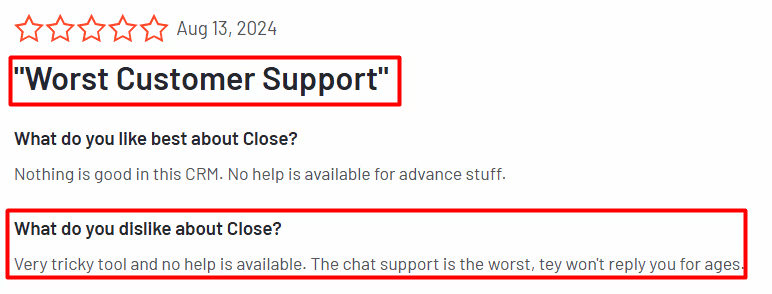
Some users report issues with syncing and support response times
Not ideal for teams needing deep customization or advanced personalization
HubSpot Sales Hub is a good starter CRM for SDR teams that want to manage outreach, track leads, and automate follow-ups—without needing multiple tools.
This image shows the G2 review on Hubspot Sales Hub
If you're growing fast or need more control, just keep in mind that pricing and limitations can creep up as you scale.
Up next: Let’s take a look at Groove, a sales engagement tool built specifically for teams using Salesforce.
13. Lavender.ai
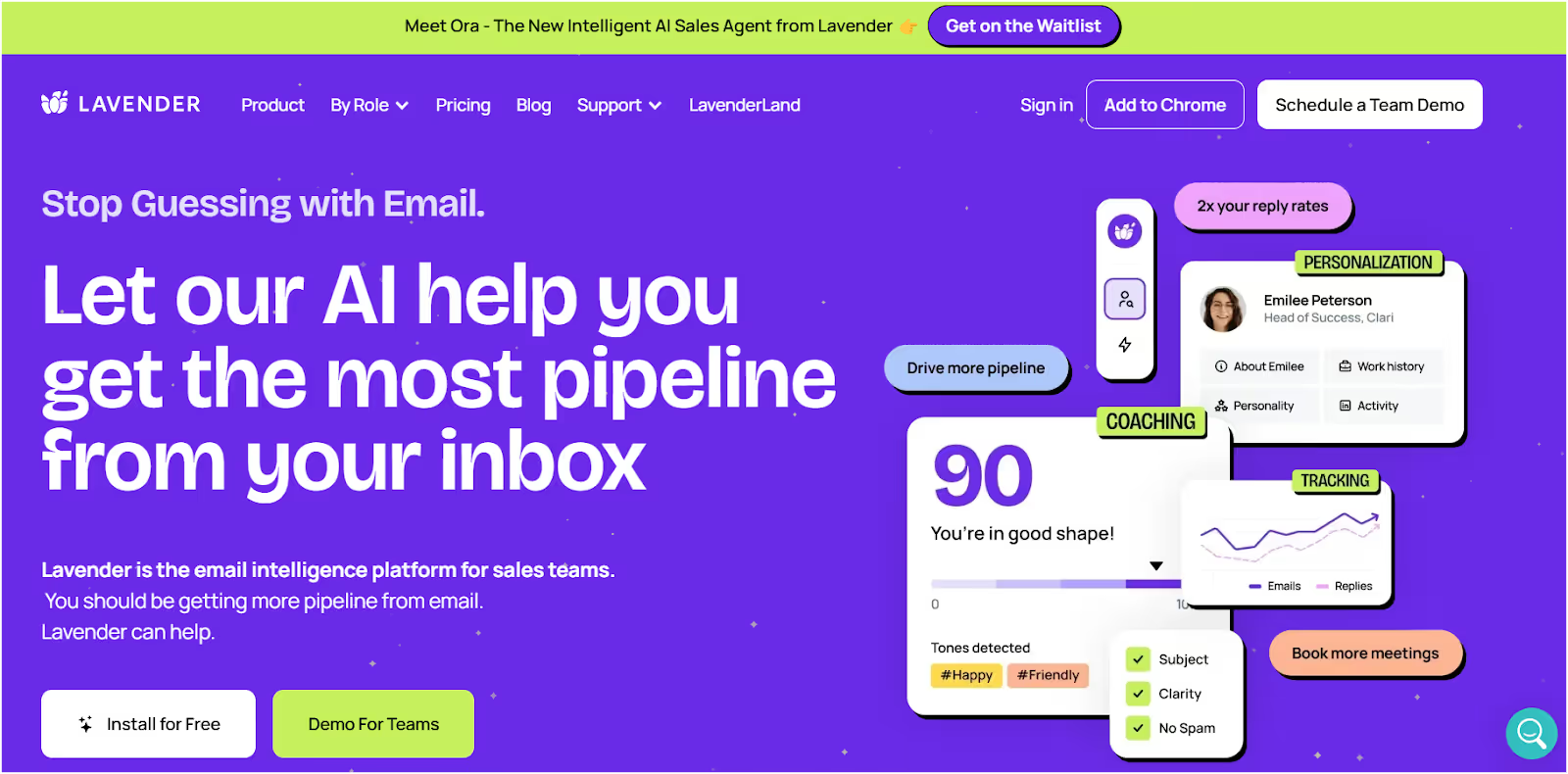
This image shows the Lavender.ai Homepage
If you already have a cold outreach setup but feel like your emails aren’t hitting the mark, Lavender.ai can help fix that.
It’s not a full outreach platform — but it’s like having a writing coach right inside your inbox.
Lavender gives you real-time feedback and suggestions to make your cold emails sound more natural, clear, and personalized.
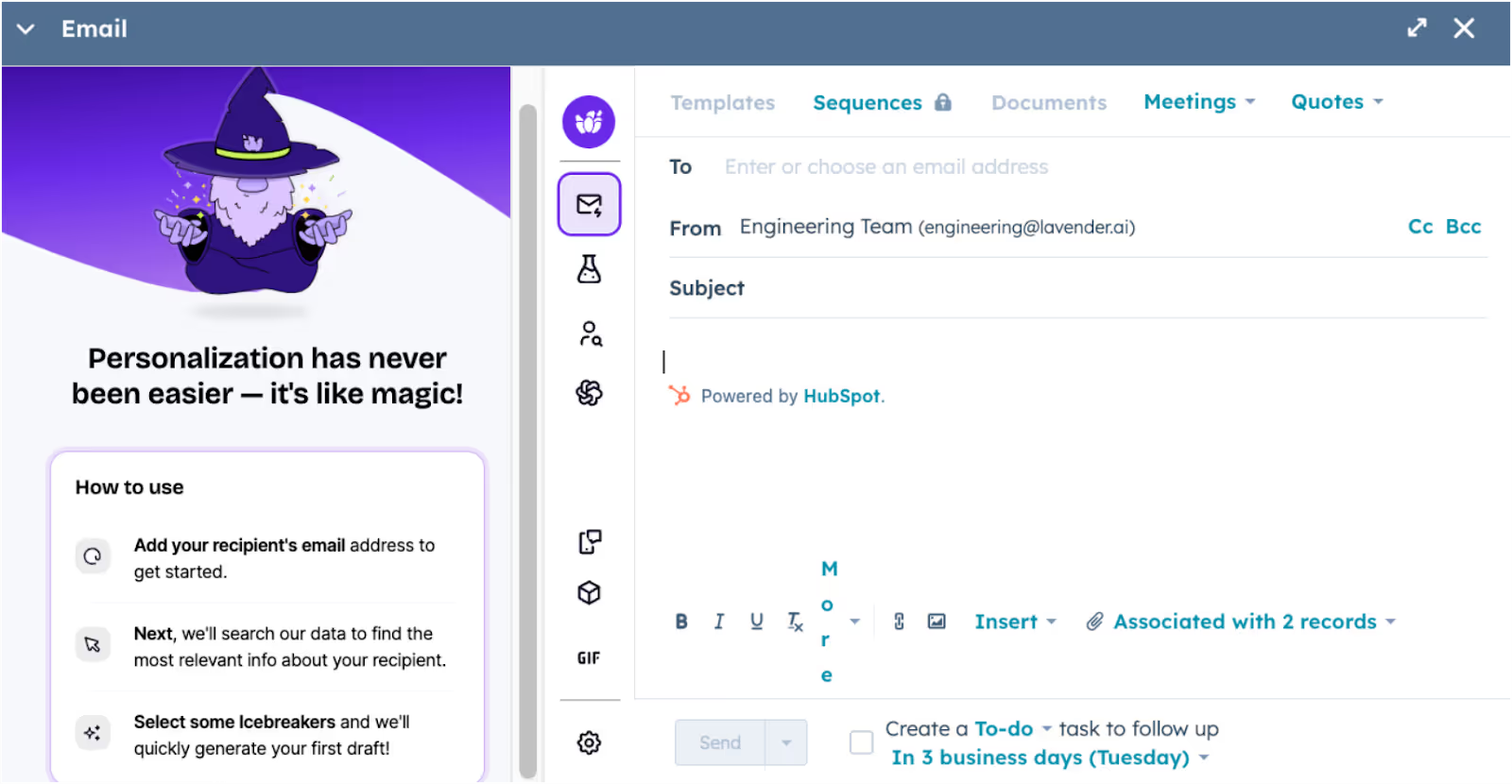
This image shows the Lavender.ai Personalization
What Lavender.ai Does Best?
Helps you write better emails faster by giving real-time tips on tone, clarity, structure, and personalization—without needing to be a copywriter.
What Features does Lavender.ai offer?
Real-time email feedback right inside Gmail and Outlook
AI tools to rewrite or improve message tone and structure
Personalization suggestions that make outreach feel more human
Simple, clean interface — no learning curve
Great add-on to tools like Salesforge, Mailshake, or Apollo
Who is Lavender.ai Best For?
Best for SDRs, solo founders, and small teams who want to improve email quality and get more replies without hiring a writing coach.
Lavender.ai Pricing:
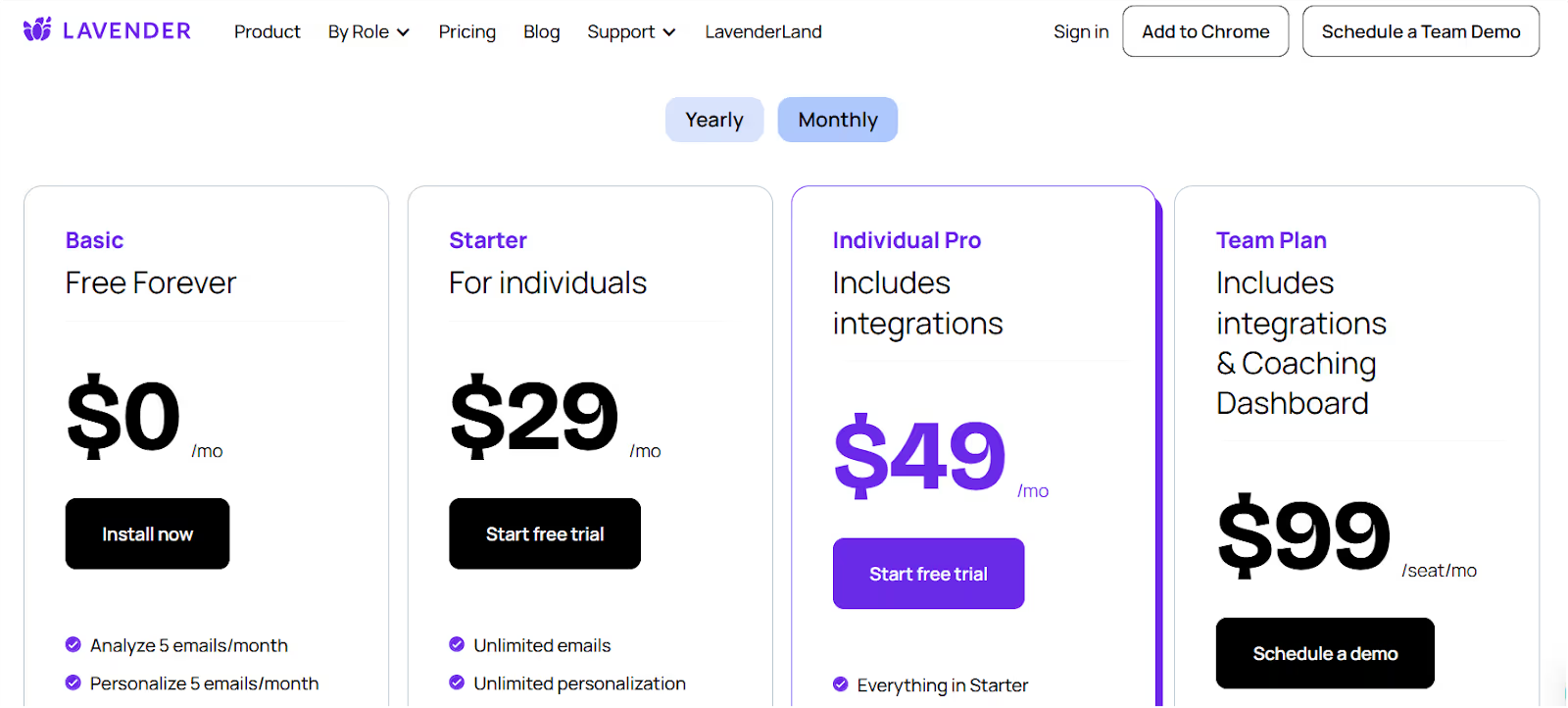
This image shows the Lavender.ai Pricing
Free Plan – Analyze 5 emails/month
Starter – $29/month (unlimited emails, AI suggestions)
Pro – $49/month (adds support + integrations)
Team Plan – $99/user/month (coaching dashboards + team analytics)
Lavender.ai Pros
Super easy to use and set up
Works right inside your inbox
Helps you improve replies and open rates through stronger writing
A great companion tool to your main outreach stack
Lavender.ai Cons
Doesn’t automate sending or follow-ups
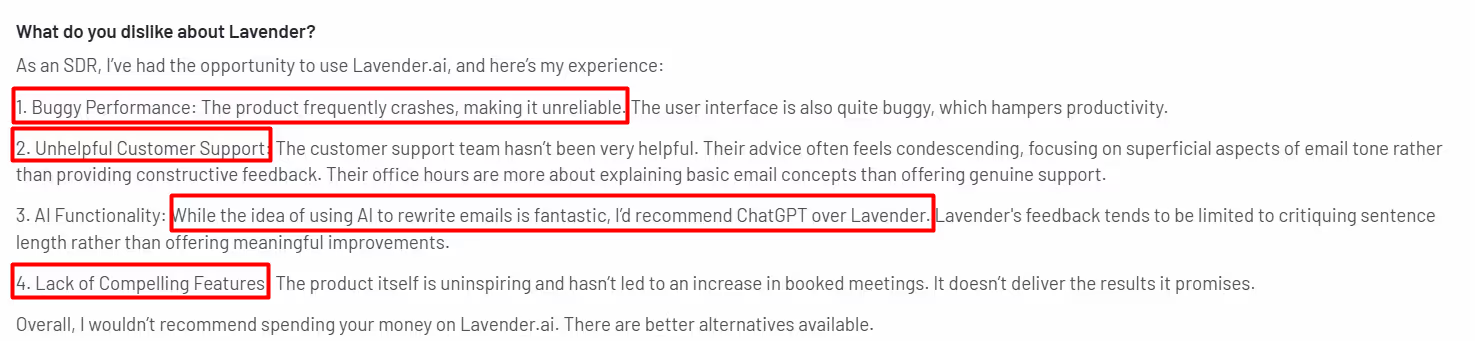
Some users report bugs and slow support
Can get pricey for what it offers, especially for solo reps
Not a full outreach tool—just helps improve the emails you’re writing
This image shows the G2 review on Lavender.ai
Lavender is great if you’re already sending cold emails and want to make them better.
It won’t send emails or manage follow-ups, but it can help you get more replies just by improving how your messages sound.
It pairs well with tools like Salesforge or Instantly if you want strong writing and solid automation working side by side.
14. Mixmax
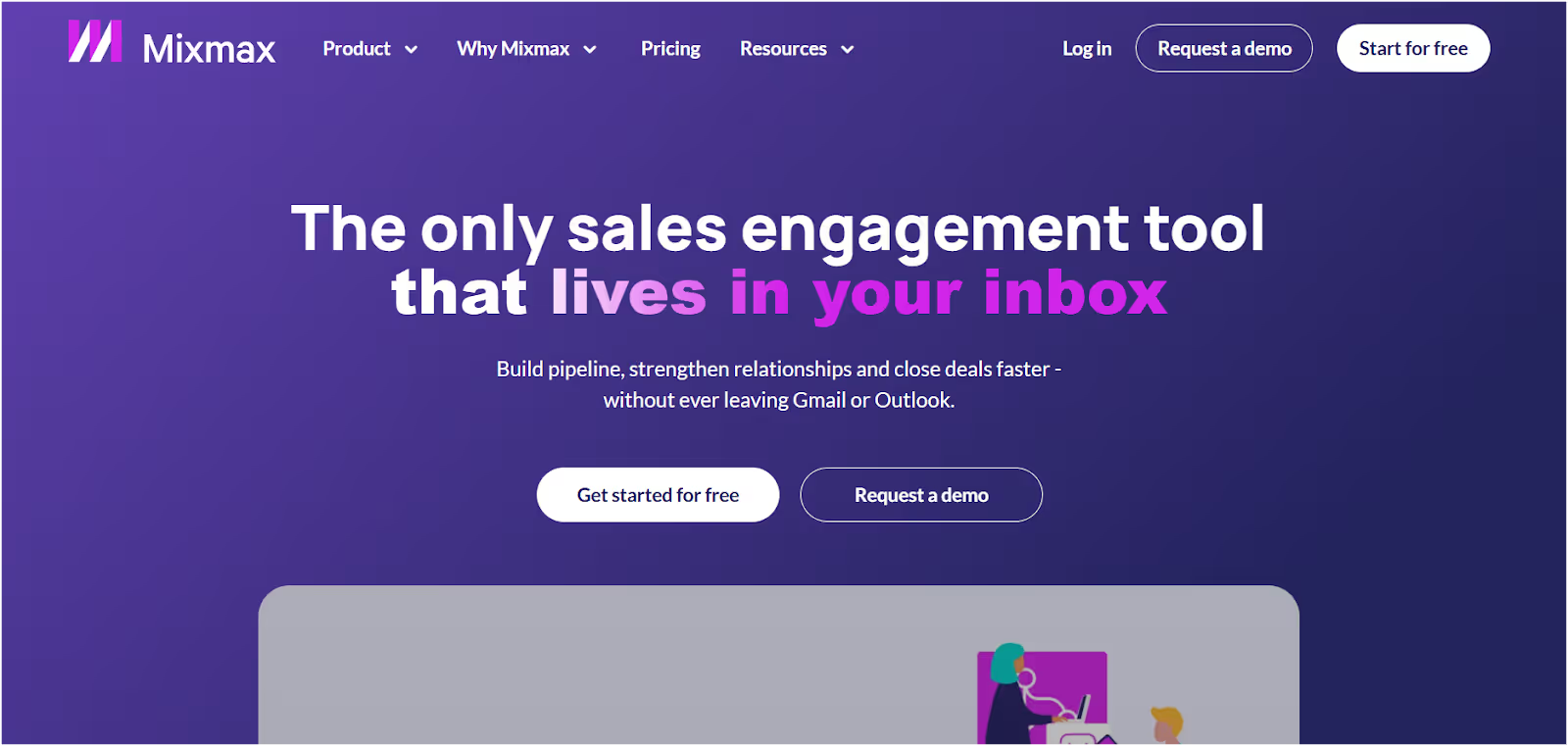
This image shows the Mixmax Homepage
If you live in Gmail and want to scale your outreach without switching tabs all day, Mixmax is a great tool to look at.
It helps you send cold emails, track opens and replies, book meetings, and even automate follow-ups — all from your inbox.
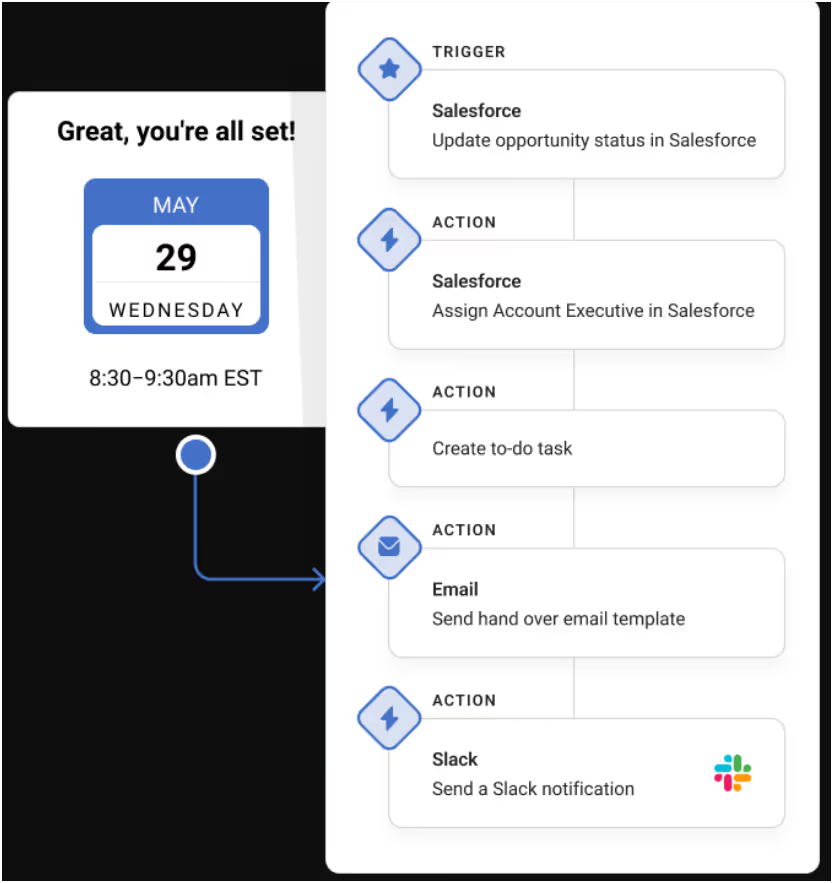
This image shows the Mixmax automation
It’s especially handy for SDRs who want things to run smoother without using 5 different tools.
What Mixmax Does Best?
Helps you manage email outreach, scheduling, and follow-ups in one clean workflow — all inside Gmail.
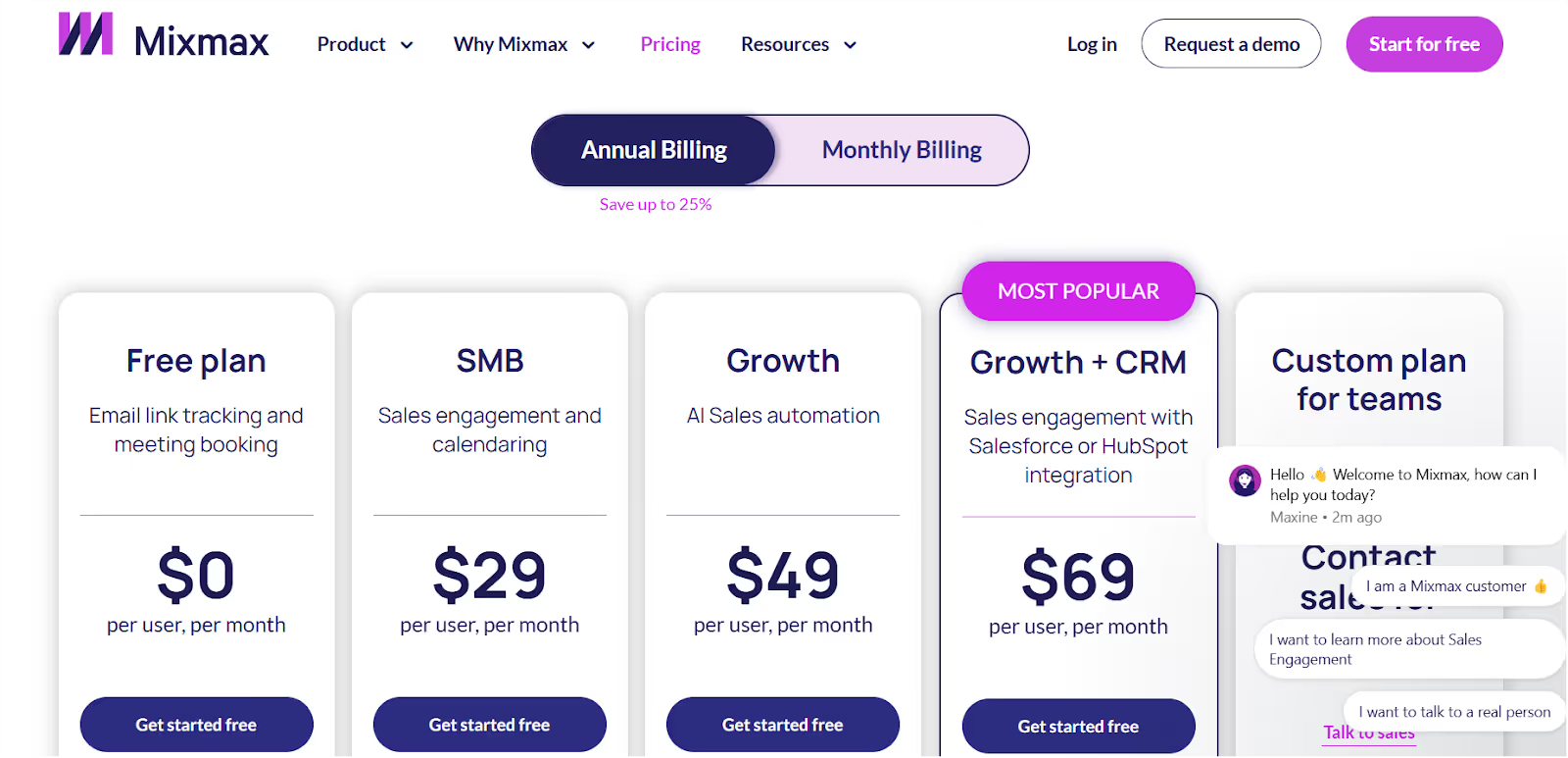
Growth + CRM – $69/user/month (adds Salesforce or HubSpot sync)
Free 14-day trial included. No credit card needed.
Mixmax Pros
Works directly inside Gmail
Saves time on follow-ups and scheduling
Great for sending quick, clean cold emails
Strong automation and personalization features in mid/high plans
Mixmax Cons
Some CRM sync issues reported
Lower plans don’t include AI or deeper automation
Pricing can stack up as your team grows
Basic reporting and customization in starter tiers
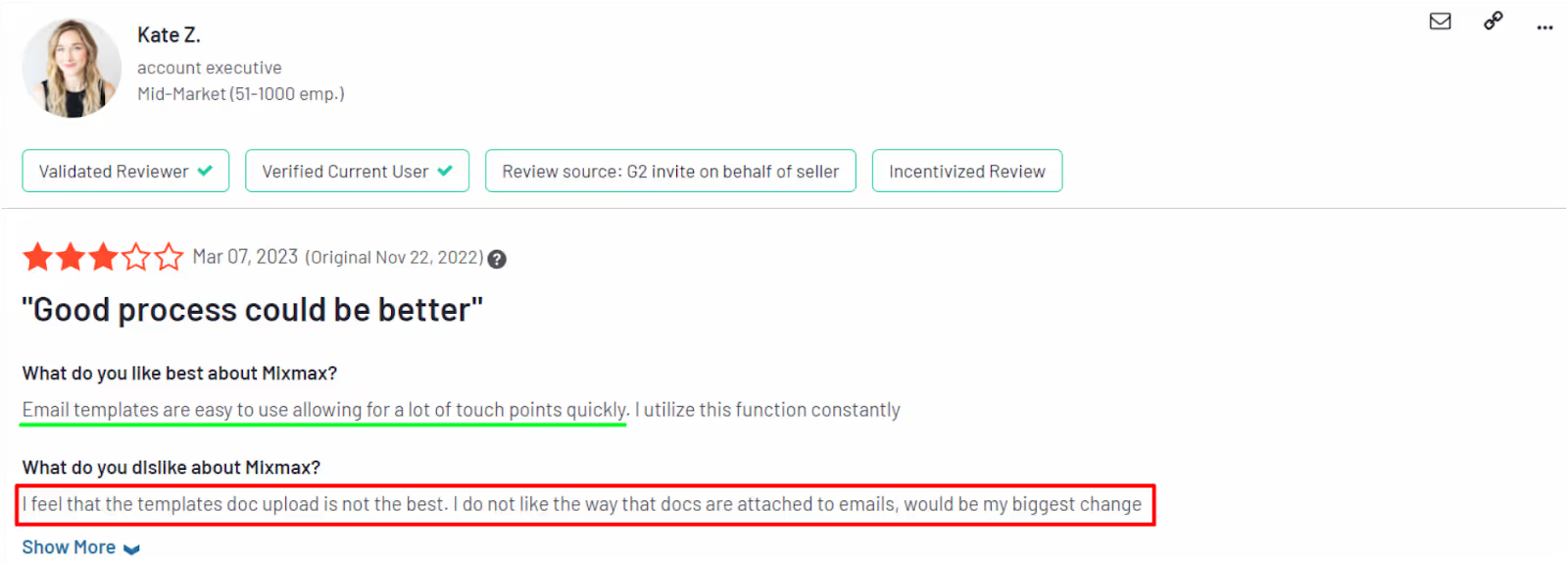
This image shows the MixMax G2 reviews
Mixmax is ideal for Gmail users who want to send smarter emails, automate follow-ups, and make booking meetings super simple.
It’s not a full multichannel sales platform, but it’s more than enough for teams focused on high-quality email outreach and productivity.
Coming up next: A powerful contact data tool that many SDRs swear by — Hunter.io.
15. Hunter.io
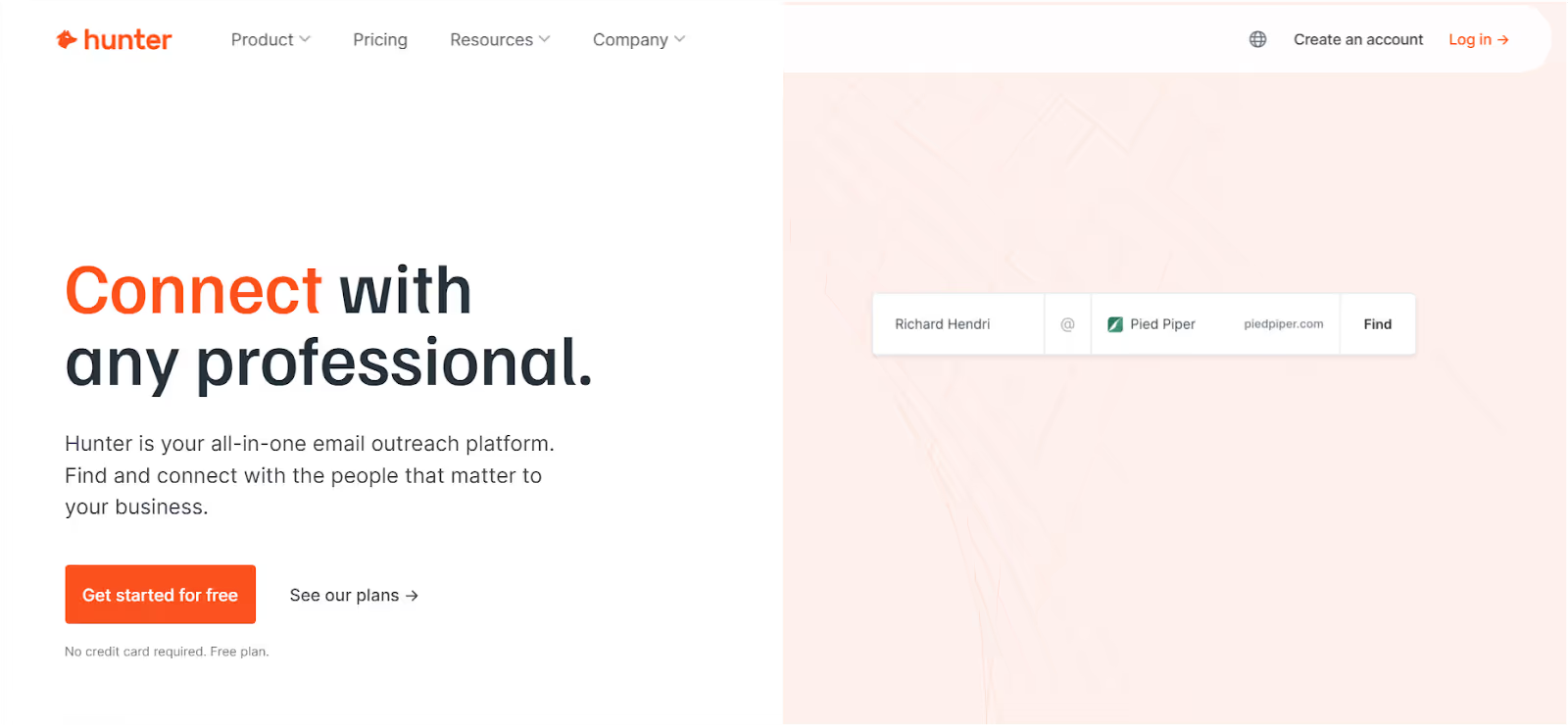
This image shows the Hunter.io Homepage
If you’re using LinkedIn to build lead lists but still guessing email addresses — Hunter.iocan save you a lot of time.
It doesn’t send emails or manage follow-ups. Instead, it does one job well: helps you find and verify business emails quickly.
What Does Hunter.io Do Best?
Turns LinkedIn profiles and company domains into valid email addresses—so you’re not stuck guessing or sending to the wrong person.
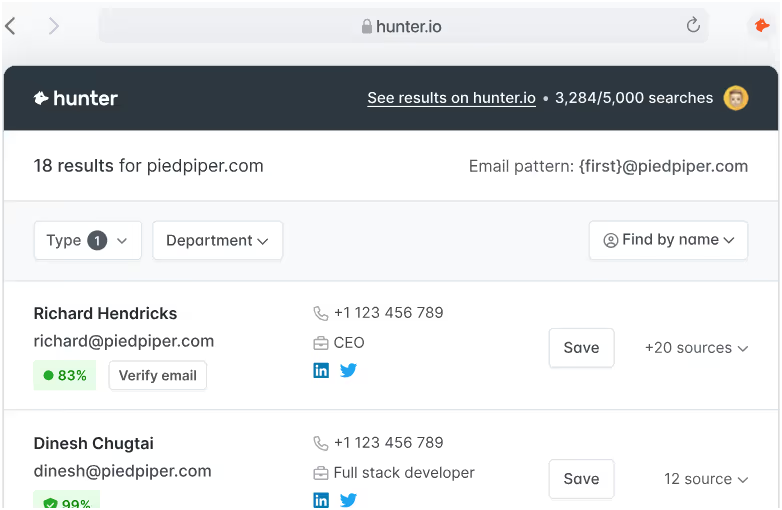
This image shows the Hunter.io Email Verifier
What Features does Hunter.io offer?
Domain Search – Enter a website and get a list of business emails tied to it
Email Verifier – Check if an email is valid before sending
LinkedIn Extension – Grab emails while browsing profiles
Bulk Search – Upload lists and get results fast
CRM Integrations – Connect to HubSpot, Salesforce, and more
CSV Export + API Access – Easy to plug into your current flow
Who Is Hunter.io Best For?
Great for SDRs and teams who already have lead lists and just need accurate emails—no extra fluff.
Hunter.io Pricing
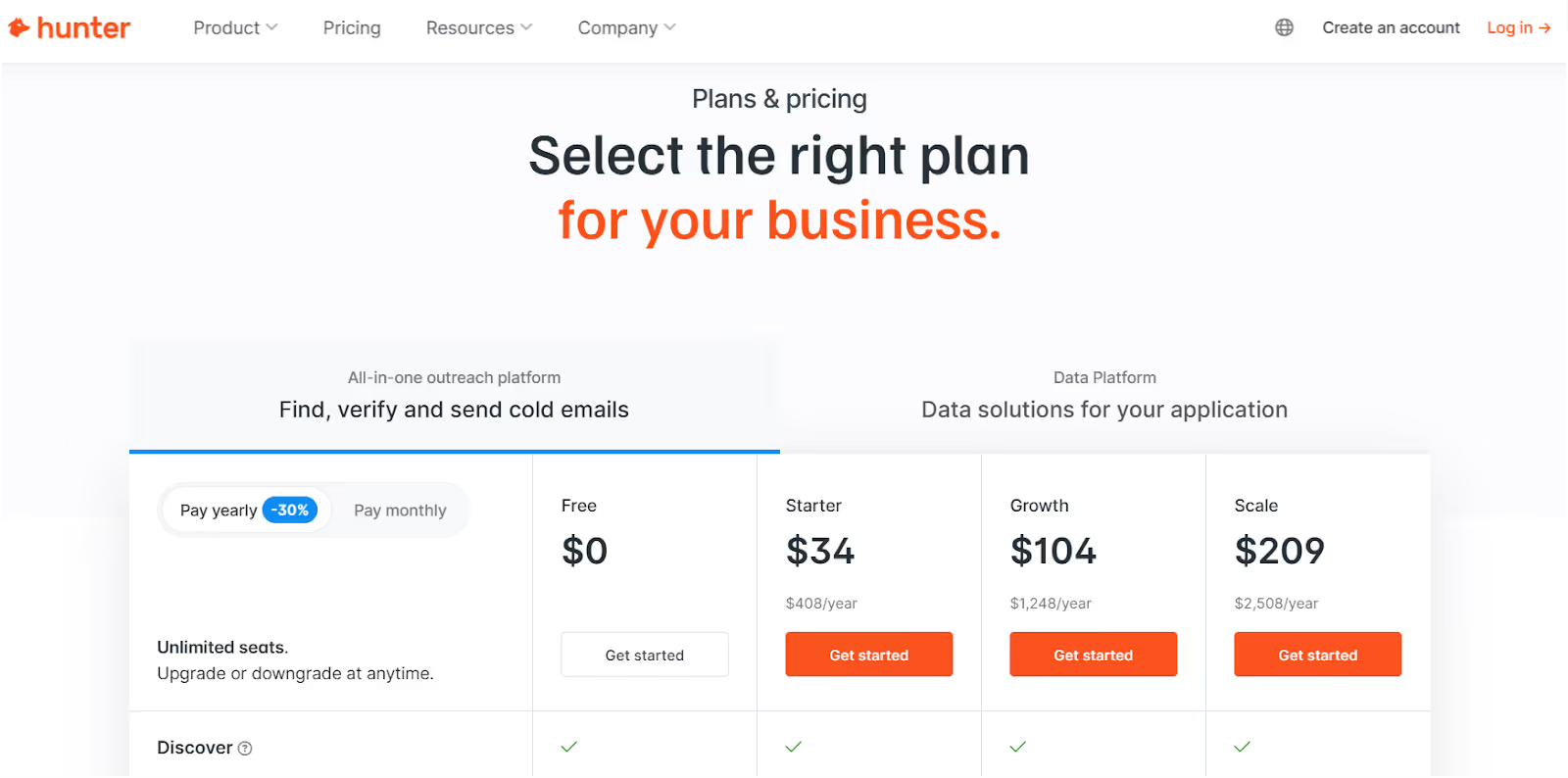
This image shows the Hunter.io Pricing
Free Plan – 25 searches/month + 50 verifications/month
Starter – $34/month (6,000 searches/year)
Growth – $104/month (60,000 searches/year)
Scale – $209/month (120,000 searches/year)
You can buy extra credits if you run out — pricing scales with volume.
Hunter.io Pros
Super easy to use
Chrome extension works great with LinkedIn
Helps reduce bounces with built-in verification
Ideal if your current process is manual or spreadsheet-based
Hunter.io Cons
No CRM or outreach features
Email accuracy can be hit-or-miss on niche domains
Gets expensive if you scale too fast
Not meant for sending or personalizing emails
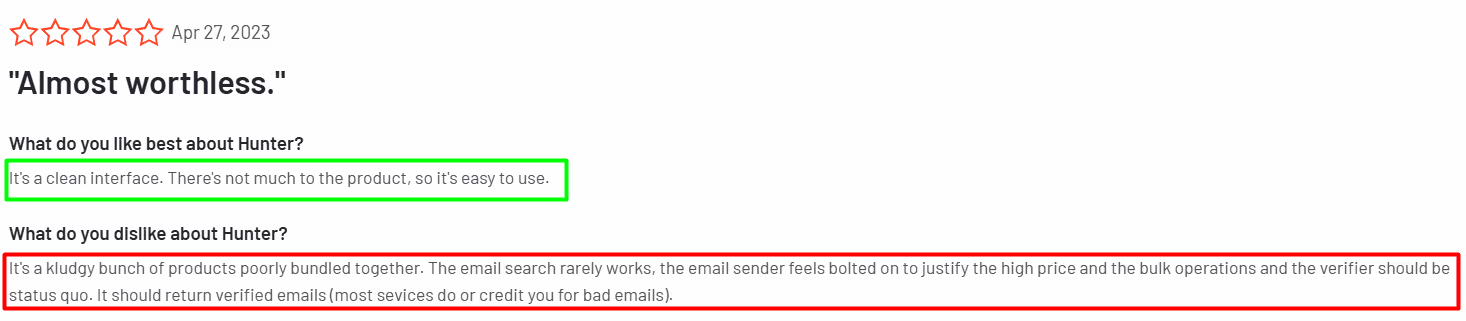
This image shows the Hunter.io G2 reviews
Hunter.io is perfect if your only goal is to find and verify business emails fast.
It’s a great tool to use with platforms like Salesforge, Snov.io, or Reply.io — but not a replacement for full outreach tools.
And with that, you've got a full stack of SDR tools to scale your revenue this year. Want a quick recap of how they all stack up? Let’s wrap it up.
Personalized Outbound Strategy
Get The Right Outbound Strategy In Minutes
Enter your email to get a custom plan & stack recommendation for your
business
It's being carefully crafted by AI
Please check your mailbox in 5 minutes
Final Thoughts: Which SDR Tool Should You Choose?
That was a long list, but if you made it this far, you’ve now seen 15 of the best SDR tools to help you scale revenue.
Let’s quickly go over them. 👇
Agent Frank is like hiring an SDR that works 24/7 — it finds leads, sends emails, follows up, and books meetings while you focus on closing deals.
Apollo.io gives you verified data and outreach in one platform.
Outreach.io is built for big teams with structured, multi-channel workflows.
Smartlead.ai handles cold email volume at scale, perfect if you already have contacts.
Clay automates lead enrichment from 100+ sources — great for research-heavy workflows.
Instantly.ai helps you blast cold emails without worrying about spam or deliverability.
Lemlist makes your emails more human with images, videos, and LinkedIn steps.
Snov.io keeps things simple with email finding, verifying, and outreach in one place.
Mailshake is a beginner-friendly tool for running email and phone campaigns.
Reply.io puts email, SMS, calls, and LinkedIn all in one dashboard.
Close CRM works well for small teams that want CRM + calling + email in one tool.
HubSpot Sales Hub is a solid entry-level CRM with automation and AI suggestions.
Lavender.ai helps you write better emails with real-time coaching and tone checks.
Mixmax adds email tracking, sequences, and scheduling right inside Gmail.
Hunter.io finds and verifies business emails fast — great if you’re already using LinkedIn.
Want to skip the stack and start with something that just works?
Try Agent Frank— your AI SDR sidekick built to do it all.
From finding and validating leads to sending multilingual emails and booking meetings, Agent Frank helps you scale outreach without hiring more people or juggling 5 different tools.
➡️ Hire Agent Frank now and start building a pipeline while you sleep.
Book more meetings on autopilot
Set up in minutes. No per-seat pricing. No commitment.
Compare the 5 best realtor email list providers in 2026. See verified email costs, contact accuracy, refund policies, and which provider is worth your money.
Compare the 9 best CEO email list providers for B2B outreach in 2026. See pricing, email verification, contact data, and which tool is worth paying for.






.jpg)

.jpg)
.jpg)
