Snov.io built its name as the tool that does a bit of everything.
Find an email, verify it, send a sequence, track a reply, all from one login. For a long time, that was enough.
In 2026, GTM teams are pulling apart that bundle.
Part of it is how outbound has changed. Buyers ignore single-channel email, so teams want LinkedIn running next to it. Snov.io treats LinkedIn as a paid add-on rather than a native channel, so the moment you need it, your stack and your bill both grow.
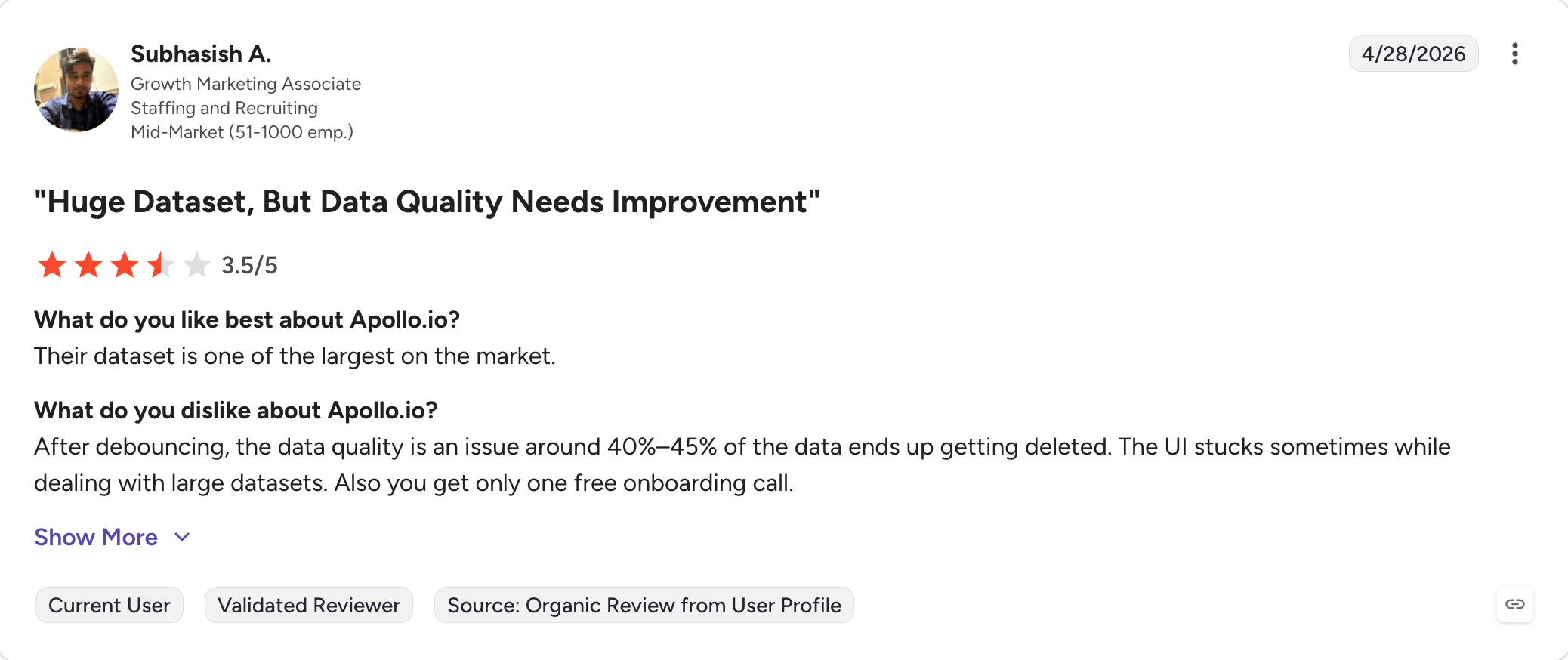
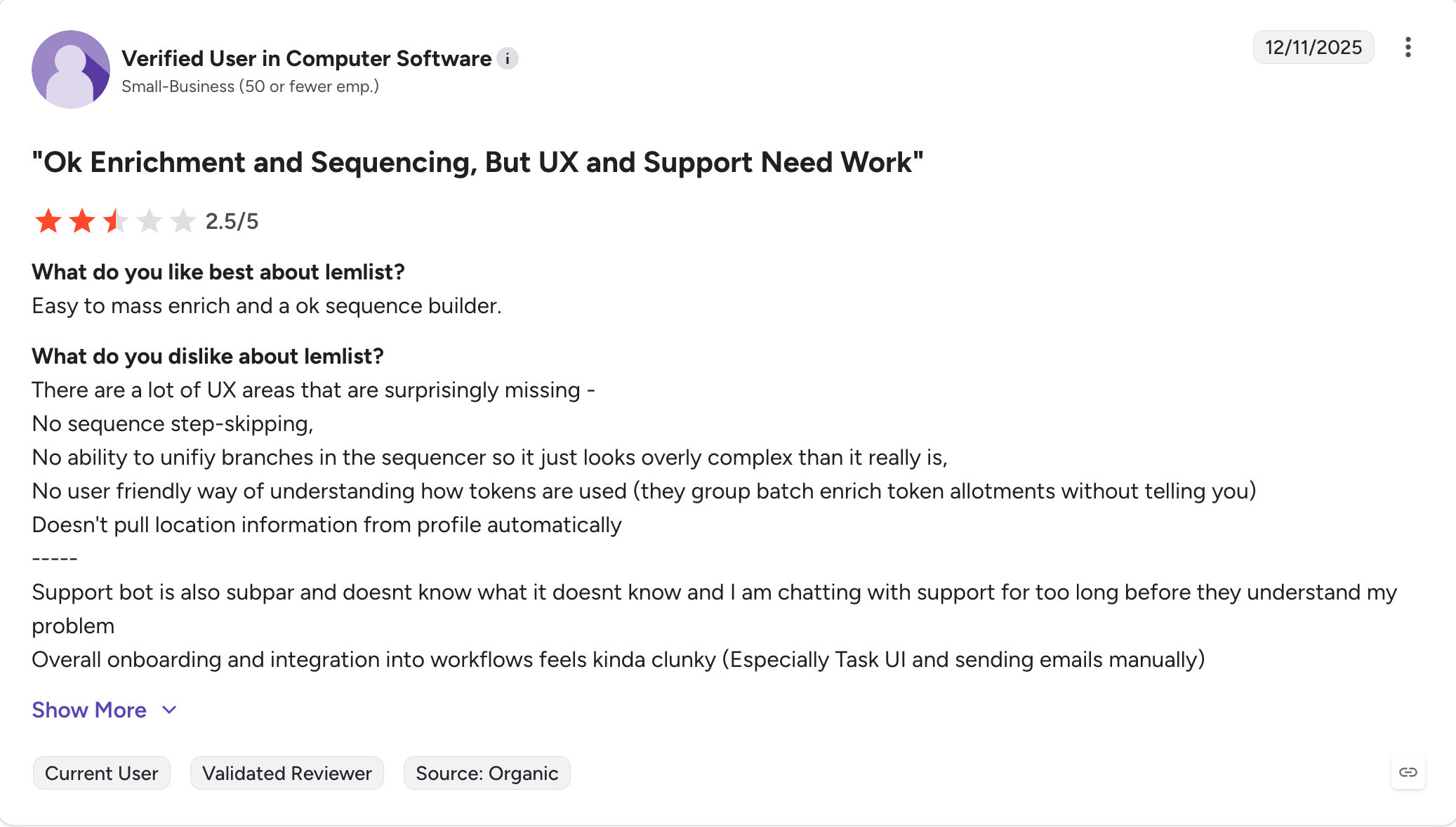
Part of it is data. Reps live or die on contact accuracy, and Snov.io's email verification draws steady complaints on G2 and Capterra for marking real addresses invalid and letting bad ones through. A bounce isn't a rounding error. It's a mailbox you have to rest for two weeks.
And part of it is the model. Snov.io meters almost everything through credits, charges separately for LinkedIn, and caps recipients by plan. Forecasting a quarter of outbound against that is harder than it should be.
All of these makes Snov.io a lot of teams are outgrowing.
This guide breaks down the 9 best Snov.io alternatives I've tested across the three jobs Snov.io tries to cover: finding leads, sending cold email at scale, and running LinkedIn alongside email.
TL;DR
Salesforge: Best for cold email plus LinkedIn outreach in one platform, with unlimited mailboxes, free unlimited warmup via Warmforge, and AI personalization in 21+ languages. From $40/month (billed annually). 14-day free trial, no credit card required.
Instantly: Best for high-volume cold email senders who care most about inbox placement and sending capacity. From $37.60/month (billed annually).
Apollo.io: Best for teams that want a large lead database (275M+ contacts) bundled with sequencing and intent signals. From $39/user/month (billed annually).
Lemlist: Best for personalization-led cold email with custom images, video, and Lemwarm-integrated warmup. From $55/user/month (billed annually).
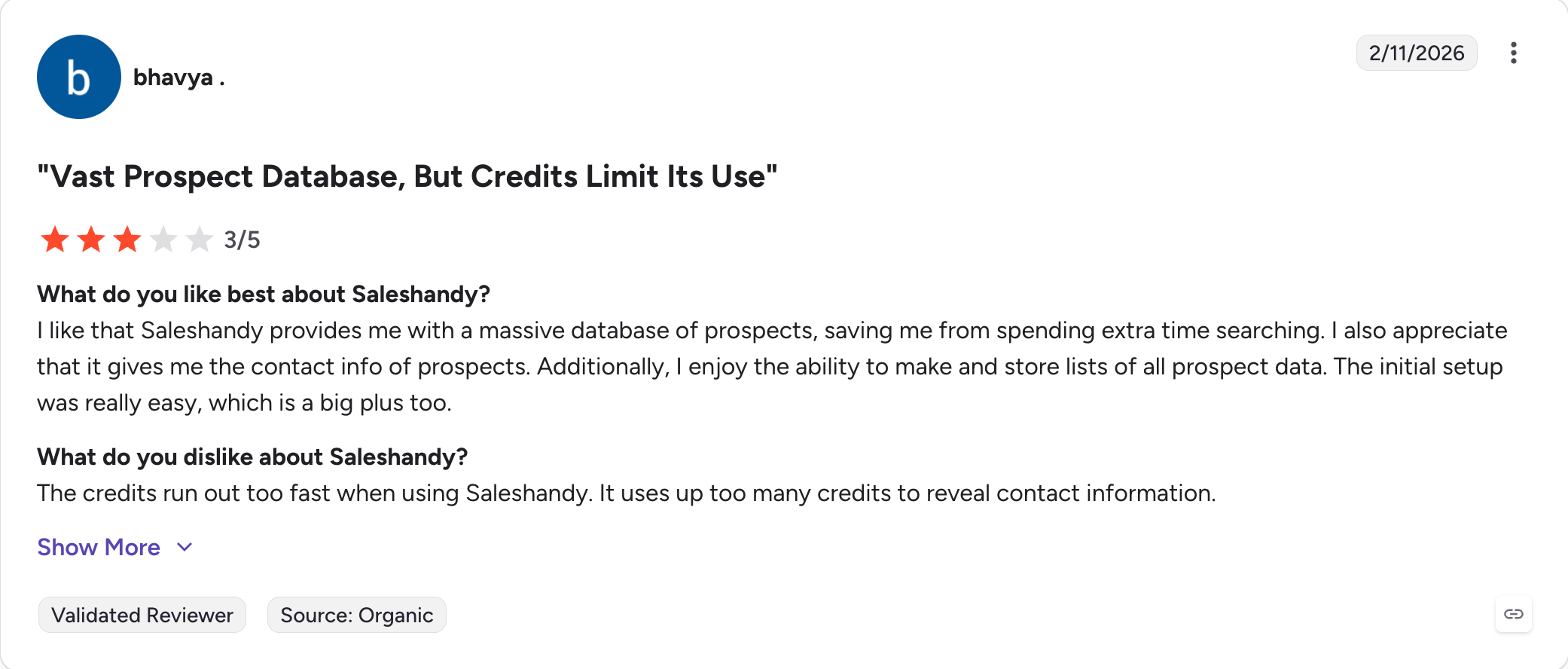
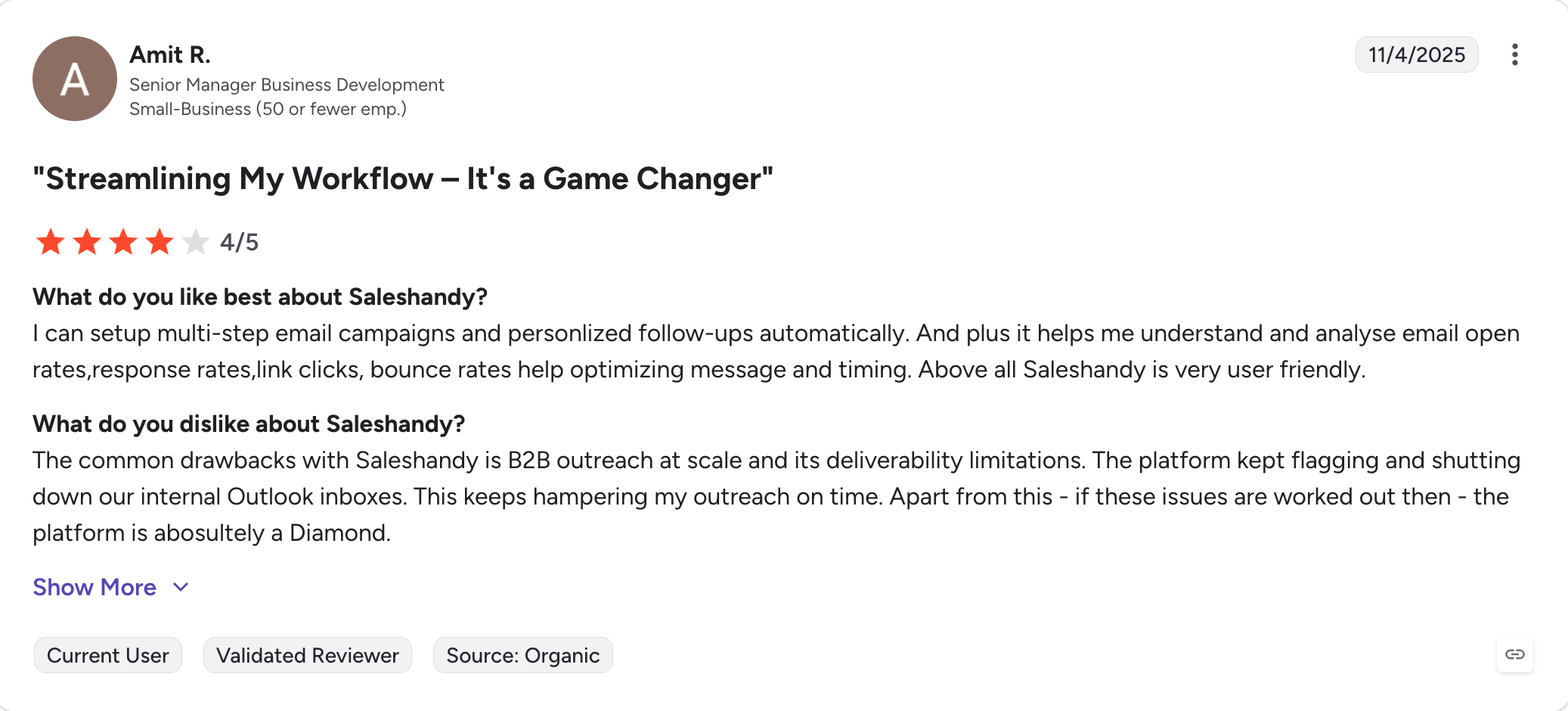
Saleshandy: Best for affordable cold email with a built-in 800M+ contact database and outbound CRM. From $25/month (billed annually).
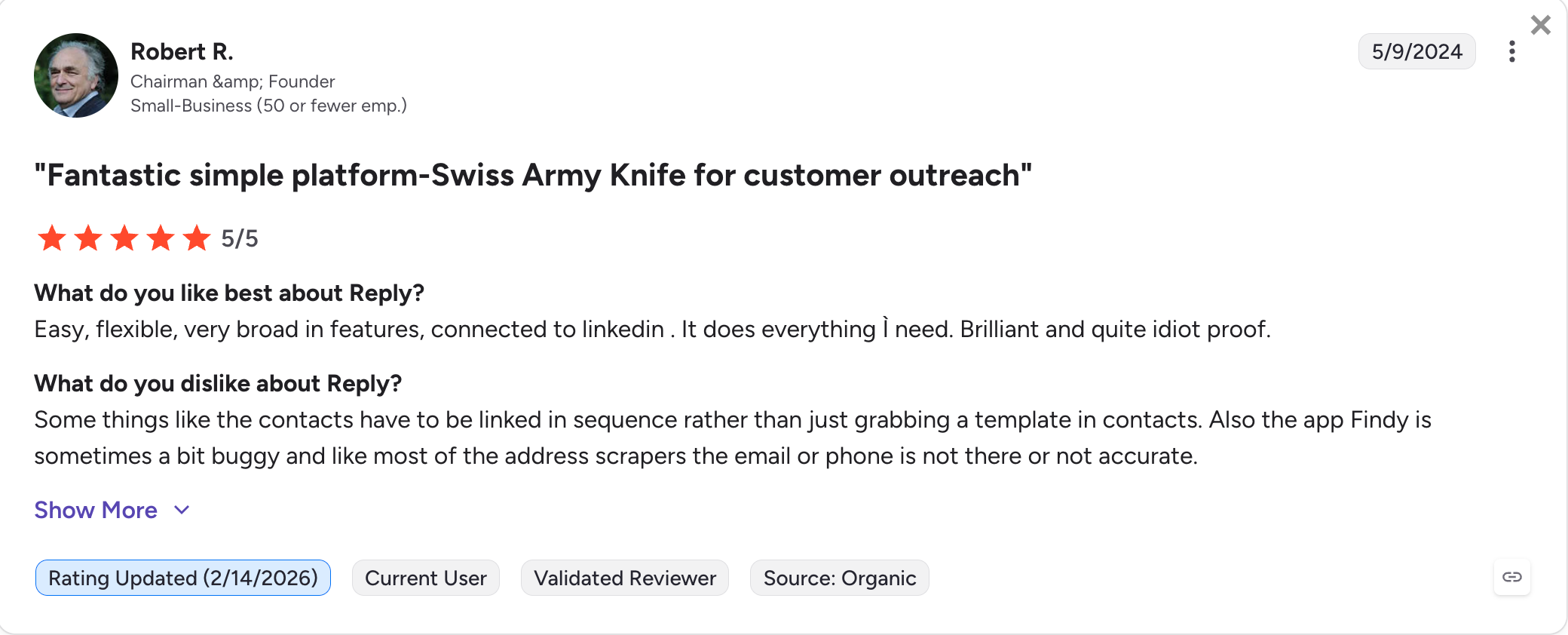
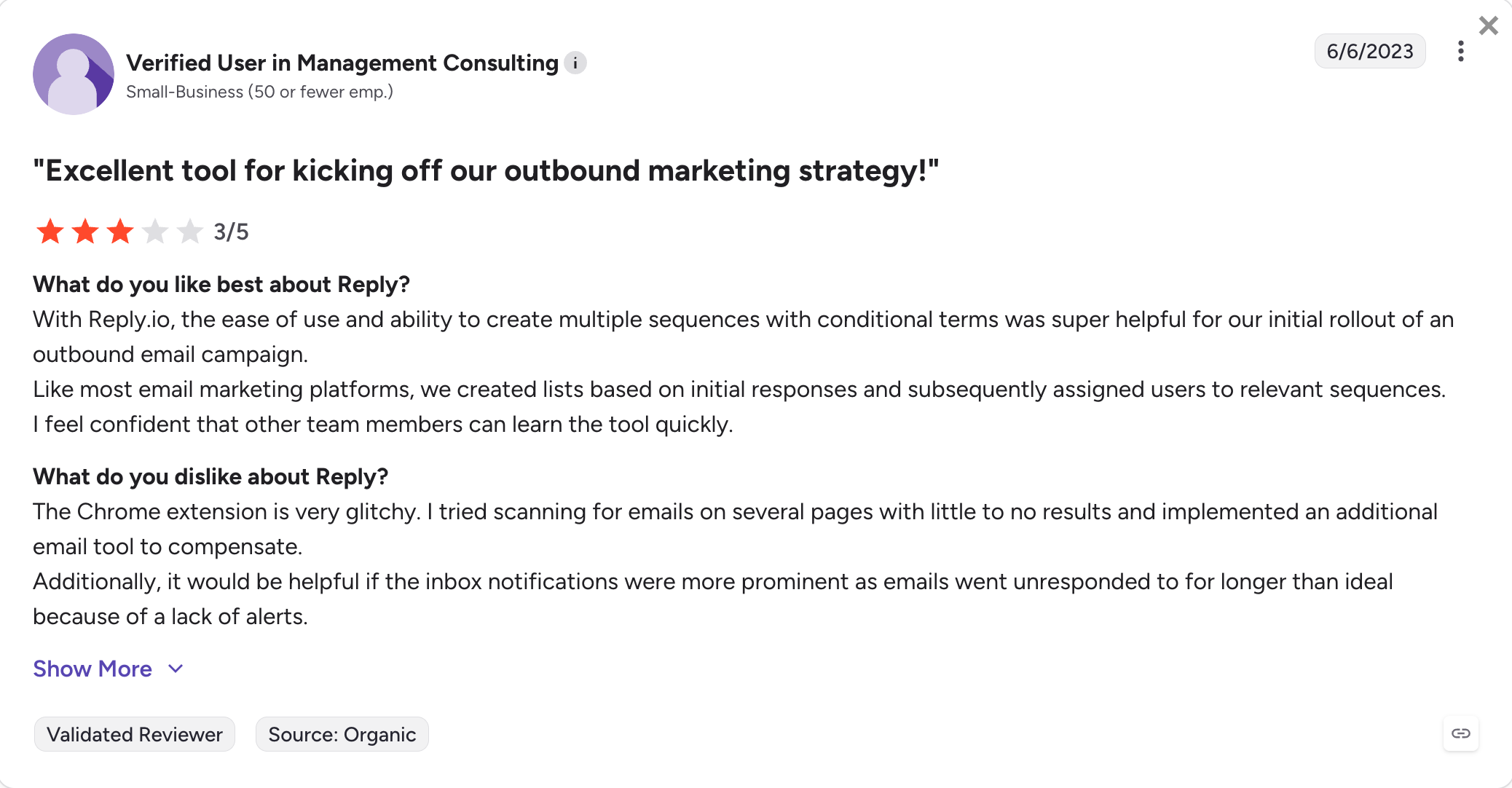
Reply.io: Best for true multichannel automation across email, LinkedIn, SMS, WhatsApp, and calls. From $49/month (billed annually).
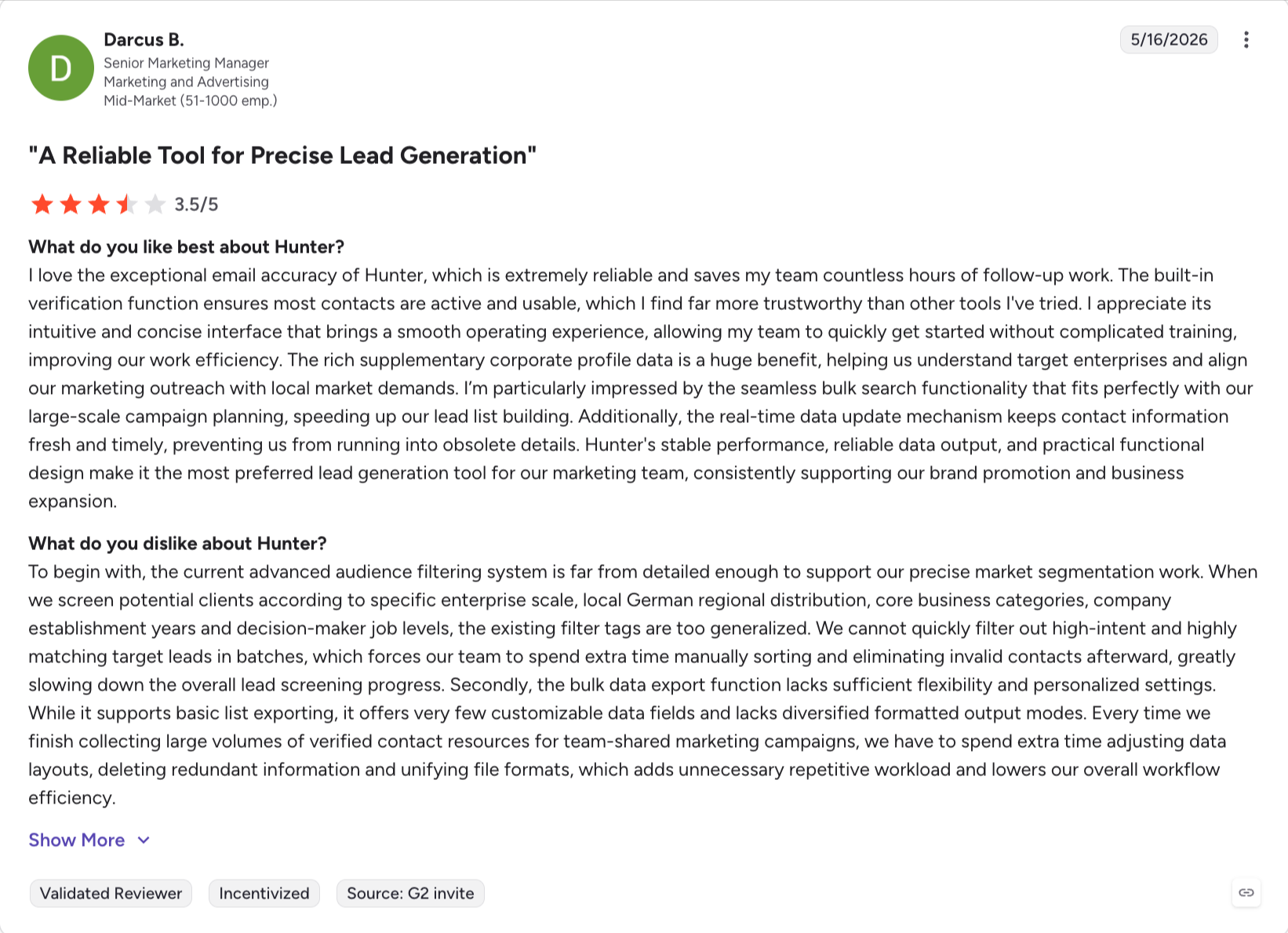
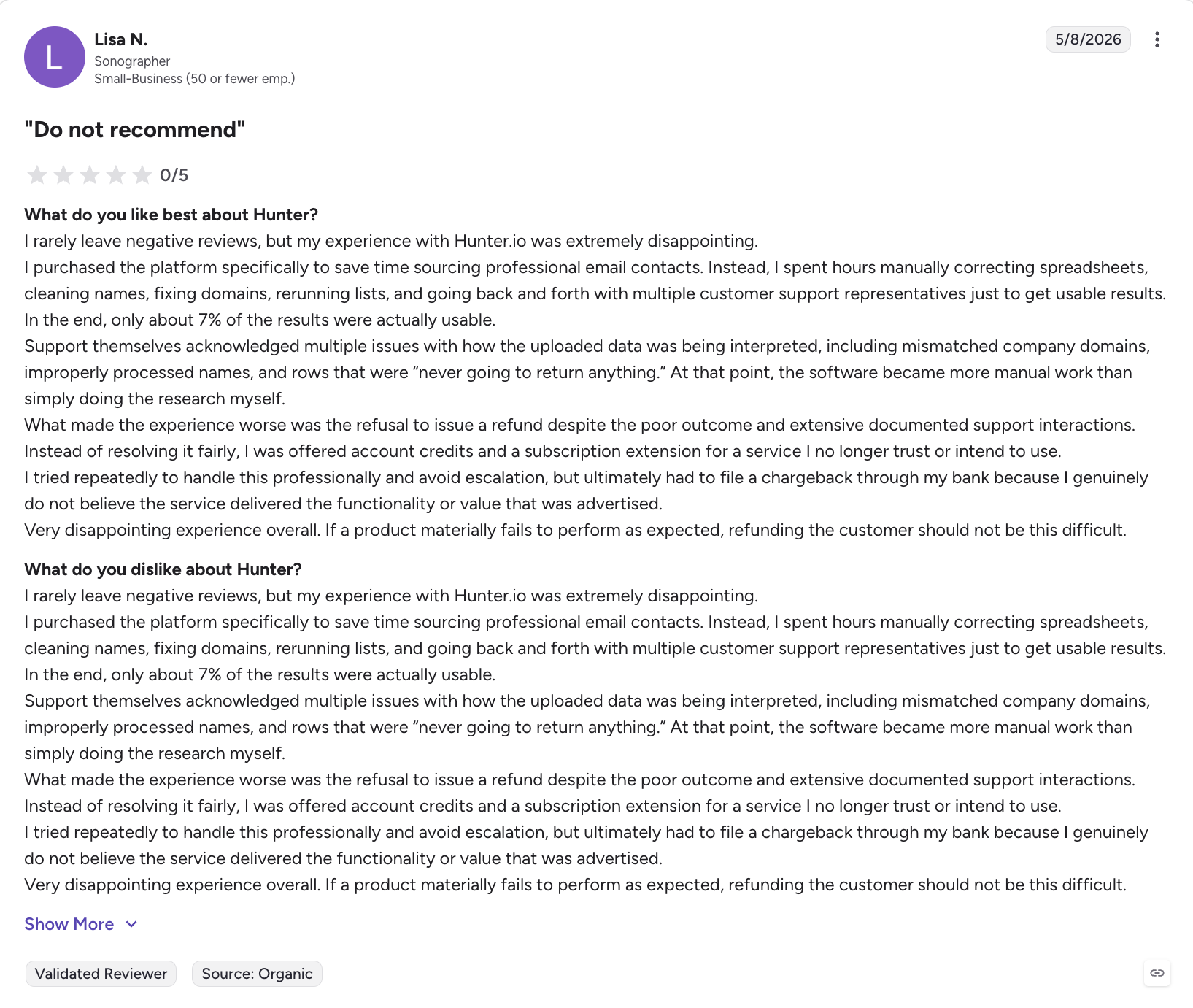
Hunter.io: Best for email discovery and verification, with a free tier for low-volume needs. From $34/month (billed annually).
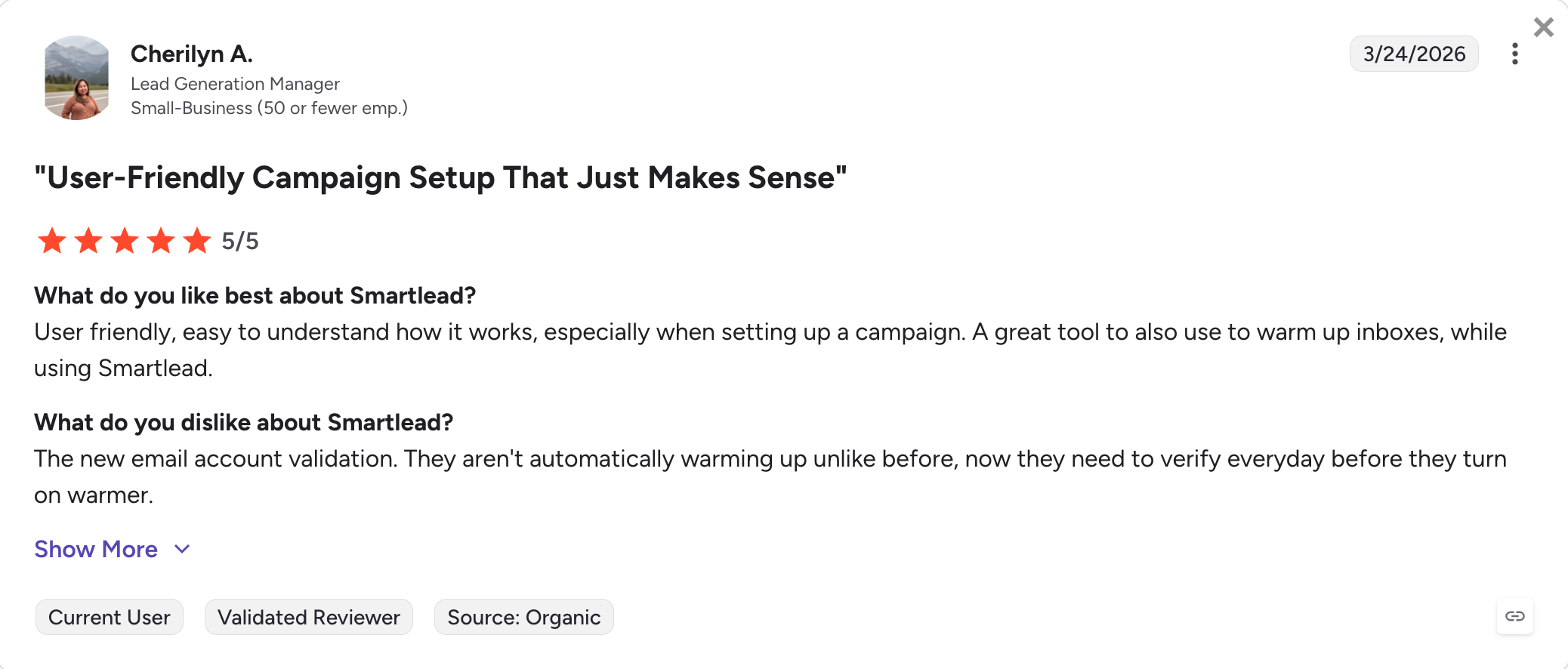
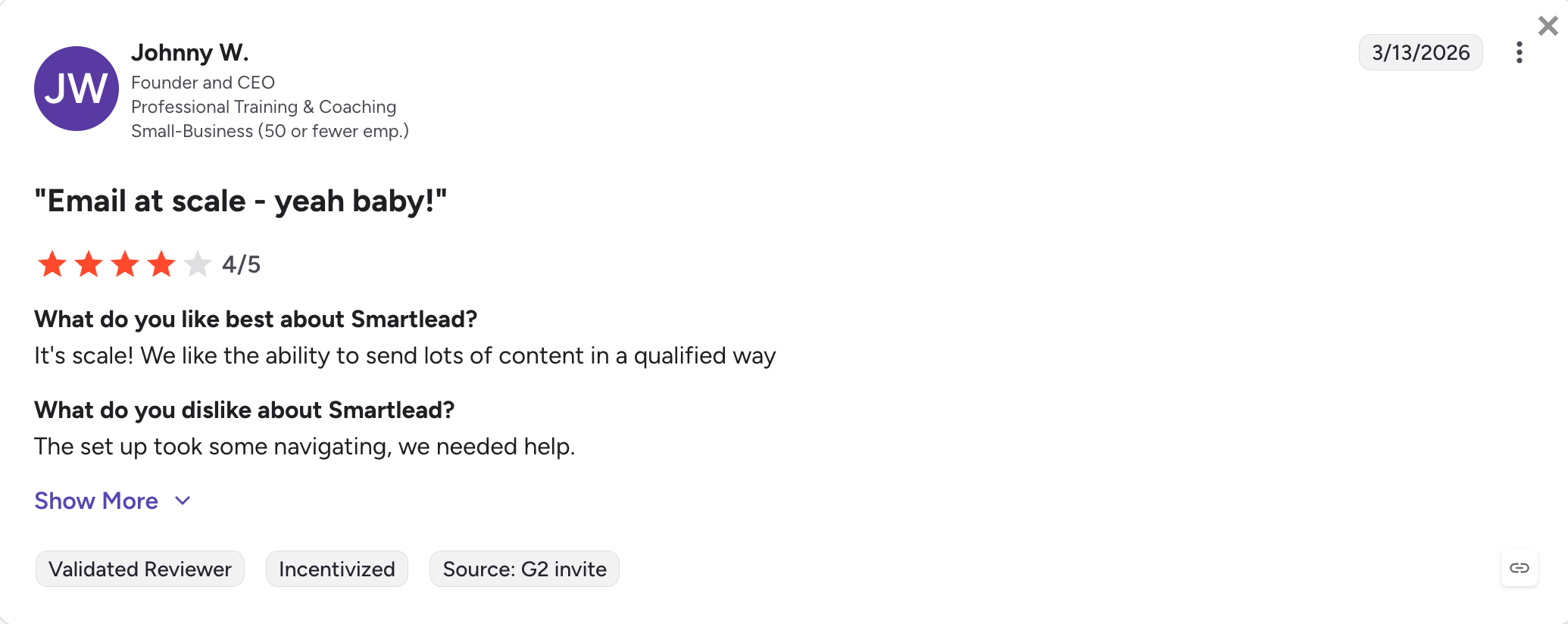
Smartlead: Best for agencies running infrastructure-heavy cold email with unlimited sender accounts. From $39/month (billed annually).
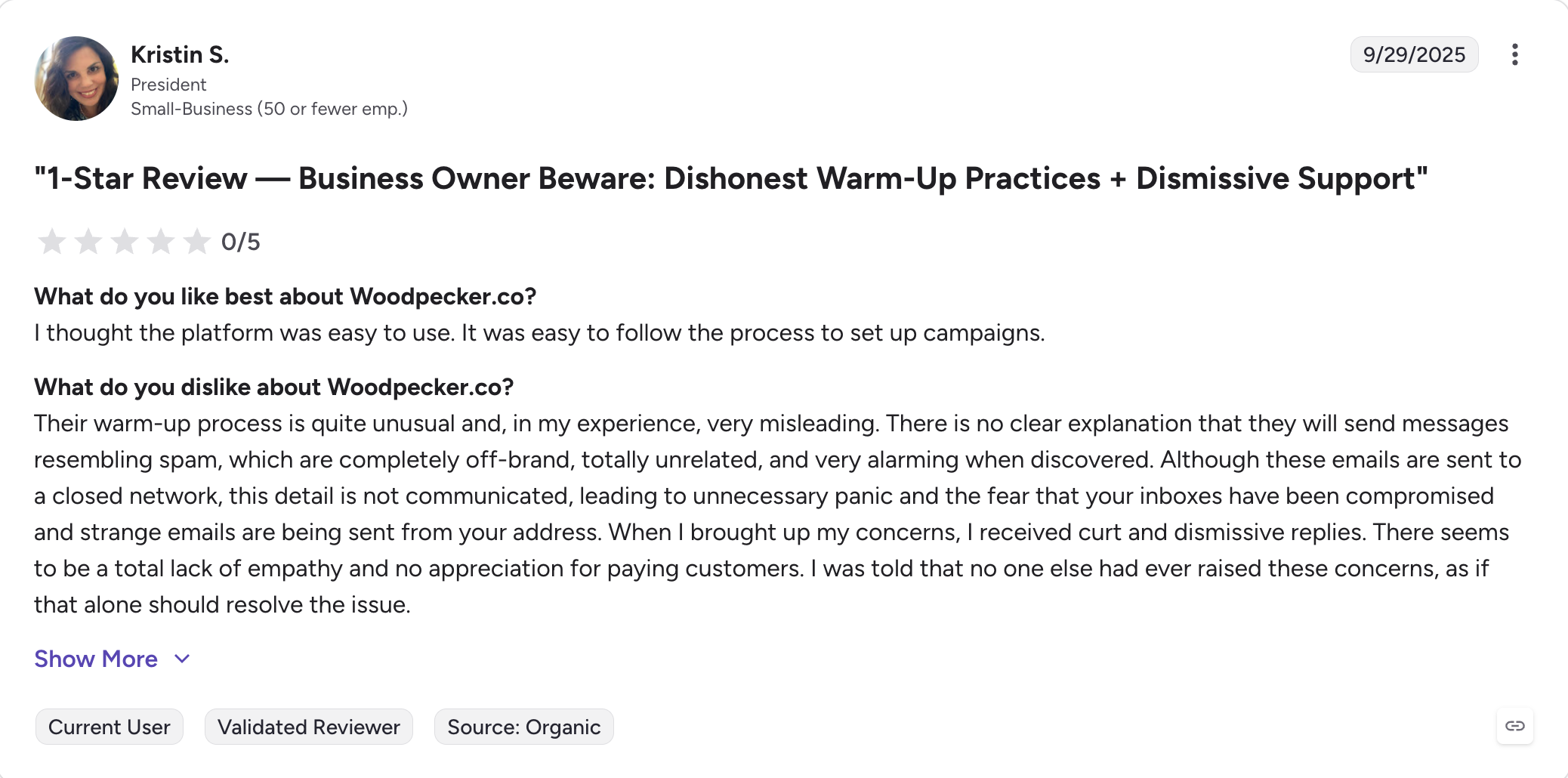
Woodpecker: Best for SMBs running simple cold email automation with conditional follow-ups. From $29/month (billed annually).
Feature Comparison: Top Snov.io Alternatives at a Glance
The table below compares Salesforge against the four most direct cold-email-focused alternatives on this list.
✅ Via Leadsforge (500M+ contacts, waterfall enrichment)
✅ 160M+ contacts
✅ 275M+ contacts
⚠️ Smaller database
AI SDR (autonomous)
✅ Agent Frank, $499/month (billed annually)
❌ Not offered
⚠️ AI SDR in beta
❌ Not offered
MCP CLI for AI agent workflows
✅ Forge MCP Server (Claude integration)
❌ Not offered
❌ Not offered
❌ Not offered
Best for
Outbound teams wanting cold email + LinkedIn in one flat-fee tool
High-volume cold email senders
Lead database + light outreach in one
Personalization-led cold email
9 Best Snov.io Alternatives for 2026
Here’s a look at the top Snov.io alternatives that deliver improved data depth, multichannel outreach, and more flexible pricing models.
1. Salesforge
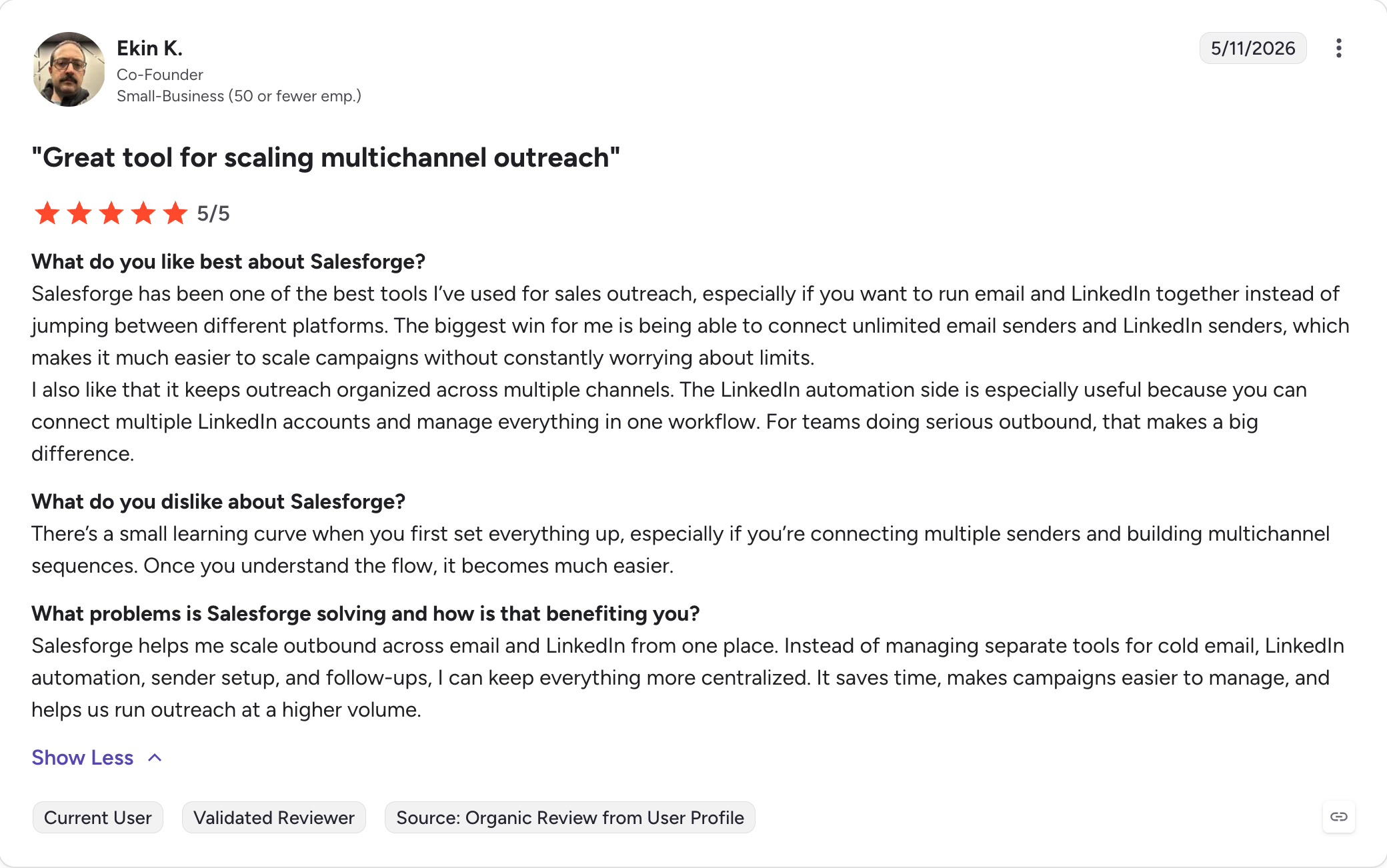
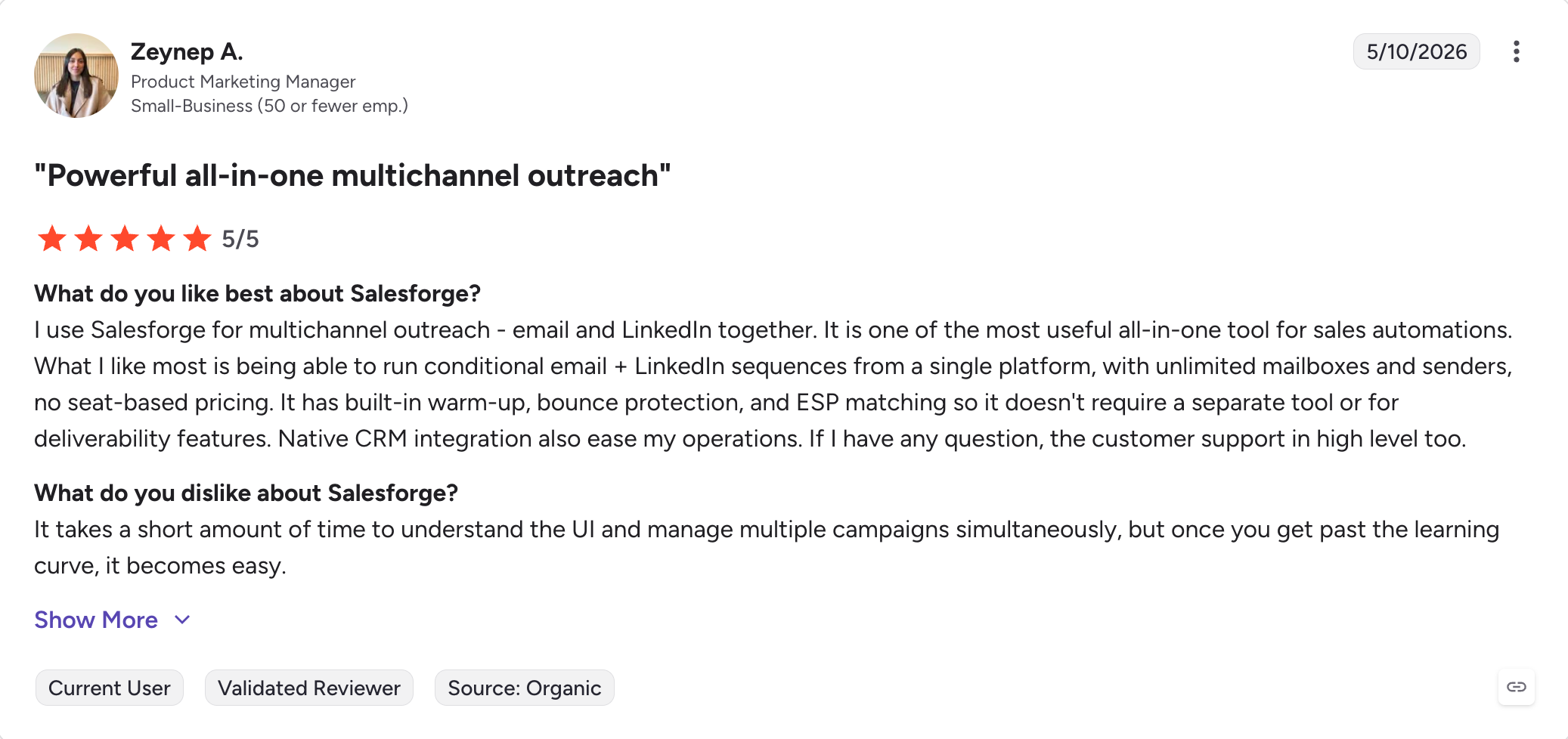
Salesforge is a multichannel outbound platform that runs cold email and LinkedIn in one sequence, with unlimited mailboxes and senders, free unlimited warmup, and AI personalization across 21+ languages.
Best for: GTM teams, Outbound teams, founders, and agencies that want cold email plus LinkedIn outreach without stacking three tools and three subscriptions
Trusted by 10,000+ SDRs & Sales teams
How Salesforge Compares to Snov.io
Snov.io and Salesforge sit on opposite sides of one design choice: credits versus flat fees. Snov.io meters every action through a credit pool, then charges separately for LinkedIn.Salesforge charges a flat fee for the entire workflow instead of charging for each individual action.
Two specific differences matter most:
Pricing model. Salesforge Pro is $40/month (billed annually) with unlimited mailboxes included on every plan. Snov.io Starter is $29.25/month (billed annually), then adds $62/slot/month (billed annually) for a LinkedIn slot, then forces a tier upgrade if you exceed 5,000 recipients. The headline price is lower; the loaded price isn't.
Channel coverage. Salesforge runs LinkedIn and email together in one sequence with conditional logic (if no reply on email step 2, send LinkedIn connection request on step 3). Snov.io requires the LinkedIn add-on and still keeps the two channels in separate workflows.
Salesforge Core Features for Teams Switching from Snov.io
For cold email teams who’ve been paying credit-by-credit on Snov.io, these are the features that change the daily workflow.
1. Unlimited mailboxes, users, and workspaces. Pro includes unlimited mailboxes and 1 LinkedIn sender. Growth ($80/month billed annually) includes unlimited mailboxes, unlimited LinkedIn senders, unlimited users, and unlimited shared workspaces. No per-seat fees, no per-mailbox fees, no per-workspace fees. For agencies running multiple clients, this is the single biggest cost change versus a credit-based stack.
2. AI Personalization in 21+ languages. Snov.io’s personalization is built around merge fields. Salesforge generates prospect-specific copy using LinkedIn profile data, company news, and industry context, in 21+ languages natively. If your ICP includes any DACH, Nordics, or LATAM markets, multilingual matters.
3. Free unlimited warm-up via Warmforge. Warmup runs in-house at no extra cost on every plan. Heat scores target 85+, with automated warmup scheduling and inbox placement monitoring in the same dashboard. Lemlist charges separately for Lemwarm above their Starter tier; Snov.io includes warmup but limits warmup slots by plan tier.
4. Dynamic ESP matching. Salesforge automatically routes sends across ESPs to match the recipient’s ESP (Gmail-to-Gmail, Outlook-to-Outlook, etc.), which lifts inbox placement. This is rarely matched outside enterprise-tier cold email software.
5. Text-only content. Plain-text-first sending reads cleaner in inbox placement testing than HTML-heavy templates. Salesforge defaults to text-only for cold sequences and lets you layer HTML only where it earns its keep.
6. Sender rotation. Built-in rotation across mailboxes and senders distributes sending load so no single mailbox burns out. If you’re scaling past 1,000 sends a day, rotation is the difference between a healthy inbox and a deliverability spiral.
7. Bounce Shield. Automated bounce protection pauses sends from any mailbox that crosses a bounce threshold before reputation damage compounds. The cost of a bounce isn’t 4 cents; it’s a mailbox you need to rest. Bounce Shield prevents that compounding.
8. Primebox unified inbox, with Auto-Pilot and Co-Pilot modes. Replies from every mailbox land in one view through a browser-based web app, so teams can manage replies on the go via a responsive interface. Co-Pilot drafts AI replies that wait for human approval before sending; Auto-Pilot continues conversations autonomously. Snov.io’s reply management is per-mailbox, which means hopping between inboxes to maintain context.
9. Multichannel sequences with conditional logic. Email and LinkedIn in one sequence, with branching steps, A/B testing, and advanced analytics. Modern CRM and outbound platforms depend on automation tools such as reminders, workflow triggers, and follow-up notifications to cut manual work, and Salesforge applies that directly to its multichannel sequencing. Snov.io requires the $62/slot/month (billed annually) LinkedIn add-on to add LinkedIn at all, and keeps the channels in parallel workflows rather than truly interleaved.
10. LinkedIn Email Finder via Chrome Extension. Find verified emails directly from LinkedIn profiles without paying for a separate lookup tool. The extension is offers 100 free credits (via Leadsforge) on the Chrome Web Store.
11. Integrations. Native HubSpot, Pipedrive, LinkedIn Sales Navigator, API access, Zapier, webhooks. The full Forge Stack (Warmforge for warmup, Mailforge for shared infrastructure, Infraforge for dedicated IPs, Primeforge for Google Workspace and Microsoft 365 mailboxes, Leadsforge for 500M+ contacts) is under one login.
12. Forge MCP CLI for AI agent workflows. The Forge MCP Server connects the entire Forge Stack to Claude and other AI agents. Useful for technical teams building custom outbound automations beyond what the UI supports.
Salesforge Pros and Cons
✅ Pros
❌ Cons
Unlimited mailboxes, users, and LinkedIn senders on Growth
No free plan (14-day trial only)
Free unlimited warm-up via Warmforge included on every plan
Multichannel sequences (email + LinkedIn) in one workflow
Dynamic ESP matching and Bounce Shield for deliverability
Cold email + LinkedIn outreach in one flat-fee tool
Solo email-finder workflows
2. Instantly
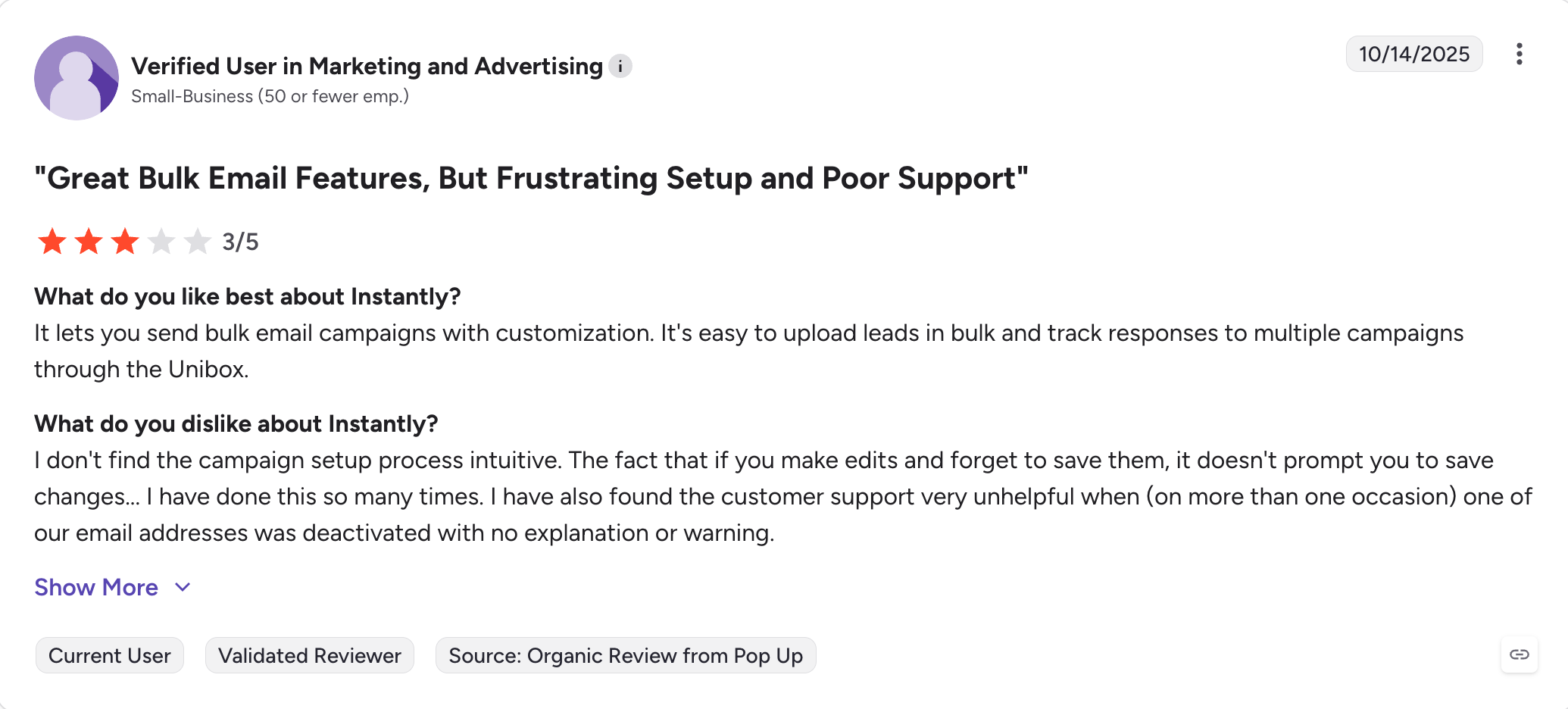
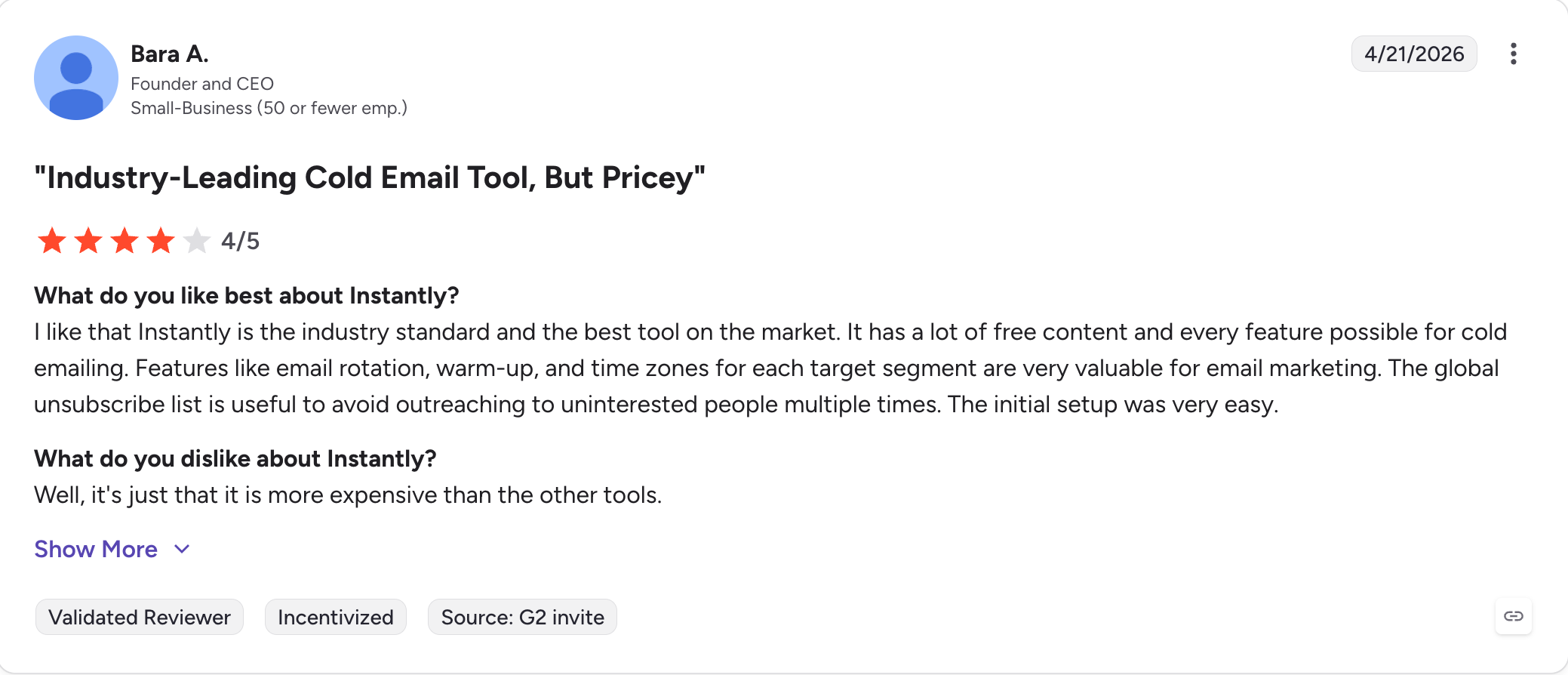
Instantly is a cold email platform built for high-volume sending. It includes unlimited email account connections, automatic inbox rotation, and free built-in warmup on every plan.
Best for: Agencies and lead-gen teams running high-volume cold email where inbox placement and sending capacity matter most
How Instantly Compares to Snov.io
Where Snov.io is a credit-metered all-in-one (find, verify, send, warm), Instantly is a pure sending platform with a smaller lead database (160M+ contacts) bolted on later.
Mailboxes. Unlimited email accounts on every plan, no per-account fee. Snov.io's Starter caps you at 5,000 recipients/month.
Warmup. Free, built-in, runs automatically. No add-on fee.
LinkedIn. Email-only. No native LinkedIn automation, no LinkedIn-to-email handoff. This is the trade-off.
The Instantly stack stays clean if cold email is your only channel. If you need LinkedIn alongside email, you'll end up running a second tool, which loses the consolidated billing advantage.
Key Features
Unlimited email account connections on every plan
Automatic inbox rotation across connected mailboxes
Free built-in warmup, runs continuously
Deliverability dashboard with inbox placement tracking
AI sequence builder to create automated workflows for follow-ups
160M+ B2B contact database (SuperSearch, available as an add-on)
Reply handling and CRM module for managing email campaigns (add-ons)
Instantly Pros and Cons
✅ Pros
❌ Cons
Unlimited mailboxes with auto-rotation
Email-only (no native LinkedIn channel)
Free warm-up on every plan
Module pricing stacks at scale (SuperSearch, CRM,
Inbox Placement all separate, and costs rise faster
when running multiple campaigns across add-ons)
Strong reputation in agency cold-email circles
Trustpilot 4.0/5 + r/coldemail flag
warmup-vs-real-placement disagreement
Clean campaign-building UX
Smaller lead database
Instantly Pricing (annual)
Growth: $37.60/month (billed annually). 1,000 active leads, 5,000 emails/month.
Hypergrowth: $77.60/month (billed annually). 25,000 active leads, 100,000 emails/month.
Light Speed: $286.30/month (billed annually). 100,000 active leads, 500,000 emails/month.
Best for: B2B teams that want one platform for prospecting, sequencing, and basic CRM, with strong buyer intent signals
How Apollo.io Compares to Snov.io
Apollo and Snov.io look similar on paper (database + outreach + CRM), but the depth gap is real.
Database. 275M+ contacts versus Snov.io’s smaller, more variable pool. Apollo’s filters cover job changes, funding signals, hiring activity, and buying intent.
Outreach. Email, LinkedIn, calls, and tasks in one sequence, including a built-in dialer on higher tiers.
Pricing model. Apollo uses credits like Snov.io. Mobile number reveals burn extra credits, which is the same trap.
For lead-database-first teams, Apollo wins. It’s also one of the closest substitutes and a strong alternative to Snov.io when your priority is B2B lead generation, email finding, and automated cold outreach in one platform. For email-sending-first teams, it’s heavier than needed.
Key Features
275M+ contact database with 25+ filters in a sales intelligence platform, including practical filters like company size and job title
Buying intent signals (Bombora integration)
Multichannel sequencing across email, LinkedIn, and calls
Built-in dialer (higher tiers)
Email and LinkedIn AI personalization
HubSpot and Salesforce integrations for syncing prospecting activity with crm data and crm records
Job change tracking and tech stack alerts
Apollo.io Pros and Cons
✅ Pros
❌ Cons
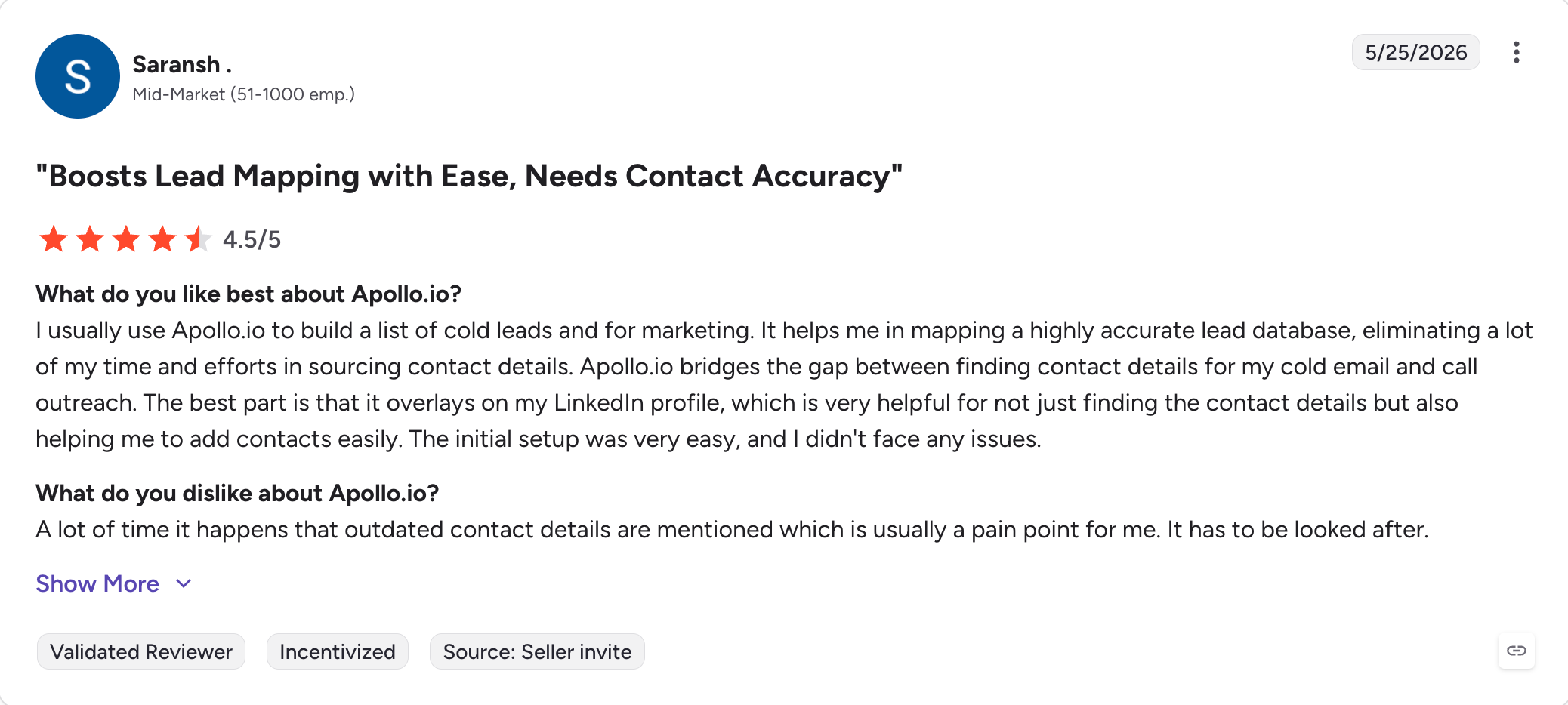
Largest contact database in the comparison (275M+)
Apollo's terms of service allow them to use your data
to improve their database
Strong intent signals and job change alerts
Mobile number reveals burn a separate credit pool,
so costs can add up
Multichannel sequences with native dialer
Per-user pricing scales fast for larger teams
Generous free plan for trying it
Email sending features feel secondary to the database
If you've already tested Apollo and the credit math is the issue, we wrote a separate piece on Apollo alternatives that covers the same gap in detail.
Apollo.io Pricing
Free: Unlimited email credits, 60 mobile credits/year, basic filters
Best for: Outreach teams whose emails get ignored because they look like every other template in the inbox
How Lemlist Compares to Snov.io
Lemlist isn't trying to replace Snov.io's email finder. It's trying to make cold emails feel less templated.
Personalization. Custom images, dynamic videos, personalized landing pages, and conditional follow-ups go deeper than Snov.io's merge fields.
Database. Smaller than Snov.io's, by design. Lemlist is outreach-led.
Warmup. Lemwarm is built in, but it's a separate billing line on higher tiers in some plans.
Pricing. $55/user/month (billed annually) is higher than Snov.io Starter and stacks per seat.
If your reply rates are flat and you suspect it's the copy and not the targeting, Lemlist is worth a serious test.
Key Features
Custom images with dynamic text (recipient name, company logo)
Personalized video frames
Personalized landing pages
Conditional follow-ups based on opens, clicks, replies, with stronger personalization aimed at more meaningful conversations rather than just more sends
AI sequence generator
Lemwarm warmup (bundled on higher plans)
LinkedIn outreach (Multichannel Expert plan and above)
CRM integrations: HubSpot, Salesforce, Pipedrive, plus light email marketing support for campaign coordination
Lemlist Pros and Cons
✅ Pros
❌ Cons
Strongest personalization features in the comparison
(images, video, landing pages)
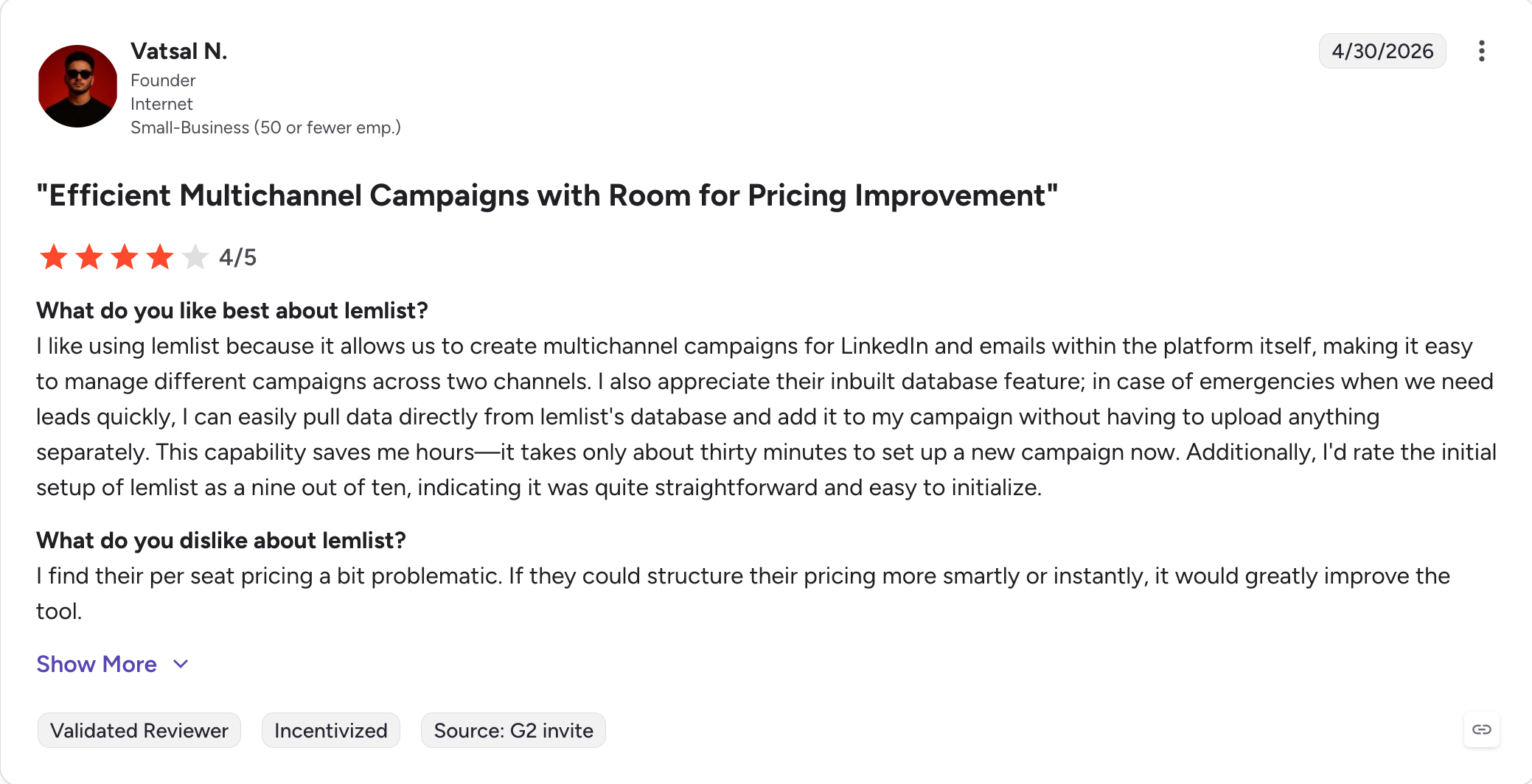
Higher starting price than Snov.io
Lemwarm warm-up is reliable for new sender reputation
Per-seat pricing penalizes growing teams
AI sequence generator speeds up campaign builds
Learning curve to use personalization features well
Strong multichannel on higher tiers
Smaller contact database, not built for prospecting volume
Lemlist Pricing
Email Pro: $55/user/month (billed annually)
Multichannel Expert: $79/user/month (billed annually). Adds LinkedIn and voice notes.
Saleshandy is a cold email outreach platform with an 800M+ B2B contact database, built-in email verification, unlimited sending accounts, and a recently launched outbound CRM.
Best for: SDRs, founders, and agencies running end-to-end cold email outreach who want a single tool for finding, sending, and managing replies
How Saleshandy Compares to Snov.io
Saleshandy is one of the closest like-for-like Snov.io alternatives in 2026. Same all-in-one positioning, different pricing structure.
Database. 800M+ contacts versus Snov.io’s smaller pool. Significantly more lookups per dollar.
Pricing model. Plan-based with a fixed monthly cost. Credits aren’t shared across prospecting, verification, and deliverability.
Mailboxes. Unlimited email accounts on every plan, with TrulyInbox warmup built in.
CRM. Outbound CRM with Kanban pipeline, sales pipeline management, notes, tasks, and custom fields. Snov.io has a CRM, but Saleshandy’s is newer and tighter.
For Snov.io users frustrated by the credit pool, Saleshandy’s flat-fee model is the simplest mental switch, especially for sales reps and marketing teams that want one tool for prospecting and outreach.
Key Features
800M+ B2B contact database with 25+ filters and verified email addresses
AI Lead Finder for ICP-matched prospects within your target market
Unlimited email accounts on every plan
TrulyInbox warmup, included
A/Z testing, subsequences, condition-based automation for outreach automation
Unified inbox with auto-categorized replies
Outbound CRM (Kanban, custom fields, notes)
AI Sequence Copilot for full sequence generation
Saleshandy Pros and Cons
✅ Pros
❌ Cons
Largest database in this comparison (800M+ contacts)
LinkedIn outreach is limited compared to Salesforge or Reply.io
Flat-fee pricing, no credit pool
UI feels denser than newer alternatives and, while capable,
is not as user-friendly as some newer tools
Unlimited email accounts and warm-up on every plan
Smaller agency-focused feature set
Built-in outbound CRM
Some users report the AI Sequence Copilot needs editing
before sending
Best for: Sales teams whose pipeline depends on hitting prospects across more than one channel
How Reply.io Compares to Snov.io
Reply.io is what Snov.io would look like if multichannel were the headline feature instead of an add-on.
Multichannel. Email, LinkedIn, SMS, WhatsApp, and calls in one flow. Snov.io needs the $62/slot LinkedIn add-on just for the LinkedIn piece.
AI. AI-generated sequences and smart follow-ups based on engagement signals, and it also uses automation tools like reminders, workflow logic, and follow-up notifications to keep reps moving without manual tracking.
Warmup. Reply.io doesn’t include native warmup. You’ll need to pair it with a separate warm-up tool, which adds cost.
Findy Chrome extension. Captures leads directly from LinkedIn during prospecting.
For teams whose ICP responds to LinkedIn and email together, Reply.io’s structural advantage is real. For pure cold email at high volume, the lack of native warmup is a drag.
Key Features
Multichannel sequences (email, LinkedIn, SMS, WhatsApp, calls) for managing potential leads through coordinated outreach
AI sequence generator and smart follow-ups to create automated workflows across channels
Findy Chrome extension for LinkedIn lead capture
Reply detection and engagement-based logic
High-volume sending controls
Native CRM and integrations (Salesforce, HubSpot, Pipedrive) that support multichannel workflows, including sales calls
API access
Reply.io Pros and Cons
✅ Pros
❌ Cons
True multichannel: email, LinkedIn, SMS, WhatsApp,
and calls in one sequence
No native warm-up, requires a separate tool
Strong AI sequence generation
Complex setup compared to email-only tools
AI SDR available for autonomous outreach
Per-user pricing on Multichannel tier scales fast
Native CRM integrations (Salesforce, HubSpot,
Pipedrive) and a usable API
Higher starting cost than email-only competitors
Reply.io Pricing
Email Volume: $49/month (billed annually). 1,000 active contacts, unlimited emails, 1 user seat.
Best for: Teams whose primary need is finding and verifying email addresses, with light outreach as a bonus
How Hunter.io Compares to Snov.io
Hunter is narrower than Snov.io by design. Email finder, email verifier, and a basic cold email tool, in that order of priority.
Database. Hunter indexes around 150M professional email addresses by scanning ~30M web pages daily.
Accuracy. Single email searches show roughly an 84% success rate, with built-in verification to reduce invalids.
Outreach features. Cold email sequences exist, but follow-ups, personalization, and sender controls are basic. For full campaigns, most teams pair Hunter with a dedicated sending platform.
If you want a fast, accurate email finder and you already have a sending tool, Hunter is a clean pick. If you want one platform for finding plus sending, it’s underpowered for teams trying to uncover broader contact details while still prioritizing email-first outreach.
Key Features
Domain-based email search with confidence scores
150M+ indexed professional emails
Bulk email finder and verifier
Chrome extension (LinkedIn and websites)
Email pattern discovery for companies
Basic cold email sequences
Integrations: Gmail, Outlook, Zapier, Google Sheets
Hunter.io Pros and Cons
✅ Pros
❌ Cons
Free tier is actually useful for low-volume needs
Cold email feature set is thin compared to Salesforge or Saleshandy
Best for: Agencies and high-volume cold email teams that want unlimited sender accounts, master inbox, and infrastructure-grade deliverability controls
How Smartlead Compares to Snov.io
Smartlead is the infrastructure-heavy answer to Snov.io's lookup-heavy approach.
Sender accounts. Unlimited on every plan. No per-mailbox fee.
Master inbox. A unified reply view across every connected sending account. Especially useful for agencies running multiple clients.
Warmup. Built in on every plan with subdomain rotation and AI-based ramp-up.
No lead database. This is the trade-off. Smartlead doesn't try to find emails for you; it sends them. Pair with a separate data tool.
If your team's bottleneck is sending volume and deliverability, not lead discovery, Smartlead solves a different problem than Snov.io.
Key Features
Unlimited sender accounts on every plan
Built-in warmup with subdomain rotation
Master inbox for unified reply management
AI-based sending volume ramp-up
Webhook and API access, plus a browser-based web app with responsive access for managing campaigns without desktop-only tooling
Multi-channel infrastructure (email-focused, LinkedIn via integrations)
White-label support for agencies
Custom workflows and advanced features for infrastructure-grade controls and automation options
Smartlead Pros and Cons
✅ Pros
❌ Cons
Unlimited sender accounts and master inbox built for agencies
No native lead database, requires a separate data tool
Strong API and webhook support for custom workflows
Steeper learning curve than email-only tools, with a less intuitive
interface for newer users
White-label support for resellers
Pricing scales with email volume and can become expensive at high scale
Subdomain rotation strengthens deliverability
Smaller feature set on the inbound side (CRM, intent signals)
Smartlead Pricing
Basic: From $39/month (billed annually). Unlimited email accounts, 6,000 active leads, 30,000 emails/month.
Pro: Higher tiers scale by email volume.
Custom: Enterprise pricing for high-volume agencies.
Smartlead’s pricing page should be checked at time of publish, since it’s modular and changes frequently, and buyers should review paid plans closely.
Best for: SMBs and agencies running simple cold email automation without lead-finding complexity
How Woodpecker Compares to Snov.io
Woodpecker is the simplest tool in this list. That's the feature.
Setup time. Sequences build in minutes. No credit math, no LinkedIn slot decisions, no add-on cart.
A/B testing. Up to 5 variations per step, more flexible than Snov.io for testing subject lines and copy.
Multichannel. LinkedIn tasks, call tasks, and calendar actions can sit inside an email sequence, but without true LinkedIn automation.
No database. Bring your own leads. Pair with a separate finder.
If you've already solved the lead-finding problem and you want clean follow-up automation, Woodpecker is the cleanest pick in this list.
Key Features
Cold email sequences with conditional follow-ups
A/B testing with up to 5 variations
LinkedIn task, call task, and calendar action steps inside sequences
Reply detection and interest tracking
Optional warmup add-on
CRM integrations (HubSpot, Salesforce, Pipedrive)
Agency dashboard for multi-client management
Woodpecker Pros and Cons
✅ Pros
❌ Cons
Cleanest sequence builder in this list
No native lead database
Conditional follow-ups and A/B testing with 5 variants
Pricing scales aggressively past the Starter tier
Multi-client agency dashboard
Warm-up is an add-on, not bundled
Reliable deliverability for low-to-mid volume sending
LinkedIn is task-level, not true automation
Woodpecker Pricing
Starter: $29/month (billed annually)
Growth: $188/month (billed annually)
Scale: $1,354/month (billed annually)
Max: $6,666/month (billed annually)
Pricing scales heavily by prospect and email volume. The Starter tier is one of the cheapest entries in this list; the higher tiers are some of the most expensive.
Picking the right tool is less about features and more about the job you’re actually trying to do, especially when data quality, compliance, and phone-based outreach matter in regulated markets.
Four questions sort the decision faster than any spec sheet.
1. Are you sending cold email, or focusing on lead generation?
If your bottleneck is finding the right contacts, you want a database-led tool. Apollo (275M+), Saleshandy (800M+), Cognism (200M+, verified phone data) lead here for teams that need reliable contact details. Snov.io fits in the middle; smaller database, faster setup.
If your bottleneck is sending volume and inbox placement, you want a sending-led tool. Salesforge is built around mailbox rotation, warmup, and deliverability controls.
Don’t pick a database tool to do sending. Don’t pick a sending tool to do database. Either decision will leave you adding the other tool inside a quarter.
2. Do you need LinkedIn alongside email?
If yes, the credit-add-on model of Snov.io ($62/slot/month billed annually) plus a base plan plus a warmup tool turns into the most expensive path.
Under 10,000 emails/month, almost any tool will do the job. Pricing differences are noise at this scale.
Between 10,000 and 100,000 emails/month, the cost gap opens fast. Credit-based tools (Snov.io, Apollo) start charging meaningfully more per send than flat-fee tools (Salesforge).
4. Credit-based or flat-fee pricing?
This is the single biggest financial decision in the comparison.
Credit-based (Snov.io, Apollo, Hunter): predictable per-lookup cost, unpredictable monthly cost. Good for spiky usage, bad for steady-state campaigns.
Flat-fee (Salesforge, Instantly, Lemlist): predictable monthly cost, unlimited (or near-unlimited) lookups within the plan's volume cap. Good for steady-state campaigns, sometimes wasteful for occasional users.
Most outbound teams running consistent campaigns end up with a flat-fee tool inside 6 months.
The credit model is hard to forecast against, and that's the real cost.
Final Verdict: Picking a Snov.io Alternative in 2026
Snov.io tried to be the single tool that found, verified, sent, and tracked.
That bundle made sense when outbound was simpler. It makes less sense now that data accuracy and multichannel sending have become separate problems with separate winners.
Salesforge is the strongest pick for the multichannel sending.
Pro at $40/month (billed annually) and Growth at $80/month (billed annually) fold cold email and LinkedIn into one sequence, include unlimited mailboxes, free warmup via Warmforge, dynamic ESP matching, Bounce Shield, and Primebox for replies across both channels.
On Snov.io, that same setup means a base plan, a paid LinkedIn slot, and a separate warmup tool, and the total runs higher.
Which Snov.io alternative is best for finding and verifying emails?
For finding and verifying contacts, Leadsforge (part of the Forge Stack) spans 500M+ contacts with waterfall enrichment that pulls from multiple data providers, so you're not stuck with one source's hit rate, and it feeds straight into Salesforge for outreach.
What is the best free Snov.io alternative?
Salesforge runs a 14-day free trial with no credit card required, which lets you test the full Pro tier on a live campaign before paying, and Leadsforge offers free credits to try its search and enrichment.
Is there a Snov.io alternative that doesn't charge per credit?
Yes. Salesforge uses flat-fee pricing, Pro at $40/month (billed annually) and Growth at $80/month (billed annually), with unlimited mailboxes included and no per-lookup metering. Instantly ($37.60/month billed annually), Saleshandy ($25/month billed annually), Smartlead, and Woodpecker also price flat.
Does Salesforge include LinkedIn automation?
Yes. Salesforge Pro ($40/month billed annually) includes 1 LinkedIn sender plus unlimited email mailboxes, and Growth ($80/month billed annually) includes unlimited LinkedIn senders, unlimited mailboxes, unlimited users, and unlimited shared workspaces. LinkedIn and email run in one sequence with conditional logic, so there's no separate LinkedIn slot fee like Snov.io's paid add-on.
How does Snov.io's email warm-up compare to dedicated warm-up tools?
Warmforge (free and unlimited on every Salesforge plan) gives you heat scores, inbox-placement tracking, and SPF, DKIM, and DMARC health checks in one dashboard, where Snov.io caps warmup slots by plan tier.
Looking to fill your sales pipeline and book more qualified meetings? Explore the best lead generation agencies in The United Kingdom to find the right fit!
.jpg)

.jpg)

.jpg)