In 2026, a sales or GTM team has more prospecting tools to pick from than time to test them.
The average B2B sales rep uses around 4+ tools to close a deal.
I have spent 10+ years in sales, built teams from zero to double-digit reps, and grown revenue at multiple B2B companies.
My team and I have continuously tested prospecting tools for the last four years, roughly 100+ platforms across data, enrichment, outreach, and AI SDRs.
Most of them do one thing decently, one thing badly, and features that look impressive in a demo and never survive contact with a live pipeline.
Below are the 9 sales prospecting tools that survived our testing and still earn a place in a real 2026 outbound stack. I have grouped them by the three stages every prospecting motion runs through: finding, enriching, and reaching.
TL;DR: The 10 Best Sales Prospecting Tools in 2026
Category 1: B2B Lead Database (Stage 1, find the prospects)
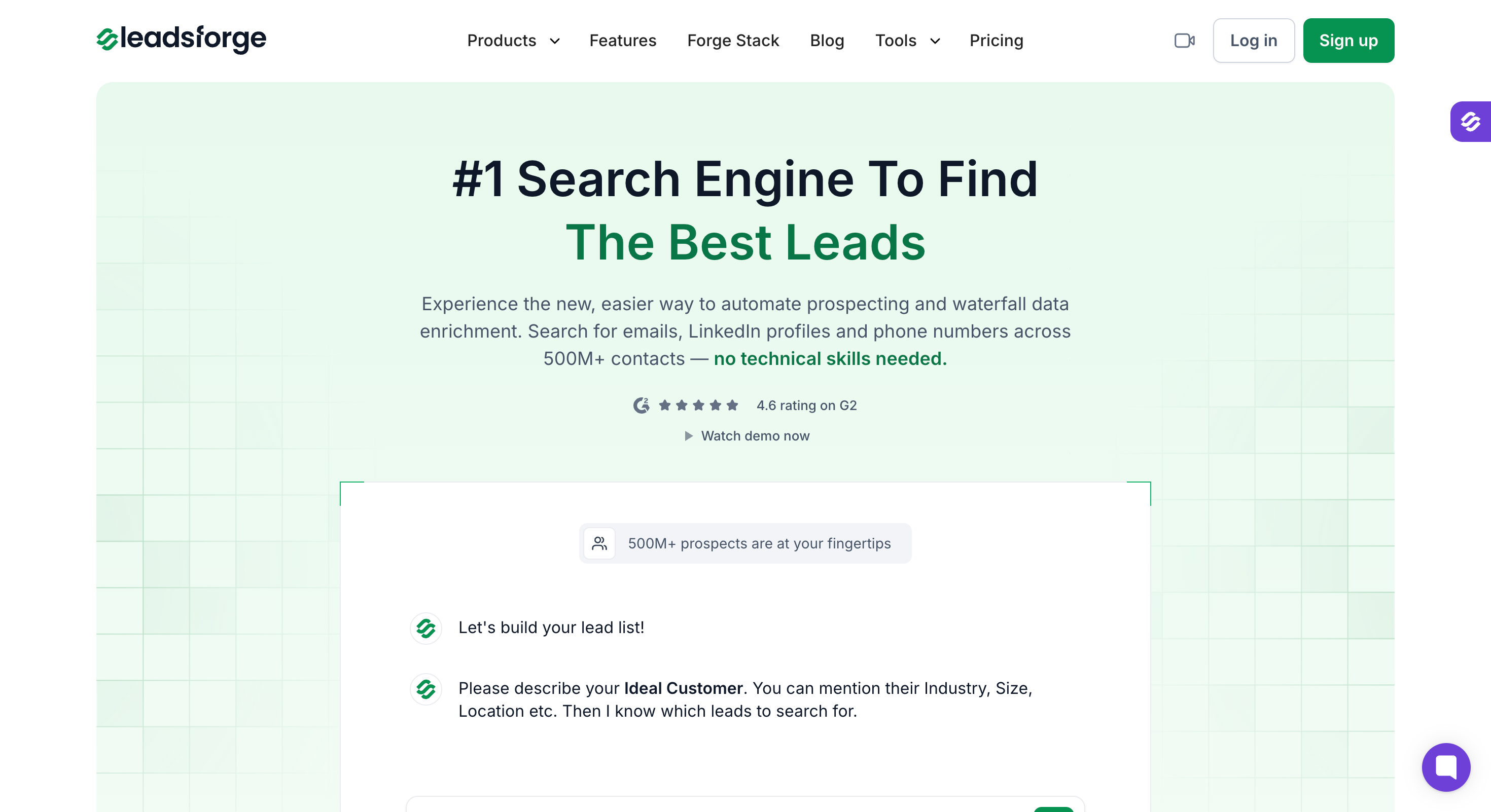
Leadsforge: Best AI B2B lead search engine. 500M+ contacts, chat-based ICP search, waterfall enrichment, five event-based Signals including the new Company Hiring, and a Local Lead Finder that pulls business data from Google Maps.
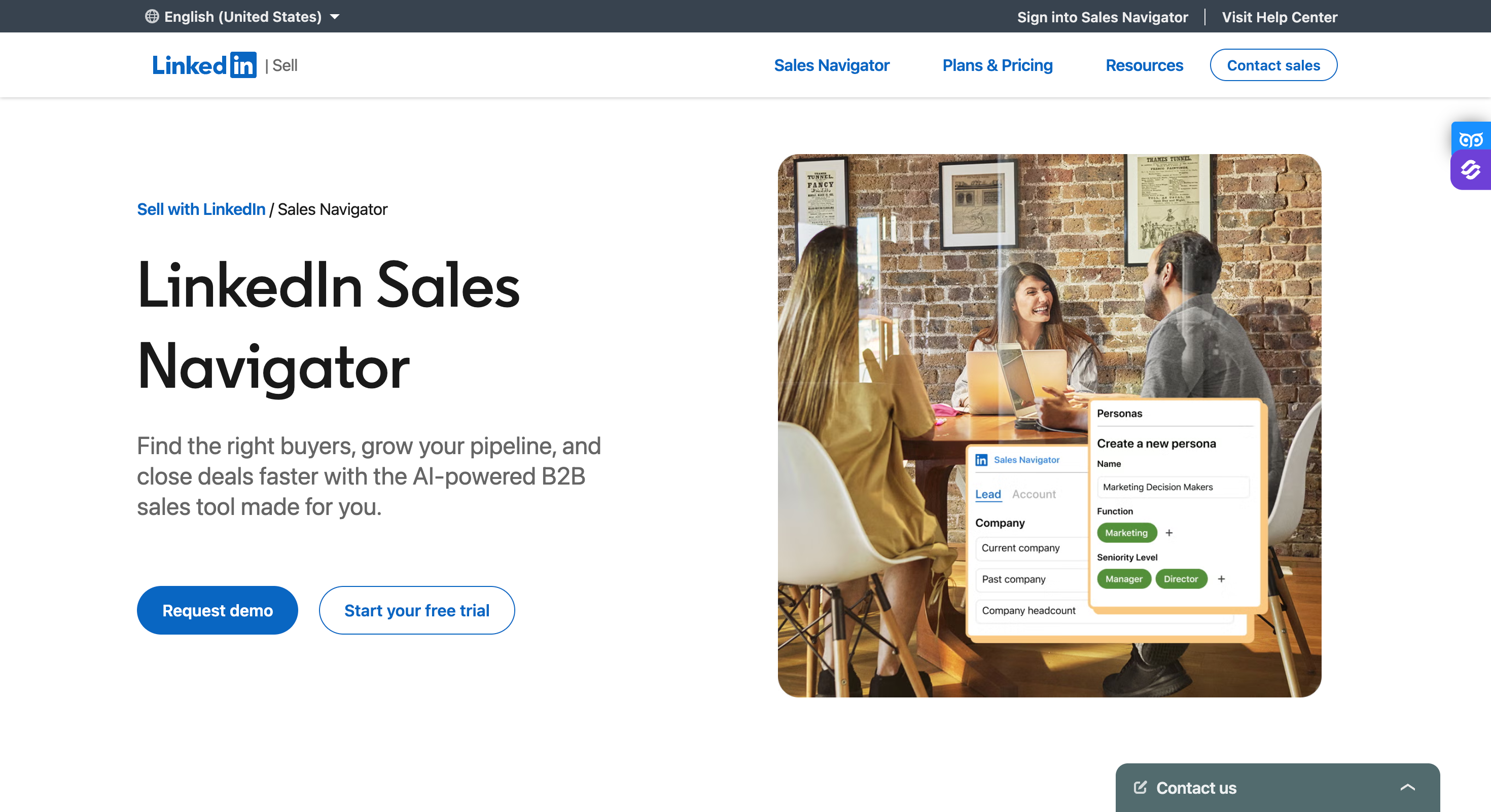
LinkedIn Sales Navigator: Best social-selling and LinkedIn intent tool, but does not surface emails or phone numbers on its own.
Apollo.io: Best all-in-one data plus email outreach for SMB teams, though Apollo removed native LinkedIn actions on January 30, 2026.
Category 2: Lead Enrichment Tools (Stage 2, verify and enrich the data)
Clay: Best workflow orchestration for RevOps. Waterfalls across 100+ data providers with Claygent AI enrichment.
ZoomInfo: Best enterprise data platform. Direct-dial phones, intent data, and buying-committee mapping at scale.
Company Enrich: Best API-first company data plus lookalike and semantic search. 30M verified companies, 170M people profiles, REST API + MCP.
Category 3: Multichannel Sales Outreach Tools (Stage 3, reach them at scale)
Salesforge: Best overall for AI multichannel outreach. Email + LinkedIn in one sequence, unlimited mailboxes, Primebox unified inbox (Auto-Pilot & Co-Pilot), free Warmforge warm-up, and AI personalization across 21+ languages.
Lemlist: Best outreach tool for founders and small teams that need image and video personalization at scale.
Reply.io: Best five-channel sales engagement platform. Email, LinkedIn, WhatsApp, SMS, and calls in one sequence, plus Jason AI SDR.
Feature Comparison: Top 3 Sales Prospecting Tools at a Glance
100 free credits on signup, no credit card required
Free tier with 100 credits/month
Sales Prospecting Happens in Three Stages
Every prospecting campaign breaks down into three jobs, and each job needs a different kind of tool.
Trying to compress them into one platform (or picking a tool from the wrong category for the wrong stage) is where most stacks fall apart.
Stage 1 (Lead Finding) - I turn my ICP into a list of target accounts and contacts. The output is a raw list of names and companies, with some initial contact information attached.
Stage 2 E(nrichment) - I take that raw list and append verified emails, direct-dial phones, technographics, and buying signals. B2B contact data decays around 25-30% every year, so I run enrichment continuously, not once.
Stage 3 (Outreach) - I sequence email plus LinkedIn (and sometimes calls) with personalization at scale, catch replies in a unified inbox, and hand qualified conversations to the AE.
Category 1: B2B Lead Database
The first stage of any prospecting campaign is the lead generation part of the sales process.
The three tools below are how I generate lists at the top of the funnel. Each takes a different approach: chat-based AI search, LinkedIn-native filters, or all-in-one data plus outreach, and these are lead generation tools for identifying potential customers before enrichment and outreach.
1. Leadsforge
Leadsforge is a chat-based lead search engine, and it is where I start every prospecting motion.
Every campaign begins with a list, and the quality of that list decides whether the sequence works or gets deleted. I describe the ICP in plain English, get back verified emails, LinkedIn URLs, and mobile numbers from a 500M+ contact database, then push the list into a Salesforge sequence in one click.
The angle that makes it work for prospecting specifically is waterfall enrichment. Most data tools run against a single source, so if that source runs thin in my ICP, my list runs thin.
Leadsforge cascades through multiple sources per lookup, so a contact that misses on one provider gets picked up by the next. I pay per verified match, not per attempted lookup.
Core Features:
AI Lead Finder with 500M+ B2B database: Chat-based ICP search across a 500M+ contact database. Returns verified emails, LinkedIn URLs, and mobile numbers.
Local Lead Finder from Google Maps: Seed a list of local businesses by category and geography (agencies, home services, restaurants, retail, real estate), then enrich the decision-maker contacts through the standard waterfall.
Company Lookalikes: Point Leadsforge at your best customers or a seed company, and it returns matching companies by industry, size, revenue, and tech stack. 1 credit per matched company.
Competitor Followers Search: Pull the LinkedIn followers of a competitor's company page, filterable by job title, seniority, and geography. 1 credit per matched follower and LinkedIn URL.
Waterfall Enrichment: Cascades through multiple data sources per lookup, falling back until a verified match is found.
Signals (event-based sourcing): Leadsforge offers five signal types: Job Change, Acquisition, Funding, Investor, and Company Hiring. Every extracted company or contact carries evidence in a Details view showing why the match fired.
API + MCP + CLI: A Leadsforge API key for search, enrich, and export, plus the Forge MCP server and CLI for Claude, Cursor, and other AI clients.
Chrome Extension: The free-to-install extension shared across the Forge Stack. Surfaces verified emails and mobile numbers on LinkedIn and company sites, and pushes contacts into a Salesforge sequence. Lookups consume Leadsforge credits.
Integrations: Hands lists to Salesforge under one shared login (separate subscriptions). Natively connects to HubSpot, and integrates with Pipedrive, Salesforce, Slack, Clay, Zapier, and webhooks.
Pros and Cons:
✅ Pros
❌ Cons
Waterfall enrichment across multiple data sources for every lookup
No free plan; only 100 free credits are available on signup
500M+ contact database with verified emails, LinkedIn URLs, and mobile numbers
Event-based Signals across 5 signal types with evidence for every match
Local Lead Finder powered by Google Maps for local B2B prospecting
One-click list-to-sequence push directly into Salesforge
Native MCP server and CLI for AI agent workflows
Integrations with HubSpot, Pipedrive, Salesforce, Clay, and Zapier
100 free credits on signup with no credit card required
Pricing (annual):
Plan
Price
What's Included
Essential
$49/month, or $588/year (billed annually)
Credits granted upfront with full access to AI Lead Finder, Local Lead Finder, Lookalikes, Followers, Signals, API, MCP, CLI, and the Chrome extension.
100 free credits on signup, no credit card required.
Credit costs: 1 per email, 1 per LinkedIn URL, 10 per mobile, 1 per company lookalike, 1 per competitor follower + LinkedIn URL.
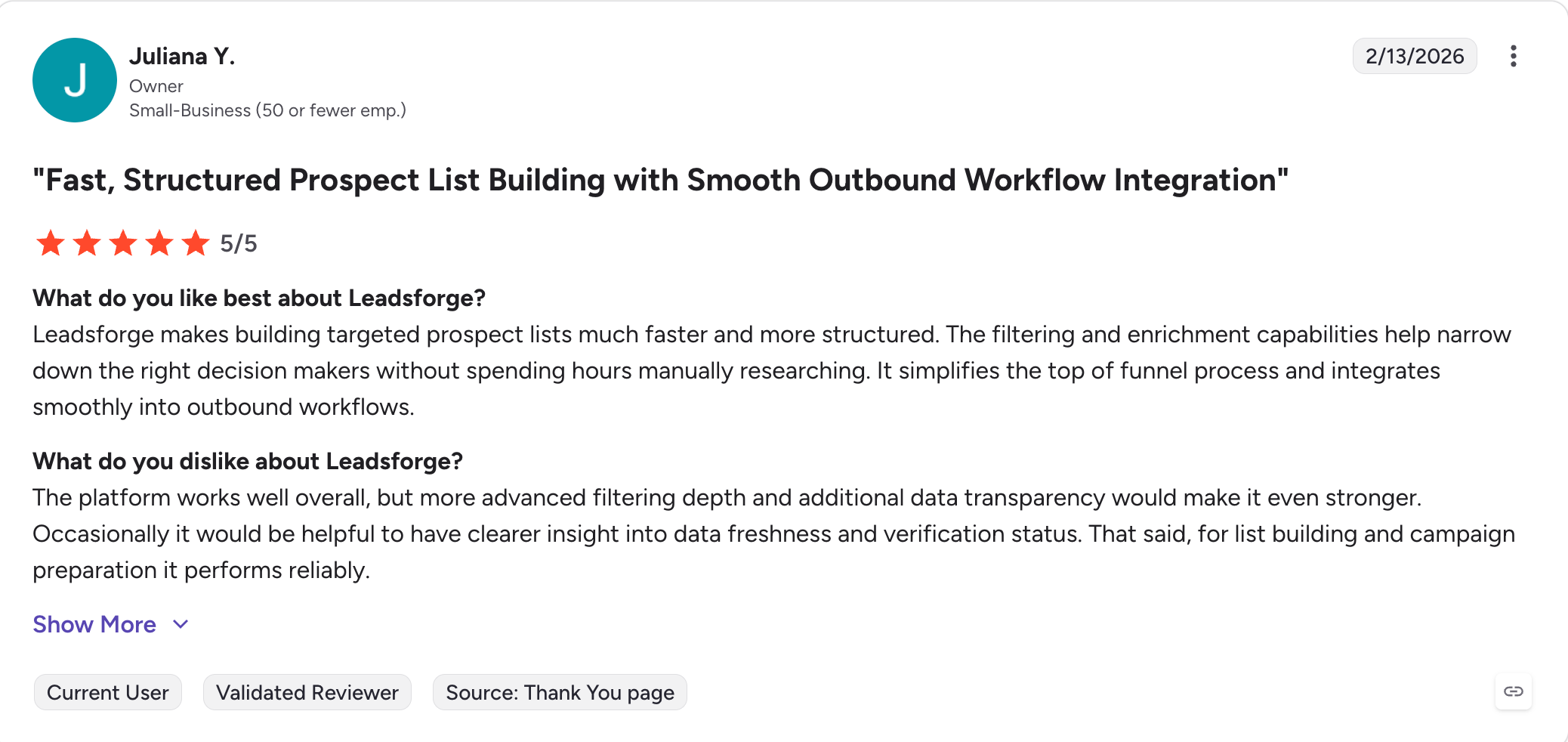
What Real Users are Saying:
2. LinkedIn Sales Navigator
Sales Navigator is the search layer inside LinkedIn, and every prospecting team I know uses it even though no one recommends it on its own. Its real value is advanced search and advanced search capabilities for prospect discovery.
For any ICP with a public LinkedIn presence, that search is the most reliable way I have found to identify prospects. What Sales Navigator does not do is surface emails, phone numbers, or run any kind of automation. It ends where the outreach begins.
That is a positioning statement, not a criticism. When I run a LinkedIn-first prospecting motion, Sales Navigator is where I search accounts, save leads, apply intent filters, and help sales teams identify prospects with those filters before passing them to the rest of the workflow. It handles the identification step better than the free LinkedIn product does.
The mistake is asking it to do more than that. I still need a data tool to find the emails behind the saved leads, and an outreach tool to sequence them, since it is not a separate prospecting tool replacement for data enrichment or outreach.
Core Features:
Advanced LinkedIn search with advanced search capabilities (30+ filters at the Advanced tier)
Lead and account lists
InMail credits (5, 50, or custom depending on plan)
Buyer intent signals inside LinkedIn
CRM integration with Salesforce, HubSpot, and Microsoft Dynamics
TeamLink and TeamLink Extend (Advanced Plus)
Pros and Cons:
✅ Pros
❌ Cons
Deepest LinkedIn search filters available
No email addresses or phone numbers included
Buyer intent signals available directly inside LinkedIn
No automation capabilities of any kind
InMail credits included with the subscription
Per-seat pricing becomes expensive as teams grow
CRM synchronization available on the Advanced tier
Advanced Plus requires an annual contract and a sales conversation
Monthly-billed pricing runs roughly 12% higher across all tiers.
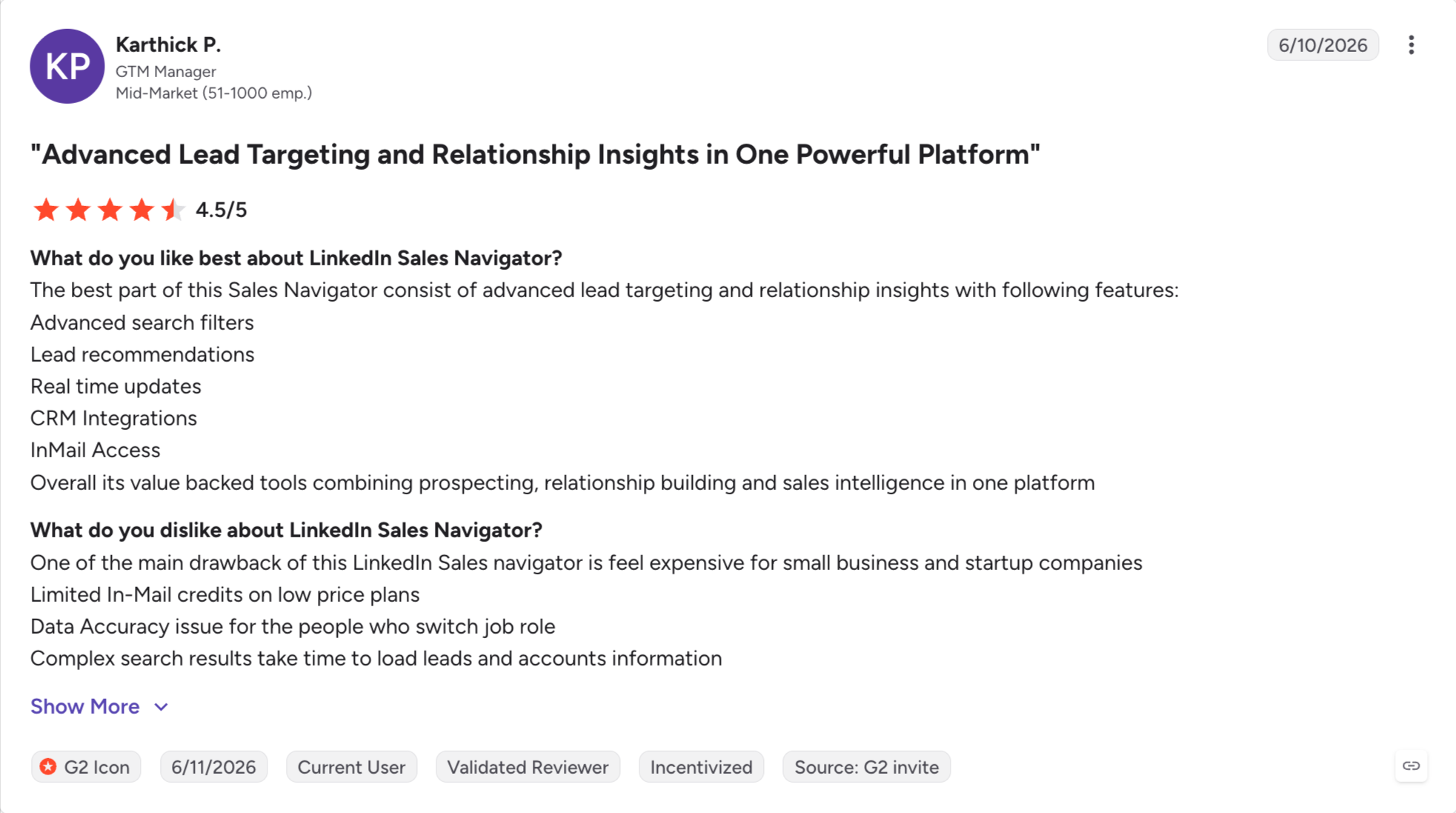
What Real Users are Saying:
3. Apollo.io
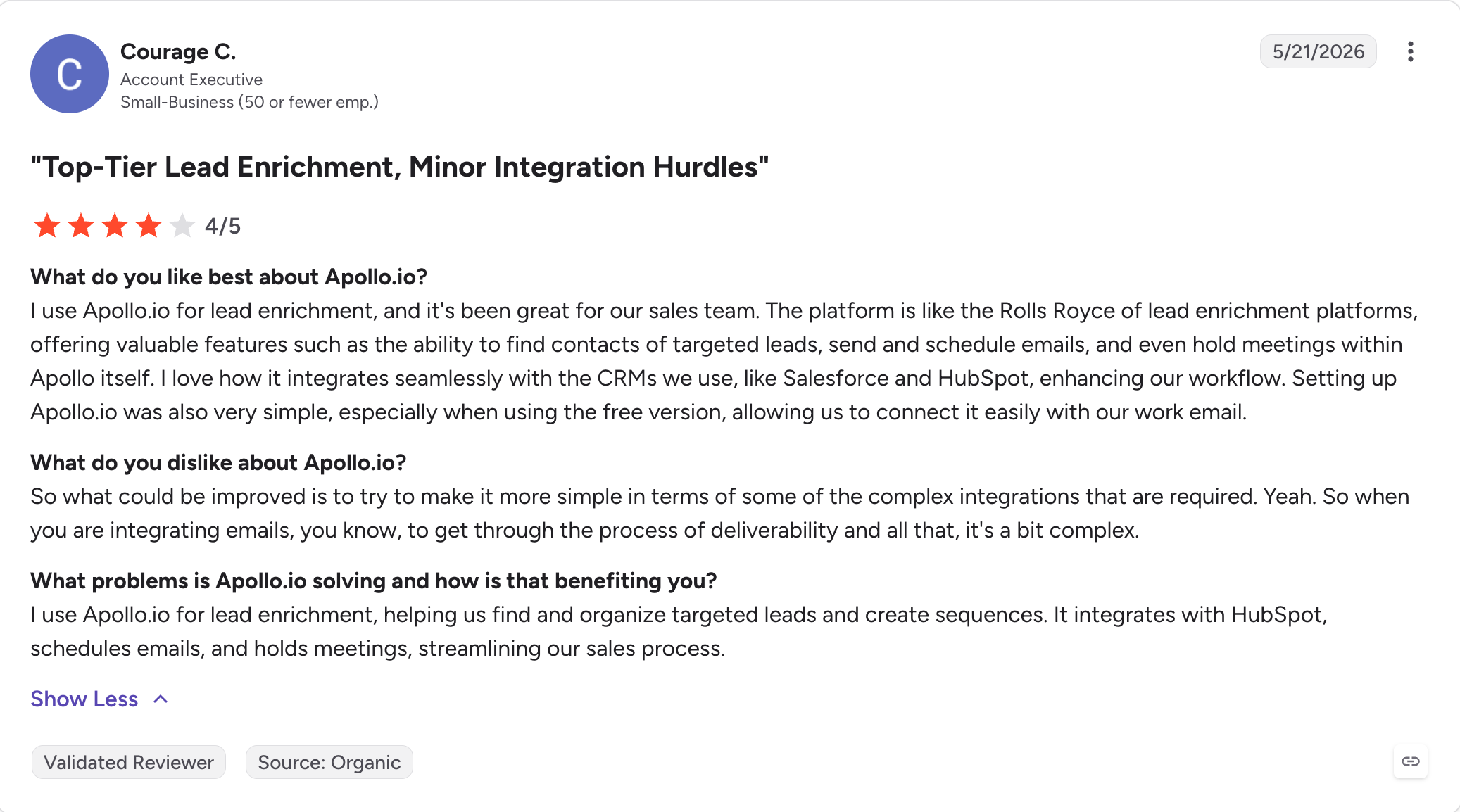
Apollo is an all-in-one for prospecting data plus email outreach, built to support lead generation and the sales pipeline from contact discovery through outreach logging in one login: find the contact, verify the email, sequence the outreach, log the outcome.
It still delivers on the first half (roughly 270 million contacts, a useful free tier, and aggressive entry-level pricing) better than most SMB-focused tools do.
The second half is where things changed in 2026. On January 30, 2026, Apollo removed native LinkedIn actions from the platform. Connection requests, messages, and profile views are now manual tasks I mark complete after doing them inside LinkedIn.
For prospecting campaigns that rely on email plus LinkedIn touches to book meetings (which is most of them, in my experience), Apollo now covers only half the sequence.
Teams I work with are keeping Apollo for the data and moving the sending part elsewhere.
Apollo still works for prospecting programs that are email-only and US-focused, which is a real subset of teams but no longer the mainstream one, though it still fits SMB teams that want fewer multiple tools in the stack.
Core Features:
270M+ contact database for verified contact discovery
Email sequencing with A/B testing to support the early sales cycle for SMB teams
Basic AI copy templates
HubSpot, Salesforge, and Pipedrive integrations for outreach logging and light pipeline management
Native LinkedIn automation was removed on January 30, 2026
Free plan is usable for small-scale prospecting
Real-world email accuracy is typically around 65–80%, below the claimed 91%
Strong integrations with major CRM platforms
Per-seat pricing becomes expensive as teams grow
Aggressive entry-level pricing
Phone credits are consumed roughly 8× faster than email credits
Well-known platform with an easy onboarding experience
Support response times are slower on lower-tier plans
Pricing (annual):
Plan
Price
Notes
Free
$0
Limited credits and features
Basic
$49/user/month (billed annually)
Core sequencing and contact data
Professional
$79/user/month (billed annually)
Adds AI features and built-in dialer
Organization
$119/user/month (billed annually)
Minimum 3 seats with advanced administration features
What Real Users are Saying:
Category 2: Lead Enrichment Tools
The second stage takes a raw list and turns it into usable customer data with stronger CRM data quality.
The three tools below handle enrichment, verification, and buying-signal detection at different scales, while supporting automated workflows for enrichment, verification, and buying-signal detection: workflow orchestration, enterprise data, and API-first infrastructure.
4. Clay
Clay is not a prospecting tool in the way the others on this list are.
Clay is a data orchestration layer that runs above the prospecting stack rather than inside it.
RevOps teams build custom workflows in Clay that pull from 150+ data providers in sequence, run AI research on every row, and pass cleaner lists to the outreach layer.
The prospecting problem Clay solves is coverage. Any single data tool has holes in specific ICPs, industries, or regions, and pointing more tools at the same lookup gives higher hit rates. Clay operationalizes that at scale.
I build the waterfall once (say, verified email from vendor A, phone from vendor B, LinkedIn URL from vendor C), and every prospect on the list runs through the same pipeline.
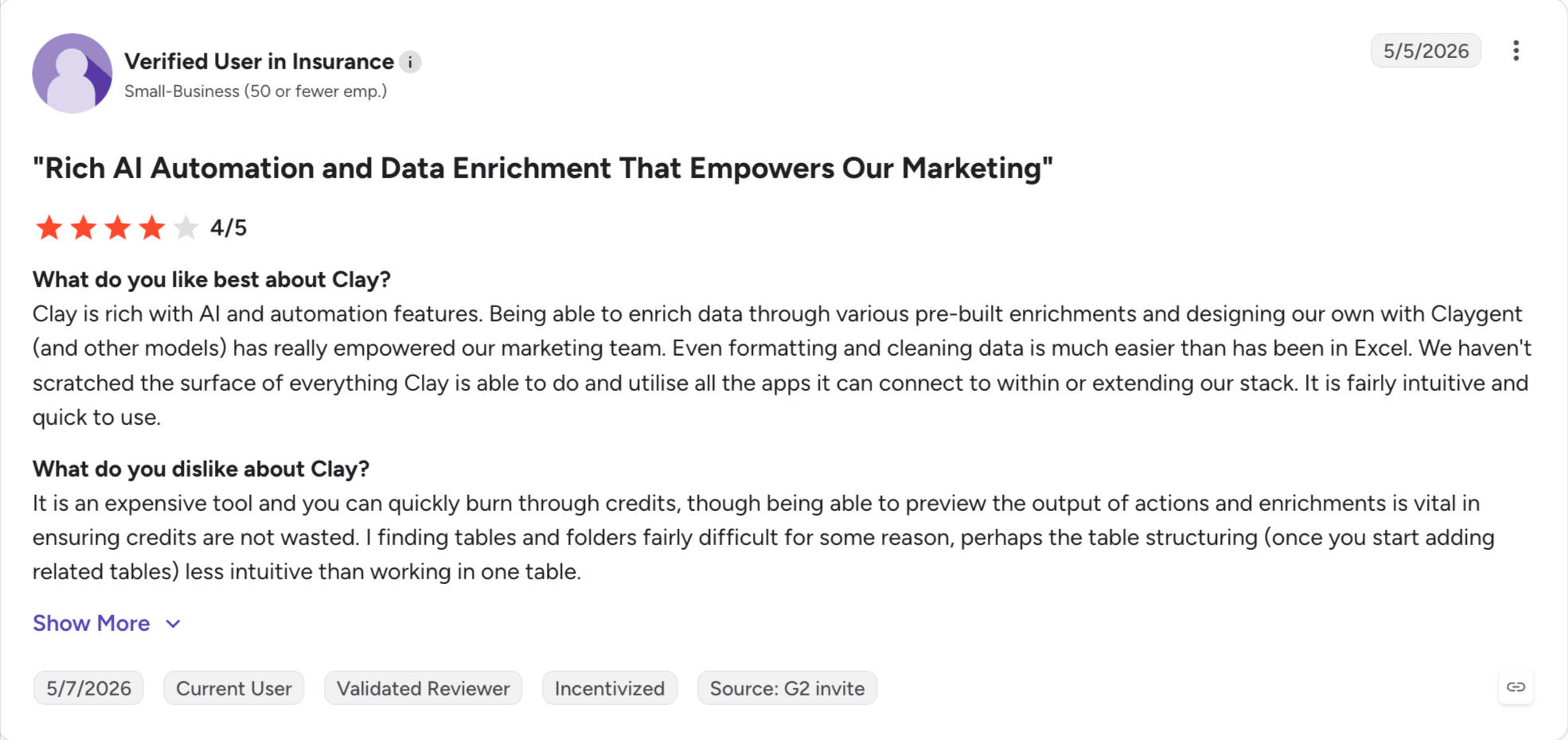
Though learning how to use Clay is bit technical. My first two weeks in Clay went to building tables, writing prompts, and figuring out which enrichment steps to run in what order. Once it clicks, the payoff shows up in reply rates, because the outreach tool downstream is sending to lists that actually verify.
Core Features:
Waterfall enrichment across 150+ providers
Claygent AI enrichment for custom prompts
Sculptor natural-language workflow builder
50+ native integrations
Table-based workflow builder
HubSpot, Salesforge, and Apollo integrations
API for programmatic access
Pros and Cons:
✅ Pros
❌ Cons
Waterfall enrichment across 150+ providers eliminates single-source data gaps
Steep learning curve that most SDRs struggle to master
Claygent enables AI-powered enrichment using custom prompts
Failed lookups still consume credits
Extremely flexible for RevOps-owned enrichment and automation workflows
Pricing scales quickly, from $149/month to $495+/month
The spreadsheet-style interface becomes very powerful once learned
Not designed for end-user prospecting or everyday SDR workflows
Large and growing library of community-built templates
Trustpilot rating around 2.2 (as of August 1, 2026)
Pricing:
Plan
Price
What's Included
Free
$0
100 credits and limited features
Launch
$149/month (billed annually)
2,000 credits and access to most integrations
Growth
$495/month (billed annually)
10,000 credits, all integrations, and Claygent
Enterprise
Custom pricing
Single sign-on (SSO), dedicated support, and higher usage limits
What Real Users are Saying:
5. ZoomInfo
ZoomInfo is an enterprise sales intelligence platform, and it is what most enterprise prospecting campaigns run on.
When my ICP includes named accounts in the Fortune 1000, I need direct-dial phone numbers on senior decision-makers, intent data that shows which accounts are researching the category this week, and org charts that map the buying committee before I write a single email.
ZoomInfo does all three at a scale most tools cannot touch, particularly on US contacts.
The prospecting motion it fits is ABM-style: 200 to 500 named accounts, multi-threaded outreach across the buying committee, sales cycles measured in quarters rather than weeks.
What it does not fit is a growing SMB with a fluid ICP. ZoomInfo prices in five figures annually, contracts are yearly, and the 60-day auto-renewal window is the most-cited complaint on G2 and Reddit.
For a Fortune 500 sales org with in-house counsel, that is a manageable cost of doing business.
For a Series A team still refining who they sell to, it becomes visible around month 11 and rarely as a pleasant surprise.
Core Features:
Enterprise-grade contact and company data, including verified email addresses
Intent data via 6sense integration or ZoomInfo's own signals
Chorus conversation intelligence bundled at higher tiers
Copilot AI features (basic, rolling out)
SFDC, HubSpot, and Outreach integrations with more direct crm integration for syncing enriched account and contact data
Pros and Cons:
✅ Pros
❌ Cons
Enterprise-grade contact data with especially strong direct-dial phone coverage
60-day auto-renewal window, with price increases commonly reported at renewal
Rich intent data and technographic signals for account targeting
Quote-based, opaque pricing that typically lands between $30K–$60K annually
Chorus and Engage are bundled into higher-tier offerings
No native LinkedIn automation
Strong integrations with Salesforce and HubSpot
Slow implementation process that often requires legal review
Well suited for regulated industries with strict procurement and compliance requirements
Trustpilot rating hovers around 1.5
Pricing:
Quote-based across all plans.
Public estimates put the entry point around $15,000/year, with realistic total spend for a functional deployment landing between $30,000 and $60,000/year depending on seat count, data credits, and add-ons like Chorus.
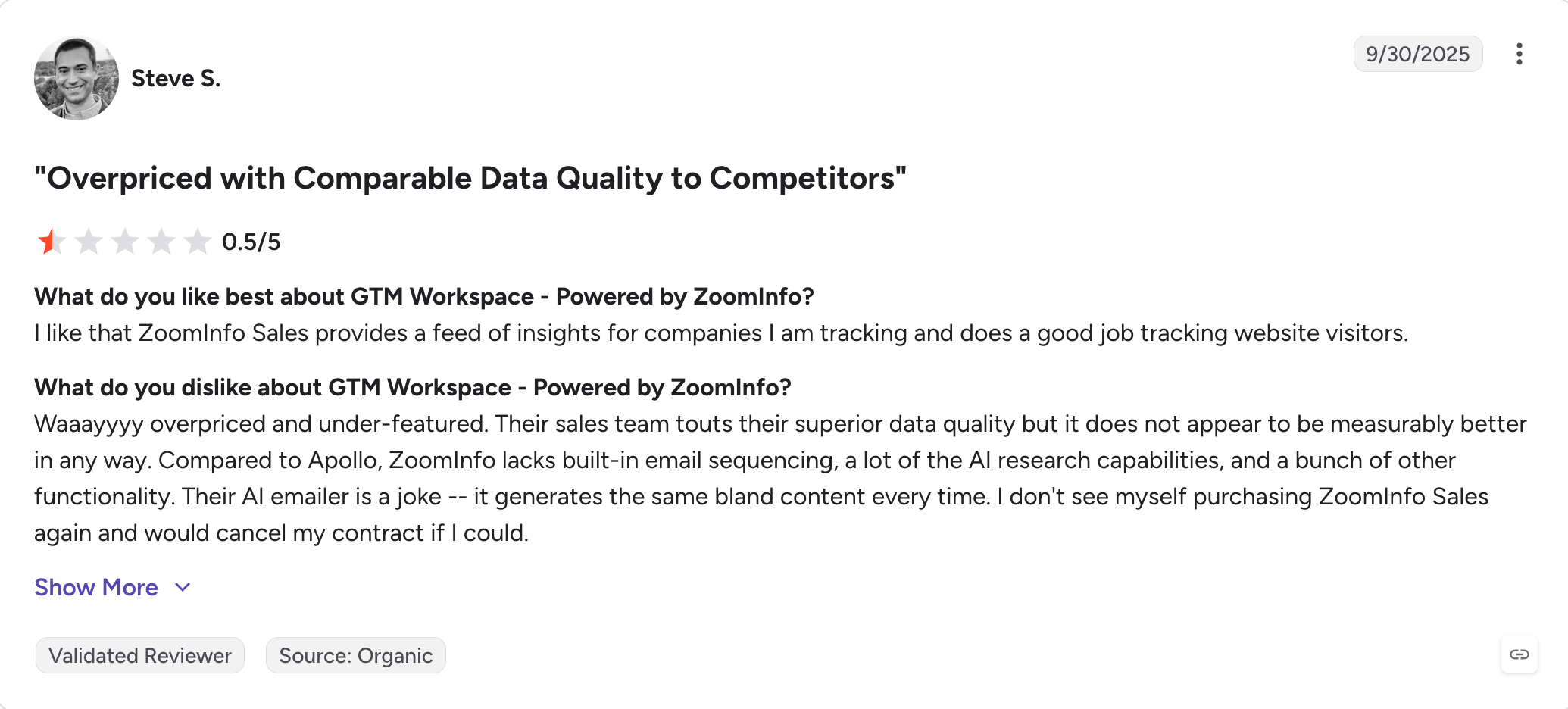
What Real Users are Saying:
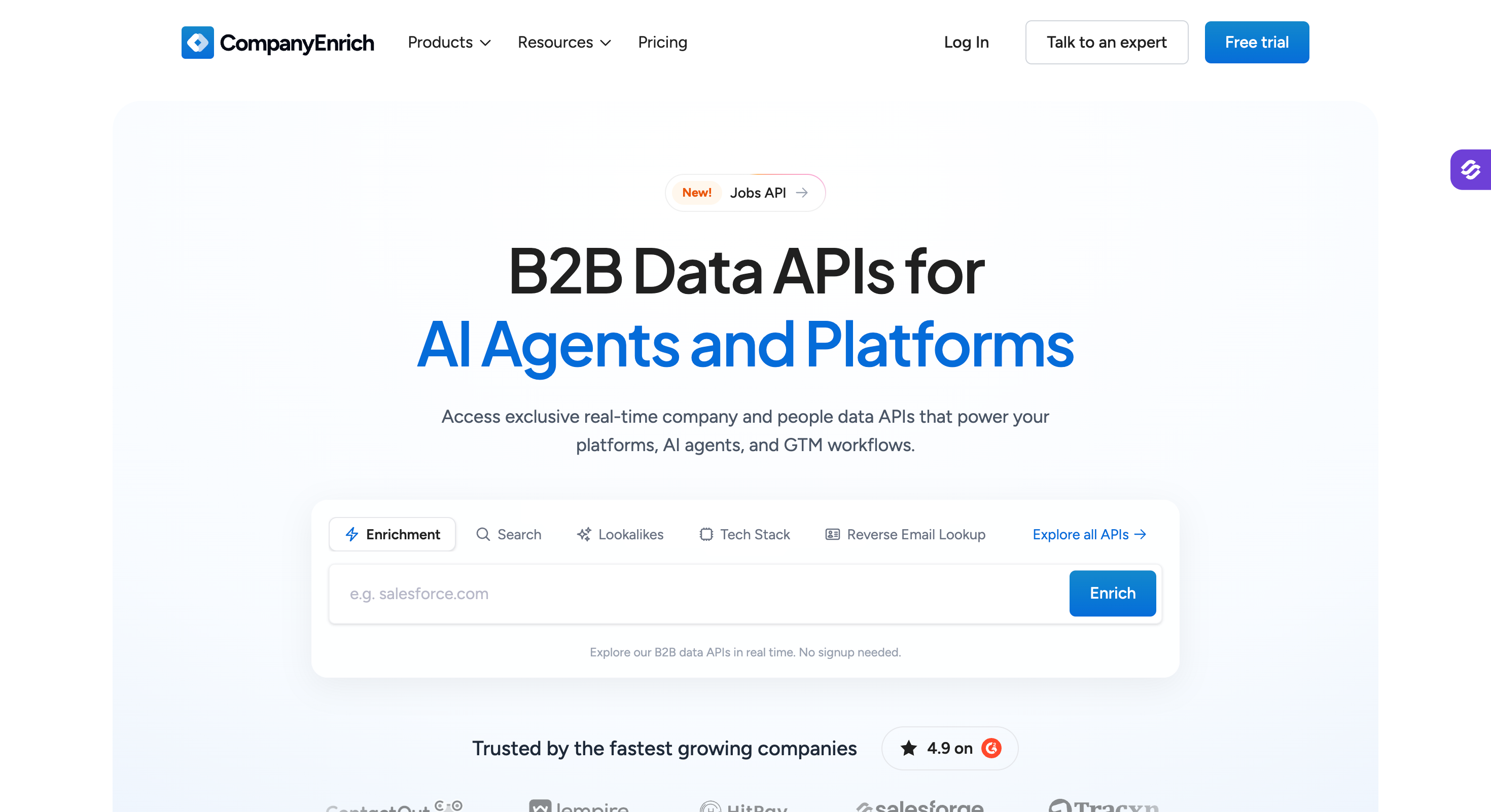
6. Company Enrich
Company Enrich is an API-first company data platform, and it is what my RevOps team plugs into Clay, HubSpot, or a Claude workflow when the pipeline needs a single reliable source of company data to keep customer data and CRM records fresh.
The product is a suite of REST APIs (Company Enrichment, Company Search, People Search, CRM Enrichment, Similar Companies, Reverse Email Lookup, Company Funding, Ad Intelligence, Jobs, Company Headcount) that distill 900M+ raw records into 30M verified companies and 170M people profiles.
There is no UI-first prospecting motion here. There is a fast, transparent, credit-priced data source I can hit from wherever the rest of my stack lives.
The prospecting angle Company Enrich solves is lookalike and semantic search. Feed it a best customer, and it returns matching companies by tech stack, industry, revenue, or headcount. Feed it a natural-language prompt (say, "multi-premium brand lubricant distributors in USA") and it returns actual matches rather than generic firmographic dumps, which supports lead generation for API-driven teams without relying on a UI-heavy separate prospecting tool.
Both capabilities compound with Clay's orchestration layer, which is why the Clay integration shows up in nearly every review.
Core Features:
Company Search API with 15+ filters plus AI semantic search
Company Enrichment API (1 credit per company)
People Search API (2 credits per profile)
Similar Companies API for lookalike discovery (5 credits per company)
CRM Enrichment for keeping HubSpot or Salesforce CRM records fresh and syncing enriched CRM data
Reverse Email Lookup (5 credits per lookup) to verify contact details for prospecting workflows
MCP Server at mcp.companyenrich.com (Claude Desktop, Cursor, VS Code, Raycast)
Chrome extension (free, surfaces company profiles and lookalikes on LinkedIn)
Integrations: native Clay, HubSpot Sales Hub, n8n, Databar, webhooks, and REST API
Pros and Cons:
✅ Pros
❌ Cons
Transparent credit-based pricing starting at $49/month
No publicly listed annual pricing (available only on request)
Strong company-level data accuracy
Person-level data is weaker than company-level data
Powerful AI semantic search and lookalike company search
Exclusion filters are clunky and do not support bulk keyword pasting
Native integration with Clay and an MCP server for AI workflows
No granular state or city filters in company search
Free Chrome extension with monthly credits included
Thinner APAC coverage than competitors
Free trial with 500 credits
API-first product, so non-technical teams often rely on Clay or the Chrome extension
Pricing:
Plan
Price
Credits
Free Trial
$0
500 credits
Starter
$49/month
5,000 credits (60 requests/minute)
Pro
$149/month
50,000 credits (120 requests/minute), with credit rollover
Scale
$549/month
500,000 credits (600 requests/minute), credit rollover, plus Preview, Async, and Batch APIs
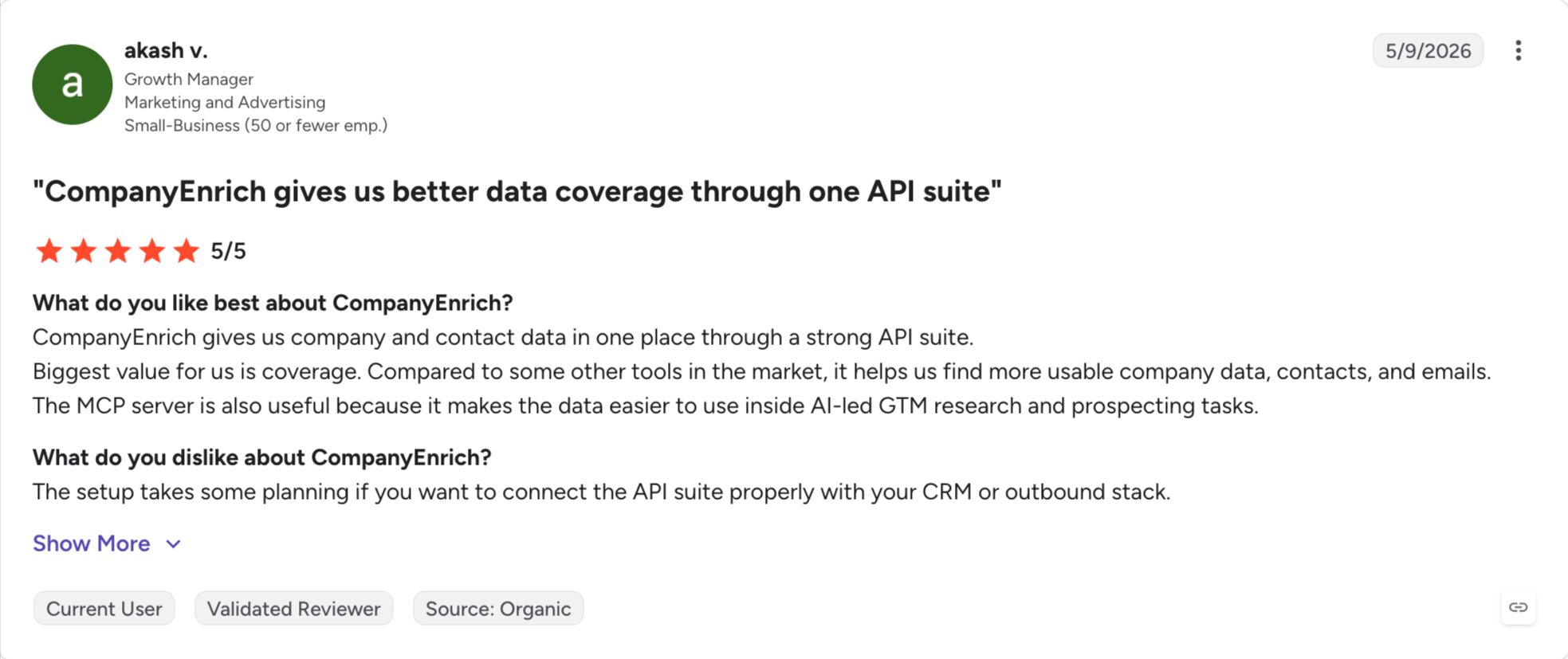
What Real Users are Saying:
Category 3: Multichannel Sales Outreach Tools
The third stage sends the sequences.
The three tools below handle email, LinkedIn, and (in Reply.io's case) three more channels.
This is where enriched lists turn into booked meetings, and where deliverability, reply management, and pricing structure become the real decision variables.
7. Salesforge
Salesforge is a multichannel outreach platform that runs email and LinkedIn in one sequence, and it is where enriched lists turn into booked meetings on my stack.
Two things put Salesforge first on the outreach category. The first is that prospecting campaigns scale in mailboxes and senders, not in users, and Salesforge is priced flat regardless of how many mailboxes you connect.
The second is that email plus LinkedIn touches book more meetings than either channel alone, and Salesforge runs both natively inside the same conditional sequence.
If I want to hand the whole campaign to an AI SDR instead, Agent Frank runs prospecting, sending, and reply management end-to-end.
Overall, Salesforge is best for B2B outbound teams, agencies, and founder-led sales running email plus LinkedIn at volume who want flat, unlimited-seat pricing with deliverability built in.
Core Features:
Unlimited LinkedIn senders + mailboxes: Pro includes unlimited mailboxes and 1 LinkedIn sender. Growth includes unlimited mailboxes, unlimited LinkedIn senders, unlimited users, and unlimited shared workspaces. There is no seat-based or mailbox-based markup.
Multichannel sequences: Email and LinkedIn in one sequence with branching logic, A/B testing, and campaign performance tracking.
AI personalization: Includes the Localized Greeting variable available in the personalization picker for the Human Path. Cost: 1 personalization credit per sent message that uses the variable.
6 LinkedIn actions: Connection requests, messages, InMails, post likes, follows, and withdraw requests, run from unlimited LinkedIn senders on Growth.
Primebox unified inbox: Co-Pilot drafts AI replies and holds them for approval before sending. Auto-Pilot continues conversations autonomously. Primebox unifies replies from email and LinkedIn across every mailbox and sender.
LinkedIn Email Finder via Chrome Extension: Salesforge-branded, free to install, shared across the Forge Stack. Surfaces verified emails and phone numbers from LinkedIn profiles and pushes contacts into a Salesforge sequence. Lookups consume Leadsforge credits (1 per email, 10 per mobile). New users get 100 free credits on Leadsforge signup, no credit card required.
Warmforge warm-up: Included free with every Salesforge subscription.
Integrations: Native HubSpot, Pipedrive, LinkedIn Sales Navigator, API, Zapier, and webhooks, plus one-login access to the full Forge Stack (Warmforge, Mailforge, Infraforge, Primeforge, Leadsforge).
Forge MCP Server + CLI: Connects the Forge Stack to Claude and other AI agents for programmatic outbound workflows.
Agent Frank AI SDR: Autonomous AI SDR ($499/month billed annually) that prospects, writes, sends, and manages replies end-to-end.
Pros and Cons:
✅ Pros
❌ Cons
Unlimited mailboxes on every plan remove per-seat mailbox costs
No free plan; only a 14-day free trial is available
Native email and LinkedIn multichannel outreach in a single sequence
Warmforge email warm-up included at no additional cost
Primebox unifies replies across every mailbox and communication channel
Supports 21+ languages with Localized Greeting for Human Path
Native MCP server and CLI for AI-agent workflows
Integrations with HubSpot, Pipedrive, Salesforce, Sales Navigator, and Zapier
Pricing (annual):
Plan
Price
What's Included
Pro
$40/month (billed annually)
1,000 contacts, 5,000 emails/month, 1 LinkedIn sender, and unlimited mailboxes
Fully autonomous AI SDR add-on with a dedicated account manager
All plans include Warmforge warm-up, mailbox rotation, dynamic ESP matching, sender rotation, email validation, Bounce Shield, and Primebox. 14-day free trial, no credit card required.
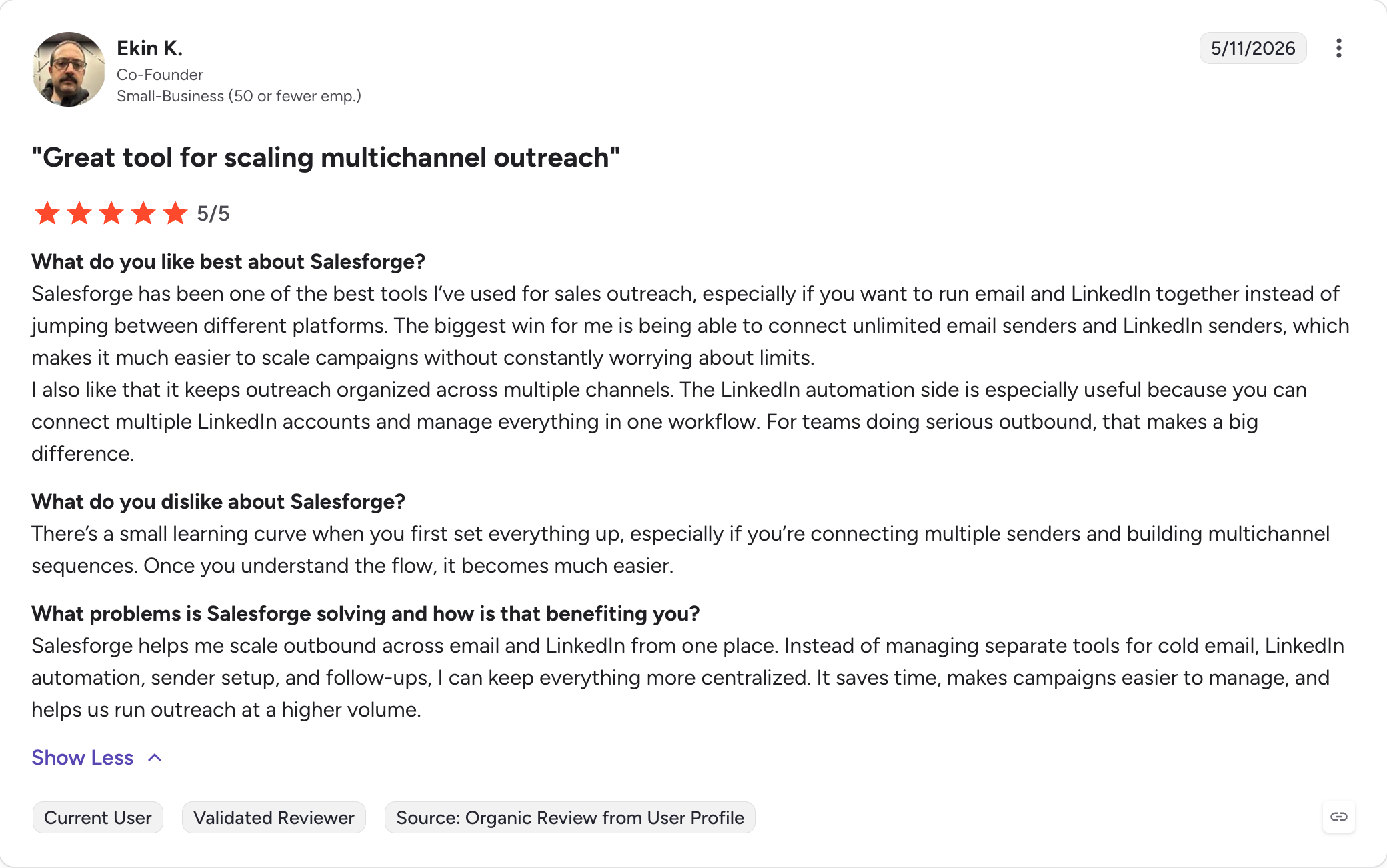
What Real Users are Saying:
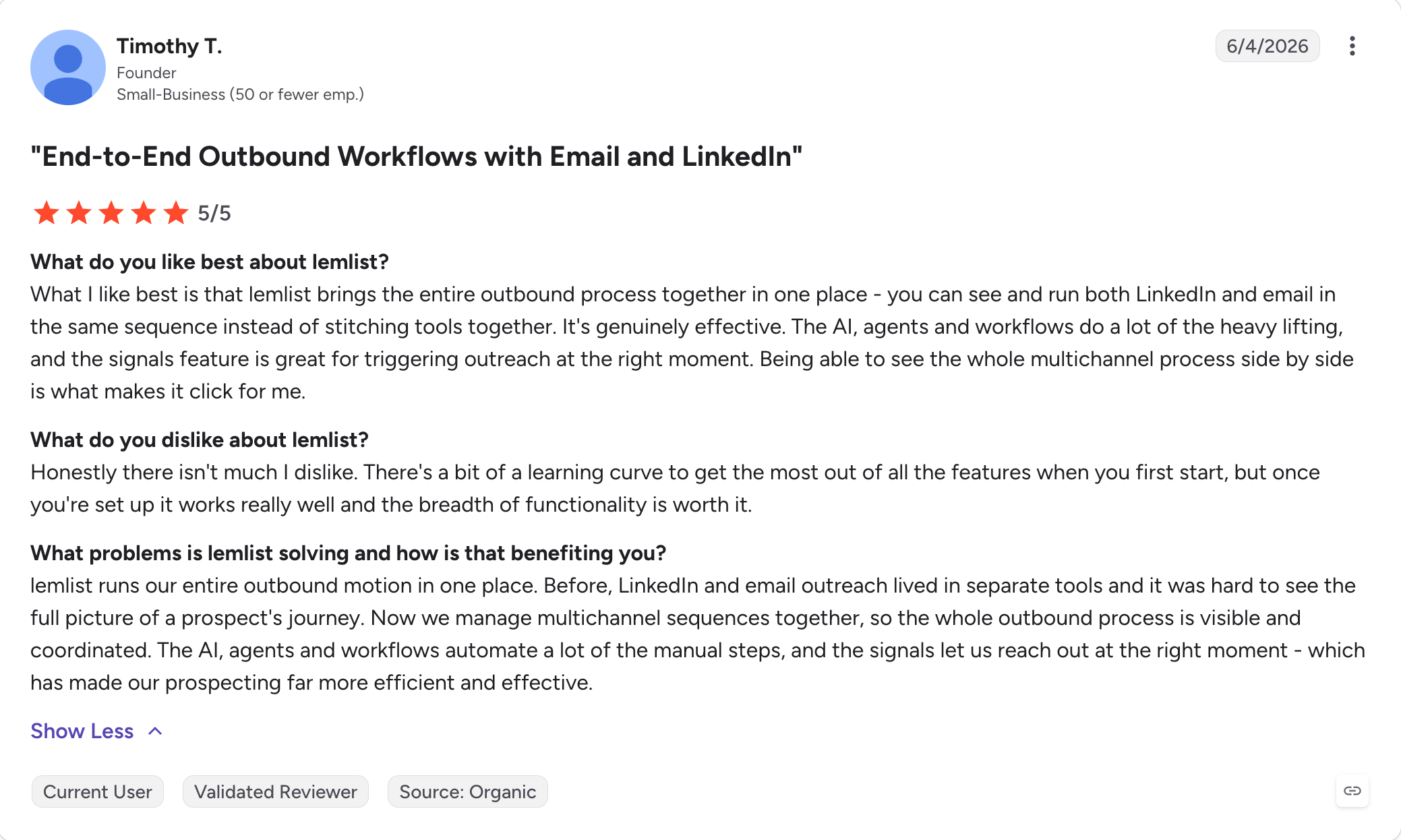
8. Lemlist
Lemlist is a personalization-heavy multichannel platform, and it is what I recommend to founders and small teams whose prospecting campaign depends on standing out in a saturated inbox.
The current product wraps that around a full multichannel platform with a 650M+ contact database bundled on every plan.
For a solo founder or a two-to-three person team, that bundle removes the "which data tool do I need" decision at the start of a prospecting campaign and reduces the need for a separate prospecting tool.
The prospecting campaign Lemlist fits is small-team outbound where personalization moves the needle more than volume does. Every account gets a hand-crafted first email with an image or a video pulled from LinkedIn, and follow-ups run through multi channel outreach across email, LinkedIn (via a Chrome extension), calls, and SMS.
Where Lemlist starts to strain is at agency or mid-market scale.
Pricing runs per seat, credit costs stack up on phone lookups and intent signals, and LinkedIn steps run through a browser extension that carries a 3-5% account restriction risk per active user per 90 days.
Core Features:
650M+ lead database with email and phone finder/verifier (waterfall across 25+ providers)
AI multi channel sequences (email, LinkedIn, calls, WhatsApp add-on, SMS)
Inbox rotation and unified inbox on Multichannel plan
Chrome extension (free with plans, works from LinkedIn and Gmail)
MCP, CLI, and Claude Skills
CRM integrations (HubSpot, Salesforce, Pipedrive), plus Zapier, Make, n8n, and Clay, with support for sales and marketing teams across outbound and nurture workflows
Pros and Cons:
✅ Pros
❌ Cons
Contact database included with every plan (no separate data subscription)
Credits are consumed quickly (phone numbers cost 20 credits each, Signals up to 400 credits)
Image and video personalization at scale
Premium per-seat pricing compared with email-first competitors
lemwarm included on every paid plan
LinkedIn messages are limited to 200 characters, even on premium plans
lemAgent, MCP, CLI, and Claude Skills for AI-powered workflows
LinkedIn automation runs through a browser extension, carrying an estimated 3–5% account risk
Clean, user-friendly interface for non-technical teams
Enterprise plan requires an annual contract with a minimum of five senders
Pricing:
Plan
Price
What's Included
Email
$39/user/month (billed annually)
Unlimited users and email senders, 650M+ contact database, lemAgent, MCP, Deliverability Hub, warm-up, CRM and API access, plus 50,000 emails/month.
Multichannel
$109/user/month (billed annually)
Adds 5 senders per user, LinkedIn automation, SMS, in-app calling, WhatsApp add-on, and a unified inbox.
Enterprise
Custom pricing
SSO/SAML, dedicated account manager, one-on-one onboarding, and support for 5+ senders per user.
What Real Users are Saying:
9. Reply.io
Reply.io is a five-channel sales engagement platform, and it is what I recommend when the prospecting campaign has to span more than email, making it one of the stronger prospecting platforms for teams that need outreach beyond email.
Some prospects reply on email; some only pick up the phone; some live in WhatsApp because they work in a region where WhatsApp is how business gets done. Reply.io runs all five channels (email, LinkedIn, WhatsApp, SMS, and phone calls) inside one sequence.
This matters for outbound motions targeting international buyers, technical decision-makers, or industries where email deliverability alone struggles to book meetings.
The prospecting campaign it fits is a mid-market SDR team running structured multichannel workflows, or an agency layering multiple channels for clients whose buyers are hard to reach on email alone. That kind of structured multi channel outreach helps organize the prospecting workflow for harder-to-reach accounts.
The contract structure is a 3-month minimum with no self-serve cancellation, and auto-renewal complaints show up disproportionately on Trustpilot despite the strong G2 score.
For a prospecting program with a defined 6-12 month runway, that structure is manageable.
For a team still figuring out channel-market fit, it is a commitment I would think twice about.
Core Features:
Multichannel conditional sequences for multi channel outreach (email, LinkedIn, WhatsApp semi-auto, SMS, calls)
Jason AI SDR (autopilot and copilot, 50+ languages)
1B+ B2B contacts via Real-Time Data by Generect
AI Variables and AI-generated sequences
Meeting scheduler
Deliverability suite (SPF/DKIM/DMARC, Mailtoaster.ai warm-up, Google Postmaster, inbox rotation, ESP matching)
Findy Chrome extension
CRM integrations (Salesforce, HubSpot, Pipedrive, Copper, Close) with engagement syncing into the sales pipeline
MCP server, n8n node, and public API
White-label option for agencies
Pros and Cons:
✅ Pros
❌ Cons
Five native outreach channels: email, LinkedIn, WhatsApp, SMS, and calls
Three-month minimum contract with no self-serve cancellation
Jason AI SDR supports both Autopilot and Copilot modes
Per-seat pricing plus paid add-ons increases total cost quickly
1B+ contact database powered by Generect Real-Time Data
LinkedIn automation requires a separate $69/month add-on per account
Strong two-way CRM synchronization
Some reviewers report sequence reliability and execution bugs
Excellent customer support (9.3/10 on G2)
No mobile app available
MCP, n8n, and API support for AI-agent workflows
AI reply quality is inconsistent, with roughly a 65% appropriate response rate
Pricing (annual):
Plan
Price
What's Included
Email Volume
$49/user/month (billed annually)
1,000 active contacts, unlimited mailboxes (fair use), unlimited emails, warm-up, and a complete deliverability suite.
Multichannel
$89/user/month (billed annually)
Email, LinkedIn, SMS, and phone outreach, 10 mailboxes, and unlimited active contacts.
AI SDR (Jason)
From $500/month (billed annually)
Starter includes support for 1,000 contacts. Growth starts at $1,500/month, with Enterprise pricing available on request.
Agency
From $166/month (billed annually)
Multi-workspace support with white-label capabilities.
The decision comes down to five things. Every tool ranks differently on each, and matching a tool to my actual constraints has always beaten picking whichever one has the highest G2 rating.
Data Accuracy + Coverage: I aim for bounce rates under 2-3%, with hard bounces under 1%. So I run a 100-contact test before I sign. For company-level data specifically, Leadsforge delivers higher accuracy than most aggregator alternatives.
Integration Depth: Native two-way CRM sync beats a Zapier wrapper every time. Zapier breaks on custom objects, multi-picklists, and owner reassignment. MCP servers, on th other hand, let Claude and other AI clients drive the tool conversationally.
Campaign Fit: I match the tool to the motion I actually run. Inbound-heavy goes to HubSpot with signal-based prioritization. Outbound email-first goes to Salesforge, Lemlist, or an email specialist like Instantly. LinkedIn-first pairs Sales Navigator with HeyReach. Hybrid multichannel goes to Salesforge.
Deliverability Layer: SPF/DKIM/DMARC alignment, one-click unsubscribe, and a spam complaint rate under 0.3% (0.1% target) are the standard at 5,000+ emails a day.
Total Cost at Scale: Seat-based pricing is the biggest hidden cost. 5 seats on Salesforge Growth is $80/month total (billed annually), versus 5 × $109 = $545/month on Lemlist Multichannel or 5 × $89 = $445/month on Reply.io Multichannel. Before I sign, I read the auto-renew clause, set a 90-day calendar reminder, and negotiate the notice window into the contract.
Final Verdict: Which Sales Prospecting Tool Should You Use in 2026?
The answer depends on which stage of prospecting is your biggest bottleneck.
If the problem is finding the right people, Leadsforge is what I recommend: chat-based ICP search, waterfall enrichment, five event-based Signals, and the Local Lead Finder for Google Maps businesses.
If the problem is verifying the data, Clay orchestrates custom pipelines across 100+ providers.
If the problem is reaching people, Salesforge offers unlimited mailboxes, native email + LinkedIn sequences, AI personalization in 21+ languages, Primebox unified inbox, and Warmforge warm-up bundled free.
A sales prospecting tool helps sales teams find qualified prospects, support lead generation, and help sales teams identify potential customers (via a contact database, enrichment, or intent signals) and reach them at scale (via email, LinkedIn, phone, or a combination). The best tools also automate lead discovery early in the prospecting process. Most tools specialize in one of three stages: finding, enrichment, or outreach. Teams that run all three stages usually assemble a stack rather than pick a single all-in-one.
2) How much do sales prospecting tools cost?
Prices range from free tiers (Apollo, Company Enrich trial, Clay free tier, Leadsforge with 100 free credits) to enterprise annual contracts of $30,000+/year (ZoomInfo). Most SMB teams spend between $49 and $200/user/month on database and enrichment tools (annualized), and $40 to $109/user/month for a shared outreach platform like Salesforge, Lemlist, or Reply.io (billed annually).
3) What is the difference between a sales prospecting tool and a CRM?
A CRM stores customer data, CRM data, and the sales pipeline, while a prospecting tool feeds new records into that system. Salesforce and HubSpot are CRM systems. Salesforge, Leadsforge, Clay, ZoomInfo, and Apollo are prospecting tools. Most teams use one of each, integrated, which reduces manual data entry and keeps CRM records updated.
4) Are there free sales prospecting tools?
Yes. Apollo, Clay, and Company Enrich all offer free tiers with limited credits. Leadsforge offers 100 free credits on signup with no credit card required. Lemlist offers a 14-day trial. LinkedIn's free product includes basic search, though Sales Navigator is a paid upgrade. Free tiers are usually enough to test coverage, accuracy, key features, and crm integration before signing a paid contract.
5) How many prospecting tools does a sales team need?
Most B2B teams build a prospecting workflow with at least one tool per stage: one for finding contacts (Leadsforge, Apollo, or ZoomInfo), one for enrichment (Clay or Company Enrich), and one for outreach (Salesforge, Lemlist, or Reply.io). Some teams add LinkedIn Sales Navigator for LinkedIn-specific work, and integrated setups can reduce the need to juggle multiple tools if each stage is still covered well. Running fewer than one tool per stage usually means one job is not getting done well.
6) Does Apollo still support native LinkedIn automation in 2026?
No. Apollo removed native LinkedIn actions (connection requests, messages, profile views) on January 30, 2026. LinkedIn steps must now be done manually inside LinkedIn and marked complete back in Apollo. Salesforge, which runs native LinkedIn actions as part of a multichannel sequence, is the most common replacement for teams that need the multichannel motion.
Book more meetings on autopilot
Set up in minutes. No per-seat pricing. No commitment.
Compare the 7 best places to find doctors email lists in 2026. Explore features, pricing, and contact data to choose the right provider for your needs.
Compare six CFO email list providers in 2026, including Leadsforge, Cognism, ZoomInfo, BookYourData, Snov.io, and Apollo.io. Explore their features, pricing, targeting capabilities, and contact verification options to choose the right platform for building targeted B2B prospect lists.