Whether you're a sales rep, a recruiter or on a GTM team, Chrome extensions are where the time savings actually come from.
You're already on LinkedIn all day. The right extension means you stop leaving it.
They do more than find emails. Some pull contact details off a profile. Some sync that person into your CRM. Some help you write better posts, and some just get the feed out of your way.
I've tested more than 25 LinkedIn extensions. These are the eleven I still have installed, grouped by the job they do.
For every extension below I've written down what actually appears on the screen, what it costs, and how it connects to your LinkedIn account. That last one matters more than most lists admit.
TL;DR
Salesforge Chrome Extension: Finds verified emails and mobile numbers on profiles, Sales Navigator and any website, then pushes them into a sequence. Best overall.
AuthoredUp Chrome Extension: Rewrites the LinkedIn post composer with real formatting, previews and analytics. Best for anyone posting regularly.
Apollo.io Chrome Extension: Reveals emails and direct dials, with bulk-save from a search results page. Best for North American data at volume.
Surfe Chrome Extension: Shows whether someone is already in your CRM and adds them in one click. Best for HubSpot and Salesforce teams.
Evaboot Chrome Extension: Turns a Sales Navigator search into a cleaned CSV in one click. Best for Sales Navigator users.
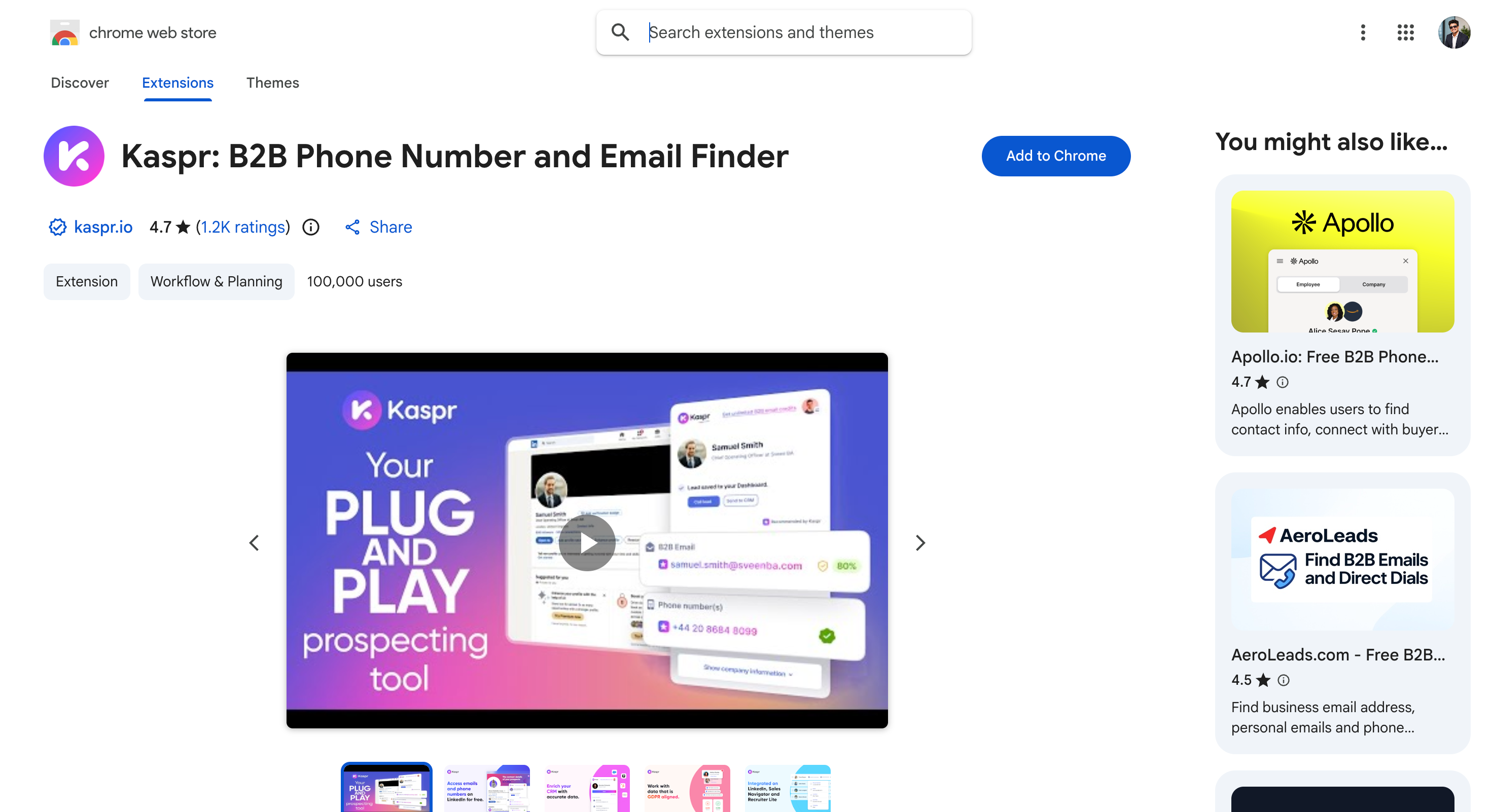
Kaspr Chrome Extension: One-click email and phone reveal built on Cognism's data. Best free tier here.
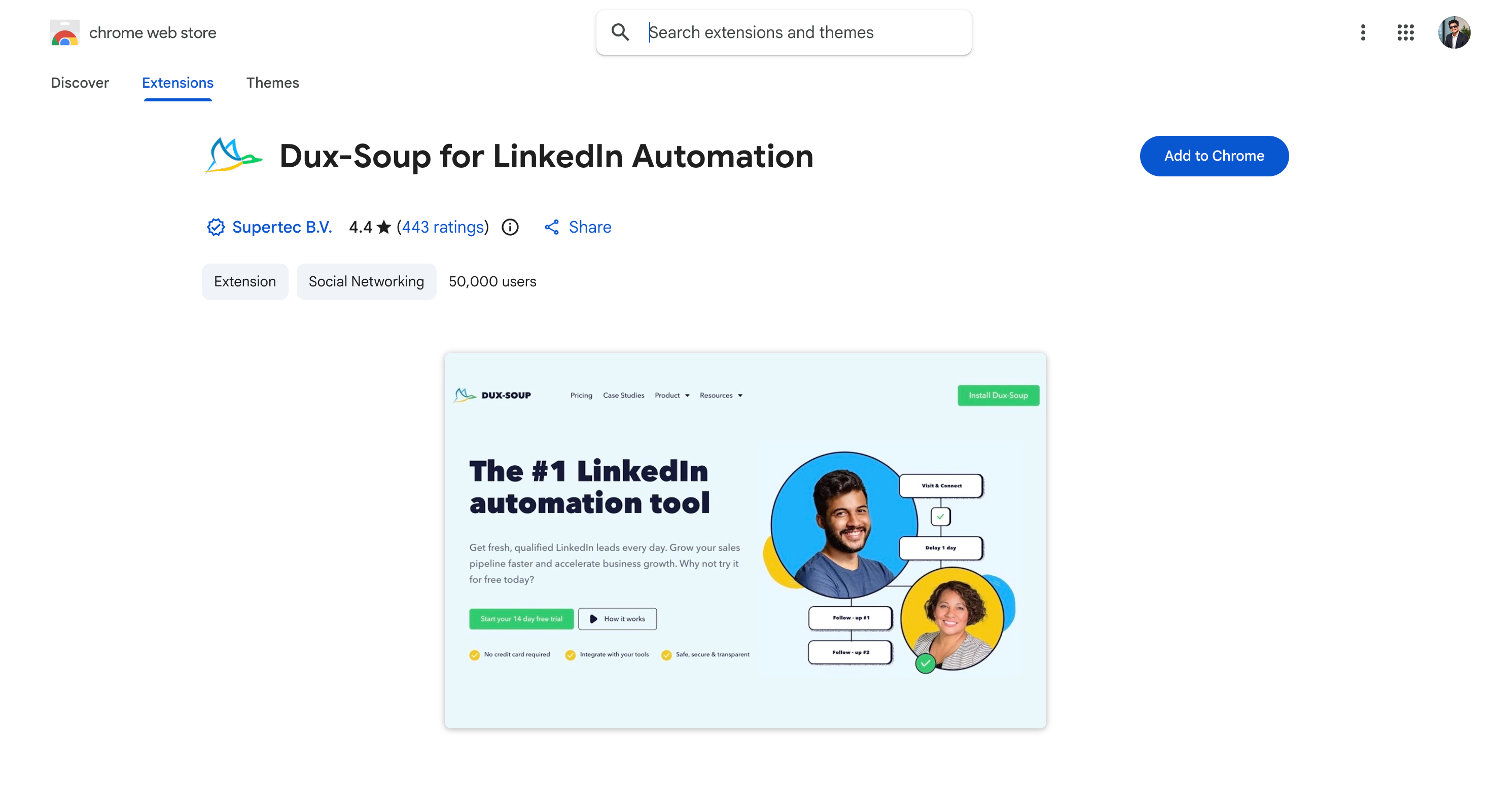
Dux-Soup Chrome Extension: Runs invites, visits and drip messages from inside LinkedIn. Best for cheap automation.
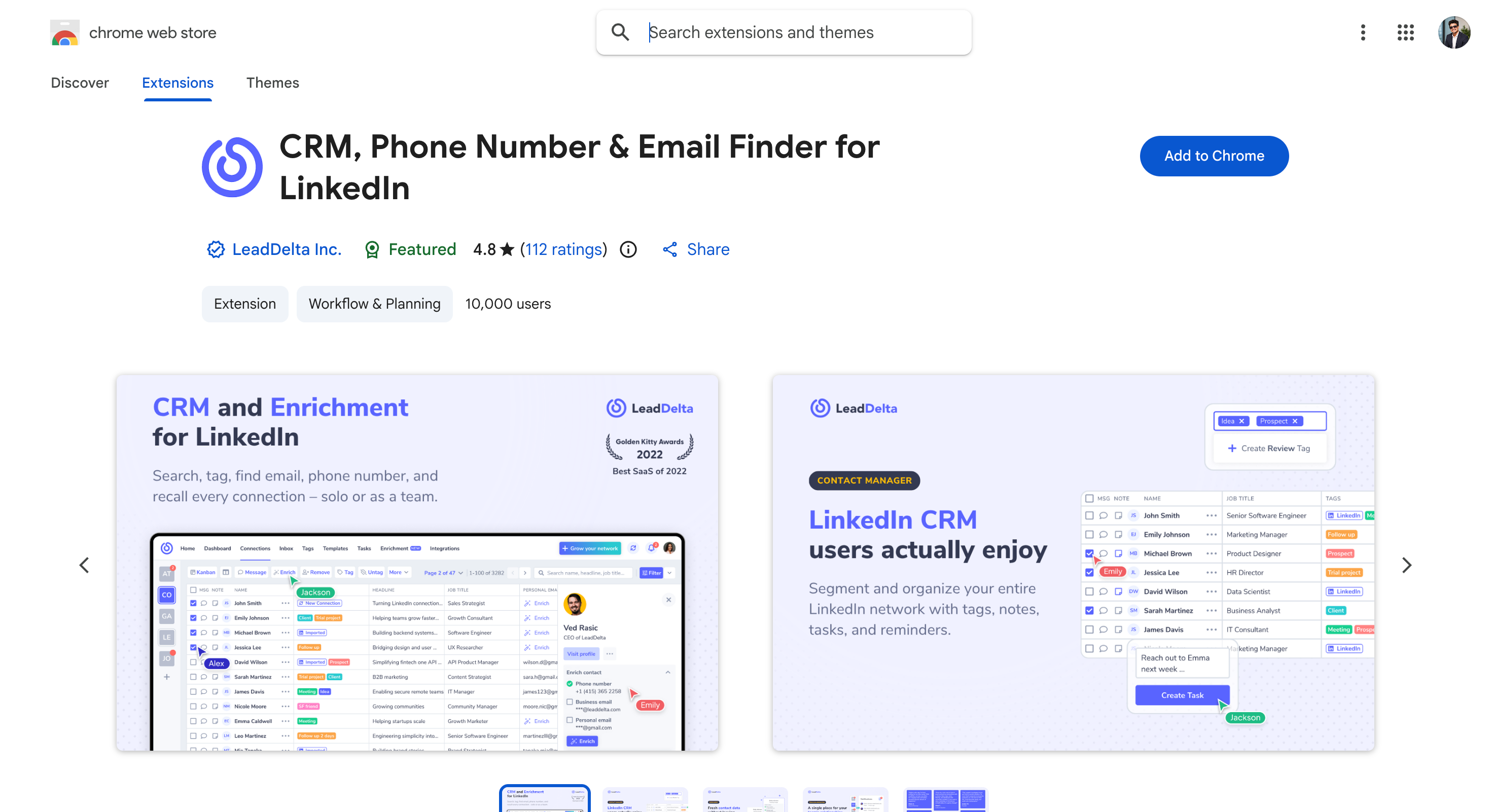
LeadDelta Chrome Extension: Tags, filters and bulk-messages the connections you already have. Best for working your existing network.
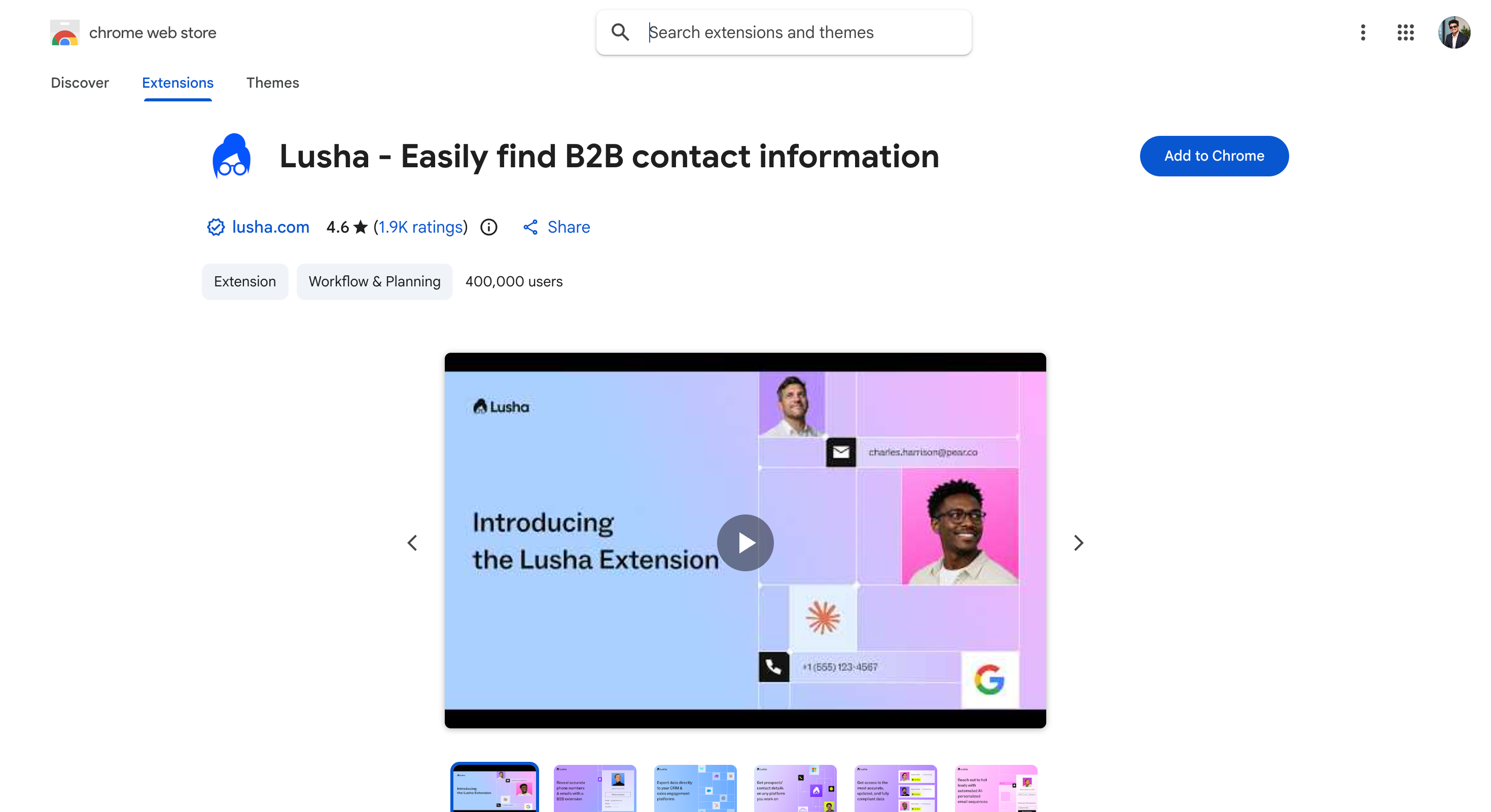
Lusha Chrome Extension: Contact details appear the moment a profile loads. Best for grabbing one number fast.
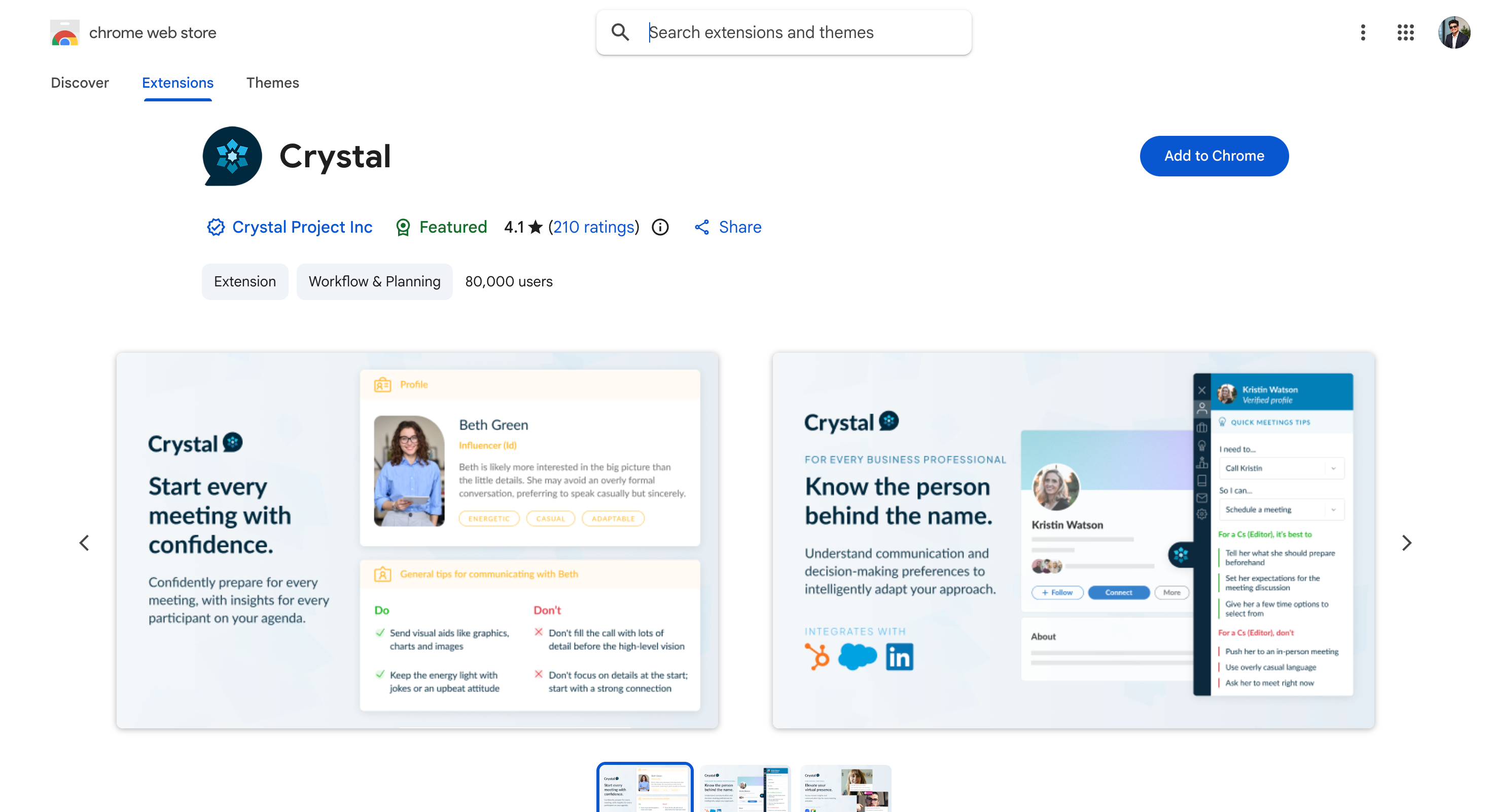
Crystal Chrome Extension: Reads a DISC personality profile off a LinkedIn page. Best for tailoring how you write to someone.
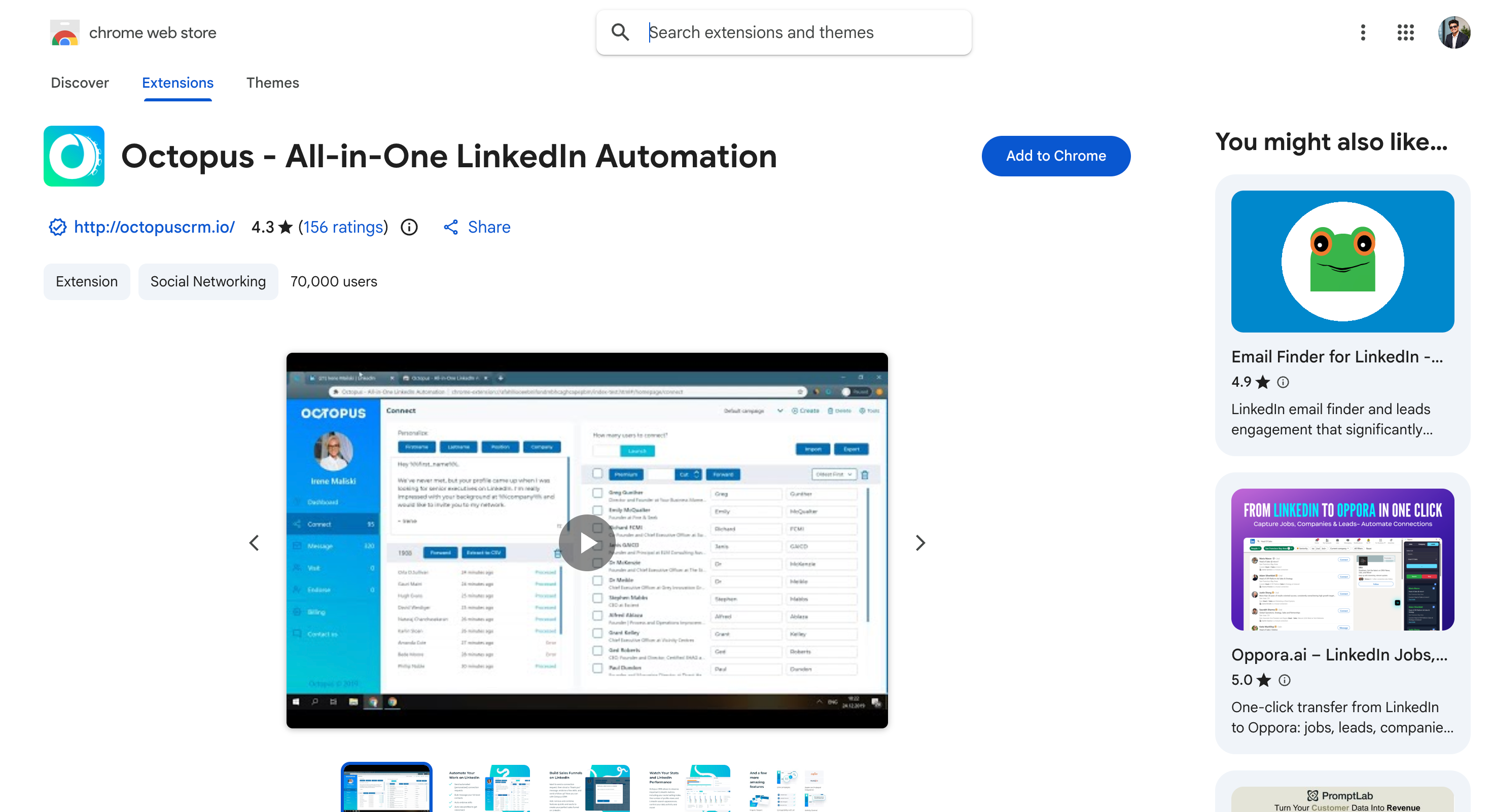
Octopus CRM Chrome Extension: Handles basic LinkedIn actions at the lowest price here. Best for freelancers on a budget.
The 11 Best LinkedIn Chrome Extensions at a Glance
Sidebar with verified email and mobile, plus bulk event prospecting
Own login
100 credits, no card
$49/mo via Leadsforge
4.9 (36)
AuthoredUp
Rewrites the post composer with formatting and preview
Read-only
14-day trial
$16.63/mo annual
4.7 (570)
Apollo.io
Panel with email, direct dial and a sequence button
Own login
Yes
$49/seat/mo annual
4.7 (2,200)
Surfe
Panel showing CRM status, owner and open deals
Own login
Yes
$39/user/mo
4.5 (57)
Evaboot
Export button inside Sales Navigator
Own login
No
$9/mo
4.7 (1,500)
Kaspr
One-click reveal of email and phone
Own login
Yes, genuinely usable
€59/user/mo
4.7 (1,200)
Dux-Soup
Toolbar control that runs invites, visits and messages
Acts as you
14-day trial
$11.25/mo annual
4.4 (443)
LeadDelta
Sidebar to tag, filter and bulk-message connections
Own login
7-day trial
$17.50/user/mo annual
4.8 (112)
Lusha
Side panel with email, mobile and firmographics
Own login
Yes
$37.45/mo yearly
4.6 (1,900)
Crystal
View Personality button and a DISC panel
Own login
3 free profiles
$49/mo
4.1 (210)
Octopus CRM
Popup that sends the profile to a separate dashboard
Acts as you
7-day trial
$6.99/mo annual
4.3 (156)
What Is a LinkedIn Chrome Extension?
A LinkedIn Chrome extension is a browser add-on that changes what you can see and do on LinkedIn's own pages.
That rules out more products than you'd expect. If the useful part happens after you leave LinkedIn and log into a dashboard, it isn't really an extension.
What they do varies more than people expect. Some find contact details on the profile you're viewing. Some export a whole search into a file. Some perform LinkedIn actions on your behalf, and that's the group LinkedIn actively looks for.
Others have nothing to do with prospecting. AuthoredUp rebuilds the post composer. Surfe tells you whether a person is already in your CRM. LeadDelta turns your existing connections into something you can actually search. Crystal reads a personality profile off the page.
The job matters less than how the tool connects to your account, which is the next section.
How I Tested These LinkedIn Chrome Extensions
Three weeks, one LinkedIn account, the same 200-person prospect list opened in every extension.
Six questions decided what made the list.
What appears on the page? If nothing changes when you open a profile, it isn't doing the job an extension exists to do.
How many clicks to a usable result? I counted, on the same profile, in each one.
Does the data hold up? I sent to the emails I found and watched the bounces.
Is the listing alive? Last-updated dates matter more here than in any other software category.
What happens when I close Chrome? Browser-based automation stops. That's a real constraint, not a footnote.
How does it connect? Read-only, own login, or something that wants your session token.
Works on: LinkedIn profiles, Sales Navigator, LinkedIn events, and company websites.
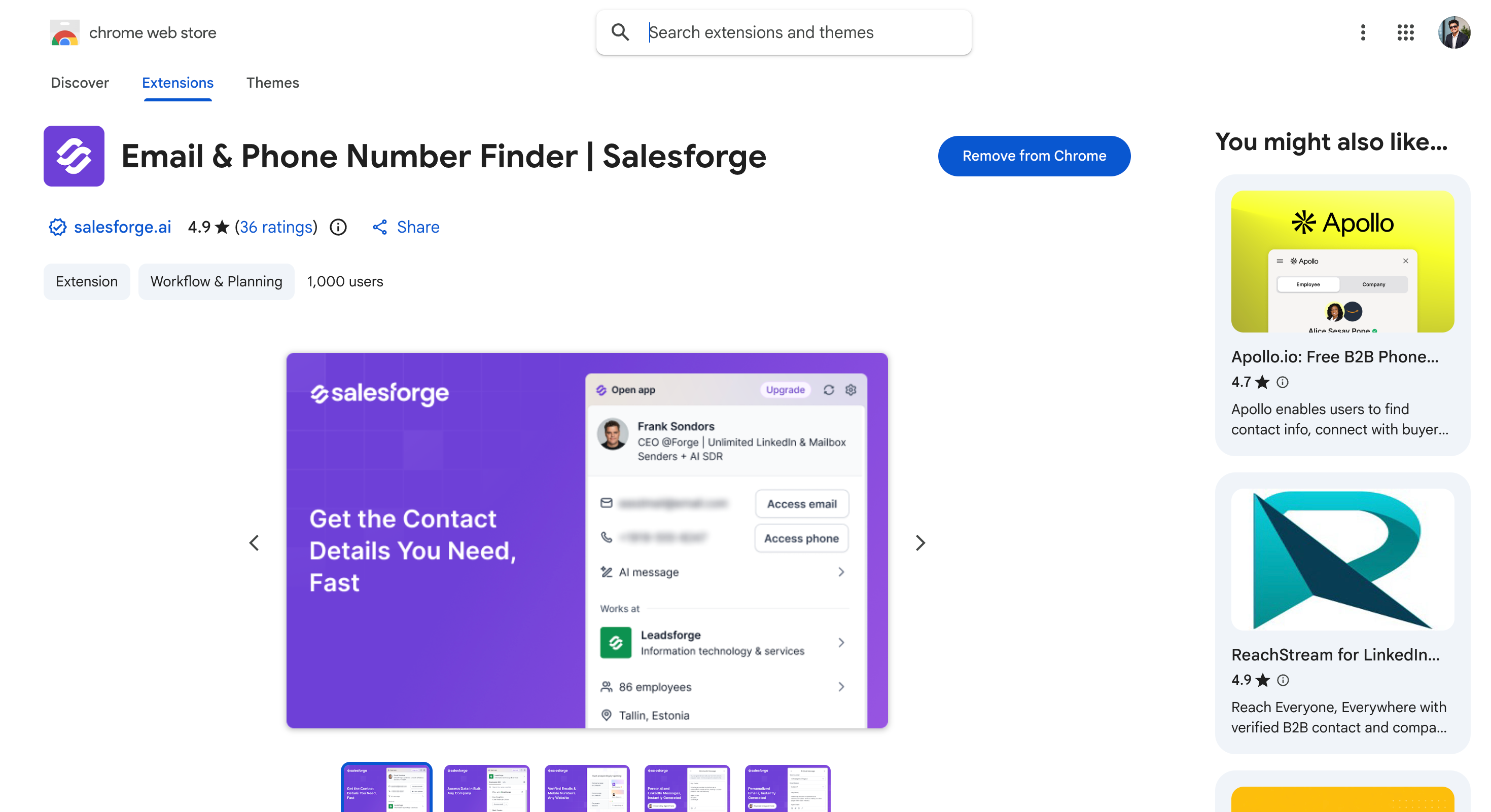
Salesforge Chrome Extension combines email and phone number finding with a direct push into an outreach sequence, in one action.
You can use it when the contact you just found needs to become a conversation rather than a spreadsheet row.
I put it first for two reasons:
It opens as a sidebar on any page, not just LinkedIn.
The same tool works on Sales Navigator and on any company website.
It also does bulk prospecting from LinkedIn events, pulling contact details for a whole attendee list rather than clicking through profiles one by one.
What It Does Inside LinkedIn
One panel everywhere: You can open the same sidebar wherever you're prospecting, without switching tools.
Verified email and mobile: You can pull both from a profile or any website in one lookup.
Works anywhere online: You can open the sidebar across linkedin and company websites to pull company info, employee lists, and contact details from the same view.
Sales Navigator extraction: You can pull contacts straight out of sales navigator searches as part of faster linkedin prospecting.
LinkedIn event prospecting: You can pull an entire attendee list in one pass.
Bulk finding: You can run emails and phones for multiple profiles at once.
Instant personalized outreach: You can create a personalized message for linkedin outreach or email outreach right from the sidebar.
One-click pipeline sync: You can push a contact into your Salesforge lists or other crm tools as part of lead generation workflows, without an export.
100 free credits: You can test all of it on signup with no card.
Pros and cons
Pros
Works across LinkedIn, Sales Navigator and any company website from one panel
Bulk event prospecting is rare, and it works on any attendee list, not just conferences
Credits never expire, so unused ones roll on
Email and phone draw on one shared pool rather than two you have to track
Free unlimited mailbox warmup through Warmforge if you also run Salesforge
Every LinkedIn and email reply lands in Primebox™
Cons
Two subscriptions to get the full workflow, at roughly $89 a month combined
No free tier once the 100 credits are gone
A mobile number costs 10 credits against 1 for an email
The store listing has the smallest review sample on this list
Pricing
What you're buying
Plan
Price
What you get
The extension
Free to install
$0
100 one-time credits on signup, no card
Credits (Leadsforge)
Essential monthly
$49/month
2,000 credits
Essential annual
$588/year
28,000 credits upfront, two months free
Outreach (Salesforge)
Pro
$40/mo annual, $48 monthly
1,000 contacts, 5,000 emails, 1 LinkedIn sender
Growth
$80/mo annual, $96 monthly
10,000 contacts, 50,000 emails, unlimited senders
Autonomous SDR
Agent Frank
$499/month annual
Runs the whole workflow
Overall, the Salesforge extension is right when finding a contact is step one of a longer sequence, and wrong when you only want an occasional lookup and nothing after it.
Works on: The LinkedIn post composer and your own post history. Read-only, with no account permissions requested.
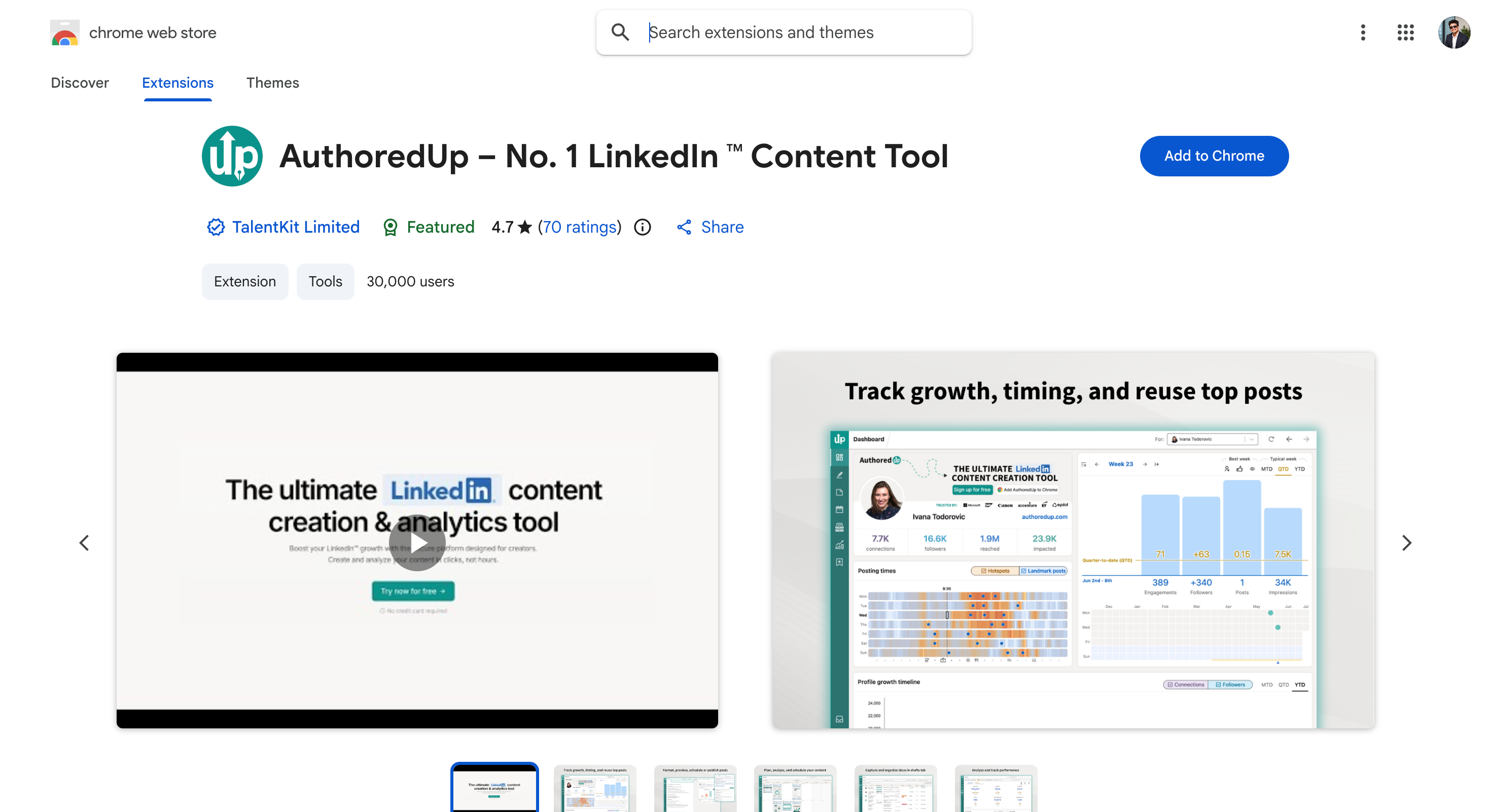
AuthoredUp Chrome Extension rebuilds the LinkedIn post editor into something you can actually write in. You use it when posting is part of the job and LinkedIn's own composer keeps getting in the way.
Two things separate it. You get bold, italic and bullet formatting that LinkedIn doesn't offer natively. There's also a desktop and mobile preview with the "see more" fold marked, so you know where the reader stops. And post-level analytics sit alongside the drafts, so you can see what worked before writing the next one.
It's also the only tool on this list that asks for no account access at all. It reads what's on screen and nothing else, which you can check yourself in Chrome's extension permissions.
What It Does Inside LinkedIn
Real formatting: You can use bold, italic and bullets in a post without pasting from another tool.
Preview with the fold: You can see exactly where the "see more" cut lands on desktop and mobile.
Drafts and scheduling: You can save drafts and queue posts from a calendar.
Hooks and CTAs: You can pull from over 200 opening and closing templates.
Post analytics: You can review how each post performed next to the draft that produced it.
Pros and Cons
Pros
Only tool here that requests no account permissions
Preview with the fold indicator is genuinely useful
570 ratings at 4.7, the strongest branding listing
Works on: LinkedIn and Sales Navigator, plus Gmail, Google Calendar, Salesforce, HubSpot and company websites.
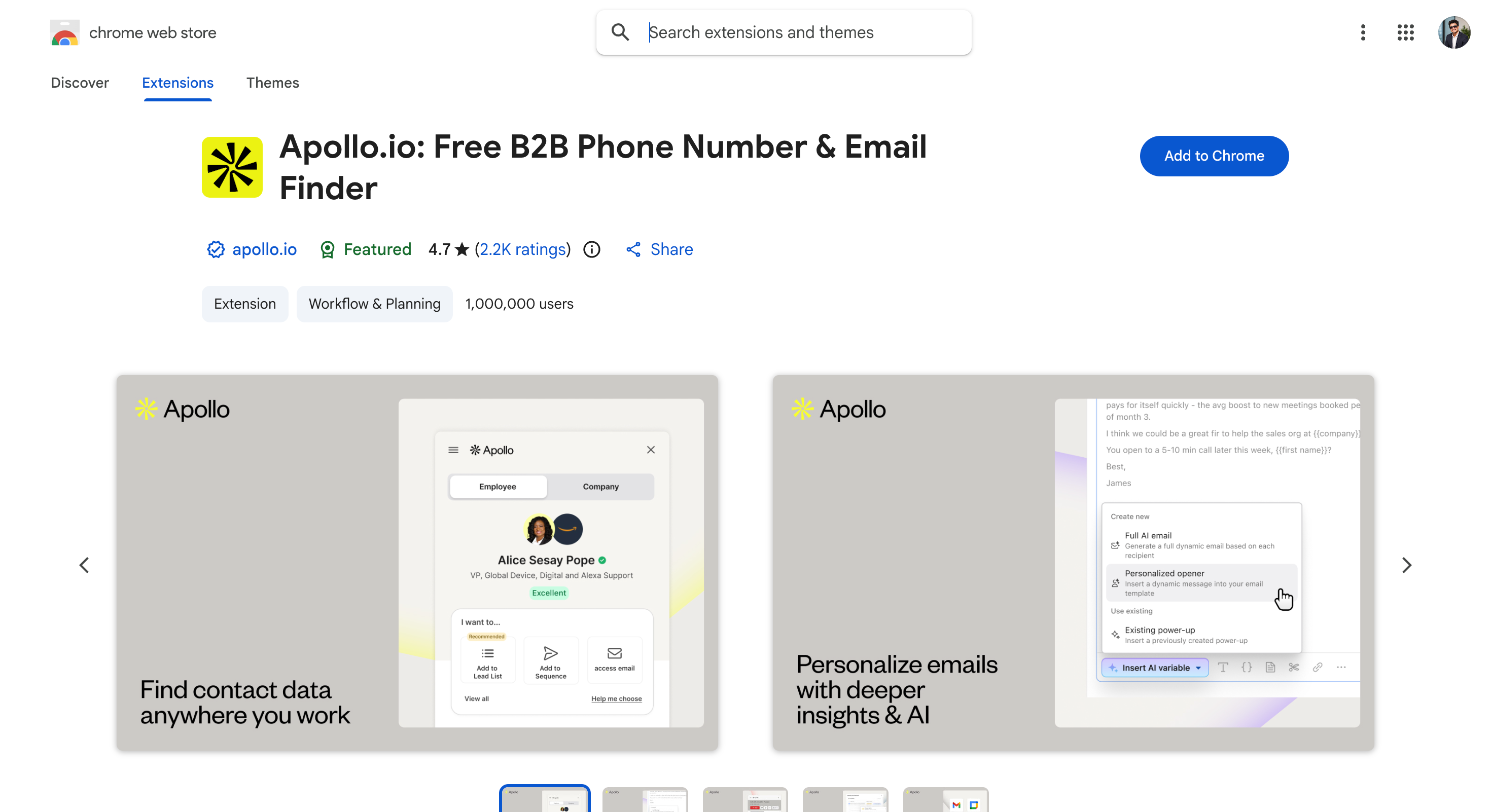
Apollo.io Chrome Extension is a contact-data panel backed by the largest database here. Reach for it when the harder problem is working out who to contact rather than how to reach them.
Two things make it easy to live in. The panel works on LinkedIn, Gmail, Google Calendar, Salesforce and HubSpot, so it follows you across the whole workflow. You can also bulk-select from a LinkedIn search results page and save the lot into a list. That turns an afternoon of clicking into a minute.
The main downside is data accuracy outside North America. Reviewers consistently report weaker European coverage, and my EU bounce rate was noticeably higher than my US one. Apollo beats Salesforge on raw database size at this tier, and that's worth saying plainly.
What It Does Inside LinkedIn
Contact reveal on profiles: You can access verified contact data like emails and direct dials on LinkedIn and Sales Navigator.
Bulk save from search: You can select multiple results at once and capture lead data from a search results page, and that prospect data often includes job title fields for tighter targeting.
Sequence from the panel: You can add a prospect to a campaign without opening Apollo.
Cross-platform: You can carry the same panel across your whole prospecting workflow and use Apollo as a contact database for prospecting workflows.
Pros and Cons
Pros
By far the biggest install base and review sample here
Genuinely usable free plan at 900 credits a year
Bulk-save from search results is the fastest list build on this list
Marked as a featured publisher and updated within the last fortnight
Cons
European data is noticeably weaker than North American
The panel gets cluttered once you turn on advanced filters
Credits are consumed per reveal whether or not the data is right
Organization plan has a three-seat minimum
Pricing
Plan
Price
What you get
Free
$0
900 credits per seat per year
Basic
$49/seat/mo annual
30,000 credits per seat per year
Professional
$79/seat/mo annual
48,000 credits, agentic workflows
Organization
$119/seat/mo annual
72,000 credits, minimum three seats
Overall, Apollo is right when you need North American contact data at volume, and wrong when your list is mostly European and bounce rate is the number you care about.
Works on: LinkedIn profiles and Sales Navigator, syncing to HubSpot, Salesforce, Pipedrive, Copper and Google Sheets.
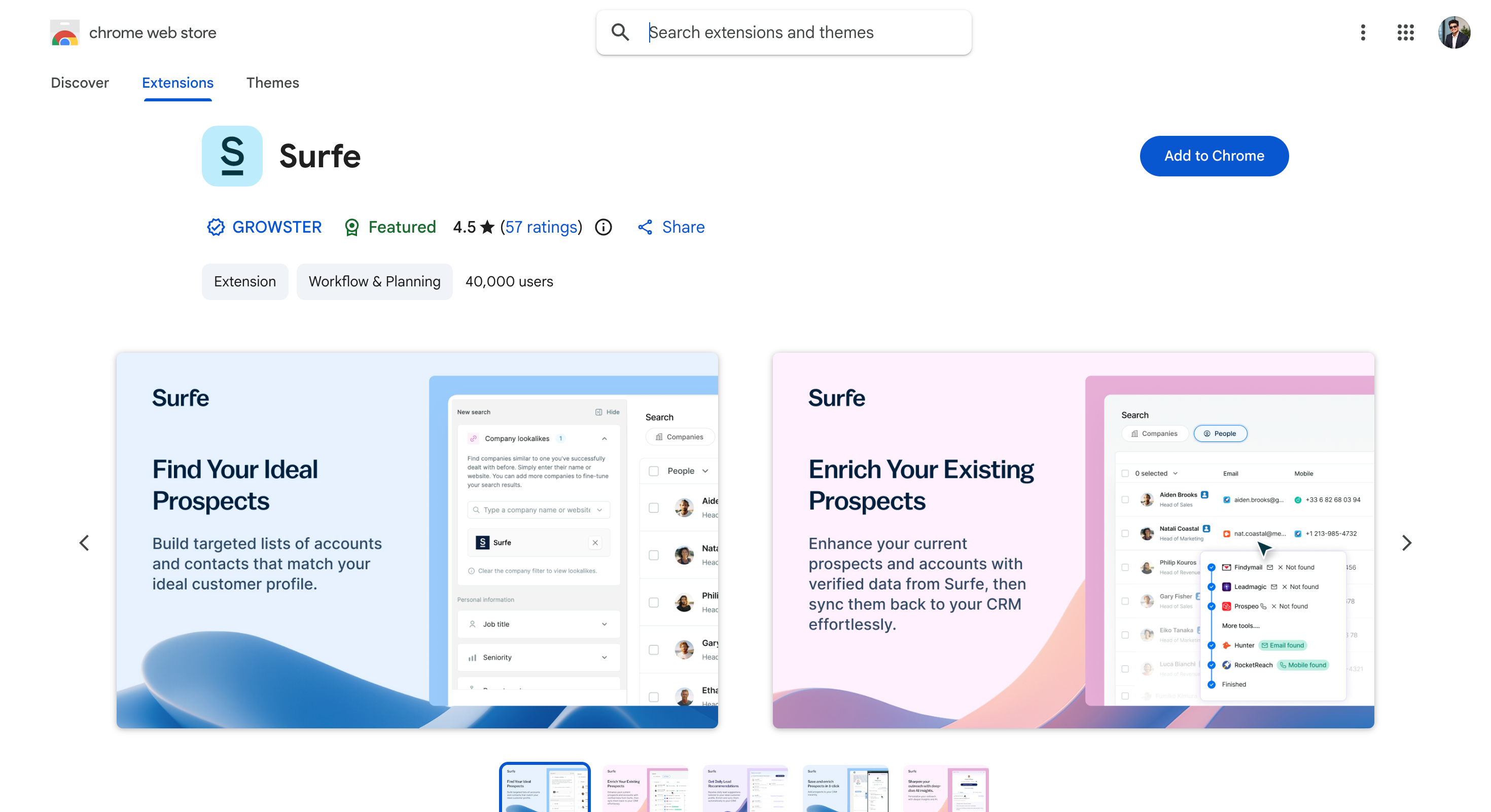
Surfe Chrome Extension answers the question you ask on every profile: is this person already in our CRM? It earns its seat on a shared pipeline, where two reps working the same account is the failure you're avoiding.
Two things make it worth the seat cost. The panel shows record owner, lifecycle stage and open deals before you send anything, so you find out someone else is already working the account. And adding a new person takes one click, with the email and phone enriched on the way in.
The sync runs one way, LinkedIn into your CRM. Changes you make in HubSpot won't appear back in the panel.
What It Does Inside LinkedIn
CRM status on the profile: You can see whether the person exists in your CRM, who owns them and what's open, which helps sales teams and marketing teams using shared outreach tools work from one pipeline.
One-click add: You can create the contact and the company together from the profile or a company page, including the company record, without opening the CRM.
Waterfall enrichment: You can pull email and phone from multiple providers in the same action, which supports contact discovery and fills in missing contact info.
Message sync: You can log LinkedIn conversations against the CRM record.
Sequence handoff: You can push into Salesloft, Outreach or Lemlist from the panel, so once the lead is synced it can move straight into multichannel outreach.
Pros and Cons
Pros
Stops duplicate outreach before it happens
Supports five CRMs natively, not just HubSpot
Free plan exists and is usable for testing
Listing updated this month
Cons
Sync is one-directional only
Credit caps are the main complaint in reviews
Only 57 store ratings, a thin sample
Per-user pricing scales with headcount
Pricing
Plan
Price
What you get
Free
$0
Limited credits, one user
Essential
$39/user/month
Email and phone credits, CRM sync
Pro
$79/user/month
Higher credits, advanced enrichment
Overall, Surfe earns its place when a shared CRM is the source of truth. It's unnecessary if you're working alone out of a spreadsheet.
Works on: Sales Navigator only. Not free LinkedIn, not Recruiter, nothing outside LinkedIn.
Evaboot Chrome Extension is a Sales Navigator export tool rather than a profile sidebar. You use it inside Sales Navigator, where it puts an Export with Evaboot button above your search results.
The cleaning is the actual product, not a side effect. It strips emojis and stray job titles out of name fields and normalizes company names before you see the file. It also re-checks every scraped lead against your original search filters, then tells you why each excluded one didn't match.
The main downside is the dependency chain. It needs an active Sales Navigator subscription, roughly $99 a month on top of Evaboot. It also does not work on free LinkedIn or on Recruiter.
What It Does Inside LinkedIn
Export button in Sales Navigator: You can trigger a full search export from the results page, including exports built from sales navigator searches.
Automatic cleaning: You can get usable name and company fields rather than raw scraped text.
No-match reasons: You can see why Evaboot excluded each rejected lead, which helps when checking scraped leads back against advanced search filters.
Email finding in the same pass: You can enrich while exporting, and credits are free when no email is found.
The extraction itself happens in Evaboot's web app, which emails you when the CSV is ready. So the extension is a trigger that supports lead generation workflows rather than the main workspace.
Pros and Cons
Pros
Nothing else on this list cleans Sales Navigator exports this well
No-match reasons tell you why a lead was dropped, not just that it was
Unlimited seats with no per-user pricing
Credits are free when no email is found
Cons
Useless without a Sales Navigator subscription
Does not work on free LinkedIn or Recruiter
The store listing gets reissued at new addresses, so old ones go dead
Nothing appears on a normal LinkedIn profile
Pricing
Plan
Price
What you get
Credit slider
From $9/month
100 credits, scaling upward
Yearly
Two months free
Credits roll over while subscribed
Overall, Evaboot is right when you already pay for Sales Navigator and want clean exports, and wrong if you work from free LinkedIn or Recruiter.
Works on: LinkedIn and Sales Navigator, plus Recruiter Lite on the Business plan.
Kaspr Chrome Extension is a one-click email and phone finder built on Cognism's data. Pick it when you want European contact data without signing an enterprise contract.
The free tier is the reason to start here, and it's usable rather than a demo. You get 15 B2B email credits, 5 phone credits and 5 direct email credits every month, permanently. Unlimited B2B email credits then start on the entry paid plan, which is unusual in a category that meters everything.
The main downside is the credit split. Phone credits, direct email credits and B2B email credits sit in three separate pools. The headline number tells you very little about what you can actually do.
One disclosure is worth making. Kaspr is owned by Cognism, which also appears on this list. They serve different buyers, since Cognism sells enterprise annual contracts and Kaspr is self-serve, but you should know they draw on the same data.
What It Does Inside LinkedIn
One-click reveal: This contact finder lets you pull email and phone from a prospect's LinkedIn profile in a single action.
Sales Navigator support: You can use it across Sales Navigator lists as well as basic profiles for LinkedIn lead generation.
Recruiter Lite support: You can use it in Recruiter Lite, though that sits on the Business plan.
Bulk enrichment: You can launch a workflow to enrich a filtered list automatically with prospect data, which helps sales and marketing professionals prepare outreach.
Pros and Cons
Pros
The most usable permanent free tier on this list
Unlimited B2B email credits from the entry paid plan
Cognism's European data at self-serve prices
One of three here that supports Recruiter Lite
Cons
Three separate credit pools to track
Starter gives the same 5 direct email credits as the free plan
Recruiter Lite support requires the €99 Business tier
Priced in euros, so US buyers carry the conversion
Pricing
Kaspr prices in euros by default, with a currency selector on the page.
Plan
Price
What you get
Free
€0
15 B2B email, 5 phone, 5 direct email credits monthly
Starter
€59/user/month
Unlimited B2B emails, 100 phone credits
Business
€99/user/month
Unlimited B2B emails, 200 phone and 200 direct email credits
Enterprise
Custom
For larger teams
Overall, Kaspr is right when you want European contact data on a self-serve budget, and wrong when direct emails rather than B2B emails are what you actually need.
Works on: LinkedIn, Sales Navigator and Recruiter. Nothing outside LinkedIn.
Dux-Soup Chrome Extension is one of the oldest LinkedIn automation tools on this list. You use it for automated outreach to run connection requests, profile visits and drip messages without leaving LinkedIn's own interface, but it only works safely when activity stays within LinkedIn's daily action limits.
Two things keep it useful after ten years. Everything happens inside LinkedIn rather than through a separate campaign tool. The toolbar icon also turns green when the page you're on has enough data to act on, which saves a lot of guessing.
The main downside is architectural. On the Pro and Turbo plans your browser is the server, so the moment you close Chrome, everything stops. The Cloud version fixes that and costs seven times the entry price.
If you misuse it, automation tools can risk LinkedIn account restrictions. LinkedIn limits connection requests to 100 per week for users, which should shape how aggressive your follow ups are.
What It Does Inside LinkedIn
Green-light toolbar control: You can see at a glance whether the current page is actionable.
Actions from inside LinkedIn: You can run automated outreach by sending invitations, visiting profiles, endorsing, and messaging without a separate campaign screen.
Custom delays: You can space actions out so message sequences and follow ups do not fire in a burst.
Works on Recruiter: You can run it on free LinkedIn, Sales Navigator or Recruiter.
CSV export: You can pull visited profiles out to a file.
Pros and Cons
Pros
Cheapest name-brand LinkedIn automation on this list
One of only three here that works on LinkedIn Recruiter
Drip campaigns handle up to 12 messages with conditions
Listing is actively maintained, updated within the last week
Cons
Campaigns stop the moment you close Chrome on Pro and Turbo
Priced per LinkedIn account, so team costs stack fast
The Cloud edition needs a second extension you install manually
Browser-based automation is the most detectable pattern LinkedIn looks for
Pricing
Plan
Price
What you get
Pro Dux
$11.25/mo annual, $14.99 monthly
Basic automation, no drip campaigns
Turbo Dux
$41.25/mo annual, $55 monthly
Drip campaigns, CRM integration, analytics
Cloud Dux
$74.17/mo annual, $99 monthly
Runs on Dux-Soup's servers, browser can be closed
Cloud Agency
$371/month
Five seats
Overall, Dux-Soup is right when you want LinkedIn actions running in your own session at the lowest price, and wrong when you need them running while your laptop is shut.
Works on: LinkedIn and Sales Navigator. Manages connections you already have.
LeadDelta Chrome Extension treats your existing connections as a database rather than an endless scroll. It's for the case where the people worth talking to already accepted you and you can't find them again.
Two things it does that nothing else here does. It lets you tag, filter and sort every connection you have, which LinkedIn itself refuses to offer. And it bulk-messages a filtered segment, so reaching 40 people you already know takes one pass rather than forty.
What it isn't is a prospecting tool. There's no cold database behind it, so it only works on people who already accepted you.
What It Does Inside LinkedIn
Tag and filter connections: You can organize your LinkedIn connections by industry, role or whatever label you invent.
Bulk messaging: You can message a filtered segment in one action, including follow up messages to warm contacts or segmented connections.
Bulk unlink: You can clear out connections you'll never speak to.
Contact enrichment: You can pull business and personal emails and phone numbers.
Notes on people: You can write a note against a connection using context from LinkedIn messages and find it later.
Pros and cons
Pros
Highest store rating in this set at 4.8
Fills a gap LinkedIn deliberately leaves open
Bulk actions on a filtered segment save real time
Free plan for students
Cons
Only works on existing connections
No permanent free plan, trial only
Pricing is per user and adds up on a team
Smaller install base than the finders here
Pricing
Plan
Price
What you get
Starter
$17.50/user/month annual
Tags, filters, notes
Pro
$38.50/user/month annual
Bulk messaging, enrichment
Business
$69.30/user/month annual
Team workspace, integrations
Overall, LeadDelta makes sense when your network is the asset and you've never been able to search it. It does nothing for cold prospecting.
Works on: LinkedIn and Sales Navigator, plus company websites, Gmail, Google Calendar and CRMs.
Lusha Chrome Extension is a contact-reveal side panel that loads with the profile. The design favors grabbing one number right now over building a list of five hundred.
Speed is the whole pitch. It's the fastest reveal here, because the data appears without a click. It also moved to a proper browser side panel in 2026, so it sits alongside LinkedIn rather than covering it.
The main downside is credit economics. A phone number costs five credits against one for an email, and credits are consumed even when the number turns out to be wrong. That's the complaint reviewers raise most often.
What It Does Inside LinkedIn
Instant reveal: You can see verified email addresses without clicking anything.
Side panel: You can keep the panel open beside the profile as you browse.
Firmographics: You can see company info like revenue, headcount, industry and tech stack alongside the contact.
Bulk reveal: You can pull contacts from a whole LinkedIn search at once.
Pros and cons
Pros
Fastest lookup on this list, with no click needed
Proper side panel rather than an overlay covering the profile
Strong mobile number coverage
Free plan with 40 credits a month
Cons
Phone numbers cost five credits each
Credits are spent even when the data turns out wrong
Pricing changes as you move the credit slider, so quotes are hard to compare
Job-change data lags behind reality
Pricing
Lusha prices on a credit slider. The figures below sit at 40,800 credits a year, and every number moves if you change that.
Plan
Price
What you get
Free
$0
40 credits a month, one seat
Starter
$37.45/mo billed yearly
4,800 credits a year, one seat
Pro
$52.45/mo billed yearly
7,200 credits, two seats
Premium
$299.95/mo billed yearly
40,800 credits, five seats
Scale
Custom
Custom credits and seats
Overall, Lusha is right when speed of lookup matters most, and wrong when you're building large lists and counting cost per contact.
Works on: LinkedIn profiles, plus Salesforce, HubSpot, Gmail and video calls.
Crystal Chrome Extension reads a personality profile off a LinkedIn page and tells you how to write to that person. You use it before a first message to someone senior, when tone is going to decide whether you get a reply.
Two things make it useful rather than a novelty. A "View Personality" button appears on the profile and returns a DISC read in one click, with no setup. And the same panel works in Gmail and your CRM, so the guidance follows the conversation rather than living in a separate tab.
The obvious caveat is that it's an inference from public data, not an assessment the person took. Treat it as a prompt for how to phrase things, not as fact about who they are.
What It Does Inside LinkedIn
View Personality button: You can pull a DISC read from the profile in one click.
Writing guidance: You can see suggested tone, pace and structure to draft a personalized message for sales professionals.
Works beyond LinkedIn: You can use the same panel in Gmail, Salesforce and HubSpot, rather than relying only on social media platforms outside LinkedIn.
Team profiles: You can map a buying committee so sales and marketing teams can use personality cues across multiple stakeholders instead of treating it as one contact.
Three free reads: You can test it on real prospects before paying.
Pros and cons
Pros
80,000 users, the largest install base in this set
Genuinely changes how you write a first message
Free start with three prospects
Works across CRM, Gmail and video calls
Cons
Lowest store rating here at 4.1
It's an inference, not a real assessment
Jumps to $49/month after the free reads
Accuracy is impossible to verify from outside
Pricing
Plan
Price
What you get
Free
$0
First three prospects
Premium
$49/month
Unlimited profiles, integrations
Sales and Assessments
Custom
Team tiers, roughly 17% off annually
Overall, Crystal helps when a single message to a senior person matters. It's hard to justify if you're sending at volume, because you won't read 200 personality profiles.
Works on: LinkedIn Free, Premium, Sales Navigator and Recruiter Lite. Nothing outside LinkedIn.
Octopus CRM Chrome Extension is a lightweight automation tool with a separate dashboard. It's for basic LinkedIn actions at the lowest price anyone on this list charges, which makes it a budget pick for freelancers or solo marketing professionals.
Price is the argument. It's the cheapest tool here by a distance. It also states compatibility with every LinkedIn account type including Recruiter Lite, which matters if Recruiter is where you work.
The main downside is that the extension is barely an extension. Despite the branding, it is not really an all in one platform because what it adds to a profile is mainly a popup that sends that person to a separate dashboard, and everything else happens there. It also runs client-side, so your machine has to stay on.
One more thing is worth a look before you install. The store listing leaves the developer's company name blank, showing only a website and an email address.
That's an unusual gap on a tool that runs inside your browser session.
What It Does Inside LinkedIn
Send-to-dashboard popup: You can push the current profile into your Octopus list.
Auto invites: You can send personalized connection requests in bulk from the dashboard.
Bulk messaging: You can message first-degree connections at scale.
Auto endorsements: You can endorse skills automatically to warm contacts up.
Pros and cons
Pros
Cheapest tool on this list at $6.99 a month
Works with every LinkedIn account type, Recruiter Lite included
Simple enough to set up in an afternoon
Connect-by-email option sidesteps the weekly invite ceiling
Cons
Almost nothing happens inside LinkedIn itself
Runs client-side, so your machine has to stay on
No email, no CRM depth, no multichannel
The listing shows no developer company name
Pricing
Plan
Price
What you get
Starter
$6.99/mo annual
Basic automation, profile views, endorsements
Pro
$9.99/mo annual
Adds bulk messaging and funnels
Advanced
$14.99/mo annual
Adds campaigns and data import or export
Unlimited
$24.99/mo annual
Full access, integrations, activity control
Overall, Octopus CRM is right when budget is the binding constraint, and wrong when you want the work to happen inside LinkedIn rather than beside it.
How to Choose a LinkedIn Chrome Extension
There are 6 questions you need to ask yourself, and it will give you a better answer than any feature comparison, especially if your workflow cannot tolerate the risk that automation tools can trigger LinkedIn account restrictions when misused.
Do you want data or actions? Finders and automators are different products with different risk profiles, and “actions” here includes linkedin outreach and lead generation workflows. Answer this first.
Does it need to work when Chrome is closed? If yes, browser-based automation is out.
Do you pay for Sales Navigator? If you do, Evaboot changes your workflow more than anything else here. If you don't, it does nothing at all.
Where are your prospects? North America favors Apollo and ZoomInfo. Europe favors Cognism and Kaspr. For sales and marketing teams, region and data coverage often narrow the choice immediately.
What does one contact actually cost? Divide monthly price by credits. UpLead is 58 cents a lead, Apollo on Basic is closer to two cents.
Could your LinkedIn account survive a restriction? If not, skip the automators entirely.
Final Verdict: Which LinkedIn Chrome Extension Should You Pick?
If you're here, you're losing time to manual work on LinkedIn and want it back.
Every extension above is good at something.
I personally use and recommend Salesforge because:
The sidebar works on LinkedIn, Sales Navigator, company sites and Gmail, so it's one tool rather than four
Bulk event prospecting pulls an entire attendee list instead of one profile at a time
Every reply from both channels lands in Primebox™ instead of five separate inboxes
Mailbox warmup is included free with unlimited slots
Adding mailboxes and senders never changed my bill, which made forecasting simple
The extension is free with 100 credits, so testing it costs nothing
It depends how they connect. Read-only tools and database finders carry little risk. Automation that clicks as you carries real risk, and anything taking your session cookies carries the most. Before installing any google chrome extension, review permissions and stick to credible Chrome Web Store developers.
2. Which LinkedIn Chrome extensions are free?
Apollo, Lusha, Kaspr and Surfe have permanent free plans, and News Feed Eradicator is free outright. Kaspr's is the most usable, at 15 B2B email credits a month. Snov.io has a free plan with 50 email credits, Lusha gives 40 credits per month, and GetProspect offers 50 free emails per month for linkedin users.
3. Do these work with LinkedIn Recruiter?
Dux-Soup does, and Kaspr and Octopus CRM state Recruiter Lite support. Evaboot explicitly does not. Most of the rest are built for Sales Navigator.
4. What's the best LinkedIn extension for personal branding?
AuthoredUp. It rebuilds the post composer with real formatting, a preview showing where the "see more" fold lands, and post analytics. Taplio X and Shield both disappeared in 2026. Taplio X was useful for streamlining content creation and scheduling linkedin posts.
5. Can an extension sync LinkedIn contacts to my CRM?
Yes. Surfe adds a profile to HubSpot, Salesforce or Pipedrive in one click and flags whether they're already there. Hublead syncs the conversation too. UpLead provides verified contact details from LinkedIn and websites.
6. Why does the top Google result for this term do nothing?
It's LinkedIn's own extension, and all it does is show your notification count. It ranks on an exact title match, not on usefulness.
7. What is the cheapest LinkedIn Chrome extension?
Octopus CRM at $6.99 a month on annual billing, then Evaboot at $9 and Dux-Soup at $11.25. News Feed Eradicator is free outright.
8. Which tools have low-cost paid plans?
SalesQL's paid plans start at $39 a month with 2000 credits. Waalaxy's lowest-priced plan starts at $43 a month with 25 credits.
9. Which extensions help verify email addresses?
Skrapp verifies every email before adding it to lists. Snov.io includes built-in email validation for discovered addresses.
10. Is there a better option for inbox organization or messaging workflows?
Kondo improves LinkedIn messaging organization by adding smart filters.
11. Which tool is fastest for lead capture or enrichment?
Snov.io can capture 30 leads in under 10 minutes. It can also pull extra details like industry and job title.
12. What happens to my campaigns if I close Chrome?
On Dux-Soup Pro and Turbo, and on Octopus CRM, everything stops until you reopen it. Cloud tools keep running, which is what the price difference buys. Finders are unaffected, since they only act when you click.
Book more meetings on autopilot
Set up in minutes. No per-seat pricing. No commitment.
Compare 5 ListKit alternatives for sales outreach. See which tools are best for prospecting, cold email, LinkedIn outreach, scaling campaigns, and B2B sales data.
Compare 7 GMapsExtractor alternatives for Google Maps lead scraping. See which tools offer better enrichment, pricing, API access, and outreach features in 2026.
.png)

.jpg)
.jpg)

