Disclosure: OutboundPros runs client campaigns primarily on Salesforge. Five of the seven APIs below were tested in production during client work; the other two come from official developer docs verified August 2026.
We are in the era where the API is the point.
Every GTM operator now runs outbound through Claude, n8n, Zapier, custom client dashboards, or an MCP server tied to an AI agent.
The sequencer dashboard is one interface among many. The API is what actually runs the motion.
Most outbound platforms do not tell you the truth about what their API actually exposes or what it really costs. Webhooks gate one tier above the API. LinkedIn "automation" is often a manual-step placeholder. Reply endpoints return a sentiment label, not the message body. Per-user pricing quietly triples the seat cost the marketing page shows.
We've integrated against five of the seven APIs below at OutboundPros. The other two come from official developer docs, verified in August 2026.
Below is what each API actually exposes, what each one gates, and where each one breaks in production.
TL;DR: 7 Cold Outreach APIs Compared
The APIs below fall into three shapes: multichannel APIs that expose email and LinkedIn on the same key, email-only APIs built around developer experience, and enterprise or data-first APIs that solve a different half of the problem.
Salesforge: Best overall for multichannel builds. The only API on this list that runs 6 native LinkedIn actions inside conditional sequences and returns thread-level reply bodies (including sentiment) on the same workspace-scoped key. From $80/month (billed annually) on Growth, where API access starts. 14-day free trial, no credit card required.
Instantly: Best developer experience for email-only. Published OpenAPI spec, documented rate limits at 100 req/second and 6,000/minute per workspace, deepest mailbox management endpoints in the category. From $37.60/month (billed annually) on Growth for polling, $77.60/month (billed annually) on Hypergrowth for webhooks.
Smartlead: Best agency model. Per-client API keys with isolated rate budgets, white-label client workspaces at $29/month per client on Unlimited Smart and above, and a Master Inbox API that reads and answers replies across every client. API access starts at Pro, $78.02/month (billed annually).
Lemlist: Widest catalog on paper. 18 sequence step types including 9 LinkedIn actions, roughly 70 webhook event types, WhatsApp and SMS steps. LinkedIn automation requires the Multichannel plan at $87/user/month (billed annually) and rides on each sender's browser session.
Reply.io: Best for API-triggered LinkedIn actions. Send connection requests, messages, InMails, and voice messages by endpoint. Per-user, workspace, and organization key models. Email Volume from $49/user/month (billed annually); Multichannel from $89/user/month (billed annually) with LinkedIn as a $69/account add-on.
Apollo: Best data layer. 275M+ contacts, roughly 65 search filters at zero credit cost, but the sending side is polling-only with no event webhooks and no reply bodies. Basic from $49/user/month (billed annually); Organization requires a 3-seat minimum.
Outreach: Best enterprise CRM-grade API. JSON:API with OAuth 2.0, HMAC-signed webhooks, roughly 50 resources with full CRUD, 10,000 req/hour rate limit. Custom pricing, sales contact required, annual contract mandatory.
Feature Comparison: Top 5 Cold Outreach APIs at a Glance
Native. Connect, message, InMail, voice via endpoint.
Read-only. Steps marked complete, never triggered.
Webhooks
13 events including positive_reply, meeting_booked. Retry undocumented.
19 events. Gated to Hypergrowth and above.
13 events. Scopable per campaign, client, or user.
21 events. No signing, no retries, 50-subscription cap.
HMAC-signed. No retries on your endpoint errors.
Reply Access
Thread bodies with sentiment filters. Workspace-wide endpoint.
Message-level, full bodies. Unibox capped at 20/minute.
Thread bodies via Master Inbox. AI categorization readable.
Thread and message access via unified inbox.
Sentiment counters only. No inbox or thread API.
Documented Rate Limits
None published. Discovered via 429s.
100/second, 6,000/minute per workspace.
Docs contradict. Plan on ~60/minute per key.
100/minute, 3,000/hour per user.
10,000/hour per user.
Multi-workspace / Agency Model
Workspaces API-creatable and scoped into every path. Per-client isolation via script.
Account moves between workspaces via API. No native client isolation.
Per-client API keys with isolated rate budgets. White-label $29/month per client on Unlimited Smart and up.
Per-user, workspace, and org keys with impersonation headers.
Enterprise multi-tenancy via own org model. No per-client keys.
How I Compared These APIs
I ran every API below through the same six checks in production.
Sequence CRUD: We hit each API's create, update, and pause endpoints from a Postman collection and checked whether the docs matched the behavior. Silent failures, partial writes, and endpoints returning 200 with the change not applied all get flagged in the per-tool sections.
LinkedIn actions via API: We checked whether LinkedIn steps run through the API as real actions, or whether the API surfaces them as manual-task webhooks that hand the work back to a human or a partner tool.
Webhooks: We subscribed to every advertised event type on a staging workspace and counted which ones actually fired, at what latency, and with what payload contents. We also checked for signing, retry behavior, and per-account subscription caps.
Reply access: We pulled a real reply thread from each API and noted what came back. Thread bodies with sentiment labels, sentiment labels only, or aggregate counters. This is the check that decides whether your reporting layer can reconcile the platform's positive-reply classification against the actual inbox, which is the reconciliation every serious agency runs.
Rate limits: We ran a burst test until each API returned a 429, then counted the requests that landed. Where docs published a number, we compared it to the observed limit. Several published nothing.
Auth and multi-workspace: We tried to create a second workspace, provision a client-scoped API key, and route requests through it. Whether that is a native surface or something you build wrapper code around decides your agency architecture.
Every finding below is either what we observed on a live account or what the official developer docs state, verified in August 2026.
1 - Salesforge
Best for: Agencies and technical operators building multichannel client dashboards, reply-automation layers, or per-client isolated integrations on a workspace-scoped API key.
G2 Rating: 4.6 out of 5
Salesforge is a multichannel outreach platform whose API exposes cold email and LinkedIn as coordinated channels on a single workspace-scoped key.
It is the platform we run our client operations layer on at OutboundPros.
We put it first because it is the only API on this list that combines all three of these: 6 native LinkedIn actions inside conditional sequences, thread-level reply payloads including sentiment, and workspace-scoped endpoints that isolate per-client data on a single credential.
Every other platform on this list gates or omits at least one.
The platform gives you two API surfaces documented at developer.salesforge.ai: a core API (contacts, mailboxes, threads, webhooks, email sequences) and a multichannel API where sequences are graphs built from action nodes (send email, connect on LinkedIn, send LinkedIn message, wait) plus condition nodes that route contacts on engagement.
LinkedIn account provisioning has its own endpoint, including one for submitting the OTP checkpoint, which no other platform on this list documents.
The parts we use daily are the workspace-wide threads endpoint with sentiment filters (it feeds our client dashboards), reply-send endpoints for both email and LinkedIn, and 13 webhook event types including positive_reply, negative_reply, and meeting_booked.
Native events like these spare us building a classifier. Workspaces are creatable via API and scoped into every path, so one isolated workspace per client is a script we run at onboarding rather than a manual setup we chase support for.
Mailforge and Infraforge run alongside Salesforge under one login and expose their own APIs for provisioning domains and mailboxes.
Each is a separate subscription and API key. Warmforge warmup runs free inside every Salesforge subscription.
Salesforge API Key Features
Multichannel Sequence API (V2 DAG)
Sequences as directed graphs: V2 sequences are directed acyclic graphs. Action nodes execute channel operations (send email, connect on LinkedIn, send LinkedIn message, wait). Condition nodes route contacts on measurable outcomes (replied within wait period, connection accepted). Node endpoints cover create action node, update action node, create condition node, list branches, get node, delete node.
LinkedIn account provisioning with 2FA: POST /multichannel/linkedin-accounts connects a LinkedIn account with optional proxy support. When LinkedIn issues a 2FA challenge, the response returns requires2fa: true and the caller submits the code via the dedicated OTP endpoint. Connection state (Connected, Awaiting OTP, Pending, Failed) is pollable.
Enrollment preflight flow: Preflight endpoint analyzes matching contacts before enrollment and returns candidate totals, conflicts, source cleanup groups, and replied-contact information (preflight expires after 15 minutes). Confirm applies a skip or move decision; preview projects outcomes without changing enrollments.
Subsequence triggers: Assign a subsequence to a parent sequence and configure triggers via API. Extends branching beyond a single graph.
Sequence email analytics with IANA timezone: Per-day and aggregate sending and engagement metrics. Query dates interpreted in the supplied IANA timezone or UTC. Open and click metrics zero when the sequence has those tracking modes disabled.
Sequence lifecycle control: Update sequence status transitions between Draft, Active, Paused, and Completed. Update sequence schedule + timezone via dedicated endpoints. Partial-update settings model lets you change one field without resubmitting the object.
Workspace-wide threads endpoint: GET /workspaces/{workspaceID}/threads returns threads for both mailbox (email) and mailbox-less (LinkedIn-only) conversations. Thread payload carries conversation history and Primebox label. Individual thread endpoint supports both channels.
Native reply-send endpoints: POST /email/reply for email replies. POST /linkedin/reply for LinkedIn replies to the contact associated with the thread. Attachment endpoints (email and LinkedIn) return ZIP archives or single-attachment streams by content ID.
Primebox Labels built in: Positive, Negative, Out of Office, Meeting Booked, Meeting Completed, Closed, Wrong Contact. Applied at thread level. Update thread label endpoint drives label_changed webhook events and subsequence routing.
13 webhook event types: email_sent, email_opened, link_clicked, email_replied, linkedin_replied, contact_unsubscribed, email_bounced, positive_reply, negative_reply, label_changed, dnc_added, meeting_booked, meeting_completed. Webhooks scoped to workspace and optional sequence. Native positive_reply and negative_reply events spare you building a sentiment classifier on top of raw replies.
Multi-tenancy, mailboxes, and MCP
Workspace CRUD via API: POST /workspaces creates a workspace scriptably. Every endpoint scoped by workspaceID in the path, so per-client isolation is a script you run at onboarding rather than a manual setup you chase support for.
Contact and DNC bulk operations: POST /contacts/bulk accepts up to 100 contacts per request (fails atomically if any contact is invalid). DNC list supports paginated full-sync via GET /dnc and bulk create for DNC entries typed as email, domain, or LinkedIn URL.
Mailbox OAuth provisioning: POST /mailboxes/oauth-link returns a Google or Outlook OAuth URL. After the user authorizes, the mailbox is auto-provisioned in Warmforge under the matching workspace on the same login.
Forge MCP Server (native):https://mcp.salesforge.ai/mcp (streamable-http transport). Compatible with Claude Desktop, Claude Code, Cursor, Windsurf, and VS Code MCP extensions. Per-product auth headers (X-Salesforge-Key, X-Primeforge-Key, X-Leadsforge-Key, X-Mailforge-Key, X-Warmforge-Key, X-Infraforge-Key) let one MCP client access every configured Forge product from the same endpoint. Open-source on GitHub.
Salesforge Pros and Cons
✅ Pros
❌ Cons
Only API on this list that combines multichannel graph sequences, thread-level reply access, and workspace-scoped endpoints on one key.
No published rate limits. Discovered via 429s in production.
Native LinkedIn actions inside conditional sequences, not manual-task webhooks.
Authorization header takes raw key without "Bearer " prefix. Adding the prefix breaks every request.
Workspaces creatable via API and scoped into every path. Per-client isolation is a script.
Warmforge warmup included free on every Salesforge subscription, unlimited slots.
Native Forge MCP Server ships with the platform, so Claude and Cursor consume the API without a Zapier connector.
Autonomous AI SDR add-on, layered on top of Salesforge.
Every plan includes unlimited mailboxes and unlimited Warmforge warmup. Pro connects 1 LinkedIn account; Growth removes the limit. 14-day free trial, no credit card required.
What Real Users Say About Salesforge
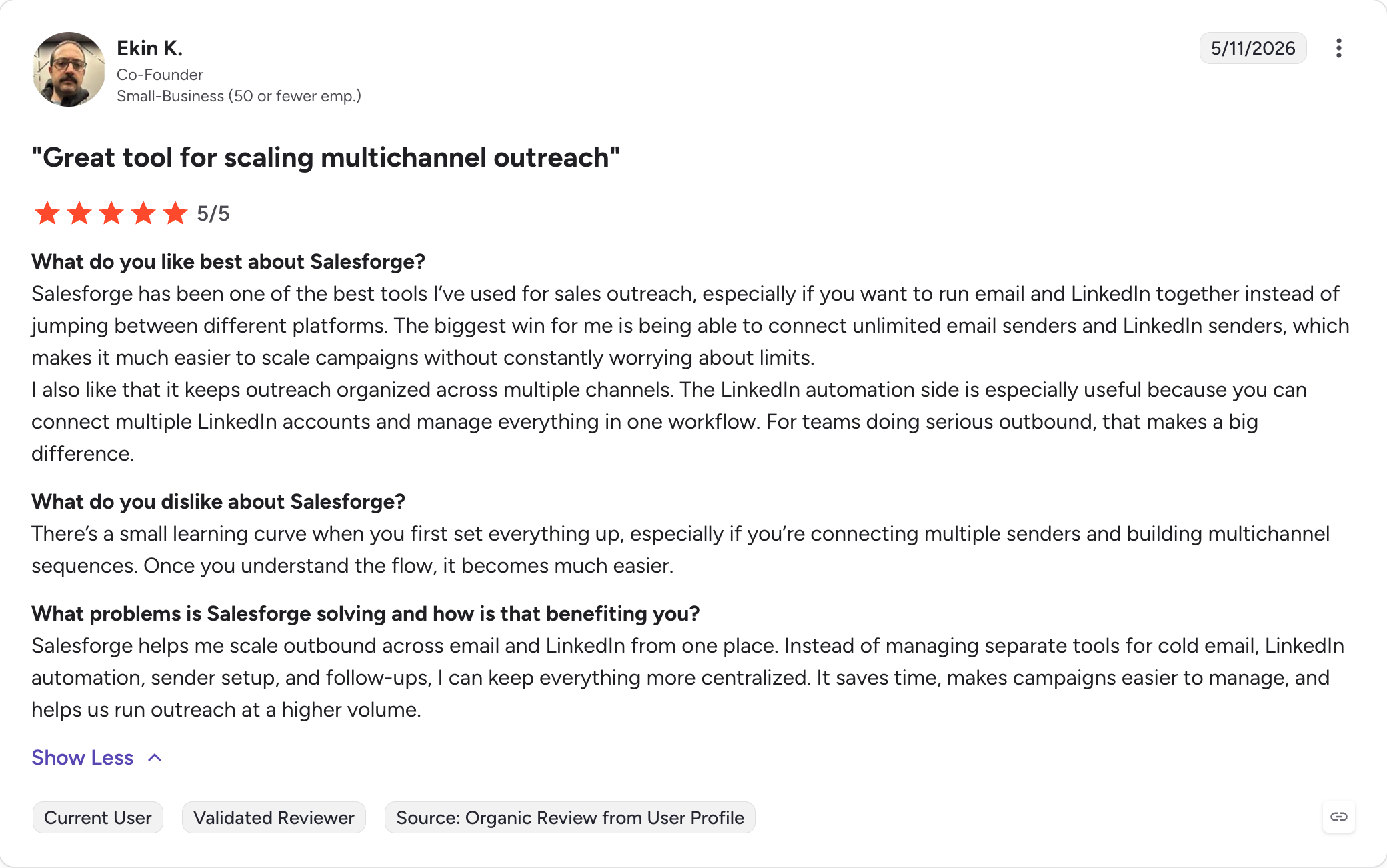
Salesforge holds 4.6 out of 5 on G2 from 255 verified reviews.
Best for: Teams whose entire outreach motion is email and whose developer team values a clean OpenAPI spec, published rate limits, and deep mailbox management endpoints more than multichannel breadth.
G2 Rating: 4.8 out of 5
Instantly is a cold email software whose API is the cleanest developer experience in the category if email is your only channel.
Published OpenAPI spec, scoped API keys, documented rate limits at 100 requests per second and 6,000 per minute per workspace, and the deepest mailbox management endpoints here (warmup control, account moves between workspaces, done-for-you accounts ordering).
We hit two issues in production.
Webhooks live on Hypergrowth at $77.60/month billed annually. The Growth plan at $37.60/month billed annually gives you polling only, which we did not realize until we scoped the first integration and had to upgrade mid-build.
The unibox emails endpoint caps at 20 requests per minute, the issue every inbox-sync integration hits first.
Two other issues worth budgeting for: no LinkedIn anywhere in the schema, and the v1 API was hard-deprecated in January 2026 with zero backward compatibility to v2. Every integration we had shipped on v1 got rebuilt in Q1.
Salesforge published a longer Instantly API teardown if you want the single-platform read.
Instantly API Key Features
Published OpenAPI spec: Full spec available at developer.instantly.ai. Scoped API keys, documented rate limits, and predictable response shapes.
Documented rate limits: 100 requests per second and 6,000 per minute per workspace. Unibox emails endpoint capped at 20 per minute.
Deepest mailbox management endpoints: Warmup control (enable, disable, pull health scores), account moves between workspaces, and DFY account ordering endpoints.
19 webhook event types: Includes lead_meeting_booked, lead_wrong_person, and standard reply, bounce, and unsubscribe events. Gated to Hypergrowth and above.
Bulk lead ingestion: Up to 1,000 leads per request with dedupe flag support.
Message-level reply access: Full bodies via the unibox emails endpoint (rate-limited to 20 requests per minute).
Instantly Pros and Cons
✅ Pros
❌ Cons
Cleanest developer experience in the category. Published OpenAPI spec and documented rate limits.
Webhooks gated to Hypergrowth at $77.60/month billed annually. Growth plan is polling-only.
Deepest mailbox management endpoints of any platform here.
No LinkedIn in the schema. Sequence steps support email only.
19 webhook event types with lead_meeting_booked and lead_wrong_person natively.
v1 hard-deprecated in January 2026 with zero backward compatibility. Assume future breaking changes.
Bulk lead adds run 1,000 per request with dedupe flags.
Unibox emails endpoint capped at 20 requests per minute. Wall every inbox-sync integration hits first.
Full message body access via unibox emails endpoint.
Full API, webhooks, A/B testing, team collaboration.
Light Speed
$286.30/month (billed annually)
Full API, webhooks, SISR dedicated IP sharding, premium support.
Enterprise
Custom pricing, sales contact required
Custom volume, custom API limits, dedicated support.
Every plan includes unlimited email accounts and unlimited warmup. Instantly Credits (lead database) and CRM are separate subscriptions. Realistic full-stack functional cost at entry tier runs $124 to $180/month once Credits and CRM are added.
What Real Users Say About Instantly
Instantly holds 4.8 out of 5 on G2 from 4,052 verified reviews.
Best for:Cold email agencies running many clients on one platform who need per-client API keys with isolated rate budgets, per-campaign webhook scoping, and white-label workspaces without building the isolation themselves.
G2 Rating: 4.6 out of 5
Smartlead is the agency-scale API for cold email specifically.
It ships more email-agency infrastructure natively than anything else on this list: client-level API keys with isolated rate budgets, white-label workspaces at $29/month per client on Unlimited Smart and up, per-campaign webhook scoping, and a Master Inbox API that reads, categorizes, and answers replies across every client.
But the question every agency has to answer first: is your client work email-only or multichannel?
Email-only, Smartlead is a good pick.
If it includes LinkedIn (which most of ours does), Smartlead runs LinkedIn as manual-step webhooks that a partner tool like HeyReach completes. That's a second API, a second cost, and a second failure mode.
It is why our own client stack ended up on a Salesforge multichannel API instead of Smartlead plus HeyReach.
Smartlead API Key Features
Client-level API keys: Up to 25 named API keys per account. One isolated, resettable credential per client with its own rate budget. Rename, reset, or revoke any key without affecting others.
Per-campaign, per-client, per-user webhook scoping: Subscribe to events at any of the three scopes. Rare in this category.
Master Inbox API: Reads, categorizes, and answers replies across every client from one endpoint. AI reply categorization is readable via API and pushed via LEAD_CATEGORY_UPDATED webhook with full conversation history.
White-label client workspaces: $29/month per client workspace, available on Unlimited Smart ($144.42/month billed annually) and above.
Full sequence CRUD: Create, update, pause, and duplicate campaigns via API. Note the full-replacement save behavior on updates.
116+ documented API endpoints: LeadMagic's open-source Smartlead MCP server enumerates them, which is a useful reference beyond Smartlead's own docs.
Smartlead Pros and Cons
✅ Pros
❌ Cons
Best per-client isolation model in the category. Client keys revoke without affecting parent account.
API key travels as a URL query parameter, lands in server logs.
White-label client workspaces native at $29/month per client on Unlimited Smart and above.
Sequence updates are full-replacement. Omit a step and it is silently gone.
Webhooks scopable per campaign, client, or user. Rare in this category.
LinkedIn runs as manual-step webhooks. Partner tool like HeyReach completes actions.
Master Inbox API with AI reply categorization readable via API.
Campaigns list endpoint has no pagination. Hurts at scale.
116+ documented endpoints. Open-source community MCP server available.
Rate limit docs contradict themselves. Plan around conservative 60/minute per key.
Unlimited mailboxes on every plan.
API access starts on Pro at $78.02/month billed annually. Base has none.
Smartlead Pricing (Annual)
Plan
Price
API Access
Base
$32.37/month (billed annually)
No API.
Pro
$78.02/month (billed annually)
Full API, webhooks, CRM integrations, per-user webhook scoping.
Unlimited Smart
$144.42/month (billed annually)
Full API, A/B testing, white-label workspaces available at $29/month per client.
Unlimited Prime
$314.57/month (billed annually)
Full API, SmartServers dedicated infrastructure, priority support.
White-label add-on
$29/month per client workspace (billed annually)
Requires Unlimited Smart or above.
All plans include unlimited email accounts and unlimited warmup. Real cost 3 to 5x base once SmartProspect, SmartDelivery, servers, and white-label stack on top for a full agency setup.
What Real Users Say About Smartlead
Smartlead holds 4.6 out of 5 on G2 from 309 verified reviews.
Best for: Multichannel teams that want the widest step catalog on paper (email, LinkedIn, WhatsApp, SMS) and who can accept that LinkedIn execution rides on each sender's browser session rather than a server-side action.
G2 Rating: 4.6 out of 5 (1,500+ reviews)
Lemlist has the widest catalog on paper of any API on this list. 18 sequence step types across four channels (email, LinkedIn with 9 actions, WhatsApp, SMS) plus conditional branching.
Roughly 70 webhook event types, with first-class "interested" events per channel.
We recommend it to teams whose outreach actually spans four channels and who want per-step campaign stats over the API, which is rare in this comparison.
Authentication is HTTP Basic with an empty username and a colon before the API key.
The docs themselves call it tricky. API keys have no scopes, so one leaked key exposes the whole account. The rate limit is a tight 20 requests per 2 seconds, and v1 is deprecated but still the default on some endpoints unless the request passes version=v2 explicitly.
Every one of these is an hour we lost debugging on first integration.
Lemlist API Key Features
18 sequence step types: Email, 9 LinkedIn actions (invite, message, voice note, profile visit, follow, and more), WhatsApp, SMS, plus wait and condition nodes. Widest catalog on this list.
~70 webhook event types: Includes first-class "interested" events per channel, so email-interested, LinkedIn-interested, and WhatsApp-interested each fire as distinct events.
Per-step campaign statistics via API: Rare in this category. Most platforms expose only per-campaign aggregates.
Conditional branching in sequences: Steps route on prospect engagement (opened, clicked, replied, connection accepted).
Chrome extension for LinkedIn prospecting: Ships with contact enrichment credits (0.05 per verified email, 0.20 per phone number as of 2026).
Multichannel unified inbox: Replies from email, LinkedIn, and WhatsApp land in one inbox, readable via API.
Lemlist Pros and Cons
✅ Pros
❌ Cons
Widest sequence step catalog in this comparison. 9 LinkedIn actions plus WhatsApp and SMS.
HTTP Basic auth with empty username and leading colon. Docs themselves call it tricky.
~70 webhook event types with first-class per-channel "interested" events.
API keys have no scopes. One leaked key exposes the whole account.
Per-step campaign statistics via API, rare in the category.
Tight 20 requests per 2 seconds rate limit.
Multichannel unified inbox readable via API.
v1 deprecated but still default on some endpoints unless version=v2 passed explicitly.
Conditional branching supported inside sequences.
LinkedIn execution rides on each sender's browser session. API queues actions but does not guarantee they run.
Best for: Multichannel teams whose LinkedIn actions must run as real API calls (not manual-step placeholders), and who value organization-wide API keys with per-user impersonation for agency-scale multi-tenancy.
G2 Rating: 4.6 out of 5
Reply.io is the strongest choice when LinkedIn actions must run as real API calls. Connection requests, messages, InMails, and voice messages all send by endpoint.
The API key model is the most agency-thoughtful in this comparison: per-user, workspace, and organization keys, plus impersonation headers that let one organization key act across every client workspace.
Webhooks ship on every paid plan, which is the exception in this category rather than the rule.
The limitations are bounded. No webhook signing, no documented retry policy, and a hard cap of 50 active webhook subscriptions per account.
Legacy v1 and v2 docs still rank in search results, so build against v3 and check the URL of any docs page before copying an endpoint.
Reply.io API Key Features
API-triggered LinkedIn actions: Connection requests, messages, InMails, and voice messages via endpoint. Six LinkedIn webhook event types fire on real activity.
Per-user, workspace, and organization API keys: Impersonation headers let one organization key act across every client workspace. Rare model in this category.
21 webhook event types: Includes reply_categorized. Webhooks ship on every paid plan.
Published OpenAPI spec: Build against v3 (v1 and v2 docs still rank in search results).
Full sequence and A/B CRUD: Create, update, pause sequences and A/B tests via API.
Unified inbox API: Thread and message access, full bodies, cross-channel.
Documented per-user rate limits: 100 requests per minute, 3,000 per hour per user, applied on top of workspace-level tiers.
Reply.io Pros and Cons
✅ Pros
❌ Cons
Strongest API-triggered LinkedIn action model in this comparison.
No webhook signing. Build idempotent receivers and expect event replay.
Per-user, workspace, and organization keys with impersonation headers for cross-workspace access.
No documented webhook retry policy.
Webhooks ship on every paid plan, not gated behind a higher tier.
Hard cap of 50 active webhook subscriptions per account.
Published OpenAPI spec (v3).
Legacy v1 and v2 docs still rank in search results.
Per-user rate limits published (100/minute, 3,000/hour).
LinkedIn on Email Volume needs $69/account/month add-on. Calls and SMS $29/account/month.
21 webhook event types including reply_categorized.
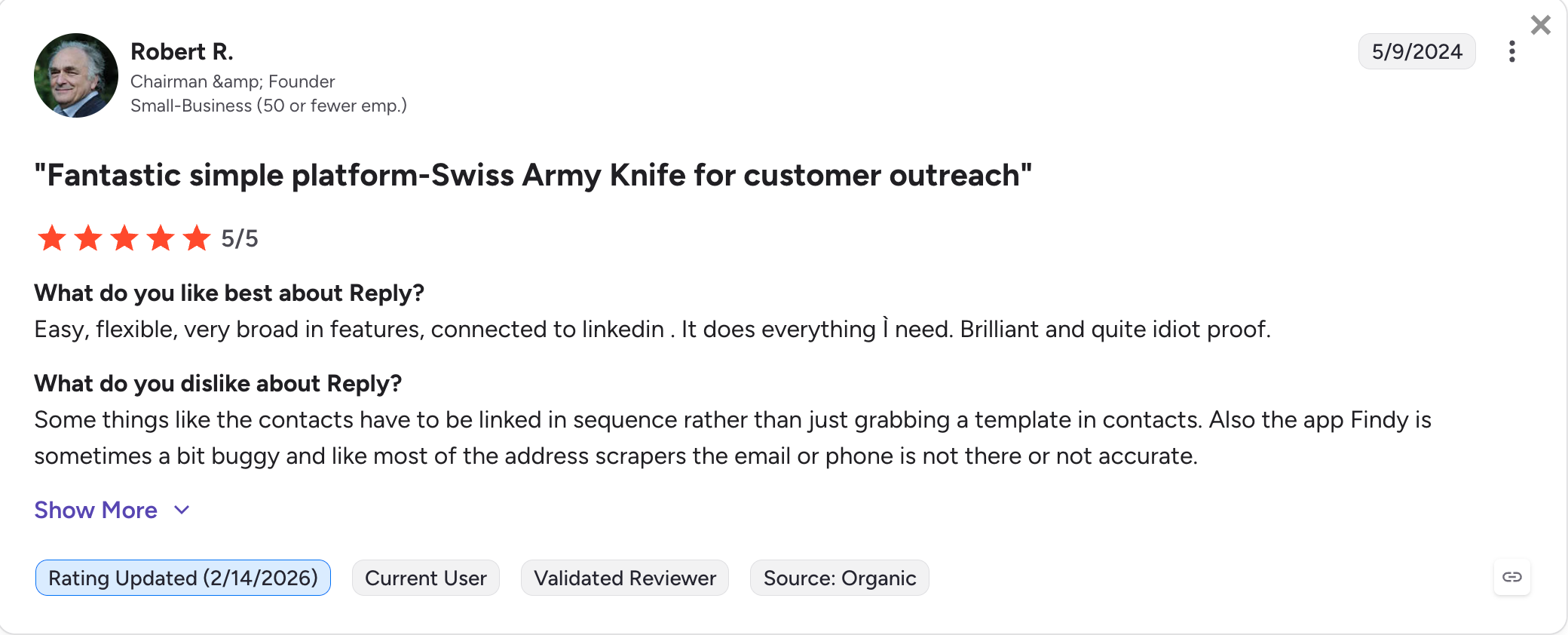
Per-user pricing. Multichannel base $89/user/month billed annually. Reply.io site blocks scrapers, so confirm current prices at reply.io/pricing before signing.
Reply.io Pricing (Annual)
Plan
Price
API Access
Email Volume
$49/user/month (billed annually)
Full API, webhooks, email sequences only. Contact-tiered starting at 1,000 active contacts.
Multichannel
$89/user/month (billed annually)
Full API, webhooks, LinkedIn, calls, SMS, and WhatsApp bundled per user.
Best for: Teams that need Apollo's contact database as one layer in a data waterfall, not as a primary sending API. Best used as a data feed into a real outreach platform, not as the sender itself.
G2 Rating: 4.7 out of 5
Apollo is a data API with a sequencer attached. That order matters. The database is the product. The sending is a feature on top of it.
People search offers approximately 65 filters at zero credit cost, but results come back without emails or phones and with last names obfuscated.
Every usable record costs at least one enrichment credit (mobiles cost eight and arrive asynchronously via webhook callback).
We use Apollo as one layer in a Clay enrichment waterfall for client campaigns, not as a system of record.
The sending side exists (sequences can be created via API, contacts enrolled with mailbox rotation) but three limitations rule it out as a primary sender: no event webhooks (reply automation is polling or Zapier), no reply bodies exposed (only sentiment labels), and mailboxes are read-only via API. LinkedIn exists only as manual-task step types.
Apollo API Key Features
275M+ contact database exposed via search API: Approximately 65 filters at zero credit cost. Results come back without emails or phones and with last names obfuscated until enrichment credits are spent.
Enrichment endpoints: Emails cost 1 credit each. Mobile numbers cost 8 credits and arrive asynchronously via webhook callback. Data enrichment runs 1 to 8 credits per record.
Sequence CRUD: Create, activate, and enroll contacts via API. Mailbox rotation across the workspace supported.
Sentiment labels on sequence-stat endpoints: Positive, negative, neutral classification per reply. No message body access via API.
Search cap: 50,000 records per query.
Triple-window rate limits: Per minute, per hour, per day. Master-key-only usage-stats endpoint is the authoritative source for your caps.
Apollo Pros and Cons
✅ Pros
❌ Cons
Best data layer of any API in this comparison. 275M+ contacts with ~65 search filters.
No event webhooks. Reply automation is polling or Zapier.
Sequence CRUD and mailbox rotation available via API.
No reply bodies exposed. Sentiment labels only.
Free plan (100 email credits/month, 5 mobile credits/year) is meaningful for testing.
Mailboxes are read-only via API.
Documented enrichment cost model (1 credit email, 8 credits mobile).
LinkedIn exists only as manual-task step types. Not API-triggerable.
Master-key-vs-scoped-key 403 confusion on first integration.
Per-seat pricing scales fast past 5 to 10 reps. Organization requires 3-seat minimum ($357/month floor).
Apollo Pricing (Annual)
Plan
Price
API Access
Free
$0
100 email credits/month, 5 mobile credits/year, Chrome extension, basic sequencing.
Basic
$49/user/month (billed annually)
Full API, unlimited email credits, standard integrations.
Professional
$79/user/month (billed annually)
Full API, US dialer, A/B testing, higher export limits.
Organization
$119/user/month (billed annually), 3-seat minimum
Full API, intent data, SSO, international dialing, customizable reports.
Credits are allocated to the organization, not per user, and expire at end of billing period. Overages cost $0.20 per credit with a 250-credit minimum purchase.
What Real Users Say About Apollo
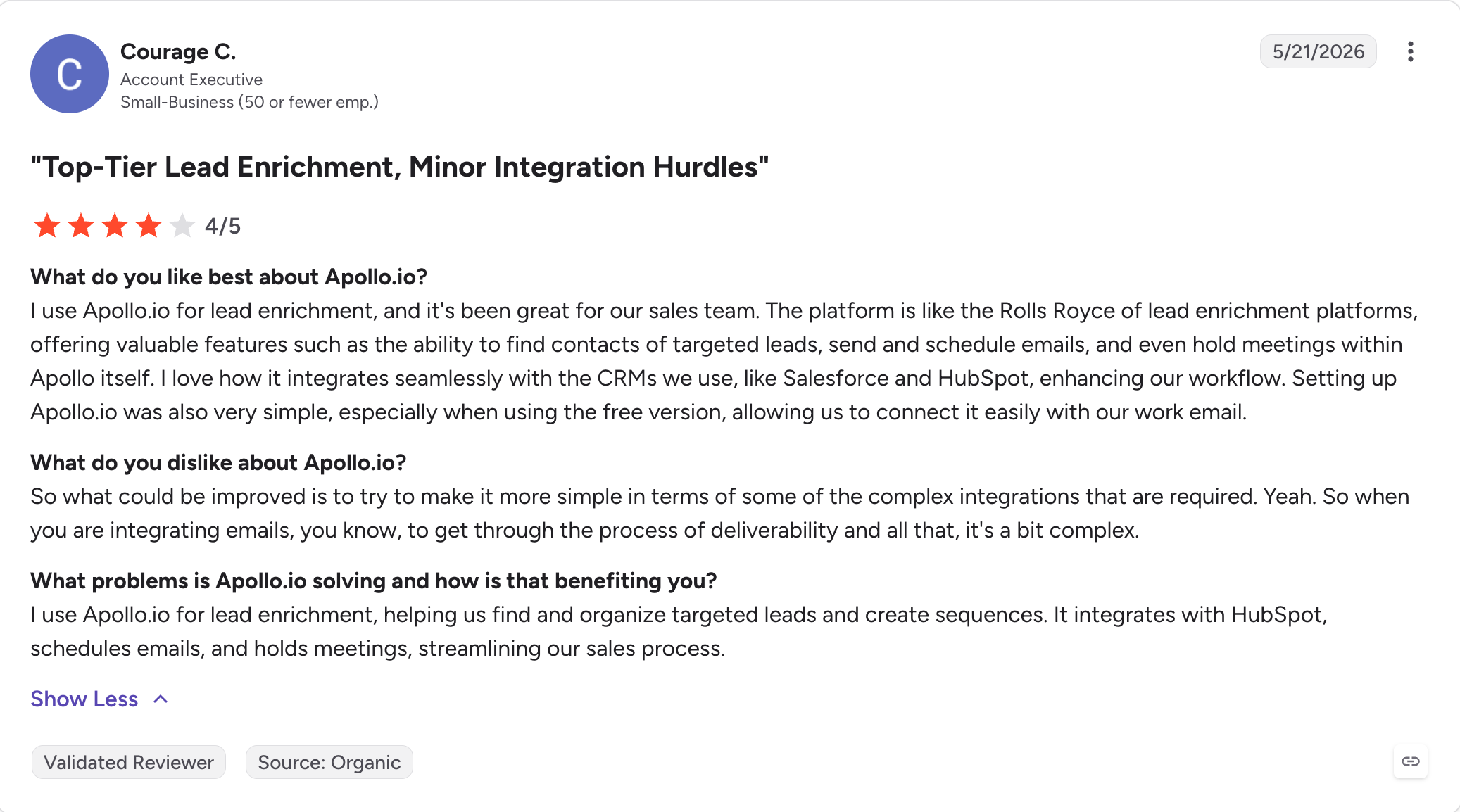
Apollo holds 4.7 out of 5 on G2 from 9,344 verified reviews.
Best for: Enterprise sales teams with 50+ seats running Salesforce-native workflows, dedicated RevOps functions, and CRM-to-warehouse sync as a first-class requirement. Not the right shape for cold-email-agency work.
G2 Rating: 4.3 out of 5
Outreach is enterprise plumbing. Strict JSON:API with OAuth 2.0, approximately 50 resources with full CRUD, HMAC-signed webhooks, and a documented 10,000 requests per hour per user rate limit.
It is the right for keeping Salesforce, 50 SDRs, and a revenue warehouse in sync.
That is also the upper bound of what we recommend it for. There is no unified inbox or thread API. Replies surface as individual mailings and aggregate sentiment counters. Webhooks do not retry on HTTP errors from your endpoint, so an outage silently drops events.
LinkedIn steps can be read and marked complete via API, never created or triggered. Production OAuth requires app review before your integration goes live, and idle refresh tokens die in 14 days.
Pricing is quote-based with annual contracts mandatory.
Public reporting puts seat cost between $100 and $160 per user per month depending on tier.
Outreach API Key Features
JSON:API with OAuth 2.0: 2-hour access tokens, 14-day refresh tokens. Production OAuth requires app review by Outreach.
~50 resources with full CRUD: Deep mailbox management, contacts, sequences, mailings, prospects, accounts, opportunities, calls, and more.
HMAC-signed webhooks: Webhook payloads carry HMAC signatures for verification. No retry on HTTP errors from your endpoint.
Documented rate limit: 10,000 requests per hour per user.
Batch operations and CSV imports: Support for high-volume sync operations.
Bulk analytics export: Paid add-on into Snowflake or Databricks.
Outreach Pros and Cons
✅ Pros
❌ Cons
Strict JSON:API with OAuth 2.0. Enterprise-grade auth model.
Production OAuth requires app review by Outreach before going live.
~50 resources with full CRUD, including batch operations and CSV imports.
Idle refresh tokens die in 14 days. Paused integrations need a re-auth path.
HMAC-signed webhooks.
No webhook retry on HTTP errors from your endpoint. Outages silently drop events.
Documented 10,000 requests per hour per user rate limit.
No unified inbox or thread API. Replies surface as individual mailings and sentiment counters.
Right fit for CRM-native enterprise workflows and warehouse sync.
LinkedIn steps read-only. Cannot be created or triggered via API.
API calls metered per plan (250K to 1M per tier). Bulk analytics export is a paid add-on.
Publicly reported seat cost runs between $100 and $160 per user per month depending on tier. Implementation fees commonly reported at $1,000 to $10,000+. Multi-year contracts unlock 15-30% lower effective annual pricing.
What Real Users Say About Outreach
Outreach holds 4.3 out of 5 on G2 from 3,468 verified reviews.
4 Things Every Cold Outreach API Gates That the Marketing Page Doesn't Tell You
These four issues show up across nearly every platform in this comparison, and each one has burned an integration project of ours at least once.
Webhooks live one tier above the API
Marketing pages advertise API access at the entry price.
The events you actually need to build event-driven automation (positive_reply, meeting_booked, lead_wrong_person) usually require one plan tier up.
Instantly is the cleanest example: API access advertised on Growth at $37.60/month billed annually, webhooks gated to Hypergrowth at $77.60/month billed annually. If the client dashboard, the Slack alert, or the n8n router you scoped assumes webhooks, the real cost of the integration is the higher tier.
Reply.io is the exception that proves the rule: webhooks ship on every paid plan.
LinkedIn "automation" is often a manual-task placeholder
Several platforms advertise multichannel outreach with LinkedIn steps and expose those steps in the API.
What they don't advertise loudly is that the steps surface as manual-task webhooks the API cannot trigger on its own.
Smartlead's MANUAL_STEP_REACHED webhook hands the LinkedIn action to a partner tool like HeyReach. Outreach lets you mark LinkedIn steps complete but never create or trigger them. Apollo exposes LinkedIn as manual tasks.
Three platforms on this list run LinkedIn as first-class API actions: Salesforge, Reply.io, and Lemlist.
The other four run it as a placeholder.
Reply endpoints hand back a label, not the message
If a reader asks what the prospect actually wrote, the API has to return the message body.
Salesforge, Smartlead, Lemlist, Reply.io, and Instantly all return thread contents. Apollo returns a sentiment label about a message you cannot read. Outreach returns aggregate counters.
The distance between "we support replies" on the marketing page and "here is the message the prospect actually wrote" in the API response is where several of these platforms lose developer trust.
Real rate limits surface only when you hit a 429
Published rate limits are the exception in this category, not the rule.
Instantly publishes 100 requests per second and 6,000 per minute. Outreach publishes 10,000 requests per hour per user. Salesforge, Smartlead, and Lemlist publish nothing or publish contradictory numbers in different parts of the docs.
If the platform you build against does not document a rate limit, build backoff from day one and assume the conservative number. The 429 will come eventually.
What to Check Before Committing to an Outreach API
Before writing an integration against any platform above, verify these seven things in order. They are the ones that have burned an integration of ours at least once.
Is API access included in my plan, and are webhooks? They gate separately on most platforms. Instantly's split ($37.60 for polling, $77.60 for webhooks, both billed annually) is the sharpest example.
Can I control campaigns completely, or just read them? Check create, update, pause, resume, and per-lead enroll and remove endpoints. Smartlead's sequence-save-as-full-replacement behavior is the kind of thing to test before shipping.
Are replies pushed via webhooks or polled? And does the payload include the reply text or just an ID? This is the single check that decides whether real-time reply automation is buildable. Apollo fails it. Outreach partially fails it.
What are the real rate limits? If unpublished, build exponential backoff from day one and assume the conservative number. Salesforge, Smartlead, and Lemlist all fall into this bucket at different levels.
Can I manage multiple workspaces or clients under one credential model? This decides the agency architecture. Smartlead ships client-level keys natively. Salesforge ships workspace-scoped endpoints. Reply.io ships organization keys with per-user impersonation. Everyone else, you build the isolation.
Does it support LinkedIn actions via API, or only as manual-step placeholders? Marketing "multichannel" often means manual tasks in the API. Salesforge, Reply.io, and Lemlist are the three that run LinkedIn as real API actions.
Can I get raw data out (thread contents, per-step stats, exports) or only the aggregates the vendor chose to expose? Every serious client-reporting integration hits this wall. Apollo's sentiment-only reply endpoint and Outreach's aggregate counters are the two hardest walls in this comparison.
Final Verdict
Every one of the seven APIs above solves part of the cold outreach integration problem. None solves all of it.
At OutboundPros, the platform we landed on for client work is Salesforge, and we would land on it again.
Not because it wins every category above. It does not.
Instantly's docs are cleaner. Smartlead's per-client isolation is more mature.
What Salesforge gets right is the part that decides whether the integration ships.
Thread-level reply payloads come back with sentiment attached, so client dashboards do not have to build a classifier on top. LinkedIn actions run inside conditional sequences as real API calls, not manual-task placeholders. Workspaces are creatable via API and scoped into every endpoint, so per-client isolation is a script we run at onboarding.
Warmforge, Mailforge, and Infraforge run under the same login as separate subscriptions. Warmforge warmup is included free with unlimited slots on every Salesforge account, so the deliverability layer we manage lives on the same login as the sending we built against.
Test the API on Growth with a 14-day free trial, no credit card. If you'd rather read endpoints before creating an account, the docs and the Forge MCP server are public.
Salesforge has the deepest multichannel API. Instantly has the cleanest developer experience for email-only. Reply.io is the strongest choice for API-triggered LinkedIn actions outside sequences. "Best" depends on which axis your build lives on.
2) Can a cold outreach API send cold emails?
Yes, but through campaigns, not a raw send endpoint. You create a sequence via API, assign mailboxes, and add leads. Transactional email APIs like SendGrid and Mailgun prohibit cold outreach in their AUPs and will suspend accounts for it.
3) Can I manage LinkedIn outreach through an API?
Three platforms: Salesforge (LinkedIn steps inside conditional sequences plus account provisioning via API), Reply.io (connection requests, DMs, InMails, voice messages by endpoint), and Lemlist (9 step types on Multichannel Expert, browser-session execution). Smartlead, Apollo, and Outreach expose LinkedIn only as manual-task placeholders. Instantly has none.
4) What is the difference between a cold outreach API and an email API?
An email API (SendGrid, Postmark, Mailgun, Resend) sends individual messages and stops there. A cold outreach API runs the whole motion: sequences with delays and conditions, mailbox rotation and warmup, reply detection, unsubscribe handling, and analytics. Transactional platforms prohibit cold outreach in their AUPs anyway.
5) Do cold outreach APIs provide webhooks?
Most do, with big asymmetries. Lemlist ~70 event types, Reply.io 21 (every paid plan), Instantly 19 (Hypergrowth and above), Salesforge and Smartlead 13 each. Apollo has none for events. Outreach has HMAC-signed webhooks but no retry on your endpoint failures.
6) Which cold outreach API is best for agencies?
Depends on whether your client work is email-only or multichannel. Email-only: Smartlead, for per-client API keys and $29/month white-label workspaces. Multichannel (email plus LinkedIn together): Salesforge, whose workspaces are creatable via API and workspace-scoped into every endpoint. Reply.io's organization keys with per-user impersonation are the third pattern worth evaluating.
Book more meetings on autopilot
Set up in minutes. No per-seat pricing. No commitment.
Cold email best practices work in a fixed order: infrastructure first, list second, copy third. I cover domain setup, warmup, list quality, short plain-text copy, sending limits, follow-up timing, and the few numbers that show a campaign is healthy.
A sales cold email is one step in a deal, not a pitch. I cover who to email first, the short structure that earns replies, four templates for real selling situations, follow-up timing, and the deliverability basics that keep your emails out of spam.