I started using Jungler to find buyers on LinkedIn before they ever reach my website or book a demo with my team.
In this Jungler review I explain what the tool does, how much it costs and where it falls short for outbound teams. I also walk through how I send Jungler leads into my Salesforge sequences because the two tools work together as one workflow.
Jungler is a LinkedIn signal tool that collects everyone who likes or comments on posts from the profiles and keywords you choose.
A person who likes a competitor post about cold email deliverability is usually thinking about that problem right now. I would much rather contact that person than a random name I pulled from a job title filter.
You can set up each Jungler signal around one of three sources:
Every engager in the list comes with a job title and seniority level. Jungler also adds a work email whenever it can find one for that person.
Jungler collects public LinkedIn activity, so you never connect your own LinkedIn account or install a browser extension to use it.
Tools that run through your personal profile can get that profile restricted when the activity looks automated. With Jungler your own account stays completely outside the process.
Setting up a signal only takes a profile URL. I paste the link of the profile I want to follow and Jungler starts adding its posts and engagers to a table.
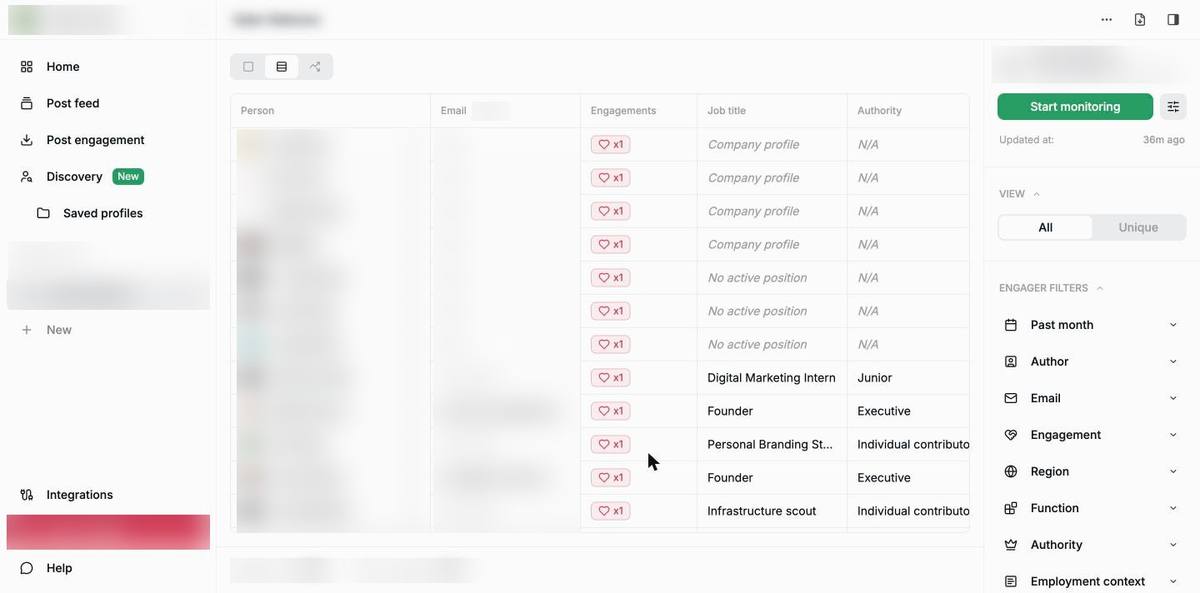
In that table each row lists the type of engagement next to the job title and authority level of the person. Company pages that react to a post also appear in the list, so I filter them out before I sync anything.
Raw engagement data from LinkedIn is messy until you apply filters to it. The filters are what turn a long list of engagers into a list I would actually send emails to.
The engager filters help you narrow down the people in your list:
The post filters help you narrow down the content itself. An AI filter marks each post as a match or no match against a short description that you write.
The post type filter groups posts into these categories:
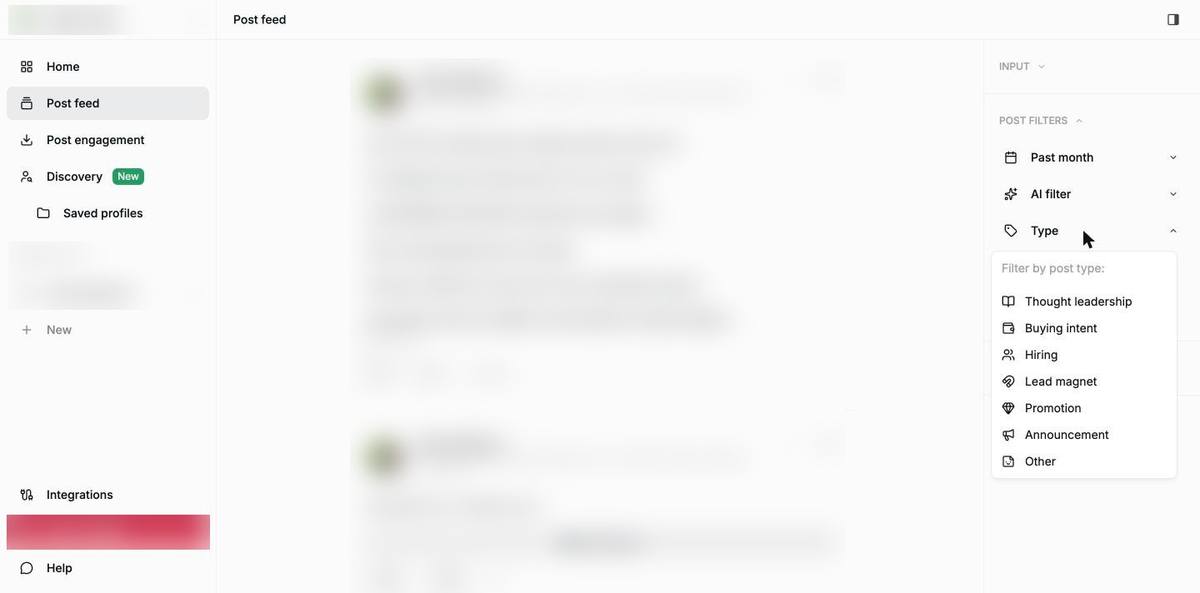
I always check the buying intent category first because a post asking for a tool recommendation is the clearest signal you can find on LinkedIn. Filters for sentiment and language are also available in the same panel.
Discovery helps you decide which profiles are worth tracking in the first place. It lists the LinkedIn creators your prospects follow and engage with the most.
You can search the creator database and sort it by follower count or engagement rate. You can also filter creators by the region and job function of the people who engage with them.
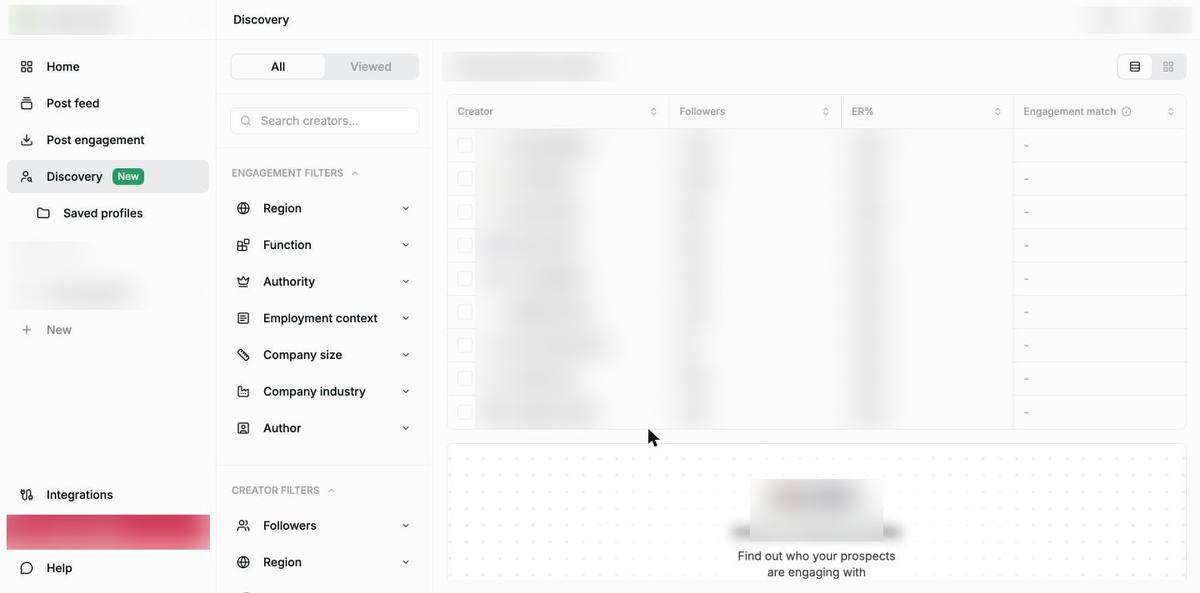
In my experience a mid-size creator with an audience full of sales leaders brings better signals than a famous name with a broad audience. Discovery is the feature I use to find those creators.
Discovery is part of the Discovery plan and every plan above it. Each time you open a full creator profile it uses one profile open from your monthly allowance.
Salesforge is one of the native integrations inside Jungler. The integration page describes its purpose as sending contacts automatically to your Salesforge sequences.
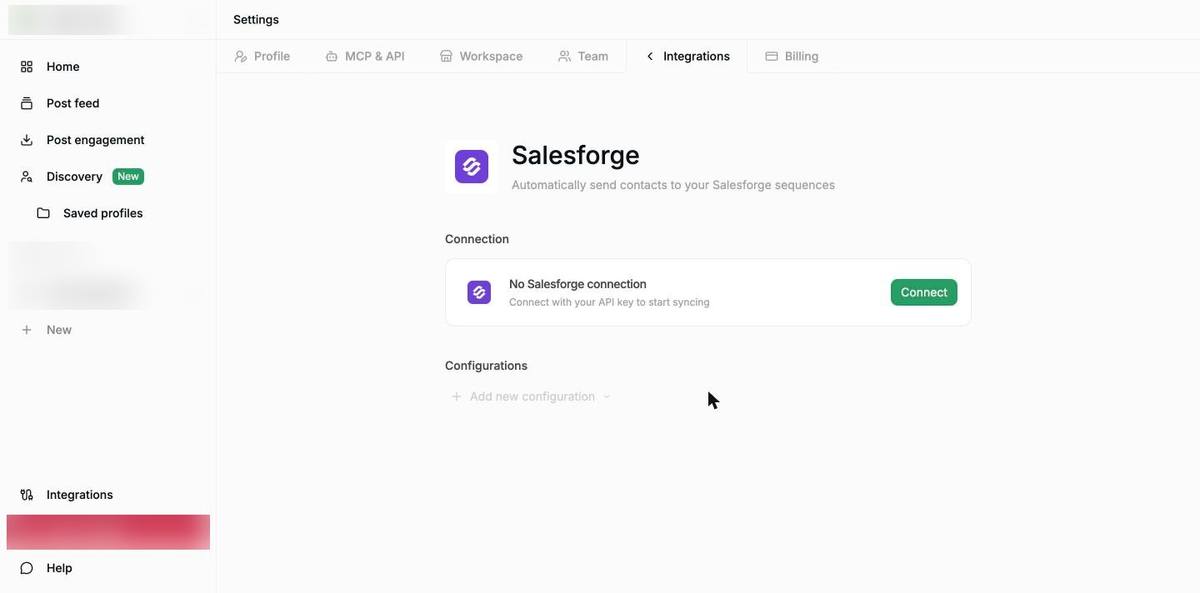
Connecting the two tools takes three steps:
After that new engagers go into Salesforge without any CSV export in between. If you prefer your own routing logic you can use the Salesforge webhooks integration instead.
The Jungler team runs its own outbound with this same setup. The Jungler case study explains how they pair their intent data with Salesforge for sequencing and Warmforge for inbox health.
Co-founder Hendrik Ojamaa described the setup in one line:
“Salesforge gives us structure and reliability without forcing us into a rigid system.”
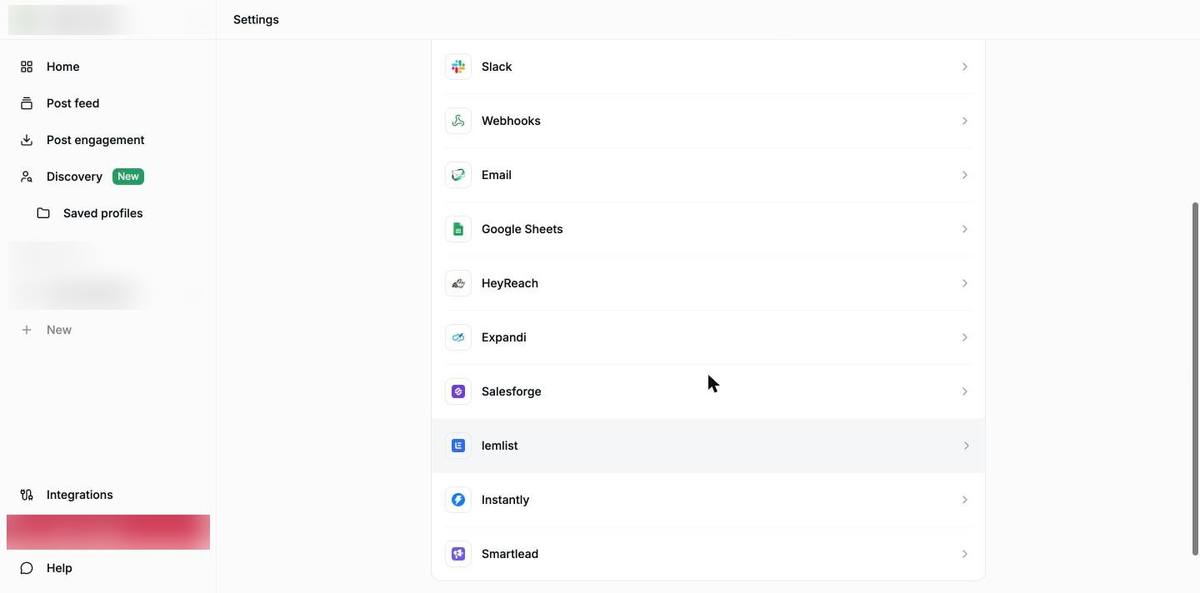
The Jungler integrations page also includes several other outreach and data tools:
Jungler offers an MCP server along with a personal API key on the same settings page. This means you can connect it to the AI tools your team already uses every day.
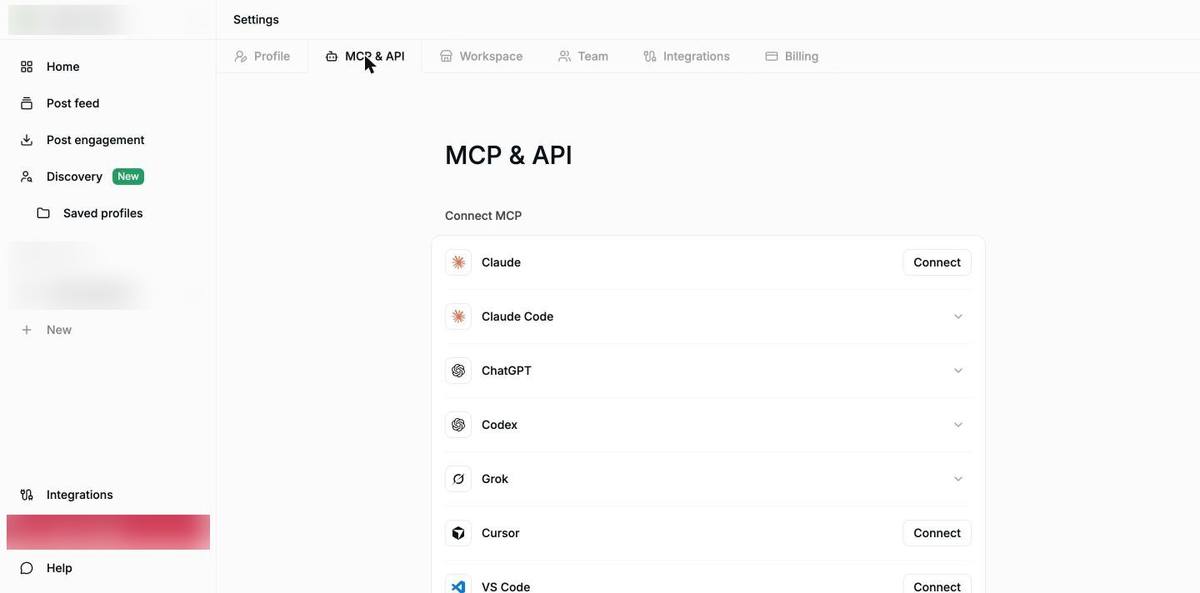
Once the connection is live I can ask an AI assistant to pull engagers from a signal without opening the Jungler app. Salesforge also has its own MCP server, so one assistant can work with Jungler signals and Salesforge sequences in the same conversation.
Jungler prices its plans on credits and signals. Each credit pays for one enriched post, reaction or comment.
Every plan comes with unlimited team seats and free work email lookups. You can also start any plan with a 7-day free trial that does not ask for a credit card.
If you already use Salesforge you can check the Jungler discount in the Salesforge marketplace before you sign up.
What I like most about Jungler is that it brings me people who already talk in public about the problems my team solves. Setting up a new signal takes a few minutes and the leads start coming in the same day.
These are the strengths I rely on most:
These are the limits you should know about before you buy:
The last limit is the main reason I pair Jungler with Salesforge. I use Jungler to find the right people and Salesforge to send the sequence to them through the native integration.
In my outbound stack Jungler is the tool I use for signals. The other tools in the table below are the ones I use for lead lists, sending and inbox health.
My workflow follows the same order every time:
That personal opening line is the reason these emails get replies. If you want to get better at spotting intent you can start with my guide on how to identify buying signals and then read about signal-based cold email.
Signal leads also work well alongside list-based prospecting in Leadsforge, which gives you 100 free credits when you sign up. I explain how I combine the two approaches in my post on AI prospecting workflows.
My team works the hottest Jungler signals by hand while the rest flow into automated sequences. I set up the new mailboxes for each sequence in Mailforge.
Warmforge warmup is free for every mailbox you connect to Salesforge. You also get a free inbox placement test to check where your emails land before a sequence goes live.
Jungler is worth paying for if your buyers are active on LinkedIn and talk about their problems in public before they start looking for a vendor.
Jungler is a good fit for your team in these cases:
Jungler is a weaker fit for your team in these cases:
If you want to see where LinkedIn sits among other channels you can read my breakdown of GTM channels. If you are deciding between an agency and an in-house setup my Sales Automation Systems review walks through that choice.
Jungler collects everyone who likes or comments on LinkedIn posts from the profiles, company pages and keywords you choose. It then enriches each person with a job title and a work email when one is available.
Jungler does not need your LinkedIn login because it works from public LinkedIn data. You also do not need cookies or a browser extension to use it.
Jungler starts at $99 per month on the Starter plan and $199 per month on the Discovery plan. The Growth plan starts at $299 per month and Enterprise pricing is custom.
Jungler has native integrations with outreach tools like Salesforge, lemlist and HeyReach. Once you connect your Salesforge API key the integration adds new contacts to your Salesforge sequences.
Jungler does not send outreach on its own because it stops at the lead list. You need an outreach platform like Salesforge to run the sequences and manage the replies.
Jungler looks up work emails for every engager on every plan at no extra cost. Some engagers come back without an email and need a second enrichment pass.
Jungler offers a 7-day free trial on its plans and you do not need a credit card to start it.