If you're picking a cold email service provider in 2026, the hard part isn't finding options, especially when there are so many new players in the market.
It's filtering through what every tool says on their homepage: unlimited mailboxes, AI personalization, built-in warm-up, top-tier deliverability.
I've been sending cold email for the better part of a decade, and after running outreach campaigns on most of the tools in this list, the real differences come down to three things:
How much you actually pay once you add the parts you need.
how stable the tool is when you scale to real volume.
How well the tool lands you in the primary inbox at scale.
Whether you can run LinkedIn in the same sequence as email or need a second tool for it.
Those are the four criteria I used to score the 9 cold email service providers below.
TL;DR: Best 9 Cold Email Service Providers
Salesforge: Best for outbound teams that want cold email and LinkedIn on one sequence with Warmforge free warmup and LinkedIn senders included. 14-day free trial, no credit card required.
Instantly: Best for founders and agencies focused on high-volume cold email with unlimited sending accounts.
Smartlead: Best for agencies managing many clients across separate workspaces with unlimited mailboxes.
Apollo: Best for teams that want a 275M+ contact database bundled with the sending tool.
Saleshandy: Best starting point for solo founders and small teams on a budget. Unlimited email accounts and a built-in 700M+ B2B database from day one.
Lemlist: Best for teams that lean on personal touches across email, LinkedIn, and calls.
Reply.io: Best for sales teams that want multichannel sequences plus an AI SDR add-on in the same platform.
Snov.io: Best for early-stage founders combining a lead finder with email sequencing on one bill.
Woodpecker: Best for agencies that want sequences sent straight from their own connected mailboxes.
Feature Comparison: Top 3 Cold Email Service Providers at a Glance
HubSpot, Salesforce, Pipedrive, Sales Navigator, Zapier, open API on Growth
HubSpot, Salesforce, Pipedrive, Zapier, API on Hypergrowth+
HubSpot, Salesforce, Pipedrive, Zapier, API on Pro+
MCP / AI Agent Integration
Yes. Forge MCP Server for Claude, Cursor, custom agents
No
No
1 - Salesforge
Salesforge is the only cold email service provider on this list because it is a truly multichannel outreach tool.
It combines free unlimited email warm-up, and 6 native LinkedIn actions, and more in a flat monthly fee.
I built Salesforge because I got tired of watching outbound teams spend more time managing a stack of four tools than actually talking to prospects. Salesforge folds all four into one platform under a flat monthly fee.
There are two kinds of teams that get the most value out of Salesforge.
First, agencies running multiple client campaigns who need unlimited workspaces without per-client fees.
Second, in-house SDR teams and GTM teams who want to run email and LinkedIn without buying two tools.
Solo founders doing under 10 hours a week of outbound also fit.
Core Features
Free unlimited warm-up: Warmforge warms every mailbox you connect to Salesforge for free, drawing from a premium pool of only aged mailboxes.
Dynamic ESP matching: Matching the sender's inbox provider to the recipient's gets more of your emails into the primary inbox, because inbox providers trust senders on their own network more than cross-network mail.
Sender rotation: Salesforge spreads your volume across every mailbox and sender you've connected, so no single mailbox burns through its daily quota and gets flagged.
Text-only content: Emails go out as plain text by default. No HTML wrappers, no tracking pixels, no images. That's the format cold email actually needs. Rich HTML looks like marketing and lands in the Promotions tab; plain text reads like a real person writing to another person.
Bounce Shield: If a mailbox's bounce rate crosses a threshold, Bounce Shield pauses sends from that mailbox before your domain reputation takes damage.
Advanced AI Personalization: AI variables pull prospect-specific details like recent LinkedIn posts, company news, and industry context, then drop them into the email at scale. The {{localized_greeting}} variable writes openers in 21+ languages (French for a Paris prospect, Spanish for Madrid), using 1 personalization credit per send when turned on.
Primebox™ (Unified Inbox): Every reply from every mailbox lands in one inbox, including replies from your connected LinkedIn accounts. Primebox™ has two modes: Auto-Pilot (AI writes and sends the reply on its own) and Co-Pilot (AI drafts the reply, a human approves it before it goes).
Multichannel outreach: LinkedIn and email steps run inside one sequence with branching logic. Send a connection request; if it's accepted send a LinkedIn message, if not fall back to email in 3 days.
6 native LinkedIn actions: Inside a Salesforge sequence you can trigger connection requests, direct messages, InMails, post likes, follows, and withdraw requests. Each action is capped at 30 per day per LinkedIn account to stay inside LinkedIn's safe usage limits.
LinkedIn Email Finder Chrome Extension: A free-to-install extension that pulls verified emails from LinkedIn profiles as you browse. Lookups run on Leadsforge credits, and new users get 100 free credits when they sign up.
Integrations: Native two-way sync with HubSpot, Salesforce, Pipedrive, and LinkedIn Sales Navigator. Also connects to Clay, Zapier, Make, webhooks, and an open API on the Growth plan.
Forge MCP for AI agents: The Forge MCP Server exposes every core action (create sequence, add contacts, pause campaign, pull reply data) to any AI agent that supports MCP. Claude, Cursor, or a custom agent can run Salesforge through code without a human clicking through the UI.
Pros and Cons
✅ Pros
❌ Cons
Unlimited mailboxes and senders on every paid plan with no per-seat pricing
No free plan; only a 14-day free trial
Free unlimited warm-up through Warmforge's premium warm-up network
Cold email and LinkedIn run together in a single sequence with conditional yes/no branching
Primebox™ combines email and LinkedIn replies with Auto-Pilot and Co-Pilot AI modes
ESP matching, sender rotation, Bounce Shield, and text-only sending are built in for stronger deliverability
Forge MCP Server lets Claude, Cursor, and custom AI agents operate the platform natively
What Users Say About Salesforge
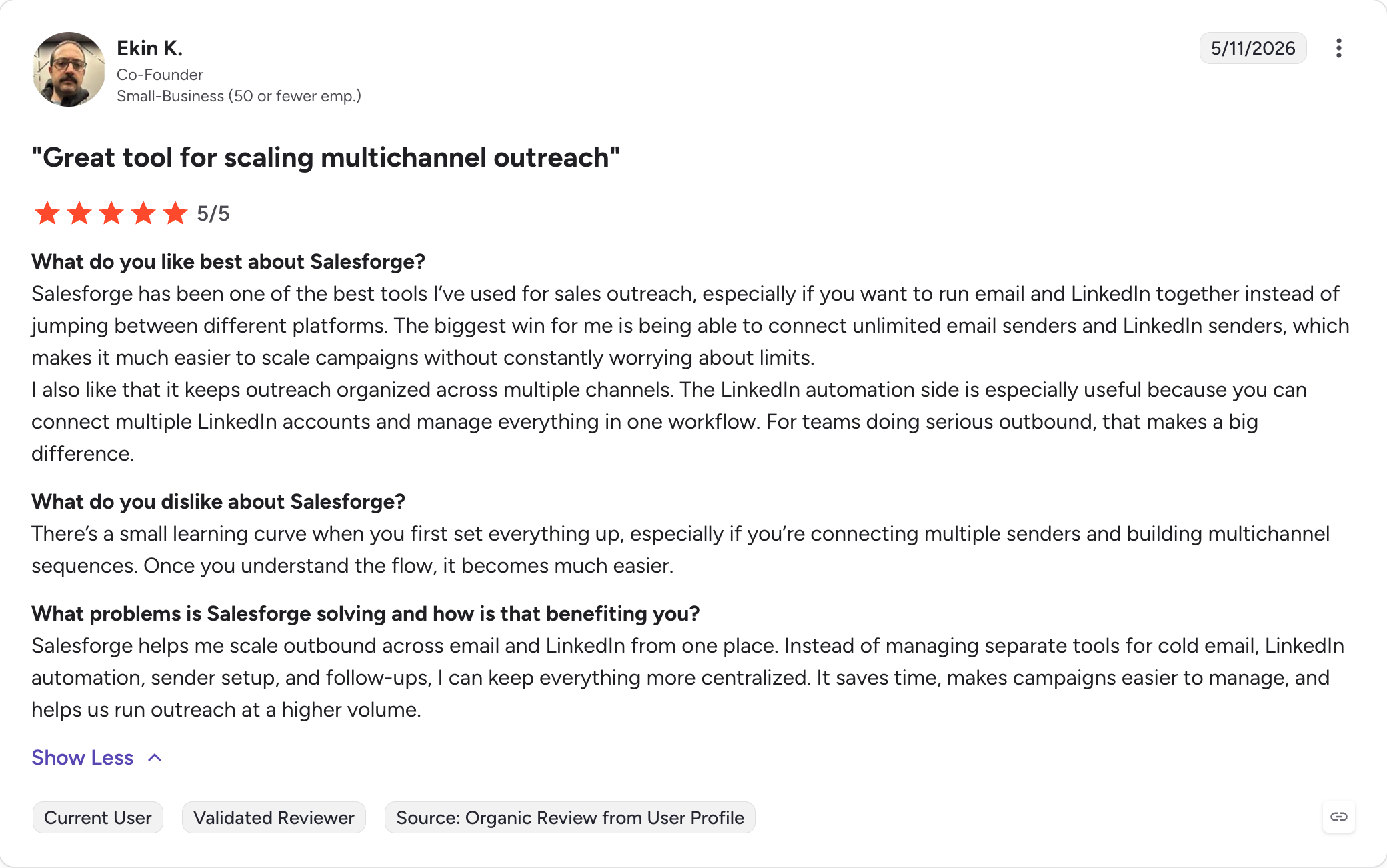
Salesforge holds a 4.6/5 rating from 110 reviews on G2 and a 4.2/5 rating from 16 reviews on Trustpilot.
10,000 contacts
50,000 emails/month
Unlimited users
Unlimited LinkedIn senders
A/B testing
ESP matching
Multi-language sequences
Open API
Everything included in Pro
Agent Frank add-on
$499/month (billed annually)
Autonomous AI SDR
End-to-end multichannel prospecting
Sequence creation and execution
AI reply handling
Meeting booking
Operates 24/7
Both paid plans include a 14-day free trial with no credit card required.
2 - Instantly
Instantly is one of the first tools people mention when the topic is cold email.
It was launched in 2021 with a simple promise: unlimited email accounts and built-in warm-up on a flat monthly fee, at a time when most competitors were still charging per mailbox.
That promise still holds if all you want to do is send high-volume cold email from one dashboard.
I've watched Instantly become the default tool, and there's a real reason for it. The UI is fast. Warm-up ships with the product. You can add 40 mailboxes and route them all through the same campaign without a per-seat fee.
However, the $37 per month headline covers sending only. The lead database, the CRM, and inbox placement testing sit behind separate subscriptions, so once you turn on the parts most teams need, the invoice lands closer to $124 to $180 a month.
Most importantly, Instantly is email-only. If you want LinkedIn in the sequence, you need a second tool.
Core Features
Unlimited email accounts: Every plan lets you connect and rotate an unlimited number of mailboxes across campaigns. This is the reason most agencies pick Instantly in the first place. Bulk domain and mailbox setup is fast, and you can send from all connected accounts inside one campaign.
Built-in warm-up: Warm-up runs automatically for every connected mailbox using Instantly's private warm-up pool. It works, though the Reddit reports about the pool flagging new domains for reputation issues are important to know before you go all-in on the DFY (done-for-you) mailbox option.
AI-driven personalization: AI prompts inside the campaign builder support advanced personalization through custom variables (company one-liner, prospect angle, opening line) per prospect. Quality is inconsistent without careful prompt writing, which is a common note across G2 and Reddit reviews.
Unibox unified inbox: All email replies from all connected mailboxes land in Unibox, which sorts by AI intent labels (interested, out of office, not interested). Replying from Unibox requires the Hypergrowth plan or higher, which trips up teams on the Growth plan.
A/Z testing (up to 26 variants): On Hypergrowth and higher, campaigns can test up to 26 subject line or body variants at once with auto-optimization on reply, click, or open rate, so these advanced features are gated to higher tiers.
Instantly Leads (SuperSearch): A B2B lead database searchable by natural language or filters (job title, department, industry, tech stack). Sold as a separate subscription on top of the sending tool.
Deliverability Suite: Inbox rotation, spam checker, SmartInbox reputation monitoring for campaign performance through reputation and placement signals. Advanced placement testing sits on Hypergrowth and above.
CRM: Kanban-style CRM built for cold email teams. Basic pipeline management, not a replacement for a full CRM. Sold as a separate subscription.
Integrations: HubSpot, Salesforce, Pipedrive, Zapier, webhooks. Open API access on Hypergrowth and higher.
Pros and Cons
✅ Pros
❌ Cons
4.8/5 G2 rating from 4,000+ reviews, making it one of the most-reviewed cold email platforms available
Email only with no native LinkedIn support in the same sequence
Unlimited email accounts on every plan with no per-seat pricing
Real monthly cost often grows from $37.60 to $124–$180 once Leads, CRM, and inbox placement testing are added
Fast setup and clean interface, with most teams live within 1–2 days
Reddit discussions during Q1–Q2 2026 reported reputation issues with Instantly's shared warm-up pool on new domains
Large library of 1,000+ templates covering agency, SaaS, hiring, and partnership outreach
Replying from Unibox requires the Hypergrowth plan or above, which catches many Growth-plan users by surprise
Warm-up works out of the box without requiring a separate subscription
Support response times are a recurring complaint across G2 and Trustpilot reviews
What Users Say About Instantly
Instantly has a 4.8/5 rating from 4,000+ reviews on G2.
Everything in Growth
A/Z testing
Subsequences
OOO Resume
Reply from Unibox
API access
Light Speed
$286.30/month (billed annually)
Everything in Hypergrowth
Higher sending limits
Dedicated Customer Success Manager
Premium support
3 - Smartlead
Smartlead has one of the most loyal followings in cold email. The G2 rating (4.6/5 across 306 reviews) backs that up.
The Trustpilot rating tells a different story: 3.4/5 across 85 reviews.
G2 reviewers praise the unlimited mailboxes, the SubSequences feature that lets follow-ups branch on reply intent, and the Master Inbox with AI reply categorization. Trustpilot and Reddit reviewers flag the same things repeatedly: support response times, occasional platform stability issues, and confusion around the add-on pricing.
The base plan is $32.50/month (billed annually), but the real cost of running Smartlead at production scale usually lands 3 to 5 times higher once you turn on SmartProspect (the lead database add-on), SmartDelivery (inbox placement testing), SmartSenders (done-for-you mailboxes), and the white-label option agencies need.
It's still cheaper per mailbox than per-seat tools, but the $39/month headline isn't what most real setups pay. Smartlead is also cold email only.
If you want LinkedIn in the sequence, you'll need a second tool.
Core Features
Unlimited mailboxes on every plan: Connect and rotate an unlimited number of Google Workspace, Outlook, and SMTP mailboxes across campaigns on every pricing tier. This is the reason most agencies pick it, especially to run multiple campaigns at once. Bulk domain and mailbox connection is fast, and no plan caps the number of senders.
SubSequences with branching logic: Follow-ups can branch based on how a prospect replies, which makes them true automated follow ups rather than simple linear sequences. An "interested" reply routes to a booking sequence; a "not the right person" reply routes to a referral ask. This is Smartlead's most-cited differentiator in reviews after unlimited mailboxes.
Master Inbox with AI reply categorization: All replies from every connected mailbox land in one inbox, sorted by AI into buckets like interested, out of office, and not interested. Useful once you're running 20+ mailboxes and can't manually triage, especially for teams managing replies across many senders.
AI personalization on every plan: Auto-icebreakers, AI subject-line testing, and AI-suggested follow-ups are bundled from the Basic plan on. Instantly gates similar features to higher tiers, which is why Smartlead sits well with cost-conscious agencies.
SmartDelivery inbox placement testing (paid add-on): Tests campaigns for spam score, DNS issues, IP and domain reputation, and folder placement before you go live. Sold as a separate subscription on top of the sending tool.
SmartSenders done-for-you mailboxes (paid add-on): Buy and provision Google Workspace, Outlook, or SMTP mailboxes and domains directly inside Smartlead, with authentication preconfigured. Convenient if you want ready-made cold email infrastructure, but a separate line item on the bill.
SmartServers dedicated infrastructure (paid add-on): Dedicated servers for high-volume senders who want reputation isolation from the shared pool. Only on higher tiers.
White-label workspaces (paid add-on): Rebrand the platform for client-facing agency work. Gated to the Custom tier and higher.
API and MCP integrations: Extensive REST API and MCP support for teams building their own automations, custom reporting, or agent workflows.
Integrations: HubSpot, Salesforce, Pipedrive, Zapier, webhooks. Native CRM sync sits on Pro and higher tiers.
Pros and Cons
✅ Pros
❌ Cons
Unlimited mailboxes on every plan with no per-seat pricing
Real costs often grow 3–5× beyond the base plan once SmartProspect, SmartDelivery, SmartSenders, and white-label are added
SubSequences with reply-based branching are a genuine advantage for agencies managing multiple clients
Trustpilot rating of 3.4/5 across 85 reviews is notably lower than its G2 score
AI personalization is included starting from the Basic plan
Email only with no native LinkedIn support in outbound sequences
Master Inbox with AI reply categorization scales well beyond 20 mailboxes
Support response times are a recurring complaint on both G2 and Trustpilot
Comprehensive API and MCP support for API-first teams and custom automation
White-label functionality is restricted to the Custom tier
Trusted by agencies managing 50+ client accounts in production
Steeper learning curve than Instantly, especially for teams new to cold email infrastructure
What Users Say About Smartlead
Smartlead holds a 4.6/5 rating from 306 reviews on G2 and a 3.4/5 rating from 85 reviews on Trustpilot.
Pricing
Plan
Price
What You Get
Basic
$32.50/month (billed annually)
2,000 active leads
6,000 emails/month
Unlimited mailboxes
Built-in warm-up
AI personalization
Pro
$78.30/month (billed annually)
30,000 active leads
Higher email volume limits
API access
CRM integrations
Webhooks
Unlimited Smart
$144.50/month (billed annually)
Higher active lead limits
White-label
Custom integrations
Unlimited Prime
$314.60/month (billed annually)
12 million active leads
Dedicated support
Premium features
Add-ons most teams end up buying: SmartProspect (lead database), SmartDelivery (placement testing), SmartSenders (DFY mailboxes), and dedicated servers. Real production cost typically lands 3 to 5x the base plan.
4 - Apollo
Apollo is a data platform with a sequencer bolted on top.
A lot of buyers arrive at Apollo thinking they're getting a cold email tool first, then figure out later that sequencing is secondary to the database.
The 275M+ contact database is impressive at the price. Apollo is stronger for lead generation than as a dedicated sending tool.
Basic starts at $49 per seat per month (billed annually) and you get the full database, sequencing, a dialer, and a Chrome extension.
For a two-person team consolidating a data tool, an email tool, and a light CRM, that math works.
On January 30, 2026, Apollo removed its LinkedIn automation, so it's now cold email only for automated outreach (LinkedIn steps in Apollo sequences today are manual task reminders that a human clicks through).
In short, cold email teams sending at volume usually verify Apollo data with a separate tool, and verify email addresses before they send campaigns, before importing it into a sequence.
Core Features
210M+ contact B2B database: Search by 65+ filters (industry, seniority, tech stack, hiring signals, intent, location). Saved personas let you rebuild lists fast. Data accuracy is decent for US-based mid-market and up, less reliable internationally and for smaller companies.
Sequencer with A/B testing: Multi-step email campaigns for cold email campaigns, with subject line and body variant testing. Sequences also support manual task steps for call reminders and manual LinkedIn touches (post-January 2026, LinkedIn steps require a human to execute).
Deliverability suite: Built-in email warm-up, spam testing, and inbox placement checks. Reddit and independent reviewers rate this weaker than Instantly or Smartlead for cold email at volume; Apollo's deliverability tools are designed more for warm outbound than high-volume cold.
Dialer: Built-in dialer with Twilio-powered infrastructure for VoIP Calls. A recurring critique on r/coldemail is that the numbers get flagged as spam at volume, so heavy cold-callers usually route around it.
CRM light: Basic pipeline management and record-keeping. Not a Salesforce replacement, but enough for early-stage teams to skip a dedicated CRM subscription.
Buying intent signals: Topic-level intent data on the Professional plan and higher. Tells you which companies are researching topics. It doesn't include hiring signals, funding round alerts, technology stack changes, or executive move data, which the Reddit consensus flags as a gap.
Chrome extension: Reveals email and phone data on LinkedIn profiles and company sites, using Apollo credits, so reps can quickly contact prospects.
AI Assistant: Drafts personalized email sequences and personalizes emails. Quality is inconsistent enough that experienced SDRs rewrite 40 to 60 percent of the output, per Reddit and G2 reviews.
Integrations: HubSpot, Salesforce, Outreach, Salesloft, Zapier, webhooks, and a REST API.
Free tier: Full database access, 2 sequences, Chrome extension, and 1,200 credits per year. One of the more usable free tiers in B2B SaaS for testing the platform.
Pros and Cons
✅ Pros
❌ Cons
210M+ contact database at one of the lowest per-seat entry prices in the category
Independent testing puts data accuracy around 65–70%, below the company's claimed 91%
One of the strongest free tiers in B2B SaaS, including full database access and two active sequences
Cold email deliverability generally trails Instantly, Smartlead, and Salesforge, according to r/coldemail discussions
Combines contact data, email sequencing, dialer, and a lightweight CRM in one platform
Credits expire every month with no rollover, and phone reveals cost roughly 8× more than email credits
4.7/5 G2 rating from 9,400+ reviews with one of the largest user communities in sales tech
LinkedIn automation was removed on 30 January 2026, leaving only manual LinkedIn sequence steps
Sequencer, dialer, and Chrome extension are included in the seat price
Per-seat pricing becomes expensive once teams grow beyond five SDRs
Broad integration support for HubSpot, Salesforce, Outreach, Salesloft, and Zapier
Twilio-based dialer numbers are frequently reported as spam at higher calling volumes, according to Reddit users
What Users Say About Apollo
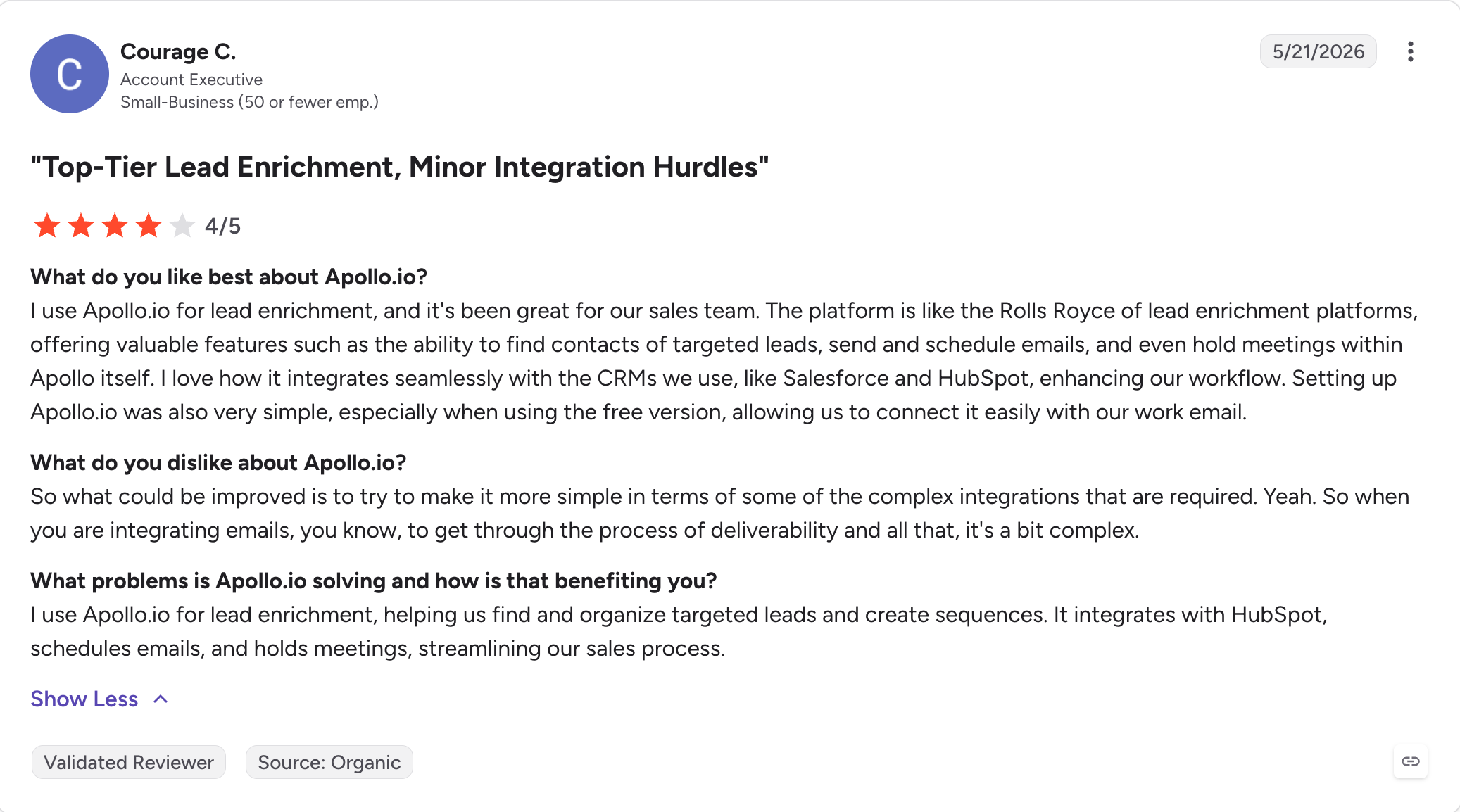
Apollo holds a 4.7/5 rating from 9,400+ reviews on G2 and a 4.5/5 rating from 381 reviews on Capterra.
Pricing
Plan
Price
What You Get
Free
$0
Full database search
2 active sequences
Chrome extension
1,200 credits per year
Basic
$49/user/month (billed annually)
30,000 credits per year
Email sequencing
Built-in dialer
25 mobile credits per month
Professional
$79/user/month (billed annually)
Higher annual credit allowance
A/B testing
Dial-out from the web app
Uncapped email sending
Intent data
Organization
$119/user/month (billed annually)
Advanced administration
Custom sales roles
Single Sign-On (SSO)
Higher usage limits
International dialing
5 - Saleshandy
Saleshandy has been around since 2015, longer than most of the tools on this list.
It started as a Chrome extension for email tracking and grew into a full cold email software with an integrated B2B lead database.
I run into Saleshandy most often in the small-agency segment.
The pitch is simple: unlimited email accounts on every plan, a 700M+ contact Lead Finder built in, and an entry price of $25 per month (billed annually), which makes it one of the more budget-friendly cold email services for small teams. For a solo operator or a two-person team spinning up cold email for the first time, that value is real.
Where it starts to strain is at higher volumes. The advertised $25/month covers the Outreach Starter plan with 2,000 prospects and 10K emails a month.
Once you scale past that, you're on Outreach Pro at $74/month or Outreach Scale at $149/month.
Core Features
Unlimited email accounts on every plan: Connect and rotate an unlimited number of mailboxes across campaigns on every tier, including the $25 Starter. This is Saleshandy's strongest selling point for volume senders and agencies, especially for scaling cold email outreach without per-mailbox pricing friction.
700M+ contact Lead Finder: Built-in B2B database, searchable by company, title, industry, location, and technology. Data quality is decent for US and EU contacts, less reliable in other regions.
AI-powered Sequence Copilot: Generates sequence copy and follow-ups. Merge tags support up to 50 fields for advanced personalization at scale, and the feature is more useful as part of cold email automation than as a simple copy helper.
A/Z testing (up to 26 variants): Test up to 26 subject line or body variants inside a single sequence, with auto-optimization on reply, click, or open rate.
Sender rotation and warm-up: Sends rotate across connected mailboxes automatically to protect deliverability. Warm-up runs through Saleshandy's own TrulyInbox integration on every plan.
Unified inbox: Replies from every connected mailbox land in one view. Cleaner than logging into individual inboxes at 20+ mailbox scale.
Chrome Extension: Reveals email addresses on LinkedIn profiles and web pages. Uses Lead Finder credits.
Agency features: White-label and client workspaces available on higher tiers for teams managing multiple clients.
Integrations: HubSpot, Salesforce, Pipedrive, Zapier, webhooks. CRM sync gated to Outreach Pro and higher.
Pros and Cons
✅ Pros
❌ Cons
Unlimited email accounts on every plan, including the $25 Starter plan
Real monthly cost typically reaches $69–$170 once Lead Finder credits and CRM are added
700M+ contact Lead Finder included, removing the need for a separate prospecting database
Warm-up reliability trails Instantly and Smartlead at higher sending volumes, according to G2 reviewers
Established since 2015 with a stable customer base of solo founders and small agencies
Email only with no native LinkedIn support in outbound sequences
4.6/5 G2 rating from 747+ reviews, with ease of use being the most frequently praised aspect (239 mentions)
The interface can become cluttered when managing multiple campaigns simultaneously
Sender rotation and warm-up are included across every paid tier
Setup has a learning curve because onboarding support is limited on lower-tier plans, according to G2 reviews
4.7/5 Trustpilot rating from 700+ reviews reinforces its strong overall reputation
CRM integrations are only available on Outreach Pro plans and above
What Users Say About Saleshandy
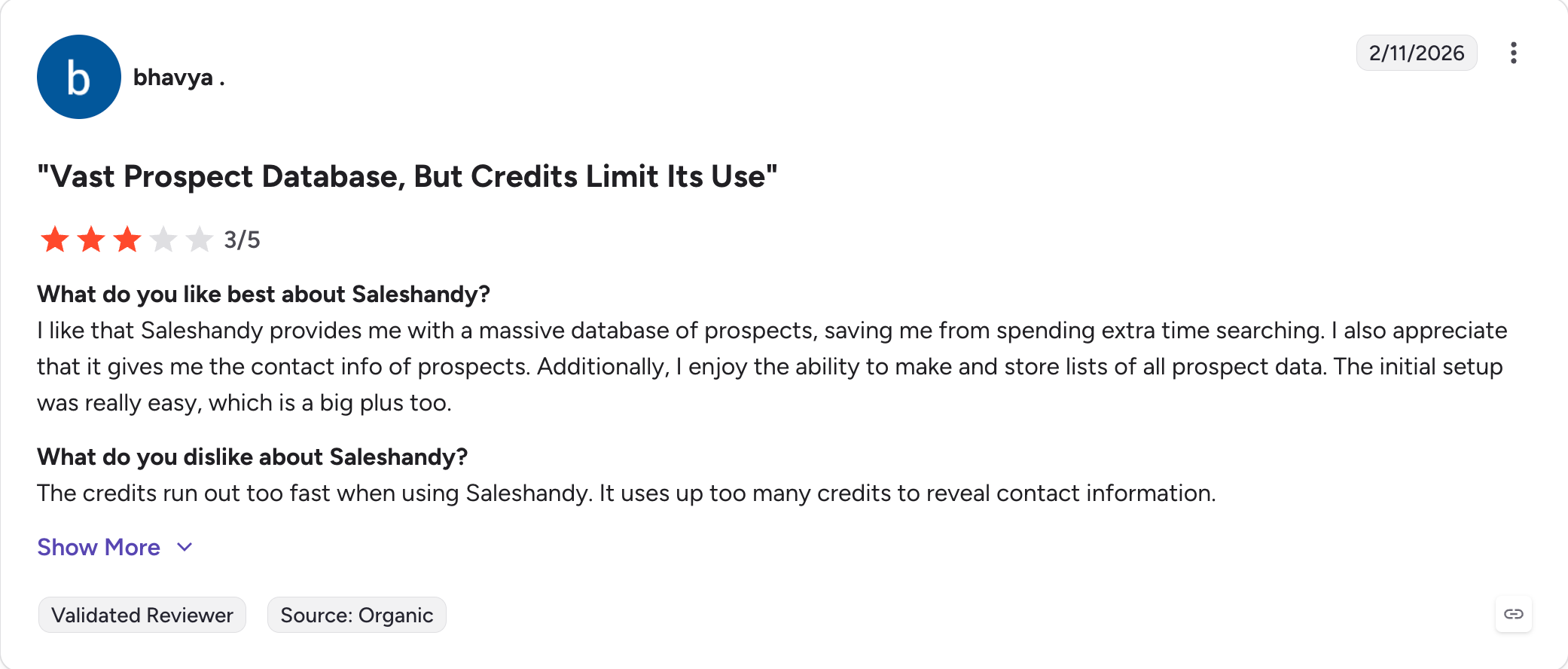
Saleshandy holds a 4.6/5 rating from 747+ reviews on G2 and a 4.7/5 from 700+ reviews on Trustpilot.
Pricing
Plan
Price
What You Get
Outreach Starter
$25/month (billed annually)
2,000 prospects
10,000 emails/month
Unlimited email accounts
Built-in warm-up
Sender rotation
Basic Lead Finder credits
Outreach Pro
$74/month (billed annually)
30,000 prospects
125,000 emails/month
API access
CRM integrations
Higher Lead Finder credits
Outreach Scale
$149/month (billed annually)
60,000 prospects
250,000 emails/month
Agency features (white-label and client workspaces)
Dedicated support
Lead Finder credits can also be bought as a standalone subscription ($29 to $199/month) if you burn through bundled credits on a lower plan.
6 - Lemlist
Lemlist put image personalization on the cold email map back in 2018.
The dynamic image feature (a company logo dropped into a mug in the header, a prospect's name written on a whiteboard) still gets copied by every other tool, and Lemlist still does it best.
The rest of the category has caught up on multichannel while the seat price hasn't come down.
Personalization is the strongest reason to pick it: it's built for cold email outreach that leans heavily on personalization across channels, Lemwarm (their built-in warm-up product) is well-liked on Reddit, and multichannel sequences that combine email, LinkedIn touches, and cold calling in one flow work.
Where it breaks down is the per-seat pricing at team scale. Email Pro starts at $55/user/month (billed annually) and jumps to roughly $87/user/month (billed annually) for the Multichannel Expert tier that unlocks LinkedIn steps. Additional email senders cost $9/mailbox/month on top.
For an agency running 3 clients with 2 users each, the monthly bill lands north of $500 before you touch credits or the AI add-on.
Core Features
Dynamic image and video personalization: Insert personalized visuals per prospect (their logo, their name on an object, a video with a custom intro). This is the feature that made Lemlist famous, and it still stands out for advanced personalization that can lift reply rates on visual-first campaigns.
Multichannel sequences (email, LinkedIn, calls): Combine email steps, LinkedIn actions (connection requests, messages, profile visits), and cold calling tasks in one sequence. It works more like a sales engagement platform than a basic sender. LinkedIn steps require the Multichannel Expert tier or higher, and are executed through a Chrome extension rather than server-side.
Lemwarm (built-in warm-up): Free unlimited warm-up on every plan. One of the more respected warm-up tools on Reddit and G2, with inbox placement testing and DNS health monitoring included.
650M+ lead database: Native B2B contact database, searchable by title, industry, geo, and firmographic filters. Credits scale with plan tier.
AI writing and sequence assistant: Drafts email copy and personalization variables. Quality is reasonable if you feed it enough context; less useful for teams that want AI to fully write the sequence.
Unified inbox: Manage replies from email, LinkedIn, and calls in one view, so teams can contact prospects and handle follow-ups across channels from one place.
Chrome extension: Reveals emails on LinkedIn, adds contacts to sequences, executes LinkedIn steps.
A/B testing: Test variants on subject line, body, and sender.
Integrations: HubSpot, Salesforce, Pipedrive, Zapier, Make, n8n, Clay, plus a REST API.
Pros and Cons
✅ Pros
❌ Cons
Image and video personalisation remains one of the strongest capabilities in the category
Per-user pricing scales linearly with team size, making it expensive for teams with 5+ SDRs and agencies
Lemwarm is included with every paid plan, so no separate warm-up subscription is required
LinkedIn automation is only available on the Multichannel Expert plan ($87/user/month billed annually)
Supports multichannel sequences combining email, LinkedIn, and calls in a single workflow
Additional sending mailboxes cost $9 per mailbox/month on top of the seat price
4.6/5 G2 rating from 1,500+ reviews with a loyal SDR user community
Chrome extension reliability issues are a recurring theme in G2 reviews
650M+ built-in B2B contact database
Pricing increased by $10 per user in 2026 without a comparable feature release
Broad integration ecosystem including HubSpot, Salesforce, Pipedrive, Clay, and Zapier
Real ownership cost is typically 30–50% higher than the headline price once credits and add-ons are included
What Users Say About Lemlist
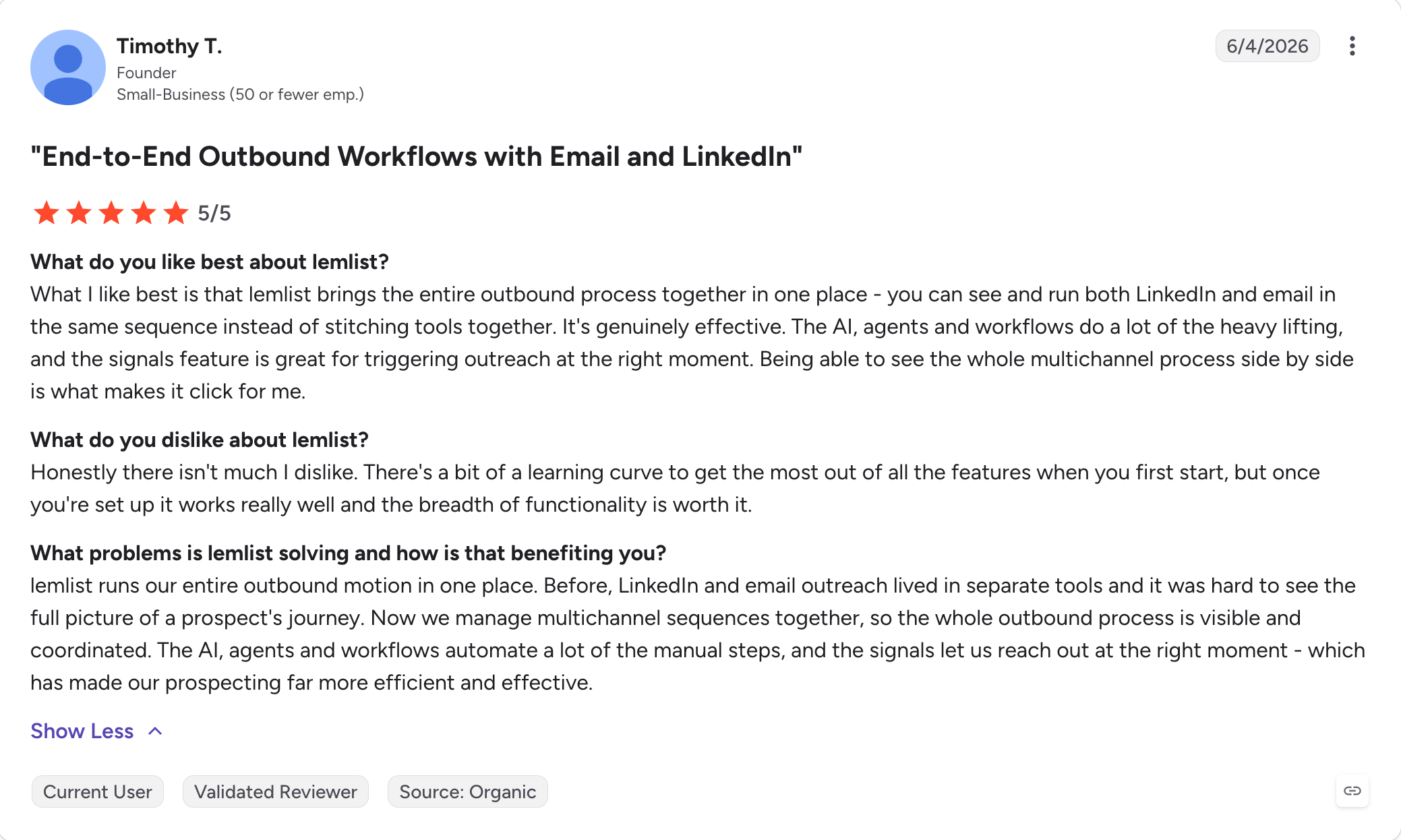
Lemlist holds a 4.6/5 rating from 1,500+ reviews on G2 and a 4.6/5 from 387 reviews on Capterra.
3 sending mailboxes
AI personalization
A/B testing
Custom domain tracking
Multichannel Expert
$87/user/month (billed annually)
5 sending mailboxes
LinkedIn steps
Calling tasks
Video and image personalization
Chrome extension
Outreach Scale
$103/user/month (billed annually)
Higher sender limits
Advanced analytics
Dedicated support
Extra senders beyond the plan bundle cost $9/mailbox/month. Lead database credits and AI writing consumption bill on top of seat costs.
7 - Reply.io
Reply.io launched in 2014, which makes it one of the older sales engagement platforms for multichannel cold outreach on this list.
In 2024 the team pivoted heavily into AI SDR agents, and Jason AI (their AI SDR product) is now one of the most widely used AI agents in the cold outreach category.
Email, LinkedIn, cold calling, SMS, and WhatsApp all live inside the same sequence builder. That's more native channels than any competitor ships.
Where it breaks down is the pricing and the packaging.
The Email Volume plan starts at $49/user/month (billed annually) but LinkedIn and calls come as $69/month and $29/month per-account add-ons on top. The Multichannel plan at $89/user/month bundles them in, which matters most for teams scaling cold outreach across channels, so most teams either upgrade fast or pay more piecemeal. And Jason AI SDR is a separate product with its own price point: Starter Jason is $500/month (billed annually) for 1,000 active contacts.
Core Features
Multichannel sequences across 5 channels: Email, LinkedIn actions, cold calling, SMS, and WhatsApp all inside one sequence builder with conditional branching between steps, which makes Reply.io feel like a true cold email platform rather than a basic email service.
Jason AI SDR (separate product): Autonomous AI agent that prospects, drafts messages, sends sequences, handles inbound replies, and books meetings. Reported reply rates of 60 to 65% on client deployments per Reply.io's own case studies.
1B+ contact B2B database: Built-in database across 150+ countries. Included in Multichannel plan and higher.
AI Variables and personalization: AI-generated variables per prospect (company summary, prospect angle, opening line). Better than most competitors' AI at drafting personalized emails at scale, with advanced personalization that goes beyond basic merge fields.
Deliverability suite: Built-in email warm-up, spam checker, DNS setup validator to maximize inbox placement. Solid, though not at the level of dedicated warm-up tools.
Unified multichannel inbox: Manages replies from every channel in one thread per prospect. Cleaner than switching between LinkedIn, email, and phone tools separately.
Native CRM sync: Two-way sync with Salesforce, HubSpot, Pipedrive, Copper, and Close. Handles custom objects, multi-pick lists, and owner reassignment, which is the deciding factor for enterprise SDR teams.
Agency features: Multi-workspace structure, unlimited clients and users on Agency Core ($210/month, billed annually), Agency AI SDR at $500/month/client (billed annually) for the fully autonomous version.
Chrome extension and mobile app: Reveals emails, adds contacts to sequences, works on LinkedIn and web pages.
API and integrations: REST API, Zapier, Make, and 500+ app connections.
Pros and Cons
✅ Pros
❌ Cons
Five native channels (email, LinkedIn, calls, SMS, and WhatsApp) in a single sequence—more than any major competitor
Multichannel becomes expensive quickly: the base $49/month grows to around $294/month once LinkedIn, calling, and a second seat are added
Jason AI SDR is one of the most widely deployed AI outbound agents with proven production use
Jason AI SDR starts at $500/month (billed annually) on top of the outreach subscription
Deep two-way CRM sync with Salesforce and HubSpot handles complex enterprise workflows
Trustpilot rating of 4.4/5 includes recurring complaints about cancellation friction, refund denials, and undisclosed minimum commitments
1B+ B2B contact database is included on higher-tier plans
Per-seat pricing scales linearly, making the platform expensive for teams with 10+ SDRs
4.6/5 G2 rating from 1,500+ reviews with consistently strong ease-of-use and support scores
LinkedIn on the Email Volume plan requires a separate $69/month add-on for each account
Comprehensive API plus 500+ integrations for custom sales workflows
Supporting more channels also means more setup, configuration, and training than a focused email platform
What Users Say About Reply.io
Reply.io holds a 4.6/5 rating from 1,500+ reviews on G2, a 4.6/5 from 95+ reviews on Capterra, and a 4.4/5 from 232 reviews on Trustpilot.
Everything in Email Volume
LinkedIn, calls, SMS, and WhatsApp
5,000 active contacts
2 LinkedIn accounts
Agency Core
$210/month (billed annually)
Multi-workspace support
Unlimited clients
Unlimited users
Agency-focused analytics
Jason AI SDR Starter
$500/month (billed annually)
1,000 active contacts
Unlimited users
Unlimited mailboxes
Autonomous AI SDR
Jason AI SDR Growth
$1,500–$3,000/month
5,000–10,000 active contacts
Higher AI throughput
Add-ons on the Email Volume plan: LinkedIn ($69/month per account), Calls/SMS ($29/month per account).
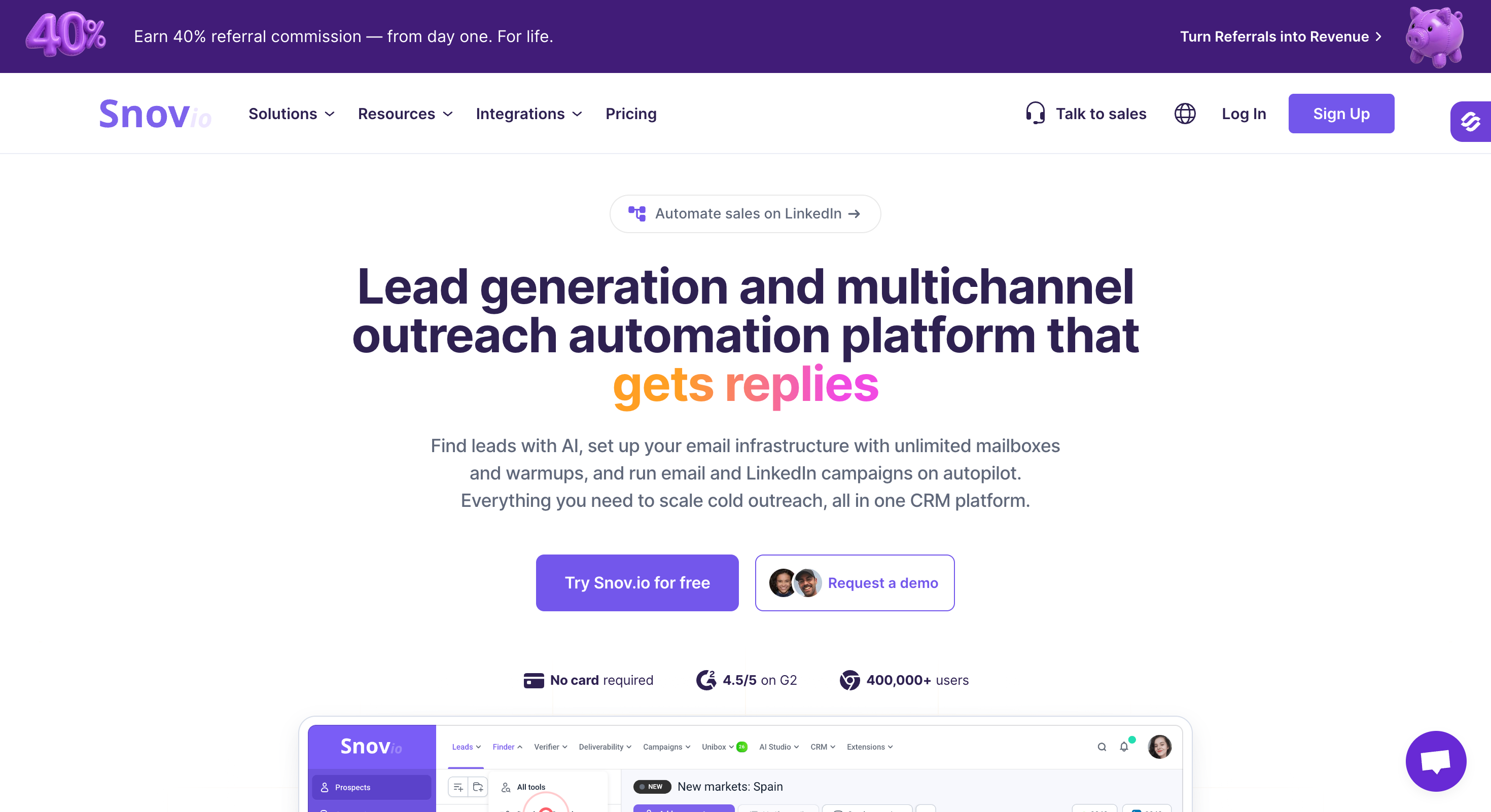
8 - Snov.io
Snov.io tries to be your whole outbound toolset in one login: email finder, 7-tier email verifier, drip campaigns, warm-up, and a free CRM.
It's been around since 2017 and has a large small-business user base (175,000+ companies, per Snov.io).
For a solo founder running email-only outreach at low volume, that consolidation is real.
Starter pricing is $29.25/month (billed annually), which puts Snov.io among the cheapest full-featured cold email platforms on this list. Unlimited team seats on every paid plan is another quiet value point that per-seat competitors don't match.
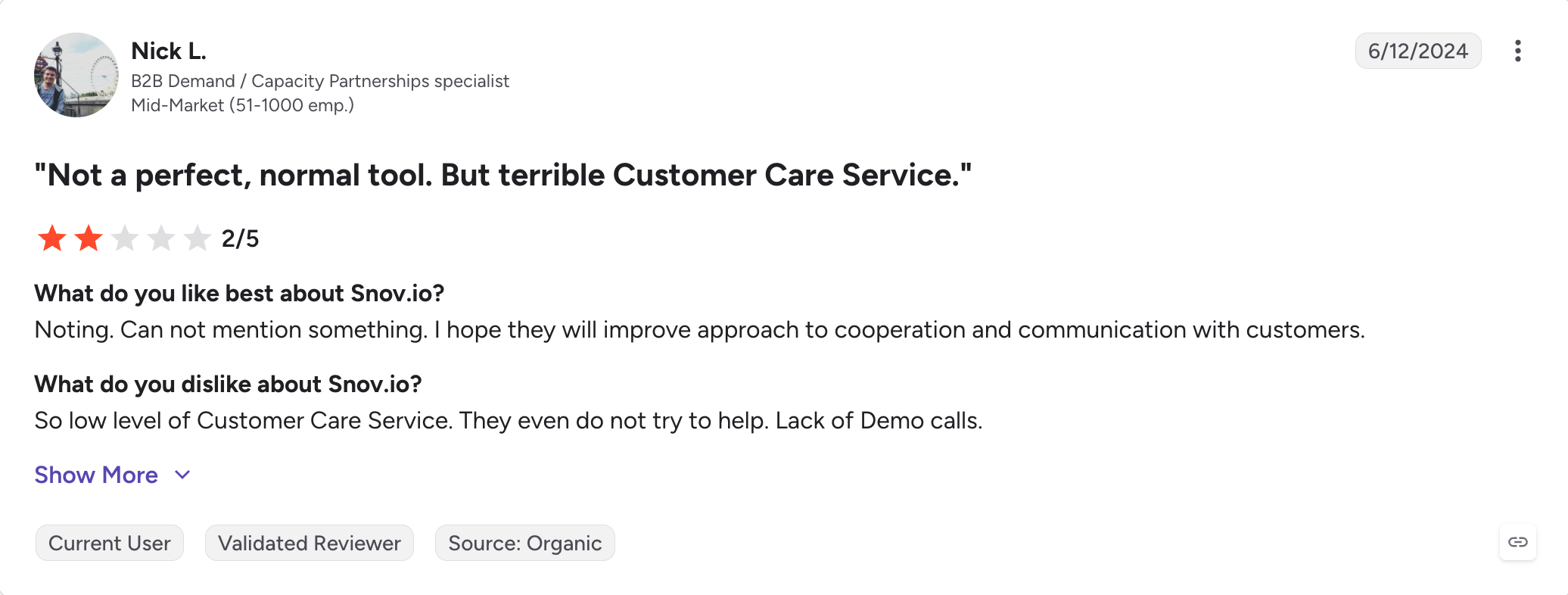
However, it breaks down at scale. The credit system consumes credits for finding emails (1 per prospect), verifying imported lists, and running some enrichment actions, and credits expire monthly with no rollover.
Warm-up is limited to 3 accounts on the Starter plan, and unlocking unlimited warm-up requires the Pro tier at $74.25/month or higher. LinkedIn features (connection requests, messages, InMails, profile views, post likes) are a $62 to $69/month per-account add-on on top of the base plan.
And the sequencing logic is simpler than dedicated cold email tools; there's no inbox rotation and limited campaign analytics.
Core Features
Email Finder with Chrome extension: Find emails by domain, company, or person's name. Chrome extension reveals emails on LinkedIn profiles and company sites. Bulk email finder for building lists.
7-tier Email Verifier: Verifies email addresses across seven checks (MX records, SMTP, domain validity, formatting, greylisting bypass, bounce risk). Single and bulk verification. Users should verify email addresses before launch to preserve deliverability, and verifying imported lists consumes credits from the shared pool.
Drip Campaigns: Multi-step email sequences for cold email campaigns with triggers (opens, clicks), delays, personalization variables, mailbox rotation, and automated follow ups. AI writing assistant included on Pro and up.
Sales CRM: Pipeline management with up to 100 stages, deal tracking, prospect notes, task management. Free with every paid plan.
Warm-up: Available on every plan, but limited to 3 accounts on Starter. Unlimited email warmup unlocks on Pro at $74.25/month and above.
700M+ prospect database, 60M+ companies: Searchable by title, company, industry, location, and technology. Data quality is strong for US and EU markets, weaker elsewhere.
LinkedIn automation (paid add-on): Connection requests, messages, InMails, profile views, and post likes for $62 to $69/month per LinkedIn account. Not included in any base plan.
REST API: Well-documented API for teams building custom prospecting workflows.
Higher credit tiers
Unlimited warm-up
AI personalization
A/B testing
Full CRM
LinkedIn Add-on
$62–$69/month per account
Connection requests
LinkedIn messages
InMails
Profile views
Post likes
Lead Finder credits scale with plan tier. Verifying imported lists draws from the same credit pool.
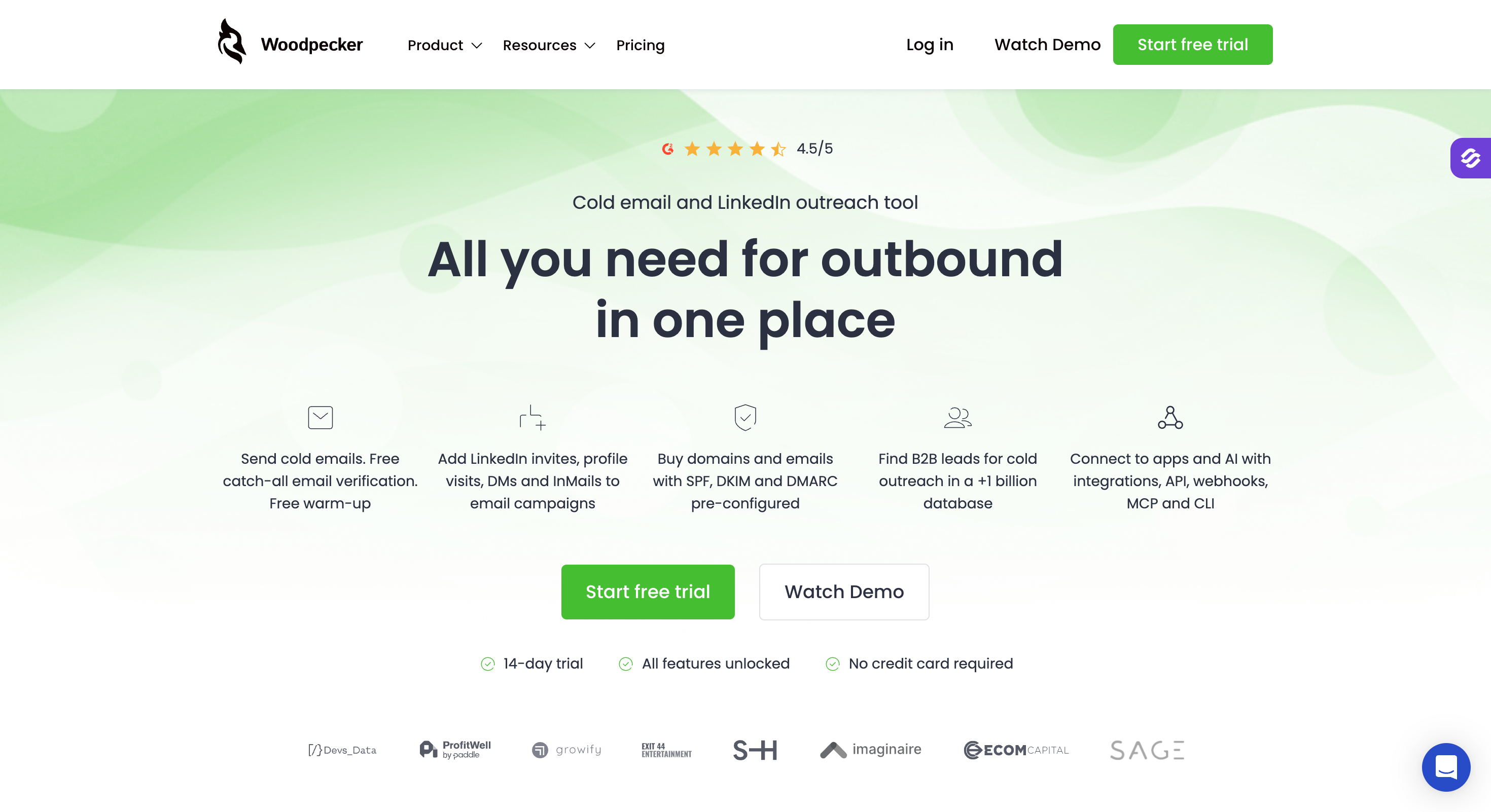
9 - Woodpecker
Woodpecker has been around since 2015, one of the older names in cold email.
The product hasn't changed shape much over the years, which is either a feature or a bug depending on your read.
Woodpecker's sending algorithm mimics human behavior (adaptive send delays, inbox rotation, ESP matching), and top customers report 99% deliverability, per Woodpecker's own G2 listing. Agency panel with multi-client campaign management has a loyal following.
Where it breaks down is the newer feature set and the pricing structure. Woodpecker charges by how many prospects you contact per month, rather than by how many mailboxes you have, so a team scaling from 500 prospects to 5,000 prospects lands on a much higher tier fast.
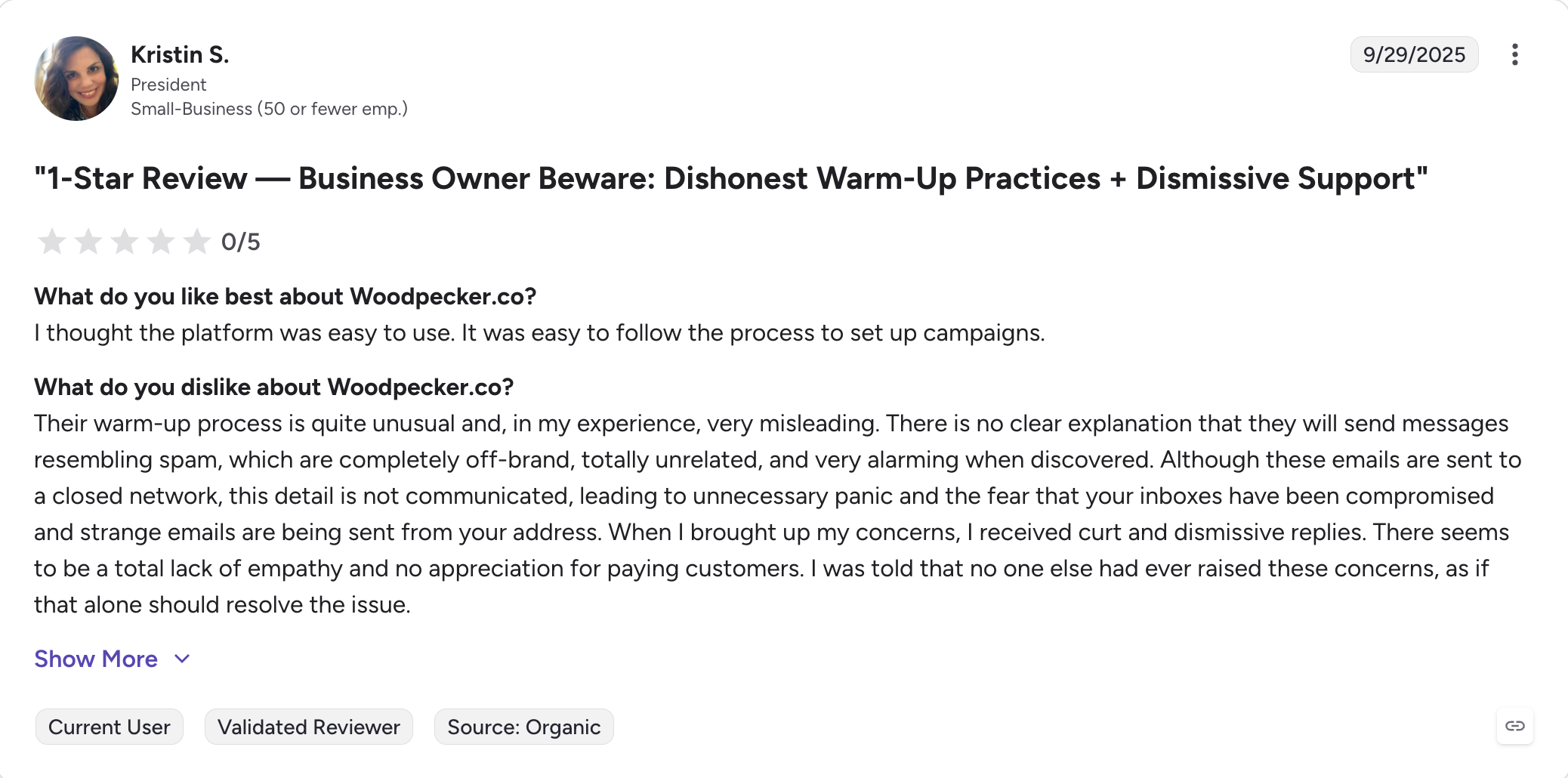
LinkedIn touches (invites, messages, profile visits) exist but are lightweight compared to Salesforge's 6 native LinkedIn actions or Reply.io's 5-channel sequences.
There's no built-in lead database or AI SDR, so teams needing modern prospecting layers still buy separate tools. G2 does mention MCP integration for AI agents, which is a recent addition.
Core Features
Cold email sequencing with conditional branching: Multi-step campaigns that branch based on opens, clicks, or replies. Clean UI that G2 reviewers consistently call easier to navigate than Lemlist or Reply.io.
Adaptive sending and inbox rotation: Human-like send patterns with variable delays, plus inbox rotation across connected mailboxes to protect sender reputation so emails land in the inbox rather than spam when the setup is healthy.
ESP matching: Routes sends to match the recipient's inbox provider (Google to Google, Microsoft to Microsoft) where possible.
Free unlimited email warm-up: Built-in warm-up on every plan with reply simulation, deliverability score dashboard, and health monitoring.
Free and unlimited catch-all email verification: Verifies email addresses before sending to reduce bounce rates. No credit charge for verification.
Buy domains and mailboxes inside the platform: Provision Google Workspace, Microsoft 365, or custom SMTP mailboxes directly inside Woodpecker as part of its cold email infrastructure, with automated SPF, DKIM, and DMARC setup to help keep messages out of spam folders.
LinkedIn touches (basic): Add connection requests, messages, and profile visits to email campaigns for extra touchpoints. Executed via Chrome extension, not server-side.
Agency panel: Multi-client campaign management, separate sending accounts per client, agency-level analytics, and white-label options on higher tiers.
MCP integration: Recent addition for connecting AI agents (Claude, Cursor) to Woodpecker campaigns.
Multi-client dashboard
White-label capabilities
Dedicated support
Prospect-count pricing means a team scaling from 500 to 5,000 monthly prospects can land on a materially higher tier. Verify tier pricing against woodpecker.co/pricing before committing to annual billing.
Final Verdict: Which Cold Email Service Provider Should You Pick?
The question I hear most often isn't which cold email service provider is best.
It's whether to keep patching several separate tools or replace them with one that runs the whole flow, depending on whether you need a good cold email service for email-only scale or a multichannel tool.
The answer is obvious.
If you want one platform doing the work of four, I built Salesforge to fold cold email, cold email automation, LinkedIn, warm-up, and reply management into a flat monthly fee. Pro is $40/month (billed annually) with 5,000 emails and unlimited mailboxes. Growth is $80/month (billed annually) with unlimited users and 50,000 emails.
Warmforge warm-up is included on both. Primebox™ unifies replies across email and LinkedIn in one thread per prospect.
A cold email service provider is a platform that runs your cold outreach campaigns from connected mailboxes, handles things like inbox rotation and warm-up, and manages replies. It sits on top of your email infrastructure (Google Workspace, Outlook, or SMTP mailboxes) rather than replacing it.
2) 0What is the best cold email service provider in 2026?
It depends on how you sell. Instantly and Smartlead lead on unlimited mailboxes for email-only high-volume sending; Salesforge leads on flat-fee multichannel (email + LinkedIn); Apollo and Saleshandy bundle in a B2B database.
3) How much does a cold email service provider cost?
Entry pricing runs from $25 to $49 per month (billed annually) for a single-user plan. Real production cost typically lands between $120 and $250 per month once you add the credits, CRM, warm-up, and inbox placement testing that most teams need.
4) Is cold emailing legal?
Cold emailing to businesses is legal in the US (under CAN-SPAM), the UK, and most of the EU (under GDPR's legitimate interest basis), as long as you include a clear opt-out, an accurate sender identity, and stop sending on request. Professional tools also add an unsubscribe link and handle requests automatically for CAN-SPAM and GDPR compliance. B2C cold email has stricter rules in the EU and Canada, so check local rules before sending to consumers.
5) What is the 30/30/50 rule for cold emails?
The 30/30/50 rule is a framework for splitting effort across a cold email campaign: 30% on personalization (subject line and opening), 30% on the value you offer in the body, and 50% on follow-up sequences. It's a rule of thumb that highlights how much of cold email success comes from disciplined follow-up rather than the first message itself.
6) Do I need a separate warm-up tool with my cold email service provider?
Not if your platform includes warm-up on every plan. Salesforge, Instantly, Smartlead, Woodpecker, and Lemlist all include it. Salesforge is the only one where warm-up runs on a premium pool of aged Google Workspace and Microsoft 365 mailboxes only.
7) Can I run LinkedIn outreach from a cold email service provider?
Some cold email service providers include LinkedIn steps in the same sequence as email. Salesforge includes 6 native LinkedIn actions on Pro and Growth; Lemlist and Reply.io include LinkedIn via their higher multichannel tiers. Instantly, Smartlead, and Apollo do not include LinkedIn automation.
8) What is the difference between a cold email service provider and email infrastructure?
A cold email service provider (like Salesforge or Instantly) runs your sequences, warms your mailboxes, and manages replies. Email infrastructure (like Mailforge, Infraforge, or Primeforge) provides the mailboxes and domains you send from. Using multiple domains helps protect your main business domain from blacklisting when you run cold outreach at scale. You need both, and buying the wrong shape is the most common mistake.
Book more meetings on autopilot
Set up in minutes. No per-seat pricing. No commitment.
Compare 5 AI inbox managers for cold email and sales outreach. See how Salesforge, Smartlead, Instantly, Reply.io, and Saleshandy handle replies, AI features, and pricing.








.jpg)

.jpg)

