
Personalized Outbound Strategy
Get The Right Outbound Strategy In Minutes
Enter your email to get a custom plan & stack recommendation for your business
It's being carefully crafted by AI
Please check your mailbox in 5 minutes
Ulinc was once a popular choice for LinkedIn automation, but finding reliable information about the platform today is surprisingly difficult. The platform doesn't publicly share much about its product or pricing, making it harder to evaluate than most LinkedIn automation tools.
To save you the research, I've pulled together everything that's publicly available, reviewed where Ulinc fits, and compared it with the best LinkedIn automation alternatives so you can decide whether it's worth considering.
Ulinc is a cloud-based LinkedIn automation tool built to help businesses automate LinkedIn outreach. It was mainly designed for sales teams, founders, recruiters, and agencies that wanted to reach more prospects and spend less time on manual outreach.
The platform focused on helping users connect with prospects, send personalized messages, and manage LinkedIn outreach more efficiently. However, Ulinc is no longer publicly available like most LinkedIn automation tools.
It now operates through an invite-only model, and there is very little official information about its pricing or product, making it harder for new buyers to evaluate.
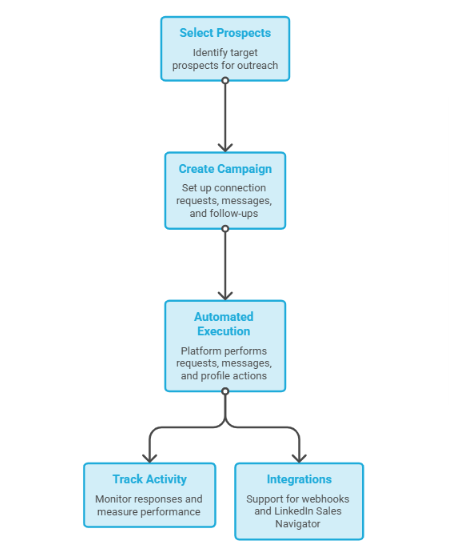
Ulinc works by automating your LinkedIn outreach. You select the prospects you want to contact, create a campaign with connection requests, personalized messages, and follow-up steps, and then let the platform carry out those actions automatically.
Once your campaign is running, Ulinc sends connection requests, personalized messages, profile actions, and scheduled follow-ups on your behalf. It also tracks campaign activity so you can monitor responses and measure how your outreach is performing.
The platform supports webhooks and integrates with LinkedIn Sales Navigator for LinkedIn-based prospecting workflows.
Ulinc is built specifically for LinkedIn automation. Unlike multichannel outreach platforms, it focuses on automating LinkedIn prospecting rather than combining LinkedIn and email in the same workflow.
Ulinc offers a focused set of features for automating LinkedIn prospecting. From sending connection requests to tracking campaign performance, the platform covers the core tasks needed to run LinkedIn outreach. The table below summarizes the main features of Ulinc.
Ulinc does not publicly list its pricing, and there is no official pricing page available at the time of writing. This makes it difficult for potential buyers to understand how much the platform costs or what is included in each plan.
The only publicly available pricing reference comes from a Reddit discussion, which suggests that Ulinc plans started at around $75 per month. However, because this information does not come from Ulinc directly, it should be treated as an unofficial estimate rather than confirmed pricing.
If you're considering Ulinc, you'll likely need to contact the company or obtain access through its invite-only process to get the latest pricing and plan details.
After reviewing everything publicly available, I think Ulinc still covers the basics of LinkedIn automation. It offers the core features most teams expect, including automated connection requests, personalized messaging, follow-ups, campaign tracking, and webhook integrations.
If your outreach happens mainly on LinkedIn, these features may be enough for simple prospecting workflows.
My biggest concern is the lack of transparency. There is no official pricing page, very little product documentation, and the platform is only available through an invite-only model. That makes it difficult to understand what you're buying, how the platform has evolved, and what level of support you can expect.
My answer is yes, but only for a small group of users. If you already have access to Ulinc and your outreach is focused only on LinkedIn, the platform still offers the core features needed to automate connection requests, personalized messages, follow-ups, and campaign tracking. For teams with simple LinkedIn prospecting workflows, it can still be a useful option.
However, I wouldn't recommend Ulinc to most new buyers today. The platform doesn't have product documentation or an open sign-up process, making it difficult to evaluate before committing.
If you're investing in a LinkedIn automation tool for the first time, it's worth comparing Ulinc with platforms that provide more transparency, regular product updates, and easier access.
Ulinc covers the basics of LinkedIn automation, but it isn't the easiest platform to evaluate. It has limited public documentation, no official pricing page, and is available through an invite-only model. If you're looking for a platform with more transparency or broader outreach capabilities, these three alternatives are worth considering.
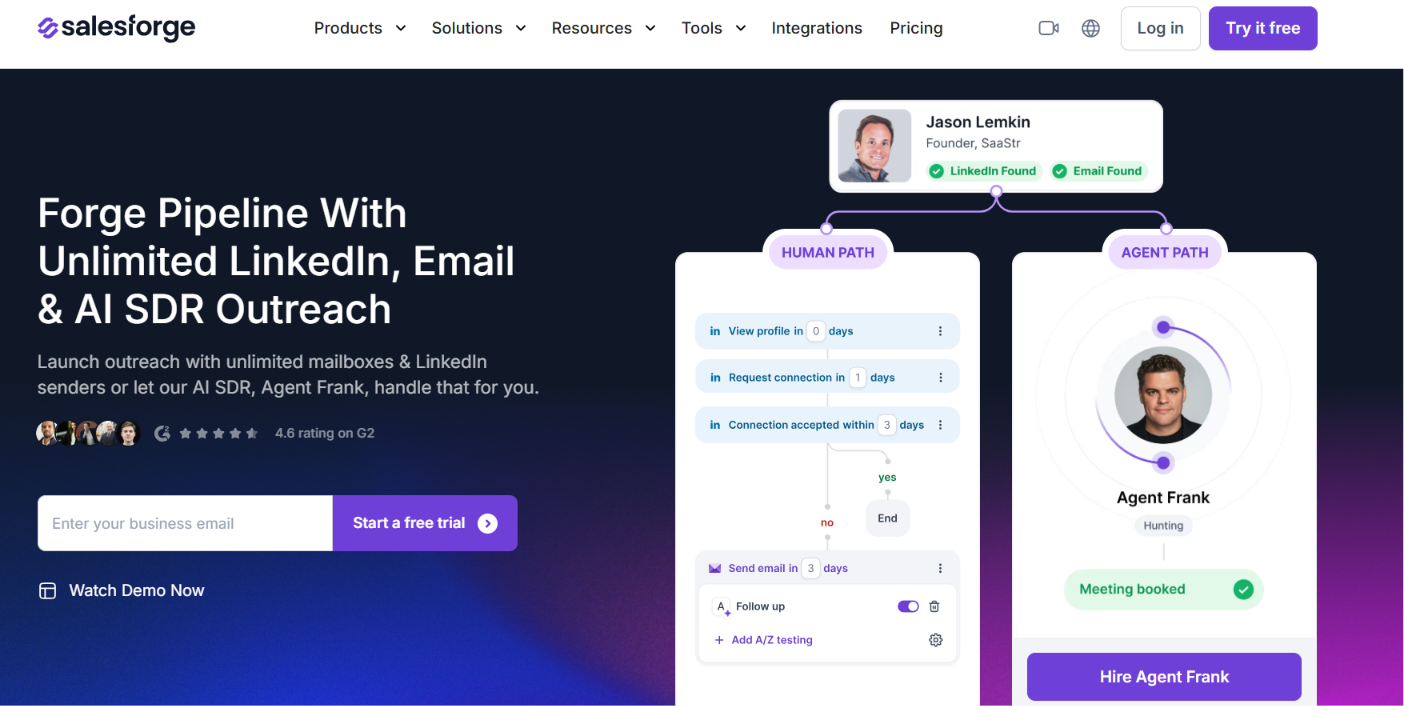
Salesforge is a good alternative if you want to manage both LinkedIn and email outreach from one platform. Unlike Ulinc, which focuses on LinkedIn automation, Salesforge lets you build multichannel sequences that combine LinkedIn and email touchpoints.
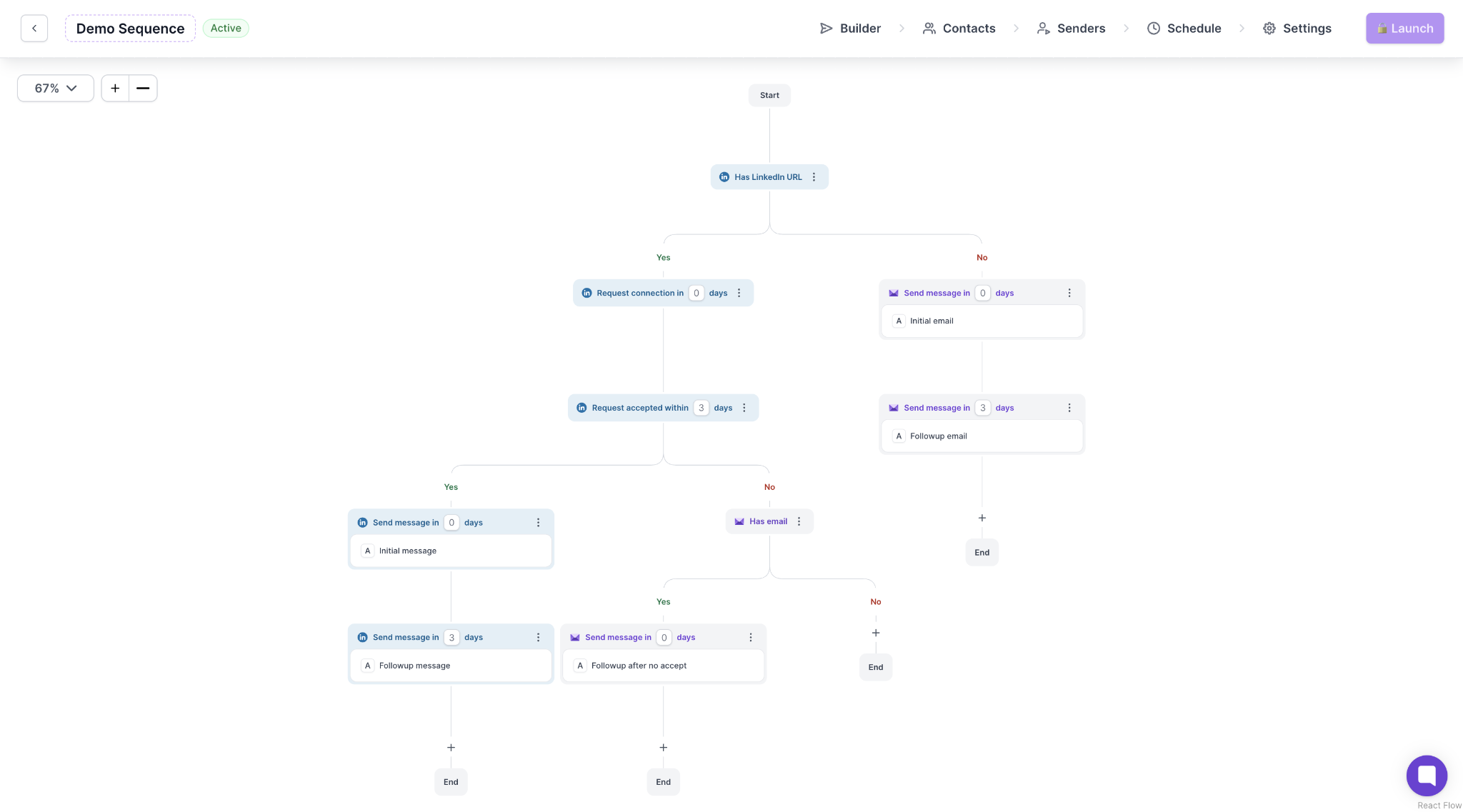
It also includes AI-powered personalization, unlimited LinkedIn senders and mailboxes on the Growth plan, Primebox™ for reply management, and built-in deliverability tools through Warmforge, Mailforge, Primeforge, and Infraforge.
This makes it a good choice for businesses that want to manage LinkedIn outreach, email campaigns, reply management, and deliverability from one platform.
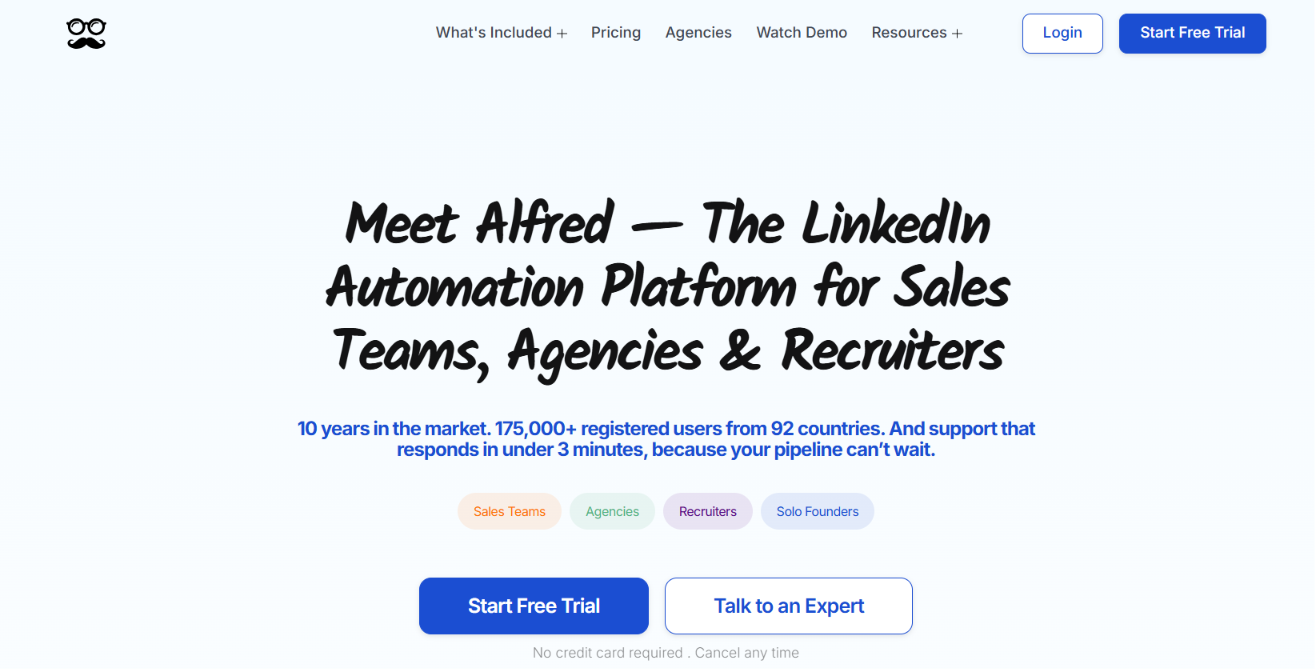
Meet Alfred is a strong alternative for businesses that want more than LinkedIn automation. Along with LinkedIn outreach, it supports email automation, X (Twitter) outreach, multichannel sequences, AI personalization, reporting, team collaboration, LinkedIn CRM, Smart Inbox, and AI Lead Finder.
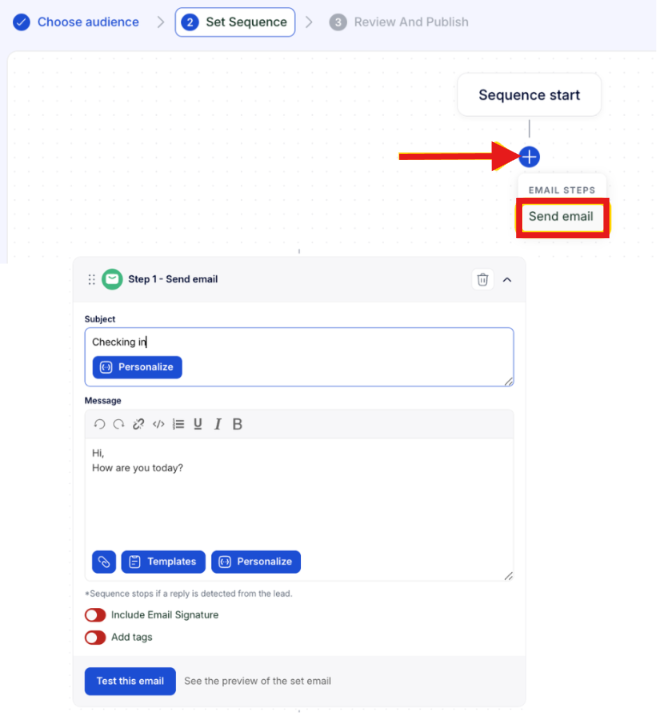
Compared with Ulinc, Meet Alfred is much easier to evaluate because its features, pricing, and onboarding information are publicly available. If your outreach strategy includes multiple channels instead of only LinkedIn, Meet Alfred offers a broader multichannel outreach platform.
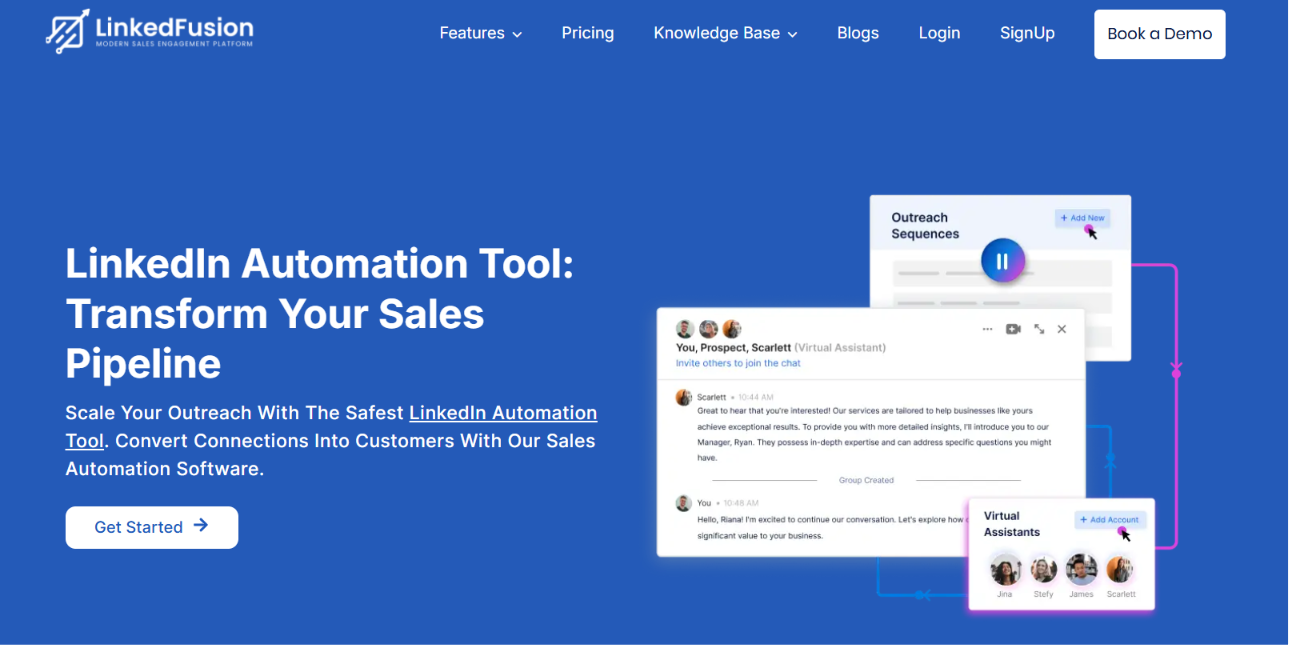
LinkedFusion is another LinkedIn automation platform built for businesses that want to scale LinkedIn prospecting. It supports cloud-based LinkedIn outreach, AI commenting, LinkedIn Virtual Assistants, Smart Inbox, reporting, CRM integrations, and team collaboration features.
LinkedFusion also offers native integrations with HubSpot, Salesforce, Pipedrive, Close CRM, Zoho CRM, Insightly, and Google Sheets. For businesses looking for a LinkedIn-focused automation platform with publicly available pricing and product information, LinkedFusion is worth considering.
The best alternative depends on how your team runs outreach. If your outreach is focused mainly on LinkedIn, both Meet Alfred and LinkedFusion are worth considering.
Meet Alfred is a good fit for teams that also want email and X (Twitter) outreach, while LinkedFusion is better suited for businesses looking for cloud-based LinkedIn automation with CRM integrations and AI-powered features.
If your team wants to combine LinkedIn with email outreach, AI personalization, reply management, and built-in deliverability tools, Salesforge is a good choice for managing outbound from a single platform.
Enter your email to get a custom plan & stack recommendation for your business
Please check your mailbox in 5 minutes

Ulinc is no longer a platform I'd recommend to most new buyers. The limited public information makes it difficult to compare with other LinkedIn automation tools or understand exactly what you're getting before signing up.
If you're comparing LinkedIn automation tools, choose a platform that is transparent about its pricing, features, and product updates. It will save you time and make it easier to scale your outreach as your team grows.
And if you need LinkedIn and email outreach in one platform, Salesforge is worth considering. It combines multichannel sequences, AI personalization, Primebox™ for reply management, and built-in deliverability tools, so you can manage your entire outbound process from one place.
.jpg)

.jpg)

.jpg)
