
Personalized Outbound Strategy
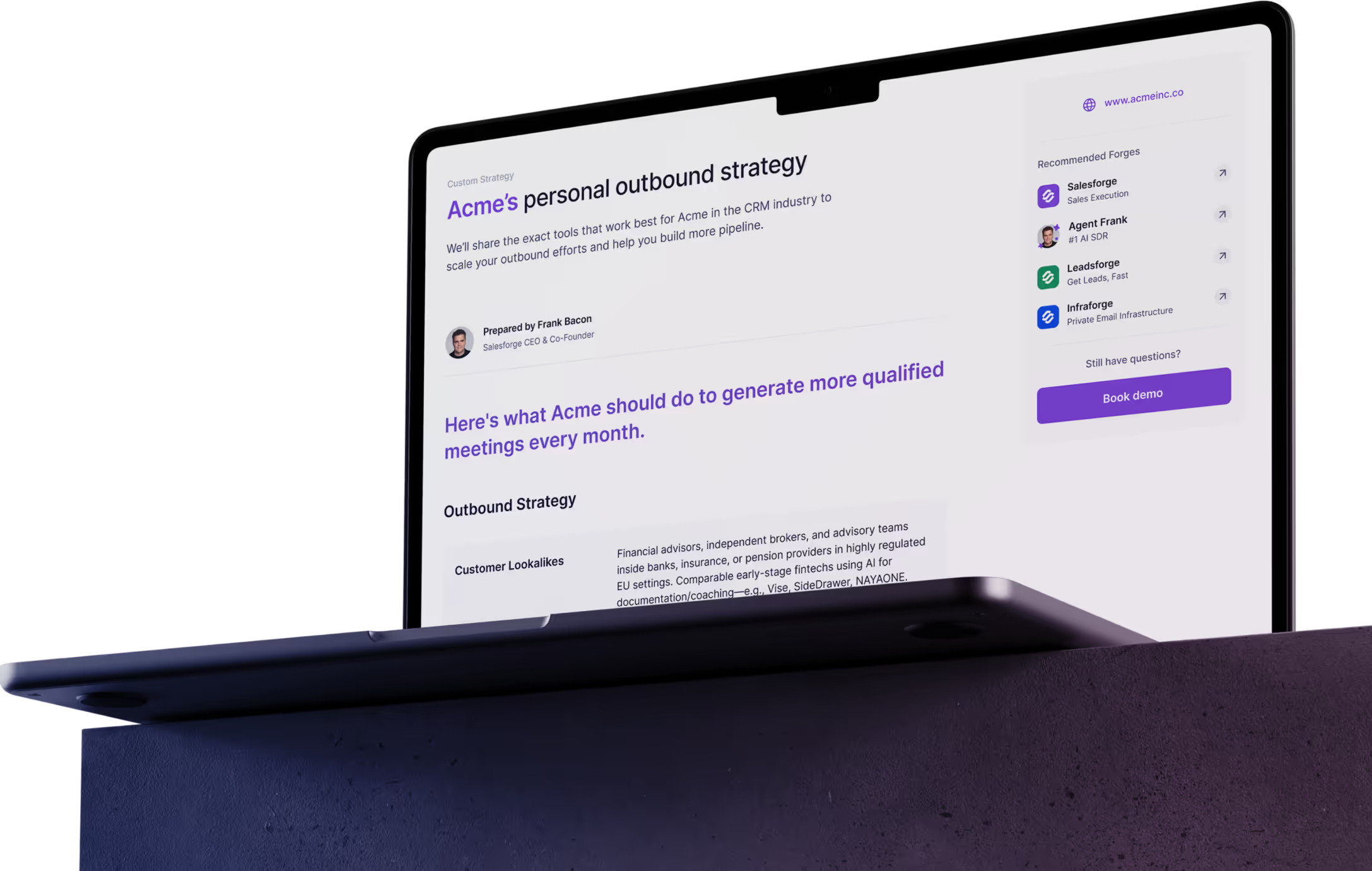
Get The Right Outbound Strategy In Minutes
Enter your email to get a custom plan & stack recommendation for your business
It's being carefully crafted by AI
Please check your mailbox in 5 minutes
ReachBoost is made for that job. It brings every client’s senders, campaigns, and replies together in one agency portal, flags issues as they come up, and lets clients see their results under your agency’s brand.
But you don’t need a paid portal to get that view anymore.
Most outbound tools now offer APIs and MCPs. You can connect them to Claude Code and build a dashboard that does much of the same work.
The real question isn’t whether ReachBoost works. It’s whether it’s worth paying for when a Claude agent might do the same job.
Here are five things every agency should know before deciding:
I’ll cover each point, what users report, what you’d really pay as your client list grows, and the setup I’d choose instead.
Here’s how ReachBoost compares with Salesforge on the features they share.
ReachBoost is built around one agency problem: every new client adds senders, inboxes, campaigns and reports, and someone on your team has to keep track of them all. ReachBoost puts every client in one portal, so you can check one screen instead of logging into a dozen accounts.
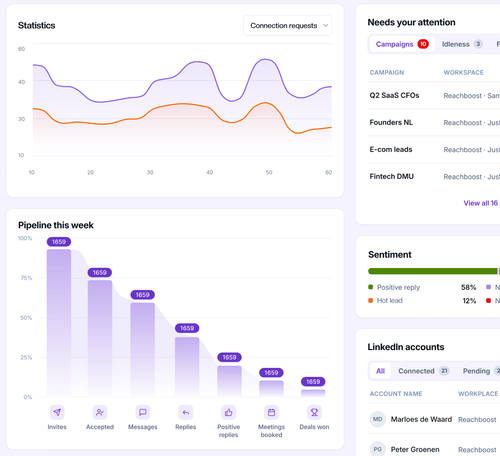
The feature I’d value most as an agency owner is the alerts. When a client’s LinkedIn account disconnects or a campaign runs out of leads, ReachBoost lets me know before the client does.
For each client, I can track the funnel from invites and acceptances through replies and positive replies, meetings booked, and deals won.
White-labeling, where my plan includes it, shows that report with my own logo, colors, and domain.
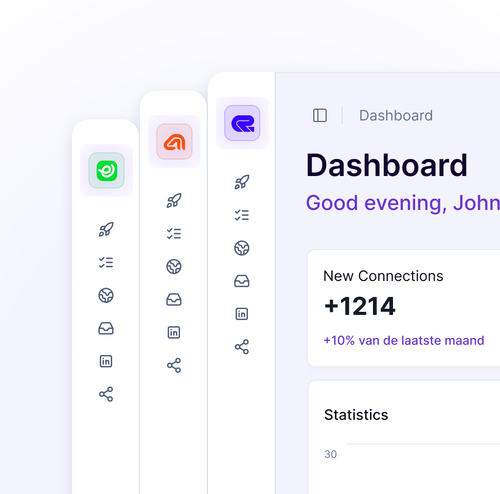
Campaigns can combine LinkedIn and email, branching based on the data I have. A lead with a LinkedIn URL gets an invite and a message, while a lead with only a mobile number moves to a cold-call step.
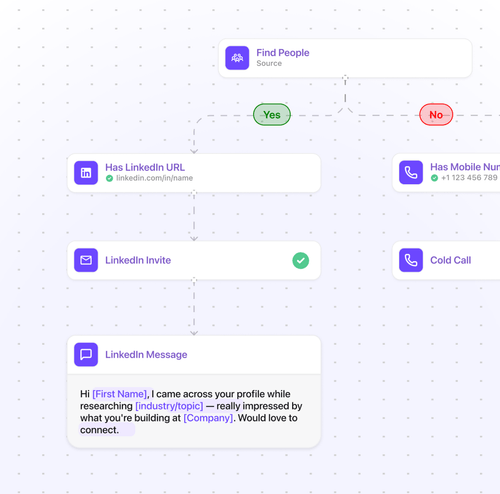
Every agency plan includes done-for-you migration of accounts, audiences, and campaigns, along with a dedicated Slack channel for support.
The homepage promises unlimited senders. In practice, Sales charges €99 per sender, Agency Small covers 15, and Medium covers 30. Neither Medium nor Unlimited has a published price.
Even white-labeling is unclear: the Agency pricing card lists it, while the FAQ says it costs extra on Small and Medium.
I also don’t get any help with email. I connect my own mailboxes, but I couldn’t find mailbox setup, email warmup, placement tests, or deliverability reports. When a client’s sending domain starts landing in spam, ReachBoost’s alerts won’t catch it. They monitor account connections and campaigns, but nothing tracks inbox placement.
Before I let a tool run my clients’ LinkedIn accounts, I want to hear from people who don’t work for the company. With ReachBoost, there isn’t much to go on: an empty G2 page, three Trustpilot reviews, and one LinkedIn post.
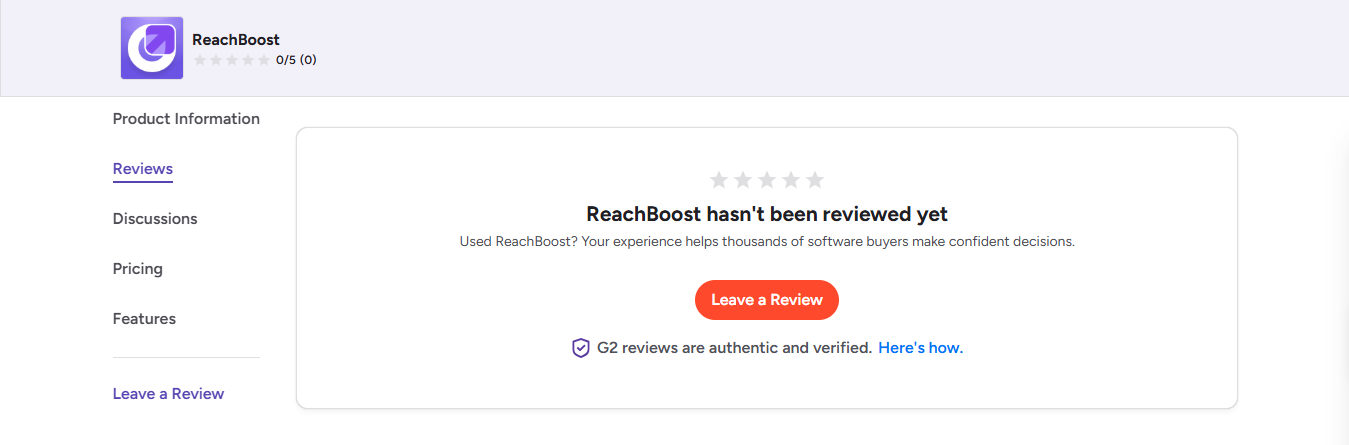
All three Trustpilot reviews give 5 stars, and all three were posted between July and September 2026.
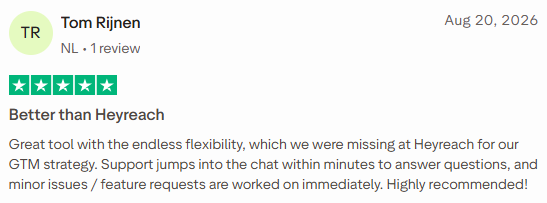
Tom Rijnen (5/5, August 20, 2026) switched to ReachBoost from HeyReach because HeyReach didn’t give him enough flexibility for his GTM strategy.
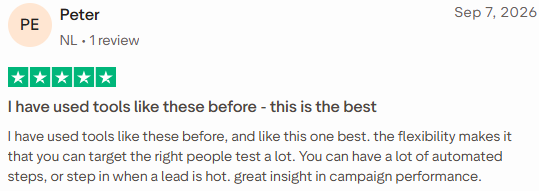
Peter (5/5, September 7, 2026) has used similar tools and prefers this one because he can test extensively, target the right people, and step in when a lead gets interested.
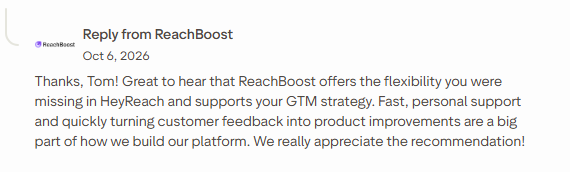
Tom Rijnen gets replies in the support chat within minutes, and small bugs and feature requests are handled right away. The July review also gives support top marks.
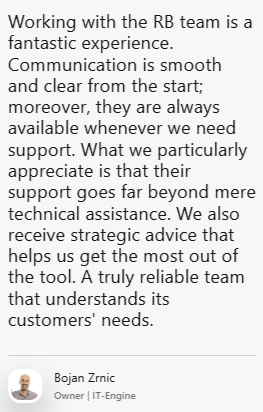
Two of the three reviews mention support. Testimonials on ReachBoost’s website say the same: Bojan Zrnic (IT-Engine) gets strategic advice as well as technical help.
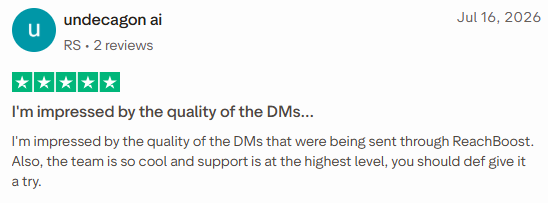
The July 16, 2026 reviewer (5/5) was impressed by the quality of messages sent through ReachBoost.
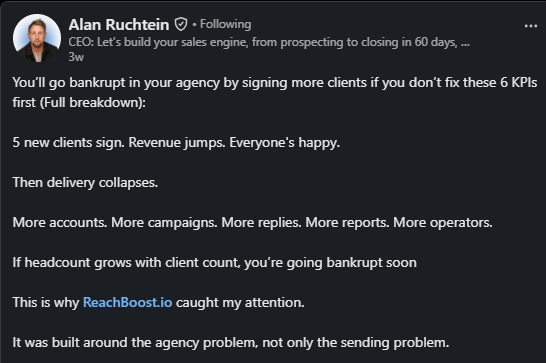
Alan Ruchtein’s LinkedIn post makes the case for agencies directly. He works through the capacity math: two operators with 25 delivery hours each can handle 10 clients at 4 hours a week, leaving room for just one more.
He then credits ReachBoost’s alerts, single inbox, and branded dashboards with reducing those hours.
He also mentions an agency with 10+ accounts that saves 20 hours a week and books four times more meetings. It reads like a sponsored post, the agency isn’t named, and no figures are provided to verify the claims.
No Trustpilot reviewer mentions LinkedIn restrictions, acceptance rates, or daily volumes.
The only safety claim comes from a testimonial on ReachBoost’s own site: Caleb Hinton (Finnus) had accounts banned on other tools and hasn’t had problems here.
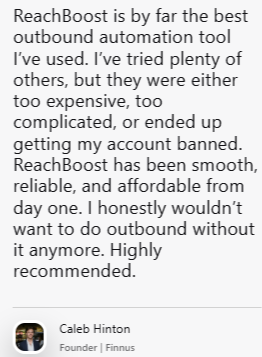
That's one founder, with no restriction rates or volumes behind it.
Not one review or testimonial mentions mailboxes, inbox placement, or bounce rates.
The website quotes these results:
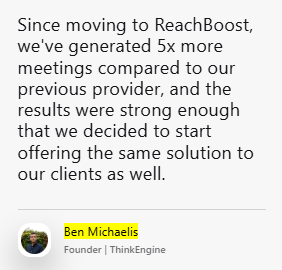
Ben Michaelis (ThinkEngine) and Robert Jones (CogsAI) report five times more meetings.
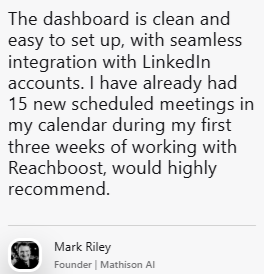
Mark Riley (Mathison AI) booked 15 meetings in three weeks.
Frits Bezemer (Cerios) booked 7 meetings in two months.
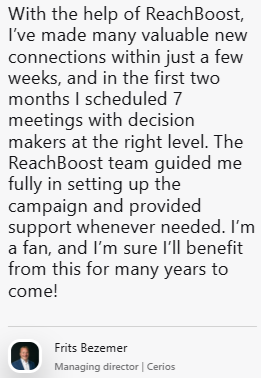
ReachBoost selected these quotes, and none says how many people were contacted or what the starting baseline was.
Caleb Hinton calls ReachBoost affordable. No one mentions the Medium or Unlimited plans or what an agency with 30+ senders actually pays.
I walked through ReachBoost the way an agency would set it up for a new client: connect accounts, build a campaign, launch it, then manage replies and reporting.
I connect each LinkedIn account and mailbox, then group them into a workspace for each client. ReachBoost says setup takes about five minutes, and connecting accounts is as simple as toggling them on.
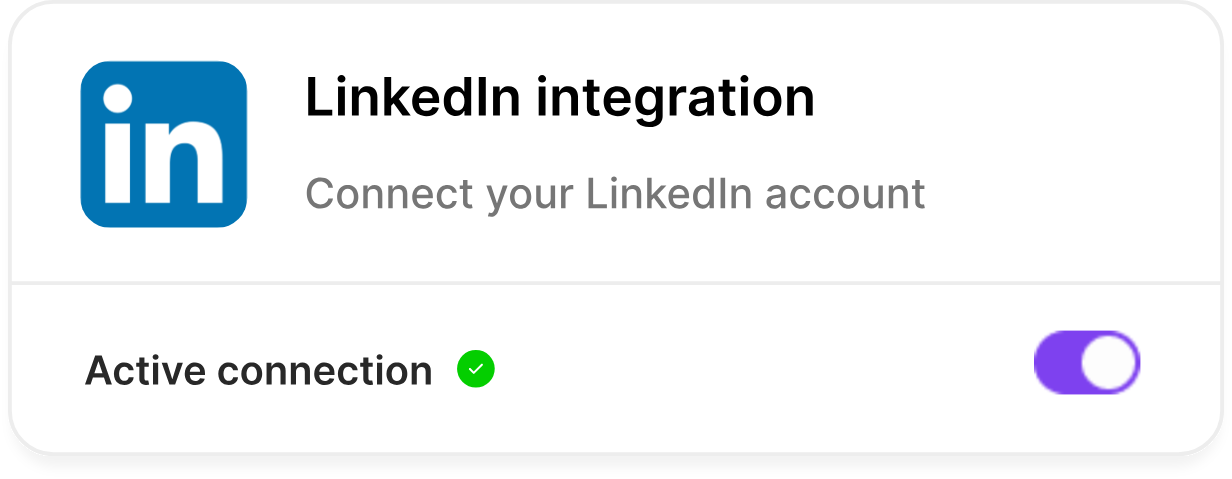
ReachBoost assigns a dedicated proxy to each account, but I couldn’t find where that information appears. Before connecting a client’s account, I’d ask support to confirm that the proxy location matches where the client normally logs in.
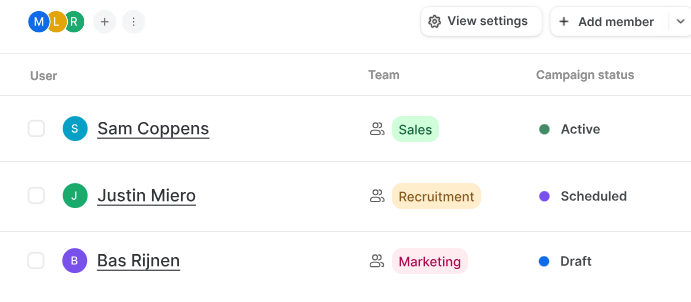
The team view lists each person, their team, and their campaign status: active, scheduled, or draft. I can assign tasks myself or let ReachBoost create them automatically, so a disconnected account shows up as a task with someone's name on it.
I choose the audience, then write the message using variables like first name and area of expertise.
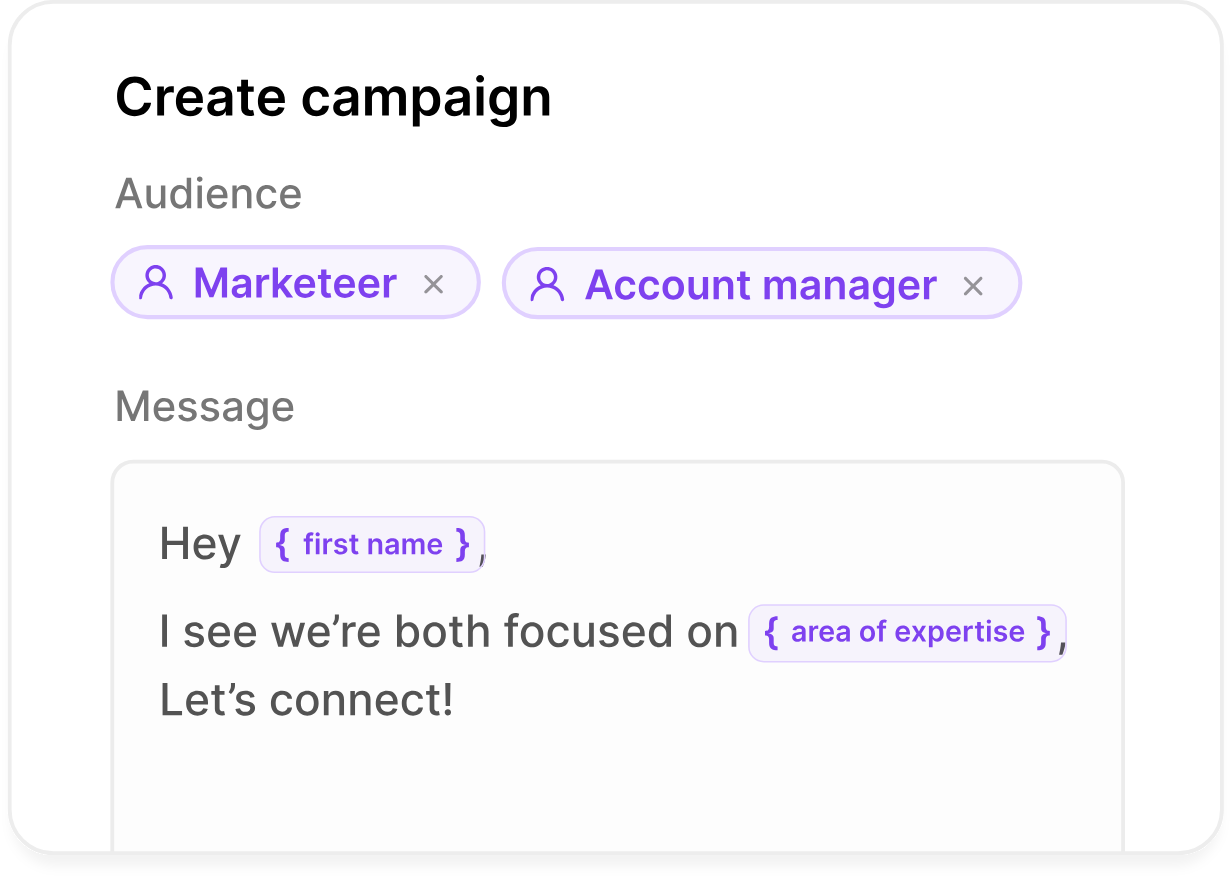
Variables only work if the data behind them is there. A lead with no 'area of expertise' field leaves a gap in the message, so I'd clean the list before importing it.
A LinkedIn flow runs from top to bottom: connect the account, start the campaign, send a connection request with a note, wait a day, then follow up. Every step is visible, and the wait times are easy to adjust.
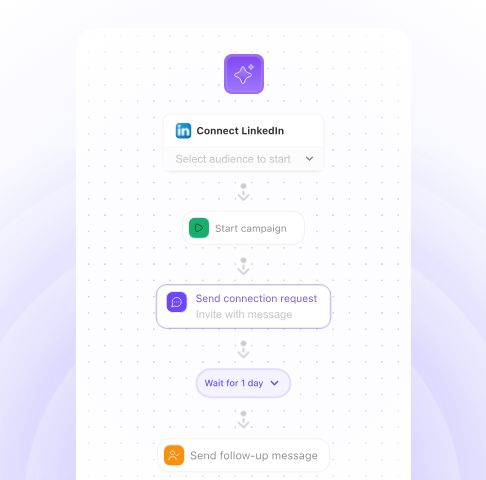
The sequence stops when someone replies, so no prospect gets a follow-up after they’ve already answered.
Every step in a multichannel flow has its own stats. In ReachBoost’s example, the numbers go from profile visits to new connections, reply rate, and calls booked.
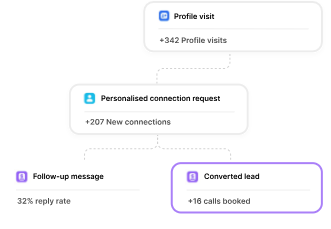
Those are ReachBoost's demo numbers. The useful part is seeing where a campaign loses people.
If 200 people connect and no one replies, I'd rewrite the follow-up message first.
ReachBoost charges 0.25 credits for LinkedIn profile data, 1 credit for a verified email, and 10 credits for a phone number, and only when it finds the data. The Sales plan’s add-on includes 250 credits a month.
Here's a rough example with my own numbers.
A 500-lead campaign uses 125 credits for profile data. If emails are found for 300 leads, that’s another 300 credits, or 425 in total. The 250-credit pack won’t cover it, and adding phone numbers for just 20 leads costs another 200 credits.
I’d budget credits for each client before committing to a plan.
Replies from all clients arrive in one inbox. Inbox AI tags each reply by intent and suggests an answer, but my team still decides what to send. That works for an agency, where a wrong auto-reply on a client’s account is hard to explain.
ReachBoost doesn’t say how accurate the intent tags are. I’d review the first week of tags by hand before relying on them.
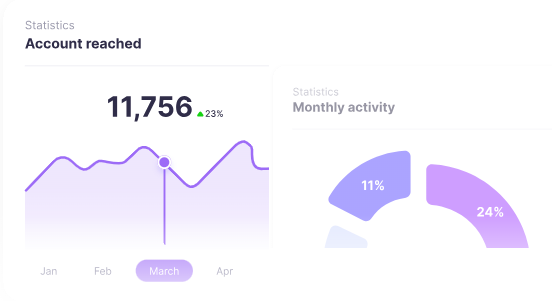
I can see results for one sender, one client workspace, or the whole agency, including sentiment, reply rates, and acceptance rates. Sales teams can also compare reps side by side and A/B test sequences across the team.
Once campaigns are live, the activity chart shows accounts reached over time across all senders.
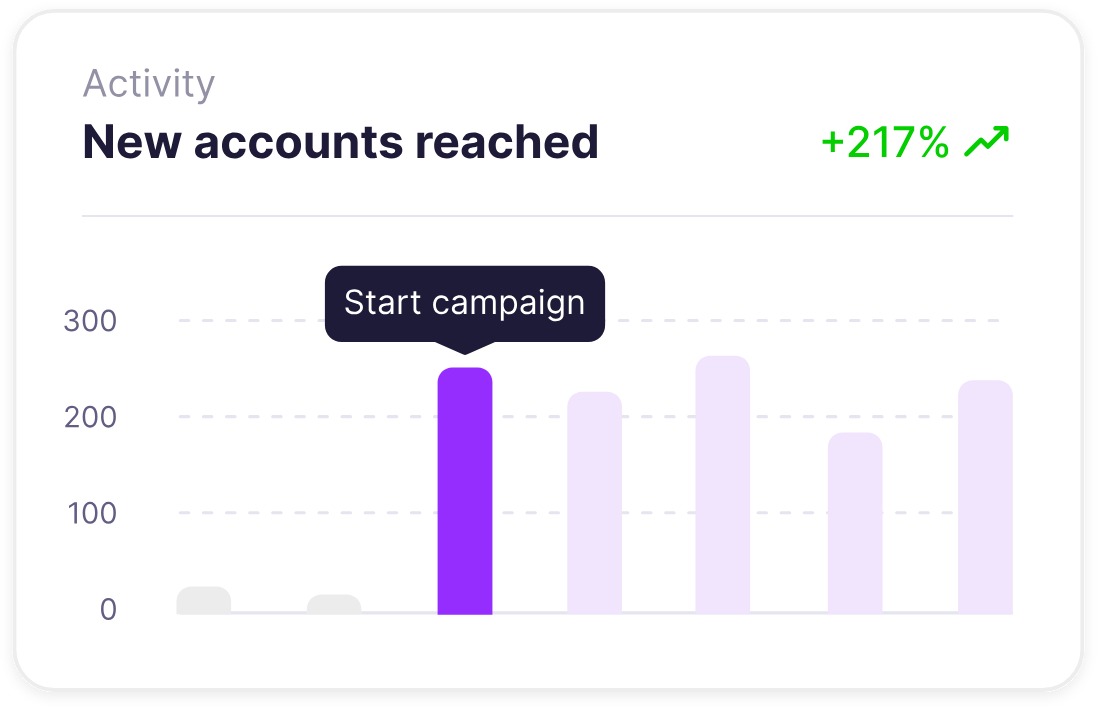
The chart covers LinkedIn reach and replies only.
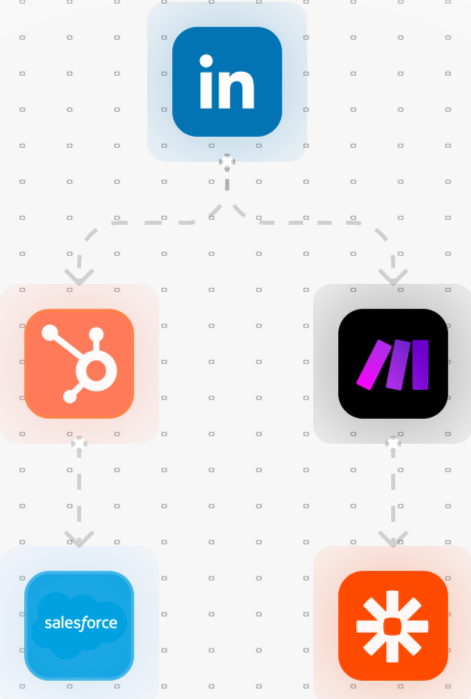
ReachBoost connects natively to HubSpot, Salesforce, Pipedrive, and Attio, and works with Zapier, Make, and n8n for custom workflows. When a prospect replies, their status updates in the CRM automatically. Even the Sales plan includes an MCP and a CLI, so I can connect AI agents or scripts.
ReachBoost offers two types of plans. Sales charges per LinkedIn sender, while Agency charges a flat fee for a set number of senders. Paying quarterly saves 10%, and paying yearly saves 20%.
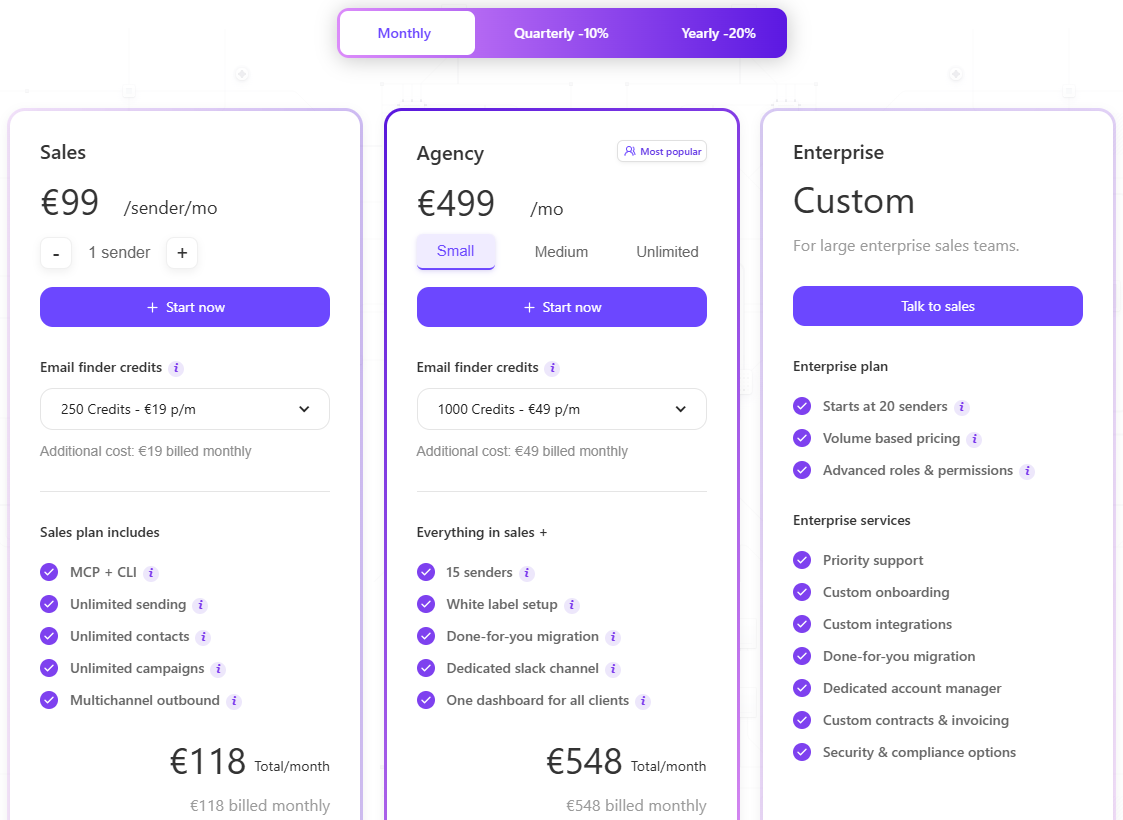
Contact data costs extra. On Sales, a pack of 250 credits costs €19 a month, and on Agency, 1,000 credits cost €49 a month. The billing discount doesn’t apply to credits. With yearly billing, the plan drops by 20%, but the credit pack stays at €19 or €49 a month.
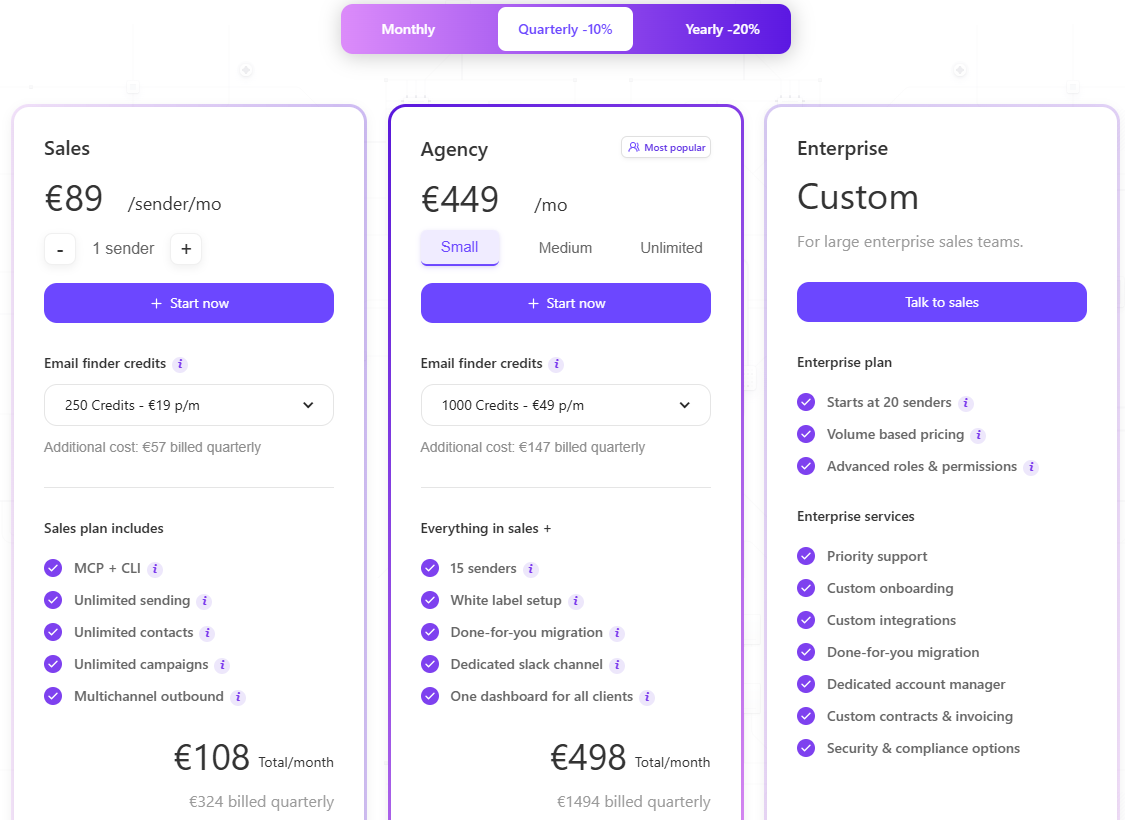
Here are the totals with the default credit pack included:
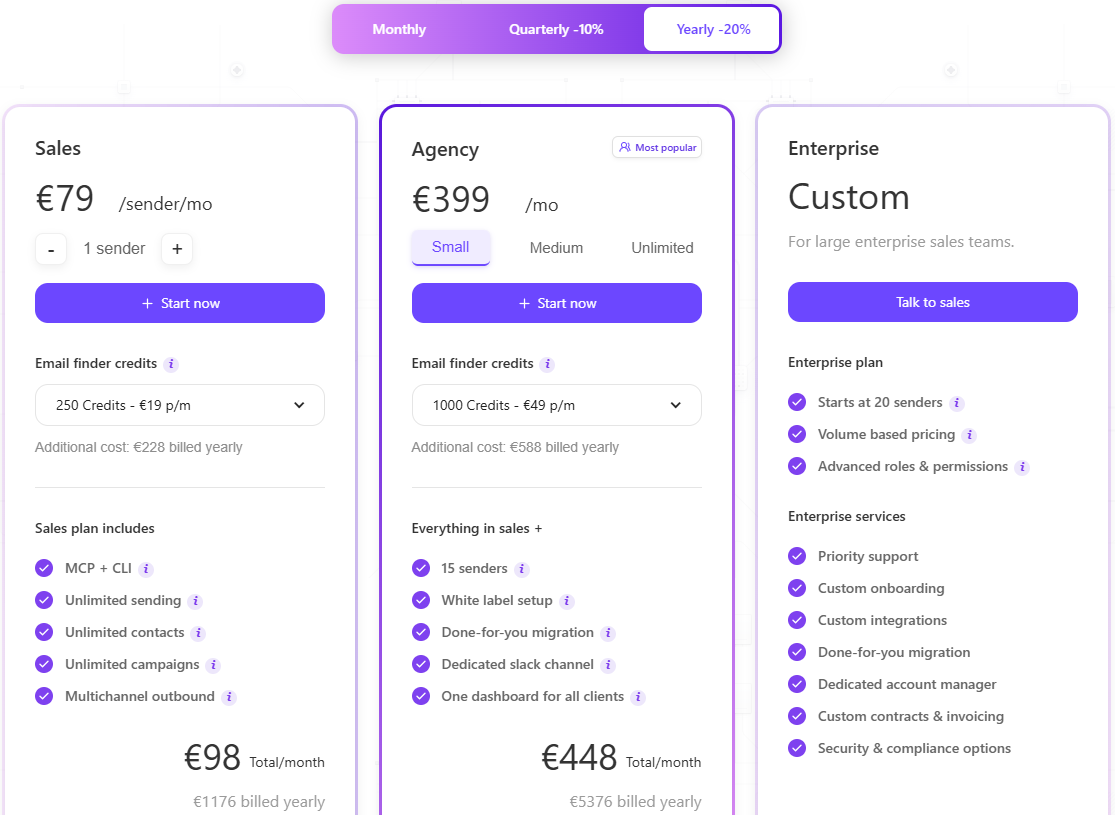
At five senders, Sales costs €495 a month, about the same as Agency Small. At six senders, Sales costs €594.
So once you’re running six or more senders, Agency Small is cheaper and also includes white-label setup, done-for-you migration, and a Slack channel.
ReachBoost fits an agency running LinkedIn outreach for several clients that wants every account, campaign, and report in one place.
ReachBoost leaves an agency with two open questions: what you’ll pay as you add senders and what protects your clients’ email.
Salesforge charges one flat price for unlimited LinkedIn and email senders, and connects to Primeforge, Mailforge, and Warmforge for mailboxes, warmup and inbox placement.
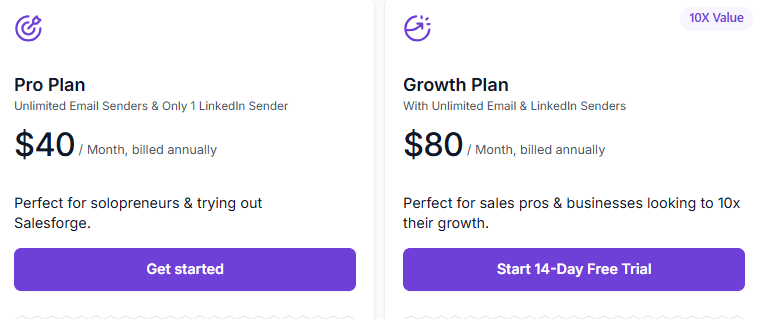
On ReachBoost, every new sender either costs €99 a month or uses one of your 15 Agency slots. Salesforge’s Growth plan gives you unlimited LinkedIn and email senders for $96 a month, or $80 a month with annual billing.
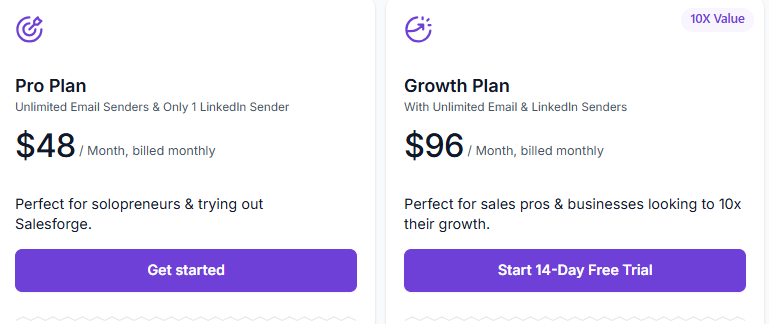
Here's the difference for an agency with 15 LinkedIn accounts across its clients:
When you add sender 16, the gap widens. On ReachBoost, you hit the 15-sender limit and need a plan with no published price. On Salesforge, your bill stays the same.
On Salesforge, email senders are unlimited on both Pro and Growth, so connecting 30 client mailboxes doesn't change the price.
Growth includes a 14-day free trial. If you only need one LinkedIn account, Pro costs $48 a month, or $40 with annual billing, and includes unlimited email senders.
With Salesforge, the email setup comes from the Forge Stack:
When a client's open rates drop, I can run a placement test to check whether emails are reaching the inbox before I rewrite the copy.
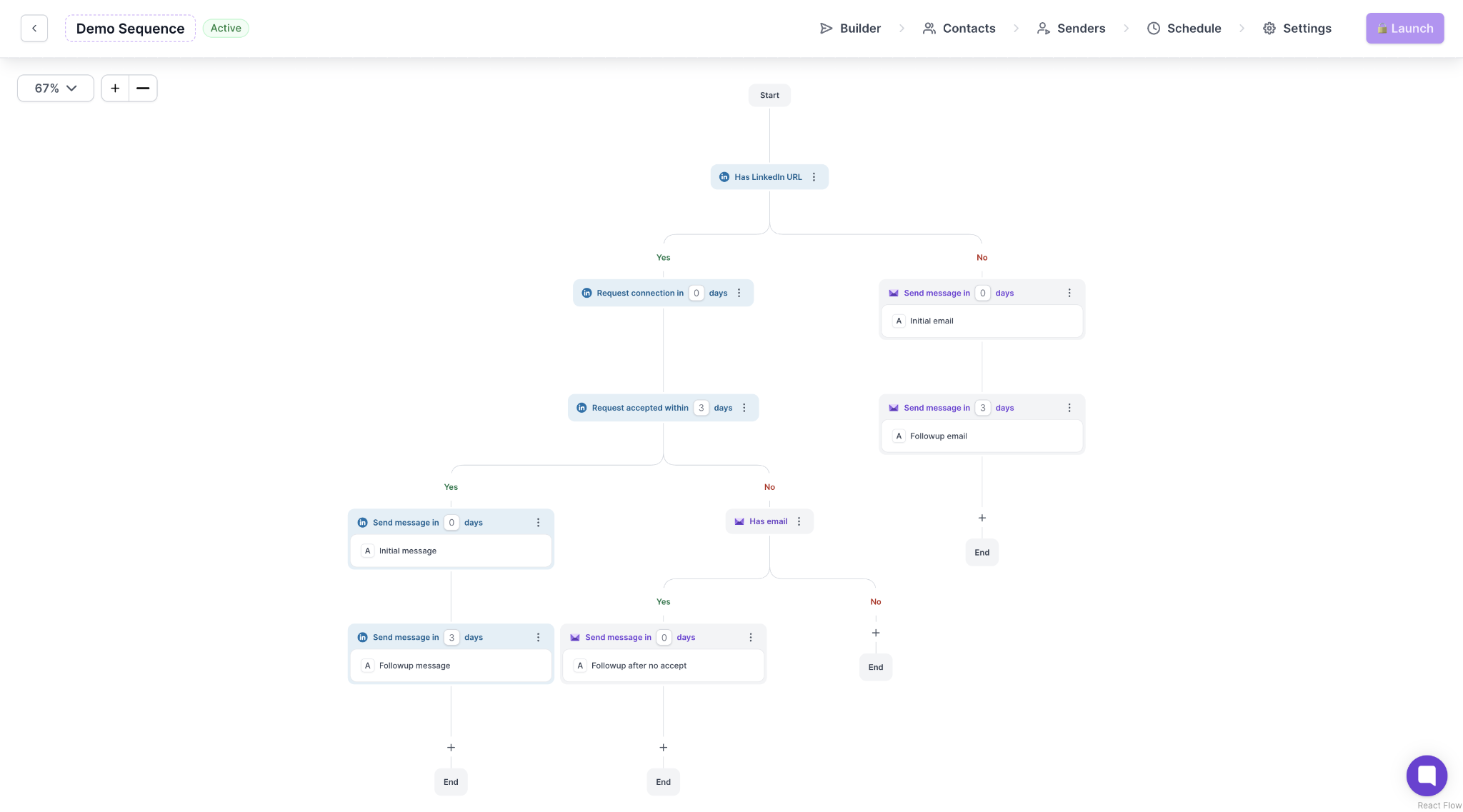
I can build LinkedIn steps and emails into one sequence, which stops for anyone who replies on either channel. Primebox then brings every reply into one inbox, doing the same job as Inbox AI in ReachBoost.
Leadsforge charges the same way as ReachBoost: 1 credit for a verified email and 10 for a phone number, and only when the data is found.
But $49 a month gets you 2,000 credits, compared with 1,000 for €49 on ReachBoost’s Agency pack. Leadsforge also includes 1,000 free searches per month, so I can check a client’s market size before using any credits.
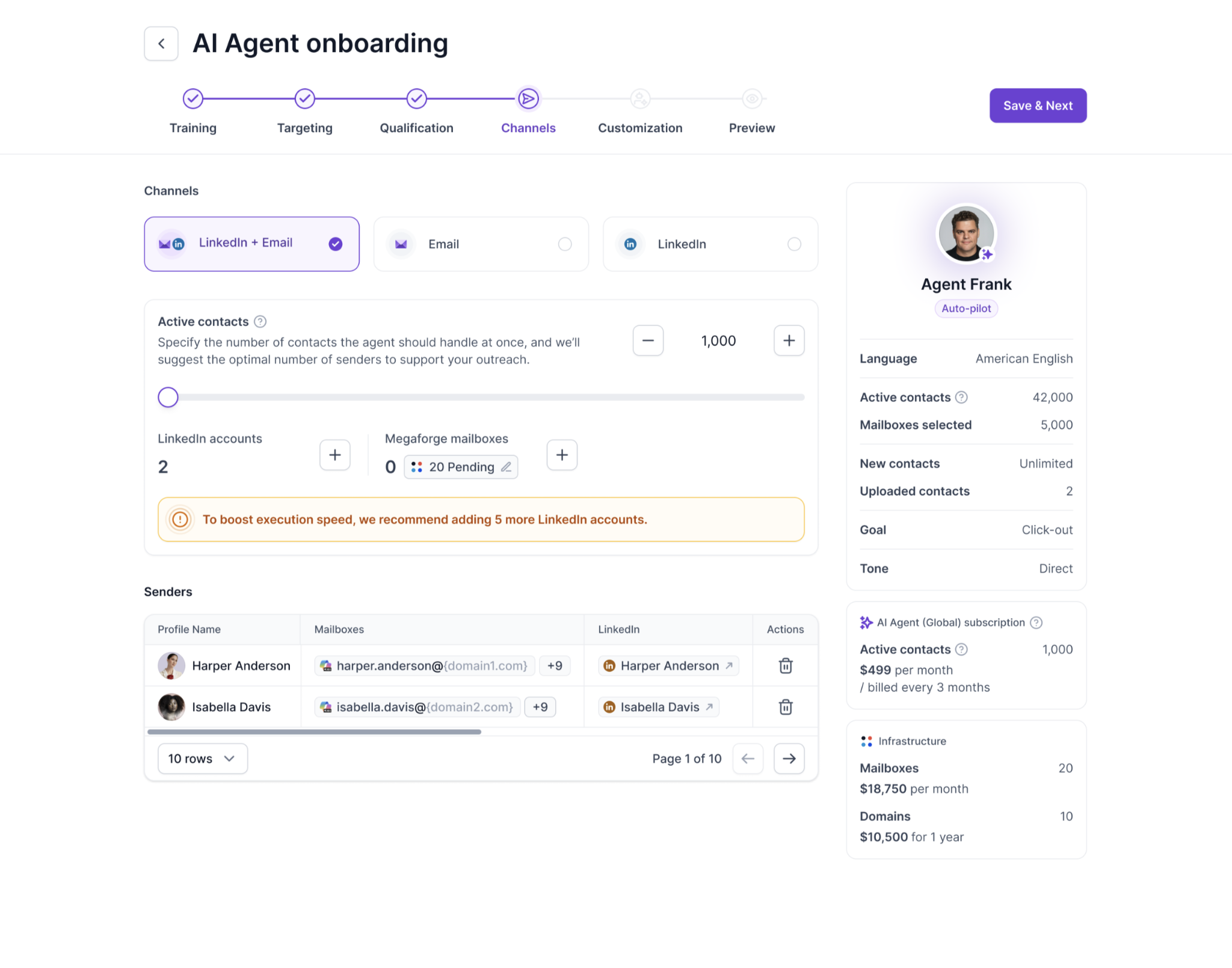
ReachBoost's Inbox AI suggests replies. Agent Frank finds prospects, writes messages, and handles replies through to a booked meeting.
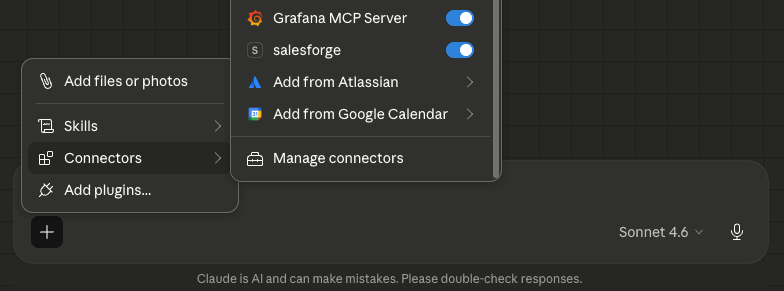
For scripts and AI agents, Forge MCP covers six Forge Stack products, and I can set up one MCP entry or CLI profile for each client account. The Salesforge API is also included on Growth.
Enter your email to get a custom plan & stack recommendation for your business
Please check your mailbox in 5 minutes
For a LinkedIn-first agency with 6 to 15 senders, yes. The alerts catch disconnected accounts before clients do, and Agency Small costs less than paying per sender from six senders up.
Before moving clients, get three answers in writing: whether mailboxes count as senders, whether white-label is included, and what Medium costs. Then test one client on the free trial before moving the rest.
Past 15 senders, or once your clients rely on cold email, the gaps above start costing you time and money.
Start Salesforge's 14-day Growth trial with one client: connect their LinkedIn account and mailboxes, warm them in Warmforge, and run a placement test before the first campaign.