Personalized Outbound Strategy
Get The Right Outbound Strategy In Minutes
Enter your email to get a custom plan & stack recommendation for your business
It's being carefully crafted by AI
Please check your mailbox in 5 minutes
Ask a Claude agent to find ten VPs of Sales who started new jobs this month, and Captain Data can give it a clear answer: their names, where they worked before, and the size of their new companies.
Ask the same agent to email them, and it hits a wall. None of those records include an email address.
That trade-off sums up Captain Data in 2026. The tool many growth teams knew for LinkedIn automation has rebuilt itself as a data API for developers and AI agents, with an MCP server agents can query directly.
It sells fresh people and company data by the credit, while leaving outreach to another tool.
If you’re building outbound around agents, one question comes up: is Captain Data worth paying for, or can your agent get data it can actually use somewhere else?
Before deciding, I’d want answers to three questions:
I’ll answer each question, covering what the API returns, what users report, and what your credits really buy. I’ll also show where Leadsforge is a better fit when you need a list for outreach.
Here’s how Captain Data compares with Leadsforge, the data tool in the Forge Stack, on the tasks they both support.
If you used Captain Data a year or two ago, set aside what you remember. The workflows and LinkedIn automations are gone. Captain Data v1 is a data API: send a LinkedIn URL, a name or a domain, and get back a structured record of that person or company. There’s no app for prospecting.
You use it through your own code, an automation tool, or an AI agent.
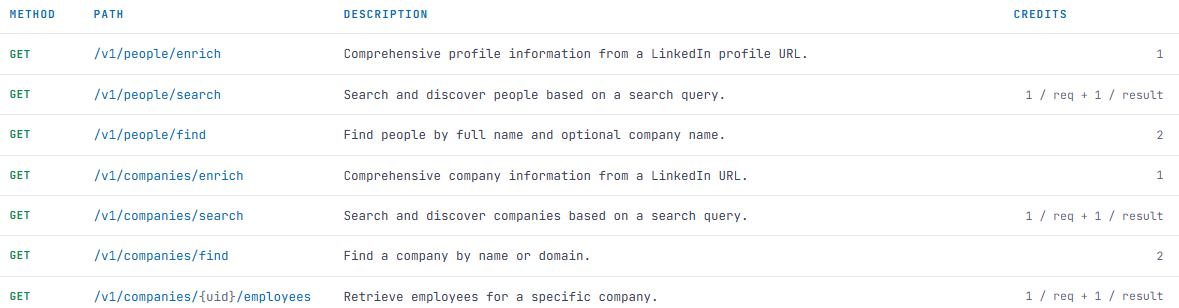
It covers people and companies through these calls
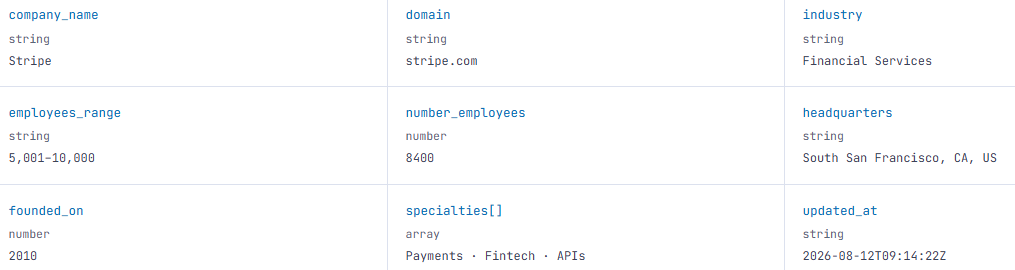
The main selling point is freshness. Each company record includes an 'updated at' date, so I can see when the data was last checked.
For CRM records and account scoring, that date helps me judge whether a headcount or job title is still worth acting on.
It’s designed for a few clear use cases:
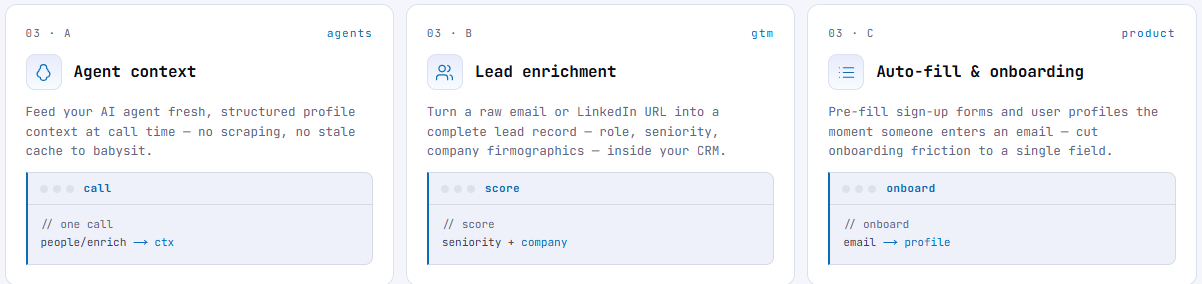
There are no seats or plan tiers, and every endpoint is available from your first credit. Captain Data is SOC 2 Type II certified and GDPR compliant, which matters if your security team approves vendors.
None of the responses include an email address or phone number. Before I can send a message, I need to buy contact data from another provider and match it to these records.
I also don’t have a way to send messages. Captain Data presents itself as the data layer behind tools like Clay, Lemlist, and Instantly, so sequencing, mailboxes, and replies all happen elsewhere.
Captain Data's G2 rating looks strong: 4.6 out of 5 from 62 reviews, 53 of them five stars.
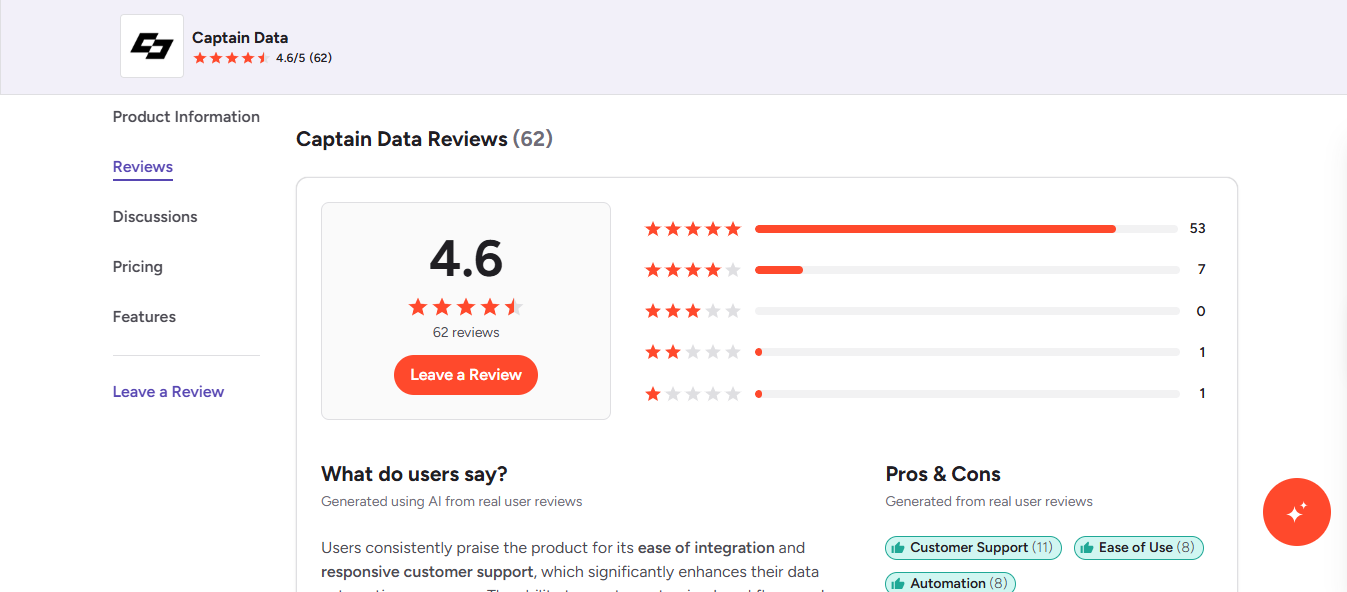
Most of the reviews I read are from 2025 and praise the workflows and LinkedIn automations, which Captain Data has since moved away from.
The only 2026 review is a zero. I read the praise as a sign of how the team works, and the complaints as risks to check.
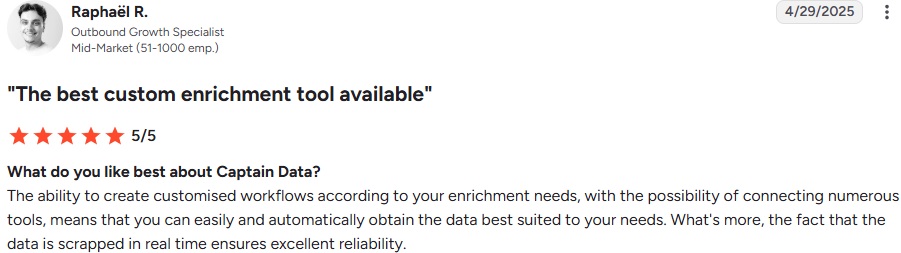
Raphaël R., an outbound growth specialist (5/5, April 29, 2025), trusts the data because it’s pulled in real time.
Alena S., a growth operations manager in IT services (5/5, April 2025), says it’s the most recent and accurate data she’s used.
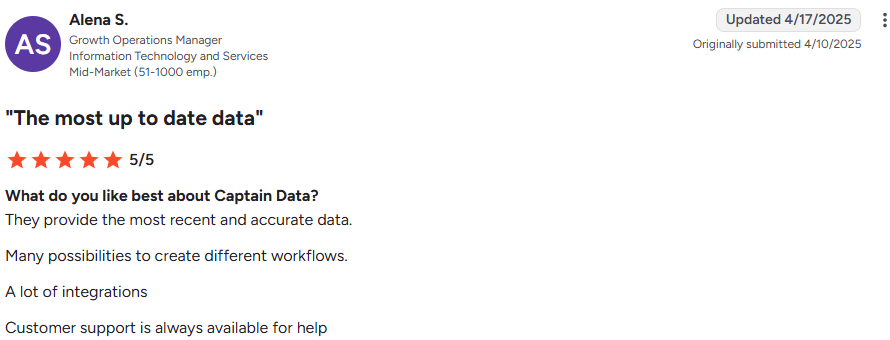
Freshness is still the new API’s main promise, so this is the praise most likely to carry over.
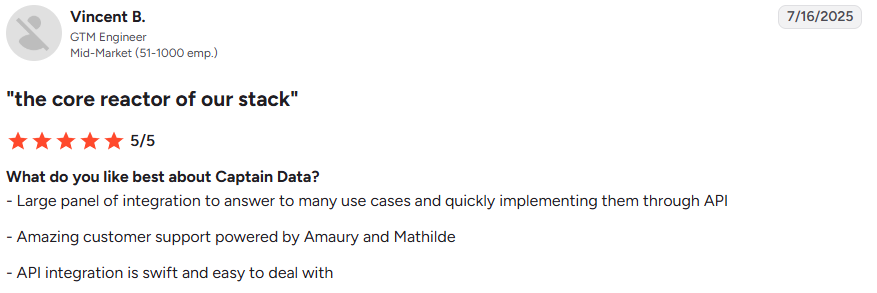
Vincent B., a GTM engineer at a mid-market company (5/5, July 16, 2025), calls Captain Data the core of his stack and says the API was quick to integrate.
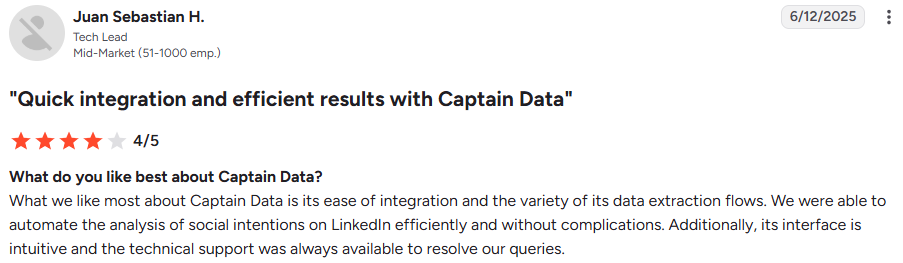
Juan Sebastian H., a tech lead (4/5, June 12, 2025), set up LinkedIn intent analysis without complications.
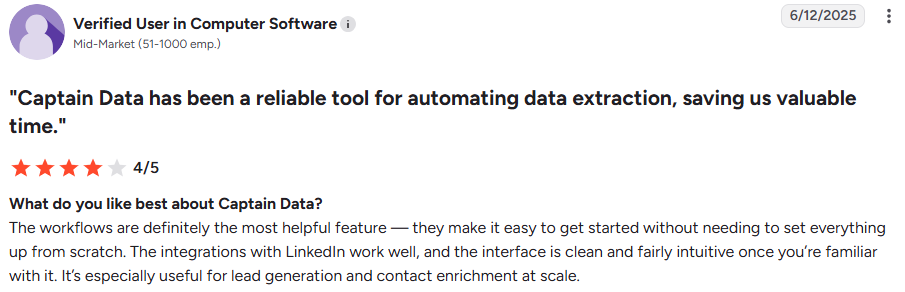
A verified user in computer software (4/5, June 12, 2025) no longer copy-pastes contact details and now keeps the CRM filled with fresh data, saving the team hours each week.
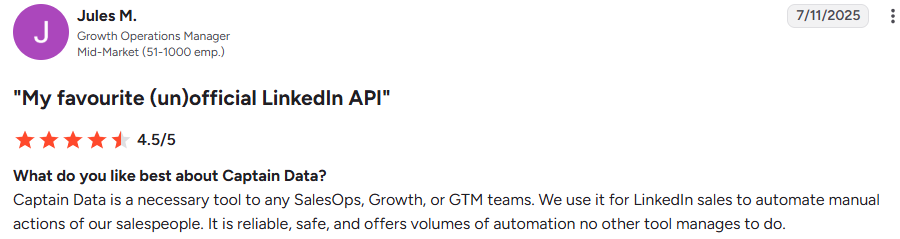
Jules M., a growth operations manager (4.5/5, July 11, 2025), used it to take repetitive LinkedIn tasks off the sales team’s plate.
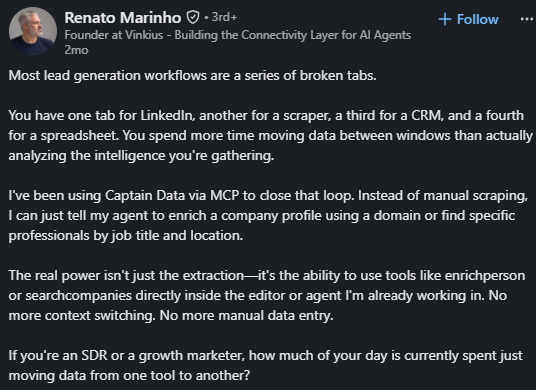
In a LinkedIn post from [month] 2026, Renato Marinho, who runs an AI agent connectivity company, shows how he uses Captain Data through MCP.
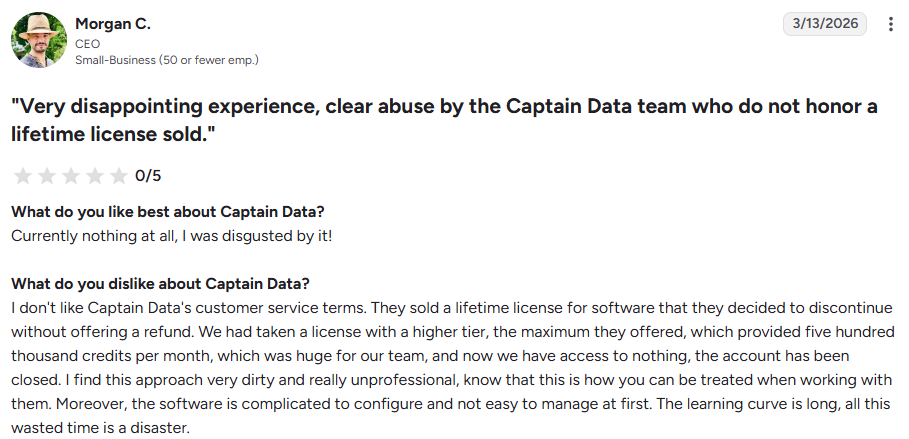
Morgan C., a CEO at a small business (0/5, March 13, 2026), bought a lifetime licence with the top tier of 500,000 credits a month. He says Captain Data discontinued the software, closed his account, and didn't offer a refund.
It’s the newest review on the page, and it matters if you’re considering the annual plan, which gives you a full year of credits upfront.

Alena S. finds it expensive compared with similar tools, though she accepts the price for the accuracy.

The verified user found the setup and documentation confusing at first, and Juan Sebastian H. needed time to set up complex workflows.

The same computer software user had workflows fail without a clear reason, and support was sometimes slow to respond.
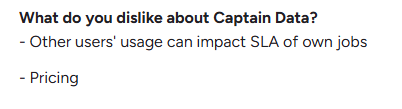
Vincent B. noticed that other customers’ usage could slow his jobs. Vincent R., a founder (5/5, August 7, 2025), ran into bugs in the LinkedIn automations.
Captain Data has no app to click through, so I approached it as a GTM engineer might on day one: get a key, make a few calls, and see what each returns and costs.
The 100 free credits run out fast, so the order you test things in matters.
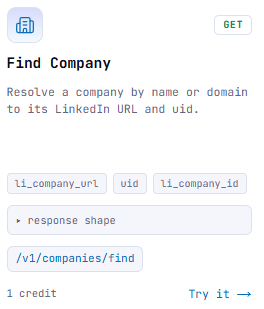
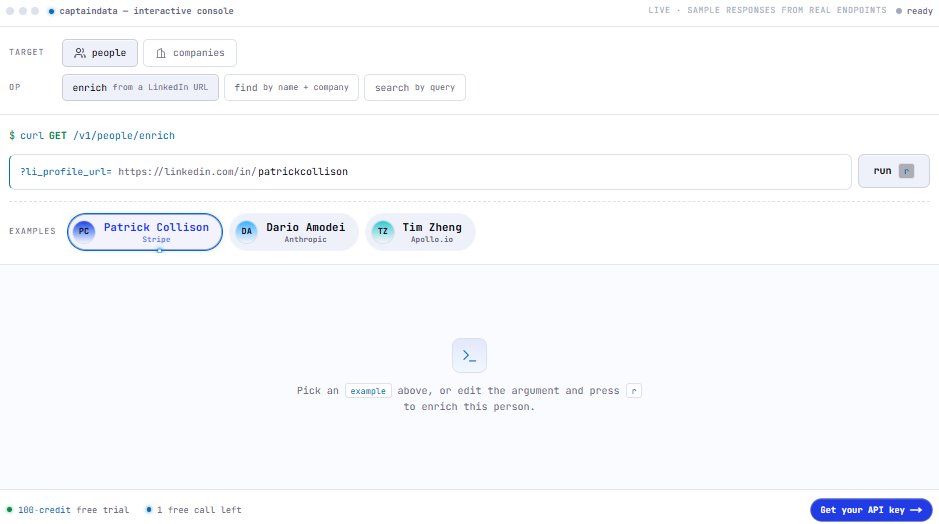
The website console lets me make one call without an account. I can enrich a company like Stripe using its LinkedIn URL and see the actual response.
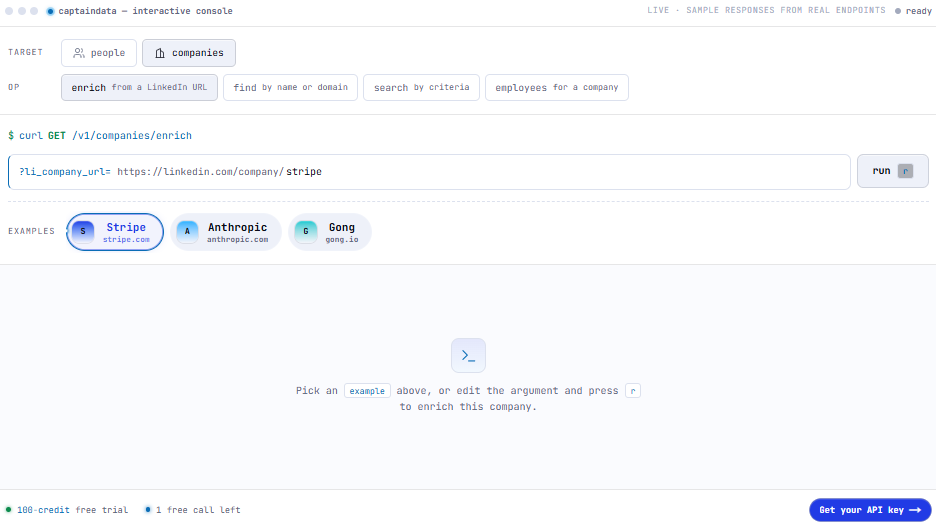
Signing up gives me an API key and 100 credits, with no card required. The trial allows 1 request per second, which is fine for testing but too slow to judge bulk performance.
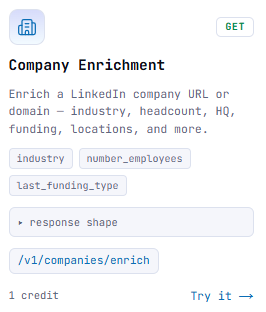
A company enrichment costs 1 credit and returns industry, headcount, headquarters, and last funding type. I’d test it on 10 companies I know well, so I can quickly spot an inaccurate headcount or funding round.
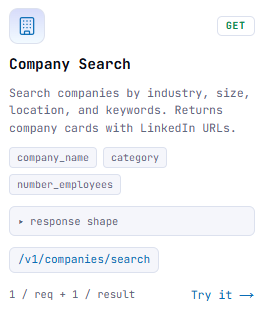
Company search filters by industry, size, location, and keywords. I’d use it to build a target account list or size a territory.
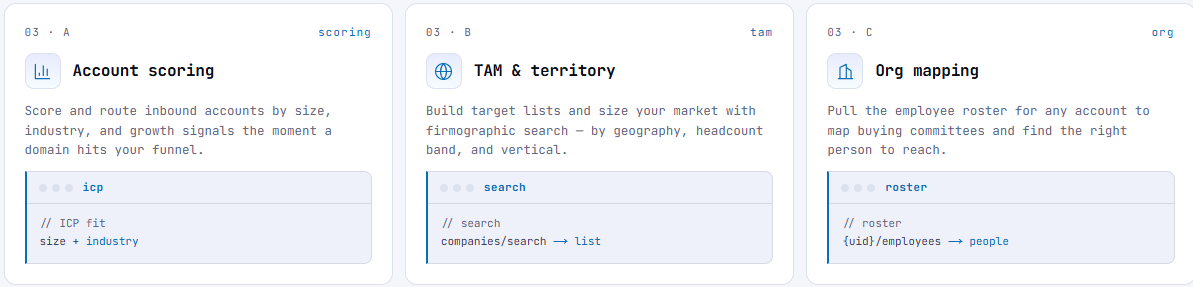
Each result costs a credit, as does each page. A search returning 3,000 companies uses 3,000 credits before I enrich any of them, so I’d narrow the filters first and start with small counts.
The employees call lists everyone at a company, including their name, title, location, and LinkedIn URL. It’s useful for mapping a buying committee.
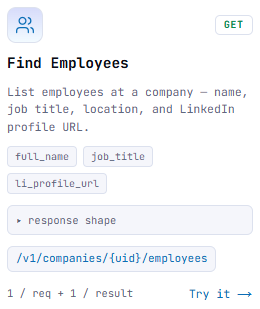
Each employee costs a credit, though. A 2,000-person company would use about 2,000 credits for one roster, so I’d only pull rosters for accounts already on my shortlist.
A person’s enrichment costs 1 credit and returns their title, company, location, work history, education, and skills. Work history helps with personalization because it shows where someone worked before their current role.
The find people call turns a name and company into a LinkedIn URL for 2 credits. That’s twice the cost of an enrichment, and common names are more likely to produce a bad match.
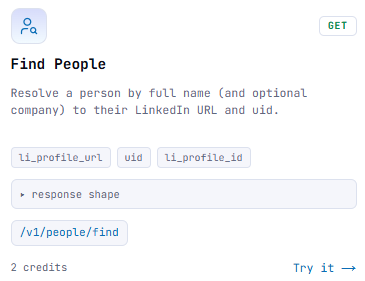
I’d check each match against the returned headline before enriching it. Paying 2 credits for the wrong John Smith and then 1 more to enrich him adds up quickly.
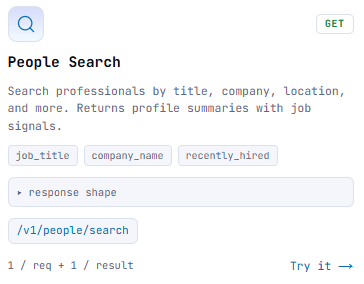
People search works like Sales Navigator, with filters for title, company, and location, and includes a “recently hired” filter. New hires often review their tools in the first few months, making this the closest thing to a buying signal available today.
The MCP server is included, so I can connect Captain Data to Claude or Cursor and ask for data in plain language, like “enrich this domain” or “find VPs of Sales in Berlin.”
The risk is cost. An agent searching freely uses credits for every page and result, so I’d set a monthly credit budget before letting it run.

Unused credits expire each month, and higher volumes raise the rate limit from 1 to 40 requests per second.
I’d estimate my monthly usage during the trial before choosing a volume, since buying too much means losing credits.
To contact anyone, I need to send Captain Data’s records to another provider for emails and phone numbers, then match the results back.
That means a second bill, a second integration, and some records lost when the other tool can’t find a match.
Captain Data charges by credit, with the price per credit dropping as monthly volume grows. There are no seats or plan tiers, and every endpoint is available on every plan.
I choose a volume, and the price follows.
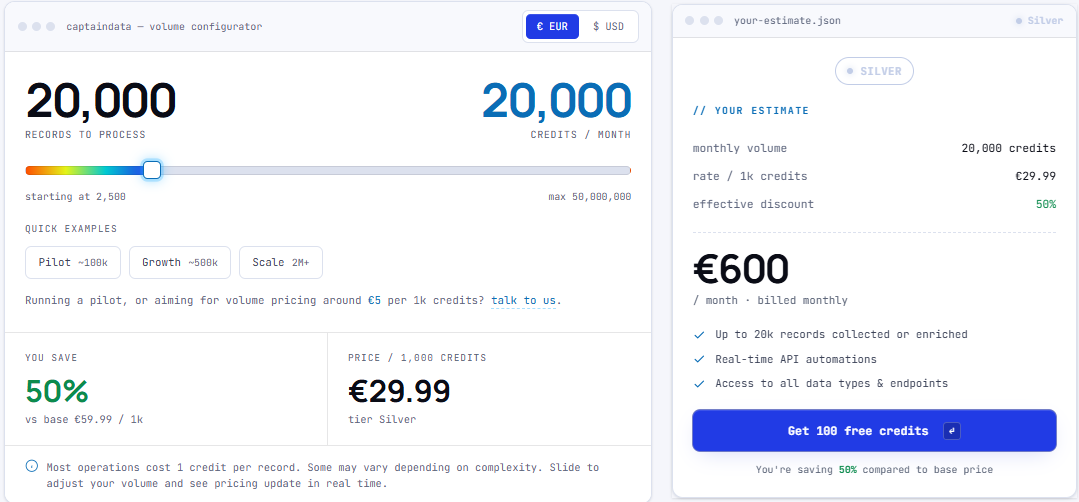
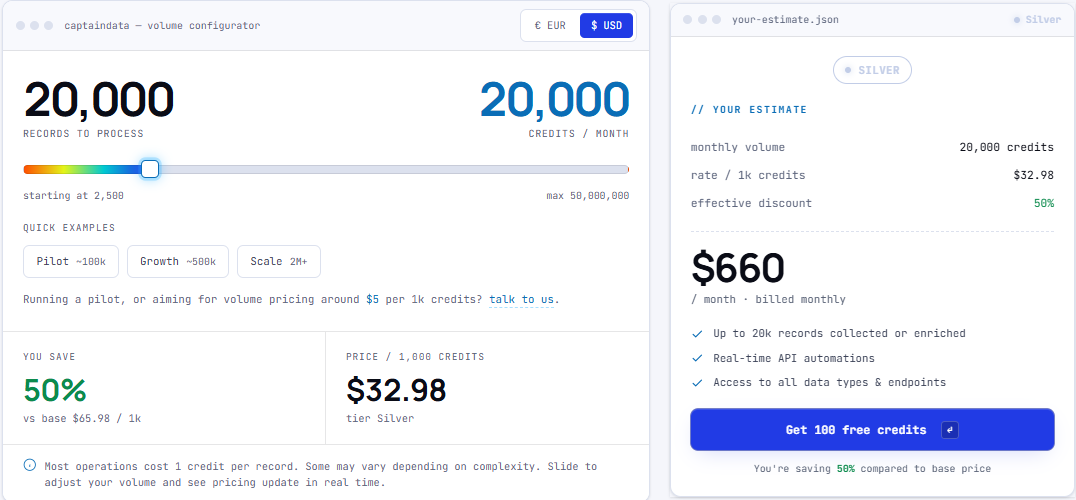
Credits aren’t the same as contacts. On the €600 plan, one month could look like this:
That uses the 20,000 credits, plus page credits, to enrich 10,000 people at about 6 euro cents each
None of them come with an email or phone number, so contact data adds another bill.
At the smaller end, the calculator starts at 2,500 credits but doesn’t show the rate for that volume. At the base rate, it would cost about €150 a month.
Captain Data fits a team with someone who writes code and a need for fresh people and company data inside a product, CRM, or AI agent.
I’d skip Captain Data if I want to reach people, not just learn about them.
Captain Data and Leadsforge both build lists of people and companies from your targeting criteria. Both work with an AI agent, and both charge by credit.
The difference is what you get at the end. Captain Data gives you a detailed profile of each person, then leaves you to find a way to reach them.
Leadsforge gives you the person’s verified email or phone number, so your list is ready to use as soon as you build it.
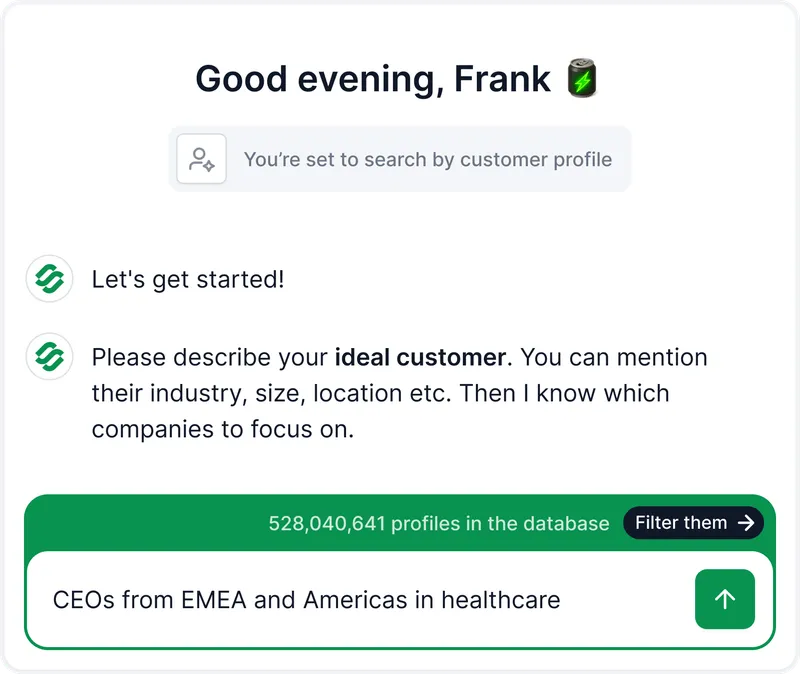
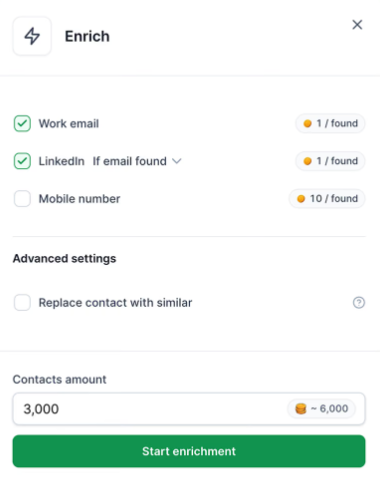
Leadsforge finds a verified email for 1 credit and a phone number for 10 in the same search. At $49 for 2,000 credits, a verified email costs about 2.5 cents.
Leadsforge charges only when it finds an email or phone number. If it can’t find someone, I don’t pay for that lookup.
Before spending a credit, I can run searches and counts to see how many people match. The 1,000 free searches and counts each month let me adjust the filters until the list is the right size.
In Leadsforge, I describe my buyer in plain words, like “heads of RevOps at Series B SaaS companies in the UK,” and get a list. Anyone on the sales team can build one.
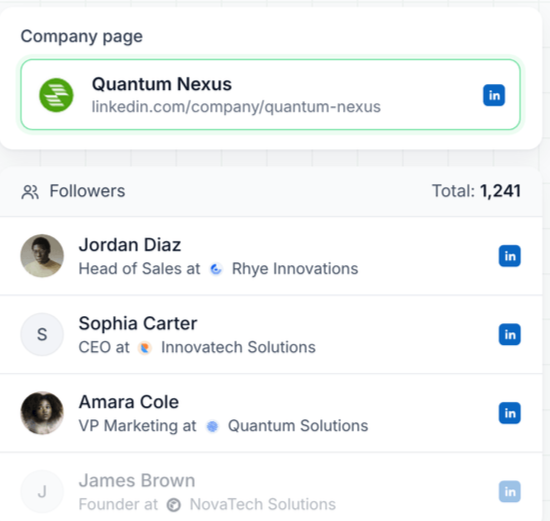
Leadsforge can find people who follow a company’s LinkedIn page, such as a competitor’s, and filter them by title, location, and industry. Following a page is a small sign of interest that a profile search alone can’t show.
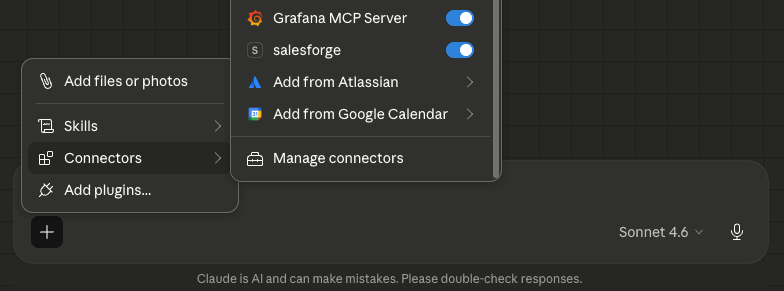
If I want an AI agent to work with lead data, Forge MCP connects Leadsforge to Claude, Cursor, and other clients, while Forge CLI supports scripts. My agent can search, count, and pull contacts as it would with Captain Data, but the results include contact details.
Enter your email to get a custom plan & stack recommendation for your business
Please check your mailbox in 5 minutes
If you're adding data to a product, CRM, or AI agent, Captain Data is worth testing. Spend the 100 free credits on companies you already know, and check what a search costs before you pick a monthly volume.
If your goal is outreach, every record still needs an email from another provider
Describe your buyer in Leadsforge and use the free searches and counts to size the list. Then pull verified emails at 1 credit each, charged only when one is found.