If you're here, you either got a call you didn't recognize or you're trying to reach someone who won't answer your email.
If you're in GTM with a list of prospects and no phone numbers, you need a phone number lookup tool. That's the first bucket, and most of this page is written for you.
The second bucket is simpler. You have a number, you don't know whose it is, and you want to identify it. Free reverse lookup tools do that in about ten seconds, and I've covered the five worth using below.
Back to the first bucket, because that's where the money goes. You're shopping in a market built to make comparison hard. Paid phone number lookup tools advertise accuracy rates that cover a verified subset rather than the full database, and most of them bury what a single number actually costs you.
So I skipped the marketing and worked out what a number actually costs. Credits per reveal, credits per plan, divide one by the other.
I compared 20+ phone number lookup tools and shortlisted the eleven below.
Best for: GTM and outbound teams who need phone numbers with wider coverage than a single database gives, without paying per seat.
G2 Rating: 4.5 out of 5
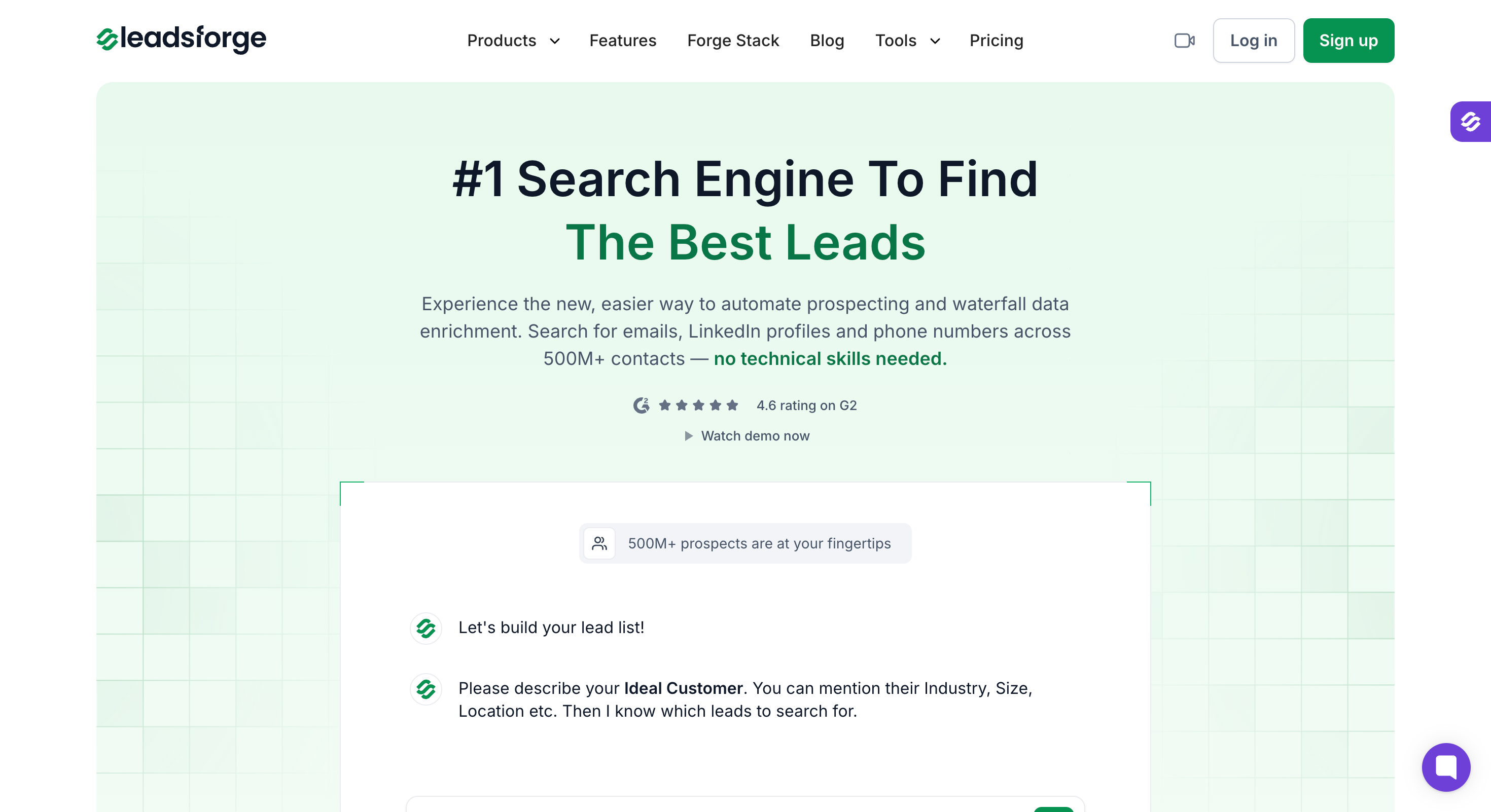
Leadsforge is a B2B lead search tool that queries several data providers for every lookup. I use it when a single-source database keeps coming back empty on the contacts I actually need.
I put it first because it finds phone numbers four different ways. You can bring a list you already have and it enriches those contacts with numbers. You can describe your ICP in plain English and it builds the list for you. You can paste a competitor's LinkedIn URL and it returns numbers for the people following them. Or you can search a city or radius and it pulls local businesses with numbers attached.
Nothing else on this list does more than two of those.
Overall, Leadsforge is right when a team wants several routes to a phone number without per-seat pricing, and wrong when you need the absolute cheapest number or outreach bundled in.
Best for: UK and EU outbound teams where compliance and connect rate matter more than cost per record.
G2 Rating: 4.6 out of 5

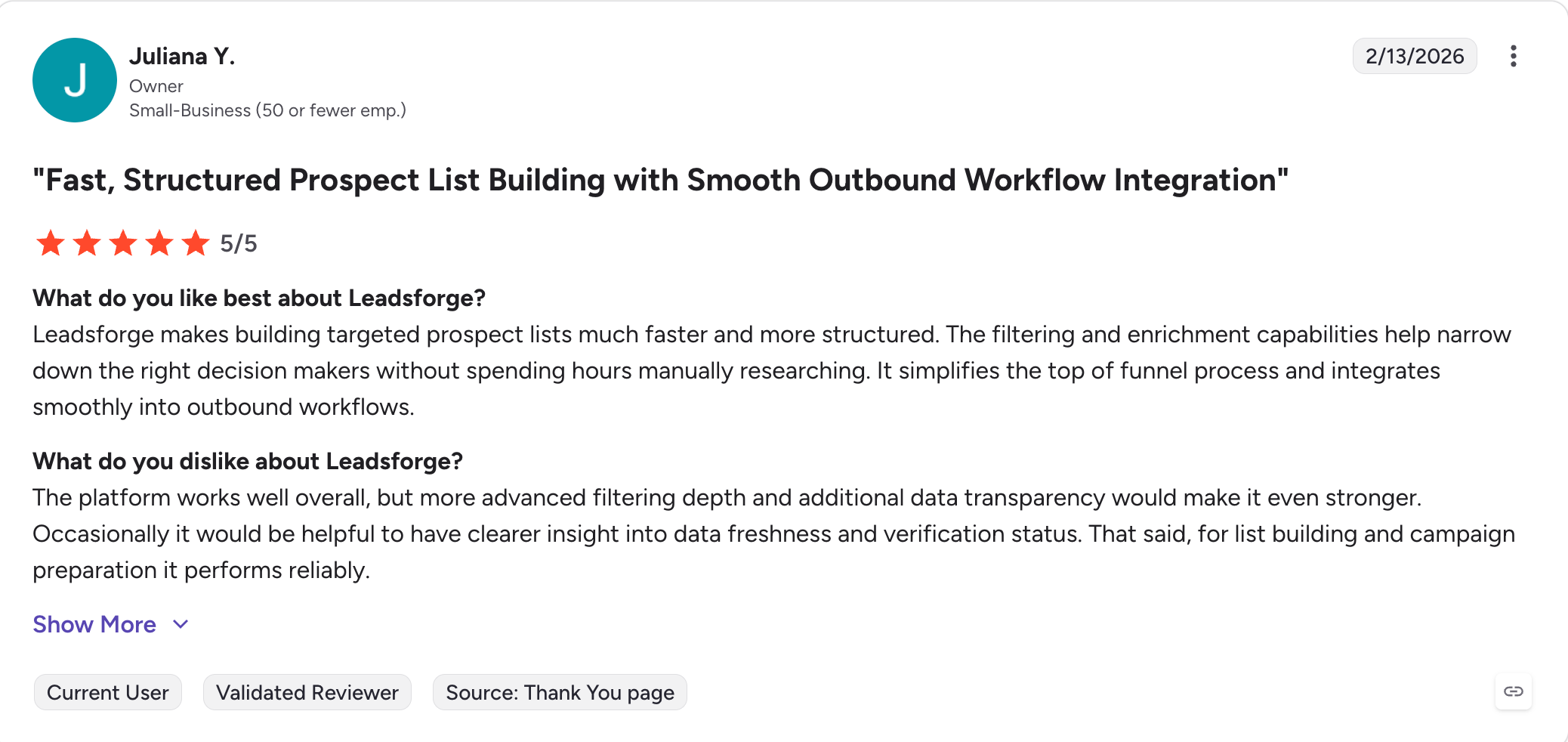
Cognism is a B2B data platform built around phone-verified mobile numbers. I reach for it when the list has an EU postcode and the connect rate matters more than the invoice.
It stands out for two things. A human verifies Diamond Data numbers on a call rather than an algorithm scoring them, which is a real distinction in a category full of confidence estimates. And it screens against do-not-call lists in 13 to 15 countries and publishes how, which nothing else here matches.
The catch is what the headline number covers. Cognism reports 98% accuracy for Diamond Data and I've no reason to doubt it. But Diamond Data holds roughly 10 million records inside a 440 million database, about 2.3% of what you're searching. Everything outside it decays like anyone else's data.
If your list is British, I wouldn't look anywhere else. If it's American, I'd compare against ZoomInfo before committing to a year.
Cognism publishes no rates, so these come from third-party pricing trackers.
Cognism holds 4.6 out of 5 on G2, from over 1,000 reviews.
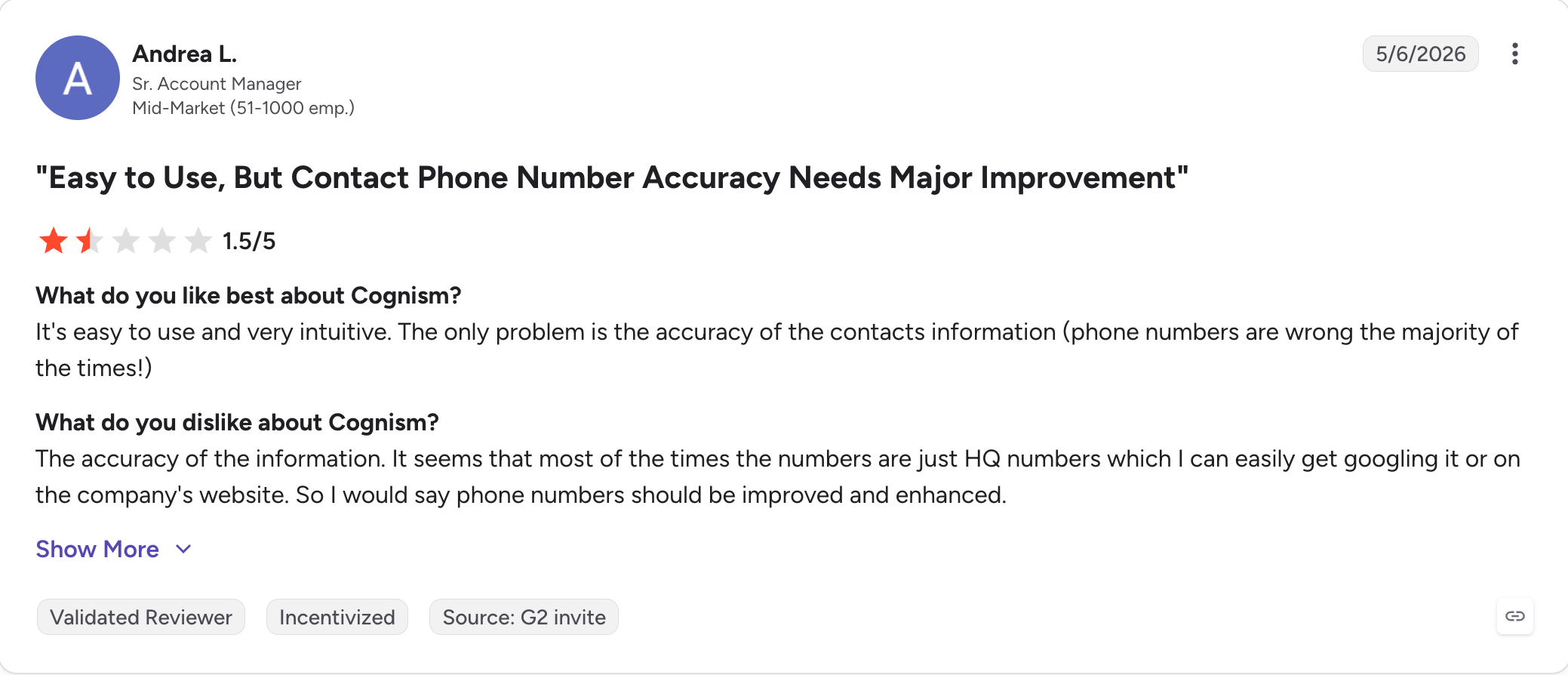
Best for: Anyone who gets regular calls from numbers they don't recognize.
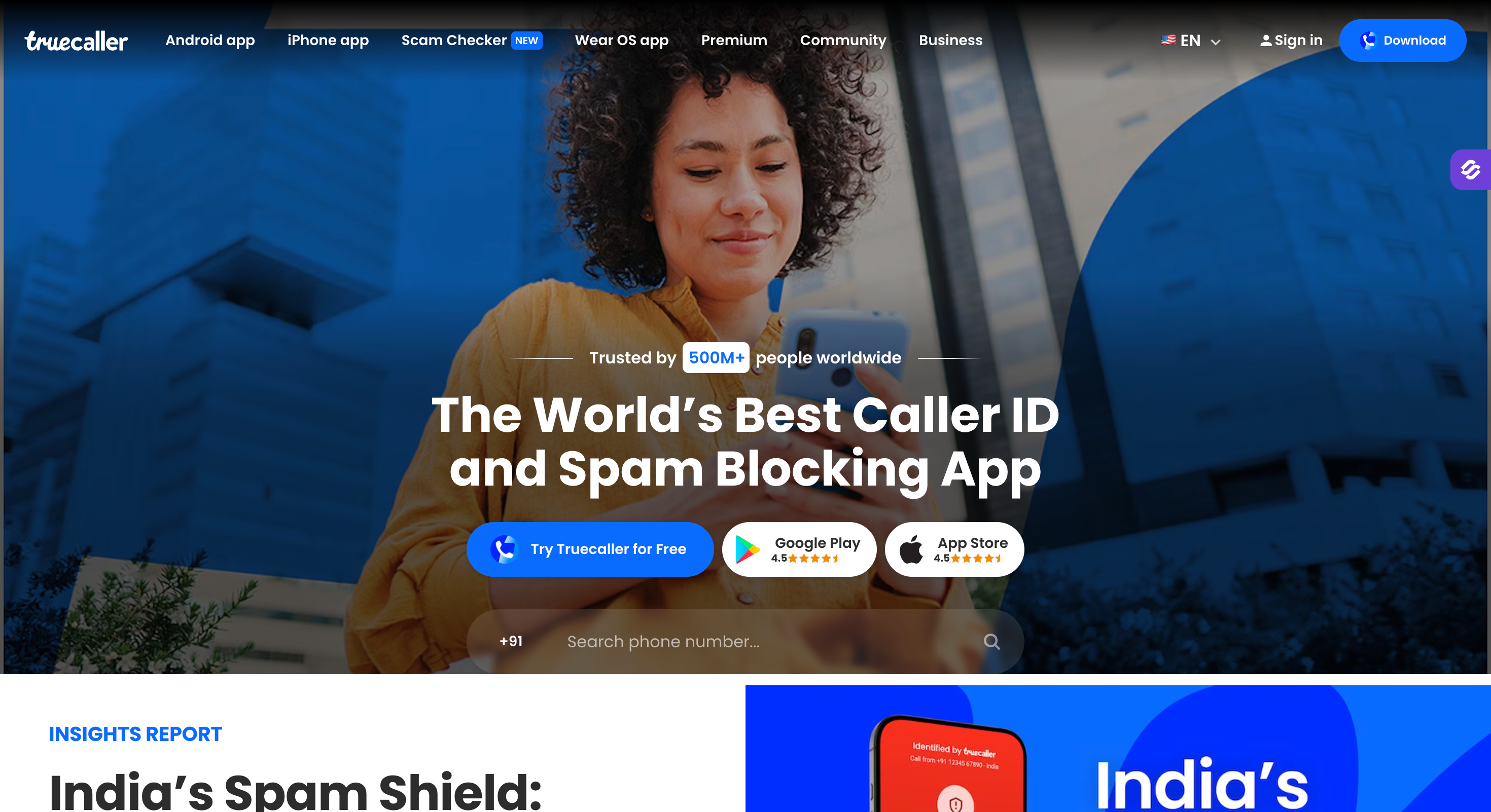
Truecaller is a caller ID app that runs on a community-reported database rather than a static index. You use it when you want to identify unknown callers before you pick up.
It stands out for two things. Users report spam numbers as they happen, and spam calls waste Americans 221 million hours annually, so a new spam caller gets flagged within hours instead of at the next quarterly refresh.
That stream of community reports and spam reports from other users helps quickly identify suspicious numbers, surface caller details like an owner name and general location, and improve accurate identification for unwanted calls. And the scale is hard to argue with.
Truecaller passed 500 million monthly active users on 31 March 2026, with over 4 million paying subscribers, and the company reports catching 68 billion spam and fraud calls in 2025 alone, which supports its real-time protection.
The catch is that it only works one way. There's no bulk lookup and no way to find a prospect's number from a name, so it's useless for sales.
If I could only install one thing on this list, it would be this. It stops the calls rather than explaining them afterwards.
Truecaller holds 1.9 out of 5 on Trustpilot, from 259 reviews.
Best for: Enterprise teams selling into large US accounts with the budget to match.
G2 Rating: 4.5 out of 5

ZoomInfo is an enterprise B2B data platform with the deepest US direct dial coverage on the market. I point buyers at it when they sell into large American companies and need org charts alongside numbers.
It stands out for two things. Nothing else here comes close on US direct dial depth. And the org chart data shows reporting lines, which changes how you sequence a deal rather than just who you dial first.
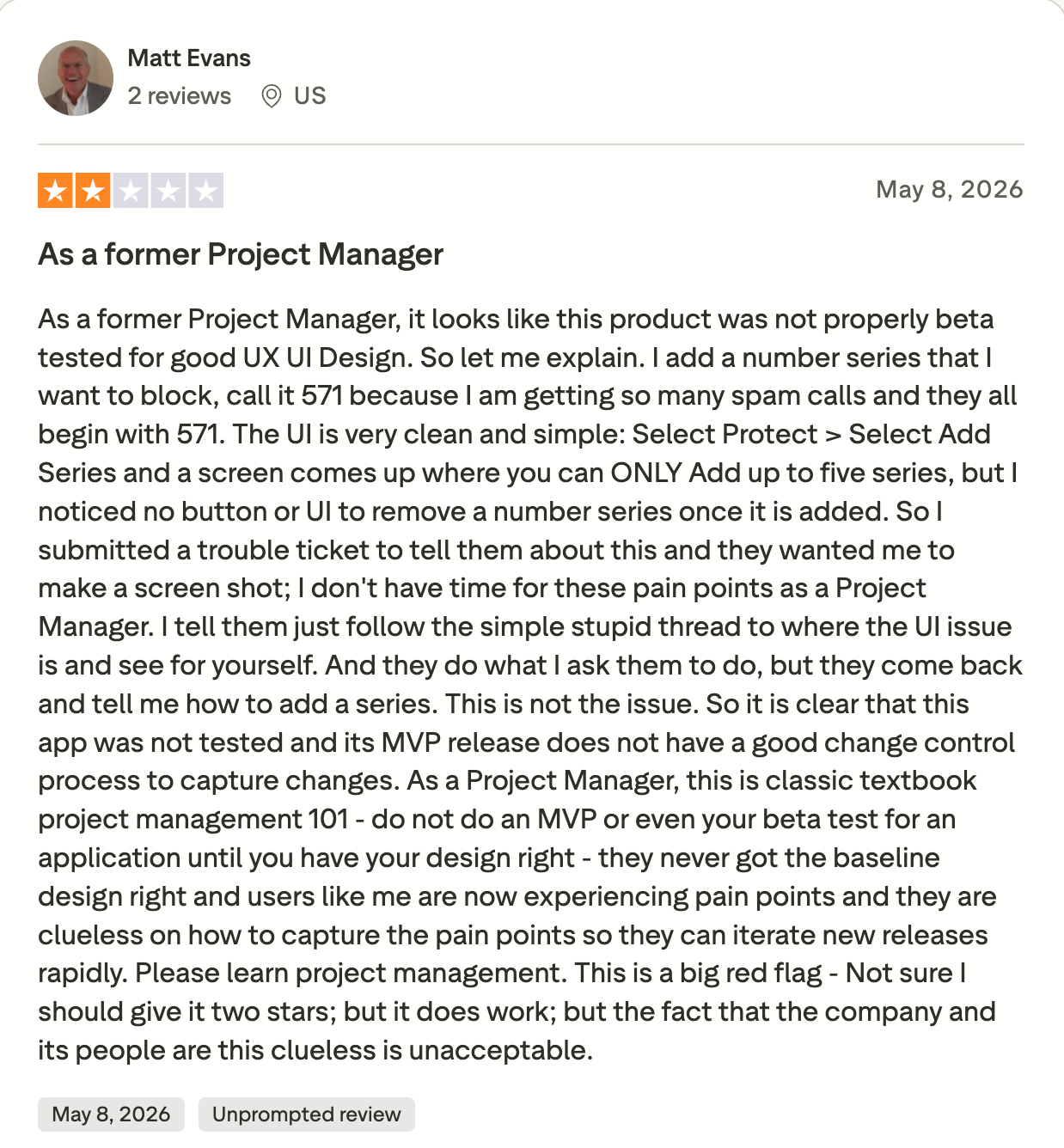
The catch is the contract. ZoomInfo doesn't publish pricing, terms run annual, and the cancellation notice period is the most consistent complaint in public reviews.
I'd only sign this if your average deal size justifies a five-figure data line. Below that, you're paying enterprise rates for coverage you won't use.
ZoomInfo publishes no rates, so these come from third-party procurement data.
ZoomInfo holds 4.5 out of 5 on G2, from over 9,000 reviews.
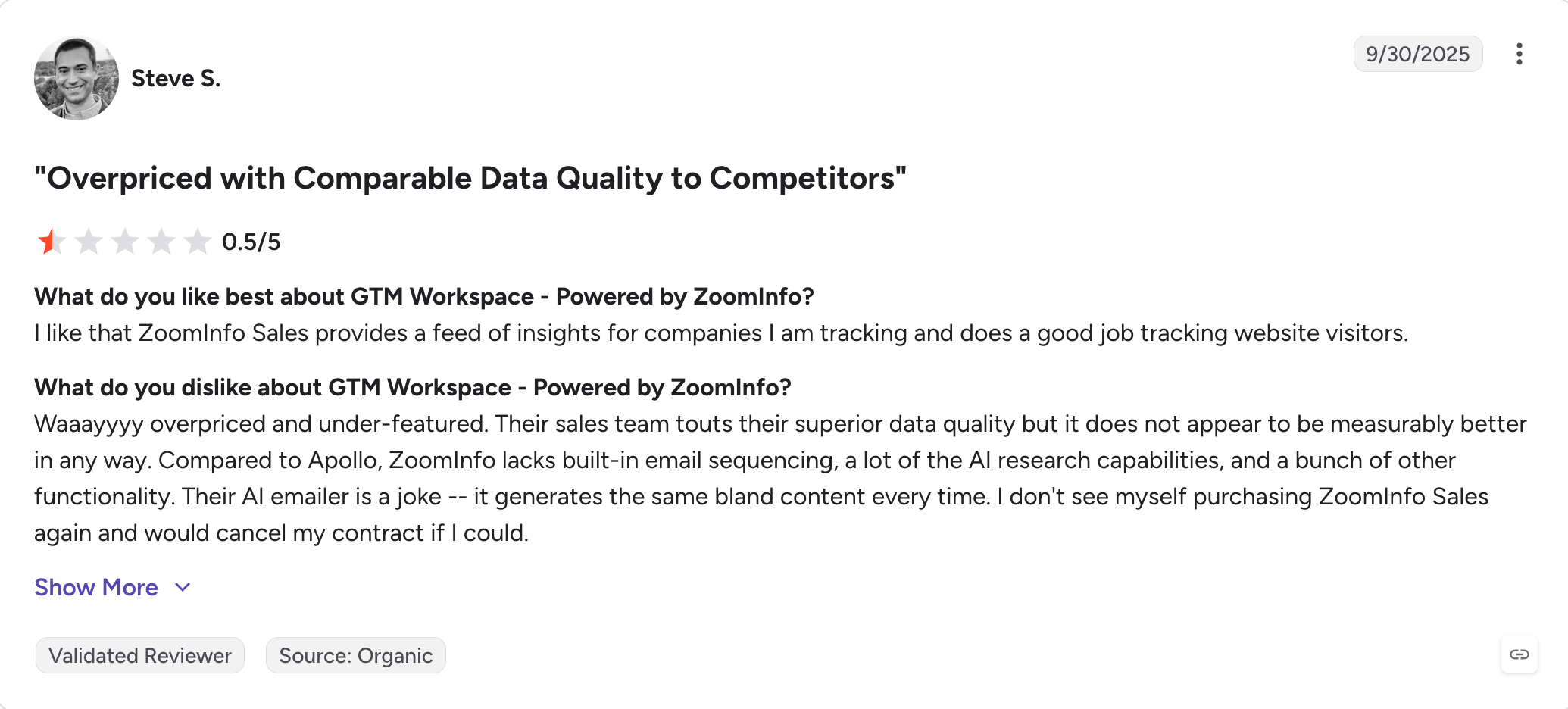
Best for: A quick name check on a US number.
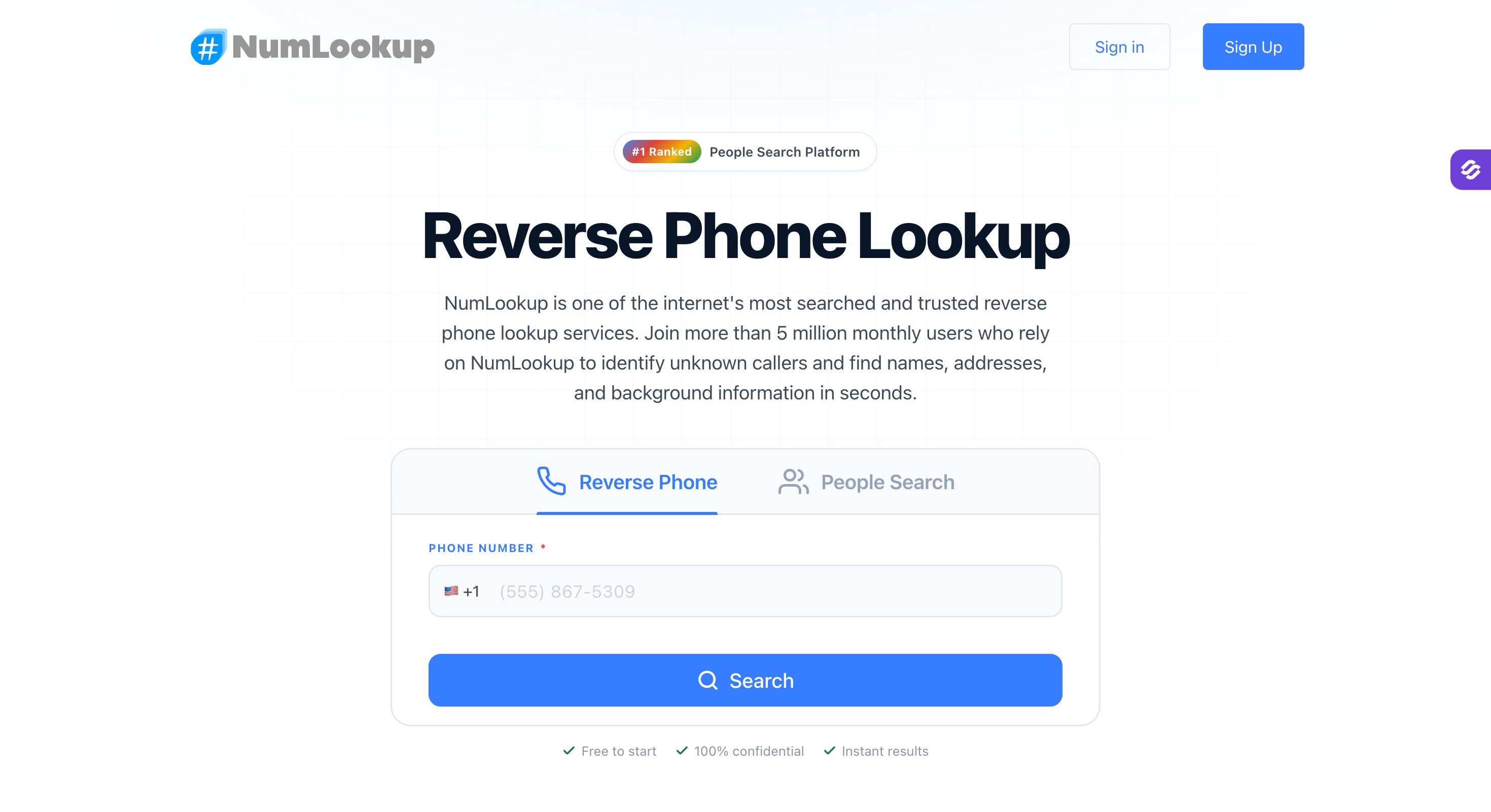
NumLookup is a free reverse phone lookup tool for a specific number in the US. I reach for this reverse phone lookup service when I want a phone number search answer in ten seconds and don't want to make an account.
It can return the owner name, phone carrier or carrier name, phone type, and general location for a telephone number. That may also include carrier information that helps show whether the line is mobile, landline, or one of the voip numbers people use for temporary or internet-based calling.
It stands out for two things. You enter a specific number and get caller details fast, and NumLookup processes over 5 million searches monthly. It queries carrier networks rather than scraping directories, so US results tend to be current. And there's no signup required, no email capture and no card, which is rarer here than it should be.
The catch is the daily cap. Free reverse phone lookups run out, the site doesn't say at what point, so you hit the wall without warning and get pushed at the subscription.
This is my first stop for a US number if I need a phone number instantly from a free tool or reverse phone lookup tool angle. If it comes back empty, I move on rather than paying to unlock more of the same, since results can still be incomplete or outdated.
NumLookup holds 3.8 out of 5 on Trustpilot, from 433 reviews.
Best for: Startups and small teams who want data and outreach together on a predictable bill.
G2 Rating: 4.7 out of 5
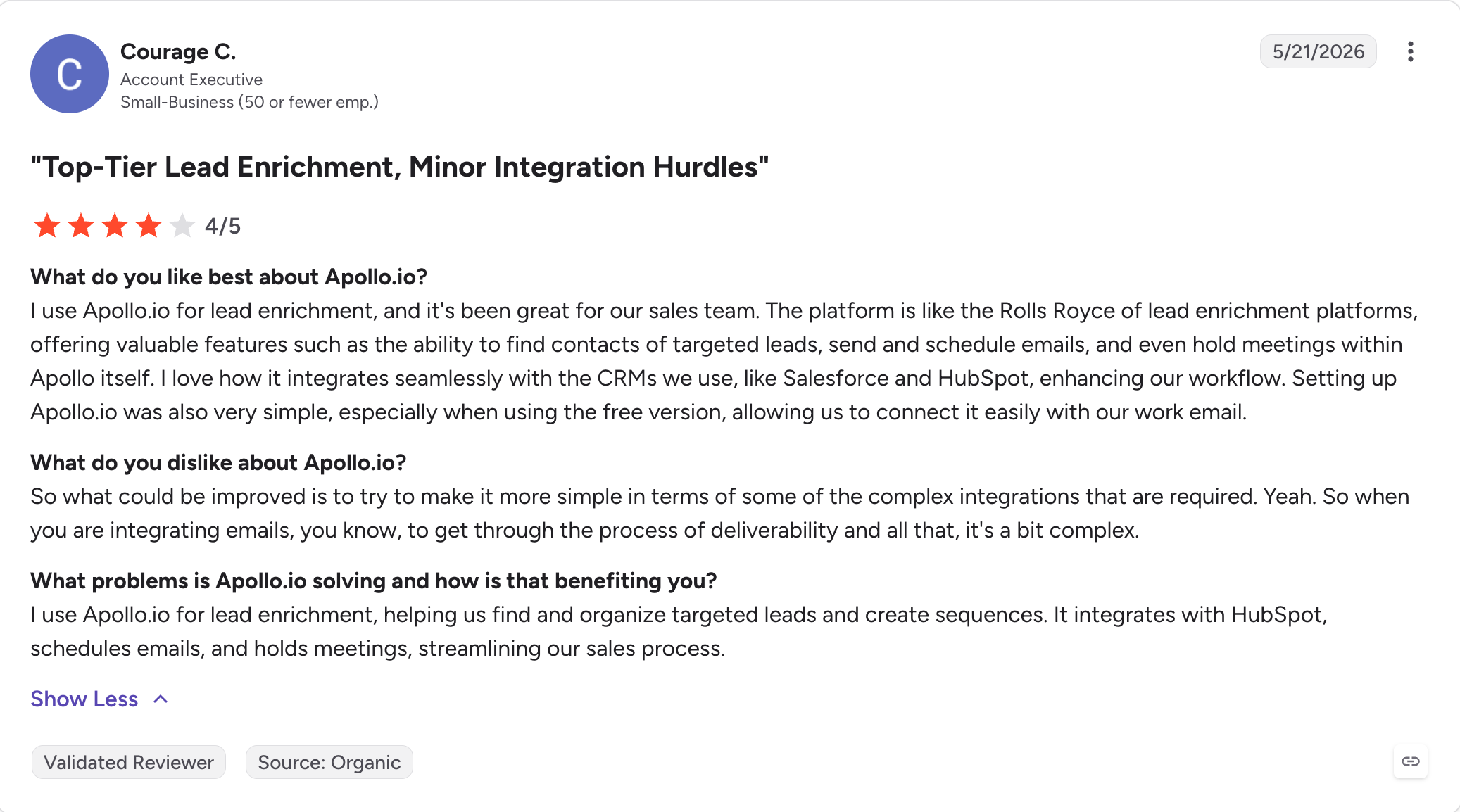
Apollo is a prospecting database with sequencing and a dialer built in. I recommend it when you want contact data and outreach on one bill and can live with weaker phone accuracy.
It stands out for two things. The free tier is the most usable on this list, giving you 5 mobile credits a month so you can test the phone data before paying anything. And having data, sequencing and calling in one product removes an integration small teams don't want to manage.
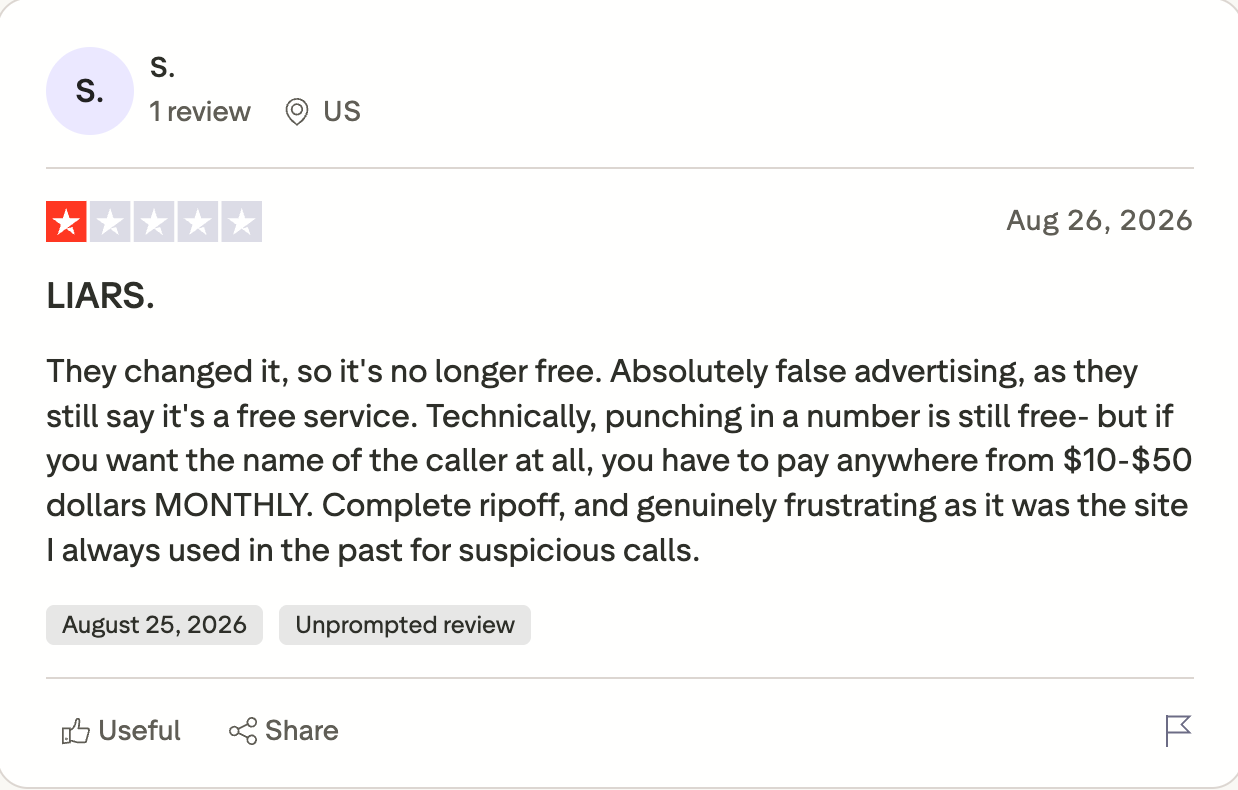
The catch is the phone data. La Growth Machine's 2026 review measured accuracy nearer 65 to 70% than the rates Apollo implies, reveals cost 8 credits against 1 for an email, and credits don't roll over.
I'd start on the free tier. Running your own list through it will tell you more about whether the phone data works for your market than any published figure will.
Apollo holds 4.7 out of 5 on G2, from 9,015 reviews. That is the largest sample in the category.
Best for: Cleaning a call list before you dial it.
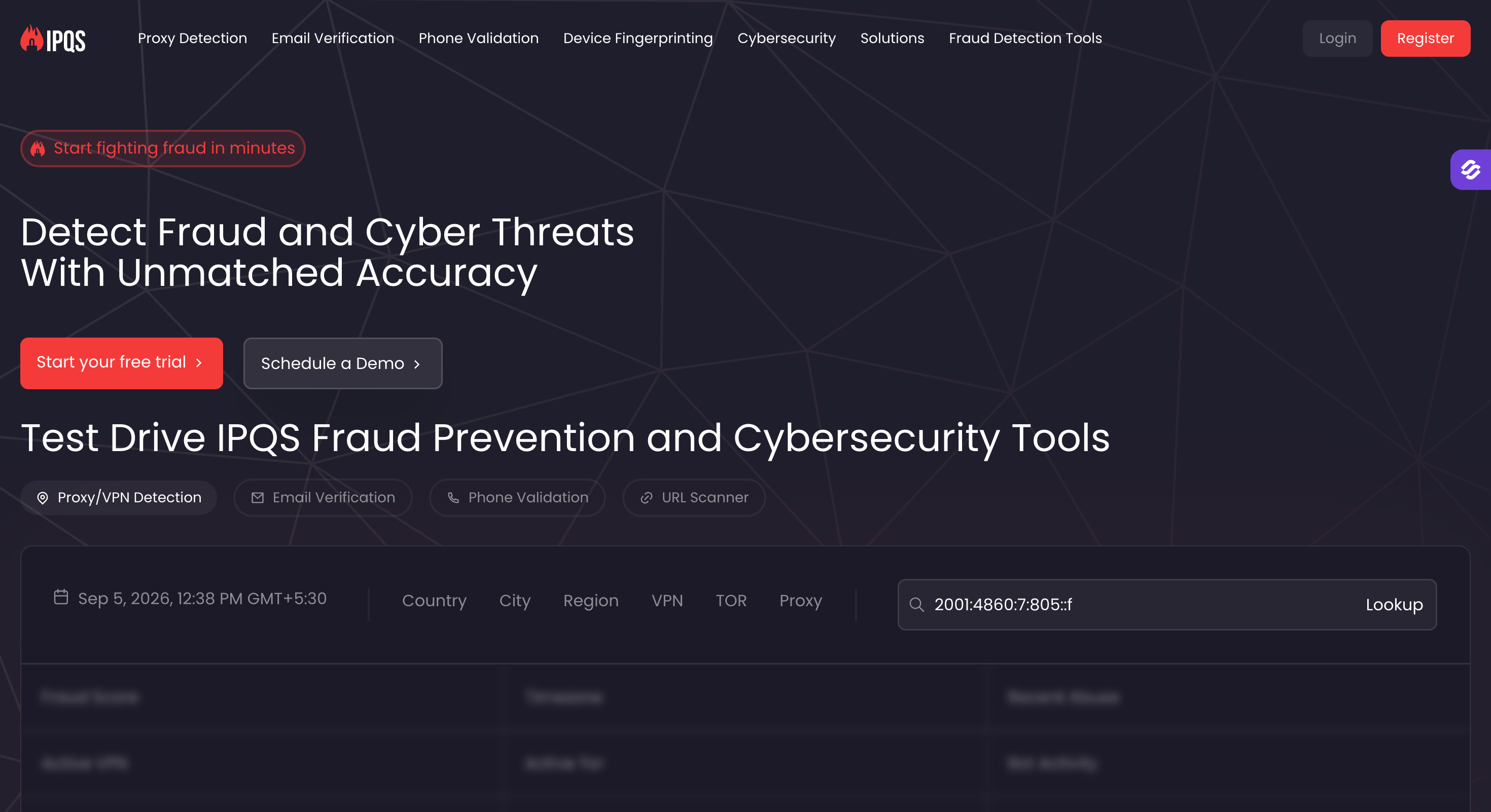
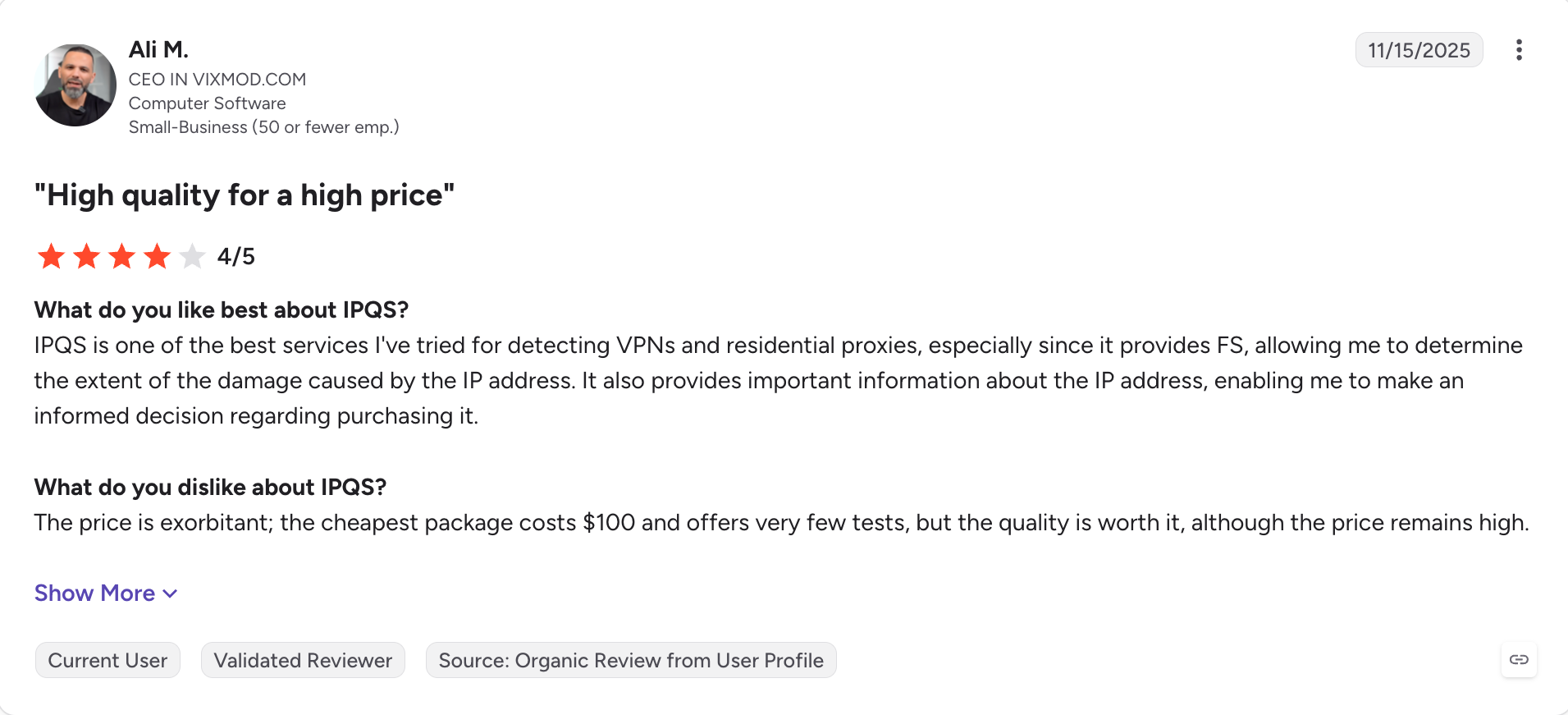
IPQualityScore answers a different question from the rest. Not who owns a number, but whether it's real, active and safe to dial.
It stands out for two things. The free tier is unusually generous at 1,000 lookups a month, and the phone data refreshes daily from FCC and carrier sources. And it sells DNC scrubbing and TCPA litigator checks as add-ons, which nothing else here does.
The catch is that owner names sit behind a paid plan. Free gets you validity, carrier, line type and a risk score, but not a person.
This is the tool most people miss, and if you're calling at any volume I'd argue it's the most useful one on this page. Cleaning a list before you dial beats identifying numbers after they've already burned your caller ID.
IPQualityScore holds 4.6 out of 5 on G2, from 113 reviews, listed there as IPQS.
Best for: SDRs who work through LinkedIn profiles one at a time rather than building lists.
G2 Rating: 4.3 out of 5

Lusha is a contact data tool built around a browser extension. I use it when I want a number from a LinkedIn profile without opening anything else.
It stands out for two things. It's the fastest route from profile to phone number here. And it carries the broadest certification stack in the category, including ISO 27701, ISO 27001 and SOC 2 Type II, which helps when procurement starts asking about provenance.
The catch is cost per number. A phone costs 5 credits against 1 for an email, and at Starter allowances that works out around 47 cents a mobile, four times what Saleshandy charges.
Fast, and that's honestly the whole pitch. If you prospect one profile at a time it's excellent. If you're building lists at volume, the credit math turns against you quickly.
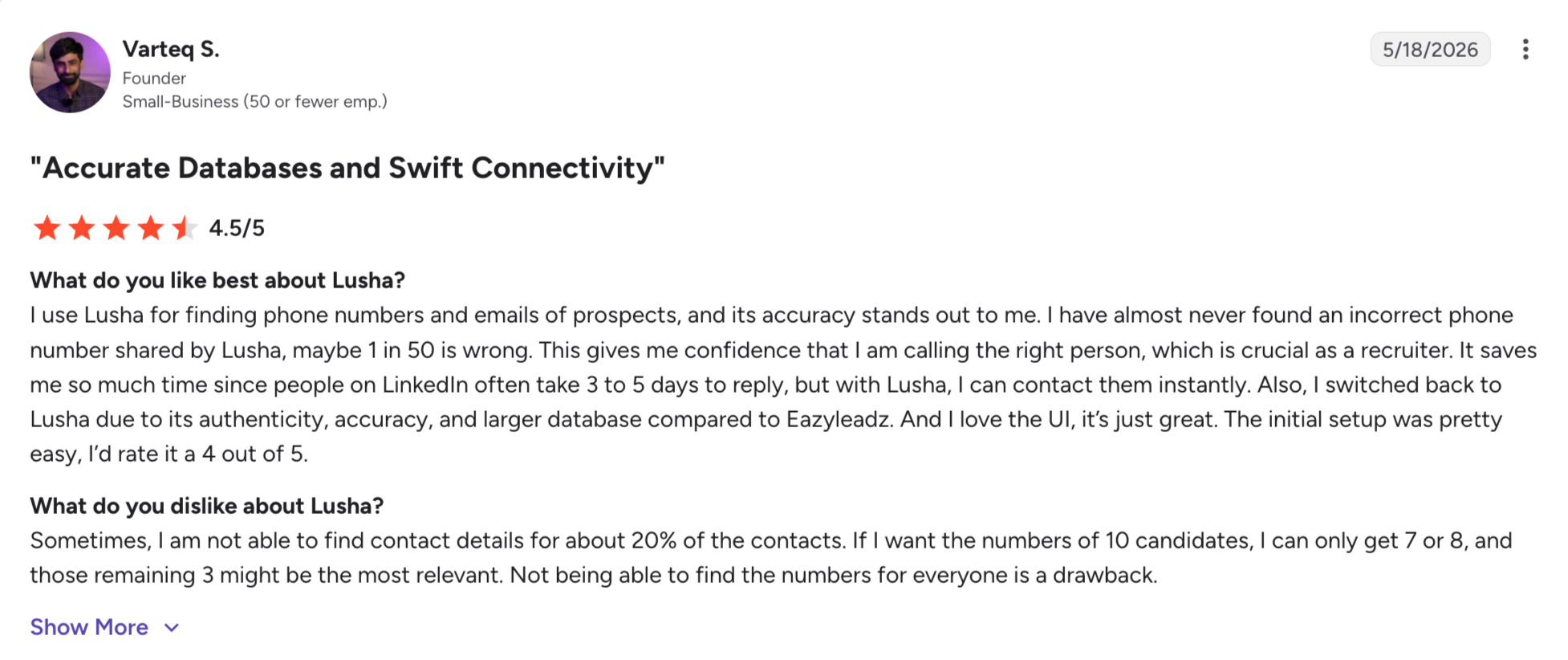
Lusha holds 4.3 out of 5 on G2, from around 1,613 reviews.
Best for: Free lookups where a name on its own isn't enough.
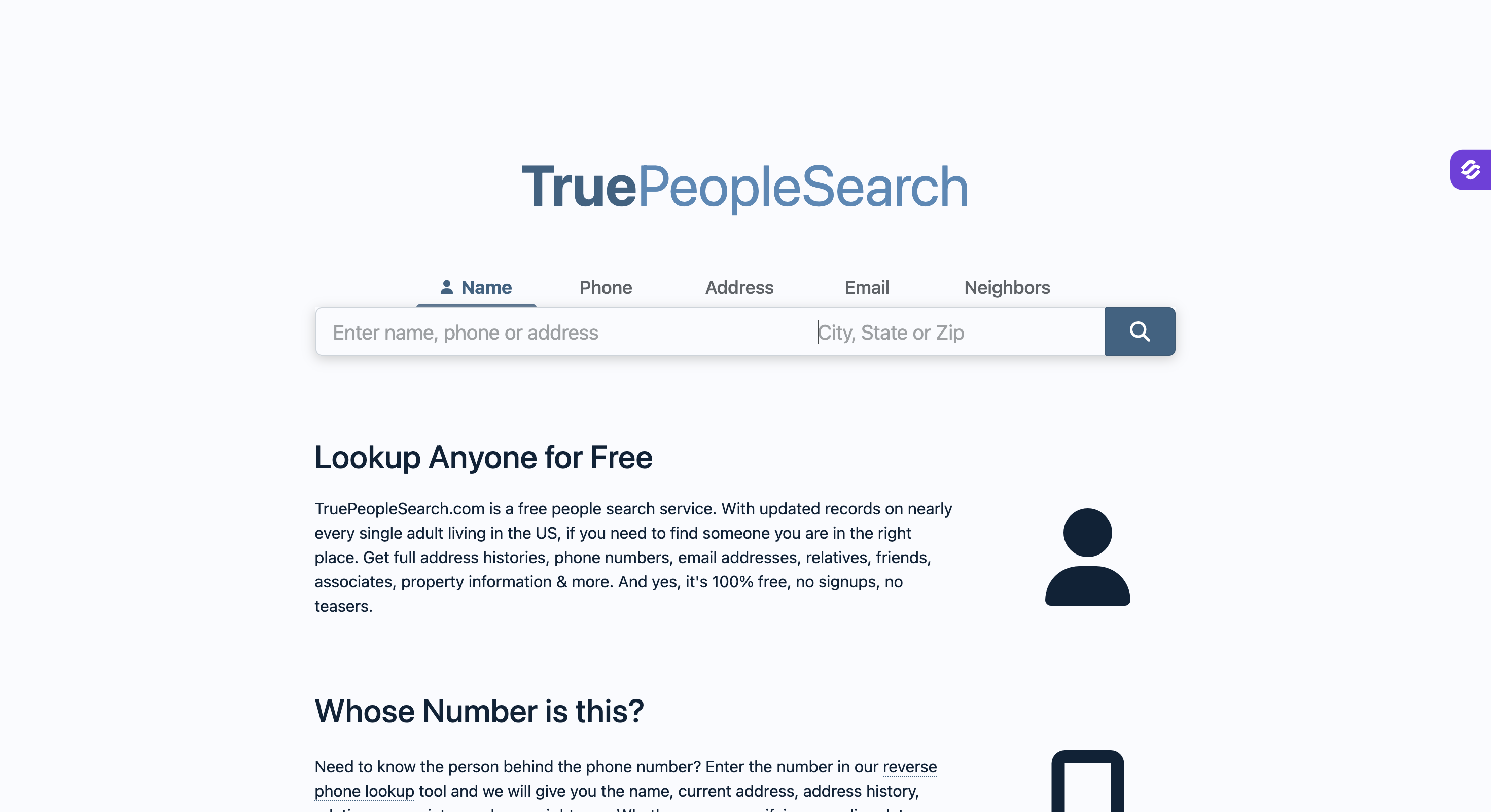
TruePeopleSearch is a free people-search engine that works from a number, a name or an address. You use it when a name alone isn't enough and you want the context around it.
It stands out for two things. Results include past addresses and relatives, which most tools charge for. And it stays free at every step, with no account.
The catch is staleness. Records lag badly for anyone who moved recently, and coverage stops at the US border.
Overall, TruePeopleSearch is right when you want depth at zero cost, and wrong when you need current data on someone who moves often.
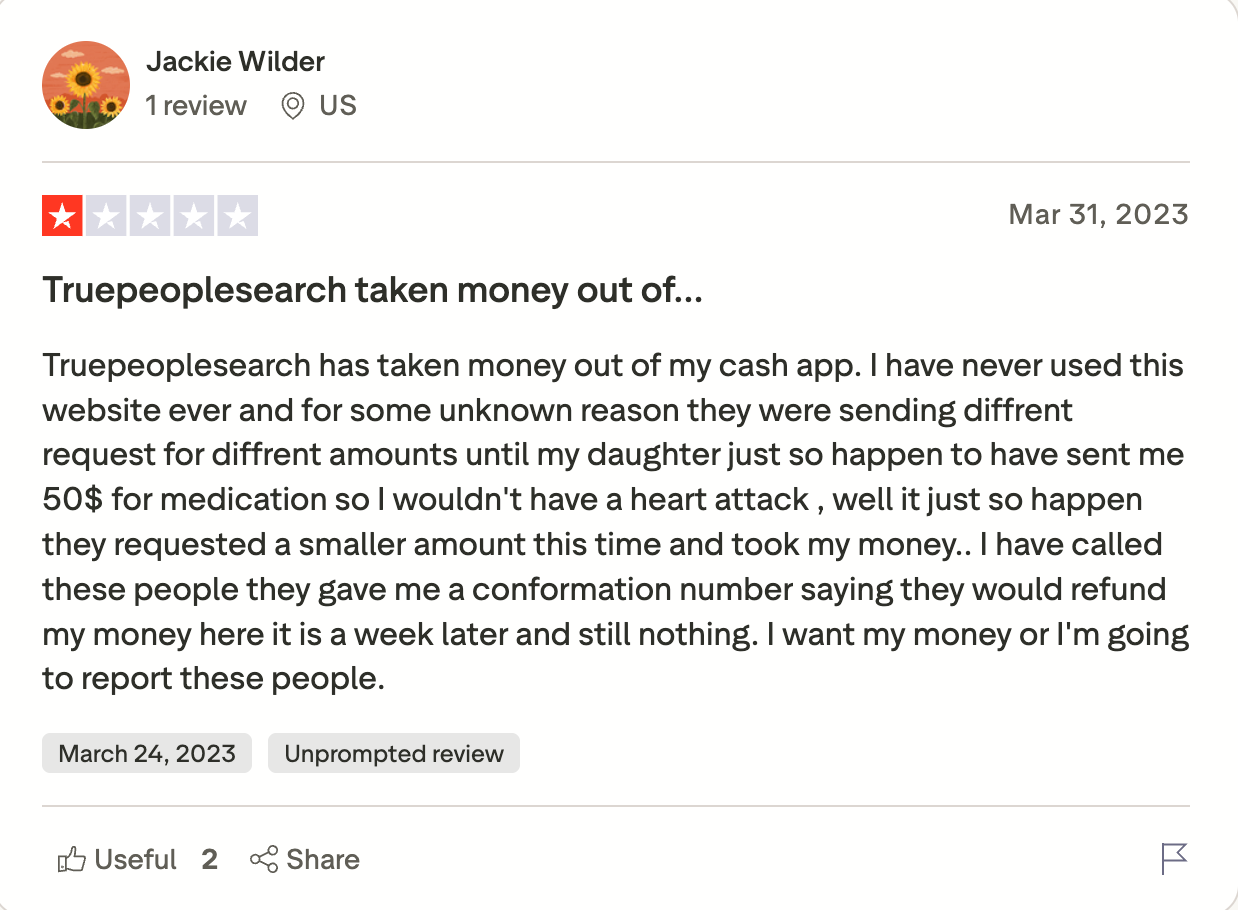
TruePeopleSearch holds 1.6 out of 5 on Trustpilot, from 31 reviews.
Best for: European SDR teams who live inside LinkedIn and mostly need emails, with phones as the occasional extra.
G2 Rating: 4.4 out of 5
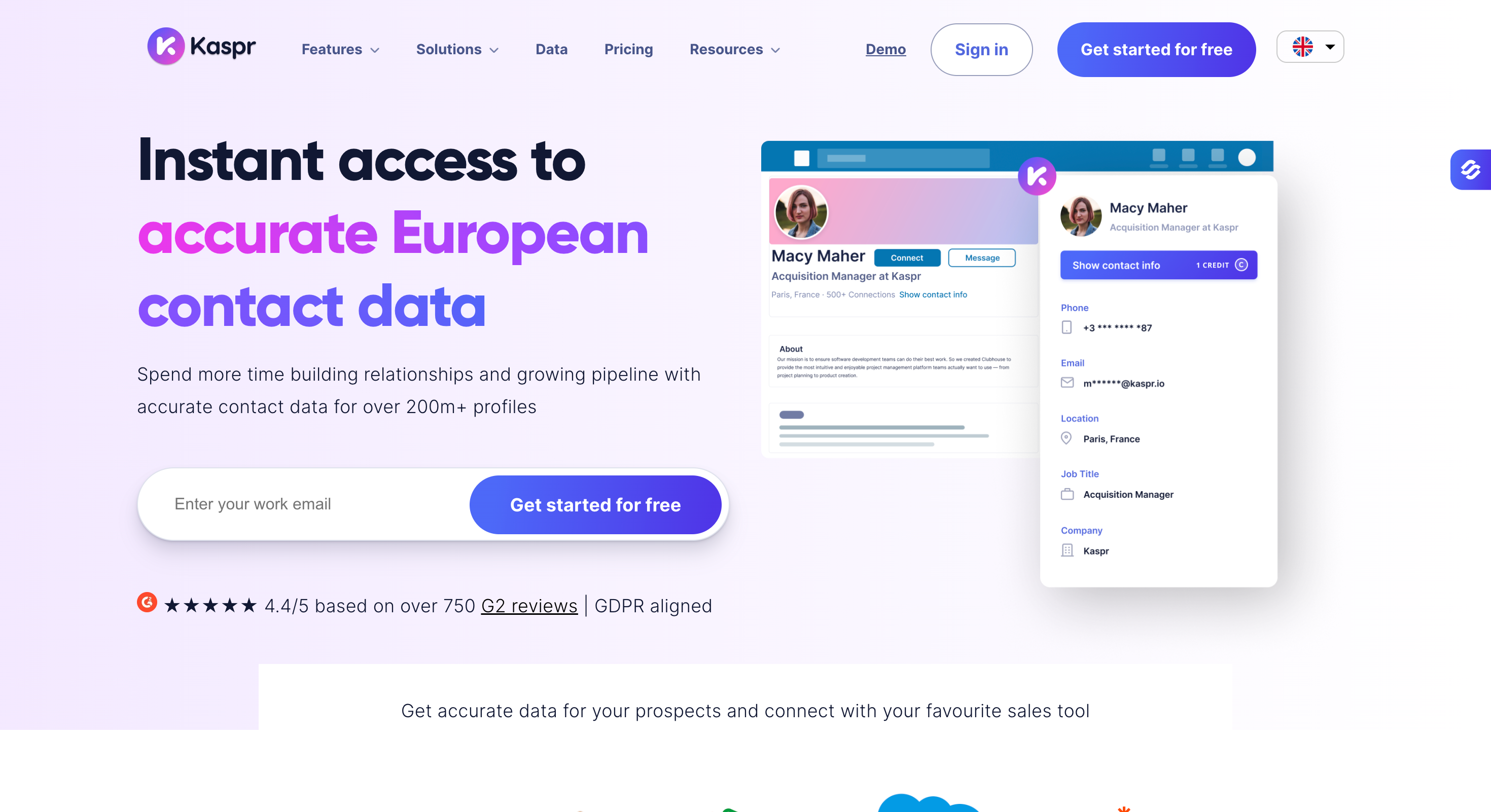
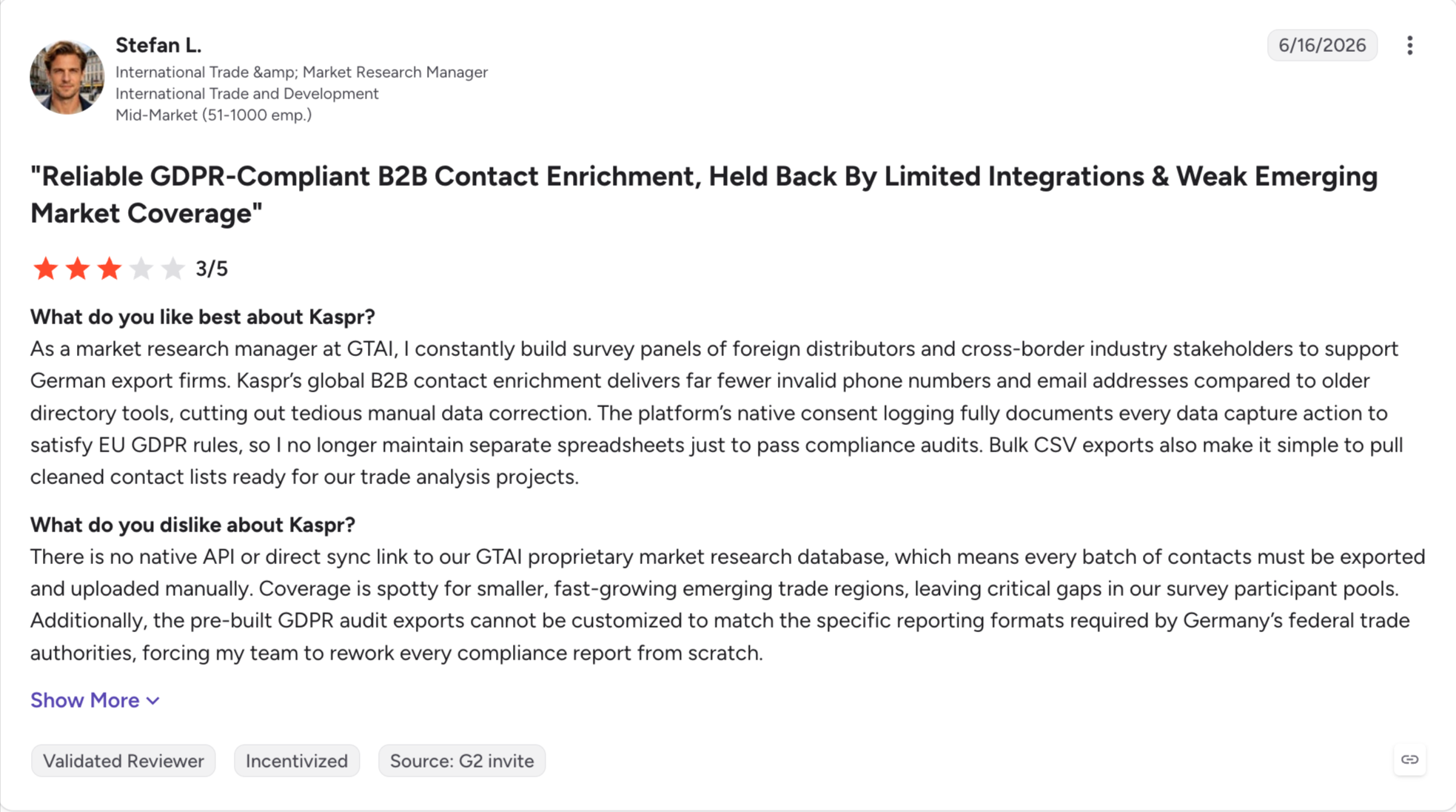
Kaspr is a LinkedIn-first contact finder owned by Cognism. I'd use it when prospecting inside LinkedIn in Europe and needing compliance documentation I could hand to someone.
It stands out for two things. It draws on Cognism's data, so EU phone coverage is strong for what you pay. And paid plans include unlimited B2B emails, metering only the phone credits.
The catch is the phone allowance. Starter gives you 1,200 phone credits a year, which works out around 49 cents a mobile, the highest figure on this page.
Kaspr prices in euros, with USD and GBP conversions shown on its site.
Kaspr holds 4.4 out of 5 on G2, from around 831 reviews.
Best for: One detailed lookup after the free tools have failed.
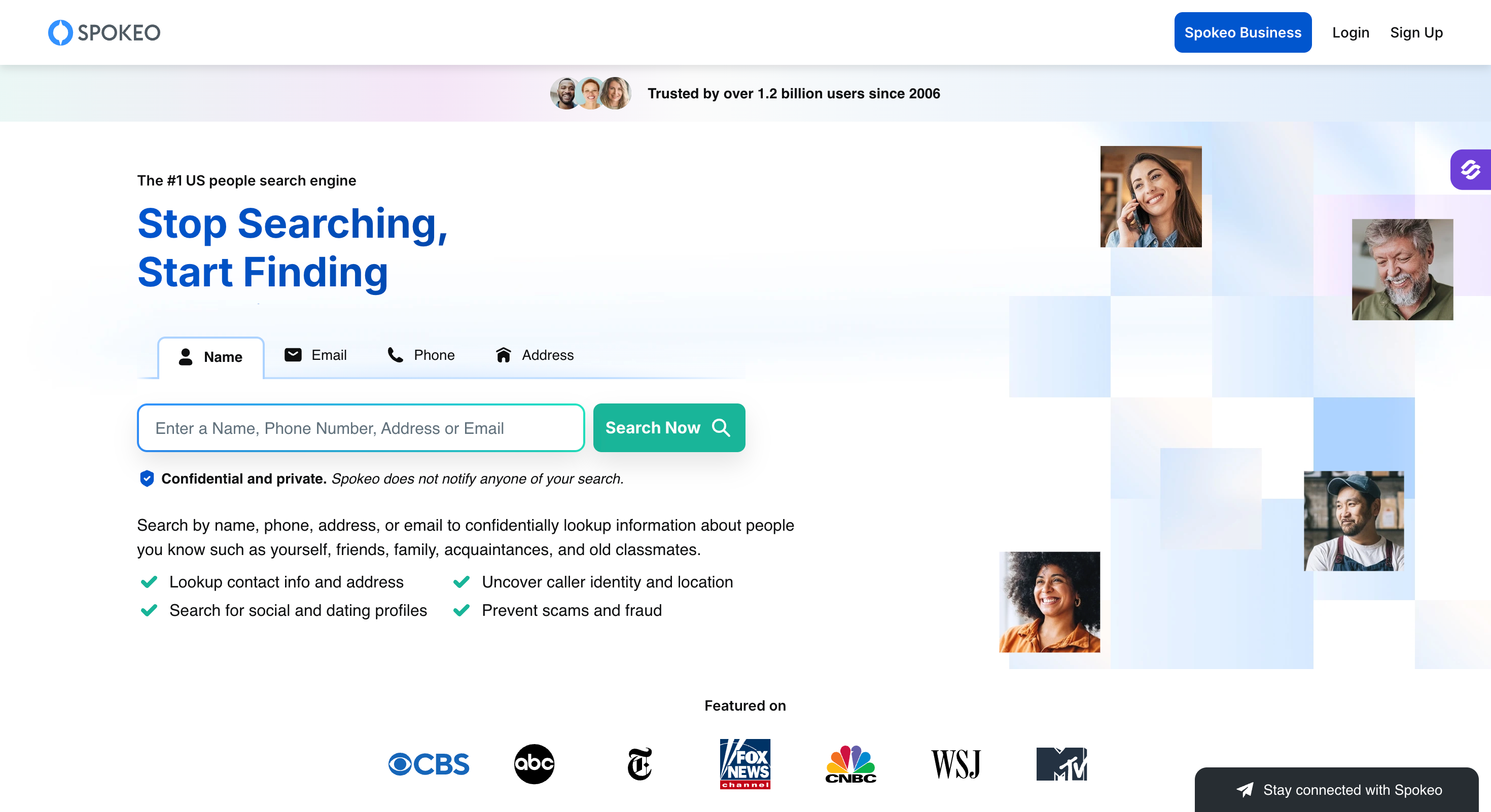
Spokeo is a paid people-search service that builds a full profile from a phone number. You use it when the free tools came back with nothing and you'll pay for a real report.
It stands out for two things. Reports pull from a far wider record set than anything free, covering address history, linked social accounts and public records. And you can search from a name, email or address as well as a number.
The catch shows up on your card statement. Reviewers keep reporting that they were enrolled in a monthly subscription after buying what looked like a single report.
I'd read the checkout page twice before entering a card here. Not because the product is bad, but because the billing model catches people out often enough to be a pattern.
Spokeo holds 2.5 out of 5 on Trustpilot, from 1,589 reviews.
Everything on this page falls into one of five categories. They get lumped together under the same search term, which is why so many people buy the wrong one.
The first three answer "who is this person." The last two answer "is this number any good."
These tools run in opposite directions, and buying the wrong one is the most common mistake I see people make here.
The reason they don't overlap is where the data comes from. Forward tools read business databases built for sales teams. Reverse tools read carrier records and public data.
That's why NumLookup can name an unknown caller in seconds for free, and also why it'll never find the mobile of a VP who's been ignoring your emails.
A good phone number search can also surface location, carrier, spam signals, and when available, background details tied to the owner so you can make more informed decisions before calling back.
Building a call list? The next section is what you came for. Just screening a call? Jump straight to the free reverse lookup tools and skip the pricing.
A mobile number on its own is a cold call to someone who's never heard of you.
The calls that connect usually follow something else. An email that landed in the primary inbox, or a LinkedIn message that got read first. So the useful question isn't only where the number came from. It's what warmed the prospect before you dialed.
That's the part Leadsforge and Salesforge handle together. Lists move from one to the other with no CSV export, and Salesforge runs the email and LinkedIn steps in a single sequence with real branching. If a connection request is accepted, the next step can be a LinkedIn message. If it isn't, the sequence moves to email instead.
Start with 100 free credits in Leadsforge and run the data against contacts whose numbers you already know. That tells you the hit rate on your own market rather than mine, and it costs nothing.
If the accuracy holds up, Salesforge gives you a 14-day trial to put the list through a real campaign. No credit card on either.
1. What's the best tool for direct dial phone numbers?
ZoomInfo, if you sell into large US companies and can absorb a five-figure contract. For Europe I'd pick Cognism, because a human verifies its Diamond Data numbers on a call. For the lowest cost per number, Saleshandy lands around 11 cents.
2. How accurate are B2B phone number finders?
Less accurate than the advertised rates, because those rates rarely cover the whole database. Cognism's 98% applies to about 2.3% of its records. UpLead is the only tool here that refunds credits when the data fails.
3. What tools find verified phone numbers from LinkedIn profiles?
Kaspr, Lusha, Saleshandy Connect and the Leadsforge Chrome extension all pull numbers straight from a profile. Kaspr is strongest on European data, Lusha is the fastest, and the Leadsforge and Saleshandy extensions are free to install.
4. How much should I pay per verified mobile number?
Between 11 and 49 cents, based on published rates. Divide your plan's credit allowance by the credits a phone reveal costs, then divide the price by that. Saleshandy lands near 11 cents, Leadsforge near 21, Kaspr near 49. Check whether the plan charges per seat, because that moves the total more than the rate does.
5. Do unused credits roll over?
On Leadsforge they never expire. Saleshandy and BetterContact roll them over month to month. Apollo, Lusha and UpLead expire them at the end of the cycle. If your volume swings month to month, rollover is worth more than a lower headline price.
6. What is waterfall phone enrichment?
It queries several data providers in sequence instead of one. If the first has no number, it tries the second, then the third. Coverage improves noticeably, which is why Leadsforge and BetterContact both build around it.
7. Which phone number tools screen against do-not-call lists?
Only Cognism, across 13 to 15 countries, with Kaspr inheriting it through Cognism ownership. ZoomInfo, Apollo, Saleshandy, Lusha and Leadsforge publish general compliance postures without a documented screening process. IPQualityScore sells DNC scrubbing separately.
8. Are phone number lookup tools legal to use for cold calling?
The lookup is legal. The call is governed by TCPA in the US, PECR in the UK and GDPR in the EU. The B2B exemption to the Do Not Call Registry won't help you if you're calling a personal cell or using an autodialer, which covers most cold calling. This isn't legal advice, so check your own obligations.
9. How do I find out who called me from this number?
Use NumLookup. It's free, needs no account, and returns a name, carrier and location for most US numbers in about ten seconds. TruePeopleSearch is also free and adds past addresses. To identify callers before you pick up, use Truecaller.
10. Is there a free phone number lookup with no signup?
Yes, three. NumLookup, TruePeopleSearch and SpyDialer all work without an account or a card. SpyDialer allows 50 searches a day. NumLookup has a daily cap it doesn't publish, so you'll hit it without warning.
11. How accurate are free reverse lookup tools?
Good enough for a name check on a US number, unreliable anywhere else. They read carrier and public records, which lag for anyone who moved or switched carrier recently. Treat the result as a strong hint, not a confirmed fact.
12. What's the difference between reverse and forward phone lookup?
Forward lookup starts with a person and finds the number. Reverse lookup starts with a number and finds the person. B2B tools do the first, consumer tools do the second, and neither can do the other's job.


.jpg)

