Most people think cold email fails because the first email isn't good enough. I don't buy that.
In my experience, the first email is only the beginning of the conversation.
Prospects get busy, emails get buried, and timing is rarely perfect. That is why most meetings come from thoughtful follow-ups rather than a single perfectly written message.
Because of that, I judge every cold email tool on one thing before anything else:
how well it handles follow-ups.
I want to know whether it can stop a sequence the moment someone replies, adapt the next email based on engagement, and make it easy to test different follow-up paths without creating a dozen separate campaigns.
I tested the leading email follow-up tools with those questions in mind.
Here are the 8 email follow up software that stood out.
This table is built around what actually matters when shopping for follow-up software: follow-up logic, channel coverage, entry price, and G2 standing.
I did not rank these tools on feature count. I ranked them on how well they handle the follow-up motion specifically. Here are the four criteria that mattered most.
1. Follow-Up Logic
This is the dealbreaker. A basic sequencer with fixed delays is not follow-up software. I looked for conditional branching, behavior-based triggers, sub-sequences, and auto-stop on reply. The tools that let you adapt the next step based on what the prospect did scored highest.
2. Channel Coverage
Email follow-ups are the baseline. But some prospects respond faster on LinkedIn. I gave extra credit to tools that let me run email and LinkedIn follow-ups inside the same sequence, not through a bolt-on integration. If you want a deeper look at how email sequence software handles multichannel, I covered that in a separate breakdown.
3. Pricing Model
Per-seat billing punishes growing teams. Per-mailbox billing punishes anyone scaling infrastructure. I favor tools that charge a flat rate or per-workspace, so adding team members or inboxes does not inflate the bill.
4. G2 Standing and User Feedback
G2 ratings with review counts tell you more than a star rating alone. A 4.8 from 4,000 reviews is a different signal than a 4.6 from 100. I weighted both the rating and the volume of real user feedback.
The 8 Best Email Follow-Up Software Tools in 2026
Here is a closer look at each tool. I ranked them based on how well they handle email follow-up automation, with bonus points for multichannel depth and pricing fairness.
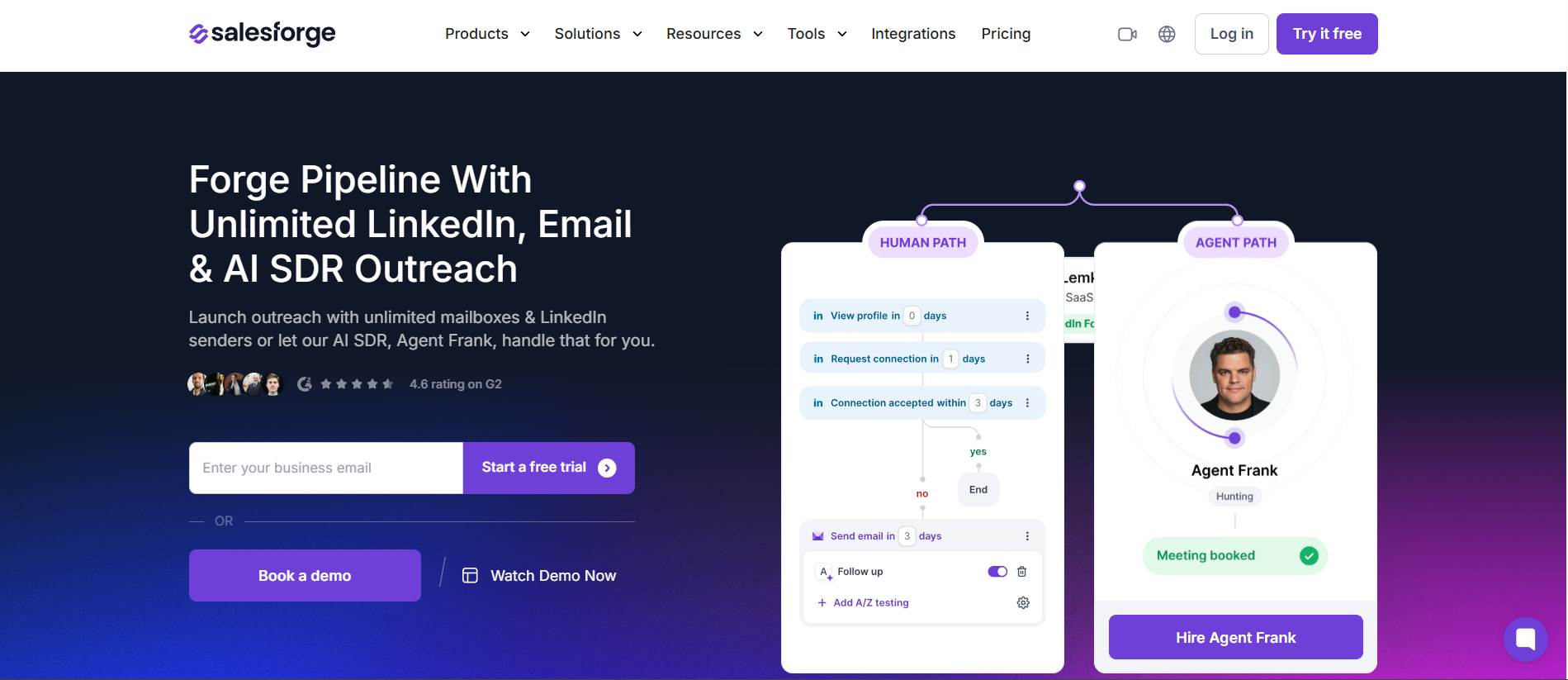
1. Salesforge
Best for: Teams that want AI-written email follow-ups, unlimited mailboxes, and LinkedIn steps in the same sequence.
The tool I keep coming back to for email follow-up is Salesforge.
Most follow-up tools give you a sequence builder and leave the writing to you. Salesforge flips that. Its AI generates personalized multi-step follow-up sequences, and Agent Frank can run the entire follow-up motion semi-autonomously if you let him.
What sets it apart as an email follow-up tool is how the AI handles the after-send. Agent Frank can detect replies, classify intent, and trigger the right next step without manual intervention.
In Co-Pilot mode, I review what he drafts before it goes out. In Auto-Pilot mode, he handles prospecting, writing, and following up on his own.
Sending runs on bundled infrastructure with unlimited email senders and built-in mailbox rotation. Every plan includes free warm-up through Warmforge, which most competitors charge $15 to $30 per mailbox for separately.
Primebox pulls every reply into a single inbox across all connected email and LinkedIn accounts, so no follow-up conversation falls through the cracks.
And because Salesforge is built for multichannel, I can add LinkedIn connection requests and messages into the same follow-up sequence.
That is a genuine advantage. When a prospect ignores three emails, a LinkedIn touch often gets the reply. If you want to see how it stacks up as a cold email software platform more broadly, I broke that down separately.
Pros
AI-generated follow-up sequences with Agent Frank handling replies semi-autonomously
Unlimited email senders with built-in mailbox rotation on every plan
Free warm-up through Warmforge included, no add-on cost
Email and LinkedIn follow-ups in the same sequence builder
Primebox unifies replies across all mailboxes and LinkedIn accounts
A/Z testing for follow-up step variants
Cons
Credit-based active-contacts model can cap volume on lower tiers
Agent Frank requires a demo to activate, not self-serve
Newer platform with a smaller G2 review base than Instantly or Lemlist
Pricing Plans
Plan
Price
Pro
$40/mo
Growth
$80/mo
Enterprise & Agency
Custom
What Users Have to Say
Salesforge holds a 4.6/5 on G2 from 126 reviews. Multichannel sequencing is a recurring highlight:
"build sequences that combine emails with LinkedIn connection requests, messages, profile views"
Best for: SDR teams that want highly personalized follow-ups with native AI reply detection across multiple channels.
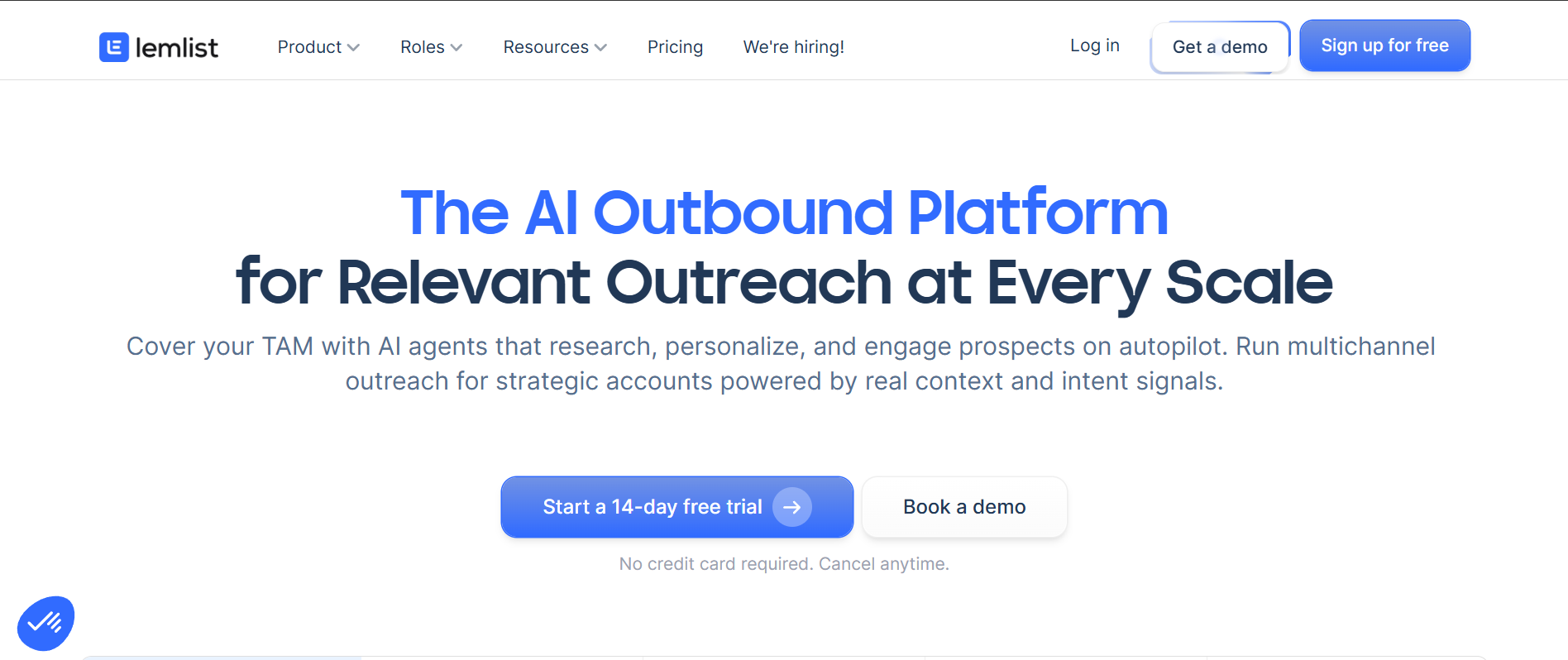
If your follow-ups feel robotic and generic, Lemlist is built to fix that.
It approaches follow-up automation from the personalization angle rather than the volume angle. Sequences support conditional next steps based on how the prospect engaged, and AI reply intent detection keeps the cadence intelligent.
Where Lemlist pulls ahead is the personalization depth baked into each follow-up touch. Custom images, liquid syntax, and dynamic landing pages all sit inside the email sequence builder.
The multichannel cadence spans email, LinkedIn, SMS, calls, and WhatsApp.
The trade-off is pricing. Lemlist charges per user, so the cost climbs quickly with team size.
Data and AI features consume credits that do not roll over. Compared with Salesforge, Lemlist wins on creative personalization but lacks unlimited mailboxes and charges separately for warm-up at scale.
Pros
Conditional next steps with native AI reply intent detection
Deep personalization including custom images and liquid syntax
True multichannel cadence across five channels
Unified inbox on all plans
Cons
Per-seat pricing climbs as the team grows
Data and AI features consume non-rolling credits
Can feel complex for a simple email-only follow-up workflow
Pricing Plans
Plan
Price
Email
$55/user/mo
Multichannel
$87/user/mo
Enterprise
Custom
What Users Have to Say
Lemlist holds a 4.6/5 on G2 from 1,704 reviews. One reviewer highlighted how automated follow-ups maintained a human feel:
"managing automated follow-ups with limited resources could easily feel mechanical or cold"
Best for: High-volume cold email senders who want unlimited mailboxes and warm-up with a clean follow-up sequencer.
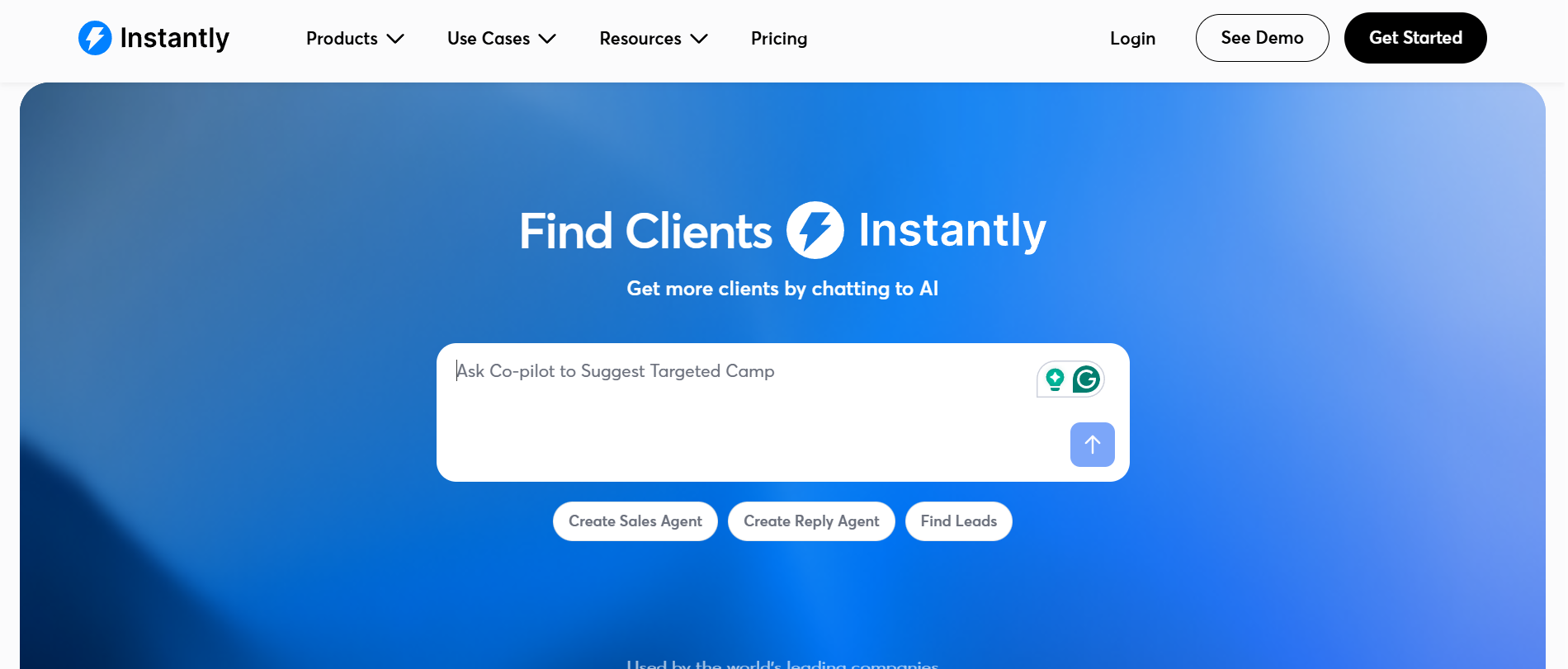
Instantly built its reputation on deliverability, and that foundation makes its follow-up engine surprisingly solid.
Sequences come with advanced scheduling and A/Z testing of steps, plus reputation protection and bounce detection. When something looks off, auto-pause logic kicks in before your sender reputation takes a hit.
The Unibox pulls replies from across unlimited accounts into one place. That keeps follow-up management sane at scale. The economics are the draw: unlimited email accounts and unlimited warm-up on every plan for a flat monthly fee.
The honest gap is channel coverage. Instantly is email-first. If your follow-up motion needs LinkedIn, calling, or SMS, this is not the right fit. Compared with Salesforge, the unlimited-mailbox math is similar.
But Salesforge adds multichannel follow-ups and AI-generated sequences where Instantly stays purely email. For a deeper comparison, I covered more options in my Instantly alternatives breakdown.
Pros
Clean sequencer with advanced scheduling and A/Z testing
Unlimited mailboxes and unlimited warm-up on every plan
Unibox plus bounce and reputation protection for deliverability
Cons
Primarily email-focused with limited native multichannel
Lead and email credits add up at higher tiers
Conditional and branching logic is lighter than Lemlist or Salesforge
Pricing Plans
Plan
Price
Growth
~$37.60/mo
Hypergrowth
~$77.60/mo
Light Speed
$358/mo
What Users Have to Say
Instantly leads the group at 4.8/5 on G2 from 4,121 reviews. Consolidation is a common theme:
"instead of having to deal with separate inboxes, sheets and manual follow ups"
Best for: Agencies running many client accounts who want triggered follow-up workflows and unlimited mailbox rotation.
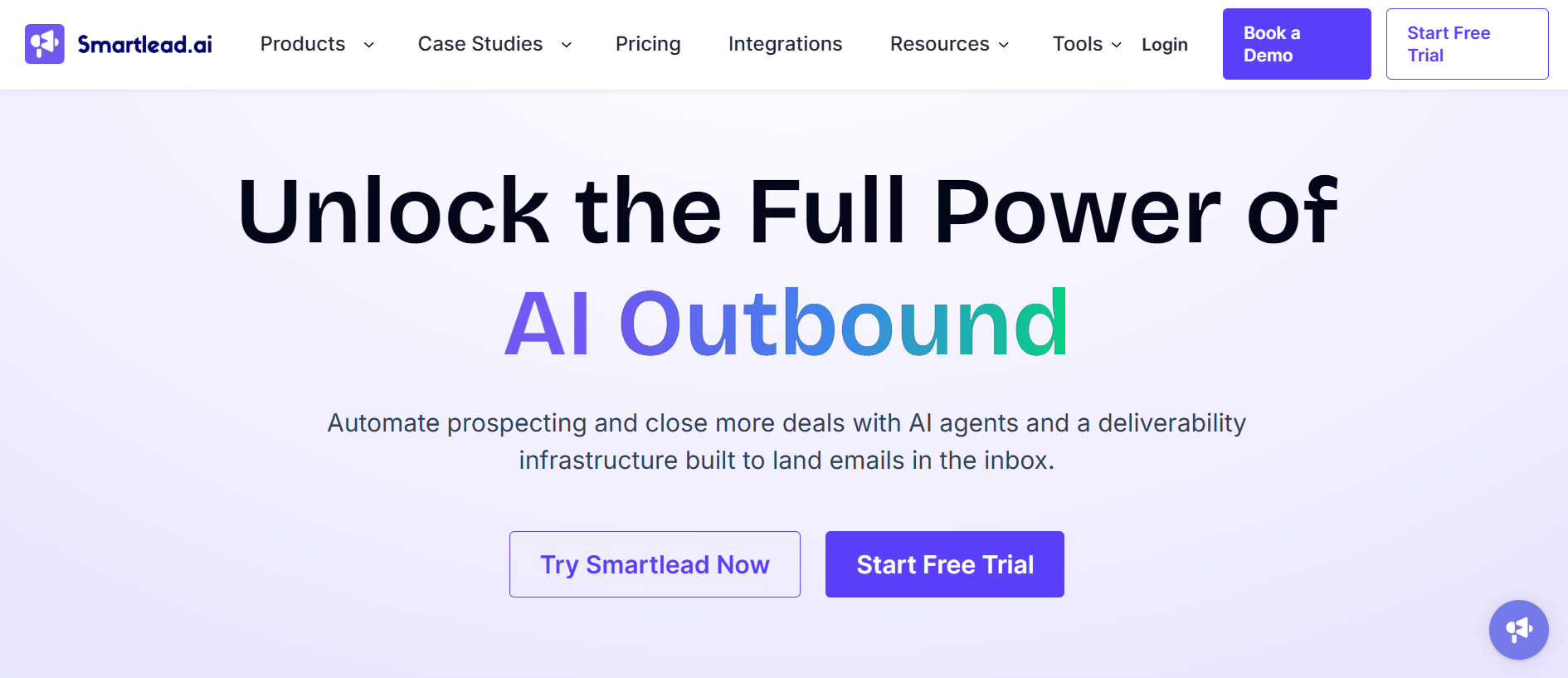
Agencies managing ten or more client accounts will recognize Smartlead's appeal immediately.
It treats follow-up automation as a core feature and builds it for agency-scale operations. Multi-step sequences come with conditional logic, reply-based auto-stop, and workflows that trigger off campaign activity.
Email and inbox rotation runs across unlimited mailboxes. A unified master inbox keeps every reply in one view.
The API-first architecture and white-label features make it popular with agencies reselling cold email as a service.
Compared with Salesforge, both offer unlimited mailboxes and a unified inbox. But Smartlead is email-first, with multichannel still maturing through SmartProspect.
Salesforge runs email and LinkedIn follow-ups natively in the same sequence. Smartlead rewards teams comfortable with automation and integrations, while Salesforge leans on AI to carry more of the follow-up load.
Pros
Activity-triggered follow-up workflows and conditional sequences
Unlimited mailbox rotation with a unified master inbox
API-first and white-label friendly for agencies
Cons
Email-first, with multichannel via SmartProspect still maturing
Leans toward technical and automation-minded users
Some UI and support complaints surface at scale
Pricing Plans
Plan
Price
Basic
$32/mo
Pro
$78/mo
Unlimited Smart
$144/mo
Unlimited Prime
$315/mo
What Users Have to Say
Smartlead sits at 4.5/5 on G2 from 352 reviews. Activity-based automation is a common callout:
"triggering follow-up workflows based on campaign activity"
Best for: SMBs and agencies that want safe, deliverability-first follow-ups with strong conditional logic.
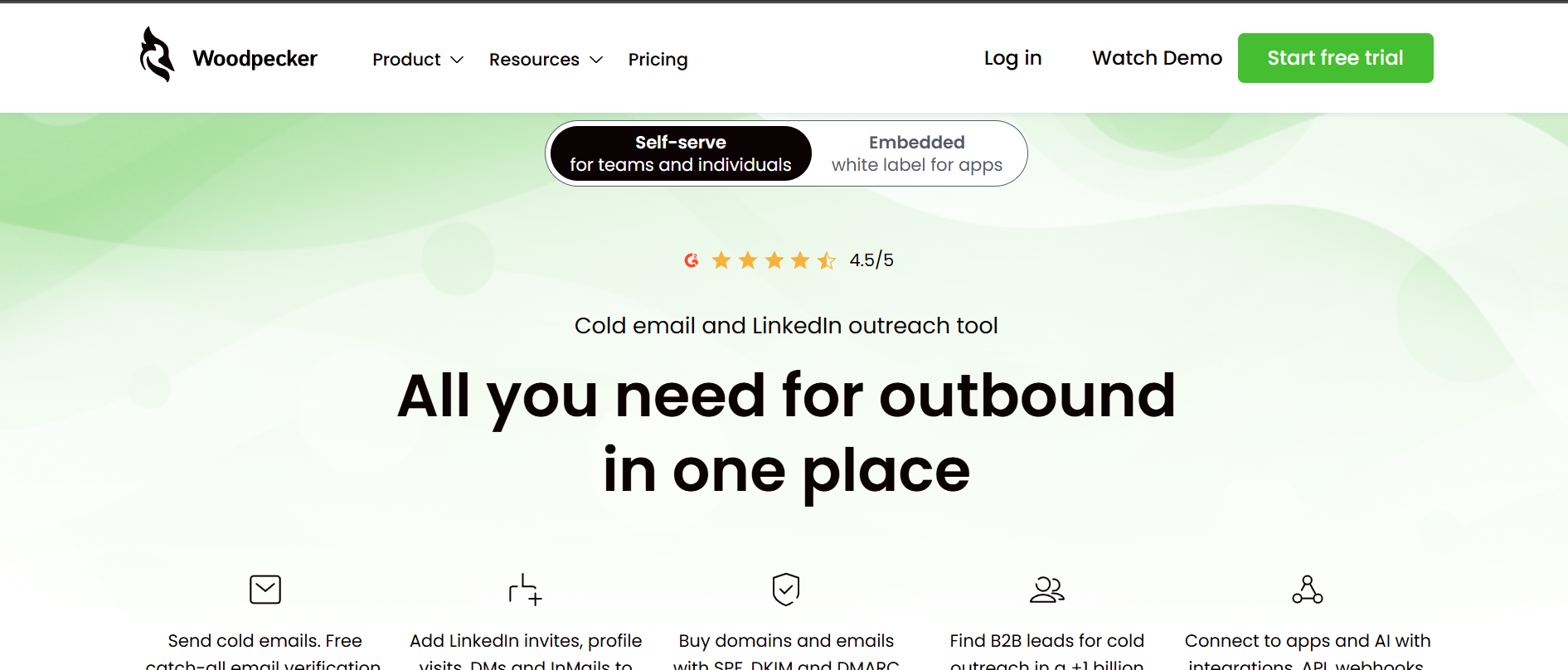
Woodpecker does not get enough credit for how thoughtful its follow-up mechanics are. Follow-ups go out in the same email thread, which keeps context intact for the prospect.
Conditional "if-campaigns" let you branch based on whether a prospect opened, clicked, or replied. That is genuine conditional follow-up logic, not just a timer.
A human-like sending algorithm spreads sends naturally and auto-stops on reply. Real-time list verification, warm-up, and a deliverability monitor come bundled. Email plus LinkedIn outreach is available, though LinkedIn is a paid add-on.
The pricing model is the catch. Woodpecker charges based on contacted prospects, not a flat rate. For high-volume teams, that math gets expensive fast. Salesforge stays flat with unlimited mailboxes, which is a cleaner model when follow-up volume scales.
Pros
Conditional "if-campaigns" branching on opens, clicks, and replies
Human-like sending with auto-stop on reply and deliverability protection
Same-thread follow-ups with unlimited email accounts and team members
Cons
LinkedIn outreach is a paid add-on
Pricing scales with contacted prospects rather than flat unlimited
Warm-up depth trails dedicated warm-up networks
Pricing Plans
Plan
Price
From 500 contacted prospects
~$24/mo
~$4.80 per 100 contacted prospects
All features included
Free trial
Available
What Users Have to Say
Woodpecker holds a 4.5/5 on G2 from 105 reviews. Tracking is a standout:
"tracking capabilities for open and reply rates are excellent"
Best for: Multichannel sales teams that want trigger-based follow-ups with AI reply handling across every channel.
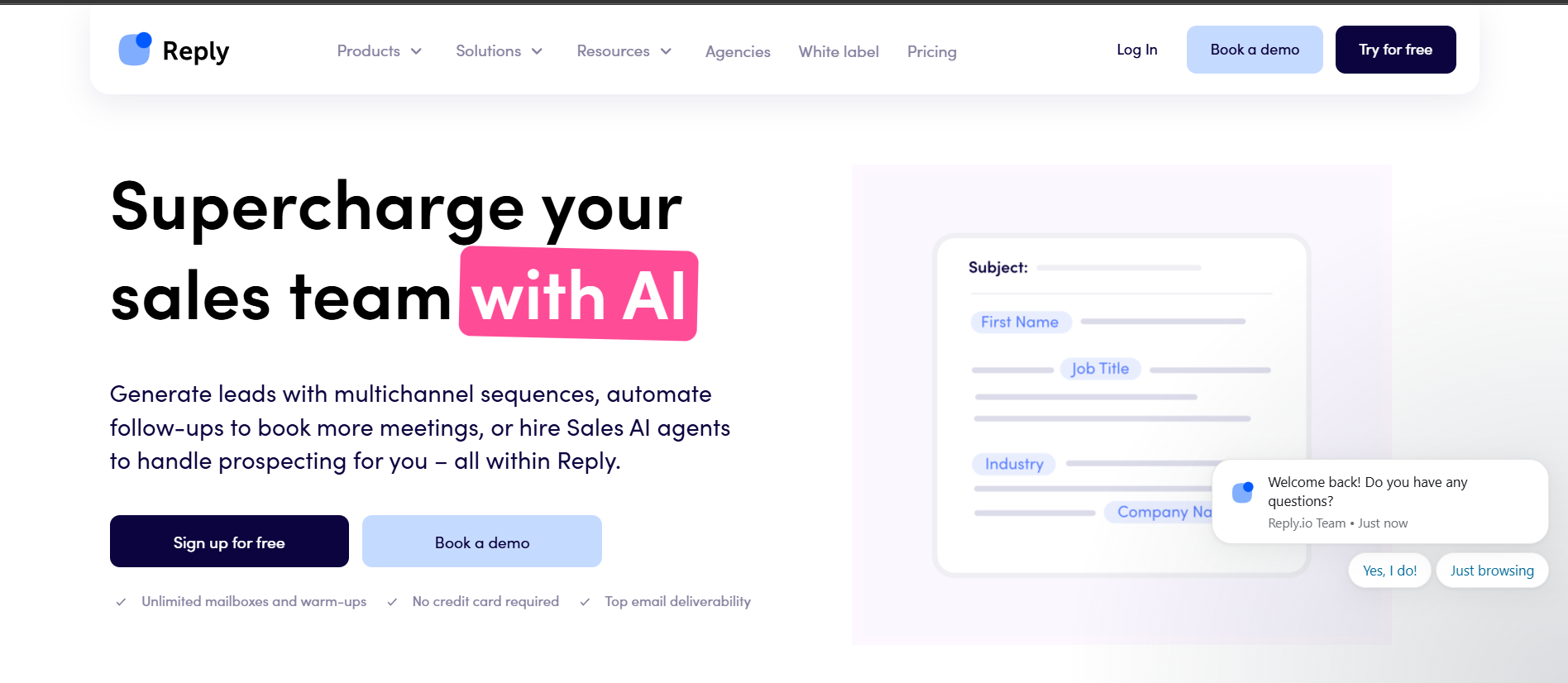
Where most email follow-up tools stop at email, Reply.io builds outward.
Its sequences are conditional with workflow automation and triggers that route prospects through task flows.
Each active contact supports unlimited follow-ups. A centralized inbox pairs with AI reply categorization, so responses get sorted and actioned rather than piling up.
Channel coverage is the widest on this list: email, LinkedIn, SMS, calls, and WhatsApp.
The Jason AI SDR adds fully automated prospecting. If you have looked at Outreach alternatives, Reply.io sits in a similar weight class but with more transparent pricing.
The trade-off is cost. Multichannel is per-seat, some channels are paid add-ons, and the unlimited-mailbox tier starts at $159 a month. Compared with Salesforge, Reply.io wins on channel breadth. But Salesforge bundles LinkedIn natively on the Growth plan at $80 per month with no per-seat math.
Pros
Trigger-based conditional sequences with workflow automation
AI reply categorization and AI reply handling
Broadest channel coverage plus the Jason AI SDR
Cons
Multichannel is per-seat with LinkedIn and calls as paid add-ons
The unlimited-mailbox tier starts high at $159/mo
Higher entry price than email-first follow-up tools
Pricing Plans
Plan
Price
Email Volume
From $159/mo
Multichannel
From $89/user/mo
AI SDR (Jason)
From $500/mo
What Users Have to Say
Reply.io carries a 4.6/5 on G2 from 1,545 reviews. Sequencing and syncing are called out:
"Automating tasks, sequencing follow-ups, and syncing outreach activity"
Best for: Outbound SDR teams that combine heavy calling with email follow-ups.
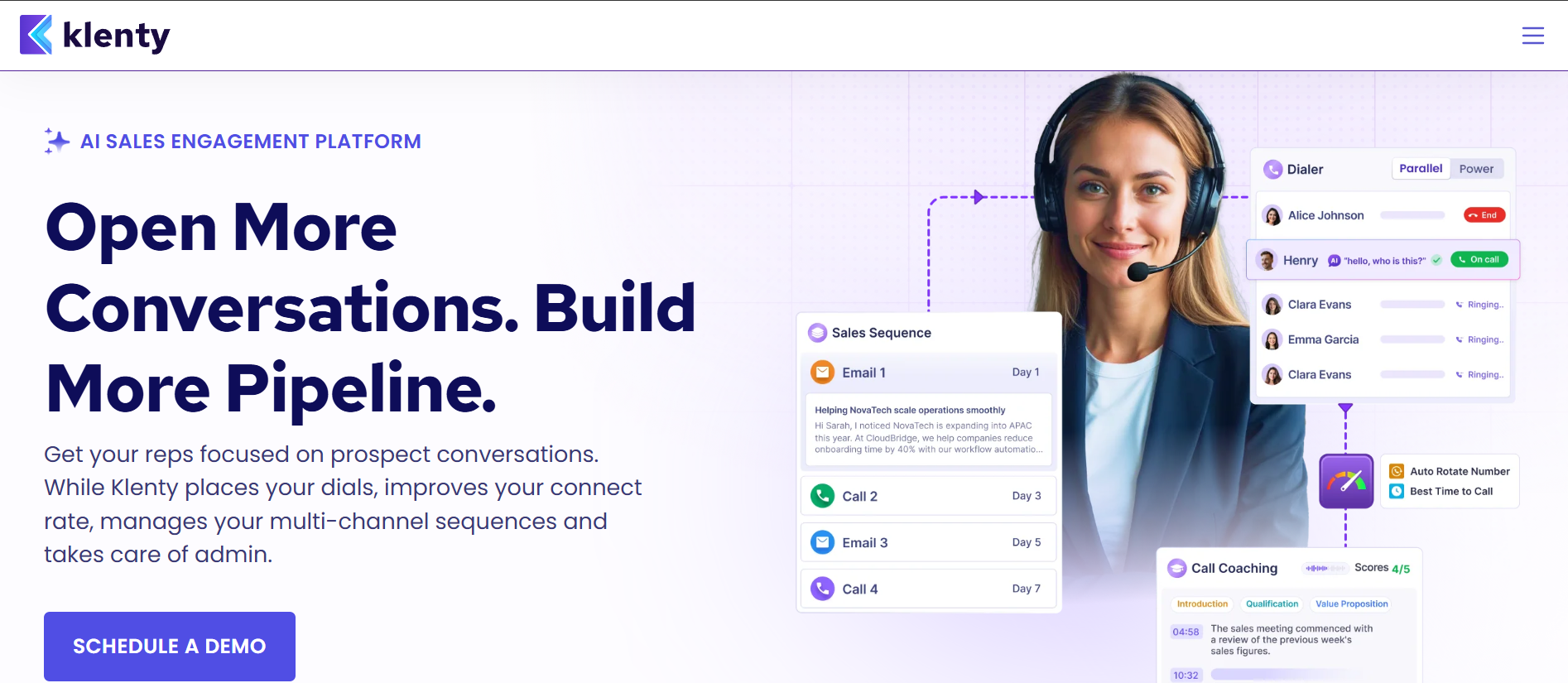
I almost skipped Klenty until I saw how tightly it integrates the dialer with email follow-up cadences.
Its smart sequences use triggers and actions tied to sales stages, with intent-based playbooks and sequence blueprints. AI outcome detection after calls auto-executes the next email follow-up step, which is something most tools on this list cannot do.
The multichannel depth is genuine: email, cold calling with number auto-rotation, LinkedIn, and SMS all sit native in the platform. Call coaching rounds it out for teams where the phone is central to the follow-up motion. If you want to compare broader sales cadence tools, I covered ten options in a separate piece.
Per-seat pricing beyond Starter is the downside. A ten-person team on Growth pays $700 per month. Salesforge stays flat with unlimited mailboxes and LinkedIn senders, which keeps the math cleaner as the team grows.
Pros
Trigger-and-action cadences with intent-based sequence blueprints
Native multichannel with a strong dialer, call coaching, and AI outcome detection
Approve-before-sending controls for follow-up review
Cons
Per-seat pricing beyond Starter gets pricey to scale
Heavier setup aimed at structured SDR teams
Top tiers are sales-led with no self-serve pricing
Pricing Plans
Plan
Price
Starter
$50/mo
Growth
$70/user/mo
Plus
$99/user/mo
Parallel Dialer add-on
$45/user/mo
What Users Have to Say
Klenty holds a 4.6/5 on G2 from 388 reviews. Outbound workflow management is a common note:
"it has truly helped manage my outbound outreach process"
Best for: Budget-conscious teams that want unlimited follow-up steps and sub-sequences at a flat price.
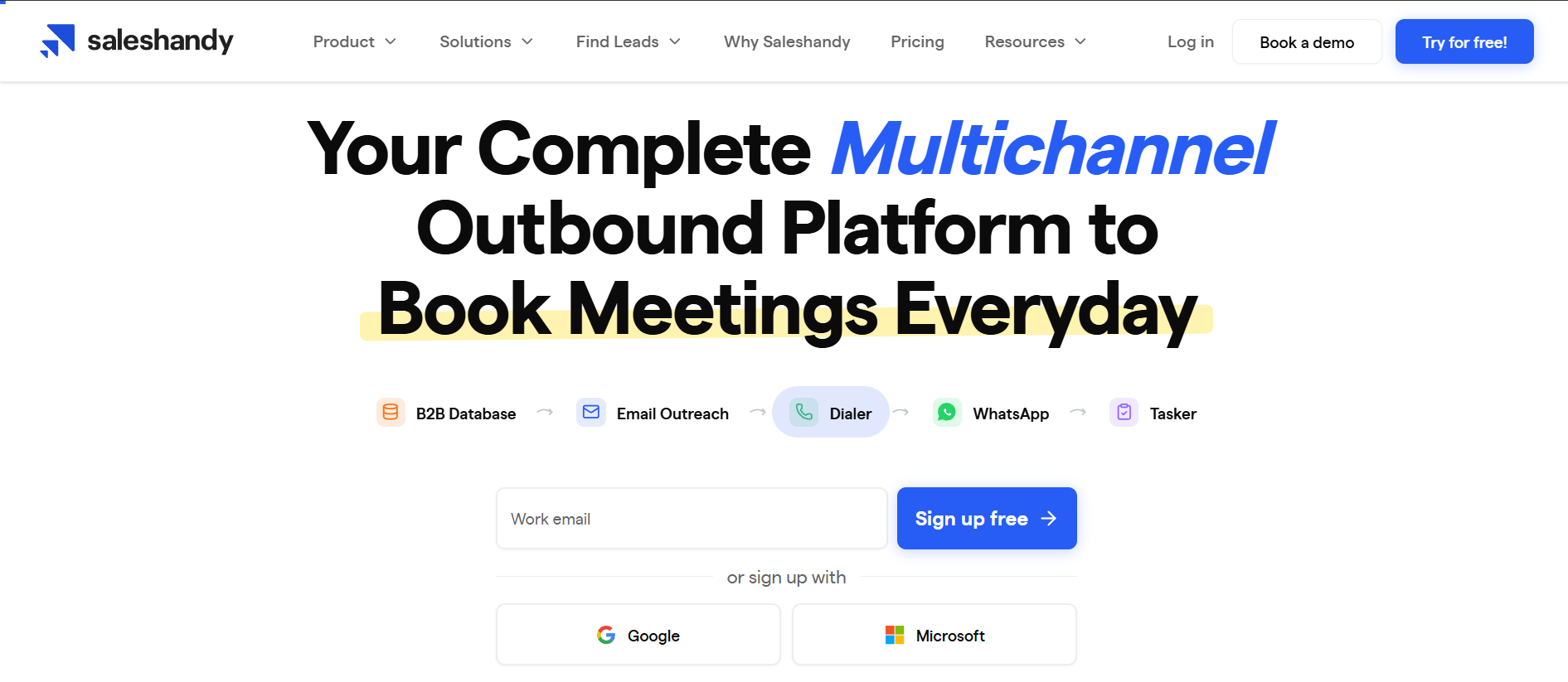
Saleshandy is the tool that shows up on every cold email listicle, and for fair reason. It gives you automated multi-step sequences with unlimited follow-up steps and conditional sub-sequence branching.
Reply detection stops follow-ups automatically the moment someone responds. You also get unlimited mailboxes, automatic sender rotation, and a unified inbox on every plan.
For pure email follow-up depth relative to price, the value is hard to argue with. A/Z step testing is available on Pro and above. Multichannel steps for calls, LinkedIn, and WhatsApp exist inside the same sequence, though those steps are newer and lighter than what Salesforge, Reply.io, or Klenty offer natively.
The honest limitation is that Saleshandy is primarily an email follow-up tool. Its multichannel steps lack the depth of a dedicated multichannel platform. Lead Finder and verification run on paid credits.
And for teams that want AI to carry the follow-up writing and reply handling, Salesforge's Agent Frank goes further than Saleshandy's manual builder. To understand how Salesforge approaches AI follow-up emails differently, I wrote a detailed comparison.
Pros
Unlimited follow-up steps with conditional sub-sequences and branching
Unlimited mailboxes and automatic sender rotation on every plan
Auto-stop on reply, unified inbox, and A/Z step testing
Low flat entry price rather than per-seat billing
Cons
Multichannel steps are newer and lighter than dedicated multichannel tools
Lead Finder and verification run on paid credits
The 7-day trial is shorter than the 14-day norm
Pricing Plans
Plan
Price
Starter
$25/mo
Pro
$69/mo
Scale
$139/mo
Scale Plus
$209/mo
What Users Have to Say
Saleshandy holds a 4.6/5 on G2 from 779 reviews. The sequence builder is a recurring highlight:
"sequence builder, custom fields, and sender rotation make it easy to personalise at scale"
The right pick depends on how complex your follow-up logic needs to be and how many channels you run.
If your priority is AI-driven email follow-ups with multichannel reach, Salesforge is where I would start. Agent Frank handles follow-up sequencing and reply classification semi-autonomously. Unlimited mailboxes, free warm-up through Warmforge, and email plus LinkedIn in the same cadence cover the vast majority of outbound use cases. No per-seat billing, no separate warm-up subscription.
If personalization is what makes your follow-ups land, Lemlist gives you the deepest customization plus native AI reply detection. For pure email deliverability at high volume, Instantly and Smartlead both offer unlimited mailboxes. Instantly is the cleaner sequencer. Smartlead is the more API-driven, agency-focused option. Woodpecker is the pick when conditional "if-campaign" logic and safe sending matter most.
On the multichannel side, Reply.io offers the widest channel coverage with AI reply handling. Klenty is built for call-heavy SDR teams that want a dialer and coaching alongside email. Saleshandy wins on follow-up depth at the lowest flat price for email-only teams.
My advice stays the same. Shortlist two that match your channel mix and budget, use the free trials, and run a real multi-step follow-up sequence on each before committing.
Final Verdict
Salesforge is the email follow-up tool I recommend for most outbound teams. AI-generated follow-up sequences, Agent Frank handling replies, unlimited mailboxes with free warm-up, and LinkedIn built into the same cadence cover more ground than any other single tool here. For email-only follow-ups on a tight budget, Saleshandy is solid. For personalization depth, Lemlist wins.
Email follow-up software automates the multi-step sequences that chase a prospect after the first email. You set the steps and delays once, and the tool sends each follow-up on schedule. It stops automatically when someone replies and tracks opens and responses. The better tools add conditional logic, so the next step depends on how the prospect engaged.
How many follow-ups should a cold email sequence have?
Most effective sequences run between three and six touches, including the first email. The goal is persistence without being a nuisance. Space the steps over a couple of weeks. Good follow-up software lets you test different lengths and delays to find what works for your audience.
Do these tools automatically stop following up when someone replies?
Yes. Every tool on this list includes reply detection that auto-stops the sequence when a prospect responds. That prevents the awkward situation of emailing someone who already replied. Salesforge, Lemlist, and Reply.io go further with AI reply detection that reads intent and sorts responses.
What is the best email follow-up software for agencies?
For agencies, unlimited-mailbox tools tend to win because you are not paying per seat across many client accounts. Salesforge and Smartlead both stand out here. Salesforge adds email plus LinkedIn in one sequence with free warm-up. Smartlead leans more API-first with white-label features.
What is the cheapest email follow-up tool?
On entry price, Woodpecker starts around $24 per month, Saleshandy at $25, and Smartlead at $32, all billed annually. The bigger saving usually comes from the pricing model. Unlimited-mailbox tools keep your cost flat as you scale inboxes rather than charging per seat.
What is a sub-sequence or conditional follow-up?
A conditional follow-up changes the next step based on what the prospect did, such as opening but not replying. A sub-sequence is a separate branch the prospect moves into when they meet a condition. Together they let you build follow-up paths that adapt to behavior. Salesforge, Lemlist, Woodpecker, and Reply.io all support this kind of branching.
Can I send follow-ups across LinkedIn and email together?
Yes. Several tools support multichannel follow-ups in a single sequence. Salesforge, Lemlist, Reply.io, and Klenty offer the deepest coverage. If multichannel is central to your follow-up motion, those are the ones to prioritize. Salesforge bundles LinkedIn on every plan with no per-seat cost.
Book more meetings on autopilot
Set up in minutes. No per-seat pricing. No commitment.
Compare 5 LinkedFusion alternatives for LinkedIn outreach, with a clear look at pricing, automation, account safety, reply handling, and multichannel features.
Compare 5 ListKit alternatives for sales outreach. See which tools are best for prospecting, cold email, LinkedIn outreach, scaling campaigns, and B2B sales data.


.jpg)
.png)
.jpg)