Before you pick a LinkedIn AI tool, you need to know what job you need it to do.
LinkedIn AI tools cover four different jobs:
Outreach
Sourcing and enrichment
Content creation
Engagement
Buying the wrong category wastes budget.
The four jobs run on different tools.
Outreach handles sequencing, deliverability, and LinkedIn's rate limits.
Sourcing and enrichment pull from large contact databases and multi-source data waterfalls.
Content generates writing from style-trained language models.
Engagement analyzes prospect posts in real time.
A tool that that goes deep in one category rarely goes deep in the others, , so every tool I cover here specializes in one of the four.
When someone asks me for "the best LinkedIn AI tool," they almost always mean outreach.
They want to book more meetings from cold LinkedIn outbound, with less manual grind and lower account risk. Fair, because outreach is what most teams buy first in this category.
But sourcing, content, and engagement matter too, and a specialist tool for each beats one tool trying to do everything.
I've mapped the 8 tools below across the four jobs.
Let's jump in!
TL;DR
Salesforge: Best for AI-personalized multichannel outreach across LinkedIn and email, with unlimited senders, 21+ languages, and the Primebox unified inbox.
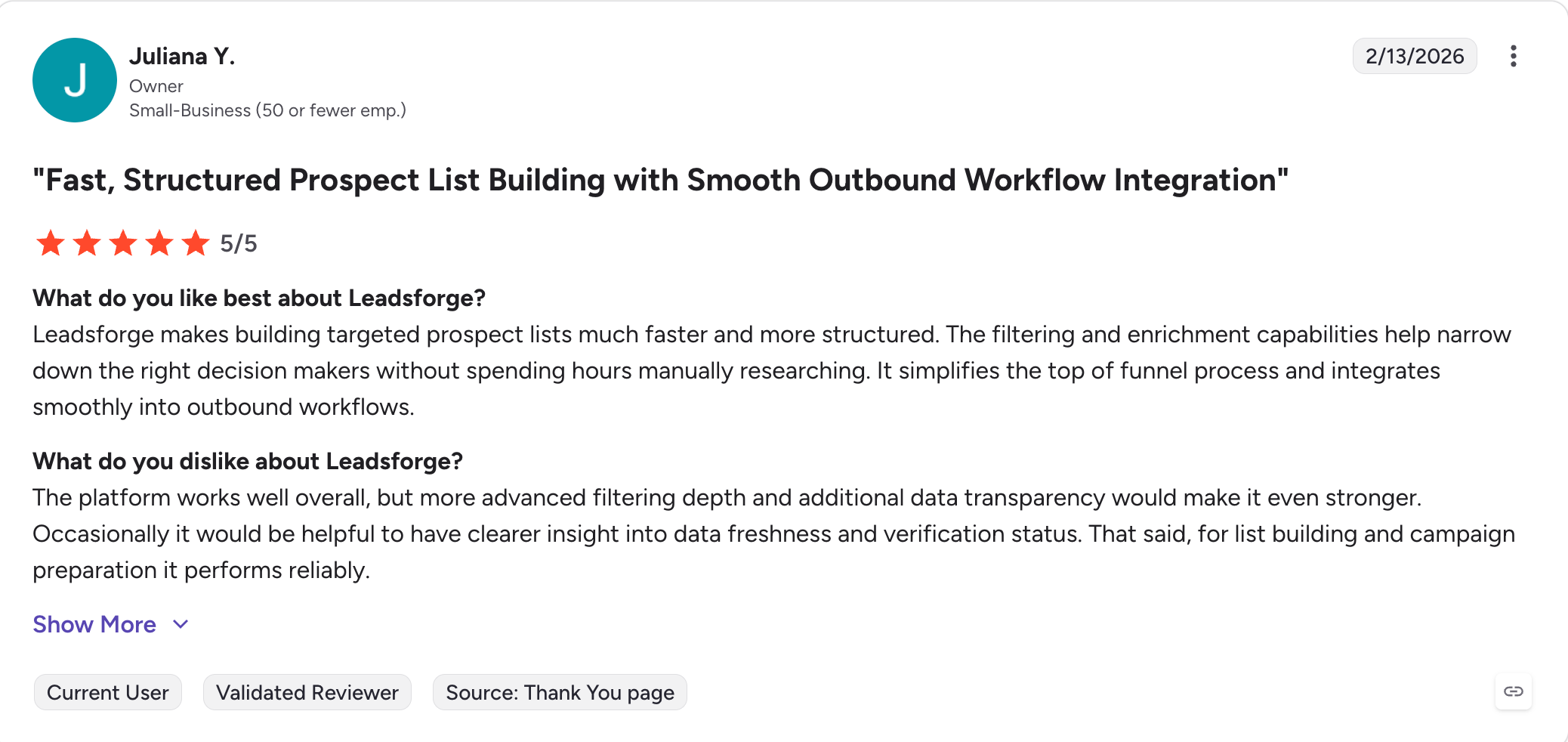
Leadsforge: Best for finding verified LinkedIn profiles at scale across a 500M+ B2B contact database, with Competitor Followers Search and 5 event-based Signals.
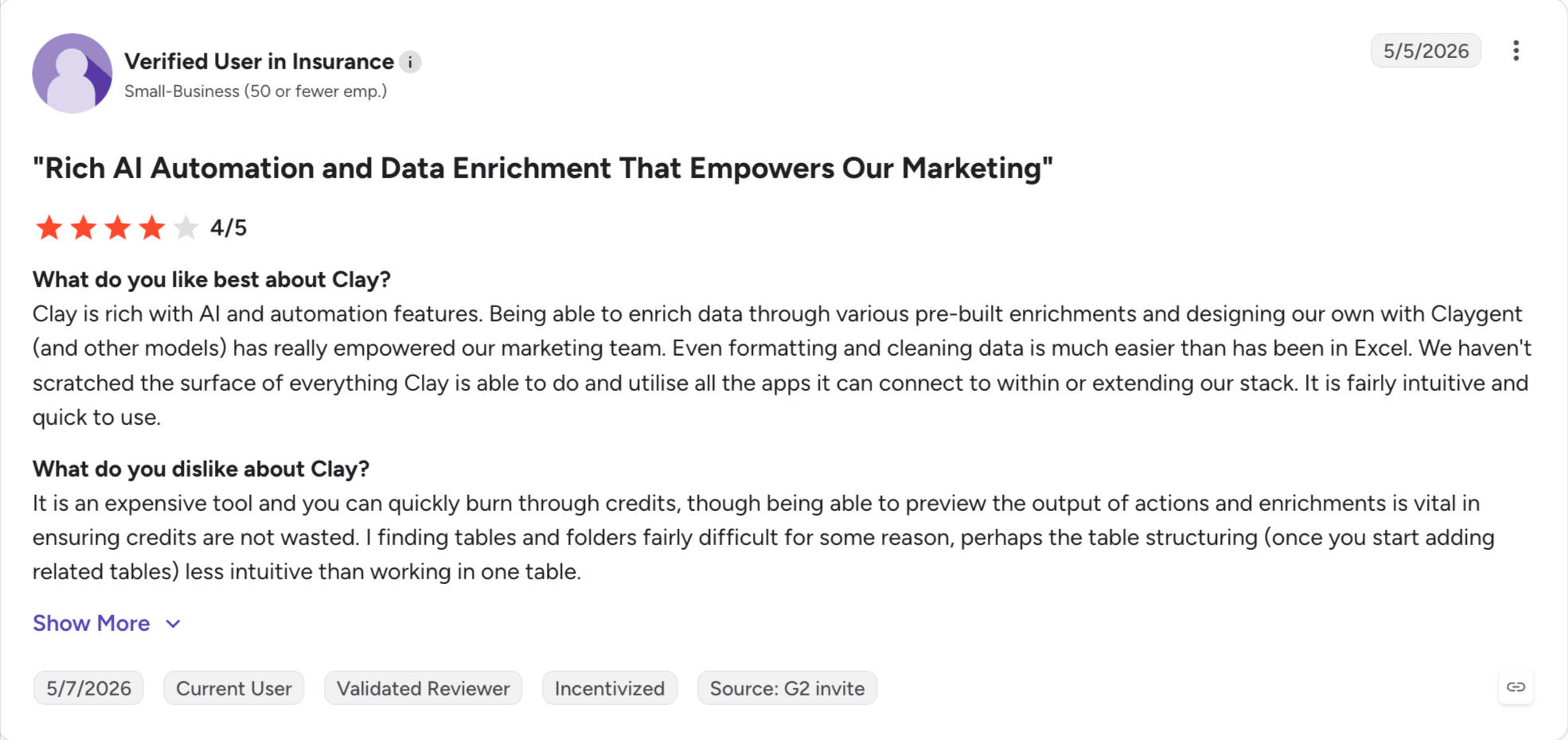
Clay: Best for AI prospect research and enrichment with waterfall data across 150+ providers and the Claygent AI research agent.
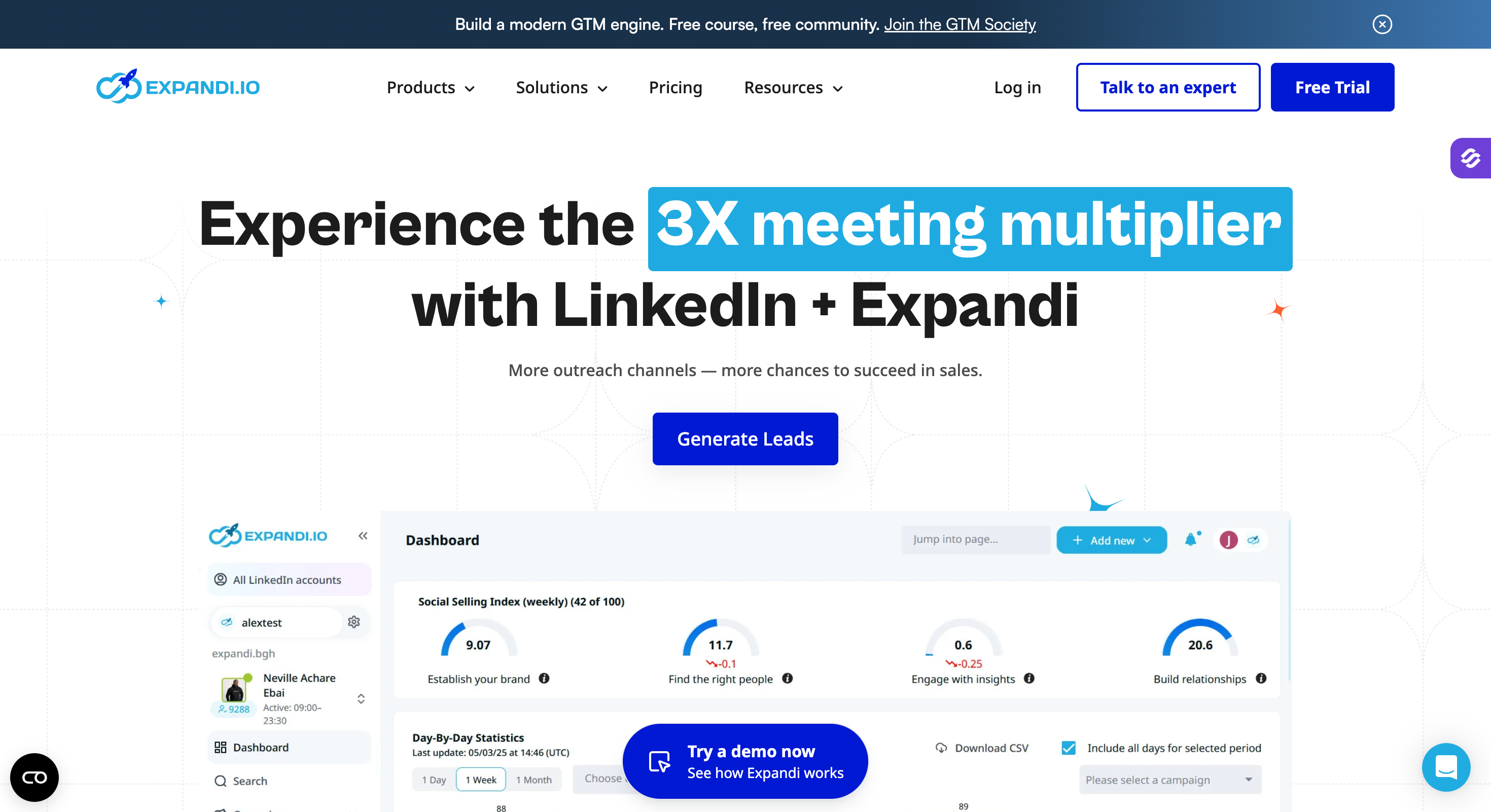
Expandi: Best for safety-first LinkedIn outreach with a dedicated country-based IP per account and smart conditional sequences.
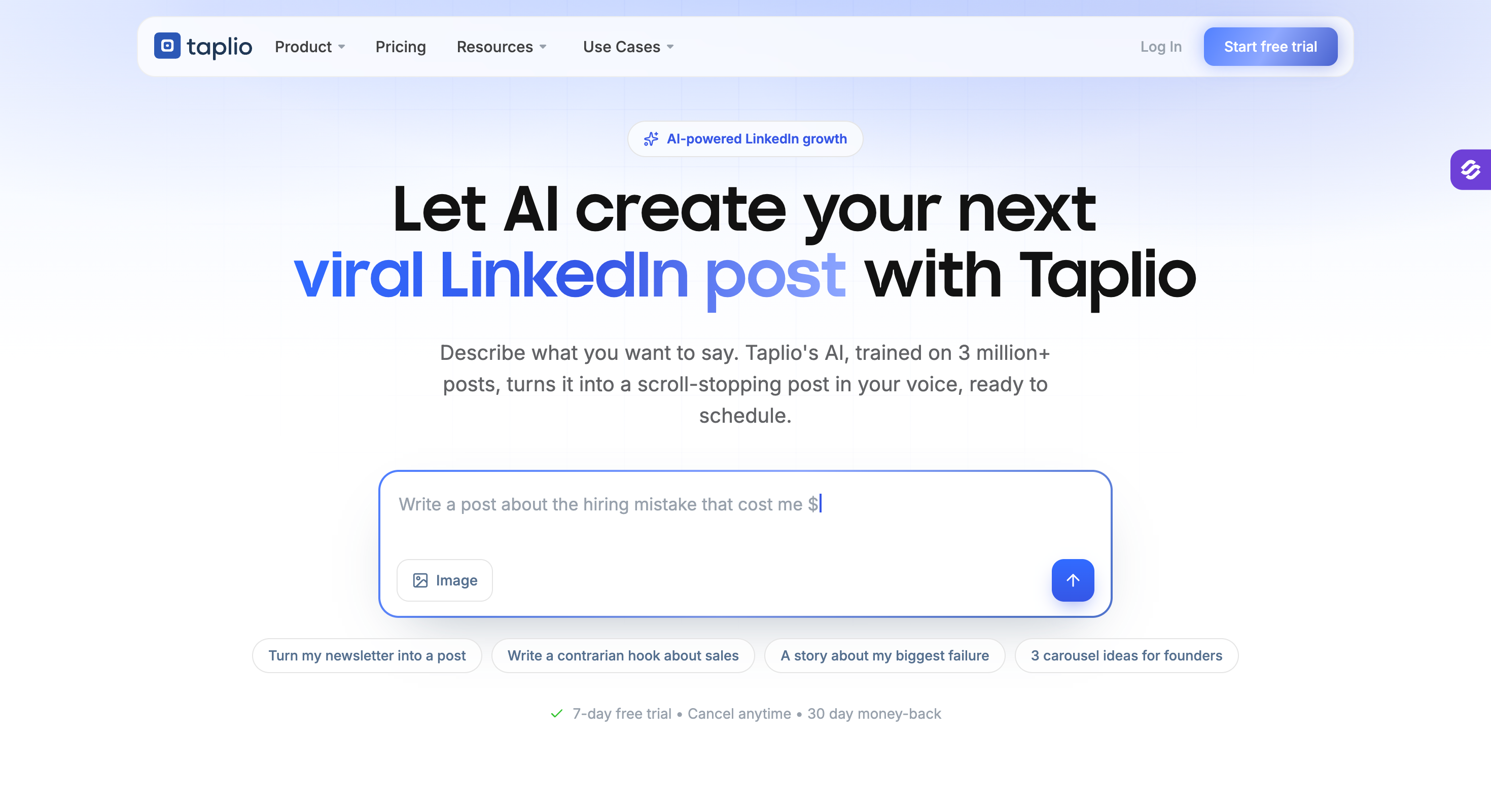
Taplio: Best for LinkedIn content creation with a 4M+ viral post library, AI writer, and post scheduler.
MagicPost: Best for LinkedIn-only AI post writing published via LinkedIn's official API.
Kleo: Best for LinkedIn personal branding with voice-memory AI, swipe file, and creator coaching community.
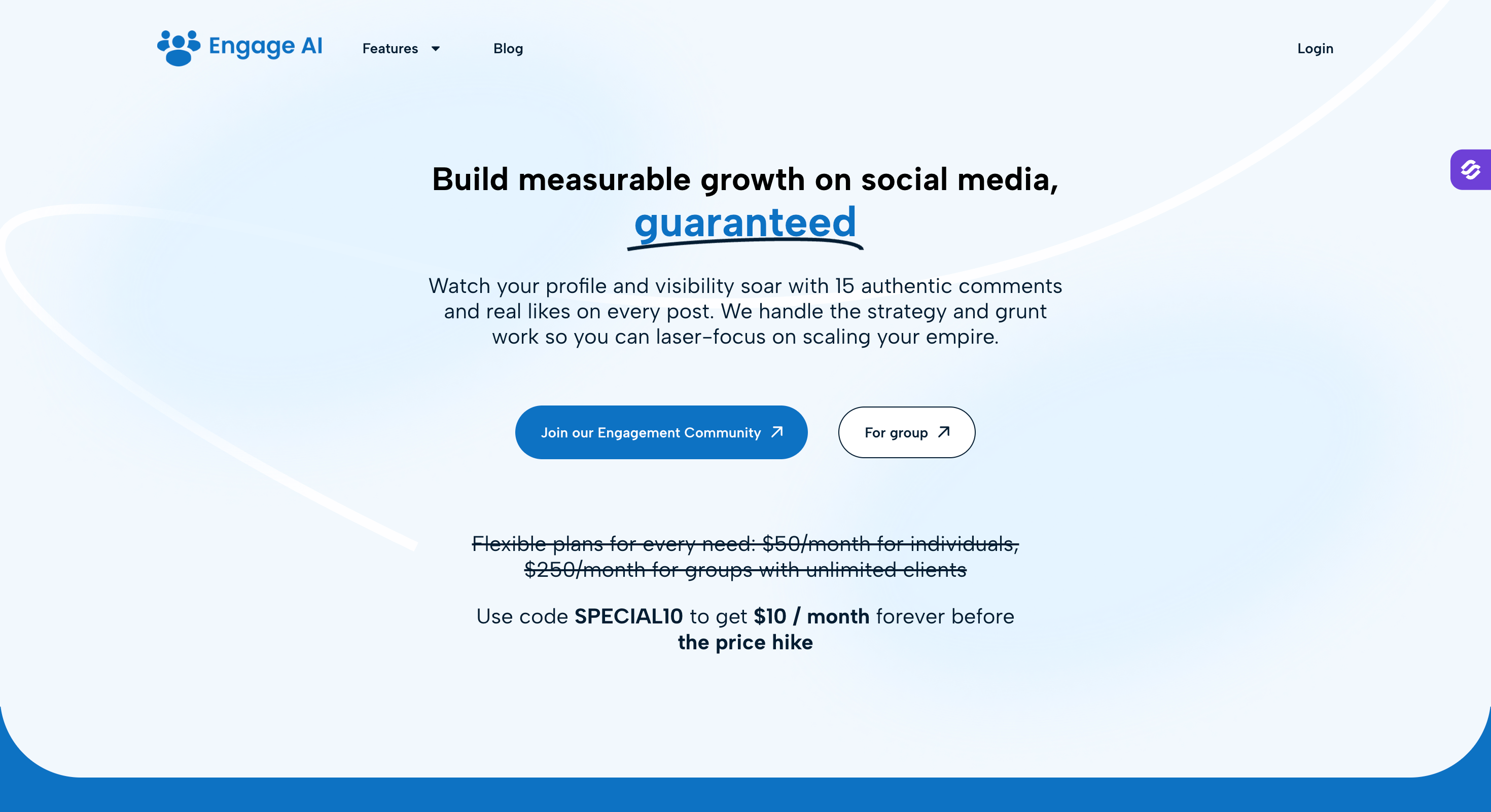
Engage AI: Best for LinkedIn engagement via AI-generated contextual comments and prospect post monitoring.
Feature Comparison: Top LinkedIn AI Tools at a Glance
LinkedIn and email sequences, AI personalization, and reply management in Primebox
Leadsforge
LinkedIn profile and follower sourcing
Finding verified LinkedIn profiles, competitor followers, event signals, and contact data across 500M+ contacts
Clay
AI prospect research and enrichment
Researching LinkedIn prospects and adding account context via Claygent
Expandi
LinkedIn outreach workflows
Connection requests, messages, follow-ups, and smart conditional campaigns
Taplio
LinkedIn content creation
Post ideas, AI writing, scheduling, and viral post research
MagicPost
AI LinkedIn post writing
Drafting and rewriting LinkedIn posts via LinkedIn's official API
Kleo
LinkedIn personal branding
Post research, idea generation, and voice-memory AI writing
Engage AI
LinkedIn engagement
Drafting contextual comments and monitoring prospect posts
How We Tested These LinkedIn AI Tools
I've been in and out of these products across the last 18 months, and this year I ran a structured re-test against the criteria below.
I put every tool through at least two weeks of real use on a live LinkedIn profile or sequence.
I pulled pricing from live vendor pricing pages in the week of August 2026, and I verified every rating against live G2 page.
AI Depth
The question I asked myself: does the AI operate on data specific to the prospect, or does it run a general template with variables?
Tools that pulled from a prospect's post history, a recent job change, a funding round, or a trained voice model scored high; tools that swapped {{first_name}} into a generic message scored low.
LinkedIn-Native Features
LinkedIn behaves differently from cold email in every way: rate limits, action types, conversation threading, viewership rules.
I checked whether each tool supported the six native LinkedIn actions (connection request, message to 1st connection, InMail, post like, follow, withdraw request) and marked down tools that faked them through browser scraping.
LinkedIn Account Safety
LinkedIn account safety is non-negotiable in 2026.
Tools that published via LinkedIn's official API or ran on cloud infrastructure with dedicated IPs scored higher than tools that scraped or automated the browser, and the safest third-party automation tools stay within LinkedIn's guidelines.
Pricing Transparency
The listed price is rarely the real price. I looked at:
Whether AI features were included in the entry tier or gated behind higher plans
Whether "annual" pricing represented a real discount
Whether credit systems were predictable
Whether the entry tier could do the job or was designed to force an upgrade
Every price on this page is annualized so the comparison stays honest.
Real-User Ratings
I pulled live ratings from G2 (product review pages) along with review counts and real user quotes covering both positive and critical sentiment.
1 - Salesforge: AI Multichannel (Email + LinkedIn) Outreach Tool
Best fit: B2B sales teams, GTM teams, and agencies running LinkedIn and email together at high-sending volume, who want unified AI personalization and one reply inbox rather than a stack of point tools.
Salesforge is the only tool on this list that treats LinkedIn and email as one workflow with safety instead of two separate channels stitched together.
Salesforge tops this list because it ticks every box that matters for LinkedIn outreach.
AI features: prospect-specific personalization across 21+ languages plus the Localized Greeting variable.
Pricing: $40/mo Pro or $80/mo Growth (billed annually), with unlimited mailboxes and unlimited LinkedIn senders on Growth.
Core Features
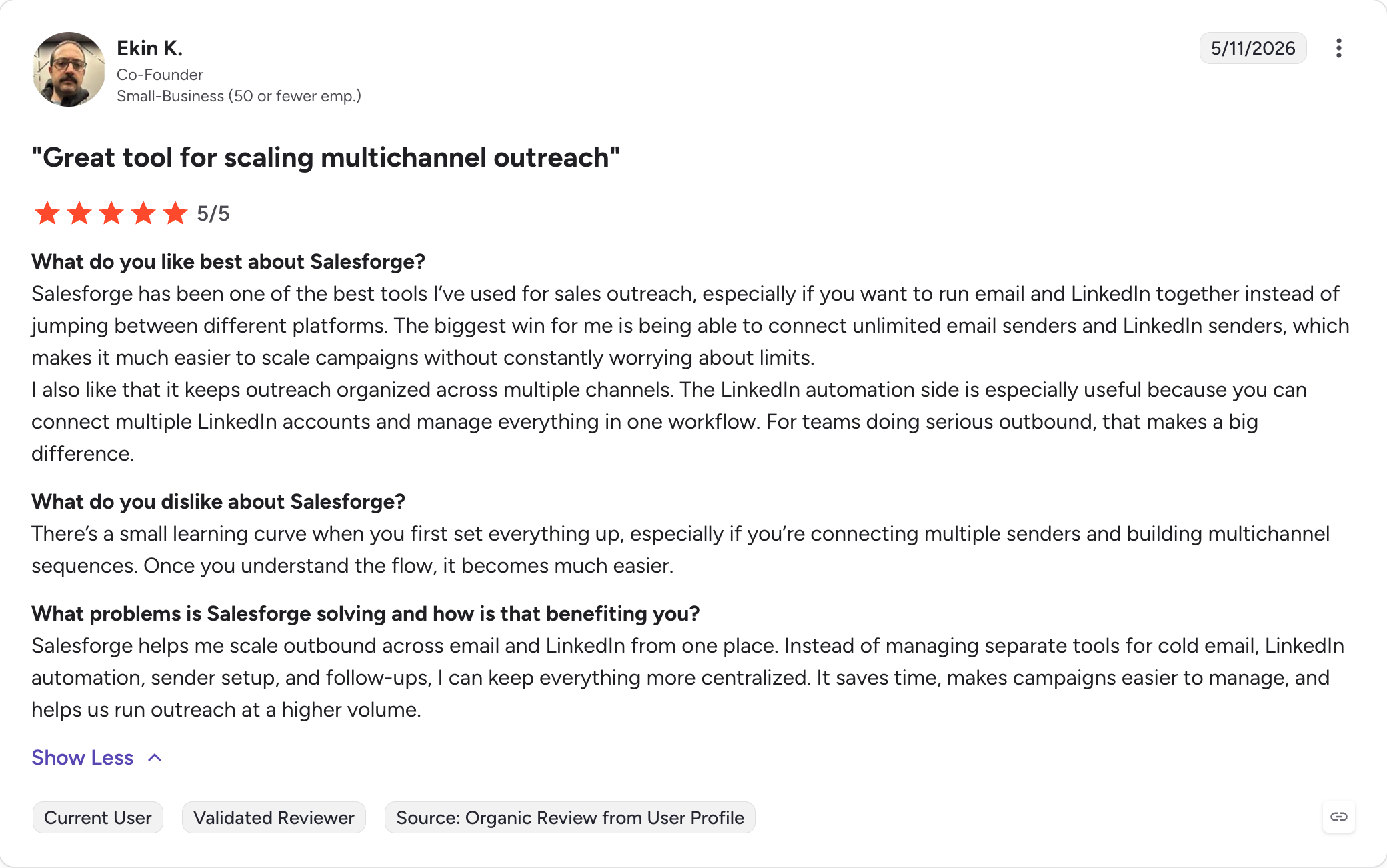
Unlimited LinkedIn senders and mailboxes: No per-seat pricing. Pro gives you unlimited mailboxes, and Growth adds unlimited LinkedIn senders on top.
Multichannel with conditional sequences: LinkedIn and email in one sequence with branching logic based on prospect actions. A/B testing runs on both channels, and analytics live in one dashboard.
AI personalization: The AI generates messages using prospect-specific data (LinkedIn profile, company news, industry context) across 21+ languages. The {{localized_greeting}} variable dynamically produces a greeting that fits the recipient's language and locale (Hello, Hi, Bonjour, Hola, Guten Tag). Cost: 1 personalization credit per sent message that uses the variable.
6 native LinkedIn actions: Connection requests, messages to 1st connections, InMails, post likes, follows, and withdraw connection requests. Rate-limited to safe daily thresholds.
Primebox unified inbox: Every reply from email and LinkedIn lands in one inbox across every mailbox and sender. Two modes: Co-Pilot (AI drafts replies, human approves) and Auto-Pilot (AI continues conversations autonomously).
LinkedIn Email Finder via Chrome Extension: The Salesforge-branded Chrome extension (free to install, shared across the Forge Stack) surfaces verified emails and phone numbers from LinkedIn profiles and pushes contacts into a sequence. Email lookups cost 1 Leadsforge credit; mobile lookups cost 10. New users get 100 free Leadsforge credits on signup.
Free unlimited warm-up: Automated warm-up runs in-house at no extra cost via Warmforge, included with the Salesforge subscription. Heat score targets above 85.
Native integrations: HubSpot, Pipedrive, LinkedIn Sales Navigator, API access, Zapier, and webhooks on every plan.
MCP CLI: The Forge MCP Server connects the entire Forge Stack to Claude and other AI agents, so I can drive prospecting, sequencing, and reply management from a chat interface if I want to.
Agent Frank (add-on): A fully autonomous AI SDR that prospects, writes, sends, and follows up around the clock. Includes a dedicated Account Manager and access to a 500M+ contact search engine.
Note on the Forge Stack: Salesforge shares one login with Leadsforge, Warmforge, Mailforge, Infraforge, and Primeforge, but each product is a separate subscription.
The Chrome extension is Salesforge-branded, and lookups run on Leadsforge credits.
Salesforge Pros and Cons
✅ Pros
❌ Cons
Unlimited sending addresses and mailboxes on every paid plan.
No free plan; only a 14-day free trial is available.
Native multichannel sequences with conditional branching across email and LinkedIn.
LinkedIn automation requires a browser extension, making it less reliable than fully server-side automation.
Supports 21+ languages with the Localized Greeting variable for personalized outreach.
No built-in contact database, so prospect data must come from an external source.
Primebox unified inbox with Co-Pilot and Auto-Pilot modes simplifies reply management.
No free contact credits or lead enrichment included with the platform.
Unlimited email warm-up through Warmforge is included at no extra cost.
MCP and CLI workflows are powerful but mainly benefit technical teams using AI agents.
MCP and CLI support enable AI-agent workflows and automation.
Advanced automation features have a steeper learning curve than traditional cold email tools.
Salesforge Pricing
Plan
Price
Includes
Pro
$40/month (billed annually)
1,000 active contacts, 5,000 emails/month, 1 LinkedIn sender, unlimited mailboxes, and unlimited email warm-up.
Growth
$80/month (billed annually)
10,000 active contacts, 50,000 emails/month, unlimited LinkedIn senders, unlimited users, and unlimited shared workspaces.
Agent Frank
$499/month (billed annually)
Fully autonomous AI SDR for prospecting, outreach, and follow-ups, plus a dedicated Account Manager.
Every plan includes unlimited warm-up, mailbox rotation, dynamic ESP matching, email validation, and Primebox. 14-day free trial, no credit card required.
Salesforge Reviews
Verified G2 rating: 4.6/5 across 130+ reviews on the sellers page.
2 - Leadsforge: AI Lead Database & Competitor Followers Extraction Tool
Best fit: SDRs, founders, and small outbound teams who want fast, chat-based prospecting on a real budget.
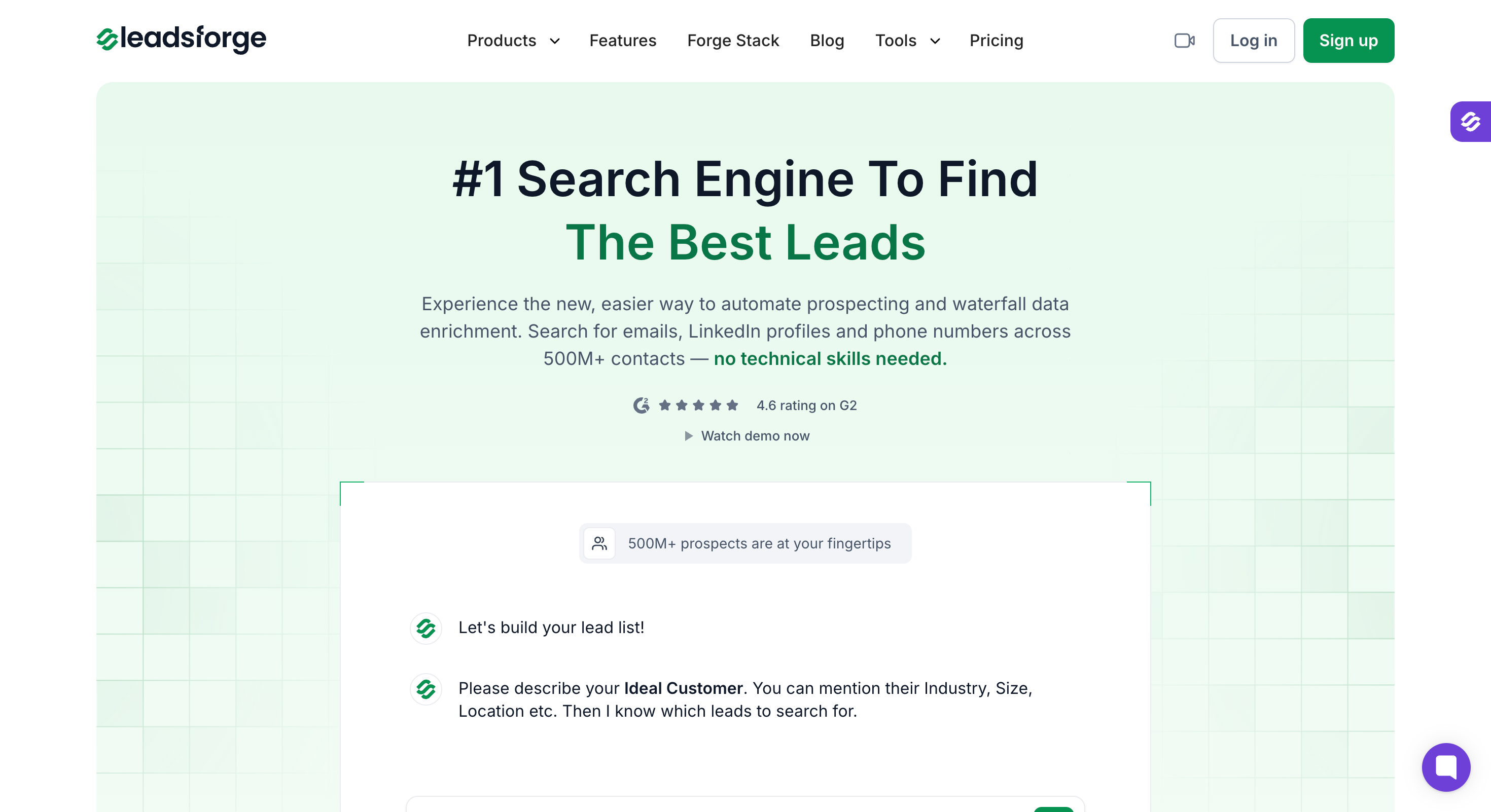
Leadsforge is a chat-based B2B lead search engine sitting on top of a 500M+ contact database.
It lets you describe your buyer in a sentence and Leadsforge translates it into the underlying filters (job title, seniority, industry, headcount, revenue band, geography, keyword), then returns matching contacts with their LinkedIn URLs, verified emails, and mobile numbers across a 500M+ B2B database.
The differentiator is how many angles you can source LinkedIn profiles from.
Direct ICP search covers job titles and firmographics.
Competitor Followers Search pulls followers of any competitor's LinkedIn company page as a cleaner intent proxy than firmographic filtering alone.
Local Company Search finds businesses by geography via Google Maps.
Lists push directly into Salesforge under the same Forge login, so there's no CSV export step between sourcing and outreach.
Core Features
AI Lead Finder with 500M+ B2B database: Natural-language ICP search that returns verified emails, LinkedIn URLs, and mobile numbers.
Company Lookalikes: Feed a seed customer domain and it returns matching companies by industry, size, revenue, and tech stack. Charged at 1 credit per company.
Competitor Followers Search: Pulls the LinkedIn followers of a competitor's company page, filterable by job title, seniority, and geography. Charged at 1 credit per follower with their LinkedIn URL.
Waterfall Enrichment: Every lookup cascades through multiple data providers until a verified match returns. Email validation is a separate paid step.
Signals (event-based sourcing path): Five event types that surface prospects with real timing: Job Change, Acquisition, Funding, Hiring, and Investor. Each match carries per-record evidence in the Details view showing why it triggered.
API and MCP CLI: A Leadsforge API key for programmatic search, enrich, and export, plus the Forge MCP server for chat-driven workflows in Claude, Cursor, and other MCP-compatible AI clients.
Local Company Search: Finds local businesses by location and industry, powered by Google Maps. Useful for geo-targeted B2B outreach or when firmographic filters aren't enough.
3 - Clay: AI Prospect Research and Enrichment Tool
Best fit: Technical RevOps and GTM teams (and growth-minded solo operators willing to climb the learning curve) who want a customizable enrichment and AI-research layer sitting on top of LinkedIn Sales Navigator, not a plug-and-play SDR tool.
Clay is the tool I reach for when the outreach engine isn't the problem, the data quality is.
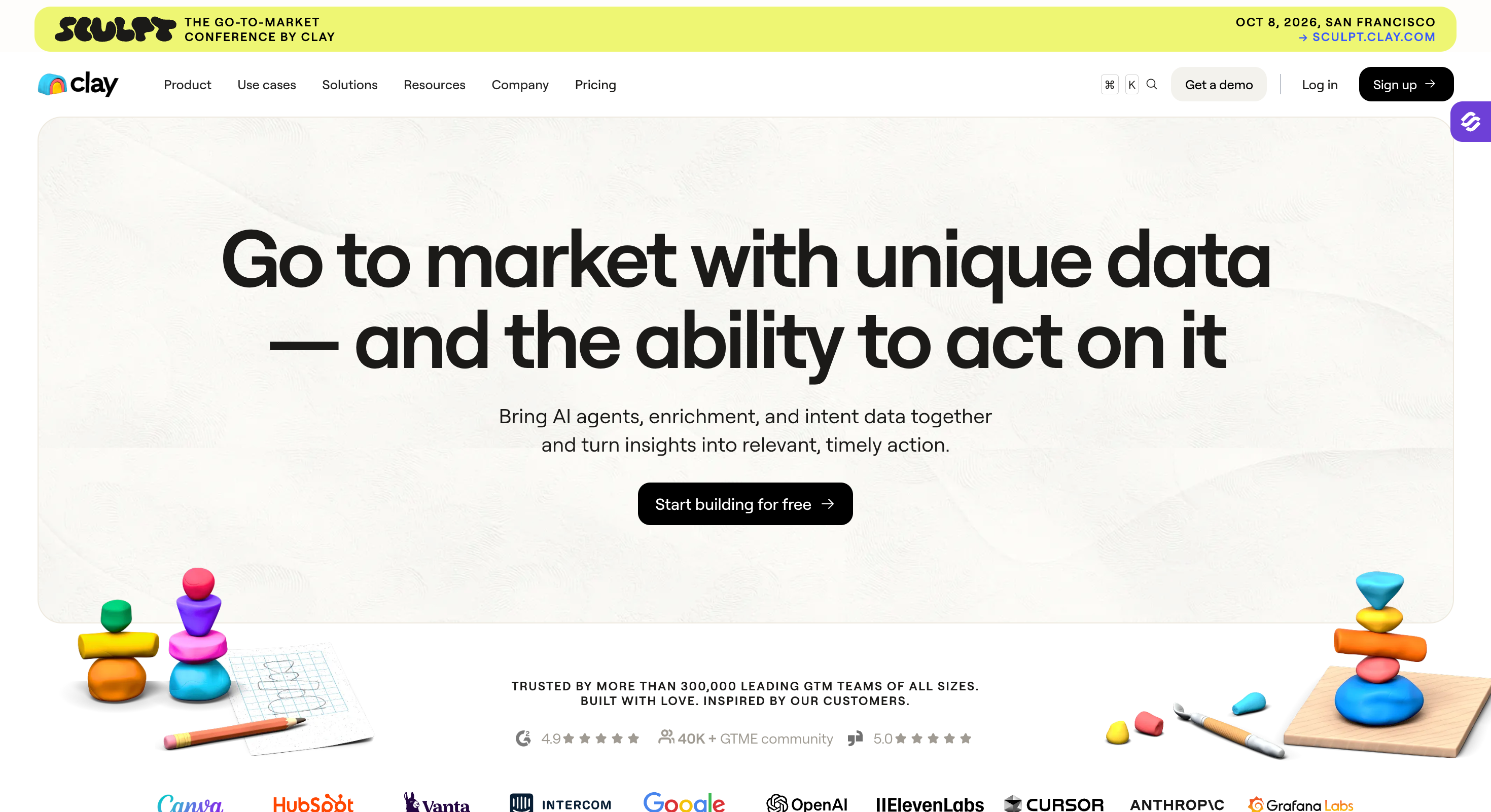
It's a spreadsheet-shaped enrichment layer that runs waterfall lookups across 150+ data providers and drives an AI research agent called Claygent that visits live LinkedIn profiles, career pages, and news to write personalized first lines at scale.
The upside is control and depth. The downside is that Clay is the least beginner-friendly tool on this list, and every failed lookup on smaller plans still burns credits.
Clay overhauled its pricing on March 11, 2026, replacing the old Starter/Explorer/Pro tiers with Free/Launch/Growth/Enterprise and splitting usage into Data Credits (marketplace data) and Actions (workflow steps).
Core Features
Waterfall enrichment across 150+ providers: Cascades through providers per lookup, yielding 20-40% higher match rates than single-source enrichment.
Claygent AI research agent: Visits live LinkedIn profiles, company pages, and news; generates personalized first lines for LinkedIn outreach at hundreds per hour, supporting more personalized outreach and LinkedIn prospecting.
LinkedIn Sales Navigator workflow: Pull Sales Nav lists into Clay for ICP scoring and AI personalization. Because Sales Nav has no native CSV export, most users bridge with the Clip to Clay Chrome extension.
Chrome extension (Clip to Clay): Compatible with LinkedIn Sales Navigator; captures and enriches leads from Sales Nav search results. By contrast, script-based tools like Phantombuster extract LinkedIn lead data and automate repetitive LinkedIn tasks using pre-built scripts, while Clay is built more as a LinkedIn data enrichment and research layer.
Custom signals platform: Job-change, funding, and hiring signals routed into workflows, and some tools such as Trigify track engagement signals to identify high-intent leads.
Two consumption units: Data Credits for external data pulls; Actions for platform operations. Enterprise commits include SSO, Snowflake sync, and RBAC.
Clay Pros and Cons
✅ Pros
❌ Cons
Waterfall enrichment across more than 150 data providers improves coverage.
Steep learning curve that makes it difficult for new users to become productive quickly.
Claygent AI research agent generates personalized first lines and prospect research.
Can become expensive at scale, especially for smaller teams.
Works seamlessly with Sales Navigator through its Chrome extension.
Failed enrichment lookups still consume credits on lower-tier plans.
Free plan available for testing and experimentation.
Phone and mobile number match rates are relatively weak at roughly 30–35%.
Custom signals platform tracks events such as job changes, funding rounds, and hiring activity.
Trustpilot reviews frequently mention credit usage concerns and AI API key issues.
Clay Pricing
Plan
Monthly
Annual
Notes
Free
$0
$0
100 Data Credits and 500 Actions per month, with a 200-row table limit.
Launch
$185/month
$167/month (billed annually)
Approximately 2,500 Data Credits and 15,000 Actions per month.
Growth
$495/month
$446/month (billed annually)
Approximately 6,000 Data Credits and 40,000 Actions per month, plus CRM integrations.
Enterprise
Custom
Custom (annual commitment)
Includes SSO, Snowflake integration, RBAC, and a median Vendr contract value of approximately $30,000 per year.
Best fit: Solo operators and small teams (1 to 5 LinkedIn accounts) who want conditional multi-step LinkedIn sequences with dedicated-IP infrastructure and don't need a first-class email channel in the same tool.
Expandi is the tool I recommend when someone asks for LinkedIn-only automation with the safest possible defaults.
Every account runs from a dedicated country-based IP address, which is closer to how a real human uses LinkedIn from a fixed location, and the campaign builder supports genuine conditional logic (if the prospect accepts, do X; if they don't reply in Y days, do Z).
It's cloud-based, not a Chrome extension, which removes one of the largest safety risk categories in this category.
That said, Expandi is LinkedIn-only. Email follow-ups exist, but the tool isn't built to run parallel email cadences the way Salesforge is.
If email is a meaningful channel for the team, this is a partial solution.
Core Features
Dedicated country-based IP per account: Each LinkedIn account gets its own IP that matches the account's geographic base, reducing detection risk.
Smart sequences with conditional logic: Multi-step campaigns that branch based on prospect actions (accepted, replied, ignored, viewed). Expandi is designed to mimic natural LinkedIn behavior to protect accounts during outreach.
Six-plus native LinkedIn actions: Connection requests, direct messages, InMails, follow-ups, endorsements, and profile views.
Image, GIF, and video personalization: Native support for personalized visual assets, though the deeper tooling (Hyperise, Sendspark) is priced separately.
Basic email follow-ups: LinkedIn campaigns can trigger an email step, though email isn't a first-class channel here.
Team workspaces: Multi-user accounts for agencies with per-seat licensing, including support for managing multiple LinkedIn accounts in agency workflows.
This kind of outreach automation is best for users who want a LinkedIn-only automation tool for sequencing rather than a standalone outreach tool.
Expandi Pros and Cons
✅ Pros
❌ Cons
Dedicated country-based IP address for every LinkedIn account.
Primarily a LinkedIn automation platform; email is an add-on rather than a fully integrated channel.
Cloud-based architecture removes the need for a Chrome extension.
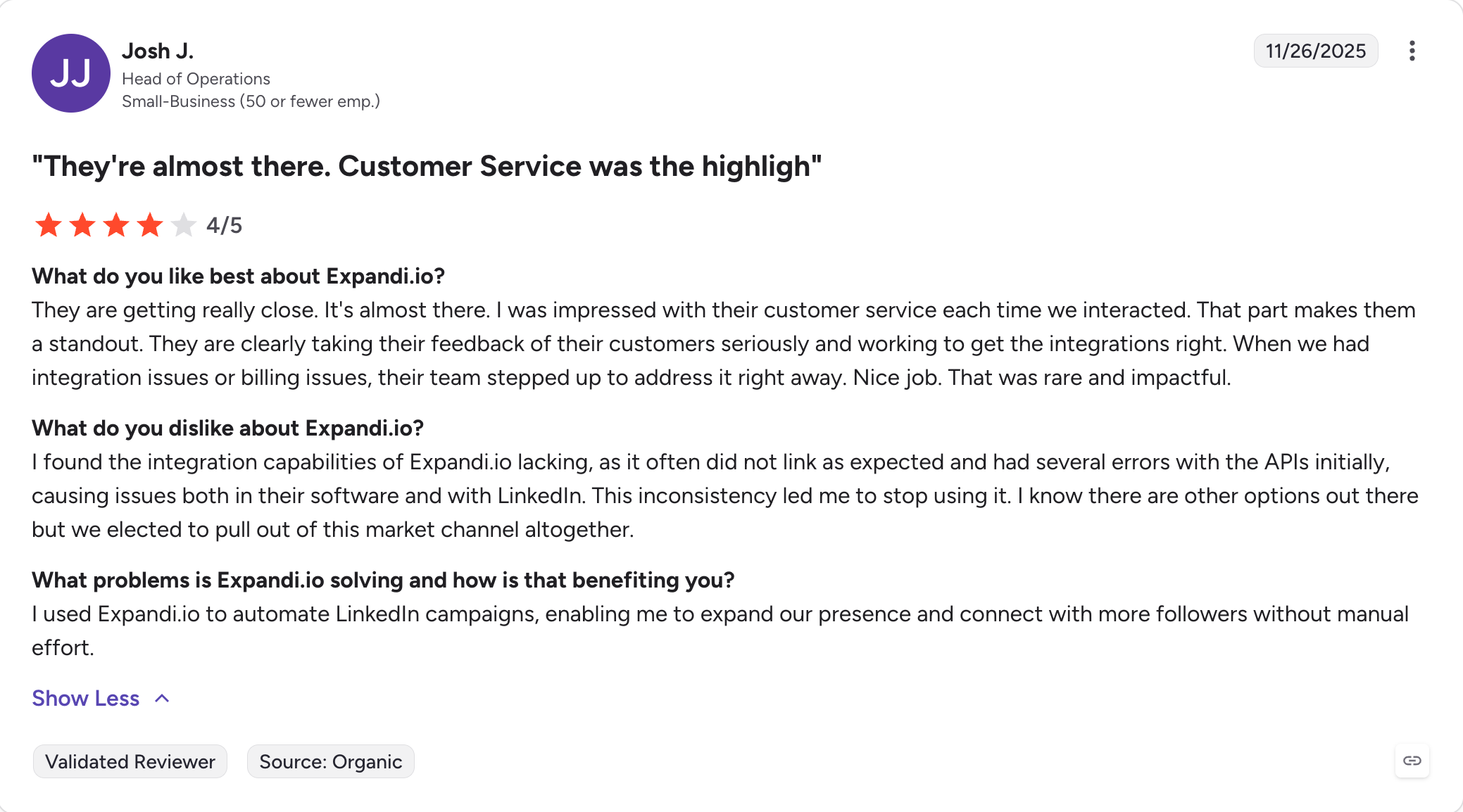
Reddit and G2 users still report LinkedIn account restrictions despite the platform's safety claims.
Supports true conditional logic within outreach sequences.
Expect a learning curve of around 3–4 hours before campaigns are configured properly.
Team workspaces make it suitable for agencies managing multiple clients.
Personalization tools such as Hyperise and Sendspark require additional paid subscriptions.
Multi-step campaigns with branching allow more advanced LinkedIn automation.
Billing and subscription management are recurring complaints in negative G2 reviews.
Expandi Pricing
Plan
Price
Notes
Business
$99/month per LinkedIn account
Standard plan for individuals and small teams. Larger agency requirements are handled through custom plans.
Business (Annual)
$79/month per account (billed annually)
Approximately 20% savings compared to monthly billing.
Agency
Custom pricing
Designed for agencies and teams managing 10+ LinkedIn accounts with centralized multi-account management.
Expandi Reviews
G2 rating in the 4.0 to 4.4/5 range across 120+ reviews.
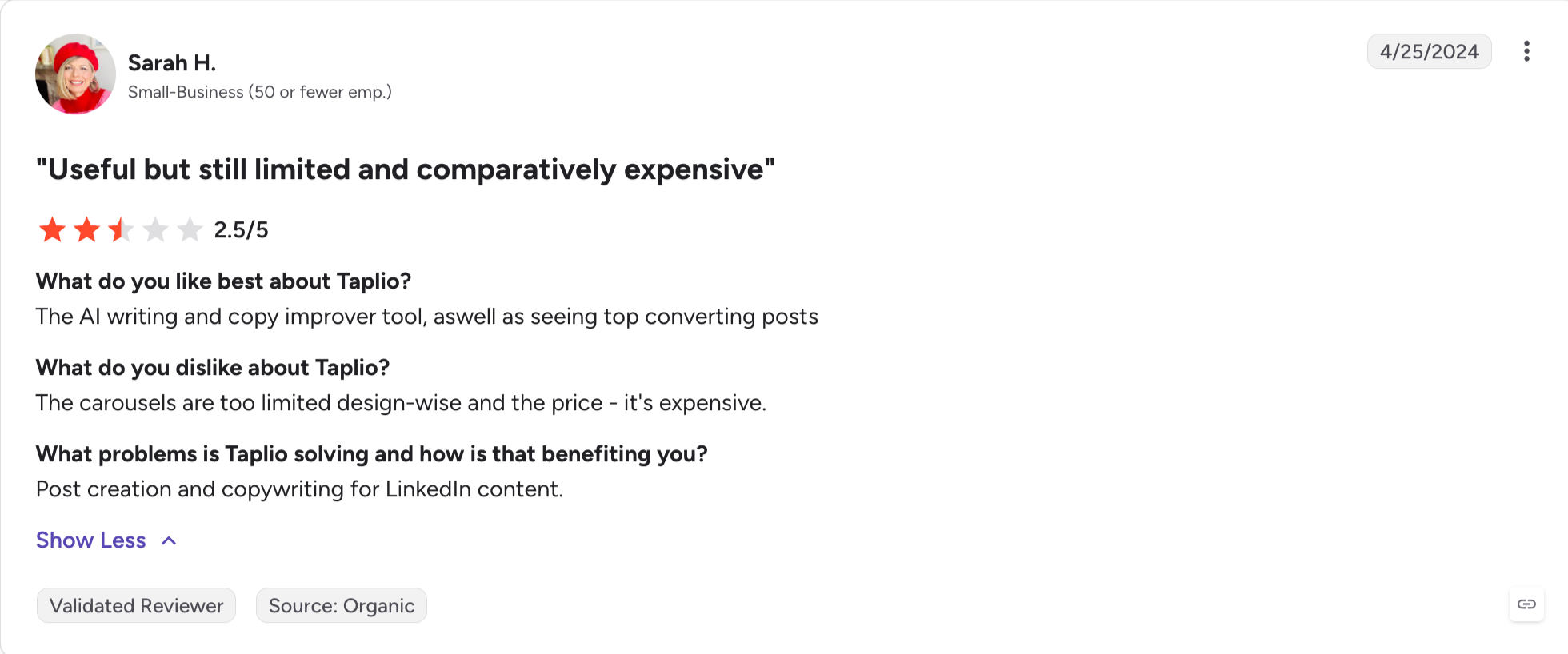
Best fit: Founders, sales leaders, and creators building a LinkedIn personal brand who want a broad content platform (library, writer, scheduler, analytics, light lead gen) in one tool and can either pay for the Pro tier or accept editing time on cheaper plans.
Taplio is the biggest content platform on LinkedIn by name recognition.
That's because it has a viral post library of roughly 4 million LinkedIn posts, an AI writer that trains on user-selected style inputs, a full scheduler, and a lead-generation module.
If the goal is to run a personal-brand engine and a light lead-gen motion from the same tool, Taplio covers more ground than any other single product in the content lane.
The problem is what's included at each tier. Taplio's entry plan doesn't include the AI writer at all; the mid tier caps AI credits, and unlimited AI generation is only available on Pro at $199/mo.
That's worth naming before anyone signs up expecting the demo experience at the starter price.
Core Features
4M+ viral post library: Search top-performing LinkedIn posts by keyword, industry, or author.
AI post generator: Trained on LinkedIn content; supports hook generation, tone adjustment, and rewriting to help create more engaging posts.
AI carousel generator: Native LinkedIn carousels drafted from a topic or a rough outline.
AI comments: Draft context-aware comments on prospect posts from inside Taplio.
Scheduler with best-time-to-post analytics: Publish across LinkedIn accounts with performance tracking, helping linkedin users build linkedin growth and linkedin visibility over time.
Lead export and prospecting: Basic B2B lead search included on higher tiers.
Chrome extension: Surfaces Taplio directly on LinkedIn for in-line drafting, which can strengthen your linkedin presence.
Video content on LinkedIn grew by 36% year-over-year, which makes multi-format content support more valuable.
Taplio Pros and Cons
✅ Pros
❌ Cons
Access to a library of more than 4 million viral LinkedIn posts for content research and inspiration.
AI features are not included in the entry-level Analytics plan.
Comprehensive toolkit including AI writing, carousel creation, scheduling, analytics, and lead generation.
Unlimited AI usage is only available on the Pro plan, which costs $199/month (billed annually).
Chrome extension integrates Taplio directly into the LinkedIn interface.
AI-generated content often feels generic without significant voice training and editing.
Best fit: Solo LinkedIn creators, founders, SDRs, recruiters, and B2B marketers who post text content regularly and want fast, LinkedIn-native, compliance-safe drafting and scheduling at the lowest price point in the content lane.
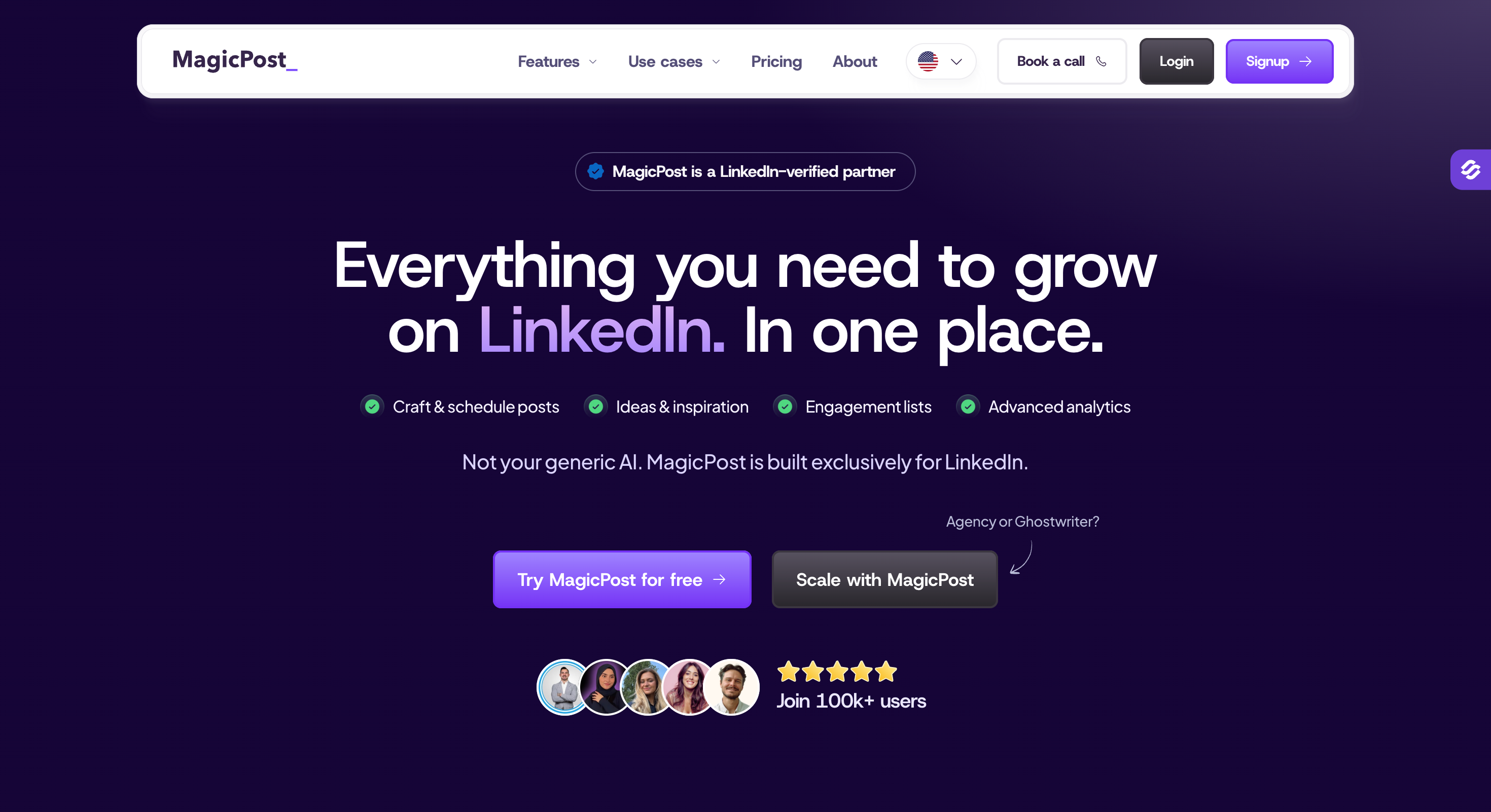
MagicPost takes the opposite bet from Taplio: instead of building a broad content platform, it does one job (drafting and publishing LinkedIn posts) well at one of the lowest price points on this list.
The best part is that MagicPost publishes via LinkedIn's official API rather than a Chrome extension. It means MagicPost sits on the "approved partner" side of LinkedIn's 2026 enforcement wave, not the "shadow-automation" side.
The Creator tier includes AI generation, visuals and carousels, hook writing, and an inspirations library. That's the tier I recommend. The entry Analytics tier has no AI generation and is only useful if the goal is scheduling and metrics without writing help.
Core Features
AI post generator trained on LinkedIn: Prompts to full posts, tone customization, style matching from any creator's profile or the user's own past posts, built for LinkedIn specifically.
Publishes via LinkedIn's official API: OAuth-based publishing (not scraping); LinkedIn-verified partner.
Visuals and carousels: Native LinkedIn-formatted carousels. LinkedIn video content grew by 36% year-over-year, so support for multiple post formats matters more now.
URL and YouTube repurposing: Turn a blog post or YouTube video into a LinkedIn post draft; tools like Descript allow video editing by editing a transcript, while MagicPost focuses on turning source material into LinkedIn post drafts.
Analytics dashboard: LinkedIn-native metrics beyond LinkedIn's own limited view.
Engagement and leads detector: Surfaces who engaged with recent posts.
7-language support: It supports 7 different languages.
MagicPost Pros and Cons
✅ Pros
❌ Cons
Publishes through LinkedIn's official API, making it a compliance-friendly option.
Supports LinkedIn only, with no cross-platform social publishing.
AI content generation is included starting with the $39/month Creator plan.
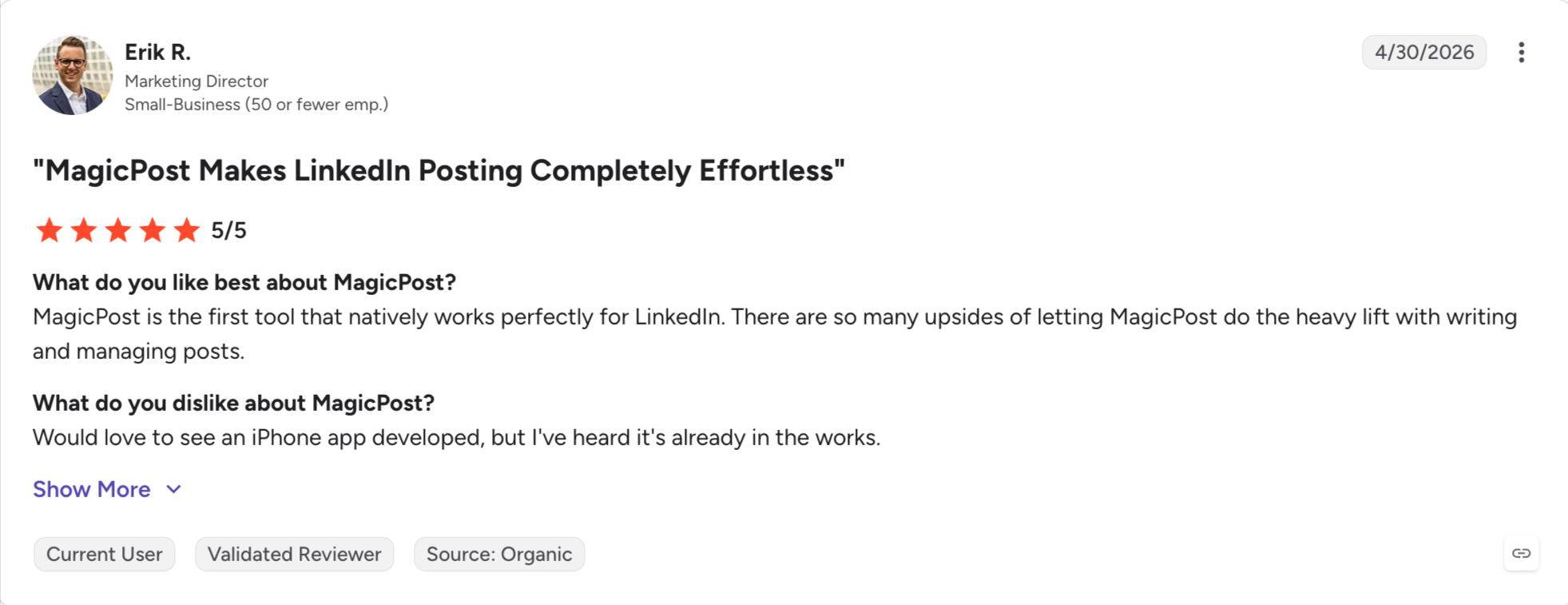
No presence on G2 or Capterra; Trustpilot is the primary independent review source.
Can match the writing style of virtually any LinkedIn creator.
AI-generated content can still sound generic without proper voice training.
Built-in image and carousel generation for LinkedIn posts.
The $21/month Analytics plan does not include AI content generation.
Repurposes YouTube videos and URLs into LinkedIn posts automatically.
Engagement remains manual—there are no automated commenting or messaging features.
MagicPost Pricing
Plan
Annual
Monthly
Notes
Analytics
$21/month (billed annually)
$35/month
Includes scheduling and analytics, but no AI content generation.
Creator (Most Popular)
$39/month (billed annually)
$69/month
Includes AI post generation, visuals, carousel creation, hooks, engagement tools, and lead detection.
Team / Agency
Custom (annual contract)
Custom
Supports multiple accounts, a shared dashboard, custom reporting, onboarding assistance, and a dedicated Account Manager.
Free trial available; no credit card required.
MagicPost Reviews
MagicPost has no dedicated G2 or Capterra page, so the primary independent rating source is Trustpilot.
Best fit: Solo personal-brand creators posting 3 to 5 times per week who specifically want voice-memory AI plus a live creator-coaching community, and who can justify a premium price for the ecosystem rather than just the writing tool.
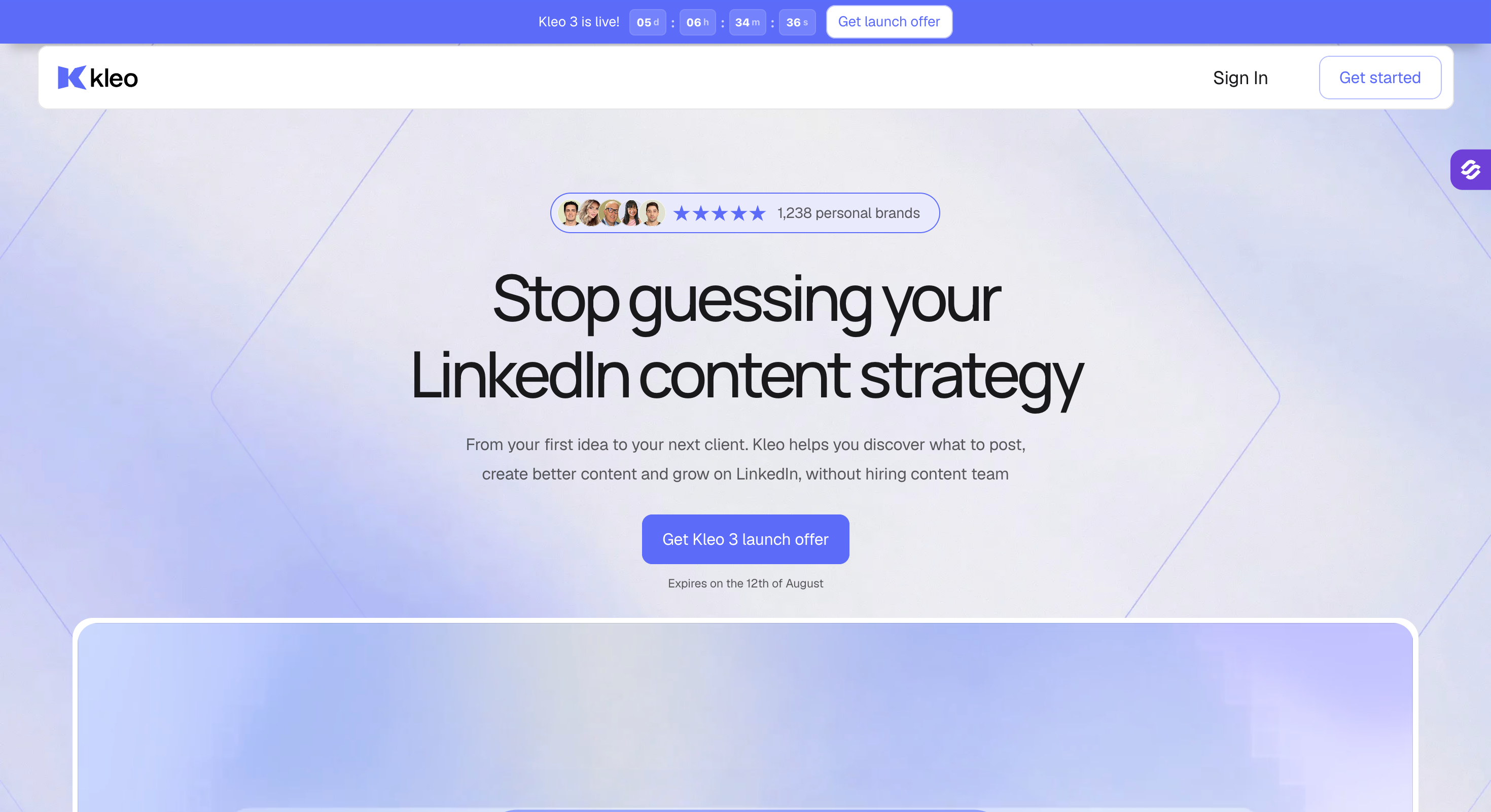
Kleo is the premium option in the content lane, and it's the only tool on this list that has real memory.
The AI trains on the user's own voice and identity across sessions, so the second month of writing looks different from the first month, and the platform pairs the writing tool with a live creator-coaching community and a large swipe file of proven LinkedIn posts.
That combination (voice-memory AI plus community plus swipe file) is unique, and it justifies the price for creators who post frequently.
A history note that matters: LinkedIn shut down Kleo's original free Chrome extension in June 2025 after it grew past 70,000 users.
The team rebuilt as Kleo V3 in October 2025 as a paid web app that no longer automates LinkedIn account actions; the new Chrome extension only saves inspiration to a swipe file.
Core Features
Voice and identity memory: The AI trains on user-uploaded posts and refines across sessions; not a stateless prompt tool, which helps strengthen LinkedIn presence over time by making content more consistent.
Viral post surfacing and swipe file: Save trending LinkedIn posts to a library organized by hook, format, or theme.
AI post generator and hook writer: Draft posts, generate hooks, iterate on drafts.
Templates and formats library: 170+ swipes, 200+ hook templates, 160+ post formats.
Post and profile analytics: Metrics start from signup date (no historical backfill), and tracking LinkedIn activity helps creators understand what improves reach and authority.
Graphic generation: 20 image generations per month.
Creator coaching community: Live sessions and access to Kleo's founder team.
Kleo Pros and Cons
✅ Pros
❌ Cons
Persistent voice-memory AI continuously learns and adapts to your writing style.
Premium pricing at $99/month with no free trial available.
Includes a creator coaching community and a library of swipe examples.
Requires a draft-in-Kleo, publish-in-LinkedIn workflow, adding an extra step.
Comes with more than 170 swipe examples, 200+ hook templates, and 160+ content formats.
Analytics are only available from the date you sign up, with no historical LinkedIn data.
Updated Chrome extension is compliance-friendly because it does not automate LinkedIn actions.
Graphics generation is capped at 20 images per month.
Annual plans include a 30-day money-back guarantee.
Designed for individual creators only—no team or agency plans, and a limited independent review footprint outside the Chrome Web Store.
Kleo Pricing
Plan
Price
Notes
Kleo (Only Plan)
$99/month
Single subscription with access to the complete feature set.
Includes the same features as the monthly plan, plus a 30-day money-back guarantee.
No free trial.
Kleo Reviews
Kleo has no dedicated G2, Capterra, or current Product Hunt review page.
8 - Engage AI: AI LinkedIn Engagement Tool
Best fit: Founders, SDRs, and sales professionals building visibility through strategic commenting on target accounts before running outbound sequences, especially those who post less than they engage.
Engage AI is the only tool on this list that isn't trying to publish anything.
It works on LinkedIn as a Chrome extension and drafts contextual comments on prospect posts, which is the missing step in most outbound plays: engage warm before pitching cold.
For founders and sellers who want to build visibility on target-account posts before running an outbound sequence, this is a real workflow, and the free tier is generous enough to test the pattern before paying anything.
Engage AI analyzes the post content (not just the author's name) and offers tone-adjusted comment drafts, which is closer to real AI than the connect-and-spam category.
It also monitors prospect posts, so it doubles as a light social-selling signal layer.
Core Features
AI comment generator: Analyzes the full post content and drafts context-aware comments.
Tone selector: Adjusts the comment tone (agreeable, question, insight, humor, disagreement).
Prospect post monitoring: Tracks target accounts and surfaces new posts for engagement, which can improve outreach strategies by showing when to engage.
Integrations: Hootsuite, HubSpot, Pipedrive, and Zapier.
Free tier available
This workflow can also improve LinkedIn visibility before direct outreach starts.
Engage AI Pros and Cons
✅ Pros
❌ Cons
Generous free tier makes it easy to evaluate before paying.
Focused on engagement only—no content creation, scheduling, or outreach features.
Generates context-aware LinkedIn comments instead of generic replies.
Less effective on posts that contain only videos or images.
Includes multiple tone options for tailoring comment style.
Delivered through a Chrome extension, although it performs only minimal LinkedIn actions.
Monitors posts from prospects to help identify engagement opportunities.
No meaningful G2 review presence; Capterra is the primary independent review source.
Integrates with CRMs such as HubSpot and Pipedrive.
Relatively small independent review footprint compared with larger competitors.
Engage AI Pricing
Plan
Price
Notes
Free
$0
Includes a limited number of AI-generated LinkedIn comments each month.
Paid
From $12.90/month (monthly billing)
Higher AI comment limits, tone selection, and support for multiple LinkedIn accounts.
Engage AI Reviews
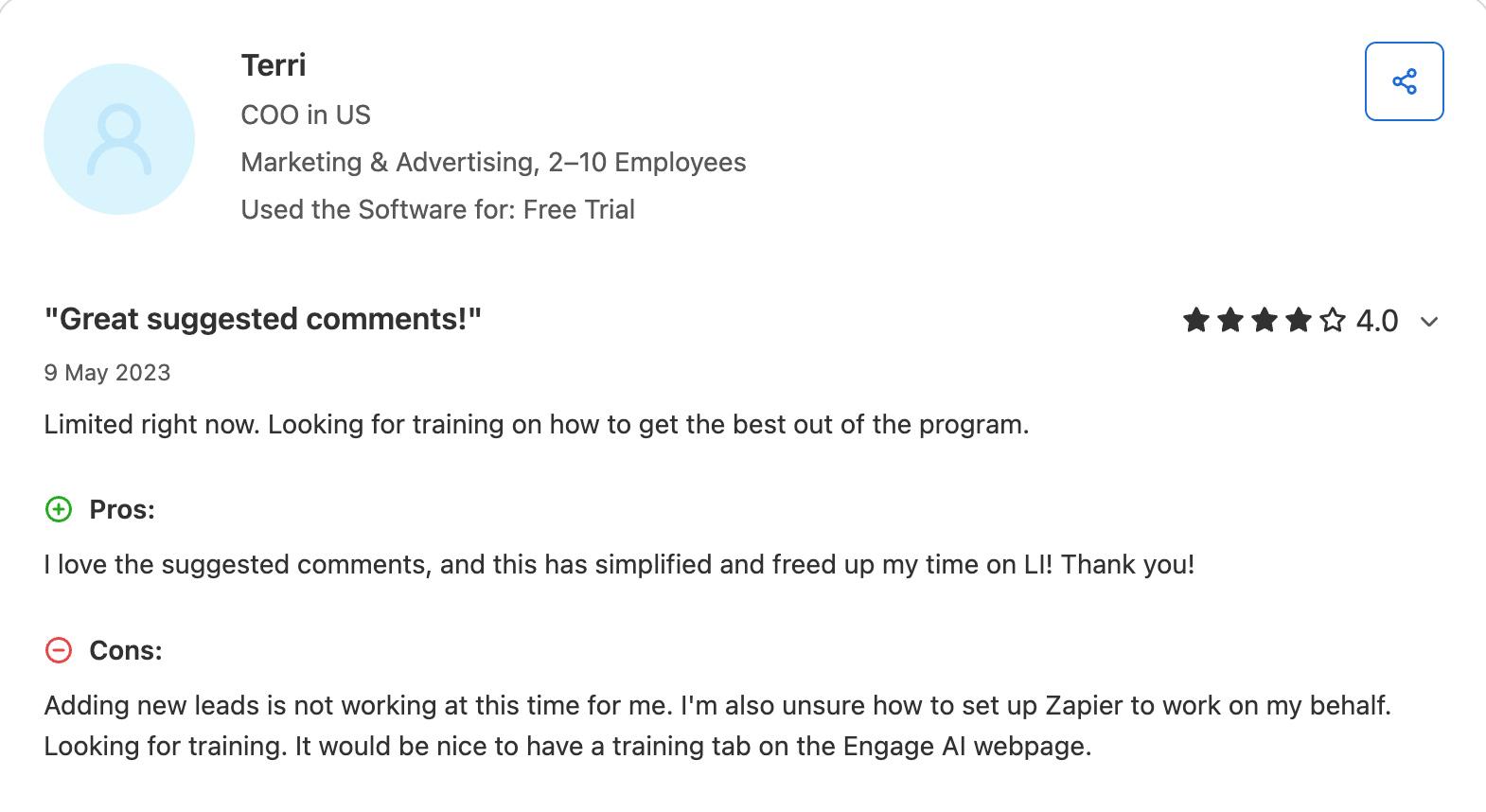
Engage AI has a Capterra listing.
Is LinkedIn Automation Safe in 2026? (Account Safety & Policy)
Account safety is the biggest single variable in this category, and it's the one buying guides skip most often.
Below is how I think about it in 2026, informed by the enforcement pattern this year.
Apollo/Seamless/HeyReach removals
In 2025 LinkedIn removed Apollo.io's LinkedIn automation, took down Seamless.AI's brand presence and executive profiles, and issued similar actions against La Growth Machine and Evaboot.
In March 2026, LinkedIn removed HeyReach's own company page along with the CEO, CTO, and CRO profiles.
HeyReach the product kept running (per CEO Nikola Velkovski), but the corporate signal was hard to miss: LinkedIn is willing to escalate enforcement against companies whose tooling it disagrees with, even when the tool itself keeps working.
The takeaway isn't "don't use LinkedIn automation." It's that the platform's tolerance envelope shrank, and the tools that survived built either official-API integrations, dedicated IPs, or safer daily-action defaults.
Tools that scaled through browser extensions and aggressive daily limits took more of the hit.
Daily Action limits
LinkedIn's own limits sit around 100 to 200 connection requests per week for most accounts (weekly, not daily), with tighter limits for new accounts.
Every safety-first tool on this list defaults to below that limit: Salesforge rate-limits its 6 native LinkedIn actions by design, Expandi's smart sequences default to conservative send patterns, and Kleo's new product doesn't touch account actions at all. HeyReach can keep the product running through a connected account model built around multiple linkedin accounts, but that scaling setup still needs conservative pacing.
Anyone running above 100 connection requests per week from a single account is fishing, and while running multiple accounts can scale LinkedIn outreach, it also raises enforcement exposure if limits are pushed.
Cloud vs Chrome Extension
Cloud-based tools that run from a dedicated infrastructure server generally look more like a human user to LinkedIn than a browser extension automating clicks does.
That's the core structural reason Expandi's dedicated-country-IP setup and Salesforge's cloud-based sending are safer than the Chrome-extension category (Waalaxy, Dux-Soup, and older versions of Kleo).
The Chrome-extension category isn't dead. It just carries higher risk, and I weigh that trade-off (usually a lower price) against the cost of losing a 5-year-old profile with thousands of connections.
Dedicated IP
Dedicated IPs matter for two reasons.
They don't share sending reputation with other users of the same tool, so one bad actor doesn't hurt everyone else.
They map to a geographic location that matches the LinkedIn account, which is closer to how a real user connects.
Salesforge Growth support this pattern. Free-tier and Chrome-extension tools generally don't.
How to Choose the Right LinkedIn AI Tool
The right tool depends on which of the four jobs you're hiring for.
For multichannel outreach at any real volume: Salesforge. LinkedIn and email in one sequence, unified inbox, AI personalization across 21+ languages, and unlimited senders. Pro at $40/mo (billed annually) fits a solo seller; Growth at $80/mo (billed annually) fits a team.
For chat-based lead sourcing: Leadsforge. 500M+ database, Competitor Followers Search, and 4 event-based Signals, with a one-click handoff into Salesforge under the same login (separate subscriptions).
For deep prospect research and enrichment: Clay, if the team has the technical appetite to climb the learning curve and the budget for Launch ($167/mo billed annually) or Growth ($446/mo billed annually).
For LinkedIn content creation: MagicPost at $39/mo (billed annually) if the priority is a focused, compliance-safe writing tool at a low price. Taplio if the priority is a broad platform (library, writer, scheduler, lead gen) and the team can pay for Growth or Pro.
For LinkedIn engagement: Engage AI. The free tier is enough to test the pattern; paid at $12.90/mo opens higher comment volume.
Key Takeaway
The best LinkedIn AI tool depends on the job.
But for the largest job on the list (running LinkedIn and email outreach together at any real volume), Salesforge is the tool I keep coming back to.
It's the only platform on this list that treats LinkedIn and email as one workflow, personalizes messages in 21+ languages using the Localized Greeting variable, unifies every reply in Primebox, and includes free unlimited warm-up via Warmforge inside the subscription.
Under one Forge login, Leadsforge handles sourcing on a separate $49/mo subscription, and the Chrome extension surfaces verified contacts from LinkedIn directly into a Salesforge sequence.
It depends on the job. Salesforge is the best for AI-personalized multichannel outreach across LinkedIn and email. Leadsforge is the best for lead sourcing. MagicPost or Taplio for content. Engage AI for engagement.
2) Are LinkedIn AI tools safe to use in 2026?
Some are, some aren't. Tools that publish via LinkedIn's official API (like MagicPost) or run cloud-based with dedicated IPs (like Salesforge and Expandi) are materially safer than Chrome-extension tools that automate browser actions. The 2026 enforcement wave hit the second category harder.
3) Is there a free LinkedIn AI tool?
Yes. Engage AI has a free tier for AI-drafted LinkedIn comments. Leadsforge grants 100 free credits on signup with no credit card required. Clay offers a free tier with 100 Data Credits and 500 Actions per month. Salesforge and Agent Frank include a 14-day free trial with no credit card required.
4) Does LinkedIn have its own AI?
Yes. LinkedIn Sales Navigator (Advanced tier) includes Account IQ and Lead IQ, which summarize account activity and identify relationship paths. LinkedIn Premium includes an AI writing assistant for profile and job-description copy. LinkedIn also launched conversational AI search in January 2026.
5) Can AI tools get my LinkedIn account banned?
Yes, if they operate outside LinkedIn's tolerance envelope. High-volume automation from a Chrome extension is the highest-risk pattern; official-API integrations and cloud tools with dedicated IPs and conservative daily limits are the lowest-risk pattern.
LinkedIn automation tools schedule and send templated actions (connection requests, messages) at scale. LinkedIn AI tools use data specific to the prospect or user (post history, job changes, voice-trained content models) to personalize what's being sent. The best products in 2026 do both.
7) Which LinkedIn AI tool is best for content creation?
MagicPost if the priority is a focused, low-price, compliance-safe writing tool ($39/mo billed annually). Taplio if the priority is a broad content platform with a viral library and scheduler. Kleo if voice-memory AI and community coaching are worth the premium price.
Book more meetings on autopilot
Set up in minutes. No per-seat pricing. No commitment.
Compare 5 AI inbox managers for cold email and sales outreach. See how Salesforge, Smartlead, Instantly, Reply.io, and Saleshandy handle replies, AI features, and pricing.



.jpg)

.jpg)

