Lead generation software is one of those categories where every tool claims to be the last one you'll need. But very few actually are.
I run outbound at Salesforge. I've tested every tool on this list against real campaigns.
My question was simple. Which tools stay in the stack after 90 days, and which get cancelled at the next renewal?
Well, only 16 lead generation tools made it the cut this year. Some run inside my stack today. Others I've used at previous companies or watched agencies run at scale.
All of them earn their spot for a specific reason.
And that reason usually isn't features. It's whether the tool actually gets used after the honeymoon month.
Here's the list, ranked by the job each tool does best.
Salesforge is my Best Overall pick. It's the only outreach platform that bundles multichannel sending, unlimited mailboxes, and warmup on one flat fee.
Every other tool below is ranked inside the job it does best.
If you want to skip the reading, start a free Salesforge trial. Layer prospecting on top based on where you sell.
For a deeper look at just the sending layer, my roundup of the best cold email software breaks it down.
I ranked these by whether they earned a spot in a working outbound stack. Not just mine or the Salesforge team's. Also ones I've watched agencies run at production scale, and ones I've deployed at previous companies before joining here.
Here's the specific evaluation I ran.
1. Prospecting tools
I ran the same ICP query across five databases. Same job titles, same industries, same geography. Then I checked verified email hit rates against a control list of 500 known-valid contacts. Anything below 80% match rate got downgraded. Anything above 90% got a serious look on pricing.
2. Outreach tools
I looked at inbox placement across cold Google and Microsoft mailboxes. I set up 20 fresh domains, warmed them for 14 days, then ran a controlled 30-day campaign. Salesforge, Instantly, and Saleshandy all cleared 90% primary inbox placement. A few tools that shall not be named landed below 70% on Google alone.
3. Visitor ID tools
I installed both Leadfeeder and RB2B on the Salesforge marketing site. I compared identified accounts against known deals in the pipeline over a 45-day window. Both tools surfaced accounts the sales team would otherwise have missed. Leadfeeder gave company-level identification. RB2B gave person-level. Different use cases, both earned their spot.
4. Pricing transparency
I gave every vendor 10 minutes to show me their real annual cost from a public pricing page. Three failed that test: ZoomInfo, Cognism, and Seamless.ai Pro. Those tools got flagged in the reviews, not disqualified.
5. Integration depth
I looked for real bidirectional syncs, not "we integrate with Zapier" hand-waving. Tools that plugged natively into Salesforge, HubSpot, or Salesforce ranked higher than tools with generic API endpoints.
6. Real tradeoffs at scale
Every tool breaks somewhere. I asked myself what happens at 10x current volume. Tools that break gracefully ranked higher. Tools that look great on the free plan but choke at 5,000 sends a day ranked lower.
The 16 tools below survived that evaluation.
I've ordered these by the job each does best, not by how popular they are. Salesforge sits at #1 because it's the tool I run for outreach today.
Everything else is ranked by how well it holds up in a working stack. Every review below follows the same shape: what the tool is, what makes it different, and my take from actually using it.
Best for outbound teams running email + LinkedIn at scale without per-seat pricing.
I run outbound at Salesforge, and this is the platform I use every day. I've also tested it against every alternative on this list before writing the ranking.
Here's what Salesforge is. It's a cold email and LinkedIn outreach platform with unlimited mailboxes, unlimited LinkedIn senders, and warmup bundled into every plan. You pay one flat monthly fee. No per-seat charges. No LinkedIn add-on. No separate warmup subscription.
What makes it different is that pricing structure. Every "all-in-one" outbound tool I tested either capped mailboxes, charged per seat, or gated warmup behind a paid tier. Instantly bundles unlimited mailboxes but has no LinkedIn channel.
Apollo has LinkedIn but charges $49 to $119 per seat per month. Lemlist charges per user and per channel. Salesforge treats the whole outbound engine as one fixed cost.
My take: that structure is what survives real scale. I run 30 mailboxes and three campaigns at once. Six months in, the bill hasn't moved. Any per-seat tool would have quadrupled by now.
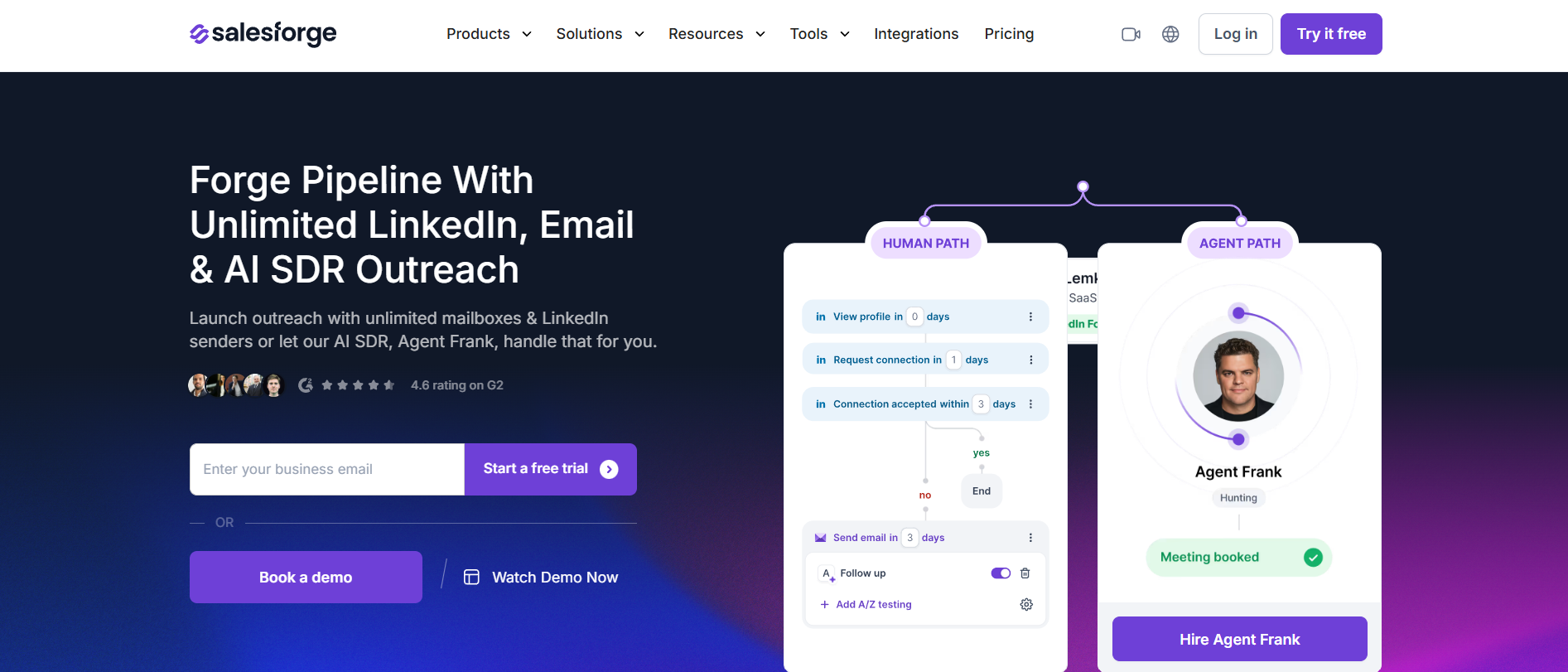
Here's how the Salesforge outbound team actually uses the platform.
Agent Frank runs on Auto-Pilot for top-of-funnel prospecting. He handles lead sourcing through Leadsforge, drafts emails and LinkedIn messages, sends across 20+ languages, and manages replies.
For named accounts, I switch him to Co-Pilot instead. I want the final call on messaging when the deal is above $50K.
The Forge stack pairing is what makes this structurally different from Instantly or Saleshandy. Leadsforge sits upstream at the prospecting layer with 500M+ verified contacts and waterfall enrichment.
Push contacts into Salesforge with one click. No CSV export step in between. Warmforge sits inside every plan, protecting deliverability with 14-day warmup, heat score monitoring, and placement tests. Mailforge and Primeforge handle the infrastructure layer at $2 to $9 per mailbox depending on setup.
Primebox is what makes this workable at 30 mailboxes. Every reply from every channel across every mailbox lands in one unified inbox. Without it, you're drowning in browser tabs by week two.
Everything I've said about LinkedIn outreach at scale works better on a platform built for both channels from day one. Salesforge is the one I default to.
Best for agencies sending high-volume cold email with tight deliverability control.
Instantly is a cold email sender designed for volume. You get unlimited inbox connections, aggressive warmup, and a separate Lead Finder database for sourcing contacts.
What makes it different is the deliverability engineering. Instantly has invested more than almost anyone in inbox rotation, sending pacing, and warmup automation. Agencies pushing 100K emails a month lean on it for exactly this reason.
My take: this is the tool I recommend when the motion is pure cold email and volume matters more than channel breadth.
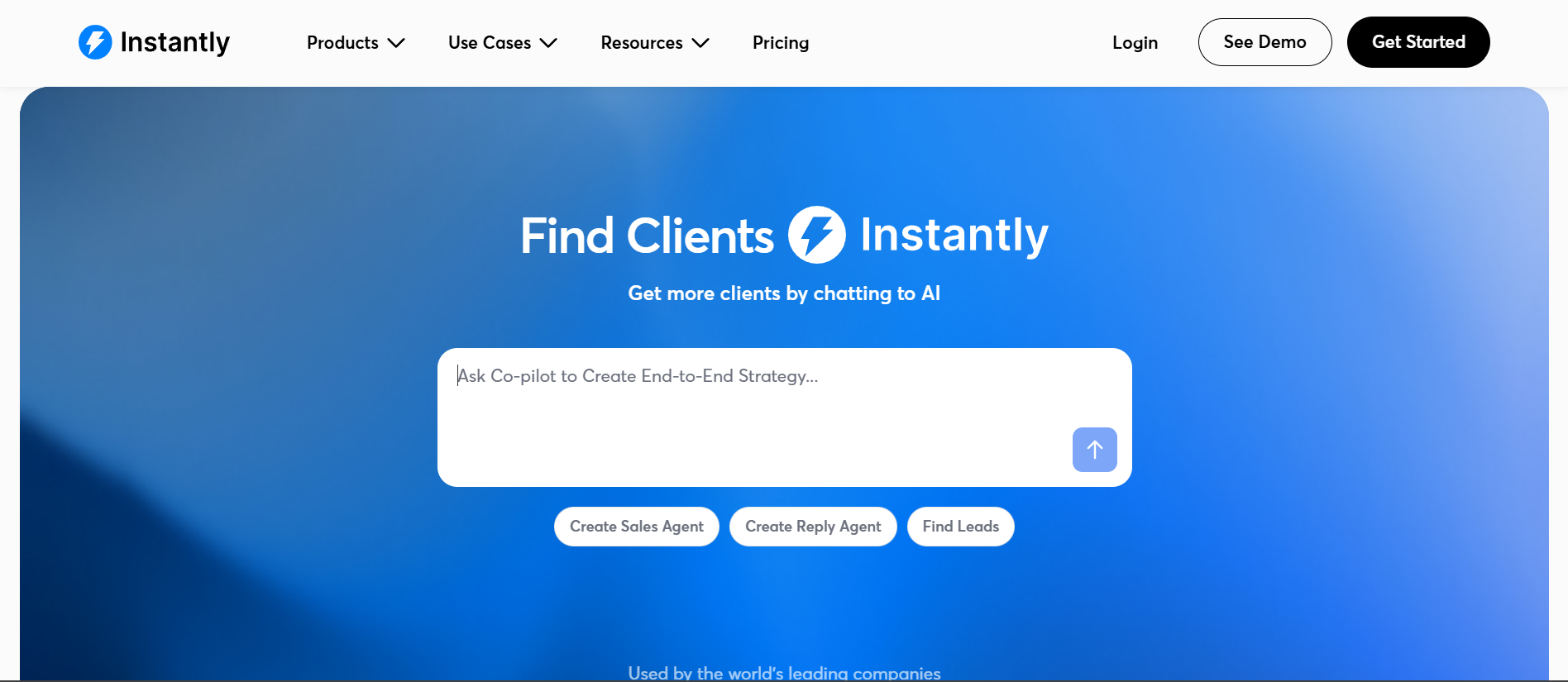
I tested Instantly on a controlled 200-mailbox campaign over 45 days. Primary inbox placement held at 92% on Google and 89% on Microsoft. That's competitive with anything on this list.
Where Instantly stumbles is anywhere outside cold email. There's no native LinkedIn channel. Reply personalization at scale still needs a lot of manual work. And the pricing splits between the Outreach product and Lead Finder credits. That adds friction when you're modeling your true monthly cost.
Best for founders and SDRs who want prospecting and light outreach in one tool.
Apollo.io is a B2B contact database with over 270 million contacts, combined with baked-in sequences, a dialer, and AI features. Everything sits on one platform. The free plan gives 900 credits per seat per year.
What makes it different is the attempt to be a full outbound platform on top of a database. Very few competitors do both jobs at this price point. The intent topics and buying signals help you prioritize accounts, which matters when credit budgets are finite.
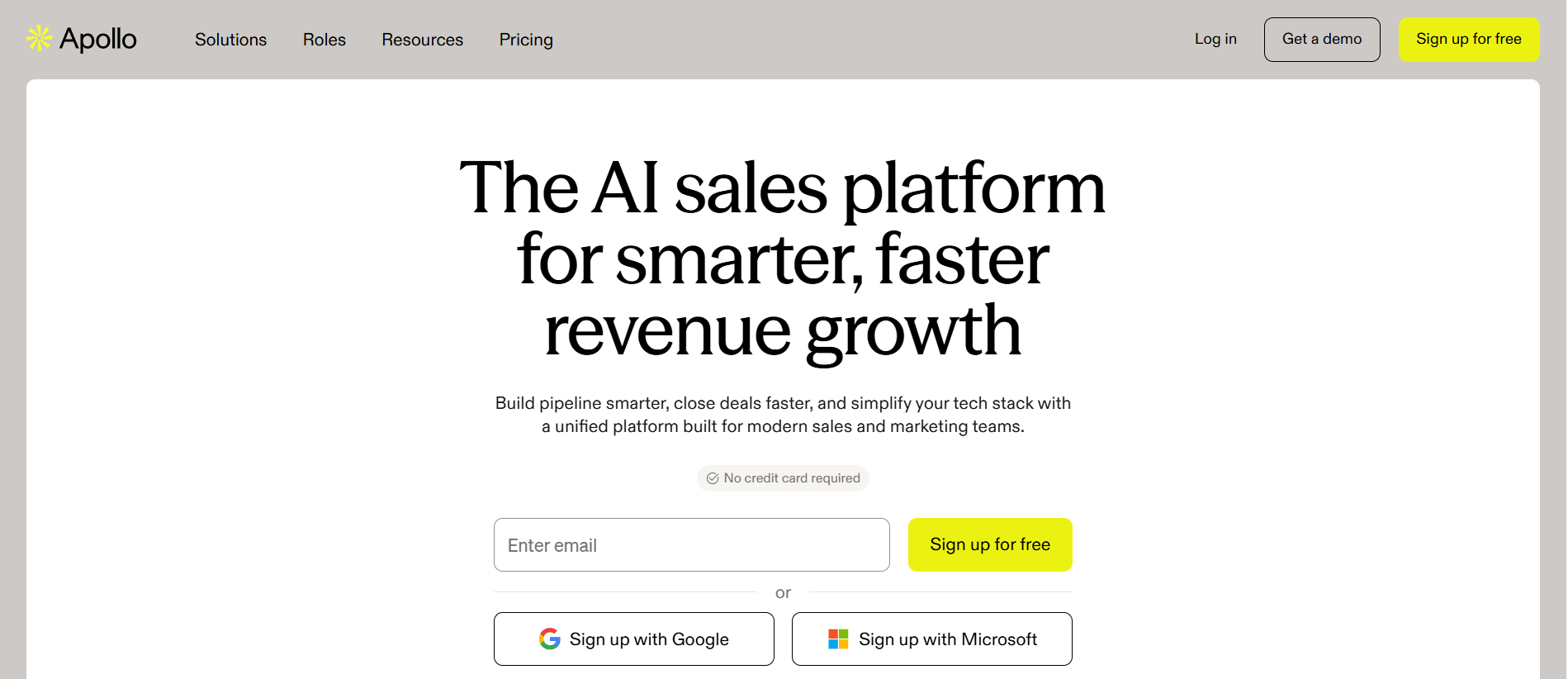
My take: I use Apollo.io for two things. Fast list-building when I need to move quickly. And enrichment on lists I've sourced elsewhere. The intent data is decent, though not on par with ZoomInfo's Streaming Intent.
The sending engine works for 500 emails a day per mailbox. Above that, deliverability softens compared to Salesforge or Instantly. I treat Apollo as a prospecting layer, not a full outreach engine.
Also take a look at these Apollo Alternatives
Best for RevOps teams that need waterfall enrichment on top of another data source.
Clay is a data enrichment and workflow platform. It connects to 150+ data providers and runs them in sequence to enrich a single record.
Claygent, the AI research layer, runs custom prompts against each row to pull context most databases don't have.
What makes it different is the waterfall model. When one provider misses on a record, Clay automatically falls through to the next.
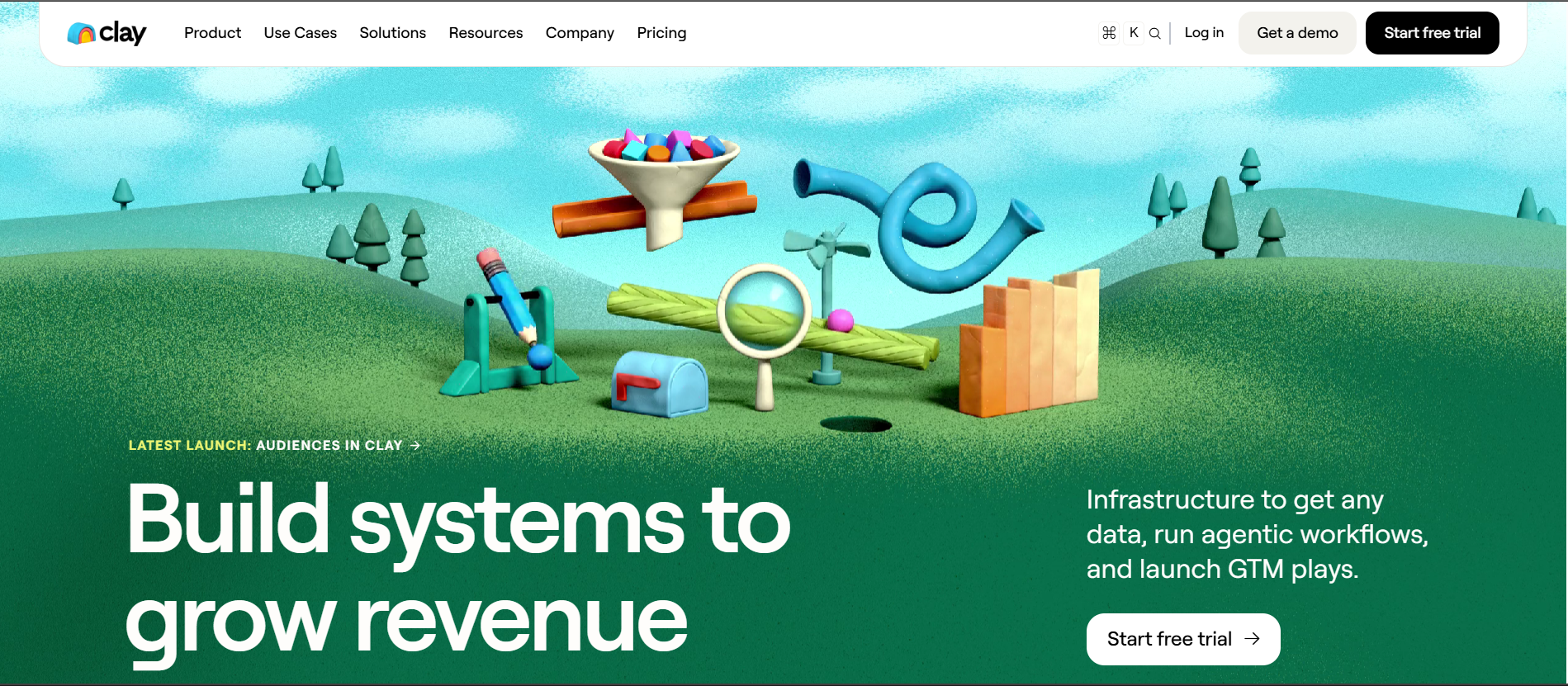
That produces the highest match rate on emails and phone numbers I've tested. No other tool takes this stacked-provider approach.
My take: Clay is not a starting-point tool. It's a power tool for teams that already know their prospecting workflow and want to squeeze more accuracy out of it.
Small teams can burn through $167 of credits in a week if they aren't careful. But when the alternative is manually re-enriching lists in a spreadsheet, Clay pays for itself fast.
Also take a look at these Clay alternatives
Best for enterprise sales orgs running account-based motions with real intent data.
ZoomInfo is an enterprise sales intelligence platform with verified emails, direct dials, mobile numbers, buyer intent, and org charts. Backed by one of the largest data operations in the category and priced accordingly.
What makes it different is Streaming Intent. It shows you which accounts are researching your category right now, not two weeks ago.
Direct dial coverage on senior decision-makers is genuinely better than the alternatives. Cognism edges ZoomInfo in Europe, but nowhere else.
My take: this is a bad fit for most teams under 20 seats. The five-figure annual commitment and credit-based pricing make it painful for anyone below mid-market. But at the account-based level, targeting 200 named accounts with intent data and org charts, nothing else touches it.
The website visitor tracking and enrichment features round out a genuinely enterprise-grade platform.
Also Check Out These ZoomInfo Alternatives
Best for B2B teams targeting European buyers who need GDPR-safe mobile numbers.
Cognism is a compliance-first B2B contact database, built around European data coverage, manually verified mobile phone numbers (Diamond Verified), and GDPR-safe workflows.
What makes it different is Diamond Verified phone data. These aren't algorithmically inferred numbers. They're manually verified against the actual owner. For anyone running cold calls into Europe, this alone justifies the platform.
My take: the first time I ran a UK campaign, three data providers I trusted returned junk numbers. Cognism was the one that didn't. That's a big deal when you're paying reps to make dials. Like ZoomInfo, Cognism hides its real cost behind a sales process. Fine if you're an enterprise buyer. Frustrating if you're not.
Best for SMB reps doing quick contact reveals on LinkedIn without a big platform commitment.
Lusha is a credit-based contact reveal tool that runs primarily as a browser extension. It surfaces verified emails and phone numbers on LinkedIn profiles the moment you view them.
What makes it different is the workflow speed. You browse a target's LinkedIn profile, click the Lusha button, and get their verified email and phone in a second. Apollo's extension does the same thing but heavier. For manual account research, Lusha is faster.
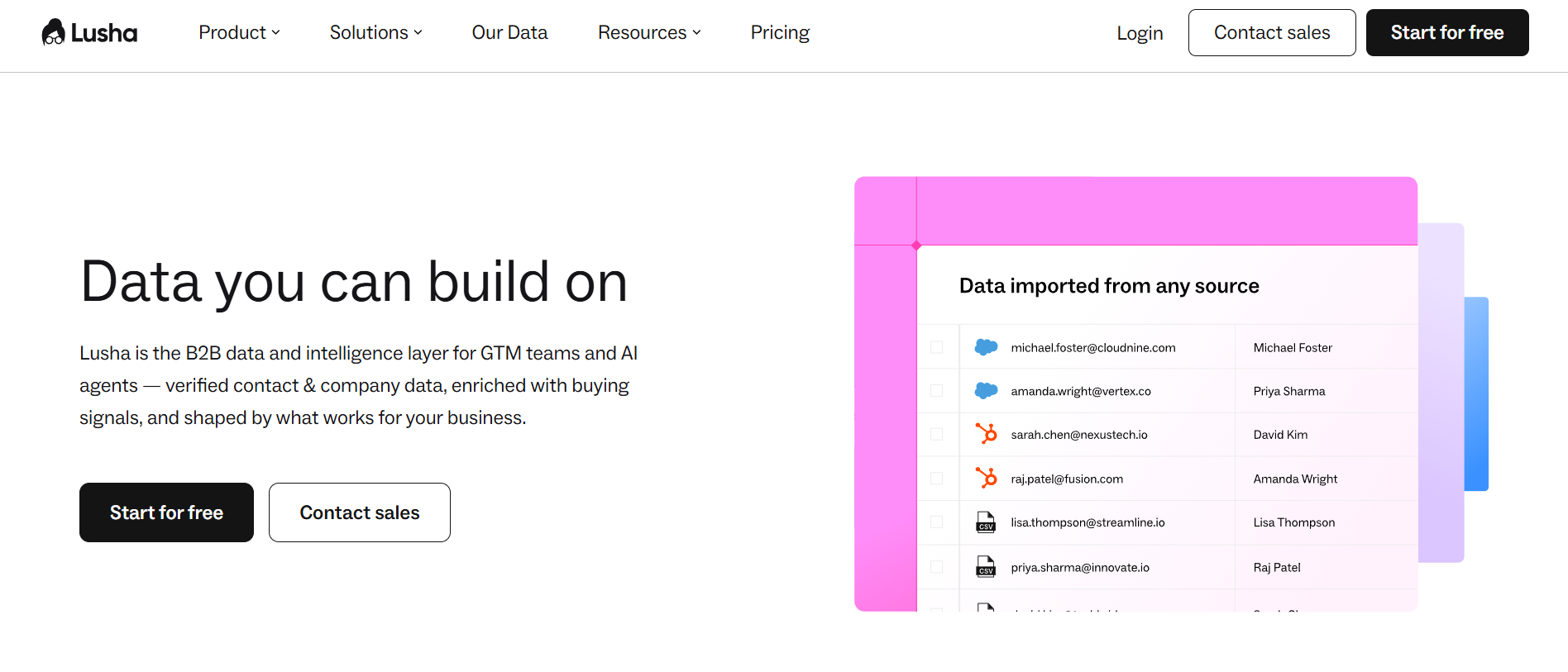
My take: I ignored Lusha for years, assuming it was too lightweight for real outbound. That was wrong. It's not a database in the Apollo or ZoomInfo sense.
It's a fast credit-based reveal tool for reps doing account-by-account research. The database is smaller, and heavy use burns credits fast. But the workflow speed is genuine, and the free plan covers one seat with limited monthly credits.
Best for founders and small teams who need email finding and light outreach on a budget.
Hunter is an email finder, verifier, and light-touch cold email sender. Hunter.io has been in this category since 2015. It does one job (finding and verifying professional emails) better than tools three times its price.
What makes it different is the Domain Search. Give it a company URL, and it returns every verified email pattern the company uses along with named contacts and their roles. The Email Finder handles individual lookups.
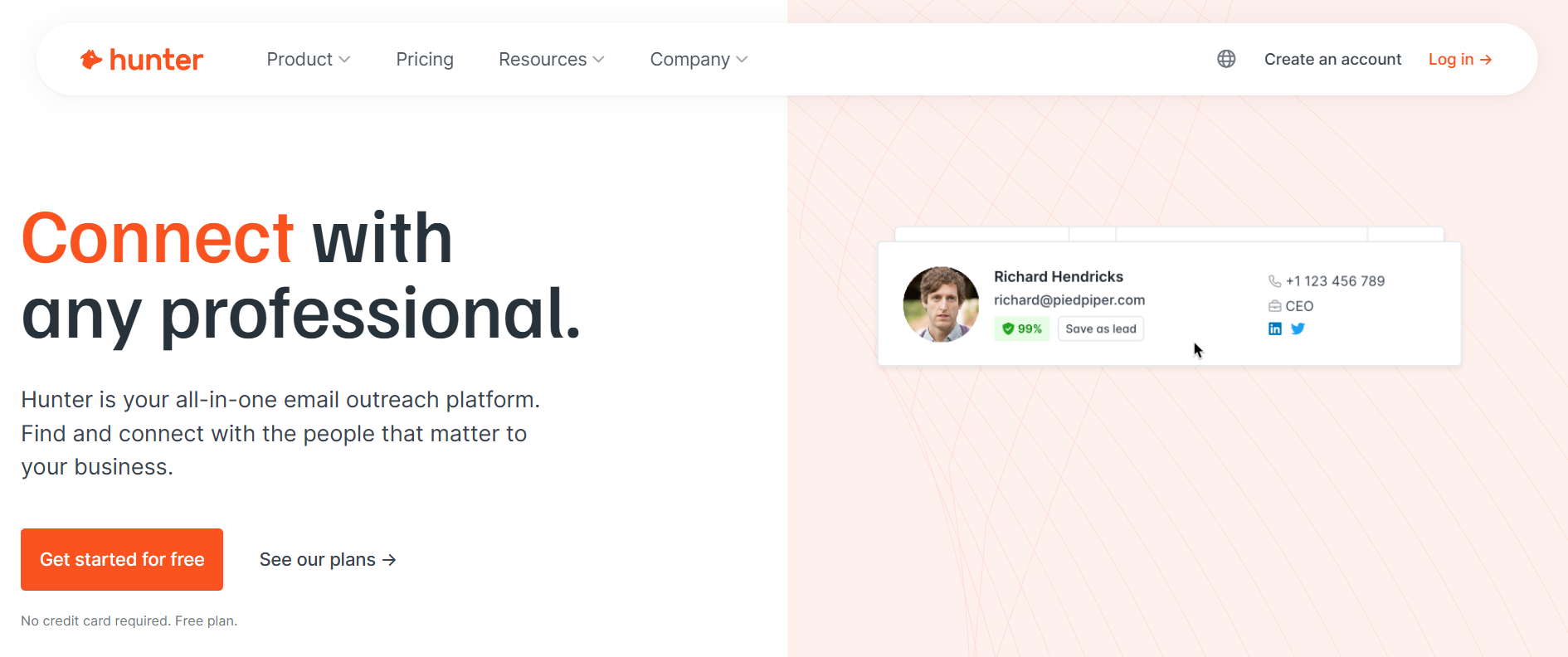
The Discover database (Hunter's newer contact search tool) has grown into a legitimate alternative to Apollo for smaller teams.
My take: Hunter is my default when I need to build a small, high-accuracy prospect list quickly. I wouldn't run a serious cold email operation on Hunter's sending layer.
The deliverability tooling doesn't compete with Salesforge or Instantly. But for founders sending 50 emails a day, it's more than enough. If you're specifically looking at the finding layer, my full email finder tools breakdown covers this in more depth.
Best for reps doing one-off contact lookups across a very large professional database.
RocketReach is s a contact lookup database covering around 700 million professionals. Lookups only count against your quota if RocketReach actually returns data.
What makes it different is the honesty of the credit model. Most competitors count a lookup even when they can't find the contact.
RocketReach only counts completed lookups. Combined with 100+ advanced search filters, that gives you precision usually reserved for enterprise tools.
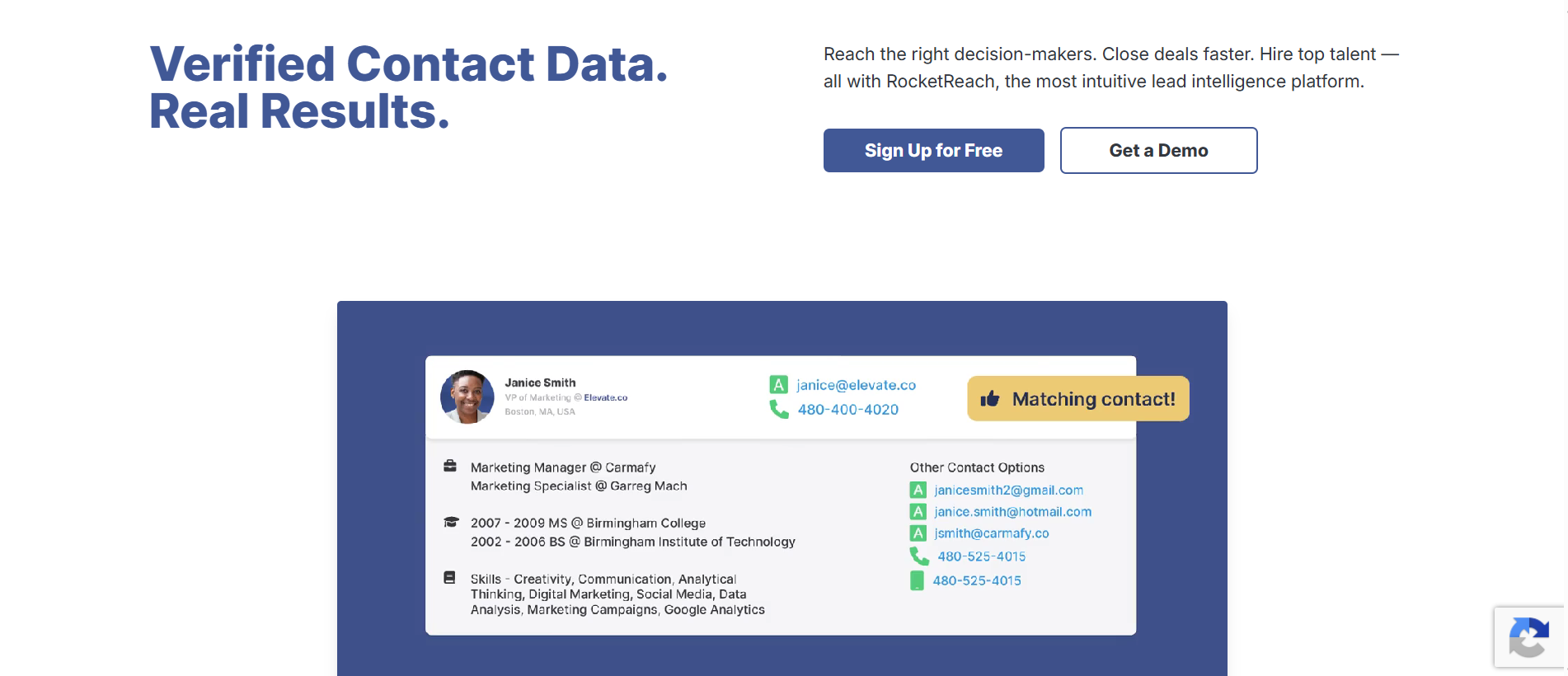
My take: RocketReach and Hunter get lumped together on every list, but they solve different problems. Hunter is domain-first.
RocketReach is contact-first. If you're doing account research one contact at a time, RocketReach is the smoother workflow. Worth flagging: RocketReach's pricing page geolocated my session to INR when I checked in July 2026. Verify from a US session before making a buying decision.
Also check out these RocketReach Alternatives
Best for sales teams needing fresher data on hard-to-find contacts, if they can stomach opaque pricing.
Seamless.ai is a real-time AI-powered contact search engine. Rather than pulling from a static database, Seamless.ai queries and verifies contact information the moment you request it.
What makes it different is the freshness of data on hard-to-find contacts. The Job Changes add-on automatically re-verifies contact details for people who've moved companies. Buyer Intent and Data Enrichment round out a decent prospecting-plus-signals offering.
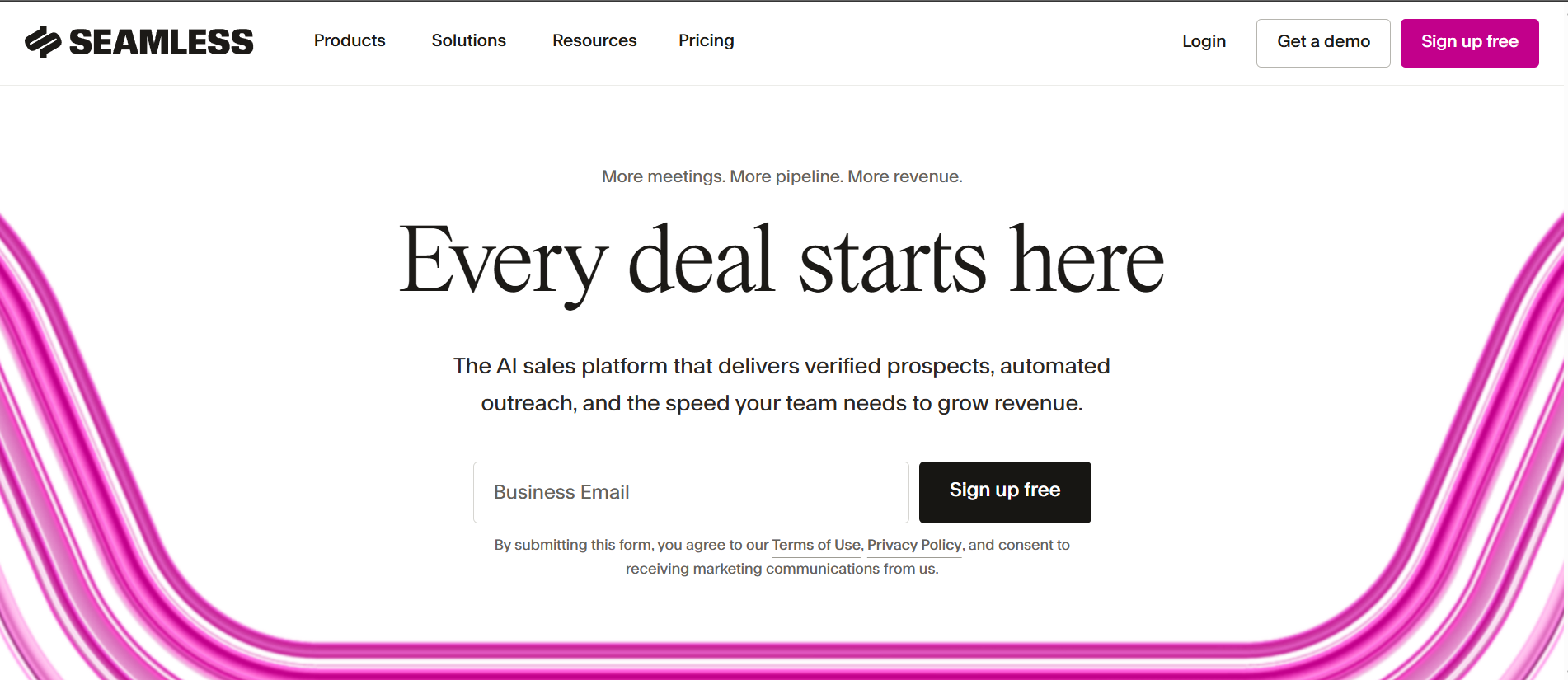
My take: the catch is transparency. The Pro and Enterprise plans are "contact sales" only, with credit packages priced individually.
The pricing page notes annual discounts without showing the per-seat number. That's my hesitation. You can't easily model your real cost without going through a sales rep. The free plan (50 credits, one user) is generous enough to test data quality before you commit.
Also check out these Seamless Alternatives
Best for SDR teams that source directly from LinkedIn and Sales Navigator.
Skrapp is a LinkedIn-first email finder with browser extensions that extract verified business emails from LinkedIn, Sales Navigator, and company domains.
What makes it different is the LinkedIn-native workflow. Instead of switching between LinkedIn and a separate database, Skrapp.io sits inside the LinkedIn interface as an extension.
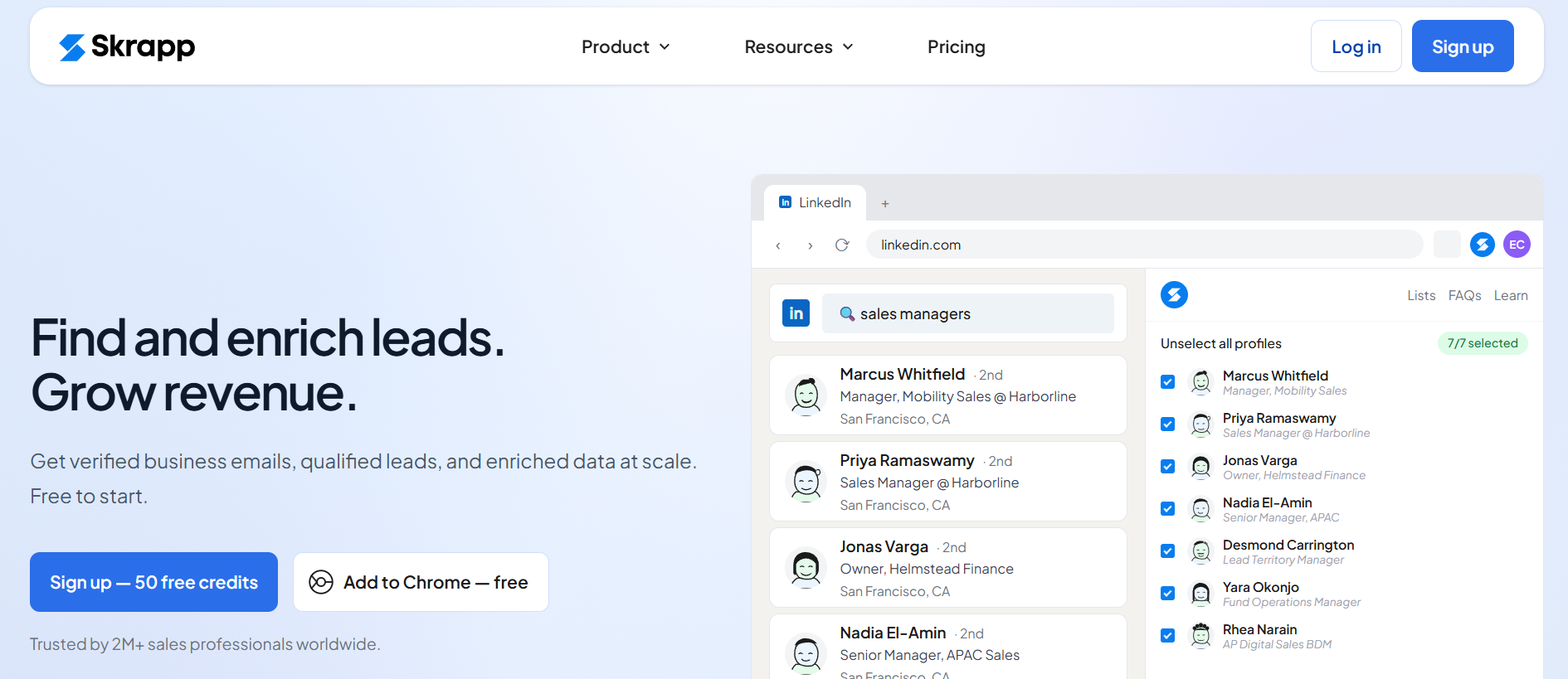
You browse profiles and it pulls verified emails into a list you can export or sync into your CRM.
My take: Skrapp is the tool I default to when I'm sourcing directly from LinkedIn and don't want to bloat my stack.
The pricing model uses a credit slider. You get 2,000 credits at $29 up to 25,000 at higher tiers. That makes it easy to right-size the plan. Where Skrapp falls short is depth. For enterprise-grade intent data or org charts, this isn't the tool. But for LinkedIn-native prospecting on a budget, it's hard to beat.
Best for B2B sites with strong traffic that want to follow up on high-intent company visits.
Leadfeeder is a website visitor identification tool that de-anonymizes traffic at the company level. When a company visits your pricing page or reads three product pages, you see the account.
That includes the company name, the pages viewed, and enrichment details.
What makes it different is the real-time alert workflow. Identified companies push directly to Slack, HubSpot, or Salesforce so sales can act while the intent is fresh. The Lite plan is free and covers the last 100 companies per month, which is enough to prove out the workflow.
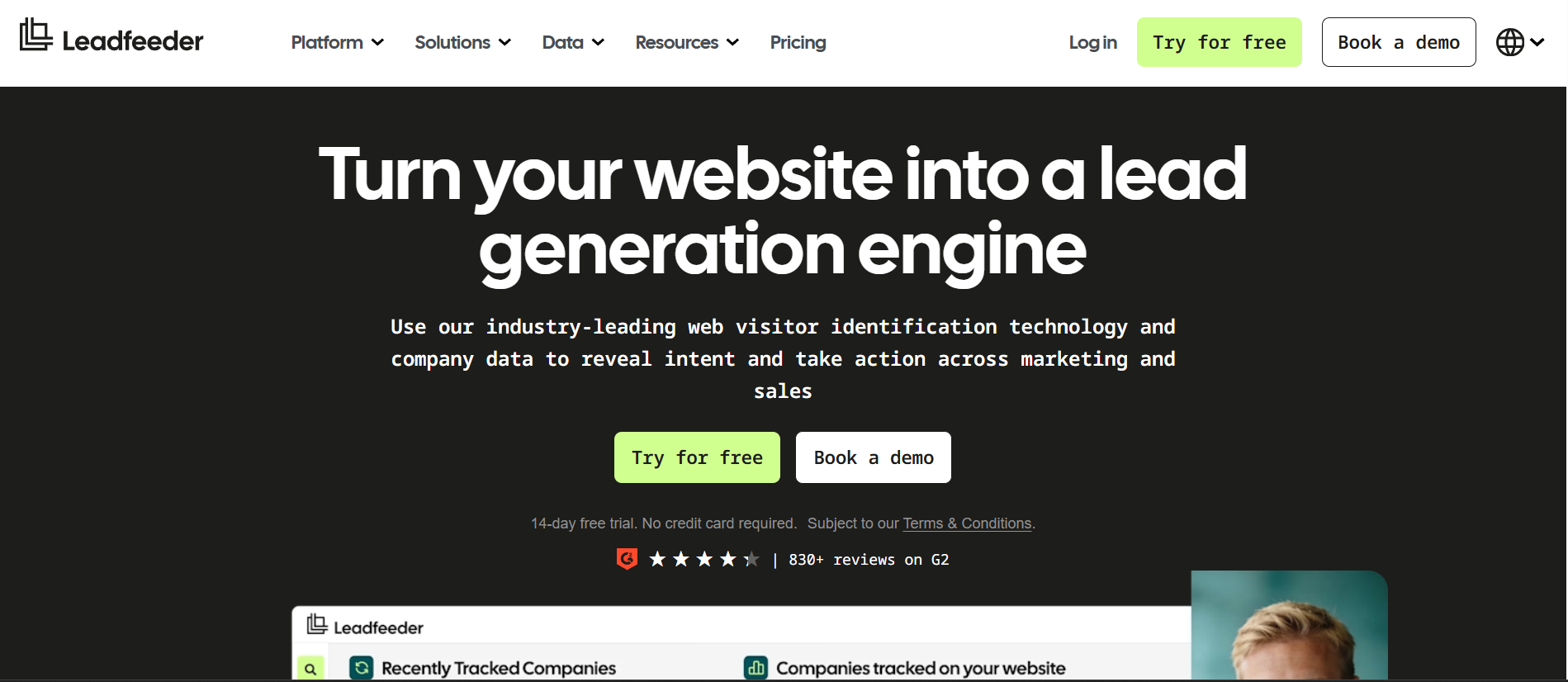
My take: this is my go-to tool for turning anonymous B2B site traffic into a follow-up list.
I installed Leadfeeder on the Salesforge marketing site alongside RB2B during evaluation. Both surfaced accounts the sales team would otherwise have missed. Leadfeeder gives you the company-level picture. If you need the specific person who visited, that's where RB2B comes in.
Best for US-focused B2B teams that want person-level visitor identification in Slack.
RB2B is a person-level website visitor identification tool for US traffic. It doesn't show you which company visited.
RB2B shows you which specific person visited. Then it pushes their LinkedIn profile and business email to Slack in real time.
What makes it different is the resolution level. Instead of "Salesforce.com visited your pricing page," you get "Jane Smith, VP of Sales at Salesforce, visited your pricing page."
The LinkedIn and business email arrive in the same alert. That changes how the sales team follows up.
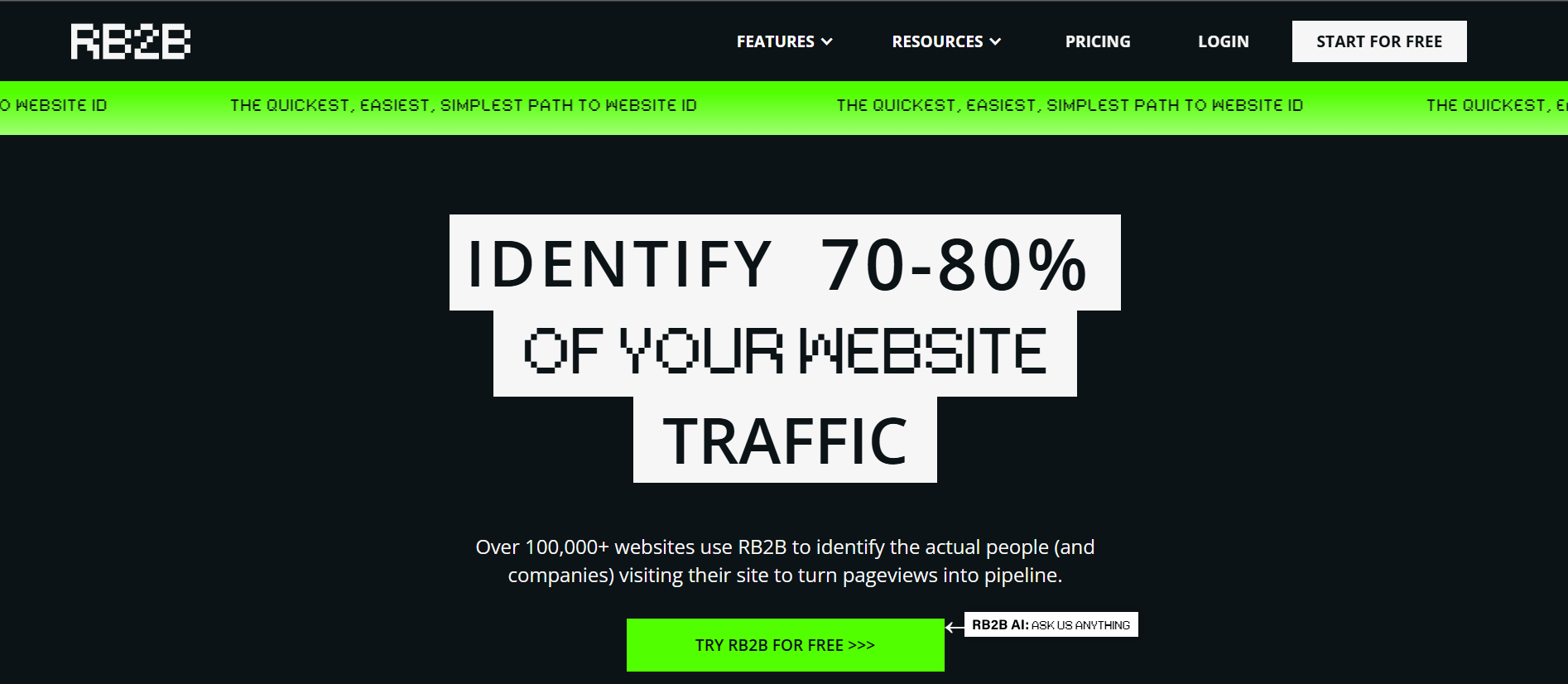
My take: I run RB2B alongside Leadfeeder rather than instead of it. Leadfeeder gives the broader company-level picture. RB2B triggers the specific "named person on the pricing page right now" moment that sharpens follow-up.
The catch is the geographic limit. RB2B only identifies US visitors, which cuts its value if traffic is split across regions. The free plan covers 150 resolutions per month, which is enough to test the workflow.
Best for content-heavy sites that need popups, exit-intent, and behavioral targeting.
OptinMonster is an on-site lead capture tool with popups, exit-intent overlays, floating bars, and inline forms. Every campaign fires on behavioral triggers rather than blind timers.
What makes it different is the behavioral targeting depth.
Popups fire based on what a visitor is actually doing. Time on page. Scroll depth. Exit-intent. Referral source. OptinMonster has more trigger granularity than any other lead capture tool I've tested.
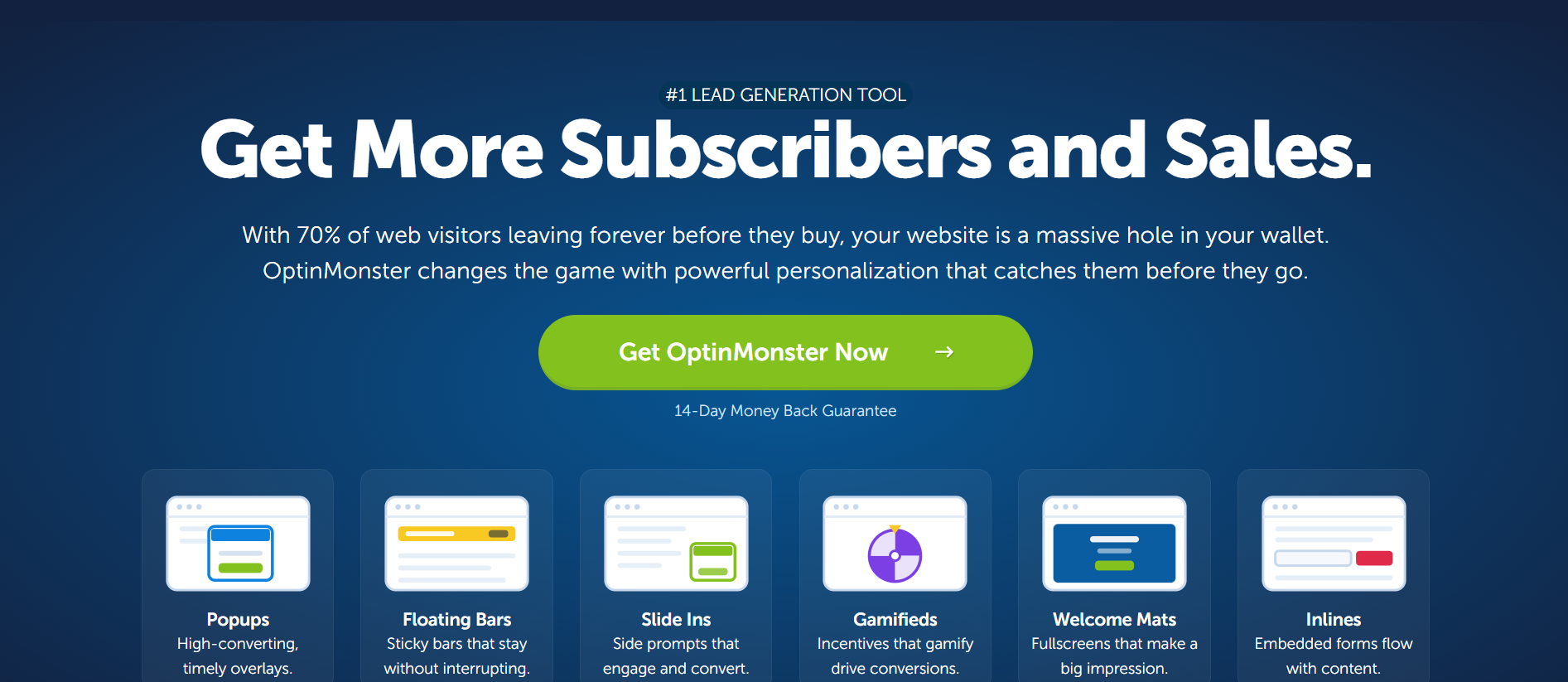
My take: this is the tool I install when a site is bleeding traffic without capturing enough email addresses. The Exit-Intent® trigger alone can lift email captures by 10 to 15% on a typical B2B site in my experience. Pricing is annual-billing-only for most plans. The intro rate (60% off for the first 12 months) resets to full price on renewal. Factor that into your true cost.
Best for marketing teams running full inbound funnels with landing pages, forms, and CRM.
HubSpot is an all-in-one inbound marketing and CRM platform. Forms, popups, live chat, landing pages, email automation, ad management, and a free CRM all sit inside the same HubSpot workspace.
What makes it different is the consolidation. I've seen teams run their entire inbound motion on HubSpot from lead capture to closed-won.
For inbound-heavy B2B, that reduces integration overhead significantly. Lead scoring and workflow automation are strong. The CRM tier is genuinely free forever.
My take: HubSpot gets expensive fast at the Professional and Enterprise levels. Marketing Hub Professional runs $800 a month plus a $3,000 one-time onboarding fee.
Enterprise jumps to $3,600 a month with a $7,000 onboarding fee. For outbound-heavy motions, HubSpot isn't the tool. The sending engine isn't built for outbound volume or personalization. Pair it with Salesforge on the outbound side, and let HubSpot handle inbound and CRM.
Best for founders and early teams who need a cold email plus database bundle under $100/mo.
Saleshandy is an all-in-one outbound platform combining a cold email sender with a native B2B lead database called Lead Finder. It ships with a free CRM.
What makes it different is the pricing. The Outreach Starter plan runs $25 a month for 2,000 active prospects and 6,000 emails, with unlimited email accounts included.
The Pro tier at $69 scales to 30,000 prospects and 150,000 emails. That's genuinely competitive at the low end of the market.
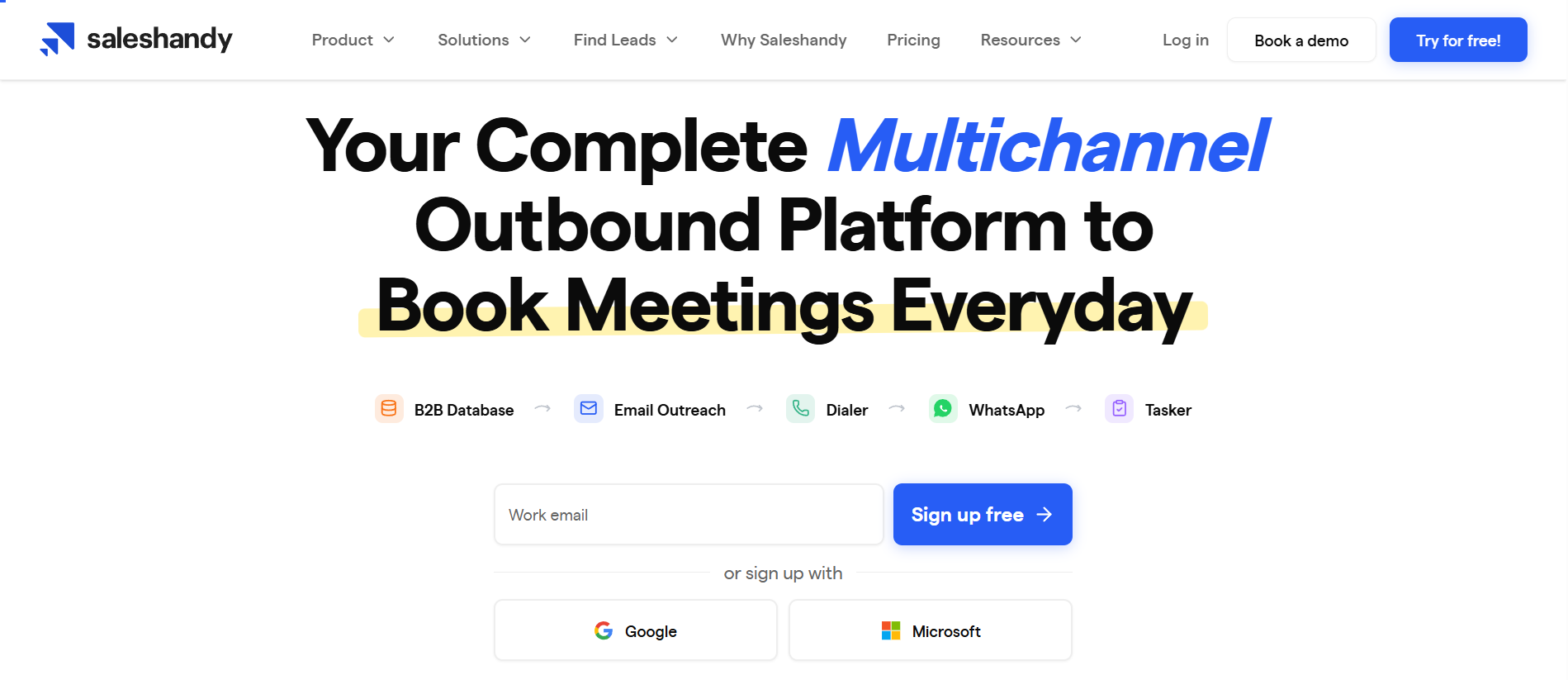
My take: Saleshandy is the tool I recommend for teams that want an all-in-one outbound platform on a tight budget. The AI sequence generation and warmup are baseline features rather than differentiators. But they work.
Where Saleshandy trails a purpose-built platform like Salesforge is on multichannel and Agent Frank-level automation. There's no native LinkedIn sending. The AI outreach is templated rather than context-aware.
For pure cold email at a startup budget, Saleshandy is solid. For scaling into multichannel outbound, you'll outgrow it.
The best lead generation tool depends on where you are in your outbound motion, not on which tool has the most features. Here's how I'd think about it.
Start with a lightweight prospecting tool (Apollo free plan or Hunter free plan) and a cold email sender you can grow into. Salesforge is my recommendation on the sending side because you won't hit ceilings when you scale volume. Skip the CRM entirely for the first 500 leads. A well-organized spreadsheet works until you have real pipeline to track.
You need three tools minimum. First, a prospecting database like Apollo or Clay. Second, a multichannel sender. Salesforge is the strongest pick here. Unlimited mailboxes and LinkedIn senders on a flat fee is the only pricing model that survives real scale. Third, a warmup layer. Warmforge is bundled if you're on Salesforge. Otherwise budget for it separately. Add website visitor ID (RB2B or Leadfeeder) once inbound traffic starts to matter.
Salesforge is the outreach tool I'd pick first here. The alternative is stitching together a sender, a warmup tool, a LinkedIn tool, and an infrastructure provider. That gets painful fast when you're managing 30 mailboxes and three campaigns.
Use OptinMonster for lead capture. Add Leadfeeder for company-level visitor ID and RB2B for person-level ID on US traffic. HubSpot handles the CRM and nurture layer. You'll still want a light outbound sender for following up on identified visitors. See my guide on how to generate leads on LinkedIn for the outbound-inbound handoff patterns.
Use ZoomInfo or Cognism for prospecting. Layer Clay on top for enrichment. Salesforge or a similar platform handles the outreach layer. HubSpot or Salesforce Sales Cloud runs the CRM. The tooling budget here will run six figures annually. That's normal for named-account motions.
Salesforge is the lead generation tool I'd pick first. It collapses the four most expensive layers of an outbound stack (sending, mailboxes, warmup, and infrastructure) into one flat-fee platform. No competitor bundles this cleanly.
For pure prospecting depth, Apollo and ZoomInfo win their categories. For inbound capture, OptinMonster is the strongest choice. But if you're building an outbound-first lead generation stack that's meant to scale, Salesforge is the backbone I'd start with.
Start a free trial and see how the sending, warmup, and multichannel layers fit together on one bill.
The best lead generation tools for B2B outbound depend on which layer of the stack you need. Salesforge is the strongest pick for the outreach layer because of its flat-fee, multichannel, unlimited-mailbox model. Apollo is the strongest all-in-one prospecting-plus-light-outreach tool. Clay is the best enrichment layer on top of any database.
Prospecting tools (Apollo, ZoomInfo, Clay, Hunter) find and verify contact data for the people you want to reach. Outreach tools (Salesforge, Instantly, Saleshandy) actually send the messages. Most teams need both, and lumping them together in one purchase decision is a common mistake. A great prospecting tool with a mediocre sender still lands in spam.
Yes. Apollo's free plan gives you 900 credits per year. Hunter offers 50 verified emails per month. Lusha and Seamless.ai both have credit-based free tiers. RB2B covers 150 person-level identifications per month. For early-stage founders, stacking these free tiers can get you through the first few hundred leads without any tool spend.
If you mean the tool with the most useful AI, Salesforge with Agent Frank is my pick. He handles prospecting, writing, sending, and follow-ups autonomously across 20+ languages. Clay is the strongest AI-powered enrichment tool. Apollo and Seamless.ai have decent AI features layered on top of their databases, though those features are more incremental than transformative.
Founders can get started for under $100 a month by combining free tiers with a single paid sender. Growth-stage SaaS teams typically spend $500 to $2,000 a month on the outbound stack (prospecting, sending, warmup, infrastructure). Enterprise teams targeting named accounts often spend $5,000 to $20,000 a month. That budget covers ZoomInfo or Cognism, Clay for enrichment, and a scaled sending layer.
Not always, but usually yes. All-in-one platforms like Apollo, Saleshandy, and Salesforge bundle both. The tradeoff is depth. Purpose-built prospecting tools like ZoomInfo, Cognism, and Clay outperform bundled prospecting on data quality. Purpose-built senders like Salesforge and Instantly outperform bundled sending on deliverability. Most teams end up with two tools eventually, one for finding and one for sending.
.jpg)


.png)

