Yesware has been one of the most popular sales engagement tools for years — and for good reason.
It made it simple for sales teams to bring email sequences, templates, and basic tracking into Gmail and Outlook, helping thousands of reps stay organized without needing a complex CRM.
But as outbound sales have evolved, many teams are hitting
Yesware’s limits. Its automation capabilities feel dated, personalization options are basic, multi-channel outreach (calls, LinkedIn, SMS) is missing, deliverability has become harder to maintain, and reporting lacks the depth modern sales teams need to scale effectively.
If you’ve outgrown Yesware and are actively looking for stronger, more powerful alternatives in 2026, this guide is for you.
In this in-depth Yesware alternatives breakdown blog, I have thoroughly evaluated the top 5 Yesware alternatives based on real-world performance, so you can find the right fit faster.
Before I go deep on each tool, here is a quick snapshot.
Every Yesware alternative below solves a different gap.
If you already know what you are looking for, this table will point you to the right section.
With that context out of the way, let me get into the detailed breakdown of each Yesware alternative.
I am covering what each tool does, where it fits, pricing, pros, cons, and real G2 user feedback.
Now let me walk you through each tool, starting with the one that checked the most boxes.
G2 Rating: 4.6/5 (103 reviews)
Best For: SDR teams and agencies running outbound at volume
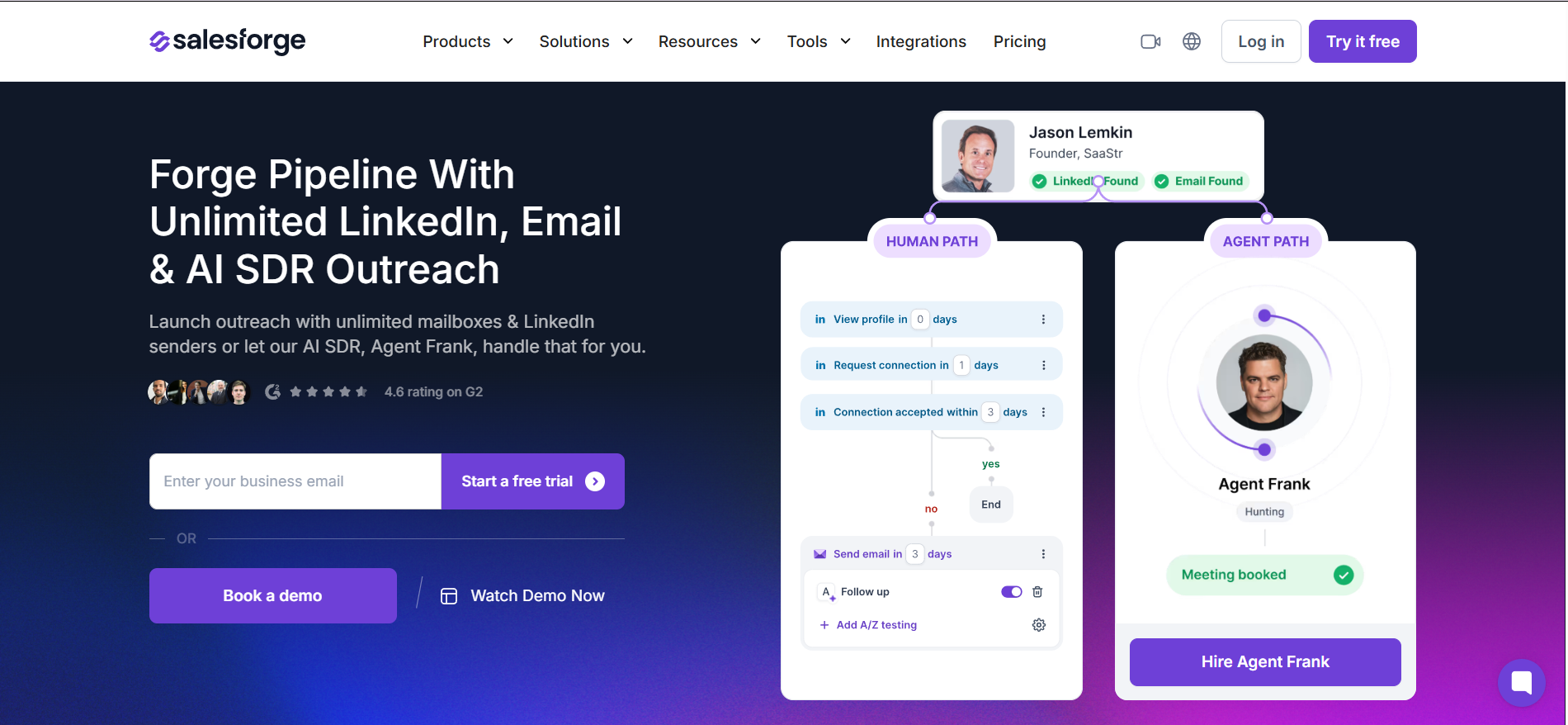
Salesforge is the best Yesware alternative for teams that have outgrown basic email tracking and need a platform built for real outbound at scale.
The first thing that changes when you move from Yesware to Salesforge is what you can do with email.
Yesware locks you into one connected inbox. Salesforge lets you connect unlimited mailboxes on every plan. You can build multi-step cold email sequences with automatic sender rotation across all those accounts. Your sending load gets distributed instead of concentrated on one inbox.
That means higher volume without burning domains.
A/Z testing lets you test multiple email variants in the same sequence. Not just subject line A vs B. You can run five or six versions and let the data pick the winner. Yesware caps you at basic A/B.
Reply management is handled through Primebox™, a unified inbox that pulls responses from every connected account into one place. With Yesware, replies stay inside your Gmail or Outlook. Once you are running 10 or 20 mailboxes, that gets unmanageable fast.
On the infrastructure side, Salesforge comes with built-in warmup through Warmforge at no extra cost. Every connected mailbox gets warmed automatically. Yesware has no warmup at all, which is a serious gap for anyone sending cold email at volume. If you need deeper infrastructure, you can pair Salesforge with Mailforge for shared IP domains or Infraforge for dedicated IPs. The whole stack connects natively.
Then there is LinkedIn. Salesforge runs email and LinkedIn steps in the same sequence. Automated connection requests, messages, and profile visits sit alongside your email touches. Yesware only offers manual LinkedIn reminders. For teams running multi-channel outreach, that is a meaningful upgrade.
Pros
Cons
Pricing
What Users Have to Say
Ekin K., a Co-Founder, shared on G2 that Salesforge has been one of his top tools for outbound. He values running email and LinkedIn together from one platform. Unlimited senders were the biggest advantage for scaling campaigns.
Read the full review on G2
G2 Rating: 4.6/5 (775 reviews)
Best For: Solo senders and small agencies wanting unlimited accounts plus a built-in lead finder at a low entry price
The next alternative to Yesware is Saleshandy.
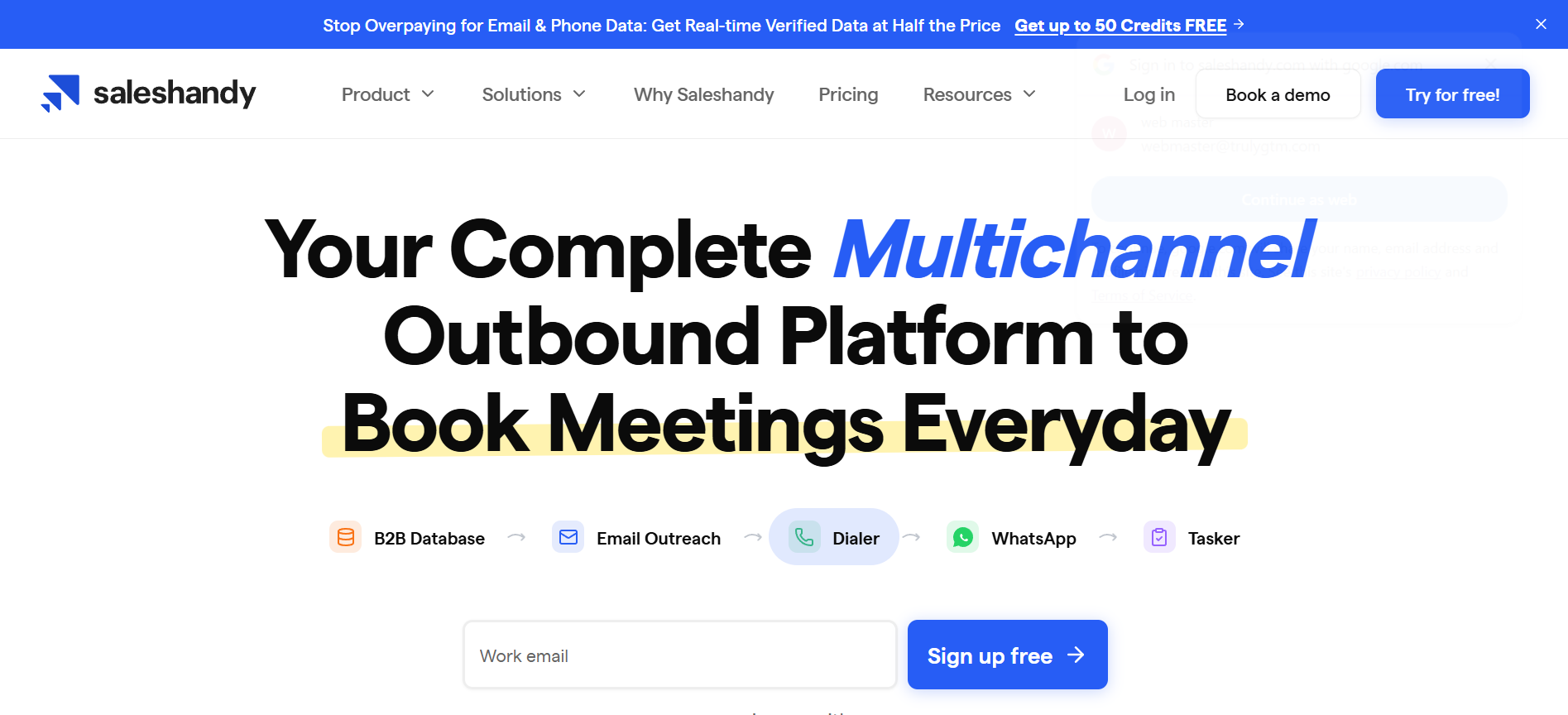
It earned this spot because it has the lowest starting price among full cold email platforms while still giving you unlimited sending accounts.
Yesware charges per user and caps campaign recipients on lower tiers. Saleshandy gives you unlimited connected email accounts on every plan starting at $25/mo. For budget-conscious senders moving off Yesware, that pricing gap is hard to ignore.
The built-in lead finder is the other reason Saleshandy stands out.
It includes a 852M+ contact database with email search and verification. Yesware's "Prospector" is a paid add-on with limited data accuracy. Saleshandy bundles lead finding into the platform.
The data quality is stronger for US and EU markets than for other regions, based on user feedback.
The sequence builder supports multi-step campaigns with conditional branching, sender rotation across unlimited email accounts, and merge variables for personalization.
Pros
Cons
Pricing
What Users Have to Say
William W., a Business Development Manager, praised Saleshandy on G2 for its sequence builder and sender rotation. He said it lets him run personalized outreach with minimal friction. He noted that reporting and deeper enrichment workflows could use improvement.
Read the full review on G2
G2 Rating: 4.6/5 (307 reviews)
Best For: Agencies and high-volume senders who need unlimited mailboxes, warmup, and whitelabel across many client accounts
Smartlead is a strong Yesware competitor because it is built for agencies and high-volume senders who need email infrastructure at scale.
Yesware has no warmup, no inbox rotation, and no agency features. Smartlead gives you unlimited mailboxes and native warmup on every plan starting at $39/mo.
The automatic inbox rotation distributes your sending load across connected accounts. And the whitelabel client portal (on Pro and above) lets agencies manage multiple client campaigns under their own branding.
The unified "master inbox" pulls replies from all mailboxes and client accounts into one view. For agencies juggling 10 or more client campaigns, that centralization saves real time.
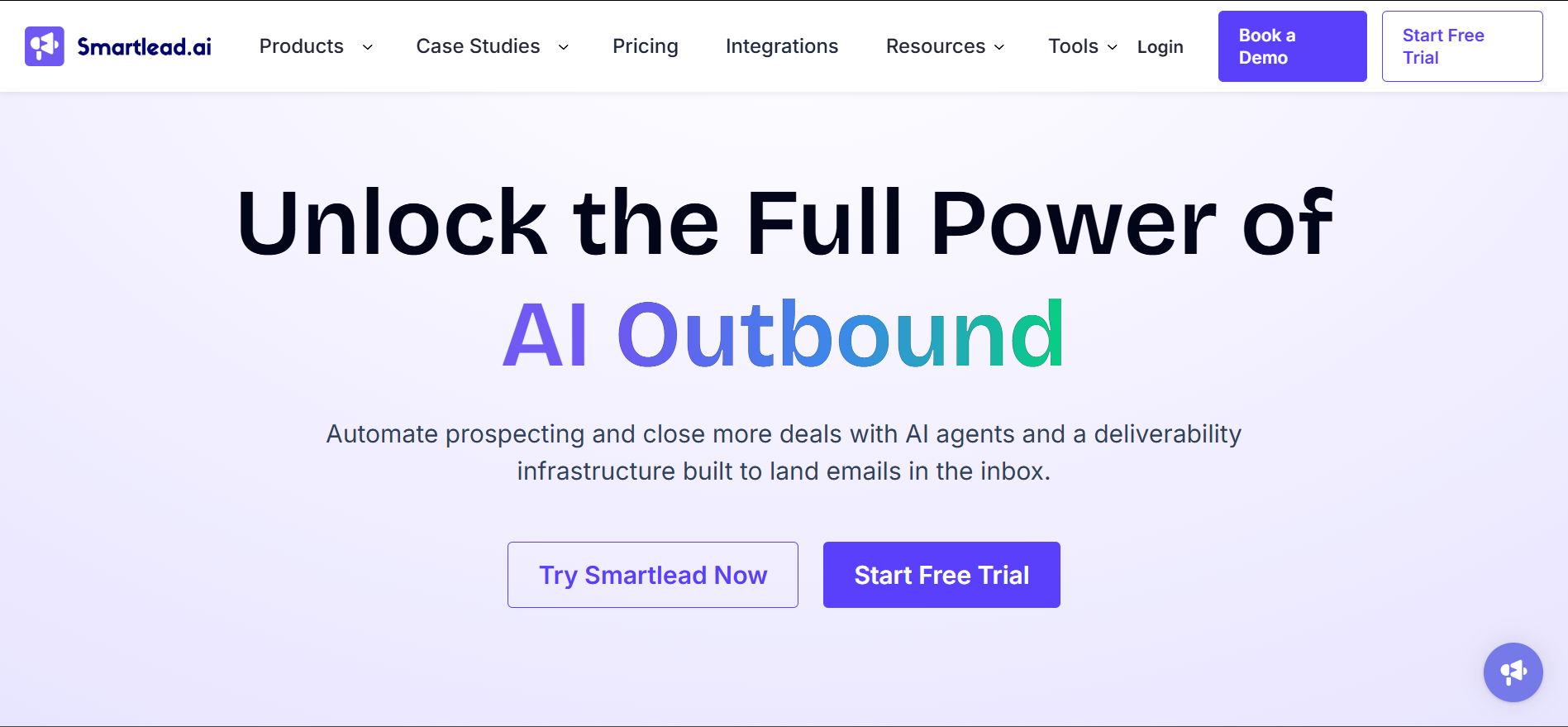
Smartlead also has growing add-on modules: SmartProspect for data sourcing, SmartAgents for AI workflows, SmartInfra for dedicated servers, and SmartDialer for calling. These are all separate purchases, but they show the platform is investing in a broader toolkit.
The trade-off is clear. Smartlead is email-only. There is no LinkedIn automation, no multi-channel sequences. If your outbound motion includes LinkedIn, this is not the right Yesware competitor for you. But if your entire play is high-volume cold email across multiple client accounts, Smartlead handles that well.
Pros
Cons
Pricing
What Users Have to Say
Hammad R., a Research Operations Manager, shared on G2 that Smartlead helped his team with automated follow-ups and delivered noticeable results. He valued the ability to buy domains, warm up inboxes, and send to ICPs from one platform.
Read the full review on G2
G2 Rating: 4.8/5 (4,000+ reviews)
Best For: Solo operators and small teams who want the simplest cold email setup with a strong warmup network
Instantly is a Yesware alternative that stands out for one reason above all others: simplicity.
If you are leaving Yesware because the product felt too limited for cold outreach, Instantly is the most approachable next step.
You connect your mailboxes, let the warmup run for a couple of weeks, build a sequence, and start sending. The interface is clean, the campaign builder is straightforward, and there is no steep learning curve.
The warmup network is one of the largest in the space. Users consistently report improved sender reputation after two to three weeks, which is something Yesware does not offer at all.
Instantly also sells a B2B leads database (SuperSearch, ~450M+ contacts) and a CRM module as separate subscriptions. These are not included in the base outreach plan.
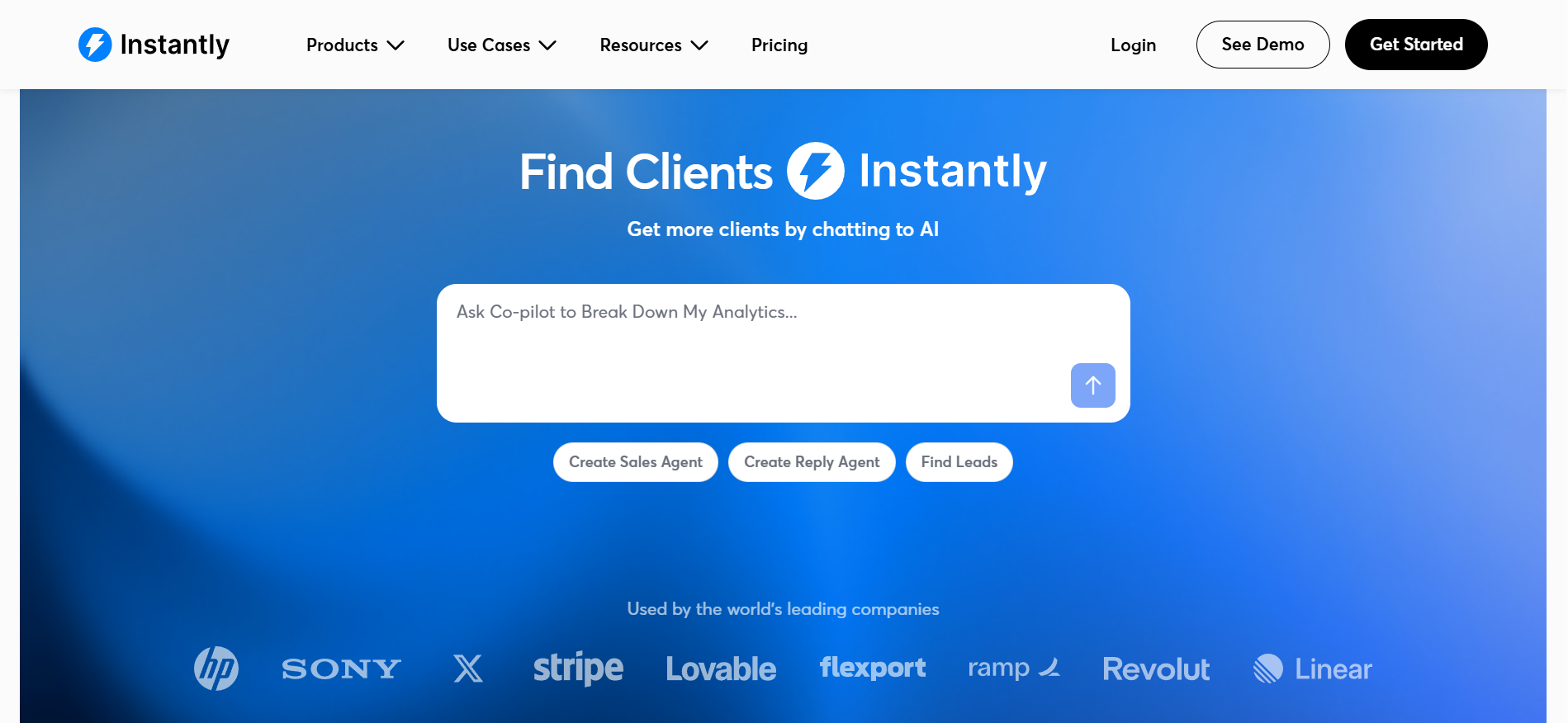
Here is where it gets complicated. Instantly uses a stacked module pricing structure. The outreach tool, leads database, CRM, and inbox placement testing are all billed separately.
The $37.60/mo headline price gets you in the door. But a working setup with leads and CRM access can run $110 to $150/mo.
There is also a DFY (done-for-you) domain service. Multiple user reports on Reddit and Trustpilot flag that you do not own the domains set up through this service. If you leave Instantly, those domains and the reputation you built may not come with you.
Like Smartlead, Instantly is email-only. No LinkedIn automation or multi-channel sequences.
Pros
Cons
Pricing
What Users Have to Say
One G2 reviewer called Instantly the simplest cold email tool to set up. The warmup feature was praised specifically for keeping emails out of spam. The primary concern raised across multiple reviews was pricing. Several users mentioned that costs escalated beyond expectations once add-on modules were factored in.
Read Instantly reviews on G2
G2 Rating: 4.6/5 (1,450+ reviews)
Best For: Gmail-based AEs and SMB sales teams who want in-inbox tracking, scheduling, and light sequences without learning a new tool
Mixmax is a Yesware alternative for teams that do not need to change how they work. They just need their inbox to do more.
If you liked Yesware's approach of living inside your inbox but wanted better scheduling and sequences, Mixmax is the natural upgrade. It runs as a Gmail extension (Chrome only) and adds tracking, templates, sequences, and one-click scheduling directly inside your inbox.
The meeting scheduler is Mixmax's standout feature. You embed available time slots directly in any email.
The recipient clicks a time, and the meeting is booked. No external links, no back-and-forth. G2 reviewers consistently name this as their favorite feature.
Mixmax packages its features into three "Copilots" (Inbox, Meeting, Engagement) plus a combined Suite plan.
The Engagement Copilot adds sequences, an AI sequence builder, and LinkedIn Sales Navigator steps. But the recipient cap is 1,500/mo shared across the entire workspace on Engagement, which is limiting for larger teams. The Suite plan removes that cap.
Here is the constraint. Mixmax is Gmail and Chrome only. If your team uses Outlook or Microsoft 365, Mixmax is not an option. It also has no warmup, no inbox rotation, and no cold email infrastructure. It is not built for high-volume cold outreach. It is built for reps who want a better inbox experience.
So if you are leaving Yesware because you want more from your inbox, Mixmax fits. If you are leaving Yesware because you need to send cold email at scale, look at Salesforge, Saleshandy, or Instantly instead.
Pros
Cons
Pricing
What Users Have to Say
John P., a Sales Representative, wrote on G2 that Mixmax is well-optimized for sales outreach to a tailored list of recipients. He highlighted the analytics and tracking as key strengths for his workflow.
Read the full review on G2
After testing all five, Salesforge is the tool I kept using.
The other tools on this list each solve a piece of the problem. Saleshandy gives you volume at a low price. Smartlead and Instantly give you email infrastructure with warmup. Mixmax gives you a better inbox.
Salesforge is the only one that gave me everything in one place. Unlimited mailboxes with built-in warmup. Email sequences with A/Z testing and sender rotation. Native LinkedIn automation in the same workflow. Primebox™ for managing every reply across both channels. And if I wanted to go fully hands-off, Agent Frank could handle prospecting and meeting booking autonomously.
I set up domains through Mailforge, warmed them through Warmforge, pulled leads from Leadsforge, and ran sequences through Salesforge. The whole AI sales infrastructure connected natively without stitching tools together.
For teams that are done with Yesware and ready to run real outbound, that is the stack I would start with.
Start a free trial of Salesforge, no credit card required
The main reasons start with unreliable open tracking. Security scanners and Apple Mail Privacy Protection fire false positives constantly. The Pro plan caps you at 20 campaign recipients per month. There is no email warmup or inbox rotation. Per-user pricing scales with headcount. And Yesware has shifted toward the Vendasta ecosystem since the 2022 acquisition. Teams that need to send cold email at volume have outgrown what Yesware was designed for.
For cold email at scale, yes. Salesforge gives you unlimited mailboxes, built-in warmup through Warmforge, inbox rotation, and multi-channel sequences (email + LinkedIn) from one platform. Yesware has none of these features. Yesware is still a reasonable choice for individual reps who only need inbox-native tracking inside Gmail or Outlook. But for outbound teams running volume, Salesforge is built for that use case.
Saleshandy starts at $25/mo (annual billing) with unlimited email accounts. Mixmax has a free plan with limited features. Yesware itself has a free tier, but it caps you at 10 campaign recipients per month. That is not functional for real outreach.
Yes. Salesforge connects to Google Workspace and Microsoft 365 mailboxes, plus any SMTP provider. You can also pair it with Mailforge for shared IP infrastructure (starting at $2/mailbox/mo) or Infraforge for dedicated IPs (starting at $3/mailbox/mo). Primeforge provides legitimate Google Workspace and Microsoft 365 mailboxes built for cold outreach.
Only Salesforge offers native LinkedIn automation (automated connection requests, messages, and profile visits) inside the same sequence as email steps. The other tools on this list either have no LinkedIn capability or only offer manual reminders that require you to act yourself.
Agent Frank is an autonomous AI SDR built into Salesforge. He handles prospecting, personalized email writing, sending sequences, following up, and booking meetings without human intervention. You can run him in Auto-Pilot (fully autonomous) or Co-Pilot (he drafts, you approve) mode. He works in 20+ languages. Yesware has basic templates and mail merge, but no AI SDR capability. Agent Frank starts at $499/mo (annual billing).
Deliverability depends on many factors beyond the tool itself (list quality, domain reputation, sending patterns, authentication setup). Salesforge, Smartlead, and Instantly all include native warmup and inbox rotation. Those are foundational for maintaining good deliverability at volume. Yesware and Mixmax have no warmup or rotation at all.


.jpg)