The majority of GTM teams and agency founders I talk to don't leave Woodpecker because of one reason.
They leave because something specific broke. it could either be one or a mix of following:
Emails that used to hit the inbox start landing in spam.
The warm-up sends odd off-brand messages from your mailbox.
Every extra feature (warm-up, LinkedIn, API access) is a paid add-on on top of your base plan.
Support takes 12 to 24 hours to respond.
So, I tested several Woodpecker alternatives and shortlisted 7 tools I actually recommend when someone's ready to move.
TL;DR
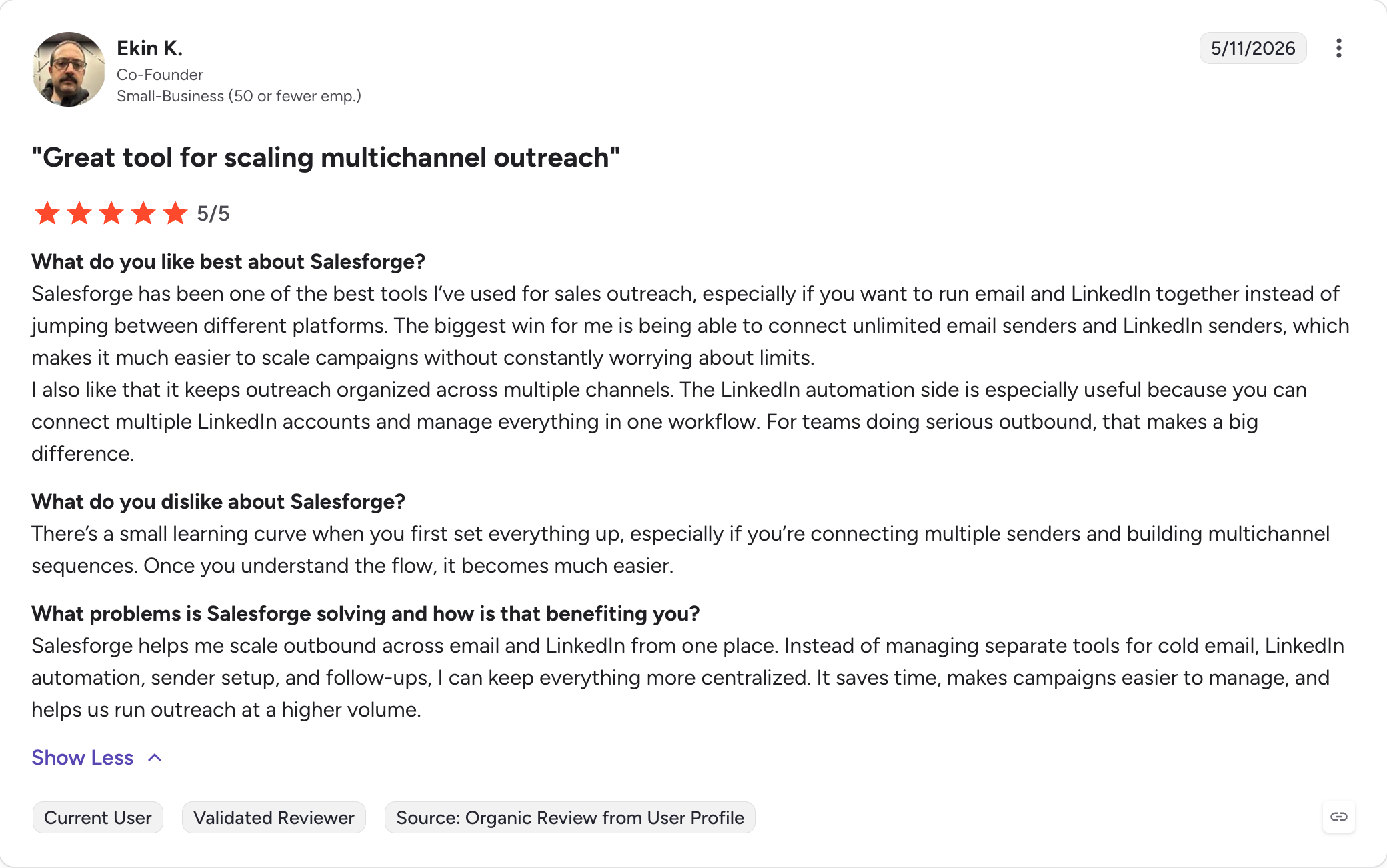
Salesforge: Multichannel outreach platform that runs cold email and LinkedIn as one workflow. Unlimited mailboxes on a flat fee, free unlimited warm-up through Warmforge, 6 native LinkedIn actions inside your email sequences, and Primebox™ pulling every reply across both channels onto one screen.
Instantly: Cheap flat-rate cold email at high volume. Unlimited email accounts, free shared warm-up, and a Unibox that keeps replies in one view. Best fit if the only Woodpecker limit you hit is the 500-prospect ceiling.
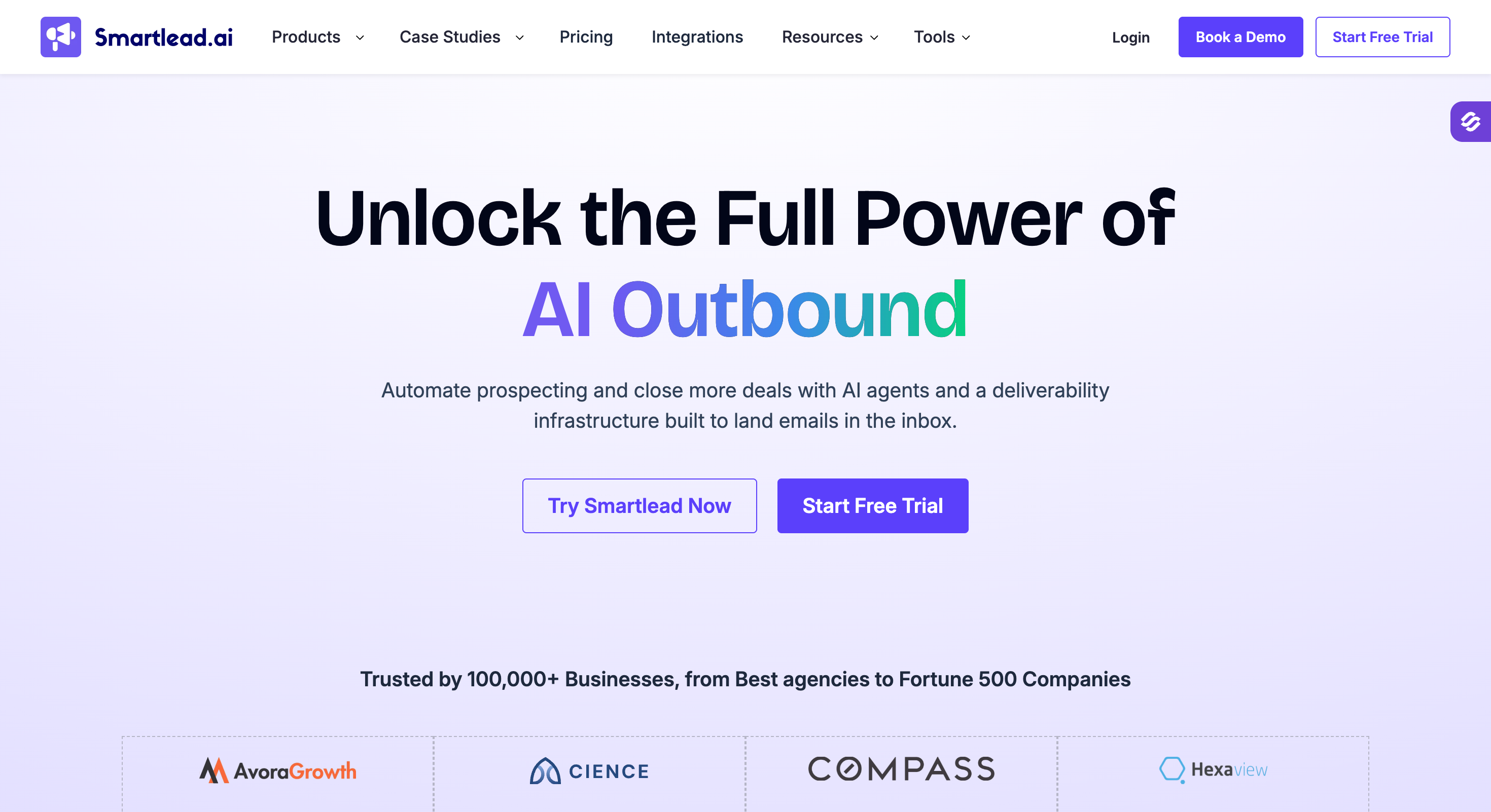
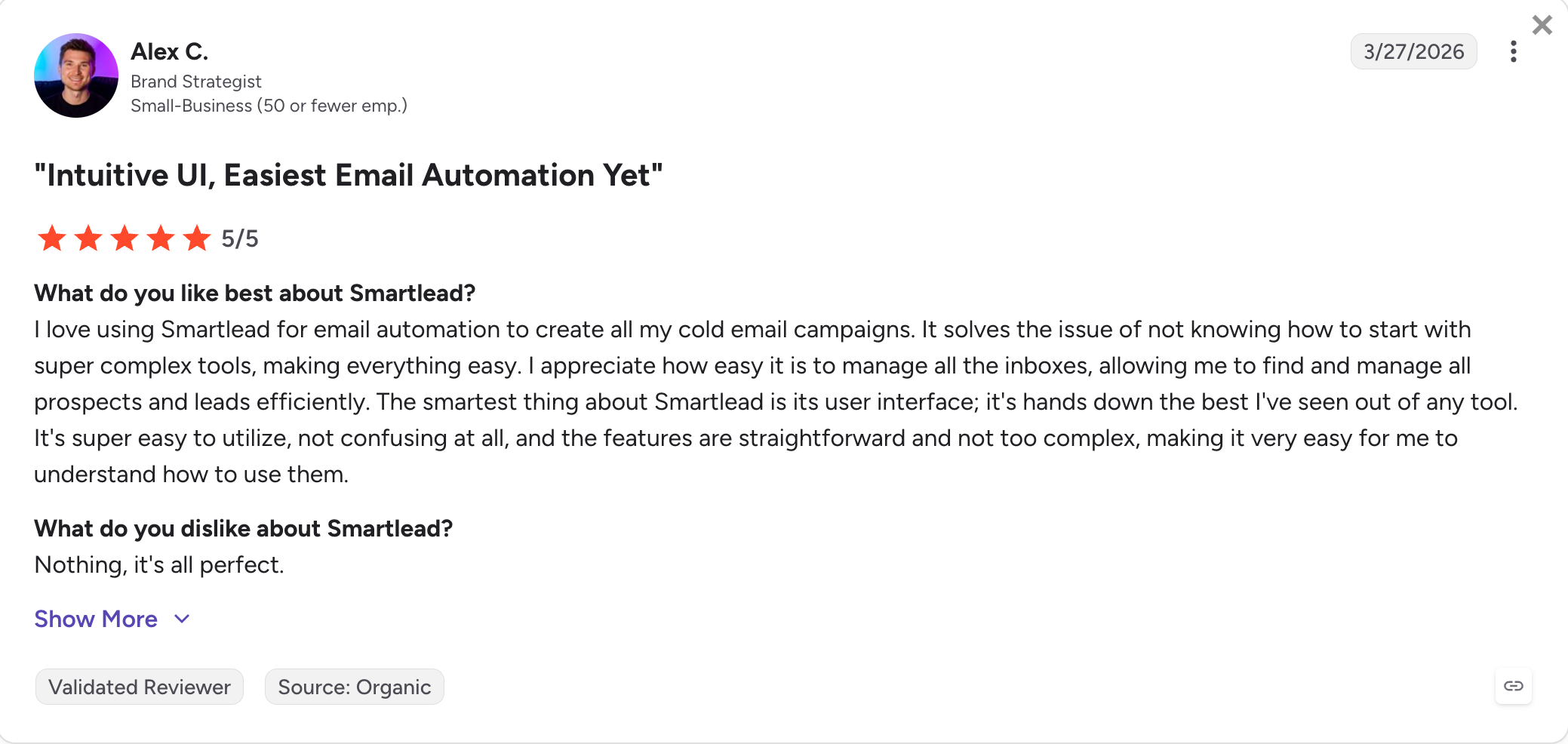
Smartlead: Agency-focused cold email with master inbox, unlimited mailboxes, and sub-sequence triggers. Direct fix for Woodpecker's $27-per-client panel fees.
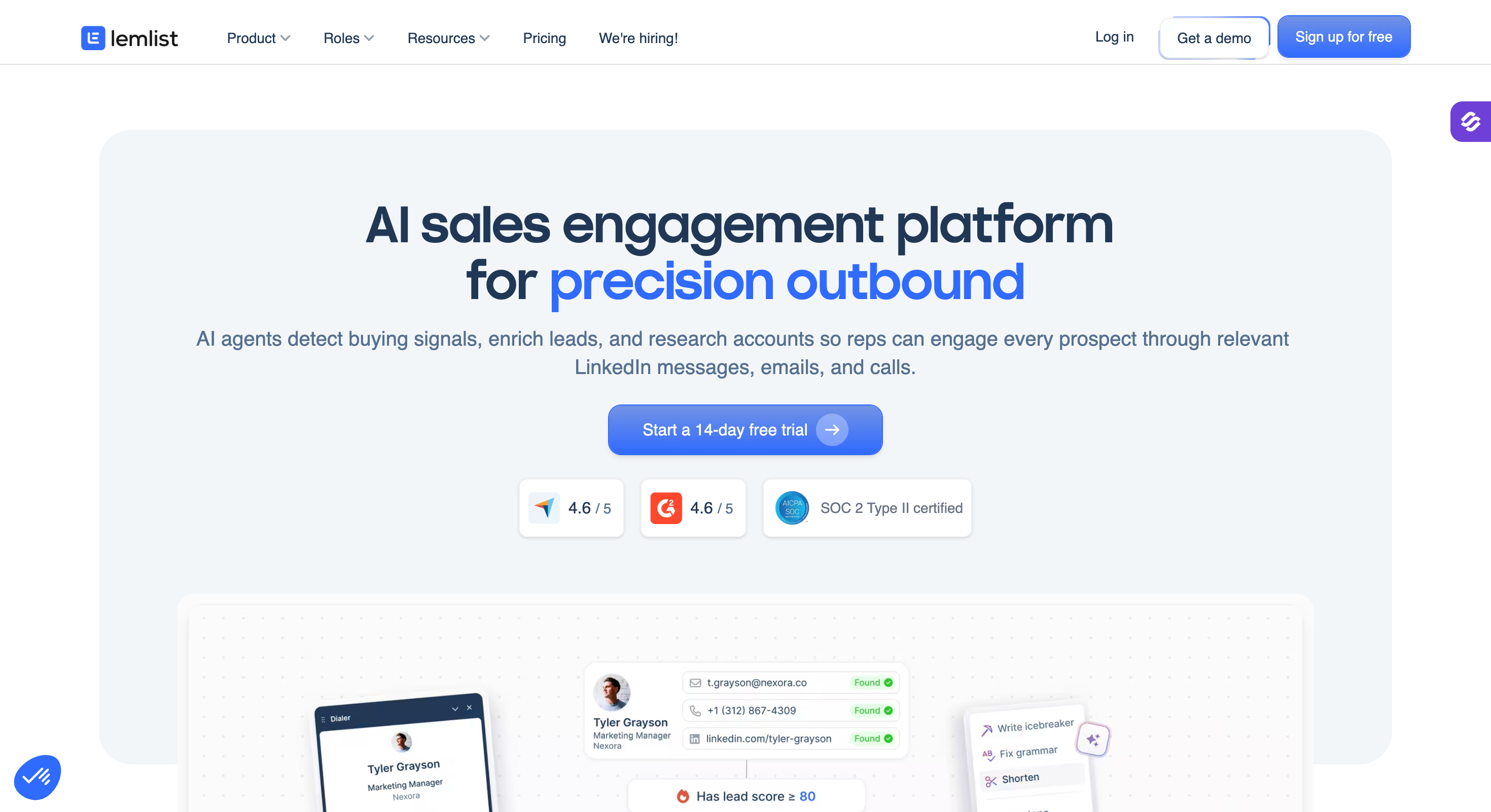
Lemlist: Multichannel outreach with the strongest visual personalization on the market. Dynamic images and videos personalized per prospect, custom landing pages, and LinkedIn steps in the same sequence as email.
Reply.io: Five-channel outreach (email, LinkedIn, SMS, WhatsApp, calls) with Jason AI for autonomous sequences and replies. Widest channel coverage on this list.
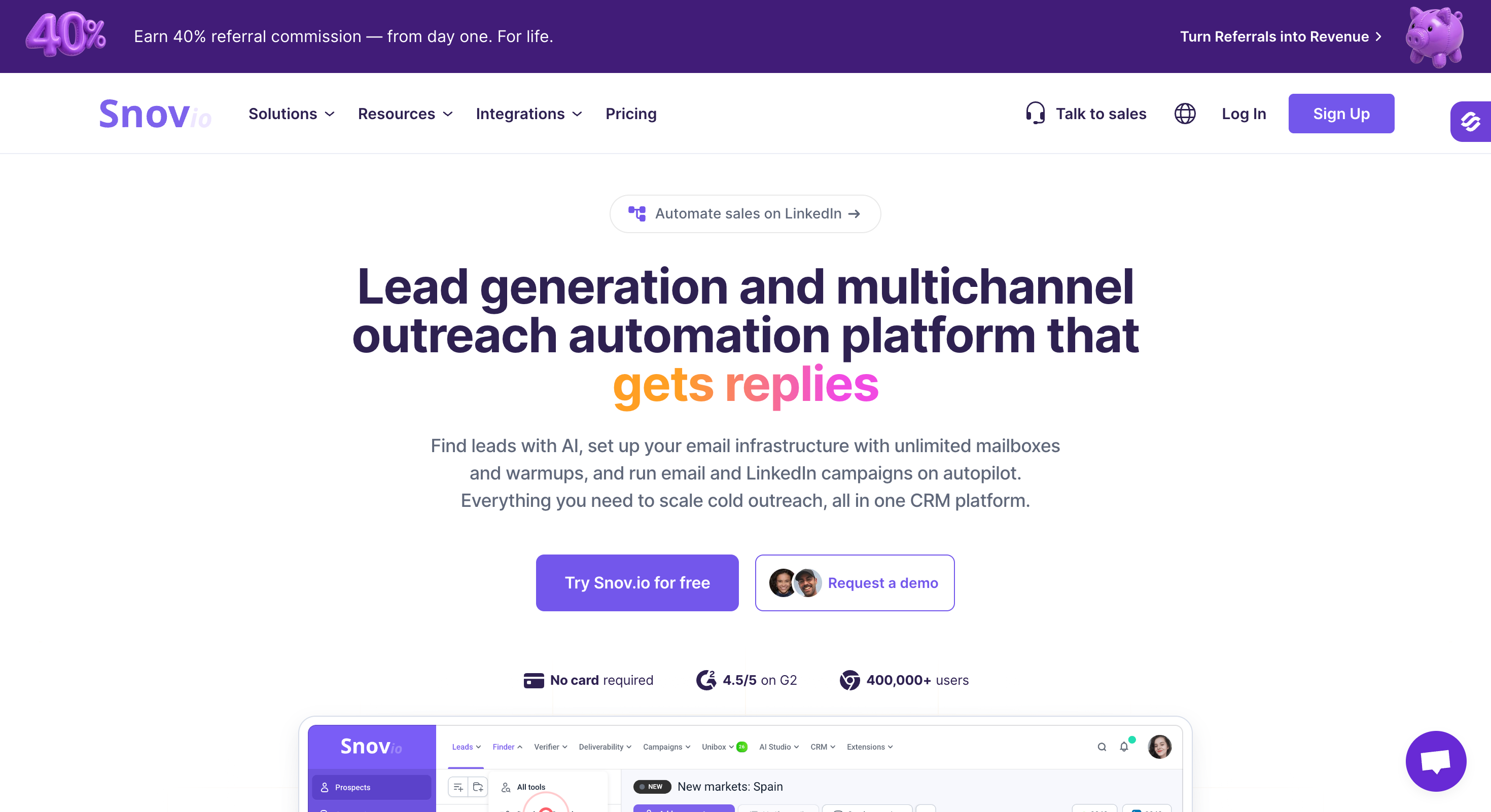
Snov.io: Bundled prospecting plus sending. Email finder Chrome extension, 500M+ contact database, drip campaigns, and built-in CRM in one product.
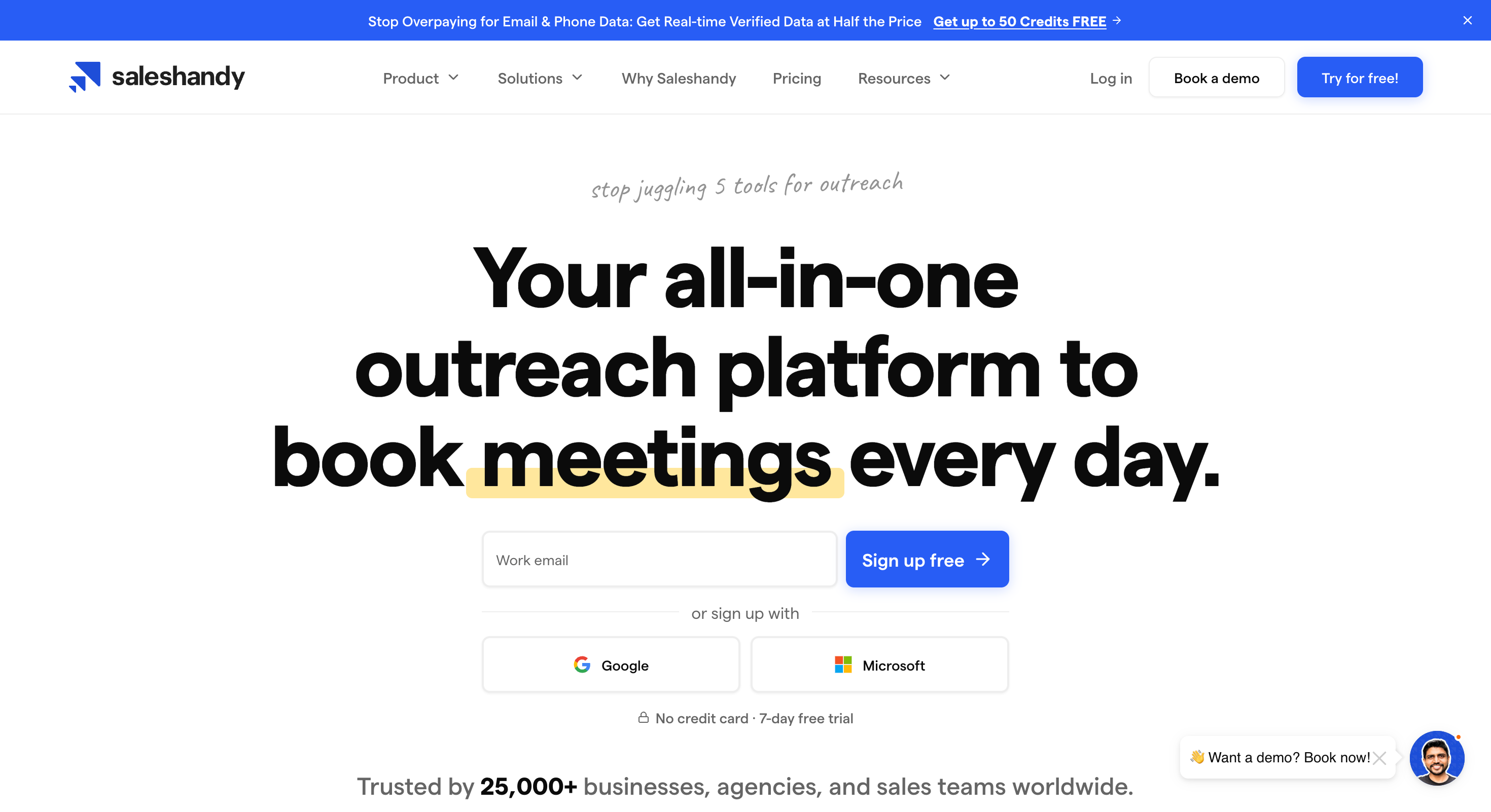
Saleshandy: Cheapest flat-rate cold email on the list at $25/month billed annually. Unlimited email accounts from the base plan, sender rotation included, and an 800M+ lead finder as an optional add-on.
Feature Comparison: Top 5 Woodpecker Alternatives at a Glance
Yes. Forge MCP for Claude, Cursor, other AI agents.
No.
No.
No.
No.
Free Chrome Extension
Yes. LinkedIn Email Finder (uses Leadsforge credits).
No.
No.
Yes. LinkedIn prospecting.
Yes. LinkedIn (data credits).
AI SDR
Yes. Agent Frank at $499/mo billed annually.
No.
No.
No.
Jason AI (not fully autonomous).
1 - Salesforge
Best for: GTM teams and agencies running cold email plus LinkedIn on a flat fee, without paying separately for warm-up, LinkedIn access, or reply management.
Salesforge is the #1 Woodpecker alternative because it fixes Woodpecker's four biggest weaknesses in one product.
Woodpecker has no native multichannel outreach, so LinkedIn sits outside your email sequences as a $29-per-account add-on instead of running as a real channel inside them.
It has no agency-friendly features either: there's no master inbox for aggregating replies across clients, no whitelabel, and the client panel costs $27 per active client.
Warm-up is capped on free slots at $5/month each for extras, and users regularly flag off-brand messages showing up in their sent folder.
On top of all that, every important feature is a paid add-on: LinkedIn at $29 per account, API access at $20/month, the agency panel at $27 per client, and third-party warm-up stacked on top of the base plan.
Salesforge fixes every one of these in one product. Pro is $40 a month billed annually. All of the above included.
Core Features
Truly multichannel outreach platform: Native Email and LinkedIn as two channels of one workflow, with if/then branching between steps based on prospect behavior.
AI personalization in 21+ languages: AI variables pull prospect-specific details from LinkedIn, company news, and industry context. The {{localized_greeting}} variable writes an opening line in the recipient's native language (one personalization credit per send when you use it).
Free unlimited warm-up: Every mailbox you connect warms up continuously against a pool of aged premium mailboxes. No off-brand messages at 3am. No unclear "closed network" pop-ups. Heat Score™ tracks reputation over time so you know when a mailbox is safe to scale.
Primebox™ unified inbox: Every reply across every mailbox and every LinkedIn account lands in one place. Co-Pilot mode drafts responses for you to approve. Auto-Pilot mode continues conversations on its own if you want it to.
6 native LinkedIn actions: Connection requests, messages, InMails, post likes, follows, and withdraw requests. All available inside your sequence. Woodpecker charges $29 per LinkedIn account per month as an add-on and gives you fewer actions.
LinkedIn Email Finder Chrome Extension: Free to install. Pulls verified emails from LinkedIn profiles using your Leadsforge credits. New users get 100 free credits on Leadsforge signup.
Integrations under one login: HubSpot, Salesforce, Pipedrive, LinkedIn Sales Navigator, Clay, Slack, Zapier, webhooks, and the rest of the Forge Stack (Mailforge, Infraforge, Primeforge, Warmforge, Leadsforge, Agent Frank).
Forge MCP CLI: Salesforge exposes an MCP server. Claude, Cursor, or your own AI agent can create sequences, manage contacts, and trigger actions through natural language. None of the tools in this comparison do this.
Unlimited Everything: Unlimited storage, mailboxes, workspaces, users, and LinkedIn senders (on Growth plan).
ESP matching: When you send from a Google mailbox to a Google recipient, the message routes through Google infrastructure. Microsoft to Microsoft the same way. It's the deliverability move that costs nothing to enable and matters more than any subject line trick.
Sender rotation: Volume spreads across your connected mailboxes automatically so no single mailbox burns through reputation. You set the daily cap. Salesforge handles the distribution.
Text-only content: Emails ship without HTML wrappers, tracking pixels, or embedded images by default. Cleaner payload, better inboxing.
Bounce Shield: If any mailbox crosses a bounce threshold, sends pause automatically. Your domain reputation stays intact instead of getting torched while you're asleep.
Pros and Cons
✅ Pros
❌ Cons
Free unlimited warm-up through Warmforge with no separate subscription required
No free plan available; only a 14-day free trial
Unlimited mailboxes and unlimited users on the Growth plan with no per-seat pricing
Native LinkedIn and email outreach inside a single sequence instead of combining multiple tools
Primebox™ consolidates LinkedIn and email replies into a unified inbox
Forge MCP enables AI agents such as Claude, Cursor, or custom agents to operate the platform
Best for: Founders and small teams who need flat-rate cold email volume at the lowest price and don't need LinkedIn or deep infrastructure control.
If the only thing that broke on Woodpecker was the 500-prospect ceiling, Instantly is considerable choice.
I've personally tested Instantly by creating several accounts in an afternoon and had a first campaign live the next morning. It offers unlimited email accounts, free shared warm-up, a Unibox for replies, and a lead database as a paid add-on.
On the downside, though, Instantly runs warm-up on a shared pool, which means my mailboxes sit next to strangers' mailboxes in the same warm-up network.
The Growth plan also caps me at 1,000 total uploaded contacts. I ran out of that limit in a week on a real campaign. And the $30/month headline hides what my working setup actually costs.
Lead Finder is a separate subscription. CRM is separate. A/B testing sits behind Hypergrowth at $77.60/month.
When I add the pieces I need to run a real campaign on Instantly, my monthly bill lands between $124 and $180.
Core Features
Unlimited email accounts on every plan: Connect as many mailboxes as you want, no per-seat charge. This is the direct fix for Woodpecker's per-slot model.
Free unlimited warm-up: Every connected mailbox warms up automatically against Instantly's shared pool. Warm-up itself doesn't cost extra.
Unibox unified inbox: All replies from every connected email account flow into one screen. Available from Hypergrowth up.
AI email writer: Generates first-draft copy from a persona and offer description. Locked to Hypergrowth and above.
AI bounce detection: Auto-flags and removes addresses likely to bounce before send.
160M+ Lead Finder database: Separate paid subscription, not included on Growth. Usable for basic prospecting but the data needs filtering.
A/Z testing: Runs multiple email variants in parallel. Also locked to Hypergrowth and above.
Pros and Cons
✅ Pros
❌ Cons
Unlimited email accounts included even on the entry-level plan
Growth plan limits uploaded contacts to 1,000 total
Free unlimited email warm-up included
Lead database, CRM, and A/B testing require separate paid subscriptions
Fast onboarding and an easy-to-use interface
Shared warm-up pools have been linked to mailbox suspensions by some users
Unibox centralizes all email replies into a single inbox view
Email-only platform with no native LinkedIn outreach capabilities
Best for: Agencies managing 10 or more client campaigns who need a master inbox, unlimited mailboxes, whitelabel, and dynamic IP rotation without paying per client.
If your Woodpecker bill has crept past $300 because the $27-per-client agency panel is eating margin on every account you win, Smartlead solves that directly.
Smartlead comes with master Inbox aggregates replies across every client campaign into one view. Unlimited mailboxes on every plan. Sub-sequence triggers reroute leads based on opens, clicks, or replies. Whitelabel and multi-client workspaces come with the higher tiers.
However, the SmartDelivery for advanced deliverability monitoring is separate. Dedicated sending servers for high-volume clients are separate. The whitelabel package sits behind Unlimited Smart at $144/month.
The base plan looks cheap. The agency working setup I see most often runs 3 to 5 times the base price.
Core Features
Unlimited mailboxes on every plan: Same story as Instantly, direct fix for Woodpecker's per-slot billing.
Free unlimited AI warm-up: Included on all plans, no separate slot fees.
Master Inbox: One inbox for every reply across every client and every mailbox. This is the killer feature for agencies running 10+ client campaigns.
Sub-sequence triggers: Route leads to different sequences based on open, click, or reply behavior. Real conditional logic, not linear follow-ups.
Dynamic IP rotation: Assigns each campaign a dedicated IP block. Available on higher plans and one of the strongest deliverability features in this price range.
Whitelabel and multi-client workspaces: Included on Unlimited Smart and above. Rebrand the platform under your agency's name.
Webhooks and API: Available from Pro and above for custom automation.
Best for: Small teams whose Woodpecker sequences aren't earning replies and need visual personalization plus LinkedIn steps in the same workflow.
If you left Woodpecker because your reply rate stalled around 2% and your copy blends into every other cold email your prospects get, Lemlist is the tool that fixes that specific problem.
It comes with dynamic images personalization that render the prospect's name or company logo into the picture. Short videos with the prospect's name stitched onto the thumbnail. Custom landing pages with the prospect's company details filled in. And LinkedIn steps sitting inside the same sequence as email, not glued on from a Chrome extension.
The personalization does the work. I've seen video-personalized cold emails pull noticeably higher reply rates than plain-text versions from the same list.
But Lemlist has its drawbacks. For starters, Lemlist charges per user. Email Pro is $55/user/month billed annually. Multichannel Expert is $79/user/month billed annually.
A five-person team on Multichannel Expert pays $395/month for the same functional coverage a two-person team on Salesforge Growth gets for $80/month.
For a solo founder or a 2-person team, the math works. Past 3 users, I start losing money on the tool.
Core Features
Dynamic images: I upload a template with {{firstName}} or {{companyLogo}} variables and Lemlist renders a personalized image per prospect. It loads when the email opens, no extra clicks. This is the flagship feature.
Video personalization: I record one video message and Lemlist stitches the prospect's name onto the thumbnail so each recipient sees a video that looks made for them.
Custom landing pages per prospect: I build a mini-page with the prospect's name, company logo, and offer details rendered dynamically. I paste the link into the email body.
LinkedIn steps in one sequence: I add connection requests, messages, and profile visits inside the same sequence builder as email. Locked to Multichannel Expert and above.
AI sequence generator: Reviewers cite it as landing solid first drafts from a persona and offer description. I usually edit down from what it produces rather than send it as-is.
Lemwarm warm-up: Included on paid plans. Mid-tier warm-up product. I've had new domains take longer to recover on Lemwarm than they do on Warmforge.
450M+ lead database: Included on higher plans. I pull ICP lists without leaving the tool.
Pros and Cons
✅ Pros
❌ Cons
Dynamic images, videos, and landing pages can generate engagement levels that standard email tools struggle to match
Per-user pricing becomes expensive as team size grows beyond a few users
LinkedIn and email outreach can run inside a single sequence on Multichannel Expert and higher plans
Starter and Email Pro plans include only one sending email account per user; additional accounts cost extra
AI sequence generator produces useful first-draft outreach sequences
Multichannel functionality is only available on higher-priced plans
450M+ contact database included on qualifying plans
Lemwarm can take longer to recover the reputation of new domains compared to some dedicated warm-up platforms
Best for: Sales teams and agencies who want email, LinkedIn, SMS, WhatsApp, and calls in one sequence, plus an AI SDR handling replies and meeting booking.
Reply.io has the widest channel coverage on this list. It lets you build sequences that mix email, LinkedIn (connection requests, messages, InMails, profile visits), SMS, WhatsApp, and phone calls with conditional logic between steps.
Additionally, Jason AI sits on top as an autonomous SDR that drafts sequences from a persona description, handles first-pass replies, and books meetings on my calendar.
If you left Woodpecker because email alone stopped converting and your prospects respond better on LinkedIn or SMS, Reply.io covers more of the modern outbound motion than anything else here.
But there are limitations. For instance, Email Volume at $49/month billed annually covers email only. Real multichannel access starts at $89/user/month on the Multichannel plan. Jason AI runs $500/month as a separate subscription. The 140M lead database charges data credits on top of the plan.
A working 3-person multichannel setup with Jason AI lands north of $700/month.
Core Features
Jason AI SDR: I describe the persona and offer, Jason writes the full multichannel sequence. It also drafts first-pass replies and books meetings on my calendar without me stepping in. Add-on at $500/month billed annually.
Five-channel sequences: I combine email, LinkedIn (4 actions), SMS, WhatsApp, and voice calls in one sequence with conditional logic between steps.
140M+ lead database: Built-in prospect finder. I pay data credits on top of the plan to pull records.
AI email assistant: Rewrites and personalizes email copy from prospect and company data pulled at send time.
Unified inbox: I read replies from email, LinkedIn, SMS, and WhatsApp in one screen. Locked to Multichannel and above.
Content scoring and spam detection: Built into the sending flow. Every email I draft gets scanned before send.
Unlimited warm-up: Included on every paid plan.
Agency dashboard: Unlimited users on the Agency plan. Multi-client workspaces.
Best for: Founders and small teams whose Woodpecker Lead Finder isn't producing usable prospects and need an email finder, database, sending, and CRM in one product.
If you left Woodpecker because the 400 monthly Lead Finder credits ran dry and the built-in database wasn't producing prospects that matched your ICP, Snov.io is the bundle pick.
It covers the email finder Chrome extension, a 500M+ contact database, drip campaigns, an email verifier, and a built-in CRM. Starter is around $30/month billed annually.
For a solo founder or a 2-person team running outbound plus prospecting from one tool, the math works out.
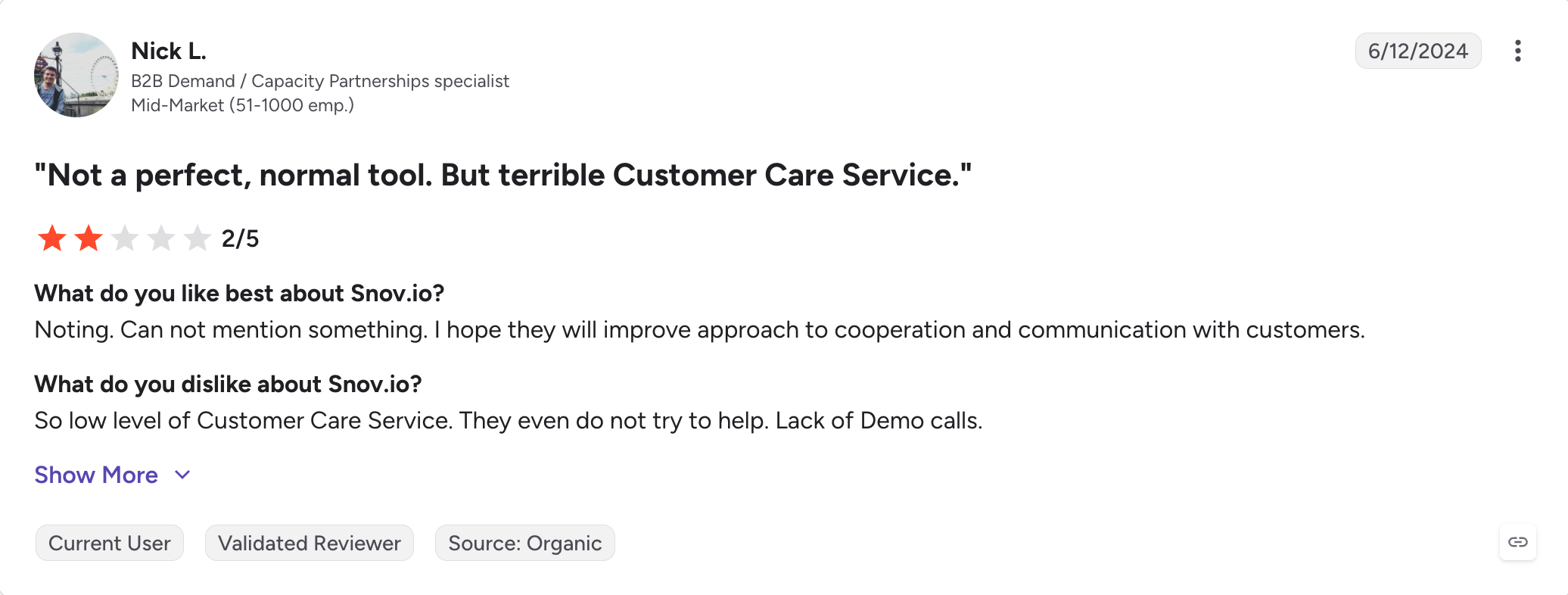
The downside is Snov.io does a lot of things reasonably well and nothing category-leading.
The sending features cover the basics but I wouldn't run a 20-mailbox campaign on it. The CRM is functional but not what I'd run a 10-person sales team's pipeline on.
Core Features
Email Finder Chrome extension: I scroll through LinkedIn profiles and pull verified emails directly into my prospect list. Free to install, credit-based lookups.
500M+ contact database: I filter by company, industry, size, and role. Snov.io claims monthly updates on the data. Coverage runs strongest for mid-to-large companies.
Email verifier with 7-tier verification: I upload a bulk list and Snov.io runs syntax checks, MX record checks, SMTP checks, and more before I send. Accuracy is inconsistent per reviewer feedback.
Drip email campaigns: I build sequences with conditional logic based on prospect behavior (opens, clicks, replies).
Email warm-up: Included on paid plans. Basic feature set. Not something I'd rely on for hard-earned domains.
Snov.io CRM: I track deals through a Kanban pipeline built into Snov.io. Every prospect has an activity timeline showing emails sent, replies, opens, clicks.
Technology checker: I look up any company's tech stack, useful when I'm targeting HubSpot users or Salesforce users specifically for a campaign angle.
API and integrations: HubSpot, Salesforce, Pipedrive, Zapier, REST API.
Pros and Cons
✅ Pros
❌ Cons
Email finder, contact database, outreach, and CRM combined into a single platform
Email verification accuracy is frequently questioned in reviews, and some verified emails still bounce
Chrome extension makes LinkedIn prospecting and contact discovery fast and convenient
Warm-up functionality is relatively basic compared to dedicated deliverability tools
Starter pricing around $30/month offers strong value for an all-in-one toolset
Shared credit allocation means email verification usage reduces prospecting capacity
Technology checker helps identify prospects based on their software stack and ICP criteria
Sending and automation capabilities are less advanced than purpose-built cold email platforms at scale
Pricing
Trial: free, limited credits.
Starter: around $30/month billed annually. Basic prospecting, small sending volume.
Pro: around $75/month billed annually. Higher credit limits, more mailboxes, drip campaigns.
Custom (Managed Service): custom pricing for higher volumes.
Best for: Budget-conscious teams running email-only cold outreach who want unlimited email accounts, sender rotation, and a lead finder on the same bill without paying per user.
If you left Woodpecker because the per-slot pricing kept climbing every time you added a mailbox and the built-in Lead Finder wasn't producing prospects, Saleshandy solves both problems on the cheapest plan of anything on this list.
It offers unlimited email accounts from the base Cold Emailing plan at $25/month billed annually. Sender rotation included. An 800M+ lead finder as an add-on rather than a separate subscription.
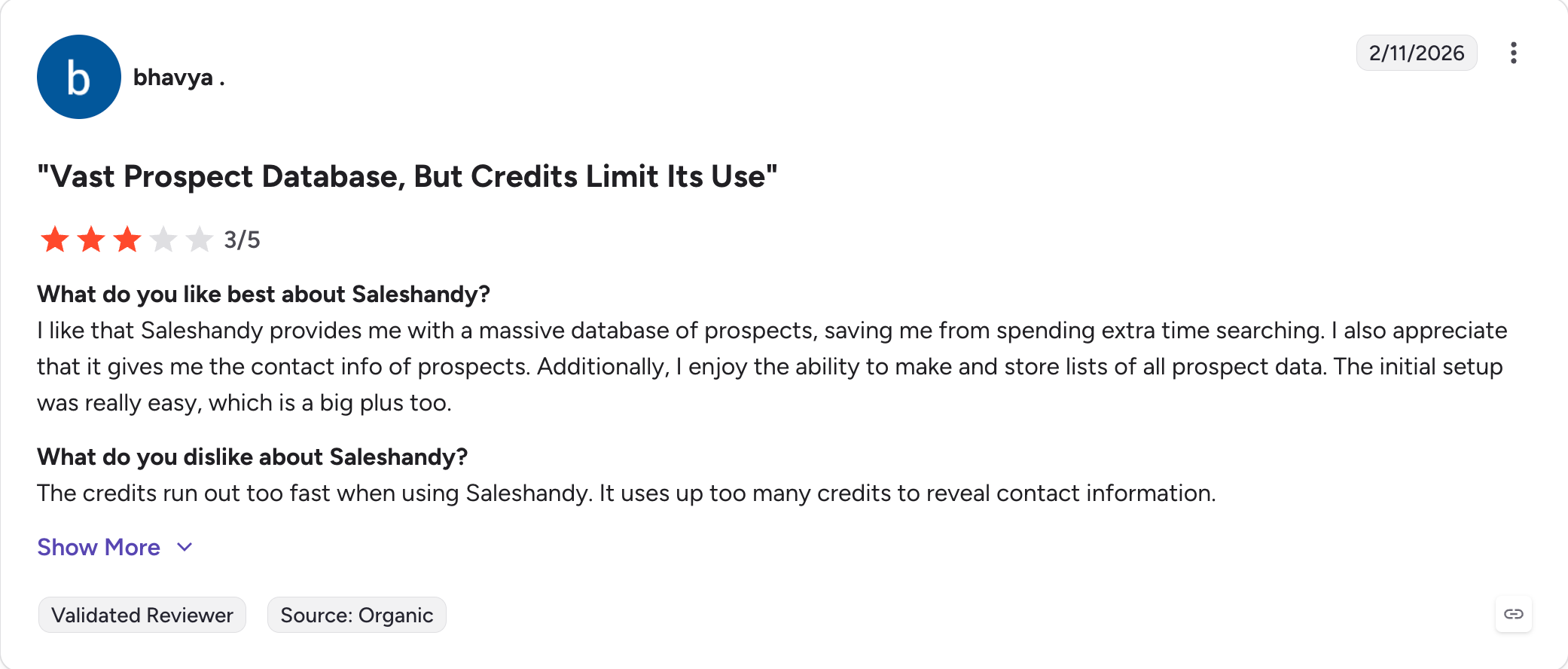
But there are a couple of important features you don't get. For starters, Saleshandy has no native LinkedIn in the sequence. Deliverability tooling is solid but not premium. The lead finder is more of a bulk-search database than an intent-driven prospecting tool.
If any of those matter to your motion, the price advantage evaporates fast.
Core features
Unlimited email accounts from the base plan: I plug in every mailbox I own without paying per slot. This is the direct fix for Woodpecker's per-slot billing at the lowest sticker on this list.
Sender rotation: I set the daily cap per mailbox and Saleshandy spreads the volume across every connected mailbox automatically.
Sequence Score: Before I hit send, Saleshandy scores my sequence on spam triggers, over-personalization patterns, and sending speed. I get a green/yellow/red signal I can act on before I burn a domain.
AI Sequence Copilot: I describe the ICP and offer, Saleshandy drafts the sequence, subject lines, and follow-up timing. First drafts are usable, not something I have to rewrite from scratch.
800M+ B2B lead finder: Add-on subscription with AI search and 75+ filters. I use it when I need bulk lists in one pull.
Bounce detection: If a mailbox hits 5 consecutive bounces, Saleshandy pauses the campaign. Same idea as Bounce Shield on Salesforge, just triggered differently.
DNS record check and inbox placement test: I run these before I launch a new domain, catching auth issues before Google catches them for me.
Saleshandy CRM: I move prospects through a Kanban pipeline built into the tool. Every prospect has an activity timeline: emails sent, replies, opens, clicks.
Agency workflows without per-client fees: I run multiple clients under one login. Whitelabel reporting included. No $27/client tax.
Pros and Cons
✅ Pros
❌ Cons
Unlimited email accounts included starting from the $25/month base plan
Only a 7-day free trial, shorter than many competing platforms
Sender rotation, bounce detection, and Sequence Score are included out of the box
No native LinkedIn automation; limited to email-based outreach
800M+ lead finder available as an add-on instead of requiring a separate platform subscription
Lead finder focuses on bulk database search and lacks strong intent-data capabilities
Agency-friendly workflows included with no additional per-client fees
Deliverability tooling is solid but not as advanced as premium deliverability-focused platforms
If you're reading this you've already decided to leave Woodpecker.
The only question is what solves the specific thing that pushed you out.
If it's the whole stack (the per-slot pricing, the $29 per account LinkedIn add-on, the $20 API paywall, the third-party warm-up subscription, the reply tracker you set up in a spreadsheet), I'd move to Salesforge.
One tool covers all of it.
You get unlimited mailboxes on a flat fee. Warmforge runs your warm-up for free against premium pool of aged mailboxes. Six LinkedIn actions run inside the same sequence as email, so a connection request that gets accepted triggers a message automatically. Every reply from both channels lands in Primebox™ on one screen.
Salesforge Pro is $40 a month billed annually. A working Woodpecker setup runs $84 for Growth, $29 for a LinkedIn account, $20 for API, plus whatever you're paying for warm-up. The math is done for you.
The pattern I hear most is deliverability degrading on new domains after weeks of warm-up, replies scattered across separate views per channel, and support responses coming back slow and dismissive. G2 shows Woodpecker at 4.4 out of 5 across roughly 100 active users. Trustpilot shows 2.8 out of 5 across the customers who left. Active users like it. The ones who left are angry.
2) What is the cheapest Woodpecker alternative for cold email?
I recommend Saleshandy at $25/month billed annually as the cheapest tool on this list with unlimited email accounts from the base plan. Instantly at $30/month billed annually is a close second and adds free unlimited warm-up on top. Both cost less than Woodpecker's Starter tier and don't cap you at 500 prospects.
3) Which Woodpecker alternative is best for multichannel outreach?
I put Salesforge first for multichannel because it runs 6 native LinkedIn actions inside the same conditional sequence as email, and Primebox™ pulls replies from both channels into one screen. Pro is $40/month billed annually. Lemlist adds LinkedIn steps on the Multichannel Expert plan at $79 per user per month. Reply.io adds SMS, WhatsApp, and calls on top at $89 per user per month, plus Jason AI as a separate $500/month add-on if you want autonomous SDR coverage.
4) Can I migrate from Woodpecker to another tool without losing my campaign data?
I export contacts and sequence templates from Woodpecker as CSV files and re-import them on the new platform. I lose the warm-up reputation history and any A/B test data tied to specific mailboxes. I run every migrated mailbox through 7 to 14 days of fresh warm-up before I push real sending volume through it.
5) Does Woodpecker have native LinkedIn automation?
Woodpecker added LinkedIn as an add-on in 2024 at $29 per LinkedIn account per month. It covers connection requests, messages, and profile visits inside email sequences. Salesforge, Lemlist, and Reply.io include LinkedIn in the same sequence as email without a per-account fee.
6) Salesforge vs Woodpecker: which should I pick?
I pick Woodpecker for anyone sending fewer than 500 prospects a month on email-only motion who doesn't need warm-up beyond the free slots. I pick Salesforge for anyone past that ceiling, anyone who needs LinkedIn in the same sequence, anyone who wants free unlimited warm-up through Warmforge, or anyone already paying separately for LinkedIn, an agency panel, or API access on top of Woodpecker. Salesforge Pro at $40/month billed annually covers all of it on one bill. 14-day free trial, no credit card required.
Book more meetings on autopilot
Set up in minutes. No per-seat pricing. No commitment.
Compare 5 AI inbox managers for cold email and sales outreach. See how Salesforge, Smartlead, Instantly, Reply.io, and Saleshandy handle replies, AI features, and pricing.







.jpg)

.jpg)

