Many sales teams, agencies, recruiters, and founders end up managing more than one LinkedIn workflow. Maybe you manage your own profile and a company page. Maybe your agency works with multiple client accounts. Or maybe you're leading an SDR team with several LinkedIn users.
The problem is that many people try to increase LinkedIn capacity the wrong way. They create duplicate profiles, share passwords, rent accounts, or rely on risky automation tools. That's where LinkedIn account restrictions and bans usually start. The good news is that managing multiple LinkedIn accounts and workspaces is possible if you do it the right way. The key is understanding the difference between legitimate account management and activities that LinkedIn considers risky.
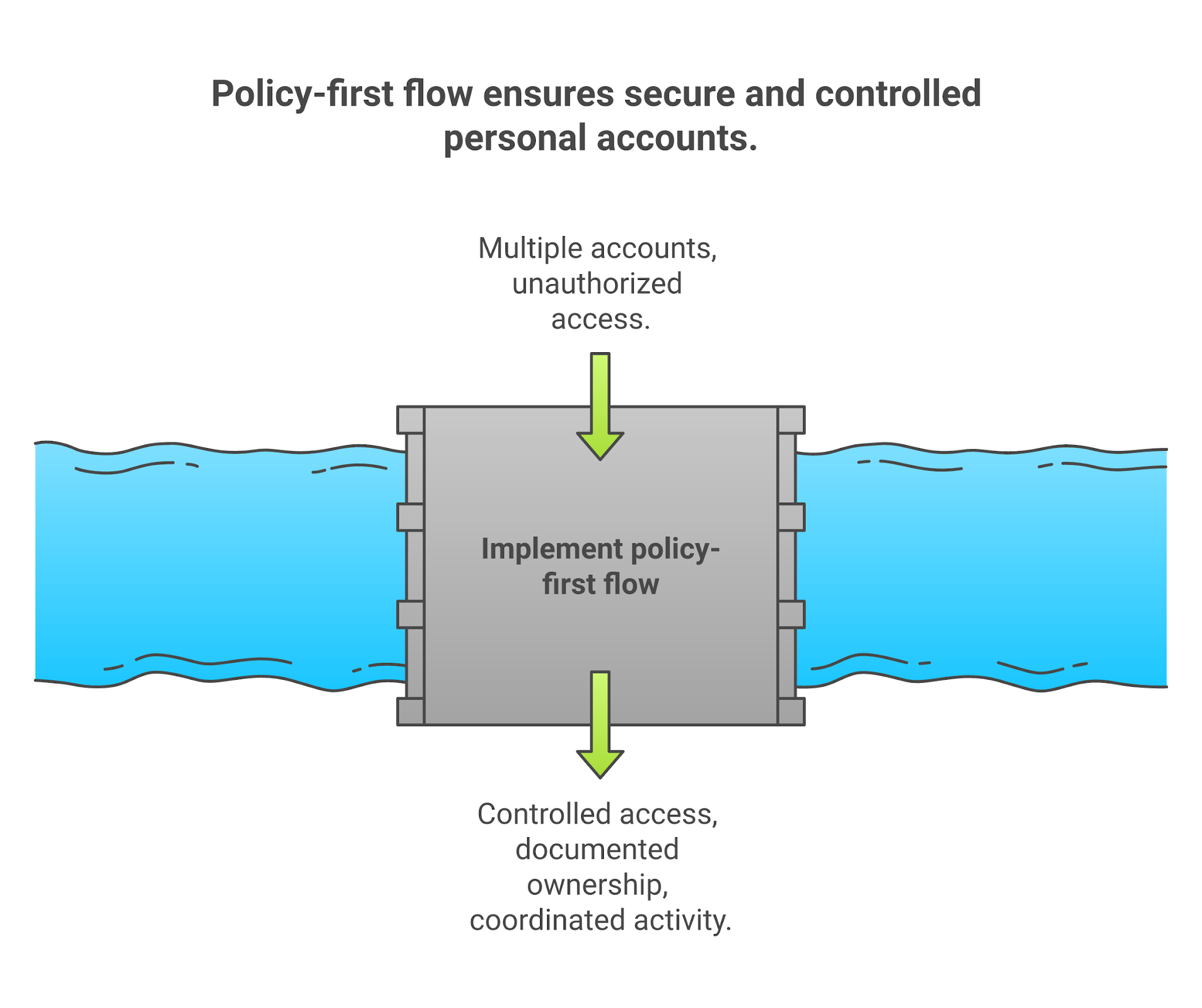
In this guide, you'll learn what LinkedIn allows, what it restricts, which account setups are safe, and how to manage multiple LinkedIn workflows without putting your team, clients, or business at risk.
Yes, but only if each account belongs to a real person or business and follows LinkedIn's rules.
The simple rule: One real person should have one real LinkedIn profile. Use company pages, team seats, and approved business access when you need to manage multiple LinkedIn workflows.
Also Read: LinkedIn Account Suspended? 12 Proven Ways To Protect Your LinkedIn Account in 2026
LinkedIn cares about identity, account control, data scraping, and inauthentic activity. I would build every LinkedIn workflow around these five rules.
First, one personal account per real person. LinkedIn says members should only have one account in their real name. A second founder profile, backup SDR profile, or rented "warm" profile is not a safe capacity plan.
Second, no account sharing. LinkedIn's User Agreement says members should not share or transfer their accounts. That includes the classic agency move where the client sends a password, and the contractor runs connection requests from the founder's profile.
Third, truthful profile information. LinkedIn's account restriction page says fraudulent or inaccurate identity signals can lead to temporary or indefinite restrictions.
Fourth, no scraping or unauthorized automation. LinkedIn's prohibited software and extensions guidance says third-party tools that scrape, modify LinkedIn's appearance, or automate LinkedIn activity are not permitted. It also calls out fake accounts and fake engagement.
Fifth, LinkedIn can limit usage. The User Agreement says LinkedIn can limit connection and contact activity and restrict, suspend, or terminate accounts for misuse.
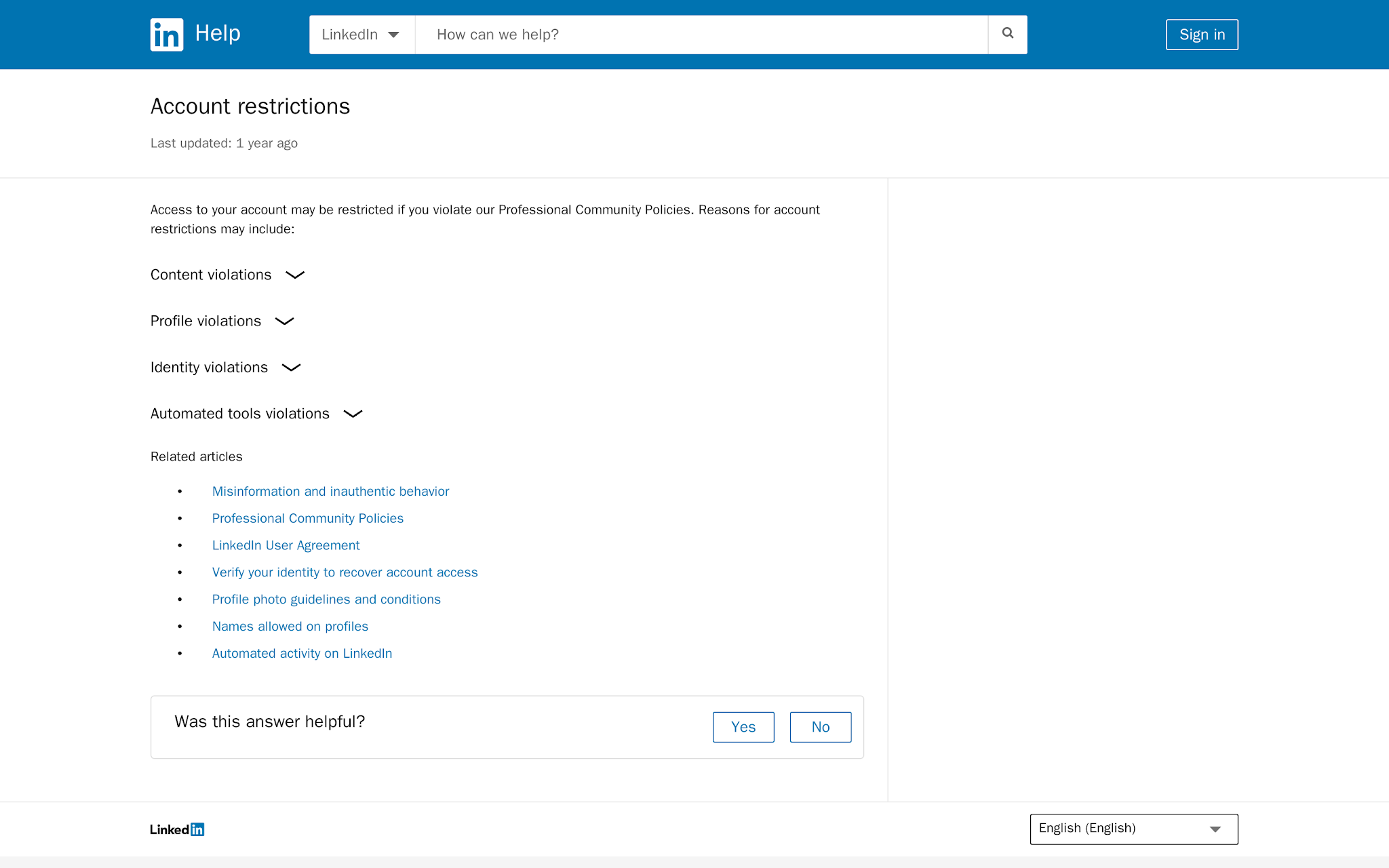
That is the baseline. If your workflow depends on hiding who owns an account, hiding where activity comes from, or hiding that a tool is doing the work, the workflow is already fragile.
Most teams do not need more accounts. They need a cleaner account model. Use this table before you touch tools.
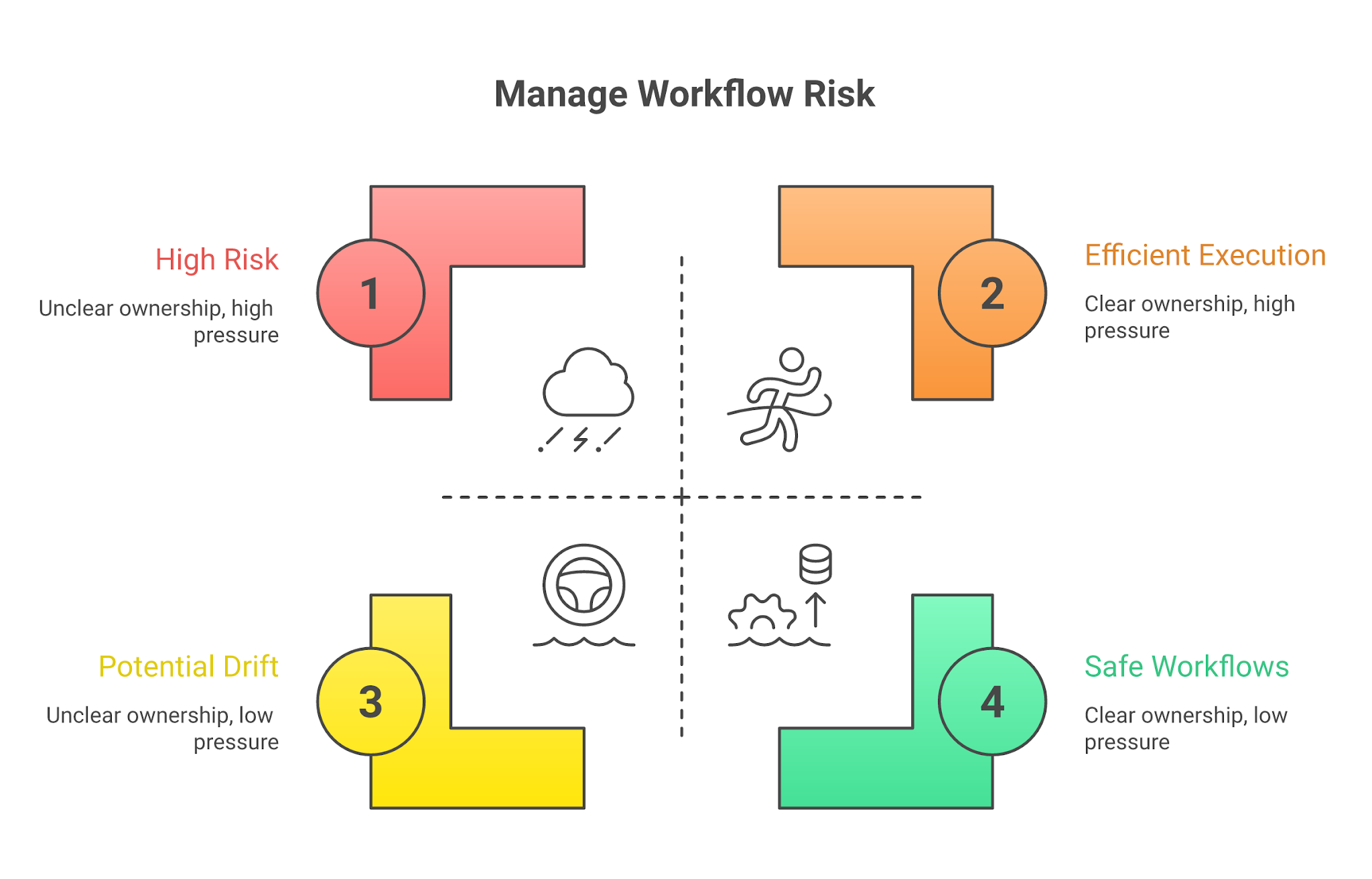
Here is the operating model I would use.
Every personal LinkedIn profile should have one owner only. For example:
Do not treat personal profiles as company assets. If multiple people have access to the same profile, it becomes impossible to identify who sent a message, changed settings, connected a tool, or triggered a restriction.
Also Read: How To Optimize Your LinkedIn Profile To Generate Pipeline
A company page is different from a personal account. Use native admin roles and named users wherever possible. Keep at least one backup admin. Remove people when they leave. Review access monthly. For an agency, it means asking for page access instead of a client password.
Use a simple spreadsheet or CRM object. Track:
When a profile gets a warning, you should know who owns it, what tools touched it, what sequence was active, and what to pause.
This is one of the most common mistakes in agency and outsourced outbound setups. A client shares their LinkedIn password. Then:
Eventually, four or five different people are interacting with the same profile. That creates unnecessary risk and makes troubleshooting almost impossible.
If a client's personal LinkedIn profile is part of the campaign, the client should remain the account owner. Your team can still handle prospect research, messaging, sequencing, and CRM management without taking control of the account itself.
The team can still centralize the workflow. Centralize
This is exactly how multi-rep outbound should work. The system is shared. The identities are not. Once you've separated account ownership from campaign execution, the next challenge is coordinating outreach across multiple reps and channels without losing visibility.
LinkedIn is a high-trust channel, not a volume channel. Operators take the cold email mindset, push it into LinkedIn, and expect the same scale.
Use LinkedIn for what it is good at:
Use email for what email is better at:
The order is not "LinkedIn or email." It is LinkedIn plus email, with different jobs for each channel. Salesforge multichannel supports email, LinkedIn invites, LinkedIn messages, InMails, follows, and profile views inside one campaign.
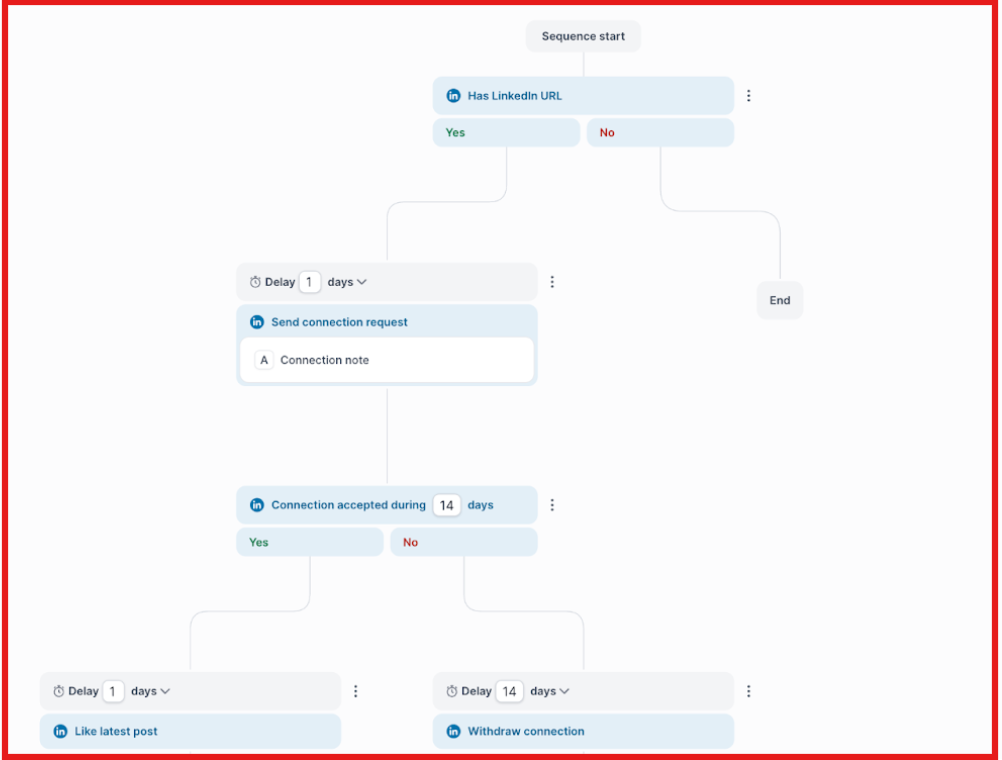
A safer outbound pattern looks like this:
Before you build anything, decide what each account is allowed to do. The outcome should be a clean operating document - owner, purpose, activity rules, connected tools, recovery plan, and weekly review cadence.
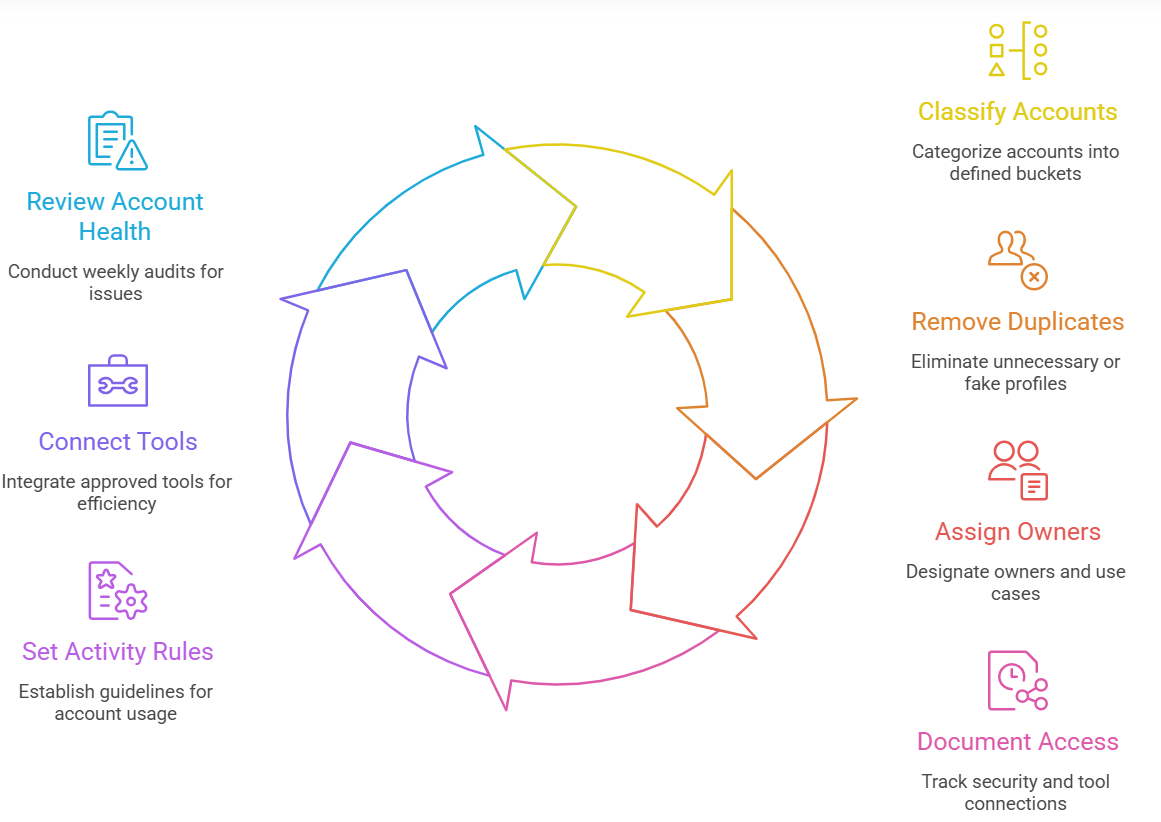
Put each item into one bucket:
If an account does not fit one of those buckets, stop and inspect it. "Backup profile" usually means duplicate personal account. "Agency profile" usually means unclear ownership.
Do this before tool setup. If one person has two personal profiles, consolidate the workflow around the legitimate one. If a rented account is in the plan, remove it. If a fake profile exists only to message prospects, it does not belong in a serious outbound system.
Capacity should come from real reps, better channel balance, and email infrastructure. Not fake identity.
Every profile needs an owner and a reason for use. For example:
Write it down. If nobody owns the profile, nobody owns the risk.
Track the operational basics:
This is where teams save themselves during a restriction.
Your rules should be specific enough that a rep can follow them. Use rules like:
Do not write "use LinkedIn responsibly." That means nothing when pipeline is thin and someone wants to push another 200 connection requests.
Your tool stack should support visibility, routing, and controlled sequencing. It should not depend on scraping, fake accounts, cookie sharing, or aggressive automation. LinkedIn's prohibited software guidance is clear about tools that scrape, automate activity, use bots, or bypass access limits.
Run a 20-minute weekly review. Check:
If you cannot audit the system, you cannot manage the risk.
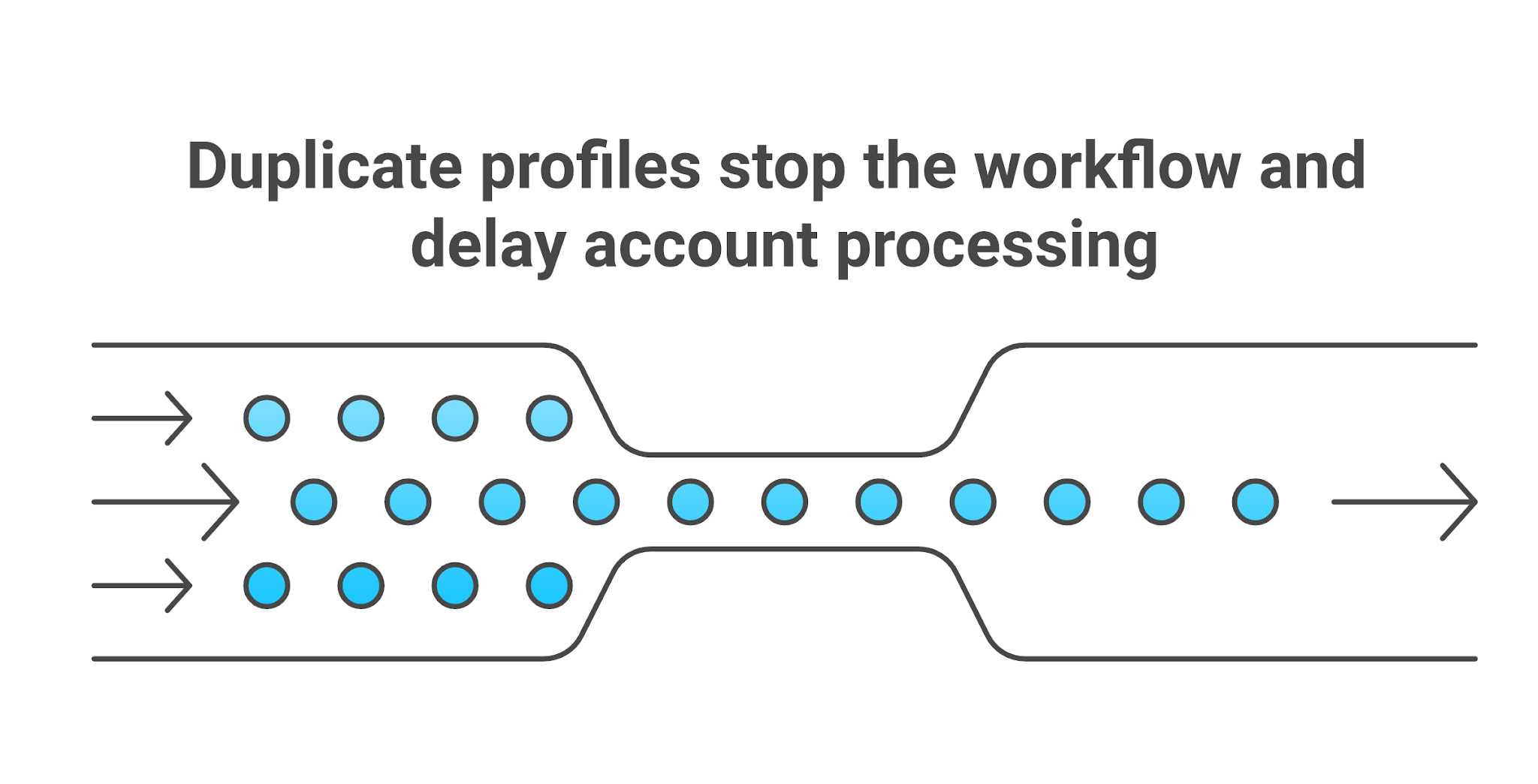
Do not create a replacement account. That is the move that makes the mess worse. Use the first 24 hours to contain the issue.
LinkedIn's restriction guidance says users can follow on-screen prompts when they believe a content decision or identity restriction was made in error. It also says automated inauthentic activity can result in temporary or permanent restrictions.
So keep the response clean. Do not:
Pause first. Then diagnose.
A tool helps when it improves control. It makes the risk worse when it hides ownership.
Risky tooling:
Salesforge is a fit when your team needs outbound workflow coordination, email plus LinkedIn touches, reply routing, sender visibility, and campaign reporting. Salesforge is not the right fit if all you need is browser tab organization, page publishing, or password management.

In that case, use a workspace browser, a password manager, and LinkedIn's native admin roles. The right tool should make the workflow easier to audit. If it makes the workflow harder to explain, it is the wrong tool.
Start with the account audit. Do not start with proxies, browsers, or automation settings. The first question is whether every account is legitimate, owned by a real person or business, and authorized for the work. Use this checklist:
The safest system is not the one with the cleverest workaround. It is the one you can explain plainly: "Every profile is real. Every owner is known. Every action is authorized. Every campaign can be paused. LinkedIn is one channel, not the whole pipeline engine." That is how I would manage multiple LinkedIn accounts in 2026.
If your team already has real reps and real client permission but the workflow is scattered across inboxes, LinkedIn tabs, spreadsheets, and missed replies, use Salesforge to coordinate the sequence. Keep LinkedIn human-owned. Let email and infrastructure carry the volume. Route replies back into one workflow. That is the safer way to forge a pipeline without turning LinkedIn into the bottleneck.
.jpg)

.jpg)
.jpg)