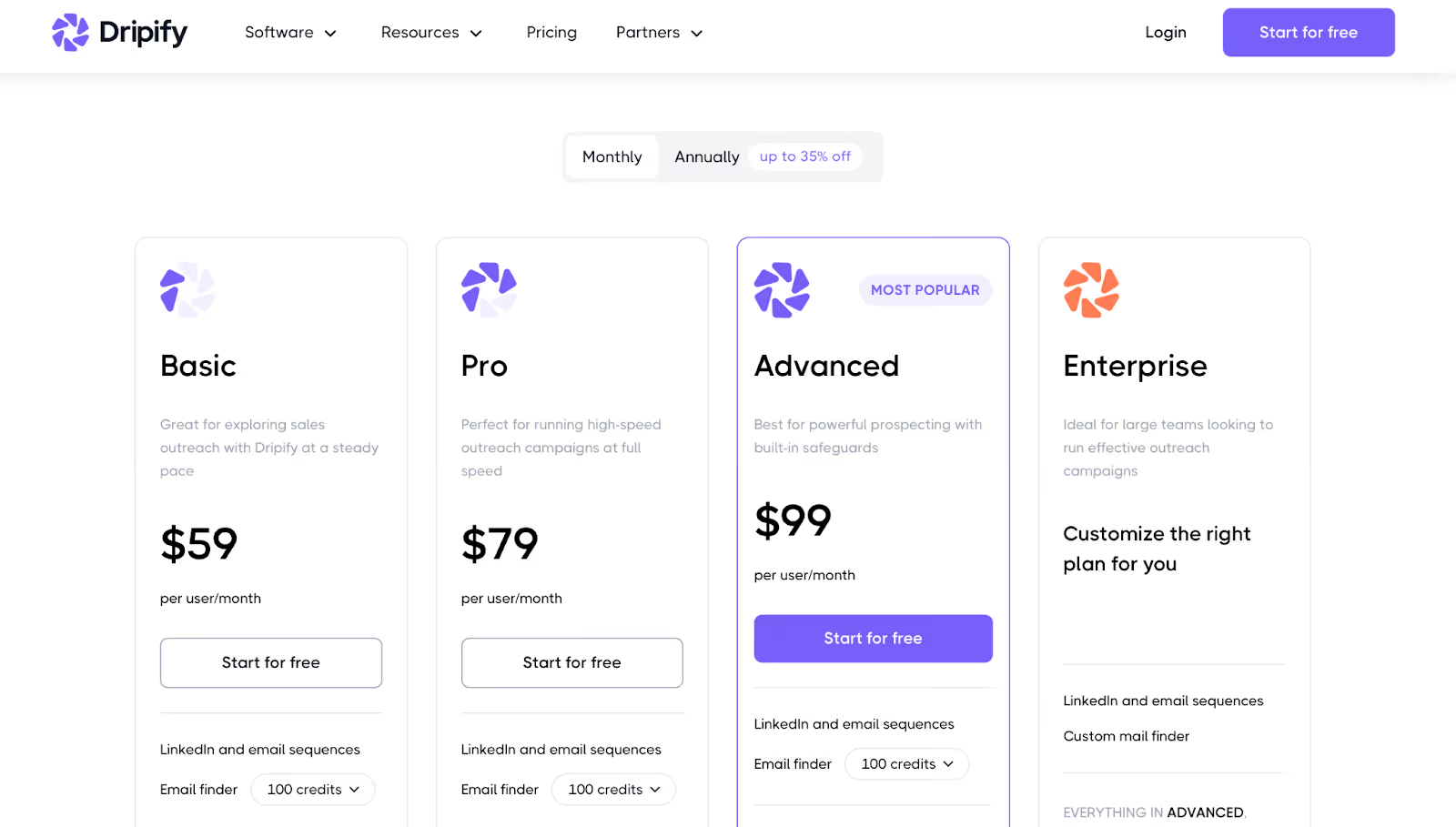
Custom plans available for larger teams and white-label use
4. Dux-Soup
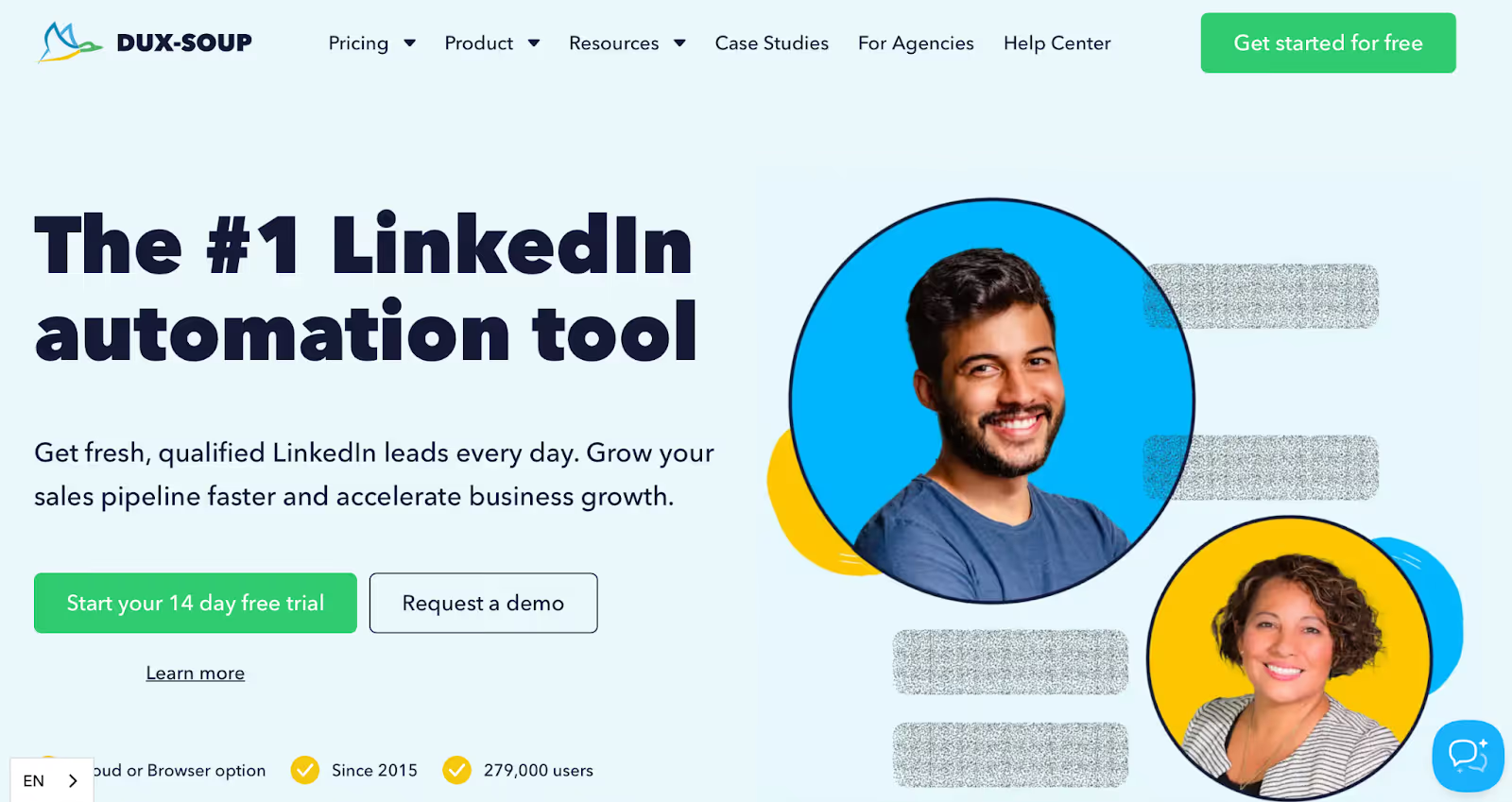
This image shows the Dux-Soup homepage
Dux-Soup is one of the oldest LinkedIn automation tools.
It gives you the most control over how each outreach step works.
You can run drip campaigns with up to 12 LinkedIn actions — connect, follow, endorse, message, visit profile, and more.
Each action gets a custom delay, and the tool auto-pauses when someone replies.
There's a cloud version (Cloud Dux) that runs campaigns 24/7 from their servers, so your laptop doesn't need to stay open.
The Chrome-based version is cheaper but requires your browser to be active.
Dux-Soup also lets you tag leads, export CSVs, and connect to HubSpot or Pipedrive.
Key Features of Dux-Soup
Drip campaigns with up to 12 LinkedIn actions in one sequence
Works with LinkedIn Basic, Premium, Sales Navigator, and Recruiter
Smart delays, auto-pausing, and response detection
Cloud version for 24/7 automation without keeping your browser open
CRM integrations via HubSpot, Zapier, and custom APIs
CSV export for contacts and campaign stats
Pros and Cons
Pros
Cons
12 LinkedIn actions per campaign give maximum flexibility
Cloud version runs without your browser being open
Response detection auto-pauses to prevent double messages
Works with Sales Navigator and Recruiter profiles
Interface feels dated and confusing for new users
Queued messages cannot be edited mid-campaign
No built-in CRM or pipeline view
HubSpot integration lacks depth for syncing campaign data
Dux-Soup Pricing
This image shows the Dux-Soup pricing
Pro Dux: $14.99/month
Turbo Dux: $55/month
Cloud Dux: $99/month
Cloud Agency: $371/month (5+ LinkedIn seats)
5. Phantombuster
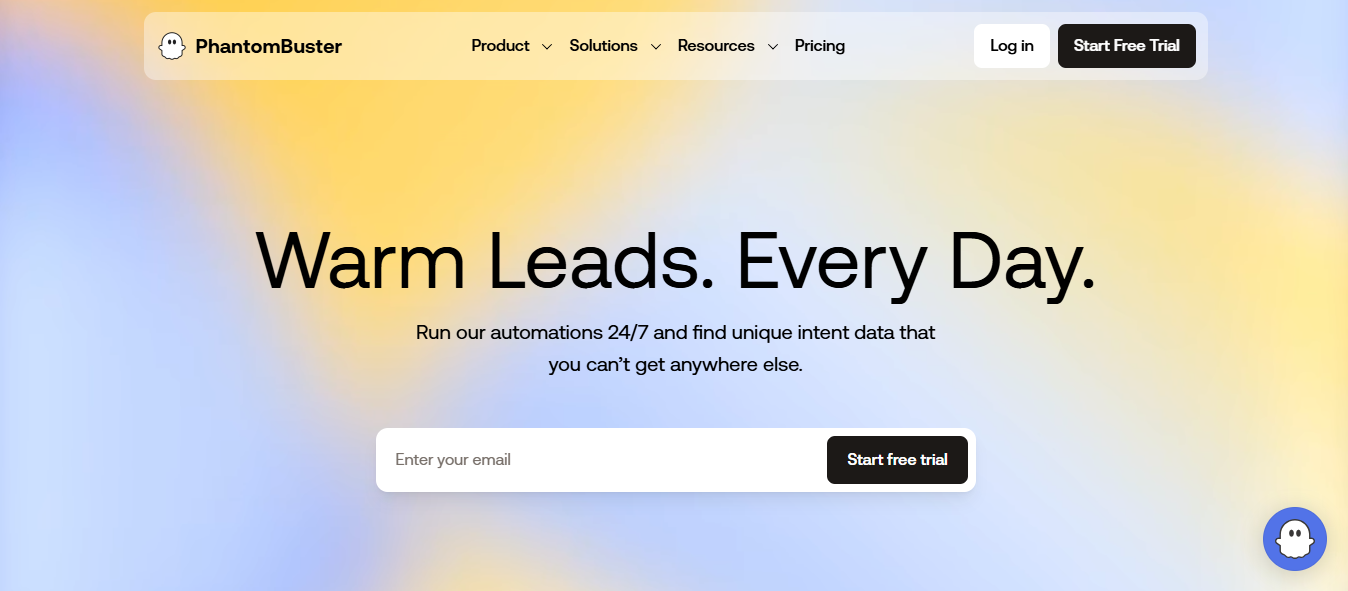
This image shows the Phantombuster homepage
Phantombuster is not a LinkedIn sales tool in the traditional sense.
It's a data extraction platform that pulls structured data from LinkedIn.
You run what Phantombuster calls "Phantoms" — pre-built automations that scrape LinkedIn search results, profile data, post commenters, group members, and company pages into spreadsheets.
I used it to pull a list of everyone who commented on a competitor's LinkedIn post.
That list became a lead source I pushed into Salesforge for outreach.
Visual campaign builder with if/else conditional logic across LinkedIn and email
Personalized images and GIFs via Sendspark integration
Email finder and verifier built into the outreach flow
Auto warm-up for inbox health across multiple sending accounts
Smart Inbox tracks all LinkedIn and email replies in one place
Tags, custom variables, and dynamic placeholders for message personalization
A/B testing, blacklists, and team dashboards for campaign management
Pros and Cons
Pros
Cons
If/else logic lets each prospect follow a different outreach path
Image and GIF personalization increases reply rates on LinkedIn
Email finder and verifier run inside the same campaign flow
Auto warm-up runs across multiple inboxes without a separate tool
No native CRM integrations, requires Zapier for connections
Onboarding takes time, initial setup feels complex for new users
Cannot tag or label LinkedIn leads from an internal CRM view
Some users reported delayed email delivery during active campaigns
Skylead Pricing
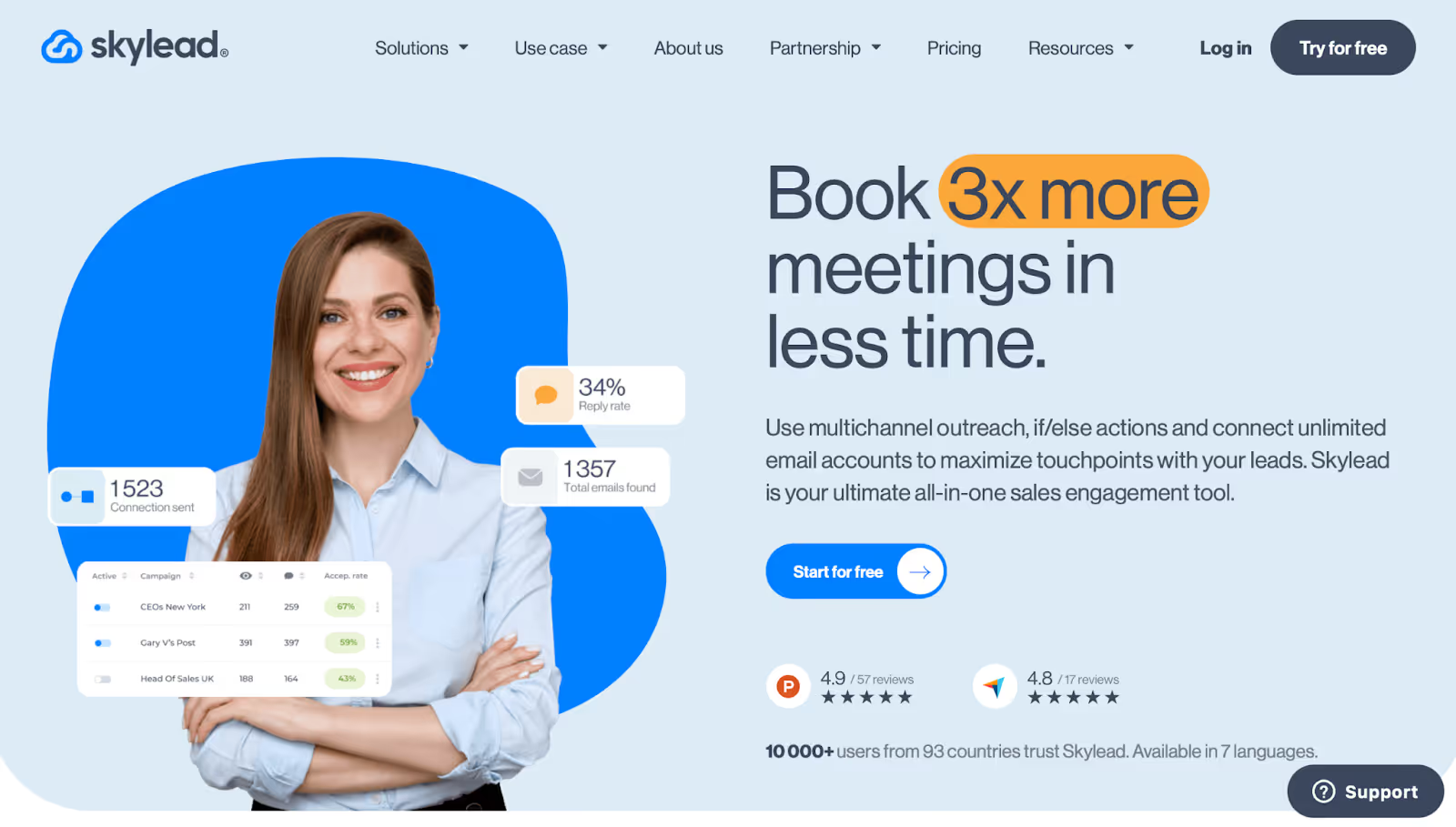
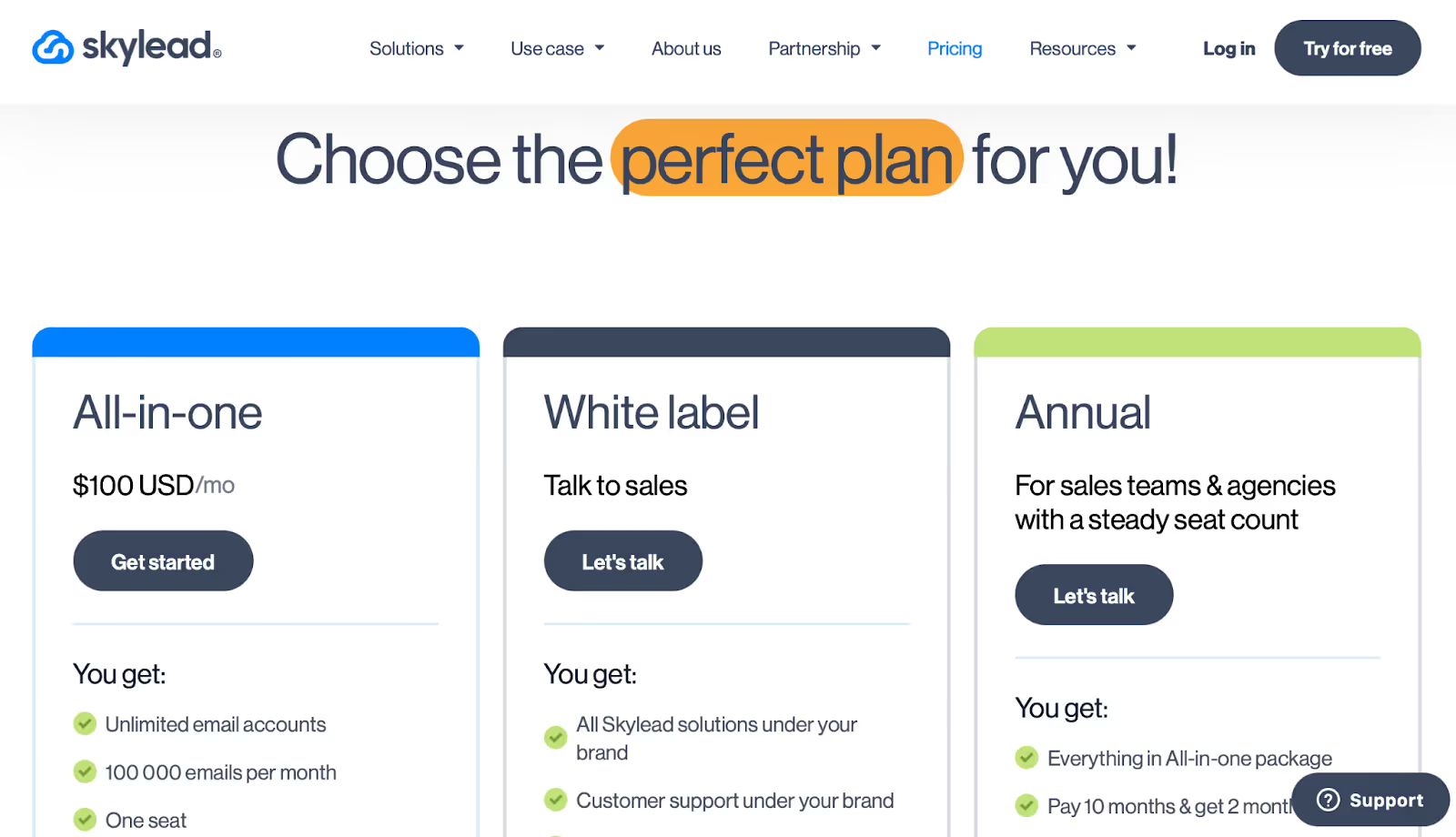
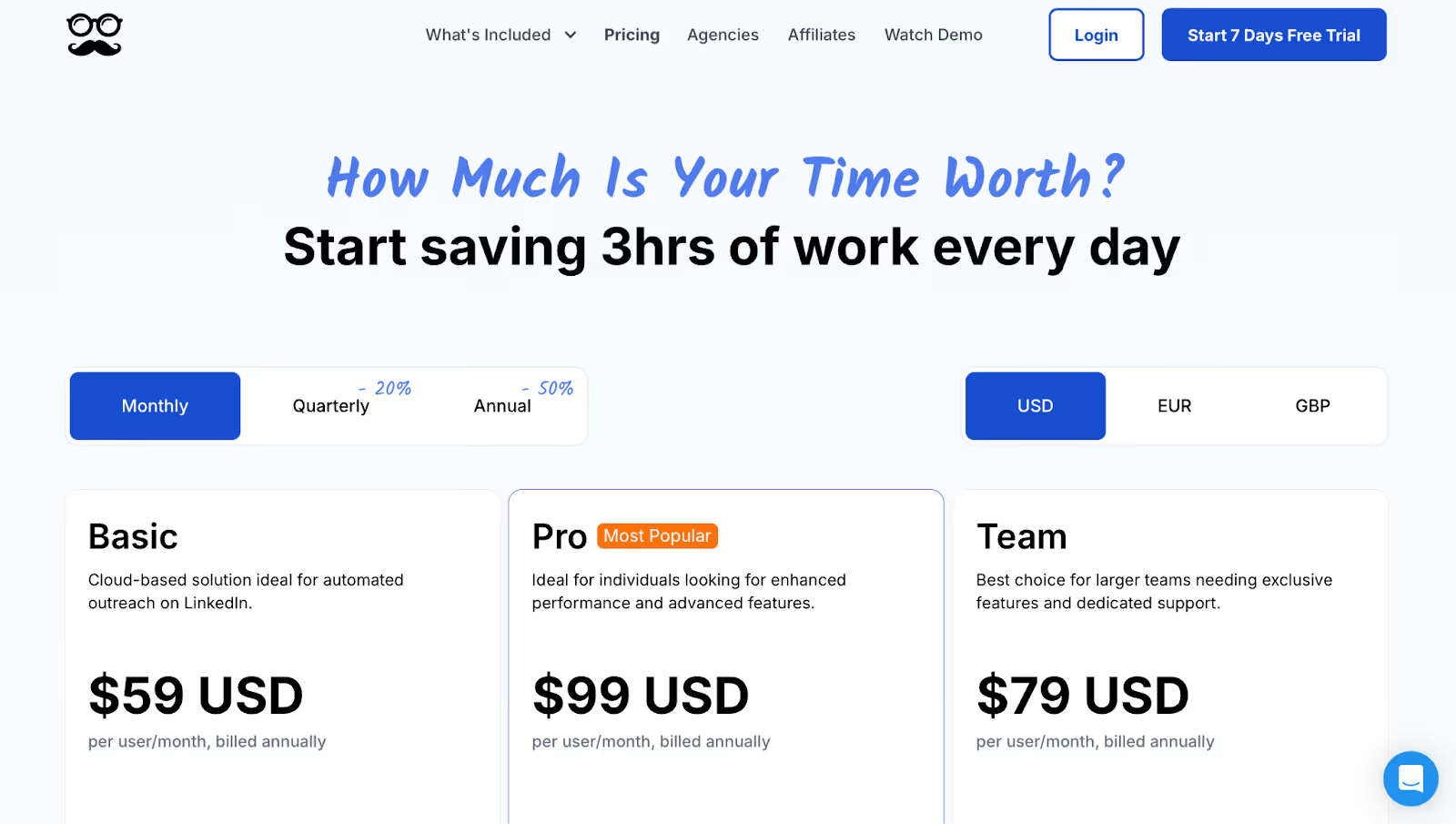
This image shows the Skylead pricing
All-in-One: $100/month per seat
White-Label: Custom pricing with full rebranding
7-day free trial, no credit card needed
7. Waalaxy
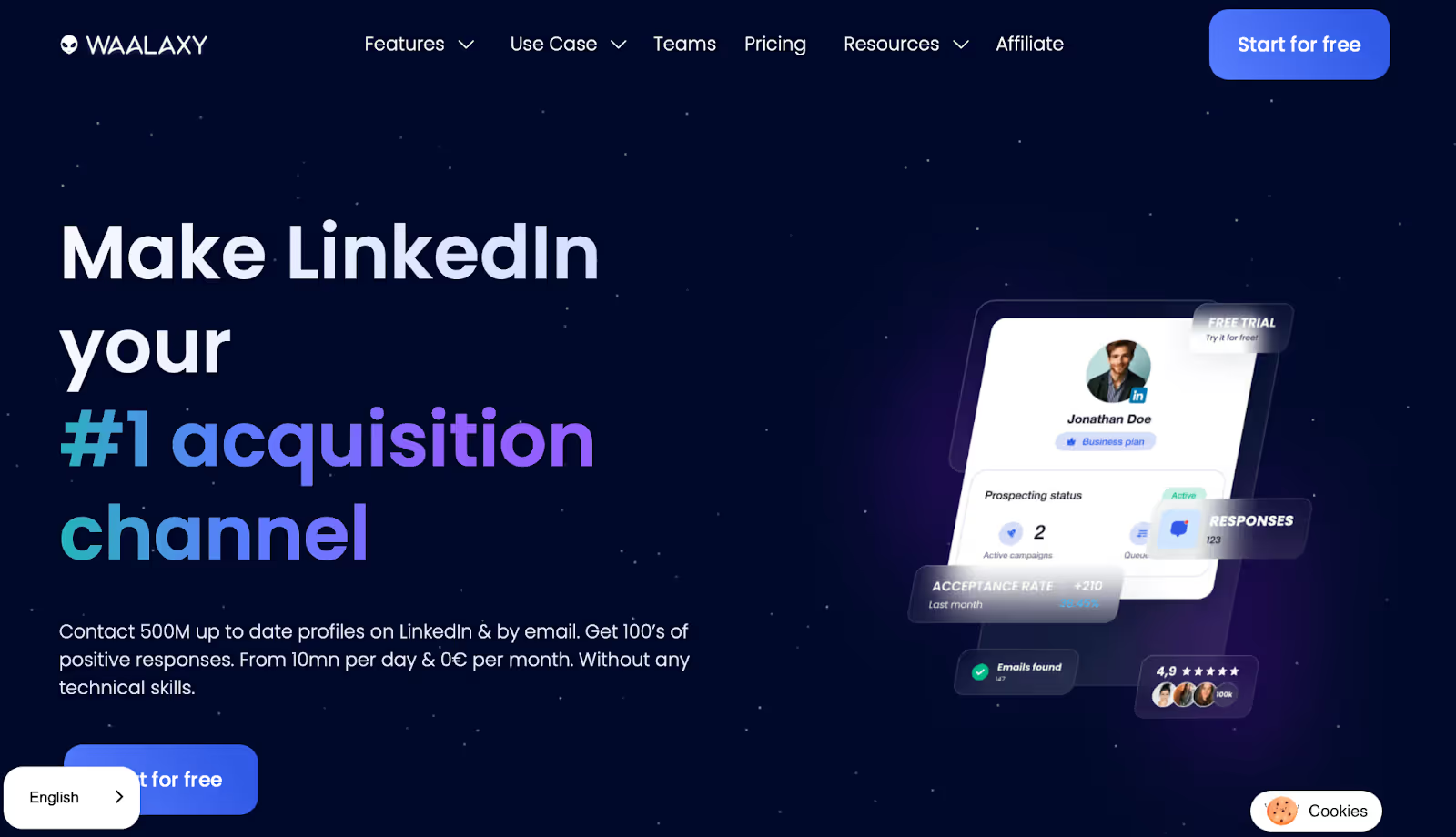
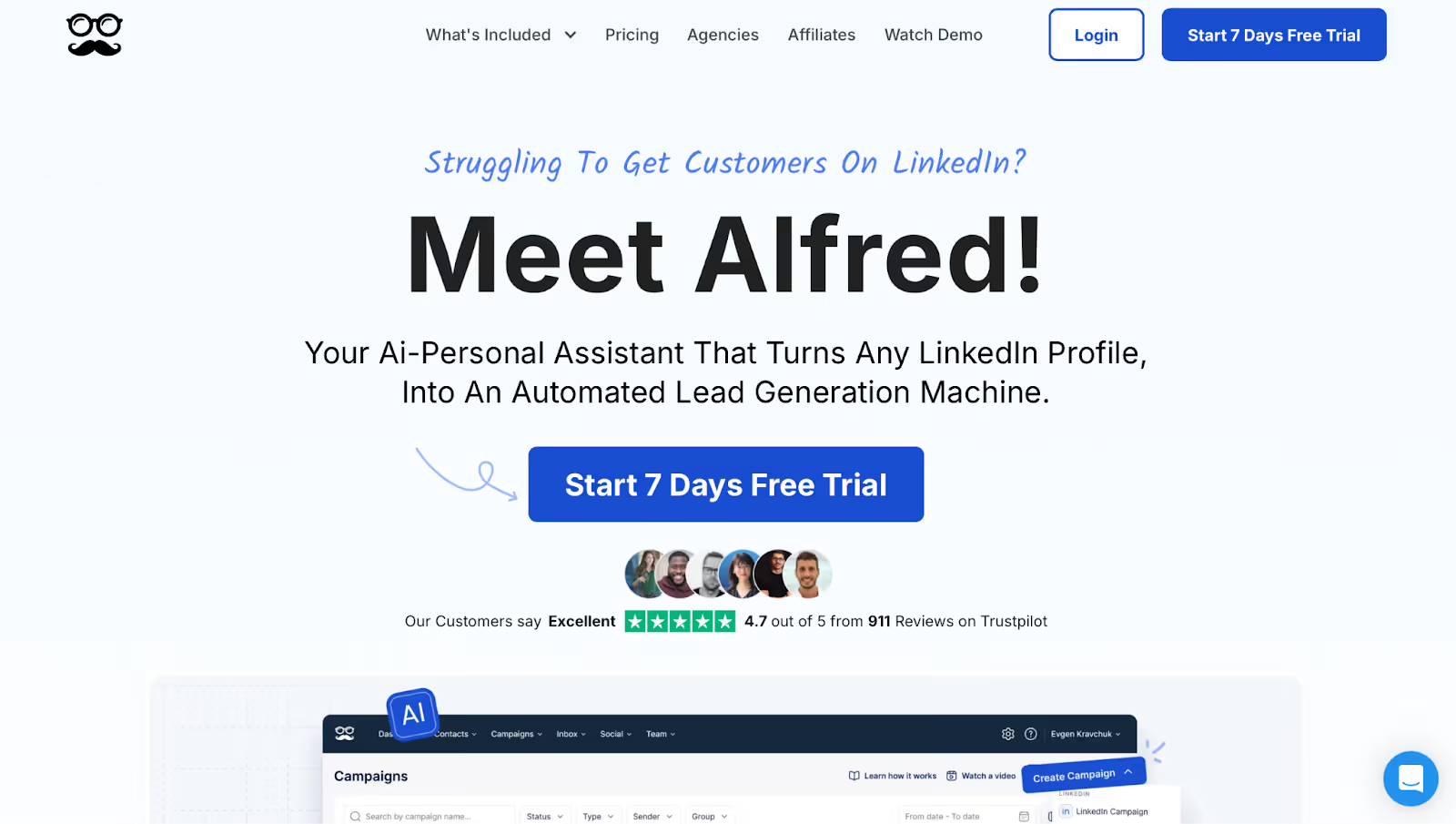
This image shows the Waalaxy homepage
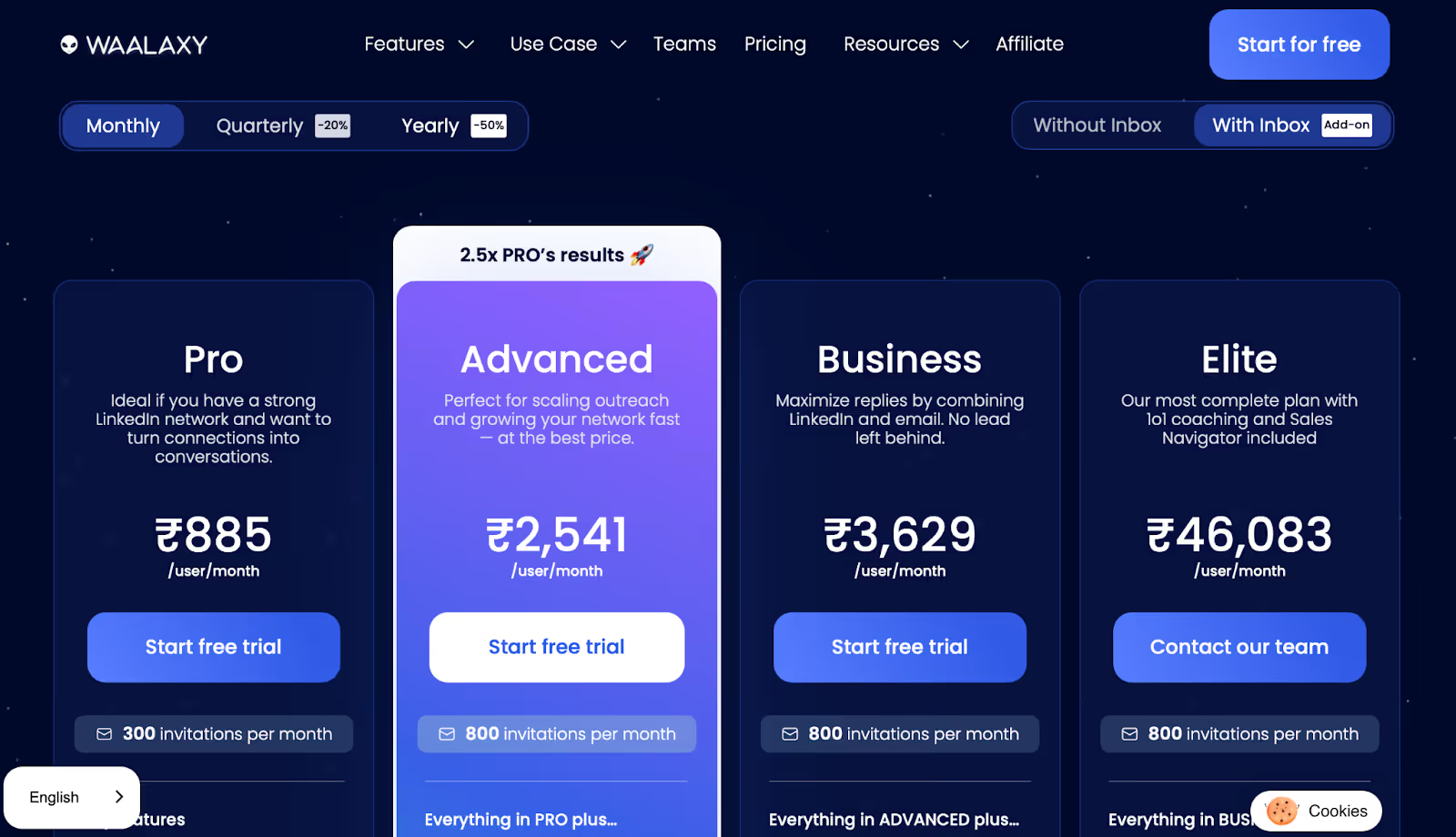
Waalaxy is a Chrome-based LinkedIn sales tool that runs outreach at a low monthly cost.
You install the extension, import leads from LinkedIn or Sales Navigator, and launch a campaign with connection requests, follow-up messages, and optional email steps.
What stood out was how fast you can get started.
Most campaigns go live in under 10 minutes.
The interface is simple, and no configuration requires technical knowledge.
Enter your email to get a custom plan & stack recommendation for your
business
It's being carefully crafted by AI
Please check your mailbox in 5 minutes
Conclusion: What Are the LinkedIn Sales Tools Worth Investing In?
The right LinkedIn sales tool depends on what part of your outreach is breaking down.
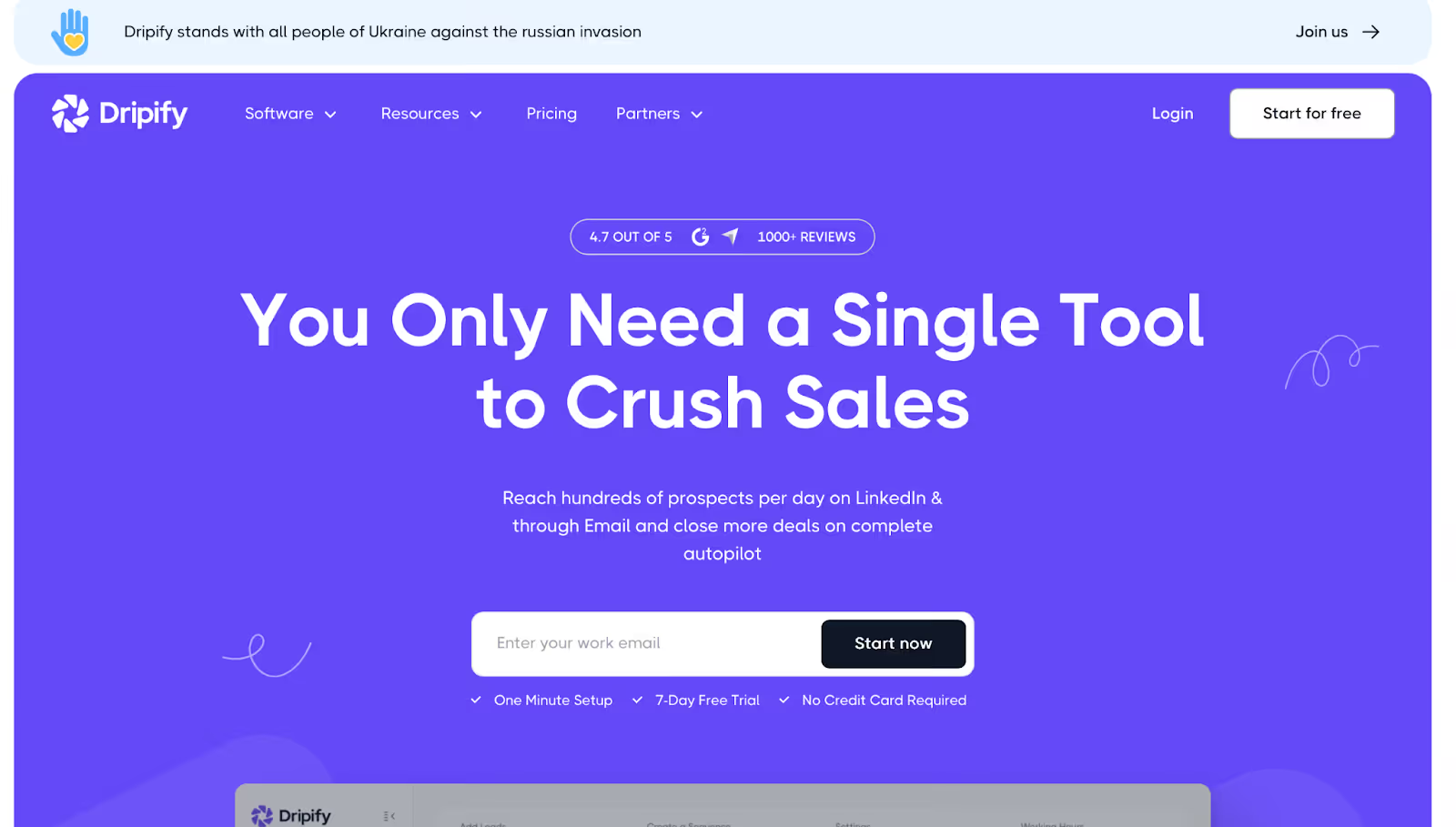
Need a simple LinkedIn-only tool to get started? Drippy or Octopus CRM handles the basics.
Need data extraction from LinkedIn? Phantombuster pulls profiles, post commenters, and search results into usable lists.
Want full control over every LinkedIn action? Dux-Soup give you that level of customization.
But the top B2B teams don't run LinkedIn outreach in isolation.
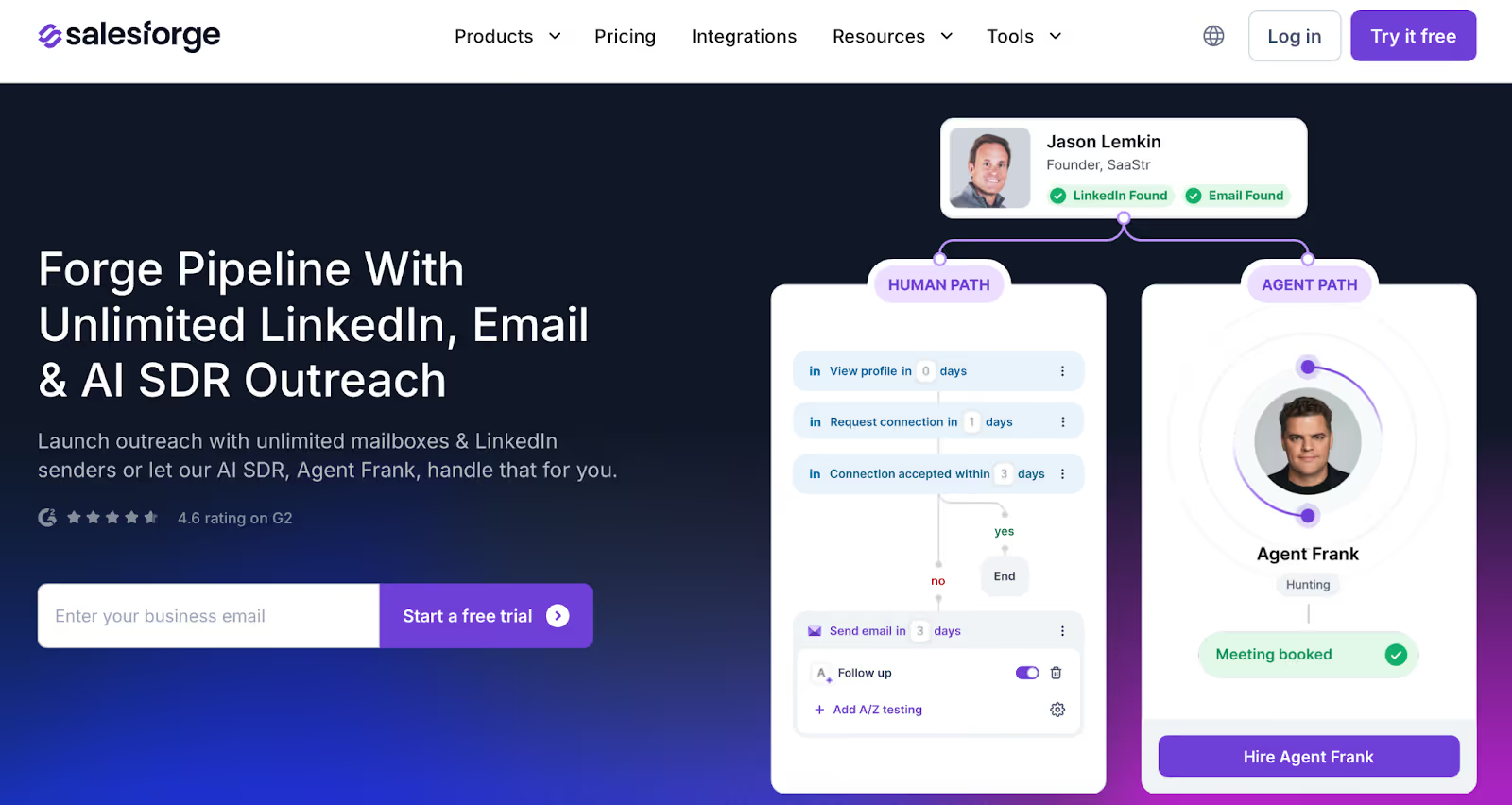
They run LinkedIn and email from one platform, with leads flowing into sequences and replies coming back into one inbox.
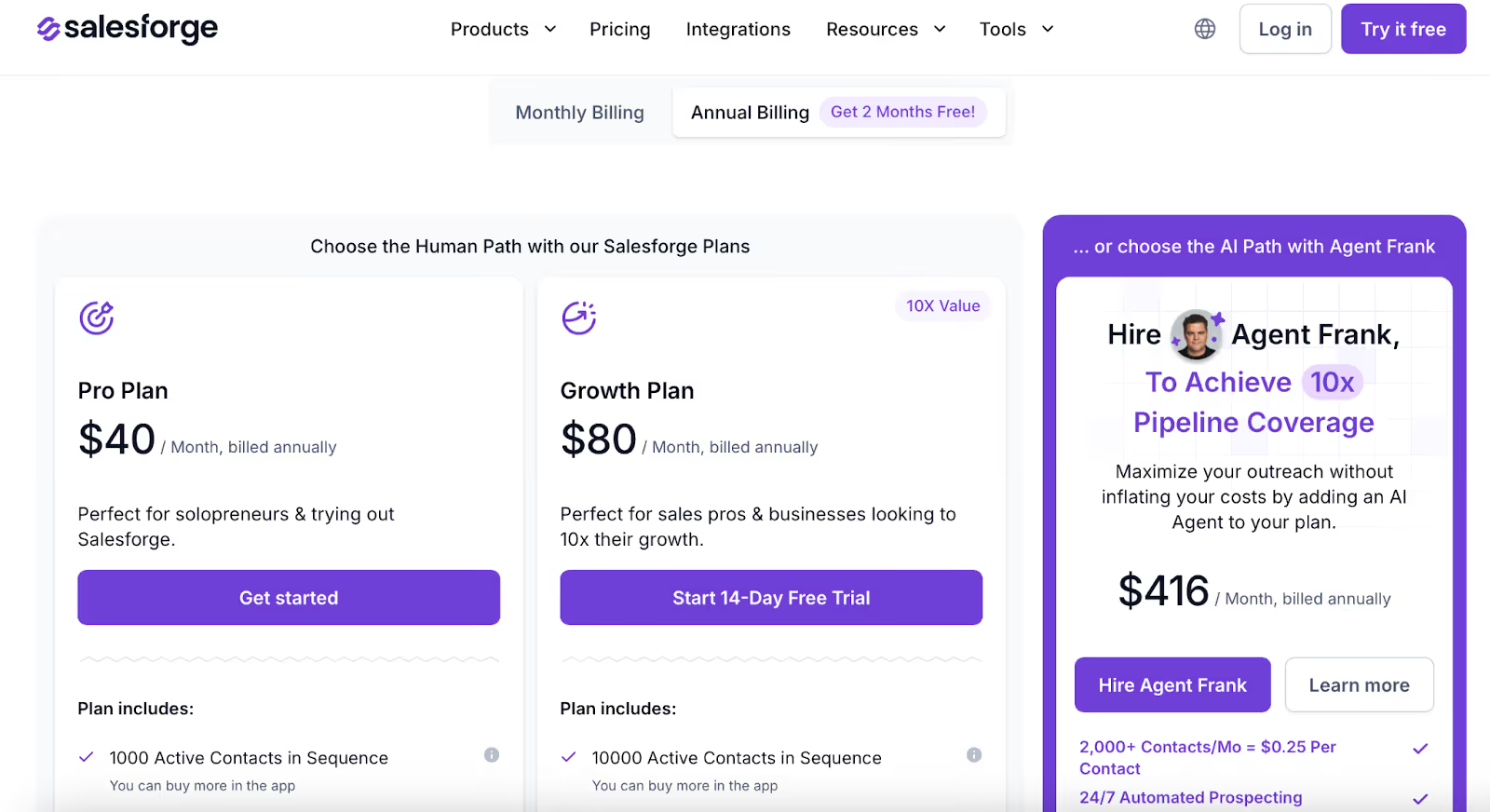
Salesforge does that. You run multi-channel sequences, Agent Frank handles prospecting and follow-ups, and every reply from LinkedIn and email lands in Primebox.
Nothing gets missed.
Start a free trial and run your first LinkedIn and email sales sequence in under 10 minutes.
Book more meetings on autopilot
Set up in minutes. No per-seat pricing. No commitment.
Compare 7 Gojiberry AI alternatives for LinkedIn outreach. See pricing, buying signals, prospecting, automation, and email features to find the right fit.
Compare 5 LinkedFusion alternatives for LinkedIn outreach, with a clear look at pricing, automation, account safety, reply handling, and multichannel features.







.jpg)

.jpg)