

Personalized Outbound Strategy
Get The Right Outbound Strategy In Minutes
Enter your email to get a custom plan & stack recommendation for your business
It's being carefully crafted by AI
Please check your mailbox in 5 minutes
You need 400 HVAC companies in Phoenix, every dental clinic in Manchester, or all the independent gyms across three postcodes you can drive to.
So you open Google Maps, search, and start copying names and phone numbers into a spreadsheet. Forty minutes later, you have sixty rows and a headache.
There is a faster way, and most guides about it are written for developers.
This one is not.
I am going to walk through the five ways to pull business data from Google Maps, which one to use when, how to get around the results limit that stops most people, and what to do with the list once you have it.
Here is a quick summary of what worked during my testing.
Google Maps is a directory of businesses, not a directory of people. That single fact decides everything about how you use it.
The data comes in two layers. The first layer is whatever is printed on the listing itself. The second layer only exists if you go and fetch it from the business website linked on that listing.
Notice what is missing from the first column. There is no person. No name, no job title, no owner. A Maps listing tells you a plumbing company exists and where it is. It does not tell you who runs it.
Emails sit in the second layer, which is why free tools rarely have them. Pulling a listing is one job. Crawling every linked website afterward is a different one.
Hold on to that gap between a company and a person, because every method below is really a question of how you close it.
Each method trades setup time against how far it will take you.
This is the method I use most, because it answers the company-to-person problem in the same session rather than three tools later.
Leadsforge Local Companies Search works off Google Maps data. You drop a pin on a location, set a proximity radius in kilometers, pick the business types you want, and it returns the matching businesses.
Three things about its setup are worth calling out because they save time.
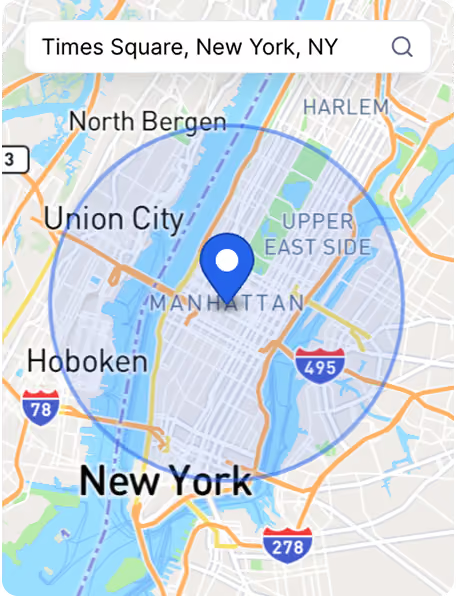
You search from an address outward. If your sales team drives to appointments, that maps onto reality far better than a city boundary does.
Twenty kilometers from a specific address is a real service area. "Chicago" is not.
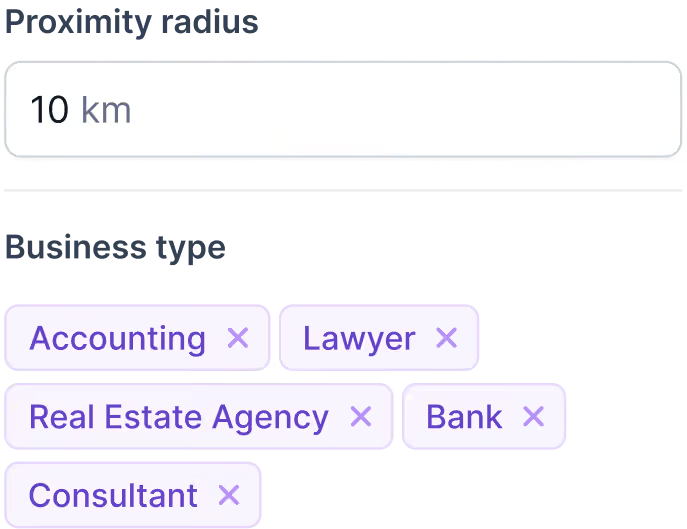
You can put accounting firms, lawyers, real estate agencies, banks, and consultants into one search rather than running five separate searches.
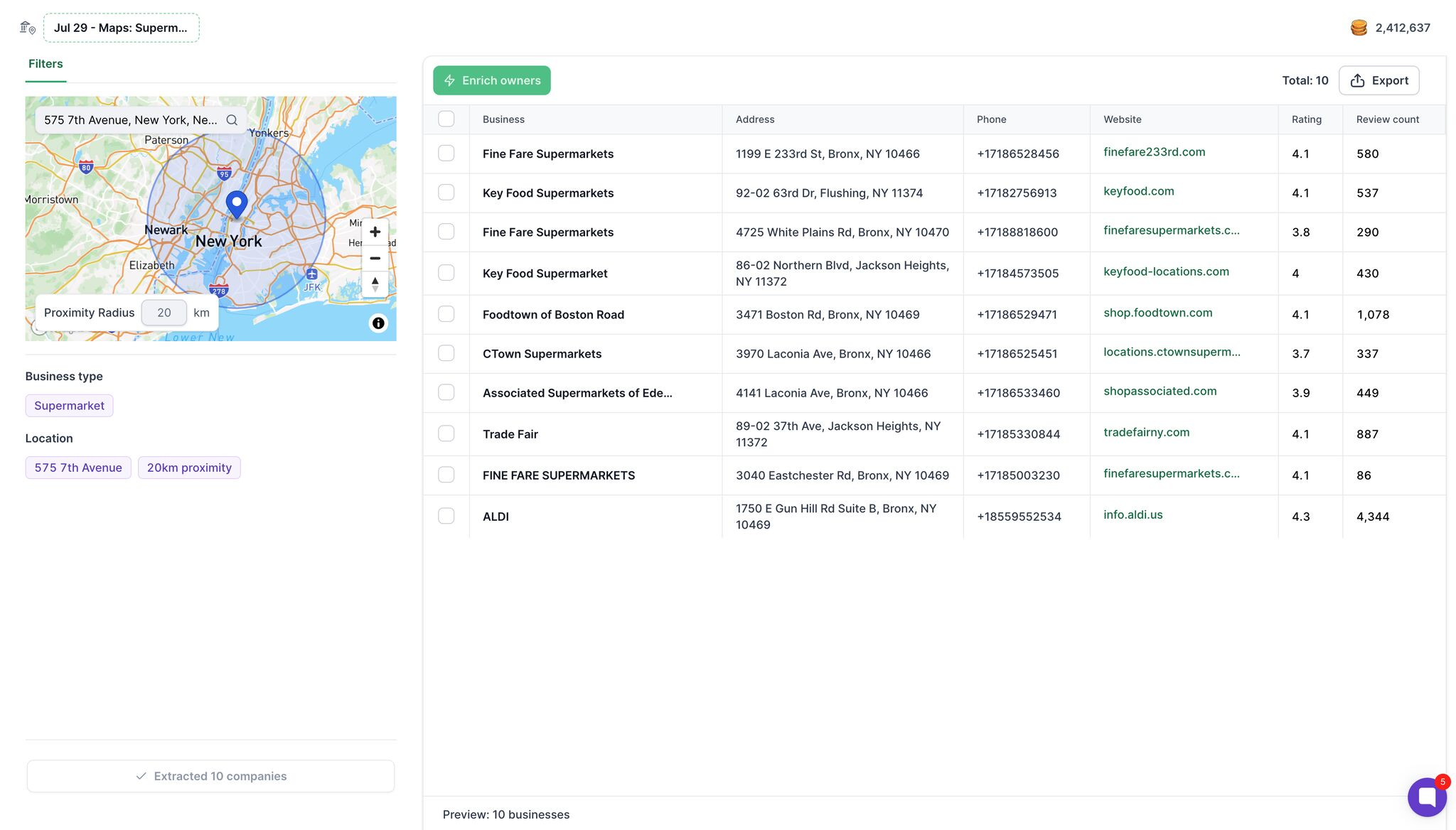
The extraction returns a preview table with business name, full address, phone number, website, Google rating, and review count.
That is enough to judge whether the segment is worth pursuing, and none of it costs a credit.
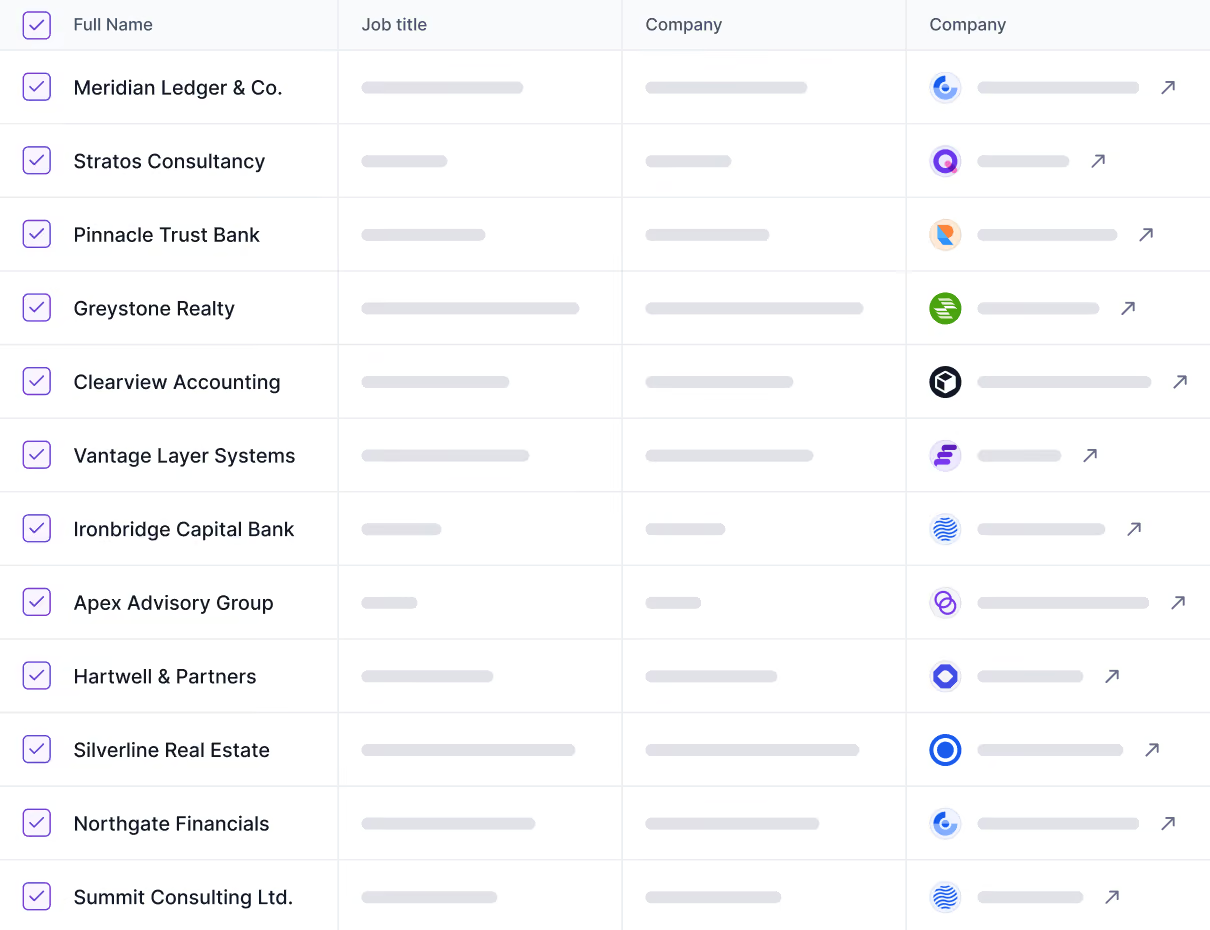
Then there is the button that separates this from every other method here: Enrich owners.
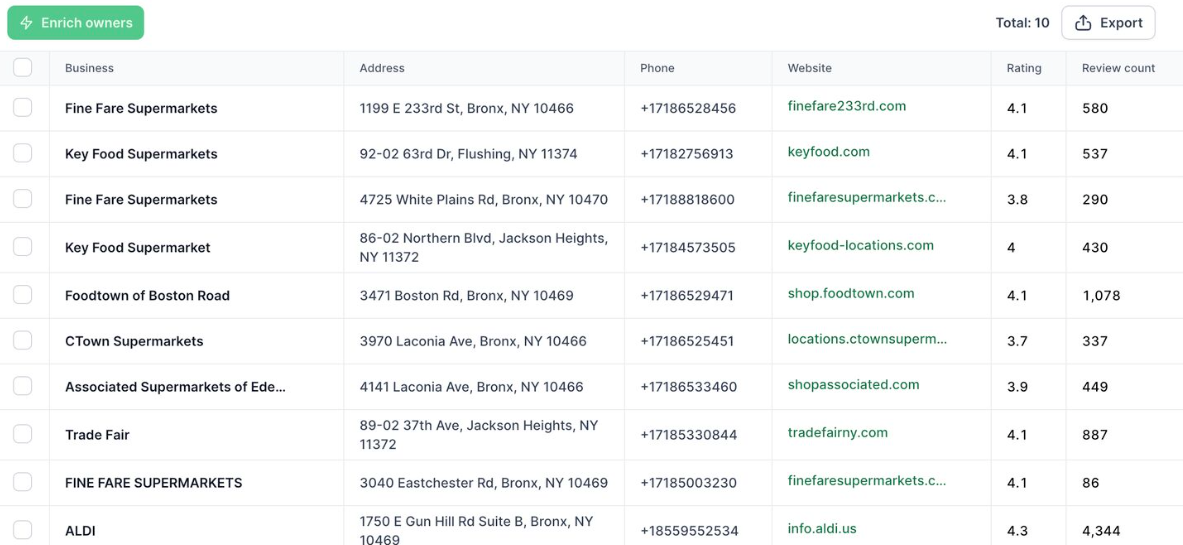
Rather than crawling the linked website for whatever inbox is published on the contact page, it returns the decision makers at those businesses along with their mobile numbers.
Come back to that table above. Everything a Maps listing gives you stops at the company. Enriching for owners is what turns a row that says "Fine Fare Supermarkets, 4.1, 580 reviews" into a person you can actually call or email.
Export happens at whichever point suits you, either straight after extraction if you only wanted the business data, or after enrichment if you want the contacts too. Lists go out as CSV or into a Salesforge sequence without an export step in between.
Enrichment runs on credits rather than a seat license, so you pay per verified result. There are 100 free credits to test the flow first.
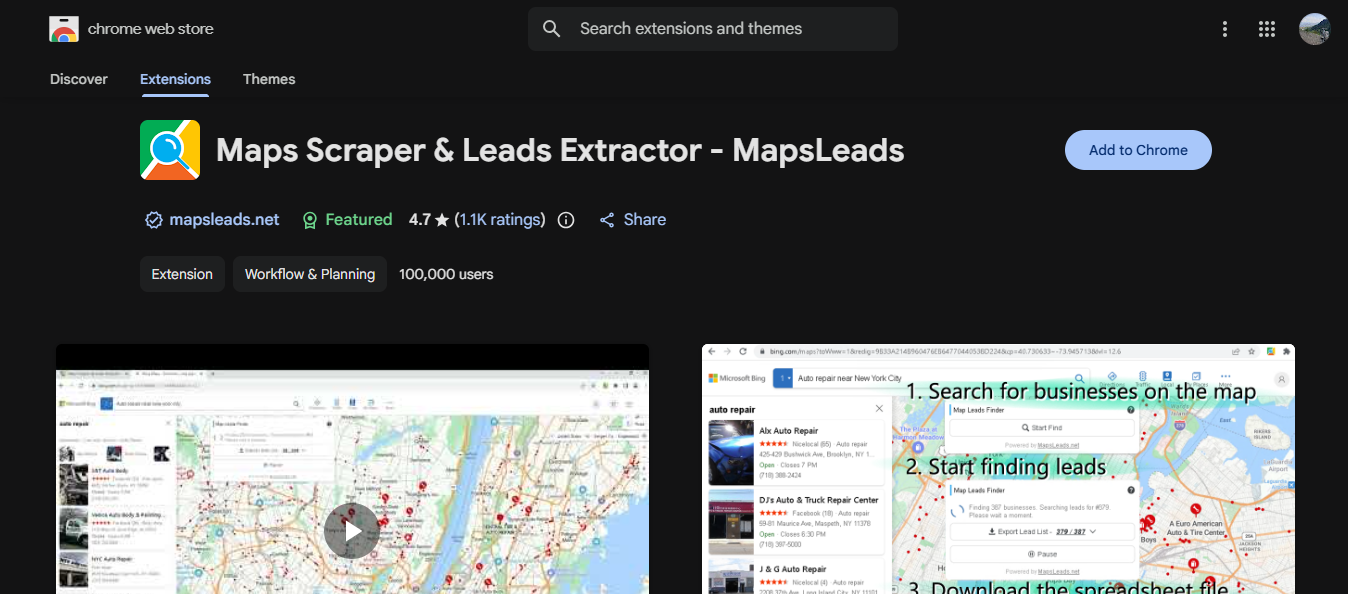
Install it, run a search in Maps, click the extension, and download a CSV. There are a dozen of these, and they mostly do the same thing.
For a list of fifty local businesses, this is what I reach for. It is quick, and there is nothing to configure.
The limits show up fast. The extension runs through your own browser and IP address, so excessive use gets you blocked.
You are stuck inside whatever Google returns on the screen. And you get only listing data, so you will end up with a column of websites and no emails.
Fine for a one-off. Not fine for anything you plan to repeat.
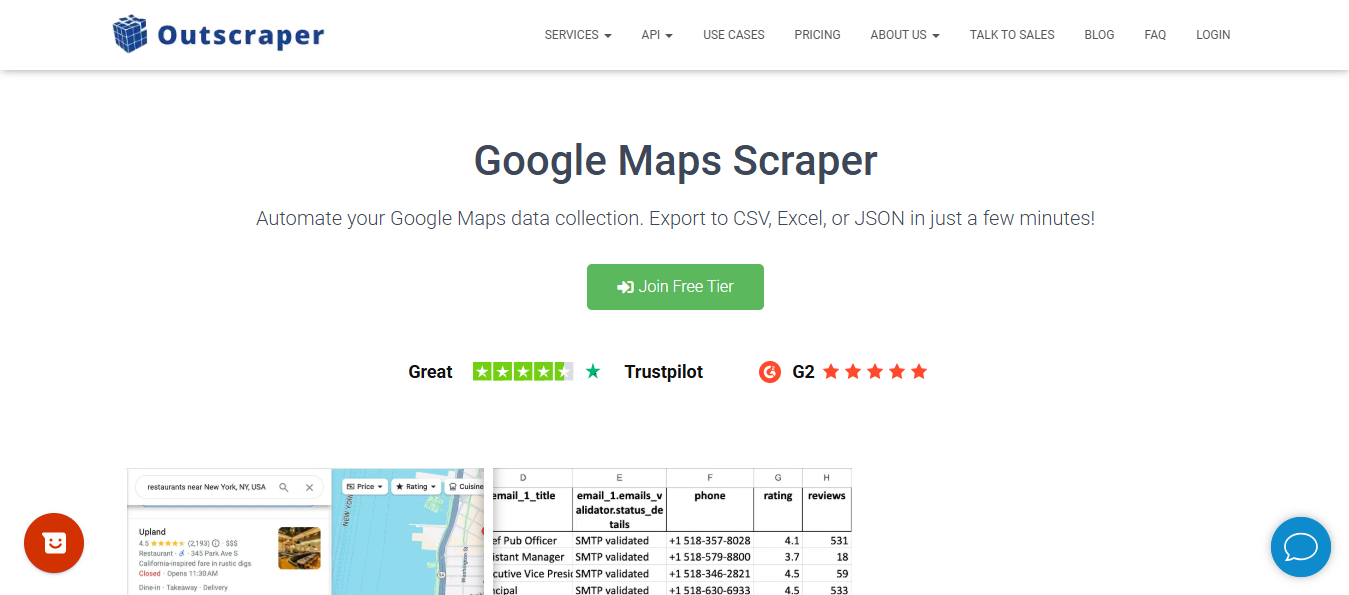
These run the collection on their own infrastructure. You pick a category and a location, they return the rows, sometimes with website crawling included, so emails come back alongside the listing data.
They handle volume well, and if you want raw listing data at scale with no opinion attached, this is a reasonable place to get it.
Two things to check before you pay. Pricing models differ in ways that matter: some charge per result returned, while others charge for how long the job runs, meaning a job that fails halfway costs the same as one that succeeds.
And where website crawling is included, what comes back is a general inbox address rather than a named person, so you may still need an enrichment step afterward.
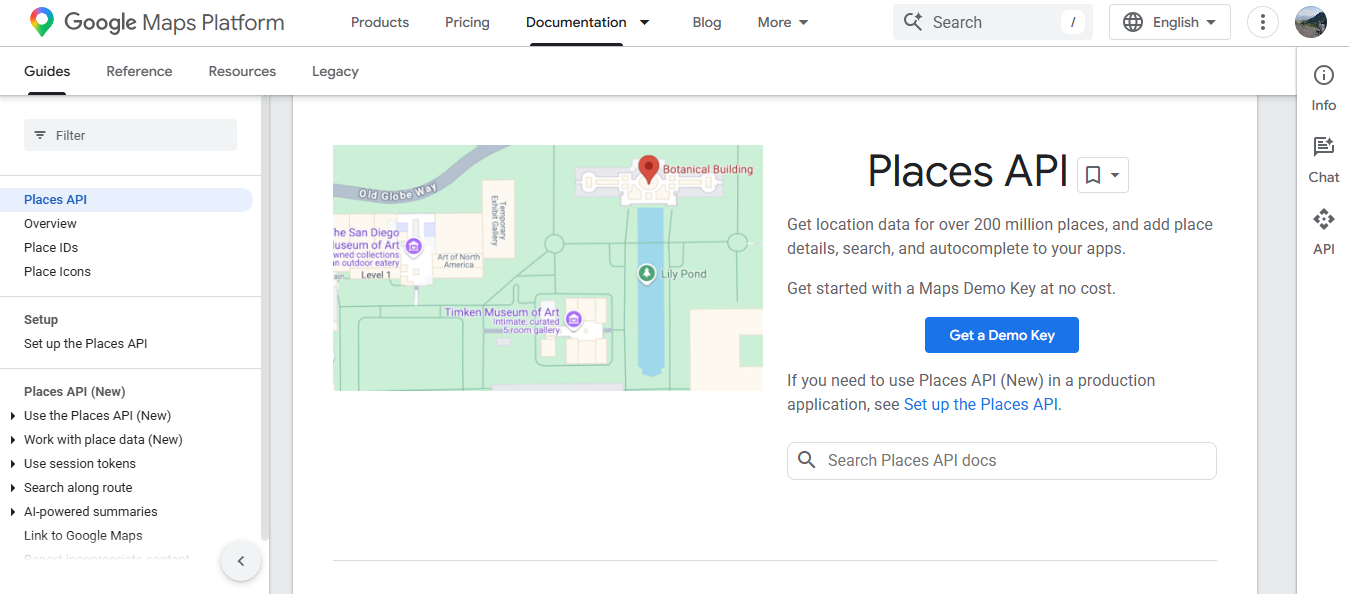
The official route. Google Places API gives you a documented endpoint and structured responses, so nothing breaks when the Maps interface changes.
Two things make it a poor fit for lead generation. It bills per request, so cost climbs with volume. And it returns the same fields you see in the listing, meaning no emails or social profiles.
The API is built for developers adding location features to a product. It was not designed to fill a prospect list.
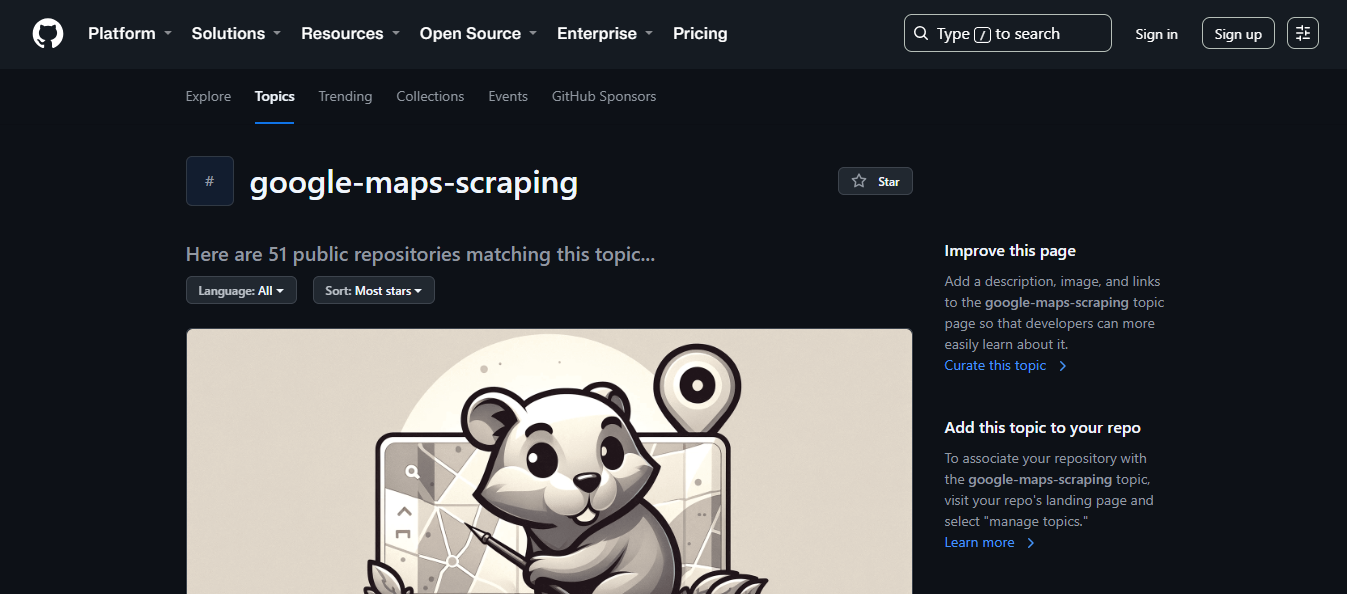
Python with Selenium or Playwright, driving a headless browser through Maps and reading results off the page.
You get total control. When Maps changes its page structure, your selectors no longer match, and your script returns empty rows until you fix it. You will need proxy rotation. You will need to handle the scroll behavior in the results panel.
There are open-source projects on GitHub that give you a head start. Maintenance on them varies, so read the recent commits before you commit a week to one.
Choose this if you need something no product offers. Otherwise, the time cost is real.
The scraping is one of seven steps. The other six are where lists either become a pipeline or become bounces.
Not "restaurants." Something like "independent restaurants within 15km of the depot, rated 3.5 to 4.3, with a website." A vague segment produces a list you cannot write a good email to.
Write out every business type and location pair you want to run. This is the piece people skip, and it is what separates a list of 120 from a list of 1,200. More on that in the next section.
Whichever method you picked, run it across the full search list, not one search.
Remove duplicates. Chains appear once per branch, so decide whether you want every location or one head office. Drop rows without a website if your offer requires one.
The listing gives you a company. You need a person and an email. This is the step that determines whether the list is usable, and depending on your method, it either occurs within the same tool or becomes a separate job.
A large list is not a good list. Score and remove before you send.
New domains, warmed mailboxes, sequences with sane daily limits. Skipping this is how people damage a sending domain in a week.
Run a search in Google Maps and scroll to the bottom of the results panel. It stops. You will get around 120 results, no more, no matter how many businesses actually match.
This is Google behavior, not a fault in your tool. Switching scrapers will not change it.
The way around it is to run many narrow searches instead of one broad one. Three ways to narrow:
Instead of "plumbers in Chicago," run plumbers against each neighborhood or postcode. Each search returns its own set of results.
Google treats categories as distinct. "Restaurants" is one search. Italian restaurants, pizza places, cafes, and bistros are four, each with its own ceiling.
This is where multi-select business types earn their keep. Selecting five categories in a single search does the same work as running five searches by hand, without you having to rebuild the query each time.
For a service area that does not follow city lines, run repeated searches at points across it, using a sufficiently small radius so that each one stays under the limit.
Tools that expose radius as a setting make this straightforward, since you are moving a pin and rerunning the query rather than rewriting it.
You will overlap. Two adjoining postcodes return some of the same businesses, and a restaurant appears in two category searches.
That is expected. Deduplicate on the Maps URL or place ID rather than the business name, because the same company gets written three different ways across listings.
The practical version: build a spreadsheet of every business type and location pair before you start, then run through it.
Fifteen searches take a few minutes and return far more than one search ever will.
Most Maps listings have no email. Some categories have almost none. Restaurants and trades usually publish only a phone number.
So the export lands, and you have 400 rows of company names, phone numbers, addresses, and websites, with no way to send anything.
There are four routes out of that, and I use different ones depending on how the list was built.
If your sourcing tool does contact data as well, this is the shortest path, because there is no second file and no reimport.
In Leadsforge, you select the businesses you extracted and hit Enrich owners, which returns the decision-makers behind those listings along with their mobile numbers.
The distinction here is not convenience; it is who you end up talking to. Crawling a website gets you the address printed on the contact page. Enriching for owners gets you the person who can say yes.
If you already scraped elsewhere and are holding a CSV, upload it instead. Leadsforge takes a CSV file and fills in any missing values per row.
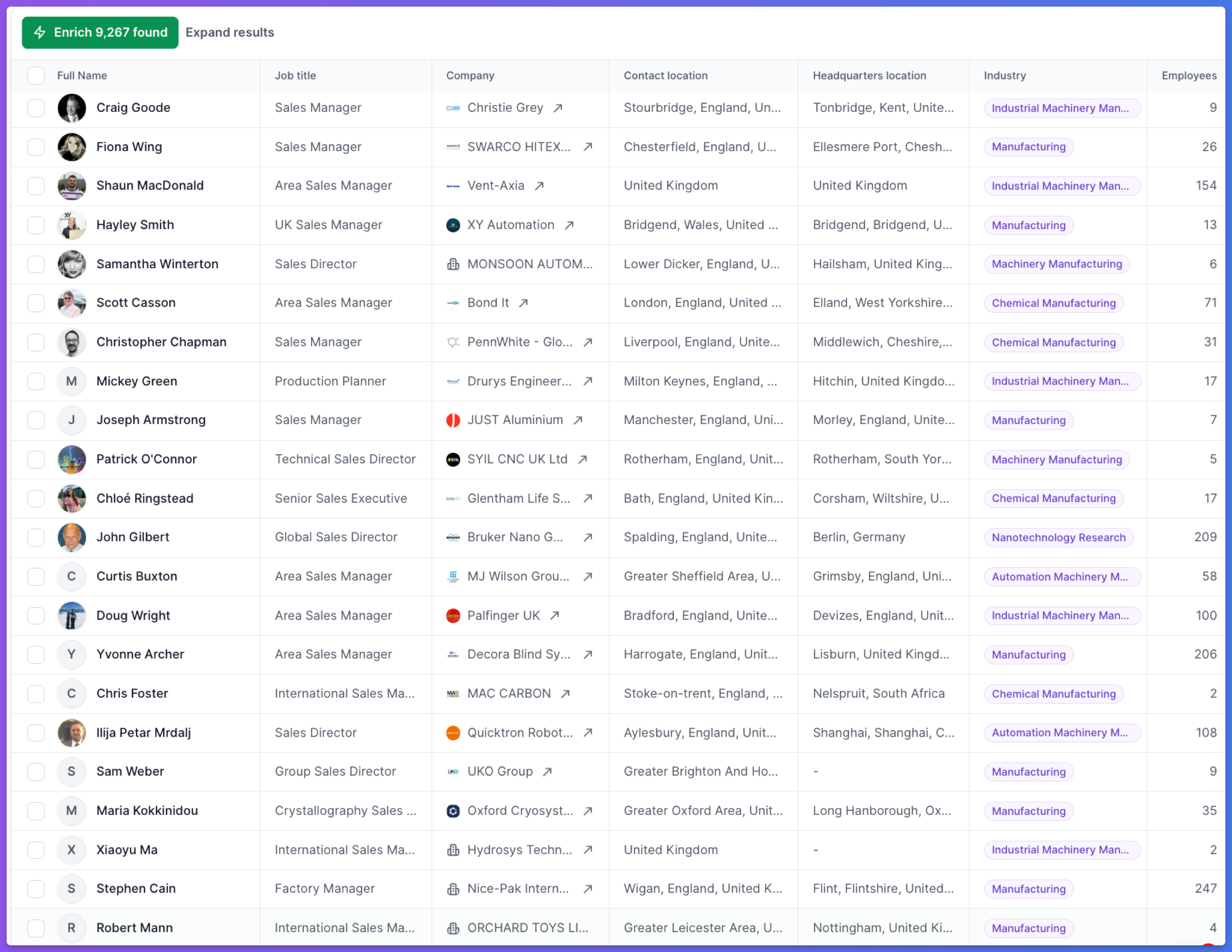
It runs waterfall enrichment underneath, so when the first data provider has no record, it queries the next one instead of returning a blank.
Match rates come out higher than single-source tools manage for the same reason.
One thing worth doing before you upload is to strip duplicates and standardize company names.
Match rates depend on the tool recognizing the company, and a row that reads "Joe's Plumbing LLC (Downtown)" will resolve less reliably than one that reads "Joe's Plumbing." Every unresolvable record is a wasted credit.
The contact page, footer, about page, and sometimes the privacy policy include an address. Some scraping platforms do this as part of the run.
What you get back is usually a general inbox address (info@, hello@, or contact@), which reaches someone but rarely the owner.
For rows where no email exists, phone and LinkedIn are still open. Do not force an email campaign onto records that cannot support one.
I learned these the hard way so you do not have to. Here are the ones that usually catch people out.
The same company appears with different suffixes across listings. Dedupe on place ID or Maps URL instead.
Run a broad category search across a city and franchise locations fill the results. If you are selling to owner-operators, that is your whole list gone.
A footer sometimes carries the address of the agency that built the site. Check a sample before sending, because those replies are unpleasant.
Businesses close and listings stay up. Verification catches most of this, which is another reason not to skip it.
The first time I hit the result limit, I assumed the category was small. It was not. I had collected a fraction of it.
Enter your email to get a custom plan & stack recommendation for your business
Please check your mailbox in 5 minutes

If you sell to local businesses, start narrow. One business type, one small radius, one enrichment run.
That tells you how many rows return with a person attached, which indicates whether the segment supports outbound at all before you spend a day building the full search list.
If your buyer is a named role at a company rather than a business on a map, skip the scraping. Describe the buyer in Leadsforge and start from a list that already has people in it.
.jpg)

.jpg)
.jpg)
