Personalized Outbound Strategy
Get The Right Outbound Strategy In Minutes
Enter your email to get a custom plan & stack recommendation for your business
It's being carefully crafted by AI
Please check your mailbox in 5 minutes
Can you really manage 100 online accounts from one laptop without them all looking like they belong to the same user?
GoLogin says you can. It creates a separate browser profile for every account. Each profile gets its own fingerprint and cookies. You can also assign a different proxy.
GoLogin starts with 3 free profiles. Paid plans support up to 1,000.
But how well does it work once you're managing accounts every day? And is it worth paying for?
Let's find out.
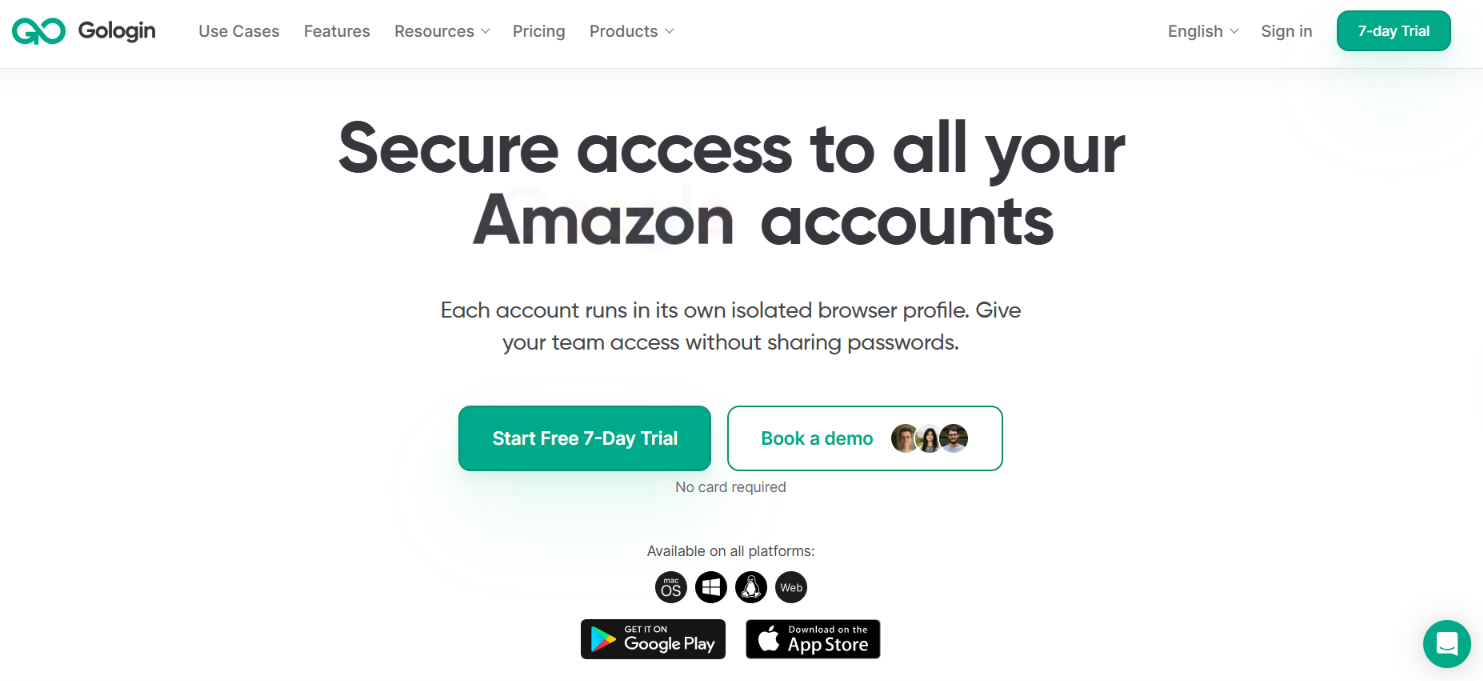
GoLogin gives every account its own browser profile. Each profile keeps its own cookies and storage. It also gets a separate browser fingerprint and location. GoLogin covers more than 50 fingerprint parameters such as your device model, operating system, timezone, WebRTC and screen settings.
You can also give each profile a different IP. GoLogin has residential, mobile and datacenter proxies from 195 countries. You can use your own proxy instead. Every paid plan includes 2 GB of residential proxy traffic per month.
Once your profiles are set up, GoLogin keeps the account sessions inside them. You can close a profile and return to the same session later. You also get tools for handling many profiles:
GoLogin also has Action Synchronizer, Cookie Bot and Mass Actions for repeated profile tasks. Selenium and Puppeteer are supported too. Profiles can also be controlled through GoLogin's API or MCP. You can run a profile on your own device or launch it in the cloud. The Web App can be opened from another computer, phone or tablet.
However, GoLogin does not guarantee that an account will never be linked or restricted. It can separate the browser environment and IP used for each profile. It cannot decide how a website treats the account itself.
The limits also depend on what you pay for. Each plan has a set number of browser profiles. Paid plans include 2 GB of residential proxy traffic. You need more proxy traffic if you go beyond that allowance.
The easiest way to understand GoLogin is to see what happens when you manage several accounts.
Let’s say you have 5 LinkedIn accounts that need to stay separate. Instead of opening all 5 in the same browser, you create 5 profiles in GoLogin. Each LinkedIn account gets one profile.
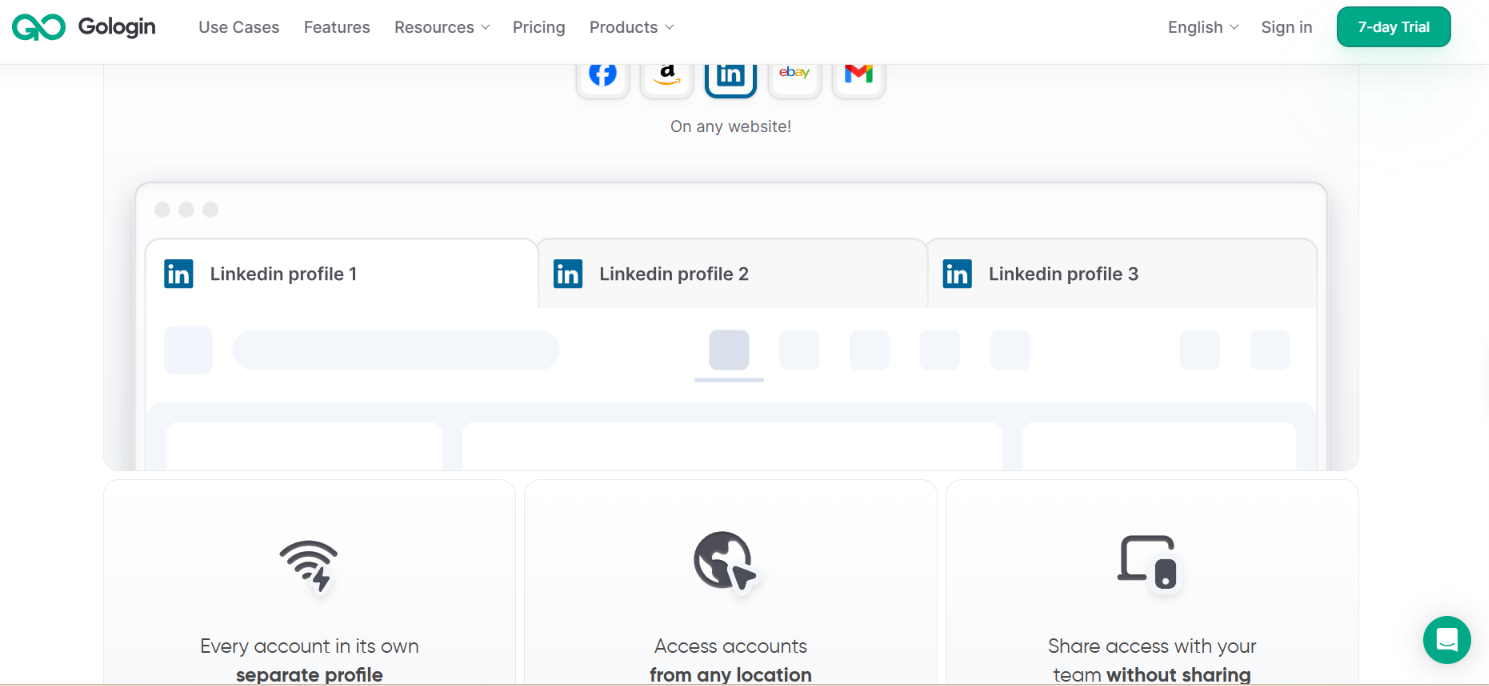
You start by creating 5 browser profiles. GoLogin gives each profile its own browser fingerprint. This can include the device model, operating system, timezone, screen settings and other browser details.
So your setup could look like this:
The cookies and browser storage from Profile 1 stay inside Profile 1. They are not shared with the other four profiles.
You can then assign a proxy to each profile. GoLogin has built-in residential, mobile and datacenter proxies. You can choose the location you need or connect a proxy from another provider.
For example, Profile 1 could use one US IP. Profile 2 could use another US IP. The other profiles can have their own IPs as well. The proxy changes the network location the website sees. The browser profile handles the fingerprint and stored browser data.
Next, open Profile 1 and sign in to its LinkedIn account. Do the same with the other four profiles.
GoLogin keeps the login session with that profile. When you close Profile 1 and open it again later, its cookies and other stored browser data remain with that profile. This means you do not have to keep signing in and out of 5 accounts in one browser.
Once everything is set up, you work from the GoLogin dashboard.
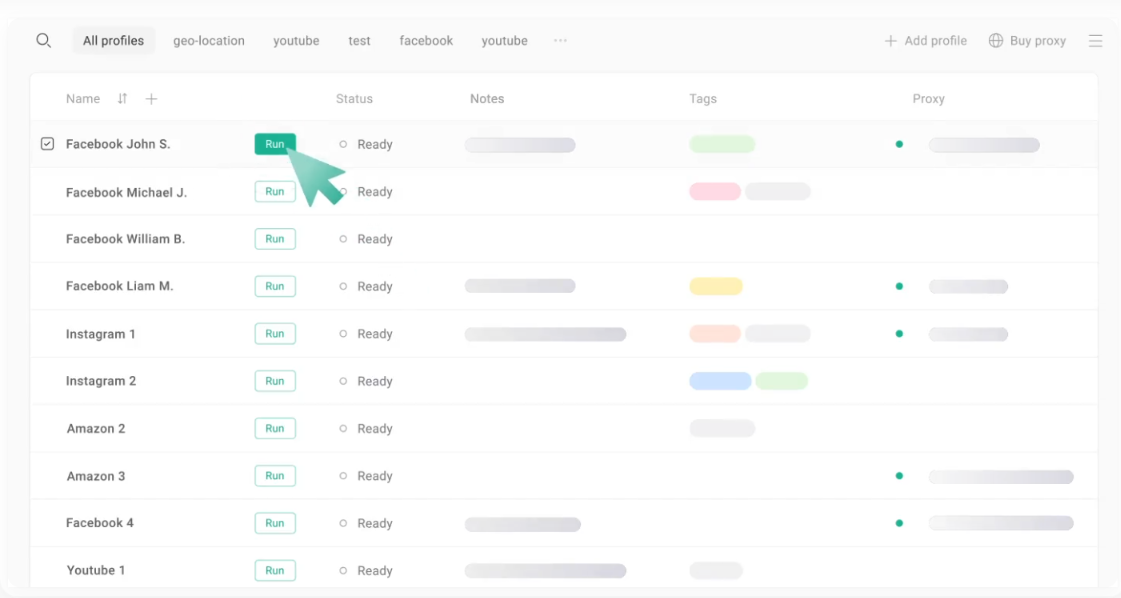
Need LinkedIn Account 3? Open Profile 3.
Need Account 5 next? Close Profile 3 and open Profile 5.
You can name the profiles and place them in folders. You can also add notes and statuses so you know which account belongs to each profile.
If someone else needs to work on Account 2, you can share its GoLogin profile. The account can already be logged in when they open it. You do not have to send them the LinkedIn password. You can also control what they are allowed to do with the profile.
So in this example, 5 LinkedIn accounts become 5 separate browser profiles. Each profile keeps its own session and browser data. You can also give each one its own IP.
That same setup can be used for other browser-based accounts such as Gmail, Facebook, Amazon, or eBay. GoLogin itself lists these services as examples of accounts that can be accessed through its browser.
GoLogin is not limited to a fixed list of websites. It works as a browser. So you can open websites and sign in to accounts much like you would in Chrome. The difference is that each account can run inside its own GoLogin profile.
GoLogin specifically lists the following platforms as examples:
These are examples rather than official integrations. GoLogin itself says it is not affiliated with the services it lists. You still need to follow the rules each website sets for account use.
GoLogin has several features for keeping accounts separate and handling many browser profiles from the same dashboard.
Each account can run in its own browser profile. Its cookies and browser storage stay separate from your other profiles. The same applies to its fingerprint and location. GoLogin covers more than 50 browser and device parameters. These include the operating system, device model, timezone, WebRTC, screen settings, Canvas and WebGL.
You can assign a different proxy to each profile. GoLogin provides residential, mobile and datacenter IPs from 195 countries. You can also connect your own proxy. Paid plans include 2 GB of proxy bandwidth per month. Extra traffic can be purchased inside GoLogin.
GoLogin lets you make changes across multiple profiles at once instead of editing them one by one. You can also organize profiles with folders, tags, notes and statuses. Search and filters help when you need to find a specific profile or IP.
GoLogin includes Action Synchronizer, Cookie Bot and Mass Actions for repetitive work across profiles. These tools are useful when the same task needs to be carried out across several profiles instead of handling each one separately.
You can share an already logged-in profile without sending the account password. GoLogin lets you share a single profile, a folder or the whole workspace. You can give someone permission to run or edit profiles. Full access is also available.
Profiles can run on your computer or on GoLogin's cloud servers. The Web App also lets you access them through a browser. Several profiles can run at the same time. If you run them locally, your hardware determines how many you can have open at once.
GoLogin supports API, SDK, MCP, Selenium and Puppeteer. You can use them to create, launch, and control profiles through code instead of managing every profile manually.
GoLogin is safe for keeping multiple browser profiles separate, but it cannot guarantee that your accounts will never be detected or restricted.
Each account can have its own browser data and IP. This avoids sharing the same browser setup across all your accounts.
However, websites can still look at account activity and other signals. If a platform does not allow multiple accounts, using GoLogin does not change that rule. GoLogin itself tells users to follow each platform's terms of service.
GoLogin also protects access to your profiles with 2FA and AES-256 encryption. You can share a logged-in session without sharing the account password and control who can access the profile.
So, GoLogin can keep your browser profiles separate. It cannot promise that the websites you use will treat those accounts as unrelated or leave them unrestricted.
GoLogin gives you separate browser profiles for your accounts. But if you are managing multiple email and LinkedIn accounts specifically for cold outreach, you also need a way to send from those accounts without running every campaign separately.
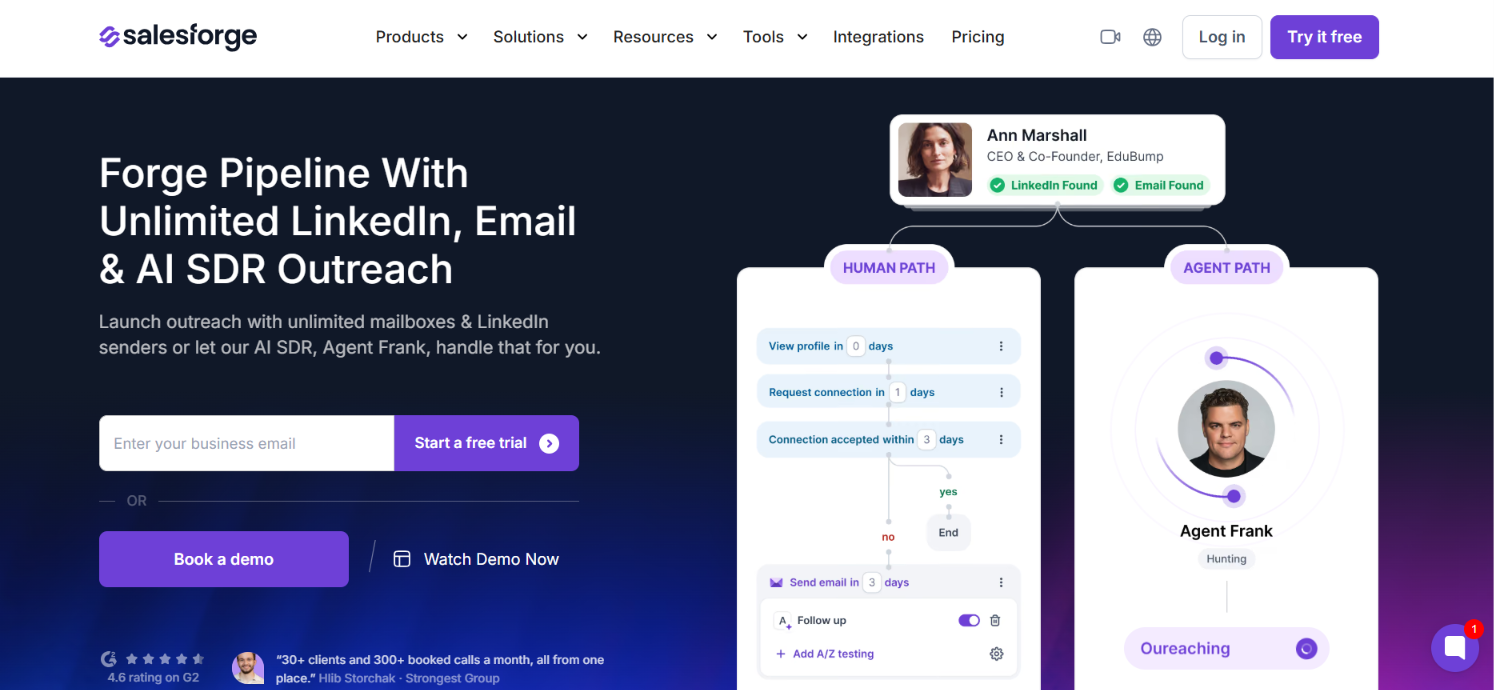
With Salesforge, you can connect your sending accounts and use them across your outreach campaigns. Pro supports unlimited mailboxes and 1 LinkedIn sender. Growth supports unlimited mailboxes and unlimited LinkedIn senders.
From there, you can:
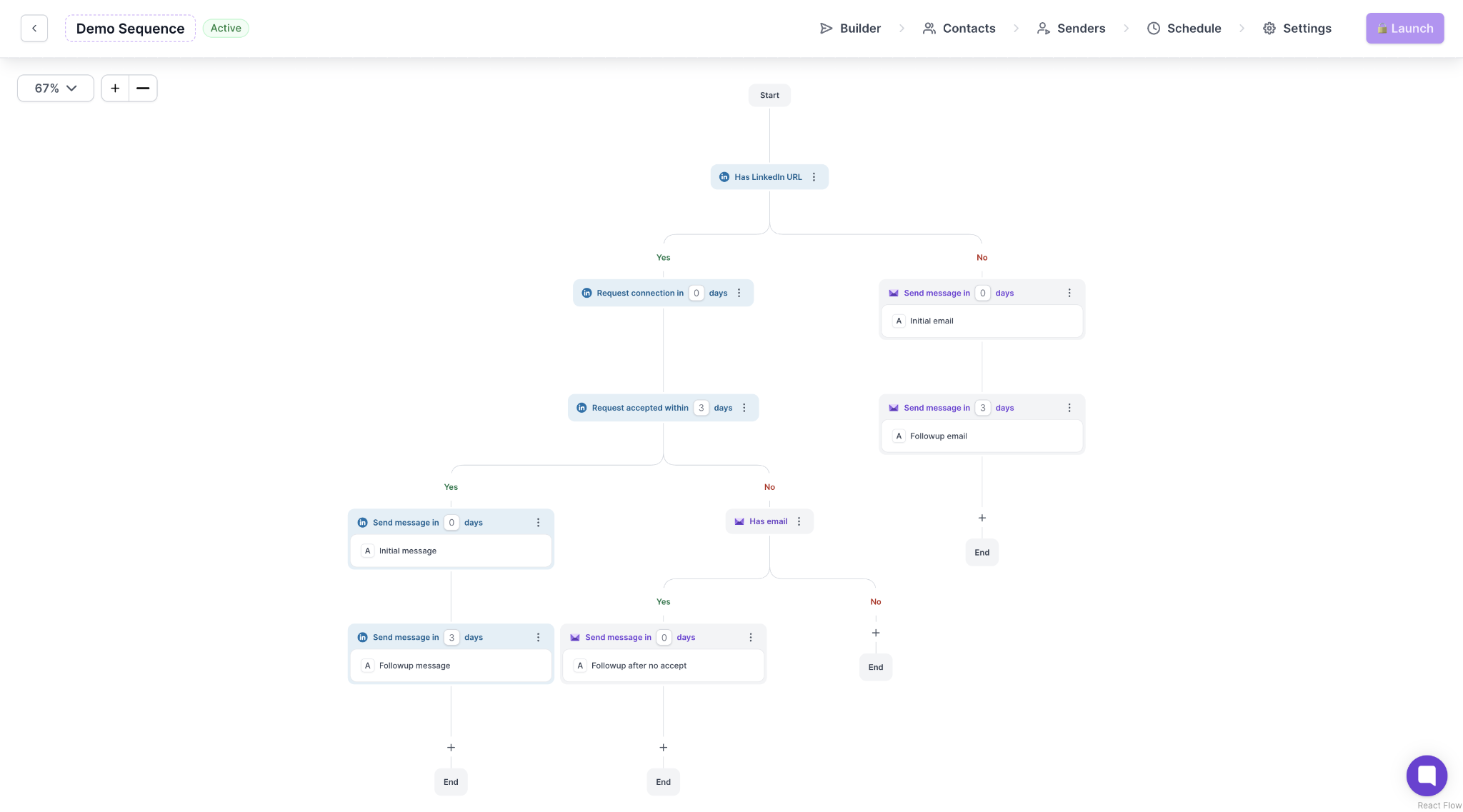
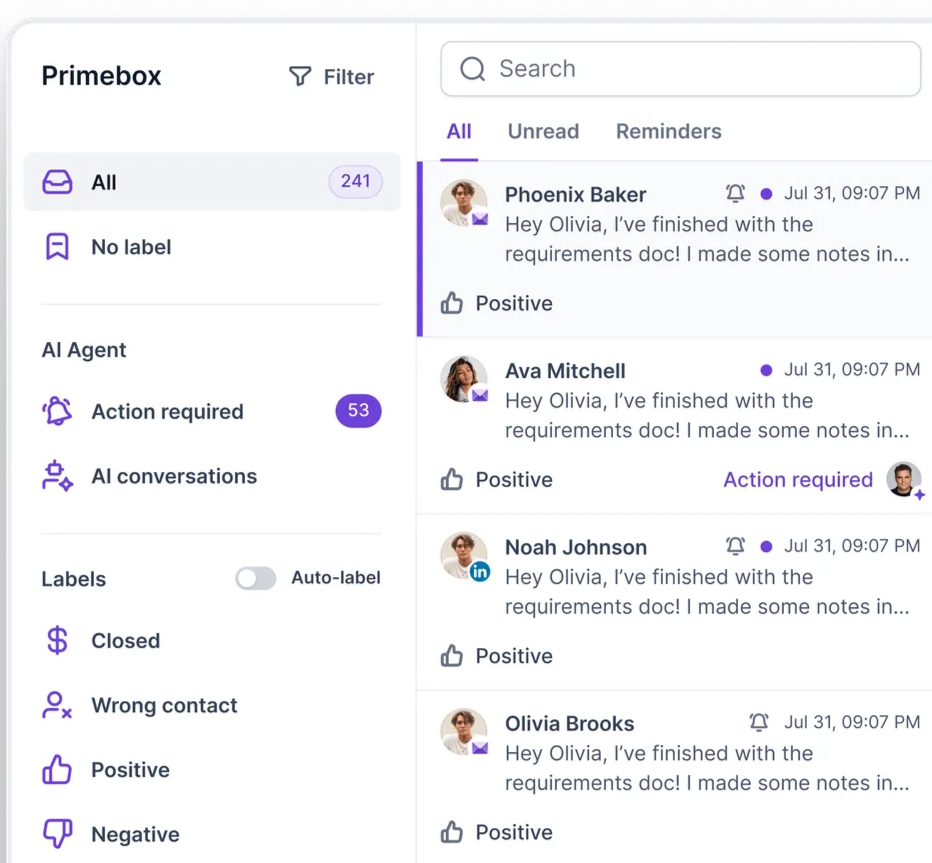
For example, if you have 20 mailboxes connected, Smart Mailbox Rotation can distribute email sending across those connected mailboxes. You can also add LinkedIn steps to the same sequence.
So if the reason you are managing multiple accounts is to run cold outreach, Salesforge handles the sending, follow-ups and replies across those accounts.
You can try Salesforge with a 14-day free trial.
Enter your email to get a custom plan & stack recommendation for your business
Please check your mailbox in 5 minutes
Yes. GoLogin is worth paying for if you regularly manage multiple online accounts.
It gives you a cleaner way to keep those accounts separate without juggling browsers, constantly signing in and out, or passing login details to other people.
I would skip the paid plans if you only have a few accounts. GoLogin already gives you 3 profiles for free.
But once you are handling 10, 50 or hundreds of accounts, paying for GoLogin is easier to justify. You get one place to create, organize, share and open those profiles without mixing their browser data.
Just do not treat it as protection against account bans. GoLogin separates the browser setup. Each website still decides how it treats your accounts. For regular multi-account use, GoLogin is worth paying for.