And I've watched three-person founding teams try to push GMass past 500 sends a day and lose the primary Gmail account they built the company on.
For a solo sender running 200 personalized emails a week to a warm list, GMass does what the pricing page promises.
But if you want hyper-personalization and deliverability features, GMass isn't for you. No warmup. No way to scale cold email outreach because of hard caps. Your deliverability is at risk.
The user I'm writing this for is different.
It's the founder whose sequence hit the Gmail cap and got told by support they can't help. Or the operator running three Workspace mailboxes who realized the "cheap Gmail tool" was stacked with a warmup vendor, a lead-finder plan, and a LinkedIn scraper.
Four monthly invoices for a stack still capped at 500 sends per mailbox per day.
Below, I've shared 9 GMass alternatives that I've run or watched a peer run in the last six months.
Seven email outreach tools. Two Gmail-native mail merge tools for people staying in Gmail on purpose.
Let's get into it!
TL;DR: Which GMass Alternative Fits Your Motion
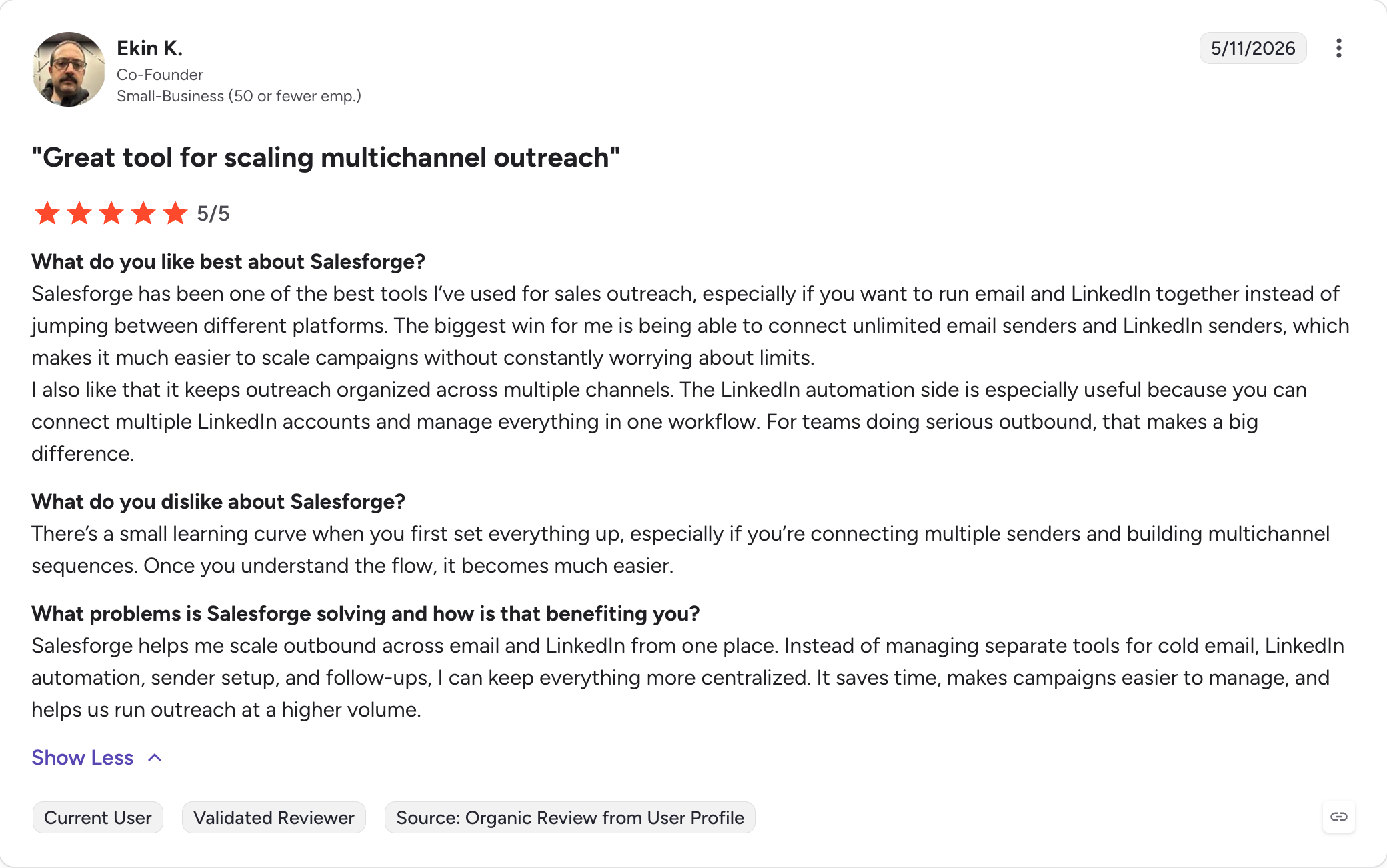
Salesforge: Best overall replacement for GMass users running real cold outreach. Unlimited mailboxes, free Warmforge warmup, Bounce Shield, LinkedIn in the same sequence, and Primebox™ unified inbox.
Smartlead: Best if you already have a lead list and want raw sending volume across many inboxes with built-in warmup.
Instantly: Best if you want built-in B2B lead database plus sending in one tool for volume campaigns.
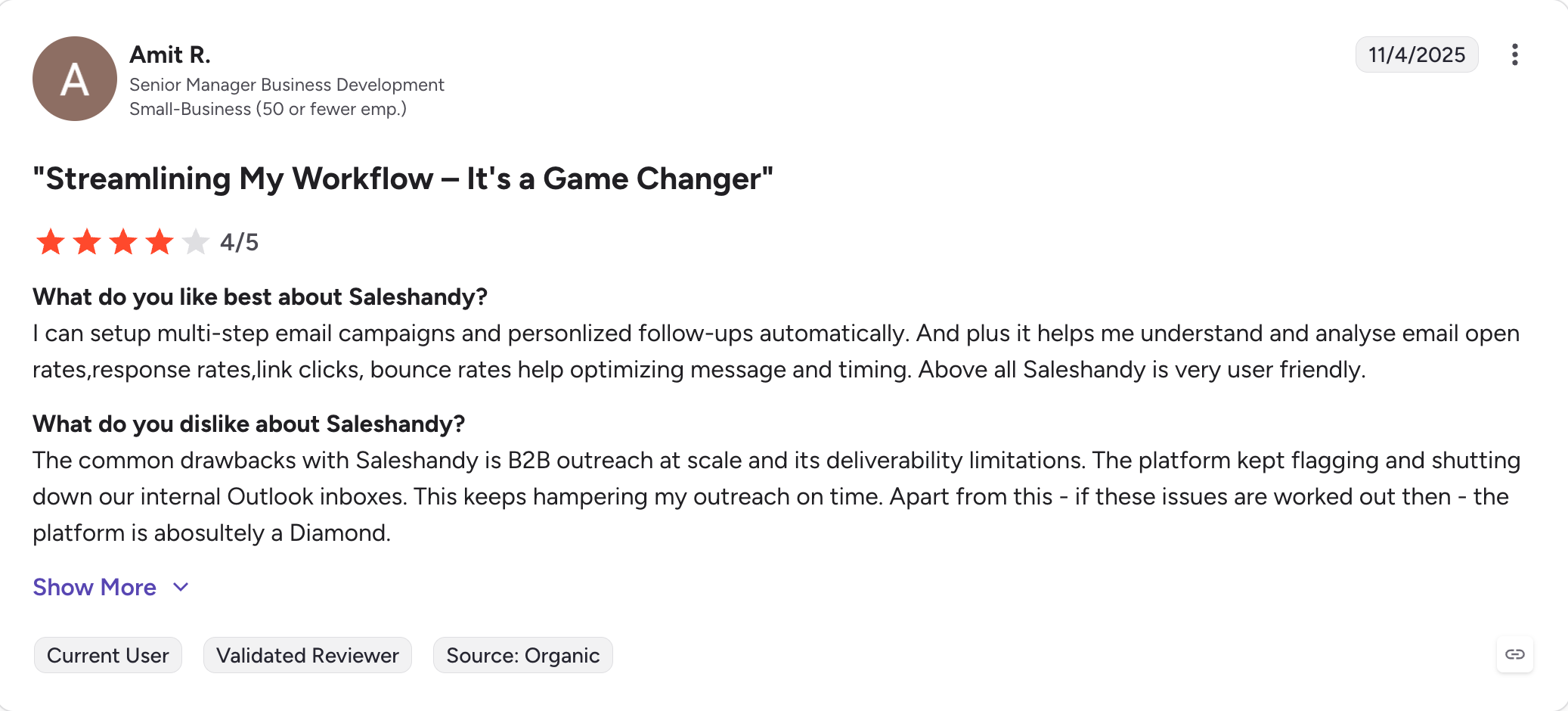
Saleshandy: Best value tier with unlimited email accounts and native CRM sync.
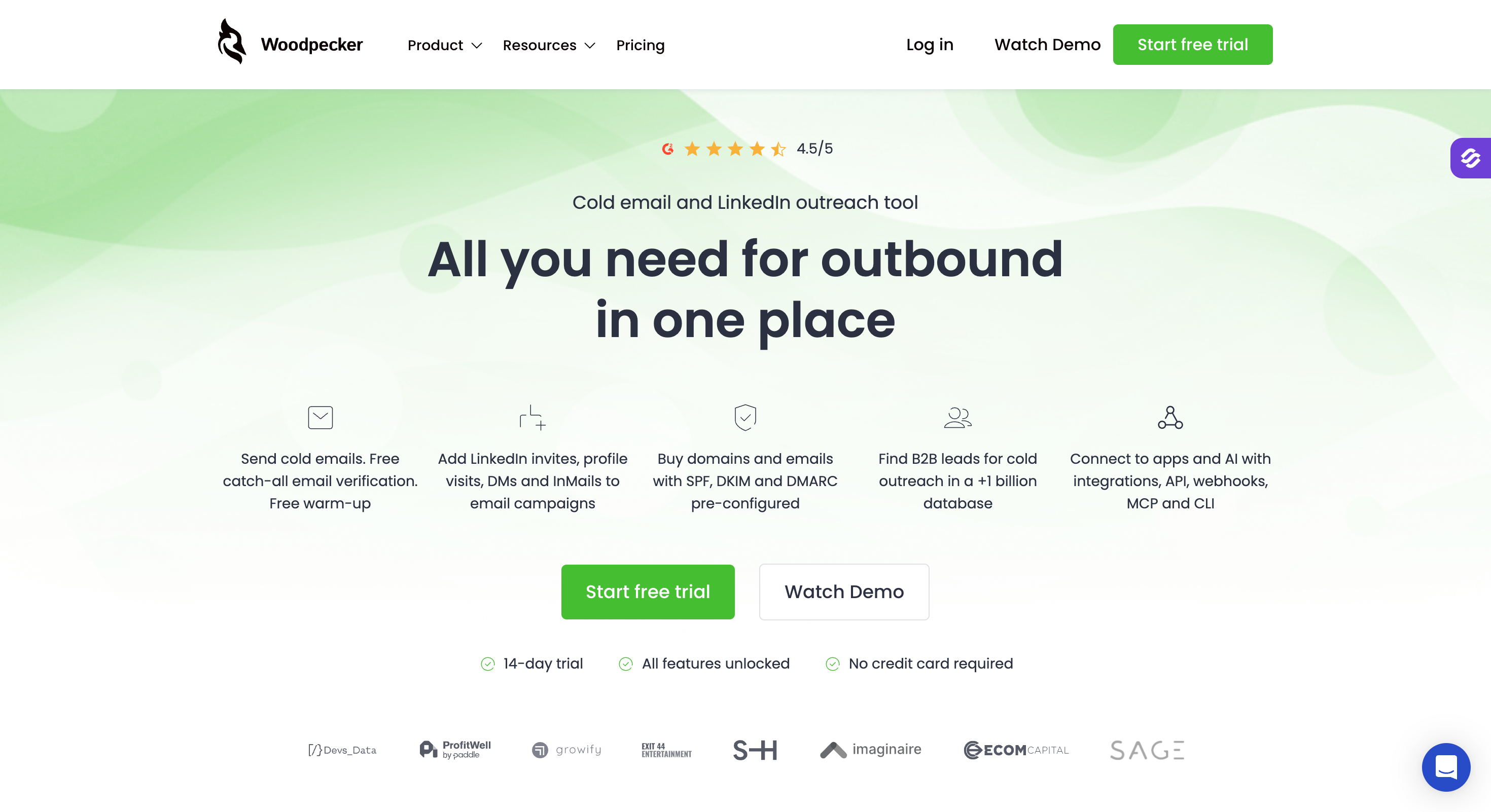
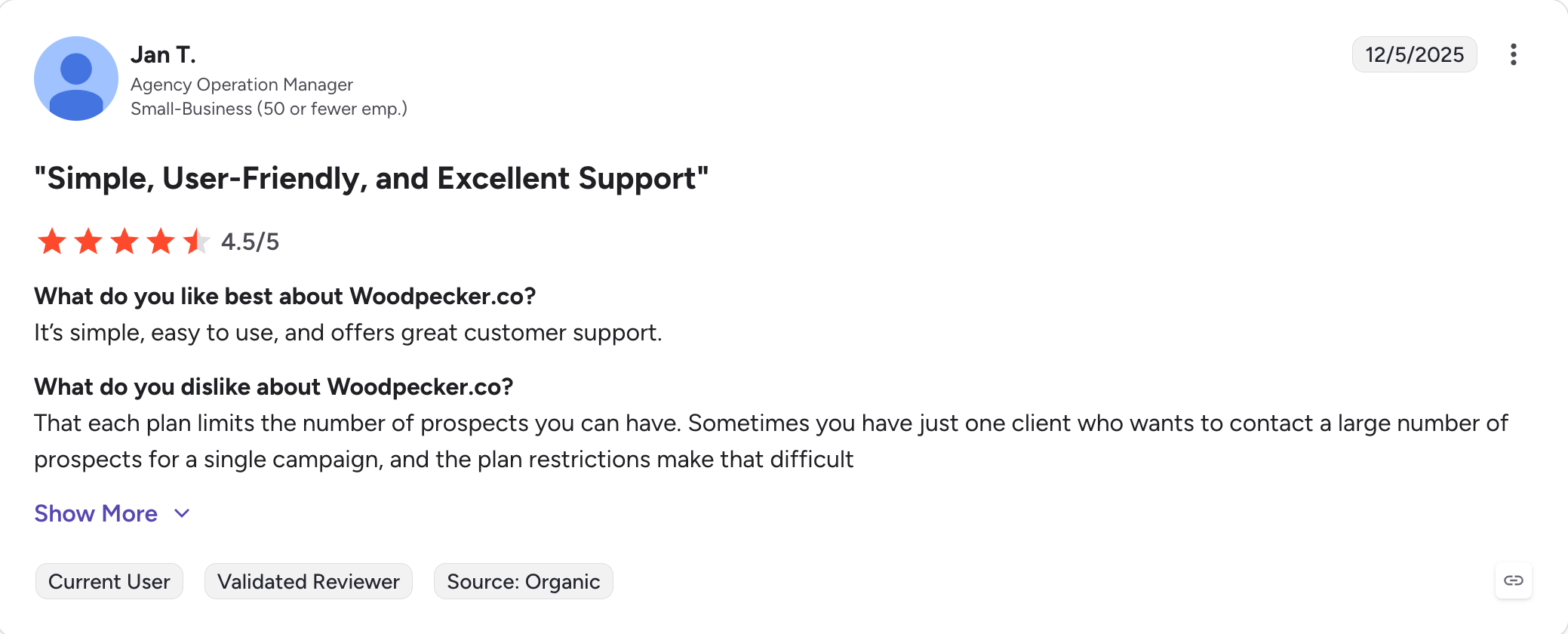
Woodpecker: Best for deliverability-first cold outreach without feature bloat.
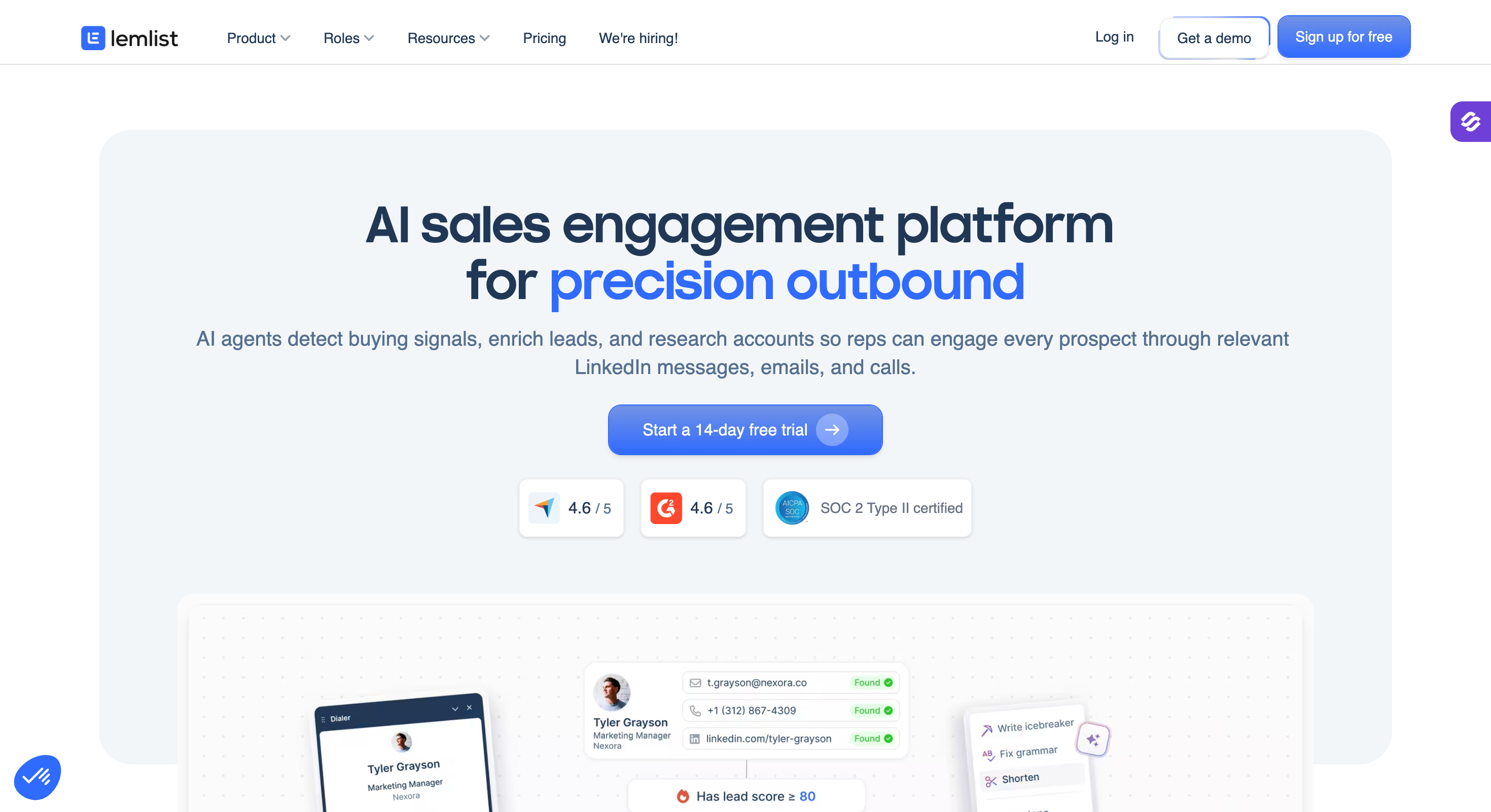
Lemlist: Best for personalized multichannel outreach with images, video, and LinkedIn steps.
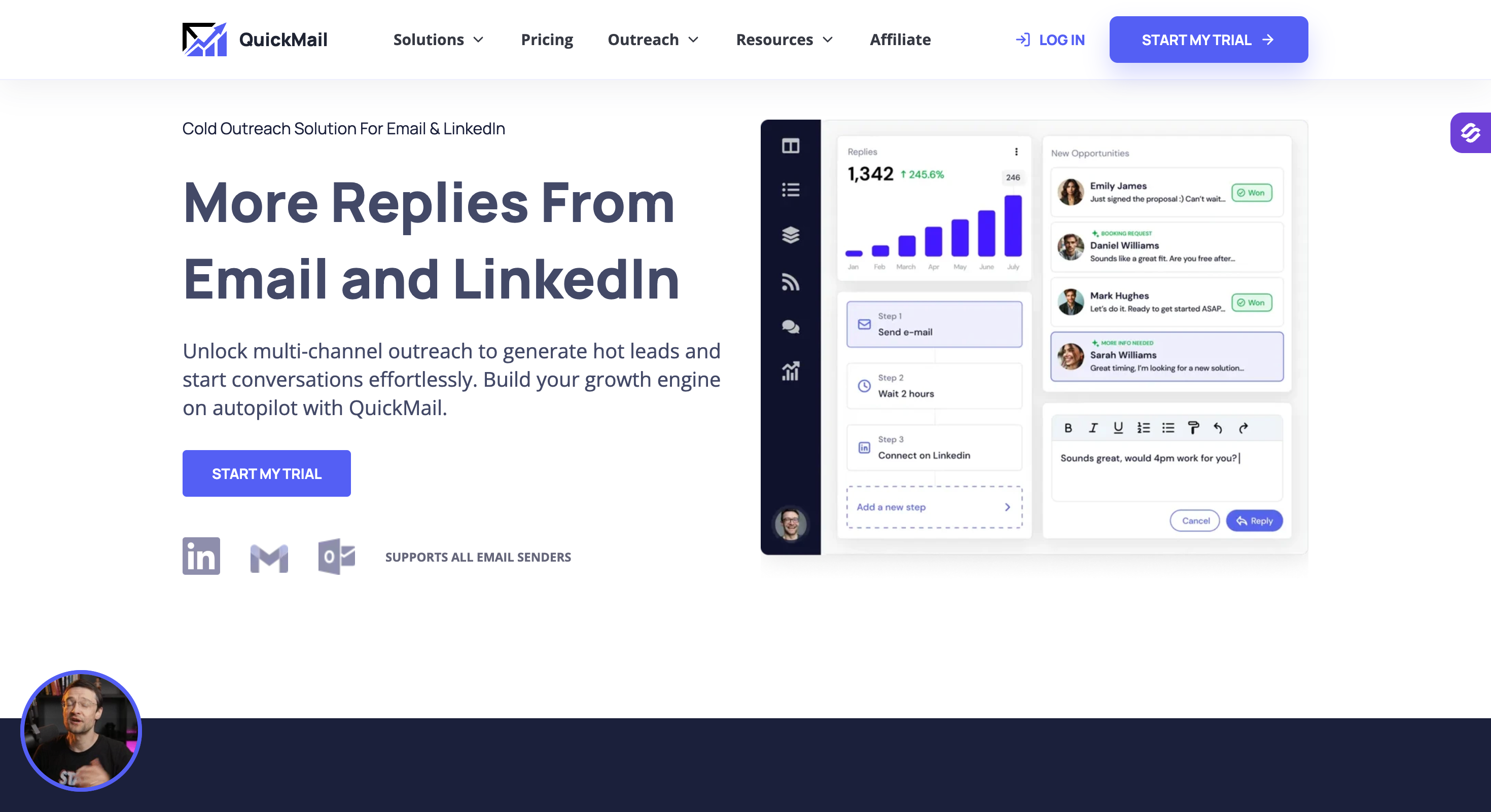
QuickMail: Best for agencies running client outreach with attribution reporting.
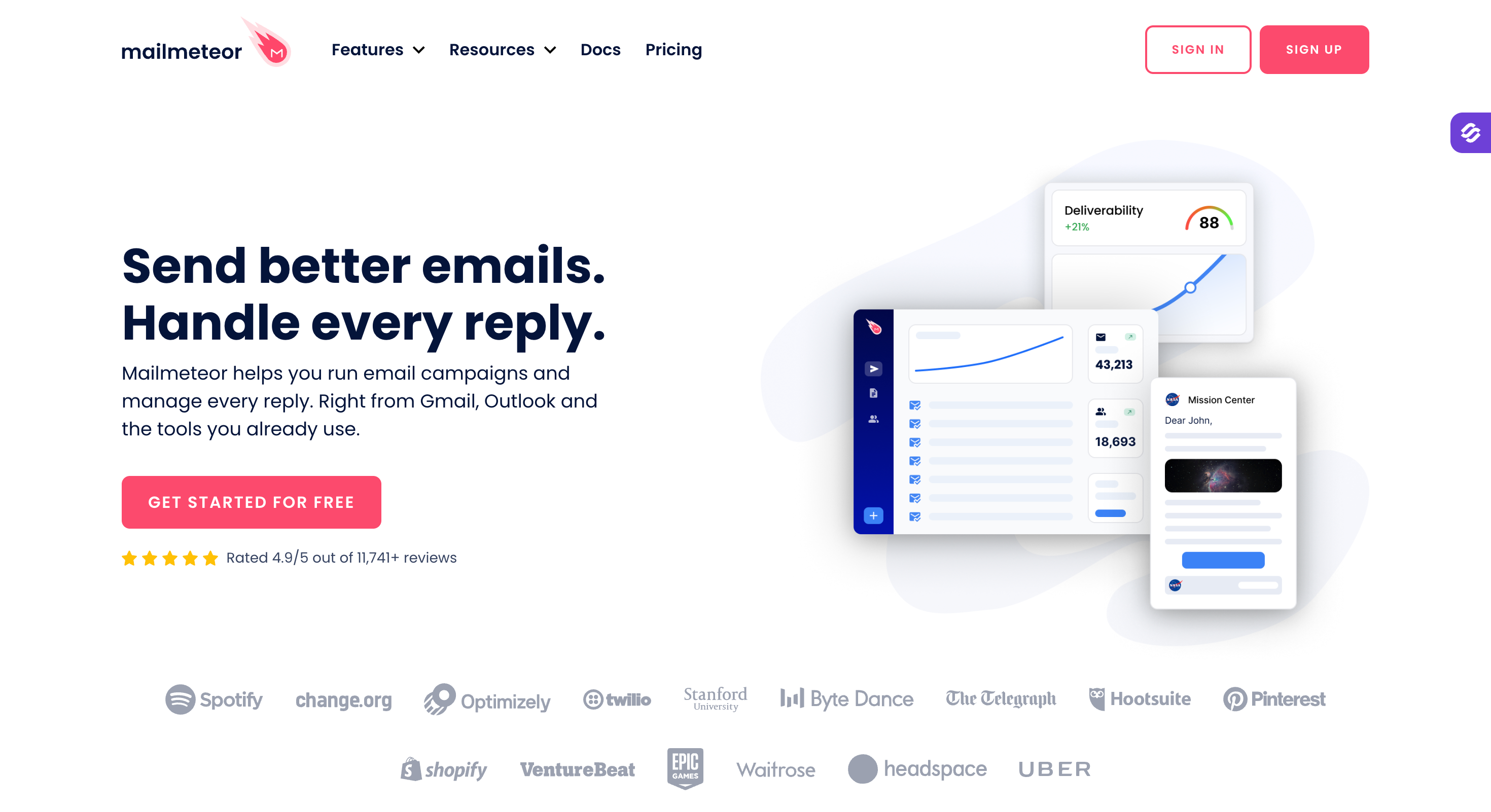
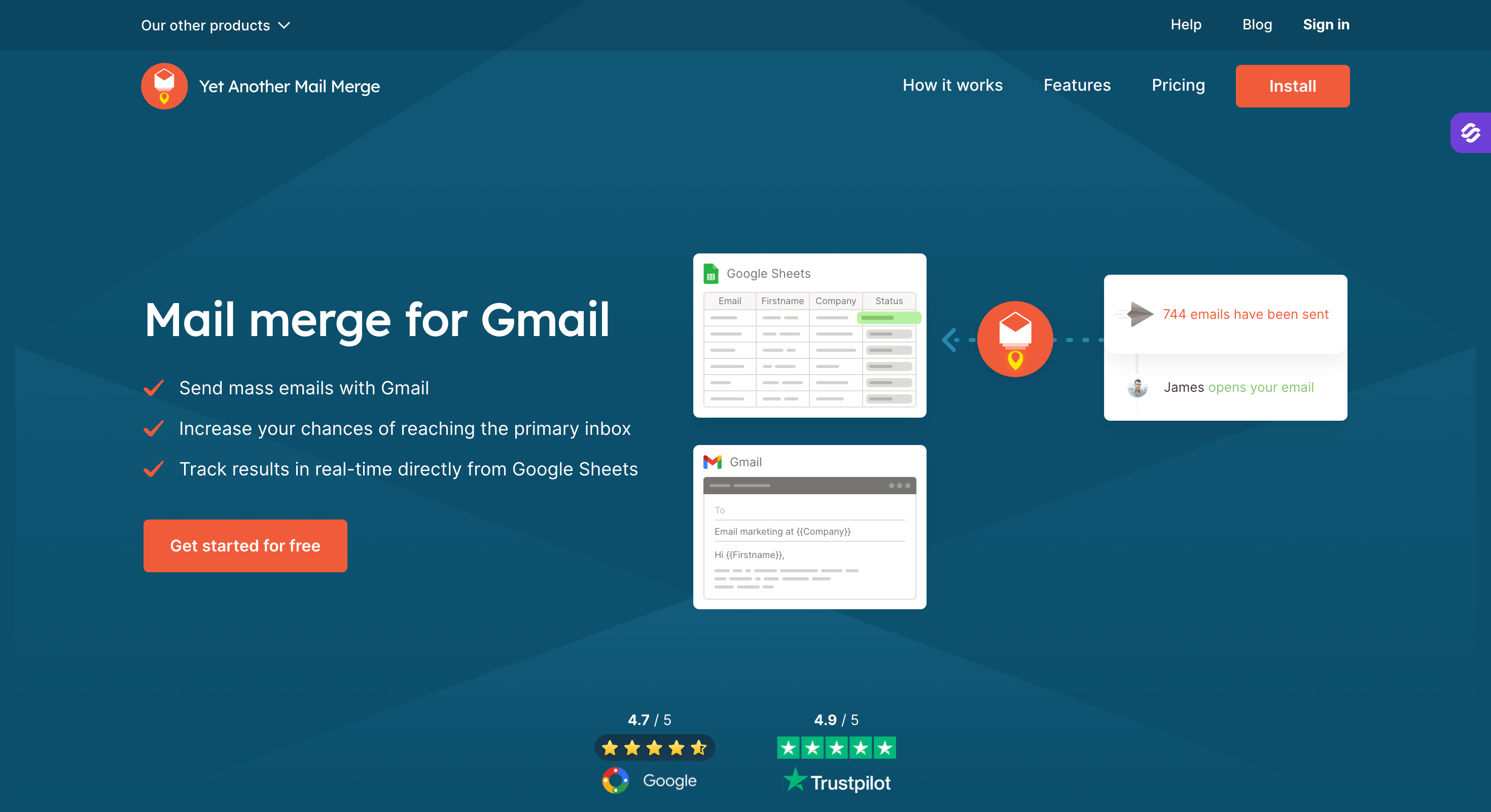
Mailmeteor: Best free/freemium GMass swap for Gmail-native mail merge.
YAMM: Best cheap Gmail-native mail merge for personal Gmail accounts.
Feature Comparison: Top 5 GMass Alternatives at a Glance
Email Pro $69/month, Multichannel Expert $99/month (both billed annually)
Email Accounts / Senders
Unlimited mailboxes on every plan. Unlimited users and unlimited LinkedIn senders on Growth
Unlimited mailboxes on every plan
Unlimited mailboxes on Growth and above
Unlimited email accounts on every plan
3 sending email accounts on Email Pro, 5 on Multichannel Expert
AI Personalization
Yes. AI variables pull prospect-specific context. Native support for 21+ languages
Yes. Spintax plus basic AI copy generation
Yes. Basic AI copy generation
Yes. AI Prospect Enrichment plus AI copy
Yes. Custom images, video personalization, and dynamic AI content
Deliverability Suite
ESP matching, sender rotation, Bounce Shield, text-only content by default. Dynamic ESP routing across the Forge Stack on Growth
ESP matching and sender rotation on base tier. Deeper tools (SmartDelivery) available as paid add-on
Sender rotation and basic bounce filtering. Shared warmup pool has documented deliverability drops at scale
Sender rotation, spam checks, and DNS monitoring included on every plan
Sender rotation and basic deliverability tools included via Lemwarm
Unlimited Workspaces
Yes on Growth ($80/month billed annually). Unlimited users, unlimited LinkedIn senders, and unlimited workspaces included
Unlimited on Unlimited Smart tier ($174/month billed annually). $29/month per additional white-label client workspace
Limited by plan tier. Unlimited only on Enterprise (custom pricing, sales contact required)
Higher tiers only, not included on Outreach Starter
Team features on higher plans; per-workspace pricing varies by tier
Multichannel (Email + LinkedIn)
Yes, native. 6 LinkedIn actions plus email in one conditional sequence with branching logic
No native LinkedIn. Email plus SMS/WhatsApp available via API
No. Email only
Partial. Email plus calls and WhatsApp on higher tiers. No native LinkedIn automation
Yes, on Multichannel Expert. Email plus LinkedIn plus calls
Warmup
Warmforge included free with unlimited slots on every plan
Built-in warmup included on all connected inboxes
Warmup included; credit-limited above base tier
Unlimited warmup included on every plan
Lemwarm included on both plans
Unified Inbox
Yes. Primebox™ with Autopilot mode (AI replies end-to-end) and Co-pilot mode (AI drafts, human approves)
Yes. Master Inbox for replies across mailboxes
Yes. Unibox for replies across mailboxes
Yes. Unified Inbox for replies across email accounts
Yes. Lemcal inbox for replies across email and LinkedIn
Integrations
HubSpot, Pipedrive, Salesforce, LinkedIn Sales Navigator, Slack, Zapier, webhooks, open API on Growth
HubSpot, Salesforce, Zapier, webhooks, open API
HubSpot, Salesforce, Zapier, Pipedrive, webhooks, API on paid tiers
HubSpot, Salesforce, Pipedrive, Zapier, API
HubSpot, Salesforce, Pipedrive, Zapier, webhooks, API
MCP CLI / AI Agent Access
Yes. Forge MCP server connects the full stack to Claude, Cursor, and custom agents for scripted campaign operations
No
No
No
No
Free Chrome Extension
Yes. LinkedIn email and phone finder, free to install. Lookups use Leadsforge credits (100 free on signup)
No native extension
No native extension
No native extension
Yes. Lemlist Chrome extension for LinkedIn prospecting
AI SDR
Yes. Agent Frank at $499/month (billed annually) runs prospecting, sequencing, replies, and meeting booking 24/7
No
No
No
AI copy add-on only, not a full AI SDR
Why GMass Users Are Leaving in 2026
There are four main limitations of GMass:
Limitation One: Works only on Google
GMass runs as a Chrome extension inside Gmail. Every send leaves a Google address regardless of who receives it, so ESP-matched inbox placement isn't possible.
Personal Gmail caps sends at 500/day and Google Workspace at 2,000/day, both hard caps set by Google.
If Google flags the account for spam, they can suspend it, and GMass's docs state they can't help reactivate.
No AI variables pulling live prospect context (LinkedIn activity, company news, industry signals) at send time. No dynamic content branches. No multi-language localization.
Limitation Three: Lack of Deliverability Features
No built-in warmup on any tier. No sender rotation on Standard (MultiSend is Premium and above, and only rotates across Gmail accounts you already own).
No Bounce Shield. No dynamic ESP matching.
Every deliverability layer is either an extra vendor or a gap.
GMass sends email. No LinkedIn connection requests, no messages, no InMails, no way to sequence email and LinkedIn in one flow.
If your motion needs conditional sequencing (connection accepted, send LinkedIn message; ignored, fall back to email), you're running two campaigns in two tools and stitching the results manually.
1. Salesforge
Best for: GTM teams and agencies looking for cold outreach platform that handles unlimited mailboxes, LinkedIn in the same sequence, warmup for free, and reply management from one login.
Salesforge is a multichannel outreach platform.
It runs cold email and LinkedIn inside one sequence with conditional logic (connection request accepted, send a LinkedIn message; ignored, send an email a day later) from unlimited connected mailboxes across Gmail, Microsoft 365, or dedicated infrastructure through Mailforge, Infraforge, or Primeforge.
It's the one platform where a GMass user gets everything they were paying four vendors for under a single login.
Salesforge Features That Replace What GMass Doesn't Do
Unlimited mailboxes and workspaces: No per-seat or per-mailbox pricing. Connect 5 mailboxes or 500 for the same base subscription, and separate client or team campaigns into their own workspaces without a per-workspace upcharge.
Free unlimited email warm-up: Salesforge warms every connected mailbox continuously through the Warmforge premium pool at no additional cost. Unlimited warmup slots on both Pro and Growth plans.
Dynamic ESP matching (Growth): Salesforge routes sends across ESPs so a Google Workspace prospect receives your email from a matching Google Workspace mailbox, and a Microsoft 365 prospect receives it from a Microsoft 365 mailbox. Inbox placement climbs when the sender and recipient share an ESP.
Sender rotation: Salesforge distributes volume automatically across multiple mailboxes and domains so no single sender burns through reputation. This also protects domain reputation over time.
Text-only content by default: Emails ship without heavy HTML, tracking pixels, or attachments unless you turn them on. Cleaner payload, better inboxing.
Bounce Shield: Bounce Shield pauses sends from any mailbox that crosses a bounce threshold before it damages sender reputation. It fits alongside the platform's broader deliverability tools.
AI personalization across 21+ languages: Salesforge personalizes every message at scale using AI variables that pull prospect-specific context (company news, LinkedIn activity, industry). Native support for 21+ languages lets you run localized campaigns without a separate copywriter per region.
Primebox™ unified inbox with Autopilot and Co-pilot modes: Every reply from every connected mailbox, plus LinkedIn replies, lands in Primebox™. Autopilot mode lets AI handle routine replies end-to-end. Co-pilot mode drafts replies for a human to approve.
Multichannel with conditional sequences: LinkedIn and cold email steps run inside a single sequence with if/then logic. If a prospect accepts your connection request, Salesforge triggers a LinkedIn message. If they don't, it falls back to email.
6 native LinkedIn actions: Connection requests, messages, InMails, post likes, follows, and withdraw requests, all executable inside the same sequence as email. Salesforge caps each action type at 30 per day per profile to stay within LinkedIn's safe usage thresholds.
LinkedIn email and phone finder Chrome Extension: Extracts verified emails from LinkedIn profiles and searches. Free to install. Lookups consume Leadsforge credits (100 free on signup).
Integrations across the outbound stack: HubSpot, Pipedrive, Salesforce, LinkedIn Sales Navigator, Slack, Zapier, webhooks, and open API access on Growth.
Forge MCP CLI: Salesforge exposes an MCP server so Claude, Cursor, or a custom agent can create sequences, manage contacts, and trigger campaign actions from an AI workflow. This is the differentiator no other tool on this list matches.
Salesforge Pros and Cons
✅ Pros
❌ Cons
Unlimited mailboxes and workspaces with no per-seat or per-mailbox pricing
No free plan; only a 14-day free trial is available
Free Warmforge warm-up with unlimited inbox slots included on both Pro and Growth plans
Native multichannel outreach combining email with six LinkedIn action types in the same sequence
Entire Forge Stack (Mailforge, Primeforge, Infraforge, Leadsforge, and Warmforge) available under one login
MCP-native integration with Claude, Cursor, and custom AI agents
Best for:Cold email agencies and solo operators with existing lead lists who want raw sending volume across many mailboxes, deep API access, and white-label client workspaces.
Smartlead is the tool cold email agencies pick when they've outgrown Instantly's API depth and don't want to pay Reply.io's per-seat pricing.
It stays narrow on purpose: send-only, agency-first, API-heavy. It doesn't try to be a lead database, a LinkedIn tool, or an AI SDR. It sends cold email at high volume for outreach campaigns with unlimited mailboxes on every tier and a big shared warmup network.
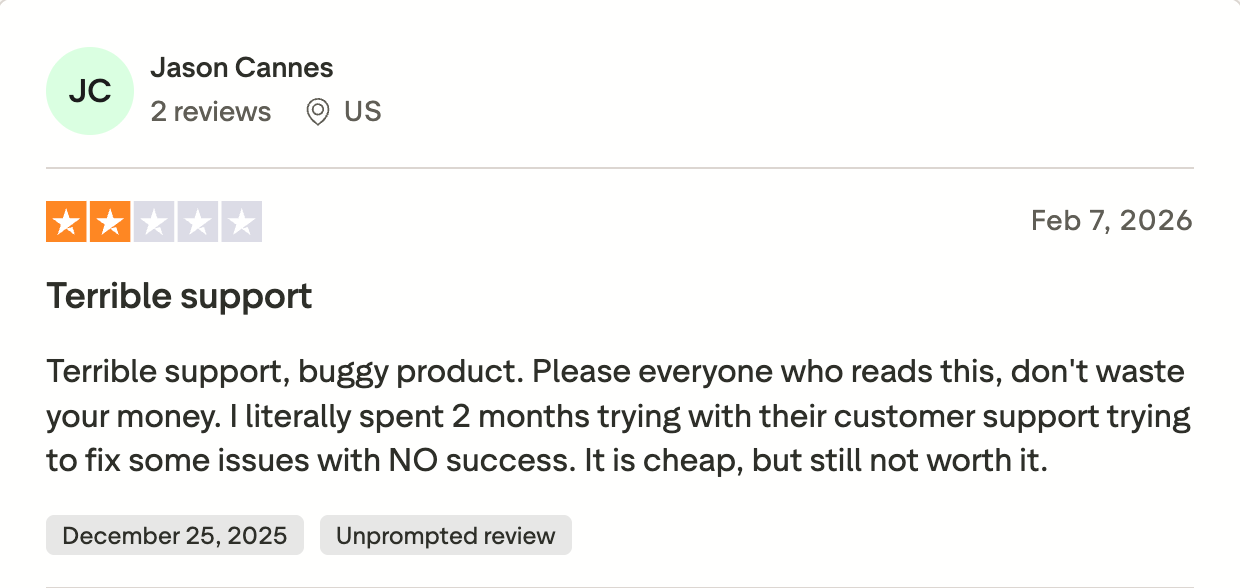
Where I've watched it fall down is on two things GMass users don't see from the outside: the real cost once you factor in add-ons, and the support quality after setup. Compared with that setup, GMass works inside Gmail and relies on your existing Gmail inbox rather than a shared multi-mailbox workspace.
Smartlead Features
Two things Smartlead does that GMass doesn't: unlimited mailboxes at a flat rate, and a warmup engine that runs across all of them. Both matter for anyone moving off Gmail's 500/day cap, especially since Smartlead is built for high-volume cold outreach campaigns rather than broad all-in-one outbound workflows.
Unlimited mailboxes on every tier: Connect 5 mailboxes or 500 for the same base subscription. For agencies managing 10-plus client workspaces, this pricing model alone is the reason Smartlead exists.
Built-in warmup on every connected inbox: Smartlead runs one of the larger shared warmup networks in the category. Warmup starts automatically after mailbox connection.
Master Inbox for replies: Unified inbox aggregates replies across mailboxes with AI reply classification (interested, not interested, out of office, objection).
Multi-channel (email + SMS + WhatsApp + Twitter/X) via API: Smartlead handles other channels through webhook integrations, not native UI-driven sequencing. If you want real multichannel with LinkedIn as a first-class channel, Smartlead isn't the tool.
Open REST API with webhooks: This is Smartlead's differentiator inside the agency niche. Real-time webhooks fire on sent, opened, clicked, replied, bounced, and unsubscribed events. Agencies wire it into Clay, n8n, or a custom pipeline without hitting a paywall for the connection.
White-label workspaces: Fully branded client workspaces at $29/month per client on Unlimited Smart tier and above, with each client getting its own inbox, contact list, and reporting system. GMass has no equivalent agency-facing product.
Sender rotation and DNS handling: Smartlead handles SPF/DKIM/DMARC configuration when you buy domains through SmartSenders. If you connect your own mailboxes, DNS is on you.
Smartlead Pros and Cons
✅ Pros
❌ Cons
Unlimited mailboxes on every plan with no per-seat pricing
Real cost at agency scale can reach 2–5× the advertised base price once SmartProspect, SmartDelivery, SmartServers, and SmartSenders are added
One of the largest shared warm-up networks in the category
Trustpilot rating of 3.4/5 across 85 reviews, with recurring complaints about support quality
Comprehensive REST API with real-time webhooks for agency automation
The interface is denser than Instantly and has a steeper learning curve for non-technical users
White-label client workspaces available for $29/month per client on Unlimited Smart and higher plans
No native LinkedIn automation; multichannel workflows require webhooks or external integrations
Native integrations with HubSpot, Salesforce, Pipedrive, Clay, Zapier, Make, and n8n
Add-ons: SmartProspect (verified leads), SmartDelivery (deliverability testing), SmartServers (dedicated IPs), SmartSenders (done-for-you mailboxes). Each is billed separately.
Real cost at agency scale runs 2 to 5x the base subscription once you add SmartProspect, SmartDelivery, SmartServers, and SmartSenders.
The $39 Basic tier is functional for a solo cold emailer with an existing list. The realistic agency configuration is Pro or Unlimited Smart plus at least two add-ons, which lands in the $200 to $400+/month range.
Best for: Founders and small teams who want cold email sending, warmup, and a built-in B2B lead database in one tool without stitching a data provider on top.
Instantly changed the cold email category in 2023 by putting "unlimited email accounts" at the top of its pricing page.
Before Instantly, most cold email tools priced per seat or per mailbox, which meant every additional inbox added to your rotation was a new billing line. Instantly said no, and the category followed.
Every ranking GMass alternative offering unlimited accounts today is running the pricing model Instantly popularized.
What separates Instantly from Smartlead specifically is the built-in lead database.
The trade-off is deliverability at scale. Reddit operators consistently report open-rate drops of 30 to 40 percent on Instantly's shared warmup pool after two weeks at real sending volumes, particularly on aged domains.
The fix in the threads is almost always the same: turn off shared warmup and either self-host or migrate.
That doesn't happen to every user, but it happens often enough to be a live risk for anyone running 20-plus mailboxes.
Instantly Features
Unlimited mailboxes on Growth and above: Same model as Smartlead. Connect as many mailboxes as you can afford to run without a per-seat or per-mailbox fee. GMass caps at your Gmail account count.
Built-in warmup across all inboxes: Warmup runs automatically after mailbox connection. Instantly's warmup network is large, but the shared-pool deliverability risk noted above is real for higher-volume sending.
Built-in B2B contact database: Search-and-add prospects directly from inside Instantly without connecting a separate data tool. This is the biggest workflow difference vs Smartlead, which is send-only. It's not as deep as Apollo or Leadsforge on filters or intent signals, but it removes a step for teams that just need "someone at a company matching X."
Unibox for replies: Aggregates replies across mailboxes into one view. AI reply categorization is available on higher tiers.
Multi-step follow-up sequences: Standard sequencing with reply detection. GMass Standard doesn't include sequences (requires Premium at $39.95/month).
AI copy generation: Basic AI subject line and body drafts on Hypergrowth and above. GMass has no native AI.
Instantly Pros and Cons
✅ Pros
❌ Cons
One of the cleanest and easiest UIs in the category, with fast onboarding
Shared warm-up pool has documented 30–40% open-rate drops at scale on aged domains
Built-in B2B contact database included, removing the need for a separate data provider
Lead database is less comprehensive than Apollo or Leadsforge for filters and intent signals
Unlimited mailboxes on the Growth plan ($37/month billed annually) and above
Real entry-level stack typically costs $180–$241/month once Credits and CRM are added
Unibox reply management with AI-powered reply categorization on higher tiers
No native LinkedIn automation or sequencing
4.8/5 rating across 4,052+ verified G2 reviews, the largest review base in the category
Trustpilot rating of 3.8/5, with recurring complaints about billing and cancellations
Real full-stack functional cost: Growth at $37 is the sending tier. Once you add Instantly Credits (lead-database usage) and the Instantly CRM, entry-tier functional cost climbs to $180 to $241/month.
Best for: Sales teams wanting unlimited email accounts, native CRM sync, and a starting price that undercuts most cold email platforms.
Saleshandy has been carrying the "GMass but cheaper and unlimited" banner for three years running.
They match the workflow GMass Standard users already know (send from Gmail or Outlook, personalize from a spreadsheet, track opens and clicks) but strip the Gmail-only limitation and drop the price.
At $25/month billed annually, it's the cheapest paid tier on this list that includes unlimited email accounts.
The tool works. It's stable, well-documented, and adequate for a small team running one or two campaigns at moderate volume.
Where it doesn't fit: Saleshandy is a light-industrial cold email tool, not a full outbound platform. There's no native LinkedIn automation, no AI SDR, no MCP surface, and multichannel is limited to email plus calls and WhatsApp on higher tiers.
If your motion needs LinkedIn in the sequence or an autonomous agent, Saleshandy is the wrong swap.
Saleshandy Features
What Saleshandy does that GMass doesn't: unlimited-accounts pricing at the low end, plus a real deliverability suite included in the base plan.
Unlimited email accounts on every plan: Same pricing model as Smartlead and Instantly, but at half the price. Connect as many Gmail, Outlook, or custom SMTP mailboxes as you want without an upgrade.
Unlimited email warmup and sender rotation: Built-in warmup runs across all connected mailboxes. Sender rotation distributes volume automatically. GMass has no equivalent.
B2B Lead Finder with 700M+ contacts (higher tiers): Saleshandy pushed into lead data in 2024. The database is credible for firmographic search, though less deep on intent signals than Leadsforge or Apollo.
Unified Inbox: Consolidates replies across mailboxes into one workspace. Comparable to Smartlead's Master Inbox or Instantly's Unibox.
AI Prospect Enrichment and AI Copy: Enrichment auto-gathers relevant prospect and company info before send. AI copy assists on subject lines and body variants.
Outlook and Gmail native, plus custom SMTP: Saleshandy supports both major providers natively, which is the direct answer to GMass's Gmail-only constraint. Migration from GMass to Saleshandy runs through a standard CSV import.
User-friendly interface: It also offers a user-friendly interface that makes email campaigns and sequences easier to manage for beginners or small teams, though it does not lean on google sheets integration the way GMass does.
Multi-channel: email, calls, WhatsApp (higher tiers): Not LinkedIn. If LinkedIn is part of your motion, this isn't the tool.
Native CRM integrations: HubSpot, Salesforce, Pipedrive, Zapier, and API. Materially deeper CRM sync than GMass's Zapier-only path to non-Google tools.
Saleshandy Pros and Cons
✅ Pros
❌ Cons
Lowest-cost cold email platform on this list with unlimited email accounts at $25/month (billed annually)
No native LinkedIn automation
Supports Outlook, Gmail, and custom SMTP accounts natively
Only a 7-day free trial, shorter than Smartlead, Instantly, and Salesforge's 14-day trials
Deliverability tools are included in the base plan
No MCP or AI-agent integration
Native integrations with HubSpot, Salesforce, and Pipedrive
Lead database is less comprehensive than Apollo, Leadsforge, or Instantly's built-in database
Best for: Founders and small B2B teams who read the deliverability threads before buying and want a stable, no-frills cold email tool that prioritizes inboxing.
Woodpecker is the cold email tool for people who care about inbox placement more than features.
It doesn't ship with a lead database, an AI SDR, or a shiny UI. It sends cold emails, warms mailboxes, detects replies, and handles the deliverability plumbing (SPF, DKIM, DMARC, custom tracking domains) with less friction than most tools in the category.
Woodpecker has been around since 2015, which is longer than most cold email platforms have existed.
That tenure shows up in the product. Sequences are stable, warmup runs quietly, and pricing hasn't stacked add-ons the way Smartlead's has.
Where it doesn't fit: Woodpecker is deliberately narrow. If you want multichannel with LinkedIn steps, AI copy generation, or a built-in lead source, Woodpecker asks you to bring your own.
It's a sending tool, and it doesn't pretend to be anything else.
Woodpecker Features
What Woodpecker does that GMass doesn't: it treats deliverability as a core feature and gets you off the Gmail-only limitation, so it appeals more to buyers who prioritize better inbox placement over feature breadth.
Multi-provider sending (Gmail, Outlook, custom SMTP): No Chrome extension. Sequences run from a dashboard, and mailbox setup handles the DNS work.
Native email warmup: Included on all plans. Continuous warmup across connected inboxes with basic reputation monitoring and a built-in spam test workflow before campaigns go out.
Bounce management and reply detection: Automatic bounce filtering and reply-triggered sequence pausing (a feature GMass Premium also has, but Woodpecker treats it as core rather than gating it to a higher tier).
If-campaigns for conditional logic: Follow-ups can branch based on prospect behavior (opened, clicked, replied). This is comparable to Salesforge conditional sequencing on the email side, though Woodpecker doesn't include LinkedIn.
Agency-friendly workspace features: Client billing, agency dashboards, and separate campaign workspaces on higher tiers.
Integrations: HubSpot, Pipedrive, Salesforce (limited), Zapier, and API. Adequate for most B2B teams, less deep than Salesforge or Saleshandy on native CRM sync.
Woodpecker Pros and Cons
✅ Pros
❌ Cons
Deliberate deliverability focus with one of the oldest and most stable platforms in the category
No LinkedIn automation or multichannel outreach beyond email
Supports Gmail, Outlook, and custom SMTP natively without relying on a Chrome extension
No built-in lead database or contact finder
Native email warm-up included on every plan
UI is functional but dated compared to Instantly or Lemlist
Conditional "If Campaigns" for advanced follow-up logic included on lower-tier plans
No native AI copywriting or AI SDR
Agency features such as workspaces and client billing available on higher-tier plans
Best for: SDRs and agencies running high-touch personalized outreach with images, video, LinkedIn steps, and calls in the same sequence.
Lemlist is a different category of tool. Unlike GMass, Lemlist focuses on fewer touches, more personalization, higher reply rates per contact.
The signature feature is dynamic image and video personalization (your prospect's name written on a coffee cup in the image, for example) plus native LinkedIn and calls in the same sequence.
That focus has held for five years.
Where it doesn't fit: Lemlist is not the tool for anyone running 500-plus emails a day per mailbox. Media-heavy sends have real deliverability trade-offs, and the pricing at scale climbs faster than Instantly, Smartlead, or Salesforge because Lemlist charges per sending email account beyond the base allotment.
If your motion is volume-first, Lemlist is the wrong swap.
Lemlist Features
What Lemlist does that GMass doesn't: it goes deeper on personalization and puts LinkedIn and calls in the same sequence as email.
Dynamic image, video, and content personalization: Insert prospect-specific variables into images and video thumbnails at send time. This is the feature Lemlist is known for and no other tool on this list matches at the same depth.
Native multichannel (email + LinkedIn + calls): On the Multichannel Expert plan ($99/month billed annually). Sequences combine touches across all three channels with reply detection. Salesforge does the same at $80/month Growth with a wider LinkedIn action set (6 native actions vs Lemlist's core send-and-message set), but Lemlist's personalization layer is more polished.
Lemwarm built-in email warmup: Included on both plans. Warmup runs continuously across connected mailboxes.
Lemcal for meeting scheduling: Native scheduling tool integrated with the outreach sequences. Comparable to Calendly integration but built in.
Lead database included on higher tiers: Not as deep as Apollo, Leadsforge, or Instantly, but adequate for firmographic search on medium-volume campaigns.
AI copy generation: Basic AI drafts for subject lines and body variants.
Chrome Extension for LinkedIn prospecting: Extract emails and enrich contacts directly from LinkedIn profiles.
Lemlist Pros and Cons
✅ Pros
❌ Cons
Deepest dynamic image and video personalization capabilities in the category
Highest starting price on this list at $69/month (billed annually) for Email Pro
Native multichannel outreach across email, LinkedIn, and calls on the Multichannel Expert plan
Media-heavy personalization can reduce deliverability at high sending volumes
Lemwarm is included on both paid plans
Additional sending email accounts are billed separately beyond the included limit (3 on Email Pro, 5 on Multichannel Expert)
Chrome extension included for LinkedIn prospecting
Support and refund policies are frequently described as strict in user reviews
Lemcal meeting scheduling is built into the platform
LinkedIn automation is narrower than Salesforge, supporting message actions rather than six native LinkedIn action types
Best for: Cold email agencies running client outreach who need attribution reporting, unified inbox operations, and less feature bloat than Smartlead's add-on stack.
QuickMail lives inside the agency niche the way GMass lives inside solo Gmail.
It's been in the cold email category since 2015, and the product decisions reflect that tenure: attribution reporting is a first-class feature, sub-accounts for client work are built-in, and the tool doesn't push you toward a shared warmup pool by default.
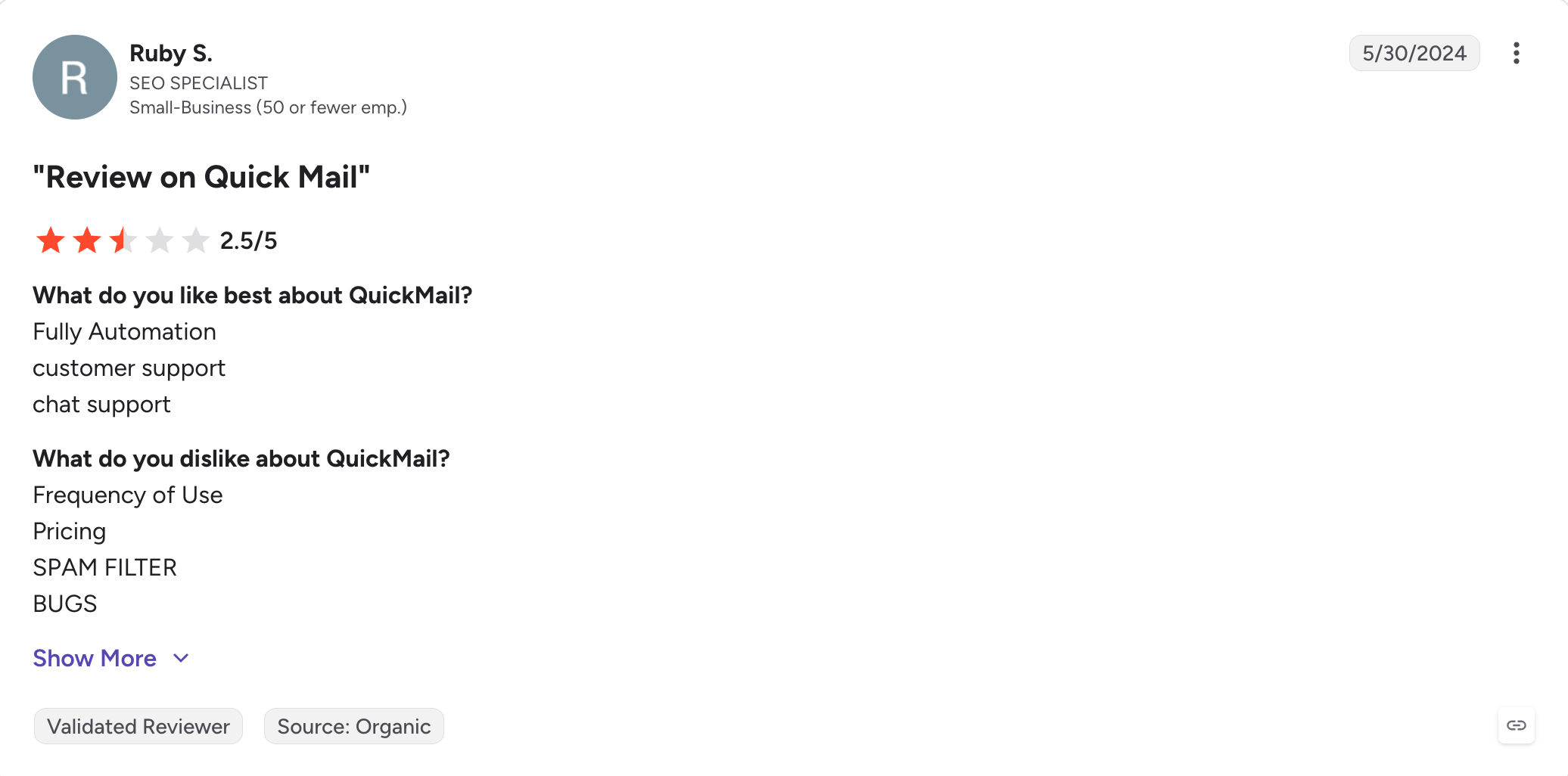
The team behind QuickMail is small, and support is one of the top-mentioned strengths across G2 reviews.
Where it doesn't fit: QuickMail's UI is denser than Instantly, and the tool is opinionated about how you build sequences. If your team wants a polished modern interface or built-in AI everywhere, this is not the tool. If your team wants a stable agency-friendly platform that treats deliverability and reporting as core features rather than upsells, it fits well.
QuickMail Features
What QuickMail does that GMass doesn't: it runs at agency scale with sub-accounts, attribution, a unified inbox, and workspace separation.
Sub-accounts for client separation: Each client runs in its own workspace with separate inboxes, campaigns, and reporting. GMass has no equivalent multi-client structure.
AutoWarmer inbox warmup: Included on all plans. Continuous warmup across connected inboxes.
Attribution reporting: Track meetings booked, replies converted, and pipeline sourced from specific campaigns. This is the reporting layer most cold email tools ship as an add-on or a plan gate.
Deliverability AI: QuickMail runs deliverability scoring per email before sending to flag potential spam triggers or DNS issues.
Unified inbox across sub-accounts: Reply management across multiple client workspaces without switching between browser tabs.
Integrations: HubSpot, Pipedrive, Salesforce (limited), Zapier, native API. Less deep than Salesforge on LinkedIn Sales Navigator specifically.
Multi-provider sending: Gmail, Outlook, custom SMTP. No Chrome extension dependency.
QuickMail Pros and Cons
✅ Pros
❌ Cons
Sub-accounts for client work make agency operations clean and organized
Interface is denser and feels more dated than Instantly or Lemlist
Attribution reporting is included as a core feature
Smaller review base than Instantly, Smartlead, or Saleshandy
Deliverability AI scores emails before they are sent
No native LinkedIn automation
Native AutoWarmer is included on every plan
Fewer AI copywriting features than Smartlead or Lemlist
Customer support is consistently praised in user reviews
Best for: Solo senders who want to stay inside Gmail for personal or light-volume mail merge and don't need cold outreach features like warmup or sequences.
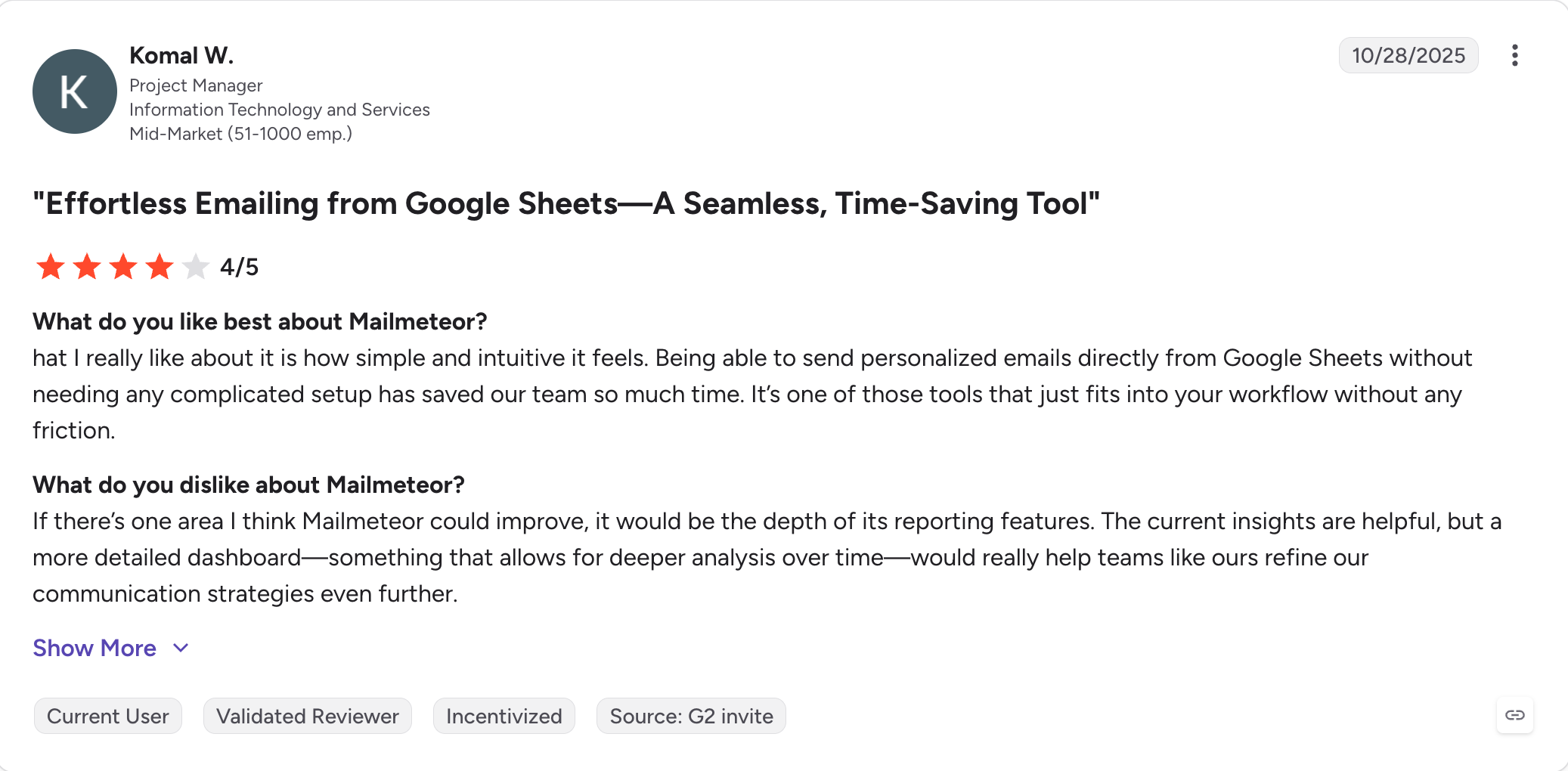
Every Reddit thread asking about free GMass alternatives ends up recommending Mailmeteor. It's the closest structural match to GMass Standard on the free tier: Gmail-native, mail merge from Google Sheets, tracking, no separate dashboard.
What Mailmeteor doesn't try to be is a cold email platform. It's an email marketing tool for people who want to send a personalized batch to a list they own without paying $30/month.
The free plan is usable at 50 emails/day.
Where it doesn't fit: cold outreach at any real volume. No warmup, no inbox rotation, no sequences on the free tier. If your motion is cold email to purchased lists, Mailmeteor won't fix the deliverability or account-risk gap GMass has.
Mailmeteor Features
What Mailmeteor does that GMass doesn't: Mailmeteor is a popular free GMass alternative for users who want to stay inside Gmail, and it gives you a working free tier with no tracking pixels loaded by default.
Gmail-native Chrome extension and add-on: Same install-in-30-seconds workflow as GMass. Merge fields from Google Sheets to run mail merge campaigns, personalized bulk send, open tracking.
50 emails/day free: No credit card required, no time limit. This is the tier the Reddit threads recommend for simple mass emails.
Multi-language interface: Localized in 15+ languages. GMass is English-only in the UI.
Privacy-first defaults: Mailmeteor's positioning explicitly excludes third-party tracking pixels on the free plan.
Follow-ups and sequences on paid tiers: Similar to GMass Premium features but at a lower price point.
Outlook add-in: Extends Mailmeteor beyond Gmail to Microsoft 365 accounts on paid tiers.
Mailmeteor Pros and Cons
✅ Pros
❌ Cons
Free plan includes sending up to 50 emails per day with no credit card required
No email warm-up feature on any plan
Gmail-native workflow makes it an easy replacement for GMass for individual users
No sender rotation or inbox rotation capabilities
Privacy-first defaults with no tracking pixels on the free plan
Cold outreach at scale (500+ emails/day) is still limited by Gmail sending restrictions
Multi-language user interface
Sequences and automated follow-ups are only available on paid plans
Outlook support available on paid tiers
Mailmeteor Pricing (Annual)
Free plan: 50 emails/day, mail merge, basic tracking, no credit card
Personal: $9.99/month (billed annually)
Business and Enterprise: Higher tiers with follow-ups, sequences, Outlook, team features
Best for: Solo senders on personal Gmail (gmail.com) sending low-volume personalized batches and looking for the cheapest paid option.
YAMM is the answer to one question: what if GMass, but $36/year?
It's a Google Workspace Marketplace add-on that runs entirely inside Gmail and Google Sheets, with none of the cold email pretensions of the platforms above.
The Personal tier at $36/year is the cheapest paid mail merge option in this comparison and it targets a specific user: someone on personal Gmail sending event invites, newsletters to their own list, or light outbound to a small warm-audience segment.
That's the whole product.
Where it doesn't fit: everything cold outreach requires. No warmup, no sequences, no inbox rotation, no analytics beyond basic opens. YAMM is a mail merge tool, no more and no less.
YAMM Features
What YAMM does that GMass doesn't: it costs $36/year. That's it.
Google Workspace add-on runs inside Gmail: Same install-once workflow as GMass. Use a Google Sheet to send emails directly from Gmail.
Personal tier for gmail.com at $36/year: Roughly 1/7th the cost of GMass Standard annual pricing. For a solo sender running batches under 50-100 emails per day to a warm list, this is enough, and it's better suited to warm-list marketing emails and light outbound than cold outreach infrastructure.
Google Sheets-driven personalization: Merge fields, conditional content, and per-recipient tracking from a single spreadsheet.
Bounce and unsubscribe handling: Basic bounce list management and unsubscribe link handling.
Google Workspace tier at $60/year per user: For teams using Workspace who don't need cold outreach features.
YAMM Pros and Cons
✅ Pros
❌ Cons
Cheapest paid mail merge tool in this comparison at $36/year for personal Gmail accounts
Personal plan only supports gmail.com accounts, not Google Workspace
Runs as a Google Workspace Marketplace add-on, so no Chrome extension permissions are required
No warm-up, sender rotation, or automated sequences
Gmail-native workflow that closely matches the GMass Standard experience
No cold outreach features
Bounce handling and unsubscribe management are included
Analytics are limited to basic open tracking
YAMM Pricing (Annual)
Personal (gmail.com only): $36/year ($3/month effective)
Every tool on this list is one I've either run campaigns through myself or watched a peer run in the last six months. No sandbox demos, no vendor decks.
The four criteria that earned a tool a slot
Real inbox placement data: Across Google and Microsoft, based on real campaigns run on paid plans rather than demo or free test environments, not just claimed warmup numbers on a marketing page.
Pricing math at 3, 10, and 25 mailboxes: Base subscription plus add-ons at three scale points, so the real cost curve and the key features you actually get at each tier show up.
Replaces GMass on its own: The tool has to cover the workflow itself, not drag a warmup tool, a lead source, and a LinkedIn tool in behind it.
Honest buyer fit: A specific buyer profile the tool actually fits, not "great for everyone."
Final Verdict
The choice most GMass users past the limitation face isn't between a Chrome extension and a full outbound platform.
It's between two versions of their own stack: patch the current setup (GMass Premium at $39.95/month for sequences and MultiSend, plus a warmup tool, plus a lead finder, plus a LinkedIn tool, plus manual reply management).
Or replace the whole thing with one workspace.
The patch path can work at the low end. If you send under 300 emails a week from one Gmail account, GMass Standard plus a $10/month warmup tool is enough.
Past that threshold, situation changes.
That's where Salesforge comes in.
Pro at $40/month (billed annually) includes unlimited mailboxes, free Warmforge warmup with unlimited slots, Bounce Shield, ESP-aware sending across the Forge Stack, and Primebox™ reply management. Growth at $80/month (billed annually) adds unlimited LinkedIn senders, ESP matching, A/B testing, and API access, so multichannel outreach runs from the same workspace.
If you're past the Gmail 500/day limitation and running cold outreach that actually needs to book meetings, start the 14-day free trial. No credit card required.
FAQs
1) Is there a free alternative to GMass?
Yes. Mailmeteor's free plan gives you 50 emails per day with no credit card and no time limit, and it runs inside Gmail with the same mail-merge workflow as GMass. For light personal or warm-list sends it's the closest structural swap for GMass Standard on the free tier.
2) Can I send more than 500 emails a day with GMass?
Only if you have Google Workspace, which raises the cap to 2,000 per day. Personal gmail.com accounts are capped at 500/day by Google, not by GMass, and paying for a higher GMass tier does not raise that cap. To send more than 2,000 emails per day, you need a platform that rotates across multiple mailboxes. Salesforge, Smartlead, Instantly, and Saleshandy all support this on their base tiers.
3) What's the cheapest GMass alternative?
For personal Gmail (gmail.com), YAMM at $36/year is the cheapest paid mail merge option. For unlimited email accounts at the low end of cold outreach platforms, Saleshandy at $25/month billed annually is the cheapest full cold email tool on this list. Mailmeteor's free plan is $0 with 50 emails/day if you don't need cold-outreach infrastructure.
4) Does GMass work with Outlook?
No. GMass is a Chrome extension that runs only inside Gmail. If you need to send from Microsoft 365 or Outlook, Saleshandy, Smartlead, Instantly, Woodpecker, and Salesforge all support Outlook natively. Lemlist and Mailmeteor also support Outlook on paid tiers.
5) What's the best GMass alternative for cold email at scale?
For pure email at high volume with lead lists you own, Smartlead and Instantly are the two most-recommended tools in the category. For multichannel outreach that includes LinkedIn in the same sequence, Salesforge is the tool that fits, with unlimited mailboxes and free Warmforge warmup on both Pro ($40/month) and Growth ($80/month) plans billed annually.
6) Can I migrate my GMass campaigns to another tool?
Yes. GMass supports CSV export of contacts and campaign data. Every cold email platform on this list supports CSV import, so migrating a lead list and rebuilding a sequence typically takes an hour or two. Migration of live warmup schedules and open/click history is not preserved, since those are stored per-platform.
7) What's the difference between GMass and a cold email platform like Salesforge?
GMass is a Gmail Chrome extension for mail merge and basic sequences that runs against your own Gmail account's sending caps. Salesforge is a multichannel outreach platform that runs across unlimited mailboxes on Gmail, Microsoft 365, or dedicated infrastructure, with free warmup, LinkedIn in the same sequence as email, unified reply management, and MCP-native access for AI agents. The two tools are aimed at different tiers of the same buyer as they scale.
8) Do GMass alternatives include email warmup?
Most cold email platforms on this list (Salesforge, Smartlead, Instantly, Saleshandy, Woodpecker, Lemlist, QuickMail) include native email warmup as a built-in feature. GMass and the Gmail-native tools (Mailmeteor, YAMM) do not. If deliverability at scale matters for your motion, the presence of native warmup is one of the more important selection criteria.
Book more meetings on autopilot
Set up in minutes. No per-seat pricing. No commitment.
Compare 5 AI inbox managers for cold email and sales outreach. See how Salesforge, Smartlead, Instantly, Reply.io, and Saleshandy handle replies, AI features, and pricing.







.jpg)

.jpg)

