Email addresses that were valid when you collected them may no longer work. Sending emails to these addresses can increase your bounce rate and put your sender reputation at risk.
Email verification tools help you check your list before launching a campaign.
They identify invalid addresses and flag risky contacts, which makes it easy to clean your list and reduce bounces.
Depending on the tool, you can verify a list in bulk or check new contacts as part of your cold email workflow.
In this guide, I compare 8 email verification tools based on their features, verification limits, pricing, and limitations to help you choose the right tool for your outreach needs.
E-commerce brands and email marketing teams with large lists
Standalone verifier
100 credits at signup
$89 for 50,000 credits
Top 8 Email Verification Tools for Cleaning Email Lists
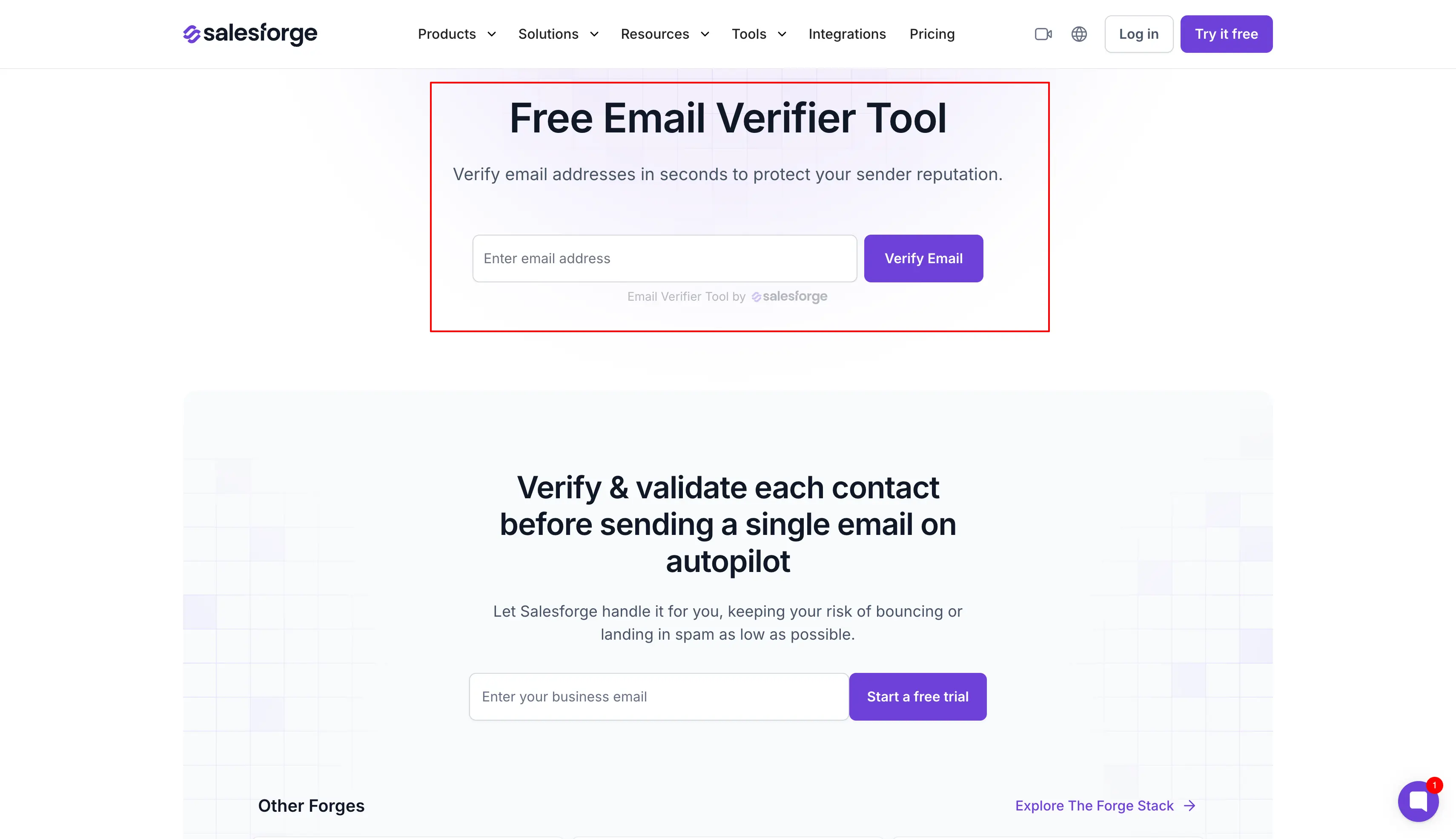
1. Free Email Verifier by Salesforge
Best for: GTM teams and agencies that want to check an email address for free, then verify full lists inside the tool they send cold email from.
If you're looking to verify your email list before a cold outreach campaign, the Salesforge free email verifier is one of the most reliable options.
I ranked it first for three reasons:
First, it runs eight email validation checks on every address and gives each one a score.
Second, it shows which checks failed, so you can see why an email address is risky.
Third, it validates every contact inside your cold email sequences, so there is no file to export and import.
The free version covers up to ten email addresses a month, and each check looks at eight signals:
Syntax: Checks that the email address is written in the correct format.
Deliverability: Confirms that the email address can receive mail.
MX records: Verifies that the mail server of the domain accepts email.
Catch-all: Flags domains that accept every address, where no tool can confirm a single mailbox.
Disposable: Detects temporary or throwaway email addresses.
Spam traps: Finds email addresses that can get your domain blacklisted.
Full inbox: Spots mailboxes that are full and may be abandoned.
Free provider: Marks email addresses on Gmail, Yahoo, and other free providers.
Every email address gets a score from 0 to 100, and a score in the 90s means it is safe to send to. When the score is lower, the results point to the check that failed, such as a full inbox or a disposable address.
For full lead lists, the same email verification runs inside Salesforge. Each contact is validated before the first email goes out, which protects your bounce rate and sender reputation.
Pros
Free email verifier with eight checks and a score from 0 to 100
A breakdown for each check that shows why an email address is risky
Automatic validation when a contact enters a sequence
300 validation credits a month on the Pro plan and 1,000 on the Growth plan
Unlimited mailboxes and free warmup through Warmforge
Email and LinkedIn steps in one sequence
14-day free trial with 50 validation credits
Cons
Free email verifier covers up to ten emails a month
The Pro plan includes 300 validation credits a month, so larger lists need extra credits bought in the app
Pricing
Pro plan: The Pro plan costs $40 per month with annual billing, or $48 without an annual contract. It includes 300 email validation credits and 5,000 emails per month.
Growth plan: The Growth plan costs $80 per month with annual billing, or $96 without an annual contract. It includes 1,000 email validation credits and 50,000 emails per month.
Free trial: A 14-day free trial is available with 50 email validation credits.
This Salesforge pricing page lists what the Pro plan and the Growth plan include.
Check Any Email Address Before You Send
Salesforge free email verifier runs eight checks on an email address and gives it a score from 0 to 100. It is free for up to ten emails a month.
Best for: Email marketers and demand gen teams that send large campaigns and want verification, email scoring, and inbox placement tests in one account.
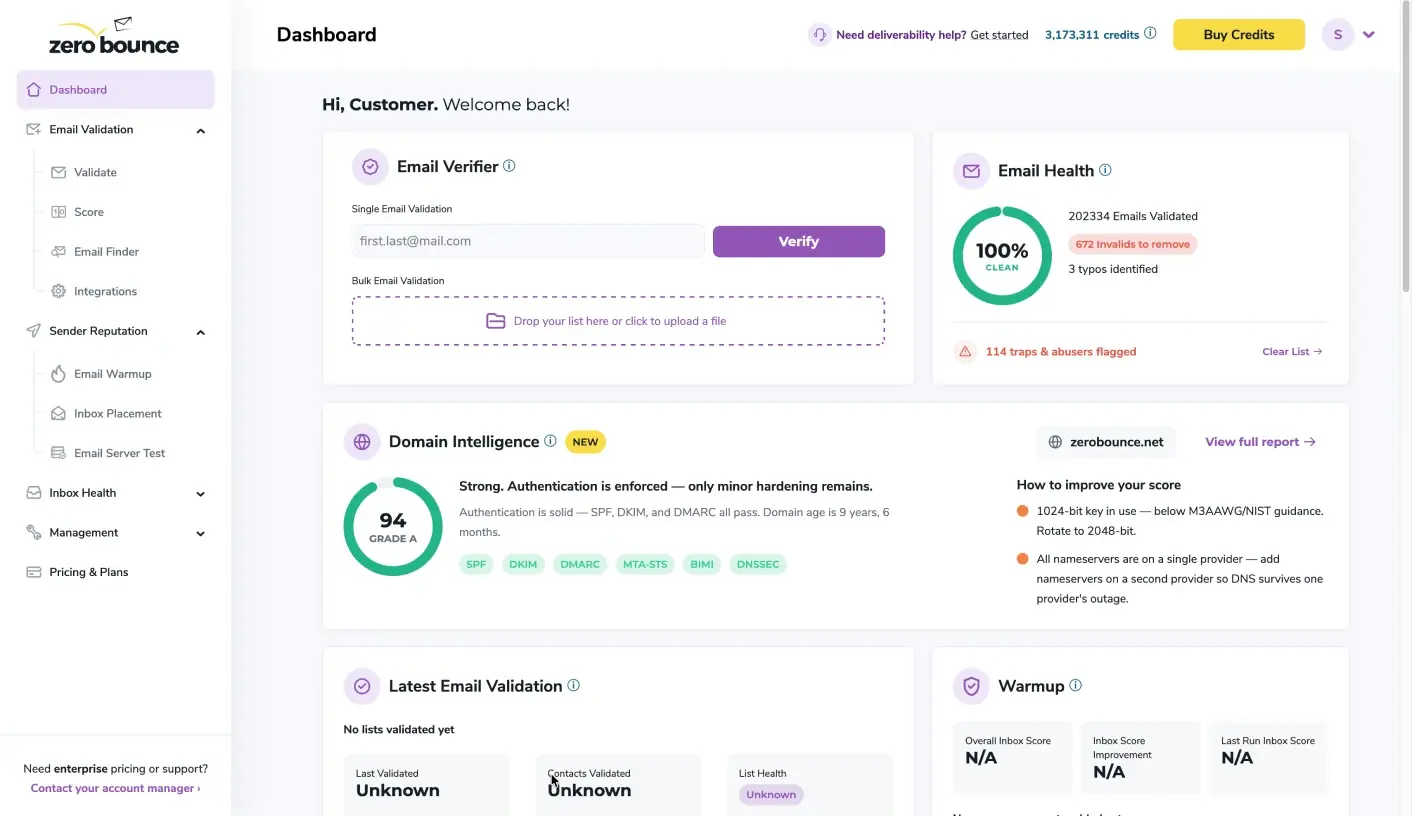
ZeroBounce is worth trying if you want email verification, scoring, and deliverability tests in one account.
Its bulk email verification flags the email addresses that can hurt your sender reputation:
Spam traps and abuse emails
Invalid and disposable email addresses
Catch-all domains
Catch-all domains are the hardest to judge, so ZeroBounce adds Email Scoring. It ranks each email address from 1 to 10, which helps you decide which risky contacts to keep.
ZeroBounce claims 99.6% accuracy and reports an unknown rate of 1.75%, so few email addresses come back without a clear answer.
ZeroBounce also tests your deliverability. Its Inbox Placement Test shows where your emails land, and its blacklist monitoring covers more than 200 blacklists.
For teams with strict data rules, ZeroBounce is SOC 2 Type II and ISO 27001 certified.
The main catch is the 2,000-credit minimum. If you verify a few hundred contacts a month, start with the 100 free credits on the Free plan instead.
Pros
99.6% accuracy claimed for real-time validation
Email Scoring from 1 to 10 for risky email addresses
Catch-all validation included
No charge for unknown results or duplicates
Inbox placement tests and monitoring of 200+ blacklists
40+ integrations, including HubSpot and Klaviyo
SOC 2 Type II and ISO 27001 certified
100 free validation credits every month
Cons
Smallest pay-as-you-go pack is 2,000 credits
Credits feel expensive for large or frequent verification, per G2 reviewers
Slow processing on large lists, per G2 reviewers
Pricing
Free plan: The Free plan includes 100 validation credits per month.
Pay-as-you-go credits: Credits start at $39 for 2,000 email addresses.
ZeroBounce ONE plan: The ZeroBounce ONE plan costs $99 per month for 10,000 credits. Annual billing lowers the price by 20%.
Enterprise plan: Above 1 million credits, the Enterprise plan has a custom quote. Its sales team can give you the price.
Free trial: ZeroBounce does not offer a free trial. The Free plan has no time limit, so you can keep testing it for free.
Best for: Marketing ops teams that manage contacts in a CRM such as HubSpot and want new contacts verified automatically.
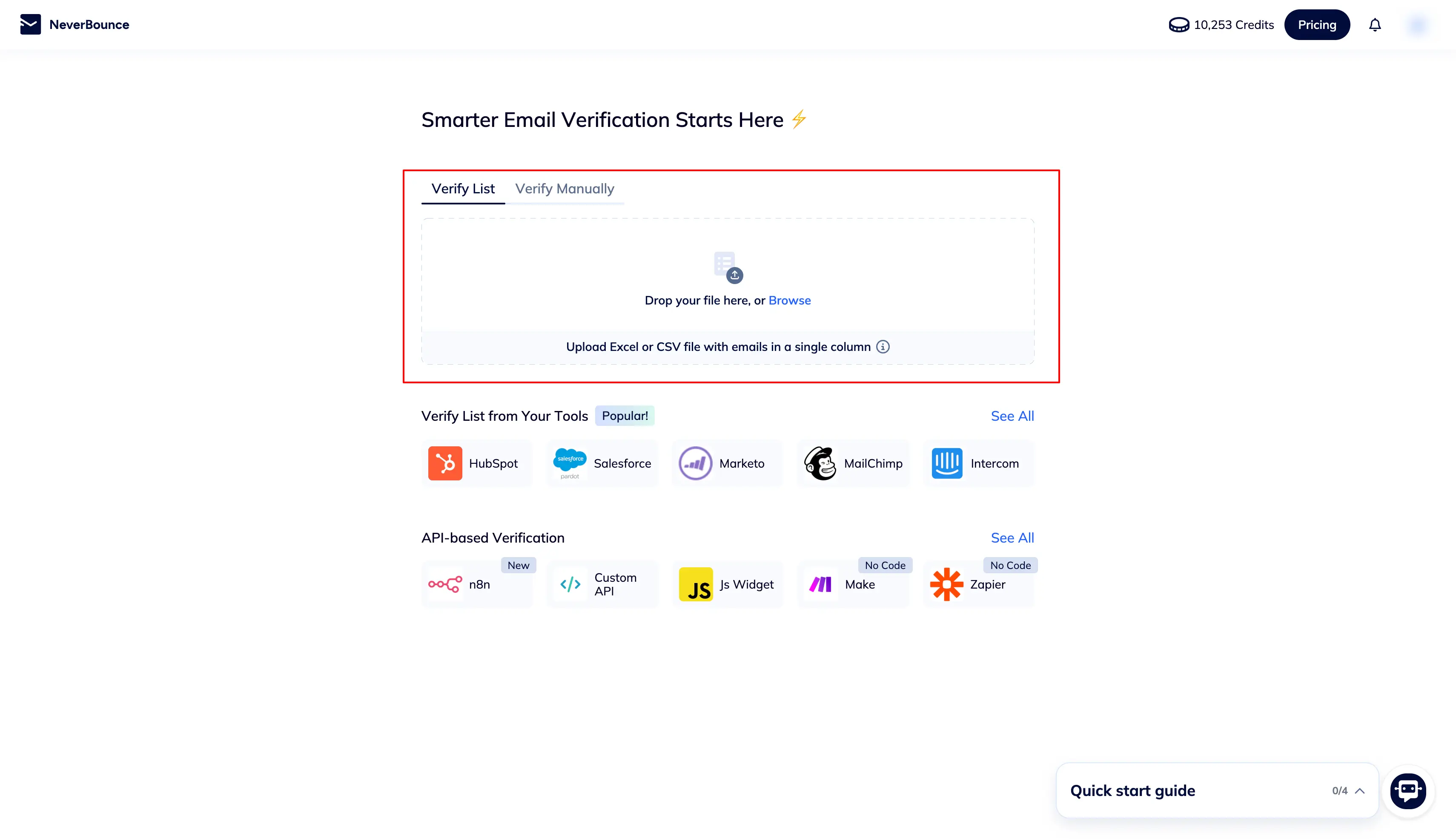
NeverBounce is an email verification tool from ZoomInfo. It verifies lists in bulk and checks the contacts in your CRM automatically.
I added it to this list for three reasons:
First, its Sync feature verifies new CRM contacts automatically.
Second, NeverBounce says it can verify 10,000 emails in about three minutes.
Third, it connects to 80+ tools, including HubSpot and Mailchimp.
Sync is the feature I would use first. It connects to your CRM or email tool and checks each new contact as it comes in, so invalid emails do not build up in your list.
For bulk email verification, NeverBounce also fixes common typos such as "gmai" instead of "gmail". Before you spend any credits, its Instant Bounce Analysis shows if a list needs verifying at all.
The Growth plan adds AI scoring and 200 AI-picked leads a month on top of verification.
Watch out for credit expiry, though. Pay-as-you-go credits expire 12 months after purchase, so buy only what you need if you verify a list once or twice a year.
Pros
Bulk verification for lists of any size, with up to 10 lists at once
Real-time verification API for signup forms
Sync for automatic verification of CRM contacts
Automatic typo fixes, such as "gmai" to "gmail"
Instant Bounce Analysis before you spend credits
80+ integrations, including HubSpot and Mailchimp
AI scoring and 200 AI-picked leads a month on the Growth plan
Cons
Pay-as-you-go credits expire 12 months after purchase
Sync needs the Growth plan
Price rises with large lists, per G2 and Capterra reviewers
Pricing
Pay-as-you-go credits: Credits cost $8 for 1,000 email addresses.
Growth plan: The Growth plan costs $49 per month and covers up to 10,000 emails per month.
Enterprise plan: The Enterprise plan has a custom quote. Its sales team can give you the price.
Free trial: NeverBounce does not offer a free trial with a set number of days. Free test credits cover your first list instead.
4. Hunter
Best for: SDRs and founders who build prospect lists by company domain and want to find, verify, and email contacts in one tool.
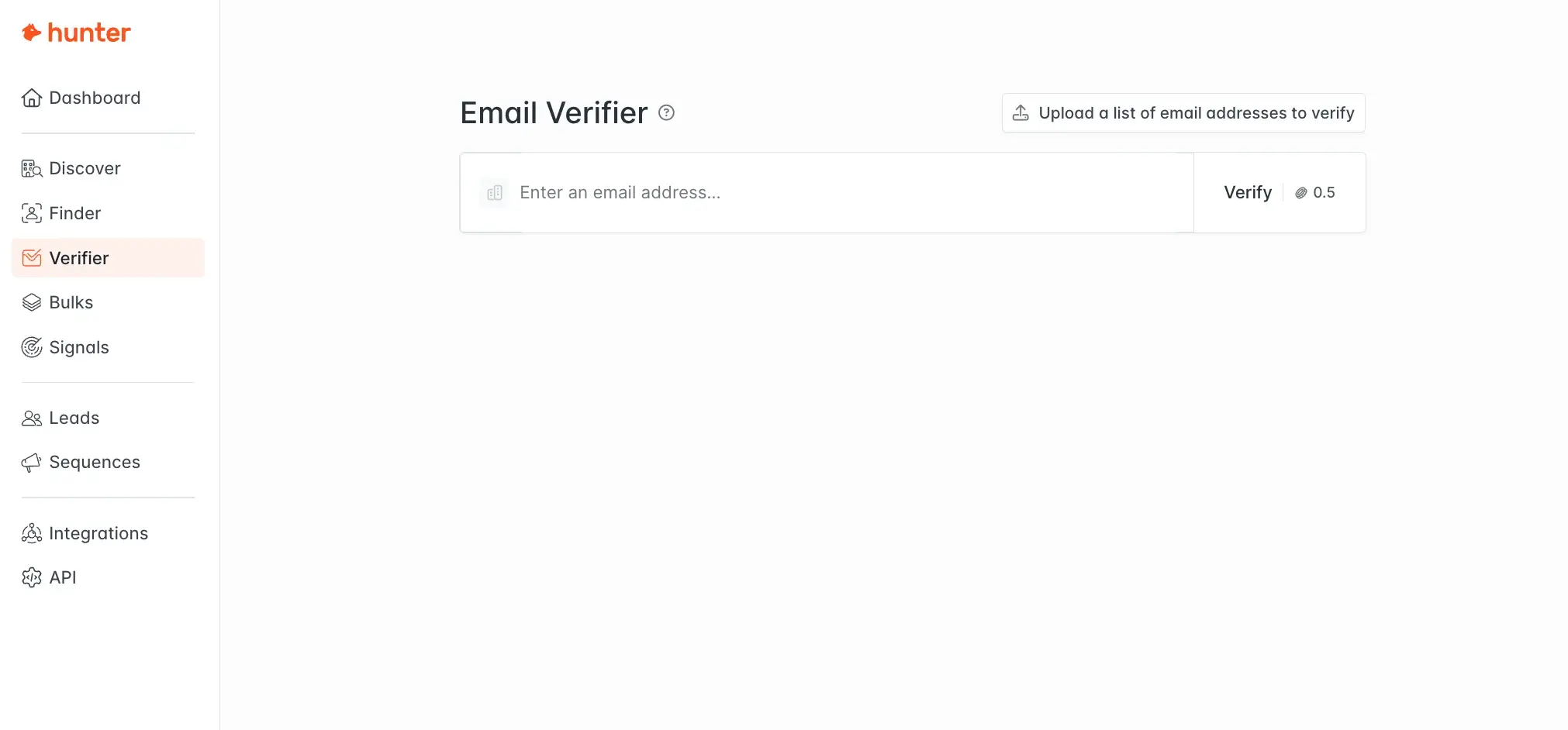
Hunter is handy if you prospect one company at a time and want to verify email addresses as you go.
I like that finding, verifying, and emailing a contact all happen in one tool. Before you send, its Email Verifier checks:
Format and gibberish addresses
Disposable and webmail addresses
Mail server records, with a direct mailbox test
Catch-all domains, which Hunter calls "accept-all"
Hunter also checks accept-all email addresses with several major email providers. It can confirm some of them, which leaves fewer unclear results.
After verification, Sequences lets you email those contacts from the same account. Domain Search helps you find more contacts at the same company.
The Free plan covers up to 100 verifications a month, which is enough to test Hunter on a small list. Bigger lists can hit its limit, though, because the largest listed plan has 25,000 credits a month. That covers up to 50,000 verifications.
Pros
Email finder, verifier, and cold email sequences in one tool
Format, mail server, and mailbox checks on every email address
Confirms some accept-all email addresses with major email providers
Half a credit per verification and no credit for failed checks
Google Sheets add-on, API, and Chrome extension
Unlimited team members, even on the Free plan
Up to 100 free verifications a month on the Free plan
Cons
Some accept-all email addresses stay unconfirmed, per a Capterra reviewer
Finder and verifier share one credit balance
Largest listed plan has 25,000 credits a month
Pricing
Free plan: The Free plan includes 50 credits per month, which is up to 100 verifications.
Starter plan: The Starter plan costs $34 per month with annual billing, or $49 without an annual contract. It includes 2,000 credits per month.
Growth plan: The Growth plan costs $104 per month with annual billing, or $149 without an annual contract. It includes 10,000 credits per month.
Scale plan: The Scale plan costs $209 per month with annual billing, or $299 without an annual contract. It includes 25,000 credits per month.
Enterprise plan: The Enterprise plan has a custom quote. Its sales team can give you the price.
Free trial: Hunter does not offer a free trial. The Free plan has no end date, so you can test Hunter there.
If you also use Hunter to find new contacts, this list of email finder tools ranks it against 13 other finders by accuracy.
5. Clearout
Best for: Growth marketers who collect leads through website forms and want to block fake signups while they verify their existing lists.
Clearout is the one I would choose if you collect leads through website forms.
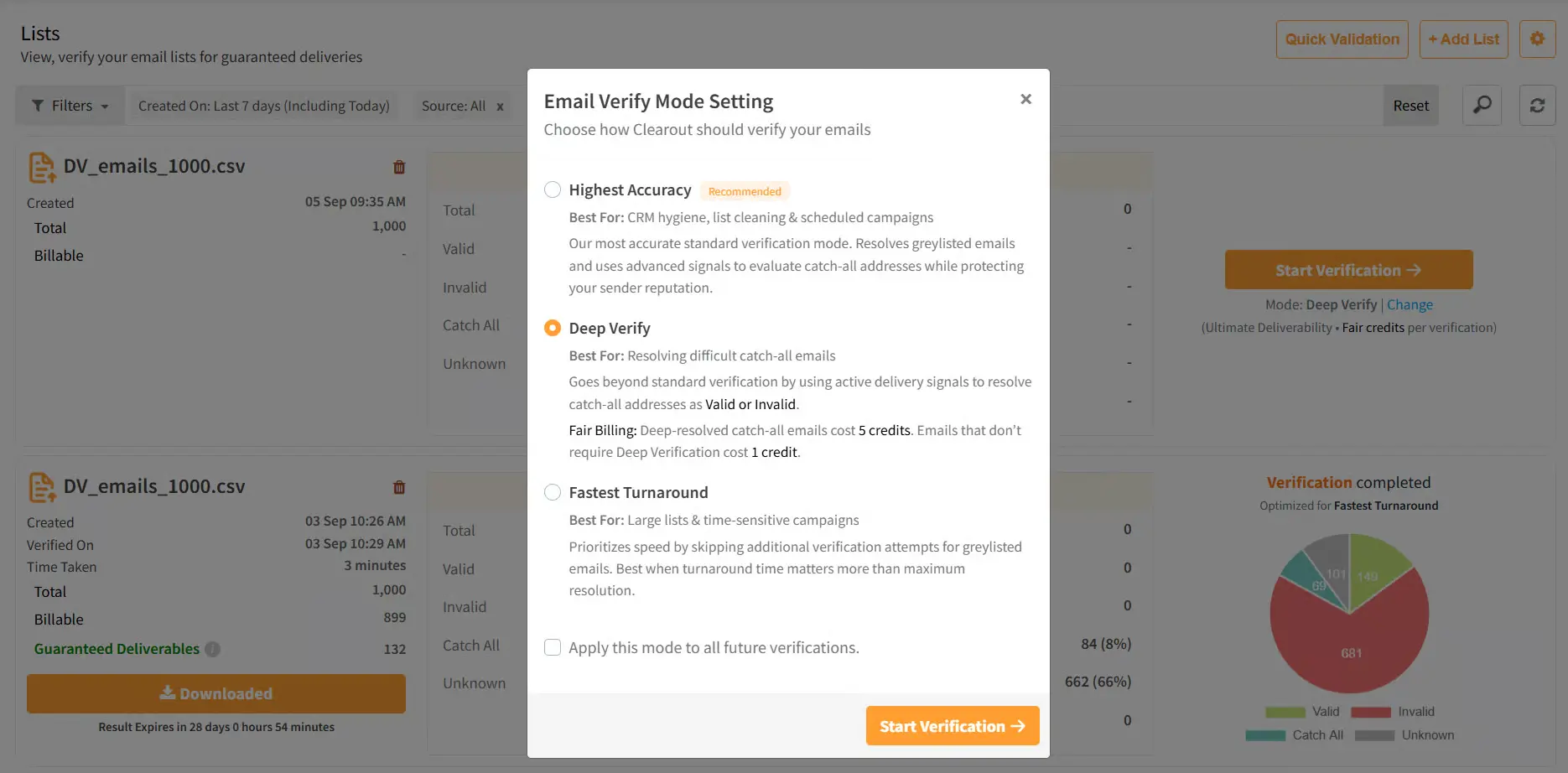
Its Form Guard feature verifies the email, phone number, and name that a visitor types into your form. This real-time email verification stops disposable emails, invalid phone numbers, and gibberish names before they reach your CRM.
Clearout handles bulk email verification too, and it claims 99.73% accuracy. Each list is checked for:
Spam traps
Disposable emails
Email addresses that will bounce
Catch-all addresses
Catch-all addresses get an extra check called Deep Verify. It tries to sort each one into valid or invalid, so fewer contacts stay unclear.
Getting your data in is simple. Clearout accepts single email addresses, CSV and XLSX files, and Google Sheets.
Speed is the main thing to plan for. G2 reviewers mention slowdowns during peak hours, so I would start large lists well before your campaign date.
Pros
99.73% verification accuracy claimed by Clearout
Deep Verify for catch-all email addresses
Form Guard checks emails, phone numbers, and names on signup forms
No charge for unknown results
Email Finder and a LinkedIn Chrome extension
Google Sheets add-on, webhooks, and API
Credits that do not expire, plus 100 free credits at signup
Cons
Slowdowns during peak hours, per G2 reviewers
Few advanced filters in the dashboard, per G2 reviewers
Catch-all results still use one credit each
Pricing
Free credits: New accounts get 100 free credits.
Starter plan: The Starter plan costs $16 per month with annual billing and includes 3,000 credits per month.
Pro plan: The Pro plan starts at $32 per month with annual billing and includes 10,000 credits per month.
Billing options: Annual billing saves 20%, and monthly billing saves 10%. One-time credit packs are also available.
Enterprise plan: The Enterprise plan has a custom quote. Its sales team can give you the price.
Free trial: Clearout has no free trial with a time limit. The 100 free credits at signup let you test it instead.
6. Bouncer
Best for: Small businesses and email marketers who verify a few times a year and want to buy credits once, then use them later.
Bouncer is a good pick if you verify a few times a year and want credits that do not expire.
Its pricing is easy on occasional users. Bouncer does not charge for duplicates or unknown results, and it reports an unknown rate below 2%.
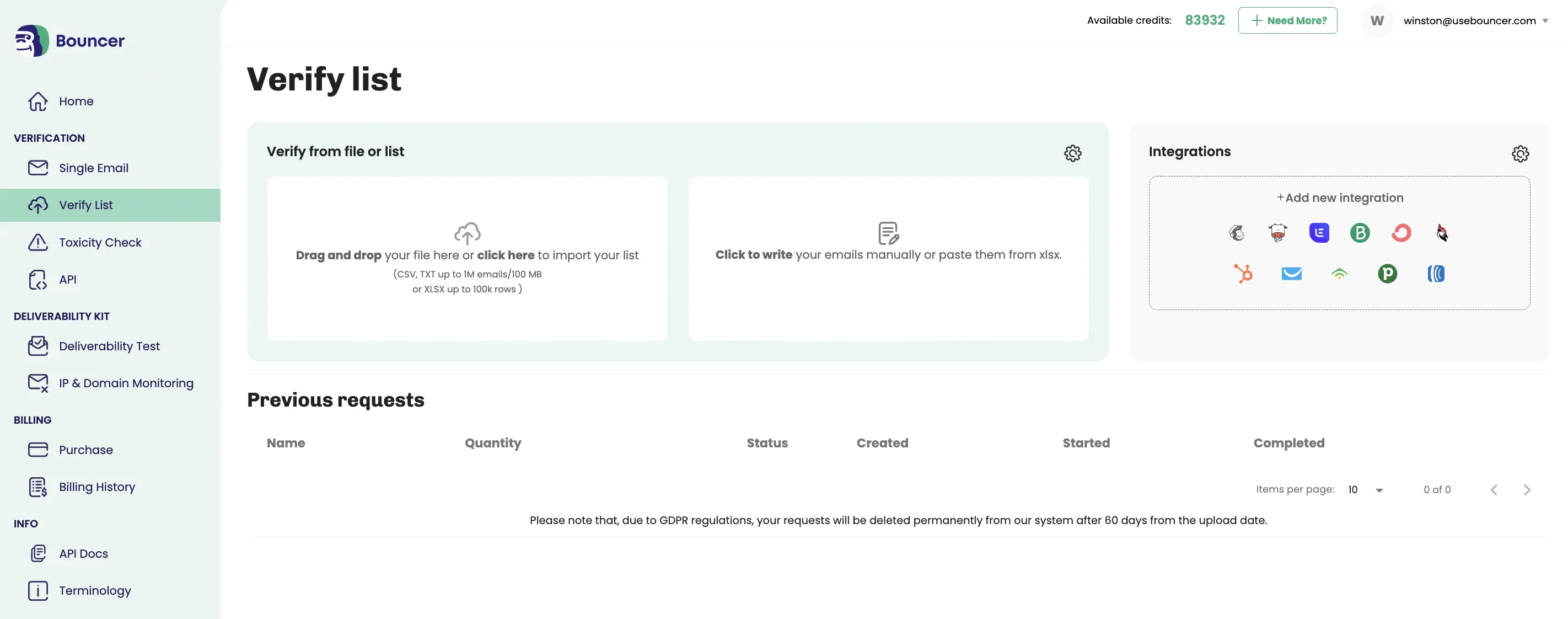
For email list hygiene, I like its Toxicity Check. It rates each email address from 0 to 5 and looks for:
Spam traps
Known complainers and litigators
Email addresses found in data breaches
Bouncer also protects your signup forms. Its Bouncer Shield feature blocks invalid or fraudulent email addresses as people type them in.
If your team works under GDPR, Bouncer is located and hosted in the EU.
The risky group is the part to watch. G2 reviewers say Bouncer gives little detail on why an email address is marked risky, so you may need to judge those contacts yourself.
Pros
Credits that do not expire
No charge for duplicates or unknown results
Toxicity Check for spam traps, complainers, and breached email addresses
Bouncer Shield to block bad signups at the form
Free list sampling before you verify
Located and hosted in the EU, with GDPR compliance
100 free credits, with no credit card needed
Cons
Some results come back unknown on servers that cannot be checked, per G2 reviewers
Little detail on why an email address is marked risky, per G2 reviewers
Bouncer Shield and the Deliverability Kit are separate subscriptions
Pricing
Pay-as-you-go credits: Credits cost $8 for 1,000 email addresses, $60 for 10,000, and $400 for 100,000.
Bouncer Shield: Bouncer Shield starts at $2 per month for 1,000 checks.
Deliverability Kit: The Starter plan of the Deliverability Kit costs $25 per month for 250 test emails.
Enterprise plan: The Enterprise plan is for purchases above 1 million credits and has a custom quote. Its sales team can give you the price.
Free trial: Bouncer does not run a free trial. New accounts get 100 free credits to test it, with no credit card needed.
7. Kickbox
Best for: Newsletter publishers and email marketers who want a quality score for each email address before they send a campaign.
Kickbox is a simple choice if you want a clear quality score for each email address.
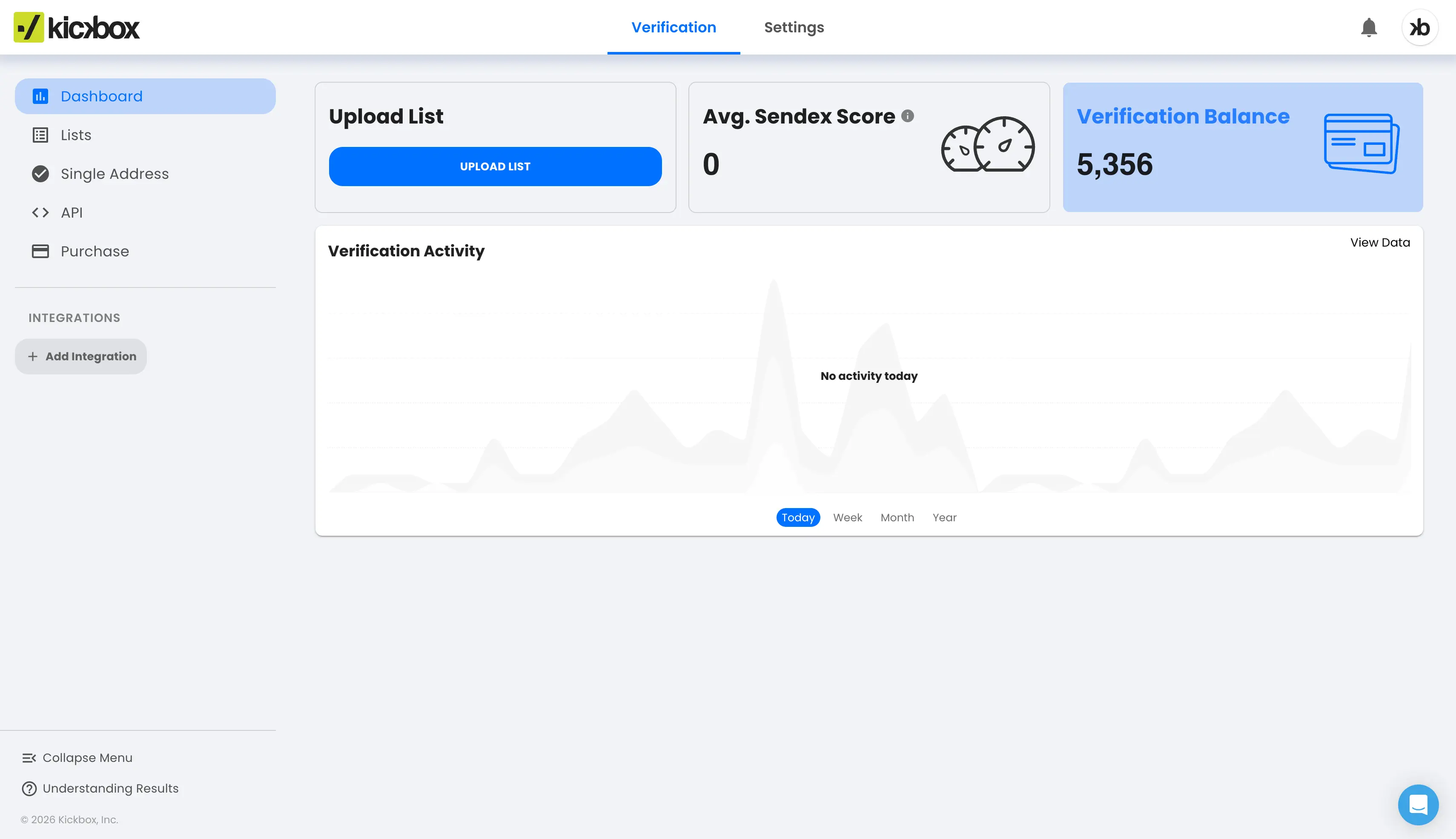
Every email address gets a Sendex score, and a higher score means it is safer to send to. I find this score helpful when a result comes back as risky, because it gives you a reason to keep or remove the contact.
Kickbox checks each list for:
Invalid email addresses and syntax errors
Disposable email addresses
Catch-all domains
It verifies single email addresses, full lists, and new signups through its API. Kickbox also connects to more than 20 tools, including HubSpot and Klaviyo.
For B2B lists, note that Capterra reviewers say Kickbox misses some catch-all email addresses.
Pros
Sendex quality score for every email address
Single, bulk, and real-time API verification
Catch-all and disposable email address detection
No charge for unknown results
20+ integrations, including HubSpot and Klaviyo
SOC 2 certified and GDPR compliant
100 free verifications at signup
Cons
Misses some disposable and catch-all email addresses, per Capterra reviewers
Slow on large lists, per Capterra and G2 reviewers
Higher price at large volumes, per Capterra reviewers
Pricing
Free verifications: New accounts get 100 free verifications.
Pay-as-you-go credits: Verifications cost $5 for 500, $70 for 10,000, and $500 for 100,000. One million verifications cost $2,999.
Enterprise plan: Lists above 1 million verifications need the Enterprise plan, which has a custom quote. Its sales team can give you the price.
Free trial: Kickbox has no free trial period. The 100 free verifications let you test it first.
8. MillionVerifier
Best for: E-commerce brands and email marketing teams with subscriber lists of several hundred thousand email addresses who want a low price per email.
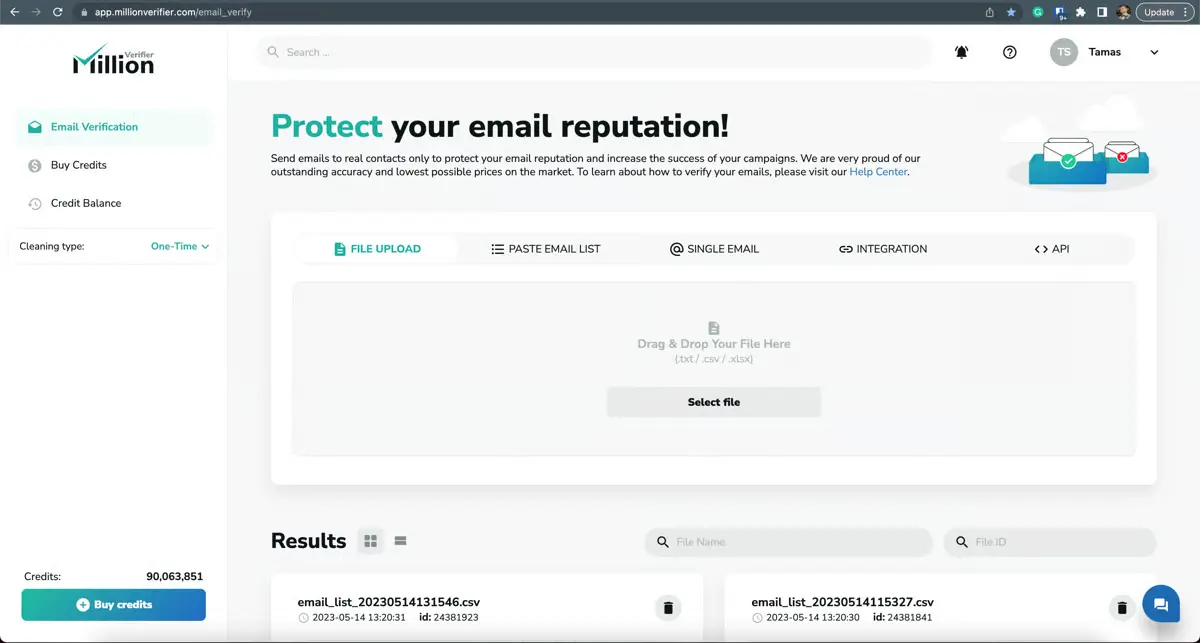
MillionVerifier is the lowest-priced option in this guide for very large lists. One million verifications cost $449, and the credits do not expire.
After each check, MillionVerifier sorts your list into three groups:
Good: Email addresses that are safe to send to.
Bad: Email addresses that are invalid or temporary.
Risky: Email addresses that are catch-all or unknown.
MillionVerifier gives back the credits it used on risky results, so you pay only for clear answers. This refund comes with one condition, though. Its help pages say accounts that often verify large numbers of scraped emails do not get it, and a cold email list can fall into that group.
If you use Mailchimp or HubSpot, EverClean saves you from uploading files. It connects to your email tool, verifies your lists every day, and removes bad email addresses based on the rules you set.
For B2B cold email, expect some catch-all email addresses to come back as risky. MillionVerifier does not score them, so you will need to decide on those contacts yourself.
Pros
1 million verifications for $449
99%+ accuracy claimed by MillionVerifier
Credits back for risky results, such as catch-all and unknown
EverClean daily verification inside your email tool
Credits that do not expire
40+ integrations, including Mailchimp and HubSpot
100 free credits, with no credit card needed
Cons
Catch-all email addresses come back as risky, with no score
No risky-result refunds for accounts that verify large numbers of scraped emails
Occasional outages and slow runs, per Capterra reviewers
Pricing
Free credits: Every new account gets 100 free credits.
Pay-as-you-go credits: Credits cost $89 for 50,000 email addresses and $449 for 1 million. Credits do not expire.
Free trial: MillionVerifier does not have a free trial. The 100 free credits let you try it first.
How to Choose an Email Verification Tool
Before you pick a tool, think about where your list is stored and how often you verify it. Here are the points I would check:
Count how many email addresses you verify each month, because credit packs and monthly plans work for different volumes.
Decide if you want a standalone verifier or verification inside the outreach tool you send from.
Check how the tool reports catch-all email addresses, because B2B lists have many of them.
Check which results use a credit, because some vendors do not charge for unknown results or duplicates.
Read the refund and credit rules if you verify cold email lists, because some vendors treat those lists differently.
Check if credits expire, which matters when you verify a list a few times a year.
Confirm that the tool connects to your CRM or email tool, so lists move without a CSV file.
Decide if you need to verify signups on a website form in real time.
Calculate the total cost with your own list size by including credits, monthly plans, and add-ons such as form protection.
Use the free credits to verify a small list you know well, then compare the results with what you know about those email addresses.
Removing bad email addresses is the first step to reaching the inbox. This email warm-up page explains the next step.
Verify, Warm Up, and Send From One Tool
Salesforge helps you validate each contact when it enters a sequence and warm your mailboxes through Warmforge.
The right tool depends on where your list comes from and how you send.
If you verify large marketing lists, ZeroBounce and Bouncer are both good picks. For the largest subscriber lists, MillionVerifier keeps the cost low.
Kickbox is a good choice for newsletter teams that want a score for each email address. Hunter and Clearout are useful when you need to find email addresses too.
If your GTM team or agency sends cold email, I would verify inside your outreach tool. That way, there is no file to export and import for every campaign.
FAQs
1. What is an email verification tool?
An email verification tool checks whether an email address is valid and can receive messages. It checks the address format, domain, and mail server, then classifies the result as valid, invalid, or risky.
2. Can I verify emails for free?
Yes. Several email verification tools offer free credits or limited monthly checks. Salesforge's free email verifier allows up to 10 checks per month, while ZeroBounce offers 100 free credits each month.
Hunter's Free plan includes up to 100 verifications per month. Bouncer, Clearout, Kickbox, and MillionVerifier also offer free credits to new users.
3. What is a catch-all email address?
A catch-all domain accepts emails sent to different addresses under the same domain, even when a specific mailbox may not exist. As a result, email verification tools may struggle to confirm whether a particular address belongs to a real recipient.
For cold email campaigns, I recommend testing catch-all addresses in small batches and monitoring the bounce rate before sending to more contacts.
4. What does an "unknown" result mean?
An unknown result means the verification tool could not confirm whether an email address is valid. The mail server may have timed out or refused to provide a clear response.
ZeroBounce, Bouncer, Clearout, and Kickbox do not charge for certain unknown results under their respective pricing policies. Check each tool's terms before relying on this benefit.
Try verifying unknown addresses again later, as a second check may return a clearer result.
5. Which email verification tool is the cheapest?
MillionVerifier offers a low cost per address for large lists, with 50,000 credits priced at $89. Kickbox has a lower entry price of $5 for 500 verifications.
For occasional checks, Salesforge's free email verifier covers up to 10 email addresses per month. The cheapest option for your needs depends on your list size and how often you verify contacts.
6. How often should I verify my email list?
Verify new leads before adding them to a campaign. I also recommend checking active lists about once a month and older lists every few months.
Salesforge's email validation guide estimates that 20% to 30% of B2B contact data becomes outdated each year. Regular checks help you catch invalid addresses before they increase your bounce rate.
7. Do I need a separate email verifier if I use a cold email tool?
Not always. If your cold email platform includes email verification and provides enough credits for your lists, a separate tool may not be necessary.
Salesforge includes 300 validation credits per month on its Pro plan and 1,000 on its Growth plan. A standalone verifier may be more suitable for large lists or newsletter contacts managed in another platform.
8. Does email verification stop emails from going to spam?
No. Email verification helps reduce bounces, but it cannot guarantee inbox placement. Your sender reputation, email content, domain setup, and sending practices also affect deliverability.
Mailbox warmup can help establish a sending history before you launch campaigns. Warmforge offers mailbox warmup with a recommended 14-day warmup period. However, warmup alone cannot guarantee that your emails will reach the inbox.
9. What else affects bounce rates besides removing bad email addresses?
Your sending domains, mailbox setup, and email list quality all affect bounce rates. The infrastructure you use also matters when you manage cold email campaigns at scale.
Here are three options for setting up your email infrastructure:
Mailforge provides shared email infrastructure for cold outreach.
Infraforge provides private email infrastructure with dedicated IPs.
Primeforge provides pre-warmed Google Workspace and Microsoft 365 mailboxes.
Each service has its own pricing and setup options. Choose one based on your sending volume, infrastructure needs, and budget.
Book more meetings on autopilot
Set up in minutes. No per-seat pricing. No commitment.
Compare 8 email verification tools by features, limits, and pricing. See which verifier works for cold outreach, newsletters, or large list verification.