Most B2B deals are decided before a rep ever picks up the phone.
Around 70% of the buying journey happens before a prospect talks to sales. By the time they reply to your cold email, they have already picked a shortlist. That is not a sales problem. That is a timing problem.
Buying signals are how you fix the timing problem. A funding round, a leadership hire, a research spike, a competitor page visit. Each one tells you the account is moving. But signals only work when you can trust them and act on them fast. Noisy signals send your reps chasing the wrong accounts. Accurate signals compound into better sales decisions.
That is where a buying signal tool earns its seat in the stack. The right one amplifies the signals that actually matter. It filters out the noise. It hands you a prospect who is warmer than a cold list and gives you a reason to reach out before your competitor does.
But not every buying signal tool is built the same. Some sell raw intent data with no way to act on it. Some bury the useful signals behind a $50K annual contract. And some track only one signal type, which leaves half your pipeline invisible.
So I spent the last few months running the 10 most talked-about buying signal tools through a real comparison. Signal accuracy. Signal variety. Data freshness. Total cost. Here is what I found.
Let's dive in.
Here is the ranked list. I ordered by how well each tool handles signal accuracy, variety, freshness, and cost, not by market share.
I have run Leadsforge Signals across a few outbound cycles now, and it is the tool I keep coming back to when accuracy matters. Every signal ships with public-source evidence attached. When a Hiring Signal fires, I see the company name, job title, posting URL, and date open. When a Funding Signal fires, I get the round, the amount, and the source. I do not have to trust a black-box score.
The signal variety is what makes it stick. Leadsforge Signals covers five event types in one workspace. Hiring, Job Change, Acquisition, Funding, and Investor triggers. Most tools I have tested force you to pick one signal type or bolt together two subscriptions. Leadsforge runs all five inside one platform, which means my pipeline view is not fragmented across tabs.
The workflow is the part I did not expect to like as much as I did.
I search using natural language. "Series B SaaS companies hiring VPs of Sales" gets me a real list in seconds. Every contact ships with a verified email and phone from waterfall enrichment across 500M contacts.
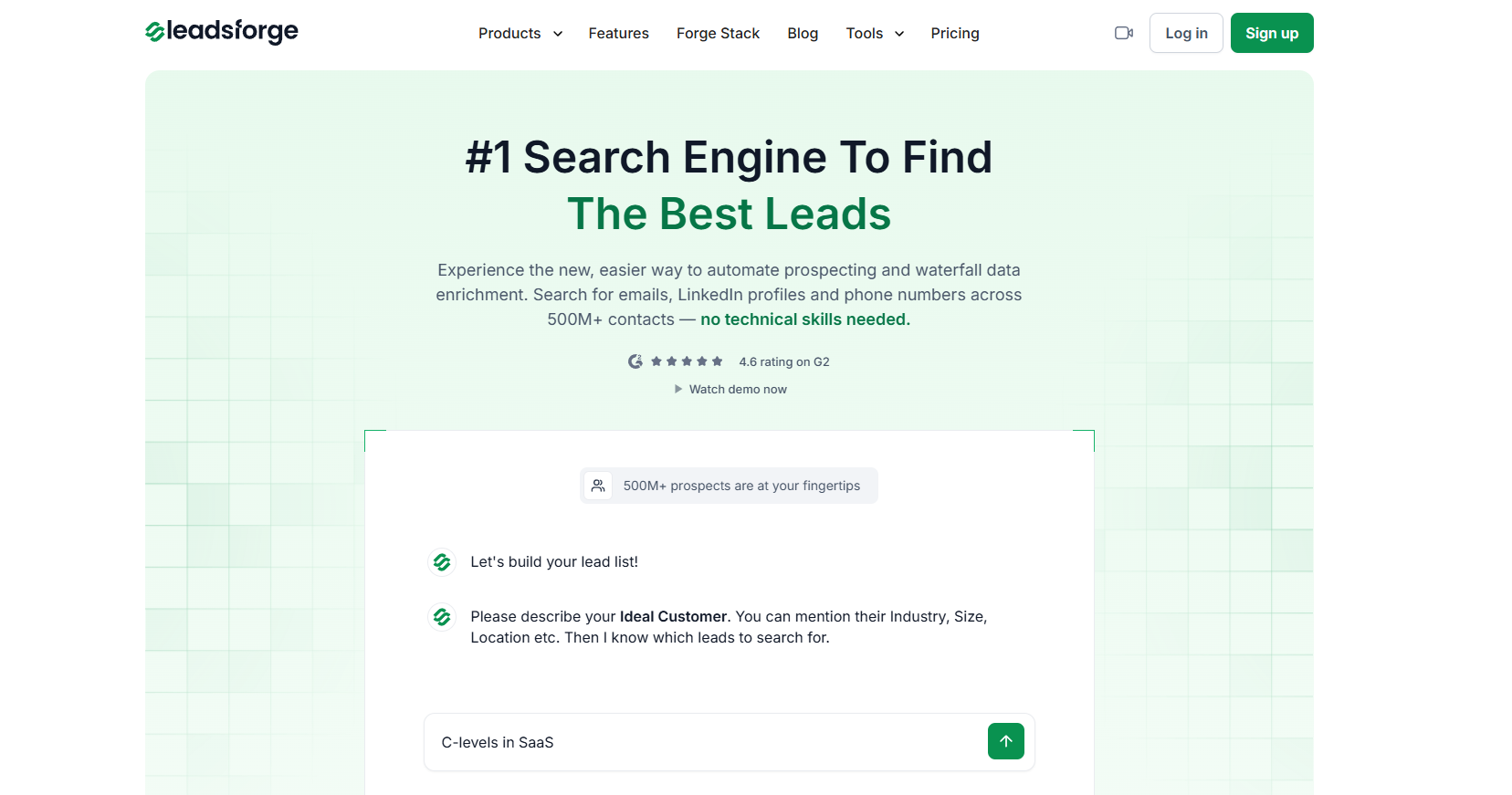
When I want to act, one click pushes the enriched contact into an outbound sequence. That collapses the "signal fired to first touch" window from hours to minutes, which matters because intent signals decay in 7 to 14 days.
I spent time inside 6sense while evaluating enterprise ABM options, and this is the tool marketing and sales leadership actually agree on.
The predictive AI model scores every account against a buying-stage timeline. Awareness, Consideration, Decision, Purchase. When I looked at the same account in Salesforce and in 6sense side by side, the 6sense view told me not just who was in-market but how close they were to a decision.
Signal variety is one of the widest on this list. 6sense pulls third-party intent, website visitor identification, technographic changes, job posting shifts, and psychographic signals. Sales Copilot layers on AI-recommended actions and a Chrome extension.

When I opened a target account, Copilot surfaced the buying stage, the intent topics that spiked, and a recommended next step. That workflow density is what enterprise teams pay for.
The trade-off is scale and cost. 6sense is priced for enterprise contracts. Setup is not trivial. When I ran a small trial for a mid-market team, the predictive model needed weeks of historical data to score confidently. If your team has under 20 sellers or you need value in 30 days, this is not the fit.
I have used ZoomInfo across a few outbound builds, and the value comes from breadth.
One contract gives me contact data, buyer intent, website visitor identification, and champion tracking. If your budget can carry an enterprise seat, ZoomInfo covers most of the outbound stack in one login.
The signal accuracy is real but the packaging is confusing. Buyer intent signals and job posting changes are gated to Copilot Advanced. Real-time intent and custom intent signals sit on Copilot Enterprise.
Streaming Intent is a separate add-on priced by keyword volume. When I priced ZoomInfo for a mid-market motion, the entry tier felt thin. Once I stepped up to Advanced with the intent module, the number tripled.
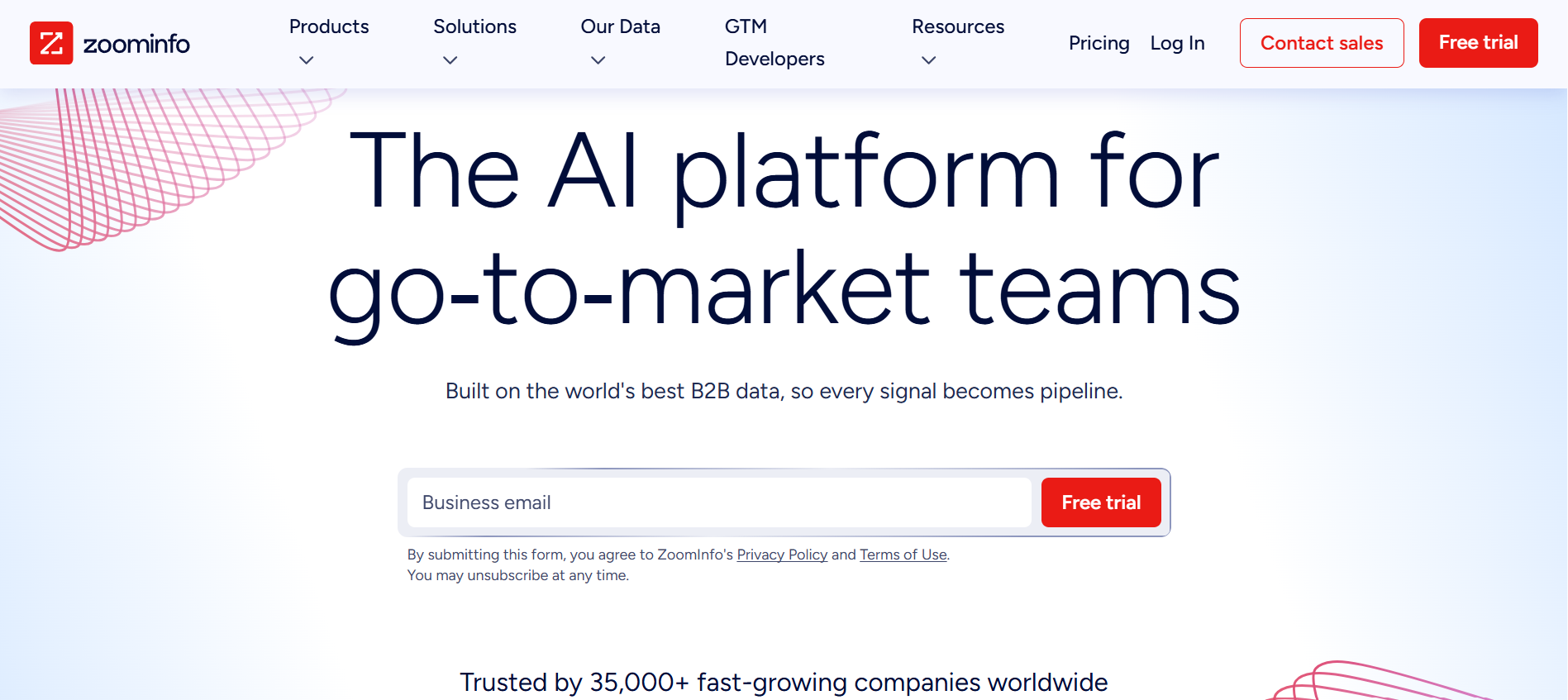
That said, the workflow inside Copilot is strong. AI account summaries and talking points appear inside the platform, so my reps stopped opening 12 tabs to prep a call. If you want the widest signal variety and can absorb the credit-based pricing, ZoomInfo delivers. If you want cheaper alternatives that cover similar ground, I put together a full list of ZoomInfo alternatives worth looking at first.
I have seen Bombora feed intent into every other GTM tool I have run at scale. Cognism, ZoomInfo, dozens of ABM platforms. So when I dug into Bombora directly, I wanted to see whether the primary signal was as strong as the resold version. It is.
Bombora runs the largest consent-based B2B intent data cooperative in the category. When I looked at the topic coverage, over 21,600 intent topics are tracked across a Data Co-op of thousands of trusted B2B publishers.
The signal accuracy comes from historical baselining. Bombora only flags a company as "surging" when its research activity spikes above its own normal pattern, not the market average. That single design choice cuts a lot of noise.

The catch is Bombora is a data layer, not a workflow tool. I fed the signal into a CRM to act on it. There is no native outreach and no contact-level identification. You know the account is surging, not the person inside it. If you need a foundation intent feed for a broader stack, Bombora is the source. If you want a tool your reps can act on today, look elsewhere.
I tested Cognism specifically for a EU-heavy outbound push, and the difference showed up on the phones. Cognism's Diamond Data mobile numbers are manually phone-verified rather than scraped.
When I dialed against a Cognism list, the connect rate was noticeably higher than the ZoomInfo list I ran against the same accounts.
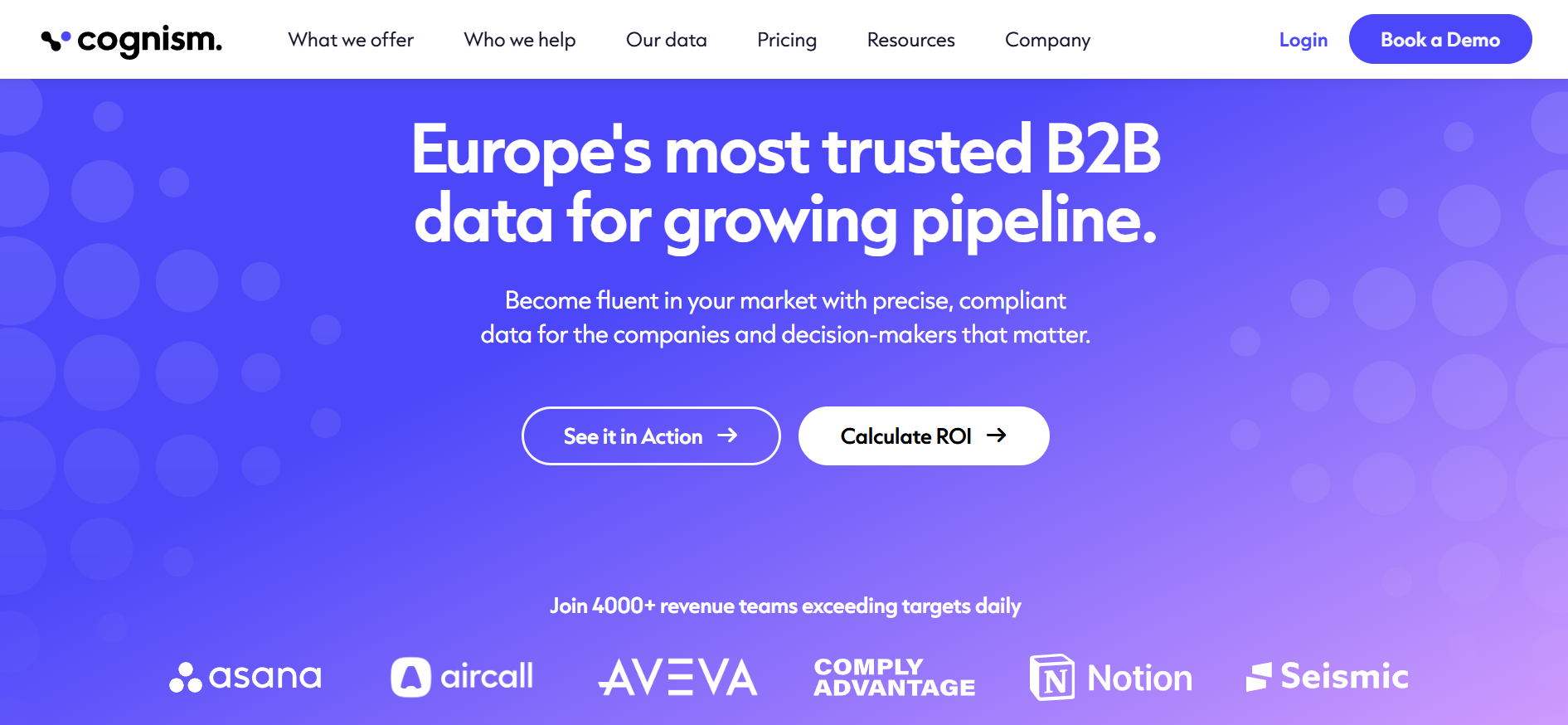
On the signal side, Cognism embeds Bombora Company Surge intent inside the platform. So the intent quality meets the enterprise bar, but the source is resold data, not proprietary. Buying intent is gated to the Pro tier. CRM enrichment and Data-as-a-Service are separate add-ons priced on top.
If your motion is EU or UK heavy and phone-first outbound matters, Cognism is the safest pick for compliance and connect rates. If you want first-party website visitor signals or job change tracking, this tool does not cover that.
Apollo is the tool I recommend to anyone running solo or on a small team. I have used it for months across different projects, and the price-to-feature ratio is the best in this category for SMB motions.
A 200M contact database, built-in sequencing, AI Lead Scoring, and lighter buyer intent signals all live in one platform.
The signal depth is where I have to be honest. Apollo's intent is shallower than dedicated intent providers like Bombora or 6sense.

When I compared Apollo's intent topics against ZoomInfo's Streaming Intent for the same accounts, ZoomInfo caught earlier signals and refreshed faster. Apollo caught the mid-funnel signals well enough to prioritize a list, but I would not build an enterprise motion on it.
Two catches worth knowing. The card prices are annual-billing rates. Monthly billing runs about 24% higher. And the data accuracy on Apollo's database is rated below premium vendors, so I always verify before I send.
For solo founders and small teams, none of that outweighs the value. For a broader look at self-serve alternatives, I have a review of AI lead generation tools I actually use.
The first time I built a Clay table, I understood why RevOps teams either love it or bounce off it. Clay is not a signal tool in the traditional sense. It is a GTM data orchestration platform. You build your own signal stack by chaining 150+ data providers into a workflow.
The power is real. Job change and signal tracking start at Launch. Web intent signal tracking sits at Growth. Claygent, the built-in AI research agent, runs across all paid tiers with credit-based usage.

When I set up a waterfall enrichment sequence, I could route the signal through five providers, cascade until I got a verified match, then push the result into an outbound sequence. That level of control is unmatched.
The trade-off is real too. Clay has a steep learning curve. I burned a full week getting comfortable with the table logic. Credit-based pricing scales with usage in ways that are hard to predict. You do not "buy Clay." You build with Clay. If your team has technical RevOps in the seat, that is the point. If you want a tool that works out of the box, look elsewhere on this list.
I evaluated UserGems for a team that needed to reactivate a large customer base worth of champion relationships.
That is the specific job UserGems does better than anyone else. When a past champion or buyer moves to a new company, UserGems flags it within 24 to 48 hours. That gave me a real chance to reach out while the relationship was still warm.
The platform has grown beyond job changes into AI agents that build lists, prioritize accounts, and generate outreach. Contact-level website de-anonymization and contact-level intent signals are available on higher tiers or as add-ons.

But job change is still the reason to buy UserGems. Nothing else on this list tracks champions the way UserGems does.
Pricing is transparent, which is refreshing. It starts at $2,750 per month plus a $3K implementation fee, putting UserGems firmly in the mid-market to enterprise bracket. There is a Starter package for startups under 80 employees. If your motion is champion-tracking heavy and you have the budget, this is the tool. If you want signal variety across five event types, look elsewhere.
I ran Leadfeeder on two different sites to see how much the signal value depended on traffic volume. The answer is a lot. On the low-traffic site, the visitor identification returned 10 to 15 usable company signals a month.
On the higher-traffic site, it returned closer to 200. Leadfeeder rewards teams that already have qualified traffic and want to turn browsers into pipeline.
The core signal is first-party. When a company visits your site, Leadfeeder de-anonymizes the traffic and pushes the visit into your CRM as a company-level signal. Alerts fire when a dormant account returns to the site. If you sell into Europe or the UK, the GDPR-first data model matters.

If you sell into the US, this is one of several visitor-ID options.
The catch is scope. Leadfeeder gives you the company, not always the contact. And the multi-product structure (Leadfeeder for visitor ID, Target for prospecting, Promote for advertising) means total stack cost is not transparent. For EU teams with qualified traffic, it is a strong pick. For US-first teams with low site traffic, the signal pool is thin.
I have paid for LinkedIn Sales Navigator for years across different roles. It sits differently than the other tools on this list. The signals live inside LinkedIn itself, not on a third-party publisher network or your own website. That immediacy is why I keep it in the stack even alongside a dedicated signal tool.
The core signals are job changes, account news, saved lead alerts, and buyer intent (introduced on Advanced and Advanced Plus).
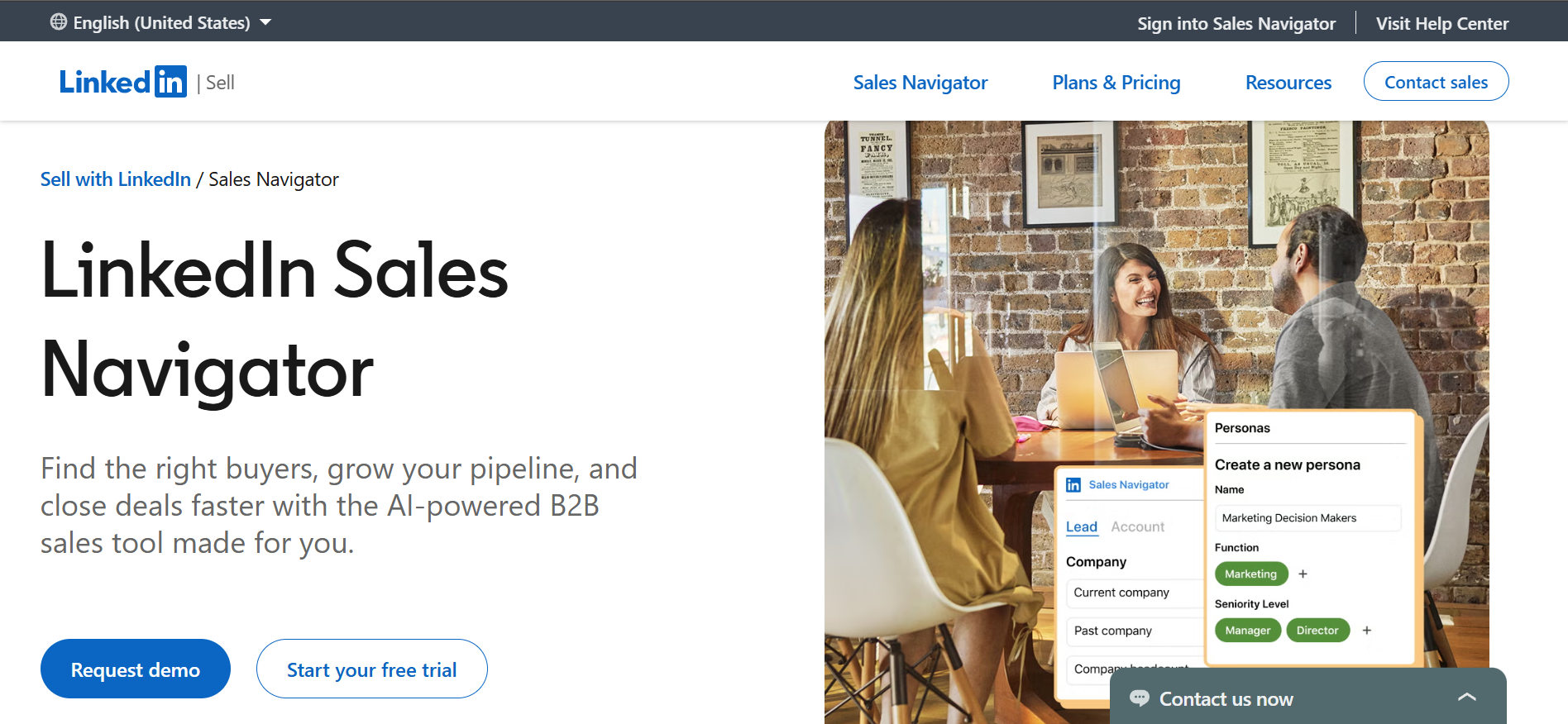
When a saved lead switches jobs, LinkedIn tells me faster than any third-party tracker I have used. When an account posts a leadership hire, it lands in my alert feed the same day. That is genuinely useful, especially for job change plays.
The catch is scope. Sales Navigator does not export contact emails or phone numbers. I work inside LinkedIn or sync to CRM at the Advanced Plus tier. Buyer intent signals are gated to Advanced. There is no third-party publisher intent and no website visitor identification. It is a strong complement to a data-plus-intent tool, not a replacement..
Every tool on this list has a specific job it does well. For outbound teams that value signal accuracy, variety, and speed, Leadsforge wins in 2026.
6sense wins if you need predictive ABM. Bombora wins if you want the raw intent data feed. UserGems wins if job changes are your whole motion.
Leadsforge also lives inside the Forge stack. Once you have the signals, you can send sequences from the same platform without switching tools. If you want to see it in action, sign up for Leadsforge and use the 100 free credits to test the signals for yourself.
A B2B buying signal tool is a platform that detects, verifies, and delivers signals showing a company is moving toward a purchase decision. Common signals include job changes, funding rounds, hiring surges, technographic changes, and third-party research activity. The best tools attach evidence to every signal so I can verify the trigger before reaching out.
There are four main types. Intent signals reflect active research on your category. Trigger signals reflect structural events like funding or leadership changes. Engagement signals reflect behavior on your own site or campaigns. Verbal signals reflect the words a prospect uses on a call or in a reply.
Prices range widely. The low end starts at $49 per month with Leadsforge or Apollo Basic. The enterprise end runs to $50K or more per year with 6sense, ZoomInfo Enterprise, or UserGems Elite. Many enterprise tools do not publish public pricing. Intent capabilities are often gated to higher tiers or sold as separate add-ons.
Most buying signals decay within 7 to 14 days of firing. Job change signals hold longer, usually 30 to 90 days. The fastest path from signal detection to first outreach is what separates tools that generate pipeline from tools that generate reports.
Intent data is one type of buying signal. It reflects the research activity a company shows across third-party publisher networks. A buying signal tool covers a broader set, including trigger events, engagement signals, and verbal signals in addition to intent data. Bombora sells pure intent data. Leadsforge, Cognism, and others sell buying signal tools that include intent as one input among several.
You can, but you leave most of the value on the table. Detecting the signal is only half the job. If it takes 20 minutes of manual work to move a signal from detection to a sequence, the window has usually closed. Tools that push signals directly into a sequence platform preserve that window.


.jpg)


