I get why people think about buying LinkedIn accounts.
I run Outbound Pros, an agency that sends about 300,000 LinkedIn DMs a month through Salesforge. So I know how fast one profile runs out of invites.
To scale your outreach you need more accounts. You need more profiles to book more meetings, and you have to hire more people to get those profiles.
But every time I looked at buying accounts, the same thing stopped me. You send money to a stranger and they send back a login. You get no invoice and no contract. When the account stops working, you're emailing a seller who may not reply.
So, I started renting instead. This way, you get an invoice, someone to call, and a written promise to replace the account if it stops working. The Salesforge blog has a full list of places to rent LinkedIn accounts if you want to compare them on their own.
I've used several providers for LinkedIn accounts over the years, so I went back and looked at the market again. You'll find my top 8 providers to buy LinkedIn accounts in 2027 below.
In this blog, I have shared what each one charges, what they put in writing and who each one is for.
TL;DR: 8 Best Providers to Buy LinkedIn Accounts
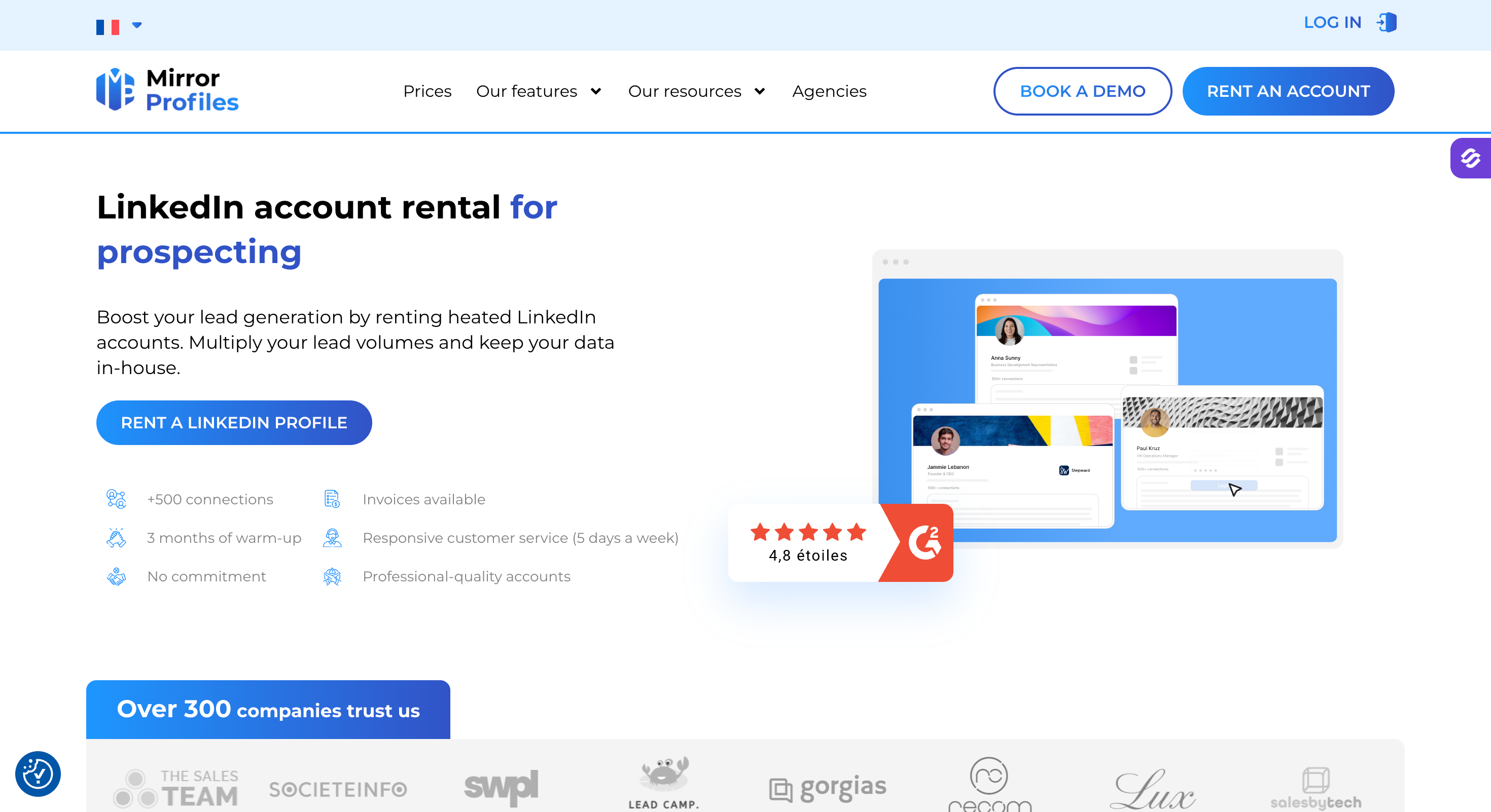
MirrorProfiles: Best if you want everything in writing. It publishes a price grid, a refund rule and support hours, and builds every profile from scratch.
NextGenProfiles: Best if you want to rent in bulk, because it starts at ten profiles and sells no single rental. You will not find a terms page anywhere on the site.
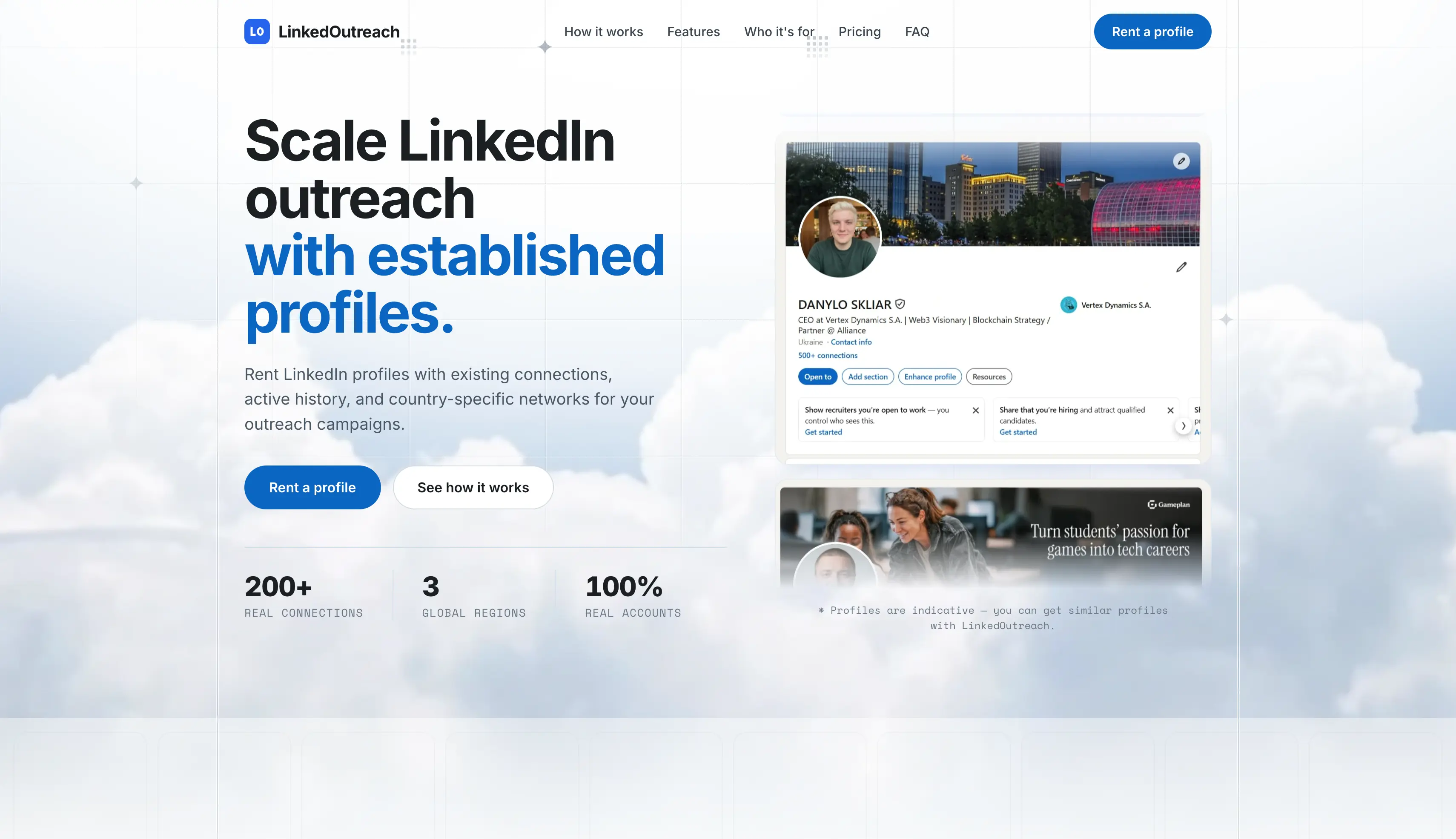
LinkedOutreach: Best for agencies and teams scaling LinkedIn outreach. Swaps cost nothing and your campaigns move across, though your fee is gone once a profile is built.
ProfileOcean: Best if you are starting out and want room to scale, because every market costs the same. It publishes less about the profiles than anyone here.
Linkedaccount: Best if you plan many client profiles at once, because you can order up to 25, though the company publishes nothing about itself.
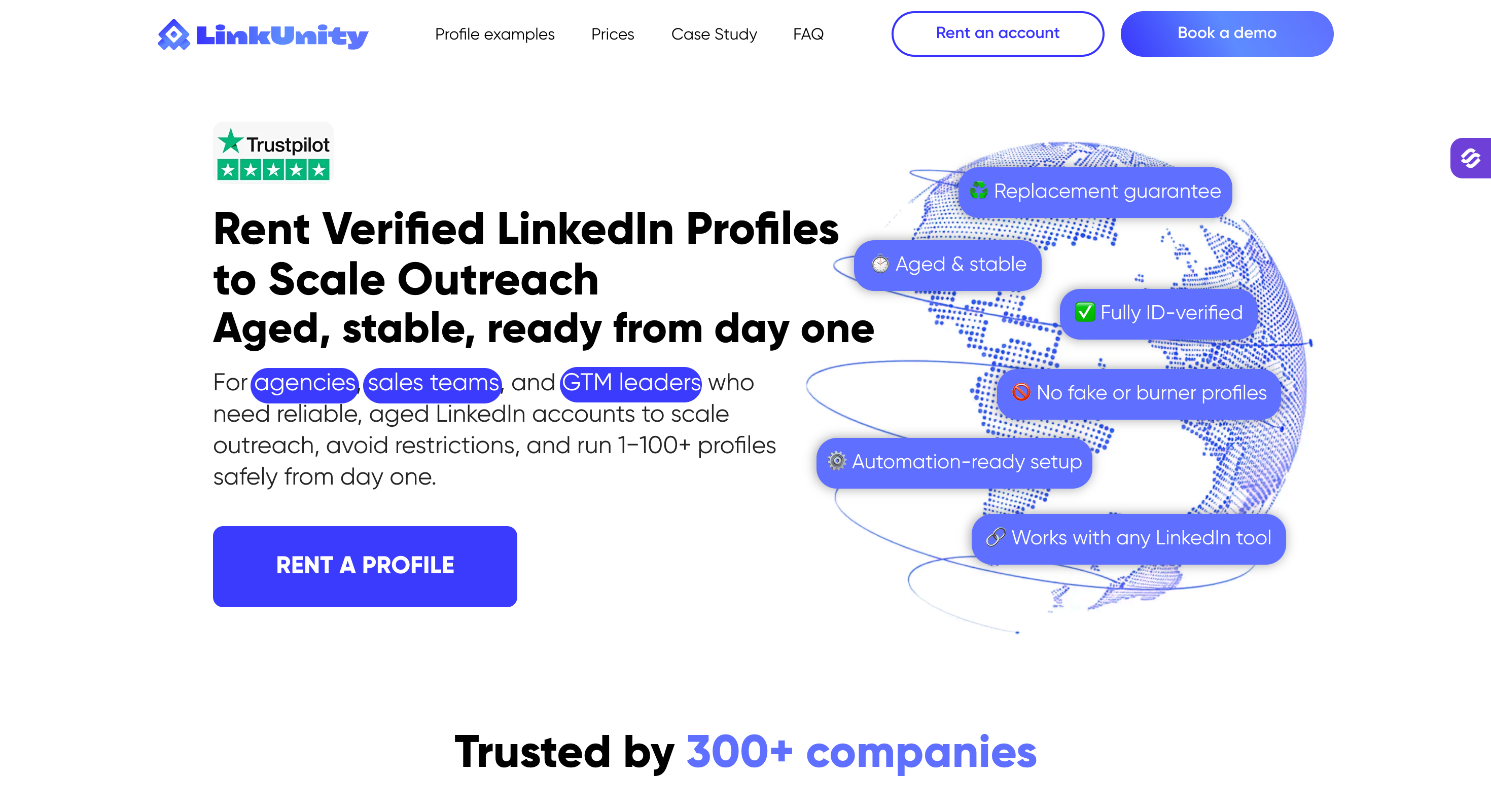
LinkUnity: Best for teams who need verified profiles, because every owner passes a passport check, though you cannot change the photo or name.
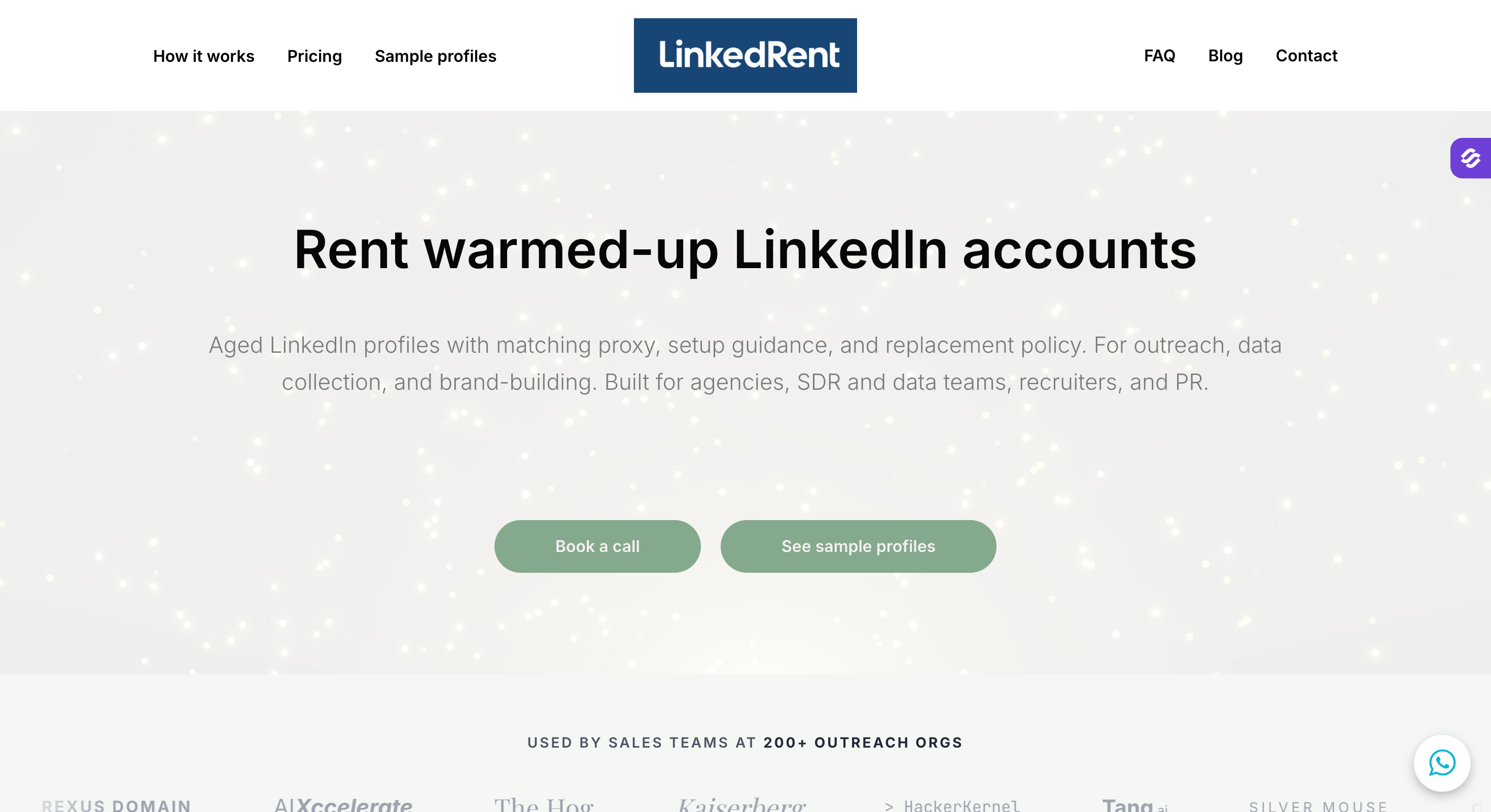
LinkedRent: Best if you want LinkedIn Premium or Sales Navigator in one price, though only five people have reviewed it on Trustpilot.
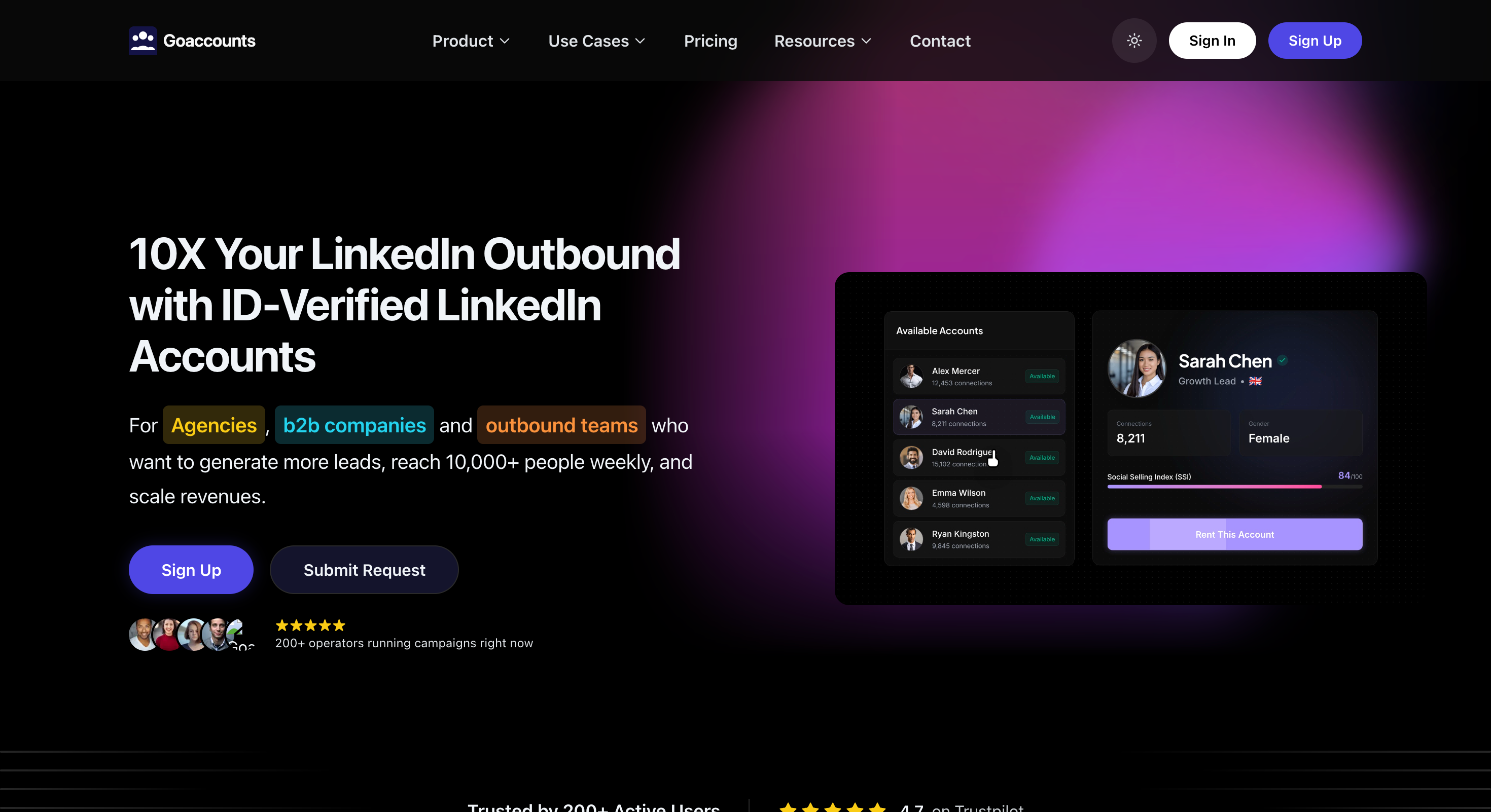
Goaccounts: Best if you rent twenty or more, because the volume and prepay discounts stack, though you wait three to ten days for delivery.
Feature Comparison: 8 Providers to Buy LinkedIn Accounts at a Glance
Feature
MirrorProfiles
NextGenProfiles
LinkedOutreach
ProfileOcean
Linkedaccount
LinkUnity
LinkedRent
Goaccounts
Best for
EU teams who want every term in writing
Teams renting ten profiles or more
Agencies scaling LinkedIn outreach
Teams starting out who want room to scale
Agencies planning many clients in one brief
Teams who need a verified profile
Agencies who want Sales Navigator in one price
Teams renting twenty profiles or more
Starting price
€140 a month in Europe, $200 in the US
$59 a month, flat
$129 a month, flat
$89 a month, flat
$129 a month, flat
$135 a month for one to three
$140 a month on Basic
From $143 a month
Minimum commitment
One profile
Ten profiles, no single rental
One profile
One profile
One profile
One profile
One profile
One profile
Sales Navigator
Add-on, price not on their site
Core included on the $109 plan
Add $50 a month
Add $49 a month
Add $50 a month
Add about $50 a month through a partner
Included in the $190 plan
Add $40 a month
Billing
Monthly, no commitment, invoice every time
Monthly, cancel any time
Monthly, cancel any time
Monthly
Monthly, cancel any time
Monthly subscription
Monthly, cancel any time
Monthly, or prepay three to twelve months
Markets
Europe and the US, with Asia and the UAE coming
US, EU, UK, Latin America and Asia
US, EU and global
US, EU and global, all at one price
US, EU and others
US and EU, mostly from Eastern Europe
US
London, New York, Paris, Dubai, Berlin and more
Connections
500 or more
500 or more on average
200 or more
100 or more
200 or more
100 or more
500 or more on Basic
500 or more
Replacement
Free, in 24 to 48 hours
Recovery first, then a replacement
Free swap any time, campaigns carry over
Any time you ask, no window published
Free, for the length of the rental
Recovery first, up to 3 days, then a replacement
Recovery starts within 7 days
Recovery in 7 days or a replacement, plus a credit for the downtime
What you can change
Headline, summary, photo, banner, role and skills
Nothing. The profile stays as it is
Region, gender and market before the build
Each profile can be set up for your campaign
Set per client in the brief
Headline and experience, but not the photo or name
Headline, experience and location over 3 to 5 days
Name, headline, photo, banner and About
Reviews
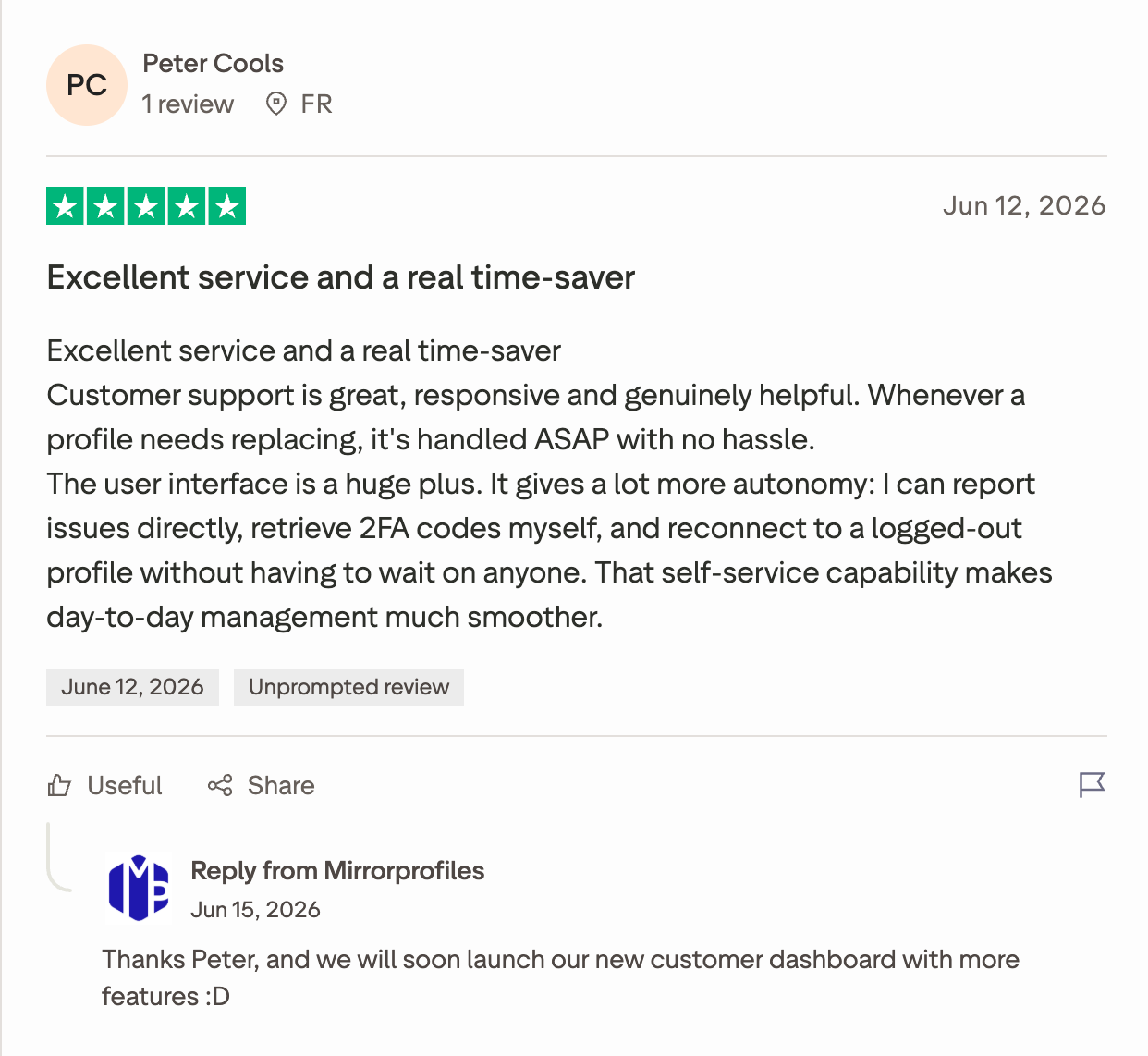
4.6 on Trustpilot from 52 reviews
None found
None found
None found
None found
4.6 on Trustpilot from 22 reviews
4.1 on Trustpilot from 5 reviews
None found
Should You Buy or Rent LinkedIn Accounts?
If you're considering buying LinkedIn accounts to scale your outbound, it's worth a look at what renting gives you instead.
Criteria
Buying LinkedIn Accounts
Renting LinkedIn Accounts
Upfront cost
$10 to $300 once. No replacement if it's banned, so you buy again
$59 to $200 a month, with a free replacement if it's banned
Ready to send
A login today, then four to six weeks of warmup before you can send
Within 24 hours at most providers, and ten days at the slowest
Warmup
Yours to do, and the account does nothing while you do it
Already done before the profile reaches you
Who carries the risk
You. If the account is banned, you have lost what you paid
The provider. They own the profile, so a block is their problem to fix
If LinkedIn blocks it
Nothing happens. You go back to the marketplace and buy another
The provider replaces it for free, and seven put that promise in writing
Who gets it back
You, with no password reset and no recovery email
Five of the eight try recovery first, because they hold the login
Support
None once you have paid
Seven of the eight give you a named manager or a shared channel
Paperwork
No invoice and no contract
An invoice every month, so a client can be billed for it
Written terms
None. Whatever the seller said in chat
Seven of the eight publish them, so you know what you are owed
Your conversations
Gone with the account. You start the next one from zero
They move to the replacement profile and your sequences carry on
1. MirrorProfiles
Best for: EU and US teams who want every term written down before they pay.
MirrorProfiles is a French company that builds LinkedIn profiles from scratch and rents them out by the month.
Nobody owns the profile you rent. The photo is AI-generated, so you are not wearing someone else's face.
MirrorProfiles works each account by hand for four months before it reaches you, and it arrives with 500 or more connections.
That limits what you can edit. You can rewrite the headline, the summary, the photo and the banner at one change a day. The current role and the skills change too. The first name, the last name and the work history stay as they are.
They also write down more than anyone else here. You get the full price list, how to stop paying and when you get money back. You also get the team's hours and the name of the person who runs the company.
MirrorProfiles Key Features
Warmed up accounts: Each profile is worked by hand for four months, arrives with 500 or more connections, and has an established history for better credibility.
Published price list: The price drops in eight steps as you add accounts, from €140 down to €77 at two hundred.
Invoices: You pay by card through Stripe and get an invoice for every charge. The smaller providers here do not do that.
Free replacements: A blocked profile is swapped within a day or two, as long as you stuck to their rules.
One dashboard: You run every profile from one place rather than keeping logins in a spreadsheet.
Markets and sectors: You pick Europe or the US, with Asia and the UAE on the way, and the sector from SaaS to healthcare.
Integrations: It connects to Salesforge, HeyReach, Expandi and Lemlist, among more than thirty others.
Live support: Chat, WhatsApp and email, Monday to Friday, 8am to 7pm French time.
What I Liked About MirrorProfiles
You can read how to cancel and when you get money back before you hand over a card.
Every payment comes with an invoice. That matters if a client is paying for it.
The four months of warming happen before the account reaches you, so you are not building history yourself.
The price drops in eight steps as you add accounts, not at one agency tier.
At 4.6 from 52 reviews, it has more outside reviews than anyone else here.
What Are the Cons of MirrorProfiles
There is no free trial, only a demo, so you pay for a month before you see an account.
Sales Navigator costs extra and MirrorProfiles does not publish the price.
MirrorProfiles Pricing
Accounts
Discount
Europe
United States
1 to 4
List price
€140 a month
$200 a month
5 to 9
10% off
€126 a month
$180 a month
10 to 14
15% off
€119 a month
$170 a month
15 to 19
20% off
€112 a month
$160 a month
20 to 29
25% off
€105 a month
$150 a month
30 to 39
30% off
€98 a month
$140 a month
40 to 49
35% off
€91 a month
$130 a month
50 to 200
40% off
€84 a month
$120 a month
More than 200
45% off
€77 a month
$110 a month
Free trial
None
You can book a demo instead
Prices are per account per month and VAT is on top. You pay monthly with no commitment, and every account you run gets the lower price. Sales Navigator costs extra and the price is not published.
Best for: Agencies renting ten profiles or more, because NextGenProfiles sells no single rental.
NextGenProfiles rents LinkedIn accounts at one flat rate in every region, and no other provider here charges less per profile.
You cannot rent one. The minimum order is ten, so this suits an agency filling several client seats rather than a founder testing the idea.
You give up a lot for the low rate. NextGenProfiles publishes no terms page, and its own pages contradict each other on the trial, on the verified badge and on what a rival charges. Every claim below comes from marketing copy rather than a contract.
You should take the site as a starting point and get the answers in writing before you pay for ten profiles.
NextGenProfiles Key Features
One rate everywhere: You pay the same across six regions, from the US to Asia.
Free trial: You can test accounts before you spend anything.
Owned by people: Each account belongs to a person, and AI tidies up the existing photo rather than inventing one.
Aged US accounts: The profiles average over a year old and 500 or more US connections.
Sales Navigator bundled: One plan includes Sales Navigator Core instead of selling it as an add-on.
Twelve named tools: They list HeyReach, Lemlist, Expandi and Dripify among others.
Recovery first: They try to get a blocked account back before they replace it.
WhatsApp support: You message the team directly rather than opening a ticket.
What I Liked About NextGenProfiles
You can test a profile on your own pipeline before you spend a thing.
The entry price is low enough that one account costs less than a day of an SDR's time.
They name twelve automation tools, and nobody else here publishes a list that long.
One plan includes Sales Navigator Core, so you skip the add-on everyone else charges.
Six regions cost the same, so a team selling into several markets only works the budget out once.
What Are the Cons of NextGenProfiles
NextGenProfiles publishes no terms page, so you have no refund policy and no swap promise in writing.
Their own pages put the trial at two accounts, at five accounts and at three accounts.
They say every account has LinkedIn's verified badge, and a reviewer who checked reports it comes on request.
Their comparison page prices MirrorProfiles at $150 when MirrorProfiles publishes $200.
I could not find a single review of NextGenProfiles on Trustpilot, G2 or Capterra.
NextGenProfiles Pricing
Plan
Price
What you get
One profile
$59 per profile per month
Flat in every region, 500+ connections on average
With Sales Navigator
$109 per profile per month
Adds Sales Navigator Core
50 or more profiles
Not published
They discuss the rate on a call
Free trial
Yes, though the size is unclear
Their pages say two, five and three accounts
What Real Users Say About NextGenProfiles
NextGenProfiles has no page on G2, Capterra or Trustpilot.
It publishes no terms either, so you are left with the marketing pages. The free trial gives you the cheapest look at what the accounts are actually like.
3. LinkedOutreach
Best for: Agencies and teams scaling LinkedIn outreach who expect to swap profiles often.
LinkedOutreach rents aged accounts as LinkedIn profiles that it owns and runs itself, and providers pitch them as offering more credibility and a lower chance of getting banned than brand-new accounts.
You do not pick a profile off a list here. You tell them the region, the number of profiles and the gender you want, and they build an account to match. You wait longer than you would at a catalogue, and you get something closer to your market.
You can also replace any profile free at any time, and your campaigns move to the new one. Nobody else here lets you swap without giving a reason.
Their terms say your fee is gone once they start building a profile. You cannot change your mind halfway through, so settle the brief before you pay.
LinkedOutreach Key Features
Free swaps: You can replace a profile without proving it was blocked first.
Campaigns move with you: Your sequences follow the replacement, so you do not rebuild them.
Built to your market: You set the region, the count and the gender before anyone starts.
One flat price: You pay the same per profile at one account or ten.
Human pace warmup: They warm each profile slowly before you get it, and they build the connections rather than buy them.
ID verified badge: You can add LinkedIn's verified badge to a profile for an extra monthly fee.
A named manager: You get one person to deal with rather than a support queue.
Any tool you like: You connect the profile to your own outreach software and keep the sequencer you already run.
What I Liked About LinkedOutreach
You swap a profile whenever you want, without arguing about whether it counts as blocked.
Your sequences follow the new profile, so a swap costs you nothing in setup time.
The price stays the same at one profile or fifteen, so a client budget is easy to write.
You decide the region and the gender. Few providers here let you choose either.
One named person handles your account rather than whoever picks up the chat.
What Are the Cons of LinkedOutreach
The profiles arrive with 200 or more connections, fewer than the four providers here that publish 500.
You cannot get your money back once they start building, so a change of plan costs you the month.
I could not find a single review of LinkedOutreach on Trustpilot, G2 or Capterra.
LinkedOutreach does not publish where the company is, when it started or who runs it.
They say volume pricing starts at fifteen seats but do not publish the rate, so you have to ask.
LinkedOutreach Pricing
Plan
Price
What you get
One profile
$129 per profile per month
Aged profile, 200+ connections, built to your market
ID verified badge
Add $50 a month
LinkedIn's verified badge on the profile
Sales Navigator
Add $50 a month
Sales Navigator on the profile
15 or more profiles
Not published
You can contact them for the rate
Free trial
None published
No setup fee, billed monthly, cancel any time
What Real Users Say About LinkedOutreach
You will not find Linkedaccount on G2, Capterra or Trustpilot.
The company publishes nothing about where it is or who runs it either, so you have only the sales copy to go on. Ask for a client reference before you hand over a card.
4. ProfileOcean
Best for: Teams starting out who want room to scale, because every market costs the same.
ProfileOcean rents warmed LinkedIn profiles to agencies and sales teams at one flat rate.
You pay the same for a US profile, an EU profile or a global one. Only NextGenProfiles costs less per profile. Only MirrorProfiles charges extra for an American account.
Their terms admit more risk than anyone else's here. The secondary market for social media accounts is unregulated. ProfileOcean states in writing that it cannot promise results, uptime, or that LinkedIn will leave an account alone. It also tells you to follow LinkedIn's own rules. Most providers here skip that subject.
You will not find much detail about the profiles. ProfileOcean does not publish the connection count, the age of the accounts, how long it warms them or whether a person owns them. You are trusting a price and a terms page.
Many so-called aged accounts sold online are actually compromised profiles. On any marketplace, check the seller's credibility and the account's legitimacy before you pay.
You should ask about one clause. ProfileOcean bans impersonating people, on a site that rents you somebody else's profile. You cannot do both, so you should ask them about it before you pay.
ProfileOcean Key Features
One flat rate: You pay the same per profile at one account or twenty.
One price everywhere: A US profile costs the same as an EU or global one.
Warmed up first: ProfileOcean warms each profile before it reaches you.
Verified option: You can add identity or workplace verification to a profile for a monthly fee.
Sales Navigator: You can add Sales Navigator to any profile for the same monthly fee.
Open replacement: You can ask for a new profile any time one stops working.
Published terms: You can read a dated terms page before you hand over a card.
Set up per campaign: You can prepare each profile for the campaign you plan to run.
What I Liked About ProfileOcean
Only NextGenProfiles asks less per profile, and NextGenProfiles publishes no terms at all.
A US profile costs the same as an EU one, so a team selling into America pays no extra.
Their terms say plainly that an account can be restricted, instead of promising it will not.
They point you at LinkedIn's own rules rather than skipping past the subject.
The terms page carries a date, so you know how current it is.
What Are the Cons of ProfileOcean
ProfileOcean does not publish the connection count or the age of its profiles, so you buy blind.
You cannot tell from the site whether a person stands behind the profile or not.
Their replacement promise has no time limit in it, so a blocked profile could take a while.
You cannot get your money back once a profile reaches you.
I could not find a single review of ProfileOcean on Trustpilot, G2 or Capterra.
ProfileOcean Pricing
Plan
Price
What you get
One profile
$89 per profile per month
Warmed profile, US, EU or global
Verified profile
Add $49 a month
Identity or workplace verification, $138 in total
Sales Navigator
Add $49 a month
Sales Navigator on the profile
Free trial
None published
Billed monthly, fees are not refundable once a profile reaches you
What Real Users Say About ProfileOcean
ProfileOcean has no page on G2, Capterra or Trustpilot, so no customer has written about it in public.
You do get a dated terms page, and few providers here publish one. You should read it before you pay rather than after.
5. Linkedaccount
Best for: Agencies setting up profiles for several clients in one go.
Linkedaccount rents pre-warmed LinkedIn profiles and sets them up for each client you name.
You start with a brief rather than a checkout. You tell them the regions you cover, how many profiles you need and which outreach tool you run. They come back with what is available, what it costs and how long the setup takes, and you pay after that.
You can also price up to twenty five profiles on the site before you speak to anybody. No other provider here lets you work out a whole client list that way.
The profiles reach you with 200 or more connections, and Linkedaccount prepares each one for the market you named.
Linkedaccount tells you little about itself. You will not find a location, a founding year, the names of the team or which automation tools the profiles work with.
Linkedaccount Key Features
Plan builder: Your monthly total updates on screen as you add profiles, up to twenty five.
A brief, not a checkout: You set the regions, the count and the tool before anyone quotes you.
Set up per client: They prepare each profile for the market and the client you name.
Free replacements: Linkedaccount swaps a profile at no extra charge, with no limit on how often you ask.
One flat price: You pay the same per profile however many you rent.
ID verification: You can add LinkedIn's verification to a profile for an extra monthly fee.
Sales Navigator: You can add it to any profile for the same monthly fee.
A named manager: You get one person for setup and for every month after it.
What I Liked About Linkedaccount
You can cost out a client before anyone asks you for a card.
They tell you how long setup takes before you pay, so you can promise a client a date.
They prepare each profile for the market you named instead of handing you a spare one.
Swaps stay free for the whole rental, and nobody counts how many you have used.
One named person stays with you after the setup is done.
What Are the Cons of Linkedaccount
Linkedaccount publishes nothing about where the company is, when it started or who runs it.
You cannot see the age of the profiles anywhere on the site, so you should ask first.
The site does not name a single automation tool, so you should confirm yours works first.
The profiles arrive with 200 or more connections, fewer than the four providers here that publish 500.
I could not find a single review of Linkedaccount on Trustpilot, G2 or Capterra.
Linkedaccount Pricing
Plan
Price
What you get
One profile
$129 per profile per month
Pre-warmed profile, 200+ connections, set up for your market
ID verification
Add $50 a month
LinkedIn's verification on the profile
Sales Navigator
Add $50 a month
Sales Navigator on the profile
1 to 25 profiles
$129 each
The plan builder shows your monthly total
Free trial
None published
No setup fee, no annual commitment, cancel any time
What Real Users Say About Linkedaccount
Nobody has reviewed LinkedOutreach on G2, Capterra or Trustpilot.
Everything in this section comes from their own site and their terms. If you are putting a client on one of these profiles, you should ask for a reference you can speak to first.
6. LinkUnity
Best for: Teams who need a verified profile, because every owner passes a passport check.
LinkUnity is a Cyprus company that rents LinkedIn accounts from people who agreed to hand them over.
Every owner agrees to the rental in writing and passes a passport check, so somebody answers for the profile you rent. The accounts are a year old or more and carry 100 or more connections. Most providers here offer more.
You see the profiles before you pay. LinkUnity shows you samples that match your market, and the account reaches you within a day once you choose.
You cannot change who the profile is. You can rewrite the location and the experience, and the photo and the name stay as the owner's. You accept that when you rent from a person.
You should read their terms before you commit. LinkUnity can end the agreement on two weeks' notice and take the account back.
A replacement profile may also arrive with fewer connections or a different gender.
LinkUnity Key Features
Consenting owners: Every account belongs to a person who agreed to rent it out and passed a passport check.
Samples first: You see profiles that match your market before you pay for any of them.
Next day delivery: Your account reaches you within 24 hours once you pick it.
Volume pricing: The rate drops in four steps as you add accounts.
Free replacements: LinkUnity tries to recover a blocked account for up to three days, then swaps it free.
Partner discounts: You get money off Salesforge, HeyReach and Expandi, among others.
Bulk support: You get a private messenger group with the team on large orders.
A named team: You deal with people by name rather than a support queue.
What I Liked About LinkUnity
You see sample profiles before you hand over a card. None of the cheaper providers offer that.
Every owner has agreed in writing, so you are not working with an account somebody lost.
The account arrives within a day. Only one other provider here matches that.
At 4.6 from 22 reviews, it has the second most outside feedback of the eight.
Partner discounts cut the cost of the outreach tool you run alongside it.
What Are the Cons of LinkUnity
You cannot change the photo or the name, so the profile keeps looking like its owner.
The accounts carry 100 or more connections, the lowest count of the eight.
LinkUnity can end the agreement on two weeks' notice and take the account back.
Their own terms warn that a replacement may have fewer connections or a different gender.
You get no refund and no replacement if you break their usage rules.
LinkUnity Pricing
Accounts
Price
1 to 3
$135 per account per month
4 to 10
$130 per account per month
11 to 20
$120 per account per month
20 or more
$110 per account per month
Sales Navigator
About $50 a month through a partner
Free trial
None, but you see sample profiles before you pay
Profiles come mainly from Eastern Europe and cover US and EU markets.
Best for: Agencies who want LinkedIn Premium or Sales Navigator without buying it separately.
LinkedRent is a US company that rents out accounts its own team looks after.
You rent the account rather than hold it. LinkedRent keeps the recovery email, so the team can get a blocked account back instead of handing you a new one. You give up the login and get somebody who can fix the problem.
You can rent an account anywhere from one to fifteen years old. LinkedRent checks each one through a work email, and some have earned LinkedIn's verification shield.
LinkedRent checks each one through a work email, and some verified accounts have earned LinkedIn's verification shield. In this market, email-verified and phone verification options are both common.
You choose between three plans. The entry one gives you the profile on its own, the middle one adds a LinkedIn Premium subscription, and the top one adds Sales Navigator. No other provider here puts either in the price.
You can rewrite the headline, the experience and the location, a few edits at a time over several days.
LinkedRent Key Features
Sales Navigator bundled: The top plan includes Sales Navigator, so you do not buy it on top.
LinkedIn Premium bundled: The middle plan includes a Premium subscription on the account.
Accounts up to fifteen years old: You can pick an account anywhere from one year old to fifteen.
Work email verification: LinkedRent checks each account through a work email, and some have earned LinkedIn's shield.
Recovery before replacement: LinkedRent holds the login details, so the team works on a blocked account before swapping it.
Gradual changes: You make your edits over three to five days rather than all at once.
Volume pricing: You pay less per account at five, ten and twenty.
Integrations: It works with Salesforge, Expandi, HeyReach and Skylead, among others.
What I Liked About LinkedRent
You get Sales Navigator in the plan price instead of adding it on top.
The accounts reach fifteen years old, and no other provider here publishes an age that high.
Somebody works on getting your account back before they hand you a different profile.
Some accounts have earned LinkedIn's verification shield through the work email check.
Their own blog names three rental companies that shut down in 2026. Few providers here are that open.
What Are the Cons of LinkedRent
Only five people have reviewed LinkedRent on Trustpilot. Everyone else here with a review page has more.
Their terms say recovery starts within seven days, so you wait a week with a campaign running.
Their own pages disagree on how many connections each plan gives you, so you should ask first.
You cannot change the name or the photo, and the edits you can make take the best part of a week.
The accounts are US based, so a team selling into Europe should look elsewhere.
Best for: Teams renting twenty accounts or more who will pay up front for a lower rate.
Goaccounts is a London company that rents LinkedIn accounts belonging to people who have passed a government ID check.
You save more here than anywhere else on this list once you rent at volume. The rate drops as you add accounts, and it drops again if you pay for the year up front. The two discounts stack, so a large order costs a third less than the list price.
You also pick more than anywhere else here. You choose the name type, gender, age, ethnicity and city, from London and New York to Paris, Dubai and Berlin.
You should ask one question before you pay. Goaccounts says every account belongs to a person who passed an ID check, and it also rewrites the name on that account for you.
You cannot have both, so find out which accounts you are getting.
Goaccounts Key Features
Volume and prepay discounts: The two stack, so a large order paid yearly drops the rate by up to 35%.
ID checked owners: Each account belongs to a person who passed a government ID check and carries 500 or more connections.
Pick the persona: You choose name type, gender, age, ethnicity and city before the account is built.
Downtime credit: Goaccounts recovers a blocked account within seven days or replaces it, and cuts your next bill for the days you lost.
Daily support: You get a shared Slack channel with their team every day of the week.
Sales Navigator and Recruiter: Sales Navigator Advanced adds $40 a month and Recruiter Lite adds $98.
Integrations: It works with Skylead, Dripify, Expandi, HeyReach and Zopto. They connect the account for you.
Pay how you like: Card through Stripe, PayPal or crypto, with a one account minimum and no contract.
What I Liked About Goaccounts
The discounts stack, so a yearly order at scale costs a third less than the list price.
A blocked account earns you a credit on the next bill rather than a shrug.
You pick the city and the persona. That matters if you sell into one market.
Sales Navigator costs $40 here, the cheapest add-on of the eight.
They connect the account to your outreach tool, so you are not reading setup guides.
What Are the Cons of Goaccounts
Delivery takes three to ten days, the slowest here, so you cannot start this week.
Support answers within 48 hours, slower than the providers who reply the same day.
Their own footer says using the service may not comply with LinkedIn's rules, and the risks are clearer because LinkedIn prohibits account sharing and requires real names.
Goaccounts Pricing
Plan
Price
What you get
One account
From $143 a month
ID checked owner, 500+ connections, month to month
10 to 19 accounts
5% off
Same account, lower rate
20 to 49 accounts
10% off
Same account, lower rate
50 to 99 accounts
15% off
Same account, lower rate
100 or more
20% off
Their example works out at $92.95 an account
Pay up front
5% for three months, 10% for six, 15% for a year
Stacks with the volume discount
Sales Navigator
Add $40 a month
Advanced. Recruiter Lite adds $98
Free trial
None published
One account minimum, no contract
You pay by card through Stripe, by PayPal or in crypto. Delivery takes three to ten days.
What Real Users Say About Goaccounts
Goaccounts has no reviews on G2, Capterra or Trustpilot.
Final Verdict: Which Provider Should You Pick?
If you have got this far, you know buying costs you less and leaves you with nothing when the account goes.
So if you're planning to rent LinkedIn accounts instead, I would start with MirrorProfiles.
You can read the price at every volume, how to cancel and when you get money back before you pay anything. They publish the hours the team works too, and no other provider here gives you all four. So when a profile stops working, you already know what they owe you.
They also warm every profile by hand for four months, and they swap a blocked one within a day or two.
If that price is too high for you, you can choose the next provider by what they write down and not by what they charge.
Whichever one you pick, you still need somewhere to run the campaigns. Salesforge connects every LinkedIn account and mailbox you have to one sequence, and every reply lands in one inbox.
Or skip the setup altogether. Outbound Pros runs the profiles, the email and the sequencing as a managed service on Salesforge, so you brief them and they do the rest.
Buying an account is not a crime, but it breaks your agreement with LinkedIn. Section 2.2 says you will not transfer your account and 8.2 says you will not use somebody else's. Renting breaks the same rules. This is not legal advice, so you should check your own position.
2. Where can you buy LinkedIn accounts?
You will find most listings on account marketplaces and a few shops that sell nothing else. The sites are easy to find. You then have to work out which seller hands over an account that still works next week.
3. How much does a LinkedIn account cost?
A fresh account costs $10 to $30, an aged one $50 to $150, and a verified one starts at $200. Renting runs from $59 to $200 a month.
4. What does a verified LinkedIn account mean?
On most marketplaces it means somebody confirmed a phone number at signup, which is why some sellers market these as verified linkedin accounts for networking or lead generation. LinkedIn's own badge means CLEAR or Persona checked a government ID. You should ask which one a listing means before you pay for it, because a purchased account can still be permanently closed if LinkedIn sees a sudden shift in behavior.
5. Do aged LinkedIn accounts work better?
An older account gives you more room, but age alone guarantees nothing. The network rarely matches your market or the professionals you actually want to reach, so it does little for your presence. The activity usually stopped years ago, and a dormant account that suddenly sends fifty requests a day looks like exactly what LinkedIn watches for. If prospects realize your outreach is coming from a purchased profile, it can damage your personal reputation.
6. Can you try renting an account before you pay?
NextGenProfiles runs a free trial and nobody else here does. LinkUnity shows you sample profiles first, and that gets you close. Everyone else wants a month up front.
7. How many connection requests can you send from a rented account?
Most guides put the safe range at 20 to 40 a day. An account that pushes past that to people who do not accept gets restricted, whoever you rented it from. We hold our own rented seats to 20 to 25 a day, and start lower on a profile in its first week.
8. What happens to your conversations when the rental ends?
None of these eight publishes an answer. A strong LinkedIn profile should be treated like a dynamic landing page, with a complete presentation that shows clear value rather than a set-and-forget page. Quarterly audits also help keep your experience, messaging, and positioning current. The replies belong to the profile, and the profile belongs to the provider. You should ask them in writing before you build a pipeline on it.
Book more meetings on autopilot
Set up in minutes. No per-seat pricing. No commitment.
I run an agency that sends 300,000 LinkedIn DMs a month. I compared the 8 best providers to buy LinkedIn accounts in 2027 on what each puts in writing.
Can Meta's Muse handle cold email automation? See how it manages replies, drafts follow-ups, what it costs, and why it can't replace a dedicated outreach tool.
Jungler is a LinkedIn signal tool that collects everyone who engages with posts from the profiles and keywords you track. This review explains its filters and creator Discovery feature along with pricing and the native Salesforge integration.