Most startup sales problems don't come from having too few tools.
They come from using the wrong ones.
A lot of founders assume better results require a bigger sales stack.
The reality is that startups don't need dozens of sales tools. They need a handful that solve the right problems at the right stage.
I've been on both sides of this. Building outbound motions from scratch with barely any budget, and later having the luxury of bigger teams and better tools.
And honestly? The tools that worked best in the early days were rarely the most expensive ones.
So I put this list together. Not a generic "top 50 sales tools" roundup. Just the ones that actually make sense when you're running lean, moving fast, and need results yesterday.
Let's get into it.
Before I go deep on each tool, here's a quick comparison to help you scan and shortlist.
Alright… here’s a detailed review of these sales tools so that you can know which ones are great for what kind of use case.
Best for: Startups running multi-channel outbound (email + LinkedIn) who want everything in one place.
Salesforge is a multi-channel outreach platform that lets you run email and LinkedIn sequences from a single dashboard.
You can connect unlimited mailboxes and unlimited LinkedIn senders, which is a big deal at the startup stage because most other tools either cap your sending accounts or charge extra for each one.

The thing that stands out most about Salesforge is how much of the outbound stack it covers without needing bolt-ons.
Warmup is built in through Warmforge. You get Primebox™ – a unified inbox where all your replies from email and LinkedIn land in one place.
And if you're at the point where you want to automate prospecting entirely, there's Agent Frank, an AI SDR that handles finding prospects, writing personalized emails, sending sequences, and booking meetings on your behalf.
Agent Frank works in two modes.
For startups that are early and still figuring out messaging, Co-Pilot is the safer bet. Once you've nailed your positioning, switching to Auto-Pilot makes sense.
The best part? It doesn't force you into a bloated setup.
You can start with just the Pro plan at $48/mo, connect your mailboxes, and start sending.
No per-seat pricing on mailboxes. No separate warmup subscription. No need to buy a different tool for LinkedIn outreach.
Best for: Startups that want strong email personalization with basic LinkedIn steps.
Lemlist has been around for a while and has built a solid reputation in the cold outreach space.
Its biggest strength is personalization with custom images, personalized videos, and dynamic landing pages inside cold emails.
If your outreach strategy leans heavily on standing out visually in the inbox, Lemlist does that well.

It also supports multi-channel sequences with LinkedIn steps (profile visits, connection requests, messages) and even cold calling through Aircall integration.
On paper, it covers a lot of ground.
Where things get tricky for startups is the pricing model. Lemlist charges per user.
The Email Pro plan starts at $79/mo per user (or $63/mo on annual billing).
The Multichannel Expert plan (which is where you actually get LinkedIn automation) is $109/mo per user monthly.
So if you have a founder and two SDRs, you're looking at $237-$327/mo just for outreach. That adds up quickly, especially when you factor in that Lemlist doesn't include email infrastructure or warmup beyond their built-in Lemwarm.
That said, for solo founders or single-SDR setups doing email-first outreach with some LinkedIn sprinkled in, Lemlist is a capable option with a strong template library and good deliverability features.
If you’re inclined towards Lemlist but are not sure, then check out these top Lemlist alternatives.
Best for: Startups that need a large, searchable lead database with waterfall enrichment – without paying enterprise prices.
Leadsforge is a lead search engine with 500M+ contacts. You just have to describe your ideal customer (job titles, industries, locations, company size), and it pulls matching contacts with emails, LinkedIn profiles, and phone numbers.
What makes Leadsforge different from most lead databases is waterfall enrichment.
Instead of relying on a single data source (which is why so many tools have patchy accuracy), Leadsforge pulls from multiple providers and cross-references the data.

This results in a higher deliverability rate on verified contact info compared to tools that depend on just one database.
Also, its Lookalikes lets you find companies similar to your best existing customers. Which is super handy when you've closed a few deals and want to find more of the same profile.
Competitor Followers lets you target people following your competitor's company pages.
Recently, they’ve also launched Signals, which gives you intent data so you're not just reaching out cold.
For startups, the biggest advantage is that Leadsforge feeds directly into Salesforge.
You find your leads, push them into a sequence, and start outreach, all without exporting CSVs or jumping between platforms.
That kind of connected workflow saves a surprising amount of time when you're a small team doing everything yourself.
Useful resource: 9 Best Apollo Alternatives & Competitors I Tested in 2026
Best for: Solo founders and small teams who want prospecting + outreach in one tool on a budget.
Apollo.io is one of the most popular sales tools in the startup world.
It combines a B2B contact database, email sequencing, and a basic CRM in one platform.
For a founder who's doing everything solo, that all-in-one approach is genuinely appealing.
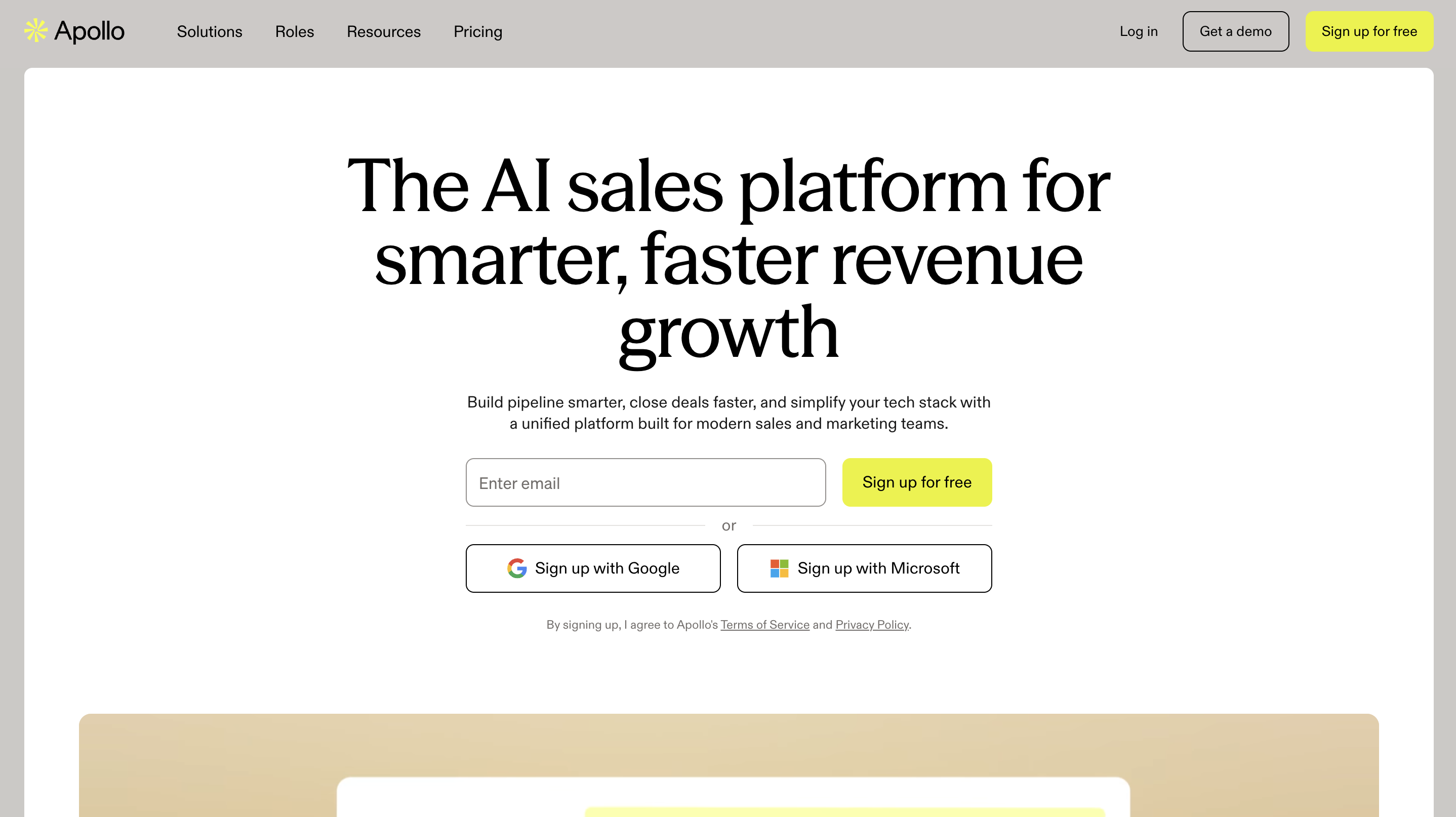
The free plan is functional enough to get started. You get limited credits, access to the database, and can run basic sequences.
The Basic plan at $49/user/mo opens up intent data, A/B testing, and more credits. For email-only prospecting at moderate volume, Apollo delivers solid value at this tier.
Where Apollo gets complicated is the credit system.
Email lookups, phone number reveals, and exports all consume credits – and they don't roll over.
Phone numbers cost 8x more credits than email lookups, which means if your outreach involves calling, your credits burn fast. Multiple users on G2 have mentioned that real-world spending ends up significantly higher than the sticker price once credit overages kick in.
The other thing to be aware of is data accuracy. Independent reviews consistently report email bounce rates in the 15-25% range on Apollo-sourced contacts.
That's higher than the industry standard of under 5%. For startups, high bounce rates don't just waste sends – they damage your domain reputation.
That said, for early-stage teams who are primarily doing email outreach in the US market and are careful about verifying contacts before sending, Apollo remains a strong starting point.
Best for: Startups that need cold email infrastructure set up fast and cheap – without touching DNS settings manually.
Mailforge solves a problem that most first-time outbound founders don't even realize they have until they hit it. Which is… email infrastructure.
Usually you will have to set up the whole infra with proper DNS configuration.
But Mailforge skips all of that. You can spin up hundreds of domains and mailboxes with automated DNS configuration (SPF, DKIM, DMARC) all handled for you.
The Infrastructure is ready in about 5 minutes.
It runs on a shared IP model, which keeps the cost low. At $2-3 per mailbox per month, it's one of the most affordable infrastructure options in the market.
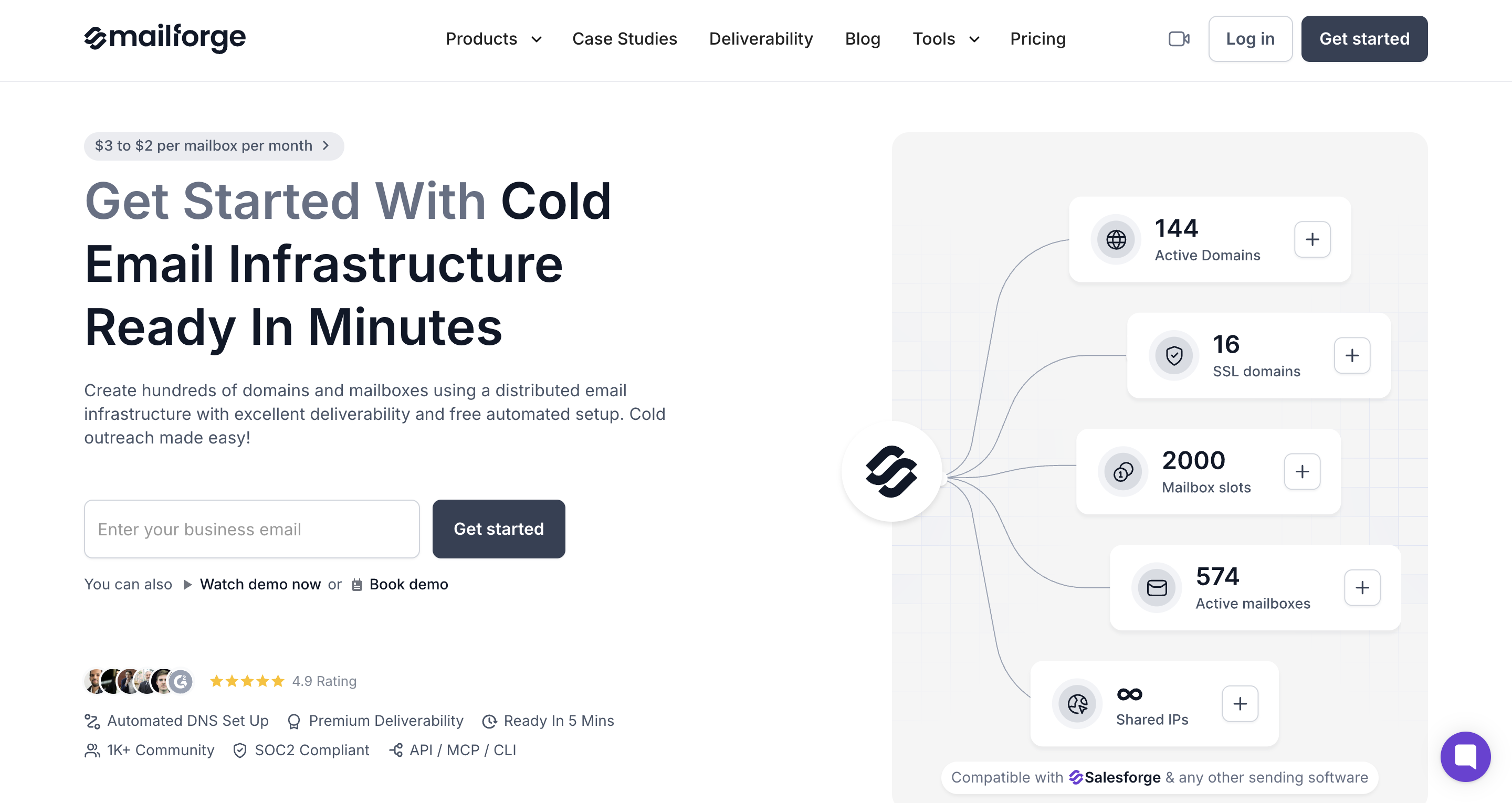
For startups and small agencies that need to scale their sending without babysitting servers, that price point is hard to beat.
The thing I like about Mailforge for startups is that it removes an entire layer of technical headaches.
You don't need to know how DNS works. You don't need to hire someone to configure your email authentication.
You set it up, connect it to Salesforge for outreach, warm the mailboxes through Warmforge, and you're sending.
Pricing:
Best for: High-volume startups and agencies that need dedicated IPs and full control over their email infrastructure.
Infraforge is the advanced version of Mailforge. Same ecosystem, different level of control.
Where Mailforge gives you shared IPs for speed and affordability, Infraforge gives you dedicated IPs. Which means your sender reputation is entirely in your hands.
Nobody else's sending behavior affects your deliverability. For teams that are past the early stage and sending at serious volume, that distinction matters a lot.
The setup is similar to Mailforge. It comes with automated DNS configuration, bulk domain management, sender rotation, and smart sending limits.

But Infraforge also offers prewarmed infrastructure, which is a feature I haven't seen many competitors offer.
Instead of setting up fresh domains and waiting weeks for them to warm up, you can get infrastructure that's already been warmed and is ready to send on day one.
For startups, here's how I'd think about the Mailforge vs Infraforge decision:
If you're just getting started with outbound, have a small team, and are sending a few hundred emails a day – start with Mailforge. It's cheaper, faster, and perfectly capable for your volume.
If you've validated your outbound motion, you're scaling to thousands of emails daily, or you're an agency managing multiple clients – move to Infraforge. The dedicated IPs give you the control you need to protect your sender reputation at scale.
Pricing:
Best for: Startups that want premium email warmup and deliverability monitoring baked into their outbound stack.
Here's a reality check most startup founders learn the hard way. You can have the best cold email copy in the world, and it won't matter if your emails land in spam.
Warmforge exists to make sure that doesn't happen.
It's a dedicated email warmup and deliverability monitoring center that warms up your mailboxes, tracks inbox placement, and gives you a real-time health score for every sending account.

The core metric in Warmforge is the Heat Score.
It's a number that tells you how healthy your mailbox is – how many of your warmup emails are landing in the inbox, getting replies, and staying out of spam.
The target is 85+. Below that, you're risking deliverability issues.
What makes Warmforge particularly useful for startups is that it checks your SPF, DKIM, and DMARC records automatically.
If something's misconfigured (and trust me, something usually is when you're setting up infrastructure for the first time), Warmforge flags it before it becomes a problem.
The integration with the rest of the Forge stack is where it really clicks. You can buy your domains and mailboxes from Mailforge or Infraforge, warm everything with Warmforge, and launch sequences through Salesforge. No disconnected tools. No manual checks.
Best for: Startups using non-Forge outreach tools who need standalone email warmup.
Warmbox is a standalone email warmup tool that connects to your inbox via OAuth or SMTP and sends automated emails across a network of 35,000+ inboxes.
Those emails get opened, replied to, and pulled out of spam – all to signal to Gmail and Outlook that your sending domain is legitimate.
The setup is straightforward. Connect your mailbox, pick a warmup schedule, and let it run. Warmbox handles the rest.
Also, it provides a deliverability score based on 120+ checkpoints covering your domain and IP health, which is helpful for keeping tabs on whether your infrastructure is holding up.

For startups that aren't using the Forge stack for their outreach and infrastructure, Warmbox is a reasonable option to warm up mailboxes before launching cold campaigns.
It supports both Google and Microsoft mailboxes, and the dashboard gives you visibility into spam score trends, reply rates, and warmup progress.
That said, there are a few things to keep in mind.
The pricing is per-inbox. The Solo plan starts at around $15/mo for a single inbox, which sounds fine.
But if you're running 5-10 mailboxes, costs add up quickly. At the Start-up plan level, you're looking at roughly $26 per inbox.
Best for: Startups that want a free, no-commitment CRM to organize contacts and deals (with room to grow into marketing and sales automation later).
Let's be honest. Most startups don't need a CRM on day one. When you have 15 prospects in your pipeline, a spreadsheet works fine.
But the moment you cross 50-100 active conversations, a spreadsheet falls apart. That's when HubSpot CRM earns its spot.
HubSpot's free plan is genuinely generous. You get unlimited contacts, deal tracking, a visual pipeline, basic email tracking, meeting scheduling, and even live chat (all for $0). For up to 2 users. No trial period. No credit card. It just works.
For startups, that free tier is often enough for the first 6-12 months. You can manage your pipeline, log conversations, and keep track of where every deal stands without paying a cent.
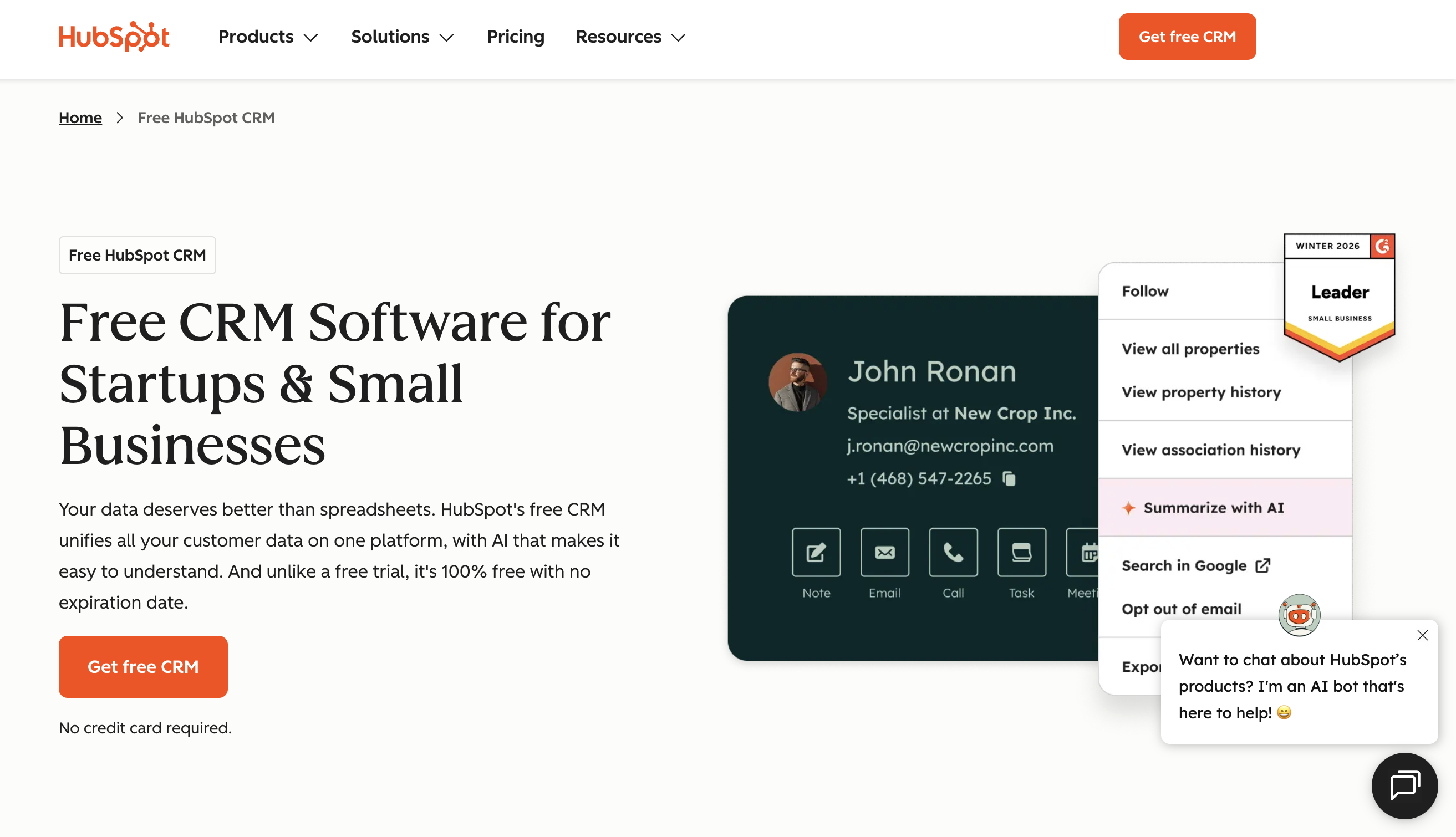
And because HubSpot is one of the most widely integrated tools in the market, it connects to almost everything. That includes your outreach platform, your scheduling tool, your Slack, your email.
Where HubSpot gets complicated is when you start needing more. The Starter plan is reasonable at $20/mo, but once you're looking at the Professional tier for proper sales automation, sequences, and reporting – you're at $90/user/mo.
That's a steep jump. And the Marketing Hub, if you ever need it, gets expensive fast with contact-based pricing.
So the play for startups is simple: use the free CRM for as long as it serves you. Don't upgrade until you've genuinely outgrown it. A lot of startups buy the paid tier too early and end up paying for features they touch maybe once a month.
Best for: Startups with a small sales team that wants a clean, visual pipeline without the bloat of a full-suite CRM.
If HubSpot is the Swiss Army knife, Pipedrive is the really good steak knife. It does one thing (sales pipeline management), and it does it well.
Pipedrive's entire interface is built around a visual pipeline. You see your deals as cards, drag them between stages, and immediately know what needs attention today.
There's no marketing hub. No service hub. No content management system. Just your deals, your activities, and your pipeline.
m
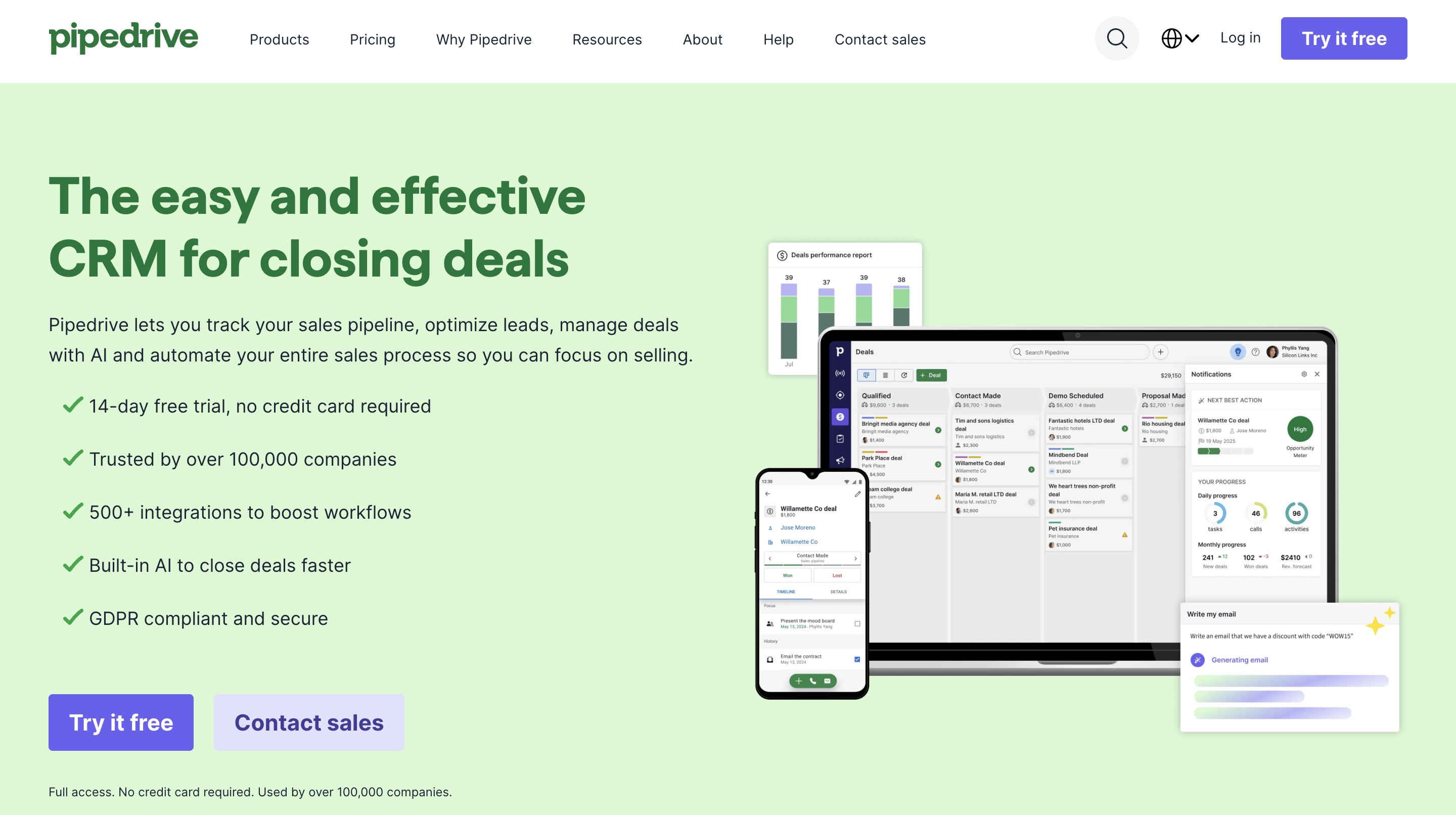
For early-stage startups where the founder or a small team is handling sales directly, that simplicity is an advantage.
You don't need 3 hours of onboarding to figure out where things are. You open Pipedrive, see your pipeline, and know exactly what to do next.
The Lite plan starts at $19/user/mo and gives you lead management, a deal pipeline, a calendar, and basic reporting.
The Growth plan at $34/user/mo adds email sync, automations, sequences, and a meeting scheduler. Which is honestly the sweet spot for most startup sales teams. You get enough functionality to run a proper sales process without the complexity of enterprise CRMs.
Pipedrive also has a solid marketplace with 500+ integrations – including Calendly, Zoom, Slack, and most outreach tools. So even though it's focused on pipeline management, it plays well with the rest of your stack.
The main trade-off is that Pipedrive doesn't have a free plan. There's a 14-day free trial, but after that you're paying from day one.
Best for: Startups that want dead-simple meeting scheduling for demos, sales calls, and intro meetings.
This one's straightforward. Calendly eliminates the "when are you free?" back-and-forth that kills momentum in sales conversations.
You share a link. Your prospect picks a time. The meeting books itself. Calendar updated. Confirmation sent. Reminder scheduled. Done.

For startups doing outbound, the speed between "interested reply" and "booked meeting" is everything.
Every hour of back-and-forth scheduling is an hour where your prospect can lose interest, get distracted, or take a competitor's call instead. Calendly compresses that gap to about 30 seconds.
The free plan gives you one event type and one calendar connection. That's enough if you're a solo founder booking one type of call. But you'll outgrow it fast.
The Standard plan at $10/user/mo unlocks multiple event types, automated reminders, and integrations with tools like HubSpot, Salesforce, and Zoom. For most startup sales teams, that's the tier that makes sense.
Where Calendly really shines is polish. The booking experience looks professional. The reminders reduce no-shows.
And because it's been around for years, virtually every prospect has seen a Calendly link before – there's zero friction on their end.
Pricing:
Best for: Startups with technical founders who want a generous free scheduling tool – or teams that prefer open-source.
Cal.com started as the open-source alternative to Calendly, and honestly, its free plan is one of the most generous in the scheduling space.
On the free tier, you get one user, unlimited event types, and unlimited calendar connections. Compare that to Calendly's free plan, and the difference is pretty stark.
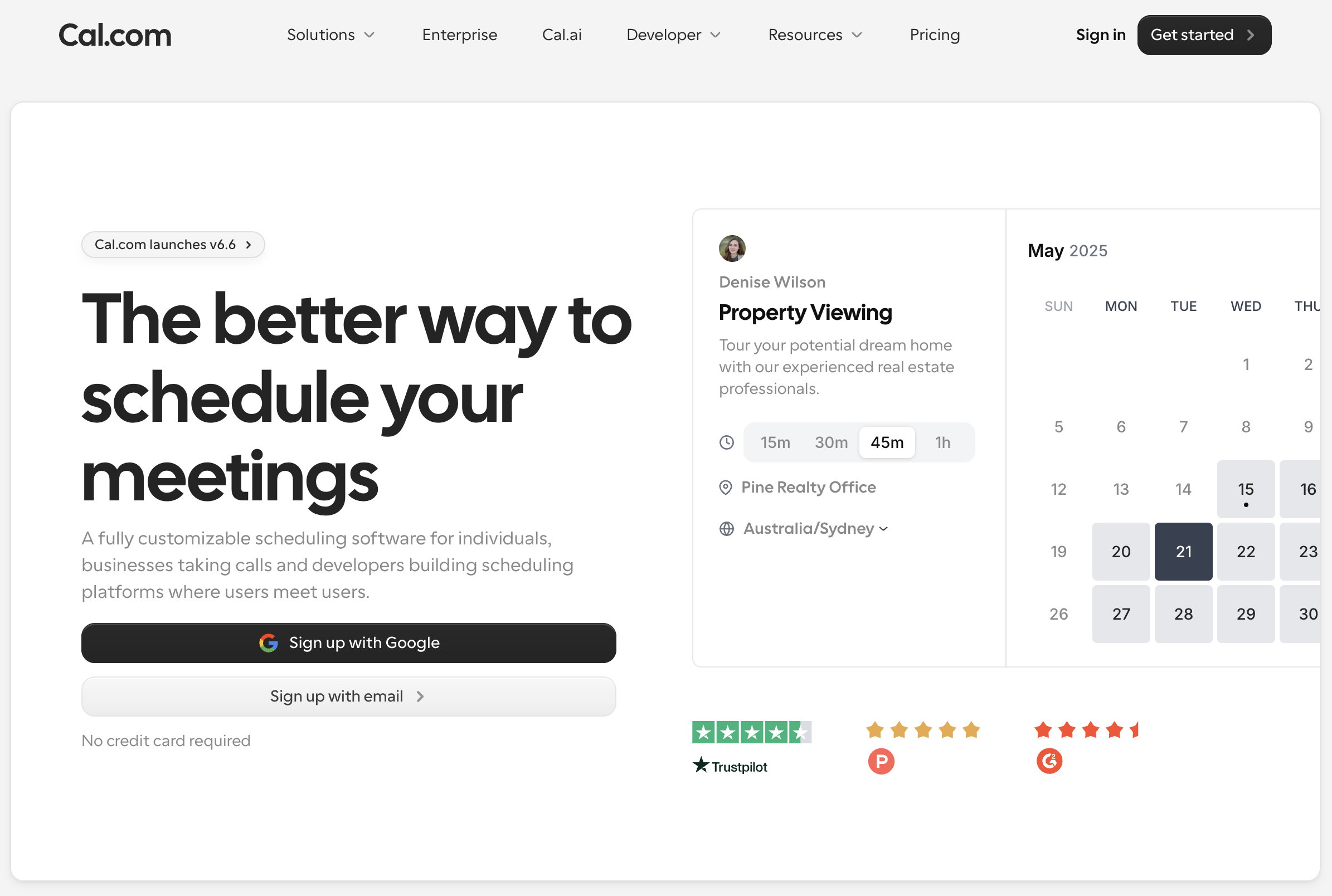
For a solo founder or early-stage SDR, Cal.com's free plan can cover your scheduling needs for months without spending anything.
The interface is modern and clean. It does what scheduling tools are supposed to do – let people see your availability and book a time. No surprises there.
It also supports multiple calendar integrations including Google, Outlook, and Apple iCloud, and you can accept payments through both Stripe and PayPal even on the free plan.
That last one is a nice touch if you're doing paid consultations or discovery sessions.
Where Cal.com gets interesting is the self-hosting option.
If you have a developer on the team who cares about data ownership and customization, you can host Cal.com on your own servers for free. Full API access. Complete control.
But… self-hosting is "free" in the same way adopting a puppy is free. You're saving on the license, but you're paying in server costs, maintenance, and time.
For most startups, the hosted version is the right call.
The trade-off is product maturity. Calendly has been around longer, has more integrations, and the booking experience is more universally recognized by prospects.
If I were starting from zero, here's exactly what I'd set up at each stage.
Stage 1: Solo founder / Pre-revenue
I will skip the lead database for now. Manually build your first 200-300 prospects from LinkedIn. It forces you to understand your ICP before automating anything.
Stage 2: First traction / 1-3 person team
Stage 3: Scaling outbound without hiring more reps
The whole point – don't buy tools for a stage you haven't reached yet. Start lean. Add as you grow.
It depends on what stage you're at and what's blocking your pipeline. But if I had to pick one tool to start with, I'd go with an outreach platform that covers email and warmup without needing a bunch of add-ons. Salesforge does this well. It has unlimited mailboxes, built-in warmup through Warmforge, and multi-channel outreach from a single dashboard starting at $48/mo.
Not really. If you have fewer than 50 active conversations, a spreadsheet or a simple Notion board works fine. Once you start losing track of follow-ups and deals start slipping through, that's when a CRM earns its place.
There's no fixed number, but a good rule of thumb – your sales tool spend shouldn't exceed the cost of the pipeline they help generate. In the early days, $50-100/mo is realistic. As you scale, $200-500/mo covers a comprehensive stack. If you're spending more than that before you've hit consistent revenue, you're probably over-tooled.
You can, but it creates more complexity. The advantage of using a connected stack (like Forge stack) is that everything talks to each other natively. No manual data transfers, no broken integrations, no troubleshooting three different support teams when something goes wrong.
Shared IPs (like Mailforge) mean your mailboxes send from IP addresses shared with other senders. It's cost-effective and works great for moderate volume. Dedicated IPs (like Infraforge) give you your own IP address, so your sender reputation is entirely in your hands. Startups doing under a few hundred emails a day should start with shared IPs. Move to dedicated IPs when you're scaling to thousands daily and need full control over deliverability.
At the very early stage – probably not. You need to understand your messaging, ICP, and what resonates before you hand it off to an AI. But once you've nailed your outbound motion and you want to scale without hiring more reps, Agent Frank makes a lot of sense. He handles prospecting, writing, sending, and following up 24/7. Start with Co-Pilot mode so you can review his emails before they go out.


.jpg)

