If you're looking for a Zapmail alternative, you're probably starting to notice that not every mailbox provider works well once your cold email campaigns get bigger.
Zapmail is a popular option for setting up Google Workspace mailboxes for cold outreach. It handles things like DNS setup, catch-all forwarding, and creating multiple mailboxes, so you don't have to do everything manually.
For smaller campaigns, that can work really well. But as you start sending more emails, managing more domains, or setting up mailboxes for clients, things can get a little more complicated. Costs can add up, deliverability can become less consistent, and dealing with flagged mailboxes can quickly become a headache.
That's when it makes sense to look at other options.
I've looked at the main Zapmail alternatives available in 2026 and picked 4 alternatives to Zapmail worth considering.
They each have their own strengths when it comes to pricing, mailbox setup, infrastructure, and deliverability.
Here's the feature-by-feature breakdown of the 4 Zapmail alternatives I evaluated, with Primeforge as the strongest overall pick for anyone leaving Zapmail.
4 Best Zapmail Alternatives for Cold Outreach in 2026
Here's the tool-by-tool breakdown, ranked by how closely each option matches what Zapmail leavers usually need.
1. Primeforge (Best Overall Zapmail Alternative)
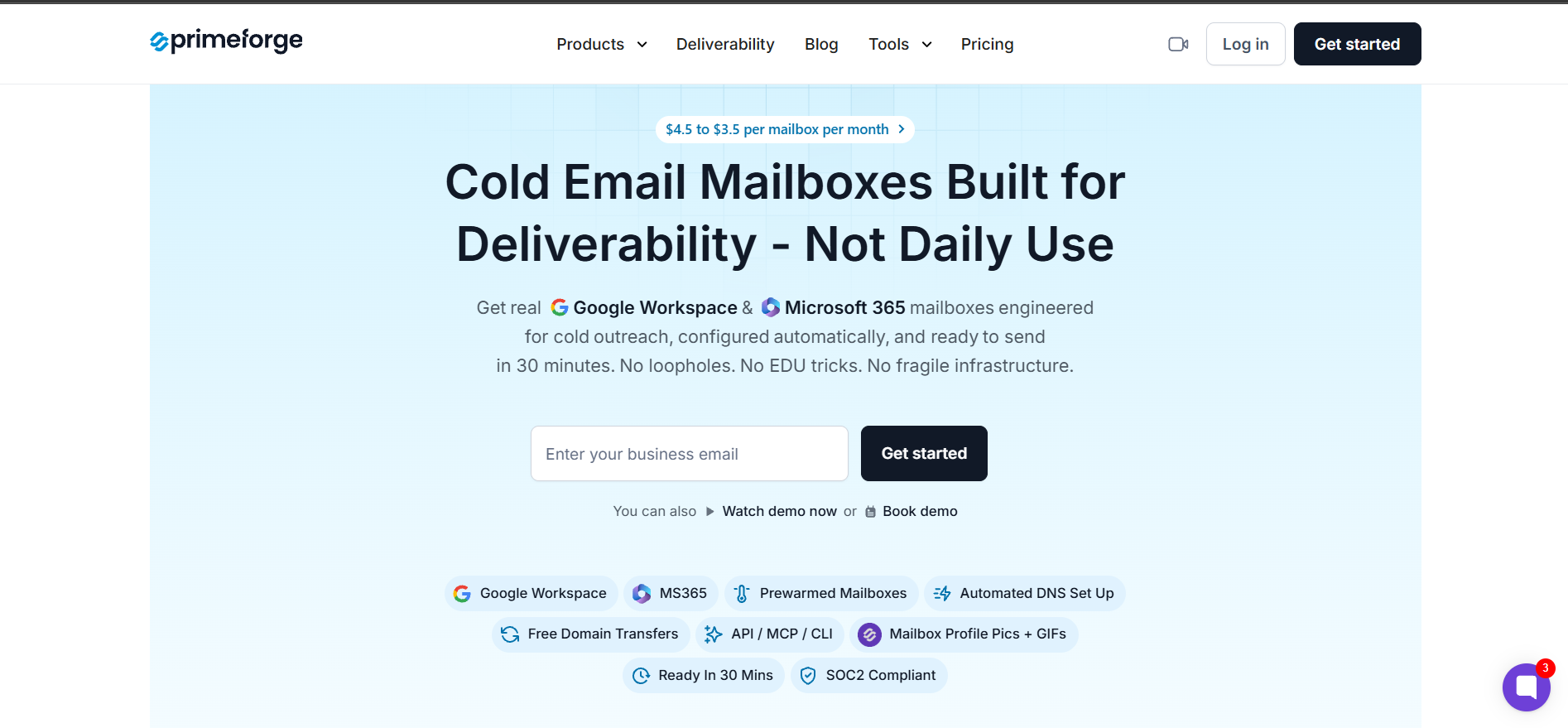
Primeforge earned the top slot on the list of Zapmail alternatives because it does the two things Zapmail leavers actually care about.
The mailboxes are real Google Workspace and Microsoft 365 accounts, not reseller panel logins or EDU workarounds. And they're US-based, pre-warmed, and ready to send in about 30 minutes.
That combination makes Primeforge the closest 1-to-1 Zapmail replacement in this comparison. If your reason for leaving Zapmail was infrastructure quality rather than category, this is where I'd start.
Key features I liked:
Real Google Workspace and Microsoft 365 mailboxes, no EDU tricks or reseller panels
30-minute setup from signup, DNS records auto-configured before you touch anything
US-based IP addresses across every mailbox, which matters when your prospects sit in the US
Pre-warmed inboxes on delivery, so you can start sending without a two-week warmup wait
Mailbox profile pictures and GIFs handled at scale, small detail that lifts reply rates
Forge MCP Server support, so Claude and Cursor can spin up mailboxes on natural-language prompts
Pricing:
Mailboxes: $4.5 to $3.5/mailbox/month
Domains: $14 per .com domain per year
Pros
Real Google Workspace and Microsoft 365 mailboxes give you the same sender infrastructure your prospects use, which is the single biggest lever for landing in the primary inbox.
US-based IP addresses stay stable over time because Primeforge owns the setup instead of reselling from third-party panels.
The 30-minute setup gets you from signup to first send faster than most tools in this comparison, without cutting DNS corners.
Bulk DNS updates through the app save real hours when you're managing hundreds of domains across a client roster.
Every mailbox comes pre-warmed and pre-configured with SPF, DKIM, and DMARC, so you skip manual DNS work.
Cons
Primeforge doesn't offer a free trial, though you can explore the app without buying any mailboxes or domains after signing up.
The 10-mailbox minimum order means solo operators sending from one or two mailboxes will find the entry point higher than needed.
Get Your Mailboxes Ready in 30 Minutes
Skip the waiting and start sending from pre-warmed Google Workspace and Microsoft 365 mailboxes.
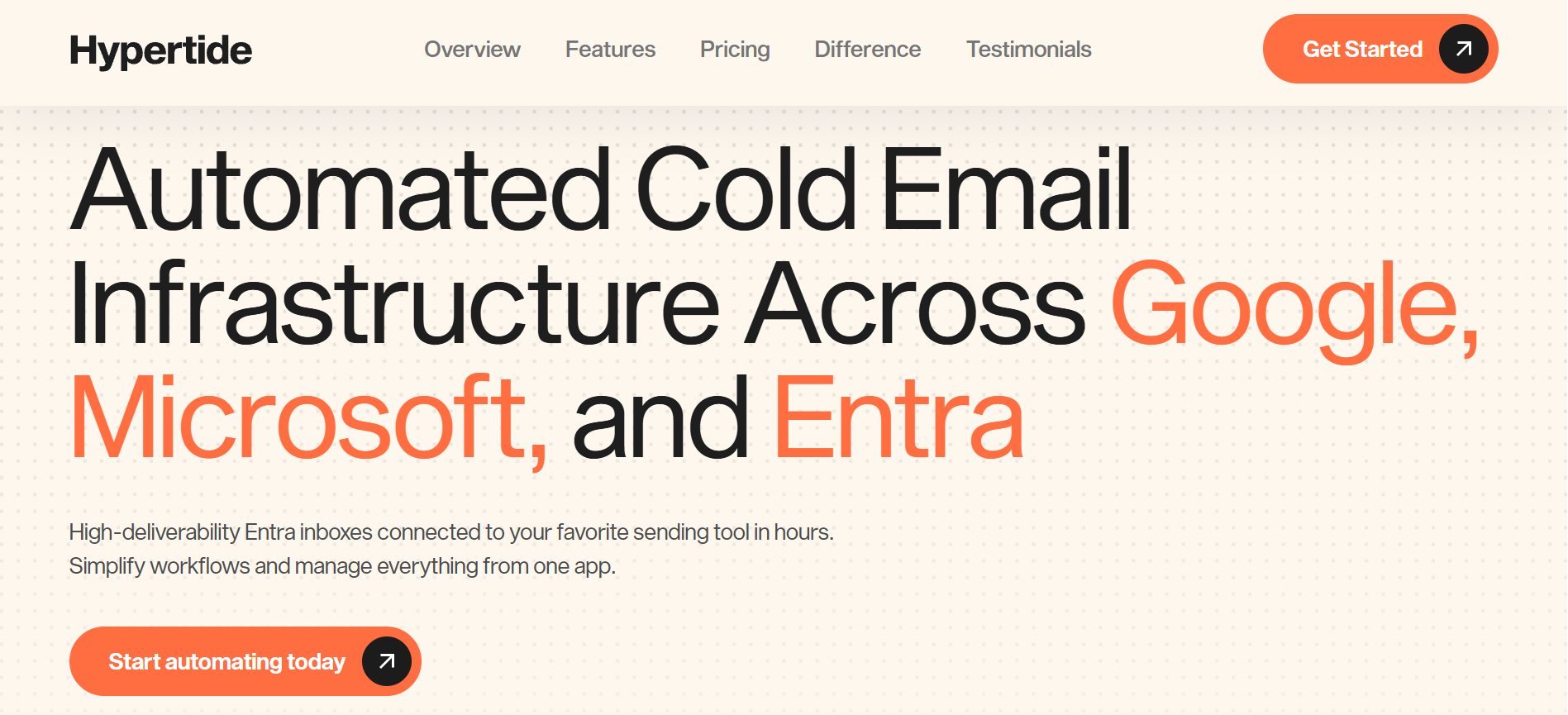
For anyone leaning into Microsoft or Entra infrastructure, Hypertide is the strongest Zapmail alternative in this comparison. The mailboxes are real Google Workspace, Microsoft 365, and Entra/Azure accounts. Every order gets tenant separation, so each domain and IP stays unique to your setup.
That isolation matters when you're running high-volume outbound and don't want neighbor contamination affecting your sender reputation.
Key features I liked:
Real Microsoft 365, Google Workspace, and Entra/Azure accounts, provisioned on real Azure tenants
Tenant separation per order, so your domains and IPs stay isolated from other customers
Flat $3.30 per Google inbox with no minimum, buy 1 inbox or 10,000 at the same rate
Native Outlook UI experience on Entra plans, feels like a real business setup
Smartlead, Instantly, and Bison sequencer integrations via OAuth or SMTP auto-upload
Full API access, unlimited team seats, and agency workspaces included on every plan
Pricing:
Google inboxes: $3.30 per inbox per month (flat rate, no minimum)
Hypertide Entra Domains: $25 per domain per month, includes 25 inboxes per domain
Entra domain plans include 6,000+ monthly email sending capacity per domain
24/7 support, enterprise DNS, and bulk app automations included across all plans
Pros
Real Microsoft 365 and Entra/Azure tenants give you enterprise-grade infrastructure that resellers can't match on stability or IP quality.
Tenant separation per order means your setup never shares infrastructure with other customers, which lowers the risk of neighbor contamination.
Flat $3.30 per inbox with no minimum lets solo operators start small and agencies scale to thousands at the same rate.
Native Outlook UI on Entra plans feels like a real business setup, which helps when prospects check the sender before replying.
HyperTide Relay and Layover proprietary warmup tooling comes bundled at no extra cost, so you skip a separate warmup subscription.
Cons
Setup takes 4 to 6 hours on average, which is significantly slower than Primeforge's 30-minute claim or Mailforge's 5 to 10-minute setup.
Hypertide doesn't publish clear free trial or annual billing information on its pricing page, which makes budget planning harder.
3. Maildoso
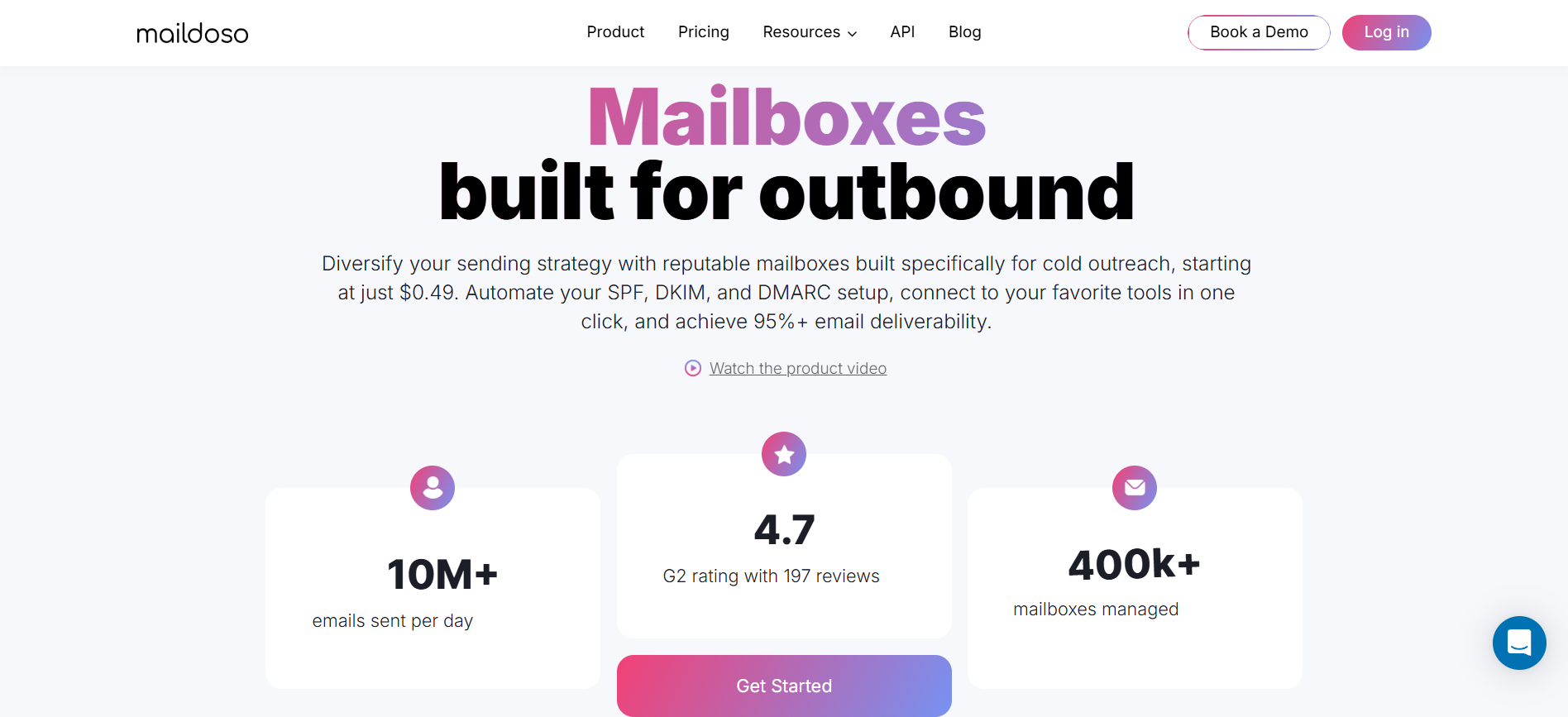
Maildoso earns its slot on the list of Zapmail alternatives because of price alone. At $0.49 per mailbox on the largest plan, nothing else in this comparison comes close on cost. The trade-off is transparency, and I'll walk you through what Maildoso doesn't publish about its own infrastructure.
That trade-off is worth taking for some teams and a dealbreaker for others.
Key features I liked:
Cheapest per-mailbox pricing in this comparison, starting at $0.49 per mailbox on the 1,000-mailbox plan
SPF, DKIM, and DMARC auto-configured during setup, so you skip the DNS wrangling
CAPTCHA domain protection on primary domains, which stops some scraper hits before they land
One-click integrations with Instantly, Smartlead, and Saleshandy sequencers, plus API and MCP access
Free deliverability audits included on all plans, which is a nice extra for agencies
Sending capacity of up to 15 emails per day per mailbox, published openly on their pricing page
30 mailboxes: $75 per month total, or $2.50 per mailbox
300 mailboxes: $225 per month total, or $0.75 per mailbox
1,000 mailboxes: $499 per month total, or $0.49 per mailbox
Custom packages: start at $0.49 per mailbox
30-day money-back guarantee included, no free trial
Pros
Per-mailbox pricing that drops to $0.49 on the top plan makes Maildoso the clear budget pick for high-volume outbound agencies.
Automated DNS setup covers SPF, DKIM, and DMARC without any manual configuration, which saves real time at scale.
Direct integrations with Instantly, Smartlead, and Saleshandy make it easy to plug Maildoso mailboxes into whatever sequencer you already use.
The 30-day money-back guarantee gives budget-conscious teams a low-risk way to test without a formal free trial.
Public customer counts of 7,000+ companies and 400,000+ mailboxes managed give the tool a credible track record.
Cons
Maildoso doesn't disclose its mailbox type on the live site, so you don't know if you're getting Google Workspace, Microsoft 365, custom SMTP, or something else.
The IP model is described only as "IP rotation" with no clarification on shared vs. dedicated, which matters for sender reputation control.
The 15 emails per day per mailbox sending limit is lower than what some competitors publish, which affects your total capacity planning.
4. Mailforge
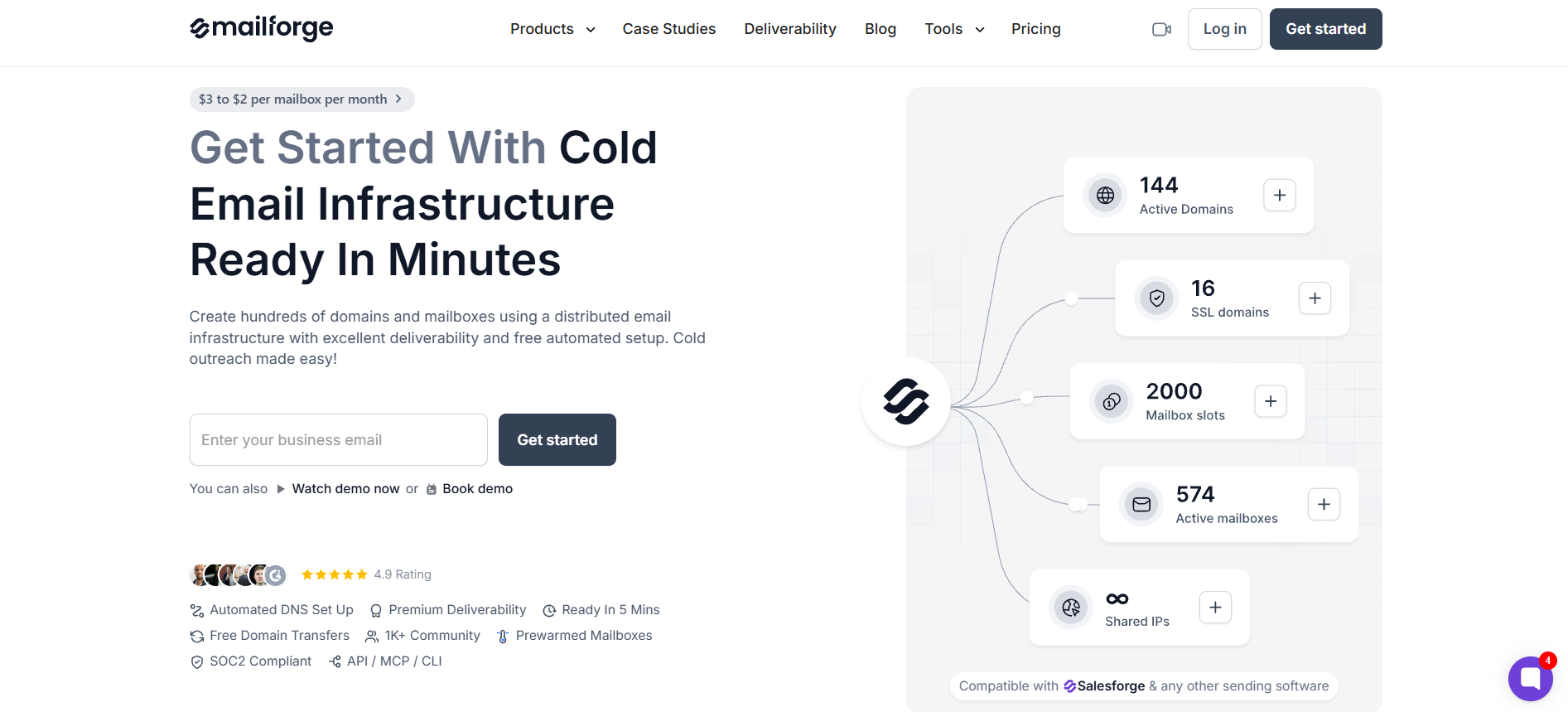
Mailforge is the last alternative to Zapmail on my list and reason is worth explaining upfront. It's not a like-for-like Zapmail replacement because Mailforge doesn't sell Google Workspace or Microsoft 365 mailboxes. It sells custom distributed infrastructure with shared IPs, which is a different category entirely.
If Zapmail's real appeal for you was affordability at scale rather than the Google Workspace label specifically, Mailforge deserves a serious look.
Key features I liked:
Distributed shared IP infrastructure at $3 per mailbox per month, one of the lowest published rates in the space
Free automated DNS setup with SPF, DKIM, DMARC, and custom domain tracking configured for every mailbox
5 to 10-minute setup from signup, one of the fastest I've seen for any infrastructure tool
Compatible with Salesforge and any other sending platform, plus API, MCP, and CLI access included
Pre-warmed mailboxes and domains on delivery, no additional warmup subscription needed
10k+ businesses using the tool, with case studies including VidLab7, AKOOL, and SalesCaptain
Mailboxes: $3 per mailbox per month (yearly billing)
Domains: $14 per .com domain per year
Minimum order: 10 mailboxes
SSL and Domain Masking add-on: $6 per domain per year, or $2 per domain per month
Yearly billing includes 2 months free vs. monthly
Pros
The $3 per mailbox rate on yearly billing makes Mailforge one of the most affordable infrastructure options in the market today.
Distributed shared IP infrastructure with automated DNS handles the technical setup so you focus on sending instead of server work.
Setup in 5 to 10 minutes from signup gets you to first send faster than most competitors, without cutting DNS corners.
Bulk domain and mailbox creation is a core capability, which matters when you're managing hundreds of domains at once.
Native compatibility with Salesforge means Mailforge domains push into your sequences without an export step in between.
Cons
Mailforge doesn't offer Google Workspace or Microsoft 365 mailboxes, so it isn't a direct Zapmail replacement if that infrastructure type matters to you.
The shared IP model means your sender reputation depends on other customers on the same pool, which some agencies find limiting.
The Final Verdict on Zapmail Alternatives
After digging through 4 Zapmail alternatives, Primeforge is the tool I'd pick if you asked me today. The reasoning is simple.
It's the only option in this comparison that combines real Google Workspace and Microsoft 365 mailboxes, dedicated US-based IPs, and 30-minute setup, all with transparent per-mailbox pricing. That's the exact combination Zapmail leavers are usually looking for.
The pricing math also works cleanly at $4.50 per mailbox on yearly billing, with a $14 per domain per year cost that most competitors match anyway. No hidden add-ons. No "contact sales" for the base plan. No infrastructure type mystery.
If you're already sending through Salesforge or considering it, the pairing gets even cleaner. Primeforge mailboxes plug directly into Salesforge sequences with no export step in between. You spin up mailboxes in Primeforge, connect them to a Salesforge sequence, and Warmforge handles inbox placement in the background at no extra cost.
Ready to Leave Zapmail Behind?
Move to mailboxes that give you more control as your outreach grows.
Zapmail is a Google Workspace mailbox provider built for cold outreach at scale. It bulk-provisions Gmail mailboxes with automated DNS, catch-all forwarding, and mailbox management features. Teams tend to switch when pricing gets steep at higher volumes, when mailbox stability drops, or when they need Microsoft 365 and Entra options that Zapmail doesn't cover.
Are Primeforge mailboxes real Google Workspace accounts?
Yes. Primeforge provisions real Google Workspace and Microsoft 365 mailboxes, fully owned and compliant with each provider's policies. That's the whole differentiator. No EDU tricks, no reseller panels, no workarounds that break when Google updates its rules.
How long does it take to warm up new cold email mailboxes?
Most providers recommend a 14-day warmup period before sending real cold email at volume, and I stick with that timeline in practice. If you're using Primeforge or Mailforge, the mailboxes ship pre-warmed, so you're not starting from zero. You can dig into the underlying deliverability principles in my broader cold email deliverability guide.
Can I use these mailboxes with Smartlead, Instantly, or Salesforge?
Yes. Every tool in this comparison integrates with at least one major cold email sending platform. Primeforge and Mailforge integrate natively with Salesforge and work with any SMTP-compatible sending tool. Hypertide connects to Smartlead, Instantly, and Bison. Maildoso plugs into Instantly, Smartlead, and Saleshandy in one click.
What is the difference between shared IP and dedicated IP mailbox infrastructure?
Shared IPs mean your mailboxes send from an IP address used by other customers as well. Dedicated IPs mean the IP belongs to your setup only, giving you full control over sender reputation. Shared is usually cheaper and lower-effort. Dedicated gives you more control but demands more volume to warm properly.
Are there any free Zapmail alternatives?
None of the 4 tools I reviewed offer a fully free tier. Maildoso comes closest with a 30-day money-back guarantee. Primeforge lets you explore the app after signup without buying mailboxes or domains. If free is a hard requirement, you may end up doing manual Google Workspace setup yourself, but that trades money for hours of DNS and infrastructure work.
Book more meetings on autopilot
Set up in minutes. No per-seat pricing. No commitment.
How much does cold email cost in 2026? See real monthly budgets for domains, mailboxes, sending tools, and lead data, plus tips to plan your outreach spending.
.jpg)

.jpg)
.jpg)


