Cold outreach is dead in 2026.
I have been hearing that for ten years and it still is not true. Cold outreach got harder and it takes real work to run properly. The teams doing it well still book meetings every month.
Timing is where most people go wrong. They buy one list, work it top to bottom, and send the same pitch to forty companies in the same industry. Nobody asks whether those companies need the tool right now, or whether this week is a sensible time to raise it.
Signal-based outreach fixes the timing problem. You wait for something to happen at a company, then write to the person that event affects.
In this guide I cover what it is, which signals matter most, how to rank them, how fast to move, and what to write when one fires.
Signal-based outreach means you write to a person because of something that just happened around them. A funding round, a new job, a visit to your pricing page.
The event tells you when to reach out. It does not tell you who, and that part still takes a decision. A funding round lands at a company rather than in one inbox. Somebody has to work out which of the forty people there owns the problem that money creates.
I treat anything as a signal if it changes what a person needs:
I rebuild the list every Monday and get a different set of people each time. Everyone on it had something happen to them in the last week.
Both approaches send cold email to people who have never heard of you.
The difference is how you decide who gets the email and when.
When cold email stops working, most teams know where to look. They check the domains, clean the list and rewrite the copy, and one of those usually turns out to be the problem.
Signal programs fail somewhere less obvious. An alert arrives on Monday morning and sits there because nobody has an hour to work it. The emails go out the following week. By then the news everybody got excited about is eight days old and the moment has gone.
Teams call me in to fix the copy. The copy is almost always fine. What they actually need to fix is the three days when nothing happened.
Most teams start with hiring. It is the easiest signal to find, and it is one of the weakest.
A company posting roles is growing. That is all it tells you. A company that just hired a VP into your buyer's job has someone new deciding what to buy. Those are not the same signal.
I work through six groups with every client. Each one tells you something different about the account.
Something changed about the business itself.
Job-change and org-move signals, including hiring signals and leadership changes, often change who decides.
The tools they run tell you what they need next, and technographic shifts are one signal type because technology changes often reveal new priorities or replacement windows.
Someone from the account came to you.
Someone is researching your category somewhere else.
Public behaviour that tells you what they care about; these are content signals when prospects talk publicly about the problems they are dealing with.
Once the searches run, you get more accounts than your team can work. A week across six groups turns up hundreds of companies. Your reps can handle maybe fifty. So you need a way to sort, and I use three rules in this order.
I ask two questions about every account, and the order matters.
Most teams I inherit have scored both questions and added the two numbers together. Their queue then puts a half-match with three weak signals above a perfect match that just hired the person we sell to. Reps work a queue from the top, so Monday goes to the wrong account.
One test before you switch anything on. Describe who you sell to in a single sentence. If you need the word "B2B" to do it, sort that out first.
A funding round, a new VP and a pricing page visit tell you three different things. Three funding rounds tell you one thing, three times.
That is why I count groups instead of individual signals.
Funding is the one that trips people up. Money means they can buy. It does not mean they want to. I have watched funded companies read a good email, reply politely and never come back. So I hold every funding signal until a second one shows me the problem is real.
Signals go cold, and the good ones go fast. These are the windows I work to:
Those windows come from my own campaigns. Nobody has published a study on this, so check them against your own numbers before you trust mine.
You see the pattern quickly once you look for it. We write the day a signal fires, which is often the right moment, and people answer. Responding within five minutes to active hand-raises can increase conversion likelihood by 21x. Leave the same account until Friday and half of them ignore us. Over a month, that is meetings we never had.
There are seven steps here. The first two take a day each, and the rest you build once and run every week.
I start with the last twenty closed-won deals. I read the notes properly, call recordings included.
For each one I ask three questions:
By the twentieth deal you stop guessing. The same two or three things keep turning up in the notes, and those are your signals. That also improves segmentation by prioritizing accounts showing active buying signals during active evaluation. Your customers picked them, not a workshop.
Most teams skip this and pick signals in a workshop instead. Funding rounds go on the list because funding sounds like budget, and six weeks later nobody can work out why none of it converts.
Broader signal coverage across tools matters more than expecting one platform to catch every buying cue on its own. I use three, and each one does a job the others cannot.
Before you sign anything, run a hundred accounts you already know through each tool and count the matches. Coverage varies more by country and company size than any pricing page admits.
Signal triggers decide what action follows a specific signal. Mine always have three parts.
Not every signal deserves action unless it clears the gate and the score.
I build one sequence per signal. A funding email and a new-hire email share a shape and nothing else. Effective messages connect the signal to a specific outcome the buyer cares about.
The signal tells you who to contact. Where it came from decides what you can say about it. Teams mix those two up constantly.
A funding round can go in the email. They announced it themselves and they want people reading about it. A pricing page visit cannot, because nobody told you they were there. With private signals, reference the context without overly specific details. Write about the problem that page implies, and let them wonder how you knew to bring it up.
The six examples of personalized messaging I use are further down this page, one per signal.
I run email and LinkedIn as one sequence. The LinkedIn step waits to see what the email did first.
Salesforge builds that as a multichannel conditional sequence. A prospect who accepts the connection request gets a LinkedIn message next. Somebody who leaves it sitting gets an email a few days later. I never move anyone between the two by hand.
People forget the sending side of this. Signal work sends a handful of emails each to hundreds of companies. That needs far more domains than a single-list program, and the warm-up has to run all year instead of once at setup.
So Warmforge does the warm-up for me. The mailboxes come from Mailforge, Infraforge or Primeforge, depending on the volume I am working with.
I keep every one of those away from the domain I sell from. A few thousand emails a month would burn it inside a quarter. Rebuilding that reputation takes longer than the campaign was ever worth.
Speed is where these programs live or die, so I put a clock on every tier.
The five-minute tier sounds unreasonable until you watch what happens either side of it. Somebody on your pricing page is comparing you against two other tabs. Thirty minutes later they have made a shortlist and you are not on it.
I track the signal data for each signal on its own: reply rate, positive reply rate, and meetings booked, next to a plain cold campaign you send the same month.
I give any signal a quarter before I judge it. Six weeks against a forty-five day sales cycle tells you nothing. This creates a feedback loop that helps refine which signals drive pipeline. The urge to kill a signal peaks right before its first deals land.
After that I cut anything that does not beat the control. A signal that converts at half your normal rate is taking up room. Every account you spend on it is one you did not spend somewhere better.
If you are ready to try signal-based outreach, these are the six emails I send most. Each one runs under seventy-five words, and I put the customer in the proof line rather than myself.
I send this one to the person who owns the spend. The founder is the lazy default and usually the wrong pick.
Subject: Post-Series B hiring plan
Everyone is sending congratulations this week, so I will skip it.
Teams that raise a B usually double the sales team inside two quarters. Ramp time becomes the bottleneck about a month after your first cohort starts.
{{company}} hit {{x}} meetings a month with the same headcount by fixing that early.
Want the two things I would change before your cohort lands?
I wait a week after the announcement. On the day itself, the founder is drowning and the inbox holds fifty versions of the same email.
This one goes to the executive who just started. They inherited something they did not build and have a short window to change it.
Subject: {{company}}'s first 90 days
You inherited a reporting setup you did not build.
Most people in this seat find the same thing in month one. The numbers look fine until you try to act on them, and then nobody can agree which one is right.
{{company}} had the same problem and got to {{x}} in {{n}} weeks.
Want the two-page version of what they fixed first?
This is the strongest email on the list. It is also the only one where naming the old relationship reads as normal rather than creepy.
Subject: {{old_company}} to {{new_company}}
You ran {{workflow}} with us at {{old_company}}.
If {{new_company}} has the same gap, the fix goes faster the second time around. We lost about three weeks at {{old_company}} on the data mapping, and I would skip that entirely now. The rest held up well.
Want the short version of what I would do differently?
I run the mirror image too. The company they left now has an empty seat and a function nobody owns.
I only name the competitor when the switch is public. A job posting that drops a tool counts, and so does a review that complains about one. A guess does not.
Subject: Moving off {{competitor}}?
Saw {{competitor}} came out of the job description for your {{role}} role.
Most teams lose three weeks to the data migration on this move. The mapping never survives the export, so somebody rebuilds it by hand.
{{company}} made the same switch in {{n}} days with the history intact.
Want the checklist they used?
I name one thing their current tool does badly. The line has to be precise enough that only somebody who knows the product could have written it.
I never mention the visit. The email covers the problem that page implies instead.
Subject: {{problem}} at {{company}}
Teams around your size usually look at this when the manual reporting starts eating a day a week. Somebody senior rebuilds the same spreadsheet every Monday.
{{company}} was losing four days a month to it. Now it runs on its own and nobody touches it.
Want the breakdown of how they got there?
One line about their pricing page visit turns a warm lead into a person who feels watched. The signal told you who to write to. It should never appear in the email.
Hiring on its own is weak. I pair it with something else before I send.
Subject: Hiring three SDRs?
Saw the SDR roles went up.
At your stage the constraint is usually pipeline per rep rather than headcount. Three more people working the same list gets you three times the activity, and the meeting count barely moves.
{{company}} hit {{x}} meetings a month with two reps after fixing the list first.
Want to see what they changed?
Most of the signal programs I fix have the same four mistakes in them.
Buyers draw a line between a public fact and something you watched them do. They spot the difference before they finish the first sentence.
A funding round is a press release. They announced it and they want people to read it. A pricing page visit is different, because they never told you they were there. You mention it and they work out you put a pixel on the page.
So I use one signal per email, and only if it clearly reflects the prospect's situation.
Every extra detail makes the note feel more like surveillance and less like a person writing to you, so if the signal is not public, the safest approach is to reference context without specifics.
A funding round tells you a company has money, but not all signals are equal, and one weak cue rarely justifies outreach on its own. That is all it tells you.
A funded company with no problem reads your email and does nothing. I watched a team send five thousand funding emails and book four meetings. They decided signal outreach does not work.
The stacking rule from earlier fixes this. I pair the money signal with something that shows pain. Only then does the account earn a touch.
Somebody fills in your demo form and you call five minutes later. They pick up. You call the same person half an hour later and you get voicemail.
Outbound signals behave the same way. The accounts we reach inside a day book meetings the Friday batch never gets near.
Almost nobody decides to send late. A Monday alert waits for somebody with time. A Wednesday export needs cleaning. A Thursday afternoon disappears.
Some teams run six signals through one sequence with one set of copy. It usually happens because somebody built the sequence before anyone switched the signals on.
Each signal points at a different worry. A new executive cares about the mess they inherited. A funded founder cares about the plan they promised the board. Somebody weighing you against a competitor cares about the migration.
One email for all three is a generic email with a variable in it. I build one sequence per signal and accept that it takes longer.
I recommend the same three tools to every team running signal-based outreach.
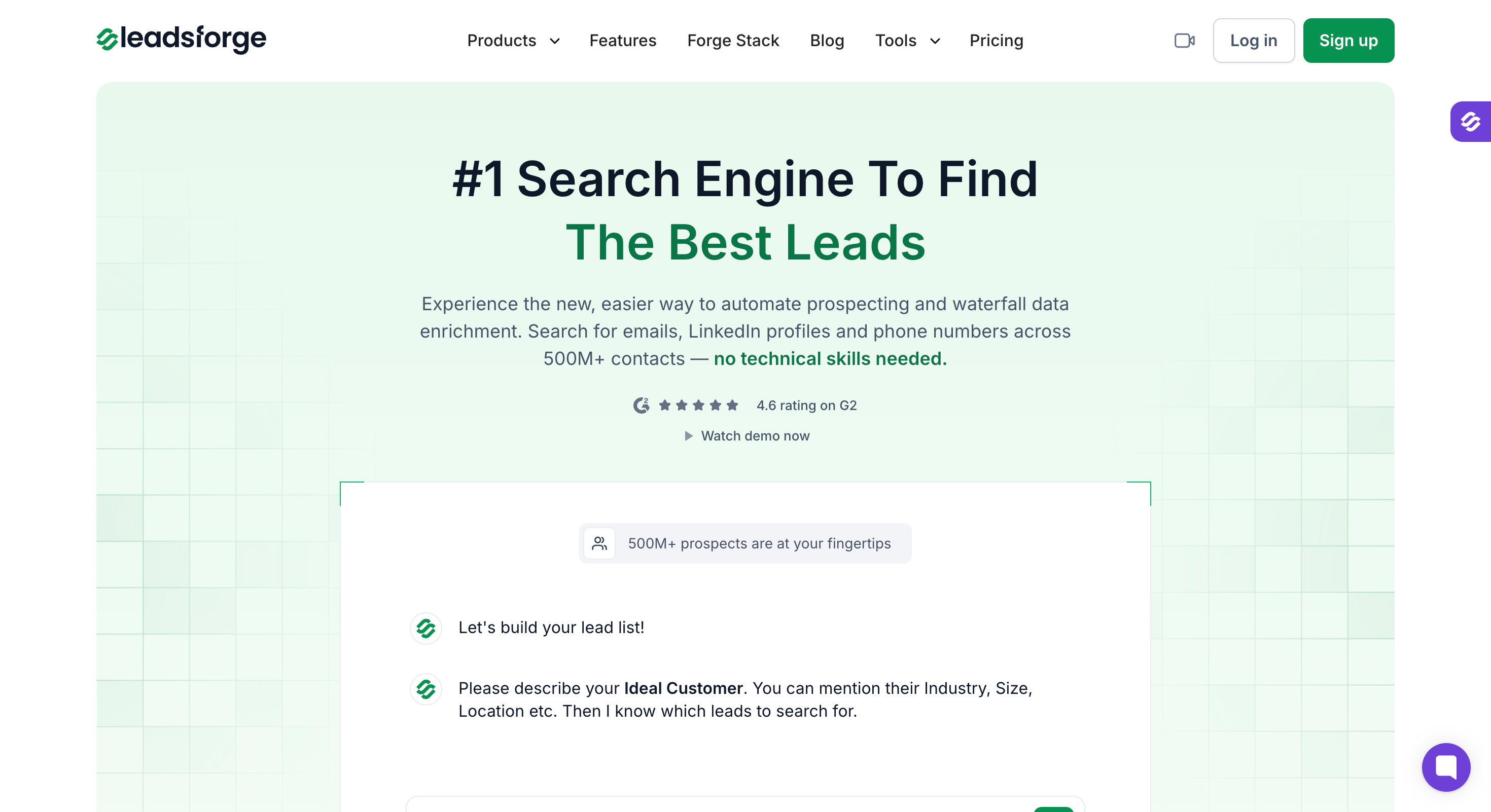
Leadsforge is an AI B2B database with 500M+ contacts, built around a chat search rather than a filter panel. You describe the buyer you want and it returns the list.
For signal work, the part that matters is what comes attached. As part of a signal detection workflow, Leadsforge continuously surfaces hiring, job changes, funding and investor activity, and every match arrives with its public source. A signal you cannot cite has no business in an email.
Leadsforge also closes the gap most tools leave open. You get the company, the right person and a verified address in one place, which supports signal based prospecting. Nothing waits on a second lookup.
An email lookup costs one credit and a phone number costs ten.
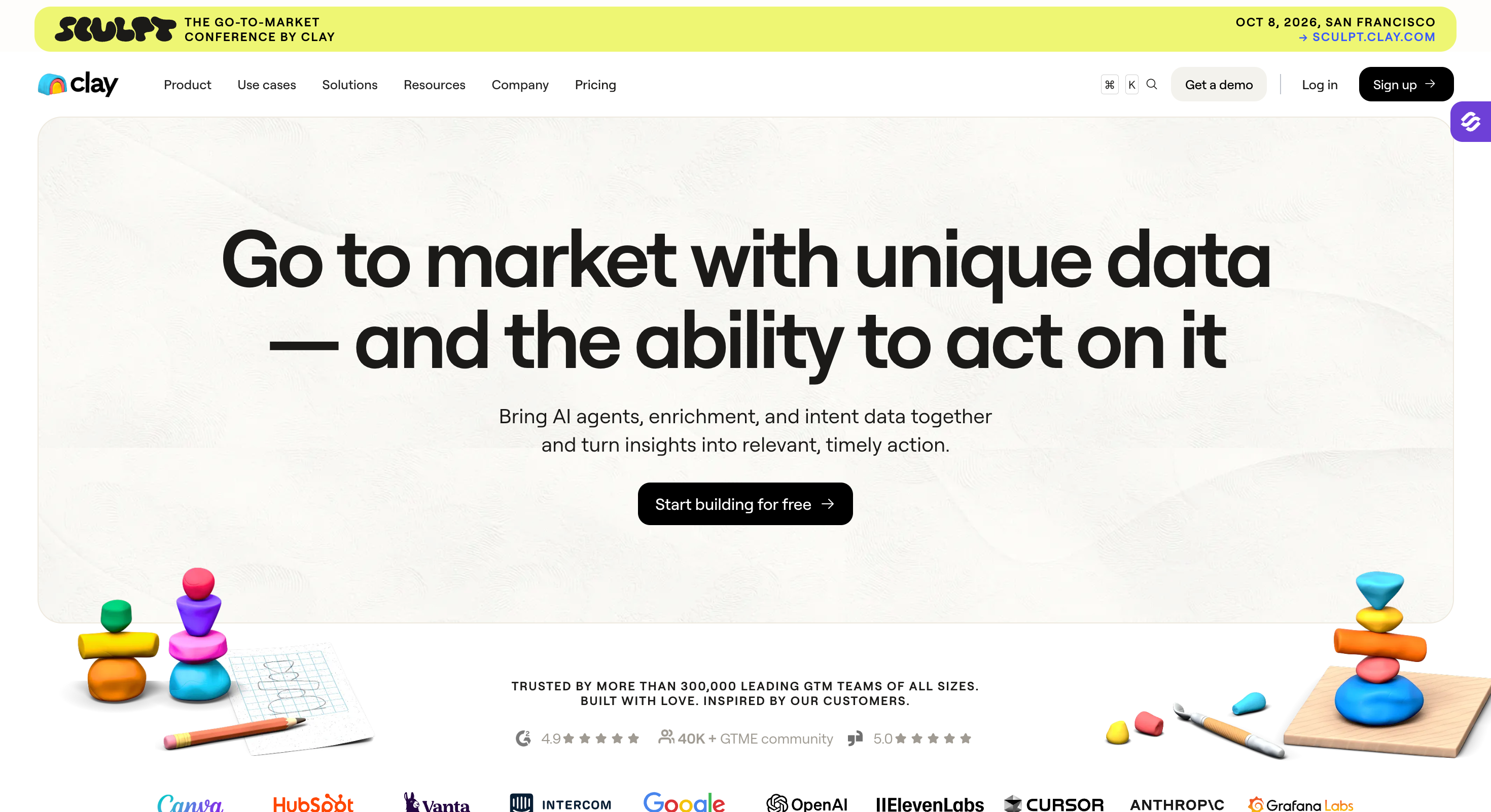
Clay is where you build the signals nobody sells. You need Clay the moment your best signal stops being a standard one.
My best-performing signal for a construction client was planning permission filings. For a payments client it was a new processor appearing at checkout. No vendor lists either of those as a feature. You build them yourself, and Clay is where that happens.
Claygent goes and reads pages for you. You point Claygent at a company and tell it what to look for. Claygent comes back with an answer you can score. Almost anything public becomes a signal that way.
Clay also routes. Once an account clears your rules, Clay pushes it wherever you work.
That makes it part of a broader signal based outreach system by connecting custom signal detection to routing and action. Nothing sits in a spreadsheet waiting for Thursday.
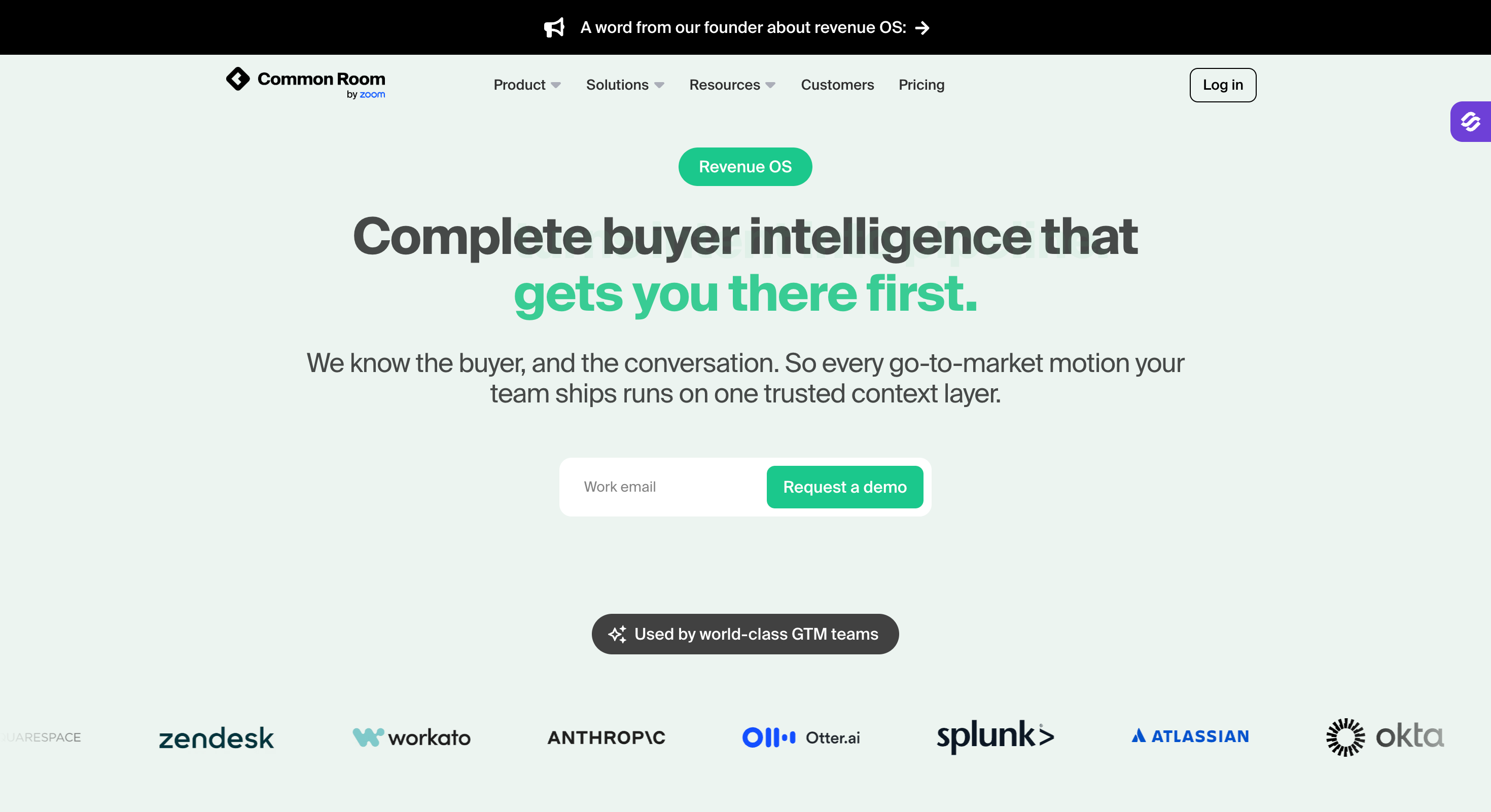
Common Room watches wherever your buyers talk to each other. GitHub, Slack, Discord, social, your own product. Then it ties all of that back to a named person instead of a company.
They call that identity layer Person360, and it is the reason the tool exists. A developer files an issue on your repo, joins your Slack and reads your docs. Common Room works out those three things are one person. Nothing else on this list does that.
Not every team should buy it. Community signals only help if you have a community, so a services business selling into procurement finds almost nothing here. It also costs roughly fifteen times what the other two do.
One more thing worth knowing. Zoom bought the company in July 2026 and is folding it into Zoom Revenue Accelerator, so anything you buy today serves that roadmap.
Most teams measure the campaign. A campaign number tells you whether outbound worked last month. It does not tell you which signal earned the meetings.
I measure each signal on its own, against a plain cold campaign sent the same month. The cold campaign is the control. Without it you cannot tell whether the funding play beat your baseline or just beat last quarter.
I refresh these five numbers every week. I keep them in one table so a signal that stops working shows up before the quarter ends.
1. What Are Examples of Buying Signals?
A funding round, a new executive, or a job posting that names the tool you replace. A competitor getting dropped counts too, and so does somebody reading your pricing page three times in a week, with signals coming from public activities, company data, or intent sources across the buying cycle.
2. Is Signal-Based Outreach Better Than Cold Email?
Signal-based outreach is cold email. You contact people because something happened at their company, not because they matched a filter. The emails still need warm domains and a verified list.
3. How Fast Should You Act on a Buying Signal?
You have an hour on a pricing page visit and a week or two on funding. Funding windows often stay useful for 30–60 days, while website activity fades much faster. A new executive holds for a month while they audit what they inherited.
4. Does Signal-Based Outreach Work for Small Teams?
It suits them better than large teams. A five-person team cannot send fifty thousand emails a month, so precision is the only route they have.
5. What Is the Difference Between Intent Data and Buying Signals?
Intent data is one kind of buying signal. It tells you an account is researching your category, usually without naming a person. Most other signals do name somebody.
Most teams who call me want more signals. What they need is a shorter gap between the alert and the send. An account you reach on the day books meetings. The same one on Friday goes quiet.
Leadsforge detects the signal with its public source attached. Salesforge runs the sequence across email and LinkedIn with replies in one inbox. Warmforge keeps the mailboxes warm, free on every plan. Salesforge is $40/month on Pro, billed annually, 14-day trial and no credit card.
Start free with Salesforge | Try Leadsforge for signals
If the harder question is which signals your market responds to, that is architecture rather than tooling. RevSculpt builds these per vertical, and I will tell you if routing is your real problem.



.png)

