What do you do when your campaign has to start this week, but your new mailboxes still need two weeks of warmup?
Pre-warmed SMTP server providers solve that problem. They sell domains and mailboxes that already have a sending history, so you can connect them to your cold email tool and start sooner.
Finding the right provider takes some care, because many pre-warmed offers are Google Workspace or Microsoft 365 accounts. Some well-known SMTP providers sell fresh mailboxes alone.
The SMTP providers that do sell pre-warmed mailboxes differ in IP setup, sending limits, and pricing. In this guide, I compare 5 of them and explain what each one offers and where it has limits.
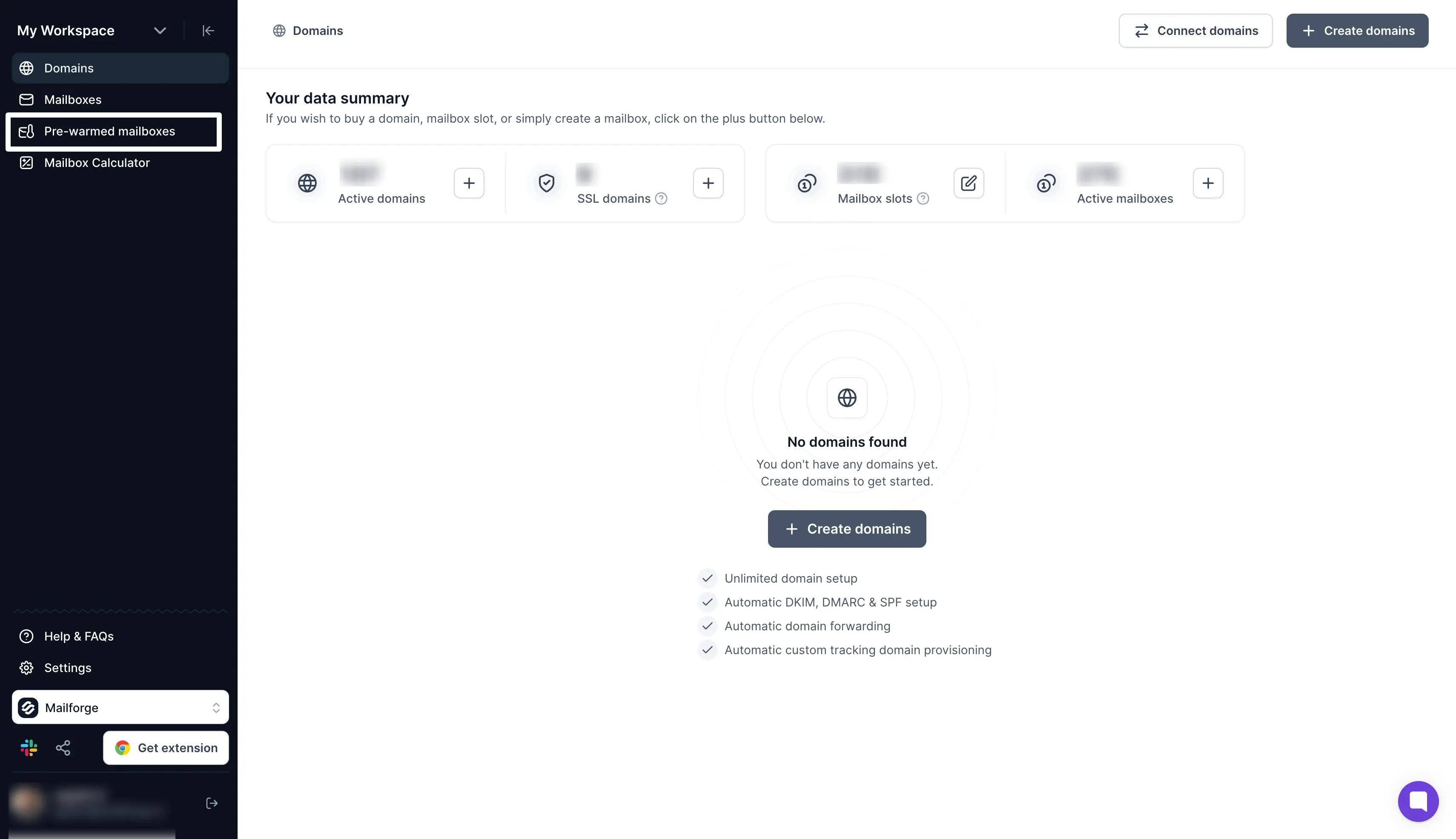
Mailforge: Best if you want pre-warmed SMTP mailboxes at a low price per mailbox and setup in about five minutes.
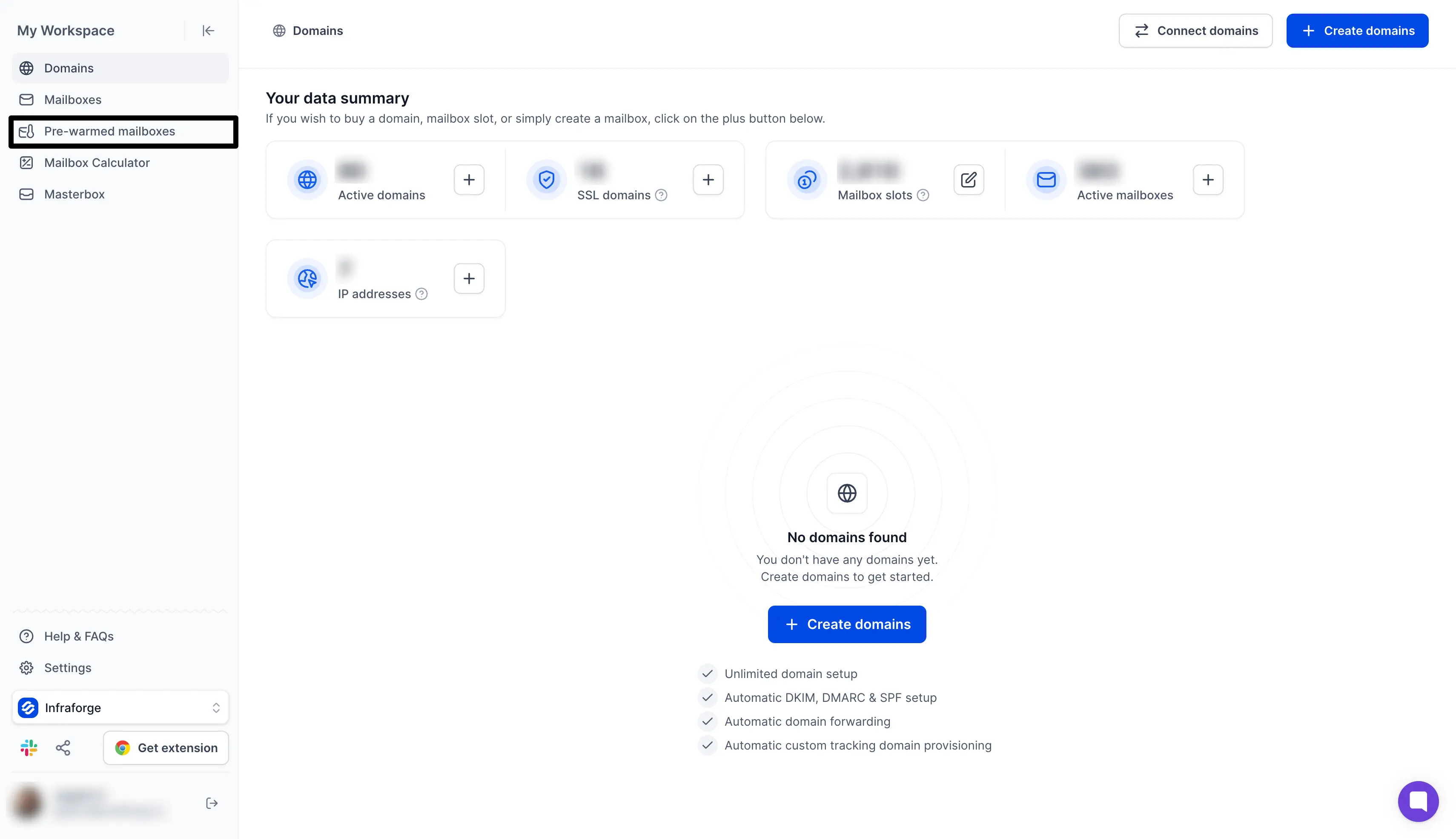
Infraforge: Best if you want pre-warmed mailboxes on private servers with a dedicated IP for each client.
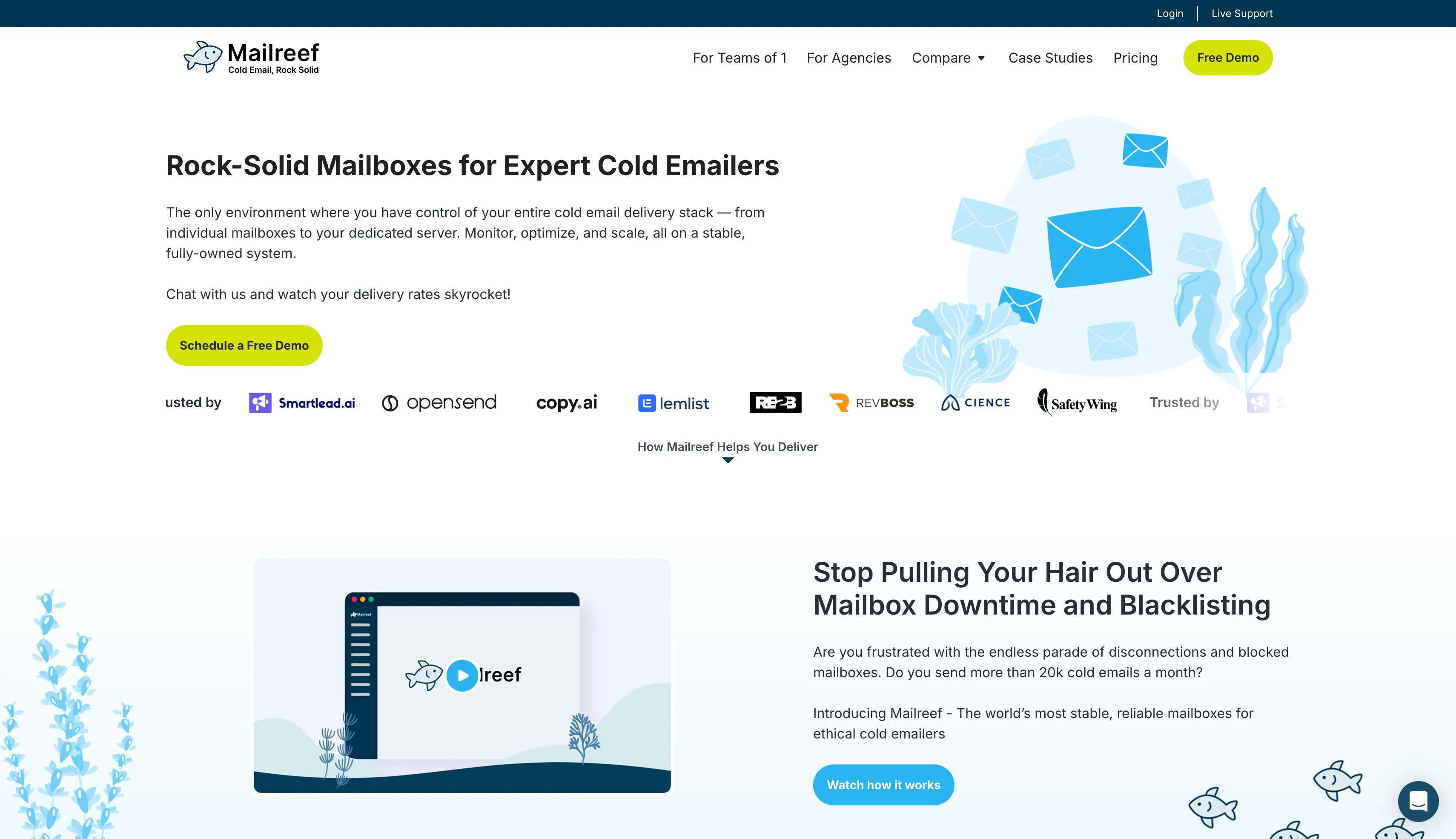
Mailreef: Best if you want a whole pre-warmed mail server for 150+ mailboxes.
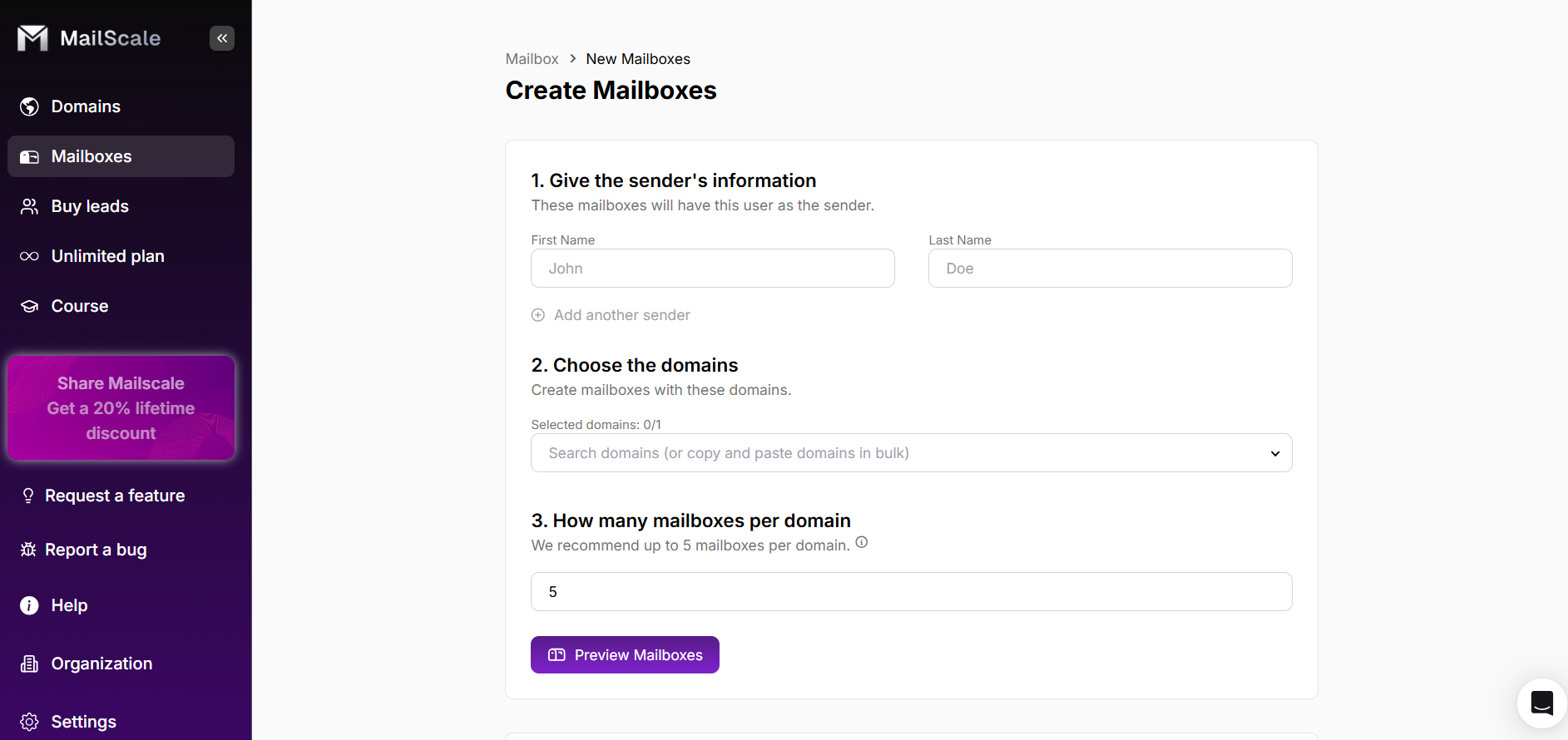
Mailscale: Best if you want pre-warmed domains, lead data, and AI-written campaigns in one platform.
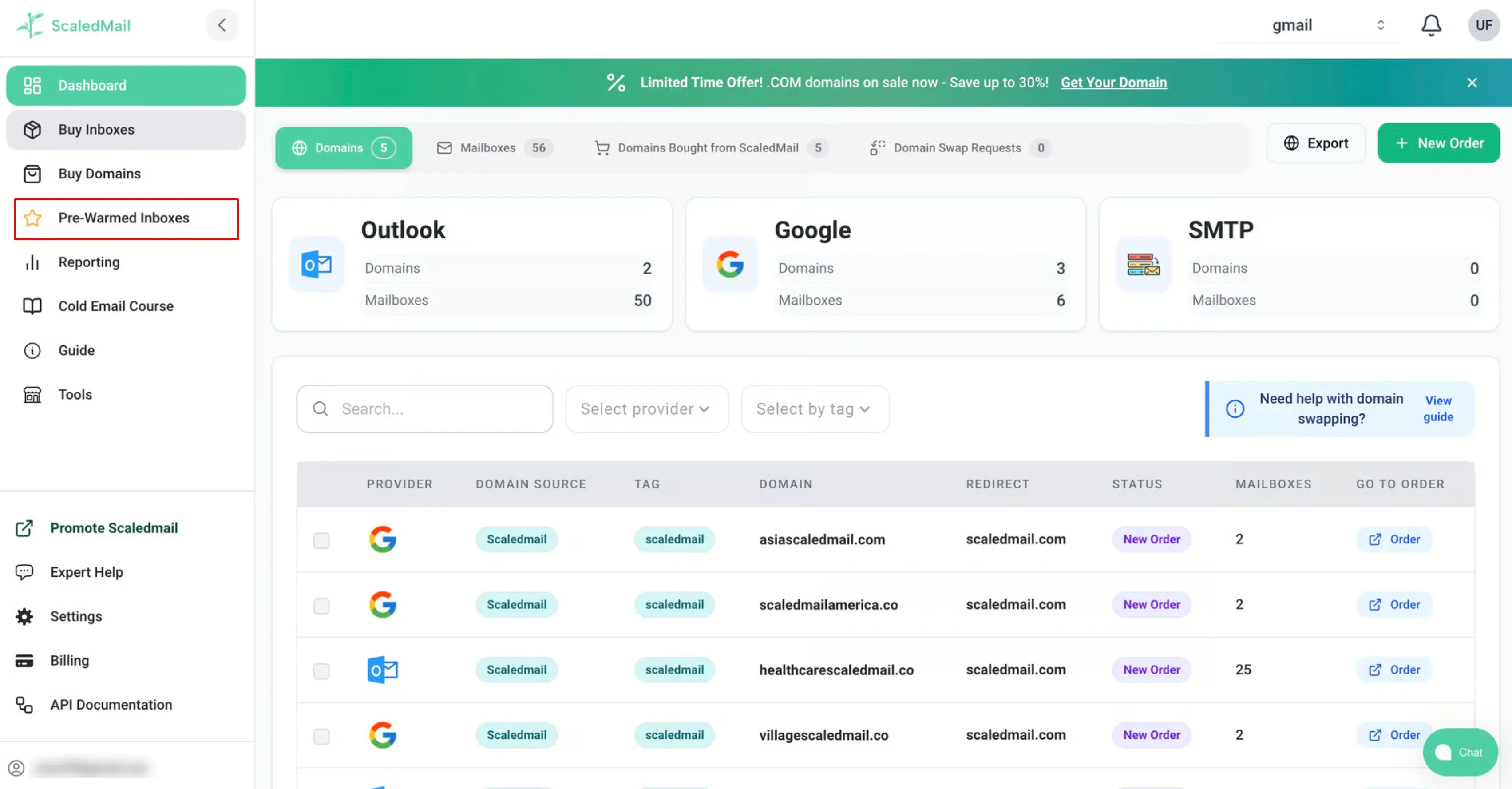
ScaledMail: Best if you want ScaledMail's team to build and manage your pre-warmed SMTP mailboxes.
What is a Pre-Warmed SMTP Server?
SMTP (Simple Mail Transfer Protocol) is the standard that sends outgoing email. An SMTP server provider runs its own mail servers and IP addresses instead of using Google or Microsoft accounts.
The provider gives you mailboxes with SMTP and IMAP login details, which you add to your cold email tool. With a pre-warmed setup, it also registers the domains and warms the mailboxes before you get them.
The IP setup decides who shares your sending reputation. A shared IP pool costs less, but other customers' sending can affect where your emails land.
A dedicated IP keeps your reputation tied to your own sending alone.
Pre-warmed mailboxes can still land in spam, so I recommend starting at a low daily volume.
Best for: GTM teams and agencies that want hundreds of pre-warmed SMTP mailboxes live the same day and connected to any cold email tool.
Mailforge is a shared SMTP infrastructure for cold email. It sets up hundreds of domains and mailboxes in about five minutes.
The main reason to buy Mailforge is quick setup without any headaches. Its pre-warmed domains and mailboxes are ready inside the app, so a new campaign or client does not wait two weeks for warmup.
What I like most is the automated DNS setup. Mailforge adds SPF, DKIM, and DMARC records to every domain. I do not have to spend hours fixing DNS records by hand.
I also like the MCP and CLI access. I can ask Claude or another AI agent to create mailboxes without opening the dashboard.
Last but not least, I like how Mailforge connects to Salesforge, a cold outreach tool for email and LinkedIn. Every mailbox created in Mailforge appears in Salesforge sequences, with no CSV file to export and import.
I would pick Mailforge for affordable cold email infrastructure that is ready in minutes. It fits a founder sending a first campaign as well as an agency running hundreds of mailboxes.
Key Features
Pre-warmed domains and mailboxes: Mailforge delivers mailboxes that already have a sending history, so campaigns can start on day one.
Automated DNS setup: Mailforge adds SPF, DKIM, and DMARC records to every domain. SDR teams never have to edit DNS by hand.
Bulk DNS updates: One change in the app updates DNS records across all your domains.
Workspaces and domain transfers: Workspaces keep each client's domains and mailboxes apart, and domains can move into or out of Mailforge at any time.
API, MCP, and CLI access: Your own scripts or an AI agent can create and manage domains and mailboxes.
Pros
Pre-warmed domains and mailboxes cost the same as fresh ones.
Hundreds of domains and mailboxes go live in about five minutes.
Mailforge sets up SPF, DKIM, and DMARC on every domain.
API, MCP, and CLI access let scripts and AI agents manage mailboxes.
Bulk DNS updates, workspaces, and free domain transfers are included.
Warmforge warms every mailbox for free with any Salesforge subscription.
More than 10,000 businesses send through Mailforge.
Cons
It only offers a shared IP pool, which can affect inbox placement based on how other senders are using it.
Pricing
Mailbox slots: Each mailbox slot costs $3 per month with monthly billing. The price drops to $2 per slot at higher volumes.
Annual billing: Annual billing gives you two months free on mailbox slots.
Minimum purchase: Mailforge sells at least 10 mailbox slots.
Pre-warmed mailboxes: Pre-warmed mailboxes use regular mailbox slots at the same price as fresh ones.
Domains: A .com domain costs $14 per year.
SSL and domain masking: SSL and domain masking costs $2 per domain per month.
Free trial: Mailforge does not offer a free trial. The app is free to explore after signup.
This email infrastructure page explains how Mailforge compares with the other Forge mailbox options.
Launch Pre-Warmed SMTP Mailboxes in Minutes
Mailforge sets up pre-warmed domains and mailboxes with SPF, DKIM, and DMARC in about five minutes.
Best for: Agencies and high-volume senders that want pre-warmed mailboxes on private SMTP servers, with each client's reputation on its own dedicated IP.
Infraforge is private email infrastructure for cold outreach. Your mailboxes run on dedicated servers instead of a shared pool.
Infraforge makes sense when you want full control over your sending reputation. With a dedicated IP, other customers' campaigns cannot affect where your emails land.
What I like most is Masterbox, Infraforge's shared inbox. Replies from every mailbox in a workspace land in one place, so I can read them without logging in to each mailbox.
I also like that one account can hold several dedicated IPs. I can give each client its own IP and keep one client's mistakes away from the others.
I would pick Infraforge for an agency or outbound sales team that wants to take back control of its deliverability as it scales.
Key Features
Pre-warmed domains and mailboxes: Infraforge creates mailboxes on pre-warmed domains from its pool in one step.
Dedicated IPs: One account can hold several dedicated IPs, so each client or campaign can run on its own IP.
Masterbox: Masterbox is Infraforge's shared inbox, and it collects replies from every mailbox in a workspace.
Workspaces: Each client's domains and mailboxes stay in a separate workspace.
API, MCP, and CLI access: Your own scripts or an AI agent can create mailboxes and IPs.
Pros
Pre-warmed domains come with 2 mailboxes each and no extra warmup charge.
One account can hold several dedicated IPs.
Masterbox collects replies from every mailbox in one inbox.
Infraforge sets up SPF, DKIM, and DMARC on every domain.
API, MCP, and CLI access come with every account.
Agencies earn a 20% revenue share through the whitelabel program.
Cons
Each dedicated IP costs $99 per month on top of mailbox slots.
Billing is quarterly or annual, with no monthly option.
Pricing
Mailbox slots: Each mailbox slot costs $4 per month with quarterly billing. The price drops to $3 per slot at higher volumes.
Annual billing: Annual billing gives you two months free. For example, 25 slots cost $83 per month instead of $100.
Minimum purchase: Infraforge sells at least 10 mailbox slots.
Pre-warmed domains: Each pre-warmed domain costs $14, with a minimum order of 4 domains. The 2 mailboxes on each domain use regular slots.
Dedicated IPs: Each IP address costs $99 per month with quarterly billing.
Masterbox: Masterbox costs $7 per workspace per month with annual billing, or $9 with quarterly billing.
SSL and domain masking: SSL and domain masking costs $2 per domain per month with quarterly billing, or $6 per domain per year with annual billing.
Free trial: Infraforge does not offer a free trial. The app is free to explore after signup.
3. Mailreef
Best for: Agencies that want a pre-warmed dedicated mail server for 150+ mailboxes, with login details sent straight to Smartlead or Instantly.
Mailreef is dedicated email infrastructure for cold outreach. Each plan gives you your own mail server and IP, and one server holds 150 or more mailboxes.
Mailreef is worth buying if you want your reputation isolated at the server level. Mailreef warms the whole setup before you get it, so campaigns can start on day one.
What I like most is the direct Smartlead and Instantly integration. Mailbox login details go straight into those tools, so I do not have to copy SMTP settings by hand.
I also like the server and mailbox monitoring. I can spot a problem with a mailbox before it spreads to a whole campaign.
I would pick Mailreef for an agency that wants to launch campaigns on day one from a server it does not share with anyone.
Key Features
Pre-warmed server, domains, and mailboxes: The whole setup arrives with a sending history already in place.
Dedicated mail server and IP: No other Mailreef customer sends from your server or your IP.
One-click domains and mailboxes: Each domain purchase and each new mailbox takes one click.
Developer API: The API creates domains and mailboxes and returns their SMTP login details.
Smartlead and Instantly integration: Mailbox login details go straight into Smartlead or Instantly.
Pros
The server, domains, and mailboxes arrive pre-warmed.
The Agency plan and the Agency Flex plan include a dedicated server and IP.
One server holds 150+ mailboxes with no per-mailbox fee.
Domains and mailboxes take one click to create, with DNS set up automatically.
The developer API connects directly to Smartlead and Instantly.
More than 100 million emails go through Mailreef each month.
Cons
Every email sent adds a $0.001 fee.
Mailreef does not include a warmup tool.
Pricing
Agency plan: The Agency plan costs $240 per month with a 12-month commitment, plus $0.001 per email sent.
Agency Flex plan: The Agency Flex plan costs $249 per month with month-to-month billing, plus $0.001 per email sent.
Enterprise plan: The Enterprise plan has a custom quote. Its sales team can give you the price.
What the Agency plan and the Agency Flex plan include: Each plan includes a dedicated mail server and a dedicated IP. Each server holds 150+ mailboxes.
Free trial: Mailreef does not offer a free trial. Its team offers a free demo instead.
Best for: Sales teams that want pre-warmed sending domains, lead data, and AI-written emails in one platform instead of buying mailboxes alone.
Mailscale is an AI outbound platform for B2B cold email. It started as a mailbox provider, and its mailboxes connect to sending tools through SMTP and IMAP.
Mailscale is the one to buy if you want a single platform to run the whole campaign. It launches campaigns on pre-warmed outreach domains and handles the leads, the emails, and the replies.
What I like most is self-healing deliverability. Mailscale watches inbox placement and moves sending away from a mailbox when its results drop. I do not have to check each mailbox by hand.
I also like the reply agent. It sorts incoming replies by intent and drafts answers, so I can respond to interested leads sooner.
Mailscale reports more than 3,000 customers. I would pick it for a B2B sales team that can close deals but does not have time to prospect.
Key Features
Pre-warmed mailboxes: Campaigns launch on outreach domains that Mailscale has already warmed.
Self-healing deliverability: Mailscale watches inbox placement and moves sending away from a mailbox when its results drop.
Lead database: A search in everyday language finds prospects among 400+ million B2B contacts.
AI copywriter: The copywriter writes 125 email versions for each offer and improves them every week.
Reply agent: An AI agent sorts replies by intent and drafts answers.
Pros
Campaigns launch on pre-warmed outreach domains from day one.
The lead database holds more than 400 million B2B contacts.
The AI copywriter writes 125 email versions for each offer.
Self-healing deliverability moves sending away from weak mailboxes.
The AI reply agent sorts replies and drafts answers.
Phone enrichment adds direct and mobile numbers to contacts.
More than 3,000 customers use Mailscale.
Cons
Mailscale gives prices on a demo call, with no public pricing page.
G2 reviewers mention high costs and slow support replies.
Pricing
Custom quote: Mailscale has a custom quote for each company, set on a demo call. Its sales team can give you the price.
Free trial: Mailscale does not offer a self-serve free trial for new customers. Its team offers a free strategy call instead.
This Mailscale review explains how it compares with Mailforge, Gmail, and Outlook.
5. ScaledMail
Best for: Agencies that want ScaledMail's team to build and manage their pre-warmed SMTP mailboxes and handle every request in a dedicated Slack channel.
ScaledMail manages cold email infrastructure for agencies. Agencies pick a sending volume and a mix of mailbox types, and the ScaledMail team builds everything else.
ScaledMail is a good buy if you want someone else to do the setup. Its pre-warmed inboxes and pre-aged domains can send from day one, and its team handles DNS and mailbox creation.
What sets ScaledMail apart is its pre-aged domains. Its domains are 30, 90, or 180 days old. A new campaign does not have to start on a brand-new domain.
What I like most is the dedicated Slack channel. I can ask for a domain switch or a deliverability check and reach the team that manages my setup directly.
I also like that one order can mix Google Workspace, Outlook, and SMTP mailboxes. I can spread sending across providers, so one provider's problem does not stop every campaign.
ScaledMail manages more than 230,000 inboxes and says setup takes 24 to 72 hours. I would pick it for a GTM team or agency that wants to stop spending hours on email infrastructure and start sending.
Key Features
Pre-warmed SMTP inboxes: ScaledMail delivers inboxes that are already warmed, so they can send from day one.
Pre-aged domains: ScaledMail offers domains that are 30, 90, or 180 days old.
Mixed providers: One order can combine Google Workspace, Outlook, and SMTP mailboxes.
Managed setup: The ScaledMail team registers or connects domains, sets up DNS, and creates the mailboxes.
Dedicated Slack channel: Requests for domain switches, user edits, or deliverability checks go to your own Slack channel.
Pros
ScaledMail offers pre-warmed inboxes and domains aged 30, 90, or 180 days.
One order can mix Google Workspace, Outlook, and SMTP mailboxes.
The ScaledMail team handles the full setup.
IP rotation spreads sending across its SMTP pools.
Every package includes deliverability monitoring.
Each customer gets a dedicated Slack support channel.
ScaledMail manages more than 230,000 inboxes.
Cons
Each SMTP mailbox can send 10 emails per day at most.
Setup takes 24 to 72 hours, so a same-day launch is not guaranteed.
Pricing
SMTP Server package: The SMTP Server package costs $3.75 per domain per month and includes 4 mailboxes per domain. Each mailbox sends up to 10 emails per day.
Google Workspace package: The Google Workspace package costs $3.50 per mailbox per month, with 2 to 3 mailboxes per domain. Each mailbox sends up to 25 emails per day.
Microsoft Outlook package: The Microsoft Outlook package costs $50 per domain per month and includes 25 mailboxes per domain. Each mailbox sends up to 10 emails per day.
Reporting add-on: Reporting costs $2 per mailbox per month for Google Workspace and SMTP. For Outlook, it costs $5 per domain per month.
Pre-warmed domains: Pre-warmed and pre-aged domains have a custom quote. Its sales team can give you the price.
Free trial: ScaledMail does not offer a free trial, but it offers a money-back guarantee.
How to Choose a Pre-Warmed SMTP Server Provider
Before you pick a provider, work out your daily sending volume and how much IP control you want. Then decide how soon you need to start sending.
Divide the number of emails you send each day by the provider's per-mailbox limit to find how many mailboxes you need.
Decide between a shared IP pool and a dedicated IP based on how closely your sales team follows sending limits.
Check whether the pre-warmed offer covers the domains, the mailboxes, or the whole mail server.
Confirm that the provider sells SMTP mailboxes, because many pre-warmed offers are Google Workspace or Microsoft 365 accounts.
Keep your brand domain for fresh mailboxes you warm yourself, because pre-warmed domains come with names the provider has already picked.
Test that the mailboxes connect to your cold email tool through SMTP and IMAP before you buy in bulk.
Add up the full monthly cost with domains and dedicated IPs included, plus any per-email fee.
Plan a warmup tool for after launch, because a warmed mailbox still needs steady activity to keep its reputation.
Keep a few spare pre-warmed domains so you can replace a blacklisted domain without pausing campaigns.
Run an inbox placement test on a few mailboxes before you move your full sending volume.
Which Pre-Warmed SMTP Server Provider Should You Pick?
The right provider depends on how much control you want over your IP and how much setup work you want to hand off.
I would start with Mailforge if you want low-cost pre-warmed SMTP mailboxes that go live in about five minutes. I would choose Infraforge or Mailreef if you want your reputation on a dedicated IP.
ScaledMail and Mailscale make sense if you want someone else to handle more of the setup.
Whichever provider you choose, start at a low daily volume and keep warmup running. The free inbox placement test shows where your emails land before your first full campaign.
Start Sending From Pre-Warmed Mailboxes Today
Mailforge gives you pre-warmed domains and mailboxes at the same price as fresh ones. It sets up SPF, DKIM, and DMARC for you.
A pre-warmed SMTP server comes with an established sending history. The provider sets up the domains and mailboxes, warms them, and shares the SMTP and IMAP credentials.
2. How long does it take to warm up a new SMTP mailbox?
Warming up a new SMTP mailbox usually takes around two weeks. Warmforge recommends a 14-day warmup period. Pre-warmed mailboxes help you skip the initial wait, so you can start sending sooner.
3. How many emails can I send per day from a pre-warmed SMTP mailbox?
Sending limits vary by provider. Mailforge recommends 30 emails per mailbox per day, with 100 as the upper limit. Infraforge suggests 30 to 50, Mailreef recommends up to 50, and ScaledMail caps sending at 10 emails per mailbox per day. Start with a low volume and increase it based on deliverability data.
4. Can I use my own domain with pre-warmed SMTP mailboxes?
Usually, no. Providers register and warm the domains before selling them, so the domain names and mailbox usernames are generally fixed. If you need branded email addresses, register your own domain and warm the mailboxes yourself.
5. Are pre-warmed SMTP mailboxes better than Google Workspace mailboxes?
It depends on your needs. Pre-warmed SMTP mailboxes can cost less and take less time to set up. Google Workspace and Microsoft 365 mailboxes support ESP matching, which lets you send through the same email provider your prospect uses.
6. Should I choose a shared IP or a dedicated IP for cold email?
Choose a shared IP for a more affordable setup or when scaling campaigns. Choose a dedicated IP if you want greater control over your sending reputation. Mailforge uses a shared IP pool, while Infraforge provides dedicated IPs.
7. Do pre-warmed mailboxes still need warmup after I start sending?
Yes. Pre-warmed mailboxes have an established sending history, but they still need consistent activity and reputation monitoring. Keep warmup running alongside campaigns if recommended by your provider.
Warmforge includes unlimited warmup with every Salesforge subscription, and its Heat Score™ helps you monitor mailbox health.
Book more meetings on autopilot
Set up in minutes. No per-seat pricing. No commitment.
Your email closing line can make or break your response rate. Discover 25 powerful cold email closings that drive replies and turn prospects into conversations!
Discover GoDaddy Email Settings - POP3, SMTP, and IMAP. Learn step-by-step setup, server details, port numbers, and troubleshooting tips for seamless email management.