

Personalized Outbound Strategy
Get The Right Outbound Strategy In Minutes
Enter your email to get a custom plan & stack recommendation for your business
It's being carefully crafted by AI
Please check your mailbox in 5 minutes
Fifty free searches each month with no card required. That’s how LI Prospect Finder gets into your browser, and it’s a reasonable offer.
The catch appears in week two. Your leads remain locked in the tool until you pay; bulk selection costs extra, and no one outside the company’s website has reviewed its data quality.
So I looked into what determines whether it’s worth $30 a month: what counts as a search, what the LinkedIn extension can access on your device, and what its four named customers actually measured.
If clicking through LinkedIn results all morning isn’t your idea of list building, I’ll also show you what Leadsforge offers instead.
LI Prospect Finder is a collector, not a database. You find people on LinkedIn, and it gives you the email addresses LinkedIn doesn’t show.
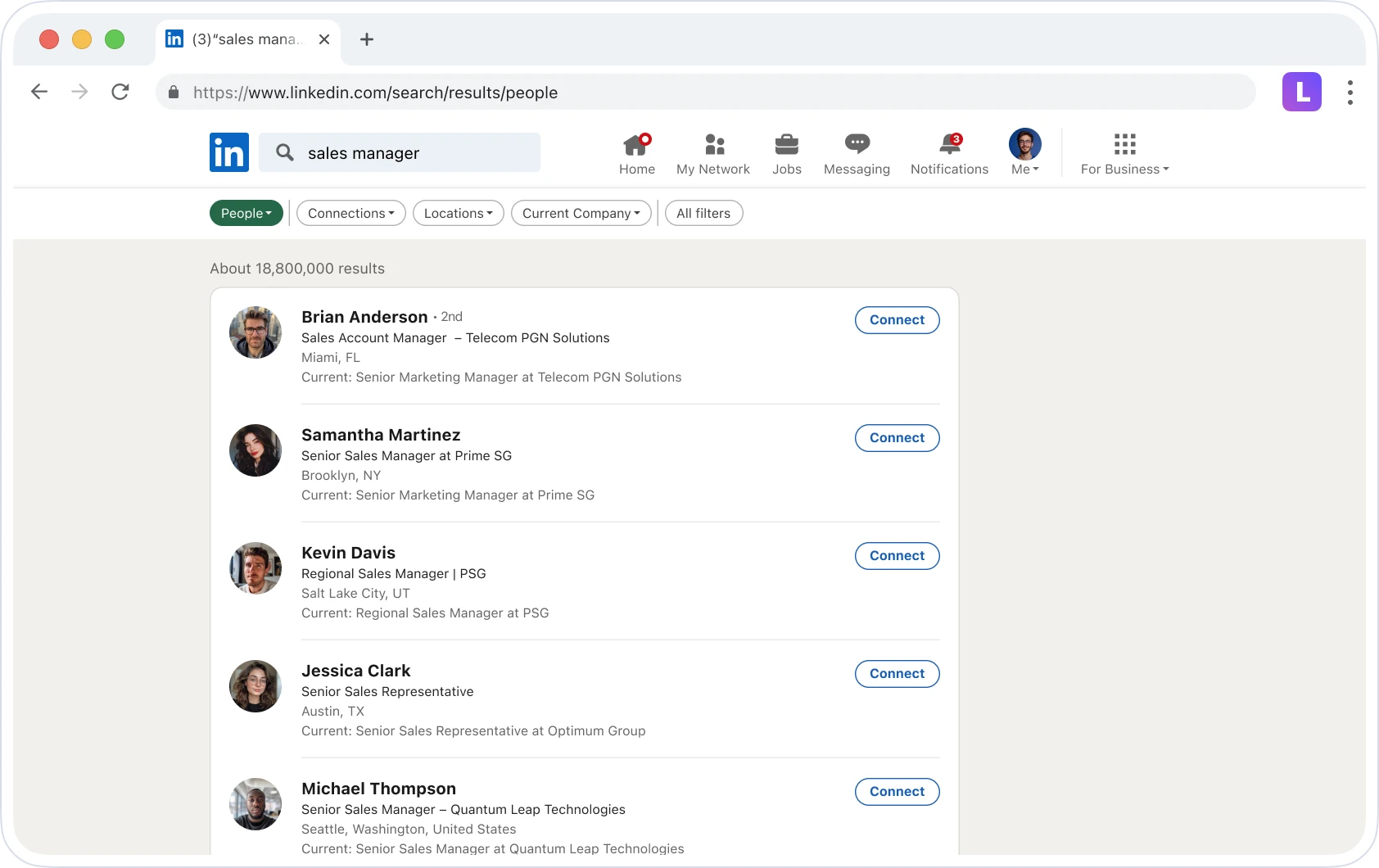
It works with a free LinkedIn account, which matters more than you might think. Most email finders assume you pay for Sales Navigator, but this one still works with standard search results.
You can also collect leads from event attendee lists. If you follow conferences in your market, that gives you a warmer audience than most filters can provide.
Each lead includes 15 fields, including company size, industry and location, letting you segment later without paying another tool to enrich the same records.
What you don’t get is a way to discover people you haven’t already found. LiPF only reads the page you’re viewing, limiting your list to LinkedIn’s filters and how long you’re willing to click.
You also don’t get phone numbers or a way to enrich an existing CSV. If your list came from a CRM or event badge scan, LiPF can’t fill the gaps.
Two features you might expect for free sit behind the paywall. Bulk selection and file exports require premium, although your collected leads remain visible on the free plan.
Leadsforge sells the same core product, verified contact data, but packages it differently. Rather than collecting one page at a time, you describe your buyer and receive a list.
LiPF isn’t listed on G2, Capterra, or Trustpilot. The Chrome Web Store has ratings, but most are only a few words long and reveal nothing about data quality or bounce rates.
That leaves four testimonials on LiPF’s own website. Two include numbers, which is more than most vendor testimonials offer.
Dmitry Chervonyi, CMO at Belkins, says LiPF helped the team collect more than 80,000 leads in one month while lowering its cost per lead.
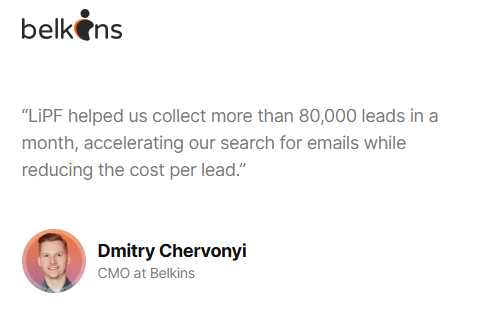
Belkins is a large outbound agency, so that number suggests the extension can handle volume. At $30 per 1,000 searches, 80,000 leads would cost about $2,400 monthly, which is the figure I’d use to check your budget.
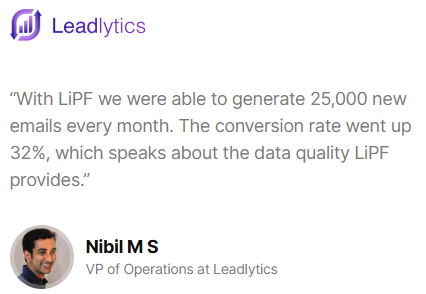
Nibil M S, VP of Operations, says the team generated 25,000 new emails each month and increased conversions by 32%, which they credit to LiPF’s data quality.
The 32% figure has no baseline, so treat it as a direction rather than something you can plan around.
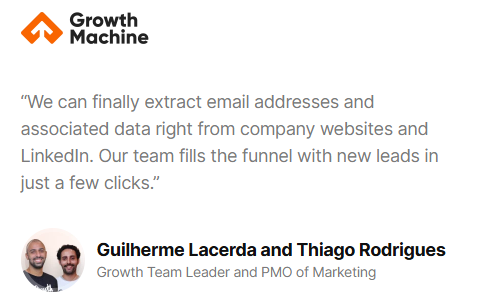
Guilherme Lacerda and Thiago Rodrigues describe finding email addresses and related data through company websites and LinkedIn, filling their funnel in a few clicks.
Marta Zabłocka only says the team improved its LinkedIn lead-generation process. There’s nothing measurable here.
Nobody shares a date, plan, or bounce rate. LiPF promises 98%+ deliverability, but no customer confirms or challenges that claim.
Nobody explains whether empty searches still cost credits, whether LinkedIn flagged their account during bulk collection, or how support responded when the extension broke after an update.
LiPF’s FAQ itself highlights that last risk by mentioning competitors that suffer downtime after LinkedIn changes.
If you’re considering LiPF, the 50 free monthly searches will tell you more than any testimonial.
I reviewed LiPF’s website, Chrome Web Store listing, and permission requests to understand what installing it means for you.
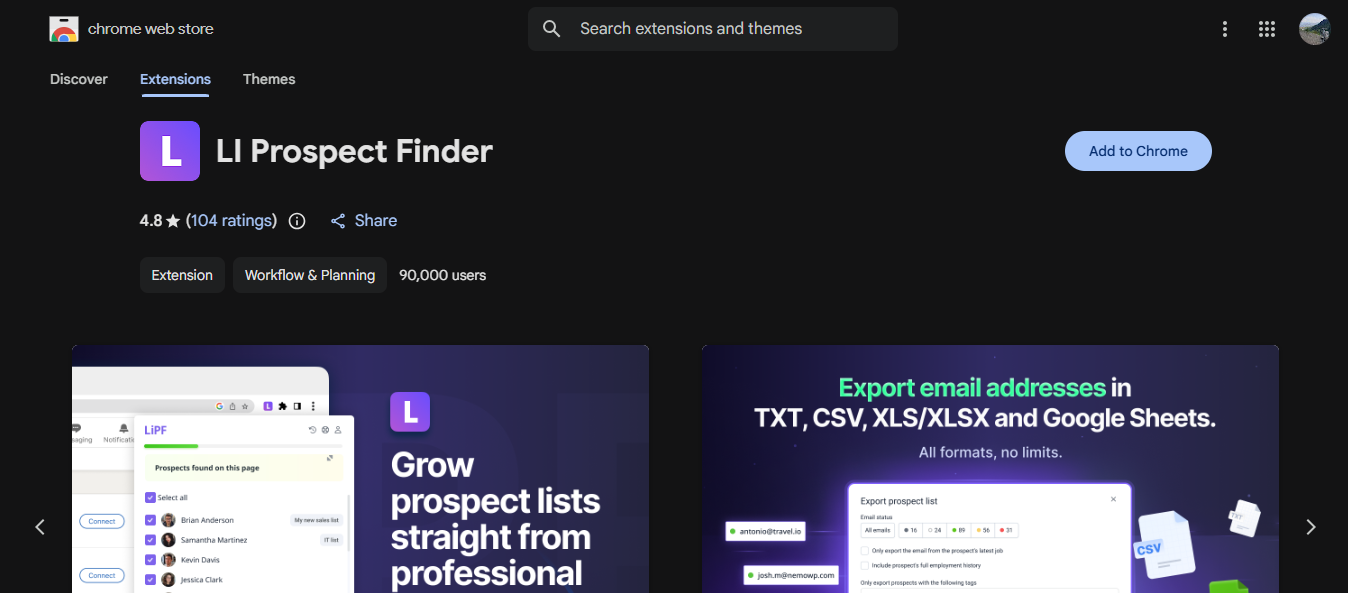
LiPF requests access to every website, your cookies, and webRequest, which its listing describes as gathering information from pages without requiring you to open them.
That explains how bulk collection works, but it’s still broad access for a browser you also use for email and your CRM. I’d install it on a separate prospecting profile.
Search LinkedIn normally, then open the extension; it displays the prospects found on that page. Select the ones you want and save them to a list.
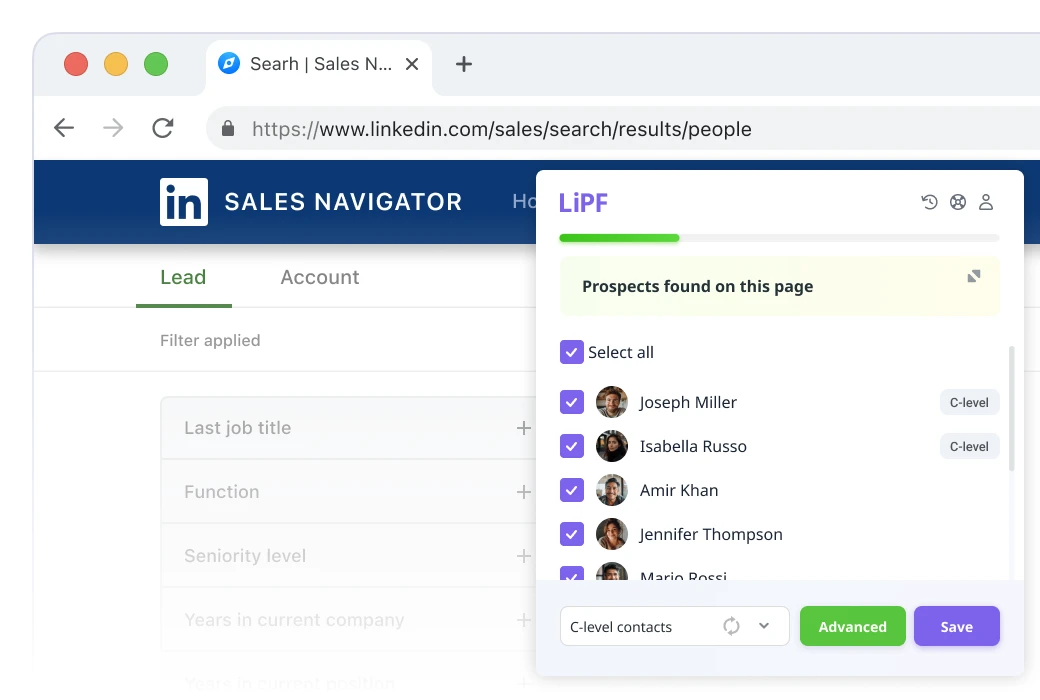
Selecting 10 leads at a time on the free plan means your output depends on how quickly you move through results. Bulk selection turns that into one click, giving you the main reason to upgrade.
Every extension reads profiles, search results, and company pages. Attendee lists are different because everyone on them shares a specific context you can mention in your outreach.
Saved contacts go into a built-in CRM with lists, tags, and prospect views. That’s helpful if you lack a CRM and duplicated work if you already use one.
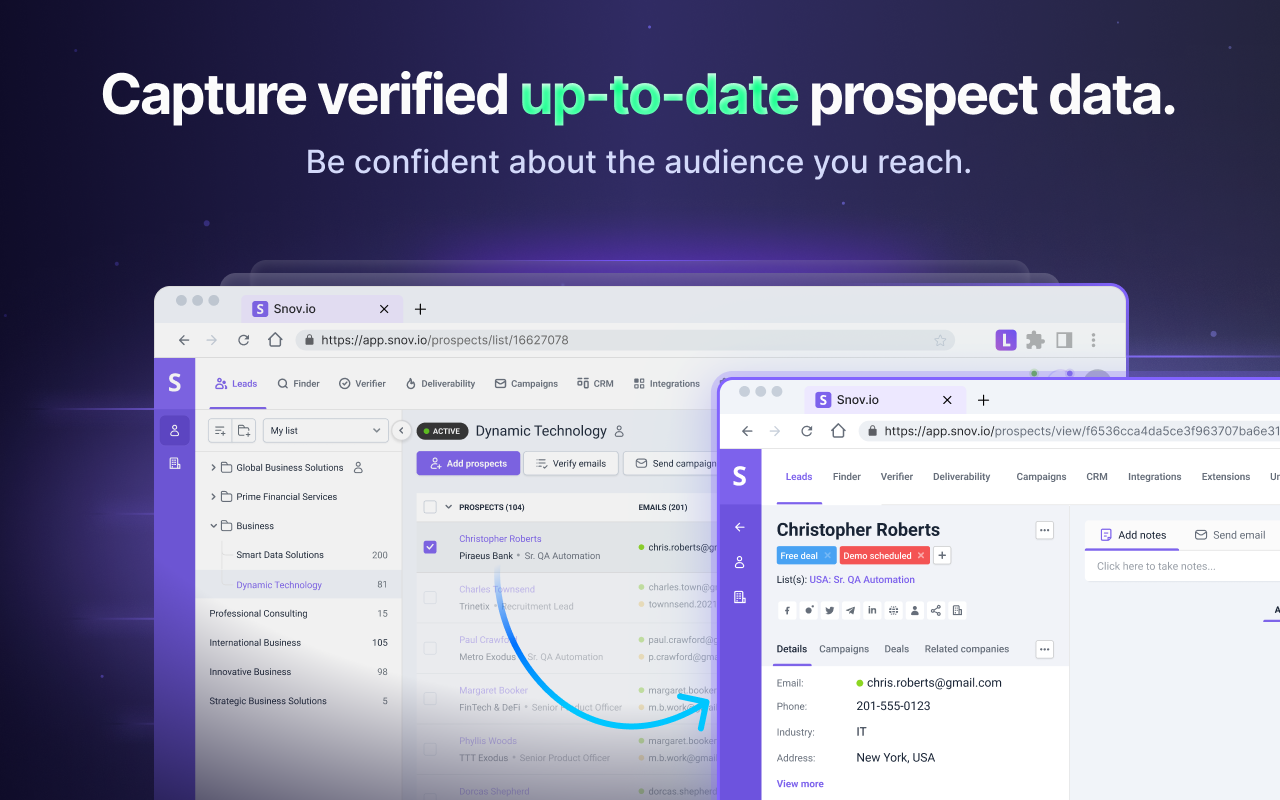
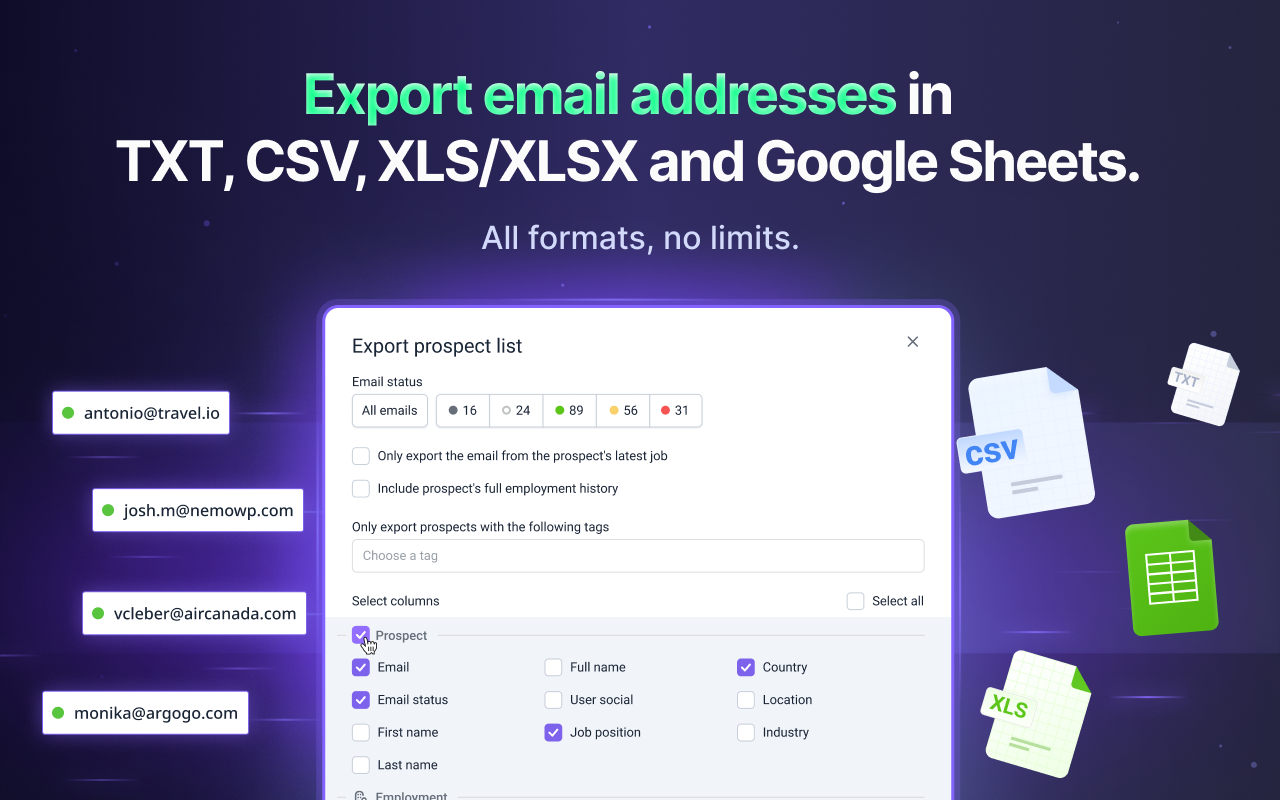
The free plan lets you view everything you collect, but exporting requires premium. A month of free prospecting leaves your leads inside the tool until you pay.
The extension works with Sales Navigator searches, where stronger filters improve targeting. Since it also supports free LinkedIn, I’d start there and add Sales Navigator only after LiPF proves valuable
LiPF publishes very little. You get a free plan and a starting price, but no further details.
At $30 for 1,000 searches, each costs $0.03 if every search returns an email. If failed searches count, your actual cost per lead rises.
LiPF compares its price with an average B2B lead cost of $40 to $190. That figure usually refers to a qualified sales lead, not an email address. Compare LiPF with other email finders instead.
Fifty monthly searches without exports let you test data quality but not run campaigns. Verify a sample of those emails yourself before upgrading.
I couldn’t find plan names, volume discounts, annual pricing, or rollover rules for unused searches. At Belkins’ volume, those details determine your bill, so ask before committing.
LiPF suits people who already know whom they want to reach and only need an email address.
If finding the right people is your challenge rather than finding their email addresses, LiPF begins after the difficult part.
LiPF works one page at a time. You find someone on LinkedIn, receive their email, and repeat the process until your list is large enough.
Leadsforge starts one step earlier. Describe your target buyer, and it returns matching people with their contact details.
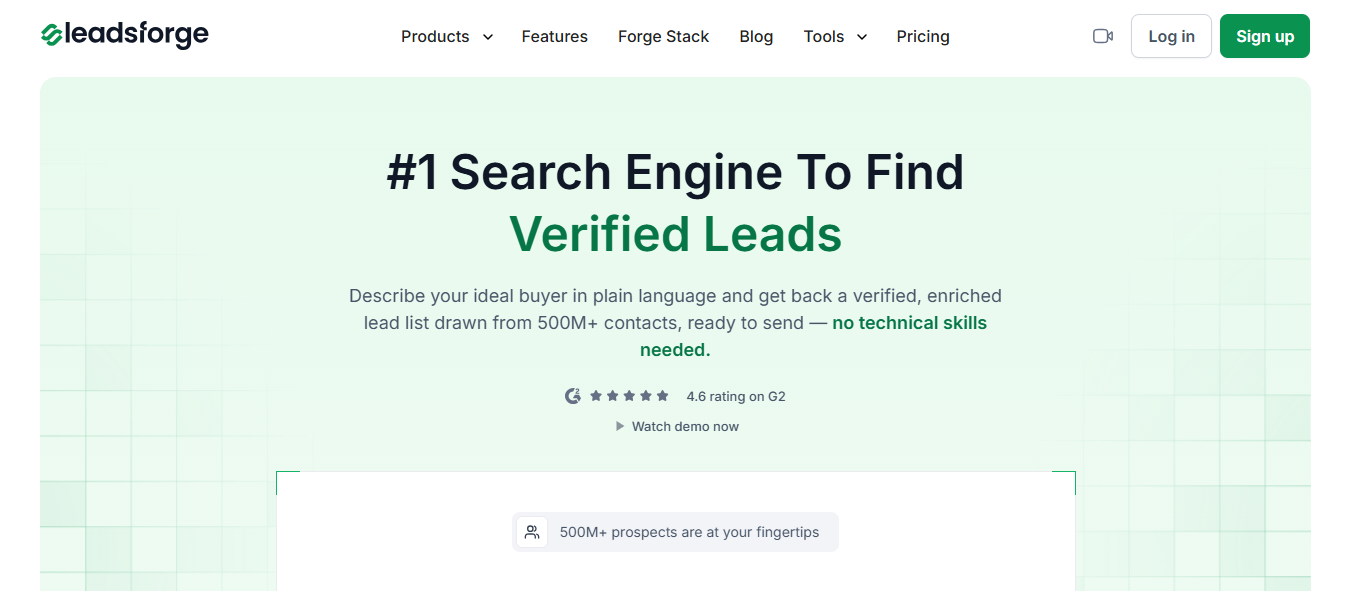
LiPF only finds people surfaced by your LinkedIn search. Once you’ve worked through those results, your list ends.
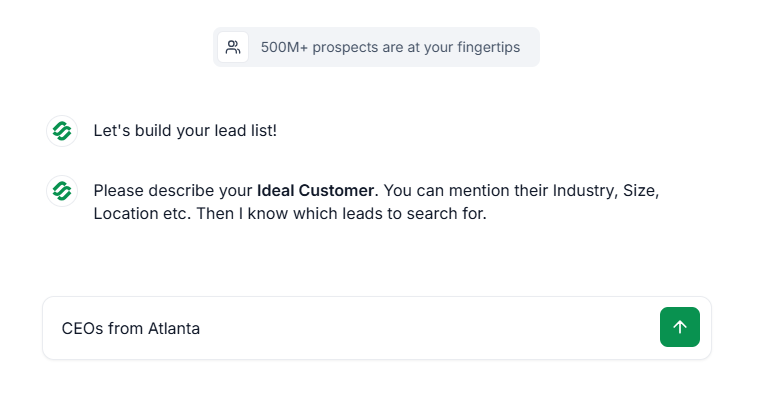
Leadsforge searches over 500 million contacts, letting you continue finding matches after LinkedIn runs out.
An email is only one way to reach someone, and that’s all LiPF provides.
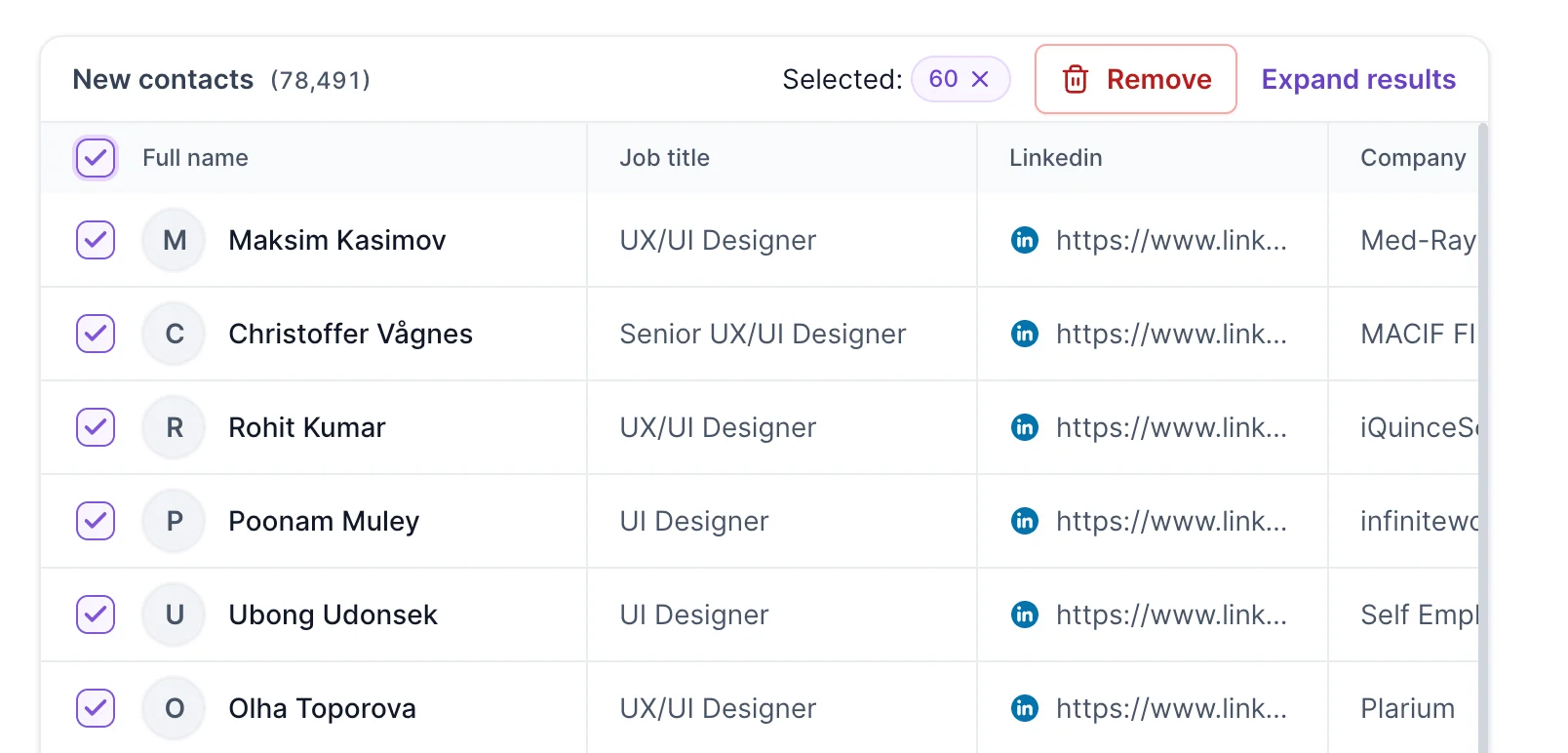
Leadsforge returns verified phone numbers and LinkedIn URLs alongside emails, letting you choose the best channel for each contact.
That CSV from last year’s event or your CRM has no value inside LiPF.
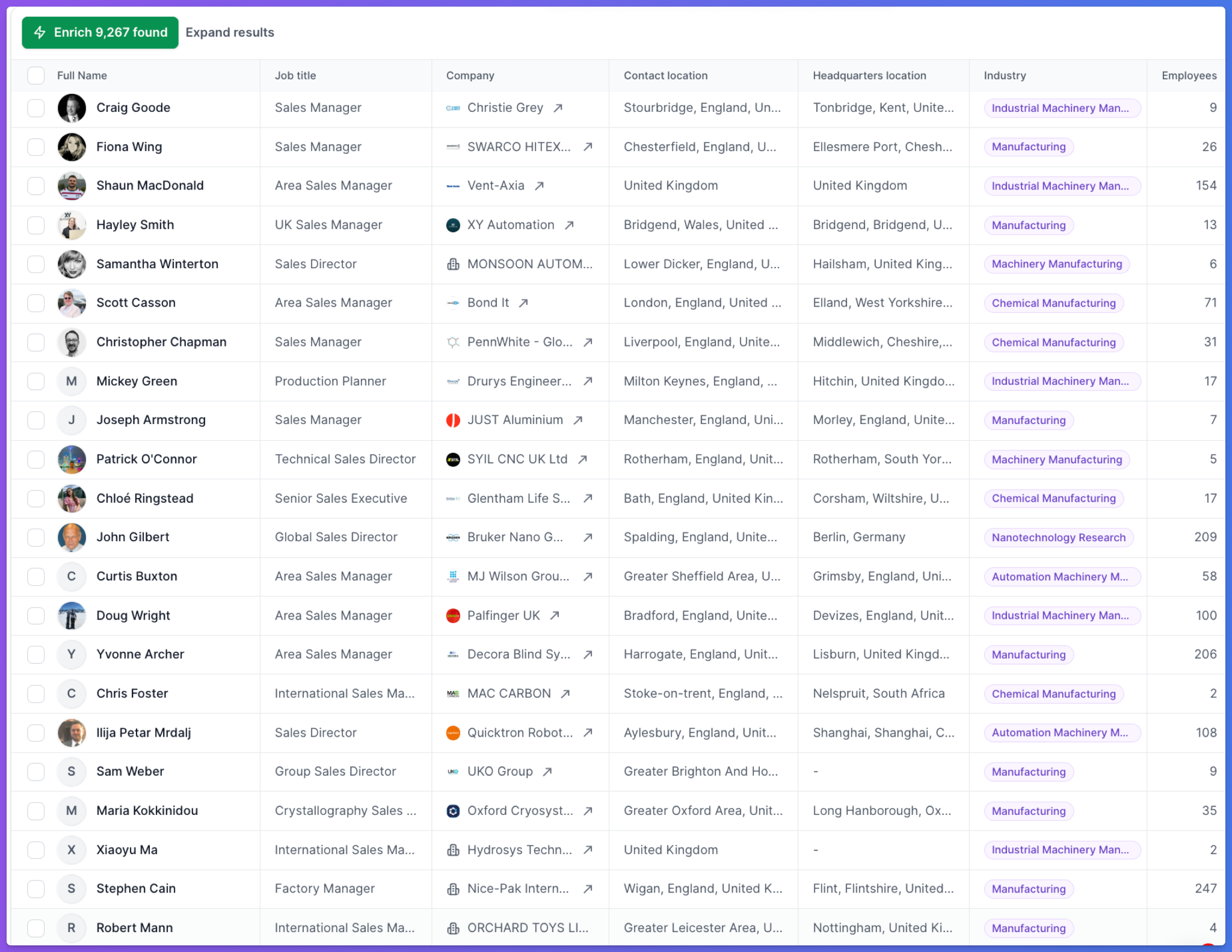
Upload it to Leadsforge to fill missing emails, LinkedIn URLs, and phone numbers for one credit per lookup.
Leadsforge checks each contact against your qualification prompts, searches public sources for buying intent and recent activity, then returns a yes or no with its reasoning.
That saves you from opening profiles individually to decide who deserves an email.
With LiPF, you export your leads, import them elsewhere, and build a campaign.
With Leadsforge, one click sends your list to Salesforge, where email and LinkedIn steps run in one sequence, and replies arrive in Primebox.
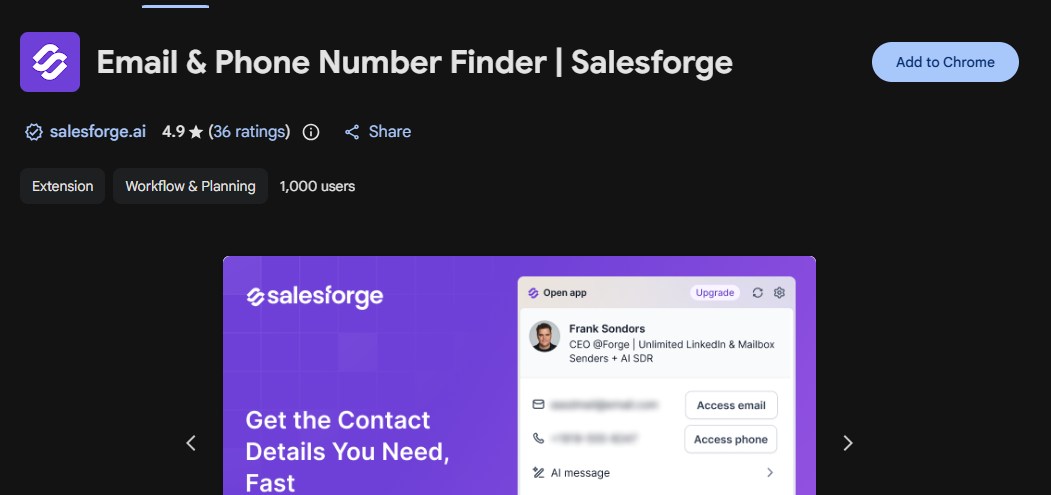
If you prefer working through an extension, Salesforge offers unlimited free contact lookups across LinkedIn and company websites. It saves contacts to your pipeline and starts sequences from the page you’re viewing.
LiPF stops at the email address. What you say to those people is your problem, and at a few hundred contacts, that's the real bottleneck.
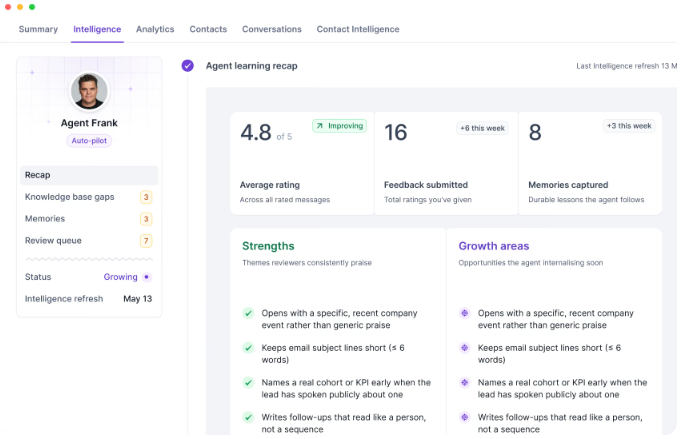
Push your list into Salesforge, and Agent Frank researches each prospect before writing, covering their company, recent buying signals, and the objections you'll hear.
You rate his messages, and those ratings become memories he applies to the next batch.
The learning recap shows what's landing, like naming a real KPI the lead has spoken about publicly, and what he's still getting wrong.
Enter your email to get a custom plan & stack recommendation for your business
Please check your mailbox in 5 minutes

Install it. Fifty monthly searches cost nothing, and within a week, you’ll know whether the emails bounce.
That test matters more than anything else because there’s no independent review page for checking the data. Verify the sample yourself, and if the emails hold up, $30 for another thousand is inexpensive.
What you’re buying is limited: emails for people you found yourself by clicking through pages individually. When LinkedIn stops showing new prospects, LiPF has nothing more to offer.
Leadsforge solves that problem. Describe your buyer and get matching contacts from a database of over 500 million, including phone numbers and LinkedIn URLs, then send them directly into your sequences.
Your first 100 Leadsforge credits are free. Test the same ICP in both tools and keep the one that delivers better leads.
.jpg)

.jpg)

.jpg)